



Travel Agent Forms
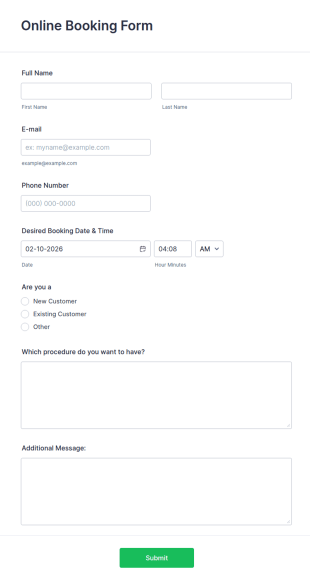
Online Booking Form
A comprehensive form that can be used for online booking reservations, transportation planning, tours, pickups; with widgets that allow collecting any information, location services, date-time selection, suggestion areas and more.
Go to Category:Services Forms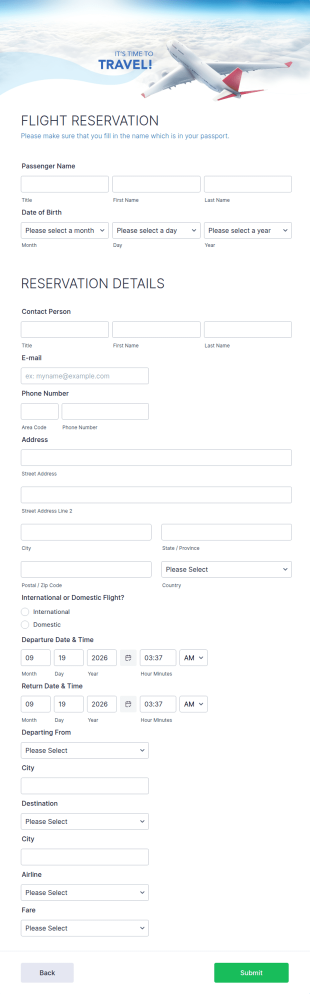
Flight Reservation Form
Gather passenger information with an online Flight Reservation Form. Free to customize and embed in your website. Great for airlines or travel agencies.
Go to Category:Customer Service Forms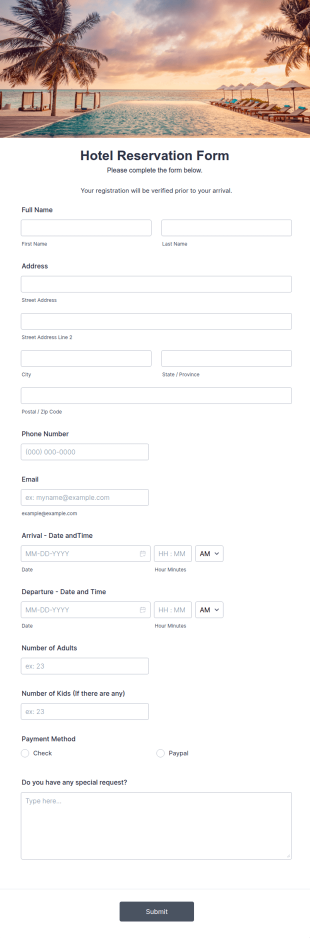
Hotel Reservation Form
Hotel Reservation Form is a form template that simplifies the process of booking accommodations by collecting necessary guest information, while offering seamless integration with Jotform's vast collection of widgets and apps.
Go to Category:Hotel Booking Forms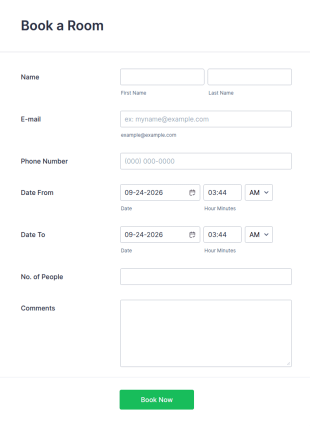
Booking For Bed And Breakfast Form
A simple Bed and Breakfast Booking Form template for your clients to make a room reservation. You can gather all necessary information like name, phone number, email, number of people and date details and send auto-respond emails.
Go to Category:Booking Forms
Travel Agency Booking Form Template
A travel agency booking form is a service reservation form used by travel agencies to book hotels, flights, or cruise packages. It is a useful tool to improve your hotel or airline booking services. Take your services to the next level!
Go to Category:Travel Booking Forms
Rail Ticket Booking Form
An online rail ticket booking form is used to manage reservations and process bookings of train tickets through a train company’s website.
Go to Category:Customer Service Forms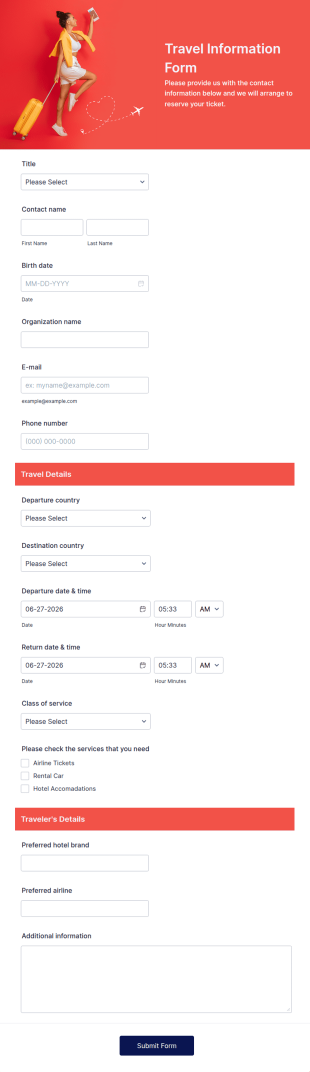
Travel Information Form
A Travel Information Form is a form template designed to streamline the process of collecting essential travel details for corporate business trips, events, and meetings.
Go to Category:Booking Forms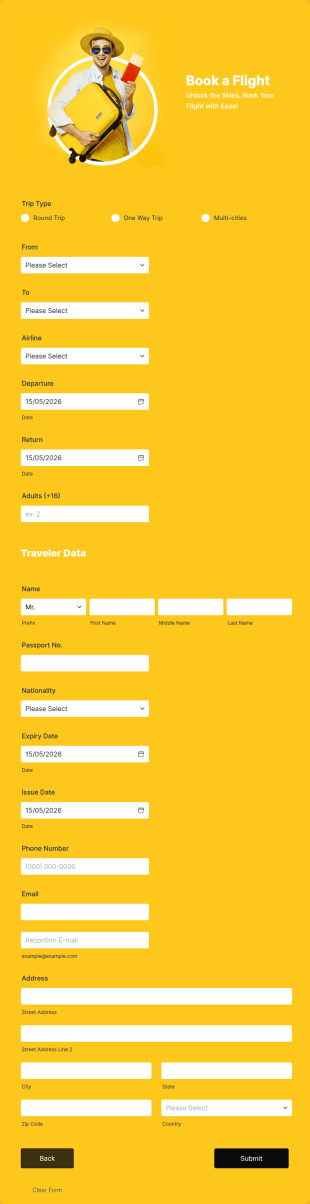
Flight Booking Form
Flight booking form for small airlines and travel agents that provides you with your customers' flight details and contact information. Boost business for your airline and impress customers with your efficiency!
Go to Category:Booking FormsTravel Registration Form
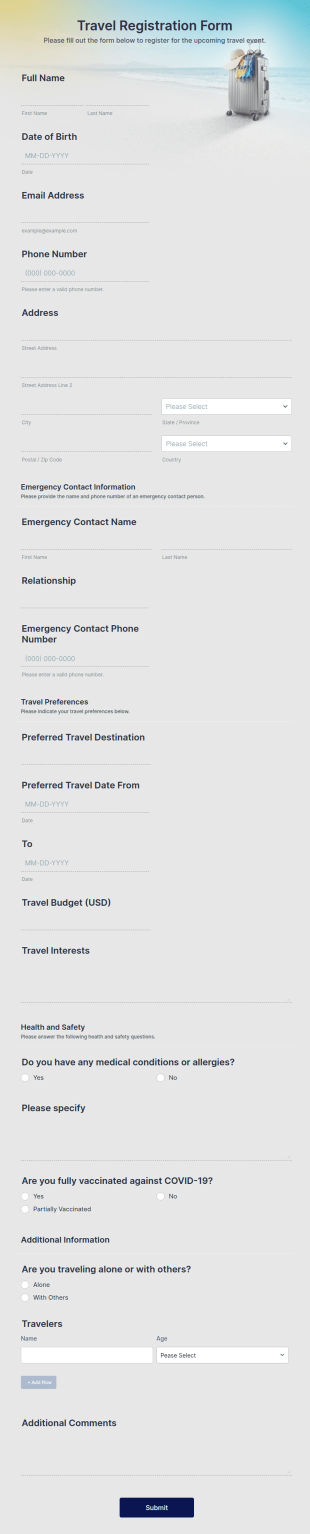
A Travel Registration Form is a form template designed to collect the registration and travel preferences of clients.
Go to Category:Registration Forms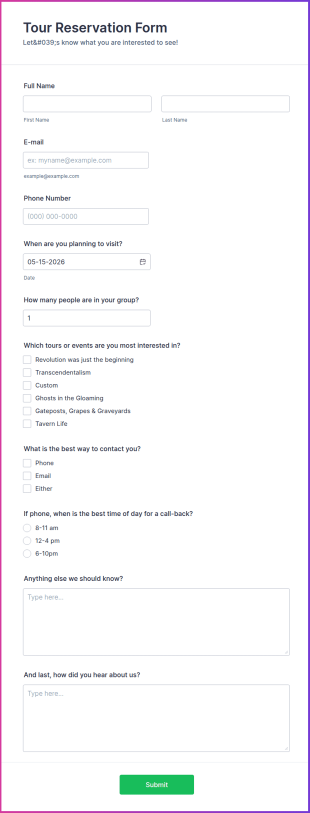
Tour Reservation Form
This is a typical booking form that allows gathering personal contact information, provide tour packages for your customers to select from and gather feedback, questions or comments if any.
Go to Category:Services FormsTravel Inquiry Form
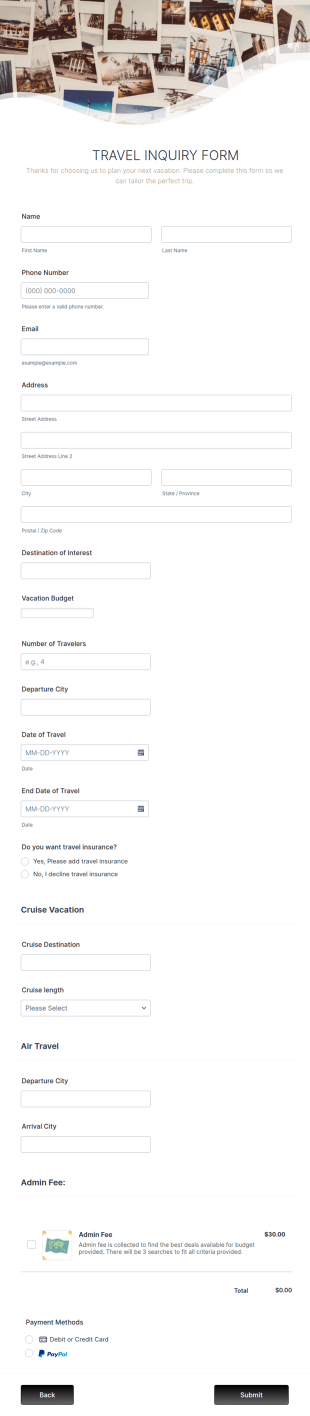
Travel Inquiry Form is a form template that efficiently streamlines the process of collecting information about customers' travel preferences and needs, brought to you by Jotform for easy utilization.
Go to Category:Business Forms
Travel Interest Survey
An online travel interest survey can be used by travel agents or travel agencies to gather information about the interests, experience, and past travel of a potential client. Stay ahead of the competition with Jotform!
Go to Category:Survey TemplatesTravel Agent Credit Card Authorization Form
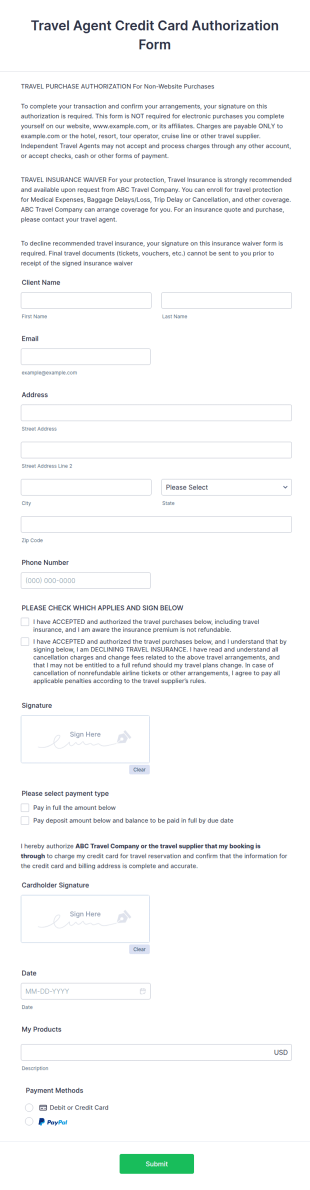
A Travel Agent Credit Card Authorization Form is a form template designed to authorize travel agents to charge their clients' credit cards for various travel-related expenses such as airline tickets, hotel reservations, car rentals, and more.
Go to Category:Authorization Forms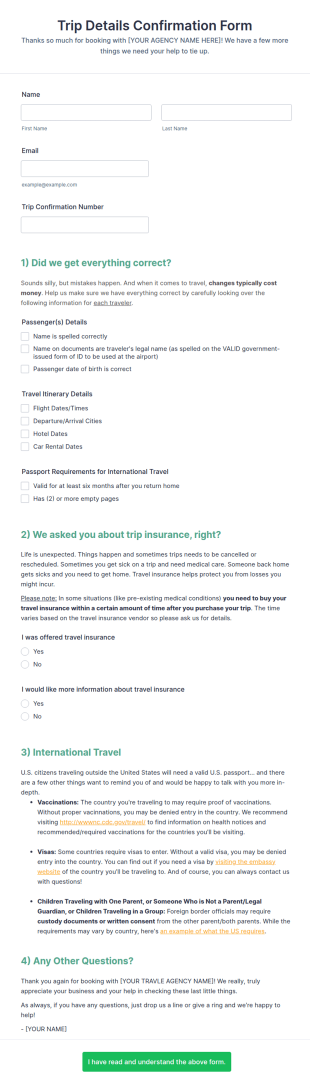
Trip Details Confirmation Form
A trip details confirmation form is a travel confirmation form used by clients to receive a travel itinerary. Send a trip details confirmation form to clients with a single click and make the most of their trip with Jotform!
Go to Category:Travel Booking FormsAirport Pickup Reservation Form
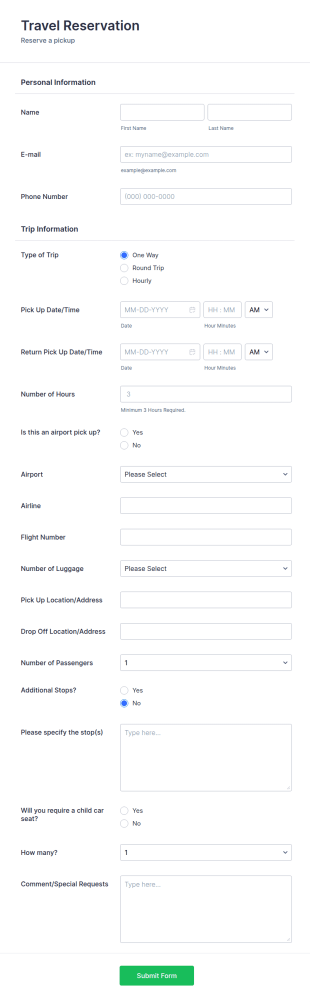
The Airport Pickup Reservation Form allows customers to arrange a pickup service online through providing their contact information, airport and airline information, travel date and time, and special requests or comments if any.
Go to Category:Event Registration FormsTravel Request Form
A travel request form is a form used by businesses to collect info about a request a client is making.
Go to Category:Business Forms
Travel Satisfaction Survey
An online travel satisfaction survey is a questionnaire used to evaluate the experiences of travelers.
Go to Category:Travel Feedback FormsTravel Request Booking Form
Travel Request Booking Form is a customizable template for travel agencies to collect client trip details, preferences, and dates efficiently, streamlining the booking process.
Go to Category:Booking Forms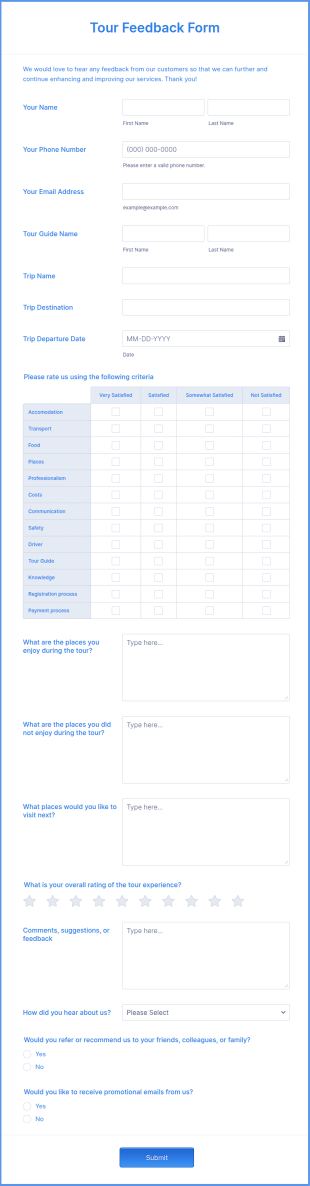
Tour Feedback Form
Let the customer provide valuable information about their experiences during the tour by letting them fill out this Tour Feedback Form. This form template can be accessed on any device including tablets and mobile phones.
Go to Category:Travel Feedback Forms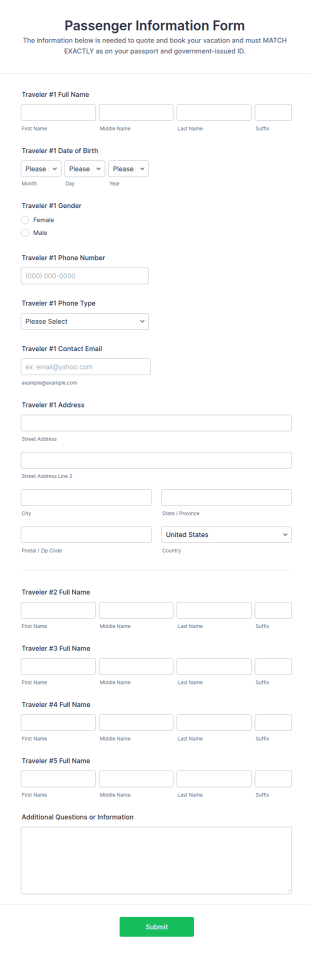
Passenger Information Form
A Passenger Information Form is a form template designed to gather passengers' personal and contact information for travel agents and tour companies.
Go to Category:Travel Booking Forms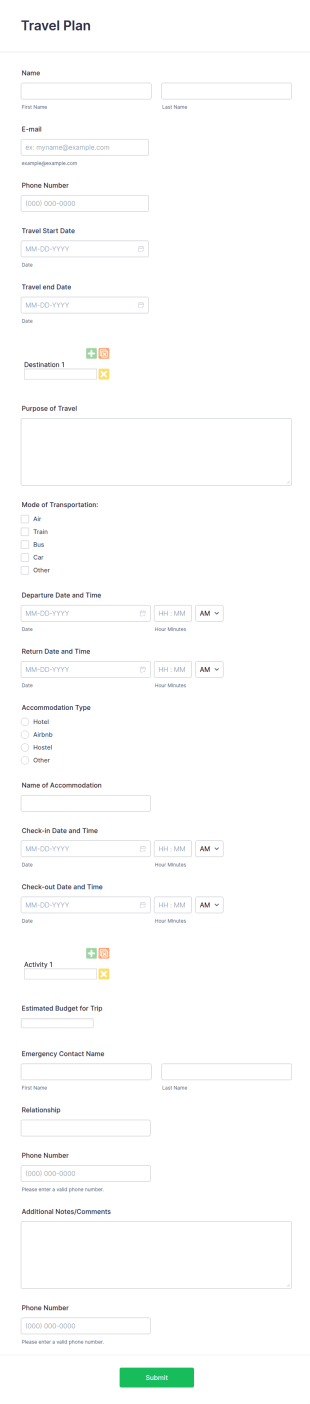
Travel Plan Form
A Travel Plan Form is a form template designed to streamline the process of collecting information for travel arrangements.
Go to Category:Travel Booking Forms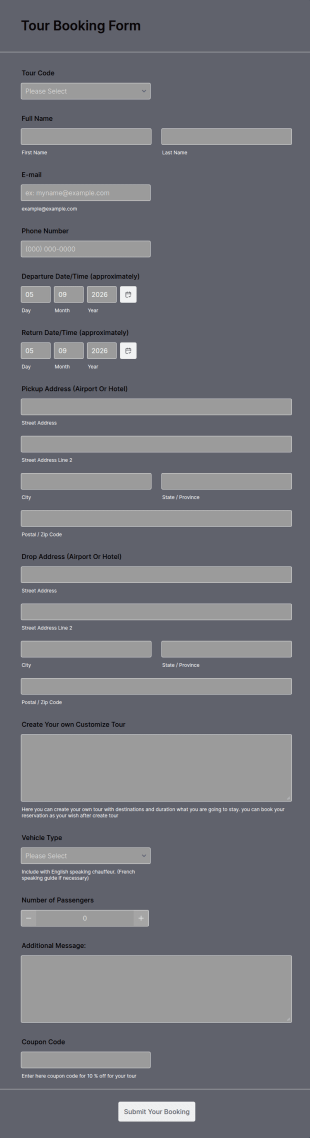
Tour Booking Form
A tour booking form enables customers to book tours and activities through a travel website. Whether you guide kayaking, hiking, or cycling tours through your website, streamline the booking process with our Tour Booking Form template — you can customize it and embed it in seconds!
Go to Category:Booking Forms
Disney World Planning And Booking Cheatsheet
Disney World Planning and Booking Cheatsheet is an agent-facing form to help agents keep track of their Disney World client details. Save time, and be more efficient with Jotform!
Go to Category:Travel Booking Forms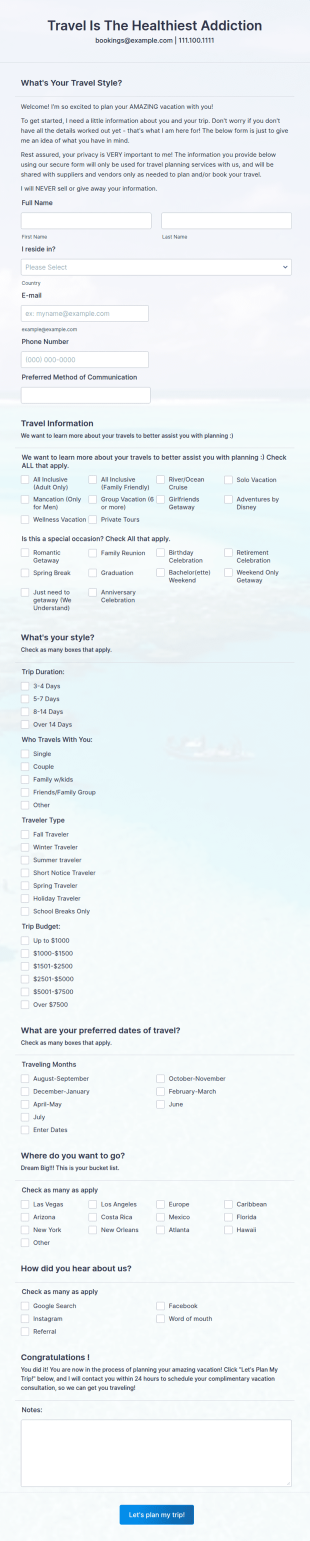
Travel Questionnaire Form
A Travel Questionnaire Form is a versatile tool designed to gather traveler preferences and requirements, making it ideal for travel agencies and tour operators
Go to Category:Services FormsAbout Travel Agent Forms
Travel Agent Forms are digital forms specifically designed to cater to the varied needs of travel agencies, encompassing everything from booking requests and client feedback to itinerary planning and payment processing. These forms streamline the extensive paperwork and administrative tasks that travel agents face daily, allowing them to focus on providing top-notch service to their clients. In real-world workflows, these forms can be employed for capturing client information, managing bookings, and even collecting feedback post-travel, ensuring that every aspect of the customer journey is smooth and efficient.
Jotform stands out as the premier online form builder for creating and managing Travel Agent Forms, offering unmatched ease of customization and automation capabilities. With its user-friendly interface, travel agents can effortlessly personalize forms to suit their specific requirements, automating data collection processes and minimizing manual entry errors. Furthermore, Jotform Tables serve as a centralized data management hub, allowing travel agents to securely store, organize, and access client information with ease, enhancing operational efficiency and data integrity.
Why Use Travel Agent Forms?
- Travel Agent Forms significantly enhance the accuracy of data collection by replacing manual entry with digital submissions, minimizing human error and ensuring that all client details are captured correctly. This is crucial for maintaining high service standards and ensuring that travel arrangements are flawless.
- Speed is another critical advantage, as digital forms allow for instant submission and processing of information. Clients can quickly fill out necessary details online, enabling travel agents to respond promptly and efficiently, thus enhancing customer satisfaction and engagement.
- Professional data handling is facilitated through the use of Travel Agent Forms, as they provide a structured and organized method for managing client information. This ensures that all data is easily accessible and can be quickly retrieved when needed, supporting effective communication and service delivery.
- The use of Travel Agent Forms also supports compliance with data protection regulations by providing secure channels for data transmission and storage. With features like electronic signatures and secure data management, sensitive client information is kept confidential and protected against unauthorized access.
- Automation features, such as conditional logic and approval workflows, streamline the overall process, reducing the administrative burden on travel agents. By automating routine tasks and decision-making processes, agents can focus more on providing personalized service to their clients.
Common Problems Solved by Travel Agent Forms
- One of the most common industry pain points is the overwhelming amount of paperwork involved in managing travel bookings. Travel Agent Forms digitize this process, eliminating the need for physical documents and enabling efficient online data handling.
- Manual data entry is prone to errors and is highly time-consuming. By utilizing digital forms, travel agents can automate data collection, ensuring accuracy and freeing up time to focus on client interactions and service enhancement.
- Lost or misplaced data is a significant concern when dealing with paper forms. Travel Agent Forms ensure that all information is securely stored in a centralized location, reducing the risk of data loss and improving overall data accessibility.
- Delays in processing client requests can lead to dissatisfaction and lost business. Digital forms expedite the submission and processing of information, allowing travel agents to respond to inquiries and requests more quickly and effectively.
- Managing client feedback and reviews can be cumbersome with traditional methods. Travel Agent Forms facilitate easy collection and analysis of client feedback, enabling agencies to continuously improve their services based on real-time insights.
Matching Use Cases to Features
- For capturing detailed client information, the Drag-and-Drop Form Builder allows travel agents to create customized fields that cater to specific client needs. This feature ensures that all necessary data is collected efficiently and accurately.
- Conditional Logic can be employed to tailor form behavior based on user responses, simplifying complex booking processes and ensuring clients only see relevant questions, thus enhancing user experience.
- For handling payments securely, Jotform supports over 30 Payment Gateways, including Stripe and PayPal, allowing clients to make payments directly through the forms, ensuring convenience and security.
- Electronic Signatures, powered by Jotform Sign, facilitate the secure signing of contracts and agreements, streamlining the approval process and ensuring compliance with legal requirements.
- The PDF Editor enables automated PDF generation, converting submitted form data into professional documents that can be easily shared with clients or stored for record-keeping.
- The Report Builder allows travel agencies to generate insightful reports based on collected data, supporting strategic decision-making and performance evaluation.
- Offline Data Collection via Jotform Mobile Forms ensures that travel agents can gather client information even without internet connectivity, making it ideal for fieldwork or areas with poor network coverage.
How to Create a Travel Agent Form
- Browse the Template List for a Travel Agents template or start from a blank form, selecting the option that best suits your agency’s needs.
- Customize the design and fields using the Drag-and-Drop Form Builder, ensuring that the form aligns with your branding and captures all necessary client information.
- Publish and share via Direct Link, Email, or Website Embed, making it easily accessible to clients and facilitating seamless data collection.
Top Use Cases for Travel Agent Forms
- For Managers: Travel Agent Forms are invaluable for managers seeking to enhance operational efficiency and ensure consistent service delivery. By centralizing data collection and management processes, these forms enable managers to oversee bookings, client interactions, and feedback with ease, facilitating data-driven decision-making and strategic planning.
- For Teams: Team members within a travel agency can leverage Travel Agent Forms to streamline collaboration and communication. With features like conditional logic and approval workflows, teams can automate routine tasks and ensure that all client interactions are seamless and coordinated, enhancing overall productivity and service quality.
- For Customers: From a client’s perspective, Travel Agent Forms offer a convenient and user-friendly way to communicate their travel preferences and requirements. The ease of filling out forms online, combined with secure payment processing options, ensures a hassle-free booking experience, increasing customer satisfaction and loyalty.
Summarizing Travel Agent Forms
In summary, Travel Agent Forms are a powerful asset for any travel agency looking to enhance its service delivery and operational efficiency. By transitioning from traditional paperwork to digital forms, agencies can streamline data collection, improve accuracy, and ensure secure data handling. Jotform’s robust online form builder offers the perfect platform for creating and managing these forms, with features that support customization, automation, and centralized data management. Ultimately, adopting Travel Agent Forms empowers agencies to provide superior service to their clients while optimizing internal processes.
Frequently Asked Questions
1) Is it free to create Travel Agent Forms on Jotform?
Yes, Jotform offers a free plan that allows users to create and use Travel Agent Forms with access to a range of features. However, there are paid plans available that provide additional benefits and higher submission limits.
2) Are the forms and submitted data secure?
Absolutely, Jotform ensures that all forms and submitted data are protected using SSL encryption and secure data management practices, complying with industry-standard security protocols.
3) Do I need coding knowledge to build a Travel Agent Form?
No, Jotform’s user-friendly Drag-and-Drop Form Builder requires no coding knowledge, making it easy for anyone to create professional forms with minimal effort.
4) Can I collect payments directly through my forms?
Yes, Jotform integrates with over 30 Payment Gateways, allowing you to collect payments directly through your forms securely and efficiently.
5) Can these forms be used on mobile devices?
Yes, Jotform forms are fully responsive and can be accessed and submitted on any mobile device, ensuring convenience for both travel agents and clients.
6) Can I turn form submissions into professional PDF documents?
Indeed, with the Jotform PDF Editor, you can automatically convert form submissions into polished PDF documents that can be shared or stored for your records.
7) How do Travel Agent Forms improve booking efficiency?
Travel Agent Forms streamline the booking process by enabling instant data capture and real-time processing, reducing delays and ensuring prompt client service.
8) Can Travel Agent Forms integrate with other software used by travel agencies?
Yes, Jotform supports over 100 third-party integrations, including popular platforms like Google Sheets and Salesforce, allowing seamless data transfer and enhanced workflow integration.