



IT Forms
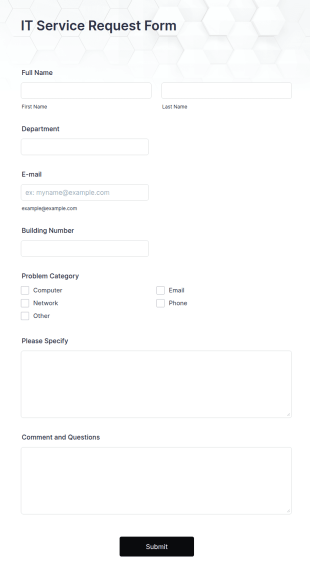
IT Service Request Form
An IT Service Request Form is a digital form template designed to streamline the process of submitting and managing IT-related requests within an organization
Go to Category:IT Forms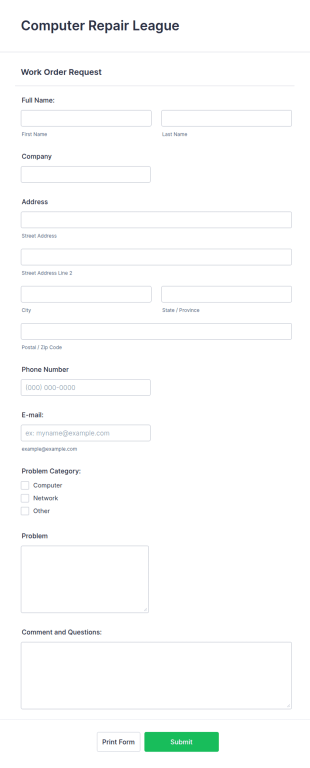
IT Service Request Form 2
IT Service Request Form allows your customers to report an issue and make a request regarding a repair through providing their contact information, category of the problem, any further explanation and comments.
Go to Category:Business FormsNew Hardware Request
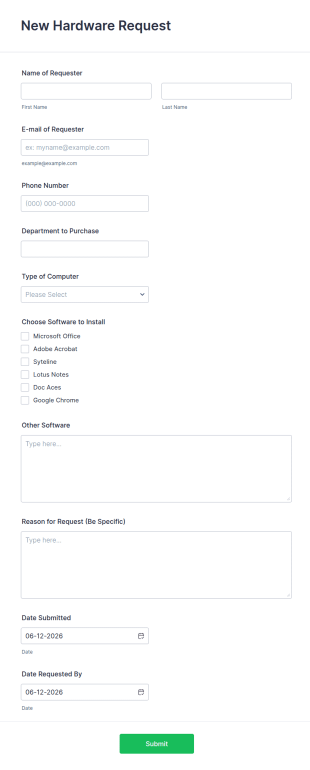
A new hardware request form is used by hardware companies to request new parts from the factory to replace damaged or outdated parts, or for new parts to add to their inventory.
Go to Category:IT FormsSoftware Survey Form
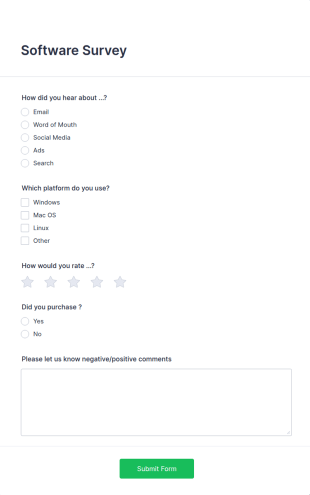
A software survey is a questionnaire used by a software company to collect feedback from its users. If you work in software, use our free Software Survey Form to talk to your customers and find out more about how they use your product!
Go to Category:Business Forms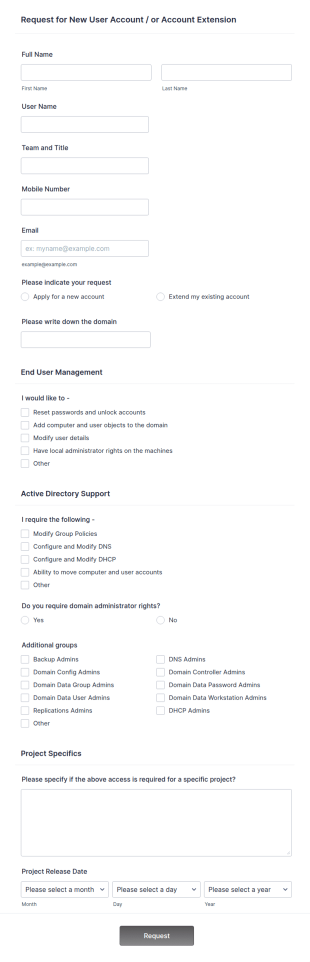
New User Request Form
A New User Request Form is a form template designed to streamline the process of requesting access to company systems or software for new employees.
Go to Category:IT Forms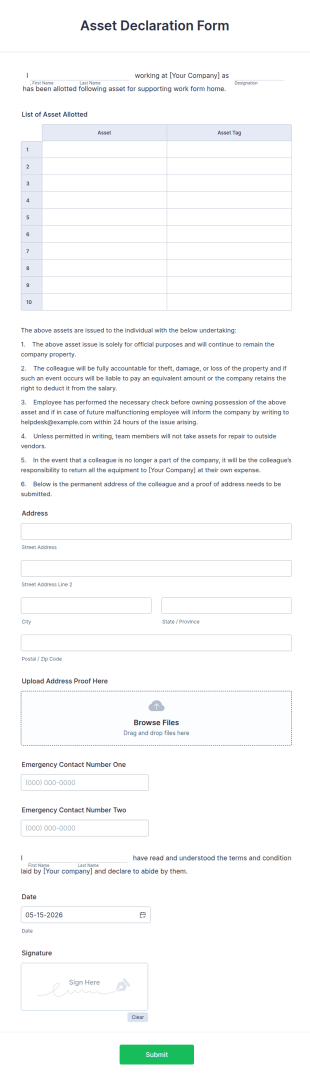
Asset Declaration Form
Asset Declaration Form is a form template that facilitates the process of stating personal property, assets, and liabilities, ideal for businesses and individuals, expertly designed by Jotform.
Go to Category:IT Forms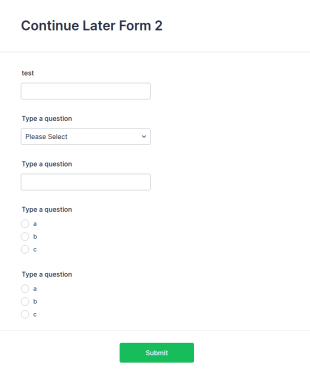
Fake Form Template
A Fake Form Template is a form template specifically designed for UI/UX designers and developers who frequently require dummies for testing, design, demonstration or training.
Go to Category:IT FormsCRM Support Ticket Form
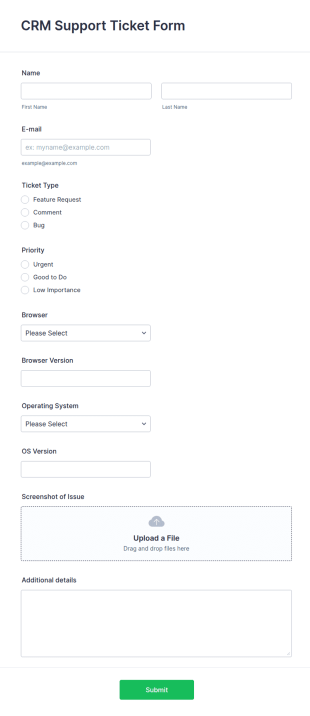
A CRM support ticket form is a customer feedback survey that can be filled out by a customer or representative.
Go to Category:Business Forms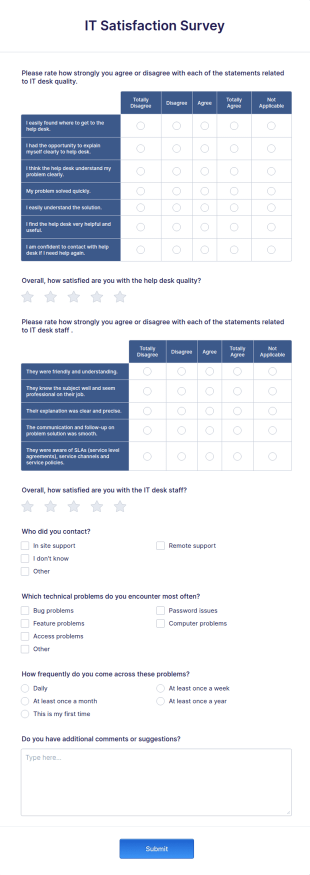
IT Satisfaction Survey
Let's measure how satisfied your customers are with the IT service you provide with the IT Satisfaction Survey. No code required!
Go to Category:IT Forms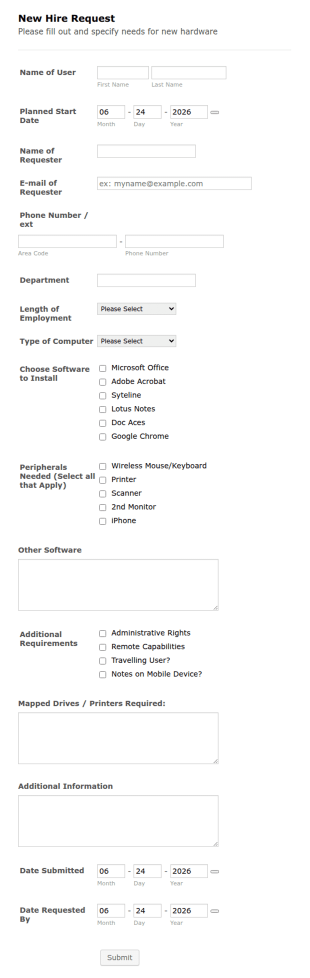
New Hire Request
An IT equipment request form for the new hires to get their computers, software and peripherals through providing their name, start date, department, employment period and additional requests.
Go to Category:Human Resources FormsIT Access Request Form V2
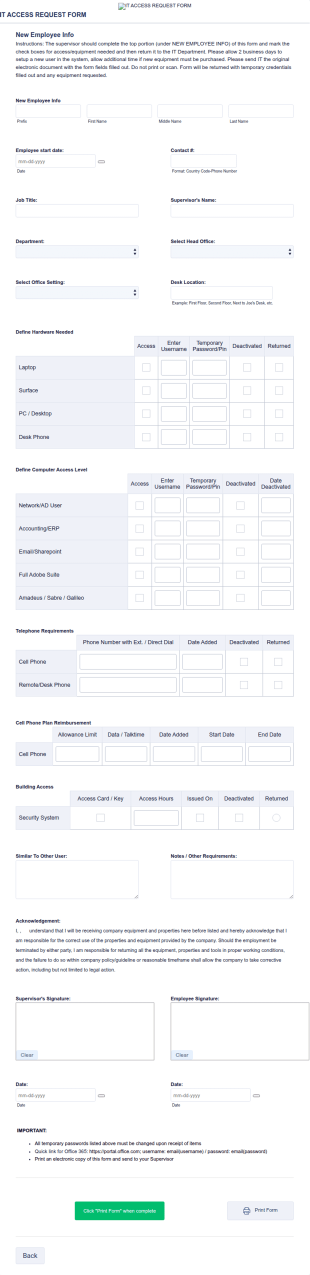
An IT Access Request Form V2 is a form template designed to streamline the process of tracking and granting permissions for employees to access IT systems
Go to Category:IT Forms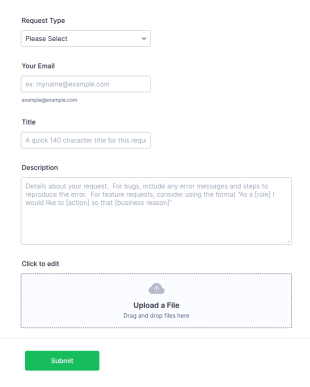
Helpdesk Request Form
Need a way to track bug or feature requests? A helpdesk form can be as simple as a single input field that will allow your clients to post a question, request a feature, or report a bug.
Go to Category:IT Forms
IT Employee Onboarding Form
IT Employee Onboarding Form allows newcomers to set up their email address, make sure they've completed all onboarding tasks.
Go to Category:Human Resources Forms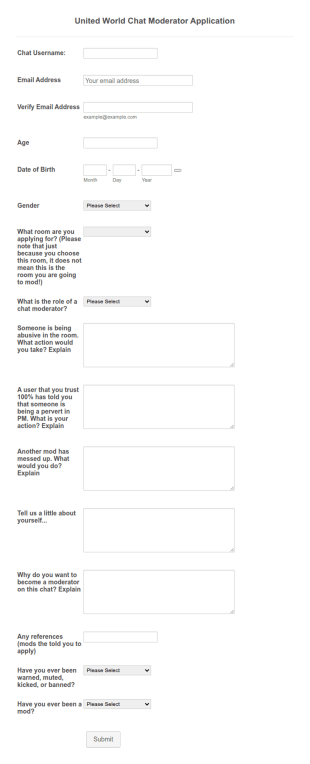
Moderator Application Form For Chat
A moderator application form is used to recruit moderators for a chat forum or community. Use this free Moderator App Form to recruit staff members for your chat forum or community.
Go to Category:IT Forms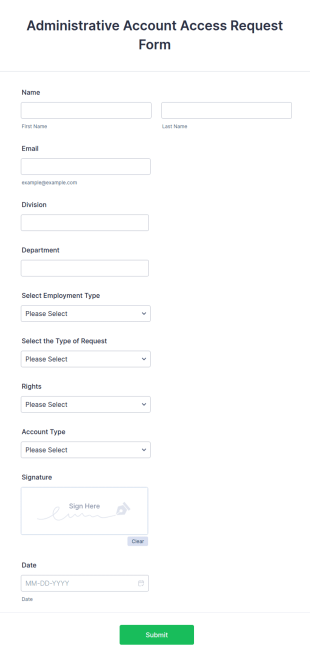
Administrative Account Access Request Form
An administrative account access request form is used by potential employees to request access to the administrative section of a network or the entire network.
Go to Category:Human Resources Forms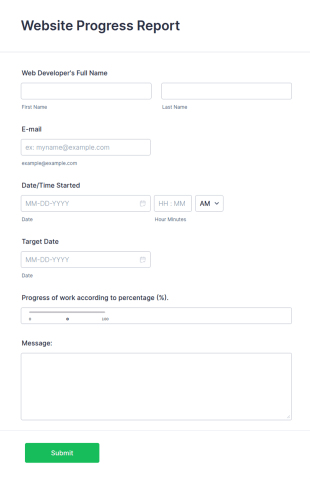
Web Development Progress Report Form
Do you want to follow the progress of your web developers? Web development report includes personal information, started date, target date, and progress of work.
Go to Category:IT FormsSoftware Change Request Form
A software change request form is used by employees at software companies to request updates to the software that their company develops.
Go to Category:IT FormsStandard And Technical Work Log Templates
Here is a useful template for troubleshooting logs, standard and technical work logs.
Go to Category:Services Forms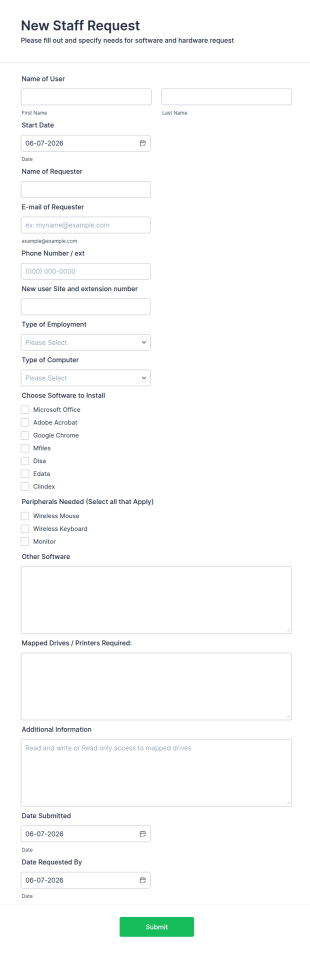
IT New Staff Request Form
A new staff request form is a document used by an employer to collect employee information for new hires.
Go to Category:IT Forms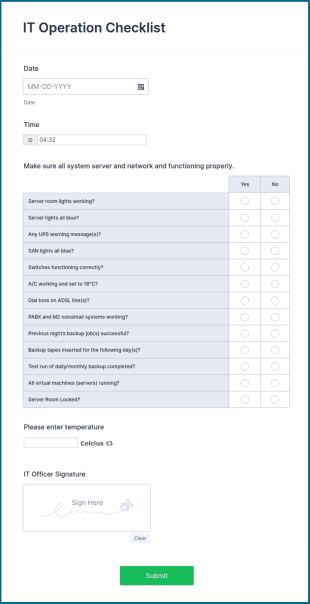
IT Operation Checklist
An IT Operation Checklist is used by tech support teams to determine the status of a computer, server, or network.
Go to Category:IT Forms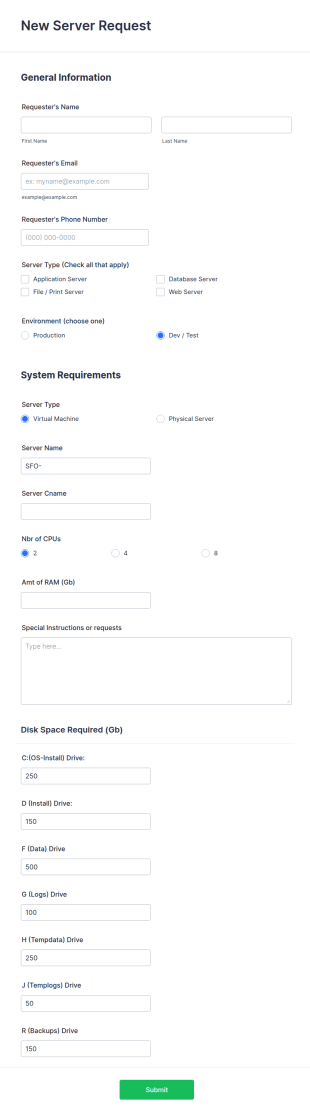
New Server Request Form
A server request form is a document that describes the server requirements and operating environment to be used for a software or hardware product. Easily embed this form either on your website or share it via URL. No coding.
Go to Category:IT Forms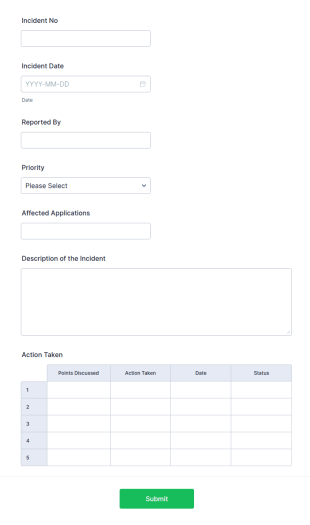
Incident Report Tracking
An incident report tracking form is a document used by employees at businesses to document accidents and safety hazards that occur at work.
Go to Category:IT Forms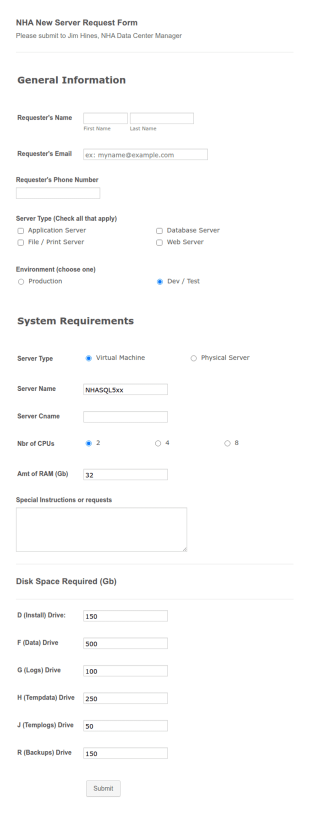
NHA New Server Request Form
An NHA server request form is a form used by a network administrator to collect information from a network user about a server request. No coding!
Go to Category:IT Forms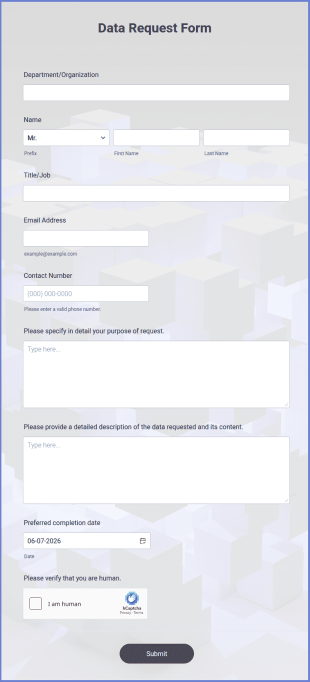
Data Request Form
Data Request Form Template helps collect updated information from clients, partners, or contractors to keep records accurate and organized.
Go to Category:Business Forms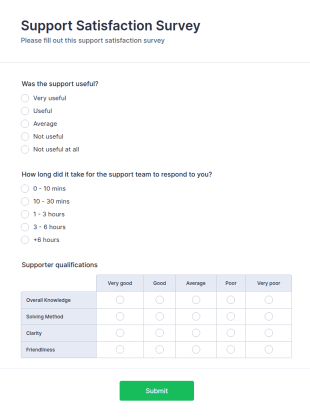
Support Satisfaction Survey
A support satisfaction survey is used by companies to collect feedback about their customer support services.
Software Survey Form
A software survey is a questionnaire used by a software company to collect feedback from its users. If you work in software, use our free Software Survey Form to talk to your customers and find out more about how they use your product!

Technology Survey For Remote Learning
Let students rate their remote learning experience with a free online Technology Survey for Remote Learning. Easy to customize and share. Fill out on any device.
IT Satisfaction Survey
Let's measure how satisfied your customers are with the IT service you provide with the IT Satisfaction Survey. No code required!
About IT Forms
IT Forms are specialized digital forms that are designed to streamline and enhance various processes within the information technology sector. These forms are utilized for a wide range of operational use cases, such as managing IT service requests, tracking equipment inventory, and facilitating system audits. In real-world workflows, IT Forms enable IT departments to efficiently collect and process crucial data, ensure compliance with organizational policies, and maintain accurate records of all IT-related activities. This results in improved operational efficiency and helps IT teams focus on delivering more strategic value to their organizations.
Jotform stands out as the premier online form builder for IT Forms, offering a robust platform that caters to the unique needs of IT professionals. With Jotform, users can easily customize forms to suit specific requirements and automate the data collection process to minimize manual efforts. Furthermore, Jotform’s centralized data management system, facilitated by Jotform Tables, allows IT teams to organize and access their data seamlessly, ensuring that information is always up-to-date and readily available. This combination of customization, automation, and data management positions Jotform as an indispensable tool for IT departments looking to optimize their workflows.
Why Use IT Forms?
- IT Forms offer unparalleled accuracy in data collection, reducing the risk of errors that often occur with manual data entry. By leveraging digital forms, IT departments can ensure that the information captured is complete and precise, leading to more reliable data-driven decisions.
- Speed is a critical factor in the IT industry, and IT Forms significantly enhance the speed at which data is collected and processed. With features like conditional logic, forms can dynamically adapt to user input, streamlining the completion process and reducing the time required to gather information.
- Professional data handling is paramount in IT operations, and IT Forms provide a secure and structured method for managing sensitive information. By utilizing secure data management practices, such as those offered through Jotform Tables, IT teams can safeguard data integrity and confidentiality.
- The ability to integrate with over 100 third-party applications ensures that IT Forms can seamlessly fit into existing workflows. Whether it's updating a database in Salesforce or sending a notification via Slack, these integrations enhance operational connectivity and efficiency.
- Customization is key in addressing the specific requirements of IT operations, and Jotform’s Drag-and-Drop Form Builder allows for extensive customization of IT Forms. Users can tailor forms to match their organizational processes, ensuring that each form serves its intended purpose without unnecessary elements.
Common Problems Solved by IT Forms
- Manual paperwork can be cumbersome and prone to errors, but IT Forms eliminate the need for physical documents by providing a digital alternative. This transition not only reduces paper waste but also ensures that data is captured accurately and stored efficiently.
- Data entry errors are a prevalent issue in IT operations, often leading to incorrect information and operational inefficiencies. IT Forms address this by utilizing electronic data capture, which minimizes human error and ensures higher data accuracy.
- Lost or misplaced data poses significant challenges, particularly when dealing with critical IT information. By centralizing data storage within Jotform Tables, IT Forms ensure that all collected data is easily retrievable and protected against loss.
- The time-consuming nature of traditional data collection methods can hinder IT productivity. IT Forms streamline this process by automating data entry and processing, allowing IT teams to focus on more strategic tasks rather than administrative duties.
Matching Use Cases to Features
- For IT service request management, the Conditional Logic feature can be employed to create dynamic forms that adjust based on user input, ensuring that only relevant questions are presented, thus speeding up the process and improving user experience.
- The need for secure transactions in IT procurement can be addressed by integrating one of the 30+ Payment Gateways such as Stripe or PayPal, allowing for direct and secure payments through the forms.
- When conducting IT equipment audits, Jotform's Report Builder can be utilized to generate comprehensive reports from the collected data, providing insights and helping to maintain accurate inventory records.
- Electronic Signatures, facilitated by Jotform Sign, are essential for authorizing IT-related documents, ensuring that all necessary approvals are captured digitally and stored securely.
- Offline Data Collection, available through Jotform Mobile Forms, is crucial for IT teams working in environments with limited internet connectivity, enabling them to gather data in the field and sync it once online.
- The PDF Editor feature can automate the generation of formatted PDF documents from form submissions, transforming raw data into professional reports or records that can be easily shared and archived.
- Integration with Google Sheets helps maintain real-time updates of form submissions, ensuring that IT teams have access to the latest data without manual input, thereby enhancing data accuracy and accessibility.
How to Create a IT Form
- Begin by browsing the Template List for an ITs template or start from a blank form to tailor it to your specific needs.
- Customize the design and fields of your form using the intuitive Drag-and-Drop Form Builder to ensure it aligns with your operational requirements.
- Publish and share your form via Direct Link, Email, or Website Embed to reach your intended audience and begin collecting data immediately.
Top Use Cases for IT Forms
- For Managers: IT Forms are invaluable for managers seeking to streamline operations and enhance oversight within their departments. By providing a centralized platform for data collection and analysis, managers can easily monitor IT processes, track performance metrics, and ensure compliance with organizational policies. This enables them to make informed decisions and implement strategic improvements that drive efficiency and productivity.
- For Teams: For IT teams, these forms simplify everyday tasks by automating routine data entry and processing. Whether it’s submitting service requests, reporting issues, or conducting equipment audits, IT Forms reduce the administrative burden on team members, allowing them to focus on more technical and strategic initiatives. This not only improves workflow efficiency but also boosts team morale by eliminating repetitive tasks.
- For Customers: Customers benefit from IT Forms through improved service delivery and communication. By using digital forms for service requests, feedback, or troubleshooting, customers experience a streamlined process that is both user-friendly and efficient. This enhances customer satisfaction and helps build trust in the IT department’s ability to respond swiftly and effectively to their needs.
Summarizing IT Forms
In summary, IT Forms, created with Jotform, offer a comprehensive solution for optimizing data collection and management within the IT sector. By facilitating accurate, efficient, and secure data handling, these forms empower IT departments to enhance their operational workflows and deliver superior service. With features like customization, automation, and integration, IT Forms provide the flexibility needed to address diverse use cases, making them an essential component of modern IT strategies.
Frequently Asked Questions
1) Is it free to create IT Forms on Jotform?
Yes, Jotform offers a free tier that allows users to create and use IT Forms. However, there are also paid plans available that provide additional features and higher submission limits.
2) Are the forms and submitted data secure?
Absolutely, Jotform prioritizes data security by employing industry-standard encryption and compliance measures, ensuring that all form submissions and data are protected.
3) Do I need coding knowledge to build a IT Form?
No coding knowledge is required to build an IT Form with Jotform. The platform's Drag-and-Drop Form Builder makes it easy for anyone to create and customize forms without technical expertise.
4) Can I collect payments directly through my forms?
Yes, you can collect payments directly through your IT Forms by integrating with one of Jotform's 30+ Payment Gateways, such as Stripe, PayPal, or Square.
5) Can these forms be used on mobile devices?
Indeed, IT Forms can be used on mobile devices. Jotform Mobile Forms enable users to fill out and submit forms even when offline, with data syncing once an internet connection is available.
6) Can I turn form submissions into professional PDF documents?
Yes, Jotform's PDF Editor allows you to automatically generate professional PDF documents from form submissions, which can then be shared or archived as needed.
7) Can IT Forms be integrated with existing IT infrastructure?
Certainly, IT Forms can be integrated with existing IT infrastructure through Jotform's 100+ third-party integrations, including platforms like Google Sheets, Salesforce, and Slack.
8) How do IT Forms improve IT service management efficiency?
IT Forms improve IT service management efficiency by automating data collection and processing, reducing manual efforts, and ensuring accurate and timely information flow within the organization.