

Customer Portal App Templates

Photography Contract App
Photography Contract App helps photographers and studios create new contracts, keep client agreements organized, and manage active jobs from one place. Use it to collect contract details through a guided form, review contracts in a centralized list, and pull from a clause library to keep wording consistent across sessions, weddings, portraits, and commercial shoots. It’s a practical fit for solo photographers, small teams, and creative businesses that want fewer missed details, clearer client expectations, and a simple way to stay on top of what’s been agreed and what’s coming next.With Jotform, you can build and publish app templates like this using a no-code app builder and a drag-and-drop interface that’s easy to tailor to your workflow. Connect your app to forms for data collection, keep records organized, and share a self-service experience with clients or a private workspace for your team. As your process evolves, you can update pages, refine the contract intake form, and keep your contract and job workflow running smoothly without rebuilding from scratch.
Go to Category:Service Apps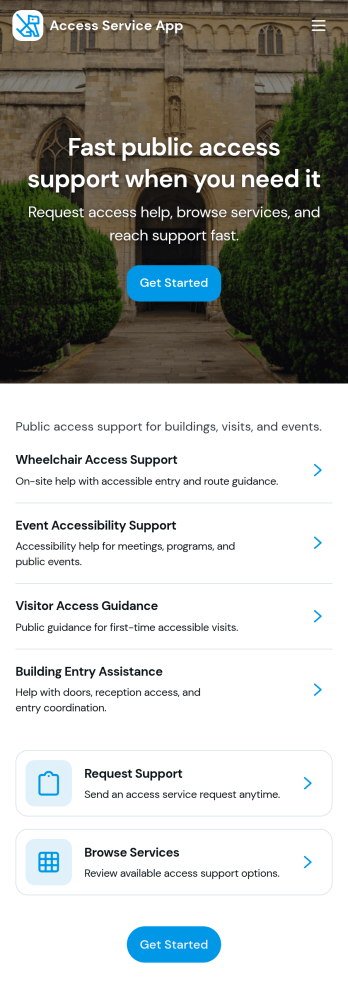
Access Service App
Access Service App brings your service desk into one easy place where people can browse a service catalog, request access or help, and follow progress without hunting through emails. It fits internal teams that handle recurring requests such as IT access, tool provisioning, shared mailbox permissions, account changes, or general support. With clear entry points to request access, track status, and review available services, this app helps reduce confusion, set expectations, and keep requesters informed from first contact through resolution.Built with Jotform, this app template can be customized in a no-code app builder using a drag-and-drop interface so you can match your processes and branding in minutes. Connect key actions to forms for fast data collection, route requests into a workflow your team already follows, and share a self-service link with employees or stakeholders. As needs change, update pages and service options quickly so the app stays aligned with how your support operation runs.
Go to Category:Service Apps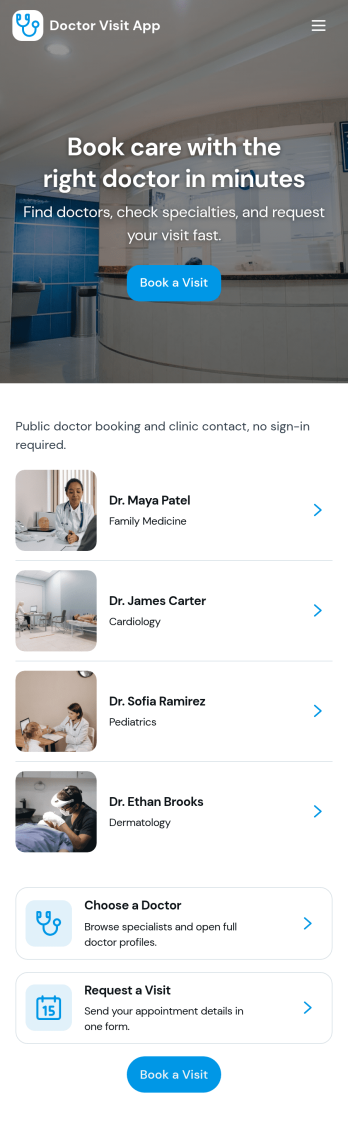
Doctor Visit App
Doctor Visit App helps clinics and private practices give patients a simple, guided way to plan care before they arrive. From one place, patients can book an appointment, review a doctor list with individual profiles, and quickly reach the clinic for help. It works well for primary care offices, specialty clinics, community health centers, and concierge practices that want to reduce missed calls, clarify next steps for patients, and make visit scheduling feel more accessible.Jotform makes it easy to build and publish app templates like this with a no-code app builder and a drag-and-drop interface. Connect the app to forms for data collection, route information into tables, and support your workflow with automated notifications and approvals when needed. Share your Doctor Visit App with a link or QR code, customize the look to match your clinic branding, and update content anytime without relying on developers.
Go to Category:Healthcare Apps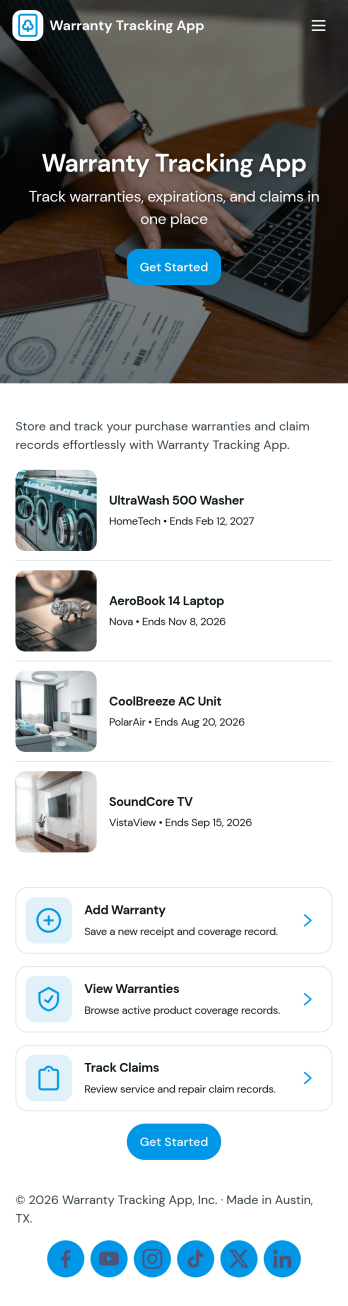
Warranty Tracking App
Warranty Tracking App helps individuals and teams keep warranty details organized in one place so they can register products, store coverage information, and act quickly when something breaks. Use it to centralize warranty records for office equipment, electronics, appliances, tools, or customer purchases, so receipts and key dates don’t get lost in email threads or paper files. The app supports common warranty tasks such as registering a warranty, viewing saved warranties, and filing a claim with a clear path for users to follow.With Jotform, you can turn this app template into a branded self-service experience using a no-code app builder and a drag-and-drop interface. Connect the app to forms and data tables to capture warranty registrations and claim requests, keep records updated, and route information to the right people. Share the app through a link or QR code so customers, staff, or partners can submit information anytime, while your team maintains a consistent workflow for warranty tracking and data collection.
Go to Category:Customer Portal Apps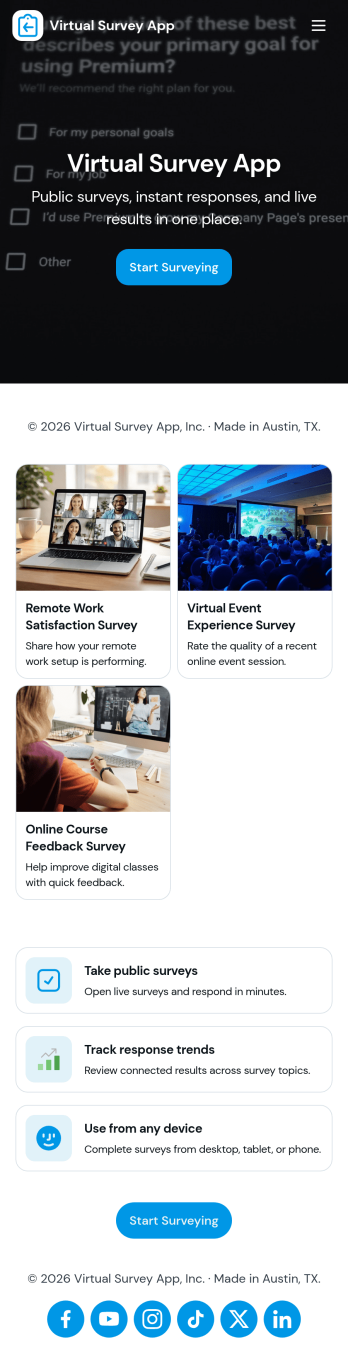
Virtual Survey App
Virtual Survey App brings survey creation, discovery, and results viewing into one simple self-service experience. Use it to build and share surveys for remote research, online events, customer feedback, employee pulse checks, training evaluations, or community input. With quick navigation to create a survey, browse available surveys, review results, and revisit your own responses, teams can keep participation organized and reduce confusion about which survey to take and where to find outcomes.Jotform makes it easy to publish this app template and tailor it to your process using a no-code app builder and drag-and-drop interface. Connect your survey form for fast data collection, keep responses organized, and guide people through each step with clear pages and buttons. Share the app with a link or QR code, update surveys as needs change, and turn your workflow into a mobile-friendly experience that’s ready for ongoing feedback.
Go to Category:Quiz Apps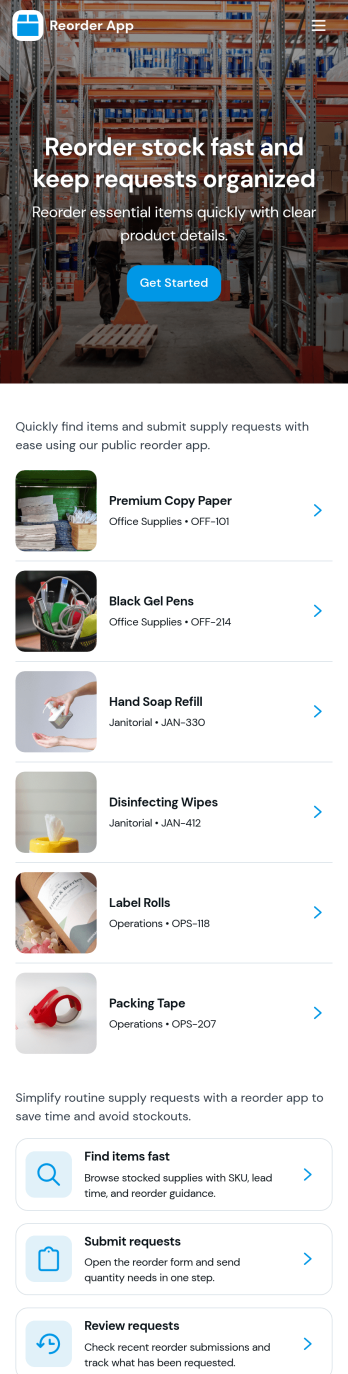
Reorder App
Reorder App helps businesses and repeat customers quickly place follow-up orders without starting from scratch. It brings past orders into one place, lets users browse reorder options, and guides them to create a new reorder when it’s time to restock. It’s a strong fit for retail teams, wholesalers, subscription-style sellers, and any operation that handles frequent repeat purchases and needs a simple, reliable way to speed up repeat ordering.With Jotform, you can turn your reorder workflow into a shareable self-service experience using App Templates and a no-code app builder. Use the drag-and-drop interface to adjust pages, add navigation, and connect the app to a form for consistent data collection. As reorder requests come in, teams can keep work moving with clearer workflows, faster handoffs, and an app experience that’s easy to access on desktop or mobile.
Go to Category:Order & Shipping Portal Apps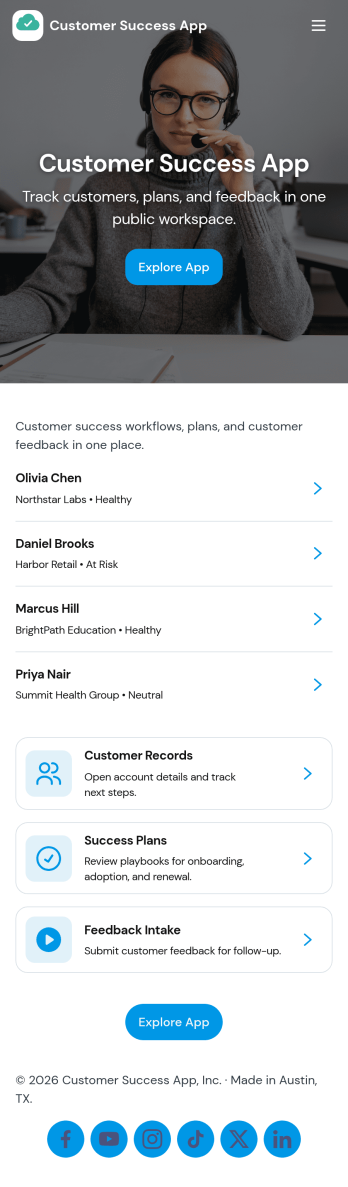
Customer Success App
Customer Success App brings your customer portfolio into one place so customer success teams can stay on top of relationships, support needs, and upcoming renewals without juggling scattered notes. Use it to browse accounts, open an account record for context, and log support tickets as issues come in, making it easier to prioritize at-risk customers and maintain a clear view of day-to-day follow-through. It fits SaaS providers, service teams, agencies, and account managers who need a practical home base for tracking customer health and keeping ownership visible across accounts.With Jotform, you can turn this customer success app template into a branded, shareable experience using a no-code app builder and a drag-and-drop interface. Connect the app to your existing data collection workflows, route updates to the right people, and keep account and ticket information organized in connected tables so your team can collaborate with less manual chasing. When your process changes, you can update pages, buttons, and navigation in minutes and publish the refreshed self-service experience through a link or QR code.
Go to Category:Customer Portal Apps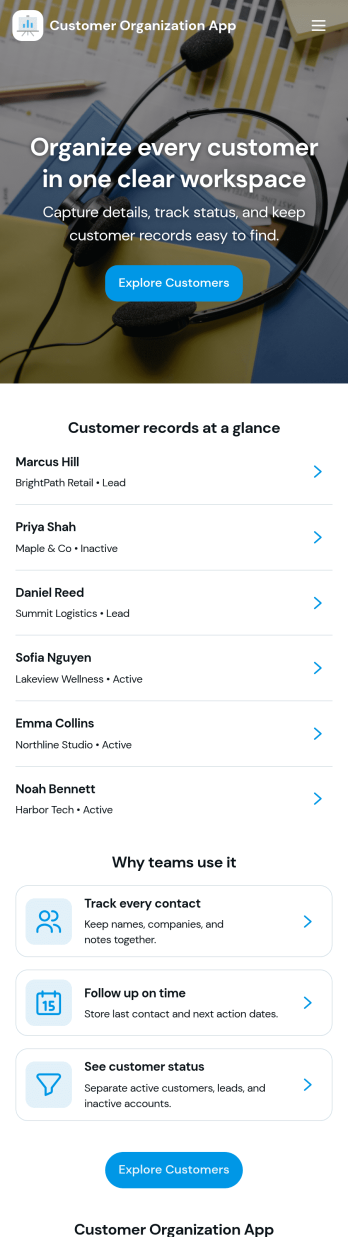
Customer Organization App
Customer Organization App brings customer details, a searchable directory, and at-a-glance insights into one place so teams can keep accounts organized and follow-ups moving. It’s a practical fit for sales reps, account managers, agencies, and service businesses that need a reliable way to add new customers, quickly find the right record, and stay on top of high-priority outreach without digging through scattered tools.With Jotform, you can turn this app template into a branded self-service and internal workspace using a no-code app builder and a drag-and-drop interface. Connect the Add Customer flow to a form for consistent data collection, publish a directory that opens customer detail pages from a list, and use simple insight cards to highlight key activity like high-priority items and active accounts as your workflow evolves.
Go to Category:Customer Portal Apps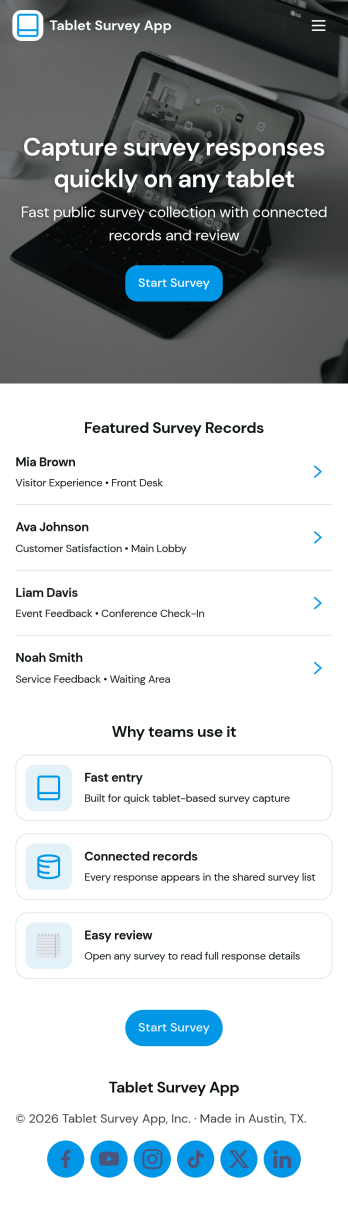
Tablet Survey App
A tablet survey app gives you a simple, guided way to collect feedback on a shared device in places like retail stores, clinics, hotels, events, and front desks. With this experience, staff can quickly launch a survey from a clear Start Survey button, then return later to review recent responses and open individual entries when needed. It works well for customer satisfaction check-ins, post-appointment feedback, in-store experience ratings, and on-site research where speed and consistency matter.Built with Jotform App Templates, this tablet-ready experience can be created and updated using a no-code app builder and a drag-and-drop interface, so you can adjust questions, pages, and branding without technical work. Connect the survey to Jotform data collection, keep responses organized for quick viewing, and use the built-in insights view to spot patterns over time. Share the app through a link or QR code to standardize how your team captures feedback anywhere.
Go to Category:Quiz Apps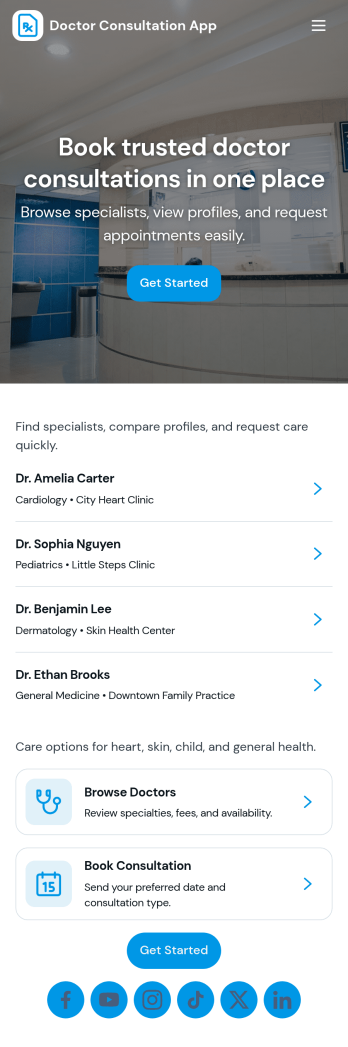
Doctor Consultation App
Doctor Consultation App brings your consultation experience into one place so patients can find a doctor, request a visit, send follow-up messages, and review their records without jumping between channels. It works well for clinics, private practices, telehealth teams, and concierge medicine services that want a clear path from provider discovery to a submitted consultation request, with an easy way for patients to stay engaged after the visit.With Jotform App Templates, you can publish a branded, mobile-friendly self-service experience powered by a no-code app builder and a drag-and-drop interface. Connect the app to Jotform Forms and Tables for data collection and workflow visibility, then share it with a link or QR code so patients and staff can access key actions, track requests, and manage ongoing communication in a single Jotform app.
Go to Category:Healthcare Apps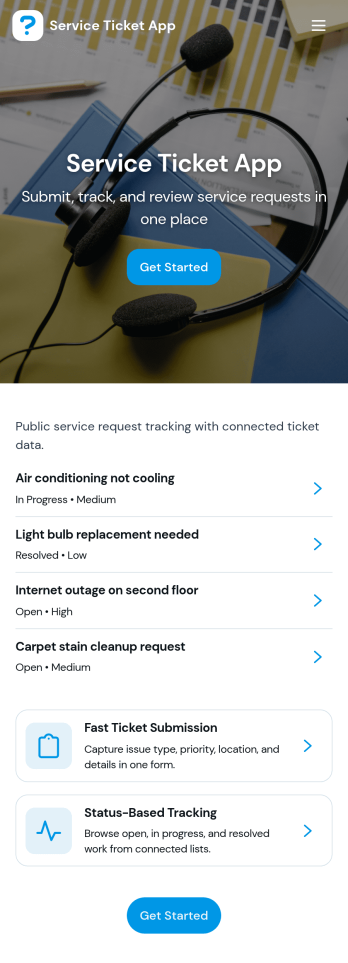
Service Ticket App
Service Ticket App helps teams capture new service requests and manage ongoing issues in one place, so requests don’t get lost across emails, chats, or hallway conversations. It fits IT and internal support teams, facilities and maintenance groups, and any service desk that needs a simple way for people to open a ticket, review their own tickets, and follow up as work progresses. With a clear entry point to submit a new ticket, a dedicated area for My Tickets, and a queue view for staff, the app supports day-to-day triage and keeps requesters informed without extra coordination.Jotform makes it easy to turn this service ticket workflow into a polished self-service experience using App Templates and a no-code app builder. With a drag-and-drop interface, you can adjust the navigation, connect the app to your ticket form and table, and keep everything accessible from a single link. As tickets come in, teams can centralize data collection, review records, and maintain a consistent workflow that’s easy to share across departments.
Go to Category:Service & Support Portal Apps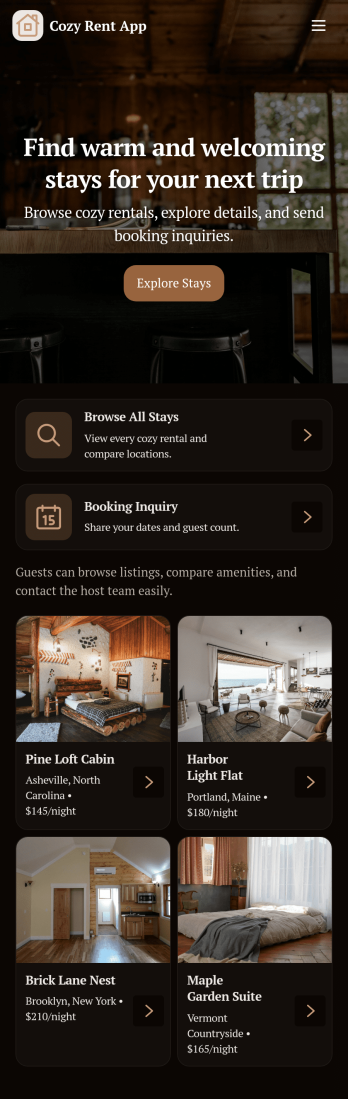
Cozy Rent App
Cozy Rent App brings your rental listings into one warm, easy-to-browse place where prospective tenants can explore available homes and take the next step without confusion. Use it to showcase properties, guide visitors from “Find a Home” to detailed listings, and encourage action with buttons like Apply Now and Send Inquiry. It’s a practical fit for landlords, property managers, and small real estate teams who want a simple way to present openings, reduce repetitive questions, and keep lead interest moving while listings change over time.With Jotform’s App Templates, you can publish a polished self-service experience without relying on coding. Build and update pages using a no-code app builder and a drag-and-drop interface, then connect your inquiry and application forms to support consistent data collection and a smoother workflow. Share the app through a link or QR code, adjust branding to match your rentals, and keep the experience mobile-friendly for renters who browse on the go.
Go to Category:Rental Apps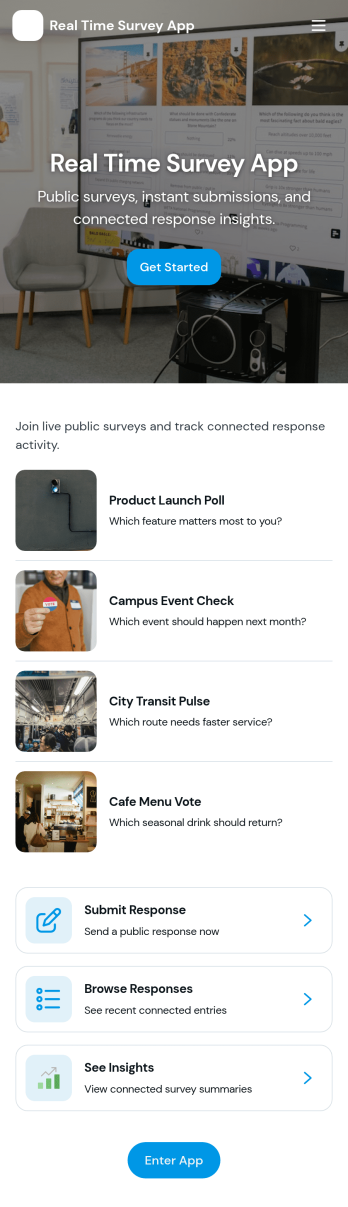
Real Time Survey App
Real Time Survey App helps you run live, in-the-moment surveys and immediately review incoming feedback in one place. It’s a practical fit for event organizers collecting attendee reactions, customer experience teams capturing on-site sentiment, trainers checking understanding during sessions, and managers running pulse checks across shifts or locations. With clear entry points to start a survey and view responses, it supports quick participation for respondents and fast visibility for the people acting on results.Jotform makes it easy to build and publish app experiences like this using a no-code app builder and a drag-and-drop interface, so you can adapt your survey flow without technical work. Connect the app to your survey form for fast data collection, keep responses organized, and share the app link anywhere you need real-time self-service feedback, whether that’s on a kiosk, on mobile devices, or in a team channel for rapid follow-up.
Go to Category:Quiz Apps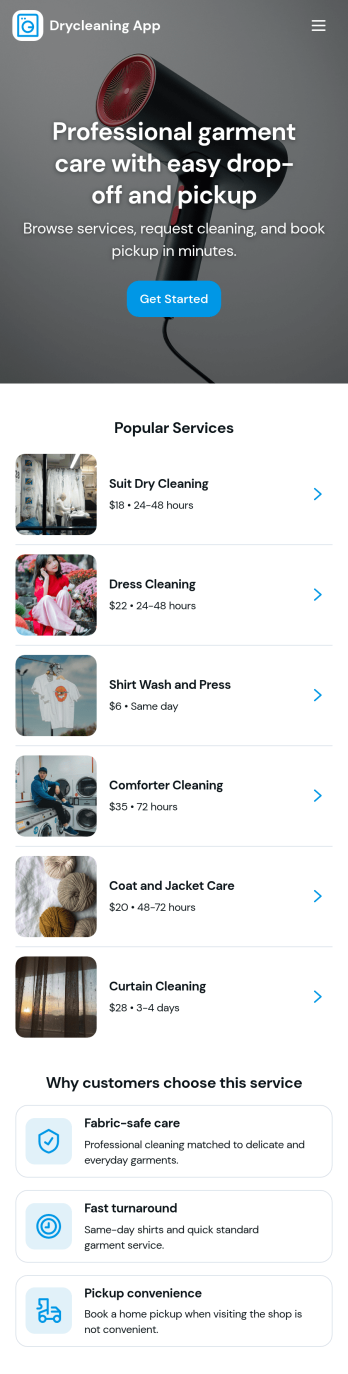
Drycleaning App
Drycleaning App brings your shop’s day-to-day pickups and order updates into one easy, customer-friendly place. Use it to log new pickups, keep a running list of active orders, and give staff a clear view of what’s ready for pickup. With a built-in order list and status summary, teams can quickly find an order by customer, confirm where it is in the process, and reduce missed handoffs at the counter.Jotform helps you turn workflows like dry cleaning intake and order tracking into a branded self-service experience without coding. With Jotform’s no-code app builder and drag-and-drop interface, you can adjust pages, buttons, and navigation to match how your store operates, then connect the app to your forms for consistent data collection. Share the app with your team or customers using a link or QR code, and keep updates organized as orders move from active to ready.
Go to Category:Customer Portal Apps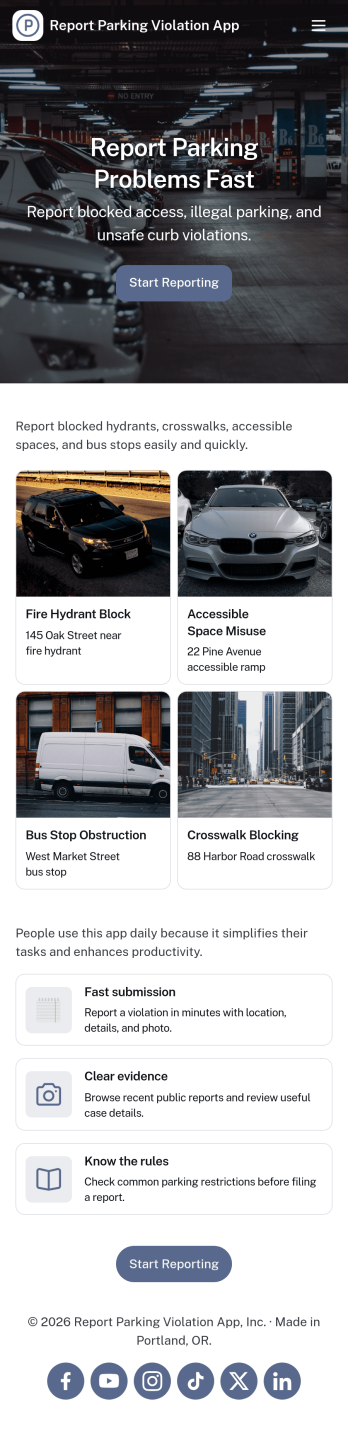
Report Parking Violation App
Report Parking Violation App helps communities and teams capture parking violation reports in a clear, consistent way, without relying on phone calls or scattered messages. It gives people a simple place to submit a new report, choose a violation type, and provide key details such as the location and vehicle involved. It’s a practical fit for property managers, HOA boards, campus operations, security teams, and municipal departments that need an organized intake process for recurring parking issues.Built with Jotform App Templates, this app template turns your reporting workflow into a shareable, self-service experience. Customize pages with a drag-and-drop interface, connect the reporting form to your data collection process, and surface recent reports so staff can review what’s coming in at a glance. With Jotform’s no-code app builder, you can publish quickly, adjust the flow as policies change, and keep parking-related reporting accessible on any device.
Go to Category:Report Apps
Planning Services App
Planning Services App helps service-based teams organize planning requests, keep a clear schedule, and stay on top of ongoing work without juggling scattered emails and spreadsheets. It’s a practical hub for event planners, project coordinators, agencies, and independent consultants who need one place to accept new requests, view upcoming commitments, and manage client-related tasks as work progresses. With a simple request entry point and an easy-to-browse schedule view, the app supports quick intake and day-to-day planning visibility for both small teams and growing operations.Built with Jotform, this app template can be customized in a no-code app builder using a drag-and-drop interface, so you can match the experience to your workflow and branding. Connect the app to your forms and tables for consistent data collection, route requests to the right people, and keep updates organized in one self-service experience. Share the app through a link or QR code, and give your team a faster way to capture details, coordinate timelines, and manage planning work from anywhere.
Go to Category:Consulting Apps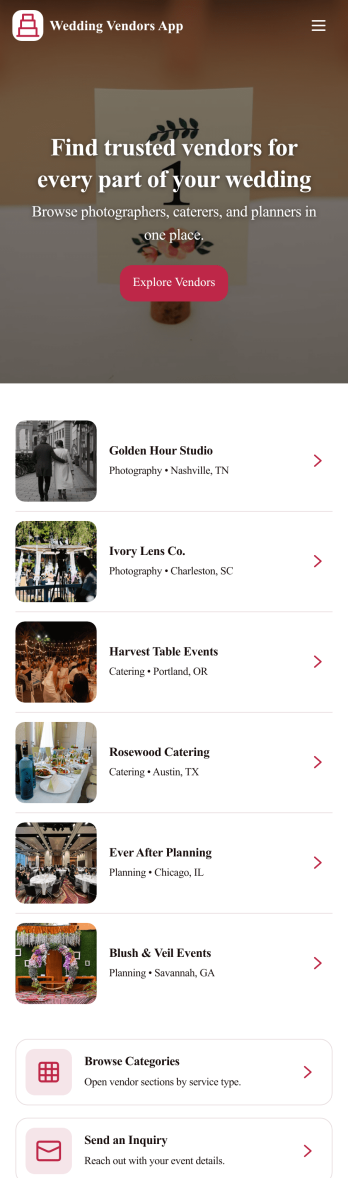
Wedding Vendors App
Wedding Vendors App brings your wedding supplier search and outreach into one place so couples and planners can compare options, send inquiries, and keep momentum during the busiest parts of planning. With a vendor browsing experience, a simple quote request flow, and a place to track booking requests, this app fits engagement parties, wedding weekends, and multi-event celebrations where you need quick decisions and clear follow-up.Built with Jotform App Templates, this app template is easy to tailor with Jotform’s no-code app builder and drag-and-drop interface. Connect pages to your forms and tables for reliable data collection, route requests to the right workflow, and share a self-service experience with a link or QR code so everyone stays aligned from first inquiry to final shortlist.
Go to Category:Event Planner Apps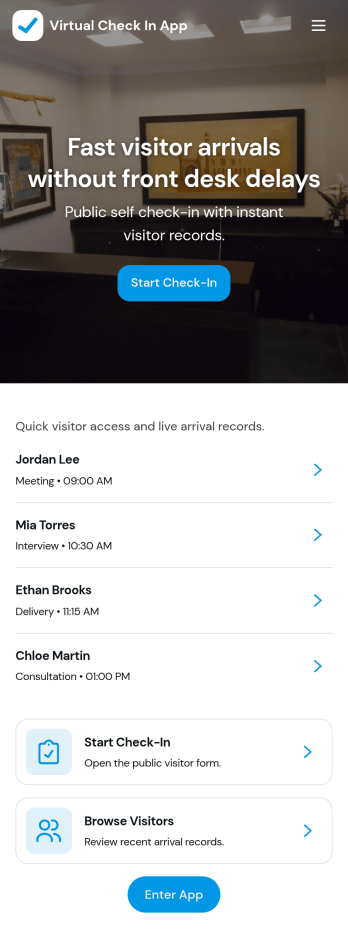
Virtual Check in App
Virtual Check in App helps teams register visitors remotely and keep arrival details organized in one place. It works well for offices, clinics, schools, events, and shared workspaces that need a simple way to capture guest info before someone walks in. With a visitor list for quick browsing, a dedicated Start Check-In action, and a visitor details view that pulls in each person’s full name, the check-in process stays consistent for front-desk staff and hosts.Jotform makes it easy to turn this experience into a branded, self-service app without coding. Use the drag-and-drop app builder to customize pages, update text and navigation, and connect the built-in check-in form to your workflow. You can share the app with a link or QR code for fast access, keep records centralized, and adapt the flow as your visitor volume or reception process changes.
Go to Category:Sign In Apps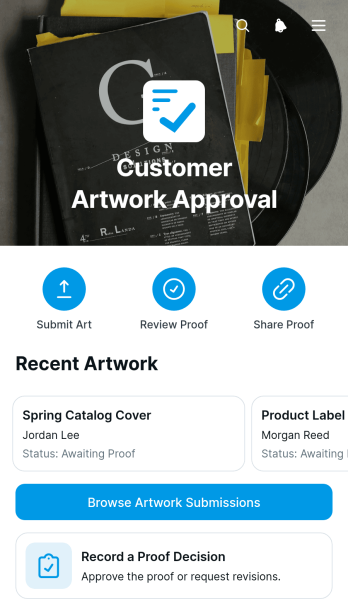
Customer Artwork Approval App
The Customer Artwork Approval App gives creative teams, print shops, agencies, freelancers, and production businesses a central place to collect artwork and secure customer proof decisions. Customers or team members can submit artwork, browse current submissions, open proof links, and record an approval decision without relying on scattered email threads. Clear review statuses and customer contact details help account managers, designers, and production staff see which files are awaiting review and which are ready for the next stage. This app template supports a more consistent artwork approval workflow while giving customers a convenient self-service experience.Jotform makes it easy to adapt the Customer Artwork Approval App to match your review process and visual identity. Its no-code app builder and drag-and-drop interface let you update pages, buttons, cards, and navigation without programming. Connect forms and tables for organized data collection, add approval steps to support internal processes, and receive updates as customers take action. Among Jotform’s App Templates, this option can be customized for packaging, signage, merchandise, marketing collateral, or other creative work, then shared through a direct link or QR code for mobile-friendly access.
Go to Category:Customer Portal Apps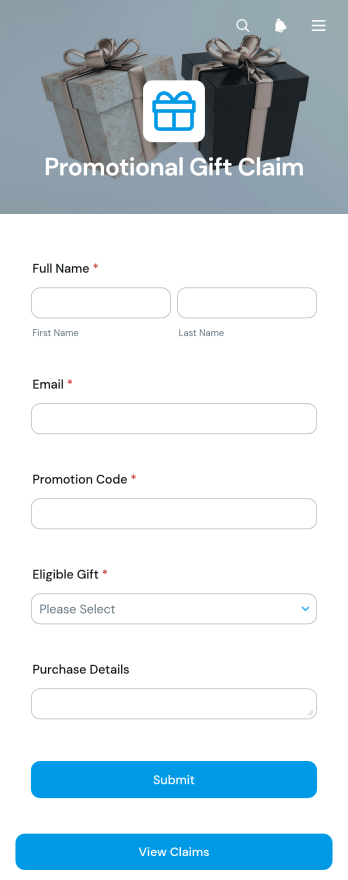
Promotional Gift Claim App
Promotional Gift Claim App gives marketing teams, retailers, event organizers, and campaign managers a convenient way to collect and review gift claims from eligible participants. Customers can submit their information through a connected claim form, while authorized team members can open a dedicated view of submitted gift claims for organized follow-up. This app template is useful for purchase incentives, event giveaways, loyalty promotions, seasonal campaigns, and other programs where businesses need consistent data collection. It replaces scattered emails and manual claim lists with a clear self-service experience that helps teams reduce missing details, monitor participation, and manage fulfillment tasks.Jotform App Templates help organizations turn campaign processes into accessible digital experiences without writing code. Customize the Promotional Gift Claim App with the no-code app builder and its drag-and-drop interface, then adjust pages, buttons, colors, fonts, and branding to suit your promotion. The app builder can connect forms and tables with notifications, approvals, and other workflow steps, keeping claim information organized as activity grows. Once published, the app can be shared through a direct link or QR code so participants can access it from a phone, tablet, or computer.
Go to Category:Customer Engagement Apps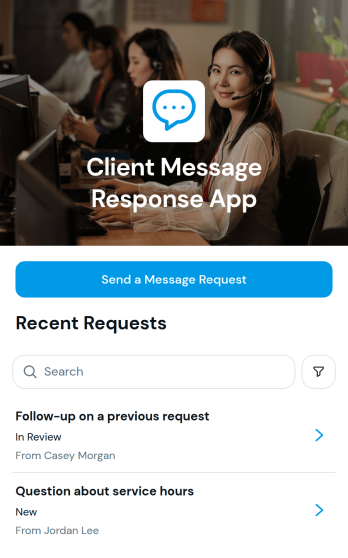
Client Message Response App
The Client Message Response App gives service teams, consultants, agencies, and small businesses a central place to receive and review client message requests. Clients can submit a request through a connected form, while team members can browse messages and open individual records to view the subject, client details, email address, and message content. It is useful for handling service questions, project updates, account inquiries, feedback, and follow-up requests without relying on scattered communication channels. By keeping incoming messages organized, the app helps teams prioritize responses, maintain context, and provide a more consistent client experience.Jotform App Templates make it easy to adapt this app template to an existing communication workflow. The no-code app builder includes a drag-and-drop interface for adjusting pages, buttons, visual styling, and navigation without programming. Teams can connect forms and tables for data collection, add approvals or notifications to support internal follow-up, and create a branded self-service experience for clients. Once customized, the app can be shared through a direct link or QR code and accessed from mobile or desktop devices, giving clients a convenient way to contact the business and staff a practical workspace for reviewing requests.
Go to Category:Customer Engagement Apps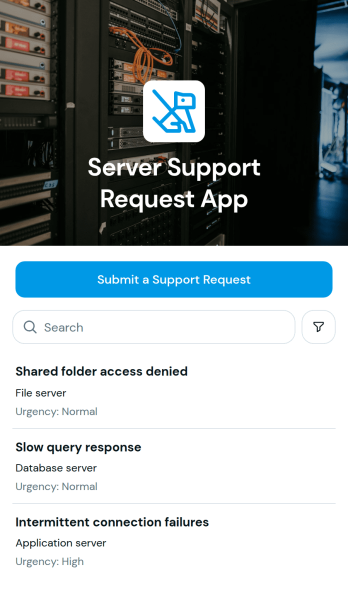
Server Support Request App
The Server Support Request App is an app template for collecting, organizing, and reviewing technical support requests related to servers and services. IT departments, managed service teams, system administrators, help desks, and internal operations teams can use it to replace scattered email reports with a consistent intake experience. Users can submit a support request, record an issue summary, identify the affected server or service, and indicate impact and urgency. Support staff can then browse submitted requests and view essential requester and contact details, helping them assess priorities, clarify ownership, and respond with better context. It is well suited to internal support desks, client-facing technical services, data center operations, and remote infrastructure teams.With Jotform Apps, teams can customize this Server Support Request App through a no-code app builder and an intuitive drag-and-drop interface. Adjust the layout, apply organizational branding, connect forms and tables, and bring data collection into a more cohesive workflow without writing code. The finished app can be shared by a direct link or QR code, giving employees, customers, or partners convenient mobile-friendly access. Jotform App Templates also make it easier to create self-service experiences that connect request intake with the resources and processes teams already use.
Go to Category:Information Technology Apps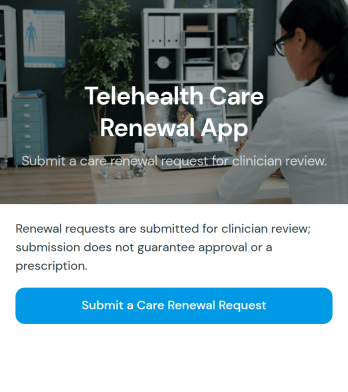
Telehealth Care Renewal App
The Telehealth Care Renewal App is an app template for collecting care renewal requests from patients who receive ongoing remote services. Healthcare practices, virtual care teams, care coordinators, and administrative staff can use it to offer a clear self-service entry point for patients who need to request continuation of care. A prominent renewal request button connects users to the relevant form, reducing missed inquiries and helping teams gather information through a consistent process. It is especially useful for recurring care programs, follow-up services, and practices that want to replace scattered emails or phone calls with organized data collection.Jotform Apps helps organizations turn this Telehealth Care Renewal App into a branded experience without writing code. Using the no-code app builder and drag-and-drop interface, teams can adjust the design, add guidance, and connect forms with approval steps, data tables, notifications, or other workflow tools. Jotform App Templates also make it easier to launch quickly while retaining control over content and navigation. Once customized, the app can be shared through a direct link or scannable code, giving patients mobile-friendly access while helping staff manage renewal intake from one connected workspace.
Go to Category:Healthcare Apps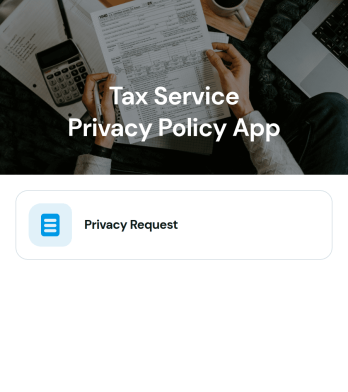
Tax Service Privacy Policy App
The Tax Service Privacy Policy App gives tax preparation firms, accounting practices, independent tax professionals, and financial consultants a dedicated place to publish privacy information and receive related inquiries. Its central page can explain how client details are collected, used, stored, and shared during tax service delivery, while a connected form gives clients a direct way to submit questions, requests, or acknowledgments. Keeping this information in one accessible app helps firms communicate their practices consistently, reduce repetitive explanations, and give clients a convenient self-service resource before or during an engagement.Jotform makes it easy to adapt this app template without writing code. Using the no-code app builder and drag-and-drop interface, teams can revise content, apply their own visual identity, and connect the app to forms, tables, notifications, approvals, and other workflow tools. The finished app can be shared through a direct link or QR code, making it convenient for clients to view on a phone, tablet, or computer. Jotform App Templates also provide a practical starting point, so tax service teams can create a polished client resource while keeping data collection and follow-up organized.
Go to Category:Legal Apps