

Human Resources App Templates

Shift Worker App
Shift Worker App brings shift-based teams a simple, shared place to view today’s shifts, browse the full schedule by employee, and submit shift swap requests when plans change. It fits restaurants, retail stores, warehouses, call centers, clinics, and any operation where coverage depends on rotating rosters. Supervisors can reduce last-minute confusion while employees get clearer expectations, faster updates, and a straightforward way to communicate needs without chasing managers across channels.Built with Jotform App Templates, this experience can be tailored in Jotform’s no-code app builder with a drag-and-drop interface so you can match your process and branding. Connect the app to your data collection workflows for swap requests, incident reports, and viewing past submissions, then share it by link or QR code for easy self-service access on any device. As your team grows, you can adjust pages and connected forms to keep scheduling and reporting organized in one central app.
Go to Category:Scheduling Apps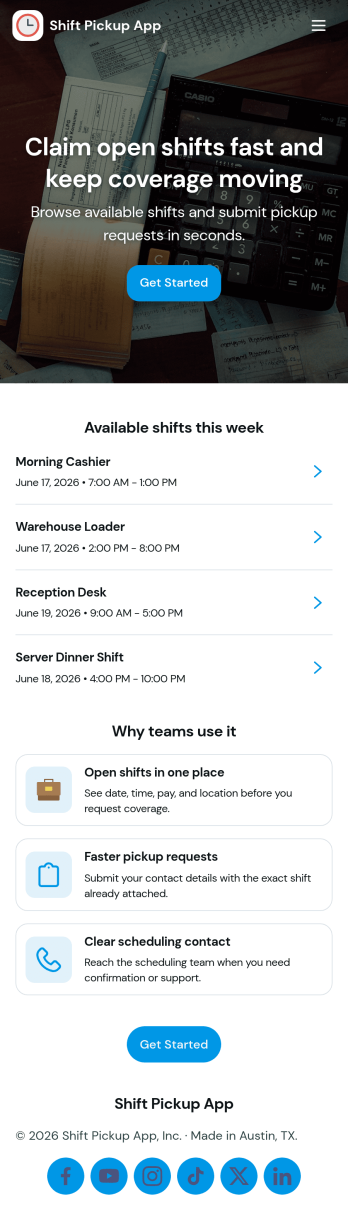
Shift Pickup App
Shift Pickup App helps teams manage open shifts and shift pickup requests in one place, so employees can quickly find available coverage opportunities and submit a request when they want to take a shift. It fits hourly workplaces where schedules change often, including restaurants, retail stores, hospitality teams, warehouses, and on-call service crews. With a dedicated Open Shifts area for browsing what’s available and a Request Pickup flow for asking to take a specific shift, managers spend less time coordinating coverage and staff get a clearer path to step in when needed.Jotform makes it easy to turn this kind of scheduling workflow into a shareable, mobile-friendly experience using its no-code app builder and drag-and-drop interface. Connect the app to forms and tables for reliable data collection, route requests to the right people with automated workflow steps, and keep everything organized for self-service access. You can publish your Jotform app with a simple link for your team, adjust branding to match your workplace, and update the experience as policies or staffing needs change.
Go to Category:Scheduling Apps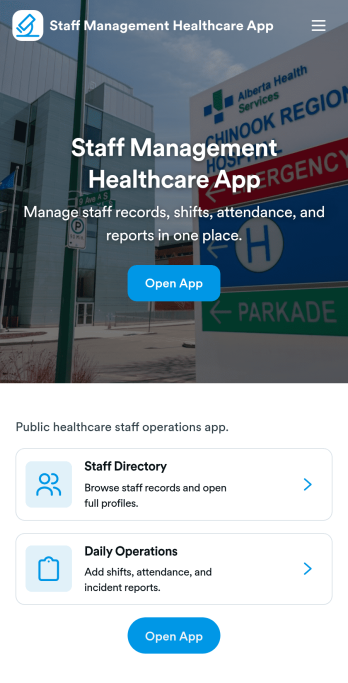
Staff Management Healthcare App
Staff Management Healthcare App brings day-to-day workforce coordination into one place for clinics, hospitals, home health providers, and other care teams that need clear visibility into who is working, when they are scheduled, and what requests are pending. Use it to publish a staff directory for quick lookups, review a shift schedule at a glance, and route common workforce needs like leave requests and incident reports without losing track of follow-ups. It’s especially helpful for nurse managers, practice administrators, and operations leads who want a consistent way to keep teams aligned across departments and locations.With Jotform, you can turn this staff workflow into a branded, mobile-friendly experience using a no-code app builder and a drag-and-drop interface. Connect the app to your forms and tables to support ongoing data collection, keep records organized, and create a dependable workflow for internal self-service. Share a single link or QR code with your team, customize pages as your processes evolve, and give managers an operations overview that makes it easier to stay on top of requests.
Go to Category:Healthcare Apps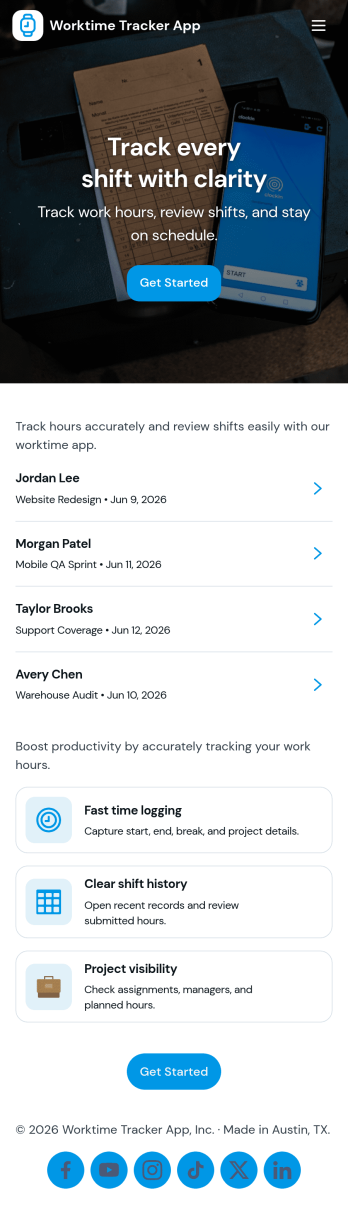
Worktime Tracker App
Worktime Tracker App helps teams record hours worked, review time entries, and keep a clear summary of time spent across tasks or shifts. It’s a practical fit for managers who need visibility into labor hours, remote teams tracking daily work, and service businesses that want consistent time logs without chasing updates. With a simple flow for logging time, an entries list for quick review, and a summary view for oversight, it supports everyday timekeeping for individuals and groups.Jotform makes it easy to launch and tailor this kind of experience with App Templates and a no-code app builder that works with a drag-and-drop interface. Connect your app to forms and tables for reliable data collection, organize records for fast self-service access, and share the app with a link so employees can log hours from anywhere while admins stay on top of the workflow.
Go to Category:Activity Tracking Apps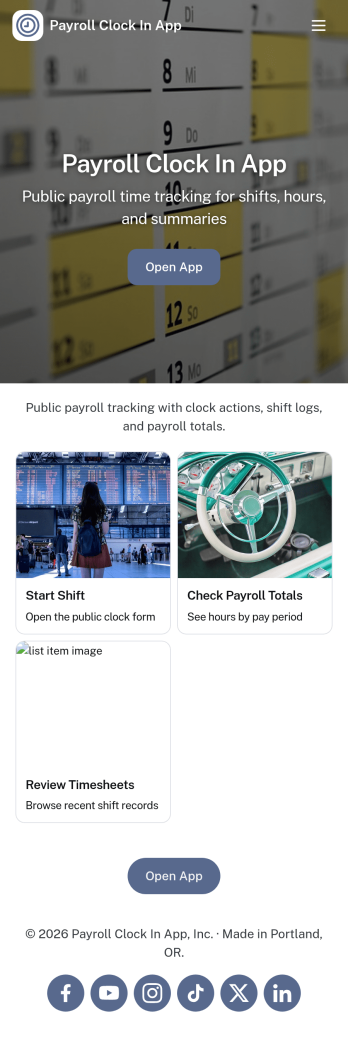
Payroll Clock In App
Payroll Clock In App brings clock-ins, timesheets, and payroll visibility into one simple place so teams can capture work hours consistently and reduce payroll surprises. It’s built for hourly employees, shift-based teams, and managers who need a clear view of who worked when, with quick navigation to Clock In, Timesheets, and Payroll. Whether you run a retail store, restaurant, field service crew, or a growing office, this app supports daily time tracking habits and makes it easier to spot missed punches, confirm totals, and keep everyone aligned before payday.With Jotform, you can turn this app template into a branded self-service experience using a no-code app builder and a drag-and-drop interface. Connect the app to your clock log form and tables, publish updates in minutes, and share a single link or QR code with staff. Jotform also helps you keep your workflow organized by centralizing time data collection, making it easier for teams to review logs, open timesheets, and follow a consistent payroll process without switching between multiple tools.
Go to Category:Human Resources Apps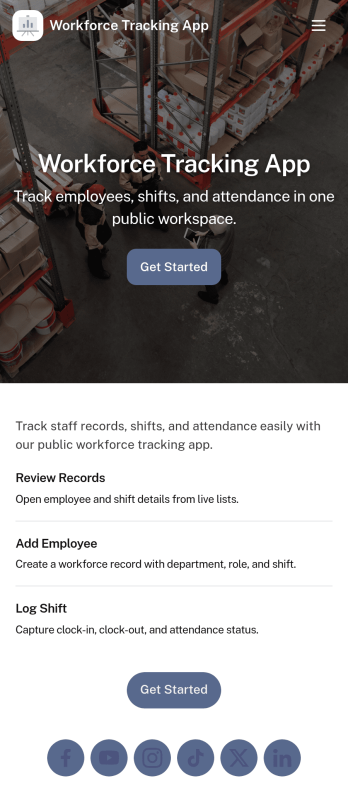
Workforce Tracking App
Workforce Tracking App helps teams record and review employee work activity in one place, making it easier to stay on top of shift history and day-to-day staffing needs. Use it to browse an employee list, open an individual employee view, and log new shifts through connected forms, so supervisors and admins can keep time records current without chasing updates across messages or spreadsheets.Built with Jotform App Templates, this experience can be tailored in a no-code app builder with a drag-and-drop interface, so you can adjust navigation, add or reorder pages, and connect your workforce data collection to the workflows you already run. Share the app with a link for quick self-service access, keep entries organized with connected forms, and use the built-in dashboard view to check records at a glance as your operation scales.
Go to Category:HR Portal Apps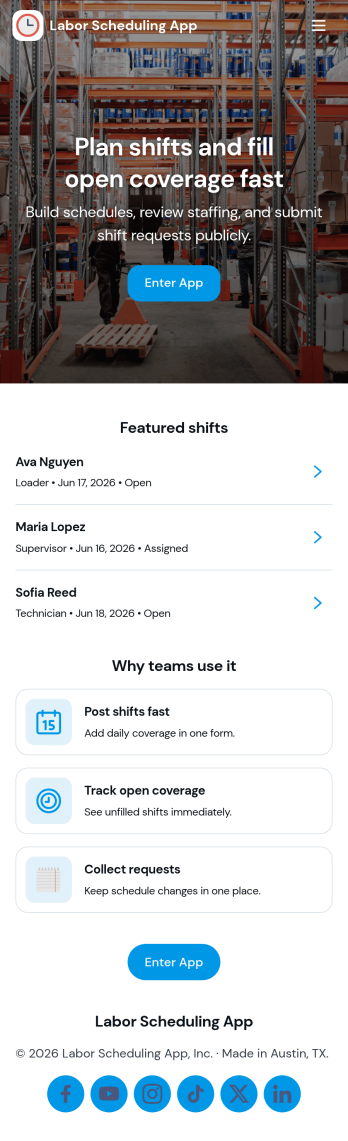
Labor Scheduling App
Labor Scheduling App helps managers coordinate employee coverage with a clear shift board, a simple way to add shifts, and an organized request flow for time-off or schedule changes. It fits teams that rely on hourly staffing such as retail stores, restaurants, field service crews, warehouses, and event operations where last-minute updates can create confusion. With dedicated areas for crew details and schedule history, this app template supports day-to-day planning while keeping everyone aligned on who is working, when, and where.Jotform makes it easy to turn this Labor Scheduling App into a branded self-service experience using App Templates and a no-code app builder with a drag-and-drop interface. Connect buttons to forms and tables to capture schedule updates, centralize shift information, and keep requests moving through your workflow without relying on scattered messages. Share the app with your team through a link so staff can stay informed and managers can keep scheduling organized from one place.
Go to Category:Scheduling Apps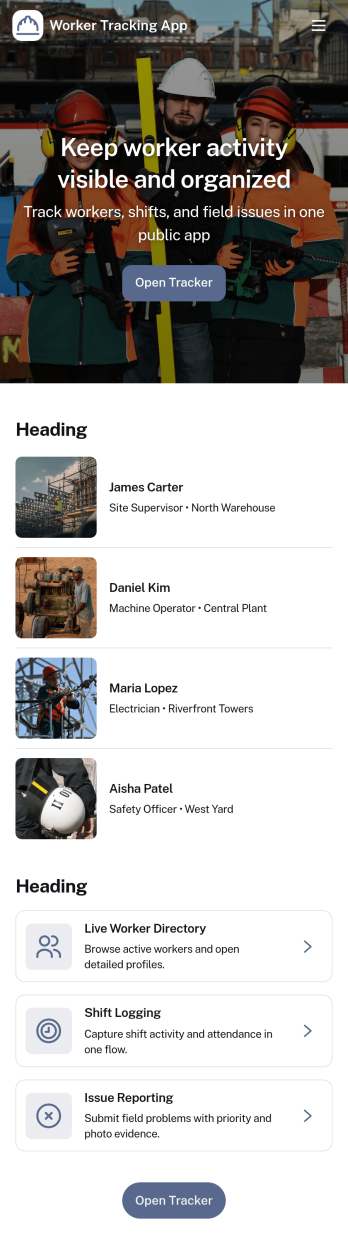
Worker Tracking App
Worker Tracking App helps teams keep a clear, up-to-date view of who is working, when they worked, and what time entries have been recorded. It’s built for supervisors and operations leads who manage hourly staff across multiple roles or locations and need a simple way to organize worker details alongside shift history. With dedicated areas for a worker list and a shift log, you can add new workers as the team grows, record shifts as they happen, and reduce confusion when schedules change or coverage needs to be verified. This is especially useful for field service crews, warehouses, hospitality teams, security staff, and contractors where accurate time visibility supports better planning and smoother handoffs.Jotform App Templates make it easy to turn everyday workflows into a mobile-friendly self-service experience without code. Using Jotform’s no-code app builder and drag-and-drop interface, you can customize the layout, connect forms for data collection, and keep time records organized in linked tables. Share the app with managers or team leads, route updates through your workflow, and maintain a single source of truth for worker tracking that’s easy to access from anywhere.
Go to Category:Activity Tracking Apps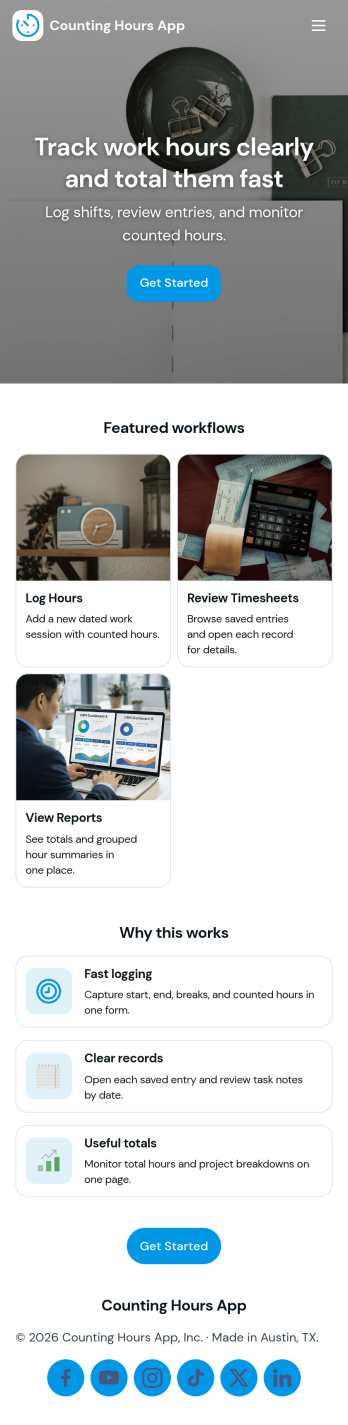
Counting Hours App
Counting Hours App helps individuals and teams record time spent on projects so work hours don’t get lost across notes, chats, or spreadsheets. It’s a practical fit for freelancers tracking billable time, managers gathering weekly totals, and employees who need a simple way to log time and review what they’ve already entered. With quick actions to log time, add hours, and view entries in one place, the app supports consistent time capture and clearer visibility into where effort is going.Built with Jotform App Templates, this experience is easy to customize with Jotform’s no-code app builder and drag-and-drop interface, so you can match your workflow and terminology in minutes. Connect the app to the included form for data collection, keep records organized, and share a self-service link with your team to reduce manual follow-ups. As your process evolves, you can update pages, buttons, and routing without code while keeping hour logging simple and reliable.
Go to Category:Tracker Apps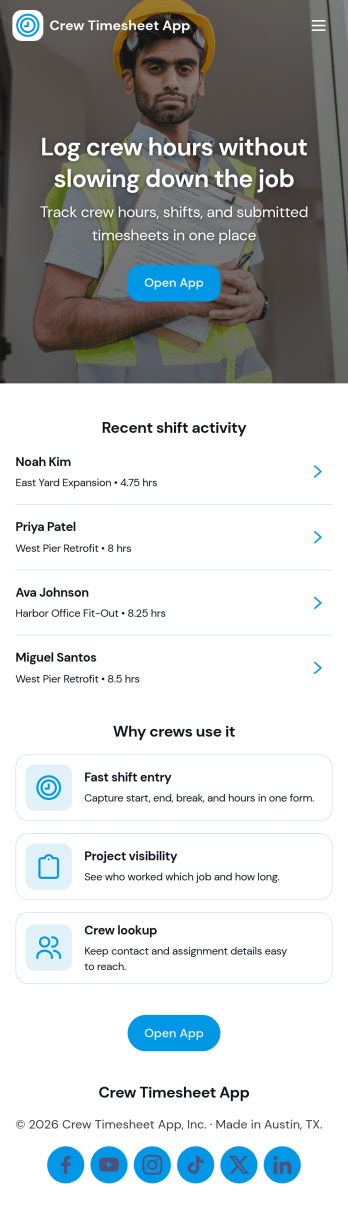
Crew Timesheet App
Crew Timesheet App helps field crews record hours quickly and gives supervisors a clear view of time entries across jobs and dates. With a simple place to log a shift, browse submitted timesheets, and reference crew records, it fits teams that need consistent timekeeping without chasing paper notes or scattered messages. It’s especially useful for construction crews, maintenance teams, transportation staff, event operations, and any group rotating through shifts where accuracy matters for payroll and job costing.Built with Jotform App Templates, this app template brings your time tracking workflow into a mobile-friendly, self-service experience that’s easy to share. Use Jotform’s no-code app builder and drag-and-drop interface to tailor pages, connect shift logging to your data collection, and route entries through an approvals step for review. As your team grows, you can keep everything organized in one place and make it easier to submit, review, and manage timesheets from anywhere.
Go to Category:Activity Tracking Apps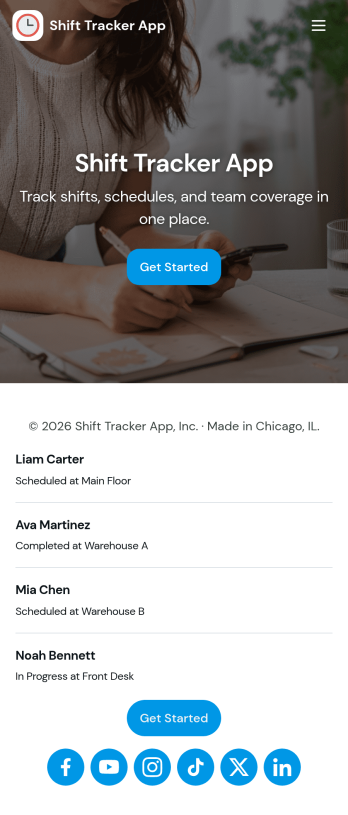
Shift Tracker App
Shift Tracker App helps teams log, review, and manage work shifts in one place, making it easier to keep schedules and time records organized. Staff can quickly add a shift, browse upcoming or past entries, and open shift records to confirm details when questions come up. It’s a practical fit for managers tracking coverage across locations, supervisors coordinating rotating schedules, and hourly teams that need a clear, consistent way to capture shift activity.With Jotform, you can turn this app template into a self-service shift hub using a no-code app builder and a drag-and-drop interface. Connect buttons and pages to a shift logging form, route updates into tables for centralized tracking, and share the app with a link so employees can log new shifts and view their own shift logs. As your workflow evolves, you can adjust the layout, refine the data collection fields, and keep shift records easy to access for everyone involved.
Go to Category:Scheduling Apps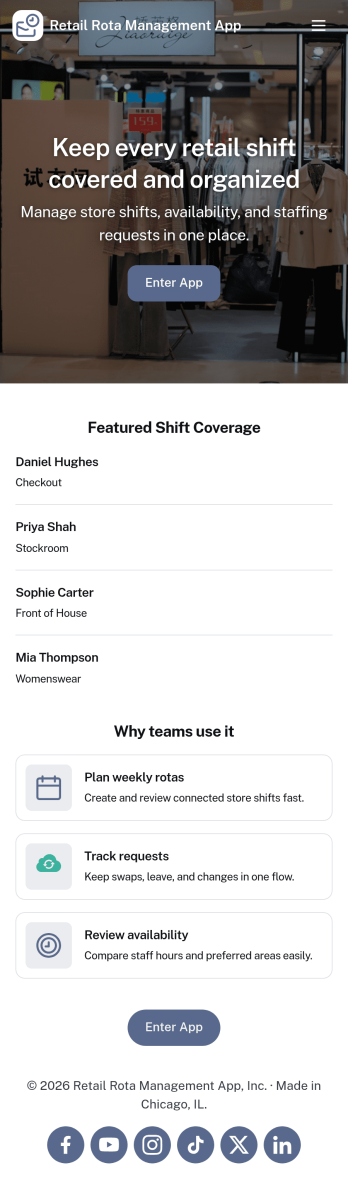
Retail Rota Management App
Retail Rota Management App helps stores organize day-to-day shift coverage by giving staff and managers one place to view today’s rota, share availability, and keep shift notes tied to specific dates. It suits retail teams that juggle part-time schedules, rotating coverage, and last-minute changes, including boutique shops, pop-up stores, mall kiosks, and multi-location retailers that need consistent coordination across the floor.With Jotform, you can publish this app template as a self-service scheduling hub without code. Use the drag-and-drop app builder to adjust pages, add role-specific navigation, and connect forms for availability updates and shift note logging, while keeping everything organized for faster decision-making and smoother retail workflows.
Go to Category:Retail Apps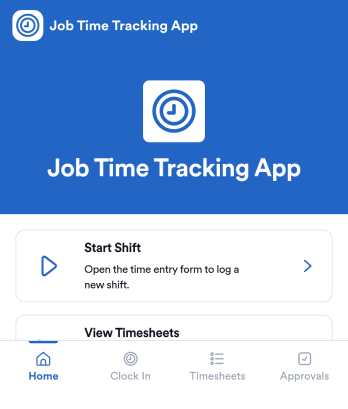
Job Time Tracking App
Job Time Tracking App helps teams record work hours and manage shift activity in one place. Employees can start a shift, review their own time entries, and request schedule changes without hunting down a manager. It’s a practical fit for field services, retail, hospitality, construction crews, and any operation that needs consistent time logging across multiple roles or locations.With Jotform you can turn this app template into a mobile-friendly self-service experience that connects time entry records and shift requests to your workflows. Customize pages with a drag-and-drop interface, route requests for review using connected approvals, and keep everything organized with linked tables for quick visibility. As your needs change, update the layout, add new actions, and share the app through a link so everyone can track time and submit requests from the same hub.
Go to Category:Activity Tracking Apps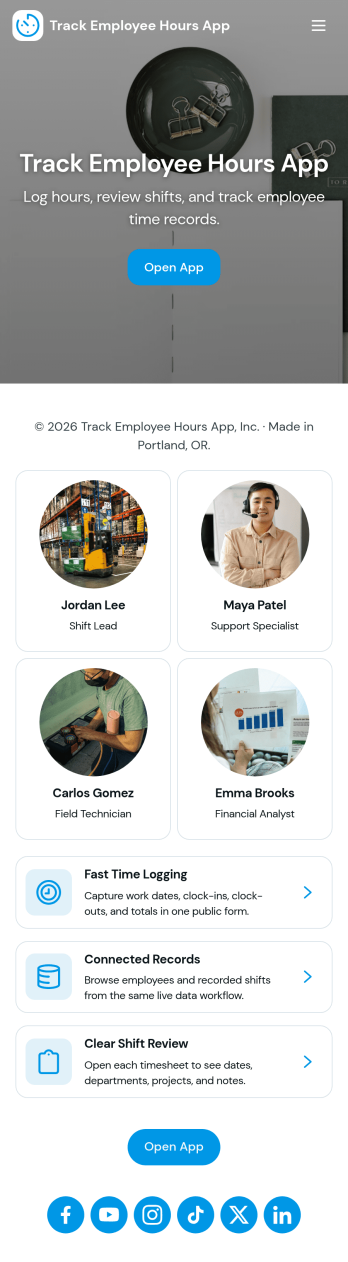
Track Employee Hours App
Track Employee Hours App helps teams capture and review time worked in a simple, consistent way, making it easier to understand coverage, support payroll prep, and keep projects on track. It fits daily operations for restaurants, retail stores, field services, agencies, and growing teams that need a clear place to record hours without chasing messages or spreadsheets. Use it to support clock-in and clock-out style logging, basic time entry notes, and quick visibility into who worked when, so managers can spot gaps and follow up faster.Jotform makes it easy to turn this app template into a practical self-service experience with a no-code app builder and a drag-and-drop interface. Connect the app to your data collection workflow so employees can submit hours from anywhere and admins can review entries in one place, then update the layout to match your process as it evolves. Share via link or QR code, organize access for the right people, and keep time tracking organized with Jotform.
Go to Category:Human Resources Apps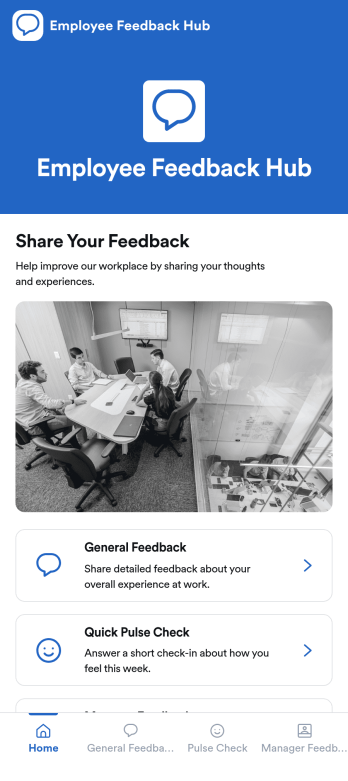
Employee Feedback Hub App
Employee Feedback Hub App gives teams one place to collect workplace input through general feedback, quick pulse checks, and manager feedback, while letting employees review their own past entries. It works well for HR teams, people ops, department leaders, and growing companies that want a consistent way to surface concerns, highlight wins, and spot trends early. Use it to support engagement initiatives, improve manager effectiveness, and capture ideas from remote, onsite, or hybrid staff without burying feedback in emails or chat threads.Built with Jotform App Templates, this app template can be customized in a no-code app builder with a drag-and-drop interface, so you can match your internal process and branding in minutes. Connect each feedback path to the right form, guide employees to the right page with simple navigation cards, and keep data collection organized for follow-up workflows. Share the app by link or QR code to make self-service feedback easy to access whenever employees need it.
Go to Category:HR Portal Apps