

Log App Templates

Security Guard App
Security Guard App helps security teams record patrol activity, capture incident details, and manage daily on-site routines from one central place. With dedicated areas for Patrol Logs, Incident Reports, Visitor Check, and Shift Handover, it supports guards working at offices, residential buildings, construction sites, warehouses, events, and other facilities where consistent documentation matters. Supervisors can use it to keep visibility across posts, while individual guards can quickly add a patrol entry, report an issue as it happens, and reference what was logged earlier in the shift.Jotform makes it easy to tailor this app template to your operations using a no-code app builder and a drag-and-drop interface. Connect buttons to forms for fast data collection, surface the latest patrol and today’s logs for quick review, and organize information across pages so teams can follow the same workflow every time. Share the app with a link or QR code, update it as your site requirements change, and keep field reporting consistent without slowing down your staff.
Go to Category:Safety Inspection Apps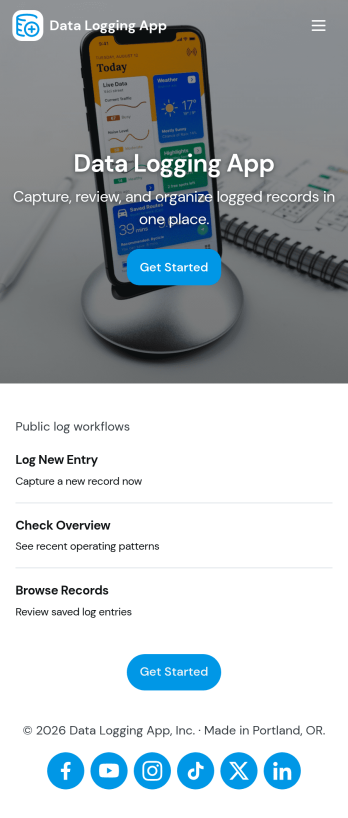
Data Logging App
Data Logging App helps teams capture new entries, review records, and keep a reliable history of operational data in one place. It’s useful for tracking readings, incidents, field notes, shift updates, lab observations, or any repeatable data you need to document over time. With quick navigation to create a new entry and a records view for browsing past logs, the app supports consistent documentation without relying on scattered spreadsheets, paper notes, or memory.Built with Jotform, this app template pairs a simple, mobile-friendly interface with connected forms for structured data collection. You can tailor entry fields to match your process, organize categories for common log types, and create an easy self-service experience for staff in the field or at a workstation. Use Jotform’s no-code app builder and drag-and-drop interface to adjust pages, add helpful content, and keep your workflow moving from entry to review as your logging needs evolve.
Go to Category:Log Apps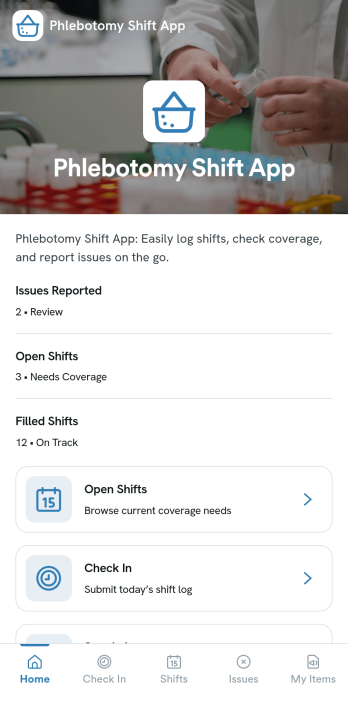
Phlebotomy Shift App
Phlebotomy Shift App helps clinics and lab teams keep phlebotomy staffing organized across busy days and rotating coverage. Use it to view upcoming shifts, add new shifts as schedules change, and give staff a clear place to log completed work without chasing updates across texts or paper notes. It also supports day-to-day accountability with simple incident reporting and a dedicated area for documenting specimen handoffs, which is especially useful when multiple people touch the same samples across a single shift.Built with Jotform, this app template turns scheduling and daily operations into a mobile-friendly self-service experience. With Jotform’s no-code app builder and drag-and-drop interface, you can customize pages, connect forms for data collection, and route information into a workflow that fits your team. Share the app by link so phlebotomists and coordinators can access shift details, submit updates, and keep handoffs and reports organized in one place.
Go to Category:Healthcare Apps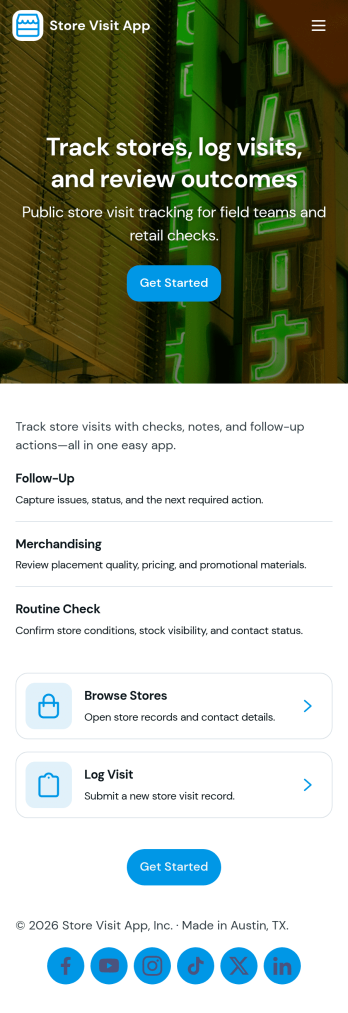
Store Visit App
A Store Visit App helps retail teams and field staff record in-person store visits in a consistent, easy-to-follow flow. With a dedicated check-in area and visit logs, it supports daily store coverage for merchandisers, sales reps, franchise operators, and regional managers who need a reliable way to capture who visited, when they arrived, and what was done during the stop. Instead of relying on scattered notes or messages, the app keeps visit activity organized so teams can quickly confirm coverage, review recent visits, and follow up on the right locations.Jotform makes it simple to build and publish app templates like Store Visit App with a no-code app builder and a drag-and-drop interface. Connect the app to forms and tables for data collection, then share it as a self-service experience by link or QR code. As your workflow changes, you can update pages, navigation, and branding in minutes, helping your team stay aligned across stores while keeping visit records in one place.
Go to Category:Retail Apps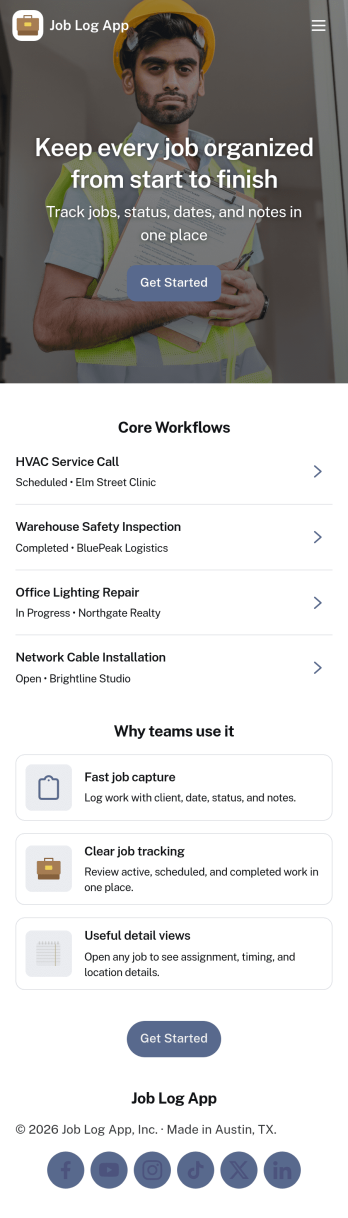
Job Log App
Job Log App helps teams and independent professionals capture work details as they happen and keep a clear record of jobs over time. Use it to add a new entry in seconds, review log history when questions come up, and pull up a client-specific view for context before the next visit. It fits field service businesses, contractors, consultants, and operations teams that need consistent job documentation for handoffs, billing support, or internal reporting without relying on scattered notes.Built with Jotform, this app template works as a practical self-service log hub that connects a simple form to organized, easy-to-browse pages. Customize the layout with a drag-and-drop interface, publish updates fast with a no-code app builder, and keep work information centralized so your workflow stays clear from first entry to quick stats and follow-ups.
Go to Category:Log Apps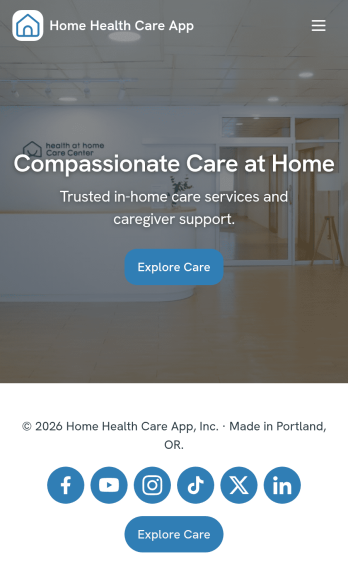
Home Health Care App
Home Health Care App helps in-home care teams manage patient onboarding and day-to-day documentation in one place. It’s built for home health agencies, private caregivers, and care coordinators who need a dependable way to capture new patient intake, keep consistent visit notes, and organize care plans across multiple clients without juggling paper files or scattered messages. With quick navigation to New Intake, a Visit Log, and Care Plans, the app supports a repeatable routine for every patient visit while keeping key records easy to find for staff working in the field.Jotform makes it easy to turn these workflows into a polished, shareable experience using its no-code app builder and drag-and-drop interface. Connect your app to forms and tables for reliable data collection, use links to review records as they come in, and publish a self-service hub your team can access from anywhere. As your operation grows, you can customize pages, update the layout, and keep the workflow consistent across caregivers, locations, and patient needs.
Go to Category:Healthcare Apps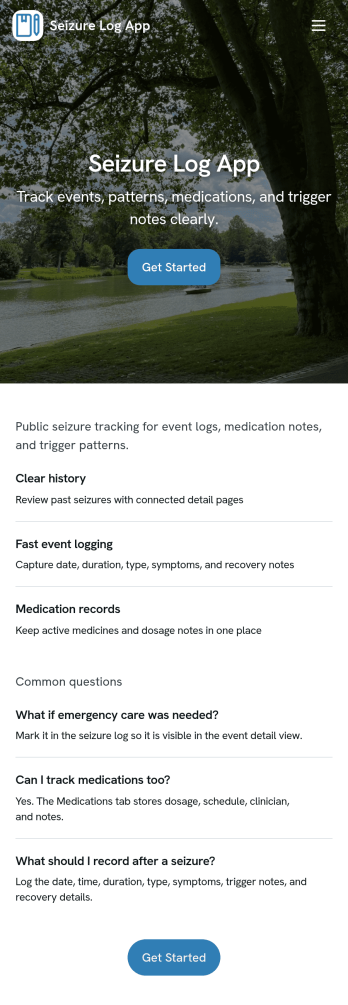
Seizure Log App
Seizure Log App helps people track seizure events over time in a simple, repeatable way so patterns are easier to notice and details are less likely to be forgotten. It works well for individuals managing epilepsy, caregivers logging events for a loved one, and support staff who need a clear record of what happened on a specific date. With a history-style view and a dedicated event page, you can quickly review past entries, open a specific record by date, and capture key context such as event details and recovery notes.Built with Jotform, this app template pairs a no-code app builder with connected forms to support reliable data collection and everyday self-service logging. Customize pages with a drag-and-drop interface, update the wording to match your tracking needs, and publish a mobile-friendly experience you can share privately with family members or care teams. As your workflow evolves, you can keep everything organized by linking the app to your form and using the app as a consistent front end for ongoing records.
Go to Category:Healthcare Apps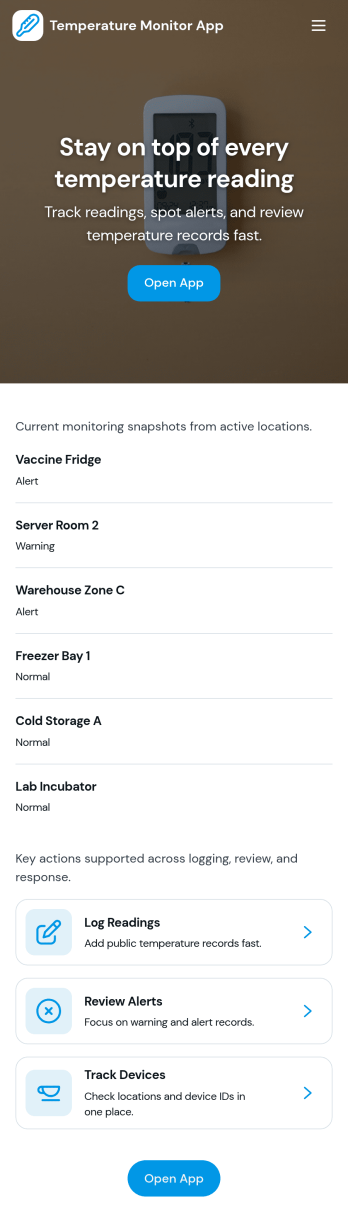
Temperature Monitor App
Temperature Monitor App helps teams record temperature readings, review recent logs by location, and respond quickly when values move outside set thresholds. It fits naturally into day-to-day checks for restaurants and food storage areas, clinics and labs, warehouses, equipment rooms, and facilities teams that need consistent temperature tracking across multiple spaces. With an Add Reading entry point, a Recent Logs view, and a log detail page per location, staff can capture readings on schedule and managers can verify that checks are happening without hunting through paper sheets.Built with Jotform, this app template turns temperature monitoring into a simple self-service workflow you can share by link or QR code. Customize pages with a drag-and-drop interface, connect the reading form to your data collection table, and use the Insights and Alerts pages to keep monitoring visible for the whole team. As your operations grow, Jotform makes it easy to update thresholds, standardize logging across sites, and keep records organized in one place.
Go to Category:Tracker Apps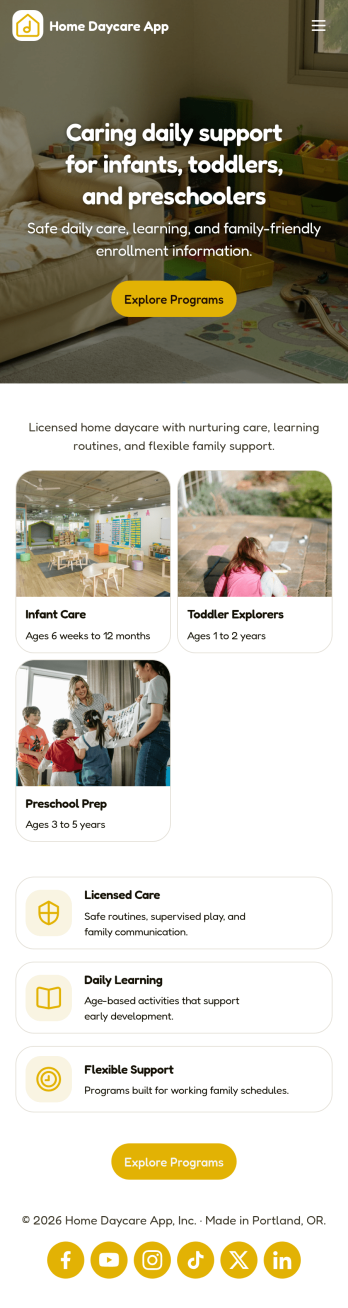
Home Daycare App
A home daycare app helps family daycare providers keep daily care organized in one place, from child profiles to day-to-day updates that matter most to parents and guardians. Use it to maintain a simple roster of children, add new child details as enrollments change, and keep a consistent daily record with attendance, meals, incident reports, and shareable updates. It’s a practical fit for in-home daycare owners, nannies running small groups, and caregivers who want a clearer routine for documenting care without juggling paper notes or scattered messages.Jotform makes it easy to turn your home daycare workflow into a mobile-friendly experience using customizable app templates and a no-code app builder. With a drag-and-drop interface, you can organize pages like your child list and daily care board, connect buttons to forms for fast data collection, and keep information accessible for you or your team. Share your Jotform app by link or QR code, update it anytime, and keep daily operations moving with a workflow that matches how your daycare actually runs.
Go to Category:Education Apps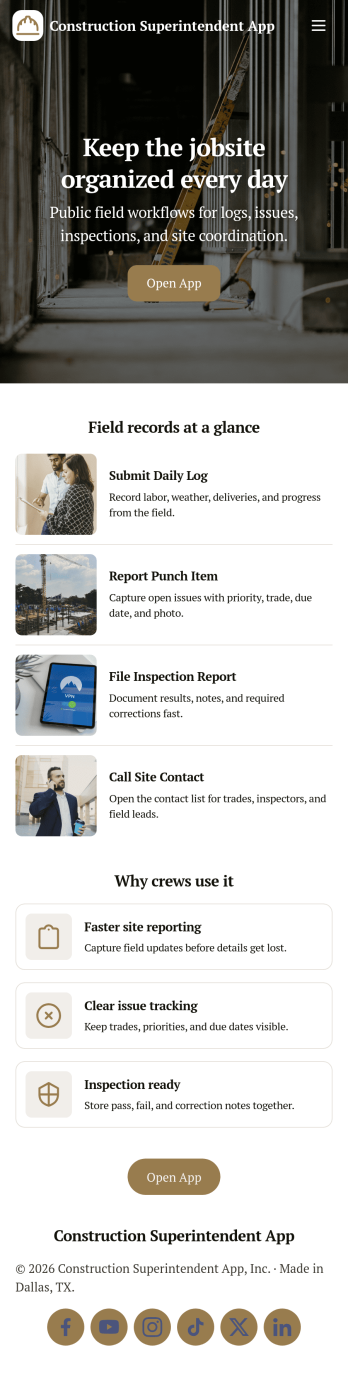
Construction Superintendent App
A construction superintendent app brings your day-to-day site oversight into one place, so you can document progress, stay on top of inspections, and keep issues visible for faster follow-up. This template is built for superintendents, general contractors, and field leads who need a simple way to add daily logs, run inspection checklists, and report jobsite issues from the field while keeping key project details organized.With Jotform, you can turn this app template into a practical self-service workspace for your team using a no-code app builder and a drag-and-drop interface. Connect the app to your data collection forms, route updates into the right workflow, and publish a mobile-friendly experience you can share by link or QR code. Customize pages, branding, and navigation so crews, subs, and office staff always know where to log activity, review open items, and find the right contact information.
Go to Category:Construction Apps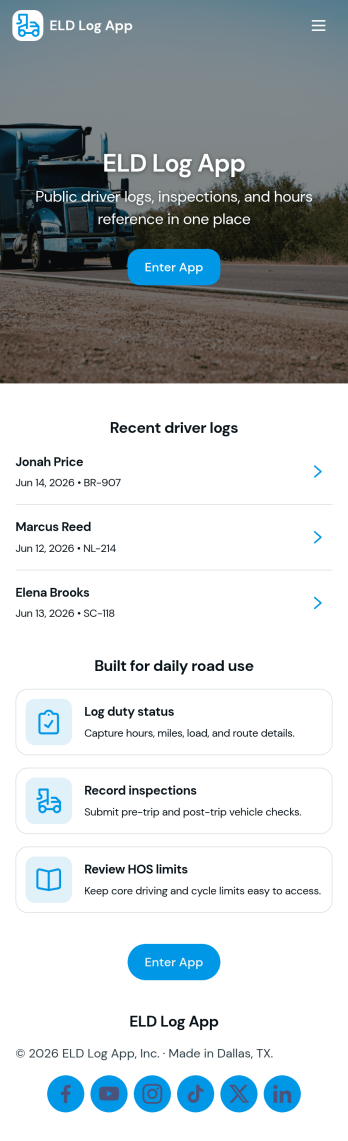
Eld Log App
Eld Log App helps drivers and fleet teams keep daily driving records organized in one place. Use it to add log entries as the day progresses, review Daily Logs by driver, and keep essential vehicle details easy to find. Whether you manage a small delivery fleet, a construction crew with multiple trucks, or an owner-operator operation, this app supports more consistent recordkeeping across shifts and vehicles without relying on scattered notes.Built with Jotform App Templates, Eld Log App can be tailored with Jotform’s no-code app builder and a drag-and-drop interface so your team can navigate logs, vehicles, and reports from a mobile-friendly hub. Connect buttons to forms for data collection, route information to the right workflow, and keep submissions organized behind the scenes so dispatchers and managers can act quickly and drivers can focus on the road.
Go to Category:Transportation Apps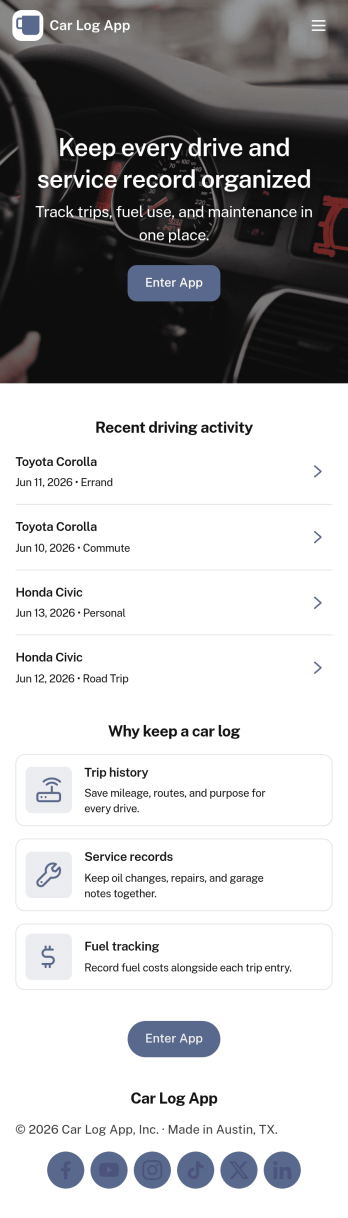
Car Log App
Car Log App helps you keep a clear, organized record of what’s happening with each vehicle you manage, from fuel ups to service history and trip tracking. It’s a practical fit for busy households with multiple cars, small businesses with a few company vehicles, rideshare drivers, or anyone who wants a single place to log vehicle details and review activity by car. With simple navigation across Vehicles, Fuel, Service, and Trips, you can add new entries as they happen and quickly look back at past records when budgeting, planning maintenance, or preparing for a sale.Built with Jotform, this app template makes it easy to turn routine car tracking into a repeatable workflow without technical work. Use Jotform’s no-code app builder and drag-and-drop interface to adjust the layout, connect forms for fast data collection, and keep your logs consistent across vehicles. Share the app link with family members or teammates for self-service updates, and keep everything in one place as your fleet and recordkeeping needs grow.
Go to Category:Automotive Apps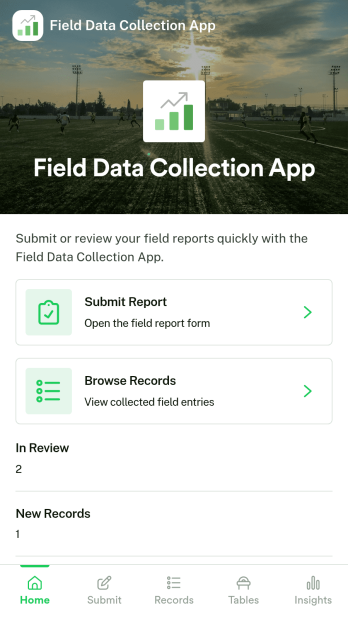
Field Data Collection App
Field Data Collection App helps teams capture consistent on-site information and keep it organized across locations and open items. From a quick New Record entry to a dedicated Sites area and an Issues section for reporting problems, it supports day-to-day work where details are gathered away from the office. It’s a practical fit for operations managers, inspectors, maintenance crews, construction teams, and service organizations that need reliable records tied to specific sites and want an easy way to review what has been logged.Jotform makes it simple to turn this Field Data Collection App into a branded, shareable experience using a no-code app builder and a drag-and-drop interface. Connect pages to your forms and data collection workflow, centralize updates in one place, and publish for self-service access on any device. As your needs change, you can adjust navigation, add new pages, and refine how teams enter and browse records without touching code.
Go to Category:Operations & Logistics Portal Apps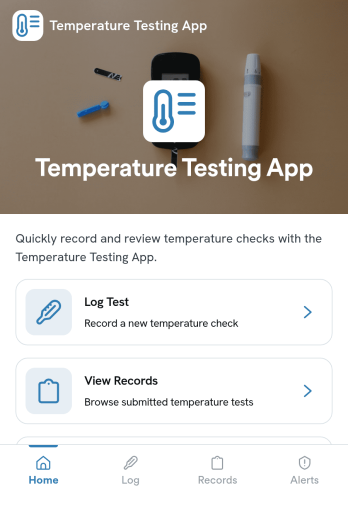
Temperature Testing App
Temperature Testing App helps teams log temperature checks, review past entries, and spot readings that may need follow-up. It’s a practical fit for workplaces that want a consistent way to document routine screening, including offices, warehouses, schools, clinics, gyms, and event teams. Staff can quickly start a new temperature test, revisit their own test submissions, and use the records view to look up entries by person or date when questions come up.With Jotform, you can turn this temperature testing app template into a branded, mobile-friendly experience without coding. Use the no-code app builder and drag-and-drop interface to adjust pages, connect the test form to your data collection workflow, and organize records so supervisors can review alerts and trends in one place. Share the app by link for self-service logging, keep information centralized, and update the process anytime as your screening routine evolves.
Go to Category:Safety Inspection Apps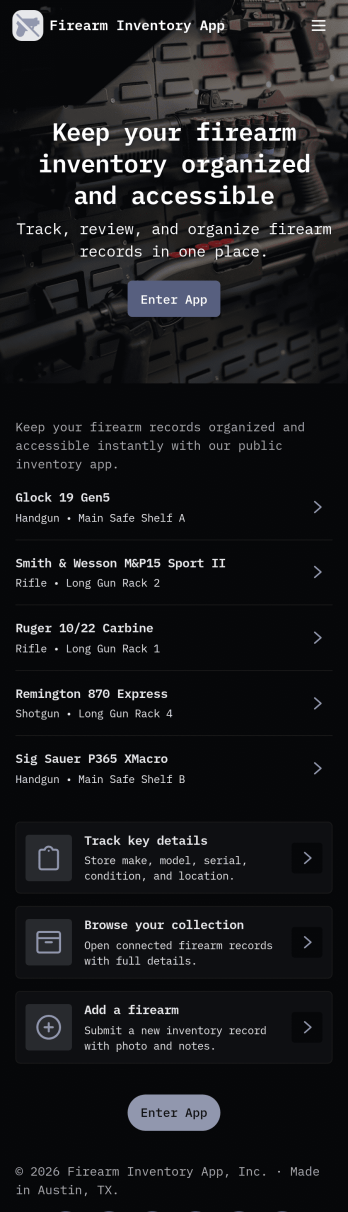
Firearm Inventory App
A firearm inventory app helps organizations and responsible owners keep a clear, searchable record of firearms in one place. This template brings together an inventory list with individual item views, plus guided actions to add new firearms, log maintenance, and record transfers. It’s a practical fit for firearms retailers, ranges, training providers, security teams, and collectors who want consistent tracking across locations, staff, or shared storage and who need to reduce mistakes caused by scattered spreadsheets or paper files.Jotform makes it easy to turn this workflow into a polished self-service experience with App Templates you can publish and share in minutes. Using Jotform’s no-code app builder and drag-and-drop interface, you can adjust pages, reorder navigation, and connect forms and data collection to keep records organized and accessible. As your workflow grows, you can keep everything in sync by updating the underlying data and using connected forms to capture new entries, maintenance logs, and transfer records.
Go to Category:Inventory Apps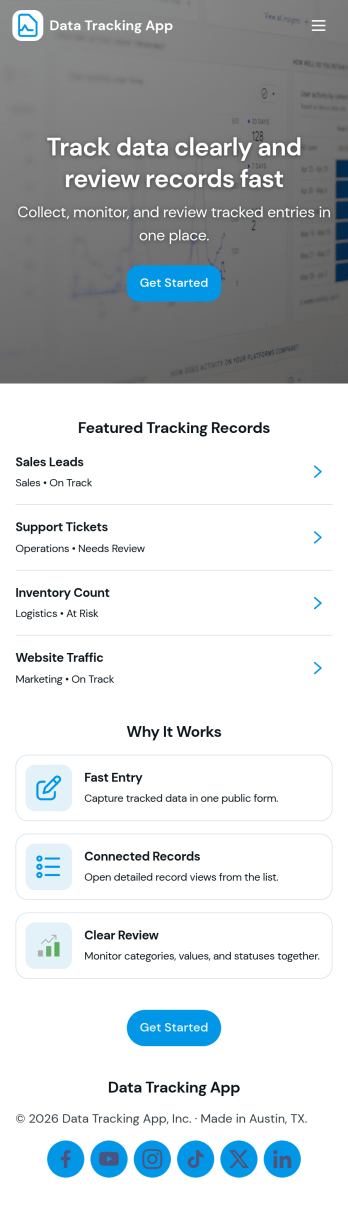
Data Tracking App
Data Tracking App helps teams capture, organize, and review records in one place so nothing gets lost across spreadsheets, chats, or scattered notes. Use it to log recurring operational data such as field updates, inventory counts, customer interactions, project checkpoints, or incident details, then quickly browse what’s been recorded and open individual entries when you need context. With simple navigation for adding a record, viewing recent records, and browsing a full records list, it fits day-to-day work for operations, admin, sales, support, and program teams that rely on consistent data tracking to make decisions.Built with Jotform App Templates, this app template is easy to tailor for your process using a no-code app builder and a drag-and-drop interface. Connect the record form to your data collection workflow, manage entries in a connected table, and share a self-service experience with the right audience through a link or QR code. Jotform makes it simple to keep your tracking flow clear, searchable, and ready for real work as your volume grows.
Go to Category:Tracker Apps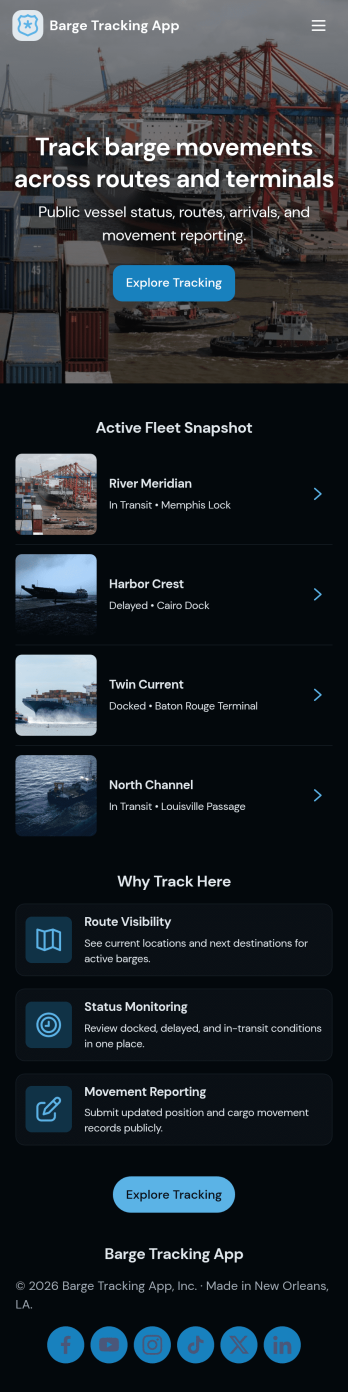
Barge Tracking App
Barge Tracking App brings barge operations into one place so marine transportation teams can see what’s in service, where it’s headed, and what it’s carrying. Use it to maintain an up-to-date barge list, capture movement details as they happen, and reference cargo records without digging through spreadsheets, emails, or paper logs. It’s a practical fit for barge operators, dispatchers, port coordinators, and logistics managers who need a clear view of active routes and load status across multiple vessels.Jotform makes it easy to turn this app template into a working hub with a no-code app builder and a drag-and-drop interface. Connect buttons to forms for fast data collection, organize records in lists for quick lookup, and keep your workflow consistent as your fleet and shipping volume grow. Share your Jotform app through a link or QR code so crews and office staff can update the same tracking experience from anywhere.
Go to Category:Transportation Apps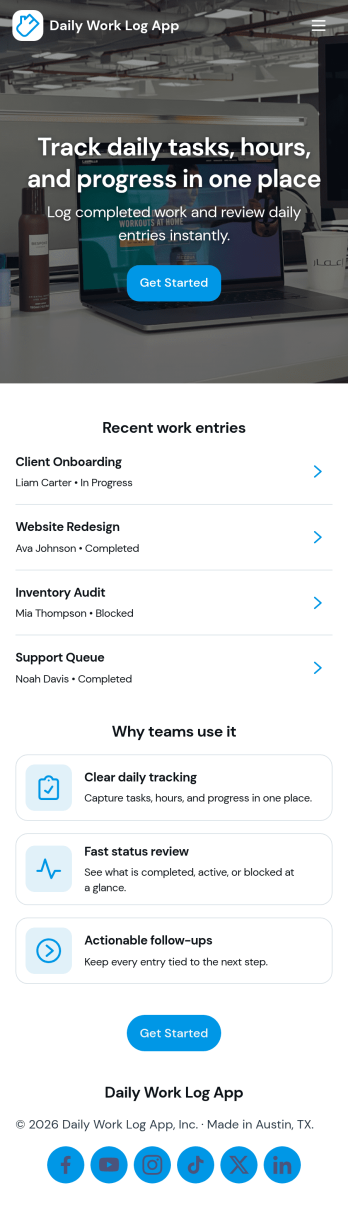
Daily Work Log App
A daily work log app helps individuals and teams capture what got done each day, keep a consistent record of progress, and make it easier to share updates without chasing status messages. Use it to log work by project, review recent entries, and keep an eye on today’s focus so priorities stay visible. It fits teams that bill time, manage client deliverables, run internal projects, or need clear documentation across shifts, including operations, IT, field services, agencies, and remote teams.With Jotform, you can turn this Daily Work Log App into a mobile-friendly self-service experience using an app template and a no-code app builder. Customize the drag-and-drop interface, connect your log form to organized records, and create a simple workflow for collecting updates, browsing entries, and routing task requests. Share the app by link or QR code so everyone can log work consistently and managers can monitor progress in one place.
Go to Category:Log Apps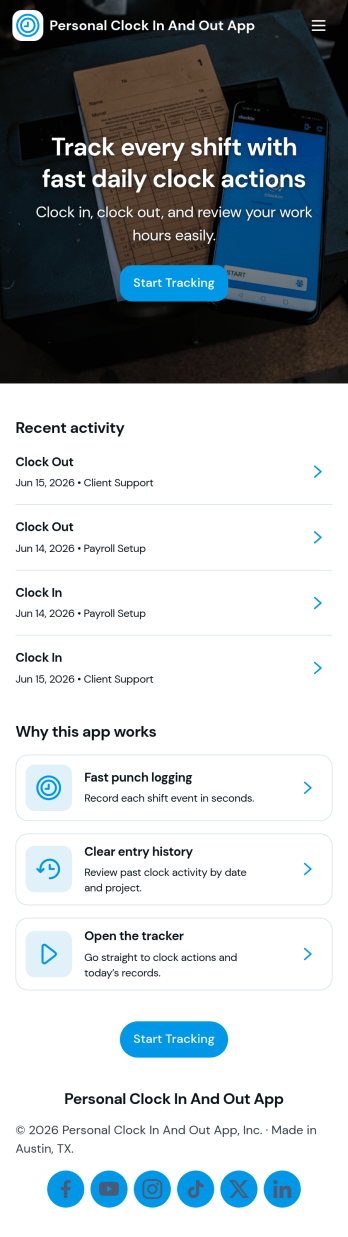
Personal Clock In and Out App
Personal Clock In and Out App helps individuals record start and end times in one place, without relying on paper notes or scattered messages. It’s a practical fit for freelancers, contractors, hourly workers, students with part-time jobs, and anyone who wants a simple daily routine for tracking work time. With quick clock in and clock out actions and an easy way to review history, you can keep a clearer log of your day and spot patterns across today and the week.Jotform makes it easy to turn this idea into a shareable, mobile-friendly experience using App Templates and a no-code app builder with a drag-and-drop interface. Connect the app to forms for consistent data collection, organize entries so your workflow stays tidy, and update the layout anytime as your needs change. Whether you use it as a personal habit or as a lightweight time log for projects, Jotform helps you keep everything accessible from a single link.
Go to Category:Activity Tracking Apps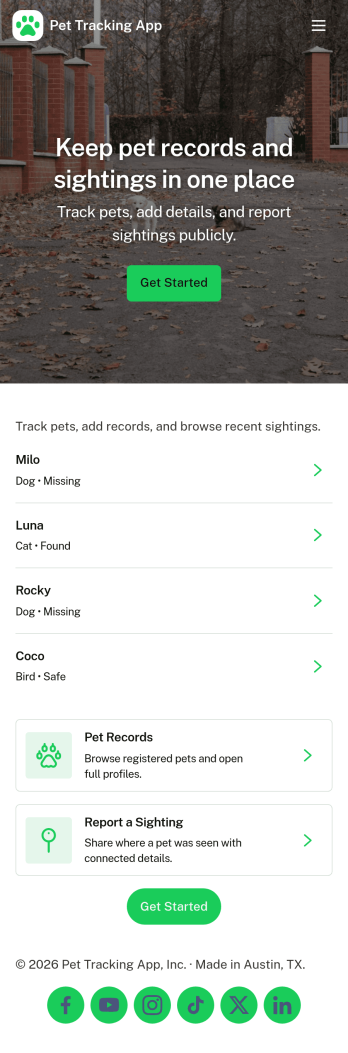
Pet Tracking App
Pet Tracking App helps pet parents and small pet-care teams keep pet profiles and day-to-day care notes organized in one place. Use it to register pets, store key details for each animal, and keep a running history of routines and observations so nothing gets missed when responsibilities are shared.Built with Jotform, this app template combines self-service navigation with connected forms for fast data collection. Customize pages with a drag-and-drop interface, publish a shareable link for your household or staff, and keep records flowing into connected workflows so updates stay easy to capture and review.
Go to Category:Log Apps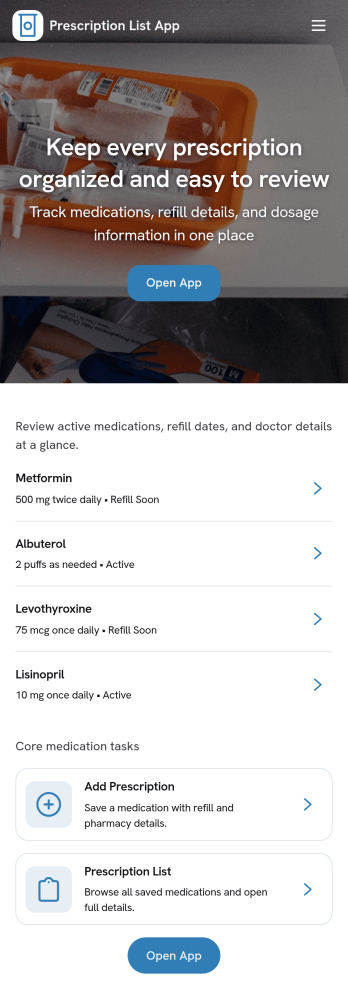
Prescription List App
Prescription List App gives individuals, caregivers, and small clinics a clear way to keep a running list of medications in one place. Use it to quickly review active prescriptions, open a medication summary for each entry, and add new prescriptions as details change over time. It works well for managing routine refills, tracking multiple family members’ medications, and maintaining an up-to-date list to reference during appointments, travel, or pharmacy visits.Built with Jotform App Templates, this app template can be customized in a no-code app builder and published in minutes. Use the drag-and-drop interface to adjust pages, update labels, and connect the Add Prescription flow to your data collection needs so every new entry is organized consistently. You can also share the app as a self-service experience for patients or internal staff, keeping medication records easy to find and simple to update as your workflow evolves.
Go to Category:Healthcare Apps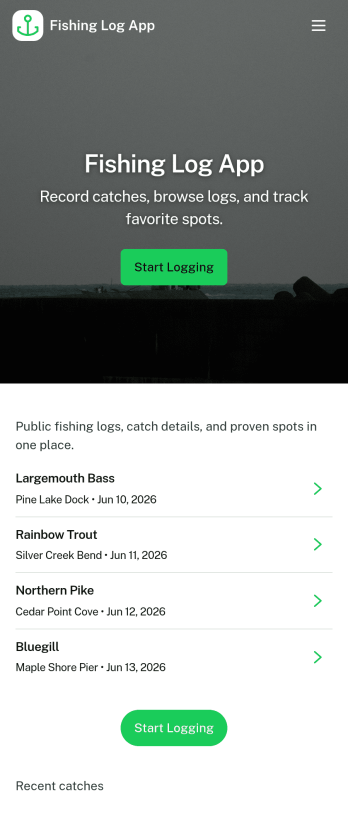
Fishing Log App
Fishing Log App helps anglers record catches and build a personal history of fishing trips they can revisit anytime. Use it to log a catch right after you land it, keep your gear checklist handy before heading out, and review your logs later when you want to remember what worked. It’s a practical fit for weekend fishers, guides, fishing clubs, and families who want one place to track patterns, favorite spots, and day-to-day results without relying on scattered notes.With Jotform, you can turn this fishing log into a shareable self-service app experience using a no-code app builder and a drag-and-drop interface. Connect the app to forms for data collection, organize entries so they’re easy to browse, and support lightweight workflows like quick logging and ongoing recordkeeping. Publish the app and share it by link so your logs stay accessible wherever you fish.
Go to Category:Log Apps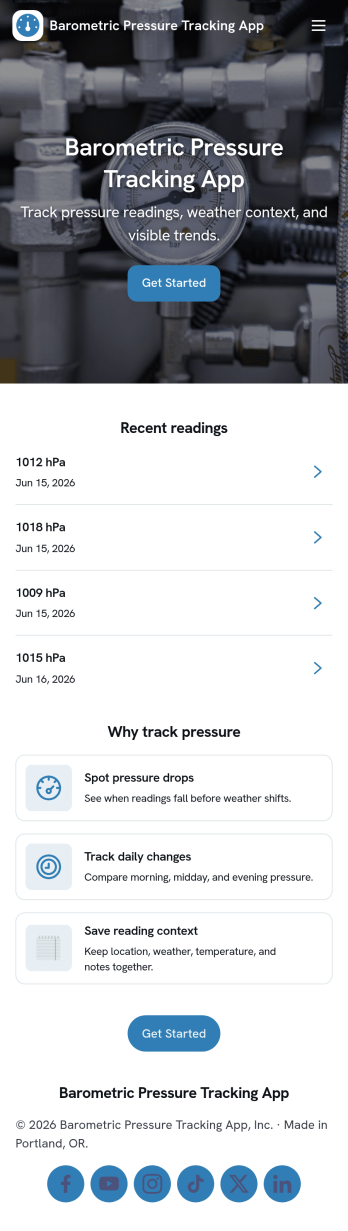
Barometric Pressure Tracking App
Barometric Pressure Tracking App helps you log and review barometric pressure readings over time so patterns are easier to spot and daily conditions are easier to compare. It’s a practical fit for weather enthusiasts, outdoor teams, pilots in training, facility managers monitoring building conditions, and anyone who wants a simple place to record measurements by date. With an in-app button to add a reading and list views for all readings and your own entries, this app keeps tracking consistent without relying on scattered notes or multiple tools.Jotform makes it easy to publish and share app templates like this using a no-code app builder with a drag-and-drop interface. Connect the app to a form and organize entries in one place, then share a link so others can contribute readings or check recent history. As your workflow evolves, you can tailor pages, update the layout, and control who can access the data collection experience, all without writing code.
Go to Category:Activity Tracking Apps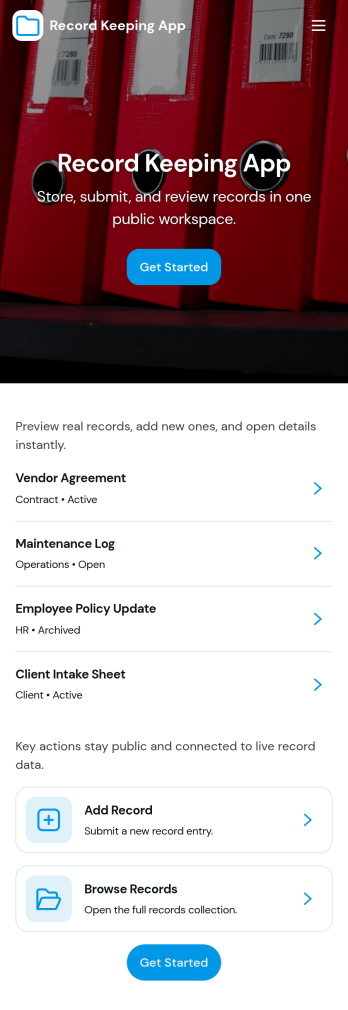
Record Keeping App
Record Keeping App helps teams and individuals capture, organize, and reference important records in one place, without relying on scattered notes or disconnected files. Use it to add new records through a simple entry form, browse record lists when you need a quick lookup, and open a summary view for a high-level snapshot. It fits many day-to-day scenarios such as tracking client interactions, documenting service activities, logging internal decisions, maintaining asset histories, or keeping project notes that need to be searchable later.Built with Jotform, this app template combines self-service access with flexible data collection so your records stay consistent over time. Customize pages and navigation with a drag-and-drop interface, connect the record form to a table view for easier review, and share the app with the right people using a link. With Jotform’s no-code app builder, you can keep your record workflow organized, reduce manual follow-ups, and make it easier to find the latest information from any device.
Go to Category:Log Apps