

Report App Templates

Safety App
Safety App brings incident reporting, safety resources, and an incident log into one place so teams can respond faster and keep everyone informed. Use it at construction sites, warehouses, offices, schools, events, or in the field to capture hazards, near misses, and other concerns as they happen. With quick navigation to report an issue, review recent reports, and check key details like status and contact information, it supports safety managers, supervisors, HR, and operations teams who need a clear, repeatable way to collect updates and follow up.Built with Jotform, this app template helps you publish a mobile-friendly self-service experience without coding. Customize pages, rearrange sections with a drag-and-drop interface, and connect the built-in report form and lists to your workflow so data collection stays consistent across locations. Share the app by link or QR code, keep reporting organized, and give your team a simple hub for submitting new reports and finding safety resources in minutes.
Go to Category:Safety Inspection Apps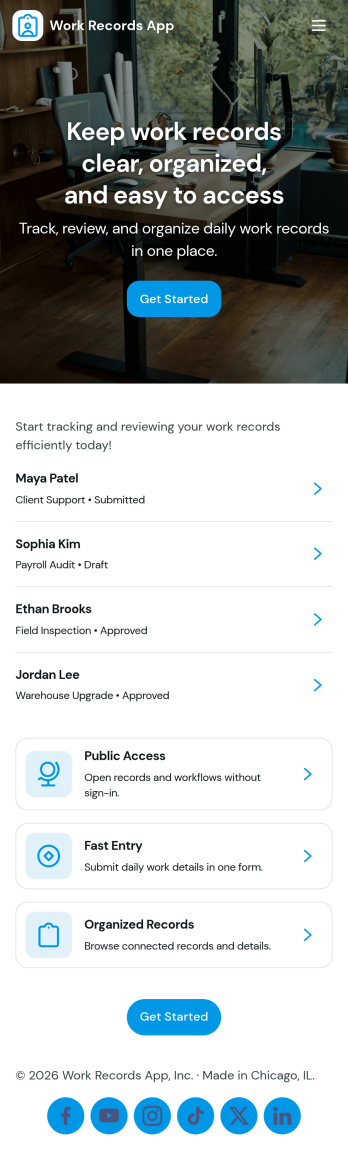
Work Records App
Work Records App helps teams capture daily work details and keep a reliable record of what was done, when, and by whom. With a simple way to log work, browse records, and review submission history, it fits field services, operations teams, construction crews, IT and facilities departments, and any organization that needs consistent documentation across shifts or job sites. Use it to reduce missed updates, standardize reporting, and make it easier for supervisors to check progress without chasing people for notes.Built with Jotform App Templates, this app template is easy to tailor for your workflow using a no-code app builder and a drag-and-drop interface. Connect your work log form to the app for fast data collection, then share a single self-service link with employees so they can add work records and view what’s already been reported. As your process evolves, you can update pages, refine fields, and keep your workflow organized without relying on developers.
Go to Category:Log Apps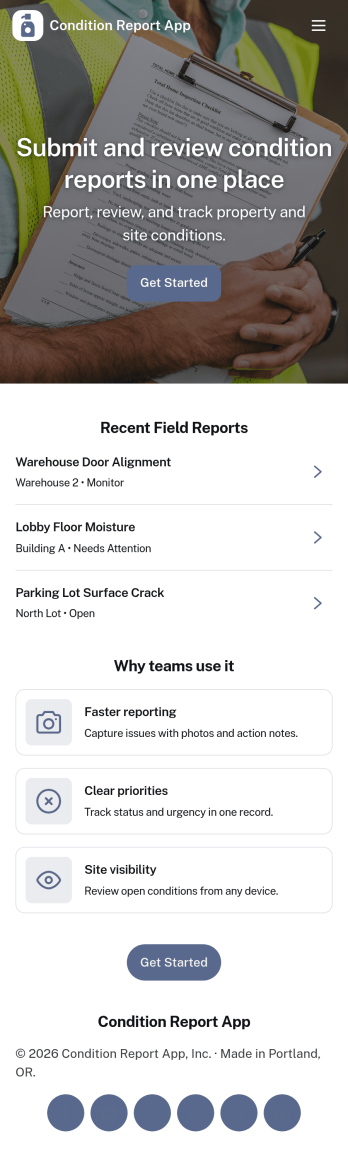
Condition Report App
Condition Report App helps teams and service providers capture condition details the moment an issue is noticed, then organize everything into a searchable list of reports. Staff can start a new report from a prominent button, submit follow-up reports when needed, and browse previously logged entries from a dedicated reports area. This works well for facilities, rentals, construction sites, property management, and field operations where consistent documentation supports faster decisions and clearer handoffs.With Jotform, you can turn this app template into a branded self-service experience using a no-code app builder and a drag-and-drop interface. Connect the in-app buttons to your form for reliable data collection, route information into the workflow you prefer, and keep teams aligned with simple navigation between report creation and report browsing. Share the app by link or QR code so people can report from anywhere, and update the layout anytime without writing code.
Go to Category:Inspection Apps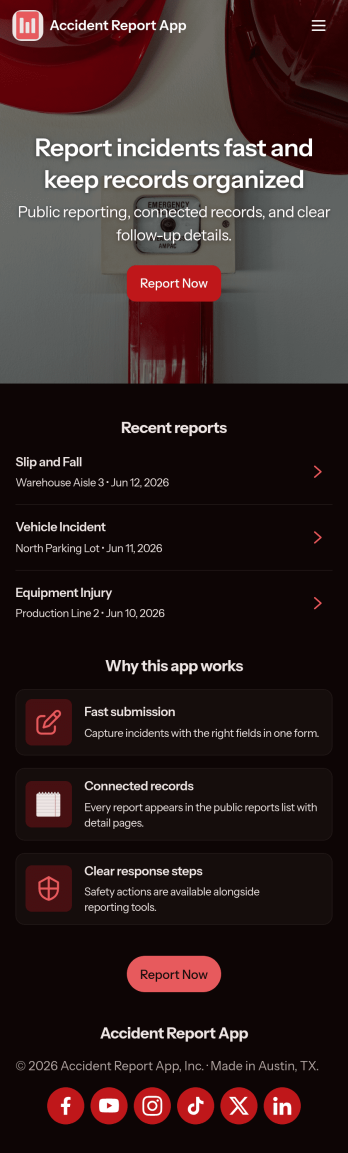
Accident Report App
Accident Report App helps organizations document incidents quickly and consistently, so teams can capture what happened, where it happened, and who was involved without chasing details later. It fits workplaces, job sites, schools, events, and public-facing locations that need a simple way to record accidents and near misses, route reports to the right people, and keep a clear timeline for follow-up. Use it to support internal reporting, reduce lost information, and improve response habits across departments and shifts.With Jotform, you can turn this app template into a branded, mobile-friendly experience using a no-code app builder and a drag-and-drop interface. Publish the app in minutes, connect it to your data collection workflow, and keep reports organized for review and action. Jotform makes self-service reporting easy to share with staff or visitors through a link or QR code, while giving your team a central place to manage updates.
Go to Category:Safety Inspection Apps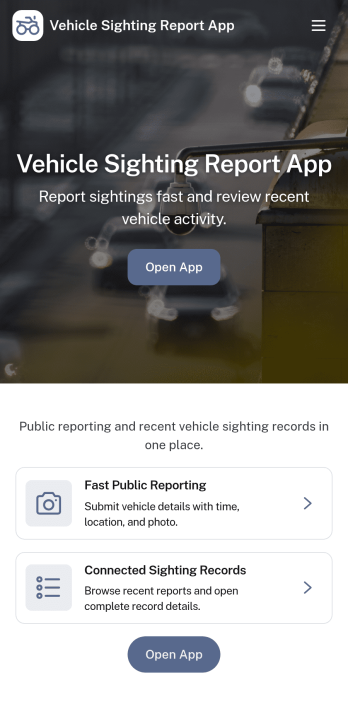
Vehicle Sighting Report App
Vehicle Sighting Report App helps teams and communities capture and review vehicle sighting details in one place. It’s suited for operations groups, property managers, security staff, logistics teams, neighborhood programs, and event organizers who need a simple way to report a sighting, browse recent sightings, and keep personal records through a My submissions view. Whether you’re documenting vehicles seen on a route, around a facility, or near a venue, this app supports faster reporting and clearer follow-up when details matter.Built with Jotform App Templates, this app template can be customized with a no-code app builder and a drag-and-drop interface to match your reporting workflow. Connect the report form to the app so people can submit sightings from their phones, then share the app by link or QR code for quick self-service access. With Jotform, you can organize incoming data collection in a structured way, keep sighting records easy to find, and adapt the experience as your workflow evolves.
Go to Category:Transportation Apps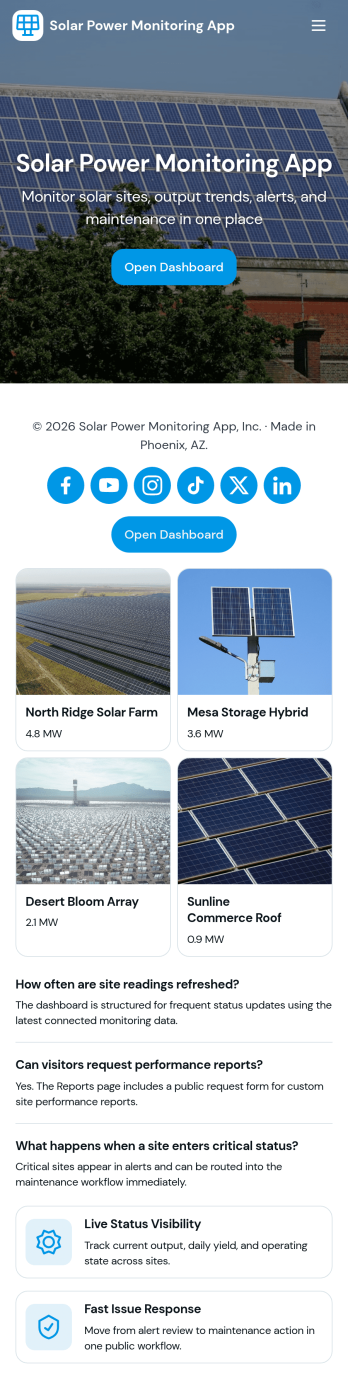
Solar Power Monitoring App
Solar Power Monitoring App helps you track solar energy production across one or more sites, spot issues early, and keep a clear history of performance over time. It brings together production insights, alert reporting, and maintenance follow-ups so solar installers, facility teams, property managers, and operations leads can monitor systems without juggling spreadsheets or scattered notes. Use it to log new readings, review monitoring records by site, and keep personal views of your own monitoring and alerts so responsibility stays clear across the team.Built with Jotform, this app template can be tailored in a no-code app builder using a drag-and-drop interface, so you can match the layout and data collection to your solar workflow. Connect the app to tables for centralized records, link buttons to forms for fast logging and reporting, and share a self-service experience with technicians or stakeholders using a simple link. As your monitoring process grows, you can expand pages, refine views, and keep everyone working from the same up-to-date system.
Go to Category:Engineering Apps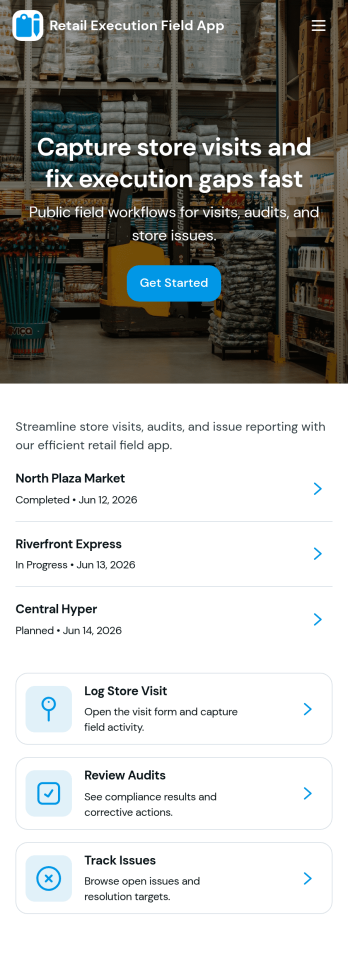
Retail Execution Field App
Retail Execution Field App helps field teams plan store visits, record in-store activity, and keep retail execution consistent across locations. It supports route-based work with today’s routes, quick creation of a new visit, and an audit log that keeps a clear history of what happened at each stop. Use it for merchandising checks, display verification, promo compliance, competitive notes, and coaching moments that need to be captured while teams are on the floor.With Jotform App Templates, you can turn these workflows into a mobile-friendly self-service experience without coding. Build and customize your Retail Execution Field App using Jotform’s no-code app builder and drag-and-drop interface, then connect it to forms and tables for reliable data collection and visibility. Share the app by link or QR code, route records to the right people, and keep teams aligned with a workflow that’s easy to update as your retail program changes.
Go to Category:Retail Apps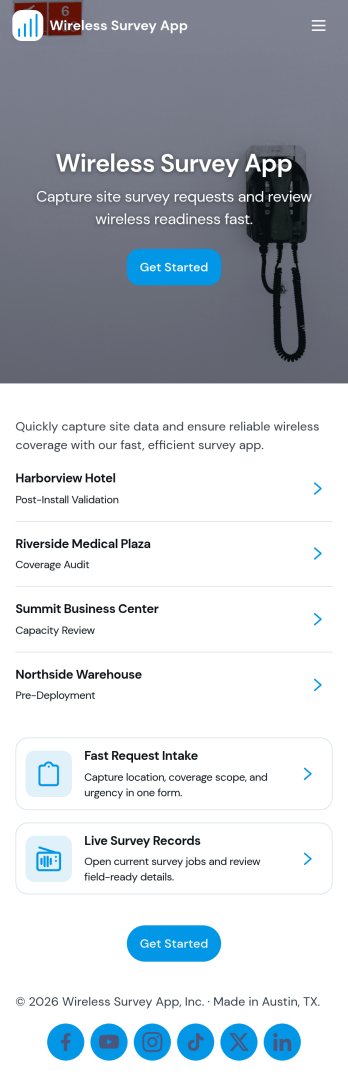
Wireless Survey App
Wireless Survey App helps you run surveys in the field without slowing people down. Use it to launch a survey from a single start screen, collect feedback at events or pop-up locations, and support teams doing on-site research across multiple locations. The built-in responses area makes it easy to review respondent entries in a simple list, open an individual record, and keep conversations focused on what was captured. When you need a quick pulse check, the fast checks section gives you a lightweight way to guide users to the right action and keep participation moving.Jotform makes it simple to turn this use case into a polished, shareable experience with App Templates and a no-code app builder. Customize the layout with a drag-and-drop interface, connect your survey form, and centralize data collection so results are easier to access and act on. Share the app by link or QR code, update pages anytime, and keep your workflow consistent as your survey needs grow.
Go to Category:Quiz Apps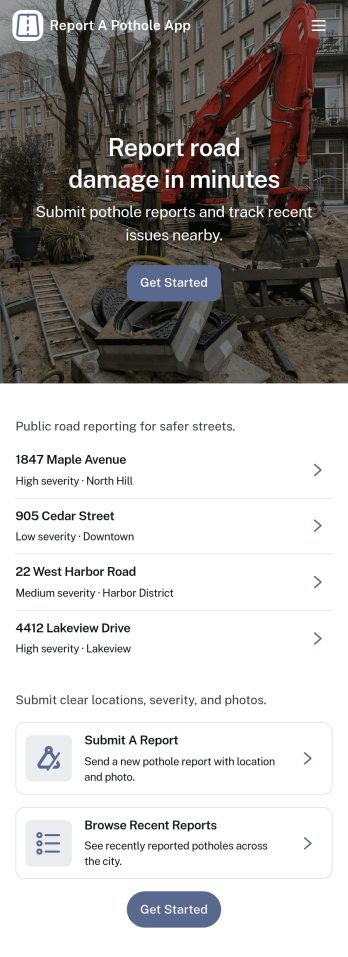
Report a Pothole App
Report a Pothole App gives residents and field teams a clear, mobile-friendly way to flag road hazards and keep visibility high from first report to follow-up. With a simple reporting entry point, a hotspots view for spotting repeat problem areas, and a personal space for reviewing past reports, it helps turn scattered calls and emails into organized, location-based requests that are easier to triage.Built with Jotform, this app template can be tailored to match your process without coding, whether you manage a city street department, a campus, an HOA, or a property portfolio. Use Jotform’s no-code app builder and drag-and-drop interface to adjust pages, add guidance text, and connect the reporting form to your workflow for data collection, routing, and self-service access through a shareable link.
Go to Category:Transportation Apps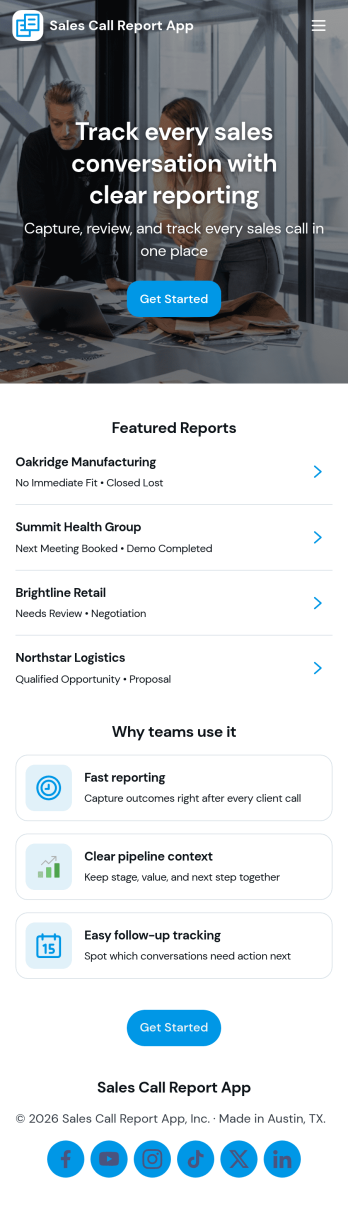
Sales Call Report App
Sales Call Report App helps sales teams capture consistent call notes, outcomes, and next steps in one place, so follow-ups don’t slip through the cracks. Reps can quickly log a call, review prior reports by company, and keep an eye on upcoming follow-ups while managers get a clearer picture of activity across the pipeline. It’s a practical fit for account executives, SDR teams, sales managers, and consultants who need a repeatable way to document conversations and turn updates into actionable next moves.Jotform makes it easy to turn this sales call reporting workflow into a polished, shareable experience with no-code app templates and a drag-and-drop interface. Connect the app to your forms and data collection, organize call reports into browsable lists, and add an Insights view to spot patterns over time. Publish with a link for quick self-service use on mobile, and update fields, pages, and branding as your sales process evolves.
Go to Category:Sales & Marketing Portal Apps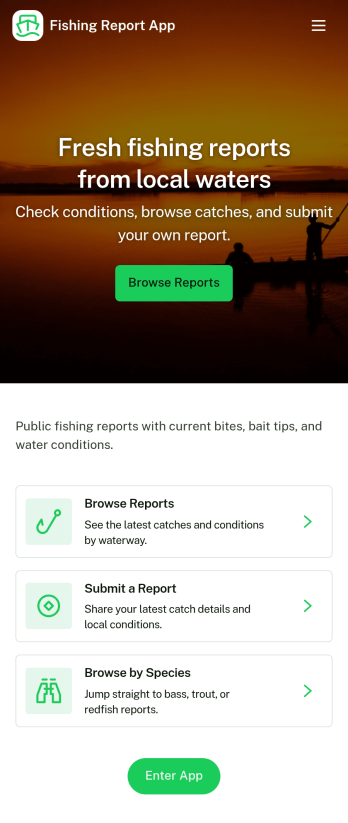
Fishing Report App
A fishing report app gives anglers and fishing guides a simple way to capture what happened on the water and share it with a team or community. With this template, you can collect new reports through a dedicated Submit Report area, review Recent Reports, and open entries to see details, making it easier to compare conditions and outcomes across trips. It works well for charter operations logging daily results, clubs tracking member catches, tackle shops gathering local intel, or friends coordinating weekend plans based on what’s biting.Jotform makes it easy to turn this fishing report app template into a polished, shareable experience using a no-code app builder and a drag-and-drop interface. Connect the app to your data collection form, organize entries into a browsable history list, and surface patterns through an Insights page without extra complexity. When you’re ready, publish and share the app with a link so others can submit reports, check history, and make faster decisions from a single self-service hub.
Go to Category:Report Apps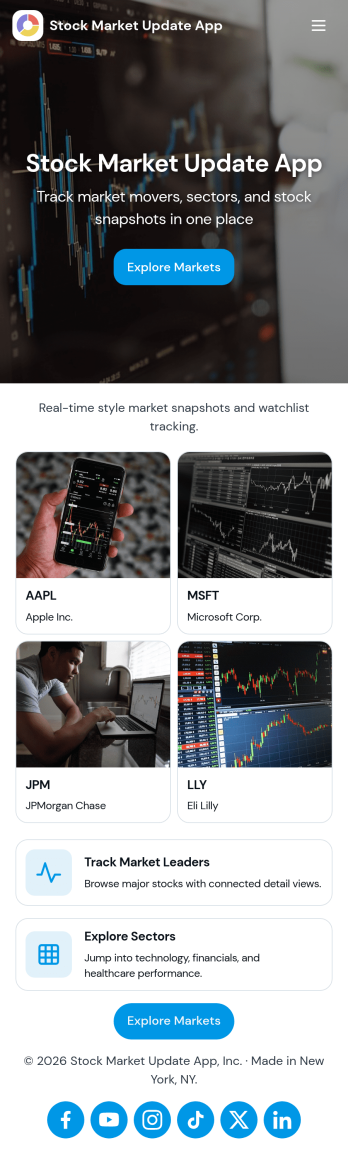
Stock Market Update App
Stock Market Update App gives teams and individuals a simple way to view market highlights, follow specific companies, and keep an eye on timely changes from one place. With dedicated areas for markets, company-focused browsing, and alerts, it works well for analysts, advisors, finance educators, investing clubs, and content teams who need a repeatable way to publish updates and guide viewers to the latest information without clutter.Jotform makes it easy to turn this experience into a branded, shareable app using an app template and a no-code app builder. Use the drag-and-drop interface to adjust pages, cards, and navigation, connect dashboards and forms for structured data collection, and keep your workflow organized as your update cadence grows. Share your Jotform app through a link or QR code so your audience can access market insights and alerts on desktop or mobile.
Go to Category:Finance Apps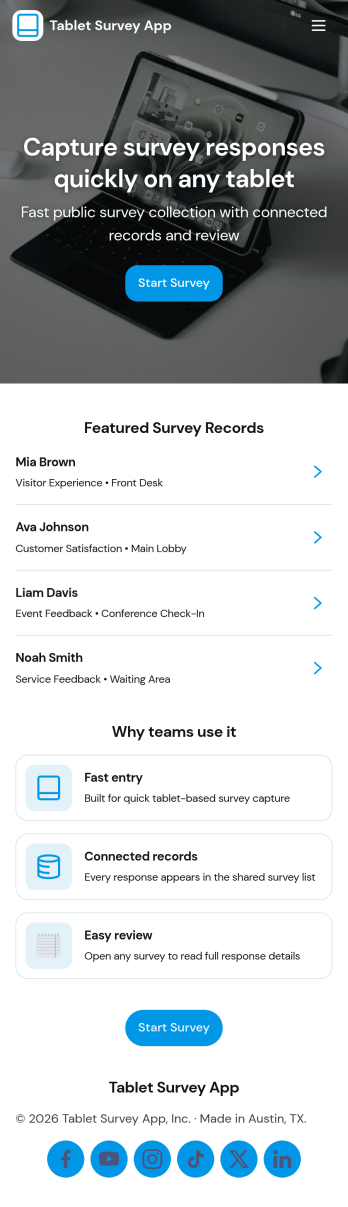
Tablet Survey App
A tablet survey app gives you a simple, guided way to collect feedback on a shared device in places like retail stores, clinics, hotels, events, and front desks. With this experience, staff can quickly launch a survey from a clear Start Survey button, then return later to review recent responses and open individual entries when needed. It works well for customer satisfaction check-ins, post-appointment feedback, in-store experience ratings, and on-site research where speed and consistency matter.Built with Jotform App Templates, this tablet-ready experience can be created and updated using a no-code app builder and a drag-and-drop interface, so you can adjust questions, pages, and branding without technical work. Connect the survey to Jotform data collection, keep responses organized for quick viewing, and use the built-in insights view to spot patterns over time. Share the app through a link or QR code to standardize how your team captures feedback anywhere.
Go to Category:Quiz Apps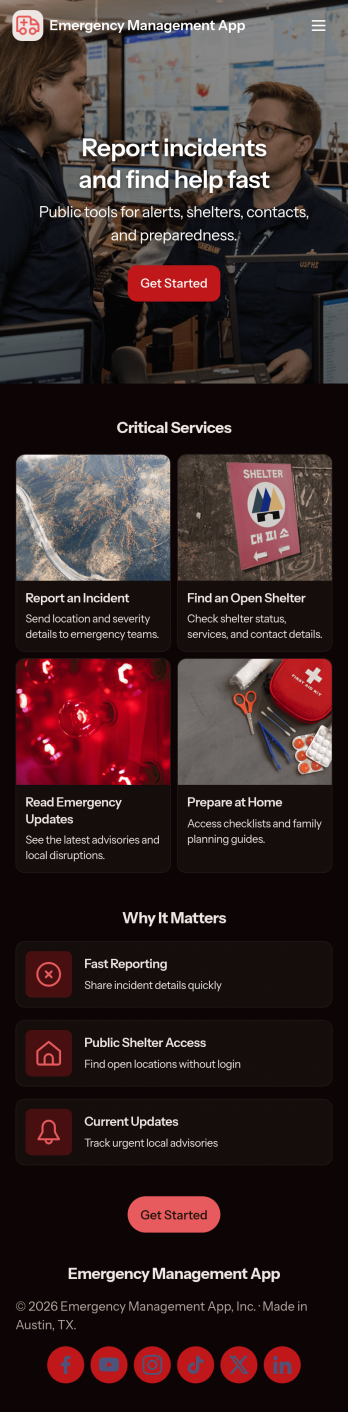
Emergency Management App
Emergency Management App brings incident reporting, response coordination, and essential reference materials into one place so teams can act quickly when something goes wrong. Use it to capture incident details from staff in the field, route information to a response center for review, and maintain a living set of resources people can access during disruptions. It fits workplaces, campuses, events, property managers, nonprofits, and operations teams that need a consistent way to document what happened, prioritize next steps, and reduce confusion in high-pressure moments.Built with Jotform App Templates, this Emergency Management App can be customized in a no-code app builder with a drag-and-drop interface to match your organization’s workflow. Connect the app to your Jotform forms for data collection, organize entries for quick follow-up, and share a self-service experience by link or QR code so the right people can submit reports, monitor updates, and find guidance from any device.
Go to Category:Safety Inspection Apps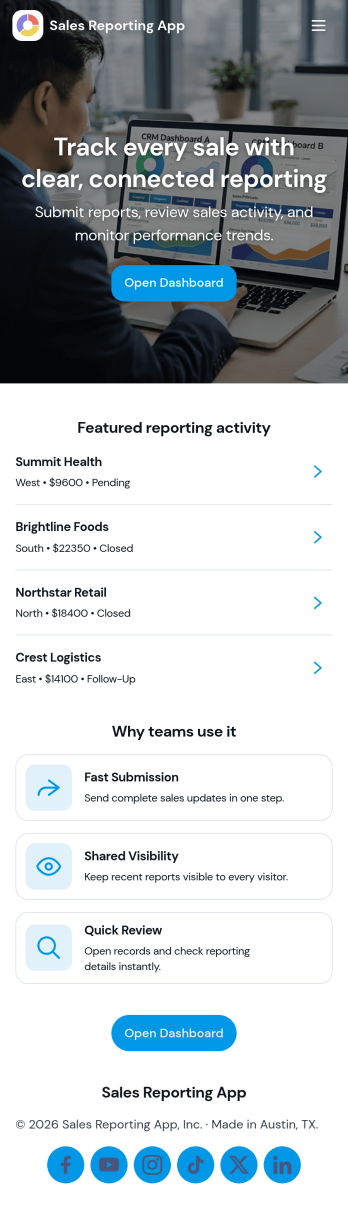
Sales Reporting App
Sales Reporting App gives teams a central place to capture sales activity and turn it into easy-to-review reporting. With clear paths to Submit Sales, View Records, and open a personal My Sales area, it supports consistent data collection and helps keep individual reps and managers aligned. Use it to standardize how wins are logged, reduce missed updates, and make weekly or monthly reporting less dependent on spreadsheets and scattered notes.Built with Jotform app templates, this experience can be customized in a no-code app builder using a drag-and-drop interface that’s simple to maintain as your process evolves. Connect the app to your form and records to keep entries organized, add a KPI-style insight page for quick performance check-ins, and share the app as a self-service destination for your sales team so everyone knows where to submit updates and where to find the latest numbers.
Go to Category:Sales & Marketing Portal Apps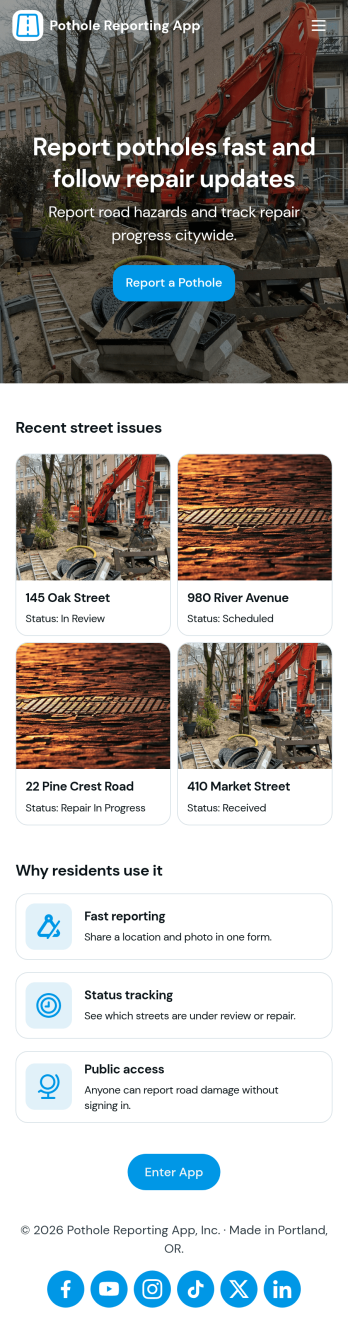
Pothole Reporting App
Pothole Reporting App helps residents, property teams, and public works staff capture road damage details quickly and keep every report organized in one place. Use it to submit a new pothole report with the location information, then follow up later without hunting through emails or phone logs. With clear navigation to report, track, and review updates, this app fits municipalities, HOAs, campuses, and private communities that need a simple way to collect actionable reports and reduce duplicate requests.Jotform makes it easy to build and publish app templates like Pothole Reporting App with a no-code app builder and a drag-and-drop interface. Connect your app to forms and tables for reliable data collection, make self-service tracking available through shared links, and keep teams aligned with a workflow that turns incoming reports into organized records you can review and manage over time.
Go to Category:Report Apps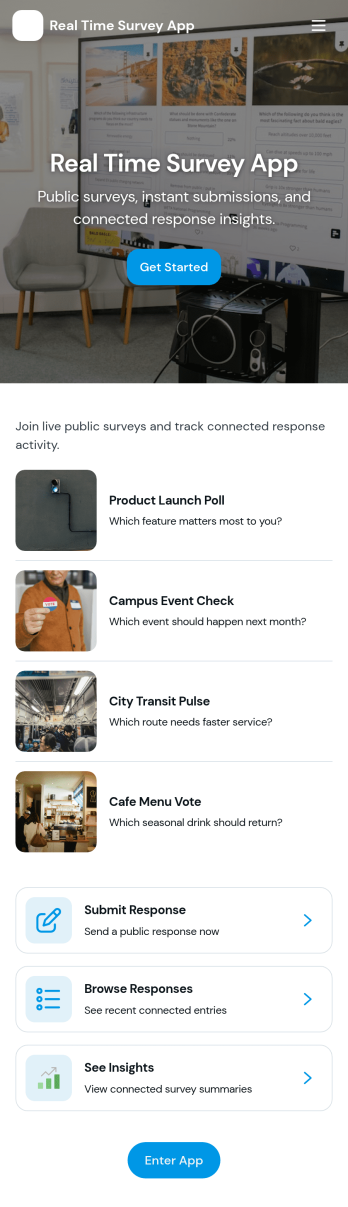
Real Time Survey App
Real Time Survey App helps you run live, in-the-moment surveys and immediately review incoming feedback in one place. It’s a practical fit for event organizers collecting attendee reactions, customer experience teams capturing on-site sentiment, trainers checking understanding during sessions, and managers running pulse checks across shifts or locations. With clear entry points to start a survey and view responses, it supports quick participation for respondents and fast visibility for the people acting on results.Jotform makes it easy to build and publish app experiences like this using a no-code app builder and a drag-and-drop interface, so you can adapt your survey flow without technical work. Connect the app to your survey form for fast data collection, keep responses organized, and share the app link anywhere you need real-time self-service feedback, whether that’s on a kiosk, on mobile devices, or in a team channel for rapid follow-up.
Go to Category:Quiz Apps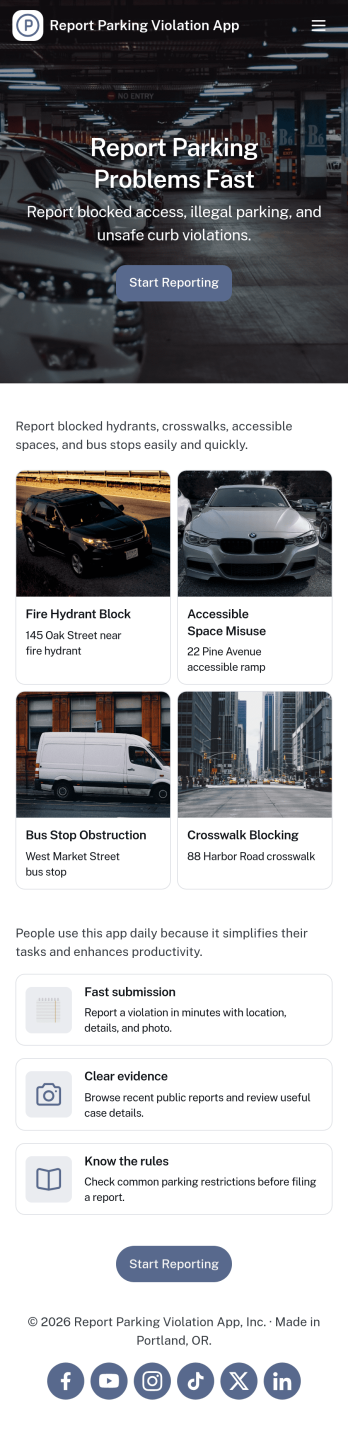
Report Parking Violation App
Report Parking Violation App helps communities and teams capture parking violation reports in a clear, consistent way, without relying on phone calls or scattered messages. It gives people a simple place to submit a new report, choose a violation type, and provide key details such as the location and vehicle involved. It’s a practical fit for property managers, HOA boards, campus operations, security teams, and municipal departments that need an organized intake process for recurring parking issues.Built with Jotform App Templates, this app template turns your reporting workflow into a shareable, self-service experience. Customize pages with a drag-and-drop interface, connect the reporting form to your data collection process, and surface recent reports so staff can review what’s coming in at a glance. With Jotform’s no-code app builder, you can publish quickly, adjust the flow as policies change, and keep parking-related reporting accessible on any device.
Go to Category:Report Apps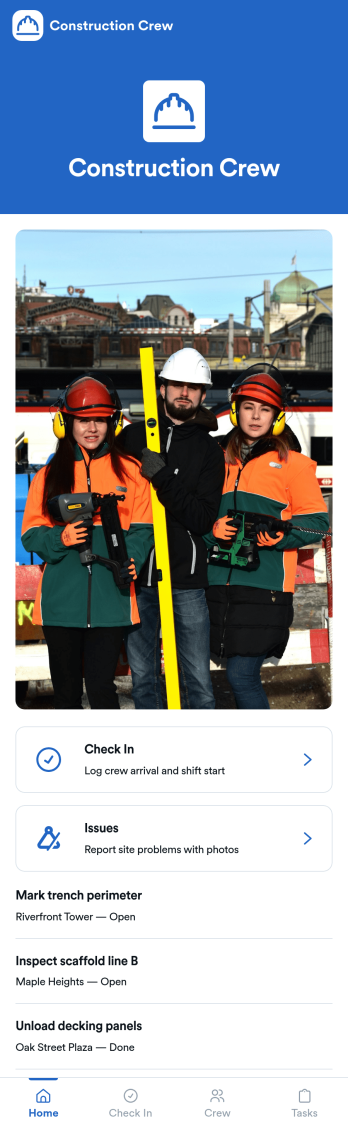
Construction Crew App
Construction Crew App gives jobsite teams a simple way to record daily activity and surface on-site problems without relying on scattered texts or paper notes. Crew members can add check-ins, review check-in entries in a list, and quickly submit site issue reports, making it easier for supervisors and office staff to understand what happened on a shift, who was on site, and what needs attention next. It fits construction companies managing multiple crews, subcontractors who need a consistent routine, and foremen who want one place for task visibility and issue reporting.Built with Jotform, this app template can be tailored in a no-code app builder using a drag-and-drop interface, so you can match it to your crew’s workflow in minutes. Connect the buttons to your forms and keep information organized in linked lists, then share the app by link or QR code for fast self-service access on mobile. As check-ins and issue reports come in, your team gets cleaner data collection and a more reliable workflow for day-to-day site operations.
Go to Category:Construction Apps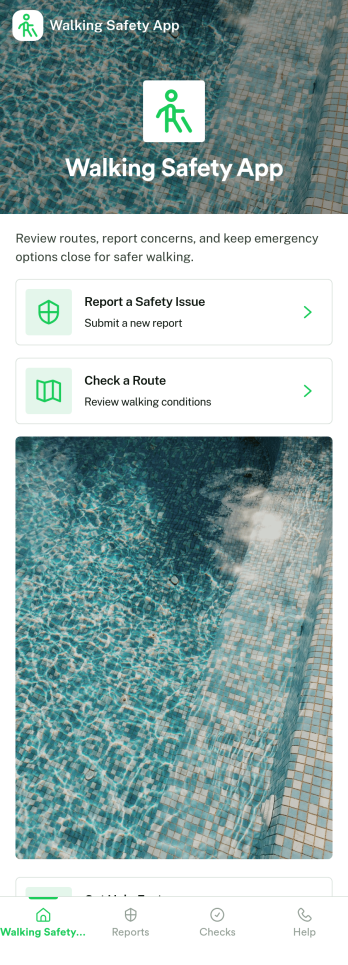
Walking Safety App
Walking Safety App helps communities and organizations collect hazard reports, guide people toward safer routes, and keep a searchable history of past reports in one place. It’s a practical fit for campuses, property managers, local advocacy groups, event organizers, and municipal teams that want a simple way for pedestrians to flag issues like poor lighting, broken sidewalks, unsafe crossings, or other concerns while they’re out walking.Built with Jotform, this app template pairs a clean, mobile-friendly experience with connected data collection, so people can submit new hazards and teams can review patterns over time. Use Jotform’s no-code app builder and drag-and-drop interface to tailor pages, update route guidance content, and organize records behind the scenes. Share the app by link or QR code to support fast self-service reporting and a more responsive safety workflow.
Go to Category:Community & Engagement Portal Apps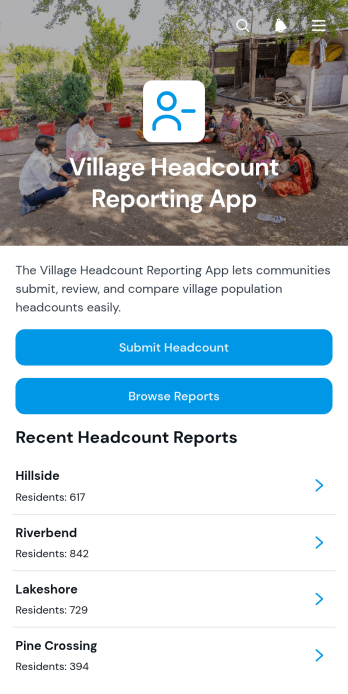
Village Headcount Reporting App
The Village Headcount Reporting App helps community coordinators, local administrators, field teams, and nonprofit program staff collect and review population counts across villages. Users can submit a headcount report, browse reports by village, and view key figures such as total residents and households. Keeping these records in one accessible location reduces scattered paperwork, supports consistent data collection, and gives authorized teams a clearer picture of the communities they serve. It is useful for periodic population updates, outreach planning, resource allocation, household surveys, and community development programs.With Jotform, this app template can be adapted to match an organization’s reporting process without writing code. The no-code app builder offers a drag-and-drop interface for updating pages, navigation, forms, and visual elements. Teams can connect submitted records to organized tables, create notifications around their workflow, and provide mobile-friendly self-service access for field personnel. After customizing the Village Headcount Reporting App, users can publish it through a direct link, personalized app URL, QR code, or embedded experience, making reports easier to submit and review from almost any device.
Go to Category:Report Apps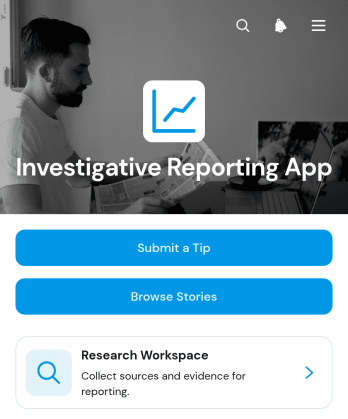
Investigative Reporting App
The Investigative Reporting App gives newsrooms, independent journalists, research teams, nonprofit investigators, and editorial organizations a central place to receive tips and develop stories. Contributors can submit leads, while authorized team members can browse story records, document sources, log evidence, and review publication status. By connecting intake with an organized research workspace, this app template reduces scattered records and helps teams maintain a clearer path from an initial tip to a developed report. It is especially useful for investigations involving multiple contributors, extensive research, or stories progressing through several editorial stages.Jotform makes this Investigative Reporting App easy to adapt without coding. Use the drag-and-drop app builder to update pages, navigation, colors, fonts, and branding, then connect forms and tables that support data collection and editorial workflows. Teams can publish a mobile-friendly experience and share it through a direct link or QR code. Jotform App Templates also make it simple to add approvals, notifications, and other connected processes as reporting needs evolve, creating a practical destination for tip intake, research organization, and team collaboration.
Go to Category:Report Apps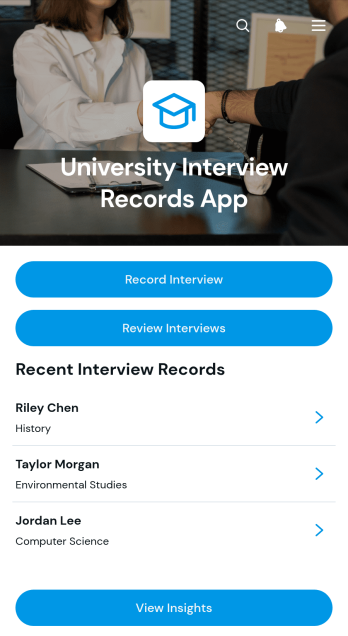
University Interview Records App
The University Interview Records App is an app template for recording, reviewing, and organizing candidate interviews across university admissions, recruitment, scholarship, or departmental selection processes. Admissions officers, faculty interviewers, hiring committees, and program coordinators can capture interview findings, browse candidate records, review recommendations, monitor follow-up activity, and view interview insights from one accessible location. By keeping notes and decisions connected to each candidate, teams gain clearer visibility, reduce scattered documentation, and support more consistent evaluations throughout the selection process.Jotform helps universities adapt this App Template without writing code. Its drag-and-drop App Builder makes it easy to adjust pages, navigation, colors, fonts, and branding while maintaining a polished, mobile-friendly experience. Teams can connect forms, tables, notifications, approvals, and other workflow steps to support data collection and internal collaboration. Once customized, the University Interview Records App can be shared through a direct link for convenient access by authorized interviewers and coordinators, creating a practical self-service resource for recording and reviewing interview information.
Go to Category:Education Apps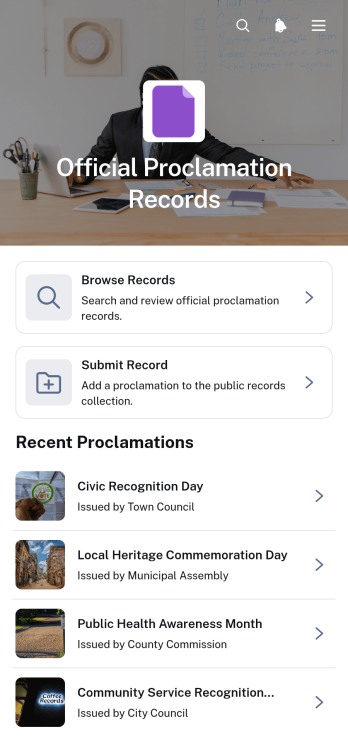
Official Proclamation Records App
The Official Proclamation Records App is a centralized resource for submitting, reviewing, and browsing official proclamation records. It suits municipal offices, public agencies, administrative teams, civic organizations, and records staff that need to make proclamations easier to collect and reference. Users can submit a proclamation through a connected form, browse organized records, and open individual entries for key details such as the issuing body, proclamation date, summary, and full text. By bringing intake and public access into one experience, the app reduces scattered files, supports consistent recordkeeping, and helps staff respond more quickly to information requests.Jotform App Templates make it simple to adapt this app template to an organization’s record management workflow. With Jotform’s no-code app builder and drag-and-drop interface, teams can update pages, navigation, branding, and content without programming. Connected forms support data collection, while tables and approval workflows can help staff organize submissions and review new records before sharing them. The finished app can be published through a direct link, custom app URL, embedded experience, or QR code, giving staff and community members convenient mobile-friendly self-service access.
Go to Category:Legal Apps