

Report App Templates

Real Estate Appraisal App
Real Estate Appraisal App brings property details, appraisal requests, and intake information into one place so appraisal teams can stay organized from first contact to final review. It works well for independent appraisers, valuation departments, and real estate offices that manage multiple properties at once and need a consistent way to capture new property data, log appraisal work, and keep each record easy to find. With dedicated sections for Properties and Appraisals, plus an Intake area for incoming requests, the app supports clearer handoffs and reduces the risk of missing key property facts when workloads increase.Jotform makes it easy to publish and tailor app templates like this Real Estate Appraisal App using a no-code app builder and a drag-and-drop interface. Connect the in-app buttons to forms for data collection, display records in lists, and review information in Jotform Tables to keep your workflow moving without extra tools. Share the app with your team through a link so everyone can submit new properties, add new appraisals, and follow progress in a self-service experience that fits your process.
Go to Category:Real Estate Apps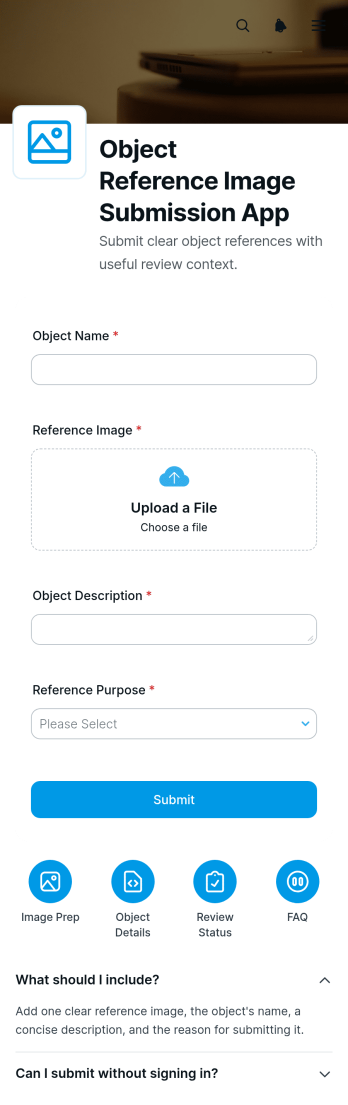
Object Reference Image Submission App
The Object Reference Image Submission App gives teams a dedicated place to receive photos that show an object’s appearance, condition, dimensions, features, or surrounding context. Its guided pages, expandable instructions, and connected submission form help contributors understand what to photograph and send images with relevant details. Creative studios, contractors, repair teams, inspectors, educators, product teams, and field service businesses can use it when visual references are needed for estimates, assessments, planning, identification, or project discussions. Centralizing image collection reduces unclear requests, scattered attachments, and missing context while giving staff a more consistent starting point for review.Jotform App Templates make it easy to adapt this app template to an organization’s process without writing code. With Jotform’s no-code app builder and drag-and-drop interface, teams can update pages, arrange resource navigation, revise instructions, and connect data collection to related workflows. The finished app can be shared through a direct link or QR code for convenient self-service access on phones, tablets, and computers. Organizations can also apply their own visual style and connect collected information with tables, notifications, approvals, and other operational tools, creating a practical experience for contributors and reviewers alike.
Go to Category:Report Apps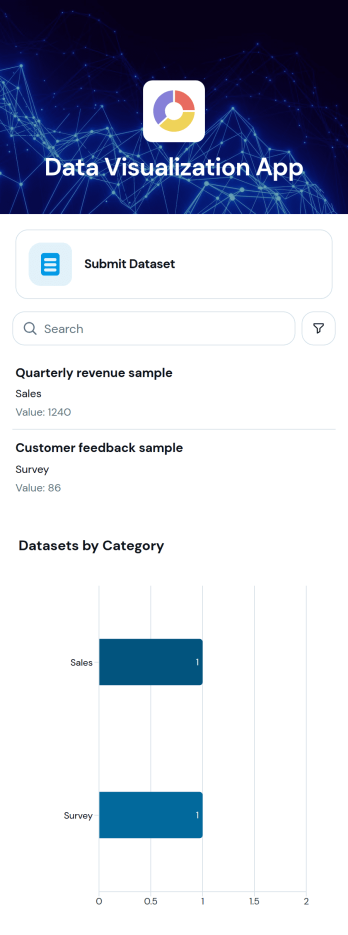
Data Visualization App
The Data Visualization App template presents datasets in a clear, browsable experience for analysts, operations teams, consultants, educators, and organizations that need to make recorded information easier to understand. Users can review a dataset list, compare datasets through a category chart, and open individual records to view names and values. It works well for performance reporting, research summaries, operational reviews, program monitoring, and internal information sharing. By bringing key figures and supporting details into one accessible location, the app reduces reliance on scattered files and helps users identify patterns, compare categories, and communicate findings.Jotform makes this app template easy to adapt with a no-code app builder and a flexible drag-and-drop interface. Add branded pages, adjust navigation, connect forms for data collection, and organize related resources without writing code. Teams can link the app to tables and workflows, publish updates from a central workspace, and provide convenient self-service access on mobile or desktop devices. Jotform App Templates also support direct links, QR code sharing, and embedded experiences, helping organizations turn reporting processes into polished interactive resources.
Go to Category:Report Apps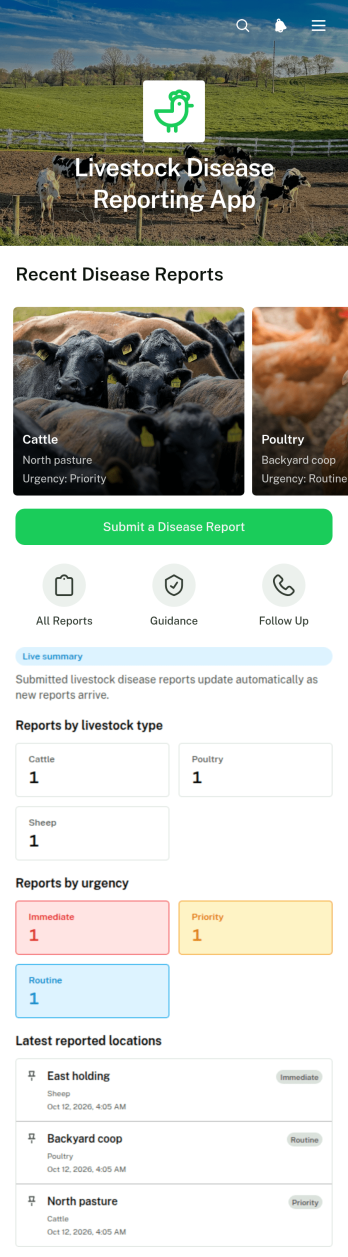
Livestock Disease Reporting App
Livestock Disease Reporting App is an app template for documenting suspected illness across farms, ranches, livestock facilities, and field operations. Farmers, animal handlers, veterinarians, farm managers, and animal health teams can use it to submit disease reports, capture essential observations, and review reported cases from one accessible location. Reports can record the livestock type, observed symptoms, location, urgency, and reporter details, while supporting evidence helps teams assess each situation. Clear response guidance encourages users to separate affected animals, record further observations, and contact veterinary support when needed. This organized data collection workflow can reduce incomplete reports, improve visibility, and help responsible teams prioritize follow-up.Jotform makes this Livestock Disease Reporting App easy to adapt with a no-code app builder and an intuitive drag-and-drop interface. Customize pages, navigation, colors, fonts, and branding, then connect forms and tables to support reporting and record management. Jotform App Templates can also be shared through a direct link or QR code, giving field teams convenient mobile access without requiring them to build a system from scratch. Notifications and connected workflows can help route new information to the appropriate staff, while centralized self-service access keeps reporting instructions and case details readily available.
Go to Category:Veterinary Apps
Monthly Performance Dashboard App
The Monthly Performance Dashboard App is an app template for managers, team leads, department heads, consultants, and small to medium-sized businesses that need a consistent way to monitor results each month. It brings recurring performance reporting into one accessible location where users can add monthly performance entries, compare recorded results with target values, and review previous records. Teams can use it to follow operational metrics, sales outcomes, service results, project indicators, or departmental goals without relying on scattered documents. Clear access to current values and targets helps stakeholders identify gaps, prepare review meetings, and keep performance discussions grounded in recorded data.Jotform Apps makes this template easy to adapt with a no-code app builder and a drag-and-drop interface. Organizations can customize pages, navigation, colors, and branding while connecting forms, tables, approvals, and other workflow resources. The app can support ongoing data collection and self-service reporting through a mobile-friendly experience, then be shared by a direct link, QR code, or embedded page. Starting with Jotform App Templates reduces setup time while giving teams the flexibility to refine the dashboard as reporting needs evolve.
Go to Category:Report Apps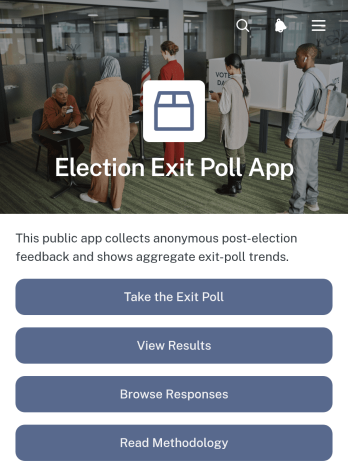
Election Exit Poll App
The Election Exit Poll App is a ready-to-use feedback experience for election administrators, civic organizations, research teams, academic institutions, and newsrooms seeking to understand voters’ experiences after they cast their ballots. Participants can take an exit poll, while authorized teams can browse responses, compare feedback by voting location, review summarized results, and explain the research methodology. It is well suited to local elections, campus elections, association votes, and civic research projects that measure satisfaction, willingness to recommend voting, age ranges, and location-based trends without focusing on ballot choices. Bringing participation and result access into one app helps teams replace scattered survey links with a clear and accessible process.Jotform makes this app template easy to adapt with a no-code app builder and a flexible drag-and-drop interface. Teams can update questions, reorganize pages, adjust branding, connect collected data to tables and workflows, and control how results or individual responses are presented. Jotform App Templates also support convenient sharing through direct links and QR codes, helping field teams invite participation on mobile devices. Customize the Election Exit Poll App to support self-service access, centralized data collection, timely notifications, and a polished experience for respondents and project stakeholders.
Go to Category:Report Apps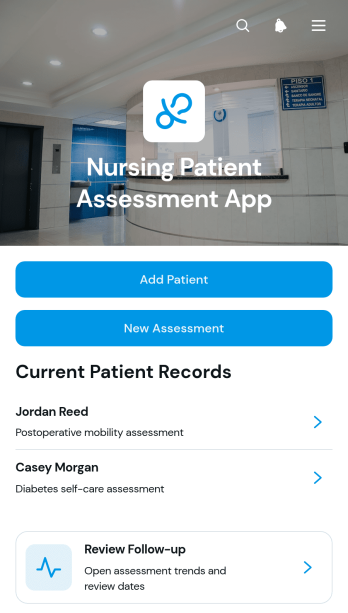
Nursing Patient Assessment App
Nursing Patient Assessment App gives nurses and clinical care teams a central place to add patients, complete new assessments, review records, and monitor follow-up needs. It is suitable for hospitals, clinics, residential care settings, home care providers, and other healthcare organizations that need a consistent assessment process. Staff can reference essential patient details, document factors such as pain and mobility, and check upcoming review dates without navigating disconnected resources. By bringing assessment activity and patient information into one accessible experience, the app supports clearer handoffs, more consistent documentation, and better visibility across daily care operations.Jotform app templates help organizations turn routine processes into convenient digital experiences without writing code. Using Jotform’s no-code app builder and drag-and-drop interface, teams can customize the Nursing Patient Assessment App with branded pages, connected forms, navigation cards, and workflow resources. Collected data can be organized through connected tables, while notifications and approval steps can support timely action. Publish the finished app through a direct link or QR code so authorized staff can access assessment tools from a phone, tablet, or computer.
Go to Category:Healthcare Apps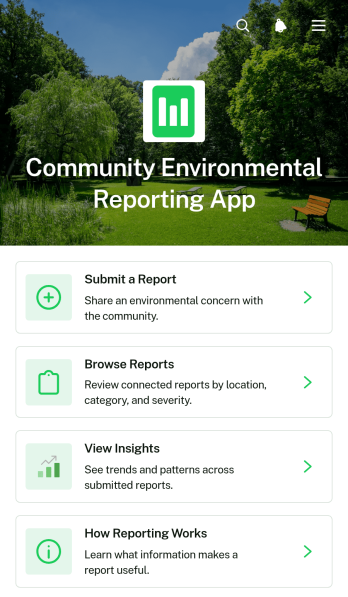
Community Environmental Reporting App
Community Environmental Reporting App is an app template for residents, neighborhood groups, nonprofits, schools, and local teams that want a shared place to document environmental concerns. People can submit observations, browse existing reports, and view insights that reveal recurring issues or affected areas. Report pages provide useful context such as category, location, status, and an account of what was observed, while reporting guidance encourages clear details and supporting photos. This organized approach helps communities replace scattered messages with accessible records, improve awareness, and support informed follow-up.Jotform App Templates make it easy to turn this Community Environmental Reporting App into a branded reporting resource without writing code. Use the no-code app builder and drag-and-drop interface to adjust pages, navigation, colors, fonts, and visual elements for your community initiative. Connect forms to data collection and workflow tools, organize submitted information, and give users convenient self-service access from phones, tablets, or computers. Once customized, the app can be published and shared through a direct link, QR code, or embedded experience, helping teams collect observations and make environmental information easier to explore.
Go to Category:Report Apps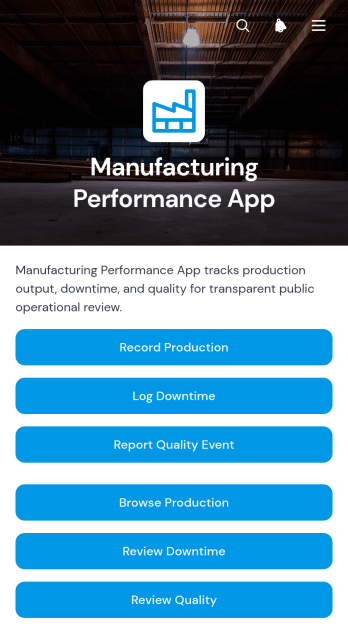
Manufacturing Performance App
The Manufacturing Performance App gives production managers, plant supervisors, quality teams, and line operators a shared place to record and review factory performance. Teams can capture production results, log downtime, and report quality events from a single mobile-friendly experience. Production line records make it easier to assess output, availability, performance, and quality, while downtime details help teams identify recurring interruptions by duration and category. Quality reports also provide visibility into defects and severity. This app template suits manufacturing facilities seeking clearer shift records, faster issue reporting, and more consistent data collection across production lines.With Jotform Apps, organizations can adapt this app template to their operational needs without writing code. The drag-and-drop app builder makes it simple to update pages, navigation, buttons, visual styling, and connected forms while keeping key manufacturing workflows together. Teams can connect records to tables, notifications, approvals, and other processes, then share the finished app through a direct link or QR code. Use Jotform App Templates to create a branded self-service resource that supports timely reporting, organized performance reviews, and informed production decisions from almost any device.
Go to Category:Engineering Apps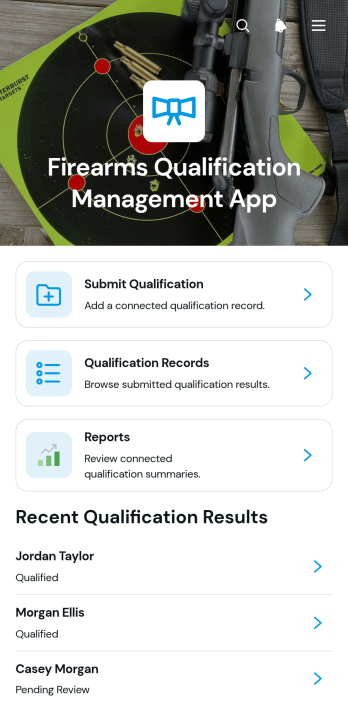
Firearms Qualification Management App
The Firearms Qualification Management App is an app template for training coordinators, range supervisors, instructors, and public safety teams that need a central place to document firearms qualification activity. Users can submit qualification results, review individual records, and access consolidated reports without relying on scattered files or manual logs. It supports recurring training programs where administrators need clearer record visibility, quicker follow-up, and a consistent data collection process for each participant. Organized navigation helps authorized team members locate qualification histories and review submitted details when planning training or assessing completion status.Jotform makes this app template easy to adapt with a no-code app builder and a flexible drag-and-drop interface. Teams can adjust pages, branding, navigation, and connected forms to reflect their terminology and operational workflow. Qualification submissions can feed organized tables, support notifications, and provide current information for reporting. Publish the finished app with a direct link or QR code so instructors and administrators can access it from phones, tablets, or computers. Jotform App Templates help organizations create a practical self-service resource while keeping intake, records, and reporting connected in one mobile-friendly experience.
Go to Category:Safety and Compliance Apps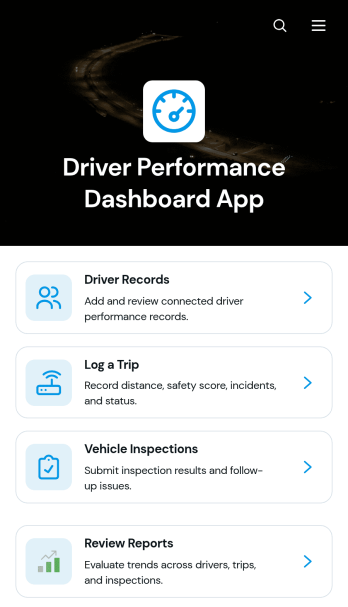
Driver Performance Dashboard App
Driver Performance Dashboard App gives fleet managers, dispatch teams, transportation companies, and field service operators one place to review driver activity and support safer, more accountable operations. Teams can maintain driver records, log trips, monitor distance and safety scores, record incidents, and check trip status without relying on scattered documents. Vehicle inspection records and follow-up actions help supervisors identify issues that may require attention, while consolidated reports make it easier to compare performance and prepare coaching conversations. This app template is especially useful for small and midsize fleets seeking clearer oversight of drivers, vehicles, trips, and inspections.Jotform App Templates help teams turn recurring processes into accessible digital experiences without writing code. Customize this Driver Performance Dashboard App with the no-code app builder and its drag-and-drop interface, then adjust pages, navigation, colors, fonts, and branding to match your operation. Connected forms support data collection for new drivers, trips, and inspections, while organized records help keep each workflow accessible. Share the finished app through a direct link or QR code so authorized team members can open it from a phone, tablet, or computer. Jotform also makes it easy to connect app activity with tables, notifications, approvals, and other operational processes.
Go to Category:Fleet Tracker Apps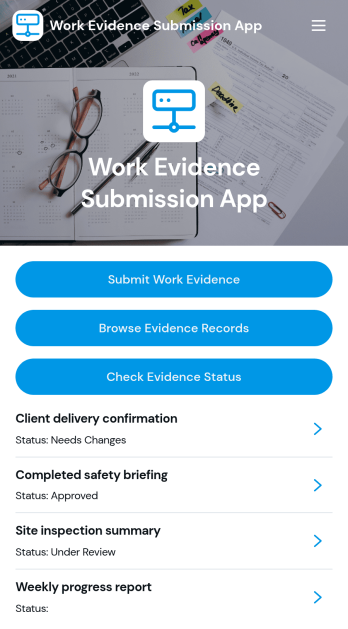
Work Evidence Submission App
The Work Evidence Submission App is an app template for collecting, reviewing, and monitoring proof of completed work in one accessible location. Contractors, field teams, employees, trainees, assessors, and project managers can submit work evidence for review, browse existing records, and check review status without relying on scattered emails or files. It supports practical scenarios such as documenting completed tasks, recording project milestones, presenting training evidence, and validating field activities. Clear access to evidence details, links, descriptions, and review progress helps contributors understand what has been submitted while giving reviewers a consistent process for evaluating records.Jotform App Templates make it easier to turn recurring business processes into mobile-friendly experiences without writing code. With Jotform’s no-code app builder and drag-and-drop interface, teams can customize pages, navigation, branding, and connected forms to match their workflow. The app can bring data collection, record access, and self-service status checks together, helping reduce manual follow-ups and keep contributors informed. Share the finished app through a direct link or QR code, connect it with tables and approval processes, and update the experience as project or organizational needs change.
Go to Category:Report Apps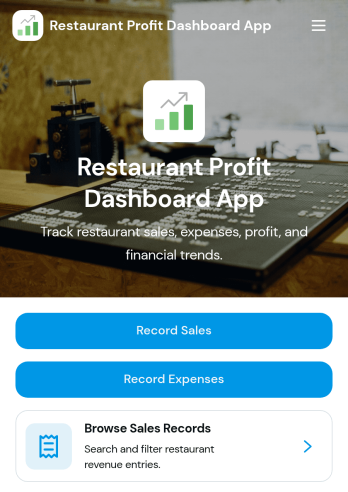
Restaurant Profit Dashboard App
Restaurant Profit Dashboard App is an app template for restaurant owners, managers, operators, and finance teams that need a clearer view of sales, expenses, and profit performance. Staff can add sales and expense entries, browse recorded transactions, filter records by category, and review profit insights from one convenient location. It suits independent restaurants, cafés, food trucks, and multi-location dining businesses seeking to replace scattered spreadsheets or disconnected reporting processes. By keeping essential financial activity organized, the dashboard supports routine performance reviews, cost monitoring, budgeting discussions, and better-informed operational decisions.Jotform Apps helps businesses turn connected forms, records, and workflows into accessible digital experiences without writing code. Start with this app template, then use the no-code app builder and drag-and-drop interface to adjust pages, navigation, colors, fonts, and branding. Sales and expense forms can support consistent data collection, while connected tables keep records available for review. Share the finished Restaurant Profit Dashboard App through a direct link or QR code so authorized team members can access it from phones, tablets, or computers. Jotform App Templates make it easier to launch a polished resource that brings financial tracking and restaurant workflows together.
Go to Category:Restaurant Management Apps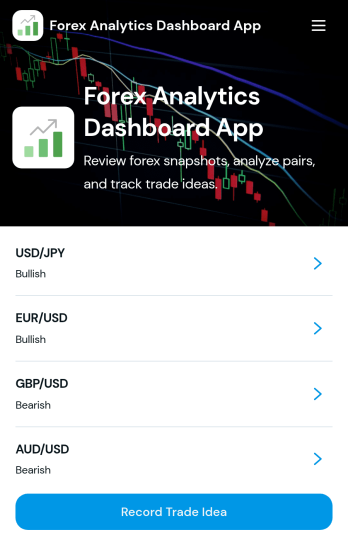
Forex Analytics Dashboard App
Forex Analytics Dashboard App is an app template for traders, market analysts, finance educators, and consulting teams that want a central place to review currency pair information and document trade ideas. Users can browse selected forex pairs, examine bid and ask prices, note the current market session and snapshot time, and compare support and resistance levels. Dedicated views also organize proposed entry prices, position sizes, stop-loss points, and take-profit targets. This focused setup supports repeatable market reviews, trading journals, educational exercises, and internal research without scattering observations across spreadsheets, messages, and separate documents.Jotform App Templates help teams turn connected information and workflows into accessible digital experiences. With Jotform’s no-code app builder and drag-and-drop interface, you can adapt this app template to your analysis process, apply your branding, add pages or navigation, and connect forms for data collection. Recorded ideas can feed related tables and workflows for easier organization and follow-up. Publish the finished app through a direct link, custom app URL, QR code, or embedded experience so authorized users can reach its self-service resources from desktop or mobile devices.
Go to Category:Finance Apps
Trading Signals Dashboard App
A Trading Signals Dashboard App gives trading communities and research teams a central place to browse signals, view key trade details, and keep market commentary easy to reference. Use it to publish a curated list of signals with the essentials such as entry price, target price, and stop loss, plus written signal context to explain the setup. The built-in navigation supports common workflows like browsing all signals, opening a market overview, and submitting a new signal, which helps keep updates organized when multiple contributors share ideas.Jotform makes it simple to build and adapt trading-focused app templates with a no-code app builder and a drag-and-drop interface, so you can update pages, buttons, and layouts as your process evolves. Connect the app to forms for data collection when analysts submit a signal or add a related signal, then share the dashboard with your audience using a single link for fast self-service access. With Jotform, you can keep your workflow consistent while presenting signals in a clear, mobile-friendly experience.
Go to Category:Finance Apps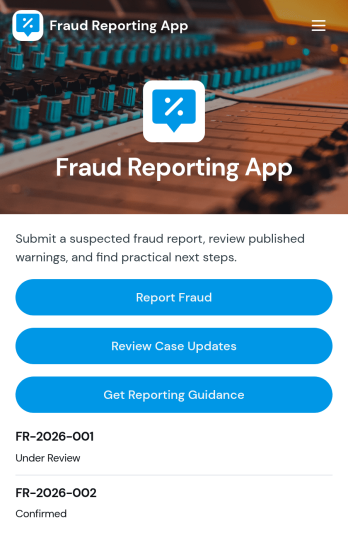
Fraud Reporting App
Fraud Reporting App gives organizations and communities a clear, centralized way to collect fraud concerns and keep reporters informed as cases move forward. It’s useful for compliance teams, HR, finance departments, property managers, nonprofits, schools, and customer support groups that need a consistent intake process and a simple way for people to check case progress. With guided reporting, a place to submit a new or related report, and an area to review case updates, the app helps reduce confusion, capture complete details, and encourage timely reporting.Built with Jotform App Templates, this app template can be customized in minutes using Jotform’s no-code app builder and drag-and-drop interface. Connect forms to your workflows for reliable data collection, organize case records for faster triage, and share a single self-service link for reporting and follow-ups. From internal investigations to external tip lines, Jotform makes it easy to publish a branded app experience that supports consistent reporting and clearer communication.
Go to Category:Report Apps
Customer Reviews Dashboard App
Customer Reviews Dashboard App brings your customer feedback into one place so you can collect reviews, browse published responses, and spot trends that affect retention and reputation. It’s a practical fit for retail teams, service businesses, SaaS companies, restaurants, clinics, and any organization that wants a consistent way to capture customer sentiment and share highlights internally. With quick navigation to submit a review, browse review records, and view insights, the app supports day-to-day follow-up on ratings, recommendations, and product or service experiences without digging through scattered messages.Built with Jotform, this app template helps you launch a branded review experience fast using a no-code app builder and a drag-and-drop interface. Connect your review form and tables to keep data collection organized, route feedback into the right workflow, and keep self-service access simple for customers and staff. Customize pages, add your own questions, and publish with a shareable link so your team can monitor feedback and keep improving the customer experience.
Go to Category:Customer Engagement Apps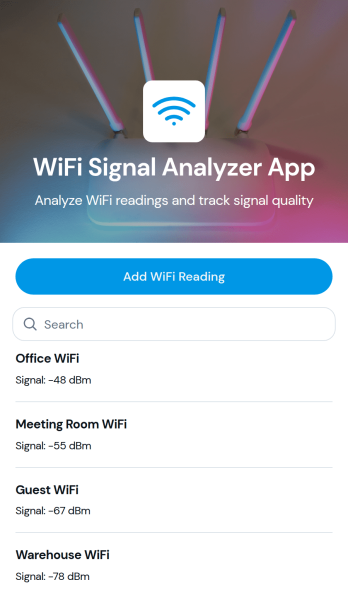
WiFi Signal Analyzer App
WiFi Signal Analyzer App helps you capture and review WiFi readings in one place so you can spot weak coverage, compare signal conditions by area, and keep a running log of what you’ve tested. It’s a practical fit for IT teams, MSPs, network admins, facilities staff, and even home users who want a simple way to record network name details and track changes over time. With a quick add-reading form and a browseable list of past entries, you can document troubleshooting sessions, validate improvements after moving equipment, or build a baseline before a larger network refresh.Jotform makes it easy to turn this use case into a mobile-friendly experience using App Templates and a no-code app builder with a drag-and-drop interface. Connect the app to your data collection workflows, store records in a structured way, and share a self-service link with teammates for consistent reporting. As your process evolves, you can adjust the pages, layout, and connected data without touching code, keeping WiFi checks fast, repeatable, and organized.
Go to Category:Information Technology Apps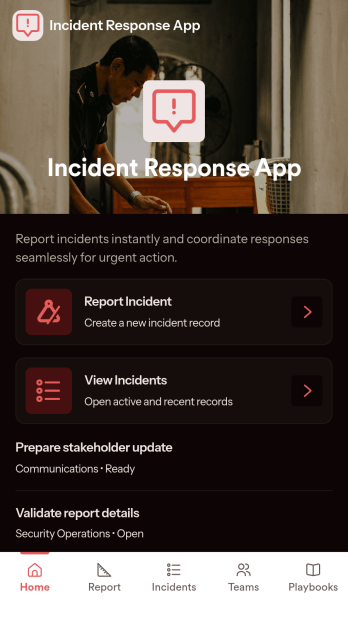
Incident Response App
Incident Response App gives teams a clear place to report incidents, review active and past incidents, and coordinate who is responding. It supports quick intake when something goes wrong and provides a consistent way to capture details, route people to the right next step, and keep information organized for follow-up. IT and security teams, operations leaders, facilities managers, and on-call responders can use it to reduce confusion during high-pressure moments and keep everyone aligned on status and ownership.With Jotform app templates, you can publish a self-service experience that connects incident reporting to your broader workflow without code. Use Jotform’s no-code app builder and drag-and-drop interface to customize navigation, add helpful guidance, and link pages that surface incidents, response teams, and playbooks in one mobile-friendly place. As information comes in through connected forms and lists, Jotform helps you centralize data collection and keep response work moving with less manual coordination.
Go to Category:Information Technology Apps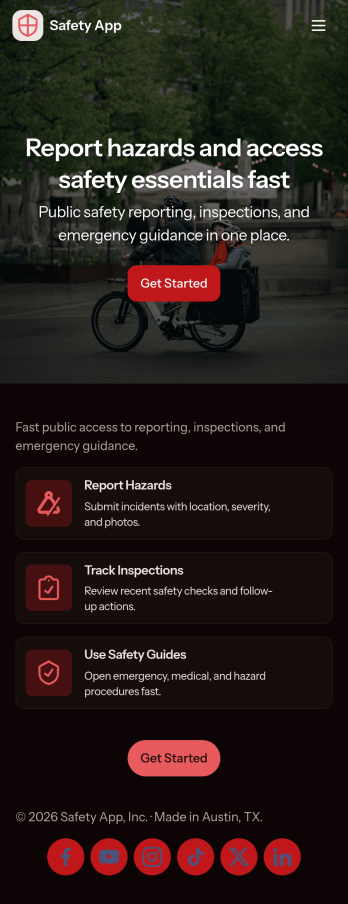
Safety App
Safety App brings incident reporting, safety resources, and an incident log into one place so teams can respond faster and keep everyone informed. Use it at construction sites, warehouses, offices, schools, events, or in the field to capture hazards, near misses, and other concerns as they happen. With quick navigation to report an issue, review recent reports, and check key details like status and contact information, it supports safety managers, supervisors, HR, and operations teams who need a clear, repeatable way to collect updates and follow up.Built with Jotform, this app template helps you publish a mobile-friendly self-service experience without coding. Customize pages, rearrange sections with a drag-and-drop interface, and connect the built-in report form and lists to your workflow so data collection stays consistent across locations. Share the app by link or QR code, keep reporting organized, and give your team a simple hub for submitting new reports and finding safety resources in minutes.
Go to Category:Safety Inspection Apps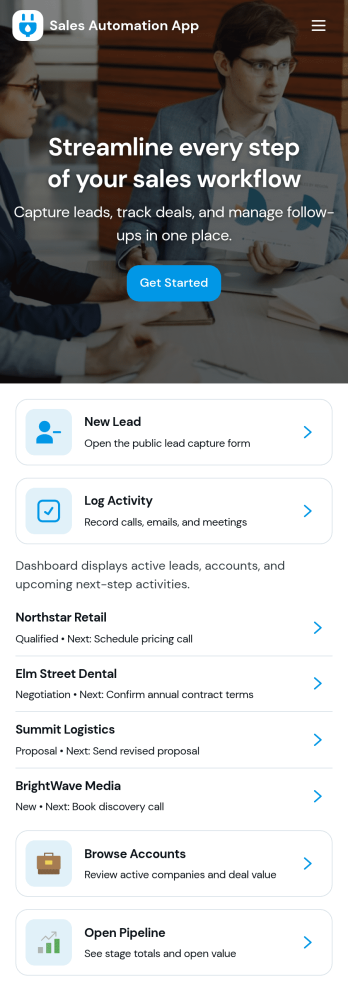
Sales Automation App
Sales Automation App brings your lead intake, pipeline visibility, task follow-up, and reporting into one place so sales teams can keep deals moving without juggling scattered tools. Use it to capture new leads as they come in, review contact details quickly, and organize outreach from a single workspace. It’s a practical fit for small businesses, agencies, and growing revenue teams that need a consistent way to qualify prospects, monitor progress, and ensure no opportunity is forgotten as the week gets busy.With Jotform, you can turn this app template into a branded, shareable experience using a no-code app builder and a drag-and-drop interface. Connect buttons to forms and tables for streamlined data collection, keep your workflow organized with dedicated sections for leads, pipeline, tasks, and reports, and make updates fast as your process evolves. Publish and share your app in minutes, giving your team a simple self-service way to add leads, log tasks, and stay aligned on sales activity.
Go to Category:Sales & Marketing Portal Apps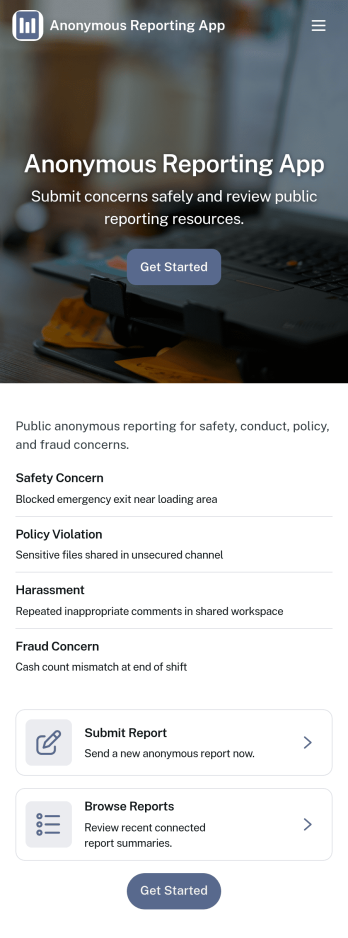
Anonymous Reporting App
Anonymous Reporting App helps organizations collect sensitive reports while giving people a safer way to speak up. Use it to route concerns about workplace behavior, safety issues, policy violations, or other incidents into a single reporting channel without requiring a public identity. With quick navigation to submit a report, browse a report feed, and review personal history, it fits HR teams, compliance and ethics programs, school administrators, nonprofits, and community groups that need clear visibility into what’s being reported and when.Built with Jotform App Templates, this app template is easy to adapt to your process using Jotform’s no-code app builder and drag-and-drop interface. Connect the report form to your internal workflow, keep entries organized for follow-up, and publish a mobile-friendly experience that’s simple to share by link or QR code. As reporting needs change, you can update pages, branding, and routing without rebuilding everything from scratch.
Go to Category:HR Portal Apps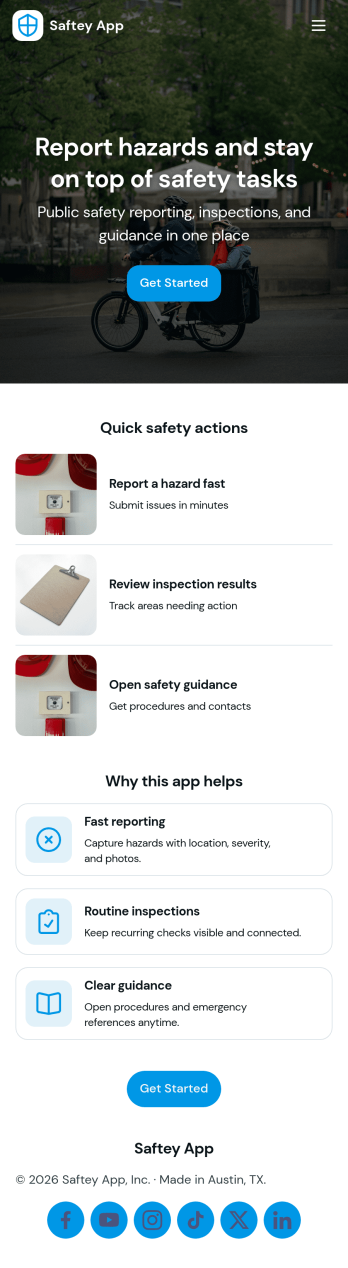
Saftey App
Saftey App helps teams centralize safety actions and information in one place so employees can respond quickly and report issues with confidence. It supports incident and hazard reporting through connected report buttons and makes it easy to find key safety guidance through a dedicated safety resources area. With an emergency quick action panel and clear emergency steps and contacts, it fits fast-moving environments like construction sites, warehouses, schools, field services, and busy offices where every second matters.Built with Jotform, this app template can be tailored in a no-code app builder with a drag-and-drop interface to match your organization’s workflows and reporting needs. Link buttons to forms for consistent data collection, organize safety resources into simple navigation, and share the app by link or QR code for self-service access across teams. As reports come in, your workflow can stay organized by keeping information connected and easy to manage in Jotform.
Go to Category:Safety Inspection Apps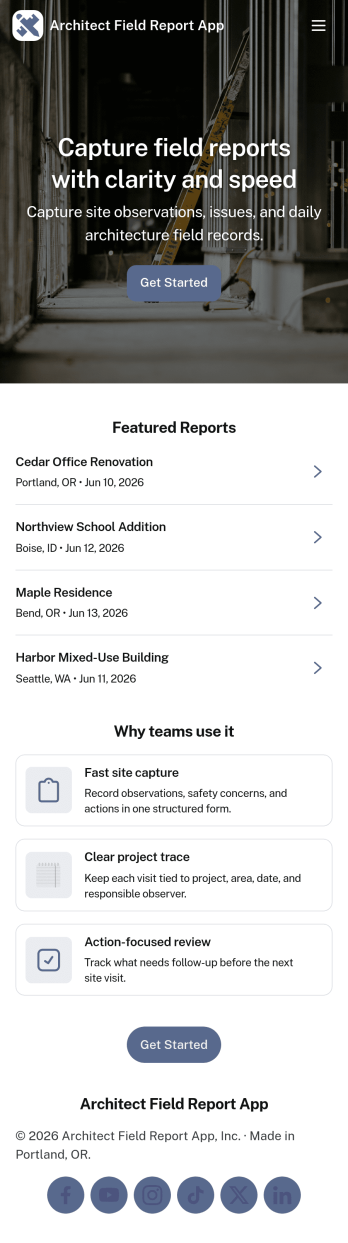
Architect Field Report App
Architect Field Report App helps architects and project teams capture site observations, document progress, and keep project records organized across multiple jobs. From the home screen, you can start a new field report, review recent reports, and jump into a project list to view details and add an update when something changes on-site. It’s a practical fit for architecture firms, construction administration teams, and design consultants who need consistent reporting without chasing notes across emails and photos.With Jotform, you can turn this app template into a mobile-friendly reporting experience using a no-code app builder and a drag-and-drop interface. Connect the app to your form for data collection, route information through an internal workflow, and give teams self-service access to the records they need. Share the app by link or QR code, tailor pages to match your process, and keep field reporting consistent from project to project.
Go to Category:Construction Apps