

Retail App Templates

Barcode Inventory System App
Barcode Inventory System App helps teams track stock movement with a simple, scan-first flow that keeps inventory records current without spreadsheets. It’s built for retail shops, warehouses, back offices, and growing operations that need a consistent way to log incoming goods, review on-hand items, and document changes. Staff can scan and record stock receipts, browse inventory lists for quick lookups, and add adjustments when counts change due to damage, transfers, or corrections, making it easier to stay aligned across shifts and locations.Jotform makes it easy to turn this barcode inventory workflow into a shareable self-service experience using its no-code app builder and drag-and-drop interface. Connect buttons and pages to forms and tables to support data collection, keep a running receipt log, and centralize adjustment history in one place. Customize the layout, add your branding, and publish the app as a link or QR code so your team can update inventory from the floor, the loading dock, or the stockroom.
Go to Category:Inventory Apps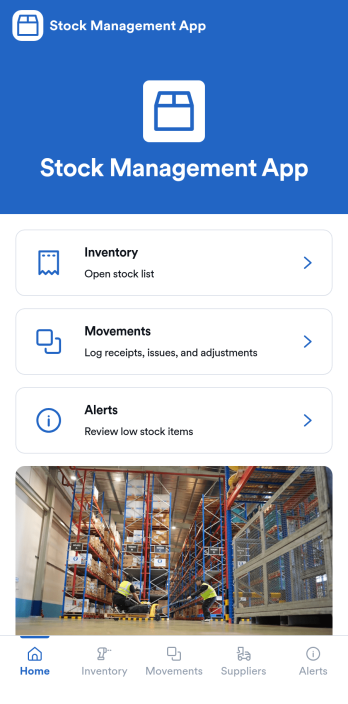
Stock Management App
Stock Management App helps teams track inventory levels, record stock movements, and follow up on low-stock alerts without juggling spreadsheets. It’s a practical fit for retailers, warehouses, small manufacturers, clinics with supply rooms, and field service businesses that need quick visibility into what’s on hand and what’s running out. With dedicated areas for inventory, movements, and alerts, staff can log updates as items are received, used, returned, or adjusted, so everyone works from the same source of truth.Built with Jotform, this app template pairs a mobile-friendly interface with organized navigation and connected data collection. You can add new items, record movements through linked forms, and keep supplier information alongside your inventory records, then share the app as a self-service tool for your team. Using Jotform’s no-code app builder and drag-and-drop interface, it’s easy to adapt the layout, fields, and workflow to match your stock process across one location or multiple sites.
Go to Category:Inventory Apps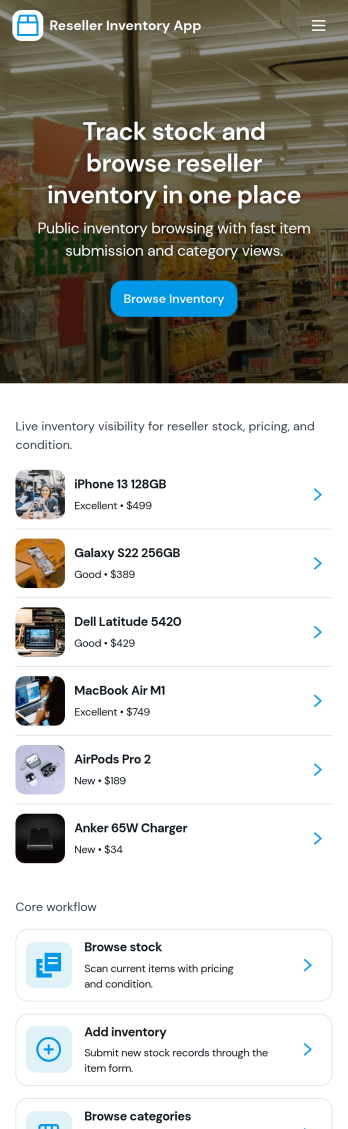
Reseller Inventory App
Reseller Inventory App helps resellers keep product stock organized in one place so you can add new stock, review what you have on hand, and quickly spot items that are running low. It fits common resale workflows like tracking inventory for online marketplaces, pop-up booths, local pickup sales, and small warehouse shelves where quantities change often and accuracy matters. Use it to reduce missed sales from stockouts, avoid overbuying, and keep your catalog up to date as you source new items.With Jotform, you can turn this app template into a branded, self-service inventory experience without coding. Use the drag-and-drop app builder to adjust pages, buttons, and navigation, then connect your inventory list to a form for consistent data collection when you add stock. As your workflow evolves, you can update fields, organize records in Jotform, and share the app with your team so inventory updates stay timely and reliable.
Go to Category:Inventory Apps
Reward Points Tracker App
Reward Points Tracker App helps you record points activity, let members request redemptions, and keep a clear view of reward balances in one place. Use it for loyalty programs at retail shops, cafes, salons, gyms, online communities, or internal incentive programs where participation needs to be tracked without spreadsheets. Members can log points activity, browse available rewards, and submit a reward redemption request, while managers get a centralized view of overall activity to reduce disputes and keep engagement high.Jotform makes it easy to tailor this app template to your program with a no-code app builder and a drag-and-drop interface. Connect the app to forms and tables for data collection, organize rewards and member actions across simple pages, and keep workflows moving with shareable links your audience can access on any device. Publish quickly, update rules or rewards as your program evolves, and give members a self-service way to stay involved.
Go to Category:Tracker Apps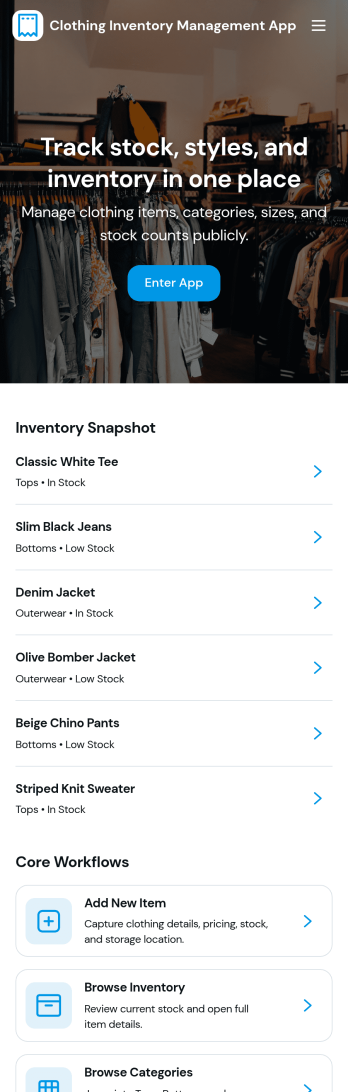
Clothing Inventory Management App
Clothing Inventory Management App helps apparel businesses organize stock across styles, sizes, colors, and seasons so teams can quickly find what’s available and act before items run out. Use it to maintain a clear catalog of inventory entries, add new products as they arrive, and submit restock requests when quantities get low. It’s a practical fit for retail stores, boutiques, pop-up sellers, brand warehouses, and resale operations that need a simple way to keep product information consistent while reducing missed sales due to stockouts.Built with Jotform, this app template combines a mobile-friendly catalog experience with connected forms and tables to support everyday inventory workflows. Use the no-code app builder and drag-and-drop interface to tailor pages, buttons, and navigation to your process, then share the app for fast self-service across staff. With Jotform, data collection for new items and restock requests stays organized in one place, making it easier to track activity, coordinate responsibilities, and keep inventory records up to date.
Go to Category:Inventory Apps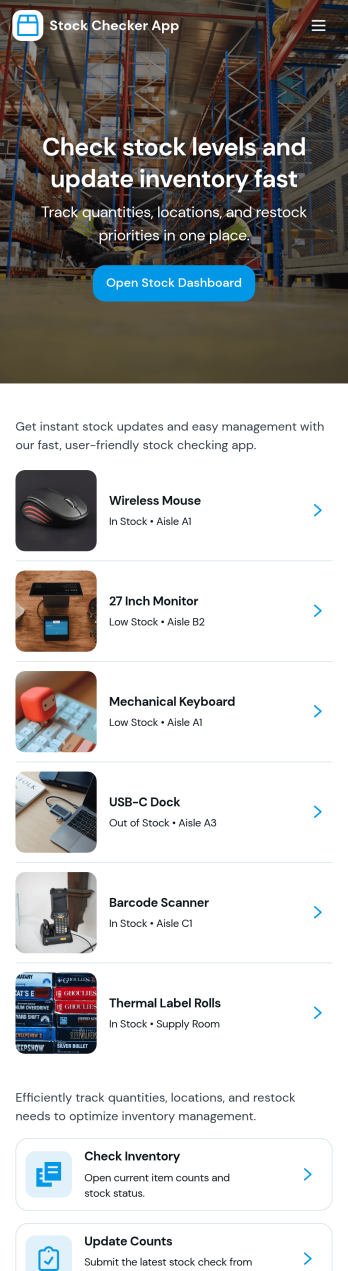
Stock Checker App
Stock Checker App helps teams quickly verify inventory levels, spot low-stock items, and keep day-to-day stock records consistent across locations or shifts. It’s a practical fit for retail stores, e-commerce operations, storerooms, restaurants, and small warehouses where staff need a simple way to check stock, review an inventory list, and flag items that require attention. With dedicated areas to check stock and review low-stock, the app supports faster decisions on reordering, restocking, and internal handoffs without relying on scattered notes or separate spreadsheets.Jotform makes it easy to turn this Stock Checker App into a branded self-service experience using an app template and a no-code app builder with a drag-and-drop interface. Connect buttons to forms for stock updates, keep all stock records organized in one place, and share the app by link so your team can access the right inventory information on desktop or mobile. As your workflow evolves, you can adjust pages, add steps, and keep data collection aligned with how your operation actually runs.
Go to Category:Inventory Apps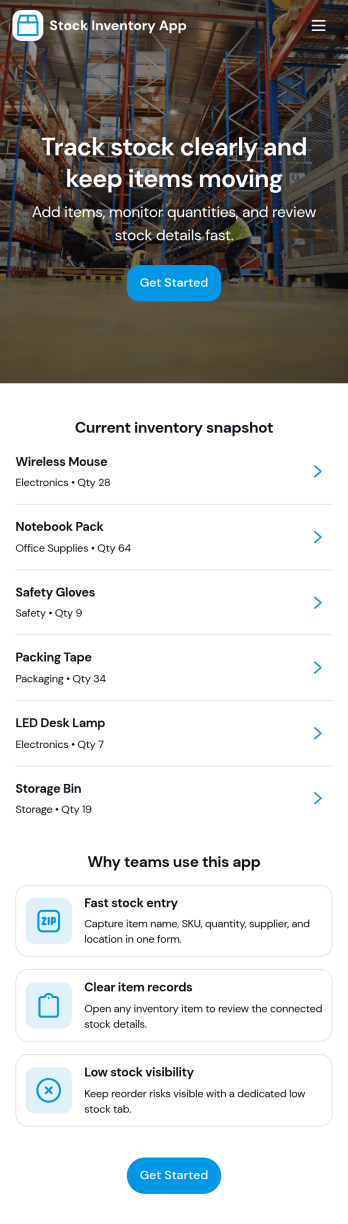
Stock Inventory App
Stock Inventory App helps teams keep day-to-day inventory organized by giving them one place to review current items, add new inventory records, and document stock movements as they happen. It’s a practical fit for retail stores, warehouses, ecommerce operations, nonprofits managing supply closets, and any small business that needs clearer visibility into what’s on hand and what’s changing. With dedicated areas for inventory and movements, it supports better purchasing decisions, fewer stockouts, and cleaner handoffs between staff across locations or shifts.Built with Jotform, this app template can be customized in a no-code app builder using a drag-and-drop interface, so you can match your process without relying on developers. Connect the app to your forms and data tables to capture inventory additions and movement logs, then share access through a link or QR code for fast self-service updates from the floor. As your workflow evolves, you can adjust pages, add review steps, and keep reporting and inventory checks easy to reach inside the same app experience.
Go to Category:Inventory Apps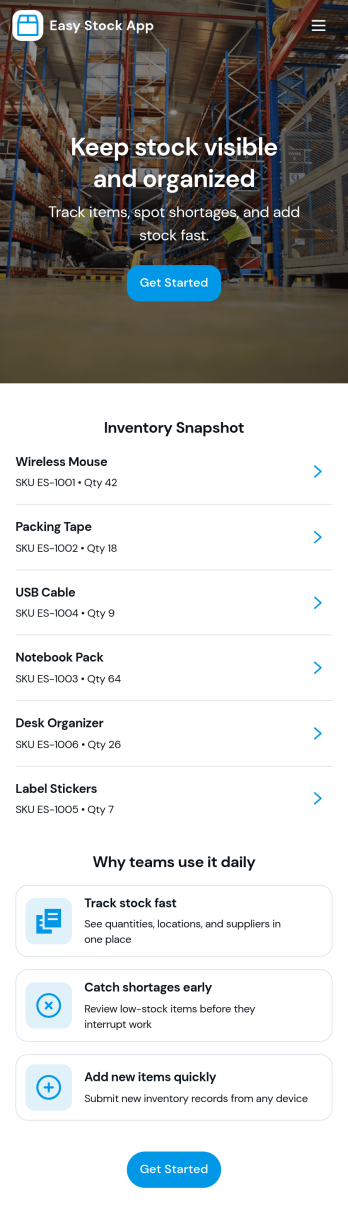
Easy Stock App
Easy Stock App helps teams keep a clear, up-to-date view of stock in one place without complicated systems. Use it to browse inventory records, add new items as they arrive, and give staff a simple way to review what’s on hand from a central hub. It’s a practical fit for retail shops, storerooms, small warehouses, pop-up sellers, school departments, and nonprofits managing supplies where quick updates matter and missing items create delays.With Jotform’s app templates, you can publish a mobile-friendly inventory experience powered by a no-code app builder and a drag-and-drop interface. Connect the app to your inventory form and table to support consistent data collection, keep records organized, and reduce manual follow-ups. Share the app as a self-service link for your team, then adjust pages, buttons, and branding as your workflow evolves.
Go to Category:Inventory Apps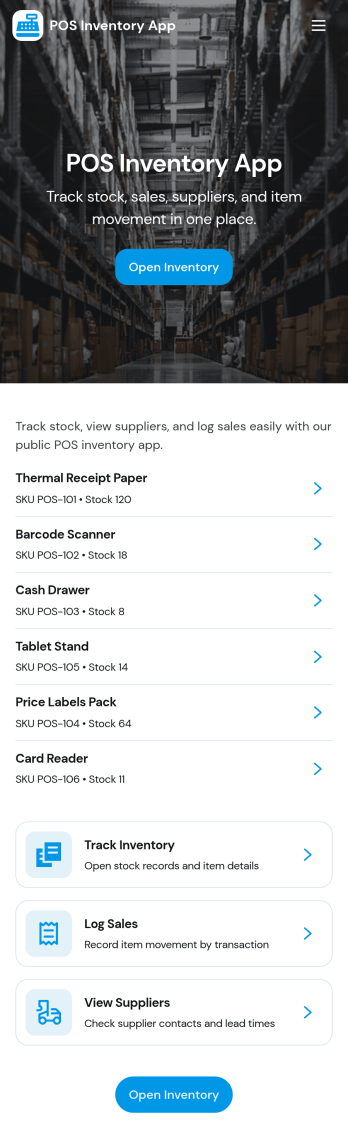
Pos Inventory App
Pos Inventory App helps retail and food service teams keep inventory control close to the register, so staff can quickly find items, review stock position, and spot what needs reordering. With an inventory list and item detail views, it’s useful for tracking inventory items, monitoring stock movement, and keeping a low stock watchlist visible for day-to-day operations. Store owners, shift leads, and back-of-house teams can use it to reduce missed restocks, avoid selling unavailable items, and maintain cleaner records across locations or departments.Built with Jotform App Templates, this app template can be customized in minutes using Jotform’s no-code app builder and drag-and-drop interface. Connect your inventory forms and data collection to keep records updated, then share the app through a link or QR code for fast staff access on mobile devices. As your workflow evolves, you can adjust pages, add steps for internal reviews, and keep sales and inventory logs organized in one place.
Go to Category:Inventory Apps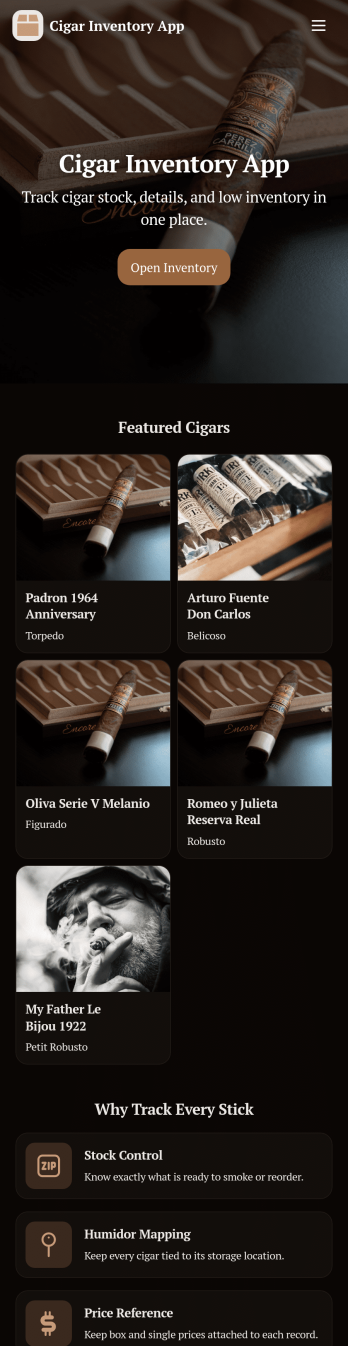
Cigar Inventory App
Cigar Inventory App keeps your humidor or retail stock organized by giving you a simple place to browse what’s on hand, log incoming boxes, and document adjustments when counts change. It’s a practical fit for cigar shops, lounges, distributors, and serious collectors who want clearer visibility across brands and lines without relying on scattered notes or spreadsheets. With an Inventory view for quick lookups, a Receive Stock area for adding new product, and an Adjustments section for corrections, teams can keep day-to-day stock records consistent and easier to trust.Jotform makes it easy to publish and manage app templates like this with a no-code app builder and a drag-and-drop interface. Connect buttons in your app to forms and tables for fast data collection, keep inventory workflows moving with shared access for staff, and make self-service navigation simple on any device. When you’re ready, you can customize pages, branding, and the way inventory information is displayed so the app matches how you track cigars in real life.
Go to Category:Food & Beverage Apps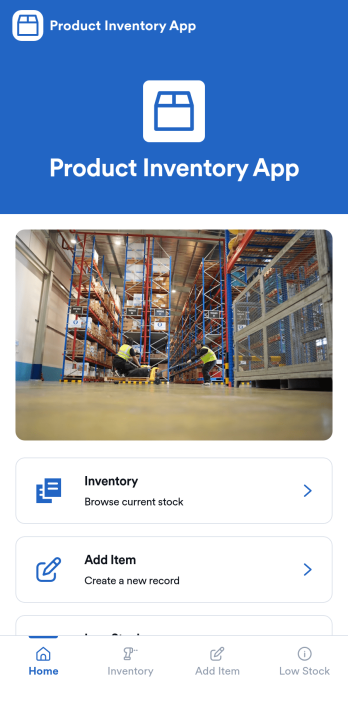
Product Inventory App
Product Inventory App helps teams track stock levels, add new products, and quickly spot items that need replenishing. It fits retail stores, warehouses, e-commerce operations, field teams carrying parts, and any business that wants a clear view of what is on hand without digging through spreadsheets. With inventory browsing, an Add Item flow, and a dedicated Low Stock area, staff can check quantities, keep product details up to date, and trigger restock actions at the right time, whether they are working the sales floor, receiving deliveries, or managing stockrooms.Built with Jotform, this app template gives you a flexible way to organize product data collection and everyday inventory workflow in one place. Use Jotform’s no-code app builder and drag-and-drop interface to adjust pages, navigation, and branding, then connect your inventory form to keep records consistent as your catalog grows. Share the app with your team for self-service access, keep information centralized, and make inventory updates easier to complete from any device.
Go to Category:E-commerce Apps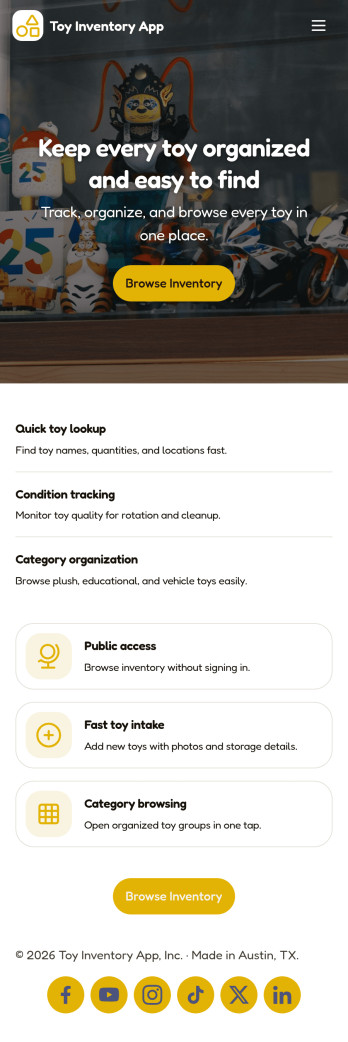
Toy Inventory App
Toy Inventory App helps you keep a clear, up-to-date record of toys across categories and quickly spot what needs attention. Use it to browse inventory, add new toys as they arrive, and review low stock so you can reorder or restock before items run out. It’s a practical fit for toy stores, resale shops, childcare centers, libraries, and community programs that lend or distribute toys, as well as small teams that need one place to check item details without digging through spreadsheets.Built with Jotform, this app template brings inventory data collection and self-service access into a mobile-friendly experience. Customize pages with a drag-and-drop interface, connect the add-toy form to your records, and keep your workflow consistent as multiple staff members update inventory over time. Share a link or QR code so your team can access the same inventory view, add items on the go, and keep stock visibility reliable across locations.
Go to Category:Inventory Apps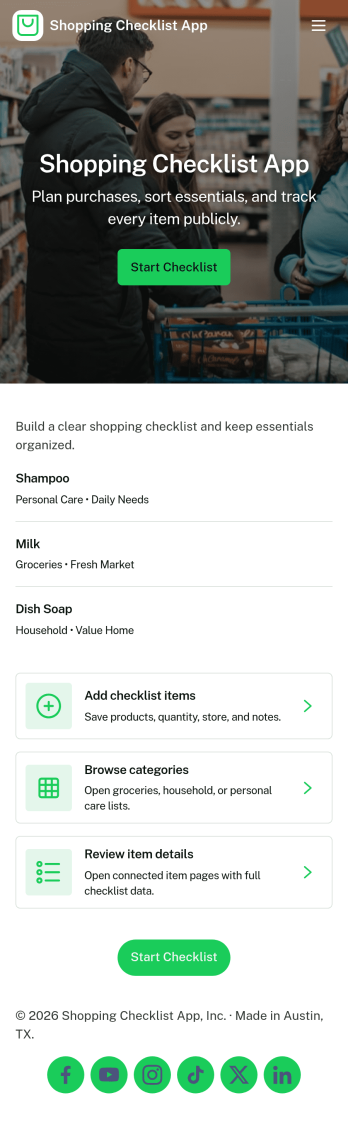
Shopping Checklist App
A shopping checklist app keeps your shopping organized by letting you browse saved lists, add a new checklist when you think of items, and keep store notes in one place. It works well for households managing weekly grocery runs, students planning essentials, busy professionals coordinating quick trips, and small teams stocking office supplies. Use it to reduce forgotten items, avoid duplicate purchases, and stay consistent across multiple stores by keeping your lists and store details easy to find and update.With Jotform, you can turn this shopping checklist app template into a simple self-service experience in minutes using a no-code app builder and a drag-and-drop interface. Connect the app to your forms and workflows for fast data collection, keep information organized, and share access through a link so others can view or contribute. Customize the pages, labels, and branding to match your routine, then publish a clean, mobile-friendly app your group can rely on while shopping.
Go to Category:Checklist Apps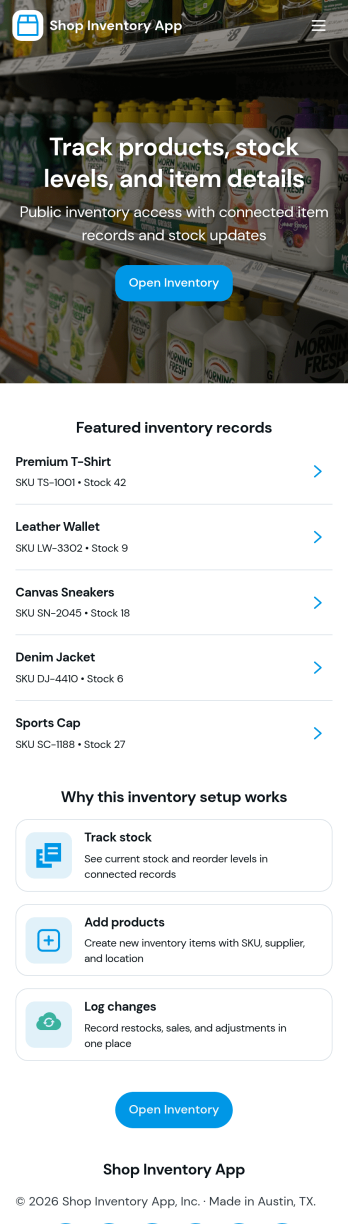
Shop Inventory App
Shop Inventory App helps retail teams keep day-to-day stock information organized in one place, so it’s easier to see what’s on hand and document incoming items as they arrive. Use it to browse your inventory list, open individual item details, and record receiving activity when new stock is delivered or returned. It’s a practical fit for small shops, pop-up retailers, multi-location stores, and back-office teams that want a simple way to reduce stock confusion, improve accuracy, and stay ready for reorders.With Jotform, you can turn this app template into a branded, self-service experience that matches how your shop works. Customize pages with a no-code app builder and a drag-and-drop interface, then connect your receiving form to the app to support consistent data collection and a clearer workflow for staff. Share the app by link or QR code so associates can view inventory and log receipts from the sales floor, receiving area, or wherever work happens.
Go to Category:Inventory Apps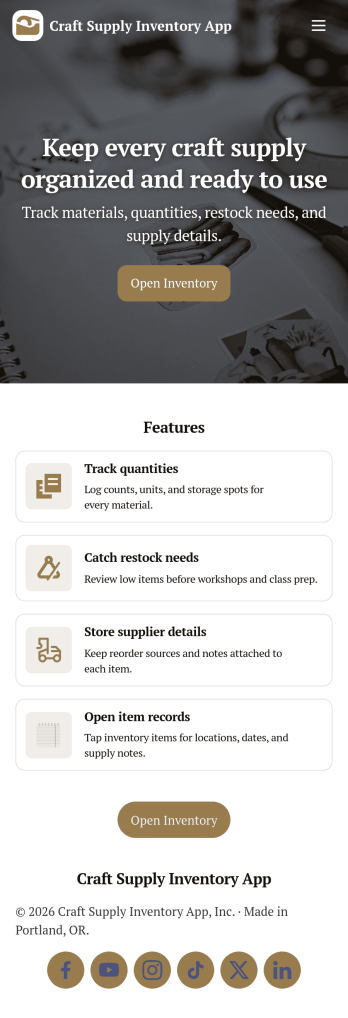
Craft Supply Inventory App
A craft supply inventory app gives you a practical way to organize and monitor the materials that keep your projects moving, from paper, vinyl, and paint to beads, fabric, and tools. This template is useful for small craft businesses, Etsy-style sellers, art classrooms, community studios, and hobby groups that need a clear view of what’s on hand, what’s running low, and what needs to be reordered. With an inventory KPI dashboard and an easy form button to add new supply items, your team can keep records current without digging through spreadsheets or scattered notes.Built with Jotform App Templates, this craft supply inventory app can be tailored with a no-code app builder and a drag-and-drop interface so it fits your workflow. Connect the inventory list to item detail pages for quick lookup, and use restock request forms to collect reorder needs in one place for simple self-service. Jotform helps you centralize data collection, keep inventory and requests organized, and share the app through a link so collaborators can log items and submit restock requests from anywhere.
Go to Category:Inventory Apps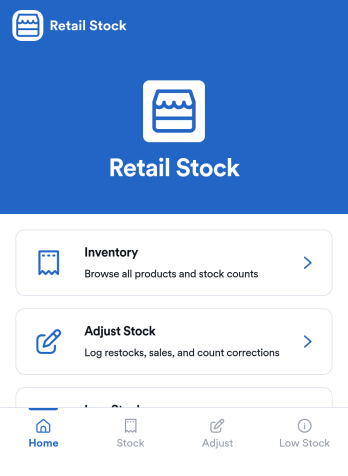
Retail Stock App
Retail Stock App helps stores track inventory levels, record stock coming in, and stay on top of low-quantity items before they become lost sales. It’s a practical fit for shop owners, floor managers, and back-office teams handling multiple SKUs, seasonal products, or fast-moving items who need a simple place to review what’s on hand and what needs attention. With dedicated areas for inventory browsing, stock-in logging, and low-stock review, the app supports day-to-day stock control without relying on scattered notes or disconnected spreadsheets.Jotform makes it easy to build and publish App Templates like this one with a no-code app builder and a drag-and-drop interface that adapts to your workflow. Connect the app to forms and tables to support ongoing data collection, keep a clear record of stock movements, and create a self-service experience for staff who need quick access on the sales floor or in the stockroom. As your operation grows, you can adjust pages, add new steps, and route updates to the right people, all in one Jotform workflow.
Go to Category:Inventory Apps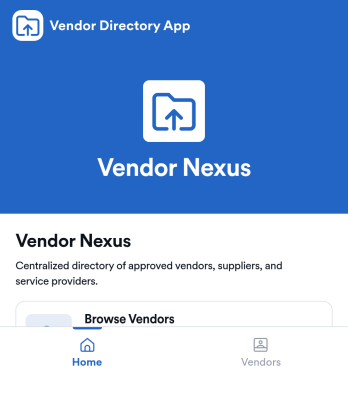
Vendor Directory App
Vendor Directory App is an app template designed to streamline the process of managing vendor listings and relationships for businesses, marketplaces, event organizers, and organizations. This specialized app template serves as a centralized hub for exhibiting vendors in one place, supporting discovery, comparison, and coordination with vendors. By gathering vendor information in a standardized format—such as vendor name, contact details, product offerings, and pricing—this app provides an efficient, organized, and comprehensive view of all vendors. This ready-to-use app template is ideal for businesses and organizations that need a consistent, clear, and comprehensive approach to vendor management, particularly in settings such as trade shows, marketplaces, conferences, or organizational procurement. It's best suited for coordinators, administrators, or anyone else charged with managing vendor relations.With Jotform's intuitive drag-and-drop interface, customizing the Vendor Directory App to meet your specific needs is as easy as it gets. You can customize it to match your branding, choosing fonts and colors, uploading your company's logo, and more, all without writing a single line of code. Your team members can then access and use your customized Vendor Directory App on any smartphone, tablet, or desktop, making data collection a breeze. Moreover, Jotform's electronic signature feature simplifies the process of collecting signatures from vendors, ensuring all your transactions are appropriately authorized. Start managing your vendor relationships more effectively with this Vendor Directory App from Jotform!
Go to Category:Retail Apps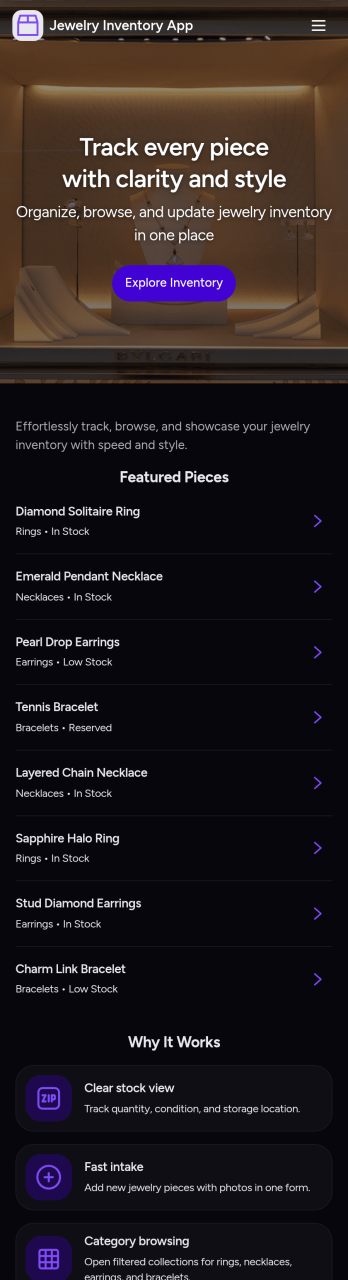
Jewelry Inventory App
Jewelry Inventory App helps you organize and monitor jewelry stock in one place, making it easier to browse items, add new pieces as they arrive, and review a stock overview without digging through spreadsheets. It’s a practical fit for independent jewelers, boutique owners, resellers, studio makers, and small retail teams who need a clear view of what’s on hand, what’s running low, and how inventory is grouped by category. Use it to keep item records consistent, reduce missed restocks, and support day-to-day decisions when you’re managing many similar SKUs, styles, and materials.Built with Jotform, this app template can be tailored with a no-code app builder and a drag-and-drop interface so your inventory workflow matches how you work. Connect the app to your underlying form for fast data collection, keep entries centralized, and update records as your catalog changes. Share the app with staff for quick self-service access to inventory details, and publish updates instantly so everyone works from the same source of truth.
Go to Category:Inventory Apps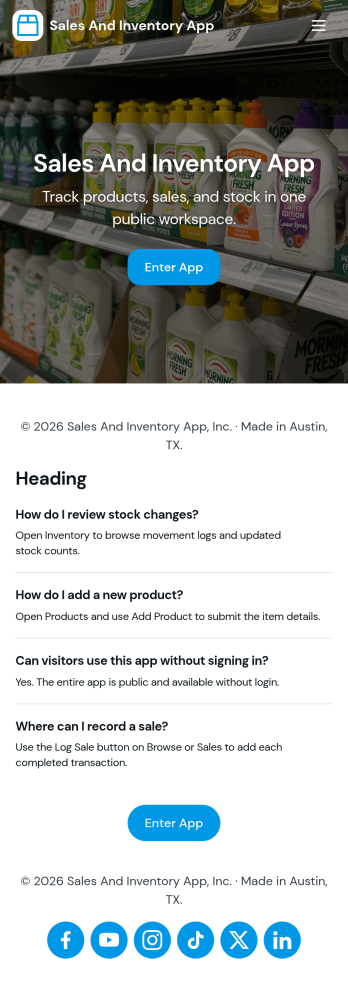
Sales and Inventory App
Sales and Inventory App brings your product catalog, sales entry, and inventory status into one place, so teams can keep day-to-day selling organized without juggling separate tools. It works well for retailers, small warehouses, pop-up shops, and product-based service businesses that need a simple way to browse items, reference pricing, record sales, and keep a closer eye on stock levels as activity changes.With Jotform, you can turn this app template into a branded, self-service experience using a no-code app builder and a drag-and-drop interface. Connect the catalog list to your data collection workflow, update item details as your offerings change, and share the app with staff so everyone works from the same source of truth. As your process grows, you can expand the app with additional pages and connected workflows to keep sales and inventory operations consistent.
Go to Category:Inventory Apps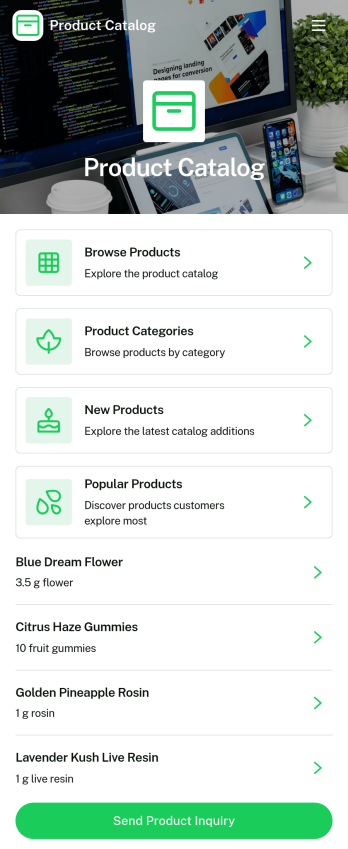
Product Selection Catalog App
Product Selection Catalog App is an app template designed to seamlessly elevate product display and selection for a myriad of businesses. This app template brings a mobile-friendly digital catalog to life, enabling customers or employees to effortlessly browse items, peruse images and descriptions, compare options, select quantities or variations, and place an order or submit a quote request. It's ideal for retailers, wholesalers, manufacturers, sales teams, promotional product companies, service providers, and internal operations teams, among others. The app collects necessary product details, offering a streamlined platform for displaying items, thereby enhancing clarity, consistency and making collection easier. Serving as a comprehensive solution, this app is especially advantageous for businesses seeking a simplified product-selection experience without the need for a full e-commerce website.The Product Selection Catalog App comes loaded with Jotform’s easy-to-use, no-code app builder. With a simple drag-and-drop interface, businesses can customize their catalog to match branding, swap out products, choose fonts and colors, and upload logos without any coding requirement. Users can access the app on any device – smartphone, tablet, or desktop – and install it directly to their home screens through a shareable link. Not only does this maximize reach and accessibility, but it also provides a seamless shopping experience to customers. Harness the power of Jotform's Product Selection Catalog App to revolutionize your product display and selection process today.
Go to Category:Inventory Apps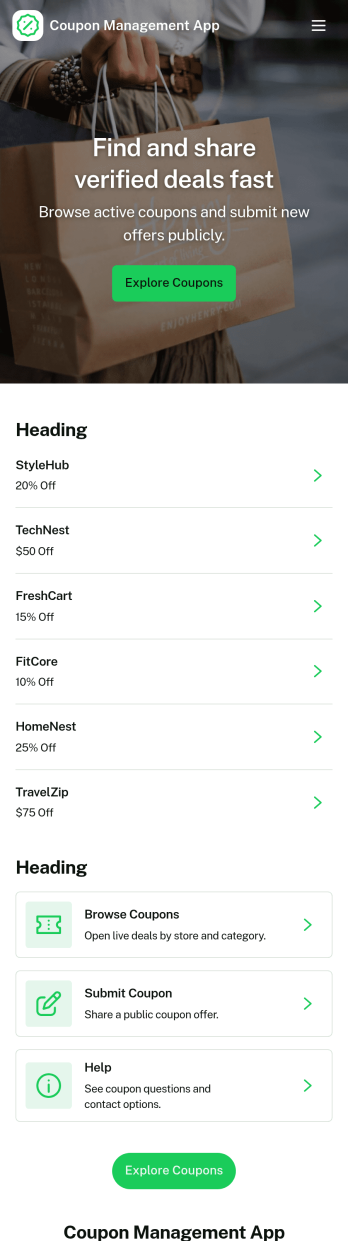
Coupon Management App
Coupon Management App helps you organize, publish, and run coupon offers in one place so customers or staff can quickly find deals and redeem them without confusion. Use it to share active promotions, guide people to the right offer, and capture redemption details through a dedicated redeem flow. It works well for retailers, restaurants, salons, and service businesses that rotate discounts often, as well as marketing teams running seasonal campaigns or limited-time codes who need a clear way to browse coupons and track redemptions.With Jotform, you can turn this app template into a branded, self-service experience using a no-code app builder and a drag-and-drop interface. Connect the app to your data collection forms and workflows, update coupon listings as promotions change, and keep redemption records organized for follow-ups and reporting. Share it with a link or QR code so customers can access offers instantly, or use it internally so staff can redeem coupons consistently at the point of service.
Go to Category:E-commerce Apps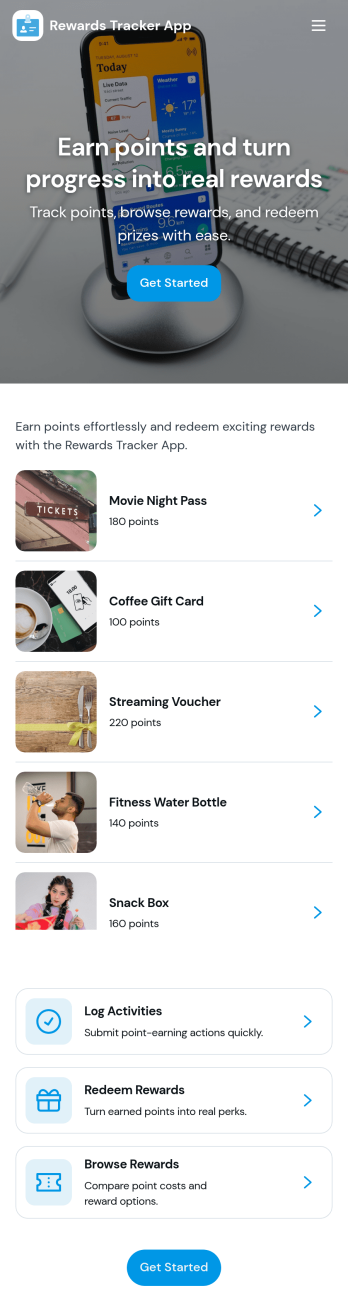
Rewards Tracker App
Rewards Tracker App helps you track points earned, monitor a current balance, and make it easy for people to redeem rewards in one place. It’s a practical fit for loyalty programs at cafes, salons, gyms, small retailers, and service teams that want a simple way to log reward activity and keep customers or members informed without digging through spreadsheets.With Jotform App Templates, you can launch a mobile-friendly experience fast and tailor it to how your program works. Use Jotform’s no-code app builder and drag-and-drop interface to adjust pages, add navigation, and connect the app to a form for quick data collection. As your workflow grows, keep reward entries organized, share the app by link, and manage updates without writing code.
Go to Category:Tracker Apps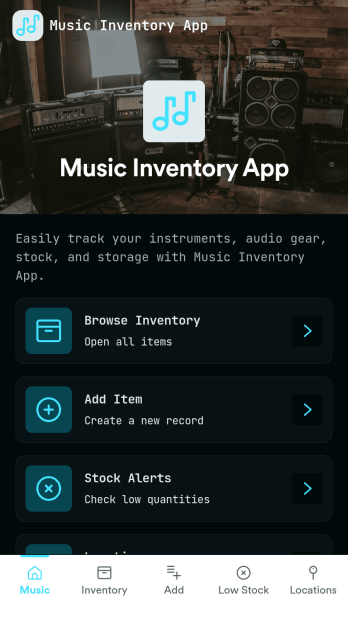
Music Inventory App
Music Inventory App helps music retailers, rehearsal spaces, studios, and instrument techs keep a clear record of instruments, accessories, and audio gear in one place. With dedicated areas to review current inventory, add new items as they arrive, monitor low-stock needs, and reference supplier details, teams can stay organized across day-to-day receiving and restocking. Use it to reduce missed reorders, standardize how items are logged, and make it easier for staff to look up what’s on hand while working the floor or prepping for sessions.Jotform makes it simple to tailor this app template to your workflow using a no-code app builder and a drag-and-drop interface. Connect the Add Item form to your data collection process, keep records in sync, and share the app as a self-service resource for staff who need quick access from any device. You can adjust branding, update navigation, and expand the workflow over time so inventory and supplier tracking stays consistent as your catalog grows.
Go to Category:Inventory Apps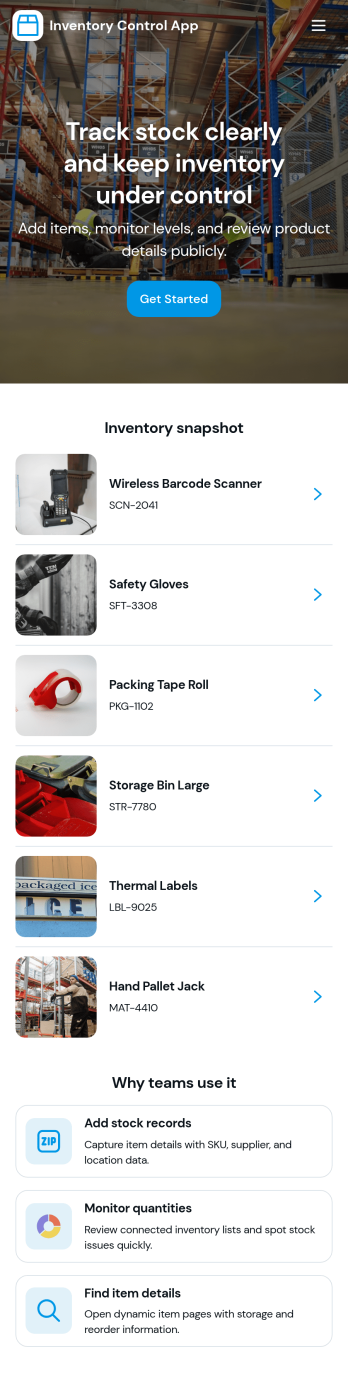
Inventory Control App
Inventory Control App helps teams keep product counts accurate and visible across day-to-day operations. Use it to browse an item list, review low stock, and record stock actions like transfers so changes are captured consistently. It’s a practical fit for retail stores, warehouses, stockrooms, studios, and small manufacturers that need a clear way to monitor items and reduce errors from manual updates.Built with Jotform, this app template turns routine inventory tasks into a guided self-service experience you can share with staff. Use Jotform’s no-code app builder and drag-and-drop interface to tailor pages for your process, connect forms and tables for ongoing data collection, and keep your workflow organized with easy navigation between items, adjustments, and movement history.
Go to Category:Inventory Apps