

Retail App Templates

Golf Shop Marketplace App
Golf Shop Marketplace App brings your golf retail catalog and purchase inquiries into one easy browsing experience. Use it to showcase golf gear to customers, highlight availability, category, and brand details, and let shoppers request a specific product directly from the listing. It’s a strong fit for golf shops, pro shops, golf academies, and independent sellers who want a simple way to present products, collect item requests, and keep a running view of incoming order requests without juggling multiple channels.Built with Jotform, this app template can be tailored in minutes with a no-code app builder and a drag-and-drop interface. Connect pages to your product list, route customers to the right request form, and organize request data in one place to support your workflow and self-service experience. Share the app with a link or QR code, update products anytime, and keep your marketplace experience consistent across devices.
Go to Category:E-commerce Apps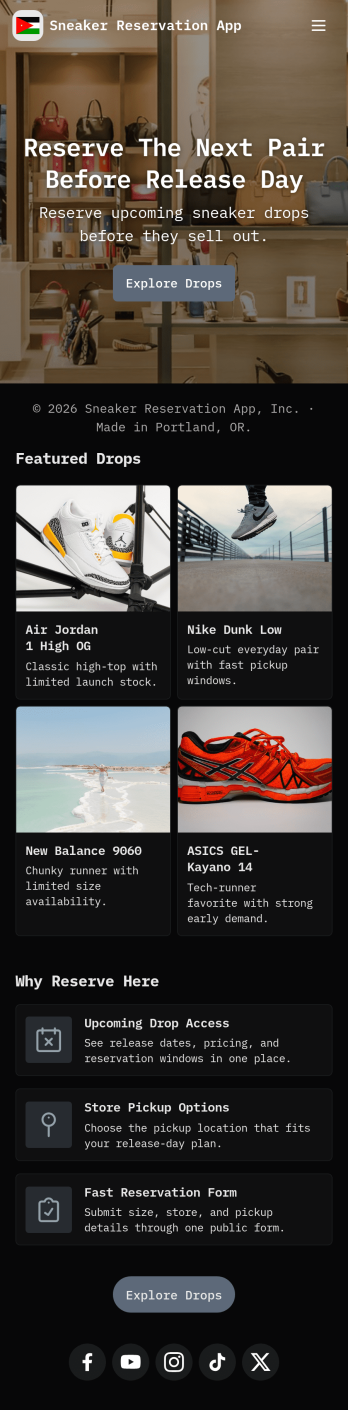
Sneaker Reservation App
Sneaker Reservation App helps sneaker retailers and drop organizers manage limited-release demand in one place, giving shoppers a clear way to reserve a pair or join a waitlist when sizes sell out. Use it to showcase available sneakers, guide customers to a reservation form, and give them a simple destination to review their own reservations. It works well for boutique stores, pop-up events, brand collaborations, and online-first sellers who want a fairer, more organized experience than first-come messages or scattered sign-ups.Built with Jotform App Templates, you can publish a mobile-friendly self-service experience and connect it to forms and data workflows without code. Customize the layout with a drag-and-drop interface, update sneaker listings as inventory changes, and route reservation entries to the right team members for follow-up. Share the app with a link or QR code, keep reservations centralized, and iterate quickly for every new release with Jotform.
Go to Category:Reservation Apps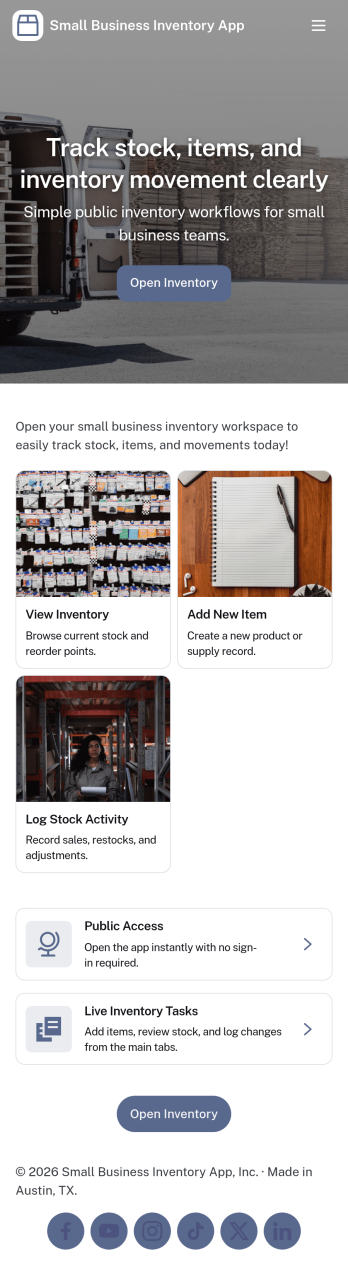
Small Business Inventory App
Small Business Inventory App helps local shops and growing teams keep stock, sales, and replenishment in one place. Use it to add inventory items, browse what’s on hand, and spot what needs attention before it becomes an emergency. With dedicated areas for Inventory, Sales, and Reorder, it fits retail counters, pop-up sellers, workshops, and small warehouses that need a clear view of products without relying on messy spreadsheets or scattered notes. Staff can log sales as they happen and create restock requests when quantities run low, so owners and managers can stay in control of availability and avoid missed revenue.Jotform makes it easy to turn this app template into a branded, shareable experience using a no-code app builder and a drag-and-drop interface. Connect buttons to forms for data collection, organize records in lists for quick lookup, and keep everyday workflow steps like adding items, logging sales, and requesting restocks accessible from any device. Publish with a simple link for self-service use across your team and update the app anytime as your inventory process evolves.
Go to Category:Inventory Apps
Real Inventory App
Real Inventory App helps teams keep a clear, up-to-date view of what’s in stock and what’s changing day to day. Use it to add new items, make quick stock entries as counts shift, and log updates so everyone works from the same source of truth. It’s a practical fit for retail counters, warehouses, storerooms, studios, field teams, and small manufacturers that need simple inventory visibility without juggling spreadsheets. With dedicated areas for Stock, Updates, and Insights, it supports faster replenishment decisions, fewer stockouts, and cleaner handoffs between people who receive, sell, and restock items.Jotform makes it easy to turn this app template into a branded, shareable inventory experience using a no-code app builder and a drag-and-drop interface. Connect buttons to forms to collect data, organize item lists for quick browsing, and keep inventory information accessible from one place for staff and managers. Publish with a link for self-service access, update the layout as your process evolves, and route records into connected workflows so inventory stays accurate as your operation grows.
Go to Category:Inventory Apps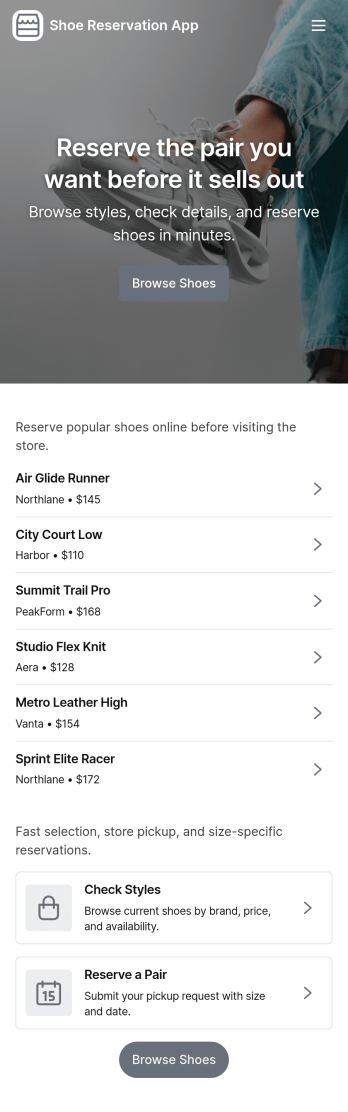
Shoe Reservation App
Shoe Reservation App helps footwear retailers and boutiques offer a simple way for customers to browse available shoes and reserve a pair before visiting the store. Use it to showcase styles, guide shoppers to a reservation form, and reduce missed sales when popular sizes run out. It works well for new launches, limited drops, seasonal collections, and high-demand items where customers want to hold a pair for pickup. Store teams can also use it to centralize reservation requests and keep customer communication consistent through quick contact options.With Jotform, you can build and publish app templates like this one using a no-code app builder and a drag-and-drop interface. Connect your reservation form to the app, update shoe listings as inventory changes, and keep data collection organized for day-to-day workflows. Share your app through a link or QR code so customers can reserve from their phones, and customize the look and navigation to match your brand and in-store process.
Go to Category:Reservation Apps
Handheld Inventory App
Handheld Inventory App helps teams manage stock right where the work happens on the shop floor, in the stockroom, in a vehicle, or at a job site. Use it to browse items, add new inventory records, log adjustments when counts change, flag low-stock items for replenishment, and review history for quick audits. It’s a practical fit for retail stores, warehouses, field service crews, schools, nonprofits, and growing operations that need a simple way to keep inventory accurate without relying on spreadsheets or chasing updates across multiple channels.Jotform makes it easy to tailor this app template to your process with a drag-and-drop interface and a no-code app builder. Connect your inventory data to forms and tables, guide staff with clear navigation, and keep records consistent as updates come in. Share the app with a link or QR code so your team can access it from mobile devices, and customize branding, buttons, and pages to match how you track items, adjustments, and reorder needs.
Go to Category:Inventory Apps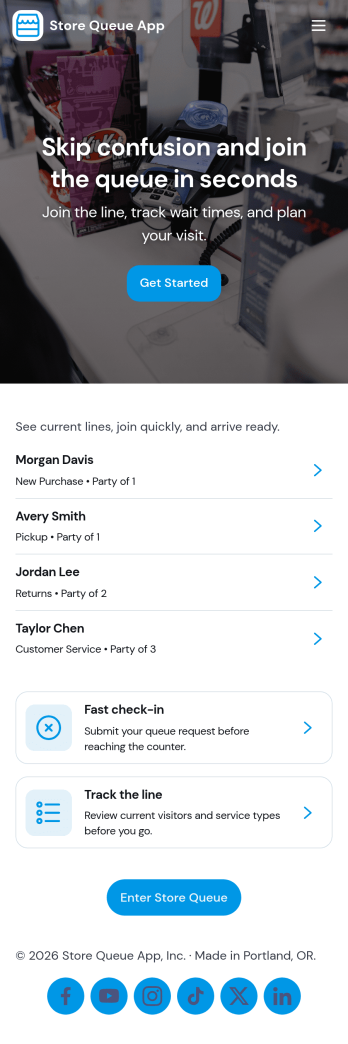
Store Queue App
Store Queue App helps retail teams manage in-store lines without confusion, giving customers a simple way to join a queue and check their place while staff keeps service moving. Use it for busy shops, pop-up counters, customer service desks, pharmacies, and pickup windows where wait times can change fast. With clear entry points like Join Queue, Live Queue, and Counter Status, it supports self-service check-in and real-time visibility so fewer people crowd the counter and employees spend less time answering the same questions.Built with Jotform, this app template can be adapted in minutes with a drag-and-drop interface and a no-code app builder that fits your day-to-day workflow. Connect the experience to your forms and tables for reliable data collection, then share it by link or QR code for quick access on mobile. Whether you’re coordinating multiple counters or running a single service point, Jotform makes it easy to publish an app that keeps queues organized and customers informed.
Go to Category:Retail Apps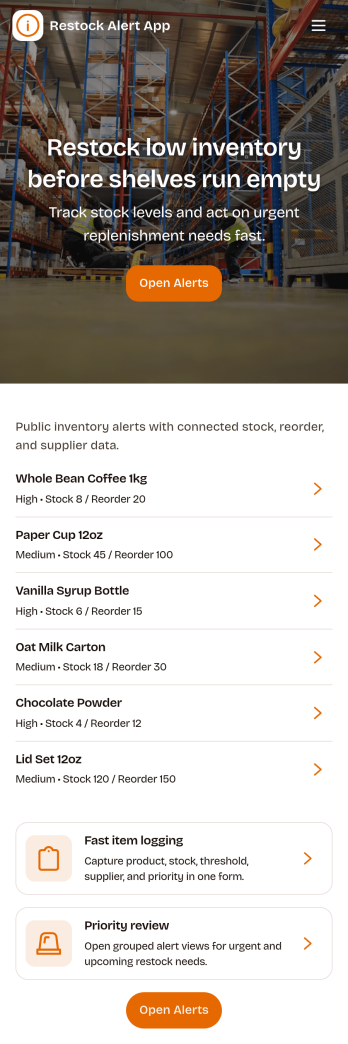
Restock Alert App
Restock Alert App helps teams flag low inventory before it turns into missed sales or service delays. Staff can quickly report low stock from a dedicated page, review active alerts in one place, and check alert history to understand recurring shortages. It’s a practical fit for retail stores, storerooms, restaurants, salons, and e-commerce operations that need a simple way to surface what needs replenishing without relying on sticky notes or scattered messages.With Jotform, you can turn this app template into a branded self-service workflow using a no-code app builder and a drag-and-drop interface. Connect the app to a reporting form and keep information organized for faster follow-up, clearer handoffs, and more consistent data collection across locations or shifts. Share the app by link or QR code so anyone on your team can report items and stay aligned on what’s currently low and what’s already been handled.
Go to Category:Inventory Apps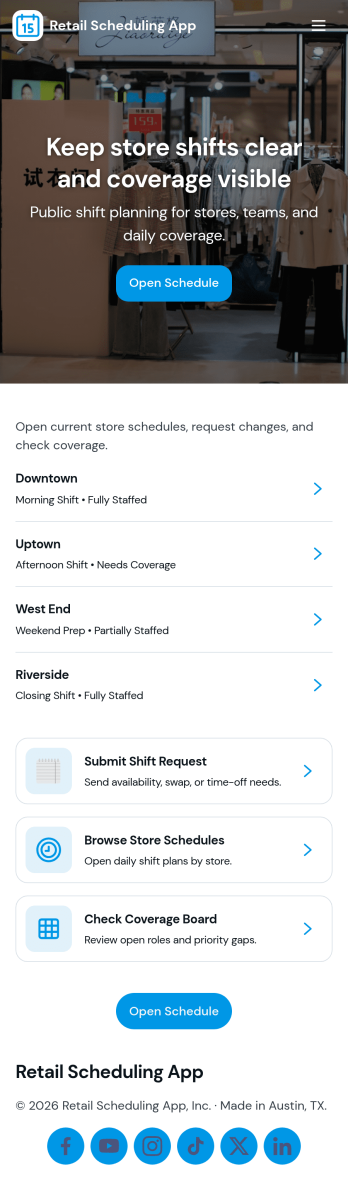
Retail Scheduling App
Retail Scheduling App brings daily store staffing into one place so managers and associates can stay aligned on who is working, when, and where coverage is needed. Use it to publish today’s schedule, keep a clear shift board, maintain a team roster, and collect swap requests without relying on scattered messages. It’s a practical fit for retail shops, pop-up locations, multi-location stores, and seasonal teams that need fast updates and fewer missed handoffs across opening, peak hours, and closing shifts.Built with Jotform, this app template helps you turn scheduling tasks into a simple self-service experience employees can access from a single link. With Jotform’s drag-and-drop no-code app builder, you can tailor pages, buttons, and lists to match your store’s workflow, then connect shift request forms to the app for consistent data collection. Share updates instantly, centralize requests, and keep scheduling information organized as your team grows.
Go to Category:HR Portal Apps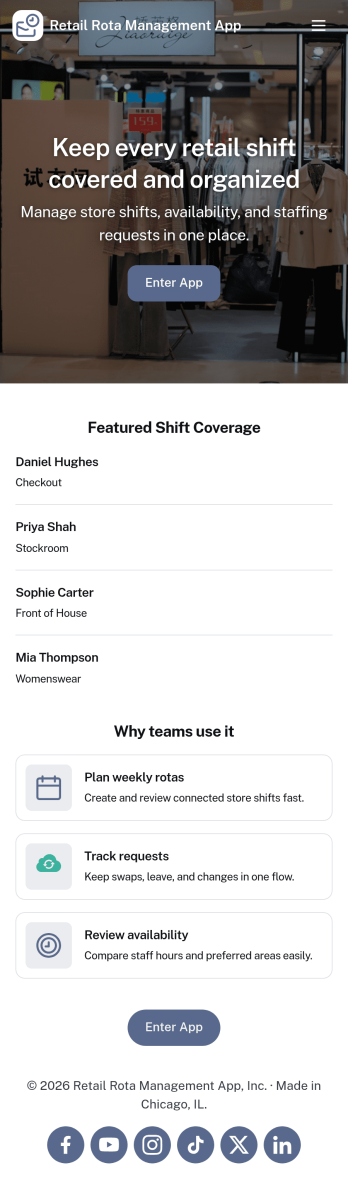
Retail Rota Management App
Retail Rota Management App helps stores organize day-to-day shift coverage by giving staff and managers one place to view today’s rota, share availability, and keep shift notes tied to specific dates. It suits retail teams that juggle part-time schedules, rotating coverage, and last-minute changes, including boutique shops, pop-up stores, mall kiosks, and multi-location retailers that need consistent coordination across the floor.With Jotform, you can publish this app template as a self-service scheduling hub without code. Use the drag-and-drop app builder to adjust pages, add role-specific navigation, and connect forms for availability updates and shift note logging, while keeping everything organized for faster decision-making and smoother retail workflows.
Go to Category:Retail Apps