

Scheduling App Templates

Retail Staffing Booking App
Retail Staffing Booking App helps store managers and retail operations teams find available staff and request shift coverage from one place. Use it to browse retail staff options, submit coverage requests when schedules change, and keep store-level staffing needs organized across locations. It’s a practical fit for multi-store retail brands, pop-up shops, seasonal operations, and staffing coordinators who need quick visibility into people and requests without relying on scattered messages.Jotform makes it easy to turn this workflow into a polished self-service experience with ready-to-use app templates and a no-code app builder. Customize pages with a drag-and-drop interface, connect buttons to forms for data collection, and route requests through a workflow that keeps your team aligned. Share the app with a link or QR code so managers can request coverage, follow up with the staffing team, and keep retail scheduling moving.
Go to Category:Booking Apps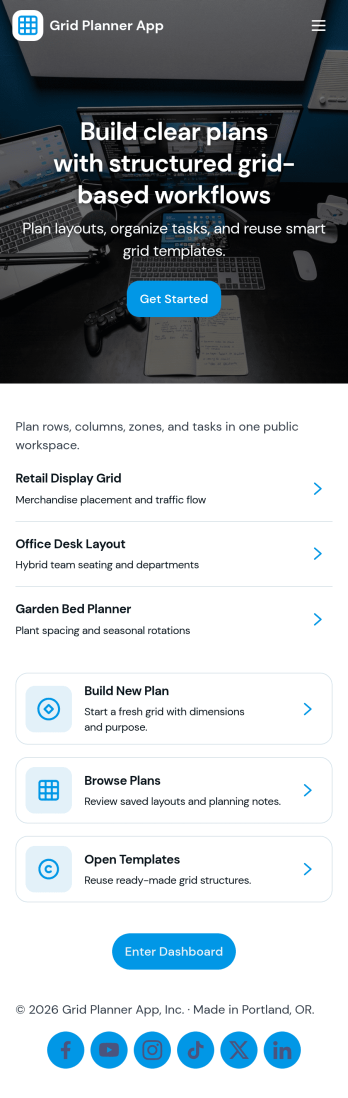
Grid Planner App
Grid Planner App helps you organize plans in a clear, grid-based layout so tasks, time blocks, or activity steps are easier to map out and follow. Use it to browse existing plans in one place, open a planner grid for a selected plan, and create new plans when you need a fresh layout. It fits personal planning, study schedules, content calendars, workout programming, and small-team coordination where everyone benefits from a consistent structure and quick navigation.Built with Jotform App Templates, this app template can be tailored in minutes using Jotform’s no-code app builder and drag-and-drop interface. Connect the app to a form for fast data collection, keep plans organized as they grow, and share a simple self-service experience by sending a link or QR code. Jotform makes it easy to update pages, adjust the flow, and support your workflow without writing code.
Go to Category:Daily Planner Apps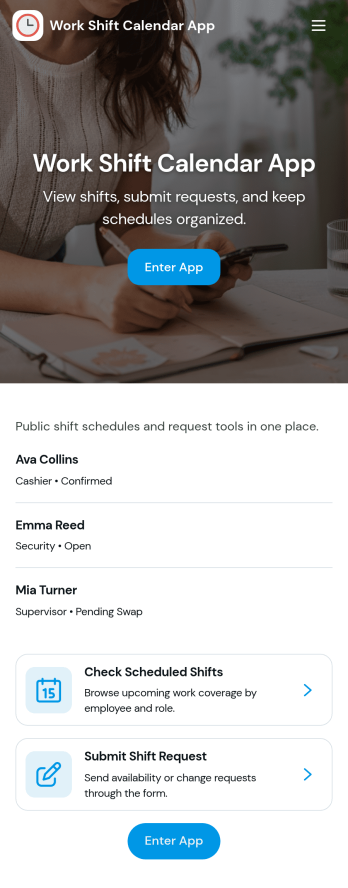
Work Shift Calendar App
A work shift calendar app helps teams plan, view, and update schedules in one place so everyone knows when they’re working. Use it to add new shifts, review upcoming coverage, and collect shift requests from employees without relying on scattered messages. It’s especially useful for managers coordinating rotating schedules, supervisors handling last-minute changes, and staff who need a clear view of their assigned shifts across locations or roles.With Jotform, you can turn this work shift calendar app into a shareable self-service experience using a no-code app builder and a drag-and-drop interface. Connect buttons and pages to your forms and data collection, keep shift details organized for quick browsing, and route requests through a workflow that fits your operation. Customize the layout, branding, and access so your schedule stays clear, current, and easy to manage from anywhere.
Go to Category:Scheduling Apps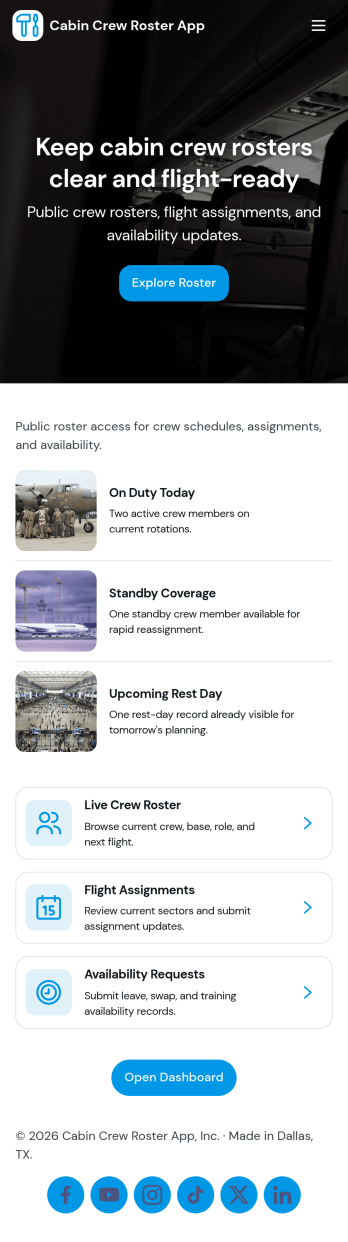
Cabin Crew Roster App
Cabin Crew Roster App brings a clear, shareable home base for flight assignments, crew status, and schedule changes. It helps airline operations teams, inflight supervisors, and crew coordinators keep rosters easy to access while giving cabin crew a simple way to view upcoming flights, confirm who they’re working with, and stay aligned on day-of changes. With dedicated areas for roster browsing, status visibility, swap activity, and reporting, it reduces missed updates and keeps everyone working from the same source of truth.Built with Jotform, this app template can be tailored in a no-code app builder with a drag-and-drop interface, so teams can match the layout to how their operation runs. Connect the app to forms for availability updates and swap requests, route updates into tables for organized data collection, and standardize the workflow from request to review. Share the app by link or QR code so crew can check details on the go, and keep collaboration moving with centralized updates and consistent records.
Go to Category:Transportation Apps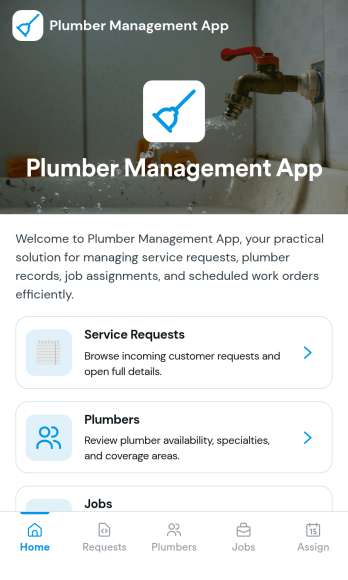
Plumber Management App
Plumber Management App helps plumbing businesses stay on top of day-to-day operations by keeping jobs, customers, schedules, and invoices in one place. It’s built for owner-operators, office admins, and small teams who need a clear view of work in progress and quick access to customer records. With dedicated areas for job lists, customer details, and invoice tracking, your team can reduce missed appointments, avoid duplicate work, and keep service history easy to find when a customer calls back.Jotform makes it easy to tailor this app template to how your plumbing company runs. Using Jotform’s no-code app builder and drag-and-drop interface, you can connect forms for data collection such as adding customers and creating invoices, then publish a simple self-service experience for your staff in the field or at the office. As your workflow evolves, you can adjust pages, update navigation, and keep everything organized without writing code.
Go to Category:Home Services Apps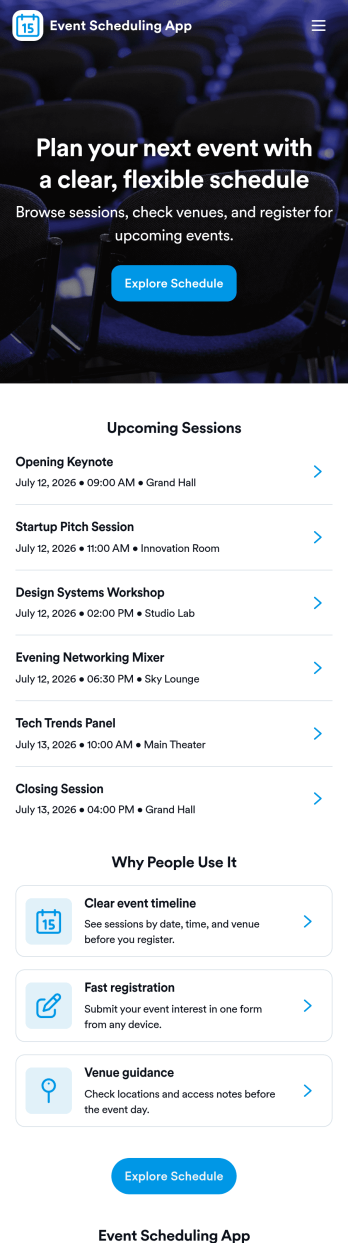
Event Scheduling App
Event Scheduling App helps teams and organizers plan, publish, and manage event details in one place so people can quickly find what’s happening and request new events when needed. Use it to browse upcoming events, submit scheduling requests, and keep venue information easy to reference, whether you’re coordinating internal meetings, community programs, workshops, or multi-session events. It’s a practical fit for event planners, HR and operations teams, schools, nonprofits, and small businesses that need a simple way to centralize event information without relying on scattered messages or spreadsheets.With Jotform, you can turn this app template into a branded, self-service experience using a no-code app builder and a drag-and-drop interface. Connect the app to your existing data collection workflows, route new event requests to the right people, and keep your event and venue lists up to date as plans change. Share the app with a direct link so attendees, staff, or volunteers can browse events and submit requests from any device.
Go to Category:Event Planner Apps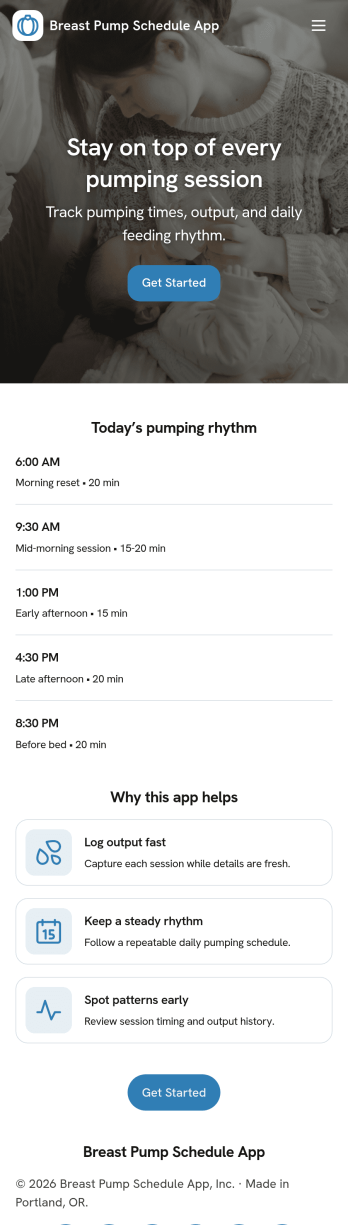
Breast Pump Schedule App
Breast Pump Schedule App helps you plan and record pumping sessions in one place, so it’s easier to follow a routine at home, during overnight feeds, or while balancing a workday. Use it to open your schedule, see upcoming time blocks like a morning block or workday block, and quickly log a pump session when it happens. It’s a practical fit for new parents, exclusive pumpers, returning-to-work families, and caregivers who need a shared view of timing and consistency.With Jotform, you can turn this app template into a personalized scheduling and tracking experience using a no-code app builder and a drag-and-drop interface. Connect buttons to forms for fast data collection, organize entries into lists for easy review, and adjust the pages to match your routine as it changes. Share the app link for simple self-service access, keep your workflow tidy, and stay on top of sessions without relying on scattered notes.
Go to Category:Scheduling Apps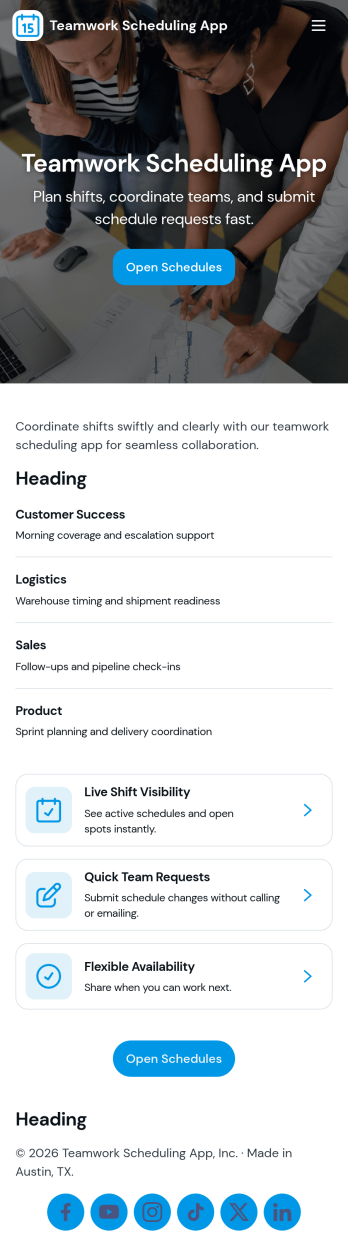
Teamwork Scheduling App
Teamwork Scheduling App helps teams coordinate shifts and availability in one place so everyone knows what they’re working on and when. It’s a practical fit for managers, team leads, and operations teams who need a clear schedule, visibility into assignments, and a simple way for staff to submit availability or request changes. With dedicated areas for schedule viewing, assignments, and requests, the app supports day-to-day planning without relying on scattered messages or last-minute updates.Jotform makes it easy to turn this scheduling workflow into a mobile-friendly experience using App Templates and a no-code app builder with a drag-and-drop interface. Connect your app to forms for data collection, keep scheduling information organized, and share a self-service link with your team so updates and requests flow into a consistent workflow. Customize pages, branding, and navigation to match how your team plans, communicates, and stays accountable.
Go to Category:Scheduling Apps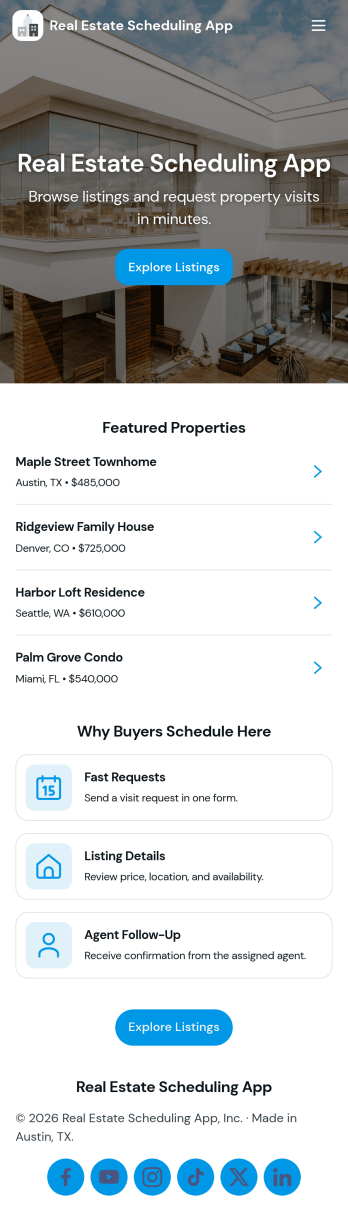
Real Estate Scheduling App
Real Estate Scheduling App helps brokers, agents, and property managers guide buyers and renters from browsing listings to booking time on your calendar in a single, mobile-friendly place. Use it to showcase available properties, share listing snapshots, and capture tour and viewing requests without sending people through multiple links. It fits open house follow-ups, relocation clients, rental inquiries, and high-volume listing periods where quick scheduling and clear next steps keep leads engaged.Jotform makes it easy to build and publish app templates like this with a no-code app builder and a drag-and-drop interface, so you can tailor pages to your workflow and brand. Connect buttons to forms for data collection, route requests to the right teammate, and keep everything organized for self-service access from any device. Share your app with a link or QR code and update listings, agent details, and scheduling paths anytime without code.
Go to Category:Real Estate Apps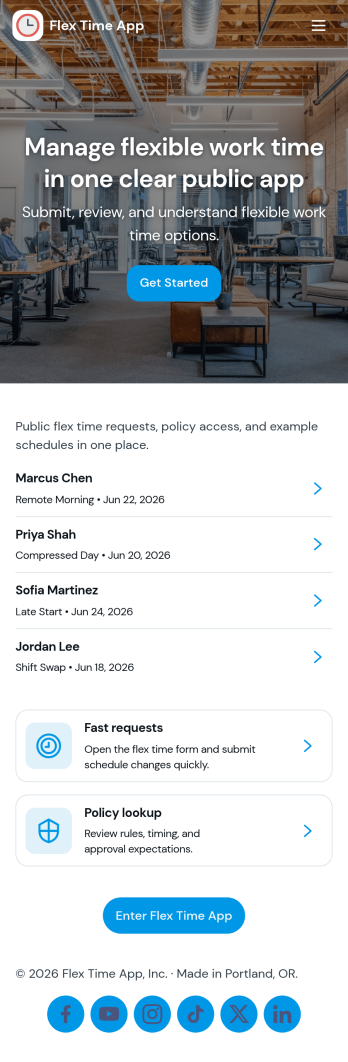
Flex Time App
Flex Time App helps teams manage flexible time off or schedule flexibility requests in one place. Employees can submit a new request through a simple in-app form, then check their available balances without emailing HR or a manager for updates. It fits organizations that track flex time accruals, comp time, or alternative schedule hours and want a clearer way to collect requests and keep balance records current for each employee.Built with Jotform, this app template can be tailored with a no-code app builder and a drag-and-drop interface so you can match your internal workflow. Connect the app to forms and tables to keep requests and balance records organized, make updates faster, and support self-service access for employees. Share the app with a link so staff can submit requests, view balances, and return to their request list from any device.
Go to Category:Human Resources Apps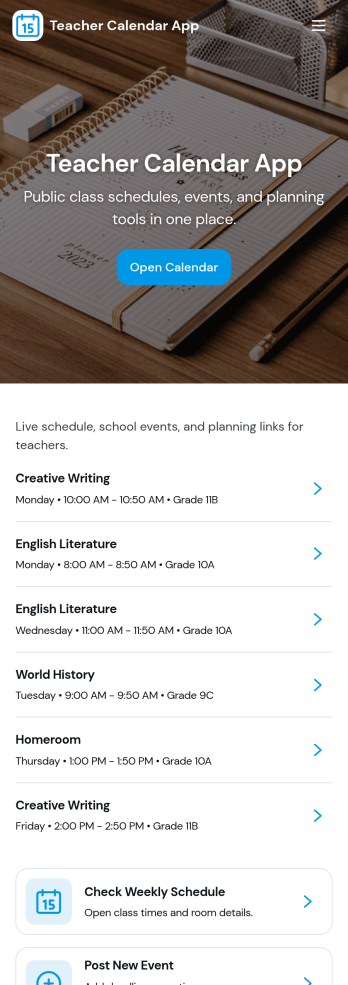
Teacher Calendar App
A teacher calendar app brings your day-to-day classroom schedule, lesson planning, and availability into one place so you can stay organized without juggling multiple tools. Use it to quickly view your schedule, add lesson plans for different classes and subjects, and keep an up-to-date availability view that supports meetings, prep periods, or coverage needs. It’s a practical fit for individual teachers, substitute coordinators, department leads, and school teams that want a clear routine for what’s happening today, what’s coming next, and what still needs planning.With Jotform’s app templates, you can publish a mobile-friendly experience that connects key actions to forms and organized records, making data collection and workflow steps feel simple. Customize the layout with a drag-and-drop interface, link your lesson plan and availability forms, and share the app with a single link so staff can access the latest schedule and updates anytime. Jotform makes it easy to tailor this app template to your teaching style, grade level, and school routines without coding.
Go to Category:Education Apps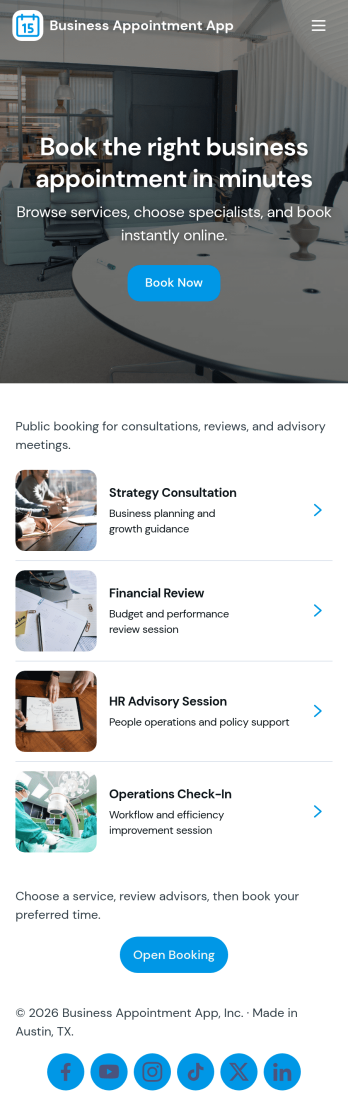
Business Appointment App
Business Appointment App helps service-based teams manage bookings in one place so customers can choose a service, pick an available time, and request an appointment without phone calls or email threads. Use it for salons, studios, clinics, consultants, and local service providers that want a simple way to guide visitors from browsing services to booking the right slot. With clear navigation for browsing services, booking an appointment, and reviewing related details, it supports faster scheduling and a more consistent customer experience.Built with Jotform App Templates, this app template is easy to tailor for your brand and your scheduling workflow. Use Jotform’s no-code app builder and drag-and-drop interface to update pages, adjust service options, and connect booking forms to the rest of your workflow for data collection and follow-up. Share the app with a link or QR code to support self-service scheduling on mobile, and keep appointment requests organized as your business grows.
Go to Category:Appointment & Booking Apps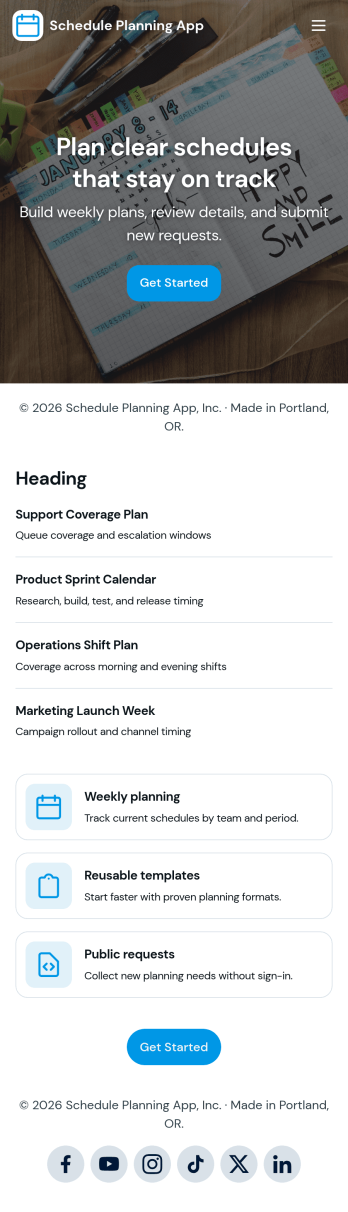
Schedule Planning App
Schedule Planning App helps teams and individuals map out upcoming plans, reuse proven templates, and capture new schedule details fast with a quick-entry experience. It’s a practical fit for operations leads, HR coordinators, service managers, educators, and busy freelancers who need one place to organize shifts, project timelines, recurring routines, or event prep without juggling scattered notes. With dedicated areas for plans and templates, plus an add-plan action for new entries, everyone can stay aligned on what’s coming next and where to focus.Jotform makes it easy to turn scheduling workflows into a shareable, branded experience using a no-code app builder and a drag-and-drop interface. Connect your schedule planning app template to forms and tables for reliable data collection, keep updates organized in one workflow, and publish in minutes for quick self-service access across web and mobile. As needs change, you can adjust pages, navigation, and content without starting over.
Go to Category:Scheduling Apps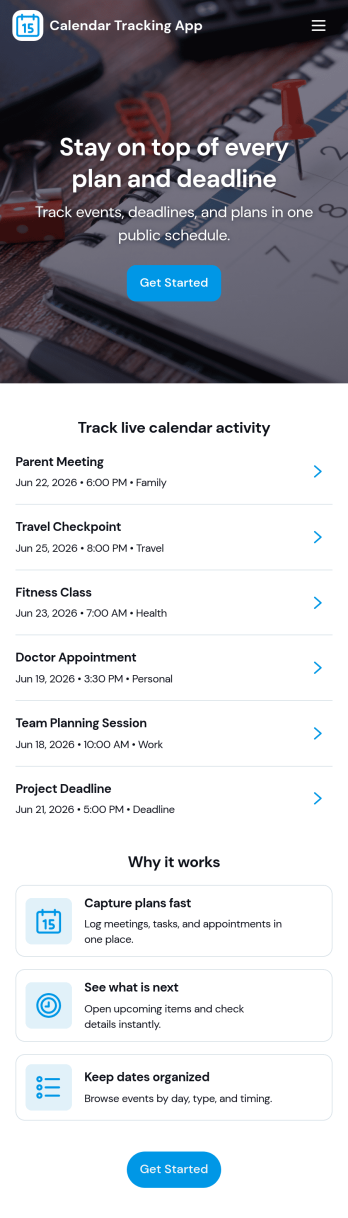
Calendar Tracking App
Calendar Tracking App helps you capture, organize, and review important events in one place so you can stay on top of what’s coming up and what’s already happened. Use it to track appointments, meetings, deadlines, personal commitments, content schedules, volunteer shifts, or any recurring activity where timing and location matter. With dedicated paths to browse entries, add an entry, and review insights, this app works well for individuals, admins, and teams that need a simple routine for logging calendar items and quickly finding details like when and where an event is scheduled.Jotform makes it easy to turn this app template into a polished, shareable self-service experience using a no-code app builder and a drag-and-drop interface. Connect the app to your Jotform form and table so entries flow into one organized record set, then tailor pages, buttons, and visuals to match your workflow. From lightweight data collection to structured tracking and reporting, Jotform Apps gives you a flexible way to publish a calendar-focused hub that’s easy to use on any device.
Go to Category:Scheduling Apps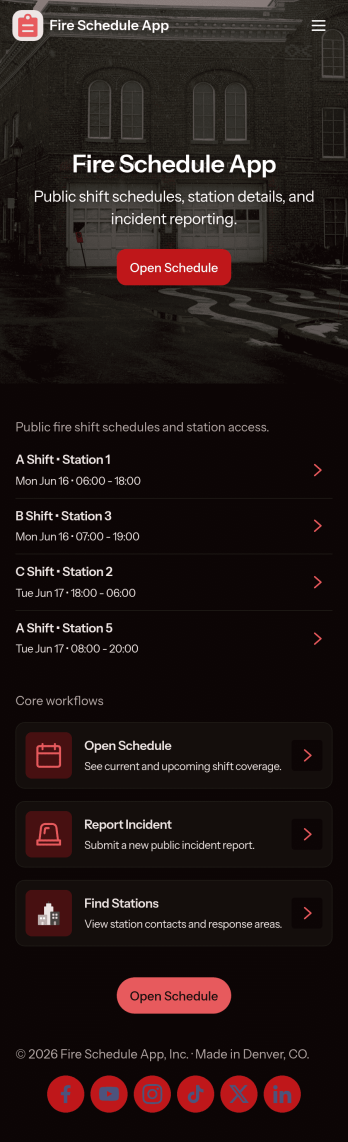
Fire Schedule App
Fire Schedule App helps fire departments and station leaders organize daily coverage, publish shift details, and keep crews aligned across stations. Use it to view today’s shifts at a glance, add new shifts when coverage changes, and provide a consistent place where firefighters can check assignments before they report in. It also includes an incident log area for capturing key incident details, making it easier to track what happened and maintain operational awareness during busy rotations.Built with Jotform, this app template can be customized with a no-code app builder and a drag-and-drop interface, so you can match the app to your station’s workflow without technical overhead. Connect shift creation and edits to a form for consistent data collection, keep schedule records organized, and share the app as a self-service link for crews, supervisors, or admin staff to reference in the field or at the station.
Go to Category:Scheduling Apps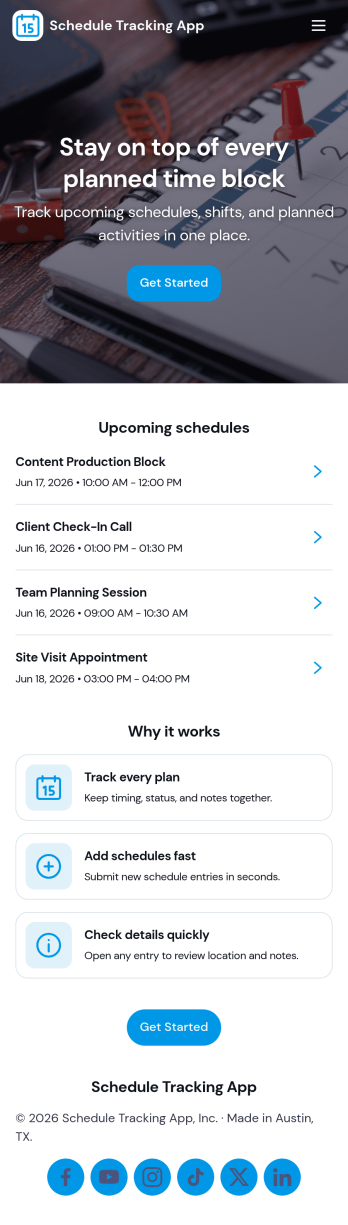
Schedule Tracking App
Schedule Tracking App helps individuals and teams keep a clear record of what’s planned today, what’s been completed, and what still needs attention. Use it to log schedule entries as they happen, review saved entries in a list, and add quick notes for context so nothing gets missed. It’s a great fit for busy professionals, operations teams, educators, caregivers, and anyone juggling recurring commitments who needs a simple way to stay on top of daily timing without digging through messages or scattered calendars.Built with Jotform, this app template is easy to adapt with a no-code app builder and a drag-and-drop interface, so you can match it to your workflow in minutes. Connect the in-app buttons to forms for data collection, route information into tables for organized tracking, and keep your schedule history accessible through a clean self-service experience. Share the app with a link for quick access on mobile, and update pages anytime as your scheduling process evolves.
Go to Category:Scheduling Apps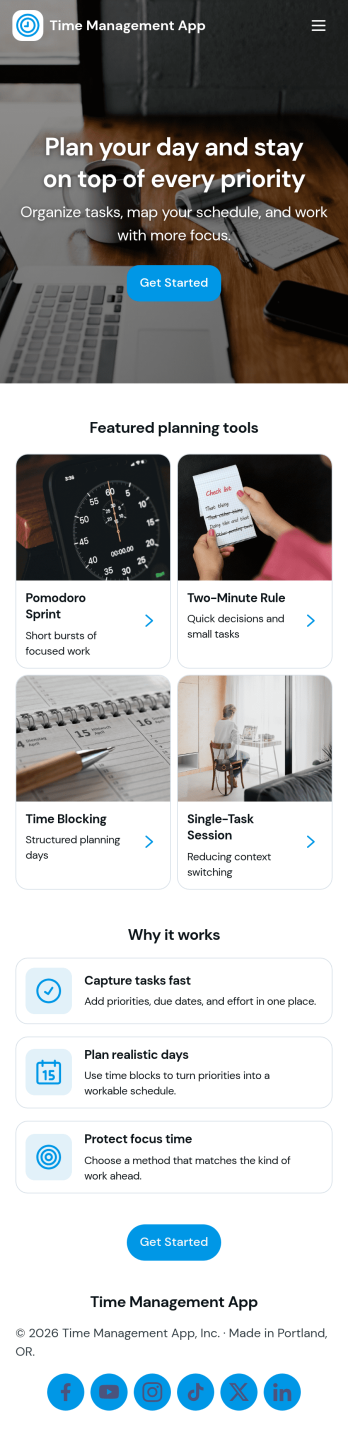
Time Management App
Time Management App helps individuals and teams plan their day, capture how time is actually spent, and reflect on patterns that affect productivity. Use it to map out a focused daily plan, add time blocks for key priorities, and keep simple time logs as your workday unfolds. It’s a practical fit for freelancers, students, remote workers, and managers who want a clearer routine, fewer missed tasks, and more realistic schedules without overcomplicating their process.With Jotform App Templates, you can turn time management into a mobile-friendly self-service experience that’s easy to update and share. Build and customize your app with Jotform’s no-code app builder and drag-and-drop interface, then connect buttons and pages to forms for data collection and ongoing workflow habits. Publish a link for quick access, keep everything organized in one place, and adjust the layout as your planning style evolves.
Go to Category:Task Management Apps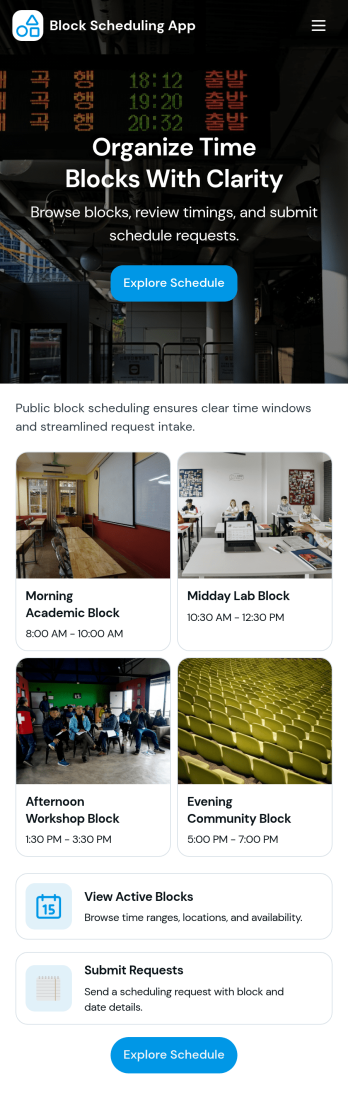
Block Scheduling App
Block Scheduling App helps teams organize time into clear blocks so people can request, assign, and review schedules without confusion. Use it to manage shift-style coverage, rotating responsibilities, room or equipment time blocks, on-call rotations, or any workflow where availability is planned in chunks rather than single appointments. With dedicated pages for Blocks and Schedule, plus an Assign a block form and a My Requests inbox view, coordinators can keep assignments consistent while requesters always know where to go to submit and follow up.Built with Jotform App Templates, this app template is easy to adapt for different departments and scheduling styles using a no-code app builder and a drag-and-drop interface. Connect your scheduling workflow to Jotform forms and tables for reliable data collection, then share the app through a link or QR code for quick self-service access. As requests come in, teams can centralize scheduling data, collaborate on updates, and maintain a single source of truth for block assignments.
Go to Category:Scheduling Apps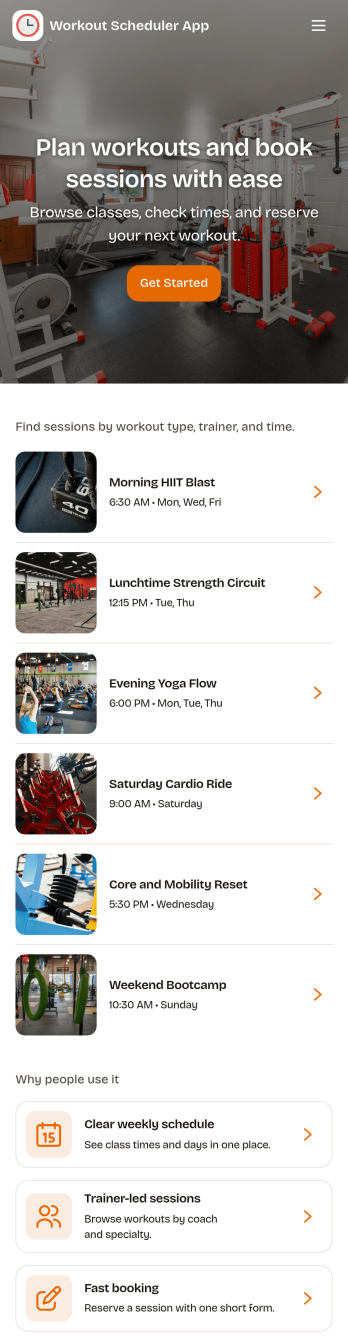
Workout Scheduler App
Workout Scheduler App helps you organize training into a clear, repeatable plan that’s easy to follow day to day. Use it to browse workouts from a library, add new routines as you create them, and guide users into a “Start a Plan” flow so they always know what’s next. It’s a great fit for personal trainers, small gyms, wellness coaches, and anyone managing their own fitness routine who wants a simple way to plan today’s focus and keep workouts consistent across the week.With Jotform, you can turn this app template into a branded self-service experience using a no-code app builder and a drag-and-drop interface. Connect the in-app buttons to forms and tables for fast data collection, then update your workout library over time without rebuilding the app. Share the app with clients through a link or QR code, collaborate internally on updates, and keep your workflow organized as your training programs grow.
Go to Category:Personal Training Apps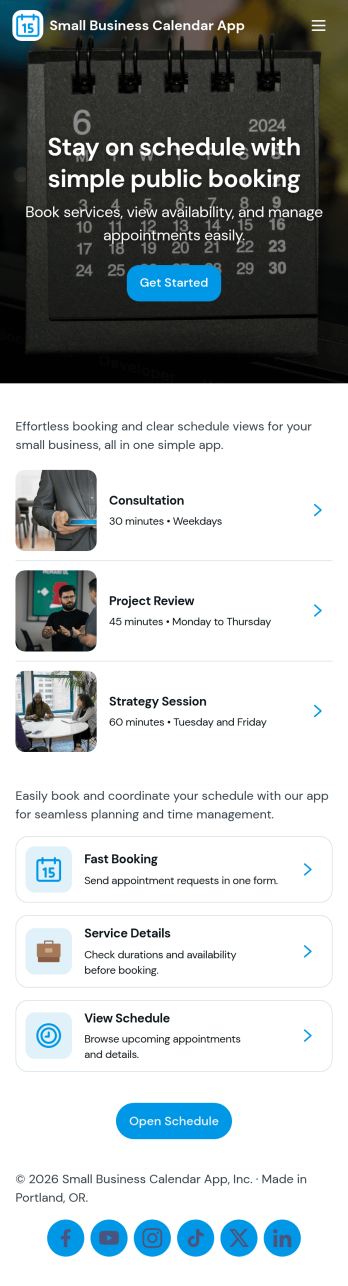
Small Business Calendar App
Small Business Calendar App brings your day-to-day scheduling into one place so you can stay on top of upcoming work and keep client details close at hand. Use it to review your schedule at a glance, browse entries from a connected list, and quickly open a schedule view when you need to confirm what’s next. It’s a practical fit for owner-operators and small teams in services like consulting, personal care, home services, and local retail that need a simple way to keep appointments and client information organized.With Jotform, you can turn this app template into a branded, mobile-friendly hub without coding. Customize pages with a drag-and-drop interface, connect the app to a form for data collection, and keep information consistent as your workflow evolves. Share the app by link so staff can reference schedules and client info anytime, and update the experience as your business grows.
Go to Category:Scheduling Apps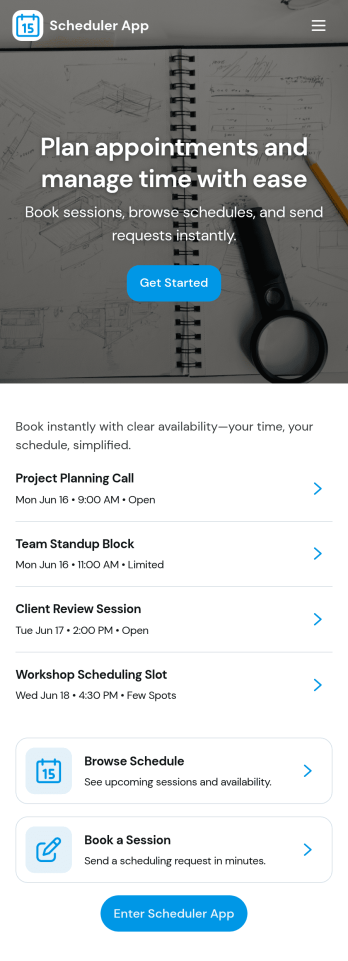
Scheduler App
Scheduler App brings your booking workflow into one place so you can add new appointments, check today’s schedule at a glance, and review booking history when you need context. It’s a practical fit for service businesses, busy teams, and solo operators who manage recurring sessions or time-based requests, such as consultants, clinics, tutors, trainers, and local service providers. With quick access to creating a booking and navigating between current schedules and past records, you can reduce missed details, stay organized during peak hours, and give customers a more consistent experience.Built with Jotform App Templates, this app template is easy to tailor to how you work using Jotform’s no-code app builder and drag-and-drop interface. Connect the app to your booking form and data collection so entries flow into connected records you can browse later, then share the app by link or QR code for convenient self-service. As your workflow evolves, you can adjust pages, buttons, and navigation without rebuilding from scratch, keeping scheduling simple for both your team and your clients.
Go to Category:Scheduling Apps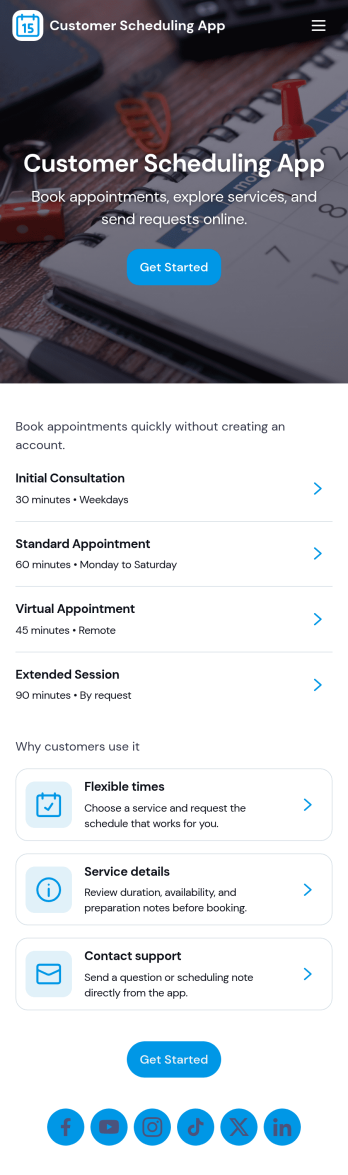
Customer Scheduling App
Customer Scheduling App helps service businesses and teams manage appointments and customer details in one place. Use it to let staff book new appointments, view upcoming bookings, and open customer records when they need contact info or service history. It works well for salons, clinics, coaching services, home services, and any business that schedules time-based appointments and wants a clear view of today’s and this week’s schedule.With Jotform, you can turn this app template into a branded self-service experience without code. Customize pages with a drag-and-drop interface, connect your booking flow to forms and tables for reliable data collection, and keep your workflow moving with simple navigation for creating follow-up bookings and reviewing booked slots. Share the app with your team or customers using a link, then update your scheduling process as your services grow.
Go to Category:Appointment & Booking Apps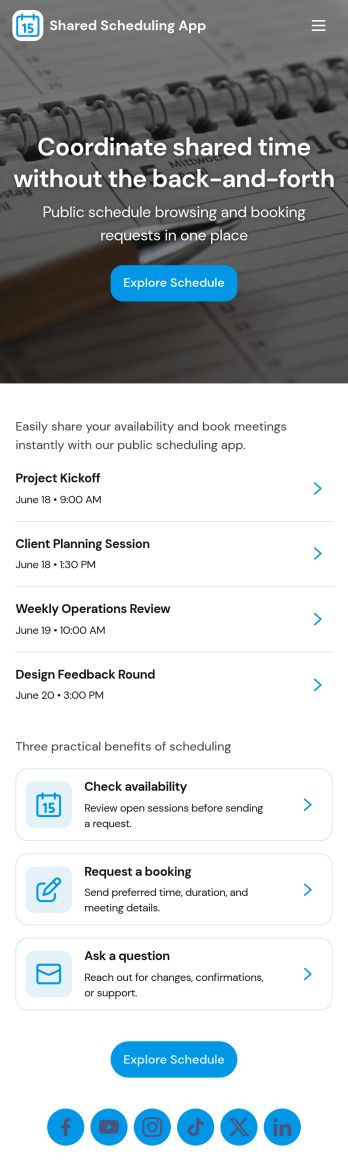
Shared Scheduling App
A shared scheduling app helps teams and groups coordinate availability in one place so people can book time without constant messaging. Use it to offer bookable slots, let users view the current schedule, and route special requests to the right person when a standard time doesn’t work. It’s a great fit for shared resources like meeting rooms, studios, equipment, office hours, or rotating staff coverage, and it also works well for consultants, service teams, and community organizers managing multiple session types.Jotform makes it easy to build and publish shared scheduling app templates with a no-code app builder and a flexible drag-and-drop interface. Connect your booking and request forms to keep data collection consistent, update schedules quickly, and create a clear self-service experience for anyone who needs to reserve time. Customize pages, buttons, and navigation, then share your app by link or QR code so your schedule is always accessible.
Go to Category:Scheduling Apps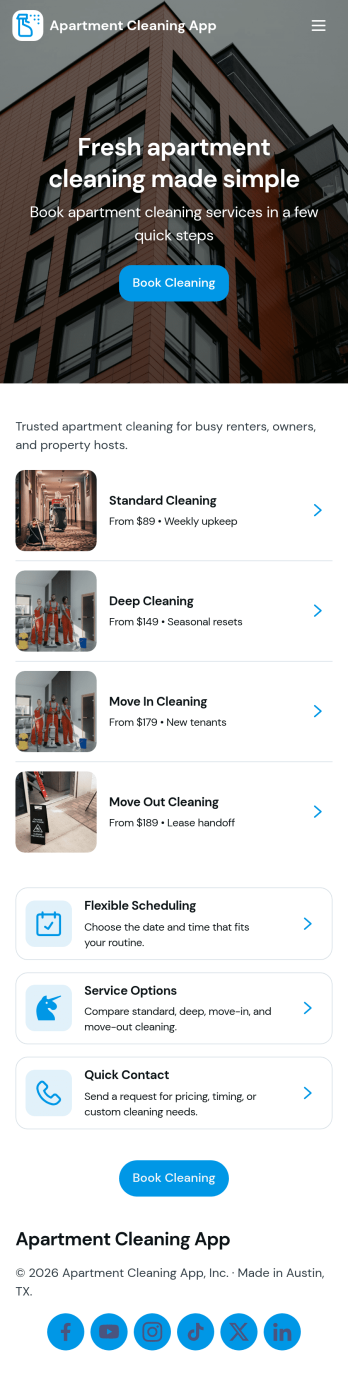
Apartment Cleaning App
Apartment Cleaning App helps property managers, landlords, and cleaning teams coordinate apartment cleanings in one place. From a simple home screen, residents or staff can request cleaning, while cleaners can view open jobs and quickly check what’s already scheduled. It’s a practical fit for apartment communities, short-term rental operators, and maintenance teams that need a clear way to route requests, reduce missed visits, and keep unit details organized.Jotform makes it easy to turn this app template into a branded, shareable self-service experience using a no-code app builder and a drag-and-drop interface. Connect the request flow to your existing data collection process, keep job details organized, and update your workflow as your team grows. Share the app with a link or QR code so residents and staff can access it from any device, without adding complexity to daily operations.
Go to Category:Home Services Apps