

Resource & Learning Portal Apps

Creative Focus Community App
Creative Focus Community App brings focus-building activities, creative resources, and shared practices into one welcoming digital space. It is suited to creative communities, arts educators, workshop leaders, peer groups, and organizations that want to encourage mindful creative routines. Members can explore guided activities, open practical resources, review suggested formats and time commitments, and reflect on what changed after each practice. A connected form also gives participants a simple way to contribute a practice, helping organizers gather community knowledge without relying on scattered messages or documents. This app template supports regular engagement, independent exploration, and thoughtful participation for remote, in-person, or blended communities.Jotform makes this Creative Focus Community App easy to adapt with a no-code app builder and an intuitive drag-and-drop interface. Organizers can adjust pages, cards, navigation, images, and branding while connecting forms and data collection to a broader workflow. Resources can be updated as the community grows, and the finished app can be shared through a direct link or QR code for convenient mobile access. Jotform App Templates provide a ready-made foundation, so teams can create a polished self-service experience without programming and keep activities, reflections, resources, and contributions accessible from one central destination.
Go to Category:Community & Engagement Portal Apps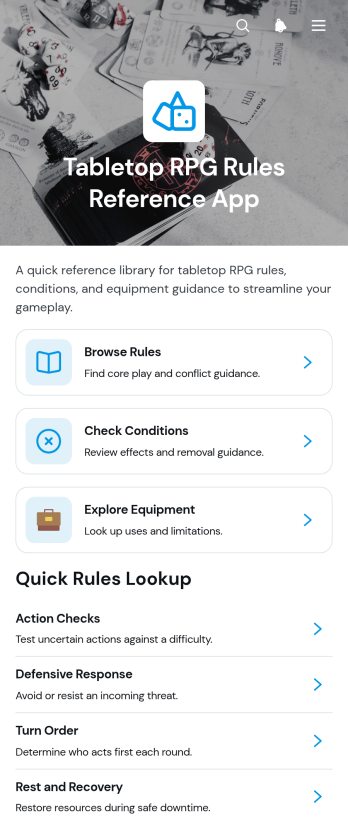
Tabletop RPG Rules Reference App
Tabletop RPG Rules Reference App is a searchable game resource for players, game facilitators, clubs, and event organizers who need dependable information during tabletop sessions. Users can browse rules, check character conditions, and explore equipment without searching through scattered notes or lengthy documents. Clear reference pages help groups resolve questions faster, explain examples, review effects, and understand how an item may be used in play. The app template works well for home campaigns, gaming clubs, educational activities, convention sessions, and communities maintaining their own tabletop rule sets. It gives newcomers an approachable learning resource while helping experienced groups keep play moving and apply shared rulings consistently.Jotform makes this reference experience easy to adapt with a no-code app builder and a flexible drag-and-drop interface. Organizers can update pages, cards, navigation, images, and linked resources to match a campaign or gaming community. Information can be organized through connected tables, while forms and workflows can support rule suggestions, corrections, or content reviews. Like other Jotform App Templates, this app template can be branded, shared through a direct link or QR code, and opened on mobile devices for convenient self-service access at the table. No programming knowledge is needed, so groups can publish a polished resource and continue improving it as their rules and equipment collections evolve.
Go to Category:Entertainment Apps
German Urdu Dictionary App
The German Urdu Dictionary App is a mobile-friendly language reference for learners, tutors, educators, translators, and multilingual communities that need quick access to German sentences and their Urdu meanings. Users can browse vocabulary entries, review usage context, and contribute a new vocabulary entry through a connected form. It suits classroom study, independent practice, tutoring sessions, language programs, and community learning initiatives. By keeping translations and contextual examples in one accessible place, the app helps users build vocabulary, understand how expressions are used, and reduce reliance on scattered notes or separate resources.Jotform makes it easy to adapt App Templates like this one without writing code. Using the no-code app builder and its drag-and-drop interface, creators can update pages, reorganize navigation, add learning resources, and connect forms to data collection workflows. The finished German Urdu Dictionary App can be shared through a direct link or QR code, giving learners convenient self-service access on phones, tablets, and computers. Educators and language program coordinators can also refine the content and visual design as their audience and vocabulary collection grow.
Go to Category:Resource & Learning Portal Apps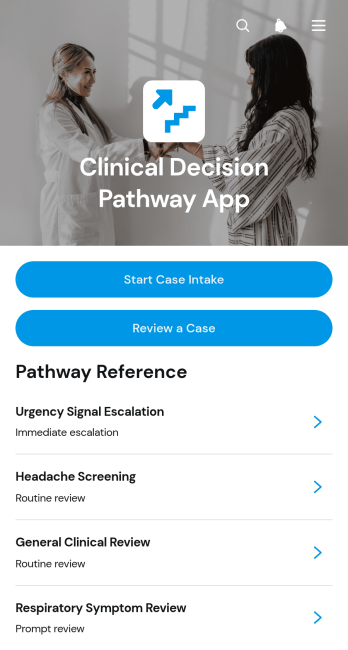
Clinical Decision Pathway App
The Clinical Decision Pathway App is a structured workspace for healthcare teams that need to capture case information and review decision pathways consistently. Clinicians, care coordinators, clinical educators, and quality improvement teams can use it to begin case intake, revisit submitted cases, and browse pathways based on presenting concerns. Each pathway can highlight a trigger pattern, supporting rationale, suggested next step, and safety note, helping teams organize clinical reasoning and keep important reference information accessible. It is well suited to case review meetings, training exercises, internal consultations, and standardized operational workflows while leaving final decisions to qualified professionals.Jotform makes this app template easy to adapt without coding. Use the drag-and-drop app builder to update pages, navigation, visual styling, and pathway content, then connect forms and tables for organized data collection and case management. Teams can publish a mobile-friendly experience, share it through a direct link or QR code, and centralize intake and reference resources in one location. The Clinical Decision Pathway App can also support notifications and connected workflows, giving healthcare organizations a practical foundation for building an interactive internal resource with clear navigation and convenient access.
Go to Category:Healthcare Apps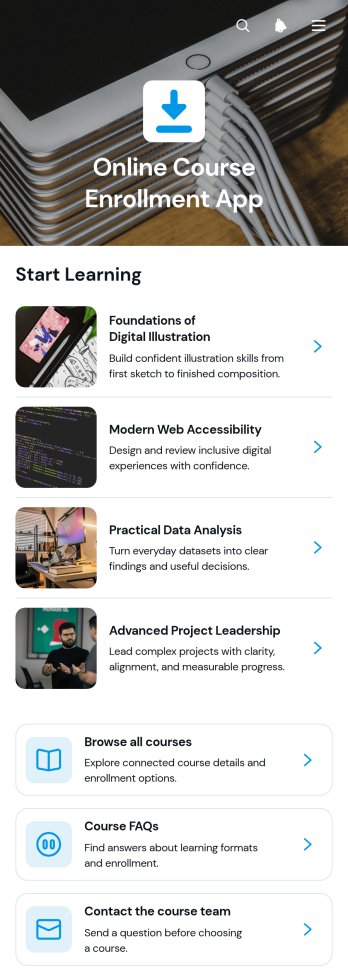
Online Course Enrollment App
The Online Course Enrollment App is an app template for presenting digital learning opportunities and guiding prospective students through course selection and enrollment. It gives training providers, tutors, schools, professional educators, and learning teams a central place where learners can browse available courses, review weekly modules, check instructor, level, and format details, read common questions, and contact the course team. A connected enrollment form supports data collection without requiring separate registration pages. This organized experience helps learners compare options and understand course expectations before signing up, while administrators can reduce repetitive inquiries and manage enrollment interest through a consistent workflow.Jotform makes this app template easy to adapt with a no-code app builder and drag-and-drop interface. Add or rearrange pages, update course information, connect forms and workflows, and apply visual styling that fits your educational program. Course providers can publish the finished app through a direct link or QR code, making it convenient for learners to access on mobile devices or computers. Jotform App Templates also help teams create a polished self-service experience without developing software, so course catalogs, registration pathways, learner resources, and updates can remain accessible from one customizable location.
Go to Category:Course & Training Registration Apps
Coaching Program Finder App
The Coaching Program Finder App helps prospective participants explore coaching options and identify programs that match their goals. Coaching practices, consultants, learning providers, wellness teams, and professional development organizations can use this app template to present their offerings in one accessible destination. Visitors can browse programs by focus area, review key details such as format and specialization, and submit a guidance request when they need help choosing. This focused experience reduces uncertainty, supports informed decisions, and gives providers a practical way to connect people with relevant career growth, leadership, or wellbeing coaching.Jotform App Templates make it easy to turn program information and inquiry workflows into a polished, mobile-friendly experience. Using Jotform’s no-code app builder and drag-and-drop interface, teams can customize pages, visual elements, navigation, and branding without programming. Forms, tables, notifications, approvals, and other connected tools can support data collection and follow-up from the same app. Once ready, the Coaching Program Finder App can be shared through a direct link, QR code, or embedded experience, giving audiences convenient self-service access while helping teams manage interest and program guidance requests.
Go to Category:Resource & Learning Portal Apps
Visual Reference Library App
The Visual Reference Library App is a centralized resource for collecting, organizing, and reviewing image-based references with clear context. Creative teams, educators, researchers, field staff, community groups, and project managers can use it to maintain a shared collection that is easier to navigate than scattered folders or message threads. Users can browse existing references, submit a clear image, select an appropriate reference type, and explain the signal or meaning shown. This approach supports visual research, training, inspiration gathering, pattern recognition, and consistent communication across teams. It also gives contributors a straightforward self-service path while helping library managers collect useful, properly categorized material.Jotform makes this app template easy to adapt with a no-code app builder and a flexible drag-and-drop interface. Add branded pages, reorganize navigation, update content, or connect forms and tables to support data collection and review workflows. Teams can publish the finished app through a direct link or QR code, making the library convenient to access on phones, tablets, and computers. Among Jotform App Templates, this option offers a practical starting point for creating an interactive resource center without writing code. Customize the Visual Reference Library App to match your subject area, audience, terminology, and visual identity.
Go to Category:Resource & Learning Portal Apps
Arabic Reading Lessons App
The Arabic Reading Lessons App is a ready-to-use learning resource for tutors, language schools, educators, and independent learners who want to organize guided Arabic reading practice in one accessible place. Learners can browse lessons, study Arabic texts alongside transliterations and meanings, and complete targeted practice exercises. Practice results and progress review features help instructors follow learner development while giving students a clearer view of what they have completed. This app template is useful for remote tutoring, classroom support, supplemental study programs, and self-paced reading practice. It reduces scattered learning materials and creates a consistent path from reading a lesson to practicing the relevant skill.Jotform makes it easy to adapt this app without coding. Using the drag-and-drop app builder, educators can update lesson pages, reorganize navigation, adjust the visual theme, and connect forms for data collection. The finished app can be shared by link or QR code, providing mobile-friendly access wherever learners study. Jotform App Templates can also connect with tables and workflows, helping teaching teams organize submitted practice results, monitor activity, and maintain an engaging learning experience as lesson content grows.
Go to Category:Education Apps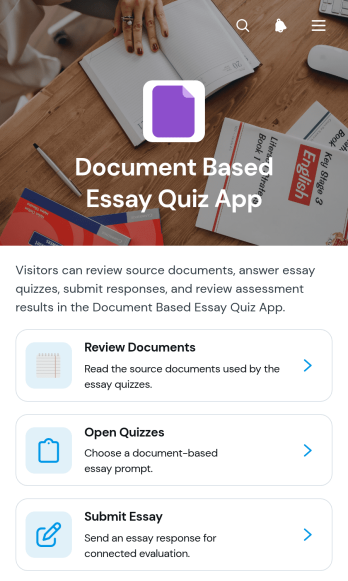
Document Based Essay Quiz App
The Document Based Essay Quiz App is an educational app template for assigning source materials, checking comprehension, and collecting written analysis in one accessible experience. Teachers, tutors, course instructors, training teams, and academic programs can use it to guide learners from document review to open quizzes and essay submission. Evaluators can assess submitted work, provide feedback, and preserve relevant essay context for clearer review. This setup supports reading-based lessons, historical source analysis, case study exercises, professional training, and other activities that require learners to interpret evidence before developing a written response.Jotform makes this app template easy to adapt without coding. Using the drag-and-drop app builder, educators can update pages, reorganize navigation, apply their own visual style, and connect forms or related workflows. Data collection stays linked to the learning experience, helping teams organize responses and reduce scattered processes. The app can be shared by direct link or QR code for convenient mobile access, while customizable resources and self-service navigation give learners a clear place to find materials, complete assignments, and revisit course activities.
Go to Category:Quiz Apps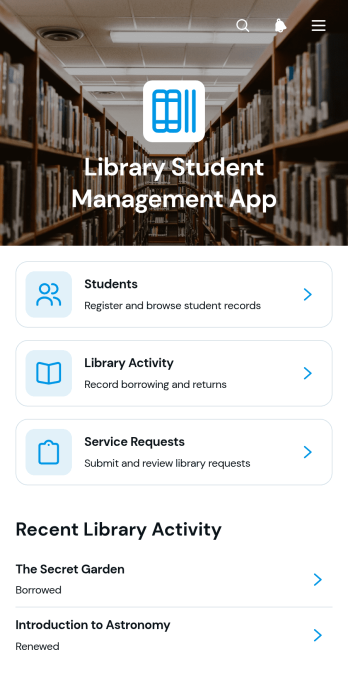
Library Student Management App
The Library Student Management App is a central workspace for school librarians, library assistants, administrators, and education teams managing student access to library services. It brings student registration, library activity records, return-date information, and service requests into one accessible experience. Staff can review student details and notes, record borrowing or other activity, monitor upcoming returns, and follow requests without relying on scattered documents. Schools, colleges, tutoring centers, and learning programs can use this app template to maintain clearer records, respond to student needs, and keep daily library operations organized.Jotform Apps helps teams turn connected forms, records, and resources into convenient digital experiences without writing code. Start with this Library Student Management App from Jotform’s App Templates, then adapt its pages, navigation, colors, and content through the no-code App Builder and drag-and-drop interface. Link data collection forms and supporting workflows so staff can manage information from a shared destination. Once ready, publish the app template with a direct link or QR code for mobile-friendly access, giving authorized users a practical self-service resource that can evolve with library procedures.
Go to Category:School Management Apps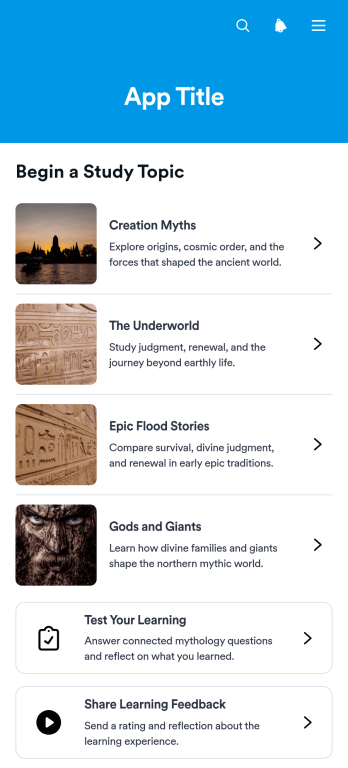
Mythology Learning App
Mythology Learning App is an educational app template for teachers, tutors, students, museums, libraries, and cultural organizations that want to make myths and traditions easier to explore. Learners can browse topic-based lessons, review key figures and traditions, test their knowledge, and share feedback from one organized experience. It works well for classroom enrichment, independent study, cultural programs, reading groups, and introductory mythology courses. By combining learning resources with quizzes and data collection, the app helps educators encourage participation, check understanding, and gather useful responses without relying on scattered materials.Jotform Apps makes this template easy to adapt with a no-code app builder and an intuitive drag-and-drop interface. Add or rearrange lesson pages, update cards, apply modern branding, connect forms, and shape the navigation around your curriculum without programming. Jotform App Templates can also support connected workflows for quiz responses and learner feedback, giving educators a practical way to manage content and interactions. Once customized, the app can be shared by direct link or QR code for mobile-friendly self-service access wherever learning takes place.
Go to Category:Education Apps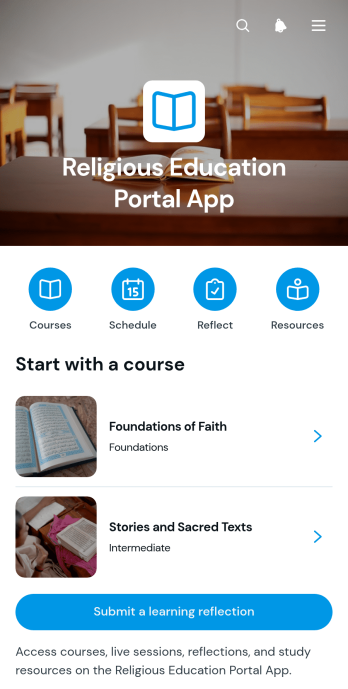
Religious Education Portal App
The Religious Education Portal App provides a central learning space where faith communities, religious schools, congregations, educators, and study groups can organize educational programs. Learners can browse available courses, follow weekly course paths, review upcoming sessions, open study resources, and submit learning reflections. By bringing these activities together, the portal makes lessons and supporting materials easier to find while helping educators encourage continued participation. It is well suited to recurring classes, youth education, adult study programs, community learning, and blended instruction delivered in person or remotely.With Jotform Apps, organizations can adapt this app template through a no-code app builder and an intuitive drag-and-drop interface. Teams can update pages, navigation, colors, fonts, images, and other visual elements to match their educational setting. Connected forms support data collection for reflections and other learning activities, while links and organized content enable convenient self-service access. The finished app can be shared by link or QR code and opened on phones, tablets, or computers, giving learners a consistent way to reach course information and supporting educators as programs evolve.
Go to Category:Resource & Learning Portal Apps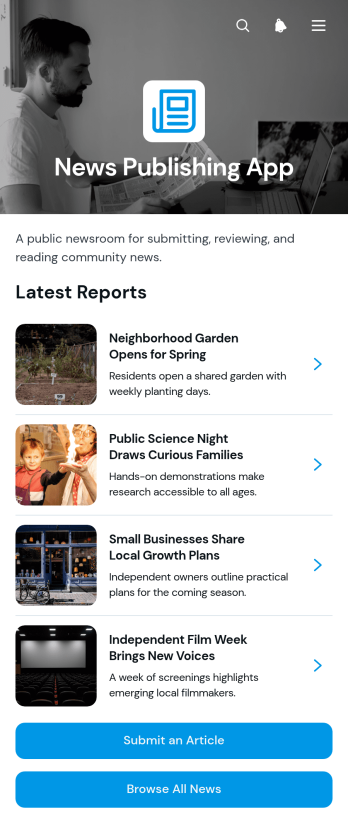
News Publishing App
News Publishing App provides editorial teams, community publishers, educational institutions, nonprofits, and internal communications departments with a central place to collect, review, and present news stories. Contributors can submit articles, readers can browse published news, and editors can manage incoming content through an article review queue. Dedicated story pages give audiences useful context about each article without making navigation complicated. This app template is well suited to local reporting, organizational announcements, school news, association updates, and topic-based publications. It keeps contributions and editorial activity connected, helping publishers maintain a consistent flow of information while giving readers convenient self-service access to current and archived content.Jotform makes the News Publishing App easy to adapt with a no-code app builder and a flexible drag-and-drop interface. Publishers can customize pages, colors, typography, cards, buttons, and navigation to reflect their visual identity. Forms, tables, approval steps, and automated workflows can be connected to support data collection and editorial operations from submission through publication. Teams can start with one of Jotform’s App Templates, make updates without programming, and share the finished experience through a direct link or QR code. Its mobile-friendly layout also helps contributors, editors, and readers access relevant content wherever they are.
Go to Category:Resource & Learning Portal Apps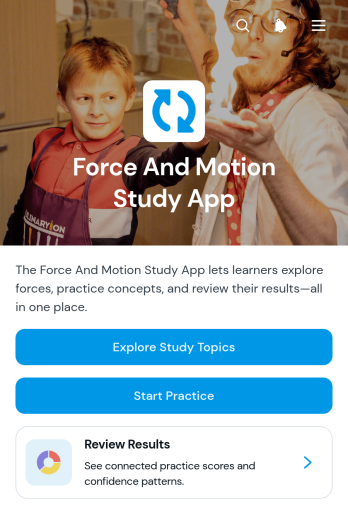
Force And Motion Study App
The Force And Motion Study App is an interactive learning resource for students studying foundational physics concepts and for teachers, tutors, and educational programs supporting their progress. Learners can browse study topics, review key ideas and practical examples, complete concept-based practice, and revisit their practice submissions. By bringing instruction and review into one accessible place, the app helps students prepare for lessons, homework, quizzes, and independent study while giving educators a consistent resource to share with a class or individual learners.Jotform makes it easy to adapt this app template without writing code. Use the no-code app builder and drag-and-drop interface to revise learning content, reorganize navigation, add practice forms, and connect data collection to useful workflows. Jotform App Templates can also support links, tables, approval steps, and automated notifications when needed. Once the app reflects your curriculum, publish it for mobile-friendly access and share it through a direct link or scannable code, giving learners a convenient self-service study experience in the classroom or at home.
Go to Category:Education Apps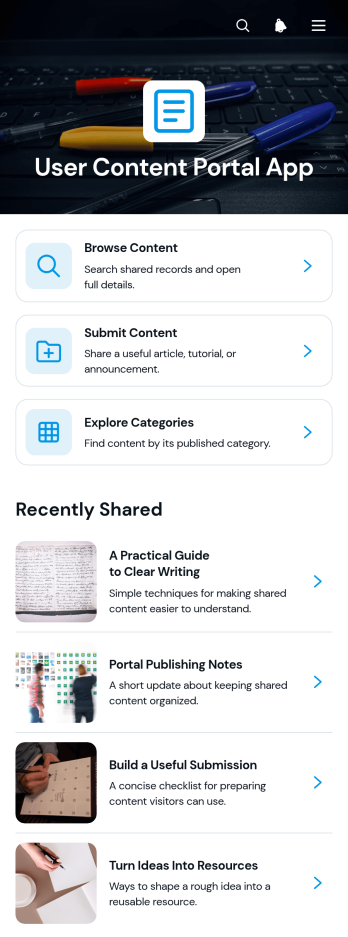
User Content Portal App
The User Content Portal App is an app template for collecting, organizing, and presenting material contributed by customers, members, students, employees, or other participants. Community managers, educational teams, customer engagement groups, nonprofits, and internal communications teams can use it to give people one place to browse content, submit new material, and explore categories. Articles, tutorials, announcements, and concise content insights help audiences find useful information while administrators maintain a clearer view of what is being shared. It works well for knowledge communities, member resource centers, learning collections, advocacy programs, and employee contribution initiatives where scattered links and disconnected intake processes make participation harder.With Jotform Apps, this User Content Portal App can be adapted to match your content program without coding. Use the drag-and-drop app builder to update pages, cards, navigation, imagery, and branding, then connect forms, tables, notifications, or approval workflows as your process evolves. The mobile-friendly layout supports convenient self-service access, while direct links, QR codes, and embedded experiences make distribution simple. Start from one of Jotform’s App Templates, refine the interface for your audience, and publish a centralized experience that improves data collection, content discovery, and ongoing collaboration.
Go to Category:Community & Engagement Portal Apps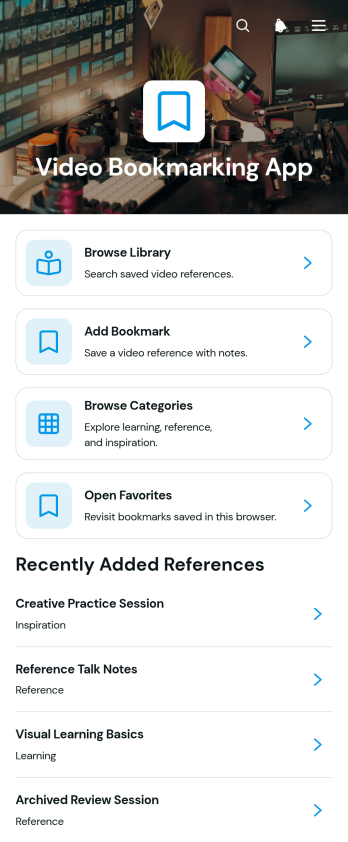
Video Bookmarking App
Video Bookmarking App is an app template for saving useful video links and organizing them into an accessible reference library. It suits students, educators, researchers, content teams, consultants, and professionals who regularly collect tutorials, presentations, demonstrations, or inspirational material. Users can add video bookmarks, browse a categorized library, and return to selected favorites without searching through scattered messages, documents, or browser tabs. This organized approach makes learning resources and visual references easier to revisit during research, training, content planning, and project work.Jotform provides customizable App Templates that help teams create focused digital experiences without writing code. Start with the Video Bookmarking App and use the no-code app builder and drag-and-drop interface to adjust pages, navigation, colors, fonts, and branding. Connected forms support consistent data collection, while organized app pages make saved resources available through a convenient self-service experience. The finished app can be shared by link or embedded into an existing website, giving individuals and teams a practical way to support ongoing workflows from desktop and mobile devices.
Go to Category:Resource & Learning Portal Apps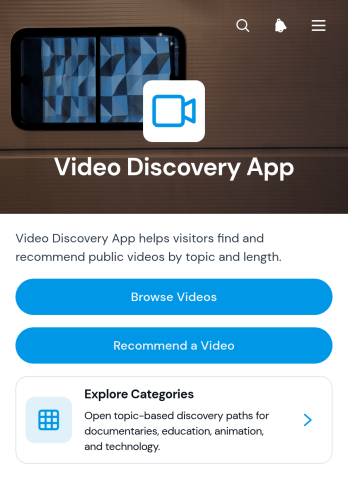
Video Discovery App
Video Discovery App is a ready-to-use app template for educators, media curators, community managers, marketing teams, and organizations that want to help audiences find relevant video content in one convenient place. Visitors can browse a video collection, explore categories such as documentaries, education, animation, and technology, and submit their own recommendations through a connected form. This organized experience reduces the time spent searching through scattered links while giving teams a practical way to showcase learning materials, entertainment, campaign content, or curated resources. It can support classroom collections, community media libraries, employee learning centers, and audience engagement initiatives.Jotform App Templates make it easy to adapt this experience without writing code. Using the no-code app builder and its drag-and-drop interface, creators can update pages, add media, reorganize navigation, apply their branding, and connect forms to data collection workflows. Recommendation responses can be managed with Jotform Tables, while notifications and approvals can help teams review suggestions before adding them to the collection. Once the Video Discovery App is ready, it can be shared by direct link, QR code, or embedded experience, giving viewers mobile-friendly self-service access wherever they are.
Go to Category:Entertainment Apps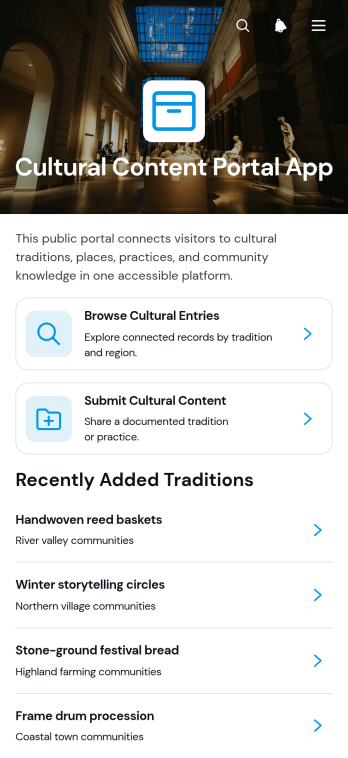
Cultural Content Portal App
The Cultural Content Portal App is a ready-to-use digital resource for collecting, organizing, and presenting stories, traditions, regional knowledge, and historical context. Museums, libraries, schools, cultural associations, nonprofits, researchers, and community groups can use it to create an accessible cultural archive for their audiences. Visitors can browse cultural entries, explore content by region or tradition, and review summaries with supporting historical information. Contributors can also submit new material through a connected form, helping organizations gather community knowledge in one consistent location. This app template reduces scattered records, makes discovery easier, and supports educational programs, preservation projects, local history initiatives, and public engagement.Jotform App Templates help teams turn resources and data collection processes into polished digital experiences without writing code. Customize this template with the no-code app builder and its drag-and-drop interface, then adjust pages, navigation, colors, fonts, images, and branding to suit your organization. Connected forms and workflows can support content intake while keeping the browsing experience simple and mobile-friendly. Publish the finished app with a direct link, share it through a QR code, or embed it for convenient self-service access. Jotform makes it easier to maintain a useful cultural resource as your collection and community participation grow.
Go to Category:Resource & Learning Portal Apps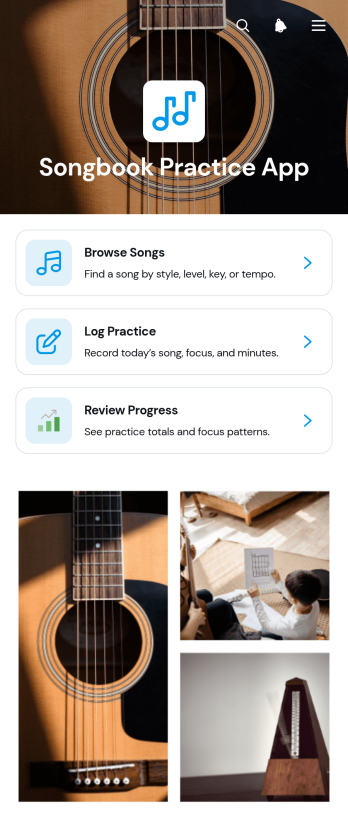
Songbook Practice App
Songbook Practice App is a ready-to-use digital practice companion for musicians, music students, tutors, ensembles, and instructors who want to keep repertoire and practice activity organized in one accessible place. Users can browse songs, view essential details such as tempo and key, log practice sessions, and review their progress over time. It supports individual study, private lessons, classroom assignments, rehearsals, and recurring training routines without relying on scattered notes or separate records. By connecting song references with practice tracking, the app helps musicians build consistent habits, prepare repertoire, and give teachers clearer insight into learning activity.Jotform makes this app template easy to adapt with a no-code app builder and an intuitive drag-and-drop interface. Customize pages, navigation, colors, fonts, and visual elements to match a personal teaching style, music program, or ensemble. Connected forms support data collection, while organized workflows make practice logs and progress updates easier to manage. Like other Jotform App Templates, it can be shared by link or QR code for convenient mobile access, giving learners a practical self-service resource that can evolve with their repertoire and goals.
Go to Category:Education Apps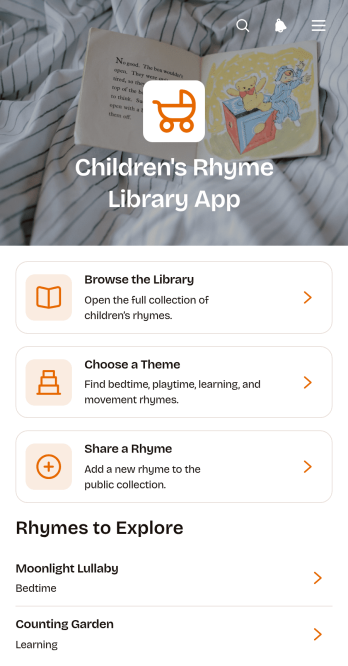
Children's Rhyme Library App
The Children's Rhyme Library App is a ready-to-use app template for organizing and sharing a child-friendly collection of rhymes. It gives parents, teachers, tutors, childcare providers, libraries, and educational programs one convenient place to browse rhyme titles, explore themed collections, and view useful details such as age range and read-aloud access. Bedtime and playtime sections help users find suitable material for daily routines, classroom activities, early literacy lessons, or family entertainment. A connected submission form also lets families, educators, and community members share rhymes for the library, supporting data collection without scattered messages or files.Jotform makes this Children's Rhyme Library App easy to adapt with a no-code app builder and a drag-and-drop interface. Update pages, cards, navigation, colors, fonts, and visual elements to match your classroom, learning center, library, or community program. You can connect forms, tables, approvals, and other workflow tools to review contributions and manage content from one place. Jotform App Templates also support mobile-friendly self-service access, so users can open the library through a direct link or QR code without downloading software. Customize the app template, publish it, and maintain an engaging rhyme resource as your collection grows.
Go to Category:Resource & Learning Portal Apps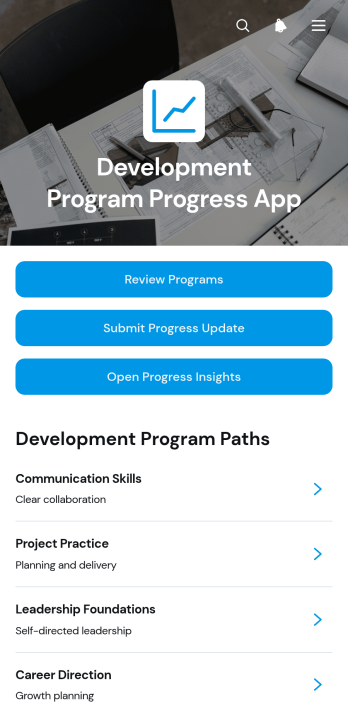
Development Program Progress App
The Development Program Progress App is an app template for organizations that need a clear view of participant advancement across professional, educational, leadership, or community development programs. Program managers, learning teams, mentors, consultants, and nonprofit coordinators can use it to review active programs, collect progress updates, and open progress insights from one organized location. Dedicated program views present development milestones, participant context, current stages, recent updates, next steps, and concise progress summaries. This shared structure helps teams replace scattered records, identify stalled progress, prepare informed check-ins, and maintain consistent oversight across several programs or participant groups.Jotform Apps makes this template easy to adapt with a no-code app builder and a flexible drag-and-drop interface. Add branded content, revise navigation, connect forms and tables, or expand the workflow with approvals and automated notifications. Teams can support convenient self-service data collection while keeping resources and actions together in a mobile-friendly experience. Once customized, the app can be published and shared through a direct link, custom app link, QR code, or embedded experience, making Jotform App Templates practical for both internal teams and distributed program participants.
Go to Category:Tracker Apps
Podcast Episode Directory App
Podcast Episode Directory App is an app template for podcast creators, media teams, educators, membership groups, and publishers that need an organized place to present an episode catalog. Visitors can browse all episodes, explore content by topic, open individual episode details, and follow a direct link to the selected recording. Grouping content by series and subject makes growing archives easier to navigate while helping listeners discover relevant material without searching across scattered pages. It works well as a public listening resource, an internal knowledge library, or a curated collection supporting a course, community, or campaign.With Jotform Apps, teams can turn this App Template into a branded, mobile-friendly directory without writing code. The no-code app builder and drag-and-drop interface make it easy to update navigation, adjust cards, add visual elements, and reorganize content as new recordings are released. Connect forms, tables, notifications, approvals, or other workflow resources when feedback, guest applications, data collection, or team coordination is needed. Once customized, the directory can be shared by a direct link or QR code, giving audiences convenient self-service access from phones, tablets, and computers.
Go to Category:Entertainment Apps
Pronunciation Practice App
Pronunciation Practice App is a guided learning resource for students, language learners, tutors, teachers, speech coaches, and training programs that want to make speaking practice easier to organize. Learners can browse lessons focused on sound patterns, review example words and practice cues, record attempts, and check their practice progress in one convenient place. Self-ratings help learners reflect on each attempt, while lesson details such as difficulty provide useful context before they begin. The app template works well for independent study, tutoring sessions, classroom assignments, language courses, and supplemental practice between lessons. It gives educators a consistent way to assign pronunciation activities and helps learners build a repeatable practice routine without relying on scattered files or instructions.With Jotform Apps, educators and learning teams can adapt this template through a no-code app builder and an intuitive drag-and-drop interface. Pages, lesson resources, forms, navigation, and visual elements can be updated to match different languages, ability levels, or teaching methods. Connected forms support data collection, while organized workflows make it easier to review attempts and monitor learning activity. The finished app can be shared by link or QR code for mobile-friendly self-service access, giving learners a central destination for practice materials and progress reviews.
Go to Category:Education Apps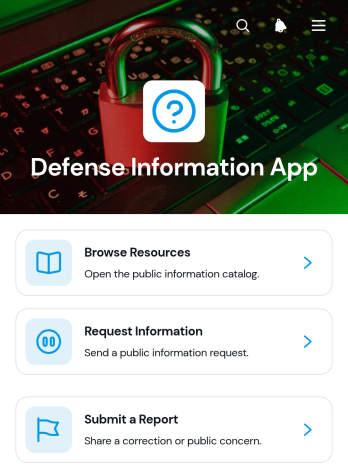
Defense Information App
Defense Information App is a centralized resource and reporting experience for defense teams, contractors, researchers, training groups, and organizations that need to make approved information easier to find and act on. Users can browse categorized resources, review summaries and references, request additional information, and submit reports through connected forms. This app template helps reduce scattered documents, unclear inquiry channels, and disconnected reporting processes. It can support internal knowledge sharing, training materials, operational guidance, research libraries, public information programs, and other defense-related communication needs without overwhelming users with complex navigation.Jotform makes it easy to adapt the Defense Information App with a no-code app builder and an intuitive drag-and-drop interface. Teams can revise pages, organize resource cards, connect forms and tables, and shape workflows around their own information policies and review procedures. Unlike static resource pages, Jotform App Templates can bring data collection, self-service access, and follow-up actions into one mobile-friendly experience. Customize the colors, typography, navigation, and content, then publish the app with a direct link, personalized address, embedded experience, or QR code for convenient distribution.
Go to Category:Resource & Learning Portal Apps