

Course and Training Registration Apps

Piercing Training App
Piercing Training App is a digital learning resource for piercing studios, salon educators, independent instructors, apprentices, and teams that need one organized place for training content. Learners can browse lessons, review focused topics and key points, and submit assessments after completing assigned material. Instructors can view assessment submissions to monitor participation, identify areas that may need further instruction, and support consistent learning across a team. This app template is useful for apprentice orientation, technique refreshers, studio education programs, and ongoing professional development. It replaces scattered documents and disconnected assessment links with a clear, mobile-friendly training experience.Jotform makes this Piercing Training App easy to adapt with a no-code app builder and an intuitive drag-and-drop interface. Add or reorganize lesson pages, update training resources, connect forms and tables, and adjust the visual style without programming. Jotform App Templates also support connected data collection and workflow tools, helping educators manage assessments and learning records from a central location. Once the content is ready, publish the app and share it through a direct link or QR code so learners can access resources and complete training from a phone, tablet, or computer.
Go to Category:Education Apps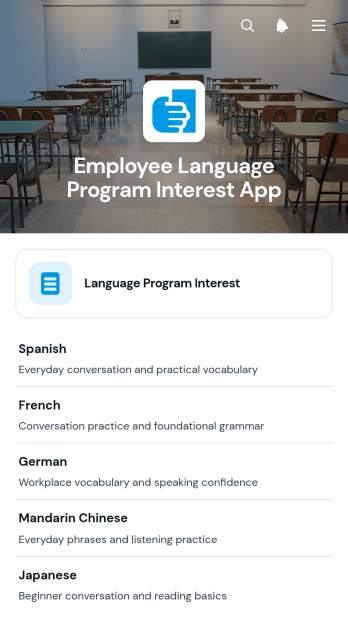
Employee Language Program Interest App
The Employee Language Program Interest App helps HR teams, learning and development leaders, and workplace training coordinators understand demand for employee language programs. Staff members can share the language they want to study, their preferred learning format, and their program goals, while administrators can review individual responses and assess interest by language. This app template supports early program planning, helps organizations prioritize relevant courses, and replaces scattered emails or informal surveys with consistent data collection. It is especially useful when evaluating a new learning initiative, expanding professional development benefits, or planning training for multilingual teams.With Jotform Apps, organizations can turn the Employee Language Program Interest App into a branded, mobile-friendly resource without writing code. The no-code app builder and drag-and-drop interface make it easy to adjust pages, update content, connect forms and tables, and organize the review workflow around internal processes. HR teams can publish the app with a direct link or QR code, share it with employees, and receive real-time updates as responses arrive. Start with one of Jotform’s App Templates, customize the app template to match workplace needs, and create a convenient self-service experience for employees and program administrators.
Go to Category:HR Portal Apps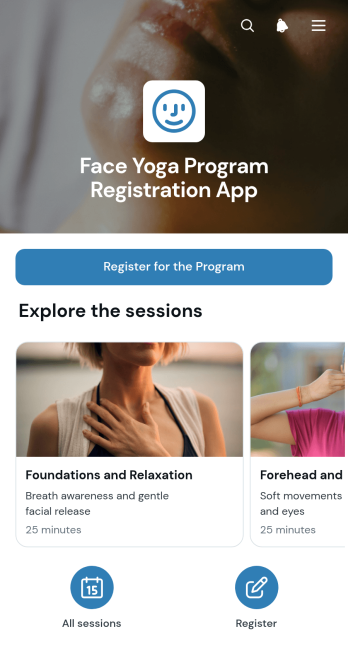
Face Yoga Program Registration App
Face Yoga Program Registration App is a ready-to-use app template for instructors, wellness professionals, studios, and training providers that need a convenient way to present sessions and accept program registrations. Visitors can browse available session information and use a prominent registration button to submit their details. This focused experience helps organizers replace scattered sign-up messages with one accessible destination, making it suitable for virtual programs, studio-based classes, introductory workshops, and recurring wellness series. It also gives prospective participants a clearer path from reviewing a session to registering their interest.With Jotform, this app template can be adapted using a no-code app builder and a drag-and-drop interface. Organizers can update session content, adjust branding, rearrange pages, and connect forms to data collection and workflow processes without programming. The finished app can be shared through a direct link or QR code, giving participants mobile-friendly self-service access wherever they are. Jotform App Templates also make it easy to expand the experience with confirmation steps, approval processes, payment collection, or additional resources as program needs evolve.
Go to Category:Course & Training Registration Apps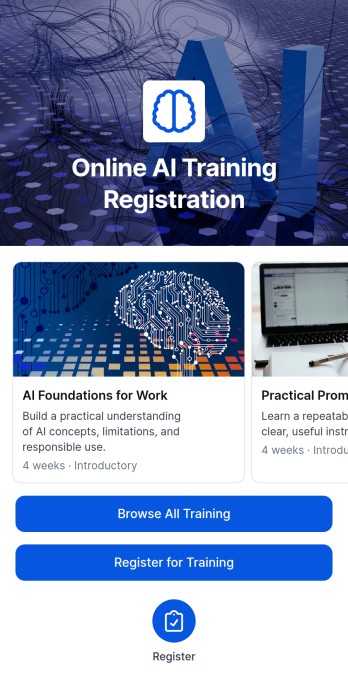
Online AI Training Registration App
The Online AI Training Registration App brings virtual artificial intelligence courses, session details, and learner registration into one accessible experience. Training providers, educational institutions, consultants, professional associations, and internal learning teams can use it to present available sessions, outline weekly course plans, share expected learning outcomes, and collect registrations. Prospective learners can compare training opportunities, review the duration and format, and submit their learning goals before enrolling. This app template reduces scattered course information, gives participants a clear path from discovery to registration, and helps organizers maintain useful learner records for planning and communication.With Jotform Apps, teams can adapt App Templates to match their training programs without writing code. The no-code app builder features a drag-and-drop interface for updating pages, cards, buttons, images, and navigation while keeping the experience consistent with existing branding. Connect registration forms, Jotform Tables, approvals, notifications, and other workflow steps to support organized data collection and timely follow-up. Once the Online AI Training Registration App is ready, publish it through a direct link or QR code so learners can browse sessions and complete self-service registration from a phone, tablet, or computer.
Go to Category:Course & Training Registration Apps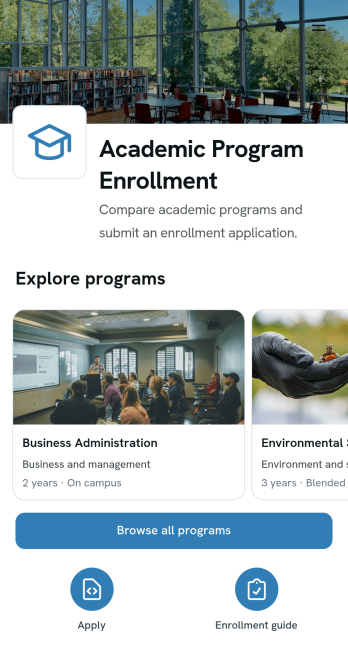
Academic Program Enrollment App
The Academic Program Enrollment App gives colleges, universities, training providers, and other educational organizations a focused digital experience for presenting programs and receiving applications. Prospective students can browse and compare academic options, review key details such as duration, level, program overviews, and learning outcomes, then open a connected form to apply. Admissions teams can use this app template to make program discovery clearer, guide applicants toward suitable courses, and bring enrollment data collection into a consistent workflow. It is especially useful for recruitment campaigns, online admissions, continuing education, certificate programs, and student self-service.Jotform makes it easy to adapt this Academic Program Enrollment App without writing code. Its no-code app builder and drag-and-drop interface let teams update pages, reorganize program content, adjust branding, and connect forms or other workflow resources from one place. Educational organizations can start with ready-made App Templates, publish a mobile-friendly experience, and share it through a direct link or QR code. This flexible app builder helps admissions staff reduce disconnected enrollment steps while giving prospective students convenient access to program information and application forms.
Go to Category:Course & Training Registration Apps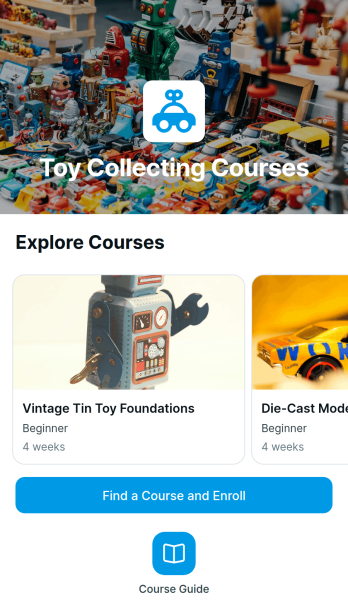
Toy Collecting Courses App
Toy Collecting Courses App provides a focused learning experience for hobby educators, collector groups, specialty instructors, and organizations that teach people how to start, organize, evaluate, and care for toy collections. Learners can browse available courses, review weekly course plans and learning outcomes, understand the class format, and submit interest or enrollment requests from one convenient location. This app template is useful for introductory programs, themed collecting workshops, collection management lessons, and educational series for both new and experienced enthusiasts. It reduces scattered course communication while giving prospective learners a clear path from discovery to registration.Jotform App Templates help instructors turn course information and connected data collection into a mobile-friendly experience without writing code. Customize the Toy Collecting Courses App with the drag-and-drop app builder, update pages and visual elements, and connect forms to support enrollment workflows and learner self-service. You can publish the finished app through a direct link or QR code, making it easy to promote courses online, at collector events, or within hobby communities. Jotform also lets teams organize responses, receive notifications, and revise course content as programs evolve.
Go to Category:Course & Training Registration Apps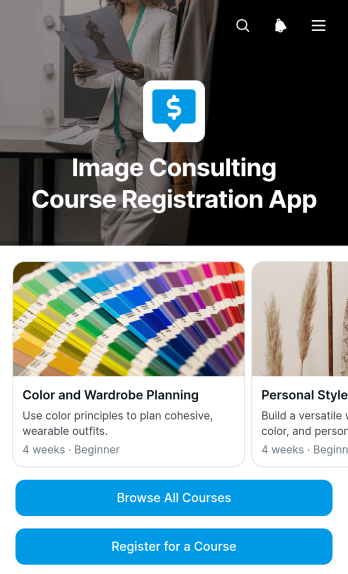
Image Consulting Course Registration App
The Image Consulting Course Registration App gives image consultants, training studios, independent educators, and professional development teams a dedicated place to present and fill their courses. Prospective learners can browse available programs, review a weekly course plan and expected learning outcomes, then complete a connected registration form. This app template keeps essential course information and enrollment access together, helping providers reduce repetitive inquiries, promote upcoming classes, and create a clear registration journey for people seeking guidance in personal styling, wardrobe planning, color selection, or professional presentation.With Jotform’s no-code app builder, organizations can adapt this Image Consulting Course Registration App without programming knowledge. The drag-and-drop interface makes it easy to update pages, course cards, images, buttons, and branding while preserving a mobile-friendly experience. Connect forms to data collection and workflow tools, organize registration details in Jotform Tables, and receive notifications when learners respond. Jotform App Templates can be shared through a direct link or QR code, giving course providers a practical way to publish self-service enrollment access and revise content as their training programs evolve.
Go to Category:Course & Training Registration Apps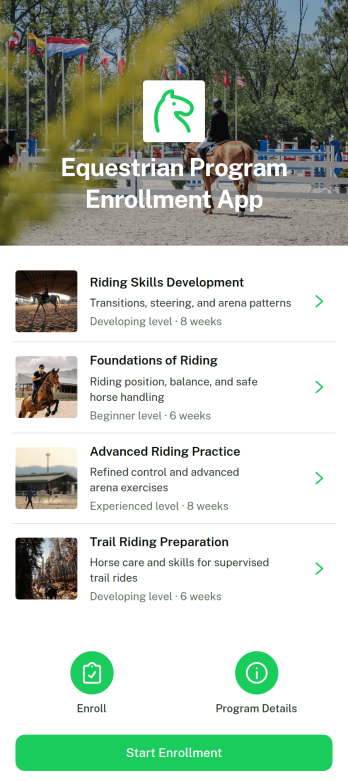
Equestrian Program Enrollment App
The Equestrian Program Enrollment App gives riding schools, equestrian centers, instructors, and training programs a clear way to present available programs and accept rider enrollments online. Prospective riders and guardians can browse program options, review each program’s focus, session length, rider level, weekly schedule, and overview, then open the connected enrollment form. By bringing essential information and registration into one mobile-friendly experience, this app template reduces repetitive questions, helps participants compare suitable programs, and makes enrollment easier for beginners, recreational riders, and experienced equestrians.Jotform helps organizations turn App Templates into branded digital experiences without coding. Using the no-code app builder and its drag-and-drop interface, administrators can update content, reorganize navigation, connect forms and tables, and manage data collection through a coordinated workflow. The Equestrian Program Enrollment App can be adapted with custom colors, imagery, program details, and enrollment questions before being shared by link or QR code. This provides riders with convenient self-service access while giving program teams a practical way to organize inquiries and enrollment information.
Go to Category:Course & Training Registration Apps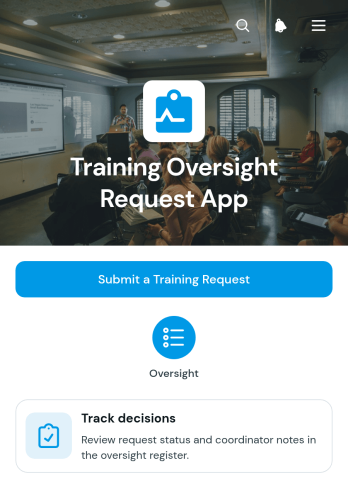
Training Oversight Request App
Training Oversight Request App gives learning coordinators, human resources teams, department managers, and operations leaders a central place to receive and review requests for workplace training. Staff can submit a training request with its topic, preferred date, intended audience, requester details, and supporting context. Coordinators can then manage requests in a connected table, track decisions, review individual request records, add coordinator notes, and contact the requester by email. This app template is useful for organizations that need clearer oversight of proposed workshops, internal courses, safety sessions, professional development, or team instruction. It reduces scattered email conversations, preserves request context, and helps decision-makers prioritize training according to workforce needs and available resources.Jotform Apps makes it easy to adapt this experience without coding. Using the drag-and-drop app builder, teams can update pages, navigation, colors, fonts, buttons, and branding to match their internal process. The app can connect data collection forms with tables, approvals, notifications, and other workflow steps, creating a convenient self-service destination for employees and coordinators. Start with this ready-made app template, adjust the request and review experience, and publish it through a direct link, QR code, or embedded page for mobile-friendly access.
Go to Category:Course & Training Registration Apps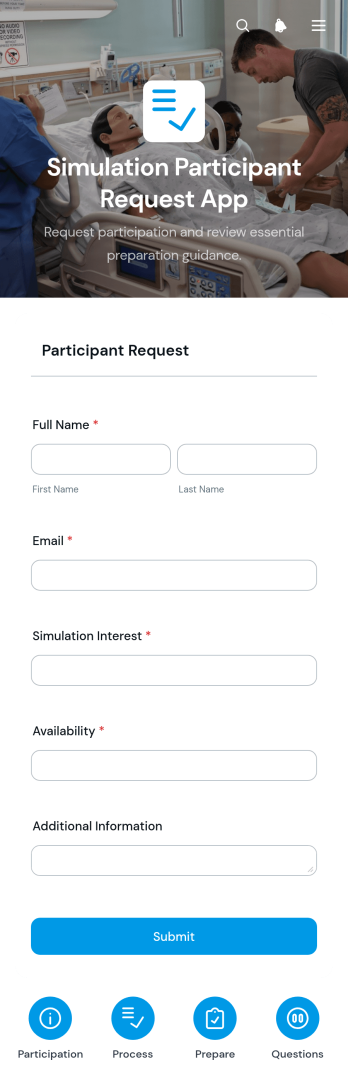
Simulation Participant Request App
Simulation Participant Request App gives training coordinators, educators, program managers, and operations teams a central place to receive requests for people who will take part in simulations. Its organized pages can present participation guidance and supporting information, while an accordion offers quick answers to common questions and a connected form captures each request. This app template is useful for educational exercises, skills training, scenario rehearsals, and other programs that need to coordinate participant roles, dates, requirements, and requester details. It replaces scattered messages with a consistent intake experience, helping teams review needs, plan staffing, and keep request information organized.Jotform App Templates make it easy to adapt the Simulation Participant Request App to an organization’s processes without coding. With Jotform’s no-code app builder and drag-and-drop interface, teams can update pages, instructions, branding, and navigation while connecting data collection to tables, notifications, approvals, and other workflow steps. The finished app can be shared through a direct link or QR code for convenient mobile access. This creates a clear self-service channel for requesters and gives coordinators a flexible resource they can maintain as simulation programs evolve.
Go to Category:Course & Training Registration Apps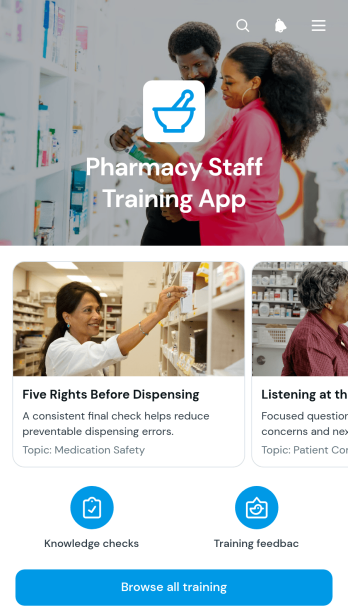
Pharmacy Staff Training App
Pharmacy Staff Training App is an app template for organizing practical learning materials, reinforcing workplace procedures, and checking staff knowledge in one accessible location. Pharmacy managers, training coordinators, supervisors, and team members can use it during onboarding, refresher training, or the introduction of updated practices. A browsable training area helps employees find relevant lessons, while key practice guidance and connected knowledge checks support consistent learning. By replacing scattered documents and disconnected tasks with a central resource, the app makes training easier to follow across busy pharmacy teams and multiple work schedules.Jotform Apps gives organizations a no-code app builder for creating branded, mobile-friendly learning experiences without programming. Customize this Pharmacy Staff Training App through a drag-and-drop interface, add or reorganize pages, and connect forms to data collection workflows. Training teams can publish updates, share the app through a direct link or QR code, and provide self-service access to essential resources. Jotform App Templates also connect with tables, approvals, and notifications, helping managers coordinate learning activities while keeping training content and responses organized.
Go to Category:Resource & Learning Portal Apps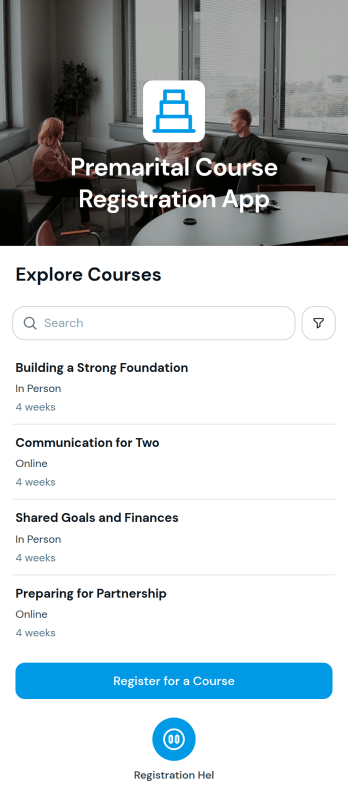
Premarital Course Registration App
The Premarital Course Registration App is a ready-to-use app template for educators, counselors, community groups, and course coordinators who organize premarital education programs. It gives couples one convenient place to browse available courses, review course information, follow a four-week course plan, and open a registration form from clear action buttons. This self-service experience reduces scattered inquiries and helps participants understand the program before enrolling. It is well suited to organizations offering in-person, virtual, or blended courses and seeking a more organized registration journey.With Jotform, teams can customize this app template using a no-code app builder and an intuitive drag-and-drop interface. Course content, visual styling, navigation, and registration steps can be adjusted without programming. Organizers can connect data collection to tables, notifications, approvals, and related workflows, then share the finished app through a direct link, QR code, or embedded experience. Starting with Jotform App Templates saves setup time while giving each organization the flexibility to create a polished, mobile-friendly resource that reflects its program.
Go to Category:Course & Training Registration Apps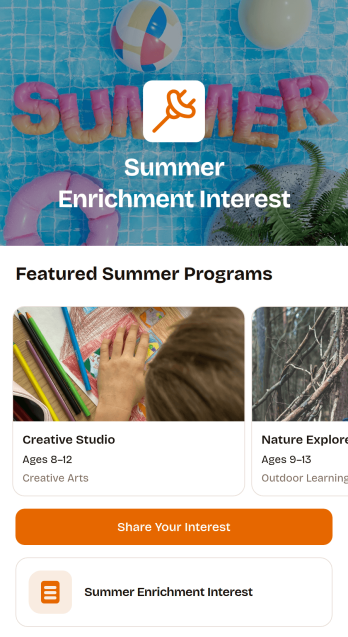
Summer Enrichment Interest App
Summer Enrichment Interest App gives schools, youth programs, community groups, and education teams a convenient way to present seasonal learning opportunities and gauge participant demand. Families and students can browse available programs, review key details such as format, schedule, and activities, and submit an interest form from the same mobile-friendly experience. This app template helps organizers replace scattered announcements and informal inquiries with a clear path for program discovery and data collection. It is especially useful when teams need to estimate demand, identify popular offerings, plan capacity, or follow up with prospective participants before opening formal registration.Jotform Apps makes it easy to adapt this template with a no-code app builder and an intuitive drag-and-drop interface. Organizers can update program information, add branded visuals, connect forms and tables, and create workflows for notifications or internal follow-up without writing code. The finished app can be shared through a direct link or QR code, giving families convenient self-service access on phones, tablets, and computers. With customizable App Templates from Jotform, education teams can publish a polished interest-gathering experience quickly and keep program information organized in one accessible place.
Go to Category:Education Apps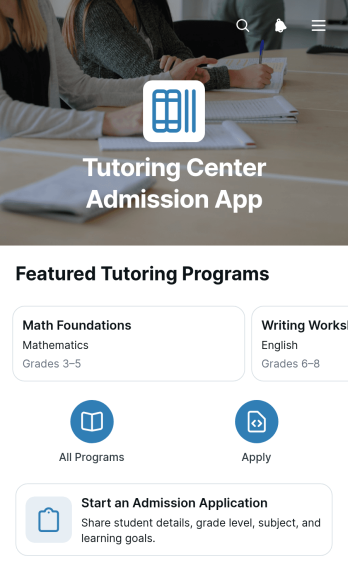
Tutoring Center Admission App
The Tutoring Center Admission App is a digital admissions experience for tutoring centers that want to present available programs and receive prospective student applications in one place. It helps administrators, tutors, enrollment teams, parents, and adult learners review program information, understand the learning format, and begin an admission application through a clear, mobile-friendly path. Use this app template for after-school tutoring, test preparation, subject instruction, language learning, or academic support programs. Bringing program discovery and applicant intake together reduces fragmented inquiries, supports convenient self-service, and helps staff collect the information needed for applicant follow-up.Jotform App Templates make it easy to adapt this admissions experience to the needs of a tutoring center. With Jotform’s no-code app builder and drag-and-drop interface, teams can update pages, program cards, buttons, images, and branding without programming. The connected form supports organized data collection, while tables, notifications, approvals, and other workflow tools can help staff manage each next step. Publish the finished app with a direct link, QR code, or embedded experience so prospective students and families can access it from almost any device.
Go to Category:Tutor Apps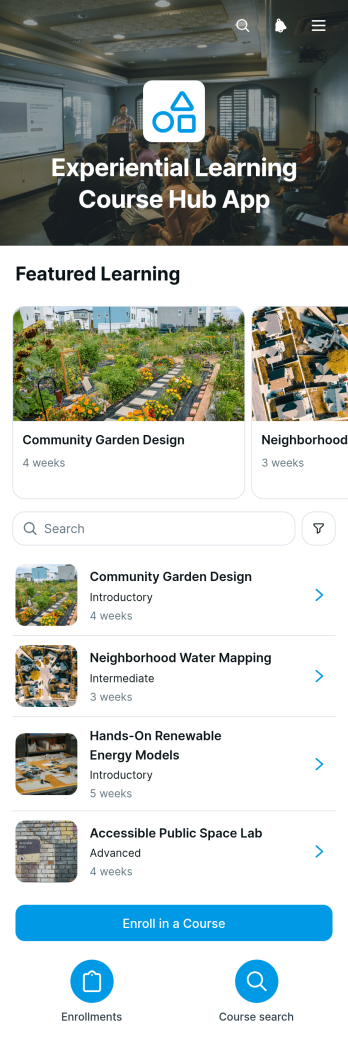
Experiential Learning Course Hub App
The Experiential Learning Course Hub App gives schools, colleges, training providers, and instructors a central place to present hands-on courses and guide learners toward enrollment. Students can browse available courses, review learning activities and expected outcomes, and submit an enrollment form from one accessible experience. It is well suited to project-based programs, field studies, workshops, vocational training, community learning, and courses built around exploration, investigation, testing, and reflection. By bringing essential course information and next steps together, the app helps learners make informed choices while reducing repetitive questions for academic and administrative teams.Jotform App Templates make it easy to adapt this app template to a specific curriculum, department, or training program. With Jotform’s no-code app builder and drag-and-drop interface, educators can update pages, course cards, buttons, images, and branding without programming. Forms and connected workflows can support data collection, enrollment follow-up, notifications, and organized record management. Once published, the hub can be shared by link or QR code, giving learners a mobile-friendly self-service resource that can evolve as courses, activities, and outcomes change.
Go to Category:Education Apps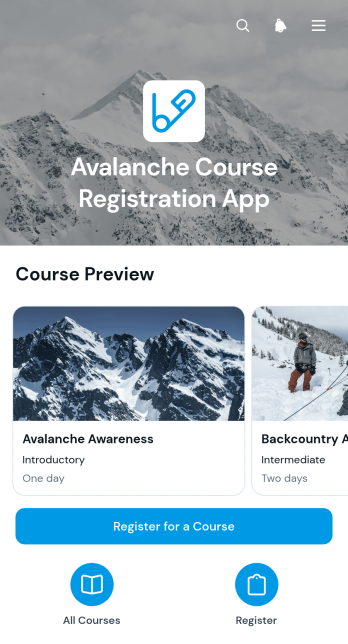
Avalanche Course Registration App
The Avalanche Course Registration App helps avalanche education providers present available courses and accept registrations through one accessible experience. It suits outdoor training organizations, independent instructors, mountain education programs, and teams coordinating field-based learning. Prospective participants can browse course options, review the format and overview, and explore key topics such as terrain, forecasts and conditions, and field practice before registering. Keeping course information and enrollment access together reduces scattered inquiries, gives learners a clearer path to suitable training, and helps organizers manage interest across multiple course offerings.With Jotform, this app template can be adapted through a no-code app builder and an intuitive drag-and-drop interface. Organizers can update pages, cards, images, buttons, and branding without programming, then connect registration forms to data collection and workflow tools. The finished app can be shared by direct link or QR code for convenient mobile access. Jotform App Templates also make it easier to create a polished self-service resource that supports course discovery, enrollment, and ongoing program administration from one central location.
Go to Category:Course & Training Registration Apps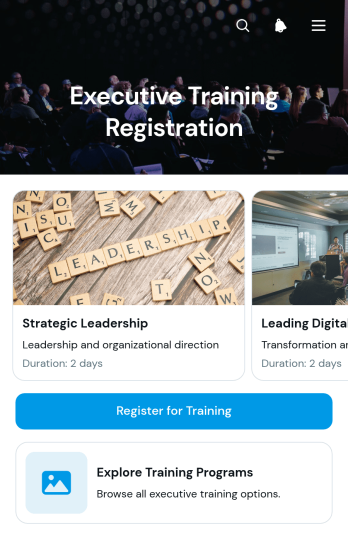
Executive Training Registration App
Executive Training Registration App provides a central place for professionals to discover leadership development opportunities and enroll in relevant programs. This app template suits corporate learning teams, executive education providers, consulting firms, training coordinators, and organizations managing development programs for managers and senior leaders. Participants can explore available training programs, review essential details such as duration and format, and submit a registration form from the same experience. By making program information and enrollment access easier to find, the app helps reduce manual inquiries, improve registration journeys, and support organized professional development initiatives.Jotform makes it easy to adapt App Templates to match your training process, visual identity, and audience without writing code. Its no-code app builder includes a drag-and-drop interface for arranging pages, cards, buttons, images, and navigation. You can connect registration forms to data collection and workflow tools, update program content as offerings change, and share the finished app through a direct link or QR code. This flexible app builder supports mobile-friendly self-service access while giving teams a practical way to publish and manage branded training experiences.
Go to Category:Course & Training Registration Apps
Industry Taster Request App
Industry Taster Request App provides schools, training providers, career teams, and industry engagement coordinators with a central place to receive and organize requests for workplace insight activities. Learners, educators, or partner organizations can submit a request through the connected form, review planning guidance, and access the information needed before taking part. Coordinators can view all industry taster requests in a linked table, reducing scattered messages and making it easier to monitor demand. This app template is especially useful for arranging career exploration sessions, workplace visits, practical demonstrations, and introductory experiences that help learners understand different industries.Jotform App Templates make it simple to adapt this experience to an organization’s own request process. With Jotform’s no-code app builder and drag-and-drop interface, teams can update pages, add branded content, adjust navigation, and connect forms or tables without programming. The Industry Taster Request App can support data collection, self-service access, and a more consistent workflow from initial interest through internal coordination. Once ready, the app can be shared by direct link or QR code for convenient access on phones, tablets, and computers.
Go to Category:Education Apps
Academy Admission App
The Academy Admission App is an application hub for academies, training centers, and educational institutions that want to guide prospective students from program discovery to submission. Applicants can browse available programs, review details such as study level and duration, and start the relevant application form from one convenient location. Clear information about application review and follow-up helps set expectations throughout the admission journey. Admissions teams can use this app template to reduce scattered inquiries, present program options consistently, and create a more accessible self-service experience for prospective students.Jotform App Templates make it easy to adapt this experience to an institution’s admission process without writing code. Using Jotform’s no-code app builder and drag-and-drop interface, teams can update program content, adjust navigation, apply their visual identity, and connect forms to data collection and workflow tools. The finished app can be shared through a direct link or QR code and accessed on phones, tablets, or computers, giving applicants a convenient path to program information while helping staff organize incoming applications and next steps.
Go to Category:Education Apps
Knot Reference App
Knot Reference App is a practical app template for organizing knot instructions into a clear, browsable learning resource. Outdoor educators, climbing instructors, sailing groups, scouting leaders, tradespeople, students, and hobbyists can use it to help learners find relevant knots and review essential information while practicing. Users can browse a knot list, open individual reference pages, follow tying steps, and check strength notes and cautions. This format keeps guidance consistent and accessible for training sessions, workshops, field activities, classrooms, and personal study. It also reduces the need to search through scattered documents when someone needs a quick refresher.Jotform App Templates make it easy to adapt the Knot Reference App without coding. Use the no-code app builder and drag-and-drop interface to update content, organize navigation, add instructional media, or connect forms for data collection and feedback. The app builder can also link related workflows, learning resources, and acknowledgment forms in one mobile-friendly experience. Customize colors, fonts, and visual elements to suit your organization, then publish the resource through a direct link, QR code, or embedded experience. Jotform helps teams create a convenient self-service reference that can be maintained as instructions and training needs evolve.
Go to Category:Resource & Learning Portal Apps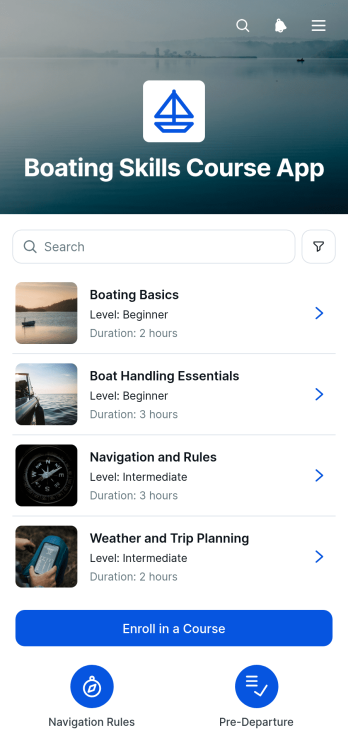
Boating Skills Course App
The Boating Skills Course App gives boating instructors, training schools, marinas, community education programs, and recreational clubs a central place to present practical courses and accept enrollments. Learners can browse available instruction, review course overviews and covered skills, and submit an enrollment form from the same mobile-friendly experience. The template supports lessons focused on maintaining a proper lookout, recognizing navigation aids, handling vessel encounters, checking safety equipment, reviewing conditions, and sharing a trip plan. It helps course providers make essential information easier to understand while giving new and returning boaters a convenient path from course discovery to registration.Jotform makes this app template easy to adapt with a no-code app builder and a flexible drag-and-drop interface. Organizers can update course content, adjust branding, arrange navigation, connect forms and tables, and support data collection without building an app from scratch. The finished app can be shared through a direct link or QR code, helping learners access resources and self-service enrollment on phones, tablets, or computers. Jotform App Templates also connect course registration with broader workflows, notifications, approvals, and organized records, giving training teams a practical way to manage educational experiences from one location.
Go to Category:Course & Training Registration Apps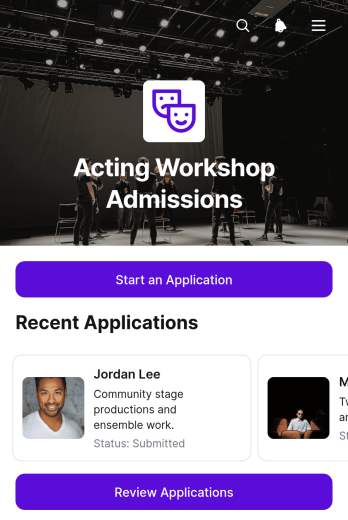
Acting Workshop Admissions App
Acting Workshop Admissions App is an app template for acting coaches, workshop coordinators, training programs, performing arts schools, and community theater teams that need one organized place to receive and evaluate workshop applications. Prospective participants can start an application, while reviewers can browse applicant records and assess relevant details such as acting experience, audition notes, review status, and decision notes. This focused admissions experience helps teams keep applicant information accessible, coordinate evaluations, document decisions, and reduce the administrative work involved in selecting participants for acting workshops.With Jotform Apps, organizations can turn this Acting Workshop Admissions App into a branded admissions resource without writing code. The no-code app builder and drag-and-drop interface make it easy to adjust pages, navigation, buttons, colors, and content for different workshops or enrollment periods. Teams can connect forms and tables to support data collection, organize each workflow, and provide convenient self-service access from mobile or desktop devices. Start with one of Jotform’s App Templates, customize the app template to match your admissions process, and share it through a direct link or QR code.
Go to Category:Course & Training Registration Apps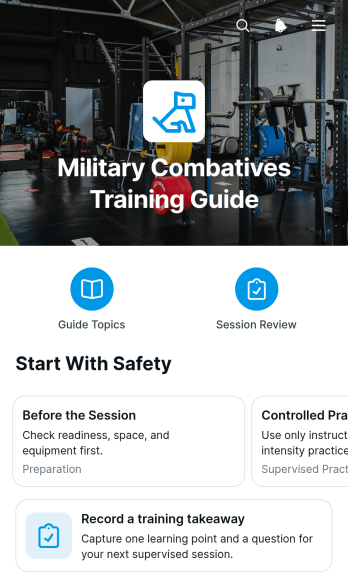
Military Combatives Training Guide App
Military Combatives Training Guide App provides instructors, training coordinators, and authorized participants with a centralized resource for organizing supervised combatives education. It presents guide areas and training cues through navigable pages, while a connected form lets participants record a training takeaway after a session. The app can support introductory courses, recurring unit training, instructor-led workshops, and review periods where learners need consistent access to approved educational material. Keeping key resources and reflections together reduces scattered notes, supports knowledge retention, and gives training teams a repeatable way to reinforce course content without replacing qualified instruction or established safety procedures.Jotform App Templates help organizations turn resources and connected workflows into accessible digital experiences without coding. Using Jotform’s no-code app builder and drag-and-drop interface, teams can customize this app template with their own text, navigation, visual identity, and training materials. Forms can support data collection, while linked pages make resource navigation and self-service review easier from phones, tablets, or computers. Once the app is ready, it can be shared through a direct link or QR code, enabling participants and instructors to reach current information from one convenient location.
Go to Category:Resource & Learning Portal Apps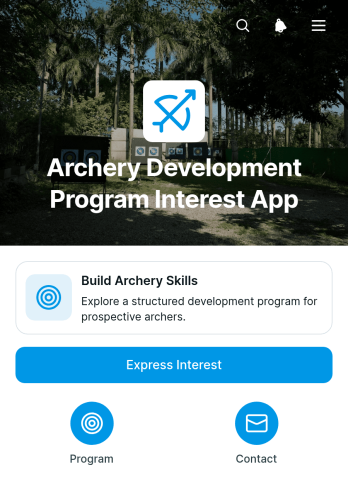
Archery Development Program Interest App
Archery Development Program Interest App gives archery clubs, coaches, recreation centers, schools, and community sports programs a focused way to introduce skill-building opportunities and gather inquiries from prospective participants. Visitors can learn about archery skill development and safe practice before using the connected form to express interest or send a question. This app template is useful when a program needs to assess demand, build a list of interested archers, or provide a clear first step for beginners and developing participants without treating an inquiry as confirmed enrollment.Jotform Apps helps organizations turn program information and data collection into a convenient, mobile-friendly experience. Start with this App Template, customize the pages, colors, fonts, cards, and buttons through a no-code app builder, and connect forms or workflows that support follow-up. The drag-and-drop interface makes updates simple, while direct links and QR codes help teams share the app through websites, printed materials, social channels, or in-person events. With resources and interest inquiries in one place, staff can offer helpful self-service access and spend less time managing scattered messages.
Go to Category:Sports Apps