

Customer Service Forms
Orthopaedic Hospital Patient Experience Survey
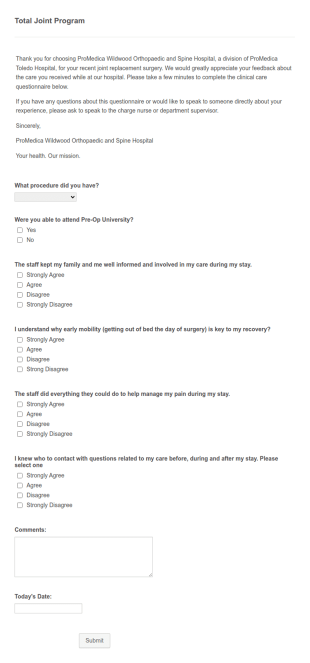
An Orthopaedic Hospital Patient Experience Survey is a form template designed to streamline patient feedback collection.
Go to Category:Customer Service Forms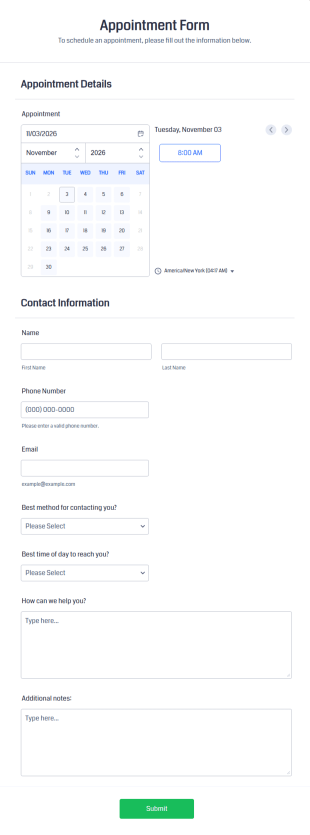
Appointment Form
An appointment form is a form used by professionals to book time with their client (such as a doctor's office, law office or solicitor's office).
Go to Category:Healthcare Forms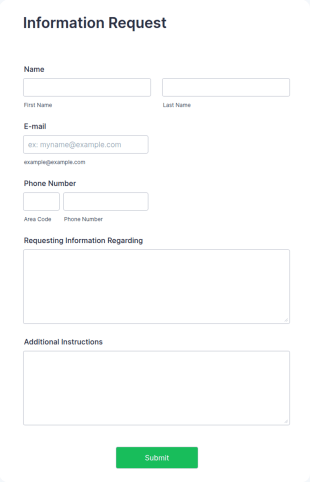
Information Request Form
An Information Request Form is a versatile form template designed to facilitate the process of requesting specific information from individuals, organizations, or businesses.
Go to Category:Customer Service Forms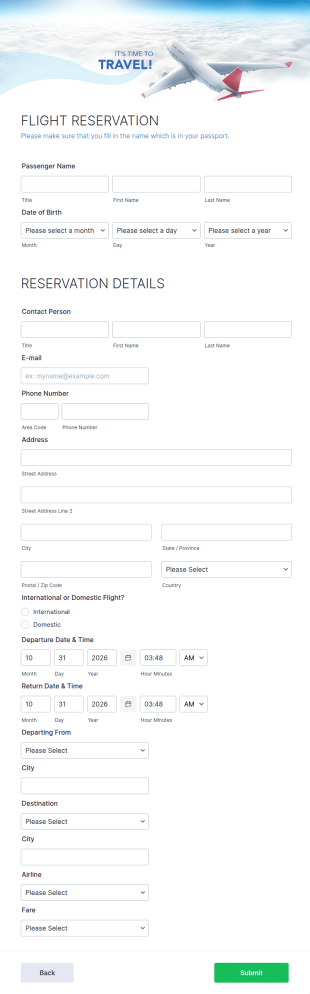
Flight Reservation Form
Gather passenger information with an online Flight Reservation Form. Free to customize and embed in your website. Great for airlines or travel agencies.
Go to Category:Customer Service Forms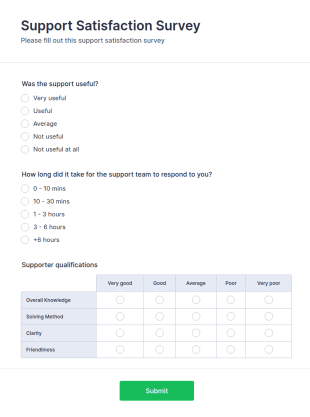
Support Satisfaction Survey
A support satisfaction survey is used by companies to collect feedback about their customer support services.
Go to Category:Satisfaction Surveys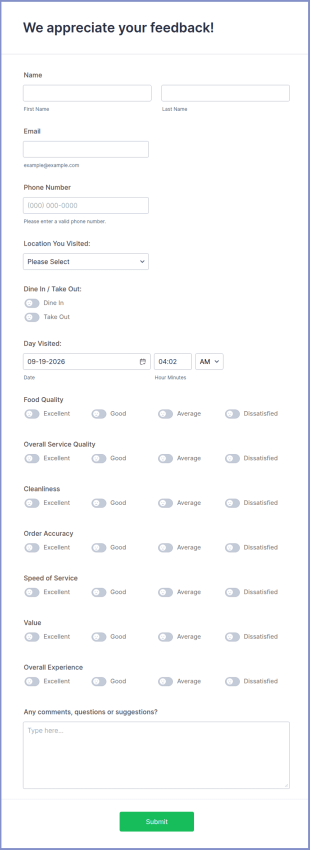
Restaurant Feedback Form
A restaurant feedback form is a form that is used in food service establishments such as restaurants, bars, and cafeterias to collect customers’ opinions about the food, service, and cleanliness.
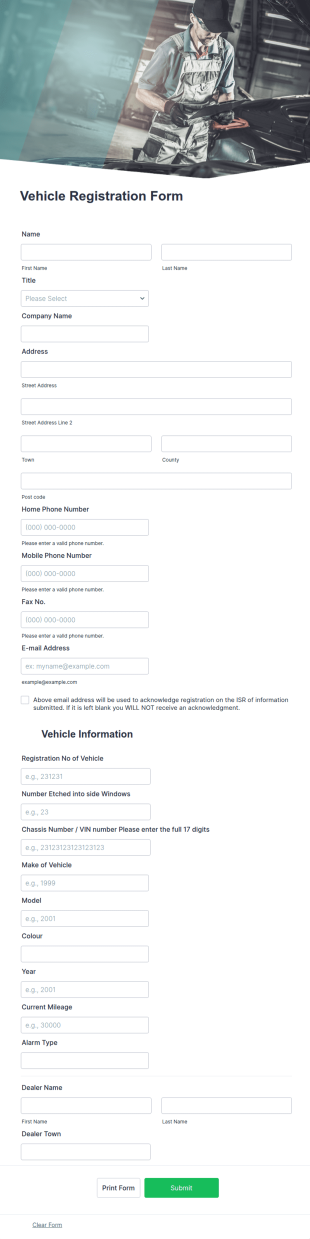
Go to Category:Customer Service FormsVehicle Registration Form
A vehicle registration form is the official form that vehicle owners must fill out before registering a motor vehicle. No coding!
Go to Category:Customer Service FormsNew Product Survey
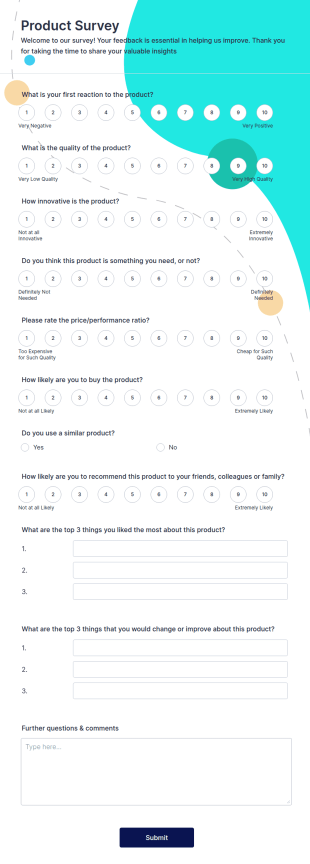
New Product Survey is an indispensable form template designed to capture vital feedback from consumers. This easy-to-use tool serves as a gateway to gauge customer perceptions, offering you key insights to enhance your offerings.
Go to Category:Customer Service Forms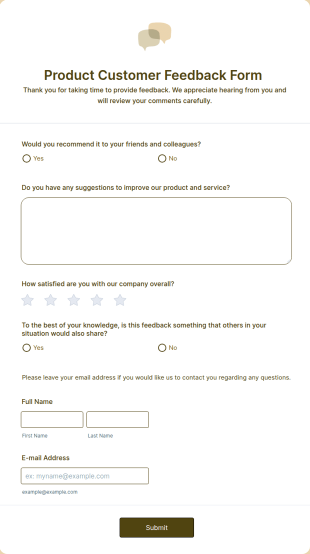
Product Customer Feedback Form
A Product Customer Feedback Survey is a customer feedback survey that allows clients to review a company's products and services.
Go to Category:Customer Service Forms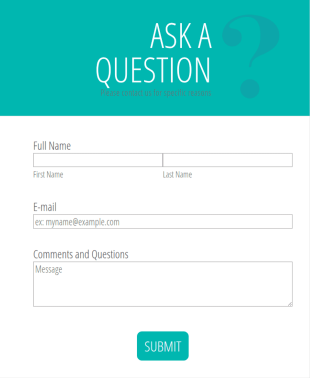
Ask A Question Template
Embed this customizable contact form in your website — for free! No coding required. Add your branding and CAPTCHA fields. Integrate with 130+ apps.
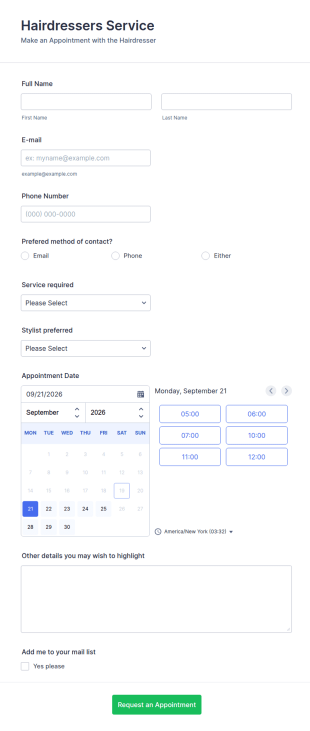
Go to Category:Customer Service FormsHairdressers Appointment Request Form
Promote your services and get more customers appointments easily through this hairdresser appointment form. This hair salon form collects contact information and your clients can select service required, stylist, date, time.
Go to Category:Customer Service Forms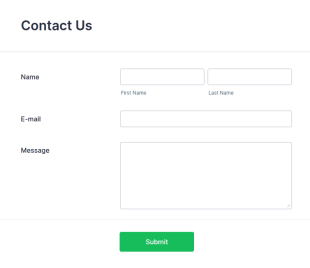
Responsive Contact Form Default Theme
One of the best responsive contact form design you can use in your website. This is based on the default themed classic form. Clone, modify and embed! That's easy!
Go to Category:Customer Service Forms
Rail Ticket Booking Form
An online rail ticket booking form is used to manage reservations and process bookings of train tickets through a train company’s website.
Go to Category:Customer Service FormsClient Call Log
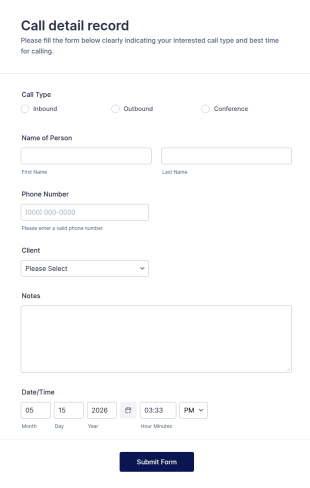
A client call log is a log of information about a client and the client’s interactions with an organization.
Go to Category:Tracking Forms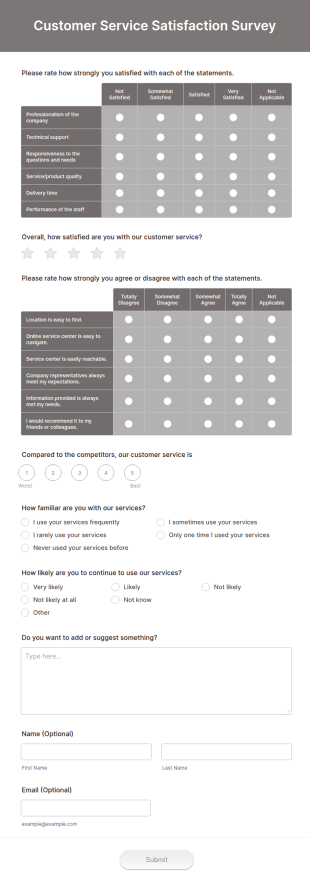
Customer Service Satisfaction Survey
Now it is easy to learn how your customers are satisfied with your service thanks to this Customer Service Satisfaction Survey. No code required!
Go to Category:Customer Service Forms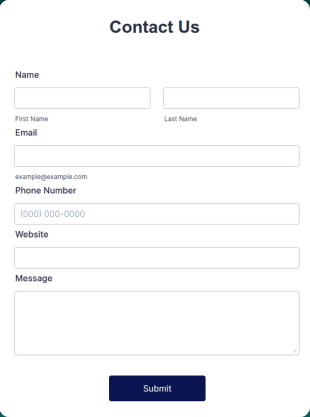
Simple Contact Us Form
Want to stay in touch with site visitors? Add a contact form to your website — for free! Customize it to match your branding. Embed without coding.
Go to Category:Customer Service Forms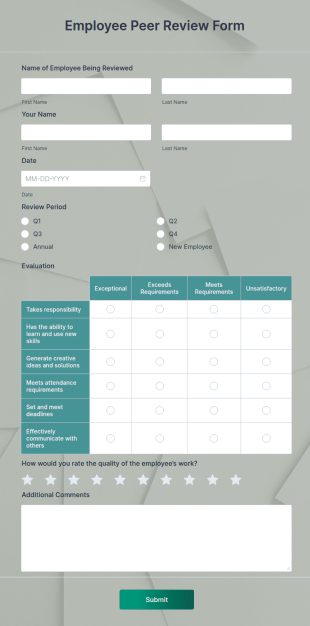
Employee Peer Review Template
An Employee Peer Review Template is a form template designed to facilitate the evaluation of coworkers' performance and behavior in the workplace.
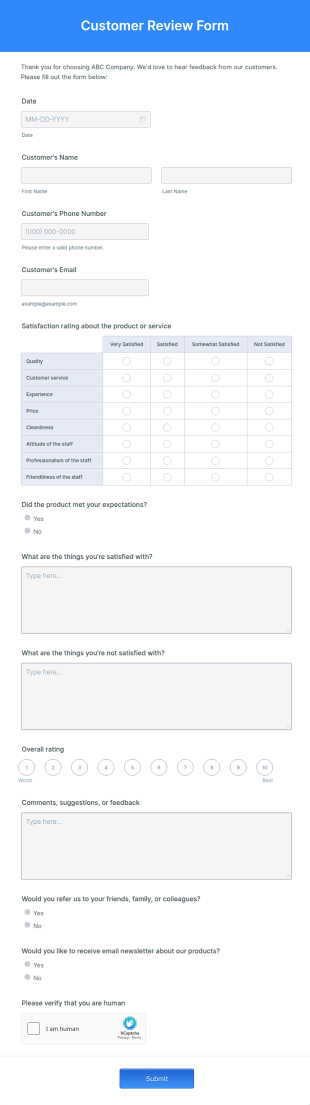
Go to Category:Customer Service FormsCustomer Review Form
A Customer Review Form is a form template designed to collect feedback from customers who have availed of a company's services or products.
Go to Category:Customer Service Forms
Pre Sales Questionnaire Form
This Pre-Sales Questionnaire allows you to build trust, boost conversions, increase deal size and optimize your time since you can collect qualified information through a modern and efficient way of marketing your business.
Go to Category:Marketing Surveys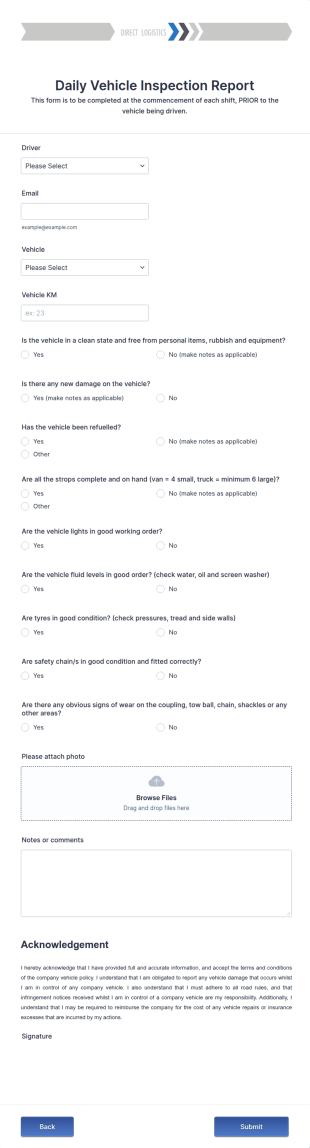
Daily Vehicle Inspection Report
Daily vehicle inspection reports are often given to the maintenance staff of a company, company-owned vehicle, or a private vehicle by the manager or supervisor of the company. Use this form without coding!
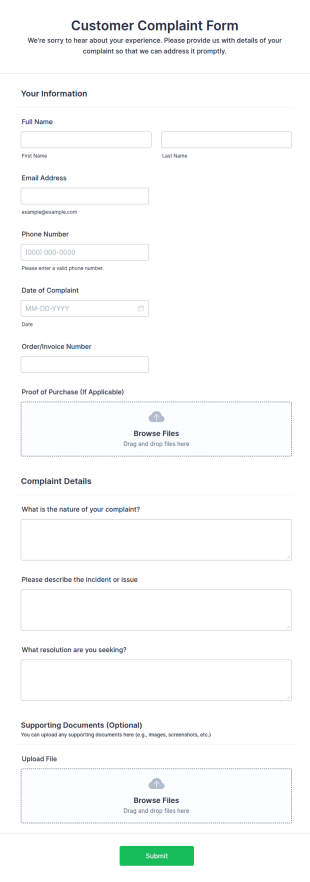
Go to Category:Customer Service FormsCustomer Complaint Form
A customer complaint form is a questionnaire that is used to gather details about a customer’s complaint against a certain situation.
Go to Category:Customer Service Forms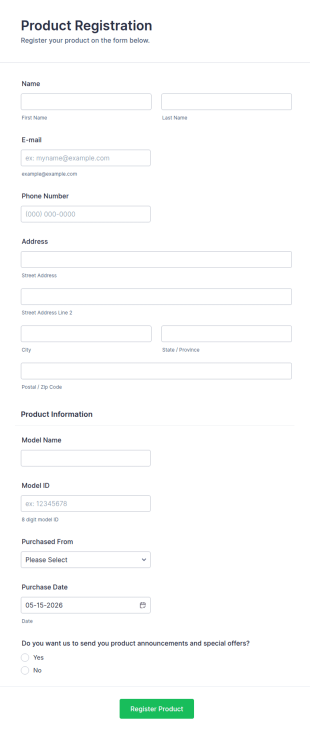
Product Registration
A Product Registration Form is a form template designed to facilitate the registration of purchased products by consumers with the manufacturer or seller.
Go to Category:Business Forms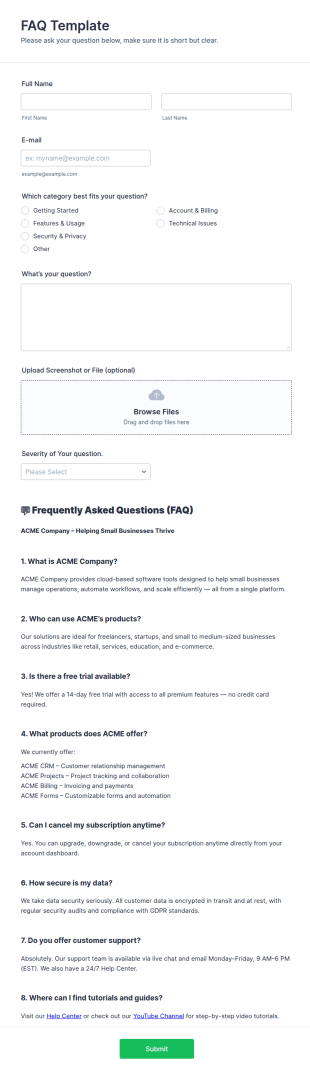
FAQ Template
An FAQ (Frequently Asked Questions) Template is a structured document or form designed to collect, organize, and present common questions and their answers related to a specific topic, product, service, or organization.
Go to Category:Customer Service Forms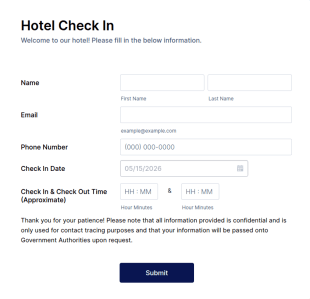
Hotel Check In Form
Hotel Check-In Form allows hotels to log the client's check-in and check-out dates with basic personal information.
Go to Category:Customer Service FormsAbout Customer Service Forms
Customer Service Forms are essential digital forms designed to streamline the collection, management, and analysis of customer-related data in various business environments. These forms are indispensable in scenarios where businesses interact with their customers, be it for feedback collection, service requests, or complaint resolution. By utilizing Customer Service Forms, organizations can ensure that customer interactions are documented efficiently, reducing the chances of lost information and enhancing overall customer satisfaction. These forms facilitate a seamless workflow, allowing businesses to address customer concerns in a timely manner, thus fostering a positive relationship between companies and their clientele.
Jotform stands out as the leading online form builder for creating and managing Customer Service Forms. With its intuitive drag-and-drop interface, Jotform enables users to easily customize forms to meet specific business needs without requiring any technical expertise. The platform also supports automation of data collection processes, allowing for quicker response times and improved data accuracy. Furthermore, Jotform Tables provides a centralized data management solution, ensuring that customer information is organized, easily accessible, and secure. This combination of customization, automation, and centralized management makes Jotform an invaluable asset for any business looking to enhance its customer service operations.
Why Use Customer Service Forms?
- Customer Service Forms significantly enhance the accuracy of data collection by eliminating the need for manual data entry, which is prone to errors. By using digital forms, businesses can ensure that the data collected from customers is precise and reliable, leading to better decision-making.
- These forms expedite the process of gathering and processing customer information, allowing businesses to respond to customer queries and issues faster. This speed not only improves customer satisfaction but also helps companies maintain a competitive edge in their industry.
- Professional data handling is achieved through Customer Service Forms, as they offer secure data management and storage solutions. This ensures that sensitive customer information is protected from unauthorized access, building trust between the business and its customers.
- Jotform's online form builder allows for seamless customization of forms to suit specific business needs, providing flexibility and adaptability. Companies can tailor forms to capture the exact data required for various customer service processes, ensuring relevance and efficiency.
- The integration capabilities of Jotform, with over 100 third-party applications such as Google Sheets and Salesforce, enable businesses to streamline their workflows by automating data transfer and synchronization. This connectivity ensures that customer data is up-to-date across all platforms, enhancing operational efficiency.
Common Problems Solved by Customer Service Forms
- One of the primary issues in customer service is the inefficiency of paper-based processes, which are time-consuming and susceptible to data loss. Customer Service Forms eliminate the reliance on physical paperwork, ensuring that all data is captured digitally and stored securely.
- Manual data entry often leads to errors and inconsistencies, which can affect the quality of customer service. By using digital forms, businesses can automate data entry, reducing the likelihood of errors and ensuring that customer information is accurate and consistent.
- Lost data is a significant concern for businesses relying on traditional data collection methods. Customer Service Forms provide a reliable solution by ensuring that all customer interactions are logged and stored in a centralized system, minimizing the risk of data loss.
- Managing high volumes of customer requests can be challenging without an efficient system in place. Customer Service Forms simplify this process by organizing and prioritizing requests, allowing customer service teams to address issues systematically and efficiently.
- The lack of real-time data can hinder a company's ability to respond quickly to customer needs. With Customer Service Forms, businesses can access up-to-date information instantly, enabling more responsive and informed customer service.
Matching Use Cases to Features
- For businesses looking to streamline their customer inquiry processes, the Drag-and-Drop Form Builder allows for quick customization of forms, ensuring that they align with specific inquiry types and customer needs. This feature simplifies form creation, enhancing the user experience for both customers and service teams.
- Conditional Logic can be used to create dynamic forms that adapt based on user input, ensuring that only relevant questions are presented to customers. This feature improves form completion rates and ensures that the data collected is pertinent to the specific customer interaction.
- For companies that handle payments as part of their customer service operations, Jotform's integration with over 30 Payment Gateways, such as Stripe and PayPal, facilitates secure and seamless payment processing directly through the forms. This capability enhances the convenience for customers and streamlines financial transactions.
- The Electronic Signatures feature, powered by Jotform Sign, allows businesses to capture legally binding signatures from customers, enhancing the efficiency of contract or agreement processes. This feature ensures that all necessary authorizations are obtained in a timely manner, streamlining operations.
- Automated PDF Generation, enabled by the PDF Editor, transforms form submissions into professionally formatted PDF documents, which can be easily shared and stored. This feature enhances record-keeping and ensures that customer interactions are documented in a standardized format.
- Jotform's 100+ Third-party Integrations, including Salesforce and Slack, enable seamless data sharing across different platforms, ensuring that customer service teams have access to the latest information. This connectivity fosters collaboration and enhances the overall efficiency of customer service operations.
- The Approval Workflows feature streamlines the process of managing customer requests and inquiries by automating the approval process. This feature ensures that requests are reviewed and processed promptly, improving the speed and quality of customer service.
How to Create a Customer Service Form
- Start by browsing the Template List for a Customer Services template or opt to create a form from scratch by starting with a blank form.
- Customize the design and fields of your form using the Drag-and-Drop Form Builder, ensuring that it captures all necessary customer information.
- Once the form is complete, publish and share it with your audience via Direct Link, Email, or Website Embed, making it easily accessible to your customers.
Top Use Cases for Customer Service Forms
- For Managers: Customer Service Forms provide managers with a powerful tool to oversee and optimize customer service operations. By leveraging these forms, managers can track key performance indicators, streamline processes, and ensure that service teams are meeting customer needs efficiently. The centralized data management offered by Jotform Tables allows managers to easily access and analyze customer data, enabling data-driven decision-making and strategic planning. This oversight ensures that customer service operations are aligned with organizational goals and customer expectations.
- For Teams: Customer service teams benefit greatly from the use of Customer Service Forms, as they facilitate the efficient handling of customer inquiries and requests. By automating repetitive tasks and organizing customer data systematically, teams can focus on delivering high-quality service without being bogged down by administrative tasks. The integration capabilities of Jotform allow teams to collaborate seamlessly with other departments, ensuring that customer issues are resolved quickly and effectively. This streamlined workflow enhances team productivity and improves overall service delivery.
- For Customers: For customers, Customer Service Forms offer a convenient and efficient way to interact with businesses. These forms provide a straightforward method for submitting inquiries, feedback, or service requests without the need for lengthy phone calls or in-person visits. The user-friendly design of Jotform's forms ensures a smooth experience, making it easy for customers to provide the necessary information. This convenience enhances customer satisfaction, as it demonstrates the business's commitment to providing accessible and responsive service.
Summarizing Customer Service Forms
Customer Service Forms are a vital component for businesses aiming to enhance their customer service operations through efficient data collection and management. By utilizing Jotform's online form builder, companies can create customized forms that meet their specific needs, automating processes and improving the accuracy of customer data. The integration and data management capabilities of Jotform further enhance operational efficiency, allowing businesses to deliver high-quality service consistently. Ultimately, Customer Service Forms empower businesses to build stronger relationships with their customers by facilitating responsive and reliable service.
Frequently Asked Questions
1. What is a customer service form?
A customer service form is an online tool used by businesses to collect inquiries, feedback, complaints, or service requests from customers in a structured and organized manner.
2. Why are customer service forms important for businesses?
They help centralize customer communications, ensure timely responses, and provide valuable insights for improving products and services.
3. What information should be included in a customer service form?
Typical fields include customer contact details, type of inquiry, detailed description, urgency level, and any supporting documents or screenshots.
4. Are there different types of customer service forms?
Yes, common types include feedback forms, complaint forms, service request forms, support ticket forms, and satisfaction surveys, each tailored to specific support scenarios.
5. Who should use customer service forms?
Any organization or department that interacts with customers—such as support teams, help desks, or service providers—can benefit from using these forms.
6. How do customer service forms improve response times?
By automating notifications and routing requests to the right team members, these forms help ensure that customer issues are addressed quickly and efficiently.
7. Is customer data collected through these forms secure?
Yes, Jotform uses secure data storage and offers privacy features to protect customer information, complying with industry standards and regulations.
8. Can customer service forms be integrated with other business tools?
Absolutely. Jotform allows integration with CRM systems, help desk software, email platforms, and more to streamline support workflows and data management.