

Construction App Templates

Job Site Time Clock App
Job Site Time Clock App helps construction and field teams track work time by letting employees clock in, clock out, start shifts, and end shifts from one place. It’s built for job sites where crews move between locations and supervisors need clear, consistent time activity without chasing paper timesheets. Use it to keep employee entries organized, capture job site details as they’re added, and give workers quick access to their own clock-in and clock-out history when questions come up.With Jotform, you can turn this app template into a branded, shareable tool that supports self-service time tracking across teams and job sites. Use the no-code app builder and drag-and-drop interface to adjust pages, connect the buttons to your existing forms and tables, and keep data collection flowing into the workflows you already use. Share the app by link or QR code so crews can log time from the field, while managers stay on top of records and updates in real time.
Go to Category:Construction Apps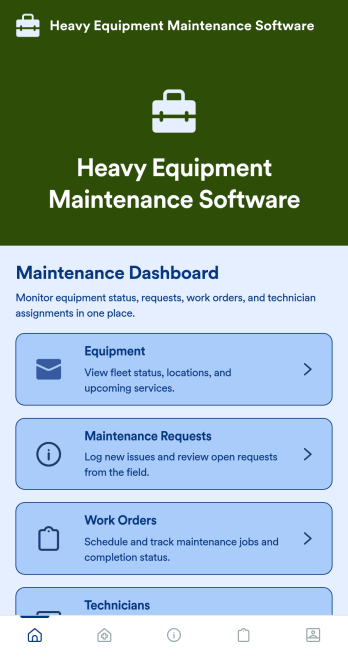
Heavy Equipment Maintenance Software
Heavy Equipment Maintenance Software is a app template designed to optimize operational efficiency in fleet-intensive industries, such as construction, mining, agriculture, and logistics. This app is specifically created to provide a systematic approach to heavy machinery maintenance, offering equipment owners, service managers, and technicians visibility and control over large assets. It serves as a comprehensive platform for tracking machine health, scheduling services based on usage hours, and coordinating repairs across multiple sites. Users can monitor performance trends, manage spare parts inventory, and prevent unexpected equipment failures that could seriously disrupt operations. This template is most beneficial to organizations that require a robust and reliable solution for heavy equipment maintenance.With Jotform's no-code, drag-and-drop app builder, customizing the Heavy Equipment Maintenance Software to fit your operational needs is a breeze. Users can tweak the layout, incorporate essential forms, and adjust functionalities as required, all without writing a single line of code. The cross-platform compatibility further enhances the app’s value, providing seamless functionality whether accessed on smartphones, tablets, or desktops. The option to add to your home screen provides instant access to the app, saving time and maximizing efficiency. Furthermore, the app allows for the centralization of multiple forms, links, and resources, providing a cohesive and streamlined user experience. With Jotform's Heavy Equipment Maintenance Software, managing your heavy machinery has never been more straightforward or efficient.
Go to Category:Construction Apps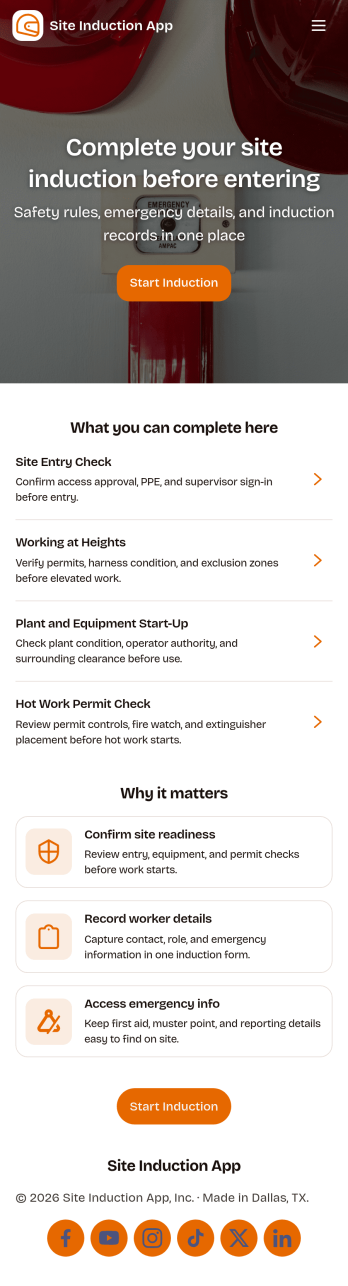
Site Induction App
A site induction app helps construction and operations teams onboard workers and visitors consistently before they enter a job site. Use it to guide people through an induction form, capture document sign-off, and keep induction records easy to find later, all in one place. It’s a practical fit for site managers, safety teams, subcontractor coordinators, and facilities leads who need a repeatable process for new starters, short-term contractors, and recurring visitors.Jotform makes it simple to publish this kind of self-service experience with customizable app templates and a no-code app builder. With a drag-and-drop interface, you can connect your induction workflow to forms and keep data collection organized for day-to-day operations. Share the app by link or QR code, update content as site requirements change, and maintain a clear trail of completed inductions and sign-offs without slowing down site access.
Go to Category:Construction Apps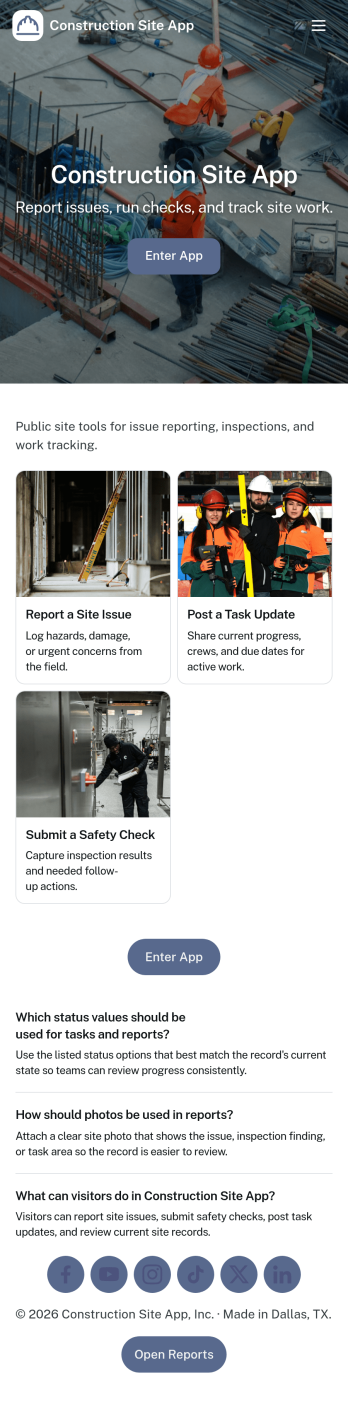
Construction Site App
Construction Site App brings day-to-day field updates into one place so crews and supervisors can keep projects moving without chasing paperwork. Use it to capture daily reports, log inspections, submit material requests, and report issues as they happen, with quick access to site-specific pages that help teams stay aligned across multiple jobs. It fits general contractors, subcontractors, site foremen, and project managers who need a consistent way to document progress, track open items, and maintain clear visibility for everyone working on the build.Built with Jotform, this app template helps you turn routine site workflows into a mobile-friendly self-service experience using a no-code app builder and a drag-and-drop interface. Connect your app to forms and tables for reliable data collection, route information to the right people, and keep a clean record of reports and updates as your workflow evolves. Share the app by link or QR code so teams can contribute from the field and stakeholders can review the latest activity with less friction.
Go to Category:Construction Apps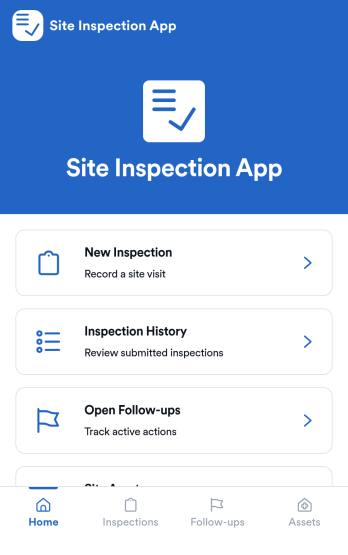
Site Inspection App
Site Inspection App gives field teams a practical way to run on-site checks, log what they find, and keep every location’s inspection activity easy to review. Use it to start a new inspection from a single entry point, browse inspection history by site, and stay on top of open follow-ups that still need attention. It fits construction and facilities teams, property and real estate groups, safety managers, and service providers who visit multiple sites and need consistent records, faster handoffs, and fewer missed issues.Built with Jotform, this app template helps you turn inspections into a clear workflow without complex setup. Customize pages with a drag-and-drop interface, connect forms for data collection, and organize results so teams can review details and take next steps from one place. Share the app as a self-service experience for staff and supervisors, keep information organized across sites, and update the layout as your inspection process evolves using Jotform’s no-code app builder.
Go to Category:Inspection Apps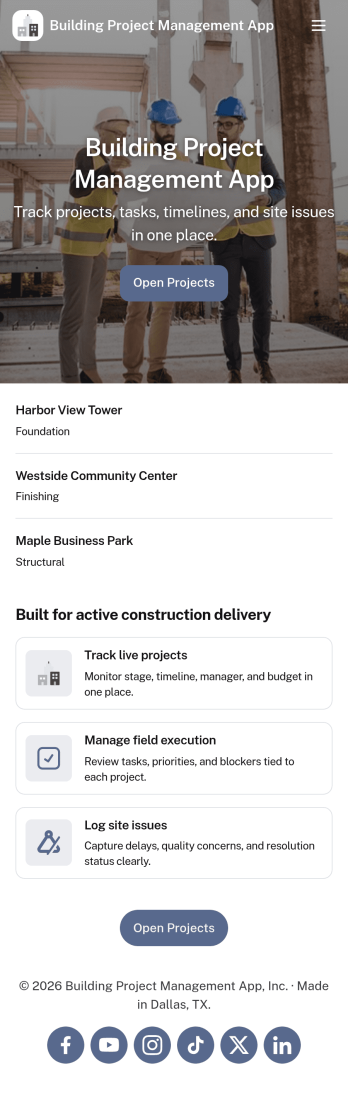
Building Project Management App
Building Project Management App helps teams organize active builds by keeping project records and day-to-day work in one place. It’s a practical fit for construction managers, general contractors, engineering teams, and operations leads who need a clear view of projects, open tasks, and what needs attention next. With dedicated areas to view projects, review open tasks, and add a task directly from a specific project, the app supports smoother handoffs and fewer missed action items as work moves from planning to execution.Jotform makes it simple to publish this kind of workflow as a polished, shareable experience using App Templates and a no-code app builder. Customize pages with a drag-and-drop interface, connect your app to forms and tables for reliable data collection, and keep work moving with a workflow that your team can access from a single link. Whether you’re coordinating multiple job sites or managing internal build initiatives, Jotform helps you turn project updates into a self-service hub your team will actually use.
Go to Category:Construction Apps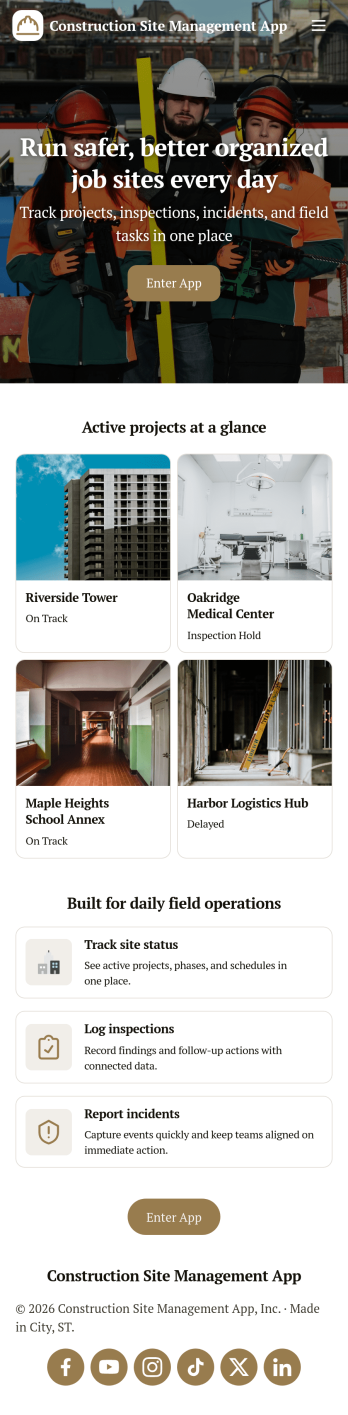
Construction Site Management App
Construction Site Management App brings active jobsite work into one place so teams can follow open projects, capture daily site reports, and stay on top of safety checks without chasing updates across texts, paper logs, and scattered folders. It’s a practical fit for general contractors, site supervisors, project coordinators, and subcontractor leads who need a simple way to see what’s in progress and make sure critical site details get recorded while work is happening.Built with Jotform App Templates, this app template connects key jobsite workflows to forms and lists so your crew can submit site reports, log inspections, and review equipment status from a mobile-friendly hub. Customize the layout with Jotform’s no-code app builder and drag-and-drop interface, then publish and share a self-service experience that keeps project information organized and accessible for day-to-day operations and data collection.
Go to Category:Construction Apps
Land Mapping App
Land Mapping App helps teams capture and organize parcel details and mapping needs in one place, so field staff and office coordinators can stay aligned from the first record to the final request. Use it to add new parcels as they come in, browse an up-to-date list of parcel entries, and submit mapping requests with clear location notes for survey work, boundary review, planning, or internal documentation. It’s a practical fit for surveyors, engineering groups, construction and land development teams, real estate operations, and municipalities that need a simple way to centralize parcel intake and track ongoing mapping work without relying on scattered emails or spreadsheets.Built with Jotform App Templates, this app template is powered by Jotform’s no-code app builder and a drag-and-drop interface, making it easy to tailor pages, buttons, and navigation to your workflow. Connect the app to forms and tables for reliable data collection, route updates across your workflow, and share a self-service link with the right people so they can add parcels, submit mapping requests, and review records from any device.
Go to Category:Engineering Apps
Electrical Estimate App
Electrical Estimate App helps electricians and electrical contractors create, review, and manage job estimates in one place, whether you’re quoting a new installation, a panel upgrade, or a troubleshooting visit. From the home screen, your team can start a new estimate, browse open estimates, and quickly jump into a specific client’s request to keep pricing conversations moving. The built-in pricing summary makes it easier to keep totals consistent while you prepare quotes for homeowners, property managers, or commercial clients.Jotform makes it simple to turn estimation workflows into a shareable, self-service experience using its no-code app builder and drag-and-drop interface. Connect your app to a form for data collection, route estimate details into the right workflow, and keep requests organized as they come in. When you’re ready, publish the app and share it with your crew so everyone can access the latest estimate requests and open quotes from anywhere.
Go to Category:Estimation Apps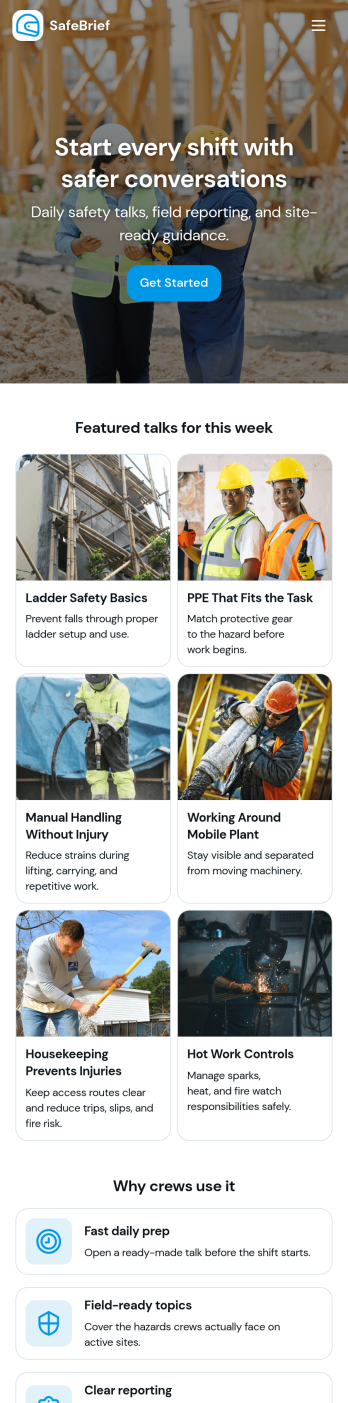
Toolbox Talks App
Toolbox Talks App helps safety leads and site supervisors run consistent pre-task briefings, keep a ready-to-use talk library, and gather participation details in one place. Use it to launch a talk for the day, guide crews through key points, and keep everyone aligned on hazards, procedures, and expectations before work begins. With dedicated areas for running a talk, tracking attendance, and collecting feedback, it fits construction crews, maintenance teams, field service groups, warehouses, and any operation that relies on frequent safety conversations.Built with Jotform, this app template gives you a practical way to support self-service access to talks and simple data collection without code. Customize pages and cards with a drag-and-drop interface, connect the app to your existing Jotform forms for attendance and feedback, and keep information organized for ongoing workflows. Share the app by link or QR code so teams can open it on the jobsite, record participation, and submit notes while the conversation is still fresh.
Go to Category:Checklist Apps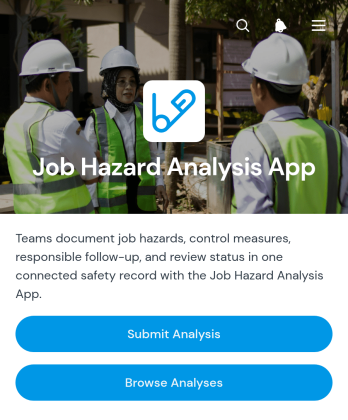
Job Hazard Analysis App
The Job Hazard Analysis App provides safety managers, supervisors, contractors, and field teams with a central place to document job risks before work begins. Users can submit a new analysis, browse previous analyses, and review key information about identified hazards and control measures. Follow-up details, responsible personnel, and review status help teams maintain clear ownership after an assessment is recorded. This app template is useful for construction sites, warehouses, maintenance operations, manufacturing facilities, and other workplaces where tasks need to be evaluated consistently. It supports better preparation, creates accessible records, and gives workers and managers a shared reference for safer task planning.Jotform makes it easy to adapt this app to an organization’s existing safety workflow without coding. The drag-and-drop app builder can be used to update pages, adjust navigation, apply workplace branding, and connect forms with tables, approvals, notifications, and other processes. Teams can organize data collection and self-service access in one mobile-friendly experience, then share the app through a direct link or QR code. Starting with ready-made app templates also reduces setup time while leaving room to tailor questions, control-measure records, and review steps to different roles, locations, or types of work.
Go to Category:Safety and Compliance Apps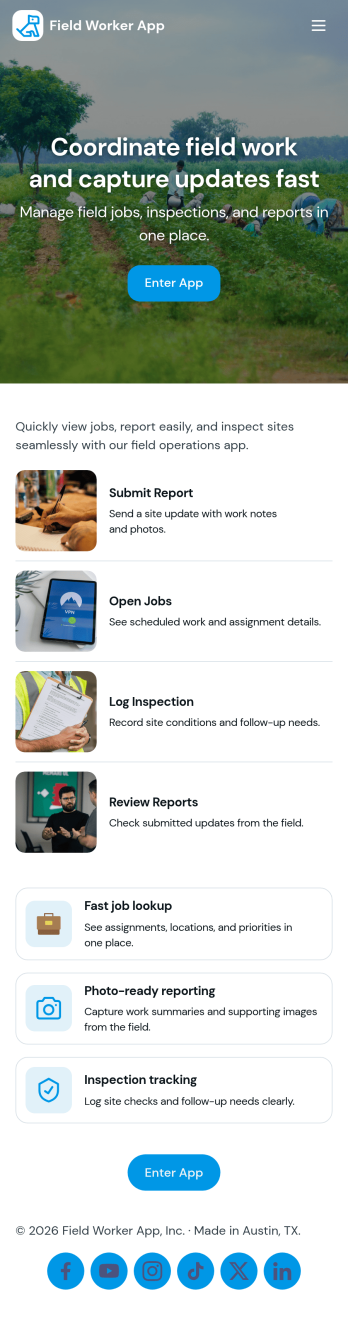
Field Worker App
Field Worker App helps teams coordinate day-to-day work outside the office by giving field staff a simple place to view open jobs, start a shift, run a safety check, and send in work reports as they go. It’s a practical fit for service businesses, construction crews, facilities teams, and operations managers who need consistent updates from job sites without relying on scattered texts or paper notes. With quick navigation to job details and easy report logging, supervisors get clearer visibility into what’s in progress while workers stay focused on completing tasks accurately.Built with Jotform, this app template combines self-service access with connected data collection so work updates are captured in a reliable workflow. Customize pages with a drag-and-drop interface, link buttons to your reporting form, and centralize saved reports for faster follow-ups. Share the app with your team using a simple link so everyone can access the same job list and reporting flow from anywhere, then keep information organized as your field operations scale.
Go to Category:Construction Apps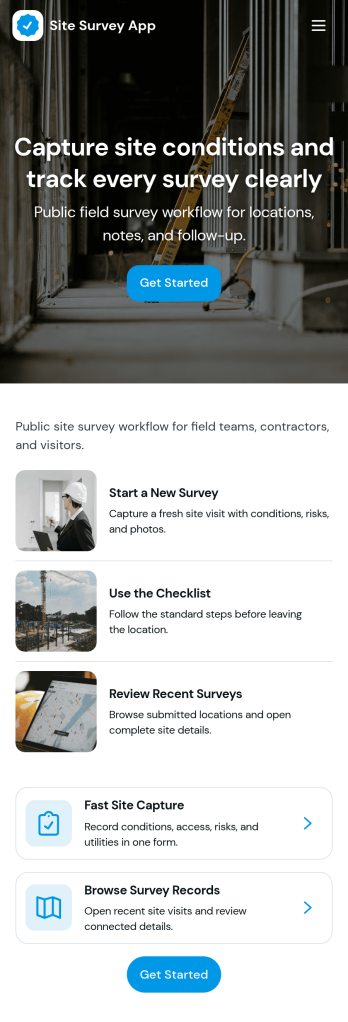
Site Survey App
Site Survey App helps teams capture consistent on-site information and keep survey records easy to find later. Use it to start a new survey from the field, browse saved records by site, and open a specific record to review details. It fits construction and engineering crews, home and commercial service providers, property managers, and inspectors who need a repeatable way to document site conditions, notes, and observations without relying on scattered messages or paper checklists.Jotform makes it simple to turn this use case into a polished, shareable experience with customizable app templates and a no-code app builder. Update pages and navigation with a drag-and-drop interface, connect your survey form to organized records, and give teammates a self-service way to submit new surveys and revisit past visits. As your workflow grows, you can adjust the app layout, track activity in one place, and publish a mobile-friendly app your crew can open from anywhere.
Go to Category:Inspection Apps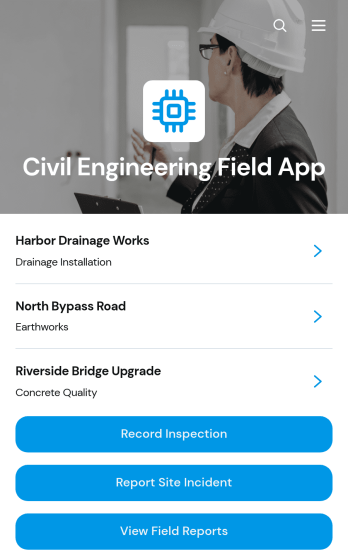
Civil Engineering Field App
Civil Engineering Field App is an app template for civil engineers, site inspectors, project managers, contractors, and construction teams that need a reliable way to document activity across active project sites. It brings inspection recording, incident reporting, field report access, and maintenance requests into one mobile-friendly experience. Teams can capture findings while conditions are fresh, review project-specific information, assign context such as location and inspector, and document follow-up needs. This shared field resource reduces fragmented records, helps office and site teams stay informed, and supports consistent oversight of infrastructure, land development, and construction work.Jotform makes this Civil Engineering Field App easy to adapt with a no-code app builder and an intuitive drag-and-drop interface. Customize pages, navigation, buttons, colors, and branding, then connect forms, tables, approvals, notifications, and other workflow tools as needed. Collected data can remain organized for faster review and follow-up, while direct links and QR codes give field personnel convenient self-service access from phones, tablets, or computers. Start with this ready-made option from Jotform App Templates and publish a tailored app without writing code.
Go to Category:Engineering Apps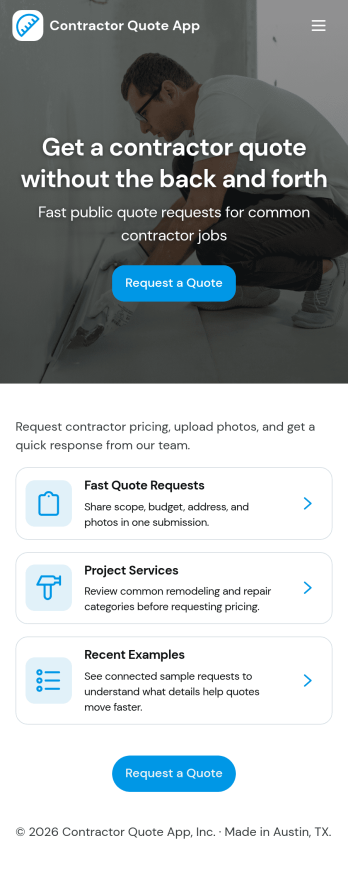
Contractor Quote App
Contractor Quote App gives contractors and home service teams a simple way to collect quote requests, guide customers to the right service, and keep inquiries organized in one place. Visitors can request a quote from multiple entry points, browse available services before reaching out, and use a call button when they need a fast response. It works well for general contractors, remodelers, handymen, HVAC pros, landscapers, and other service providers who want fewer missed leads and clearer project details from the start.With Jotform’s App Templates, you can publish a branded, mobile-friendly experience without coding and connect it to your existing data collection workflow. Use the no-code app builder and drag-and-drop interface to customize pages, update service options, and route quote requests to the right person. Jotform makes it easy to share your app via link or QR code and manage incoming requests in one streamlined workflow for faster follow-up.
Go to Category:Construction Apps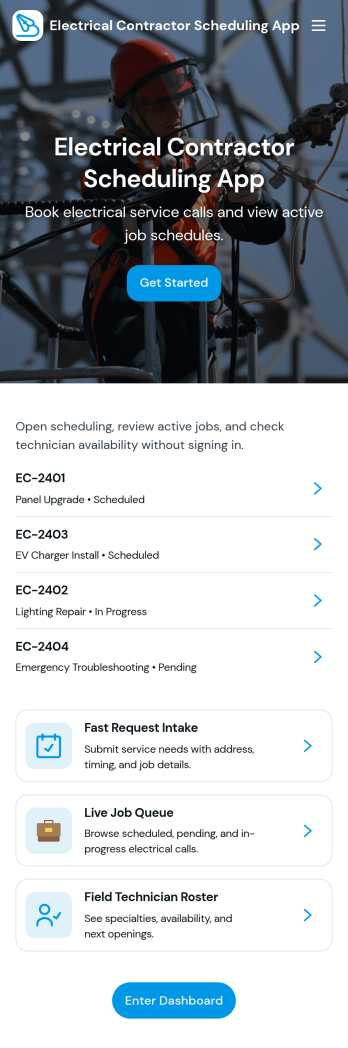
Electrical Contractor Scheduling App
Electrical Contractor Scheduling App helps electrical service businesses capture new job requests, organize a job queue, and keep dispatch decisions clear as the day changes. Use it to route incoming work into a central place, review job details by customer and work order, and quickly move from request intake to scheduling. It’s a practical fit for electrical contractors, dispatchers, office managers, and field supervisors who manage multiple crews, urgent calls, and tight appointment windows.Built with Jotform, this app template pairs a mobile-friendly experience with the flexibility of a no-code app builder. With a drag-and-drop interface, you can tailor pages for your dispatch board and crew directory, link buttons to scheduling forms for fast data collection, and keep your workflow moving from request to scheduled job. Share the app with your team using a link or QR code so everyone stays aligned without juggling spreadsheets.
Go to Category:Construction Apps
Estimating App
Estimating App helps teams create, compare, and manage job estimates in one place so quoting stays consistent from the first customer request to the final numbers. It’s a practical fit for contractors, home service providers, agencies, and small businesses that need to produce quotes quickly, keep client details organized, and reduce mistakes when pricing labor, materials, or service packages. With a New Estimate entry point, an estimates list for browsing past quotes, and a quick calculator for fast math, the app supports day-to-day estimating without relying on scattered notes or spreadsheets.Jotform makes it easy to publish this app template and tailor it to your workflow using a no-code app builder and a drag-and-drop interface. Connect your estimate forms to data collection in Jotform Tables, route quotes for review when needed, and keep your team aligned with a centralized workflow for quoting and follow-ups. Share the app with staff through a link so they can start new quotes, save them, and return to My Quotes anytime from desktop or mobile.
Go to Category:Estimation Apps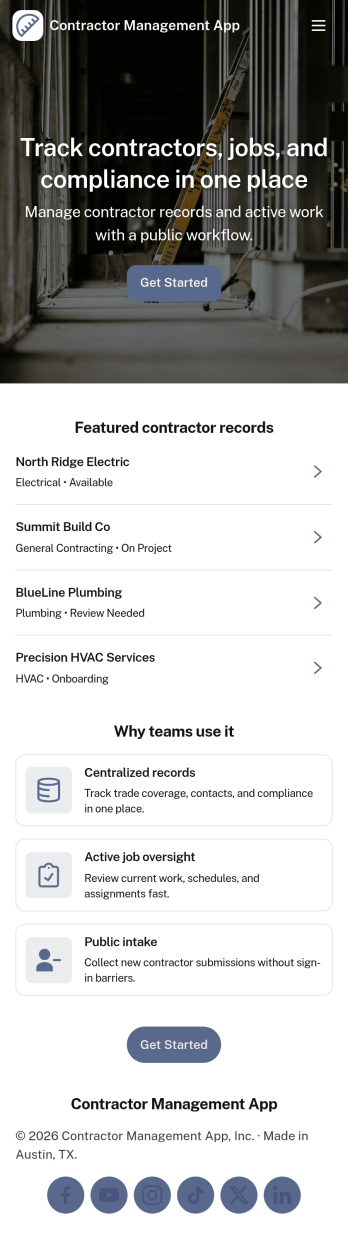
Contractor Management App
Contractor Management App helps businesses organize contractor details, job activity, inspections, and payment records in one place so teams can stay on top of day-to-day coordination. It’s a practical fit for construction companies, property managers, field service teams, and operations leads who need a clear view of who is working, what is in progress, and what has been paid. With a contractor directory and job tracker at the core, the app supports faster lookups, consistent recordkeeping, and smoother handoffs between office staff and the field. The built-in inspection log and payment ledger make it easier to document site checks, track open items, and keep financial follow-ups tied to the right work.Jotform makes it simple to turn this Contractor Management App into a tailored self-service experience using App Templates and a no-code app builder. Customize pages with a drag-and-drop interface, connect your app to workflows, and keep data collection organized through linked records your team can access whenever they need it. Share the app through a link or QR code, update content as projects change, and give stakeholders a single destination for contractor coordination without added complexity.
Go to Category:Construction Apps
Subcontractor Scheduling App
Subcontractor Scheduling App helps teams coordinate subcontractor workloads, assign jobs, and keep schedules visible in one place. It fits construction and home services businesses, project coordinators, and operations managers who juggle multiple crews, job sites, and changing timelines. With dedicated areas to schedule jobs, track availability, and share a job board, the app supports day-to-day dispatching without relying on scattered texts, spreadsheets, or last-minute calls.Built with Jotform, this app template turns scheduling into a simple self-service experience your team can keep up to date. Customize pages and cards with a drag-and-drop interface, connect the Create Assignment form to your workflow, and centralize ongoing data collection so assignments stay consistent and searchable. Share the app by link for quick access in the field, then update roles, branding, and navigation as your subcontractor network grows.
Go to Category:Construction Apps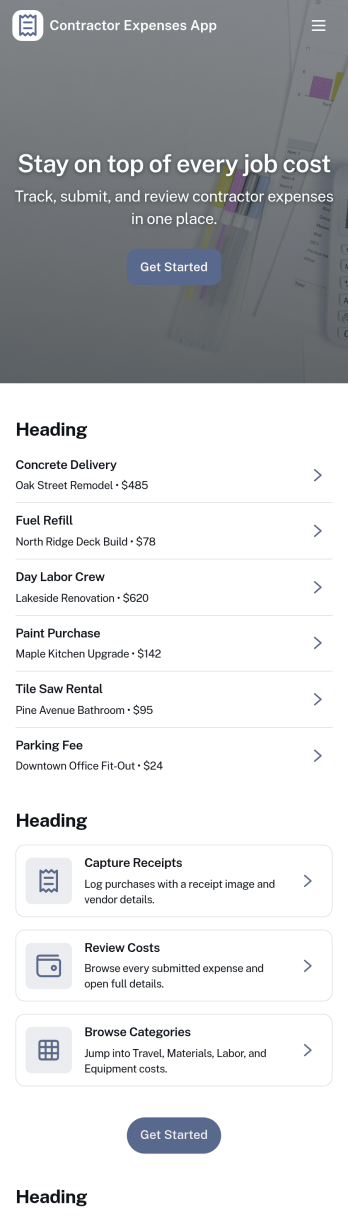
Contractor Expenses App
Contractor Expenses App helps independent contractors and field teams capture, review, and understand job-related spending in one place. Use it to add expenses as they happen, browse past entries, and open individual expense records when you need the details for invoicing, reimbursements, or end-of-month bookkeeping. It’s a practical fit for construction crews, home service pros, subcontractors, and small business owners who need a simple way to keep receipts and costs organized without digging through messages or spreadsheets.Jotform makes it easy to turn this app template into a branded expense workflow using a no-code app builder and a drag-and-drop interface. Connect the app to your expense form for consistent data collection, then share it by link or QR code so contractors can submit expenses from anywhere. As records grow, you can keep information accessible for your team, route entries into the right workflow, and use the built-in insights area to spot trends and track spending over time.
Go to Category:Activity Tracking Apps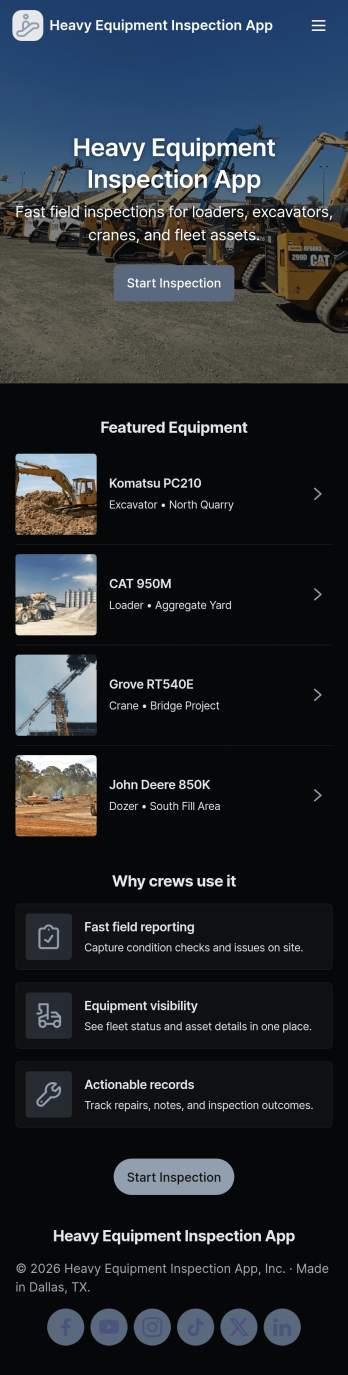
Heavy Equipment Inspection App
Heavy Equipment Inspection App helps crews document equipment checks, record issues, and keep inspection history easy to find across job sites. It’s built for construction and excavation teams, fleet and yard managers, operators, and maintenance coordinators who need a consistent way to review equipment details, run inspections, and flag action needed items without relying on paper checklists. With dedicated areas to browse equipment, complete inspections, log new issue reports, and view inspection records, teams can reduce missed steps and respond faster when a machine needs attention.Jotform makes it simple to launch and customize App Templates like this one using a no-code app builder and a drag-and-drop interface. Connect your app to forms and tables to support ongoing data collection, route information to the right people, and build a clearer workflow for self-service reporting in the field. Share the app by link or QR code so operators and supervisors can update equipment status from anywhere, then refine the experience over time as your process evolves.
Go to Category:Equipment Maintenance Software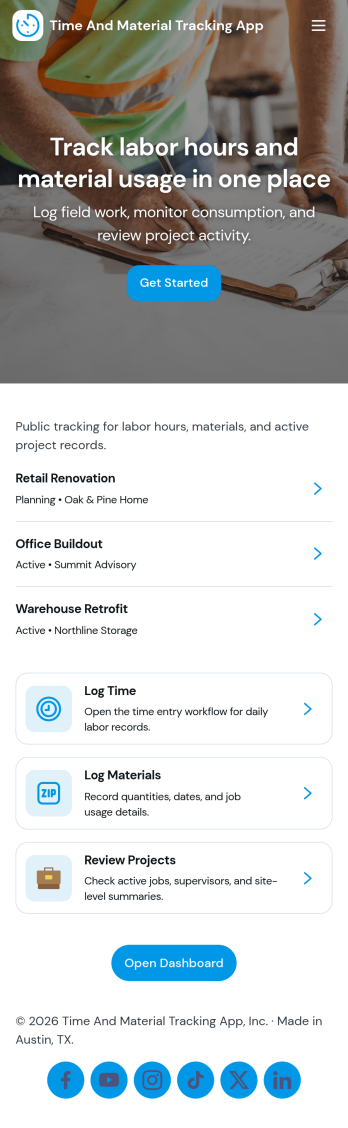
Time and Material Tracking App
Time and Material Tracking App helps teams record labor hours and material usage against specific jobs so job costs are easier to understand and review. It fits contractors, field service crews, repair teams, and small operations groups that need a simple way to log time and materials during the day, then look back at what was used on each job. With quick navigation to log time, log materials, and view personal entry history, the app supports consistent tracking without relying on scattered notes or end-of-week reconstruction.Built with Jotform, this app template can be adjusted to match how your jobs are organized and how your team works in the field. Use a no-code app builder with a drag-and-drop interface to update pages, labels, and navigation, then connect entries to your underlying records for easier reporting and follow-up. Share the app with a link so staff can submit updates from anywhere, and keep job activity centralized with connected forms and tables that support ongoing workflow and self-service access to records.
Go to Category:Activity Tracking Apps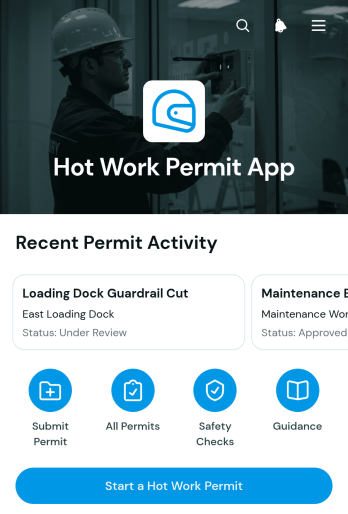
Hot Work Permit App
Hot Work Permit App gives safety teams, site supervisors, contractors, and maintenance crews a central place to initiate and review permits for welding, cutting, grinding, and other work that may produce heat, sparks, or flames. Users can start a permit through a linked form, view its current status, confirm the planned work window, identify the responsible team, and review essential safety controls. This app template is useful on construction sites, in warehouses, at manufacturing facilities, and anywhere hot work must be coordinated before a task begins. It replaces scattered paperwork and messages with a consistent process that helps teams improve visibility, maintain organized permit records, and communicate expectations across shifts and job locations.Jotform makes the Hot Work Permit App easy to adapt without coding. Use the drag-and-drop app builder to update pages, navigation, buttons, colors, and branding while connecting forms and data collection workflows in one mobile-friendly experience. Teams can organize permit requests for self-service access, monitor submitted information, and receive notifications related to connected processes. Once the app is ready, publish it with a direct link or QR code so authorized workers can access permit information from phones, tablets, or computers. Jotform app templates provide a practical starting point that can grow with changing operational needs.
Go to Category:Safety and Compliance Apps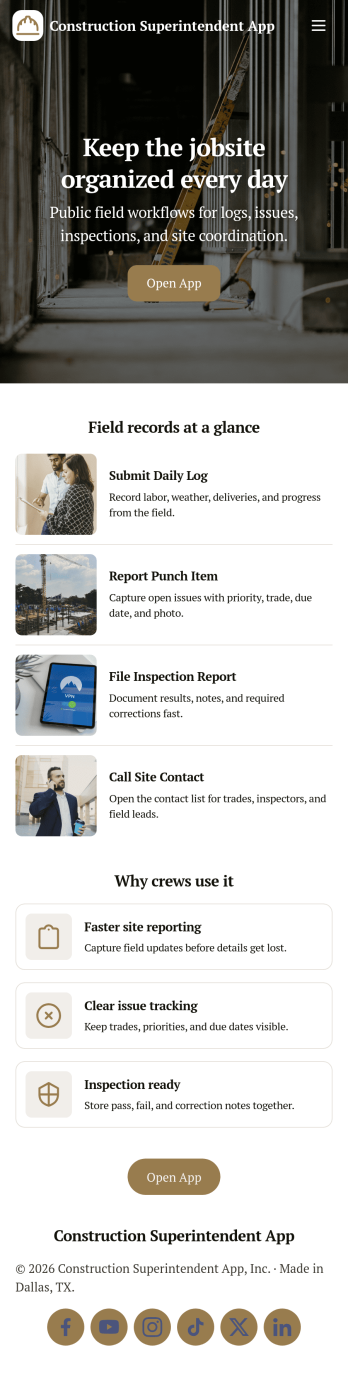
Construction Superintendent App
A construction superintendent app brings your day-to-day site oversight into one place, so you can document progress, stay on top of inspections, and keep issues visible for faster follow-up. This template is built for superintendents, general contractors, and field leads who need a simple way to add daily logs, run inspection checklists, and report jobsite issues from the field while keeping key project details organized.With Jotform, you can turn this app template into a practical self-service workspace for your team using a no-code app builder and a drag-and-drop interface. Connect the app to your data collection forms, route updates into the right workflow, and publish a mobile-friendly experience you can share by link or QR code. Customize pages, branding, and navigation so crews, subs, and office staff always know where to log activity, review open items, and find the right contact information.
Go to Category:Construction Apps