

Construction App Templates

Heavy Equipment Tracking App
Heavy Equipment Tracking App gives crews a clear way to organize equipment records, track who each machine is assigned to, and keep inspection activity in one place. It’s a practical fit for construction companies, rental yards, field service teams, and operations managers who need quick visibility into what equipment is available, where it’s headed next, and what needs attention before it goes back into use. With dedicated areas for Equipment, Assignments, and Inspections, teams can add new equipment, log assignment changes, and record inspection details without relying on scattered spreadsheets or paper logs.Built with Jotform, this app template helps you turn everyday tracking tasks into a mobile-friendly self-service experience. Customize the layout and pages with a drag-and-drop interface, connect your equipment lists to forms for consistent data collection, and keep your workflow moving with shared access for supervisors and field staff. Publish and share your Heavy Equipment Tracking App in minutes so everyone works from the same up-to-date information.
Go to Category:Construction Apps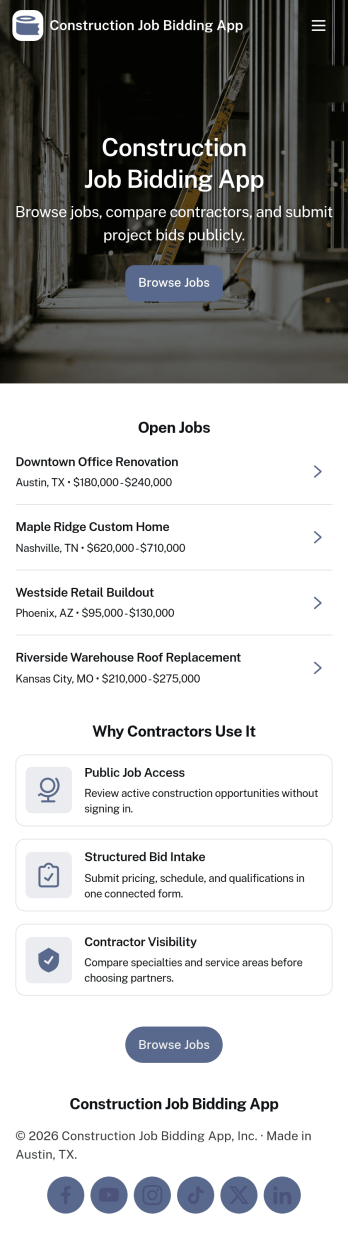
Construction Job Bidding App
Construction Job Bidding App helps contractors, subcontractors, and construction teams manage bidding in one place, from starting a new bid to reviewing open opportunities and keeping projects moving. Use it to collect bid requests, compare incoming responses, and stay on top of what is ready to submit next, especially when multiple projects are in play and timelines are tight. With clear navigation for new bids, open bids, and a bid pipeline view, this app fits general contractors coordinating multiple trades, specialty subcontractors bidding on packages, and small firms that want a consistent process for every estimate.Built with Jotform App Templates, this app template is easy to tailor using Jotform’s no-code app builder and drag-and-drop interface. Connect pages to forms and tables for reliable data collection, then share a self-service experience with your team so everyone knows where to add a bid request, submit a bid, and review bid activity. As your workflow evolves, you can update the layout, refine what gets captured in the connected form, and keep your bidding operations organized without adding complexity.
Go to Category:Construction Apps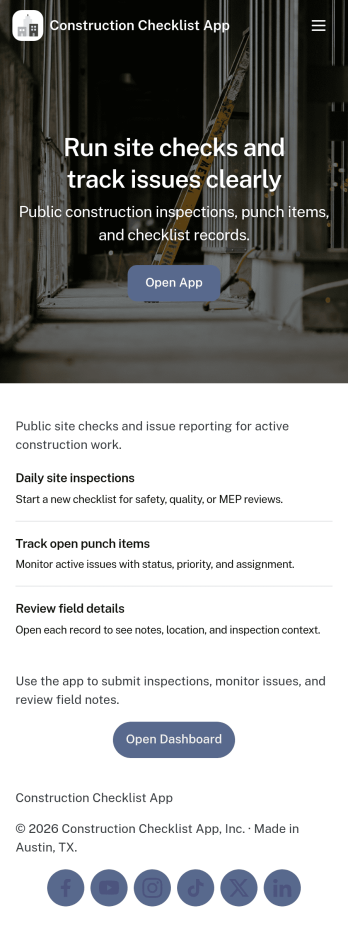
Construction Checklist App
Construction Checklist App keeps jobsite tasks organized so crews can create a checklist, track what’s completed, and keep everyone aligned across sites and projects. Use it for daily punch lists, pre-start checks, closeout walk-throughs, and recurring routines like material receiving or equipment readiness. It’s a practical fit for general contractors, subcontractors, site supervisors, and project managers who need a consistent way to document progress and surface issues without digging through messages.Built with Jotform, this app template can connect checklist entries to a form for reliable data collection and simple workflow follow-through. Customize pages for different sites, add project-specific steps, and keep a clear view of what’s been reported. With Jotform’s no-code app builder and drag-and-drop interface, you can publish a self-service experience your team can use on mobile, share by link, and update anytime as job requirements change.
Go to Category:Construction Apps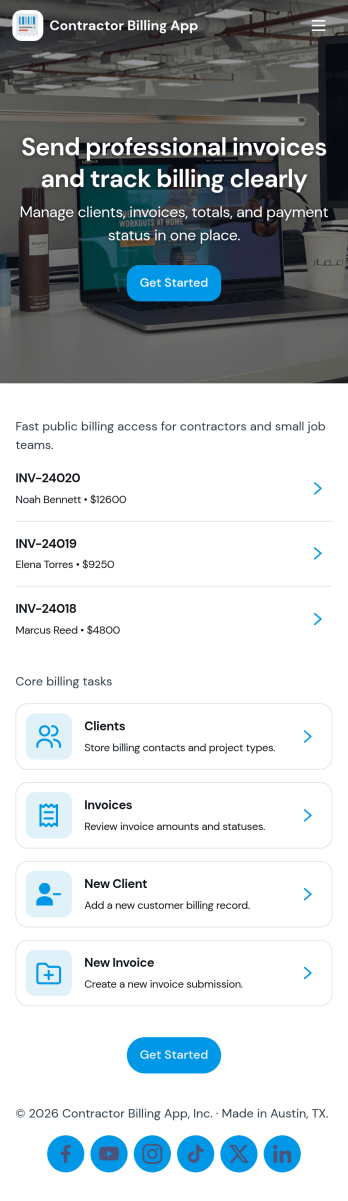
Contractor Billing App
Contractor Billing App brings your billing workflow into one place so independent contractors and service teams can manage client accounts, create and track invoices, and monitor incoming payments without juggling separate tools. With dedicated sections for Clients, Invoices, and Payments plus a billing dashboard view, it fits common contractor scenarios like progress billing, recurring service work, and multi-job projects where you need quick visibility into what’s been billed and what’s still outstanding.Jotform makes it easy to turn this experience into a polished, shareable app using a no-code app builder and a drag-and-drop interface. Connect the app to your form for data collection, route details into a workflow, and keep records organized for fast follow-ups. Update pages as your process changes, collaborate with your team, and share a self-service experience with clients using a simple link.
Go to Category:Construction Apps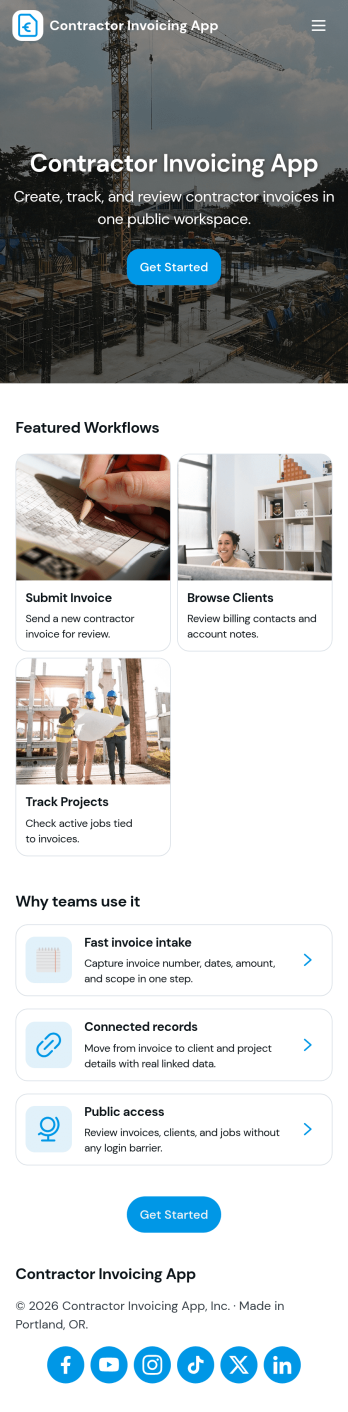
Contractor Invoicing App
Contractor Invoicing App helps independent contractors and small service teams create invoices, keep client details in one place, and stay on top of billing without juggling spreadsheets. From the home screen, you can start a new invoice, add an invoice through a connected form, browse invoice entries in a list, and pull up an invoice snapshot when you need a quick view of what’s been sent. It’s also built to support day-to-day follow-up with a clear path back to your invoice list and a dedicated Clients area for organizing customer records.With Jotform, you can turn invoicing into a branded, self-service workflow using a no-code app builder and a drag-and-drop interface. Connect your app template to the forms and data collection you already rely on, then share a single link with your team so everyone works from the same invoice and client information. As your process grows, you can adjust pages, refine what you track, and use built-in reporting summaries to get a clearer picture of overdue invoices and billing activity.
Go to Category:Construction Apps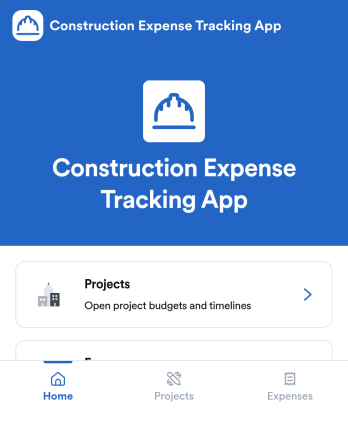
Construction Expense Tracking App
Construction Expense Tracking App helps contractors, project managers, and office teams keep job costs organized across multiple projects without chasing receipts in emails and spreadsheets. Use it to add new projects, log expenses as they happen, and review totals in one place, so you can see where money is going before small overruns turn into major surprises. It’s a practical fit for general contractors, subcontractors, remodelers, and small construction businesses that need consistent expense entry from the field and clearer visibility for the back office.With Jotform, you can turn this app template into a simple self-service experience for tracking projects and expenses, then connect it to your broader workflow. Customize the drag-and-drop interface to match how your team works, adjust categories and views, and share the app by link so foremen and staff can capture cost details on-site. As data collection grows, Jotform helps you keep records structured and accessible, making it easier to monitor spending patterns and keep project reporting on track.
Go to Category:Construction Apps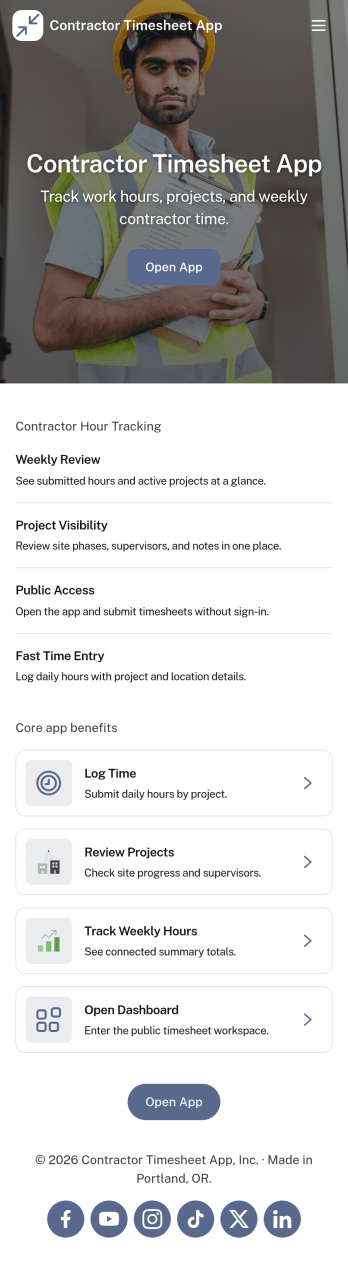
Contractor Timesheet App
Contractor Timesheet App helps contractors and field teams log hours against specific jobs and gives managers a clear place to review work time before it moves forward. With quick time entry, a jobs list for selecting the right project, and an approval review step, it supports day-to-day tracking for construction crews, home service providers, agencies using freelancers, and any business coordinating multiple workers across multiple assignments.Jotform makes it simple to turn this process into a shareable, self-service experience using App Templates and a no-code app builder with a drag-and-drop interface. Connect your app to forms and tables for reliable data collection, keep records organized in one place, and update pages, buttons, and branding as your workflow changes so teams can submit, review, and reference timesheets from anywhere.
Go to Category:Activity Tracking Apps
Pavement Maintenance Management App
The Pavement Maintenance Management App is an app template for coordinating pavement issue reporting, inspections, maintenance planning, and work tracking from one accessible location. Public works departments, property managers, facility teams, contractors, and field crews can use it to document surface problems, review inspection findings, and organize work items by priority, status, and target date. Centralized records give office and field teams clearer visibility into reported locations, recommended actions, and maintenance progress. This helps organizations respond to potholes, cracks, surface wear, and other pavement concerns while reducing scattered records and missed follow-ups.Jotform Apps turns this template into a customizable, mobile-friendly workspace without requiring coding. Use the drag-and-drop app builder to adjust pages, navigation, colors, fonts, and branded visual elements. Connected forms support data collection for maintenance requests, inspections, and work items, while lists, resources, and a dashboard help teams review operational information. These App Templates can also connect with tables, notifications, approvals, and other workflow tools. Publish the finished app with a direct link or QR code so employees, contractors, and authorized partners can access it wherever maintenance work occurs.
Go to Category:Equipment Maintenance Software
Land Mapping App
Land Mapping App helps teams capture and organize parcel details and mapping needs in one place, so field staff and office coordinators can stay aligned from the first record to the final request. Use it to add new parcels as they come in, browse an up-to-date list of parcel entries, and submit mapping requests with clear location notes for survey work, boundary review, planning, or internal documentation. It’s a practical fit for surveyors, engineering groups, construction and land development teams, real estate operations, and municipalities that need a simple way to centralize parcel intake and track ongoing mapping work without relying on scattered emails or spreadsheets.Built with Jotform App Templates, this app template is powered by Jotform’s no-code app builder and a drag-and-drop interface, making it easy to tailor pages, buttons, and navigation to your workflow. Connect the app to forms and tables for reliable data collection, route updates across your workflow, and share a self-service link with the right people so they can add parcels, submit mapping requests, and review records from any device.
Go to Category:Engineering Apps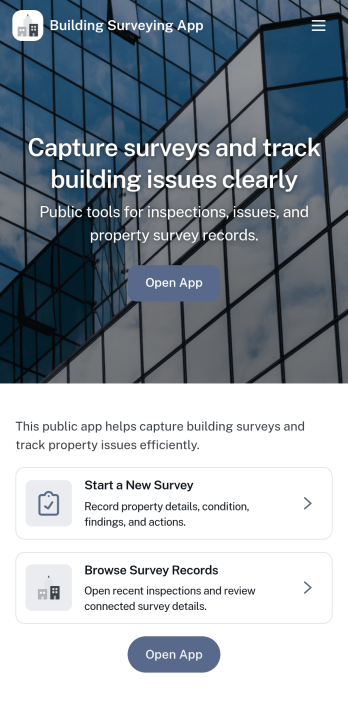
Building Surveying App
Building Surveying App helps surveyors and property teams document sites, capture on-site findings, and keep inspection details organized as work progresses. With dedicated areas for browsing site records and reviewing logged survey findings, it’s well suited for building condition surveys, pre-purchase assessments, routine property checks, and project handovers where clear, consistent records matter. Use it to centralize site profiles, record issues by inspection area, and add supporting photos so everyone involved can understand what was observed and what needs follow-up.Jotform makes it easy to launch and tailor this app template with a no-code app builder and a drag-and-drop interface. Connect the app to your data collection forms for new site records and survey findings, then share it with your team so updates stay in one place. As your workflow evolves, you can adjust pages, navigation, and branding, keeping a reliable self-service experience for field documentation and office review.
Go to Category:Engineering Apps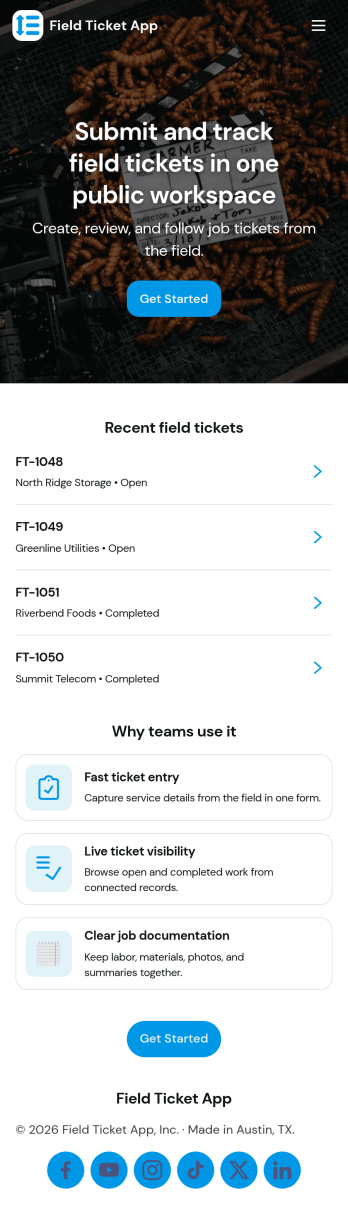
Field Ticket App
A field ticket app helps crews create new tickets on-site, view active tickets, and keep work moving without hunting for paperwork. This template is built for service teams in construction, utilities, facilities, and field operations that need a simple way to log job details, track what’s in progress, and keep a clear record of ticket activity. With quick navigation to start a new ticket and review active items, teams can standardize how work is captured across technicians, shifts, and locations.Jotform makes it easy to turn this Field Ticket App into a branded self-service experience using a no-code app builder and a drag-and-drop interface. Connect the app to your existing Jotform forms and tables for consistent data collection, then share it as a link or QR code so the right people can access tickets and updates from anywhere. As your workflow evolves, you can adjust pages, add steps, and automate handoffs without rewriting processes from scratch.
Go to Category:Construction Apps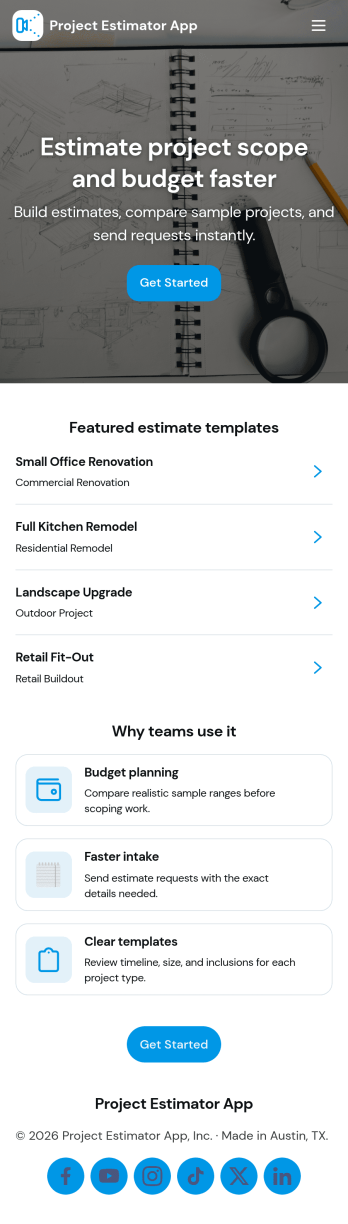
Project Estimator App
Project Estimator App helps teams collect estimate requests and organize project pricing records in one place, making it easier to respond quickly and consistently. It’s a practical fit for contractors, home service businesses, agencies, and internal ops teams that need a clear path from a new request to a stored estimate, especially when multiple services and price ranges are involved. With guided navigation for starting a new estimate, reviewing service ranges, and submitting an estimate request form, the app supports faster intake while keeping project details easy to review later.Jotform makes it simple to turn this use case into a polished self-service experience with customizable app templates and a no-code app builder. Use a drag-and-drop interface to adjust pages, buttons, and lists, connect your app to forms and data tables, and keep estimate requests flowing through a workflow that matches how your team works. Share the app by link or QR code so customers or staff can request estimates and track records from any device.
Go to Category:Estimation Apps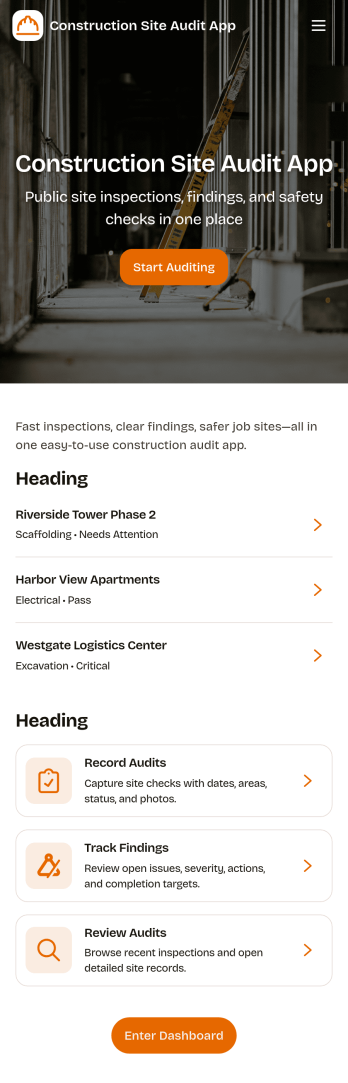
Construction Site Audit App
Construction Site Audit App helps crews document site inspections, record observations, and keep audit history organized across multiple jobsites. Use it to start a new audit, capture key notes for a specific site name, and create a consistent record that supervisors, safety leads, and project managers can review later. It’s a practical fit for general contractors, subcontractors, and construction firms that want a clear way to log findings, follow up on issues, and keep field reporting consistent from one project to the next.With Jotform, you can turn this app template into a mobile-friendly workflow that’s easy to share with field teams. Customize pages and navigation with a drag-and-drop interface, connect the audit form to your data collection process, and keep records organized for faster review. Jotform’s no-code app builder makes it simple to publish updates quickly, maintain a reliable inspection workflow, and support self-service reporting from the jobsite.
Go to Category:Construction Apps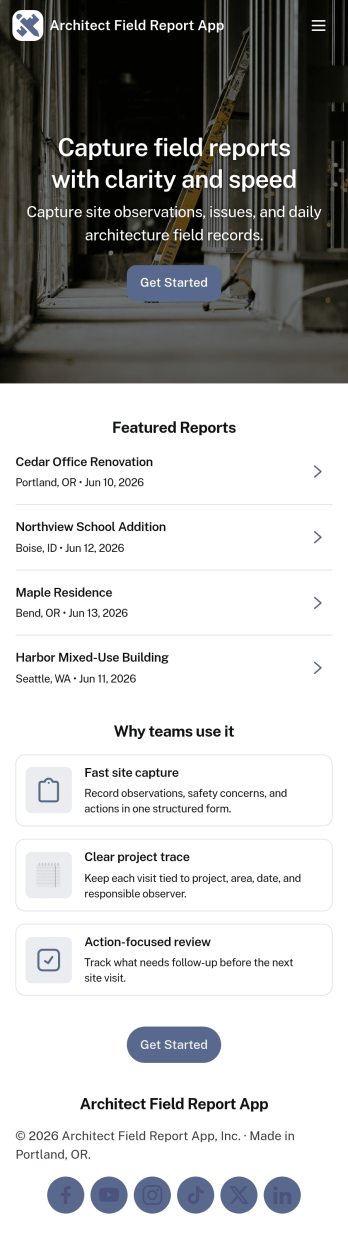
Architect Field Report App
Architect Field Report App helps architects and project teams capture site observations, document progress, and keep project records organized across multiple jobs. From the home screen, you can start a new field report, review recent reports, and jump into a project list to view details and add an update when something changes on-site. It’s a practical fit for architecture firms, construction administration teams, and design consultants who need consistent reporting without chasing notes across emails and photos.With Jotform, you can turn this app template into a mobile-friendly reporting experience using a no-code app builder and a drag-and-drop interface. Connect the app to your form for data collection, route information through an internal workflow, and give teams self-service access to the records they need. Share the app by link or QR code, tailor pages to match your process, and keep field reporting consistent from project to project.
Go to Category:Construction Apps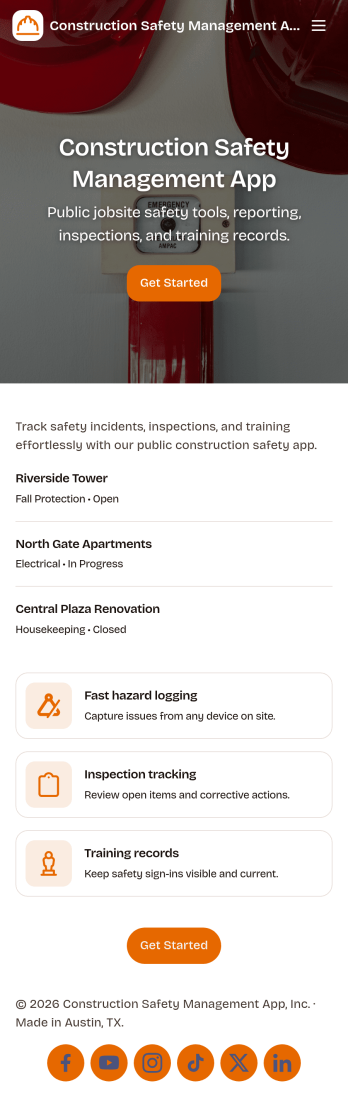
Construction Safety Management App
Construction Safety Management App brings your site safety process into one place so crews and supervisors can report incidents, complete safety inspections, document hazards, and request PPE from a phone or tablet. It works well for general contractors, subcontractors, safety managers, and foremen who need consistent reporting across multiple job sites and want clearer visibility into what is happening in the field without relying on scattered paperwork or hallway conversations.With Jotform, you can turn this app template into a branded, mobile-friendly self-service experience using a no-code app builder and a drag-and-drop interface. Connect the app to forms and tables for fast data collection, route updates through the right workflow steps, and keep teams aligned with simple navigation that makes it easy to take action on site and review safety activity from a central dashboard.
Go to Category:Construction Apps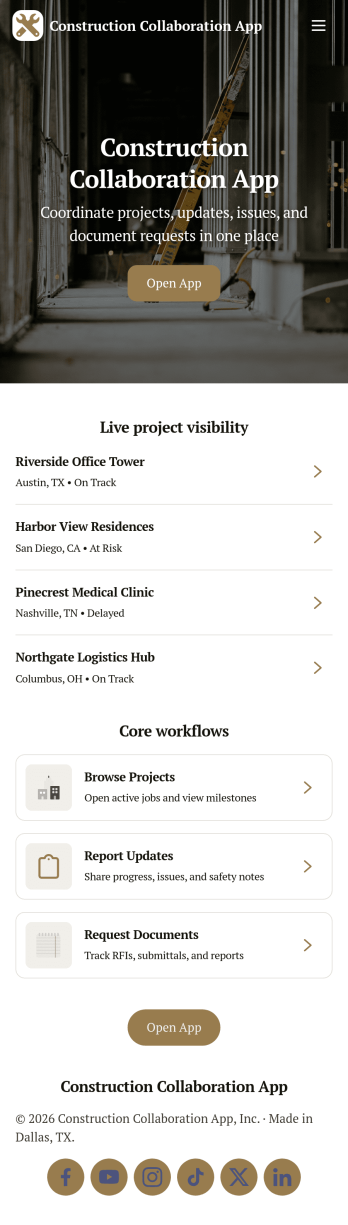
Construction Collaboration App
Construction Collaboration App brings project teams together around shared updates, field reporting, inspections, and punch items so work stays coordinated from the office to the jobsite. Use it to organize active projects, capture progress notes as they happen, and keep visibility on statuses, due dates, and summaries without relying on scattered messages or spreadsheets. It’s a strong fit for general contractors, subcontractors, project managers, site supervisors, and operations teams who need a simple way to keep everyone aligned across multiple jobs and moving parts.Built with Jotform, this app template helps you create a clear self-service experience for logging project updates, submitting field reports, recording inspections, and tracking follow-ups in one place. Using Jotform’s no-code app builder and drag-and-drop interface, you can tailor pages, navigation, and connected forms to match how your team works, then share the app by link or QR code for fast mobile access. As information comes in, Jotform supports reliable data collection and workflow organization, making it easier to stay on top of day-to-day construction communication.
Go to Category:Construction Apps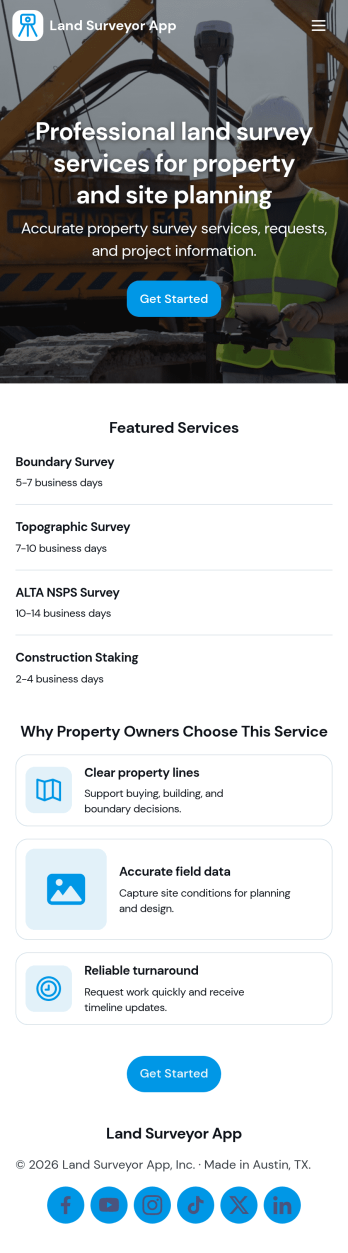
Land Surveyor App
Land Surveyor App helps surveying teams keep field work organized from the moment a site is assigned to the day the report is delivered. Use it to capture new survey details with an Add Survey button, maintain a running Survey Log for quick lookups, and route crews to the right pages for each job. It’s a practical fit for independent land surveyors, civil engineering firms, construction teams, and real estate professionals who need a consistent way to document sites and reduce missed details in the field.Built with Jotform, this app template turns day-to-day surveying workflows into a mobile-friendly self-service experience you can share with your team. Use a no-code app builder and a drag-and-drop interface to tailor pages, control what information is collected, and connect your data collection to forms and tables for easier tracking. As work grows, you can keep survey records and field report activity in one place while staying flexible enough to adjust the workflow for different project types.
Go to Category:Engineering Apps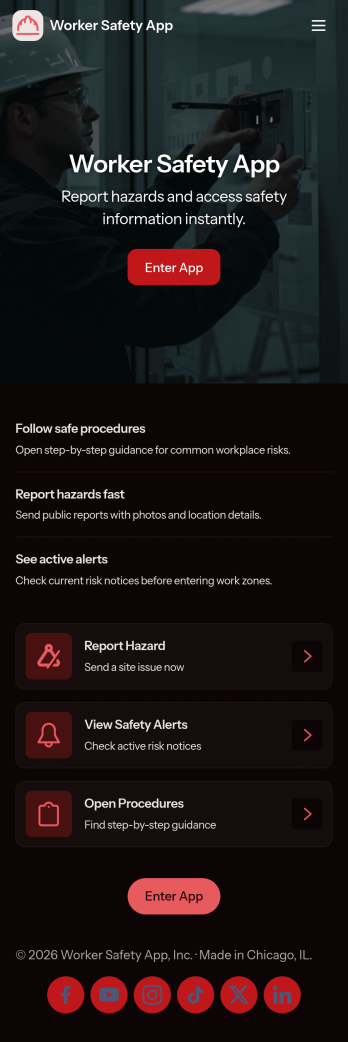
Worker Safety App
Worker Safety App brings incident reporting and routine inspections into one mobile-friendly place so teams can act fast when something goes wrong and stay consistent with day-to-day safety checks. It works well for construction crews, warehouses, manufacturing floors, field service teams, and any workplace that needs a simple way for employees to report issues, run inspections on-site, and review past activity by alert, incident type, or area.With Jotform App Templates, you can turn your safety workflow into a shareable, branded experience without coding. Use Jotform’s no-code app builder and drag-and-drop interface to customize pages, connect your inspection and incident forms, and keep data collection organized for supervisors and admins. Publish the app in minutes, share it by link or QR code, and give teams a self-service hub they can use from the job site or the office.
Go to Category:Construction Apps
Construction Inventory App
Construction Inventory App helps construction teams keep materials and supplies organized across jobsites, trucks, and storage areas. Use it to browse your inventory list, record stock-in activity, and flag low-stock items before they slow down work. It’s a practical fit for contractors, site supervisors, warehouse staff, and project managers who need a clear view of what’s on hand, what’s been added, and what needs replenishing without chasing updates through calls or spreadsheets.With Jotform, you can publish this app template as a simple self-service experience for your crew and connect it to the forms and data behind your process. Build and adjust your app with a drag-and-drop interface, control how people navigate between inventory pages, and keep entries consistent by routing updates through connected forms. As your workflow evolves, you can refine what gets tracked, standardize recounts, and share stock status when stakeholders need a quick snapshot.
Go to Category:Construction Apps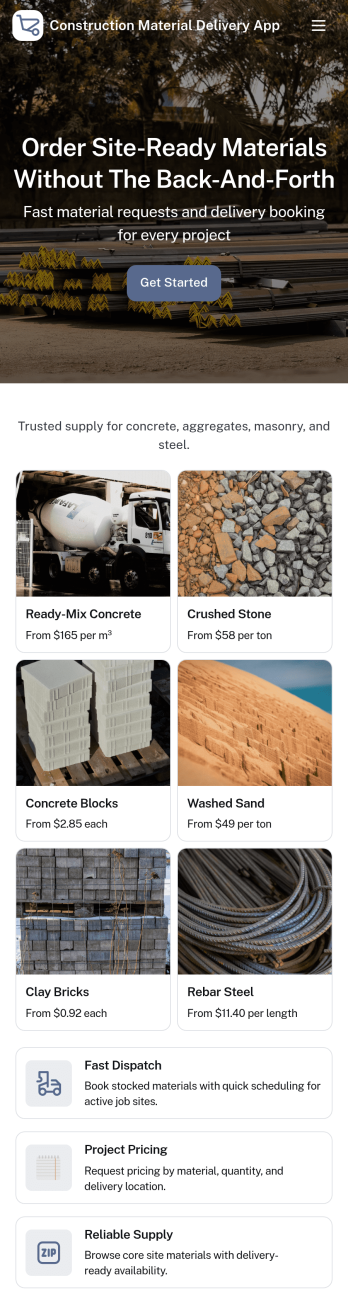
Construction Material Delivery App
Construction Material Delivery App helps construction suppliers and dispatch teams take orders and coordinate deliveries for common jobsite materials like sand and gravel, cement, and blocks. It gives customers and crews a simple way to browse material categories, view a product list, and place delivery requests through connected forms. With a dedicated call dispatch button, it also supports quick contact when an order needs a change, urgent routing, or a last-minute drop-off update.Jotform makes it easy to create and publish App Templates like this one with a no-code app builder and a drag-and-drop interface. Connect pages to forms to capture data collection, route requests through your workflow, and keep self-service ordering consistent across teams and locations. Share your Jotform app by link or QR code so customers, drivers, and office staff can access the same up-to-date delivery experience.
Go to Category:Construction Apps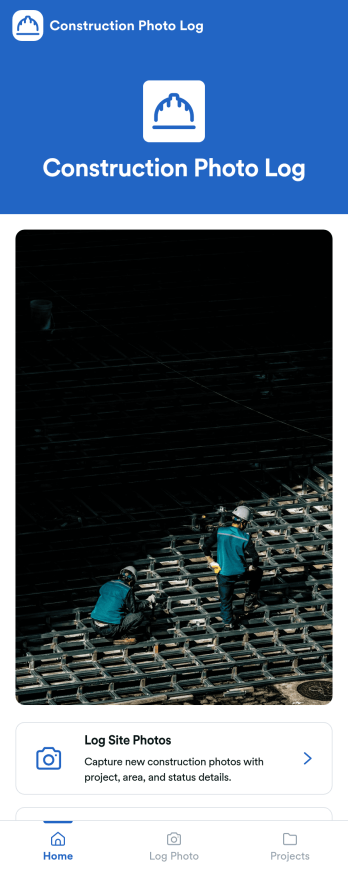
Construction Photo Log App
Construction Photo Log App keeps your jobsite images organized so crews and managers can document progress, flag issues, and build a reliable visual record across multiple projects. Use it to capture and log site photos in the moment, then browse a projects directory to quickly find the right job and review what’s been recorded. It works well for general contractors, superintendents, project managers, and subcontractors who need clearer communication between the field and the office without juggling scattered camera rolls.With Jotform, you can turn this app template into a branded, mobile-friendly experience using a no-code app builder and a drag-and-drop interface. Connect the app to your photo log form and project data, share it by link or QR code, and keep photo collection consistent across teams. As your workflow evolves, update pages, navigation, and content in minutes while keeping everything easy to access for self-service reference.
Go to Category:Construction Apps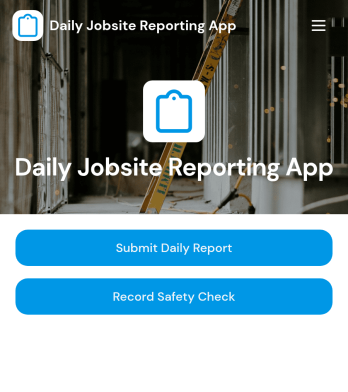
Daily Jobsite Reporting App
Daily Jobsite Reporting App gives construction teams a central place to document daily progress, complete safety checks, and report incidents across active projects. Superintendents, site supervisors, project managers, contractors, and field crews can use it to create timely records from the jobsite while office teams review project activity in one organized experience. Easy project browsing helps users find the relevant job before submitting an update. This reduces scattered paperwork, improves visibility into field conditions, and supports more consistent communication between site and operations teams.Built with Jotform Apps, this app template can be adapted to match a contractor’s reporting process, branding, and project structure. Jotform’s no-code app builder and drag-and-drop interface make it easy to update pages, navigation, buttons, and connected forms without programming. Teams can connect data collection to tables, notifications, approvals, and other workflow steps, then share the finished app by direct link or QR code. Starting with Jotform App Templates saves setup time while providing a mobile-friendly self-service resource for daily reporting and jobsite documentation.
Go to Category:Construction Apps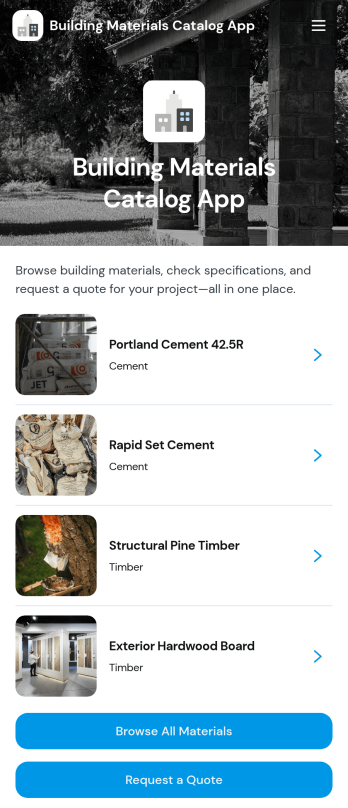
Building Materials Catalog App
Building Materials Catalog App is a digital product catalog for suppliers, distributors, manufacturers, hardware retailers, and construction businesses that need to present materials in one convenient location. Customers, contractors, estimators, and purchasing teams can browse available products, explore categories such as cement and timber, review specifications and units, check availability, and open individual material pages. A connected quote request gives prospective buyers a clear next step without requiring a lengthy email exchange. This app template can support trade counters, sales representatives, procurement research, and customer self-service while keeping product information accessible from any device.With Jotform Apps, businesses can turn this Building Materials Catalog App into a branded experience without writing code. The no-code app builder and drag-and-drop interface make it easy to adjust pages, cards, buttons, images, and navigation to suit a changing inventory or sales process. Teams can connect forms for data collection, route inquiries into a workflow, organize records in Jotform Tables, and receive notifications when buyers request pricing. Jotform App Templates also provide a practical starting point that can be customized, published, and shared through a direct link or QR code.
Go to Category:Construction Apps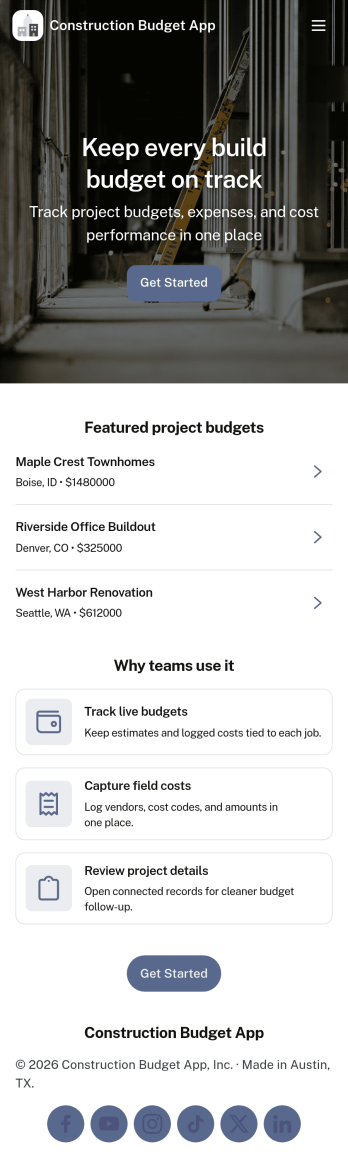
Construction Budget App
A construction budget app brings your project budgets, job costs, and spending updates into one place so teams can stay on top of every dollar from kickoff to closeout. Use it to add projects, log expenses as they happen, and route approval requests before costs spiral. It’s a practical fit for general contractors, subcontractors, project managers, and small construction businesses that need clear visibility into costs across multiple jobs without relying on scattered spreadsheets and endless status checks.With Jotform, you can turn this construction budget app template into a branded, mobile-friendly experience using a no-code app builder and a drag-and-drop interface. Connect your project and expense data collection to tables, keep records organized, and share the app as a self-service hub for the field and office. As your workflow evolves, you can adjust pages, forms, and navigation quickly to match how your team actually tracks budgets and approvals.
Go to Category:Construction Apps