

Customer Portal App Templates

Professional Services Onboarding App
The Professional Services Onboarding App is an app template for consulting firms, agencies, contractors, and other service teams that need a consistent way to welcome and organize new client engagements. Teams can begin client intake, capture business goals and communication preferences, note a preferred start date, and review each client from a central experience. Progress updates also keep next actions, target dates, and working notes visible as an engagement moves forward. By replacing scattered messages and disconnected records with a guided workflow, the app helps account managers, consultants, and project leads prepare for kickoff, maintain continuity, and give every client a more organized start.With Jotform Apps, teams can customize this Professional Services Onboarding App through a no-code app builder and a drag-and-drop interface. Adjust pages, branding, navigation, and connected forms to match the services you deliver, then link data collection with tables, approvals, notifications, or other workflow steps. Jotform App Templates make it easier to create mobile-friendly self-service experiences without programming, while direct links, QR codes, and embedded access support convenient sharing. Use the app template as a starting point, adapt it as your onboarding process evolves, and publish updates from one place.
Go to Category:Consulting Apps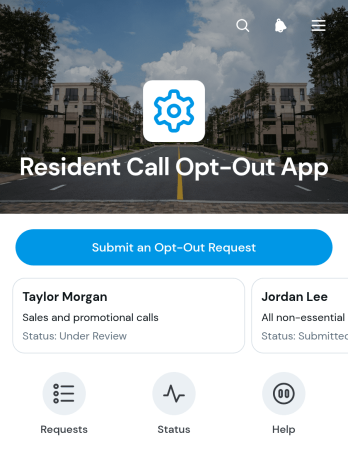
Resident Call Opt-Out App
The Resident Call Opt-Out App gives residents a clear way to request removal from outbound calling lists while helping property managers, housing teams, and community administrators maintain accurate communication preferences. Residents can submit a new opt-out request and review essential details such as request status, preference, and effective date. This app template is useful for apartment communities, residential properties, housing programs, and community organizations that need a consistent process for handling call preferences. By keeping requests connected to resident and property information, teams can reduce manual follow-up, prevent overlooked updates, and create a more transparent experience for residents.Jotform Apps makes it easy to turn this process into a branded, mobile-friendly self-service experience without writing code. Start with one of Jotform’s App Templates, then use the no-code app builder and drag-and-drop interface to adjust pages, navigation, colors, and content. Connect forms, tables, notifications, and workflow steps to support organized data collection and timely internal action. The finished app can be shared through a direct link or QR code, giving residents convenient access while staff manage incoming requests from one connected workspace.
Go to Category:Customer Portal Apps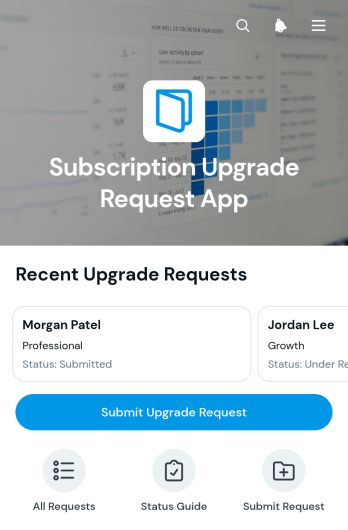
Subscription Upgrade Request App
The Subscription Upgrade Request App gives customers, members, account managers, and support teams a central place to submit and review requests for higher subscription levels. Requesters can provide their contact details, preferred effective date, and business justification, while authorized teams can view individual requests and monitor their current status. It is well suited to software providers, membership organizations, professional services firms, and other subscription-based businesses that need a consistent upgrade request process. By replacing scattered emails and informal messages, this app template helps teams collect complete information, maintain clear records, prioritize follow-up, and give each request greater visibility.Jotform makes this Subscription Upgrade Request App easy to adapt with a no-code app builder and an intuitive drag-and-drop interface. Teams can update pages, branding, buttons, and navigation to match their subscription workflow, then connect forms, tables, notifications, and approval steps as needed. The app can be shared through a direct link or QR code for convenient mobile access, supporting customer self-service from nearly any device. Jotform App Templates also help businesses launch polished request experiences quickly while keeping data collection and connected processes organized in one accessible location.
Go to Category:Subscription & Membership Apps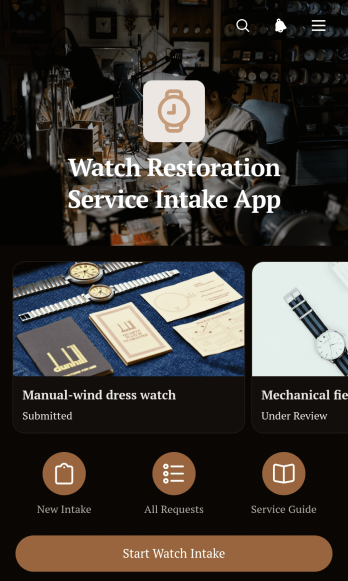
Watch Restoration Service Intake App
The Watch Restoration Service Intake App gives restoration specialists, repair shops, independent watchmakers, and customer service teams a clear way to receive and review restoration requests. Customers can start an intake, describe the watch, select requested services, document its current condition, and provide their preferred contact method. Each submitted request is presented in an organized record that staff can review before discussing an assessment, preparing an estimate, or arranging the next service step. This app template is especially useful for businesses replacing handwritten intake sheets, scattered messages, or inconsistent request details with a convenient self-service experience. It also makes repeat intake easier for customers who need to submit another watch.Jotform provides ready-to-use App Templates that can be adapted with a no-code app builder and an intuitive drag-and-drop interface. Customize this app template with your own colors, fonts, rounded visual elements, instructions, pages, and navigation without writing code. Connected forms support data collection, while organized app pages help teams manage intake information within a consistent workflow. Once the Watch Restoration Service Intake App is ready, share it through a direct link or QR code so customers can open it from a phone, tablet, or computer. Jotform also makes it easy to connect intake data with tables, notifications, approvals, and other processes as service operations grow.
Go to Category:Service Apps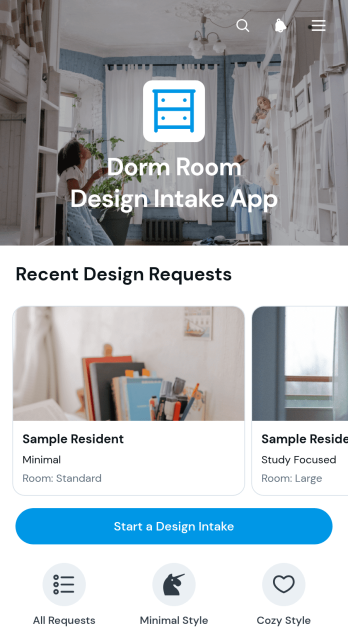
Dorm Room Design Intake App
The Dorm Room Design Intake App is an app template for interior designers, campus housing teams, student services staff, and independent consultants gathering requirements for dorm room projects. It gives students or clients a convenient place to start a design intake, share preferences, and communicate practical needs. Teams can browse submitted requests and open individual records to review room details, inspiration, and budget considerations before planning layouts or recommending furnishings. This organized intake process reduces missing information, supports clearer consultations, and helps teams prepare personalized proposals for compact living spaces.Jotform provides ready-to-use App Templates that turn data collection and self-service tasks into accessible digital experiences. Customize this template with the no-code app builder and its drag-and-drop interface, then connect forms, tables, approvals, and other workflow steps as needed. You can adjust pages, colors, typography, buttons, and navigation to match your services without writing code. Once the app is ready, publish it through a direct link or QR code so students, parents, housing staff, or project collaborators can access it from a phone, tablet, or computer.
Go to Category:Consulting Apps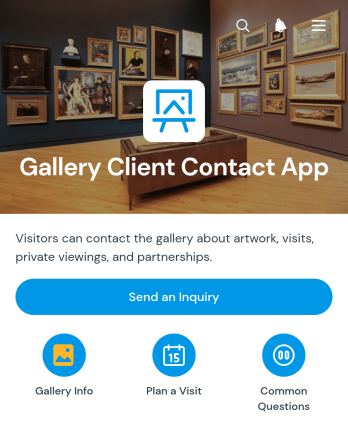
Gallery Client Contact App
Gallery Client Contact App gives art galleries, exhibition spaces, independent curators, and studio teams a dedicated place to connect with visitors and prospective buyers. People can send a general inquiry, ask about an artwork, or request help planning a gallery visit without searching through scattered contact channels. This app template is useful for handling questions about current exhibitions, artwork availability, viewing arrangements, accessibility, group visits, and purchasing interest. By directing each contact request through a clear path, gallery staff can respond more consistently, recognize promising leads, and offer a welcoming experience before someone arrives.Jotform App Templates help organizations create polished digital experiences without writing code. Customize the Gallery Client Contact App with the no-code app builder, arrange content through a drag-and-drop interface, and adapt colors, fonts, pages, and buttons to match the gallery’s visual identity. Connected forms support organized data collection, while notifications and related workflows help staff act on new inquiries promptly. Once ready, the app can be shared by direct link or QR code, giving visitors convenient mobile-friendly self-service access from exhibition materials, websites, newsletters, and gallery signage.
Go to Category:Customer Engagement Apps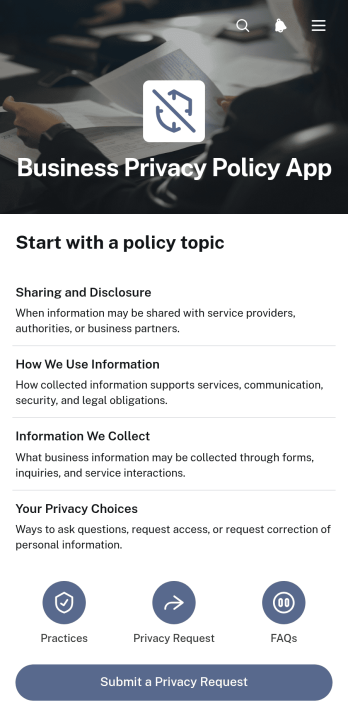
Business Privacy Policy App
Business Privacy Policy App is a central, customer-facing resource for publishing a company’s privacy information and giving people a clear way to submit privacy requests. Its organized pages can present policy topics, explain data practices, answer common questions, and connect visitors to a dedicated request form without overwhelming them with scattered documents. The app template is well suited to small and midsize businesses, consulting firms, online service providers, retailers, and customer support teams that need a consistent place to communicate how personal information is handled. It improves access to important information, reduces repetitive inquiries, and supports a more transparent customer experience. Content should be reviewed by qualified professionals before publication.Jotform makes Business Privacy Policy App easy to adapt through a no-code app builder and a visual drag-and-drop interface. Teams can update pages, cards, navigation, branding, and connected forms to fit their operations without writing code. Information collected through the privacy request form can feed into an organized workflow for review and follow-up, while the app can be shared through a direct link, QR code, or embedded experience. These App Templates help businesses create mobile-friendly self-service resources, centralize data collection, and maintain a convenient access point as policies and internal processes change.
Go to Category:Legal Apps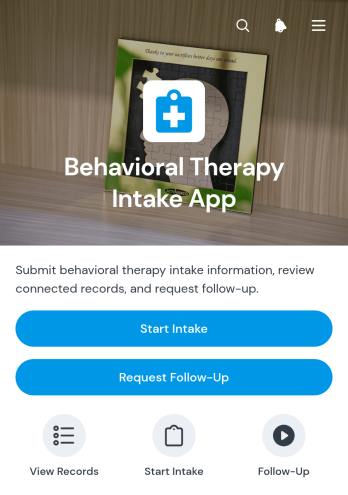
Behavioral Therapy Intake App
The Behavioral Therapy Intake App gives behavioral therapy practices, counselors, intake coordinators, and mental health teams a central place to gather and review information before an initial consultation or follow-up. Clients can start an intake, share relevant background, and request further contact, while authorized staff can browse intake records and view details such as primary concerns, current symptoms, and previous support. This app template reduces scattered communications, helps teams prepare for conversations, and creates a more consistent intake experience for new and returning clients.Jotform App Templates make it easy to adapt this experience to a practice’s intake workflow without writing code. Using Jotform’s no-code app builder and drag-and-drop interface, teams can update pages, wording, visual styling, navigation, and connected forms to match their services. The app can support data collection, client self-service, and internal record review from one mobile-friendly location. Once customized, it can be shared through a direct link or QR code, helping clients access intake and follow-up options wherever they are.
Go to Category:Mental Health Apps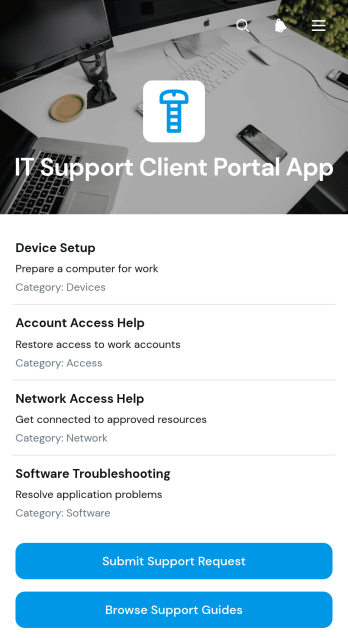
IT Support Client Portal App
The IT Support Client Portal App gives technology support teams a central, client-facing space for handling common service needs. IT consultants, technical service providers, and support departments can use it to help clients browse available services, submit support requests, and review support guides without relying on scattered emails or documents. By bringing essential support actions and answers together, this app template makes assistance easier to access, promotes client self-service, and helps teams collect the information needed to respond to technical issues.Jotform makes it easy to adapt this portal to different support processes with a no-code app builder and an intuitive drag-and-drop interface. Teams can customize pages, branding, navigation, and content while connecting forms and data collection tools to their workflow. The finished app can be shared through a direct link or QR code and accessed from phones, tablets, or computers. Starting with one of Jotform’s App Templates saves setup time while giving organizations the flexibility to create a polished support experience that reflects their services and client relationships.
Go to Category:Information Technology Apps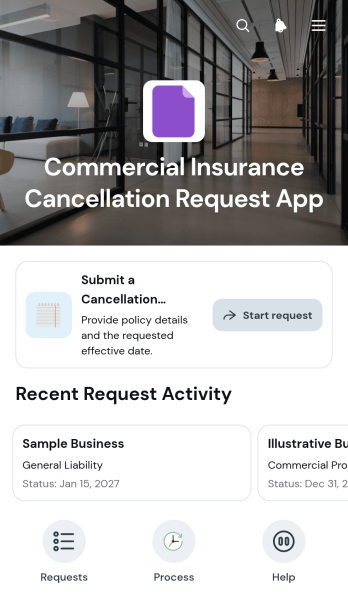
Commercial Insurance Cancellation Request App
Commercial Insurance Cancellation Request App is an app template for collecting and organizing requests from businesses that want to cancel a commercial insurance policy. Insurance agencies, brokers, service teams, and policy administration staff can use it to give authorized requesters a clear starting point while keeping each case easy to review. Users can submit essential policy details and a cancellation reason, view submitted requests, and access confirmation or help information from one organized experience. This reduces incomplete inquiries, creates a consistent intake process, and helps teams route requests for internal review without suggesting that submission alone completes a cancellation.Jotform makes this Commercial Insurance Cancellation Request App easy to adapt with a no-code app builder and drag-and-drop interface. Teams can update pages, instructions, buttons, branding, and connected forms to match their workflow. Collected data can be organized in tables, connected with approval steps, and supported by notifications that keep responsible staff informed. The app can be shared by direct link or QR code for convenient mobile self-service, giving policyholders and internal teams a reliable way to access the request process from nearly any device.
Go to Category:Insurance Apps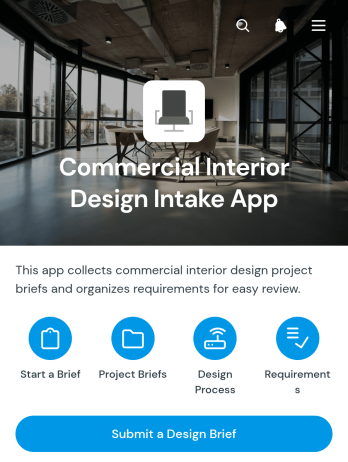
Commercial Interior Design Intake App
The Commercial Interior Design Intake App gives interior designers, consultants, contractors, and workplace planning teams a central place to receive and organize briefs for offices, retail spaces, hospitality venues, and other business interiors. Prospective and existing clients can submit a design brief with project requirements, while authorized team members can browse submitted commercial design briefs from the connected table. This approach keeps early project information accessible, reduces scattered inquiries, and helps teams assess scope before discovery calls, estimates, site visits, or planning sessions. It is especially useful for design studios and independent professionals managing multiple client requests.Jotform App Templates make it easier to turn intake processes into polished, mobile-friendly experiences without writing code. Customize this app template with the no-code app builder and drag-and-drop interface, then adjust pages, buttons, branding, and navigation to match your services. The app can connect data collection with tables, notifications, forms, and broader workflows, helping staff review new opportunities and coordinate follow-up from one place. Once ready, share the Commercial Interior Design Intake App through a direct link or QR code to give clients convenient self-service access on any device.
Go to Category:Consulting Apps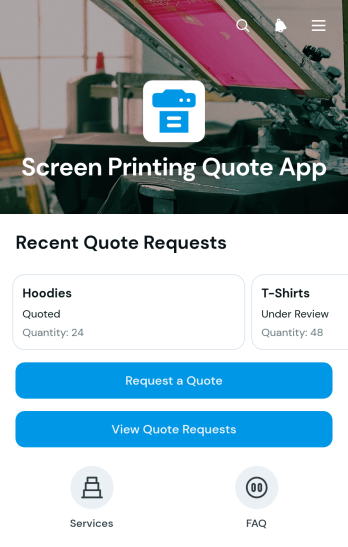
Screen Printing Quote App
The Screen Printing Quote App is an app template for print shops, apparel decorators, sales teams, and independent printers that need a clearer way to receive and manage pricing inquiries. Customers can submit quote requests with essential production details, while staff can review requests, monitor their status, and assess artwork needs from one organized experience. This setup helps teams handle custom apparel inquiries, jobs with multiple print locations, and early estimate discussions without relying on scattered emails or incomplete notes. It also gives customers a convenient self-service option when planning branded clothing, team apparel, event merchandise, or other printed garments.Jotform App Templates make it easy to adapt the Screen Printing Quote App to an established sales workflow. Using the no-code app builder and drag-and-drop interface, businesses can update pages, colors, cards, buttons, and branding without programming. The app can connect with forms for data collection, tables for organized request records, and automated notifications that keep staff informed. Teams can also add approval steps or other workflow resources as their process grows. Once ready, the app can be shared through a direct link or QR code, providing mobile-friendly access for customers and employees wherever quote conversations begin.
Go to Category:Estimation Apps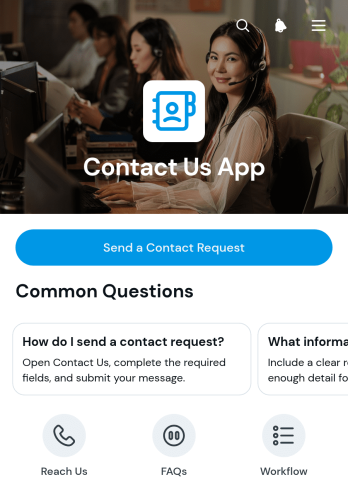
Contact Us App
The Contact Us App is a ready-to-use app template that gives customers, prospects, members, or community participants a clear place to reach an organization. It brings an online contact request form together with email and phone options, helpful answers, and follow-up guidance in one convenient experience. Small and medium-sized businesses, service teams, nonprofits, educational institutions, consultants, and customer support teams can use it to capture questions and direct people toward the right contact method. By replacing scattered contact details with an organized self-service destination, the app helps reduce missed inquiries, makes outreach easier, and supports a more consistent response workflow.Jotform App Templates make it simple to turn this Contact Us App into a branded contact experience without writing code. Using Jotform’s no-code app builder and drag-and-drop interface, teams can update pages, buttons, colors, fonts, contact details, and navigation to match their needs. The app can connect data collection forms with tables, notifications, approvals, and other workflows so requests are easier to organize and act on. Once it is ready, share the app through a direct link or QR code, or embed it in an existing digital experience. Its mobile-friendly layout also gives users convenient access to contact resources from nearly any device.
Go to Category:Customer Engagement Apps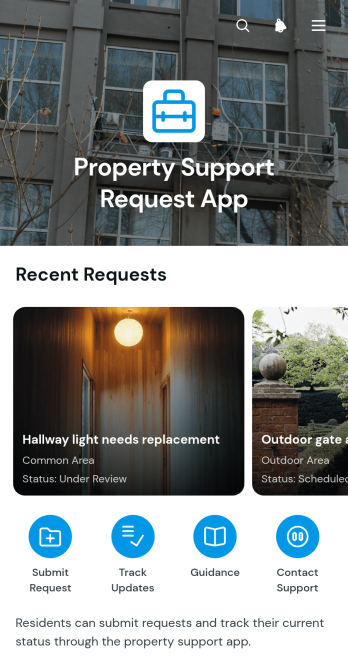
Property Support Request App
The Property Support Request App is an app template for collecting, organizing, and reviewing maintenance or service concerns related to residential, commercial, and managed properties. Property managers, landlords, facilities teams, housing staff, contractors, and tenants can use it to keep support communication in one accessible place. Users can submit requests, review status information, and find guidance for urgent safety concerns or property access preparation. This focused experience reduces unclear reporting, helps teams assess urgency, and gives requesters a convenient self-service resource for following the support process.Jotform App Templates help organizations turn recurring processes into branded, mobile-friendly experiences without coding. Using Jotform’s no-code app builder and drag-and-drop interface, teams can customize the Property Support Request App with their own pages, text, colors, navigation, and connected forms. Requests can feed into data collection and workflow tools for easier review, notifications, assignments, and follow-up. Once the app template is ready, it can be shared through a direct link or quick response code, giving occupants, staff, and service partners convenient access from nearly any device.
Go to Category:Real Estate Apps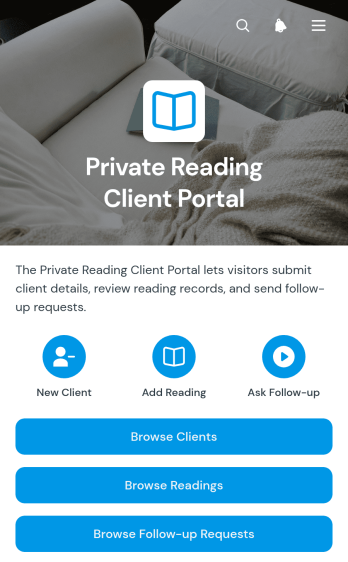
Private Reading Client Portal App
The Private Reading Client Portal App is a ready-to-use workspace for independent readers, consultants, and small practices that manage personalized reading services. It brings client profiles, reading summaries, and follow-up requests into one organized experience. Practitioners and authorized team members can browse client information, add new clients and readings, review preferred formats, and document request details without relying on scattered messages or files. It is well suited to solo providers, remote service teams, and growing consultancies that need a consistent process for maintaining client histories and coordinating follow-up work.With Jotform Apps, teams can tailor this app template using a no-code app builder and an intuitive drag-and-drop interface. Pages, navigation, forms, and connected workflows can be adjusted to support branded data collection, internal collaboration, and client self-service. Publish the app with a personalized link, share it through a QR code, or embed it in an existing site for convenient mobile access. Starting with Jotform App Templates helps service providers create a polished client portal quickly while retaining the flexibility to update content, connect tables, automate notifications, and refine processes as their operations evolve.
Go to Category:Customer Portal Apps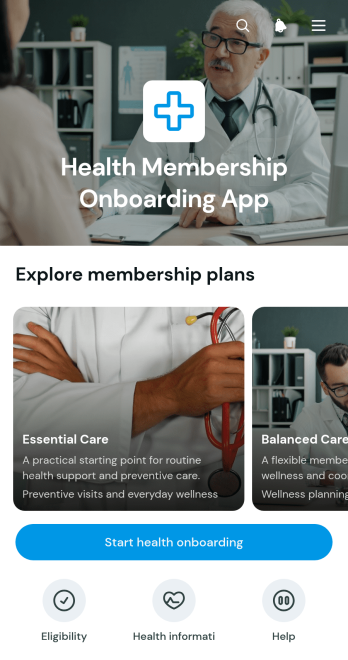
Health Membership Onboarding App
The Health Membership Onboarding App helps healthcare providers, wellness programs, membership teams, and benefits coordinators introduce available health plans and guide prospective members through enrollment. Visitors can browse plan options, review essential details such as plan fit, care focus, and availability, and then access an onboarding form or eligibility check. This focused experience makes it easier to compare relevant choices and begin the appropriate application journey without searching across disconnected pages. Organizations can use the app to create a consistent entry point for new members while reducing repetitive questions and improving data collection.Jotform App Templates make it easy to adapt this app template to a specific membership program without coding. Using the no-code app builder and its drag-and-drop interface, teams can update plan content, adjust navigation, apply their branding, and connect forms to a broader workflow. The finished app can be shared through a direct link or QR code for convenient mobile access. Jotform also helps teams organize submitted information, trigger notifications, and provide a polished self-service experience from initial plan discovery through onboarding.
Go to Category:Subscription & Membership Apps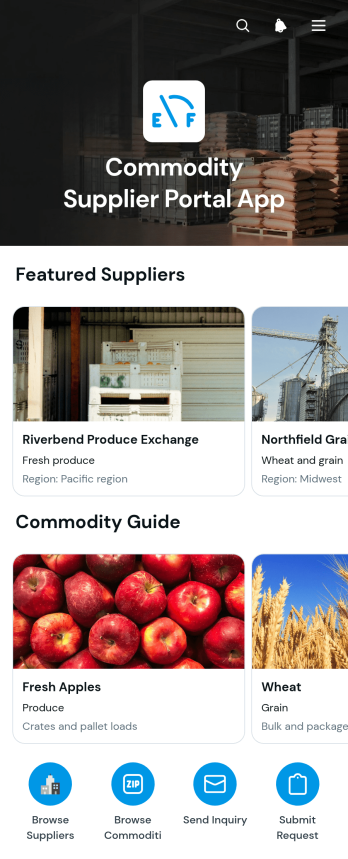
Commodity Supplier Portal App
The Commodity Supplier Portal App gives procurement teams, distributors, wholesalers, manufacturers, and operations staff a central place to find commodity suppliers and request sourcing information. Users can browse supplier and commodity listings, review relevant details, send supplier inquiries, and submit commodity requests without relying on scattered emails or documents. This app template supports routine sourcing, vendor discovery, purchasing research, and supply coordination while making self-service access easier for buyers and internal teams. It can also help organizations keep data collection consistent as demand, supplier networks, and purchasing activity grow.Jotform Apps makes this Commodity Supplier Portal App easy to adapt with a no-code app builder and a flexible drag-and-drop interface. Teams can update pages, branding, navigation, and content while connecting forms and other workflow assets in one mobile-friendly experience. Start with one of Jotform’s App Templates, tailor the app template to your procurement process, and publish it through a direct link, personalized address, embedded experience, or scannable code. The app builder helps businesses maintain an accessible sourcing resource without writing code.
Go to Category:Operations & Logistics Portal Apps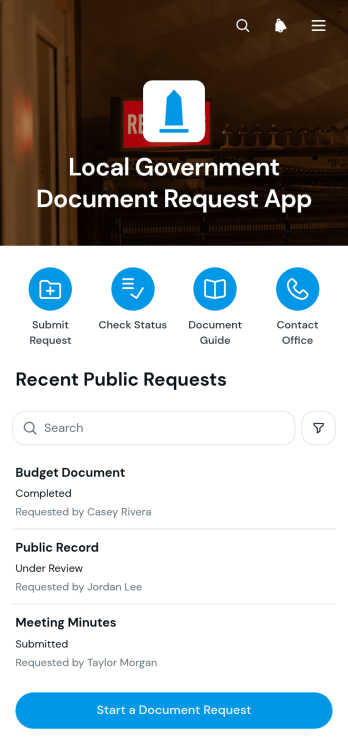
Local Government Document Request App
The Local Government Document Request App provides residents, businesses, journalists, researchers, and community organizations with a clear way to request documents from municipal departments or local records offices. It brings request submission, document type selection, supporting details, and public request status review into one accessible experience. Government staff can use this app template to reduce incomplete inquiries, direct requesters to the right process, and maintain a more consistent intake workflow. It is especially useful for clerks, administrative teams, records personnel, and public service departments that need an organized self-service channel for recurring document requests.Jotform App Templates help organizations launch practical digital services without writing code. With Jotform’s no-code app builder and drag-and-drop interface, teams can adapt the Local Government Document Request App to match departmental procedures, update pages and guidance, connect forms and tables, and support data collection from one place. The finished app can be shared through a direct link or QR code for convenient mobile access. Connected workflows can also help staff route requests, send notifications, coordinate reviews, and keep request information organized as service needs evolve.
Go to Category:Community & Engagement Portal Apps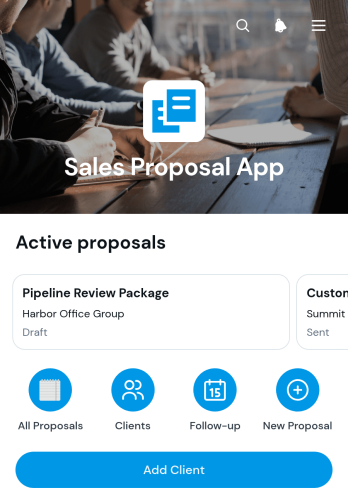
Sales Proposal App
The Sales Proposal App is a ready-to-use workspace for sales teams, consultants, freelancers, and service businesses that need to prepare proposals, organize client details, and collect responses in one place. Users can browse proposal and client records, create new or follow-up proposals, and give recipients a direct way to respond. Key information such as the proposed investment, expiration date, primary contact, and next follow-up remains easy to review. This helps teams maintain consistent proposal processes, stay aware of upcoming actions, and reduce delays between initial outreach and a client’s decision.Jotform App Templates make it simple to adapt the Sales Proposal App to a team’s branding and workflow without writing code. With Jotform’s no-code app builder and drag-and-drop interface, users can update pages, navigation, buttons, and visual elements to support their sales process. Connected forms simplify data collection for new clients, proposal creation, and recipient feedback, while shareable links provide convenient mobile-friendly access. Teams can also connect tables, approvals, notifications, and other workflows to coordinate activity, support self-service responses, and manage proposal records from a unified experience.
Go to Category:Sales & Marketing Portal Apps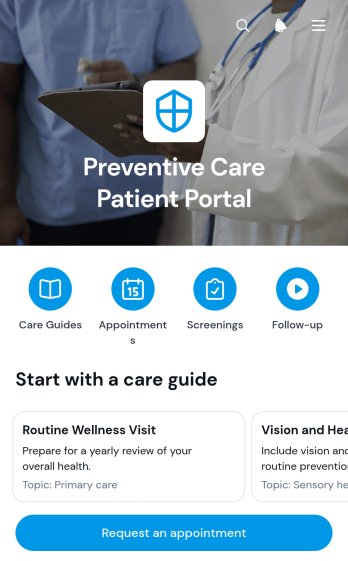
Preventive Care Patient Portal App
The Preventive Care Patient Portal App gives healthcare practices a patient-facing space for coordinating routine screenings and related support. Patients can review preventive care information, request an appointment, add a screening record, see screening dates and upcoming review details, and request follow-up support. Clinics, primary care teams, wellness programs, and community health providers can use this app template to keep patients engaged between visits while reducing scattered calls, messages, and paper records. It is especially useful for organizing recurring care activities, helping patients understand their next steps, and giving staff a clearer view of submitted requests and screening updates.Jotform App Templates make it easier to turn connected forms, resources, and workflows into accessible digital experiences. With Jotform’s no-code app builder and drag-and-drop interface, teams can tailor the Preventive Care Patient Portal App to their services, branding, and patient journey without writing code. Appointment requests, data collection, and follow-up workflows can be managed from one app and connected with other Jotform tools. Once published, the portal can be shared through a direct link or QR code, giving patients convenient mobile access and a practical self-service option for preventive care coordination.
Go to Category:Healthcare Apps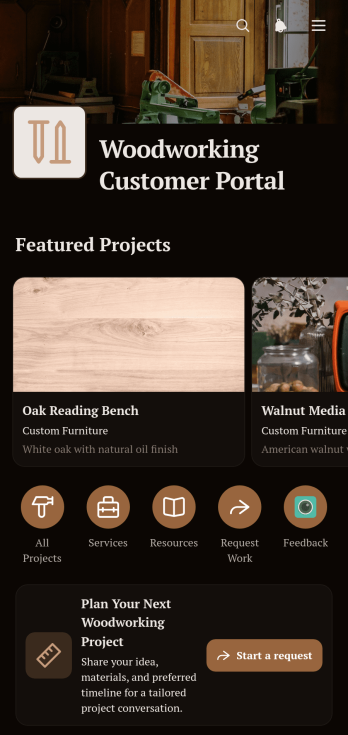
Woodworking Customer Portal App
The Woodworking Customer Portal App is an app template for independent woodworkers, custom furniture makers, cabinetry teams, restoration specialists, and small workshops that want to give customers one convenient place to explore work and request a project. Customers can browse project examples, review materials and finish information, access helpful resources, and submit requests for furniture, built-in cabinetry, repairs, refinishing, or decorative wood features. This customer self-service experience makes it easier to communicate available services, gather project details, and turn initial interest into organized inquiries.Jotform App Templates help businesses create polished digital experiences without writing code. Using Jotform’s no-code app builder and drag-and-drop interface, workshop owners can update pages, add branded visuals, connect forms, and organize resource navigation around their workflow. The finished app can be shared through a direct link or QR code and accessed from mobile or desktop devices. Connected data collection keeps incoming requests together, helping teams review customer needs and prepare the next steps from a central location.
Go to Category:Customer Portal Apps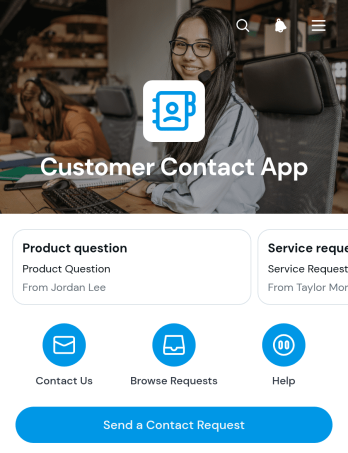
Customer Contact App
The Customer Contact App gives customers, prospects, and community members a central place to send inquiries and review submitted requests. Small businesses, support teams, consulting practices, service providers, and membership organizations can use this app template to organize contact communication without relying on scattered messages. Users can submit a contact request, browse a request directory, open individual request details, and email a contact when follow-up is needed. This clear process helps teams maintain visibility, respond with useful context, and provide a more consistent customer experience.Jotform App Templates make it easy to adapt the Customer Contact App to different communication workflows. With Jotform’s no-code app builder and drag-and-drop interface, teams can update pages, buttons, colors, fonts, and branding without development work. Connect forms and tables to support data collection, organize request records, and trigger notifications for timely follow-up. Once the app is ready, publish it with a direct link or QR code so users can reach it from a phone, tablet, or computer. It can serve as a branded self-service contact point while giving staff a practical way to manage incoming conversations.
Go to Category:Customer Engagement Apps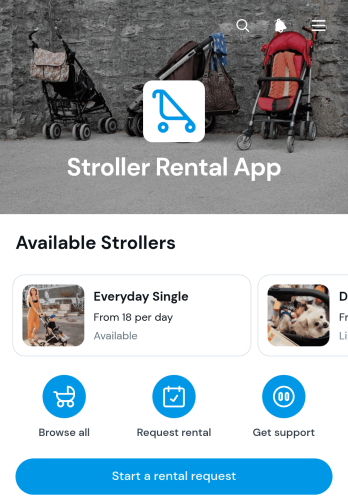
Stroller Rental App
The Stroller Rental App gives rental businesses, hotels, visitor attractions, travel providers, and family-focused venues a convenient way to present strollers and receive rental requests. Customers can browse available options, review stroller details and daily rates, check availability, and submit a request from one mobile-friendly location. By replacing scattered messages and paper inquiries with a guided rental experience, the app helps staff respond more consistently and gives parents or caregivers clearer information before choosing equipment. It is especially useful for short-term rentals at resorts, event venues, shopping centers, transport hubs, and popular visitor destinations.Jotform App Templates make it simple to create and publish interactive experiences without writing code. Customize this app template with the no-code app builder, arrange content through a drag-and-drop interface, and adjust colors, fonts, images, buttons, and pages to match your organization. Rental request forms can support data collection and connect with tables, notifications, approvals, and other workflow tools. Once the app is ready, share it by direct link or QR code so customers can access self-service rental information from phones, tablets, or computers.
Go to Category:Rental Apps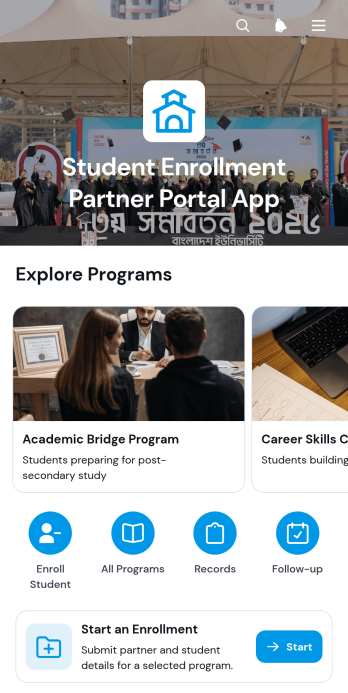
Student Enrollment Partner Portal App
Student Enrollment Partner Portal App is an app template for schools, training providers, admissions teams, and external enrollment partners that coordinate student placements across multiple programs. Partners can browse program information, start an enrollment, and review student details or follow-up activity from one organized portal. It gives authorized users a clearer path from program selection to enrollment follow-up while keeping relevant notes, preferred start information, and partner details accessible. Organizations can use it to support recruitment networks, manage enrollment referrals, reduce missed next steps, and give partner teams a consistent self-service experience.Jotform makes this app template easy to adapt without coding. Use the no-code app builder and drag-and-drop interface to update pages, navigation, colors, fonts, and branded visual elements. Connected forms and tables can support data collection, enrollment records, and follow-up workflows, while notifications help teams respond to new activity. Jotform app templates can be shared through a direct link or QR code for convenient mobile access, helping institutions create a polished partner portal that fits their admissions process and can evolve as programs change.
Go to Category:School Management Apps