

Education App Templates

Attendance Taker App
Attendance Taker App helps teachers, trainers, and team leads record attendance quickly while keeping a clear view of who’s on the roster and what was logged each day. Use it to navigate from a roster list to an attendance screen, add quick class notes through a connected form, and review past records when questions come up later. It’s a practical fit for classrooms, tutoring centers, workshops, youth programs, and internal training sessions where attendance needs to be consistent, easy to find, and simple to update.With Jotform, you can turn this app template into a branded, mobile-friendly experience using a no-code app builder and a drag-and-drop interface. Connect pages to your existing data collection flows, organize information into a workflow that matches how you run sessions, and share self-service access with staff who need to take attendance or review records. As your program grows, you can adjust fields, views, and navigation without rebuilding the process from scratch.
Go to Category:Sign In Apps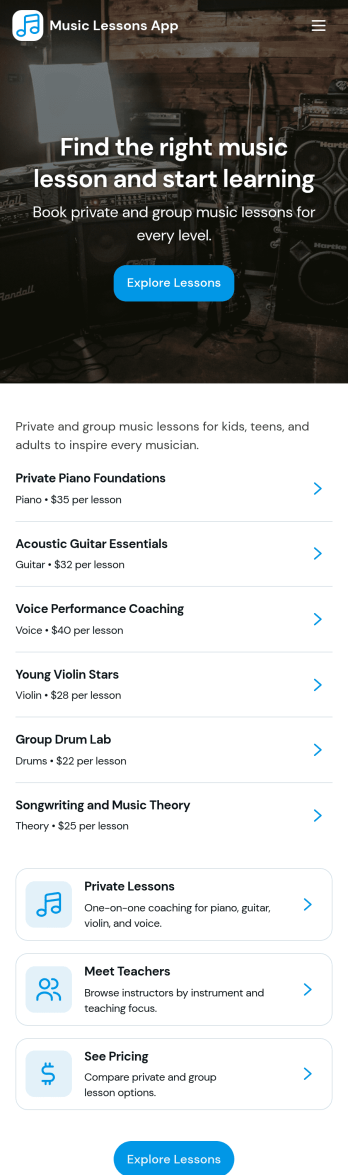
Music Lessons App
Music Lessons App brings your lesson offerings into one place so students and parents can find the right teacher, explore available lessons, and request a booking without bouncing between emails and links. It works well for private music teachers, small studios, and multi-instructor programs that want a clear way to present instruments, lesson formats, and durations while keeping inquiries organized. With pages to browse teachers and lessons plus quick contact options, it supports faster decisions and fewer missed opportunities when someone is ready to schedule.Jotform makes it easy to publish this kind of self-service experience using app templates and a no-code app builder with a drag-and-drop interface. Connect the app to your forms and tables for data collection, route booking requests into a simple workflow your team can manage, and share the app through a direct link or QR code. You can update teacher profiles and lesson options anytime, keeping your music program accurate and mobile-friendly for families on the go.
Go to Category:Education Apps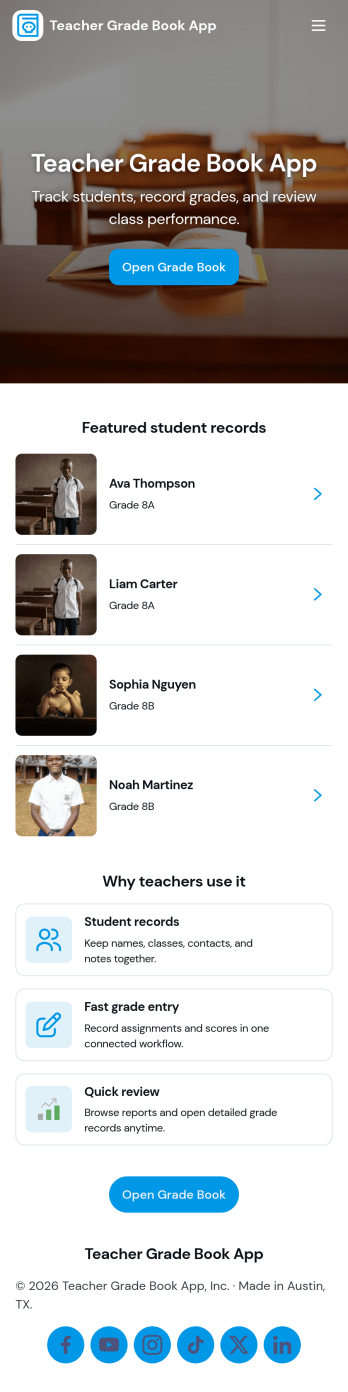
Teacher Grade Book App
A Teacher Grade Book App gives educators a simple, organized place to manage student records, keep assignments in view, and maintain an up-to-date snapshot of class performance. Use it to browse a student list, review assignment details, and record new scores through an Enter Grade page, then check overall results in a dedicated Grades section. It works well for K–12 teachers, tutors, and small programs that want a clear routine for tracking coursework without juggling scattered notes.Jotform app templates make it easy to publish a tailored grade book experience with a no-code app builder and a drag-and-drop interface. Connect your pages to forms and tables for reliable data collection, keep your workflow consistent from class to class, and share a self-service view with the right people when you need to. With Jotform, you can adjust the layout, add new pages for different terms, and keep your grade book accessible on any device.
Go to Category:Classroom Management Apps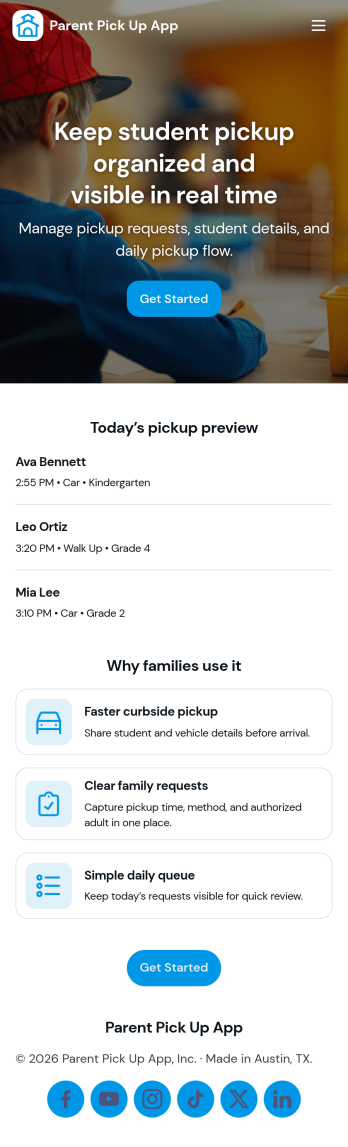
Parent Pick Up App
Parent Pick Up App helps schools and childcare programs manage dismissal by letting families submit a pickup request and giving staff a clear view of the pickup queue. Use it to reduce confusion at car line, coordinate authorized pickups, and keep the handoff process organized for teachers, front desk teams, and after-school staff. With guided actions like Submit Pickup and View Queue, the app supports smoother arrivals at the right pickup spot and helps teams prioritize students as requests come in.Jotform makes it easy to build and publish app templates like this with a no-code app builder and a drag-and-drop interface. Connect the app to a pickup request form, display live records in a list for quick scanning, and keep workflows moving with simple navigation buttons such as Open Queue and Add Request. Share the app by link or QR code so families and staff can access self-service updates from any device while your data collection stays organized in one place.
Go to Category:School Management Apps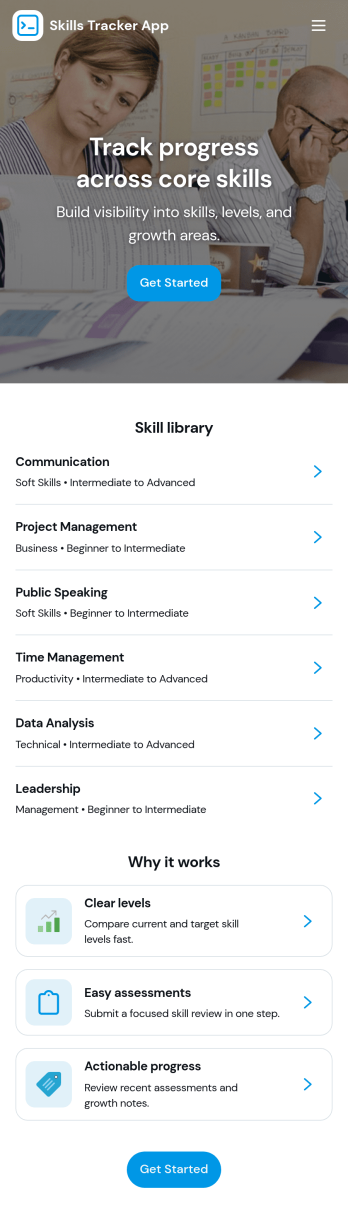
Skills Tracker App
Skills Tracker App helps individuals and teams organize, review, and grow their skill sets in one easy place. Use it to browse a skills directory, open a skill detail page for notes and context, and add new skills as goals change. It fits employee development check-ins, student learning plans, coaching programs, and personal upskilling, especially when you want a simple way to keep skills visible and updated over time.With Jotform, you can turn this app template into a branded, shareable experience using a no-code app builder and a drag-and-drop interface. Connect the app to a form for data collection, keep skill information organized, and adjust pages and navigation to match your workflow. Share the app through a link or QR code so stakeholders can track progress, contribute updates, and stay aligned on skill growth.
Go to Category:HR Portal Apps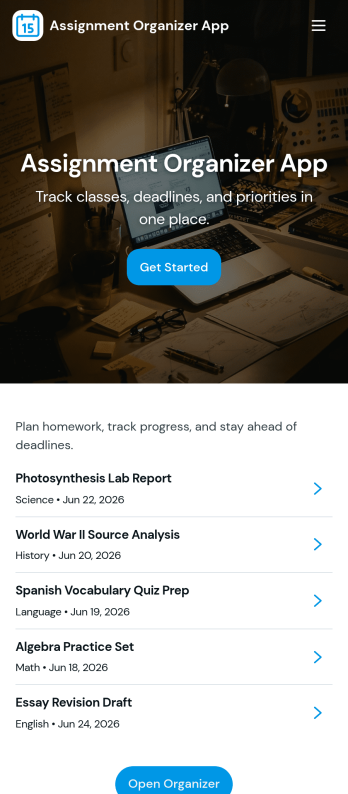
Assignment Organizer App
An Assignment Organizer App brings assignments, due dates, and student turn-ins into one easy place so classes don’t lose track of what’s next. Use it to post new assignments, keep an up-to-date list of work, and let students add submissions as they complete tasks. It’s a practical fit for teachers, tutors, training coordinators, and academic programs that need a clear way to manage assignment records and quickly navigate into assignment details.With Jotform, you can turn this app template into a branded, shareable experience using a no-code app builder and a drag-and-drop interface. Connect buttons and pages to your forms and tables to support data collection and a repeatable workflow, from adding a new assignment to reviewing submissions in a self-service format. Publish your app in minutes, update it anytime, and share a single link with your class or team.
Go to Category:Classroom Management Apps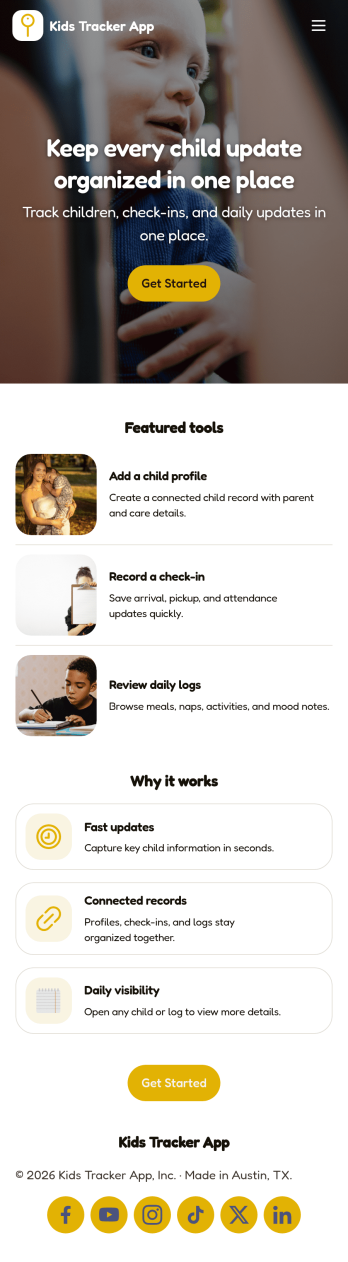
Kids Tracker App
Kids Tracker App helps families and child care teams keep a clear record of a child’s day without relying on scattered texts or paper notes. Use it to capture check-ins and check-outs, maintain an ongoing activity log, and add incident notes when something important happens. It’s a practical fit for parents, babysitters, nannies, after-school programs, and daycares that want one place to view updates per child and quickly pull up past entries when questions come up.Built with Jotform, this app template can be tailored in a no-code app builder with a drag-and-drop interface, so you can match your routine, roles, and branding in minutes. Connect the app to your forms and tables for consistent data collection, keep logs organized by child, and share a self-service link for authorized caregivers to add updates from any device. As needs change, you can adjust the workflow, add steps, and publish revisions without rebuilding from scratch.
Go to Category:Tracker Apps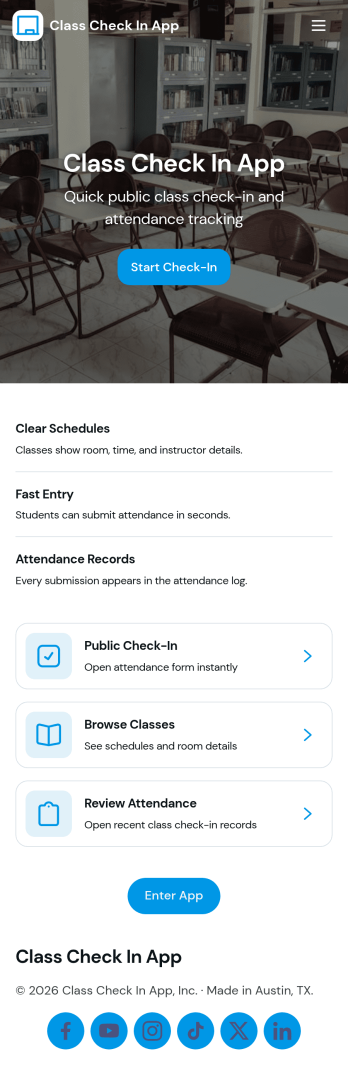
Class Check in App
Class Check in App helps instructors and program coordinators track attendance for scheduled classes in a clear, repeatable way. Use it to list classes, check students in as they arrive, and keep a running set of records you can reference later for follow-ups, participation tracking, or internal reporting. It fits tutoring centers, studios, training programs, after-school groups, and school clubs that want a simple flow for day-to-day check-ins without relying on paper rosters.Built with Jotform, this app template can be tailored with a no-code app builder and a drag-and-drop interface, so your team can adjust what shows up on each page and how people move through the experience. Connect the app to forms for data collection, keep information organized for quick self-service access, and support your workflow with reusable records that stay consistent across classes and student lists.
Go to Category:Education Apps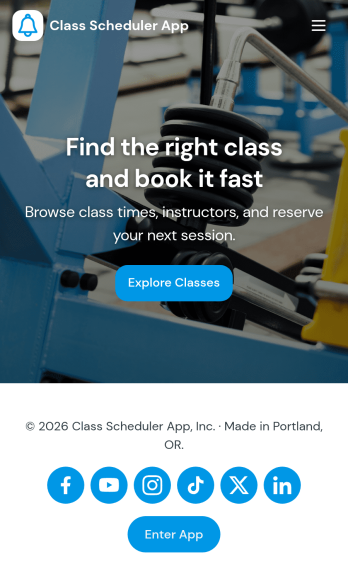
Class Scheduler App
Class Scheduler App helps schools, studios, and training teams organize class offerings and handle schedule changes in one place. Learners can browse available classes, open a class for details, and submit schedule requests without hunting through emails or messages. It’s a strong fit for course coordinators, tutoring centers, fitness instructors, and education programs that need a simple way to keep classes discoverable while giving people a clear path to request updates.Built with Jotform App Templates, this app template pairs a clean, mobile-friendly class browsing experience with connected request forms for faster data collection and smoother workflow follow-through. Customize pages with Jotform’s no-code app builder and drag-and-drop interface, then share the app link with students or staff so they can view classes, submit new requests, and check My Requests from anywhere.
Go to Category:Scheduling Apps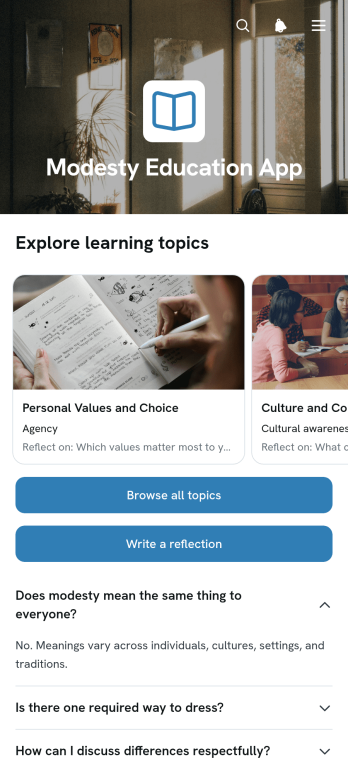
Modesty Education App
The Modesty Education App is an educational resource for presenting lessons on modesty, personal values, respectful choices, and thoughtful self-expression. Educators, schools, community groups, families, and values-based programs can use this app template to organize age-appropriate material in one accessible place. Learners can browse topic cards, read focused explanations, and submit written reflections through a connected form. This guided format encourages active participation while helping instructors replace scattered handouts and links with a consistent learning experience. It can support classroom lessons, workshops, discussion groups, independent study, or ongoing character education.Jotform makes it easy to adapt the Modesty Education App without writing code. Its no-code app builder and drag-and-drop interface let creators update pages, arrange learning resources, adjust branding, and connect forms to a wider workflow. Reflection data can be organized through Jotform tools, helping educators review responses and manage follow-up activities. As part of the Jotform App Templates collection, this app template can be shared by link or QR code for convenient mobile access. Teams can create a welcoming self-service resource that remains simple to revise as topics, audiences, and educational goals change.
Go to Category:Education Apps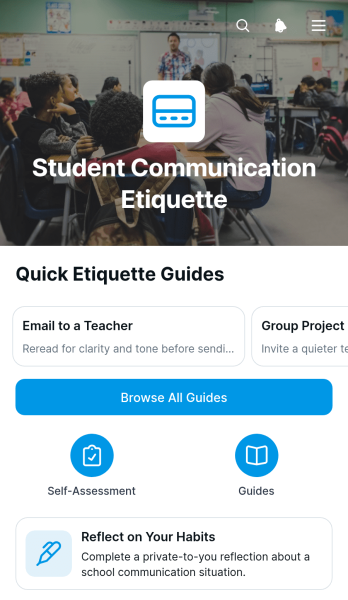
Student Communication Etiquette App
The Student Communication Etiquette App helps students develop respectful, clear, and appropriate communication habits in school settings. It gives learners a central place to browse situation-based guides, review practical examples, and explore tips for handling common interactions with classmates, teachers, and other members of a school community. Schools, educators, tutors, counselors, and student support teams can use this app template during orientation, classroom instruction, advisory sessions, or independent learning. Built-in reflection and self-assessment activities help students consider their current habits, recognize areas for improvement, and identify a practical next step.Jotform makes this educational experience easy to adapt without coding. Using the drag-and-drop app builder, educators can revise guidance, reorganize pages, apply school branding, and connect forms for data collection and student feedback. The app can support guided lessons or self-service learning and can be shared through a direct link or QR code for convenient mobile access. Connected workflows also help teams collect reflections, review responses, and update learning resources as communication expectations evolve.
Go to Category:Education Apps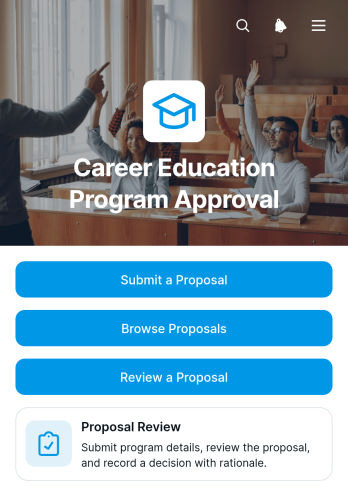
Career Education Program Approval App
The Career Education Program Approval App provides educators, administrators, curriculum committees, and workforce development teams with a central place to submit, examine, and evaluate proposed career education programs. Proposal owners can provide program details, while reviewers can browse submissions, assess career fields, delivery formats, proposed start dates, program overviews, and learning outcomes, then record a decision with supporting rationale. This app template helps institutions replace scattered documents and email threads with a consistent review process, improving visibility and helping stakeholders make informed program decisions.Jotform Apps makes it easy to adapt this Career Education Program Approval App without writing code. Using the drag-and-drop app builder, teams can update pages, adjust branding, organize proposal resources, and connect forms to data collection and workflow steps. The finished app can be shared by link or QR code for convenient access on phones, tablets, and computers. Jotform app templates also connect with tables, approvals, notifications, and other tools, giving education teams a practical way to manage submissions and support reviewer self-service from one accessible location.
Go to Category:Education Apps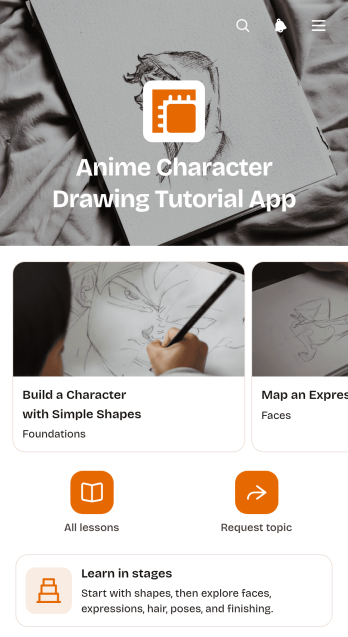
Anime Character Drawing Tutorial App
The Anime Character Drawing Tutorial App is a guided learning experience for art teachers, tutors, course creators, schools, and independent illustrators who want to teach anime-style character drawing. Learners can browse tutorial cards, review estimated lesson duration, and follow drawing steps in a clear sequence. It works well for remote instruction, classroom activities, creative workshops, after-school programs, and self-paced practice. By keeping lesson navigation and instructional content together, this app template helps users concentrate on developing their drawing skills rather than searching through scattered resources.Jotform Apps makes it easy to adapt this educational resource with a no-code app builder and an intuitive drag-and-drop interface. Creators can update pages, reorder lesson sections, add images or videos, and connect a form for artwork submissions, learner feedback, or progress updates. The finished app can be shared by link or QR code for convenient mobile access. With customizable App Templates, connected data collection, and flexible workflow options, Jotform helps educators build a branded, self-service learning space without writing code.
Go to Category:Education Apps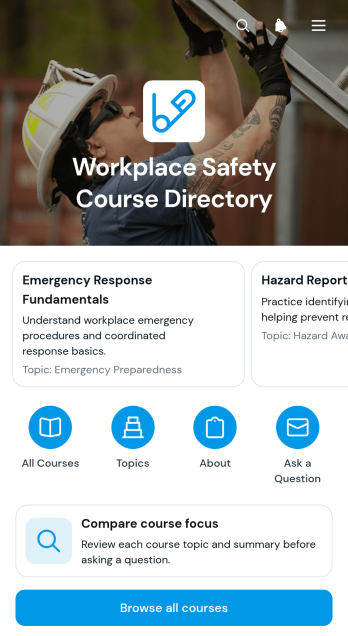
Workplace Safety Course Directory App
The Workplace Safety Course Directory App is an app template for organizing safety training options in a clear, accessible catalog. Employers, human resources teams, safety coordinators, training providers, contractors, and educational organizations can use it to help workers find relevant courses without searching across scattered documents or web pages. Users can browse available courses, compare course focus areas, review essential information, and send questions about a particular course. This centralized experience makes it easier to guide employees toward suitable workplace safety education, support recurring training programs, and keep course information available to office-based, remote, and field teams.Jotform helps organizations turn this template into a branded resource and learning experience without writing code. Its no-code app builder and drag-and-drop interface make it easy to adjust pages, navigation, cards, buttons, colors, and fonts to match internal needs. Teams can connect forms, tables, notifications, approvals, and other workflow steps for organized data collection and timely follow-up. Once the Workplace Safety Course Directory App is ready, it can be shared through a direct link, QR code, or embedded experience, giving users convenient mobile-friendly and self-service access to current training resources.
Go to Category:Safety and Compliance Apps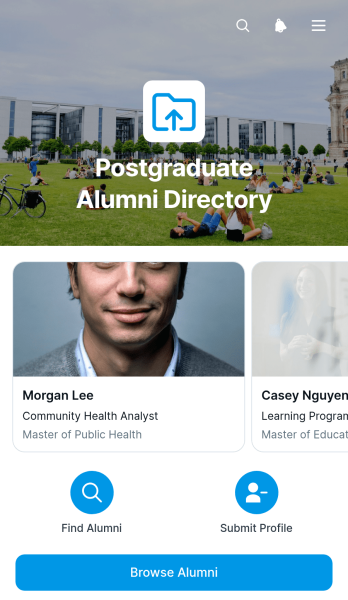
Postgraduate Alumni Directory App
The Postgraduate Alumni Directory App is a ready-to-use digital directory for universities, graduate schools, academic departments, and alumni relations teams that want to help former students reconnect. Alumni, faculty, and authorized community members can browse profiles, review relevant details such as postgraduate program, graduation year, industry, and location, and contact an alum by email. This organized experience reduces reliance on scattered spreadsheets and outdated contact lists while supporting networking, mentoring, career conversations, community building, and alumni engagement. Institutions can use the app template for a single program, several postgraduate cohorts, or a broader graduate community.Jotform makes it easy to adapt this app template with a no-code app builder and an intuitive drag-and-drop interface. Update the pages, visual style, directory content, and navigation to reflect your institution, then connect forms or tables to support data collection and related workflows. The finished app can be shared through a direct link or QR code, giving alumni a mobile-friendly self-service resource they can access from almost any device. Start with Jotform App Templates, customize the experience, and publish a polished directory without writing code.
Go to Category:Community & Engagement Portal Apps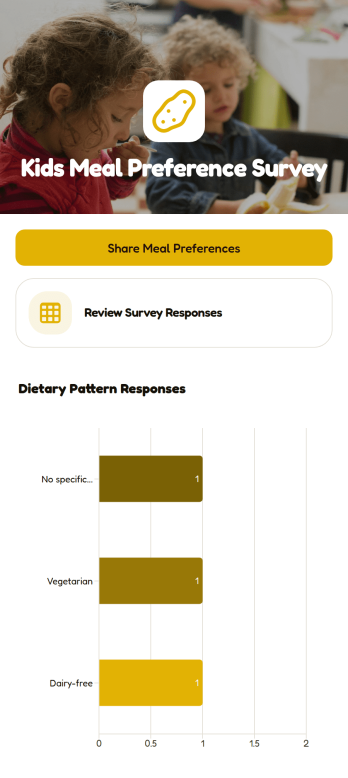
Kids Meal Preference Survey App
Kids Meal Preference Survey App helps schools, childcare programs, camps, community groups, and meal service teams collect and review children’s food preferences in one accessible place. Families or caregivers can share meal choices and dietary information through a connected survey, while authorized organizers can review responses and view a chart summarizing dietary patterns. This app template supports menu planning, participation forecasting, and clearer communication before recurring meal programs, classroom events, field trips, or youth activities. It reduces scattered messages and gives coordinators a practical view of preferences that may affect meal preparation.Jotform App Templates make it easy to adapt this experience without writing code. Using Jotform’s no-code app builder and drag-and-drop interface, teams can update content, adjust branding, connect forms and tables, and organize data collection around their workflow. The finished app can be shared by link or QR code for convenient mobile access, helping families complete the survey through a simple self-service experience. Organizers can keep information and response insights together, making the Kids Meal Preference Survey App easier to manage as menus, groups, or program needs change.
Go to Category:Food and Nutrition Tracking Apps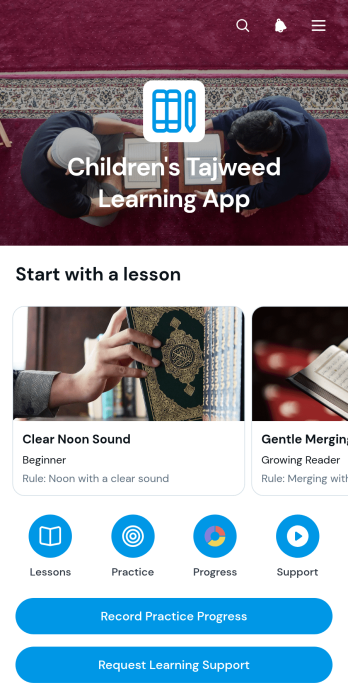
Children's Tajweed Learning App
Children's Tajweed Learning App is an educational app template for tutors, teachers, parents, learning centers, and community education programs that help children develop Quran recitation skills. It brings guided lessons, focused practice activities, and learner progress records into one accessible space. Children can move from lesson material to practice prompts, while adults record what went well, identify the next step, and request learning support when extra guidance is needed. This setup helps maintain consistent practice between teaching sessions and gives instructors a clearer view of each learner’s development without relying on scattered notes.Jotform App Templates make it easy to adapt this app template to different age groups, class formats, and teaching methods. Using Jotform’s no-code app builder and drag-and-drop interface, educators can update pages, adjust navigation, add resources, and connect forms to a practical learning workflow. The app can be shared through a direct link or QR code for mobile-friendly access at home, in class, or during tutoring sessions. Connected data collection supports organized progress monitoring, while customizable branding and self-service navigation help schools and tutors create a welcoming learning experience without writing code.
Go to Category:Education Apps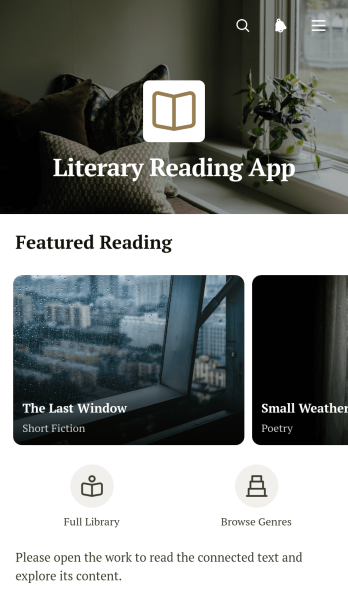
Literary Reading App
Literary Reading App is an app template for presenting curated literature in an organized, inviting reading experience. Educators, literary groups, libraries, publishers, and community organizations can use it to help readers explore poetry, short fiction, and essays from one central resource. Dedicated reading pages and clear navigation make selections easy to browse, while supporting details such as summaries, genres, and author information give readers helpful context. The template works well for classroom reading lists, literary programs, reading clubs, digital collections, and public learning initiatives that need a mobile-friendly way to share selected works.Jotform Apps helps you personalize this Literary Reading App without writing code. Use the drag-and-drop app builder to update pages, cards, text, imagery, and navigation so the experience reflects your program or audience. You can also connect forms and workflows for reading feedback, discussion responses, recommendations, or other data collection needs. Once the app template is ready, publish it through a direct link or QR code to support convenient self-service access on phones, tablets, and computers. Jotform App Templates make it easier to create a polished literary resource while keeping content and connected activities together.
Go to Category:Resource & Learning Portal Apps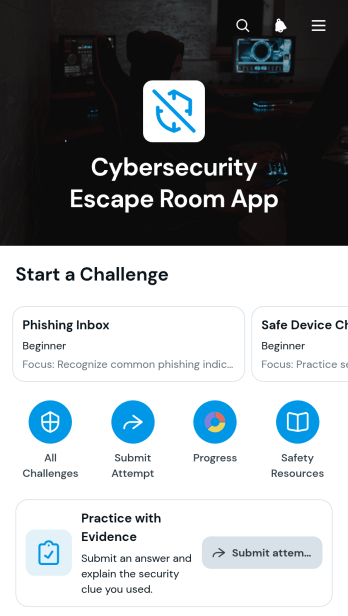
Cybersecurity Escape Room App
The Cybersecurity Escape Room App is an interactive training template for running scenario-based security challenges in classrooms, employee workshops, awareness programs, and team exercises. It helps information technology teams, educators, consultants, and training coordinators turn cybersecurity concepts into an engaging problem-solving activity. Participants can navigate challenges, review scenarios, clues, and objectives, then submit answers supported by evidence. This structure encourages careful analysis and gives facilitators a consistent way to review attempts, discuss decisions, and reinforce practical habits around identifying digital threats.Jotform Apps makes this app template easy to adapt without coding. Use the drag-and-drop app builder to update challenge content, reorganize navigation, apply your visual style, and connect forms for data collection. Related workflows can help teams organize responses and follow up on completed activities, while shareable links and mobile-friendly access make the experience suitable for live sessions, remote training, or self-service practice. Start with Jotform App Templates, customize the experience for your audience, and publish a focused cybersecurity learning activity from one place.
Go to Category:Quiz Apps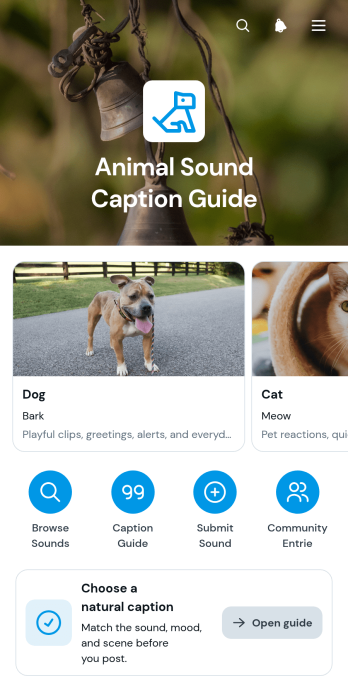
Animal Sound Caption Guide App
The Animal Sound Caption Guide App is a browsable reference for finding natural written descriptions of animal sounds and choosing captions suited to different contexts. Its organized animal entries let users view a sound, explore caption ideas, and understand where each phrase works best. Content creators can use it when writing posts or scripts, while educators, students, pet care teams, and animal-focused organizations can consult it for learning materials and public communications. By keeping practical wording in one accessible place, the app reduces guesswork and helps users produce clearer, more expressive copy.Jotform App Templates make it easy to adapt this guide for a particular audience or collection of animals. With Jotform’s no-code app builder and drag-and-drop interface, creators can update pages, images, cards, navigation, and branding without programming. A connected form can support data collection for caption suggestions, animal requests, or feedback, while linked workflows help teams review and organize incoming information. Once ready, the guide can be shared by direct link or QR code for convenient mobile self-service access.
Go to Category:Resource & Learning Portal Apps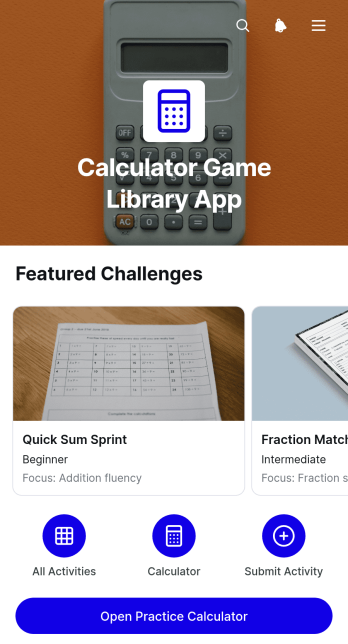
Calculator Game Library App
Calculator Game Library App provides an organized collection of calculator-based challenges for teachers, tutors, learning centers, families, and students who want to make number practice more engaging. Learners can browse game cards, review an example prompt and learning focus, and open a practice calculator from the same experience. This app template works well for classroom stations, tutoring sessions, enrichment activities, math clubs, independent practice, and homework support. By keeping instructions and practice access together, it reduces setup time for educators and helps learners move between activities with greater confidence.Jotform App Templates make it easy to adapt this resource for different age groups, lesson goals, or difficulty levels. With Jotform’s no-code app builder and drag-and-drop interface, educators can update pages, add challenge content, adjust navigation, apply their own visual style, and connect forms for data collection or learner feedback. The finished app can be shared through a direct link or QR code and opened on phones, tablets, or computers. It offers a convenient way to create a reusable learning workflow without coding while giving students simple self-service access to calculator games and practice resources.
Go to Category:Education Apps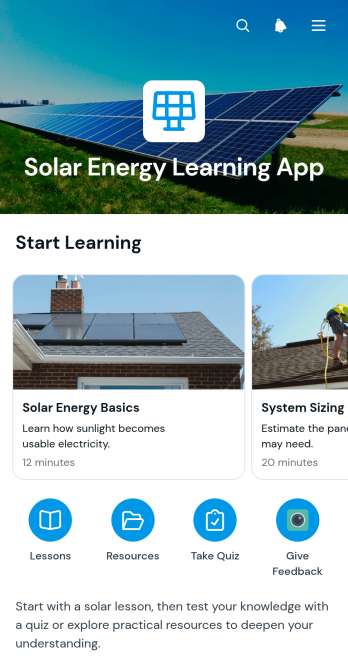
Solar Energy Learning App
Solar Energy Learning App is an educational resource for presenting solar power concepts through focused lessons, concise summaries, reference materials, and knowledge checks. It suits schools, tutors, training providers, nonprofits, community groups, and renewable energy educators that need an approachable way to introduce solar technology. Learners can move between lesson content and supporting resources, then take quizzes to review their understanding. This app template helps organizations keep instructional materials in one accessible place, encourage independent study, and deliver consistent learning experiences for students, volunteers, employees, or community members.With Jotform, this template can be adapted through a no-code app builder and an intuitive drag-and-drop interface. Educators can revise pages, update learning resources, adjust navigation, and connect forms for quizzes or data collection without writing code. Jotform App Templates also support mobile-friendly access, making lessons easier to share for classroom instruction, remote training, workshops, and self-service learning. Publish the app with a direct link or QR code, apply custom visual styling, and connect responses to a broader workflow for reviewing learner participation and quiz results.
Go to Category:Education Apps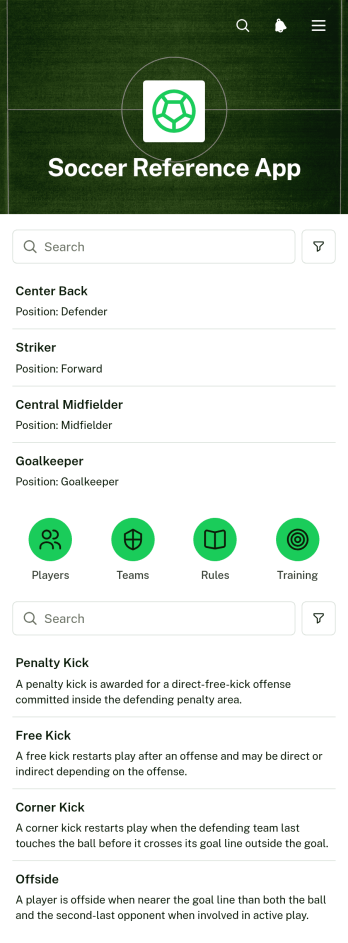
Soccer Reference App
Soccer Reference App is a centralized resource for browsing player profiles, team information, soccer rules, and training drills. Coaches can use it to prepare sessions and explain key concepts, while players, parents, club staff, students, and supporters can quickly find useful information from one organized location. Its directory-style lists make recurring reference tasks easier, reduce scattered documents, and give users a convenient self-service source for learning about teams, participants, regulations, and practice activities. This app template is well suited to clubs, schools, academies, recreational leagues, and community sports programs.With Jotform Apps, organizations can adapt App Templates to match their audience without writing code. The no-code app builder and drag-and-drop interface make it easy to update pages, reorganize resources, apply custom branding, and connect forms or other workflows when additional data collection is needed. Once the Soccer Reference App template is ready, it can be shared through a direct link or QR code for convenient mobile access. Jotform helps teams turn frequently used soccer resources into an approachable app experience that can be maintained as players, teams, rules, and drills change.
Go to Category:Sports Apps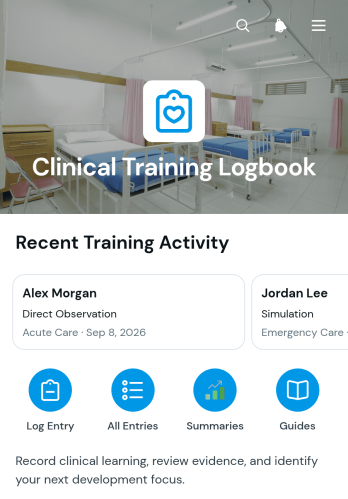
Clinical Training Logbook App
The Clinical Training Logbook App helps healthcare education programs document and review practical learning completed across clinical settings. It gives trainees, supervisors, clinical educators, and program coordinators a shared place to record learning experiences and monitor progress over time. Users can capture the clinical area, activity type, training date, and learning record while keeping supervisor feedback connected to each trainee entry. Visual summaries organize training activity by type and clinical area, helping educators identify experience patterns, prepare progress discussions, and support balanced learning opportunities. It is suitable for universities, teaching clinics, hospitals, placement programs, and professional training providers that need an accessible digital logbook.Jotform App Templates make it easier to turn training records and guidance resources into an interactive experience without writing code. Using Jotform’s no-code app builder and drag-and-drop interface, teams can customize pages, update branding, connect forms for data collection, and adapt the workflow to their program. The finished app can be shared through a direct link or QR code for convenient mobile access. Connected records can support timely reviews, clearer collaboration, and trainee self-service while reducing reliance on scattered documents and manual activity summaries.
Go to Category:Logbook Apps