

Education App Templates

Aviation Learning Management App
Aviation Learning Management App brings aviation training content and enrollment intake into one place so learners can browse available courses, review key course details, and study flight safety materials without hunting across emails or shared drives. It’s a practical fit for flight schools, aviation academies, corporate aviation teams, and training coordinators who need a clear way to publish course options and guide learners to the right training paths. With course browsing and overviews, a dedicated safety learning area, and an enrollment request flow, this app helps standardize how training is discovered and requested while keeping information easy to access for new and returning learners.Built with Jotform, this app template can be tailored in minutes using a no-code app builder and a drag-and-drop interface, so you can match your branding, organize pages for different programs, and connect data collection to your internal workflow. Link the enrollment request form to tables and notifications, track incoming requests, and share the app through a simple link for self-service access on any device. As your training catalog grows, Jotform makes it easy to keep courses, resources, and request tracking aligned in one app experience.
Go to Category:Education Apps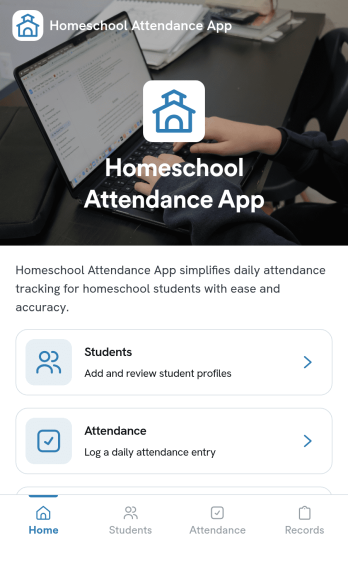
Homeschool Attendance App
Homeschool Attendance App helps homeschooling families and co-ops keep clear, consistent attendance information in one place. Use it to maintain a student list, add new students as your program grows, and record daily attendance with quick updates that are easy to revisit later. It’s a practical fit for parents managing multiple learners, tutors tracking small groups, and homeschool administrators who need dependable records for planning, reporting, or end-of-term summaries.Built with Jotform, this app template turns everyday tracking into a simple self-service experience you can share and use from anywhere. Customize pages with a drag-and-drop interface, connect forms to collect data, and keep everything organized as your workflow evolves. From adding a student to logging attendance and reviewing records, Jotform makes it easy to create a polished app without code.
Go to Category:Education Apps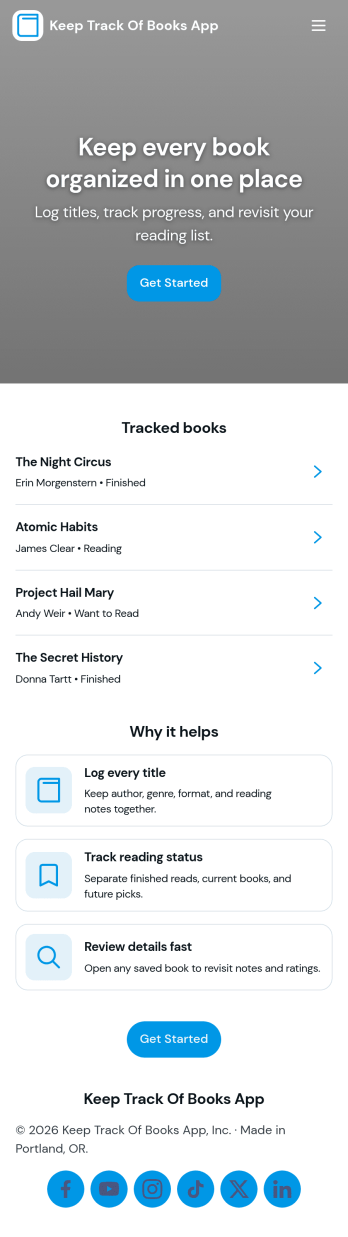
Keep Track of Books App
Keep Track of Books App helps readers organize their personal library and stay on top of what they’re reading. Use it to browse your book list in one place, add new titles as you discover them, and log reading progress so you always know what to pick up next. It’s a great fit for busy book lovers, students managing reading lists, parents tracking family books, and book club members who want a simple way to remember what they’ve finished and what’s still in progress. You can also capture quick notes and reflections with built-in review entry, making it easier to look back on favorites and share recommendations.Jotform makes it easy to turn this idea into a polished self-service experience with customizable app templates and a no-code app builder. With a drag-and-drop interface, you can adjust pages, navigation cards, and lists to match your reading workflow, then connect the app to forms and tables for reliable data collection. Share your Jotform app with a link for personal use or your group, update content anytime, and keep your book tracking workflow organized without writing code.
Go to Category:Tracker Apps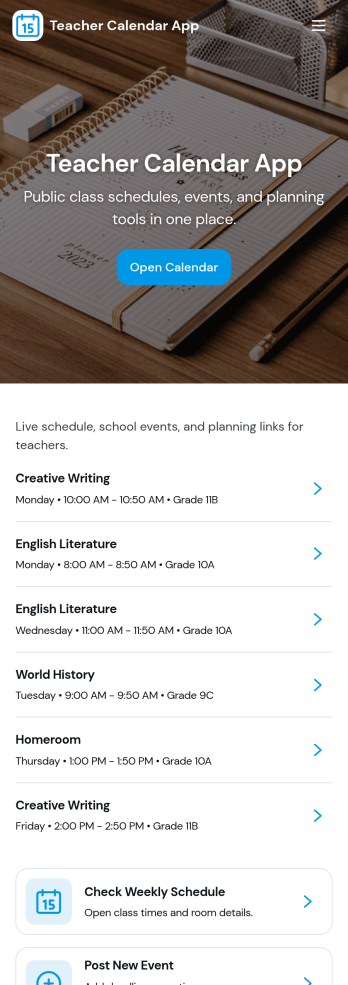
Teacher Calendar App
A teacher calendar app brings your day-to-day classroom schedule, lesson planning, and availability into one place so you can stay organized without juggling multiple tools. Use it to quickly view your schedule, add lesson plans for different classes and subjects, and keep an up-to-date availability view that supports meetings, prep periods, or coverage needs. It’s a practical fit for individual teachers, substitute coordinators, department leads, and school teams that want a clear routine for what’s happening today, what’s coming next, and what still needs planning.With Jotform’s app templates, you can publish a mobile-friendly experience that connects key actions to forms and organized records, making data collection and workflow steps feel simple. Customize the layout with a drag-and-drop interface, link your lesson plan and availability forms, and share the app with a single link so staff can access the latest schedule and updates anytime. Jotform makes it easy to tailor this app template to your teaching style, grade level, and school routines without coding.
Go to Category:Education Apps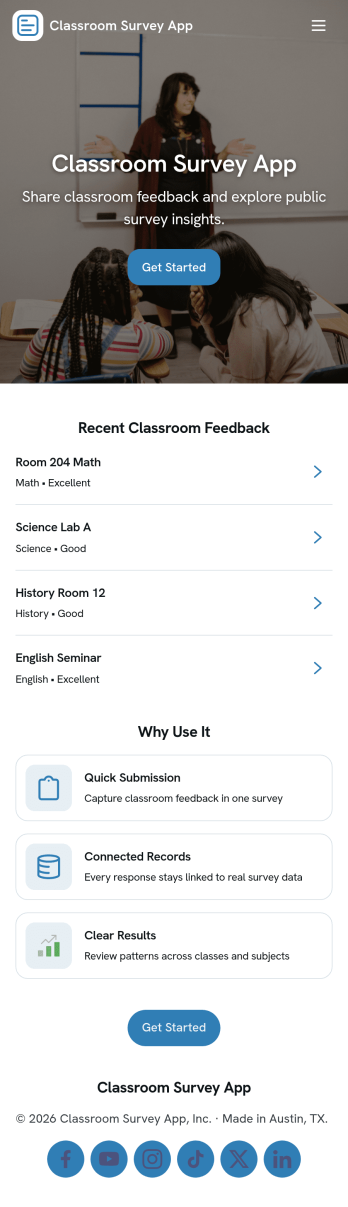
Classroom Survey App
A classroom survey app helps teachers gather quick feedback from students, run check-ins, and measure understanding during lessons. Use it to share a survey prompt, collect responses in one place, and review results by student or question so you can spot patterns and respond faster. It’s a practical fit for K–12 classrooms, tutoring programs, after-school groups, and training cohorts that need a simple way to capture student voice and keep participation organized.With Jotform, you can turn this Classroom Survey App into a branded, self-service experience without coding. Use the no-code app builder and drag-and-drop interface to organize pages for questions, submissions, results, and insights, then connect the app to your existing data collection workflow through linked forms and lists. Share it with a link or QR code, update questions as your class changes, and keep survey results easy to access whenever you need them.
Go to Category:Education Apps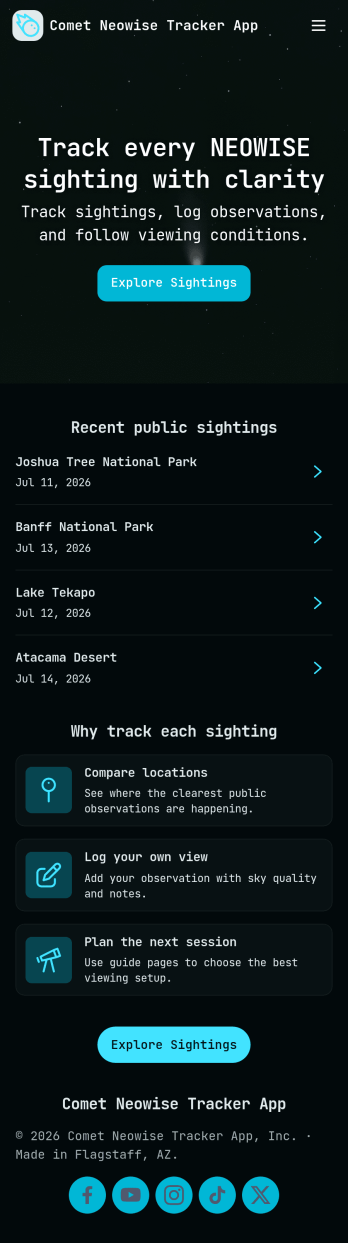
Comet Neowise Tracker App
Comet Neowise Tracker App helps astronomy clubs, educators, and skywatchers keep a clear record of Comet NEOWISE viewing conditions and sightings in one place. Visitors can check the current status at a glance, browse observation logs to see recent reports, and submit a new observation when they spot the comet. This setup works well for public outreach nights, classroom activities, and local communities that want a shared, easy-to-follow timeline of visibility and reported experiences.Built with Jotform, this app template turns a simple tracking process into a mobile-friendly self-service experience. Use the no-code app builder and drag-and-drop interface to update pages, adjust the layout, and connect your observation form to structured data collection that stays organized over time. Share the app through a link or QR code so your group can contribute faster, keep everyone aligned, and maintain a reliable workflow for ongoing comet updates.
Go to Category:Tracker Apps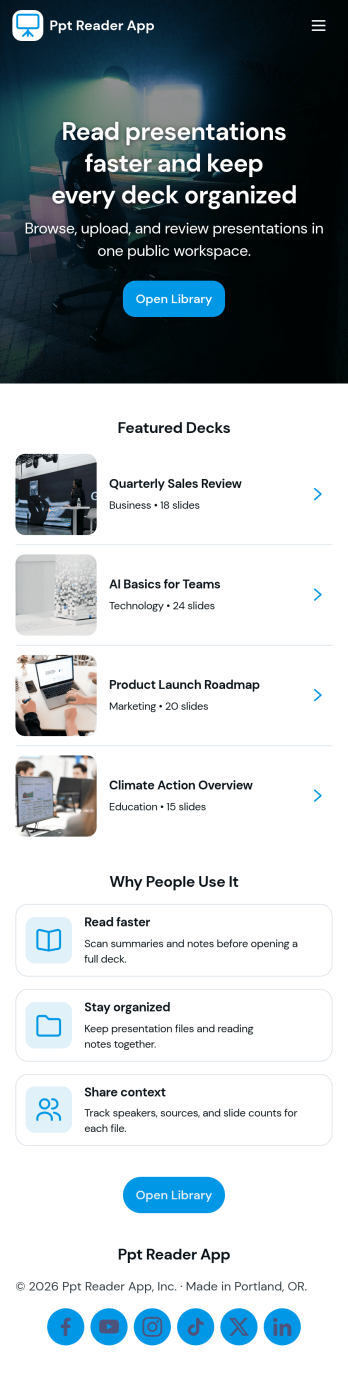
Ppt Reader App
Ppt Reader App gives teams a simple way to upload slide decks, keep a presentation library in one place, and review deck notes whenever they need a refresher. It fits training teams, sales enablement, educators, and anyone who regularly references presentations and wants an organized, repeatable way to store decks and capture key takeaways. Instead of hunting through folders or messaging coworkers for the latest version, users can add a deck, browse the library, and revisit notes to prepare for meetings, classes, or demos.Jotform makes it easy to turn this kind of experience into a polished, shareable app using a no-code app builder and a drag-and-drop interface. Start with Jotform App Templates, customize pages and navigation to match your workflow, and connect the app to forms for data collection when people add new decks. You can publish as a self-service resource that stays up to date, so teams spend less time searching and more time presenting.
Go to Category:Resource & Learning Portal Apps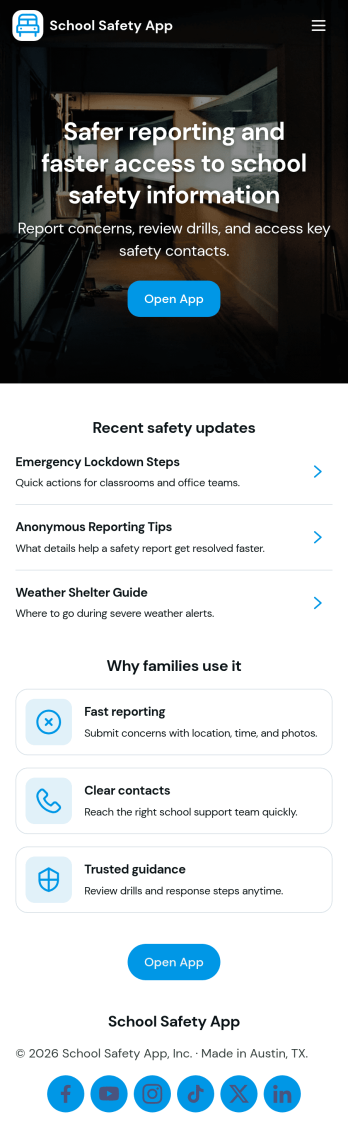
School Safety App
School Safety App brings incident reporting, emergency contact access, and routine safety checks into one place so school communities can act quickly and stay organized. It’s a practical fit for K–12 schools, districts, after-school programs, and campus teams that need a clear way for staff to report issues, review an incident log, and find the right person to call during time-sensitive situations without digging through emails or paper binders.With Jotform, you can launch this app template and tailor it to your campus workflows using a no-code app builder and a drag-and-drop interface. Connect buttons and pages to forms and tables for consistent data collection, keep your workflow moving with shared access for the right team members, and publish a self-service experience that works on any device for hall monitors, administrators, and safety personnel.
Go to Category:Education Apps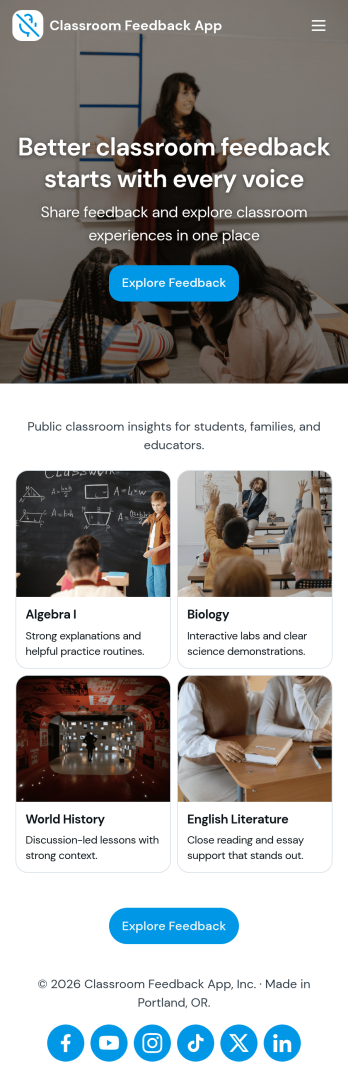
Classroom Feedback App
Classroom Feedback App helps teachers and schools gather student input in one place and turn it into actionable next steps. Use it to invite learners to share what’s working, what’s confusing, and what they want more of, then organize responses by topic or urgency for faster follow-up. Students can quickly submit feedback through a dedicated entry point, while educators can review a running feedback feed, scan recent topics, and focus on high-priority items that may need attention first.Jotform makes it easy to publish this kind of self-service experience with a no-code app template and a drag-and-drop interface that adapts to your classroom routines. Connect the app to a feedback form for consistent data collection, view and manage entries in linked tables, and share the app with a simple link or QR code for quick access during class, after lessons, or at the end of a unit. As needs change, you can update pages, navigation, and review flows without rebuilding your workflow from scratch.
Go to Category:Classroom Management Apps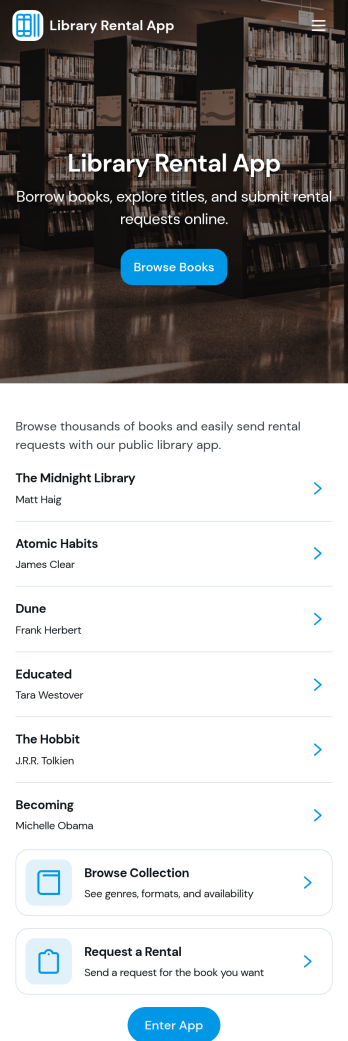
Library Rental App
Library Rental App brings your lending process into one easy, self-service experience for patrons and staff. Use it to let readers browse a digital catalog, reserve titles, and borrow books from a single place, while keeping rental activity organized for smoother daily operations. It fits public libraries, school libraries, classroom collections, nonprofit lending libraries, and community book exchanges that need a clear way to manage circulation without relying on scattered spreadsheets or long email threads.With Jotform, you can launch this app template fast and tailor it to your library’s workflow using a no-code app builder and a drag-and-drop interface. Connect the app to your forms and tables for data collection, recordkeeping, and visibility into rental history, then share it through a link or QR code so users can access it on any device. As needs change, update pages, add steps, and keep your workflow consistent while Jotform helps you stay organized from reservation to return.
Go to Category:Rental Apps