

Inventory App Templates

Alcohol Inventory App
Alcohol Inventory App helps bars, restaurants, tasting rooms, and retail beverage teams keep a clear, up-to-date view of what’s on hand and what needs attention. It brings your bottle list into one place for quick inventory browsing, provides a simple way to log stock changes, and highlights low-stock items so managers can act before service is impacted. Whether you’re tracking a busy back bar, a storeroom, or multiple shelving areas, this app supports tighter counts, fewer missed reorders, and smoother handoffs between shifts.With Jotform App Templates, you can turn your inventory workflow into a mobile-friendly, self-service experience without coding. Use Jotform’s no-code app builder and drag-and-drop interface to tailor pages, buttons, and lists to match your venue’s process, then connect your app to forms and tables for consistent data collection. Share a single link with staff, keep stock logs organized, and update the app as your menu or product mix changes.
Go to Category:Food & Beverage Apps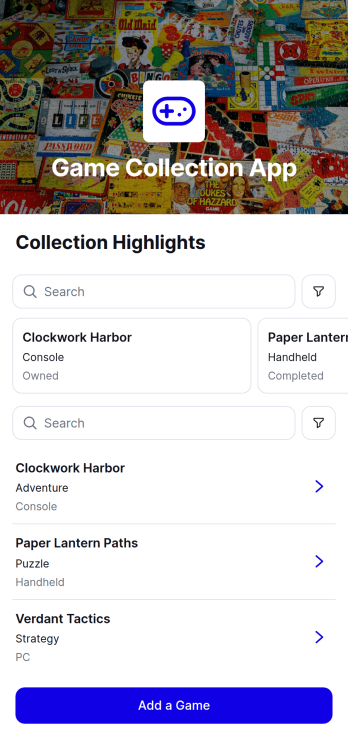
Game Collection App
The Game Collection App is a digital catalog for organizing owned, completed, planned, or shared games in one accessible place. It gives individual collectors, gaming groups, recreation programs, libraries, and small retailers a convenient way to browse game records, add titles through a connected form, and review details such as genre and collection status. Instead of relying on scattered notes or spreadsheets, users can maintain a consistent collection overview that supports purchase planning, lending discussions, duplicate prevention, and quick reference. This app template is also useful for groups that want members or staff to contribute new records while keeping the catalog easy to navigate.Jotform App Templates help users turn everyday recordkeeping processes into interactive, mobile-friendly experiences without coding. With Jotform’s no-code app builder and drag-and-drop interface, the Game Collection App can be adapted with branded pages, navigation, images, buttons, and connected data collection workflows. Users can update the content, link forms or tables, and publish the finished app for self-service access on phones, tablets, or computers. It can then be shared through a direct link, a scannable code, or an embedded experience, making collection information available wherever it is needed.
Go to Category:Entertainment Apps
Pharmacy Inventory App
Pharmacy Inventory App is an app template for pharmacies, dispensaries, healthcare facilities, and inventory teams that need a clear view of medicine stock. Staff can browse the medicine inventory, record stock updates, and review reports from one organized location. Medicine records can include stock levels, reorder points, categories, storage locations, and expiry dates, helping teams identify replenishment needs and maintain more accurate records. The app supports routine stock checks, medicine intake, inventory reviews, and day-to-day coordination without relying on scattered spreadsheets or paper logs.Jotform App Templates make it easy to adapt this experience to the way your pharmacy operates. Using Jotform’s no-code app builder and drag-and-drop interface, you can adjust pages, branding, buttons, and navigation without programming. Connect forms for structured data collection, organize records through related workflows, and give authorized staff convenient self-service access from phones, tablets, or computers. The finished Pharmacy Inventory App can be shared through a direct link, QR code, or embedded experience, creating a practical resource for managing inventory activity.
Go to Category:Inventory Management Apps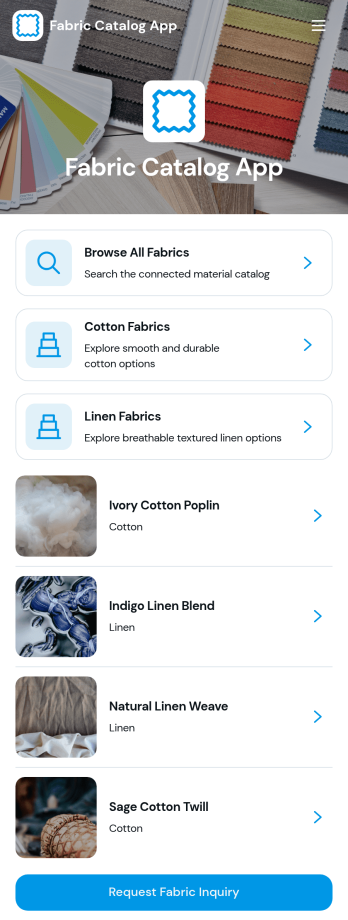
Fabric Catalog App
Fabric Catalog App is a digital product catalog for textile suppliers, fabric wholesalers, retailers, interior design studios, apparel teams, and manufacturers that need a clear way to present material selections. Visitors can browse all fabrics or explore cotton and linen collections, review images and key specifications, and submit an inquiry for a chosen material. Product pages can display finish, color, weight, width, recommended uses, and descriptive details, helping buyers assess options before contacting a sales representative. Centralized inquiry access also gives teams a practical way to review requests, respond to prospective customers, and support fabric sourcing without relying on scattered product sheets or email threads.Jotform App Templates make it easy to adapt this app template to a company’s inventory, visual identity, and sales workflow. With Jotform’s no-code app builder and drag-and-drop interface, teams can update pages, organize fabric categories, add branded images, connect inquiry forms, and manage data collection without programming. The completed catalog can be shared through a direct link or QR code for convenient mobile self-service. Connected forms and tables help keep product interest organized, while notifications and workflow tools can route new inquiries to the right sales or customer service team.
Go to Category:Inventory Apps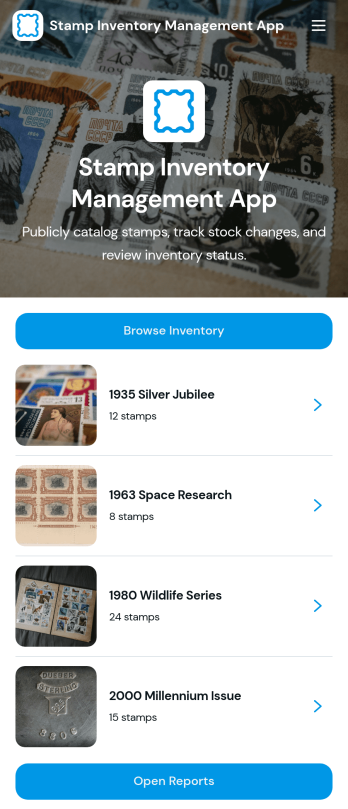
Stamp Inventory Management App
Stamp Inventory Management App helps collectors, dealers, museum archives, and hobby clubs keep a clear record of stamp holdings across storage locations. Use it to browse inventory by stamp name, open a stamp record to review quantity and condition, and quickly navigate to location-based views when you need to find items fast. With an easy way to add new stamp records and adjust stock, this app supports day-to-day catalog upkeep, trades, show prep, insurance documentation, and periodic collection audits without relying on scattered notes or spreadsheets.Jotform makes it simple to turn your process into a mobile-friendly self-service experience using app templates and a no-code app builder. With a drag-and-drop interface, you can tailor pages, navigation, and visuals to match how you organize your collection, then connect the app to your data collection workflows and reporting needs. Share the app with collaborators, keep information centralized, and maintain an up-to-date stamp inventory that’s easy to review and manage from anywhere.
Go to Category:Inventory Management Apps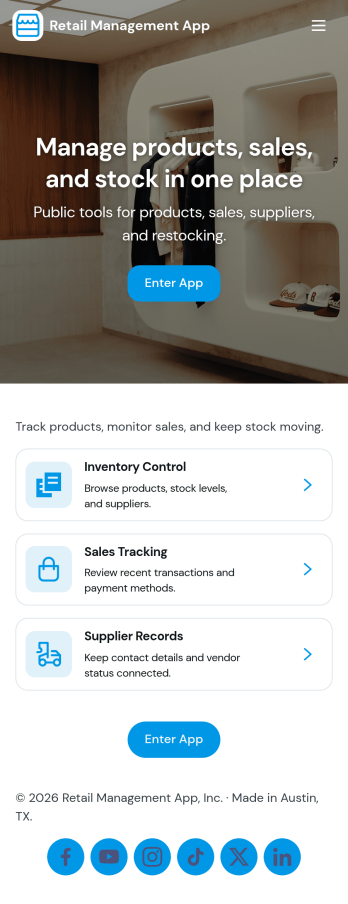
Retail Management App
Retail Management App helps store owners and retail teams run daily operations from a single place, from monitoring inventory to recording sales and coordinating restocks. Use it to browse current stock, capture new sale details, and keep purchase orders moving so shelves stay filled and customers get what they need. It’s a practical fit for boutiques, pop-up shops, specialty retailers, and small chains that want clearer visibility across products, suppliers, and order activity without juggling multiple tools.With Jotform, you can turn this app template into a branded, mobile-friendly retail workspace using a no-code app builder and a drag-and-drop interface. Connect the app to your existing data collection and workflow steps, then share it with staff by link or QR code for quick self-service access. As your operations evolve, you can adjust pages, buttons, and connected records in minutes, keeping your retail process organized and easy to follow.
Go to Category:Retail Apps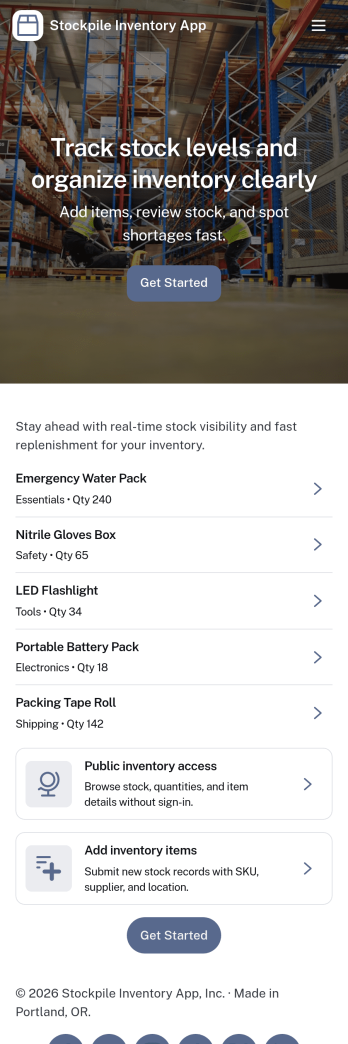
Stockpile Inventory App
Stockpile Inventory App helps teams keep a clear, up-to-date view of what’s on hand, what’s running low, and how stock changes over time. Use it to organize item records, add new products as they arrive, and log inventory movements such as restocks, transfers, and usage. It’s a practical fit for retail back rooms, warehouses, field operations, nonprofits managing supplies, and any growing business that needs consistent inventory tracking without relying on scattered spreadsheets.Built with Jotform, this app template brings data collection and daily inventory workflows into one self-service experience. Use the no-code app builder and drag-and-drop interface to tailor pages for your process, connect your item and movement forms to the app, and review activity in a connected table for faster follow-up. Share a single link with staff so they can add items, record changes, and reference inventory details from anywhere.
Go to Category:Inventory Apps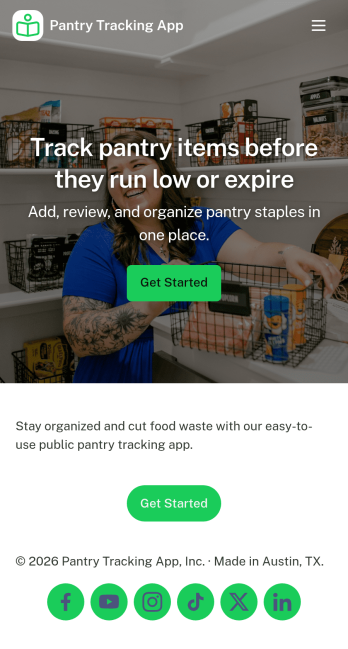
Pantry Tracking App
Pantry Tracking App helps households, roommates, and small food operations keep a clear view of what’s on hand so you can plan meals, avoid duplicate purchases, and reduce food waste. Use it to browse your inventory list, add new pantry items as you shop, and review what’s expiring soon so nothing gets forgotten in the back of a cabinet. With simple category navigation for staples like grains, canned goods, and spices, it’s easy to find what you need and keep day-to-day stocking organized.Jotform makes it simple to turn this kind of inventory workflow into a shareable, mobile-friendly experience using its no-code app builder and drag-and-drop interface. Connect your app to forms and tables for reliable data collection, keep updates consistent for everyone who uses the pantry, and adjust pages, labels, and navigation as your workflow evolves. Whether you’re managing a home pantry or tracking supplies for a small team, Jotform helps you centralize info and support quick self-service updates.
Go to Category:Inventory Apps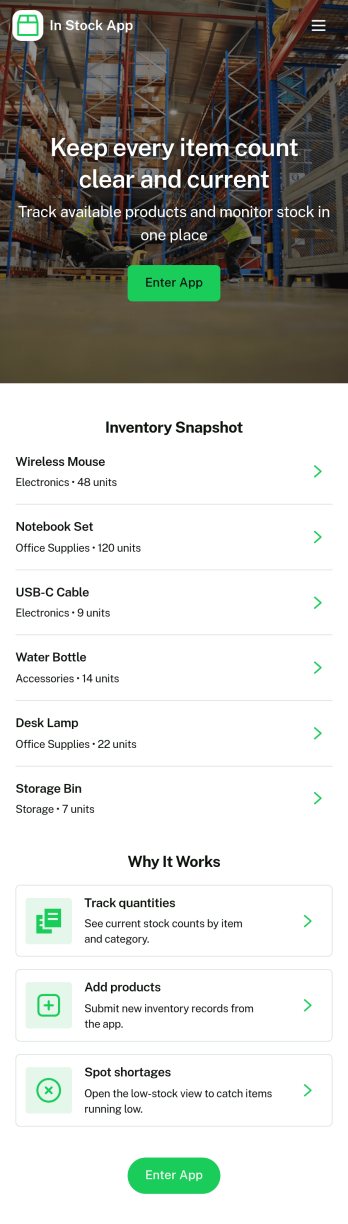
In Stock App
In Stock App gives teams a clear, day-to-day way to see what items are available, review item details, and keep inventory accurate as stock moves. Use it to browse an item list, open individual item cards, and handle common inventory actions like receiving new stock and making adjustments when counts change. It fits retail shops, warehouses, storerooms, ecommerce back offices, schools managing supplies, and any operation that needs a simple place for staff to check availability before fulfilling orders or restocking shelves.Jotform offers App Templates like this one so you can publish a mobile-friendly inventory experience without coding. With a no-code app builder and drag-and-drop interface, you can tailor pages, buttons, and navigation to match your workflow, connect the app to forms and tables for data collection, and keep updates organized in one self-service hub. Share a link or QR code with your team so stock checks and updates happen faster and with fewer mistakes.
Go to Category:Inventory Apps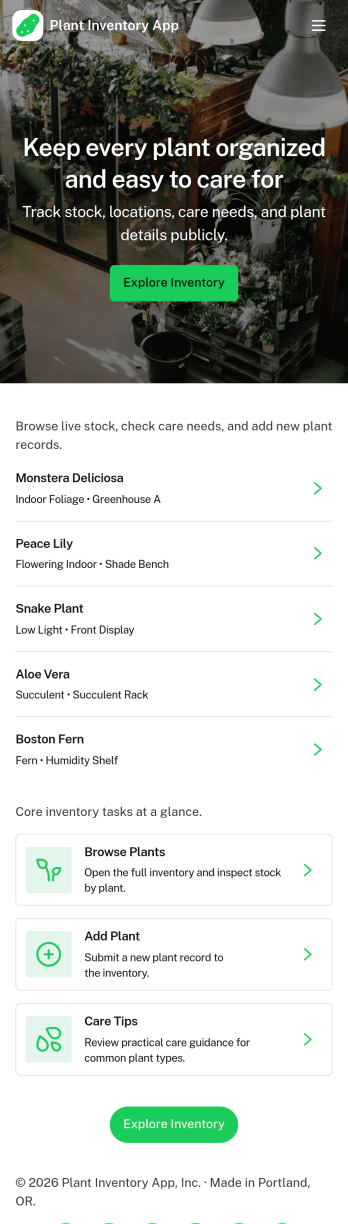
Plant Inventory App
Plant Inventory App helps you catalog plants and keep an up-to-date view of what you have on hand, whether you’re managing a home collection, a greenhouse bench, a small nursery, or plants across offices and properties. It’s built for anyone who needs a clear inventory list and a simple way to add new plants as they arrive, then open a plant’s record when it’s time to check details or plan care. With quick navigation to your inventory, an add-plant intake, and an option to log plant care from a plant’s profile, teams can stay organized without juggling scattered notes.Jotform makes it easy to turn this Plant Inventory App into a tailored workflow using a no-code app builder and a drag-and-drop interface. Connect the app to your forms and tables for reliable data collection, keep plant records centralized, and share the finished app as a self-service resource for staff or volunteers. As your needs grow, you can adjust pages, update the layout, and refine your workflow so plant tracking stays consistent across locations and seasons.
Go to Category:Inventory Apps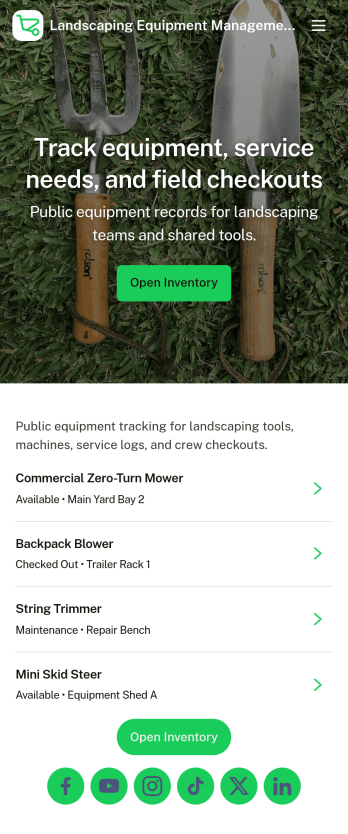
Landscaping Equipment Management App
Landscaping Equipment Management App helps landscaping crews and field service teams keep track of equipment across jobs, trucks, and storage locations without relying on spreadsheets or scattered notes. Use it to maintain a clear inventory list, add new equipment as you buy it, and record check outs and returns so everyone knows what is available. It also supports maintenance tracking by letting staff log service activity for mowers, trimmers, blowers, and other tools, which is useful for reducing downtime and spotting recurring issues.Jotform makes it easy to turn this workflow into a mobile-friendly, branded experience using app templates and a no-code app builder. With a drag-and-drop interface, you can adjust navigation, connect forms for data collection, and keep your workflow organized as records update. Share the app with your team through a link or QR code, and keep inventory and maintenance information consistent across the business as you grow.
Go to Category:Equipment Maintenance Software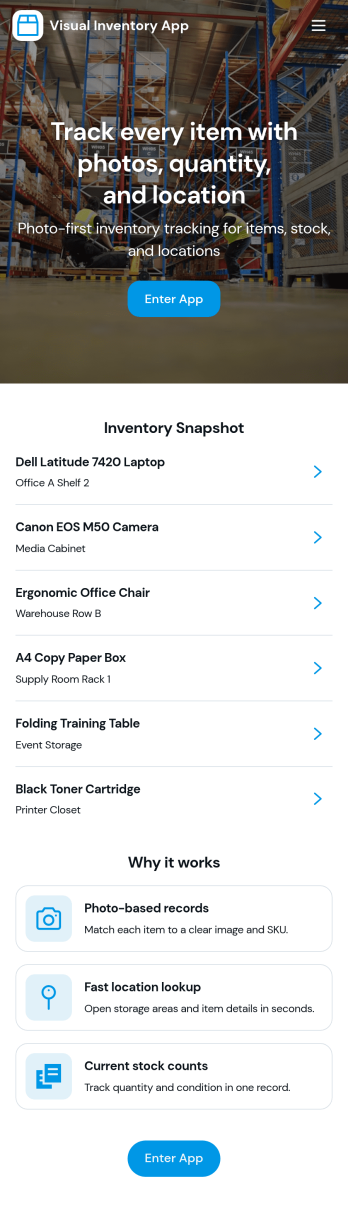
Visual Inventory App
A visual inventory app helps teams track stock with photos and an easy-to-browse catalog, so it’s faster to identify items, check what’s on hand, and add new inventory without digging through spreadsheets. This template is built for retail shops, warehouses, studios, field teams, and small businesses that want a simple way to add stock, browse a catalog, and open item details from a list when they need to confirm quantities or update records.With Jotform, you can turn this visual inventory app template into a branded, mobile-friendly experience using a no-code app builder and a drag-and-drop interface. Connect the app to a form for data collection, route updates through a workflow that fits your operations, and share self-service access with staff using a link or QR code so inventory stays current across locations and shifts.
Go to Category:Inventory Apps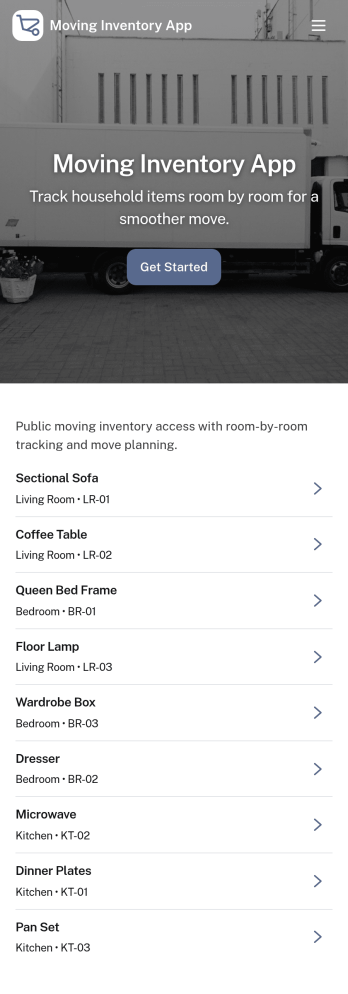
Moving Inventory App
Moving Inventory App helps teams plan, document, and track inventory as it moves between locations, rooms, vehicles, or job sites. It brings move requests, a browsable inventory list, and move history into one place, so warehouse staff, office managers, facilities teams, and moving coordinators can quickly see what needs to be moved, what’s currently in stock, and what already changed hands. Use it to reduce lost items, avoid duplicate requests, and keep everyone aligned during relocations, restocks, and internal transfers.With Jotform, you can customize this app template using a no-code app builder and a drag-and-drop interface to match your process and terminology. Connect the app to forms for data collection, route updates through simple workflow steps, and share a self-service experience with your team so they can submit new move requests, review inventory details, and check recent move history from any device.
Go to Category:Inventory Apps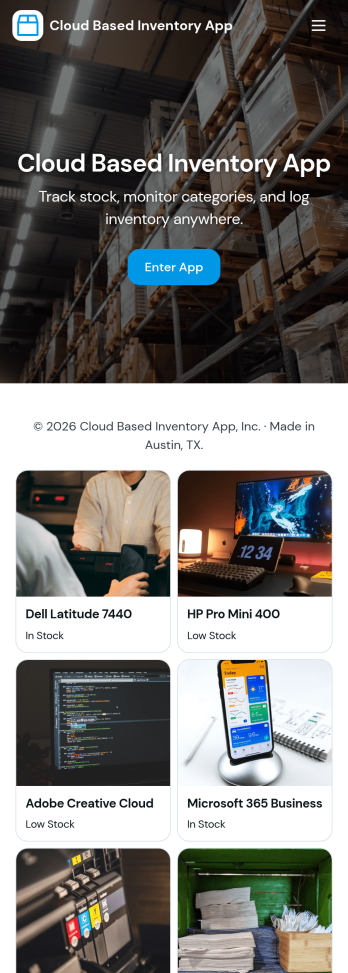
Cloud Based Inventory App
Cloud Based Inventory App helps teams track products, stock levels, and item activity from one central place, making it easier to keep shelves, storage rooms, and remote locations in sync. Use it to maintain a clear catalog, review current stock, and capture incoming items through guided intake so updates don’t get lost in messages or spreadsheets. It works well for retail operations, warehouses, field teams, growing e-commerce brands, and multi-location businesses that need a practical way to add items and adjust quantities as inventory changes.Built with Jotform, this app template can be tailored with a no-code app builder and a drag-and-drop interface so you can match your workflow without development time. Connect the app to forms for data collection, route updates through the right workflow, and keep inventory actions consistent across your team. Share a single link for self-service updates, standardize how item records are created, and keep information organized as your inventory grows.
Go to Category:Inventory Apps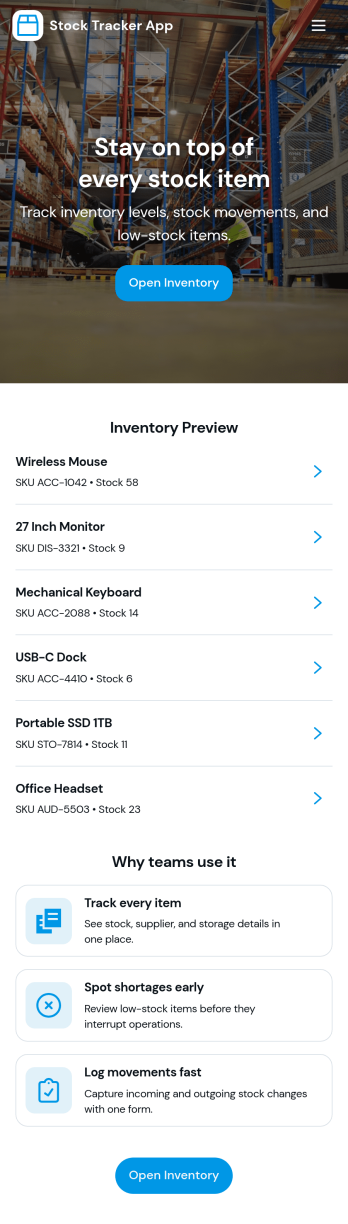
Stock Tracker App
Stock Tracker App helps teams monitor inventory levels, spot low-stock items early, and keep a clear record of stock activity in one place. It’s built for retailers, warehouse teams, small manufacturers, office managers, and anyone responsible for keeping products or supplies available without overordering. With an inventory summary dashboard, an inventory list you can browse, and dedicated actions for adding stock and adjusting stock, the app supports day-to-day stock control while keeping item details easy to access when questions come up.Jotform makes it simple to turn this Stock Tracker App into a branded, mobile-friendly experience using its no-code app builder and drag-and-drop interface. Connect your app to forms and tables for ongoing data collection, keep inventory updates consistent across your team, and share the app as a self-service destination for internal users. As your workflow evolves, you can refine pages, permissions, and connected processes so your inventory tracking stays organized and dependable.
Go to Category:Inventory Apps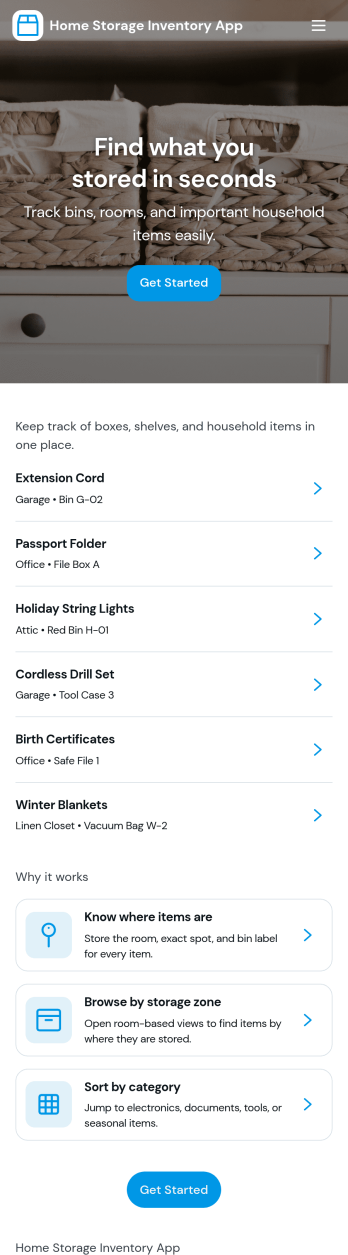
Home Storage Inventory App
Home Storage Inventory App helps you catalog what you own and exactly where it’s stored, so you can find items fast and keep household storage under control. Use it to add items with photos, review an item’s details, and browse your inventory as it grows. It’s a practical fit for homeowners, renters, families, and anyone managing closets, garages, attics, storage bins, or seasonal decor who wants one place to track belongings and reduce duplicate purchases.With Jotform, you can turn this app template into a simple self-service experience for your household using a no-code app builder and a drag-and-drop interface. Connect the Add item form to your inventory list, group items by rooms for easier navigation, and keep records organized for quick searching and ongoing data collection. Publish and share the app in minutes, then update it anytime as your storage needs change.
Go to Category:Inventory Apps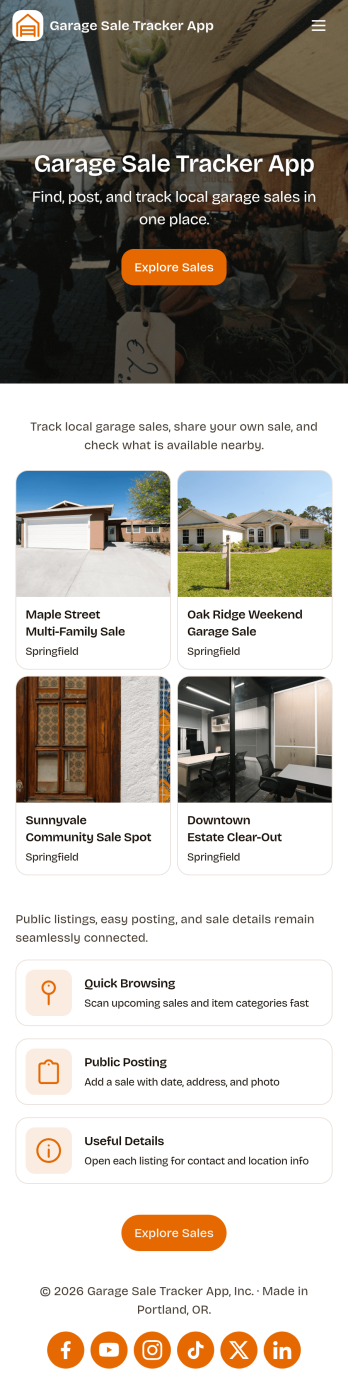
Garage Sale Tracker App
Garage Sale Tracker App helps you stay organized before, during, and after a garage sale by keeping your items and money records in one place. Use it to track inventory, quickly add new items as you price them, and review item details when shoppers ask questions. It’s a practical fit for families, neighbors hosting a community sale, or anyone running multiple sale days who wants a clear view of what’s available and what’s already moved.With Jotform’s no-code app builder, you can turn your Garage Sale Tracker App into a simple self-service hub for your own process, from item entry to daily cash notes. Customize pages with a drag-and-drop interface, connect buttons to forms for fast data collection, and keep everything accessible on mobile so you can update inventory and log cash right at the table.
Go to Category:Second Hand Selling Apps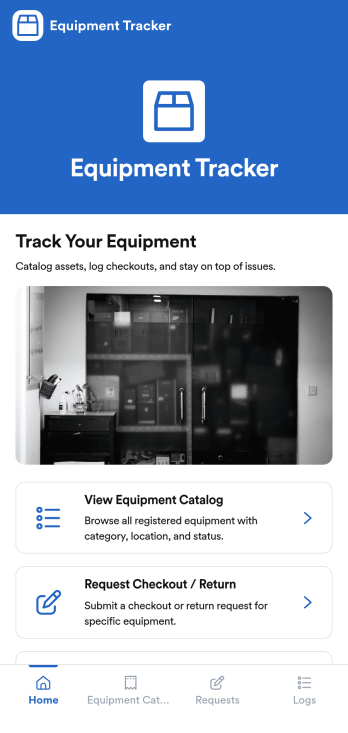
Equipment Tracker App
Equipment Tracker App keeps your tools, devices, and shared assets organized in one place, so teams always know what’s available, who has what, and what needs attention. Use it to maintain an equipment catalog, collect checkout and return requests, and capture issue reports as soon as something breaks or goes missing. It fits IT departments managing laptops and peripherals, facilities teams tracking building equipment, schools lending classroom tech, construction crews sharing tools, and nonprofits coordinating borrowed gear across volunteers and sites.With Jotform, you can publish this app template fast and tailor it to your workflow using a no-code app builder with a drag-and-drop interface. Connect the app to your equipment records and request forms, then share it with staff through a link or QR code for simple self-service. As requests and issue reports come in, your data collection stays organized and searchable, helping your workflow run smoothly from checkouts to maintenance follow-ups.
Go to Category:Inventory Apps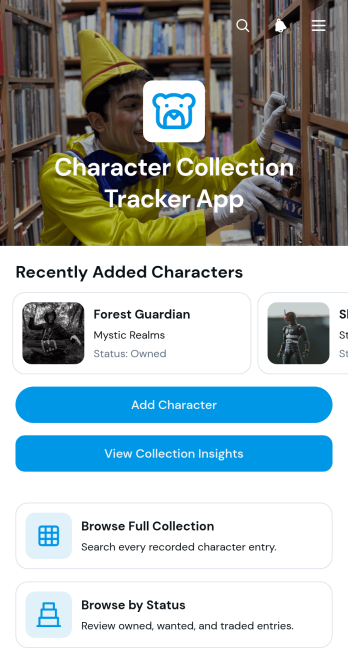
Character Collection Tracker App
The Character Collection Tracker App gives collectors a central place to record, browse, and review collections of fictional characters, figures, cards, or related memorabilia. It is useful for hobbyists, collector groups, specialty retailers, clubs, and organizers who need a clearer view of what has been acquired. Users can add a character, browse the full collection, filter entries by status, and open individual records showing quantity, condition, and collection notes. Collection insights also make it easier to understand the makeup of a growing catalog, spot gaps, and avoid duplicate purchases. This app template replaces scattered lists and paper records with an accessible collection tracker that supports more consistent data collection.Jotform App Templates help users turn everyday processes into interactive experiences without writing code. Customize this template with Jotform’s no-code app builder and drag-and-drop interface, then adjust pages, cards, buttons, images, and navigation to match the collection. Connected forms and data views support a smooth workflow for adding and reviewing records, while mobile-friendly access lets collectors check details wherever they are. Once the app is ready, it can be shared through a direct link or QR code for personal use, group collaboration, or convenient self-service access.
Go to Category:Tracker Apps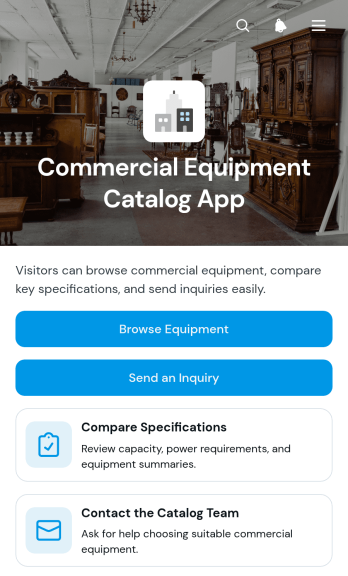
Commercial Equipment Catalog App
Commercial Equipment Catalog App gives equipment suppliers, distributors, manufacturers, dealers, and sales teams a centralized way to present commercial machinery and help prospective buyers find suitable options. Visitors can browse equipment records, compare specifications, request additional product details, and contact the catalog team without searching through disconnected documents or email threads. It works well for construction equipment, industrial machinery, food service systems, warehouse equipment, and other business-focused product lines. By bringing product discovery and inquiries into one accessible experience, the app helps sales representatives respond to qualified interest while giving customers a convenient self-service resource.With Jotform Apps, businesses can customize this app template through a no-code app builder and a flexible drag-and-drop interface. Teams can update catalog content, adjust navigation, apply their visual identity, and connect inquiry forms to organized data collection and workflow steps. The finished app can be shared by direct link or QR code and accessed from phones, tablets, or computers. Jotform App Templates also make it easy to expand the experience with approvals, tables, notifications, and other connected resources as inventory and sales processes evolve.
Go to Category:Product Selling Apps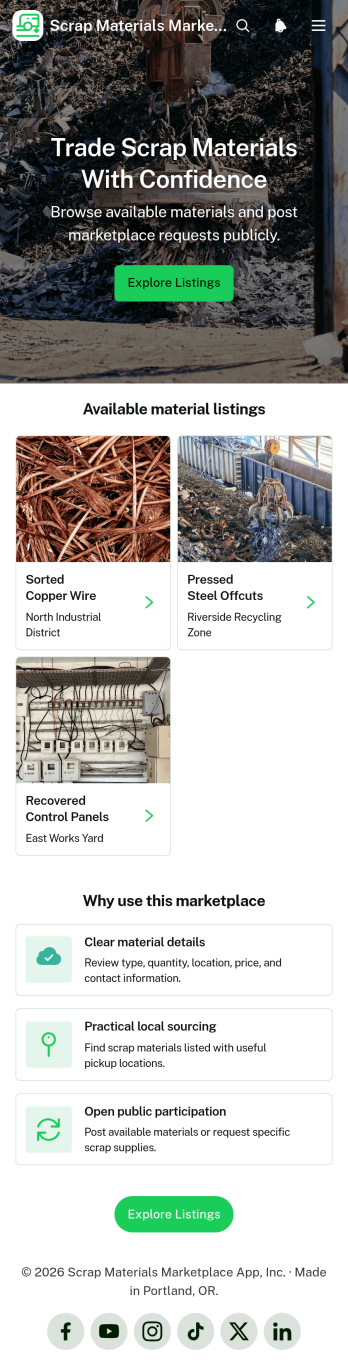
Scrap Materials Marketplace App
The Scrap Materials Marketplace App gives recyclers, salvage operators, contractors, manufacturers, community reuse programs, and independent sellers a central place to advertise and source surplus or recoverable materials. Users can browse available listings, review material requests, and submit a new listing or request through connected forms. Clear details about quantities, locations, pricing, and contacts help potential buyers and suppliers assess opportunities before reaching out. This app template supports local sourcing, reduces scattered inquiries, and makes reusable scrap materials easier to discover without requiring a complicated sales system.Jotform App Templates help organizations turn listings, requests, and resource pages into accessible digital experiences. With Jotform’s no-code app builder and drag-and-drop interface, teams can customize the Scrap Materials Marketplace App with their own branding, navigation, content, and forms. Connected data collection and workflow tools can organize incoming information and notify the appropriate team members when activity occurs. Publish the finished app with a direct link or QR code so participants can access its self-service features from a phone, tablet, or computer.
Go to Category:Second Hand Selling Apps
Uniform Request App
The Uniform Request App gives employees, volunteers, students, and team members one convenient place to browse approved uniform items, review item details, consult sizing guidance, and submit requests. It is well suited to human resources teams, operations departments, schools, hospitality businesses, healthcare organizations, contractors, nonprofits, and other groups that distribute standardized clothing. By replacing scattered emails and paper requests with guided self-service, the app helps requesters choose suitable items while giving administrators more consistent information for purchasing and fulfillment. Clear details about uniform type, available sizes, typical price, and availability can also reduce incorrect selections and avoidable follow-up.Jotform App Templates help organizations turn everyday processes into accessible digital experiences without coding. Using Jotform’s no-code app builder and drag-and-drop interface, teams can customize the Uniform Request App with their branding, update navigation, add resources, and connect forms to data collection and workflow tools. The finished app can be shared through a direct link or QR code for convenient mobile access. Connected forms, tables, approvals, and notifications can further support internal review, record organization, and communication as uniform needs change.
Go to Category:Employee Self Service Apps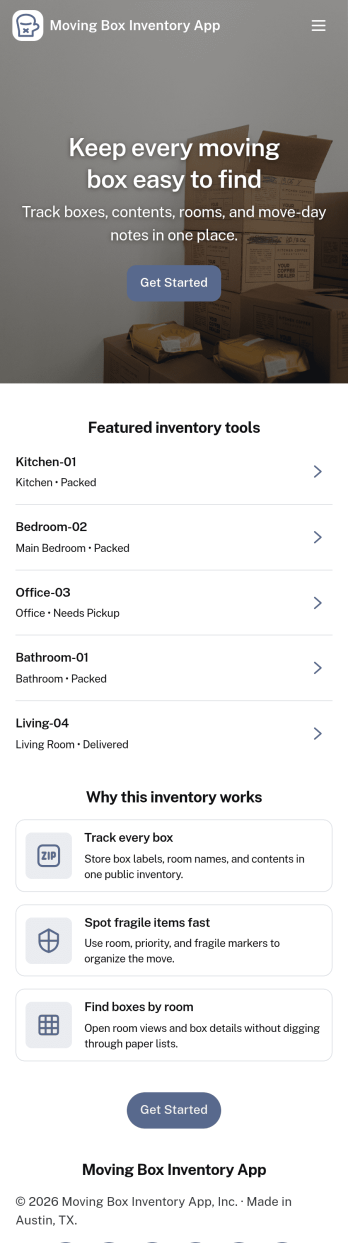
Moving Box Inventory App
Moving Box Inventory App helps you track what’s packed, where it’s going, and which box holds each item during a move. Use it to add new boxes as you pack, browse your full inventory, and quickly jump into room-based lists like Kitchen Boxes, Bedroom Boxes, and Living Room Boxes. It’s ideal for households, roommates, property managers, and small moving crews who want fewer lost items, clearer labeling, and an easier unpacking day.With Jotform, you can turn this app template into a simple self-service system for packing and organization using a no-code app builder and a drag-and-drop interface. Connect the app to your box-entry form for fast data collection, keep records organized, and update your workflow as plans change. Share the app by link so anyone helping can add boxes or look up what’s inside in seconds.
Go to Category:Inventory Apps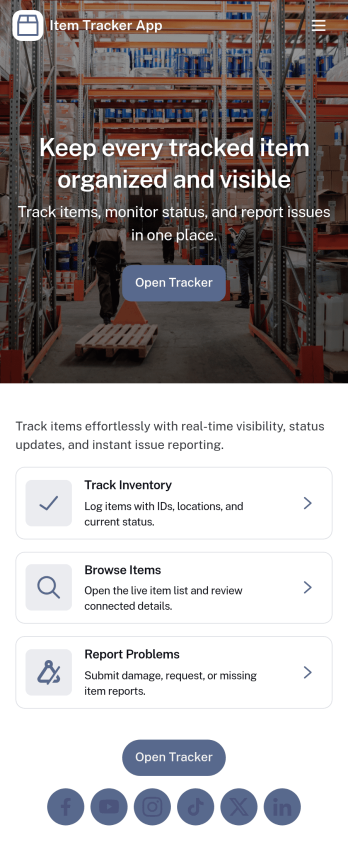
Item Tracker App
Item Tracker App keeps your items organized in one place so you can browse what you have, add new entries as things come in, and stay on top of changes over time. It works well for small businesses tracking supplies, teams managing shared equipment, sellers monitoring products, or even households that want a simple way to log items and review their history. With a browseable item list and quick access to entry forms, you can capture item details fast and keep records consistent without chasing updates across messages or spreadsheets.Built with Jotform, this app template can be customized with a no-code app builder and a drag-and-drop interface, so you can match the experience to your workflow in minutes. Connect the app to your forms and tables for reliable data collection, route updates through approvals when needed, and share a self-service link with staff or collaborators so everyone can add items and keep inventory details current.
Go to Category:Inventory Apps