

Log App Templates

Firearms Qualification Management App
The Firearms Qualification Management App is an app template for training coordinators, range supervisors, instructors, and public safety teams that need a central place to document firearms qualification activity. Users can submit qualification results, review individual records, and access consolidated reports without relying on scattered files or manual logs. It supports recurring training programs where administrators need clearer record visibility, quicker follow-up, and a consistent data collection process for each participant. Organized navigation helps authorized team members locate qualification histories and review submitted details when planning training or assessing completion status.Jotform makes this app template easy to adapt with a no-code app builder and a flexible drag-and-drop interface. Teams can adjust pages, branding, navigation, and connected forms to reflect their terminology and operational workflow. Qualification submissions can feed organized tables, support notifications, and provide current information for reporting. Publish the finished app with a direct link or QR code so instructors and administrators can access it from phones, tablets, or computers. Jotform App Templates help organizations create a practical self-service resource while keeping intake, records, and reporting connected in one mobile-friendly experience.
Go to Category:Safety and Compliance Apps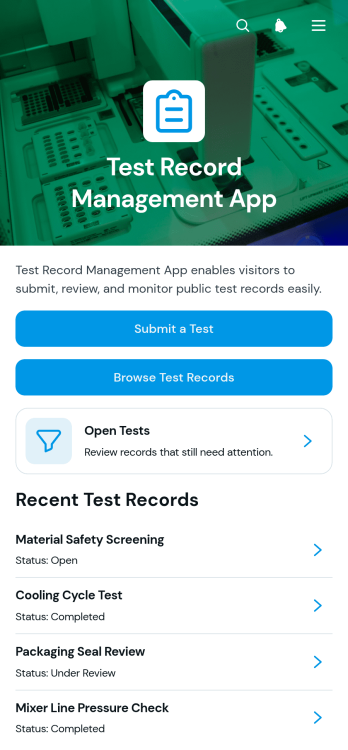
Test Record Management App
The Test Record Management App is a ready-to-use app template for recording, organizing, and reviewing test activity in one accessible location. It suits educational institutions, training teams, quality assurance groups, laboratories, technical departments, and other organizations that need a consistent record of assessments or checks. Users can submit a test, browse saved records, view open tests, and review essential details such as the test name, type, result, and status. This organized experience makes it easier to monitor outstanding work, find previous entries, reduce scattered documentation, and give authorized team members a clearer view of testing activity.Jotform Apps helps organizations turn processes like data collection and record review into mobile-friendly experiences without coding. Start with the Test Record Management App, then use the drag-and-drop interface to adjust pages, navigation, colors, fonts, and branding for your workflow. Jotform App Templates can also connect with forms, tables, notifications, approvals, and other resources to support collaboration and self-service access. Once customized, the app can be shared through a direct link or QR code, helping teams submit and consult test records from phones, tablets, or computers.
Go to Category:Log Apps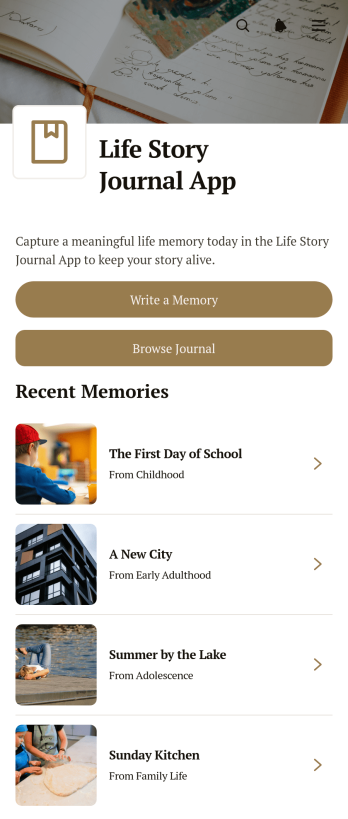
Life Story Journal App
Life Story Journal App is a personal journaling template for recording meaningful memories and organizing the experiences that shape a life. Individuals, families, memoir writers, caregivers, and community storytelling groups can use it to preserve milestones, everyday moments, and reflections in one accessible place. Users can write a memory, browse earlier journal entries, and add context through reflections, people mentioned, and life periods. This structure makes stories easier to revisit while helping writers build a richer personal record over time. It is especially useful for autobiographical writing, family history projects, guided reflection, and preserving stories for future generations.Jotform makes this app template easy to personalize with a no-code app builder and an intuitive drag-and-drop interface. Adjust pages, colors, typography, buttons, and navigation to suit a private journal or shared storytelling project. Connected forms support data collection, while organized lists create a smooth workflow for adding and browsing memories. Once ready, the app can be shared through a direct link or QR code for convenient mobile-friendly access. Explore Jotform App Templates to create a welcoming self-service journaling space without writing code.
Go to Category:Journal Apps
Teaching Session Records App
The Teaching Session Records App is an app template for educators, tutors, training providers, and academic teams that need a consistent record of individual teaching sessions. It supports quick session recording, organized review of past records, and access to session insights from one central location. Educators can document essential context such as the learner, instructor, teaching format, and duration while capturing the learning focus, observed outcome, and recommended next step. This shared record helps teams monitor learner development, prepare for future lessons, maintain continuity when instructors change, and replace scattered notes with an accessible teaching history.Jotform Apps makes it easy to adapt this Teaching Session Records App without writing code. Use the no-code app builder and drag-and-drop interface to update pages, navigation, colors, fonts, and branding for a school, tutoring service, or training program. Connect forms and tables to support data collection, automate notifications through a workflow, and keep session information organized for ongoing review. Once ready, publish the app and share it by direct link or QR code, giving authorized educators convenient mobile-friendly access and a practical self-service experience.
Go to Category:Classroom Management Apps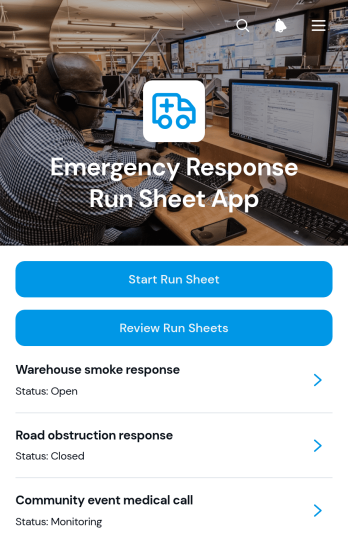
Emergency Response Run Sheet App
Emergency Response Run Sheet App is an app template for documenting incidents from the initial response through follow-up. Emergency response coordinators, safety teams, field supervisors, facility managers, and operations staff can start a run sheet, record the incident location and situation, summarize actions and communications, note resources used, and identify outstanding tasks. Previous run sheets remain easy to review, helping teams preserve a clear operational history, support shift handovers, prepare internal reports, and improve post-incident discussions without relying on scattered notes.Jotform App Templates give organizations a practical starting point for building mobile-friendly resources around their workflows. With Jotform’s no-code app builder and drag-and-drop interface, teams can customize this app template with branded pages, navigation, forms, and connected records. Published apps can be shared by direct link or QR code, giving authorized personnel convenient access from phones, tablets, or computers. Notifications and connected data collection processes can also support timely follow-up while keeping incident documentation organized in one self-service experience.
Go to Category:Safety and Compliance Apps
Message Receipt Tracker App
The Message Receipt Tracker App provides a central place to record incoming messages and confirm when they were received. Administrative teams, customer service departments, project coordinators, property managers, schools, and other organizations can use it to maintain a reliable communication log. Users can add a new receipt, review records by status, and access summaries or archived entries without searching through disconnected files. Key details such as the sender, recipient, message content, attachments, and receipt timing stay organized for easier follow-up. This app template helps teams reduce missed communications, clarify responsibility, and create a searchable history for routine operations.Jotform App Templates make it easy to adapt this experience to an organization’s preferred workflow. With Jotform’s no-code app builder and drag-and-drop interface, users can update pages, branding, navigation, and connected forms without programming. Collected data can support notifications, shared reviews, and other connected processes, while direct links offer convenient mobile-friendly access. Teams can publish the Message Receipt Tracker App as an internal resource, provide self-service access to approved users, and keep communication records available from one organized location.
Go to Category:Tracker Apps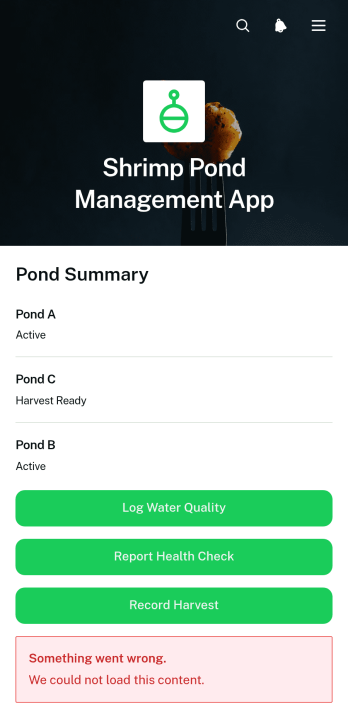
Shrimp Pond Management App
The Shrimp Pond Management App is a centralized recordkeeping template for shrimp farmers, aquaculture managers, field technicians, and production teams overseeing one or more ponds. It brings pond profiles, stocking information, water quality logs, health checks, and harvest records into one accessible experience. Teams can monitor key conditions such as temperature, pH, salinity, dissolved oxygen, and feed quantity while keeping dated notes and actions connected to the relevant pond. This helps replace scattered paper logs, improve visibility across sites, support timely operational decisions, and create a consistent workflow from stocking through harvest.Jotform makes this app template easy to adapt without coding. Using the no-code app builder and drag-and-drop interface, teams can update pages, rearrange content, apply their own branding, and connect forms for field data collection. Records can be organized through connected tables, while notifications and related workflows help staff respond to new updates. Among Jotform App Templates, this option provides a mobile-friendly way to support routine pond monitoring, shared record access, and self-service reporting. Publish it with a direct link or QR code so authorized staff can enter and review information wherever pond operations take place.
Go to Category:Management Apps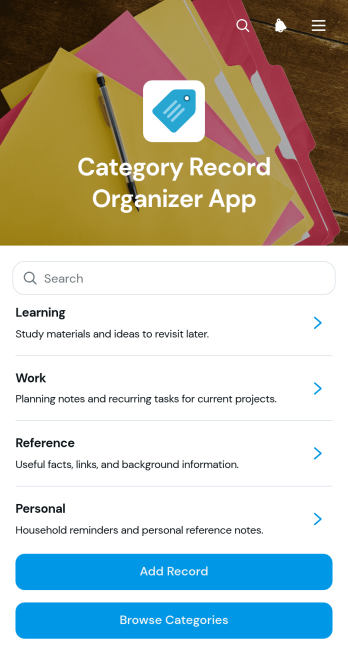
Category Record Organizer App
The Category Record Organizer App is a ready-to-use app template for teams that need a central place to classify, document, and retrieve records. Users can add new records, browse entries by category, and review their submitted records without searching across disconnected files or messages. Status labels, tags, and descriptions provide useful context while keeping the experience focused. Operations teams, administrators, project coordinators, service providers, schools, and nonprofits can use it to maintain internal references, organize case details, catalog resources, or track recurring activities. It reduces inconsistent labeling, misplaced information, and time spent locating the right entry.Jotform Apps makes this Category Record Organizer App easy to adapt with a no-code app builder and drag-and-drop interface. Change pages, navigation, colors, fonts, and branding to match the way your organization works, then connect forms, tables, notifications, approvals, or other workflow steps as needed. The app can be shared through a direct link or embedded experience for convenient mobile-friendly access. Starting with Jotform app templates also shortens setup time while supporting organized data collection, team collaboration, and self-service record access from one interactive location.
Go to Category:Organization Apps
Groundwater Sampling App
The Groundwater Sampling App is a field data collection template for recording groundwater samples, documenting site visits, and reviewing well and site records from one organized location. Environmental consultants, field technicians, engineering contractors, water resource teams, and research groups can use it during routine monitoring, investigation work, or follow-up visits. Staff can record sample details, log observations and findings, browse previous samples, consult sampling guidance, and check review status. Keeping this information connected helps teams maintain consistent field records, understand sampling history, coordinate follow-up work, and reduce gaps between field and office activities.Jotform makes this app template easy to adapt with a no-code app builder and a flexible drag-and-drop interface. Teams can revise pages, navigation, forms, and visual elements to reflect their sampling workflow without writing code. Connected forms and tables support organized recordkeeping, while notifications and approval steps can help move submitted information through internal review. Like other Jotform App Templates, the Groundwater Sampling App can be shared by direct link or QR code for convenient mobile access, giving field personnel a practical self-service resource wherever sampling takes place.
Go to Category:Field Service Apps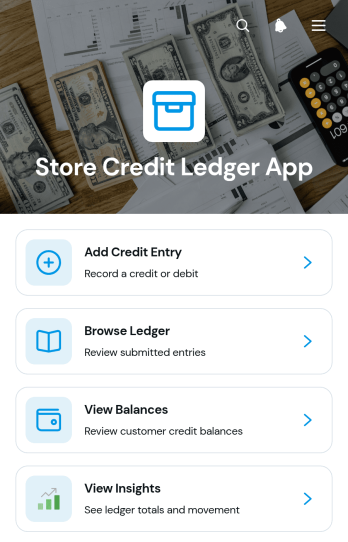
Store Credit Ledger App
The Store Credit Ledger App is a ready-to-use app template for retailers, online sellers, customer service teams, and finance staff that need one organized place to record and review customer store credit. Team members can add credit entries, browse ledger activity, check current balances, and review high-level insights without relying on scattered spreadsheets or message threads. It supports common situations such as issuing credit after a return, applying a goodwill adjustment, correcting an account, or confirming a balance before a purchase. Clear references, notes, entry types, and recent activity help staff understand why a balance changed and respond to customer questions with better context.With Jotform’s no-code app builder, this Store Credit Ledger App can be adapted to match an organization’s processes and visual identity through a drag-and-drop interface. Teams can update pages, navigation, cards, buttons, fonts, and colors, then connect forms and tables to support data collection and a consistent workflow. The app can be shared by link or QR code for convenient mobile access, giving authorized staff a practical self-service destination for routine credit management. Start with one of Jotform’s App Templates, tailor the experience without coding, and publish a branded resource that keeps credit records easier to access and maintain as operations grow.
Go to Category:Finance Apps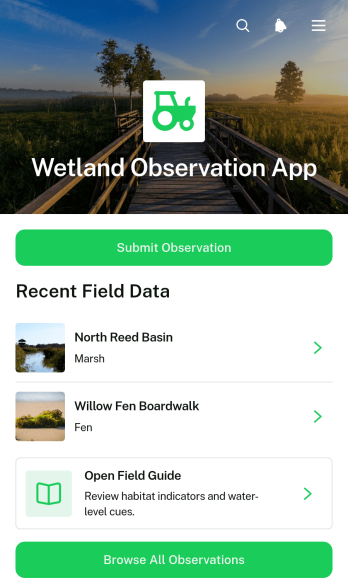
Wetland Observation App
Wetland Observation App is a field data collection template for environmental groups, conservation teams, educators, students, volunteers, land managers, and researchers documenting wetland conditions. It brings observation submission, record browsing, and field guide access into one mobile-friendly location. Teams can use it during routine monitoring, habitat surveys, restoration projects, educational fieldwork, or community science activities. By keeping location details, survey dates, observer information, habitat conditions, water levels, vegetation, wildlife sightings, and field notes connected, the app supports more consistent records and gives participants a clear self-service resource while they work.Jotform makes this app template easy to adapt with a no-code app builder and an intuitive drag-and-drop interface. Add or rearrange pages, update visual elements, adjust navigation, and connect forms or tables to support your preferred workflow without writing code. Wetland observation records can be organized for review, and relevant resources can remain accessible from the same experience. Publish the finished app with a direct link or QR code so field teams and volunteers can open it on phones, tablets, or computers.
Go to Category:Activity Tracking Apps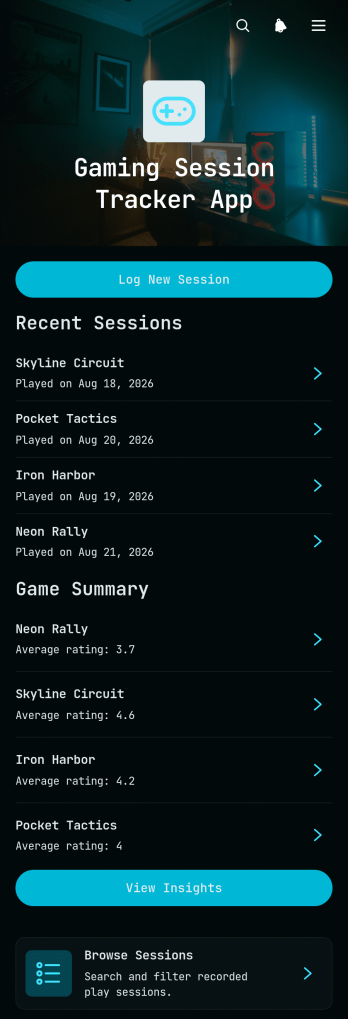
Gaming Session Tracker App
The Gaming Session Tracker App provides players, gaming groups, content creators, and community organizers with a convenient place to document and review play sessions. Users can log a new session with the game title, duration, rating, platform, and personal notes, then browse previous entries whenever they want to revisit their activity. Built-in insights help reveal overall playing time, session totals, and rating patterns. This app template is useful for maintaining a personal gaming journal, comparing experiences across games, monitoring play habits, or keeping shared records for a gaming club. It replaces scattered notes and spreadsheets with an organized, mobile-friendly history that makes each session easier to remember and evaluate.Jotform makes the Gaming Session Tracker App easy to adapt with a no-code app builder and an intuitive drag-and-drop interface. Add or rearrange pages, adjust visual elements, update navigation, and connect forms or tables to support your preferred data collection workflow. You can give the app a personalized look, publish updates without programming, and share it through a direct link or QR code. Jotform App Templates also provide a practical starting point for creating interactive self-service experiences that work across phones, tablets, and computers.
Go to Category:Activity Tracking Apps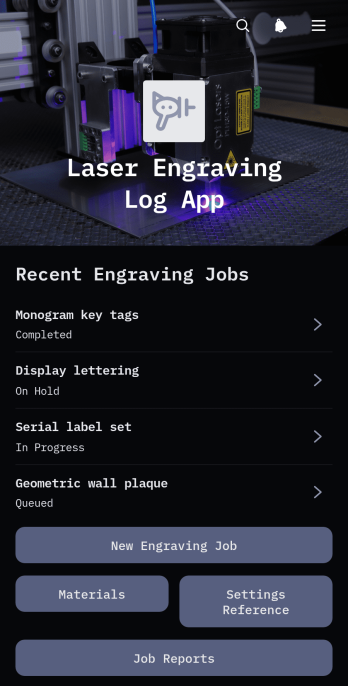
Laser Engraving Log App
Laser Engraving Log App gives engraving workshops, fabrication teams, independent makers, and production managers a central place to document engraving jobs from setup through completion. Teams can record new jobs, review essential customer and production details, consult material and machine setting references, and access job reports without relying on scattered notes. It supports repeatable workshop processes by preserving useful information about quantities, production observations, and past engraving work. This app template is especially helpful for small and medium-sized operations that need clearer job histories, faster setup decisions, and better visibility into daily engraving activity.Jotform App Templates make it easy to adapt this app to the way your workshop operates. With Jotform’s no-code app builder and drag-and-drop interface, you can update pages, navigation, buttons, colors, fonts, and branding without programming. Connect forms for data collection, organize records with related workflows, and give team members mobile-friendly access to job and material information. Once customized, the app can be published and shared through a direct link or QR code, creating a convenient self-service resource for authorized workshop staff.
Go to Category:Logbook Apps
Crop Irrigation Monitoring App
Crop Irrigation Monitoring App is an app template for recording irrigation activity, checking water conditions, and reviewing field information from one accessible location. Farm owners, crop managers, irrigation specialists, field crews, and agricultural consultants can use it to maintain irrigation logs, submit water checks, and monitor soil moisture across growing areas. It helps teams replace scattered notes with consistent records, compare irrigation amounts and methods, identify readings that cross selected thresholds, and make better-informed watering decisions. The mobile-friendly experience is useful during routine field inspections, seasonal crop management, and daily coordination between office and field staff.Jotform Apps makes this Crop Irrigation Monitoring App easy to adapt without coding. Using the drag-and-drop interface, teams can update pages, navigation, colors, fonts, and branding to fit their operations. The no-code app builder connects forms and organized records within a single workflow, supporting data collection and convenient self-service access for authorized staff. Jotform App Templates can also be shared through a direct link or QR code, helping crews open the latest resources from phones, tablets, or computers. Notifications and connected processes can further support timely follow-up as new irrigation records and water checks are submitted.
Go to Category:Tracker Apps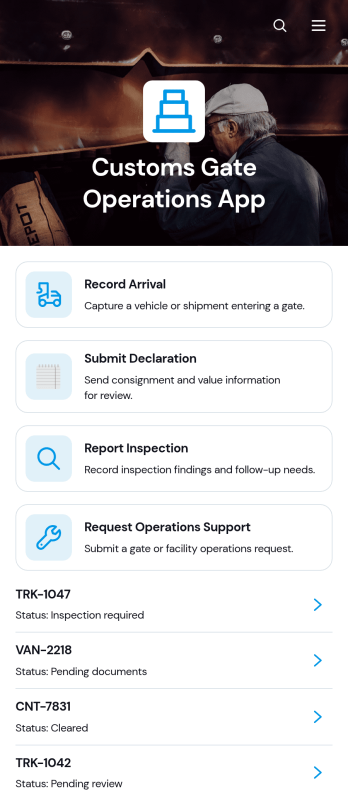
Customs Gate Operations App
Customs Gate Operations App brings arrival recording, declaration submission, inspection reporting, and operations support requests into one accessible workspace. It is suited to customs gate teams, terminal operators, cargo facilities, transport coordinators, inspection personnel, and operations managers handling vehicle or shipment movements. Staff can register arrivals, review shipment references and operational details, then connect inspection or declaration activity to the relevant record. By replacing disconnected paperwork and communication channels with a consistent workflow, this app template helps teams maintain clearer records, coordinate gate activity, respond to support needs, and keep daily cargo processing organized.Jotform Apps helps organizations turn processes like these into mobile-friendly, self-service experiences without writing code. Start with customizable App Templates, then use the no-code app builder and drag-and-drop interface to adjust pages, cards, buttons, navigation, and visual branding. Connected forms support data collection, while tables and notifications help authorized teams manage incoming records and follow operational activity. The finished app can be shared through a direct link or QR code, giving personnel convenient access from phones, tablets, or computers. With Jotform, teams can adapt the Customs Gate Operations App as gate procedures, locations, and internal responsibilities evolve.
Go to Category:Operations & Logistics Portal Apps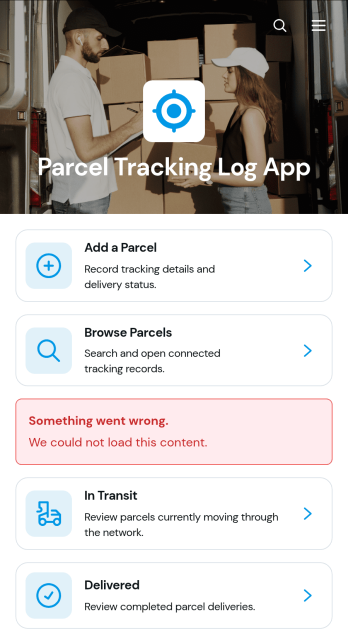
Parcel Tracking Log App
Parcel Tracking Log App is an app template for recording and reviewing parcel movements from dispatch through delivery. It gives warehouse teams, online retailers, fulfillment operations, delivery coordinators, and small businesses a shared place to add parcels, browse shipment records, and separate in-transit items from completed deliveries. Each record can present the tracking number, recipient, route, carrier, status, and expected delivery date, making it easier to answer shipment questions and identify parcels that need attention. Teams can replace scattered spreadsheets and messages with consistent data collection and a clearer shipping workflow.With Jotform Apps, this template can be adapted through a no-code app builder and an intuitive drag-and-drop interface. Change the branding, reorganize pages, update navigation, or connect forms, tables, approvals, and notifications to support daily operations. Jotform App Templates also make it easy to create mobile-friendly self-service experiences without programming. Publish the Parcel Tracking Log App with a direct link, custom app URL, QR code, or embedded experience so authorized staff and partners can access current parcel information wherever work takes place.
Go to Category:Order & Shipping Portal Apps
Geological Field Records App
Geological Field Records App is a ready-to-use digital workspace for capturing, reviewing, and interpreting observations made during geological fieldwork. It helps geologists, geotechnical consultants, environmental teams, engineering firms, researchers, students, and survey crews replace scattered notes with organized records. Users can add a field record, browse previous entries by locality, and open record insights or field reference material from one convenient place. By keeping observation dates, coordinates, outcrop conditions, sample identifiers, and field notes connected, the app supports more consistent documentation across site investigations, mapping projects, sampling programs, academic excursions, and resource assessments.With Jotform Apps, teams can customize this app template through a no-code app builder and an intuitive drag-and-drop interface. Pages, navigation, forms, reference content, and branding can be adapted to match a project or organization without programming. Connected forms and tables support data collection and organized record management, while direct links and QR codes make the app easy to share with field crews and project partners. Jotform App Templates also help teams connect approvals, notifications, and other workflow steps, creating a mobile-friendly resource for field documentation and self-service access.
Go to Category:Engineering Apps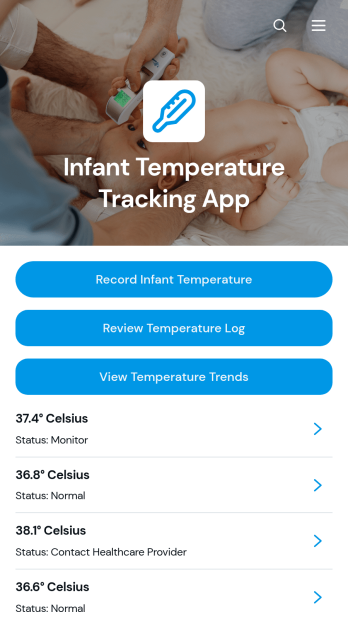
Infant Temperature Tracking App
Infant Temperature Tracking App provides parents, caregivers, childcare providers, and pediatric support teams with one organized place to document an infant’s temperature over time. Users can record new readings, review a chronological temperature log, and view trends without relying on scattered notes or memory. This app template is useful during an illness, after a vaccination, or whenever caregivers need to monitor changes and share consistent observations with others involved in the child’s care. Keeping readings, measurement details, timestamps, and notes together can improve handoffs between caregivers and make relevant information easier to reference during conversations with healthcare professionals.Jotform makes this Infant Temperature Tracking App easy to adapt with a no-code app builder and an intuitive drag-and-drop interface. Customize the appearance, organize pages, connect forms and tables for data collection, and adjust the workflow to match a household, childcare center, or care team. The mobile-friendly experience supports convenient entry and self-service access from a phone, tablet, or computer. Once the app is ready, publish it without coding and share it through a direct link or QR code so authorized caregivers can reach the latest records wherever care takes place.
Go to Category:Health Tracking Apps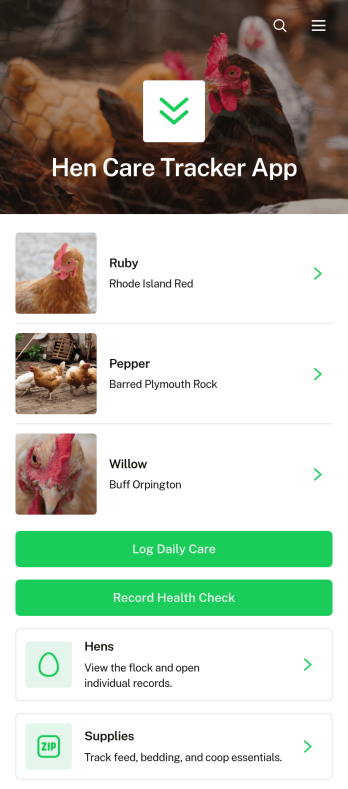
Hen Care Tracker App
Hen Care Tracker App is a ready-to-use app template for backyard chicken keepers, small farms, homesteads, poultry caretakers, and families that want a clearer view of each hen’s routine and condition. Users can maintain individual hen profiles, record daily care and health observations, and monitor essential supplies from one convenient place. Keeping these details together makes it easier to notice changes, coordinate feeding and care duties, prepare for routine checkups, and avoid relying on scattered notebooks or memory. It is especially useful for households or teams sharing responsibility for a flock, as everyone can follow the same care process and add timely records.Jotform Apps helps you adapt this Hen Care Tracker App without writing code. Use the drag-and-drop app builder to update pages, buttons, colors, images, and navigation while preserving a simple experience for routine data collection. Connected forms can capture care logs, health notes, new hen details, and supply updates, while Jotform Tables can help organize the resulting records. Like other Jotform App Templates, the app can be shared by direct link or QR code for convenient mobile access. This gives keepers a customizable self-service resource that supports consistent workflows as a flock grows or care responsibilities change.
Go to Category:Pet Care Apps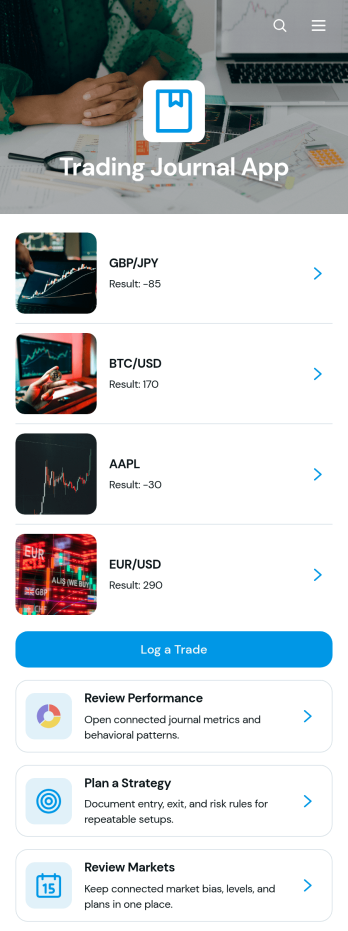
Trading Journal App
The Trading Journal App is a central workspace for recording trades, documenting strategies, reviewing markets, and reflecting on performance. It suits individual traders, trading coaches, finance students, and small investment teams that want consistent records for stocks, currencies, commodities, or other instruments. Users can log trade setups, direction, market, entry price, and exit price, then revisit each record to identify recurring decisions and outcomes. Dedicated strategy planning and market review areas help connect entry criteria, exit criteria, risk rules, and upcoming reviews with daily trading activity. This structure reduces scattered notes and makes disciplined post-trade analysis easier.Jotform turns this app template into a customizable experience without requiring code. Using the no-code app builder and drag-and-drop interface, creators can adjust pages, cards, buttons, colors, fonts, and navigation to fit their trading process. Connected forms support data collection, while tables and workflows can organize records and trigger notifications for follow-up actions. The finished Trading Journal App can be shared by link or QR code and accessed from phones, tablets, or computers, giving users a convenient self-service resource for maintaining their journal wherever they work.
Go to Category:Journal Apps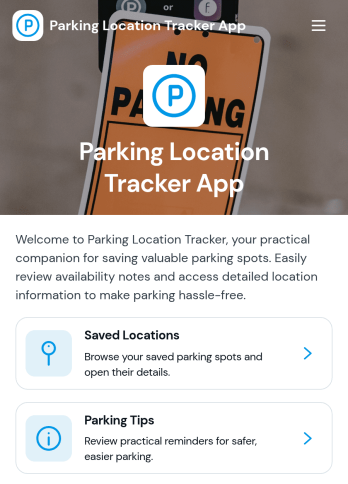
Parking Location Tracker App
Parking Location Tracker App is a practical app template for recording where a vehicle was parked and keeping useful parking details accessible in one mobile-friendly place. It can help drivers find vehicles in busy garages, city streets, airports, event venues, campuses, and large commercial lots. Individuals, families, rental vehicle users, fleet teams, hospitality staff, and transportation businesses can adapt it for personal or operational use. A focused parking log supports location data collection, helpful notes, and quick reference, reducing wasted time and uncertainty when returning to a vehicle. Organizations can also use the app to support shared vehicle handoffs or document parking locations during field work and travel.Jotform App Templates make it easy to turn this starting point into a branded experience without writing code. Using Jotform’s no-code app builder and drag-and-drop interface, you can customize the page, add modern rounded design elements, and connect forms or tables to support your preferred workflow. Add instructions, images, buttons, maps, or related resources as needed, then publish the app for convenient self-service access. The finished app can be shared through a direct link or QR code, giving drivers and team members a simple way to access parking information from a phone, tablet, or computer.
Go to Category:Tracker Apps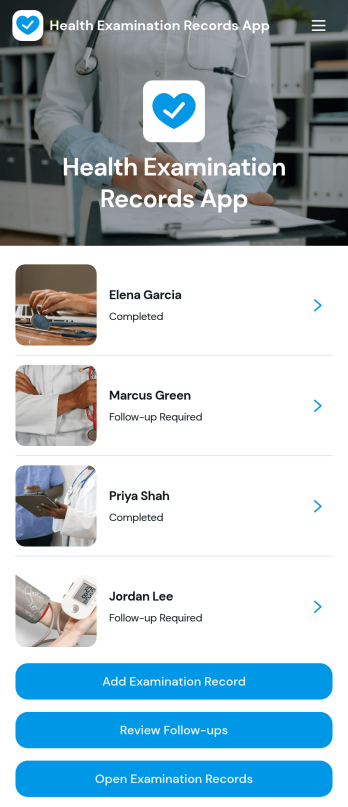
Health Examination Records App
Health Examination Records App is an app template for organizing examination records, clinical findings, examiner details, and follow-up plans in one accessible location. It supports clinics, occupational health teams, school health services, wellness programs, and other organizations that need a consistent way to document and review health examinations. Staff can add new examination records, browse records by examinee, and review upcoming follow-ups without relying on scattered files or disconnected processes. This clearer workflow helps teams maintain orderly records, find relevant information faster, and keep planned reviews visible during day-to-day operations.Jotform Apps makes it easy to adapt this Health Examination Records App with a no-code app builder and a flexible drag-and-drop interface. Users can customize pages, navigation, colors, fonts, and branding while connecting forms, tables, notifications, and other workflow tools. The app can be shared through a direct link or QR code for convenient access on phones, tablets, and computers. With ready-to-use App Templates, teams can create a focused data collection experience, support staff self-service, and update their examination process as operational needs change.
Go to Category:Healthcare Apps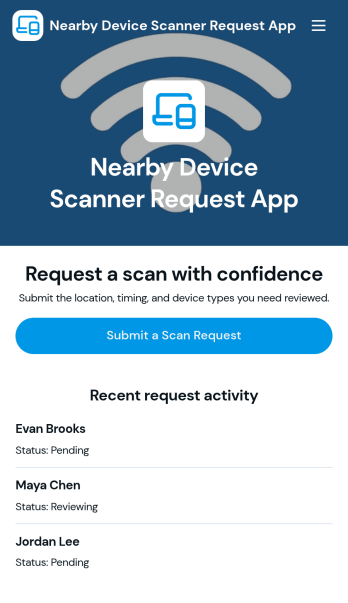
Nearby Device Scanner App
Nearby Device Scanner App helps teams record and review devices detected in a nearby area so there’s a consistent place to document what was found, where it was seen, and when it was last observed. Use it to report nearby devices, browse reported devices, and keep a scan history for follow-ups. It’s useful for IT staff, facilities teams, event operations, and field teams who need quick visibility into what’s been detected on-site and a simple way to update a device report as conditions change.With Jotform, you can turn this workflow into a shareable self-service experience using App Templates and a no-code app builder with a drag-and-drop interface. Connect buttons to forms for fast data collection, organize records in lists and detail views, and keep your workflow moving with mobile-friendly access and real-time updates. Customize pages, branding, and navigation so the app matches how your team scans, logs, and reviews devices in the field.
Go to Category:Information Technology Apps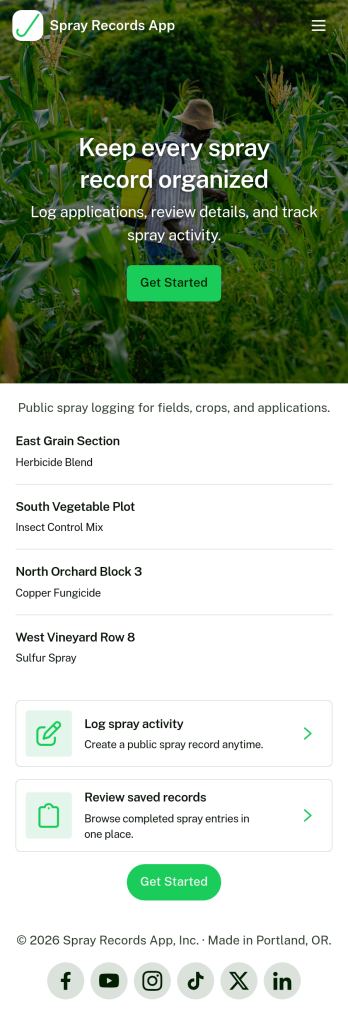
Spray Records App
Spray Records App helps teams capture, organize, and review spray activity in one place so nothing gets missed in the field or back office. Use it to add new spray records as work is completed, browse historical entries, and open a full record view when you need details for follow-ups, customer questions, or internal reviews. It’s a practical fit for lawn care providers, pest control operators, agricultural crews, greenhouse teams, and facilities staff who need clear, searchable logs across locations, properties, or jobs.With Jotform, you can turn this app template into a branded self-service experience using a no-code app builder and a drag-and-drop interface. Connect the app to your forms and tables for reliable data collection, keep records easy to access for your team, and share the app with a simple link so updates and lookups happen faster as part of your daily workflow.
Go to Category:Log Apps