

Management App Templates

Sales Contact Management App
Sales Contact Management App helps sales teams keep prospects and customers organized in one place, making it easier to stay on top of outreach and follow-ups. With a built-in contact directory and a simple way to add new contacts, it supports day-to-day contact organization for account executives, SDRs, small business owners, and client-facing teams that need a dependable system for managing names and details as conversations move forward.Jotform makes it easy to turn this Sales Contact Management App into a branded self-service experience using its no-code app builder and drag-and-drop interface. Connect the app to your contact form and tables for ongoing data collection, then publish a shareable workflow your team can use from anywhere to keep contact records consistent, searchable, and ready when it’s time to reach out.
Go to Category:Sales & Marketing Portal Apps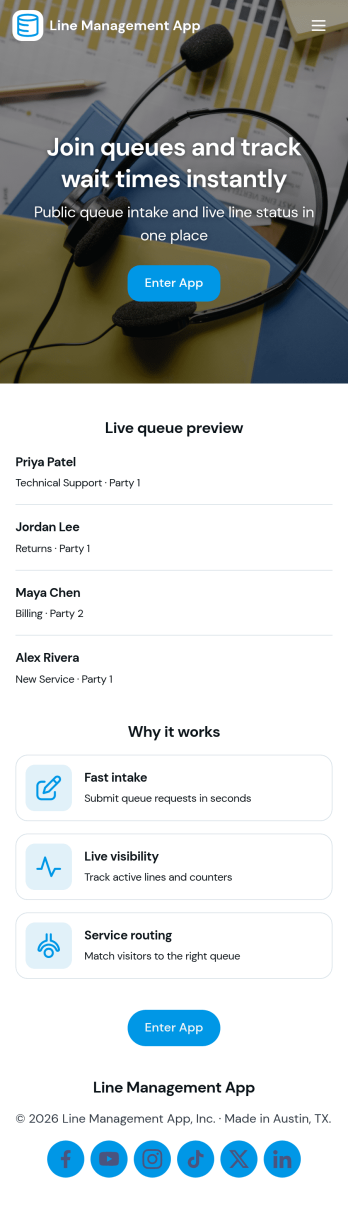
Line Management App
Line Management App helps teams handle walk-ins and on-site requests by giving customers a simple way to join the line and giving staff a clear view of the active queue. It works well for service counters, clinics, repair desks, school offices, reception areas, and any location where wait order matters. Visitors can add a request, while employees can open the queue, review who is next, and tap into a person’s details when it’s time to serve them. A dedicated service history view also makes it easier to reference past visits and spot recurring needs without hunting through messages or paper notes.With Jotform, you can turn this experience into a polished self-service flow using customizable app templates and a no-code app builder. Use a drag-and-drop interface to adjust pages, update labels, and match your branding, then connect the app to your forms and workflows for consistent data collection. Share the app by link or QR code so customers can join from their phone, and keep your team aligned with one central queue view that’s easy to manage throughout the day.
Go to Category:Task Management Apps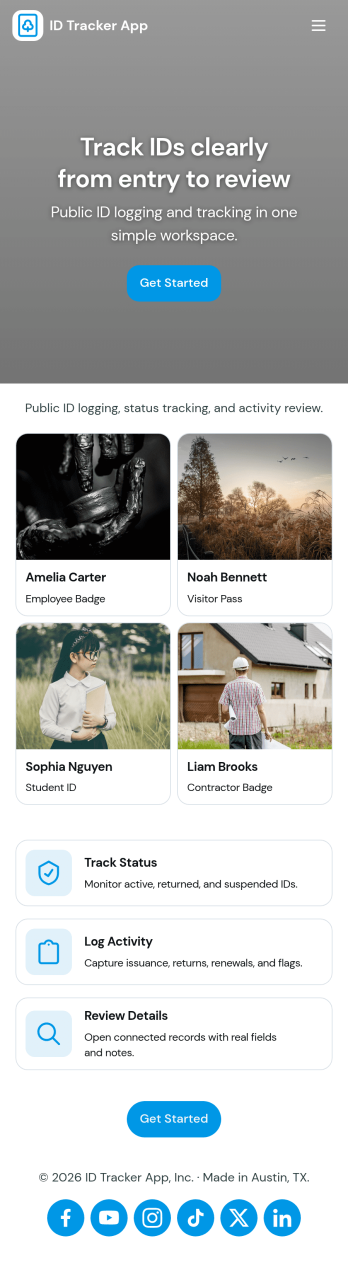
Id Tracker App
Id Tracker App helps teams register ID numbers and maintain a simple registry they can browse later. Use it to capture new IDs in one place, open the registry to view existing entries, and tap into a specific record when you need to confirm details quickly. It fits front desks, small offices, clubs, schools, property managers, and any operation that needs a lightweight way to log and look up identifiers without digging through spreadsheets.With Jotform, you can turn this Id Tracker App into a branded self-service experience using a no-code app builder and a drag-and-drop interface. Connect the app to your forms and data collection workflow, organize records in a searchable registry view, and share the app with a link or QR code so staff can add or review IDs from anywhere.
Go to Category:Tracker Apps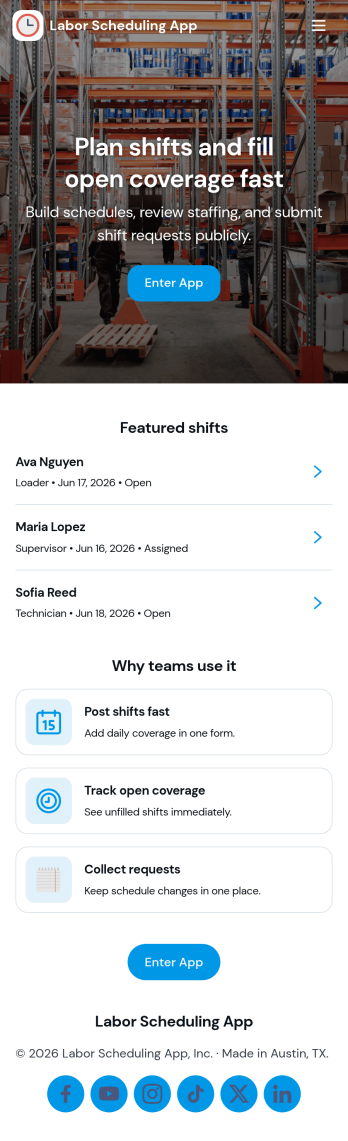
Labor Scheduling App
Labor Scheduling App helps managers coordinate employee coverage with a clear shift board, a simple way to add shifts, and an organized request flow for time-off or schedule changes. It fits teams that rely on hourly staffing such as retail stores, restaurants, field service crews, warehouses, and event operations where last-minute updates can create confusion. With dedicated areas for crew details and schedule history, this app template supports day-to-day planning while keeping everyone aligned on who is working, when, and where.Jotform makes it easy to turn this Labor Scheduling App into a branded self-service experience using App Templates and a no-code app builder with a drag-and-drop interface. Connect buttons to forms and tables to capture schedule updates, centralize shift information, and keep requests moving through your workflow without relying on scattered messages. Share the app with your team through a link so staff can stay informed and managers can keep scheduling organized from one place.
Go to Category:Scheduling Apps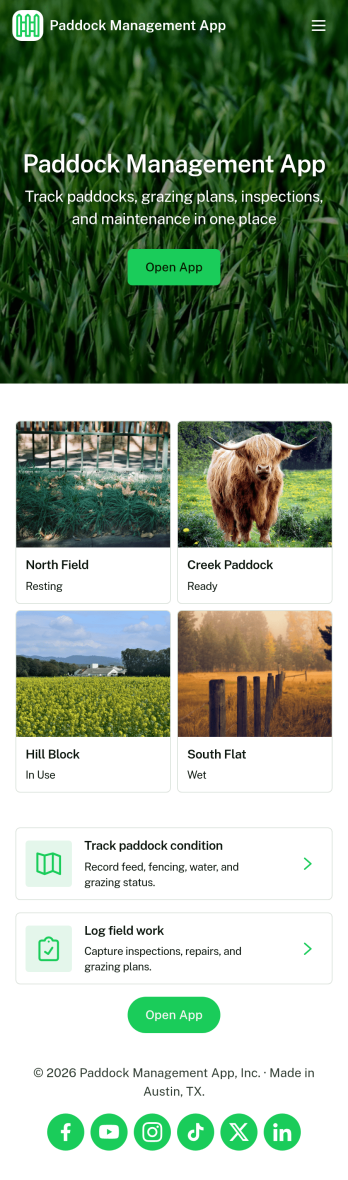
Paddock Management App
Paddock Management App helps farms and ranches keep daily paddock operations organized in one place, so crews can stay on top of what needs attention and when. Use it to log livestock details, review a quick livestock snapshot, and check Today’s Work so nothing gets missed during busy rotations, feeding schedules, or routine checks. It also supports work requests for repairs, supplies, or pasture tasks, making it easier to capture issues as they come up and keep open requests visible to everyone involved.With Jotform, you can turn this app template into a mobile-friendly self-service hub for the field without relying on code. Customize pages and cards with a drag-and-drop interface, connect buttons to forms for data collection, and keep records organized in connected workflows. Share the app by link or QR code so staff can add livestock entries, submit new requests, and review updates from anywhere.
Go to Category:Management Apps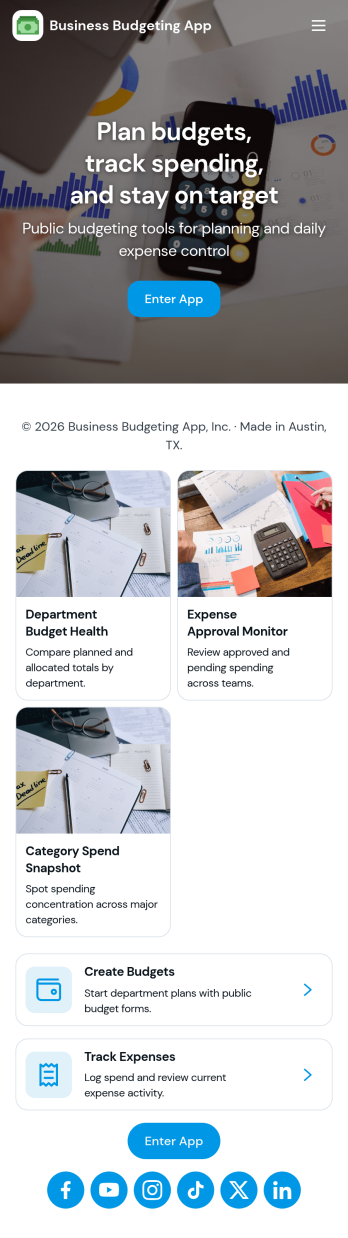
Business Budgeting App
Business Budgeting App helps teams plan, record, and review budgets in one place so spending decisions don’t rely on scattered spreadsheets or disconnected updates. Use it to share a budget overview with stakeholders, capture new budget entries as they come in, and keep an eye on which areas are on track versus at risk. It’s a practical fit for department leads, finance and accounting teams, operations managers, and small business owners who want clearer visibility into categories, departments, and top spend without turning budgeting into a monthly scramble.With Jotform, you can publish this app template fast and adapt it to how your organization manages budgeting. Use the no-code app builder and drag-and-drop interface to adjust pages, add helpful guidance for accurate entries, and connect your data collection to Jotform Tables so budget data stays organized for reporting and review. Share the app for self-service updates, keep workflows moving with connected forms and tables, and maintain a consistent experience across teams as budget needs change.
Go to Category:Finance Apps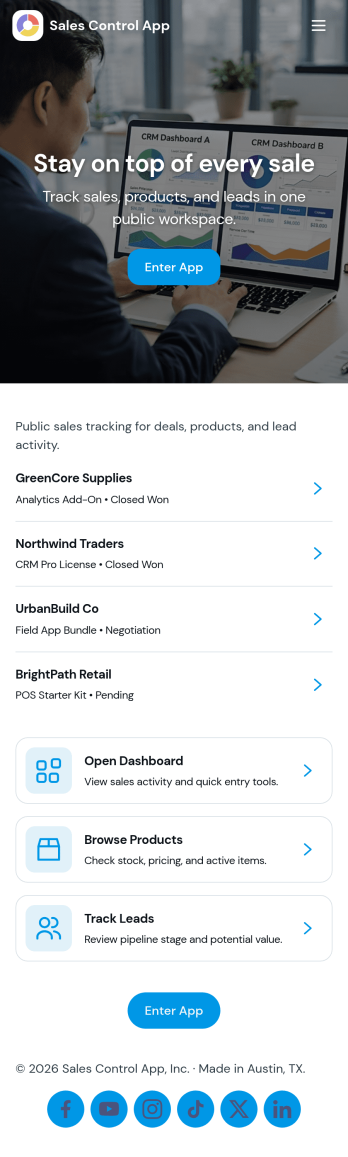
Sales Control App
Sales Control App brings your sales tracking into one place so teams can log deals, review customer records, and keep a close eye on performance without hopping between tools. It’s a practical fit for small businesses, retail teams, field sales reps, and service providers who need a simple way to enter sales quickly, pull up past records by client, and check high-level insights for day-to-day decision-making.Built with Jotform App Templates, this app template can be customized in Jotform’s no-code app builder with a drag-and-drop interface to match your sales workflow. Connect the Add Sale form to your process for consistent data collection, organize records for fast self-service lookups, and keep reporting-style views easy to access for anyone who needs visibility into activity and revenue trends.
Go to Category:Sales & Marketing Portal Apps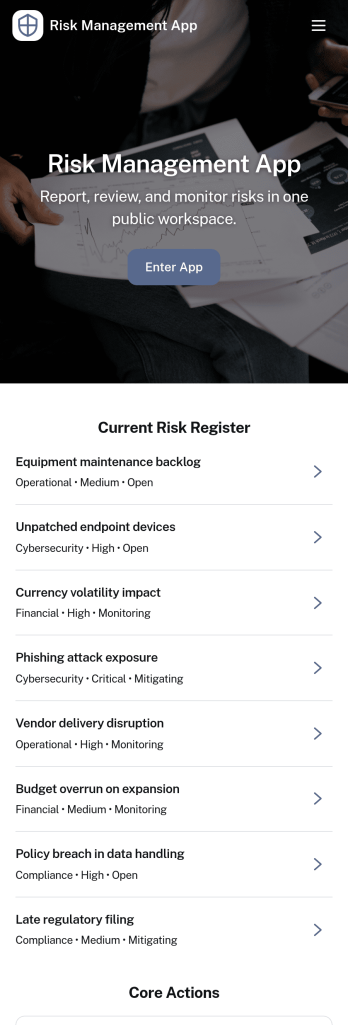
Risk Management App
A risk management app brings your risk register, incident reporting, and follow-up actions into one place so teams can identify issues early and respond consistently. Use it to log new risks, capture incident details as they happen, and assign action items with clear ownership, making it easier to prioritize work and keep stakeholders aligned. It’s a strong fit for operations leaders, project managers, safety teams, IT, and department heads who need a reliable way to track exposure across sites, projects, or programs without chasing updates across emails and spreadsheets.With Jotform, you can turn this Risk Management App into a branded self-service experience using a no-code app builder and a drag-and-drop interface. Connect buttons to forms for fast data collection, organize records in tables for easier tracking, and centralize workflows so teams can add risks, report incidents, and manage actions from any device. Share the app by link or QR code to standardize reporting and keep your risk workflow moving from intake to insights.
Go to Category:Management Apps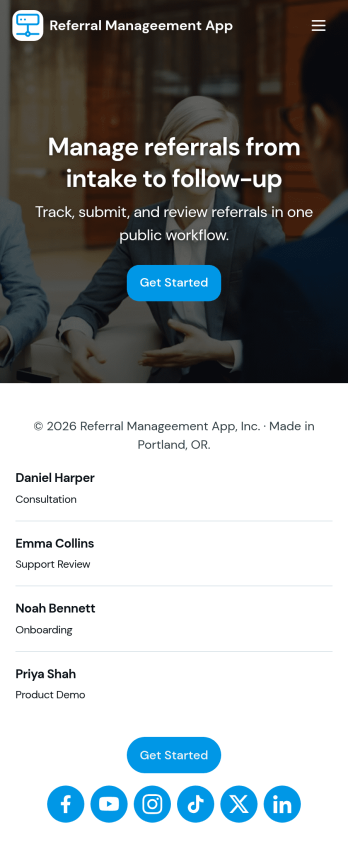
Referral Manageement App
Referral Manageement App helps teams capture new referrals, keep active referrals organized, and follow each referral from intake to outcome without losing context. It’s a practical fit for sales and marketing groups, agencies, service providers, and partner programs that rely on consistent follow-up and clear ownership. With quick navigation to create a new referral, review active referrals, and open a referral record to update progress, the app supports day-to-day coordination when multiple people contribute to the same pipeline.Built with Jotform App Templates, this experience can be customized in a no-code app builder using a drag-and-drop interface so it matches how your team works. Connect the app to your Jotform form for data collection, route updates through the same workflow, and share the app as a self-service link for internal teams or trusted partners. As your referral volume grows, you can adjust pages, refine what gets captured, and keep reporting-focused views like insights in one place.
Go to Category:Customer Portal Apps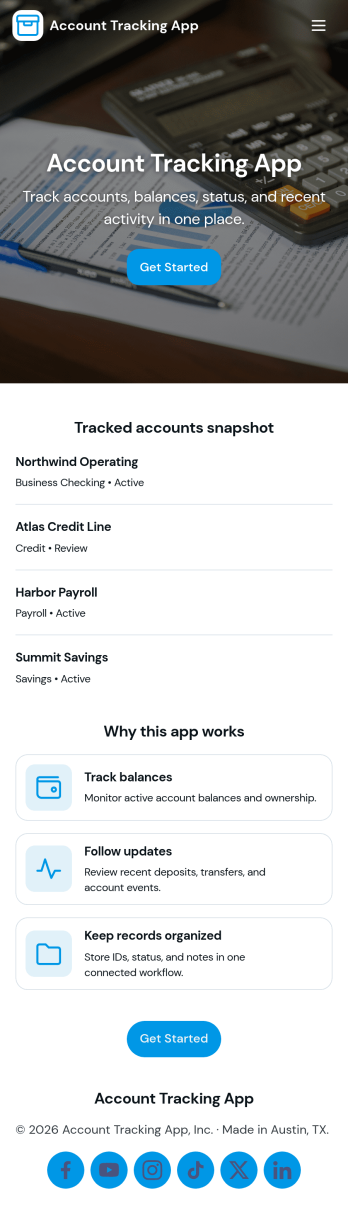
Account Tracking App
Account Tracking App helps teams and individuals organize account records, monitor account activity, and quickly spot trends in performance. It works well for sales and account management teams, agencies handling multiple client accounts, finance and operations teams maintaining internal account lists, or any organization that needs one place to review accounts, log updates, and pull quick insights without hunting through spreadsheets.With Jotform, you can publish this app template as a self-service hub where users browse an accounts list, add new accounts through a connected form, and review activity and insights pages for a clearer picture of what’s happening across your accounts. Use Jotform’s no-code app builder and drag-and-drop interface to tailor navigation, adjust the look and feel, and connect your data collection to the workflows you already rely on.
Go to Category:Finance & Accounting Portal Apps