

Management App Templates

Keep Track of Inventory App
Keep Track of Inventory App helps teams monitor inventory levels and stay on top of stock movement without relying on scattered notes or spreadsheets. Use it to browse an inventory list, log stock updates as they happen, and run audit counts when you need to reconcile what’s on the shelf with what’s on record. It’s a practical fit for retail stores, warehouses, field teams, studios, and any small business that needs a clear view of items, quantities, and recent changes across day-to-day operations.Jotform makes it simple to turn inventory processes into a guided self-service experience using App Templates you can tailor to your workflow. With a no-code app builder and a drag-and-drop interface, you can adjust pages, buttons, and navigation, then connect the app to forms and tables for consistent data collection. Share a single link with staff so everyone logs updates the same way, and keep inventory activity organized as your workflow grows.
Go to Category:Inventory Apps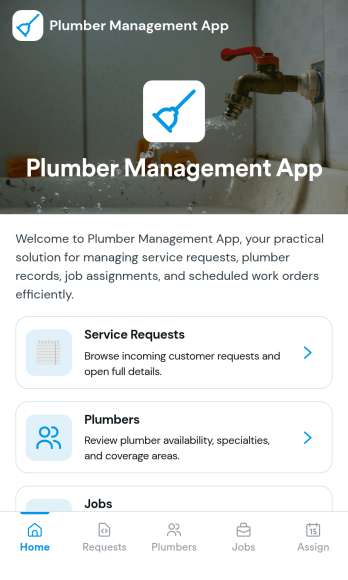
Plumber Management App
Plumber Management App helps plumbing businesses stay on top of day-to-day operations by keeping jobs, customers, schedules, and invoices in one place. It’s built for owner-operators, office admins, and small teams who need a clear view of work in progress and quick access to customer records. With dedicated areas for job lists, customer details, and invoice tracking, your team can reduce missed appointments, avoid duplicate work, and keep service history easy to find when a customer calls back.Jotform makes it easy to tailor this app template to how your plumbing company runs. Using Jotform’s no-code app builder and drag-and-drop interface, you can connect forms for data collection such as adding customers and creating invoices, then publish a simple self-service experience for your staff in the field or at the office. As your workflow evolves, you can adjust pages, update navigation, and keep everything organized without writing code.
Go to Category:Home Services Apps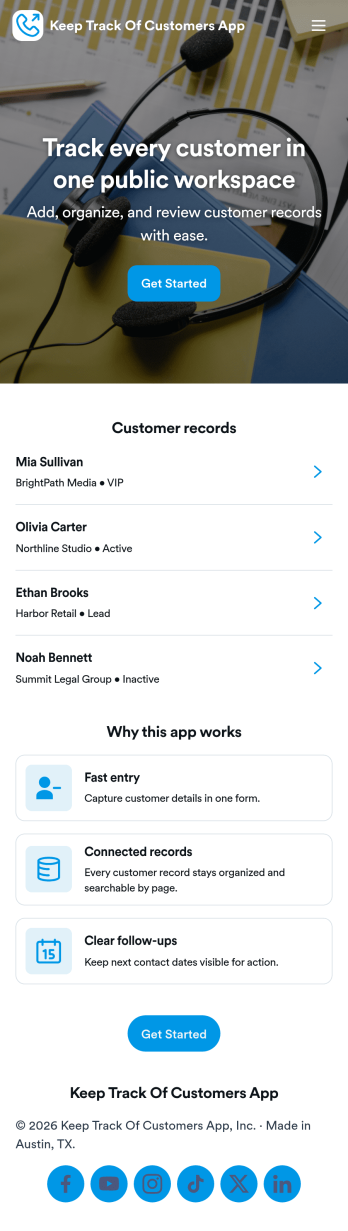
Keep Track of Customers App
Keep Track of Customers App helps you store customer details and stay on top of relationship history in one place. Use it to maintain a simple customer list, add new contacts as they come in, and review individual customer profiles without digging through spreadsheets or scattered notes. It’s a practical fit for small businesses, consultants, agencies, and service teams that need a lightweight way to organize customers and keep visibility into what’s happening with each account.With Jotform, you can turn this app template into a self-service, no-code experience that matches your workflow. Customize pages with a drag-and-drop interface, connect buttons to forms for data collection like adding customers, and keep activity records organized for quick reference. Share the app with your team using a link, keep information updated from anywhere, and scale your workflow as your customer list grows.
Go to Category:Customer Portal Apps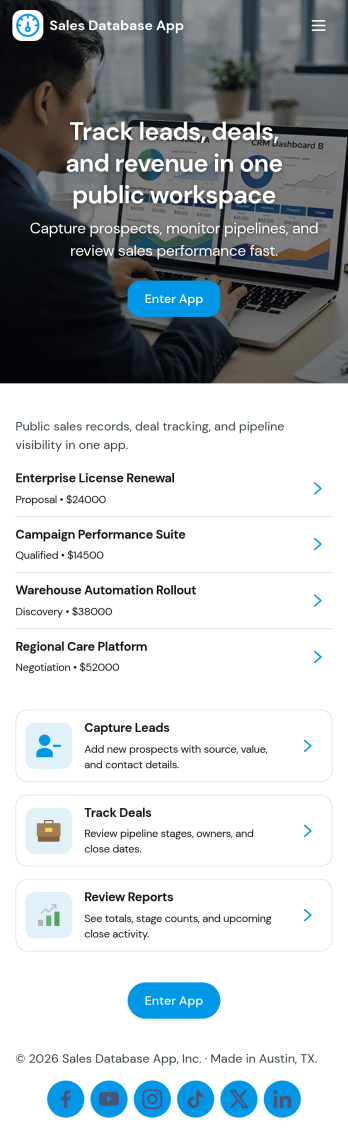
Sales Database App
Sales Database App keeps your sales records and customer details in one place so you can quickly look up deals, review history, and stay on top of follow-ups. It’s a practical fit for small businesses, sales teams, account managers, and founders who need a simple way to browse sales entries, open individual record pages, and manage a customer list without digging through spreadsheets. With dedicated areas for Sales Records and Customers, the app supports day-to-day tasks like checking a sale ID, viewing deal context, and adding new customers as your pipeline grows.Jotform makes it easy to turn your process into a shareable, mobile-friendly experience using App Templates and a no-code app builder. Customize the layout with a drag-and-drop interface, connect the app to forms for data collection, and keep your workflow consistent as your team grows. Share the app with your sales org through a link, refine it anytime, and give everyone a faster self-service way to find the information they need.
Go to Category:Sales & Marketing Portal Apps
Process Management App
Process Management App brings your team’s recurring workflows into one place so people can find the right process, follow consistent steps, and report problems as they happen. Use it to centralize SOPs for operations, IT, HR, facilities, or service teams who need a clear way to browse processes, open a process form, add notes, and log issues tied to specific work. It’s especially useful for growing organizations where updates get lost across docs and chats and where visibility into process health and common issues matters.Built with Jotform, this app template helps you publish a guided self-service experience without code. Customize pages with a drag-and-drop interface, connect the app to forms and lists for data collection, and keep information organized for quick access on any device. Share the app with your team using a link or QR code, then refine your workflow over time by updating processes, tracking reported issues, and keeping everyone aligned from a single hub.
Go to Category:Management Apps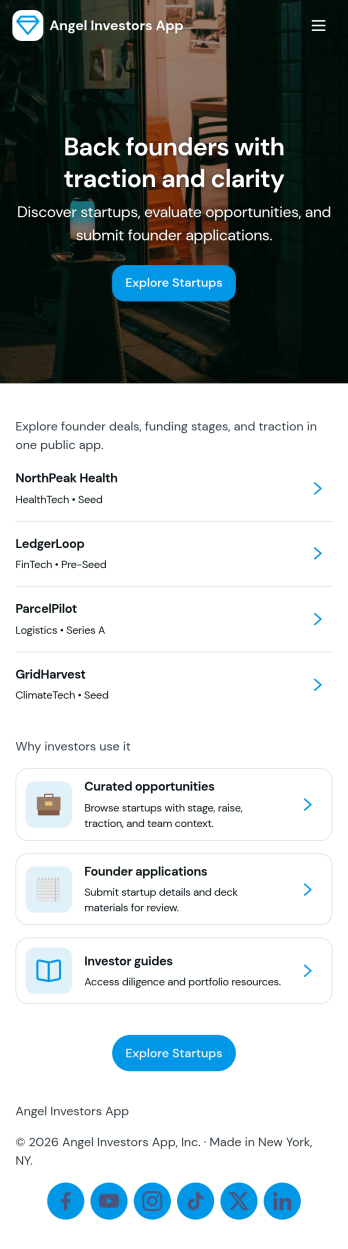
Angel Investors App
Angel Investors App brings early-stage deal discovery and interest tracking into one place for angels, syndicate leads, and small investment teams. Use it to browse available startups, review key deal details, and quickly express interest without juggling emails and scattered notes. With a simple deal list and dedicated actions for sending or submitting interest, it supports a repeatable process for screening opportunities and keeping conversations moving from first look to follow-up.Jotform makes it easy to adapt this app template to how you evaluate and manage deals. With Jotform’s no-code app builder and drag-and-drop interface, you can tailor pages, add your own branding, and connect forms and tables for consistent data collection across your pipeline. Share the app with partners through a link, centralize portfolio visibility, and use built-in dashboard insights to keep your workflow organized as deal volume grows.
Go to Category:Finance Apps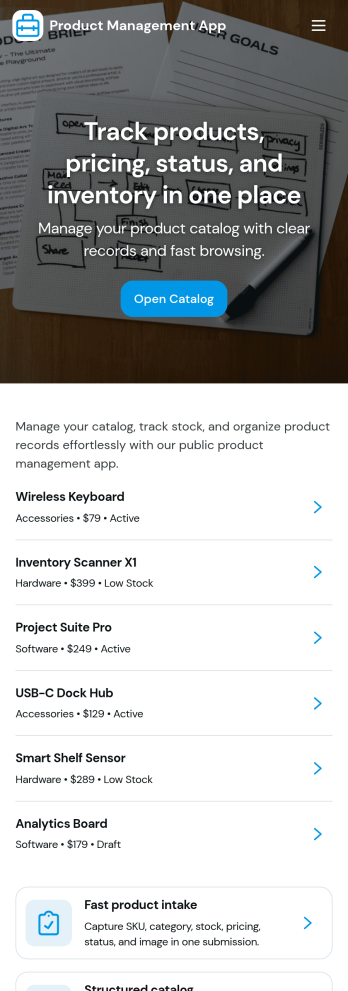
Product Management App
Product Management App helps teams keep product information organized and easy to act on, whether you’re maintaining a small catalog or coordinating updates across multiple stakeholders. Use it to browse products in one place, add new items as they’re created, and keep records current with simple edit actions. It’s a practical fit for product owners, operations teams, retail managers, and growing businesses that need a clearer view of what’s in the pipeline or already live without juggling scattered notes and spreadsheets.Jotform makes it simple to turn this app template into a branded, shareable experience with a no-code app builder and a drag-and-drop interface. Connect the app to your existing data collection workflow, route updates to the right people, and keep product records centralized as your process evolves. With Jotform, you can publish quickly, iterate layouts in minutes, and give your team a mobile-friendly self-service way to manage product details.
Go to Category:Management Apps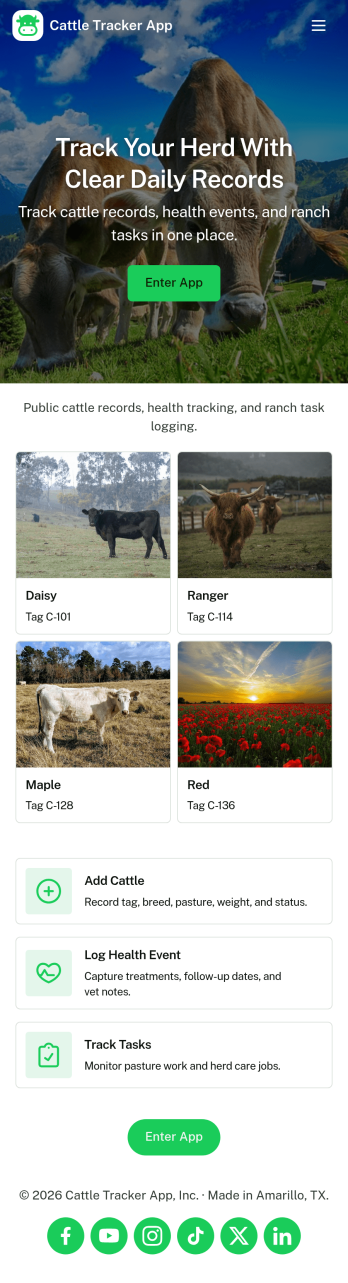
Cattle Tracker App
Cattle Tracker App helps ranchers, farm managers, and livestock teams keep day-to-day herd information organized in one place. Use it to open your herd list, add new cattle as animals are tagged or acquired, and keep records up to date as conditions change. It also supports ongoing monitoring by letting you log health checks and add activity notes, so you can quickly understand what has happened with each animal without digging through paper logs or scattered spreadsheets.Built with Jotform, this app template is easy to tailor for your operation using a no-code app builder and a drag-and-drop interface. Connect the app to your existing data collection workflows, route updates to the right people, and keep information consistent across the team. Share the app with staff through a link or QR code so everyone can capture updates in the field and keep your cattle records accurate and accessible.
Go to Category:Tracker Apps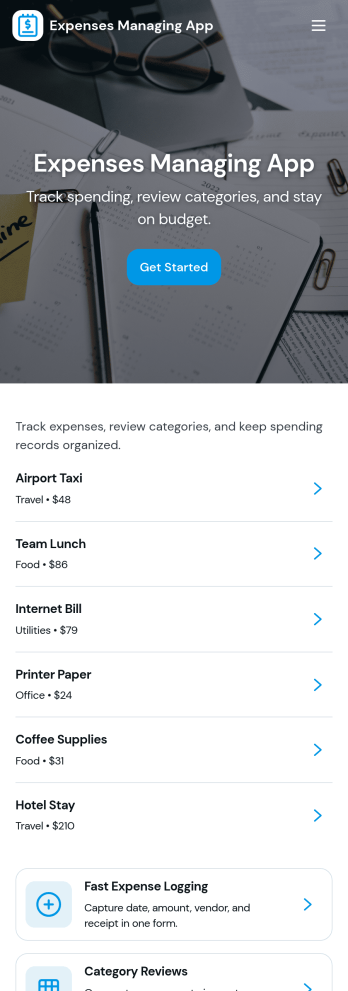
Expenses Managing App
Expenses Managing App helps individuals, teams, and small businesses record day-to-day spending in one place and keep a clear view of where money goes. Use it to log a new purchase as it happens, review expense history when reconciling accounts, and spot patterns through a simple insights view. It’s a practical fit for office managers tracking reimbursements, project leads monitoring job costs, freelancers separating client expenses, or households trying to stay on budget without juggling spreadsheets.Built with Jotform, this app template combines guided data collection with an easy-to-navigate, mobile-friendly experience. Customize pages, cards, and buttons with a drag-and-drop interface, connect your expense form to organized records, and share the app link with the right people for quick self-service logging. As your workflow grows, you can refine categories, update the layout, and keep reporting consistent across everyone who submits expenses.
Go to Category:Finance Apps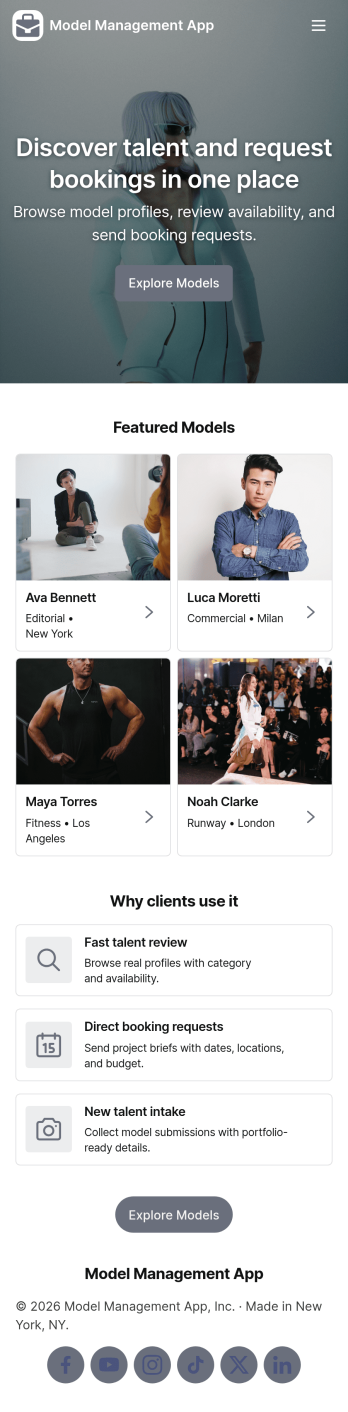
Model Management App
Model Management App helps agencies and talent teams organize model profiles, process new submissions, and keep reviews moving in one place. Use it to present a browsable model library, capture new intake details from prospective talent, and route profiles into a review queue so bookers and managers can make faster decisions. It’s a practical fit for boutique modeling agencies, casting teams, fashion show coordinators, and brand studios that need consistent records and a clear status view without juggling scattered files.Built with Jotform App Templates, this app template is easy to tailor with Jotform’s no-code app builder and drag-and-drop interface. Connect the app to forms for data collection, keep records organized, and guide your workflow from intake to review using simple navigation cards and buttons. Share the app securely with internal teams, or publish it as a self-service experience for applicants so new profiles arrive in a standardized format and your model library stays up to date.
Go to Category:Management Apps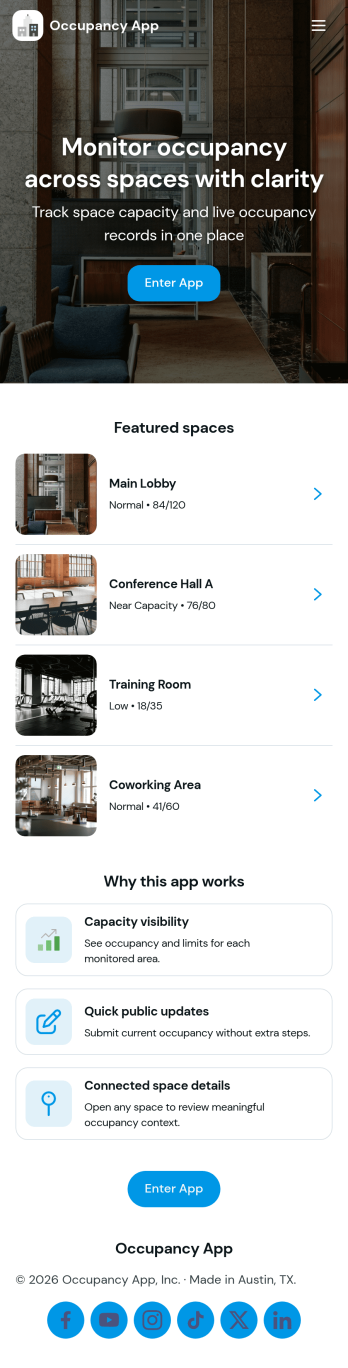
Occupancy App
Occupancy App helps teams track how many people are in a space across multiple locations, so staff can respond quickly and plan with confidence. Use it to manage day-to-day traffic in offices, gyms, clinics, warehouses, coworking spaces, or event venues where capacity awareness matters. With dedicated areas for locations, occupancy logging, and insights, it’s easy for coordinators and frontline staff to record counts, review capacity at a glance, and keep stakeholders aligned without relying on scattered notes or spreadsheets.Jotform makes it simple to turn this experience into a polished, shareable tool using ready-to-use app templates and a no-code app builder. Customize pages in a drag-and-drop interface, connect the app to forms for fast data collection, and keep information organized for self-service access. As your workflow evolves, you can adjust fields, update navigation, and share the app by link so teams can log updates and view insights from wherever they work.
Go to Category:Operations & Logistics Portal Apps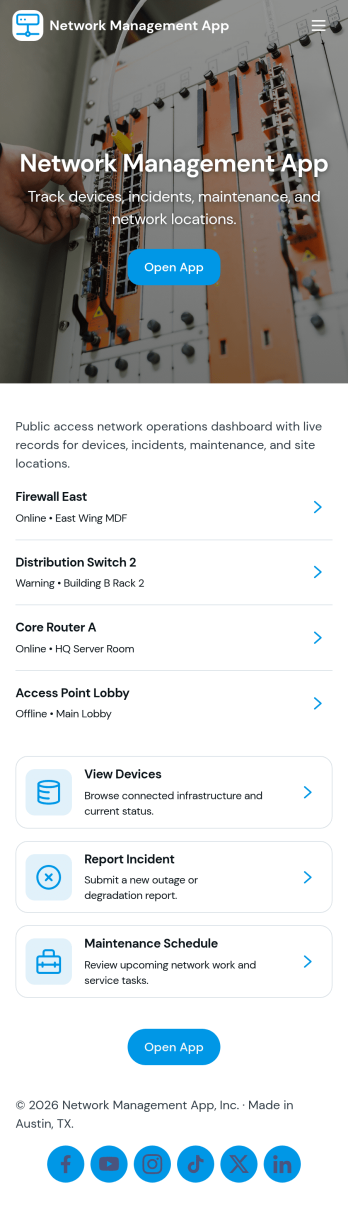
Network Management App
Network Management App helps IT teams keep day-to-day network operations organized in one place, from tracking devices to staying on top of support demand. With quick navigation to a device inventory and a support queue, it’s useful for MSPs, internal IT departments, and distributed organizations that need a clear view of core systems and access layer equipment without hunting through multiple tools or spreadsheets.Jotform makes it easy to turn network processes into a mobile-friendly, self-service experience using its no-code app builder and drag-and-drop interface. Connect pages to forms for consistent data collection, route requests through a workflow your team already follows, and share the app with technicians or stakeholders using a simple link or QR code. Customize the layout, branding, and access so your network operations stay clear, current, and actionable as your environment grows.
Go to Category:Information Technology Apps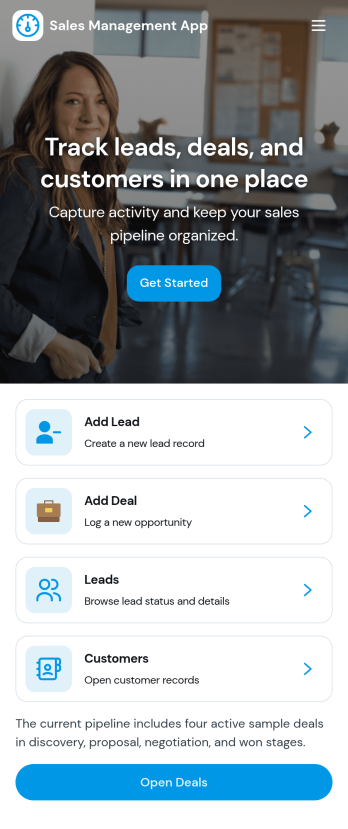
Sales Management App
Sales Management App brings your core sales activity into one place so teams can capture leads, monitor orders, respond to incoming requests, and keep an eye on performance without juggling separate tools. It’s a practical fit for SMB sales teams, account managers, and operations leaders who need a clear view of what’s in the pipeline, what’s been ordered, and what still needs follow-up. With quick lead creation and easy access to submitted lead details, it supports consistent data collection and faster handoffs across the sales process.Jotform App Templates make it easy to publish a mobile-friendly sales hub using Jotform’s no-code app builder and drag-and-drop interface. Connect buttons and pages to your existing forms and tables, share the app with your team through a link, and keep workflows moving with centralized self-service access to lead records, order visibility, and key insights as your sales operation grows.
Go to Category:Sales & Marketing Portal Apps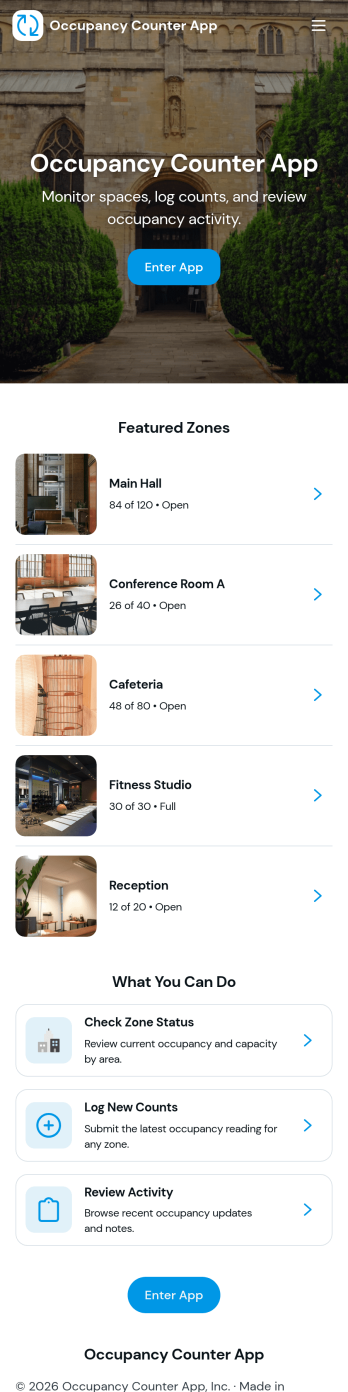
Occupancy Counter App
Occupancy Counter App helps teams track how many people are in a space throughout the day so staff can make quick, informed decisions. It’s a practical fit for retail stores, gyms, clinics, offices, schools, and event venues that manage multiple areas or rooms and want a simple way to log occupancy, review a live-style board, and check past counts. With quick actions like Add Entry and Log Occupancy, plus visual status cues such as Low Capacity and High Capacity, the app supports consistent updates without slowing down front-desk or floor operations.Jotform makes it easy to turn this app template into a branded, shareable self-service experience using a no-code app builder with a drag-and-drop interface. Connect the app to your form and tables for reliable data collection, route updates into the right workflow, and keep information accessible for your team from one link. You can publish fast, adjust pages as your space changes, and centralize occupancy tracking in Jotform without writing code.
Go to Category:Operations & Logistics Portal Apps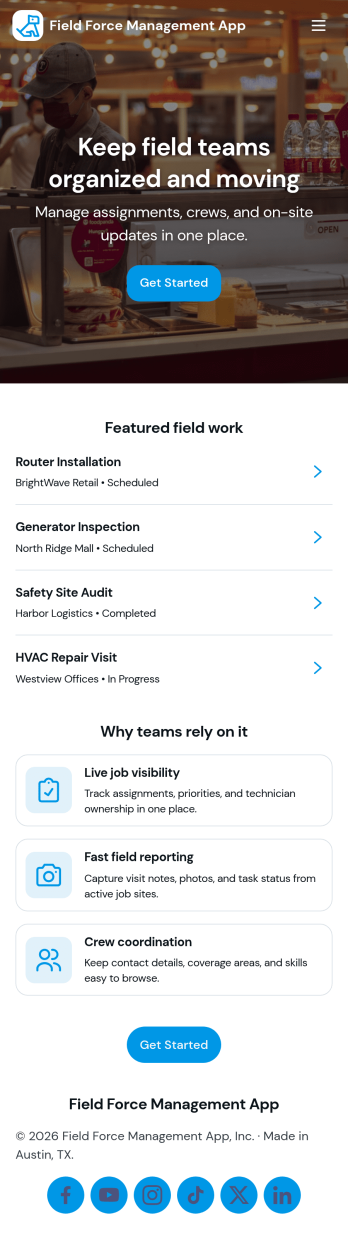
Field Force Management App
Field Force Management App supports teams that manage on-the-go work by organizing daily assignments, capturing check-ins from the field, and giving supervisors a clear view of productivity. Use it to assign and review Today’s Tasks, collect Live Check-ins from technicians or reps as they complete visits, and keep task details accessible so field staff always know what to do next. It’s a practical fit for home services, facilities teams, sales operations, maintenance crews, and any organization coordinating multiple field workers across locations.Jotform helps you turn these workflows into a mobile-friendly self-service experience with a no-code app builder and a drag-and-drop interface. Connect the app to forms for adding tasks and logging check-ins, then route entries into tables so dispatchers and managers can review field records, follow progress, and keep information consistent across the team. With Jotform App Templates, you can quickly customize pages, branding, and navigation to match how your field operations run.
Go to Category:Operations & Logistics Portal Apps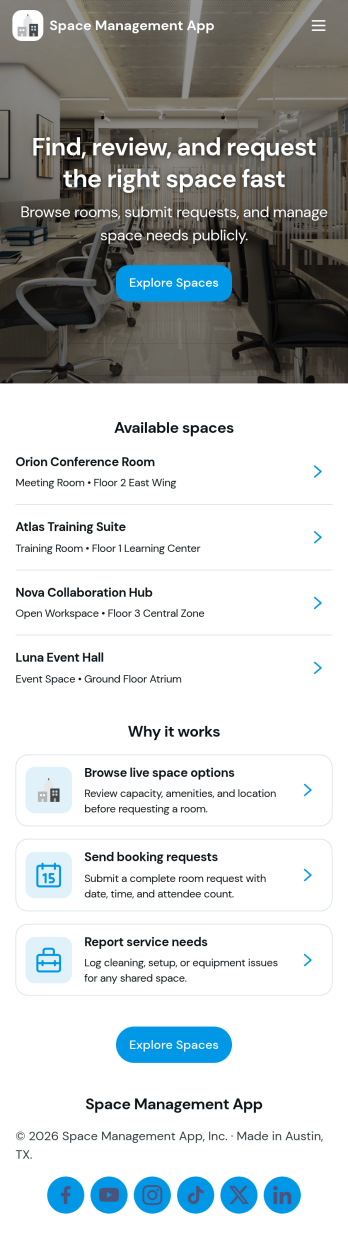
Space Management App
Space Management App helps teams organize shared spaces, coordinate bookings, and stay on top of basic maintenance needs in one place. It’s ideal for coworking operators, office admins, schools, community centers, studios, and property teams that manage rooms, desks, or facilities that people reserve. With dedicated areas for Spaces, Bookings, and Maintenance, you can keep availability clear, reduce double-booking, and give staff a consistent way to add spaces, create new bookings, and log inspections as needs come up.Built with Jotform App Templates, this app template can be tailored with Jotform’s no-code app builder and drag-and-drop interface to match how your locations run. Connect it to your existing data collection workflows, route maintenance items for internal follow-up, and keep space details and booking records easy to find for your team. Share the app by link for quick self-service access, and update pages, buttons, and branding so the experience fits your organization.
Go to Category:Management Apps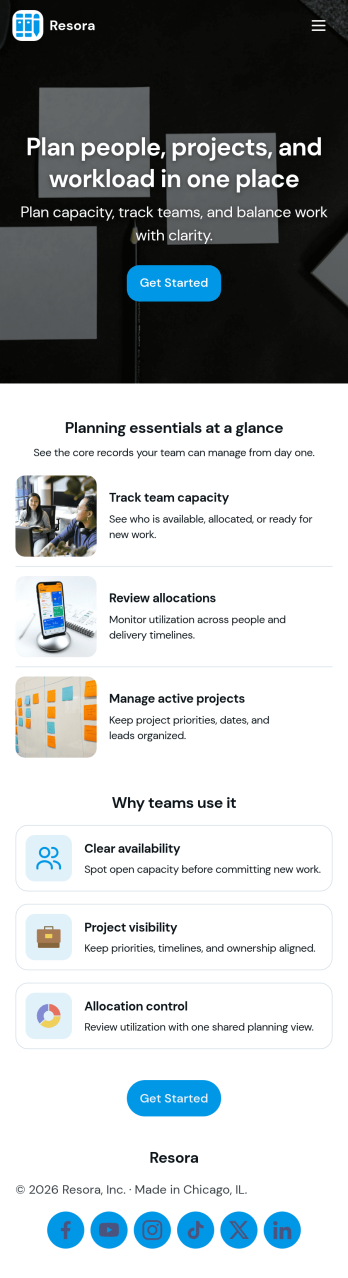
Resource Planning App
Resource Planning App helps teams plan projects and match demand with available capacity in one place, so it’s easier to see what’s coming up, who is available, and where work is already committed. Use it to organize a project list, maintain a resource directory, and record allocation details for each assignment without scattering updates across spreadsheets. It fits project managers, operations leads, and department heads who need a clear view of workload before committing to new timelines or shifting priorities.Built with Jotform, this app template turns your planning workflow into a shareable, self-service experience that’s easy to update. With a no-code app builder and a drag-and-drop interface, you can tailor pages for Projects, Resources, Allocations, and Insights, then connect forms for ongoing data collection and visibility. Link records to Jotform Tables, give stakeholders access to planning overviews, and keep submissions organized so your team can make quicker, better-informed resourcing decisions.
Go to Category:Management Apps
Workflow Management App
Workflow Management App helps teams keep day-to-day work moving by organizing tasks into a clear queue, routing items through approvals, and giving stakeholders a simple way to review recent activity. It fits operations groups, project coordinators, service teams, and department leads who need visibility into what’s assigned, what’s waiting, and what changed today without relying on scattered messages or spreadsheets.Built with Jotform App Templates, this app template can be published fast and tailored to your process using Jotform’s no-code app builder and drag-and-drop interface. Connect it to your task form for consistent data collection, then share a self-service workspace where users can open tasks, return to the main queue, and follow a repeatable workflow that stays easy to manage as your workload grows.
Go to Category:Management Apps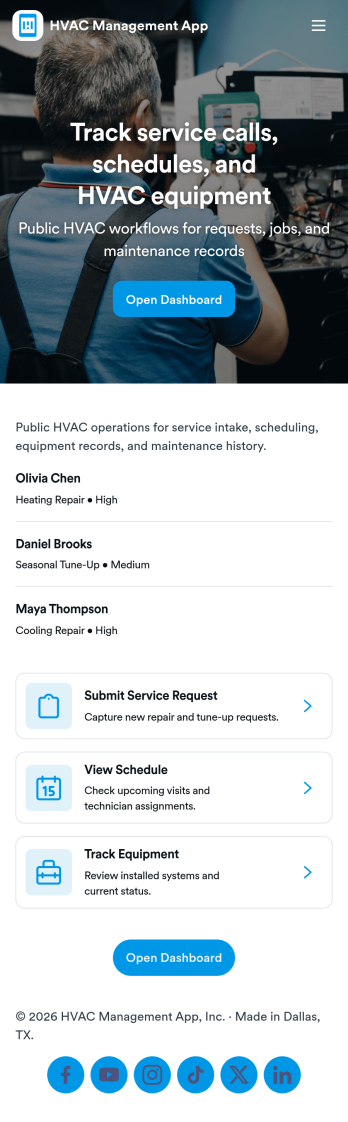
HVAC Management App
HVAC Management App brings service requests, equipment records, inspections, and maintenance tasks into one place so HVAC contractors and facilities teams can stay organized across multiple sites. Use it to capture new service requests from the field, browse assets by location, and keep a clear history of inspections and upkeep without relying on scattered notes or spreadsheets. It’s a practical fit for property managers, maintenance supervisors, and service coordinators who need quick visibility into what’s been reported, what equipment is in service, and what work is coming due.With Jotform, you can publish this app template as a self-service hub for technicians and staff, then tailor pages, buttons, and lists with a no-code app builder and drag-and-drop interface. Connect forms to your workflows for consistent data collection, keep records structured in connected tables, and share the app by link or QR code so teams can log requests, add assets, and record inspections from anywhere.
Go to Category:Home Services Apps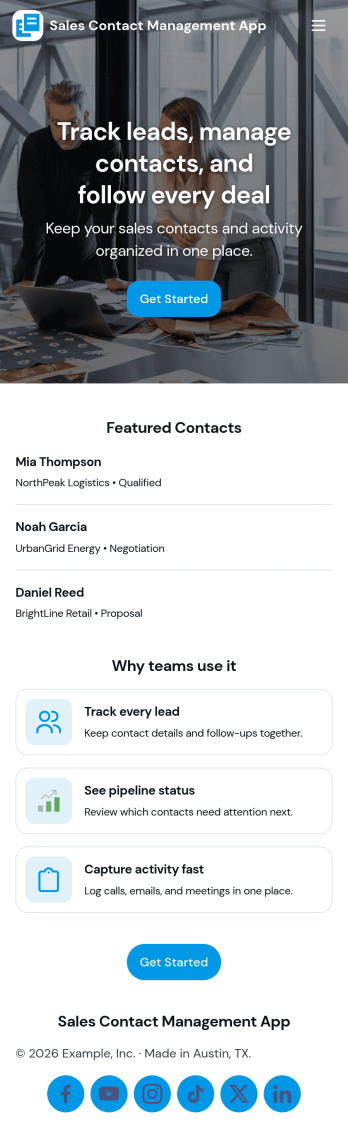
Sales Contact Management App
Sales Contact Management App helps sales teams keep prospects and customers organized in one place, making it easier to stay on top of outreach and follow-ups. With a built-in contact directory and a simple way to add new contacts, it supports day-to-day contact organization for account executives, SDRs, small business owners, and client-facing teams that need a dependable system for managing names and details as conversations move forward.Jotform makes it easy to turn this Sales Contact Management App into a branded self-service experience using its no-code app builder and drag-and-drop interface. Connect the app to your contact form and tables for ongoing data collection, then publish a shareable workflow your team can use from anywhere to keep contact records consistent, searchable, and ready when it’s time to reach out.
Go to Category:Sales & Marketing Portal Apps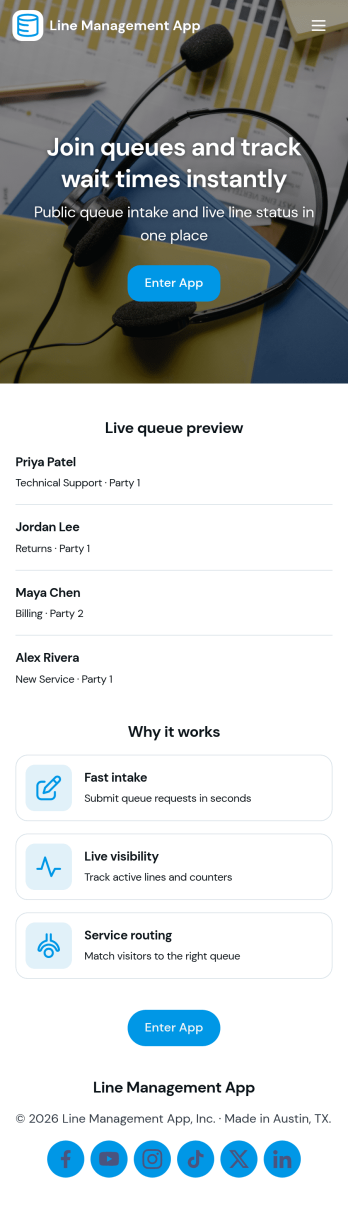
Line Management App
Line Management App helps teams handle walk-ins and on-site requests by giving customers a simple way to join the line and giving staff a clear view of the active queue. It works well for service counters, clinics, repair desks, school offices, reception areas, and any location where wait order matters. Visitors can add a request, while employees can open the queue, review who is next, and tap into a person’s details when it’s time to serve them. A dedicated service history view also makes it easier to reference past visits and spot recurring needs without hunting through messages or paper notes.With Jotform, you can turn this experience into a polished self-service flow using customizable app templates and a no-code app builder. Use a drag-and-drop interface to adjust pages, update labels, and match your branding, then connect the app to your forms and workflows for consistent data collection. Share the app by link or QR code so customers can join from their phone, and keep your team aligned with one central queue view that’s easy to manage throughout the day.
Go to Category:Task Management Apps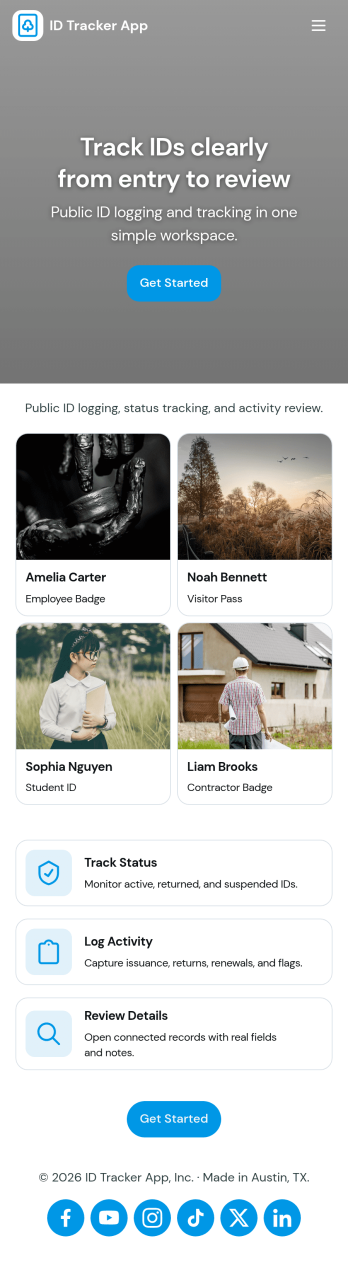
Id Tracker App
Id Tracker App helps teams register ID numbers and maintain a simple registry they can browse later. Use it to capture new IDs in one place, open the registry to view existing entries, and tap into a specific record when you need to confirm details quickly. It fits front desks, small offices, clubs, schools, property managers, and any operation that needs a lightweight way to log and look up identifiers without digging through spreadsheets.With Jotform, you can turn this Id Tracker App into a branded self-service experience using a no-code app builder and a drag-and-drop interface. Connect the app to your forms and data collection workflow, organize records in a searchable registry view, and share the app with a link or QR code so staff can add or review IDs from anywhere.
Go to Category:Tracker Apps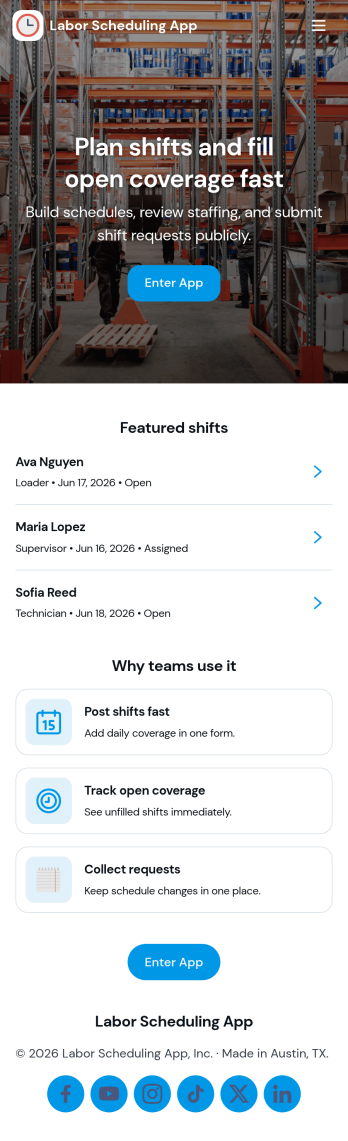
Labor Scheduling App
Labor Scheduling App helps managers coordinate employee coverage with a clear shift board, a simple way to add shifts, and an organized request flow for time-off or schedule changes. It fits teams that rely on hourly staffing such as retail stores, restaurants, field service crews, warehouses, and event operations where last-minute updates can create confusion. With dedicated areas for crew details and schedule history, this app template supports day-to-day planning while keeping everyone aligned on who is working, when, and where.Jotform makes it easy to turn this Labor Scheduling App into a branded self-service experience using App Templates and a no-code app builder with a drag-and-drop interface. Connect buttons to forms and tables to capture schedule updates, centralize shift information, and keep requests moving through your workflow without relying on scattered messages. Share the app with your team through a link so staff can stay informed and managers can keep scheduling organized from one place.
Go to Category:Scheduling Apps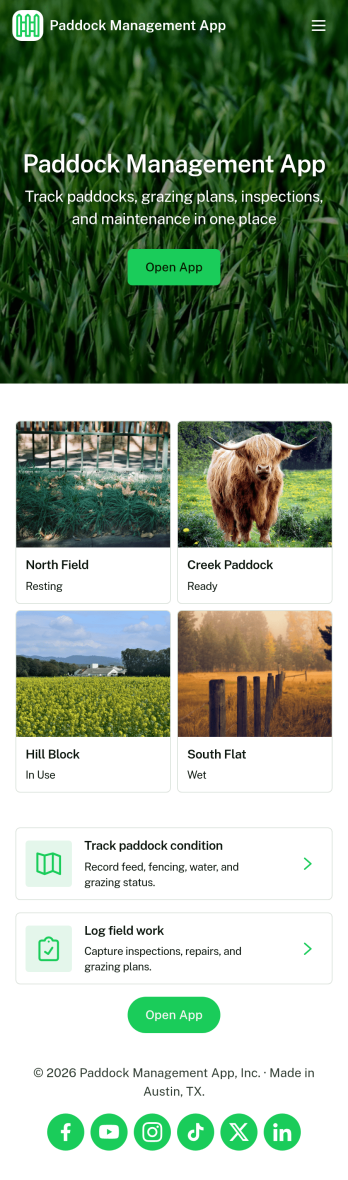
Paddock Management App
Paddock Management App helps farms and ranches keep daily paddock operations organized in one place, so crews can stay on top of what needs attention and when. Use it to log livestock details, review a quick livestock snapshot, and check Today’s Work so nothing gets missed during busy rotations, feeding schedules, or routine checks. It also supports work requests for repairs, supplies, or pasture tasks, making it easier to capture issues as they come up and keep open requests visible to everyone involved.With Jotform, you can turn this app template into a mobile-friendly self-service hub for the field without relying on code. Customize pages and cards with a drag-and-drop interface, connect buttons to forms for data collection, and keep records organized in connected workflows. Share the app by link or QR code so staff can add livestock entries, submit new requests, and review updates from anywhere.
Go to Category:Management Apps