

Online Service Apps

Favorites Bookmarking App
Favorites Bookmarking App is an organized space for saving, categorizing, and revisiting useful online resources. Individuals, students, researchers, educators, content teams, and small businesses can use this app template to keep important websites from becoming scattered across browsers, messages, and documents. Users can add a bookmark, browse the complete collection, explore categories such as work, learning, and tools, and open a dedicated page with the saved link, tags, and supporting details. It is well suited to personal research libraries, shared team references, study resources, content inspiration, and frequently used workplace tools.Jotform helps you turn this ready-made template into a polished bookmarking experience without writing code. Use the no-code app builder and drag-and-drop interface to adjust pages, navigation, colors, fonts, images, and branding. You can connect forms for data collection, organize saved resources around your workflow, and give users convenient self-service access from phones, tablets, or computers. Once customized, the Favorites Bookmarking App can be published and shared through a direct link or QR code, making Jotform App Templates a practical starting point for a centralized, easy-to-maintain resource collection.
Go to Category:Organization Apps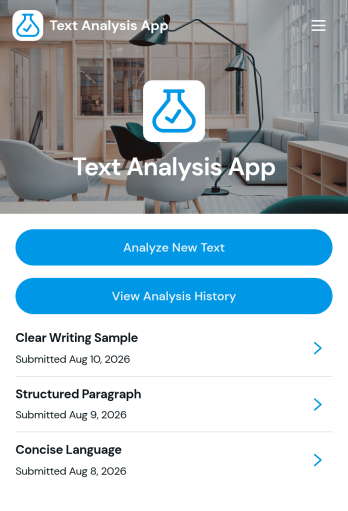
Text Analysis App
Text Analysis App provides a focused workspace for organizing text review activities and guiding users through a consistent analysis process. Researchers, content teams, educators, consultants, support teams, and small businesses can adapt this app template for reviewing customer comments, survey responses, written assignments, interview notes, or marketing copy. Its page-based structure can present analysis instructions, link users to text collection resources, and direct them toward relevant results or reference materials. This helps teams centralize their process, reduce scattered resources, and make recurring text reviews easier to manage.Jotform App Templates give organizations a flexible starting point for building interactive experiences without coding. With Jotform’s no-code app builder and drag-and-drop interface, users can customize the Text Analysis App with branded pages, buttons, links, media, and connected forms. It can also be expanded to support data collection, approvals, tables, notifications, and other workflow steps as needs evolve. Once ready, the app can be shared through a direct link or QR code, providing convenient mobile-friendly access for staff, clients, students, or research participants.
Go to Category:Information Technology Apps
Dermatology Teleconsultation App
Dermatology Teleconsultation App helps clinics and dermatology practices offer remote skin consultations in a simple, guided experience for patients. Use it to centralize key teleconsultation actions like sharing consultation instructions, directing patients to provide details about symptoms, and keeping follow-up guidance easy to find in one place. It works well for private practices, multi-location clinics, and online services that want a consistent patient journey for non-urgent dermatology concerns.Jotform App Templates make it easy to publish a patient-friendly self-service experience without coding. With Jotform’s no-code app builder and drag-and-drop interface, you can customize pages, add branded content, and connect the app to data collection and workflow tools behind the scenes as your process evolves. Share your app with a link or QR code, keep information up to date in minutes, and deliver a smoother teleconsultation experience from intake to next steps.
Go to Category:Healthcare Apps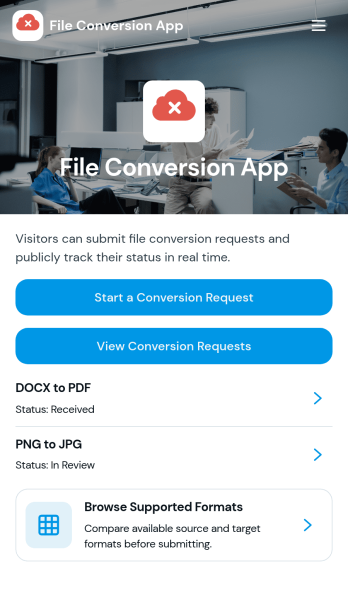
File Conversion App
File Conversion App centralizes file conversion requests so teams and customers can quickly ask for the right output format without confusion. It works well for IT and support desks, marketing teams handling creative exports, education departments preparing shareable materials, and service providers who routinely convert documents, images, audio, or video for clients. People can review supported formats, choose the conversion they need, and send a conversion request from one place, reducing missed details and repeat questions.Jotform makes it easy to publish this kind of self-service experience using a no-code app builder with a drag-and-drop interface. Connect the app to a form for data collection, route requests through the right workflow, and keep everything consistent as volume grows. You can share your File Conversion App with a link or QR code, adjust branding to match your organization, and update supported options anytime without rebuilding the app.
Go to Category:Information Technology Apps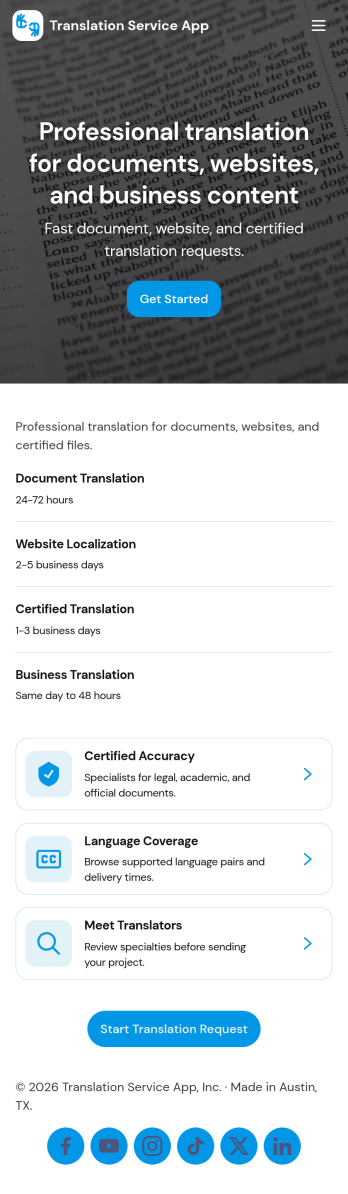
Translation Service App
Translation Service App helps language service providers and teams manage translation work in one place, from browsing available language pairs to submitting new translation requests. It’s a practical fit for freelance translators, agencies, customer support teams, and global businesses that handle ongoing document, website, or marketing localization. With simple navigation for exploring languages and quick actions to start a request, the app supports faster intake while keeping clients and internal stakeholders aligned on what’s needed and when.Jotform makes it easy to turn this translation workflow into a polished self-service experience using its no-code app builder and drag-and-drop interface. Connect your request form to organized lists for ongoing tracking, share the app with a link for clients or teammates, and keep translation data collection consistent as volume grows. You can update pages, refine request steps, and expand the workflow over time without writing code.
Go to Category:Service Apps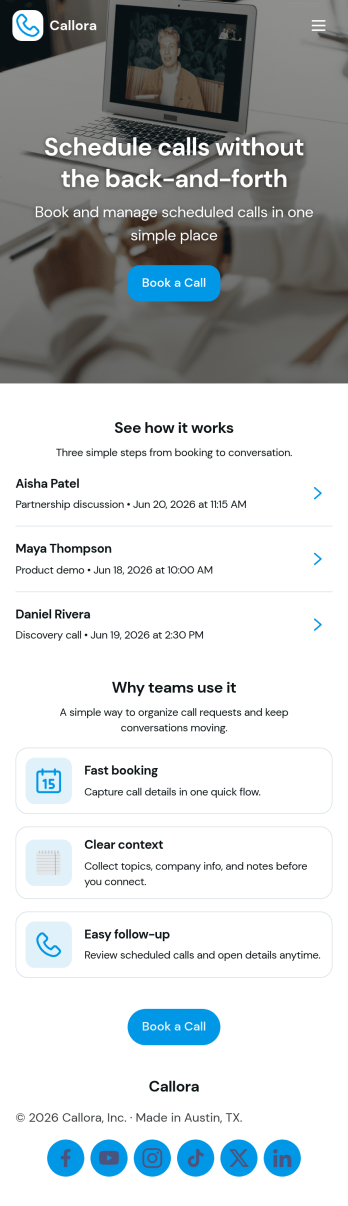
Scheduled Call App
A scheduled call app gives clients, prospects, or internal teams a simple place to book time on your calendar and keep track of what’s coming up next. Use it to route booking requests to the right person, capture key details before the call, and reduce missed meetings by making the next steps clear. It’s a practical fit for consultants, sales teams, customer success, recruiters, and service providers who run recurring calls and want a consistent booking experience without bouncing between messages and links.With Jotform, you can turn this Scheduled Call App into a polished self-service experience using a no-code app builder and a drag-and-drop interface. Connect the booking flow to your form for data collection, then display upcoming calls in organized lists so users can review schedules and book another call when needed. Share the app with a link or QR code, tailor pages to match your workflow, and keep your scheduling process easy to manage as volume grows.
Go to Category:Appointment & Booking Apps