

Scheduling App Templates

Virtual Calendar App
Virtual Calendar App helps individuals and teams capture events and keep a clear view of what’s happening today and what’s coming up next. Use it to collect event details through a simple add-event form, then browse an event list with quick navigation to Today and Upcoming views. It works well for remote teams coordinating meetings, coaches managing sessions, community groups tracking activities, and small businesses that need one shared place to record and review scheduled items without digging through messages.Jotform makes it easy to turn this virtual calendar into a polished self-service experience with its no-code app builder and drag-and-drop interface. Connect the app to your Jotform form and organize data collection into a lightweight workflow for adding and reviewing events, then share your app by link or QR code so stakeholders can stay aligned from any device. As your needs grow, you can expand pages, adjust navigation, and keep your calendar experience consistent with your branding.
Go to Category:Daily Planner Apps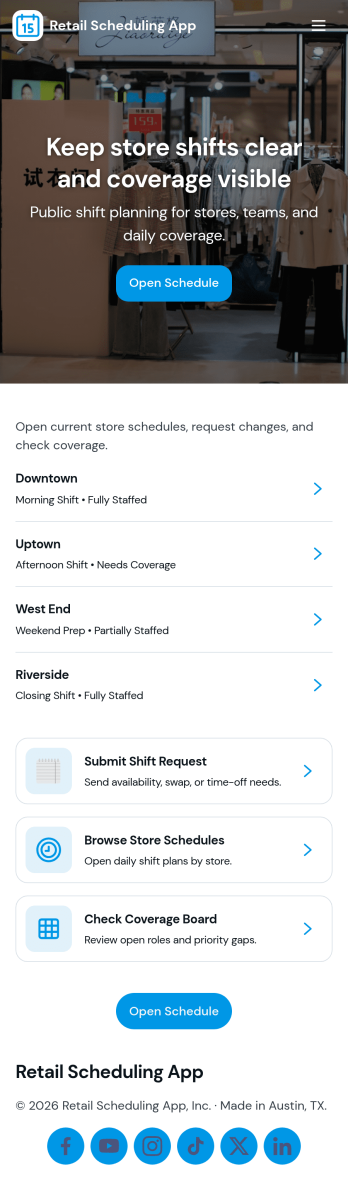
Retail Scheduling App
Retail Scheduling App brings daily store staffing into one place so managers and associates can stay aligned on who is working, when, and where coverage is needed. Use it to publish today’s schedule, keep a clear shift board, maintain a team roster, and collect swap requests without relying on scattered messages. It’s a practical fit for retail shops, pop-up locations, multi-location stores, and seasonal teams that need fast updates and fewer missed handoffs across opening, peak hours, and closing shifts.Built with Jotform, this app template helps you turn scheduling tasks into a simple self-service experience employees can access from a single link. With Jotform’s drag-and-drop no-code app builder, you can tailor pages, buttons, and lists to match your store’s workflow, then connect shift request forms to the app for consistent data collection. Share updates instantly, centralize requests, and keep scheduling information organized as your team grows.
Go to Category:HR Portal Apps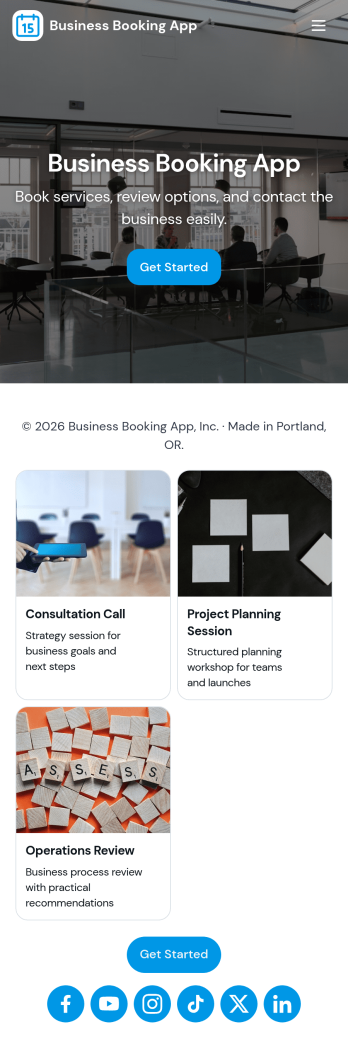
Business Booking App
A business booking app gives service-based teams a clear, client-friendly way to take new appointments and keep upcoming bookings organized in one place. Use it to promote core services like consultations, project reviews, and strategy calls, while giving customers a simple path from browsing options to booking. With prominent booking actions and a dedicated area to view upcoming bookings and booking details, it fits consultants, agencies, coaches, and small businesses that need a reliable schedule without email chains or missed requests.Jotform makes it easy to build and publish app templates like Business Booking App using a no-code app builder and a drag-and-drop interface. Connect your booking form to the app for fast data collection, then turn those entries into an easy self-service experience where customers can submit new bookings and you can review booking summaries and contact information. Customize pages, buttons, and cards to match your brand, share the app with a link or QR code, and keep your workflow moving with a single, mobile-friendly booking hub.
Go to Category:Booking Apps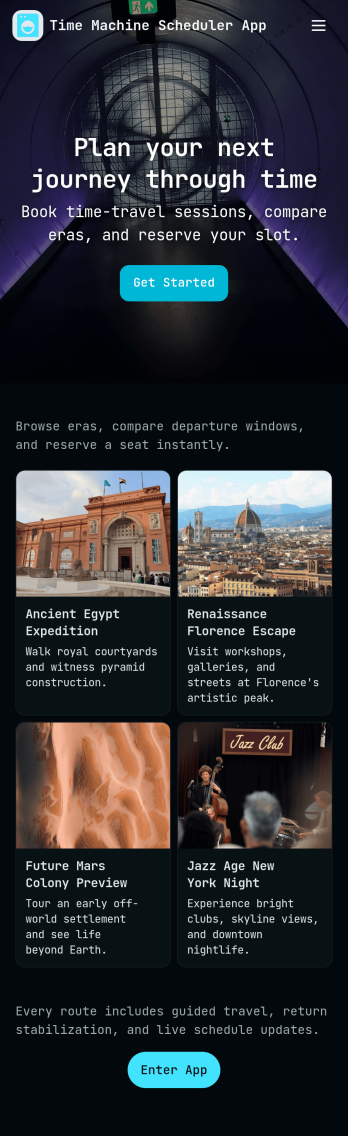
Time Machine Scheduler App
A Time Machine Scheduler App gives teams a playful, story-driven way to plan “jumps” on a shared schedule, review assigned missions, and keep a running record of what happened across a timeline. It works well for creative projects, escape-room style events, tabletop campaigns, team-building activities, or internal training scenarios where participants need a clear place to schedule the next jump, browse mission details, and refer back to timeline logs and rules. With dedicated navigation for Schedule Jump, View Missions, and Timeline Logs, the experience stays simple while still supporting repeatable planning and coordination.Jotform makes it easy to turn this idea into a polished self-service experience using App Templates and a no-code app builder. With a drag-and-drop interface, you can reorganize pages, update labels and content, and connect actions like New Jump to a form for data collection. Share your Jotform app by link or QR code so participants can access the schedule and mission info from anywhere, while your team keeps the workflow organized and consistent as plans evolve.
Go to Category:Appointment & Booking Apps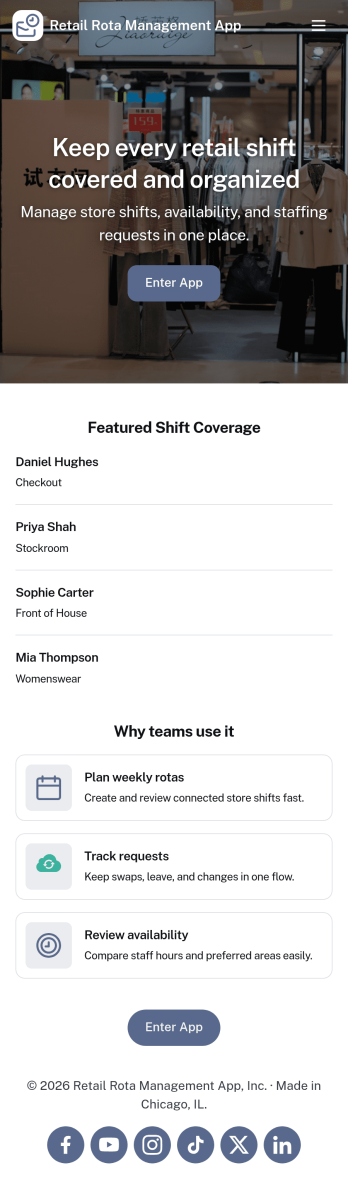
Retail Rota Management App
Retail Rota Management App helps stores organize day-to-day shift coverage by giving staff and managers one place to view today’s rota, share availability, and keep shift notes tied to specific dates. It suits retail teams that juggle part-time schedules, rotating coverage, and last-minute changes, including boutique shops, pop-up stores, mall kiosks, and multi-location retailers that need consistent coordination across the floor.With Jotform, you can publish this app template as a self-service scheduling hub without code. Use the drag-and-drop app builder to adjust pages, add role-specific navigation, and connect forms for availability updates and shift note logging, while keeping everything organized for faster decision-making and smoother retail workflows.
Go to Category:Retail Apps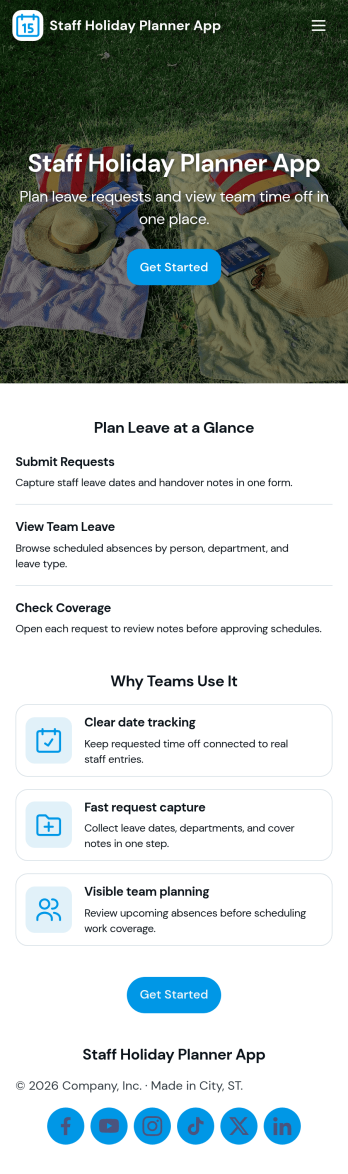
Staff Holiday Planner App
Staff Holiday Planner App helps teams organize time-off requests in one place, so managers can see upcoming absences and employees can submit requests without confusion. It fits HR teams, office managers, and department leads who need a clear, shared view of who is out and when, especially for busy periods, shift coverage, and cross-functional projects. With quick navigation to request time off and a team overview, the app supports smoother planning and fewer scheduling surprises.Built with Jotform, this app template turns your holiday planning workflow into a simple self-service experience you can share in minutes. Use Jotform’s no-code app builder and drag-and-drop interface to tailor pages, update request guidance, and connect data collection to your forms and tables for reliable tracking. As requests come in, your team can keep everything organized with a connected workflow and a centralized view of holiday requests.
Go to Category:Human Resources Apps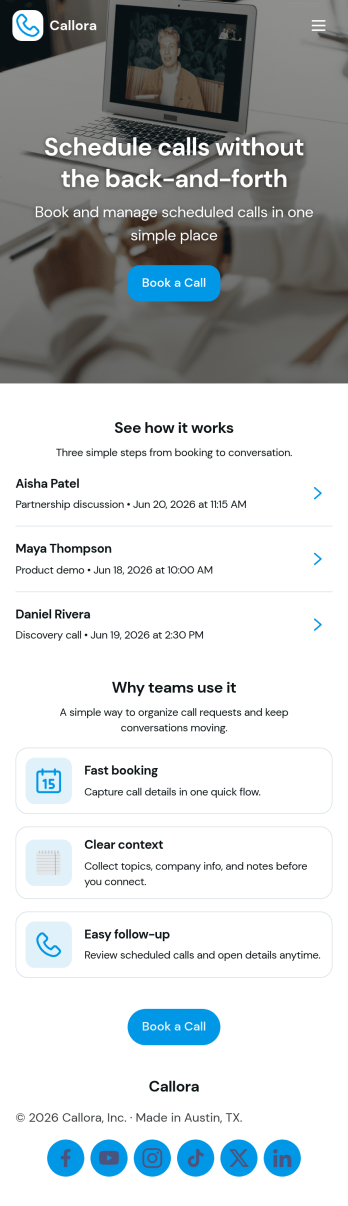
Scheduled Call App
A scheduled call app gives clients, prospects, or internal teams a simple place to book time on your calendar and keep track of what’s coming up next. Use it to route booking requests to the right person, capture key details before the call, and reduce missed meetings by making the next steps clear. It’s a practical fit for consultants, sales teams, customer success, recruiters, and service providers who run recurring calls and want a consistent booking experience without bouncing between messages and links.With Jotform, you can turn this Scheduled Call App into a polished self-service experience using a no-code app builder and a drag-and-drop interface. Connect the booking flow to your form for data collection, then display upcoming calls in organized lists so users can review schedules and book another call when needed. Share the app with a link or QR code, tailor pages to match your workflow, and keep your scheduling process easy to manage as volume grows.
Go to Category:Appointment & Booking Apps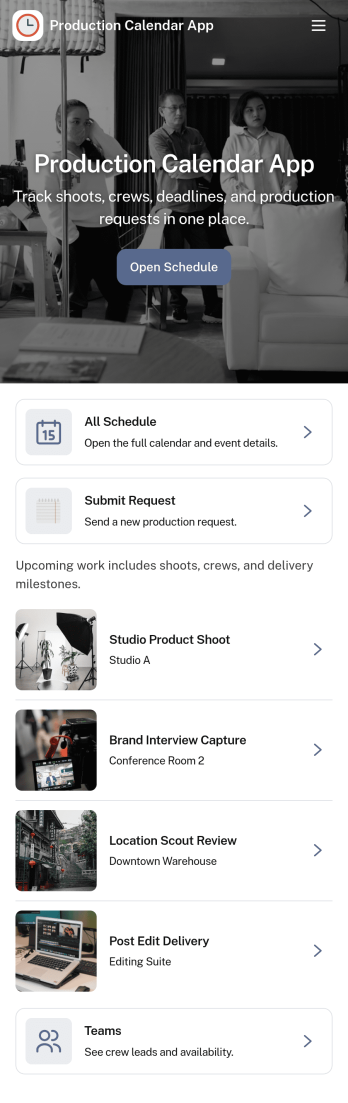
Production Calendar App
A production calendar app keeps your daily manufacturing or shop-floor plan in one place so teams can see what’s scheduled, what’s in progress, and what needs attention today. Use it to review today’s load, open the schedule for upcoming runs, and route staff to the right work order details without hunting through messages or spreadsheets. It’s a practical fit for production managers, schedulers, supervisors, and operators who need a clear view of priorities across shifts, lines, or stations.With Jotform, you can turn this production calendar into a shareable self-service workspace using a no-code app builder and a drag-and-drop interface. Connect schedule entries to forms for quick update reporting, organize work orders in a structured list, and keep your workflow moving with centralized data collection that’s easy to access on desktop or mobile. As needs change, adjust pages, buttons, and navigation so the app matches how your team plans, updates, and runs production.
Go to Category:Operations & Logistics Portal Apps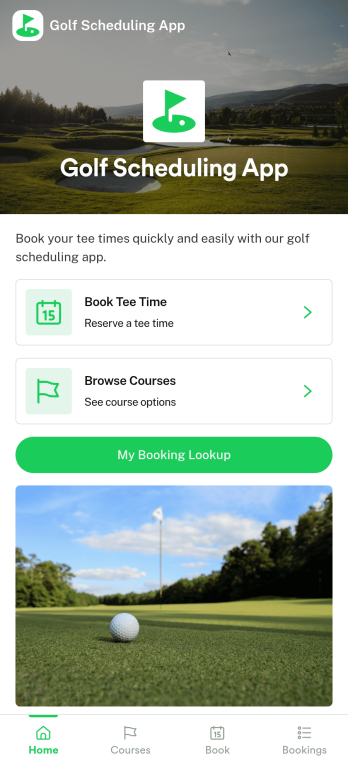
Golf Scheduling App
Golf Scheduling App helps players and organizers coordinate tee times and golf events in one place, making it easier to plan rounds, confirm availability, and keep everyone aligned. It works well for golf clubs, leagues, instructors, corporate outing planners, and friend groups who want a simple way to publish schedules, collect responses, and reduce missed details when plans change.With Jotform, you can turn this app template into a branded scheduling experience using a no-code app builder and a drag-and-drop interface. Share the app through a link or QR code, connect it to data collection forms and workflows, and update scheduling information quickly so members, guests, or participants always have the latest details.
Go to Category:Scheduling Apps
Hourly Schedule App
Hourly Schedule App helps teams and individuals plan, assign, and review hour-by-hour shifts in one place. Use it to guide daily coverage, share a clear “today” view, and reduce confusion around who is working when. With dedicated areas to view the schedule, add a shift, and manage requests, it fits fast-moving workplaces like retail, hospitality, clinics, field services, and any operation where hourly staffing changes often.Built with Jotform, this app template turns scheduling into a mobile-friendly self-service experience you can share in minutes. Use Jotform’s no-code app builder and drag-and-drop interface to adjust pages, add fields, and connect the app to your existing data collection and workflow needs. Publish a link for staff access, keep schedule information up to date, and make it easier for everyone to find the right schedule view and take action without digging through messages.
Go to Category:HR Portal Apps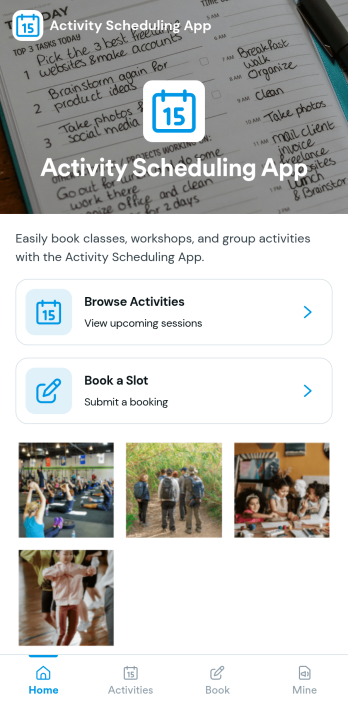
Activity Scheduling App
Activity Scheduling App helps individuals, teams, and groups plan a day by browsing available activities, viewing activity details, and creating schedules from one place. It’s a practical fit for clubs, community programs, trainers, student groups, and small organizations that run recurring sessions or rotating activities and need an easy way for people to pick what they want to do and reserve a time.With Jotform, you can turn this app template into a self-service scheduling experience using a no-code app builder and a drag-and-drop interface. Link cards and pages to your scheduling form, keep schedules organized, and share the app with a simple link so users can submit requests and revisit their planned items under My schedules as your workflow evolves.
Go to Category:Booking Apps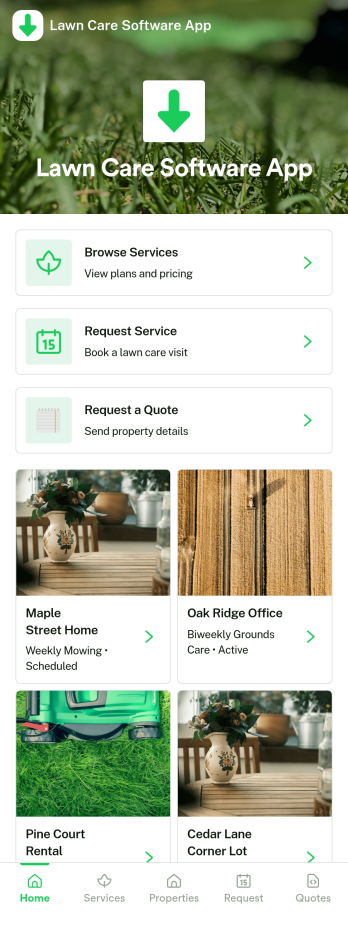
Lawn Care Software App
Lawn care teams use this Lawn Care Software App to keep client details, upcoming work, and incoming service requests organized in one place. It’s a practical fit for solo operators, growing landscaping businesses, and office coordinators who need a clear view of who they serve and what needs to be done next. With dedicated areas for Clients, Jobs, and Requests, the app supports day-to-day scheduling and follow-through without relying on scattered notes or separate spreadsheets.Built with Jotform, this app template can be tailored with a no-code app builder and a drag-and-drop interface, so you can match it to how your crew actually works. Connect the key actions in your workflow, from adding a new client or job through linked forms to sharing an invoice link when work is complete. As information comes in, Jotform helps centralize data collection and keep your workflow moving, making self-service easier for your team and faster for customers.
Go to Category:Home Services Apps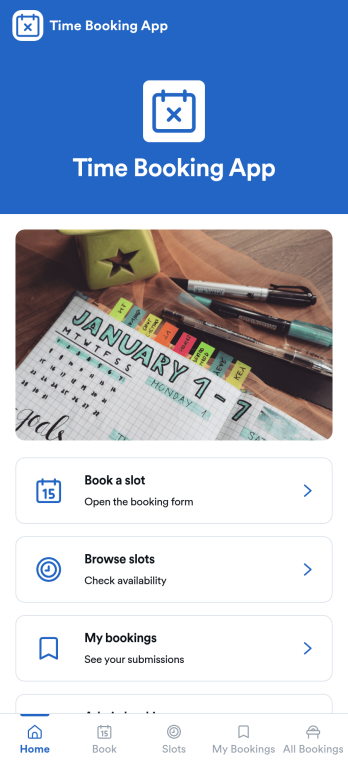
Time Booking App
Time Booking App helps people reserve available time slots, review options before committing, and keep track of upcoming bookings in one place. It works well for service teams, instructors, consultants, and small businesses that need a simple way to offer bookable slots without juggling messages and manual confirmations. With clear paths to book a slot, browse slots, and view my bookings, it supports both first-time visitors and returning customers who want to quickly manage their schedules.Built with Jotform, this app template can be tailored to match how you run appointments and time-based reservations. Use Jotform’s no-code app builder and drag-and-drop interface to adjust pages, update labels, and connect the booking form and bookings list to your workflow. Share the app through a link or QR code for self-service access, and keep data collection organized so your team can monitor bookings and respond faster.
Go to Category:Booking Apps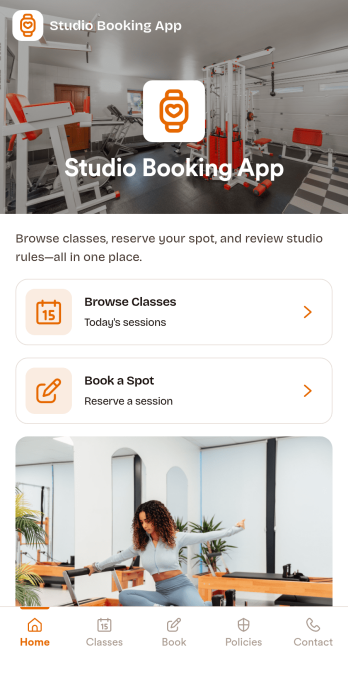
Studio Booking App
Studio Booking App helps studios organize inquiries and guide clients to the right session without confusion. Visitors can browse services, book a session through a clear call to action, and quickly reach your team with tap-to-call and email options. It works well for creative studios, rehearsal spaces, recording rooms, photo studios, and any team that needs a simple, client-friendly way to turn interest into scheduled sessions while keeping communication in one place.Built with Jotform App Templates, this app template can be tailored in minutes using a no-code app builder and a drag-and-drop interface. Connect the booking experience to your existing data collection flow with a linked form, then publish and share a single self-service destination your clients can open on any device. As your workflow evolves, you can update pages, buttons, and service listings to match your schedule and offerings without rebuilding from scratch.
Go to Category:Booking Apps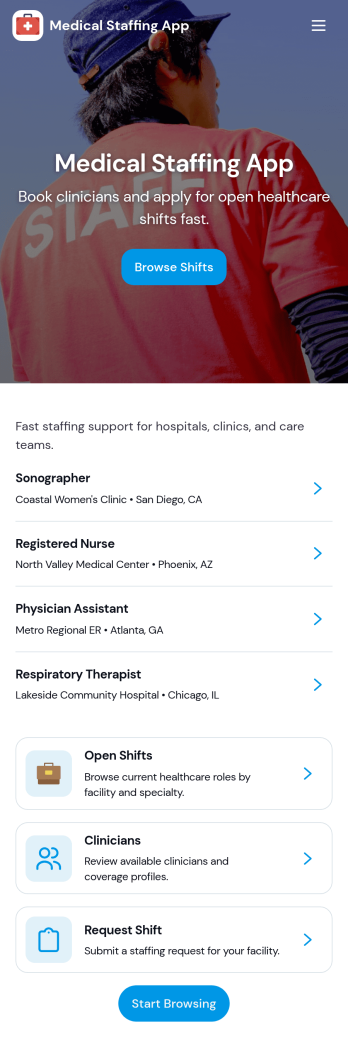
Medical Staffing App
Medical Staffing App helps healthcare teams organize daily staffing needs in one place, making it easier to view open shifts, find the right staff member, and submit shift requests without juggling calls, texts, and spreadsheets. Use it to share available shifts across units or facilities, keep a simple staff directory for quick lookup, and give managers a clear path for reviewing incoming requests as staffing needs change.Built with Jotform, this app template can be tailored with a drag-and-drop interface using a no-code app builder, so you can adjust pages, labels, and actions to match your process. Connect it to your forms and tables for reliable data collection, keep workflows moving with optional approvals and notifications, and publish a self-service experience your team can open from a link or QR code on any device.
Go to Category:Healthcare Apps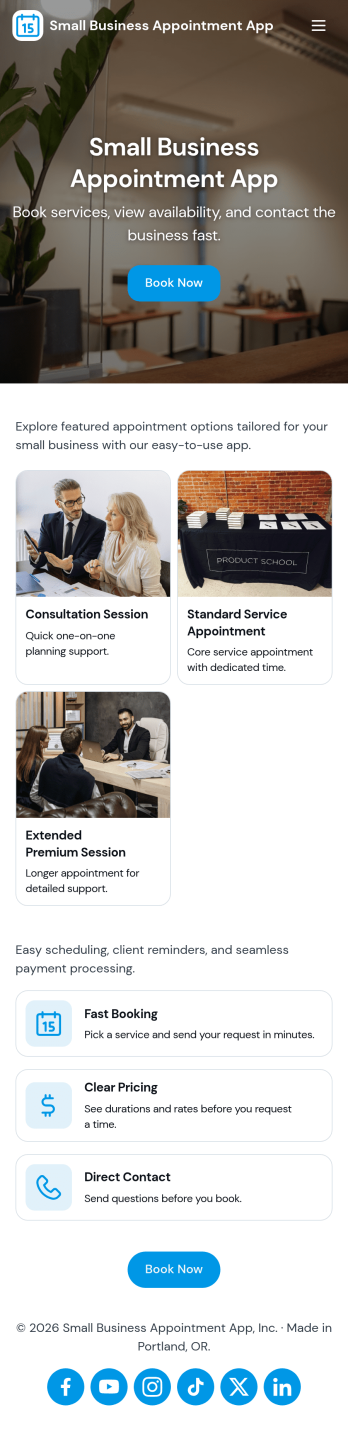
Small Business Appointment App
Small Business Appointment App brings your booking flow and appointment organization into one place, so clients can view services and book quickly while your team keeps a clear schedule. Use it for salons, studios, clinics, home service pros, consultants, and local shops that want an easy way to guide people from “View Services” to “Book Now” without extra steps. Along with service browsing and booking, the app supports day-to-day appointment management by keeping appointment records accessible for follow-up, changes, and planning.With Jotform you can tailor this app template to match how your business works using a no-code app builder and a drag-and-drop interface. Connect the buttons and pages to your forms and tables to support data collection, automate parts of your workflow, and create a self-service experience customers can use from anywhere. Publish and share the app with a link or QR code, update services as you grow, and keep appointment information organized for your team.
Go to Category:Appointment & Booking Apps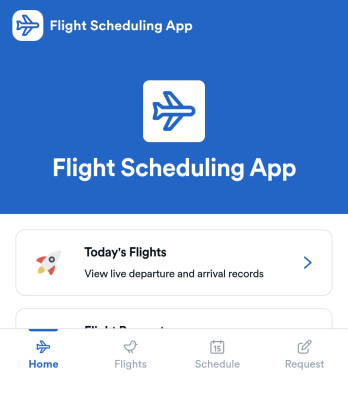
Flight Scheduling App
Flight Scheduling App helps aviation teams coordinate daily flight plans, keep a clear flight board for visibility, and capture new requests as they come in. It’s built for dispatchers, operations coordinators, charter and corporate flight departments, and small airport teams that need a shared place to review today’s schedule, monitor an operational flight status board, and log flight requests without relying on scattered messages or spreadsheets.With Jotform, you can turn this app template into a branded self-service experience using a no-code app builder and a drag-and-drop interface. Connect buttons to forms like Add Flight, Add Crew Member, and Log Flight Request to support consistent data collection, then share the app by link so the right people can view schedules and take action. As your workflow evolves, you can adjust pages, layouts, and connected tools to match how your team manages flight scheduling day to day.
Go to Category:Transportation Apps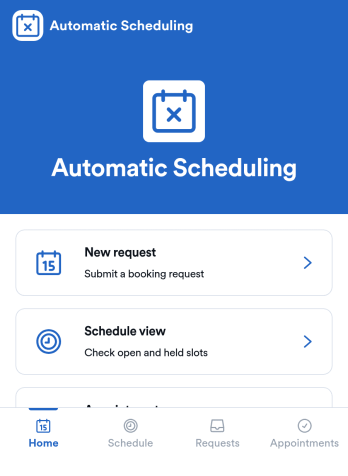
Automatic Scheduling App
Automatic Scheduling App keeps bookings moving by guiding customers and staff from available time slots to confirmed appointments with less manual coordination. It’s a practical fit for service businesses, consultants, clinics, salons, and internal teams that need a simple way to view a calendar, share availability, and accept booking requests in one place. With a clear booking flow, it supports instant booking, visibility into upcoming slots, and a dedicated space for reschedule requests so changes don’t get lost in messages.Built with Jotform App Templates, this app template is easy to adapt with Jotform’s no-code app builder and drag-and-drop interface. Connect it to your forms and tables for reliable data collection, route updates through an approval-style workflow when needed, and keep scheduling preferences consistent using settings like reminder timing and buffer rules. Share the app with a link so clients can self-service their booking needs while admins manage requests and activity from a single hub.
Go to Category:Appointment & Booking Apps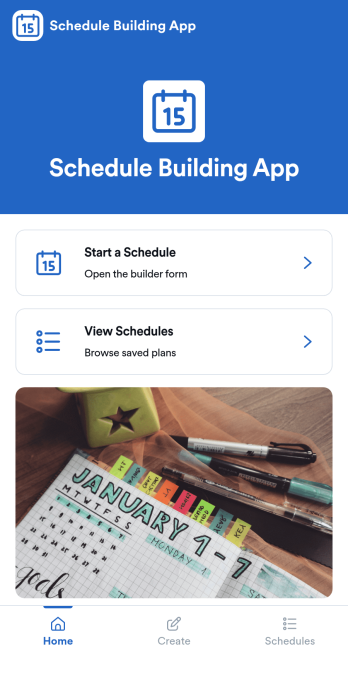
Schedule Building App
Schedule Building App helps teams and individuals create, save, and revisit schedules from one central place. Use it to kick off a new schedule when plans change, browse saved schedules when you need to reuse a previous setup, and open schedule details to confirm what’s coming up. It works well for supervisors building weekly staffing plans, project leads mapping work blocks, coordinators organizing recurring routines, or anyone who needs a clear way to turn planning into a repeatable process.With Jotform, you can publish this schedule building app template as a simple self-service experience that’s easy to share and update. Customize pages and navigation with a drag-and-drop interface, connect schedule creation to a form for consistent data collection, and keep everything organized so people can start a schedule, view schedules, and return to saved plans without confusion. As your workflow grows, you can adapt the app’s layout and connected tools to match how your organization plans and manages schedules.
Go to Category:Planner Apps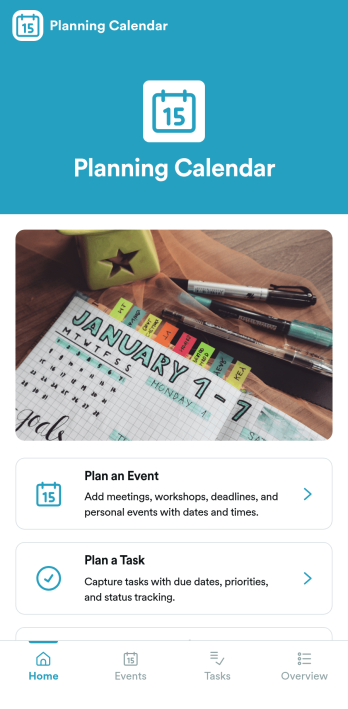
Planning Calendar App
Planning Calendar App brings your events and tasks into one place so you can plan ahead, capture details quickly, and stay focused on what’s next. It works well for busy professionals, teams coordinating internal schedules, educators managing class activities, and organizers juggling multiple deadlines. Use the built-in navigation cards to jump into planning an event or planning a task, then review what you’ve already created through dedicated areas for planned events and planned tasks. For anyone who needs a practical planning calendar without complicated setup, this app template supports clearer prioritization and fewer missed commitments.Jotform makes it easy to turn this idea into a polished, shareable experience with App Templates and a no-code app builder. Customize pages with a drag-and-drop interface, connect your app to the included forms for data collection, and keep information organized so it’s simple to review and update over time. Share the app with a link or QR code for self-service access, and refine the workflow as your planning process grows.
Go to Category:Planner Apps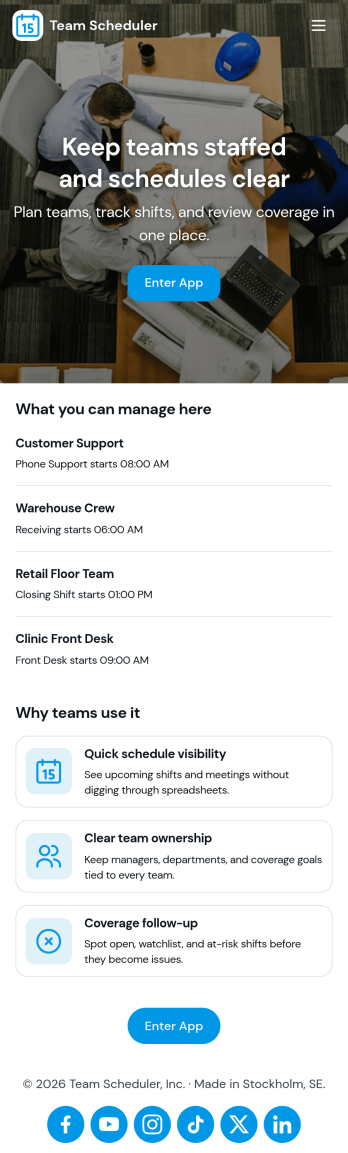
Team Scheduler App
Team Scheduler App brings team schedules and a simple teams directory into one place, making it easier for managers and coordinators to see who is working, confirm coverage, and keep teams aligned across shifts and projects. With an at-a-glance scheduling overview, a directory for browsing teams, and quick navigation to view a full schedule, it supports day-to-day planning for departments, field teams, agencies, schools, and service organizations that need clear visibility without messy spreadsheets or long message threads.Jotform App Templates help you launch a polished scheduling experience fast using a no-code app builder and a drag-and-drop interface. Connect your app to Jotform forms for data collection, keep schedule details updated as needs change, and share a self-service link with the right people so everyone can check the latest plan anytime.
Go to Category:Scheduling Apps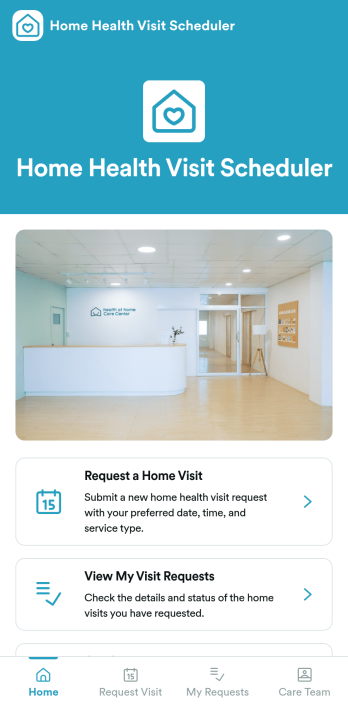
Home Health Visit Scheduler App
Home Health Visit Scheduler App helps patients, caregivers, and home care providers coordinate in-home appointments from one simple place. Visitors can request a home visit, check the status of their existing visit requests, find information about your care team, and reach scheduling support without phone tag. It works well for home health agencies, private nursing services, rehab providers, and community-based care programs that need a clear intake path for visits and a dependable way to keep requests organized.Jotform makes it easy to turn scheduling workflows into a polished, mobile-friendly experience with App Templates and a no-code app builder. Customize pages with a drag-and-drop interface, connect forms and tables to keep data collection consistent, and share the app through a link or QR code so patients can use self-service anytime. As needs grow, you can expand the workflow with notifications and approvals to help your team respond faster and stay on top of every request.
Go to Category:Healthcare Apps