

Sign In App Templates

Access Control App
Access Control App provides a central, mobile-friendly place for managing information and actions related to controlled entry. Offices, schools, residential properties, warehouses, event venues, and facilities teams can use this app template to communicate access procedures, guide visitors or personnel to request entry, and organize important instructions. It helps administrators reduce scattered communication while giving employees, contractors, guests, and residents a clear self-service experience. The app can be adapted for visitor entry, staff access requests, restricted-area guidance, temporary permissions, or after-hours access processes.Jotform Apps makes it easy to turn this Access Control App into a branded experience without writing code. Use the drag-and-drop app builder to update the page, add navigation elements, and connect forms, approval steps, tables, or automated workflows as your process evolves. Teams can tailor colors and content, publish updates from one place, and share the finished app through a direct link, custom link, embedded experience, or QR code. Jotform App Templates offer a practical starting point for building accessible tools that support data collection, internal coordination, and convenient mobile access.
Go to Category:Sign In Apps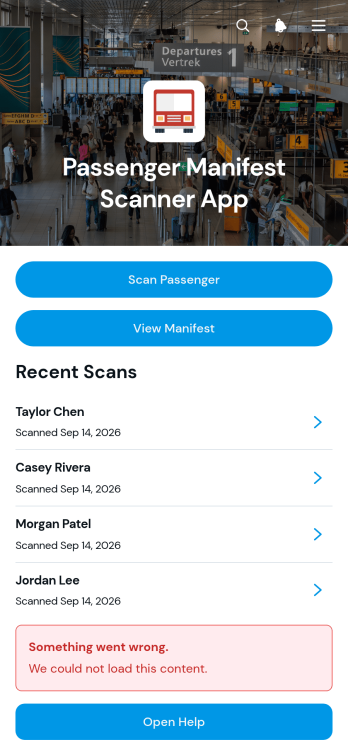
Passenger Manifest Scanner App
The Passenger Manifest Scanner App is a ready-to-use app template for transportation operators, boarding teams, dispatchers, and event travel coordinators who need a clearer way to verify passenger activity. Staff can scan passengers, browse the current manifest, and review a scan log from one mobile-friendly location. Passenger details such as routes, manifest numbers, seat numbers, scan times, and verification notes help teams confirm boarding status without relying on scattered paper lists. It is useful for shuttle services, charter transportation, group transfers, tours, and other passenger operations where timely manifest updates support smoother departures.Jotform makes this app template easy to adapt with a no-code app builder and an intuitive drag-and-drop interface. Add branded pages, adjust navigation, update content, and connect forms or tables to support data collection and related workflow steps. Teams can publish the app with a shareable link or provide access through a scannable code, making it convenient for staff working at terminals, pickup points, venues, or in the field. Starting with Jotform App Templates reduces setup time while giving organizations the flexibility to create a focused self-service resource for passenger verification and operational recordkeeping.
Go to Category:Transportation Apps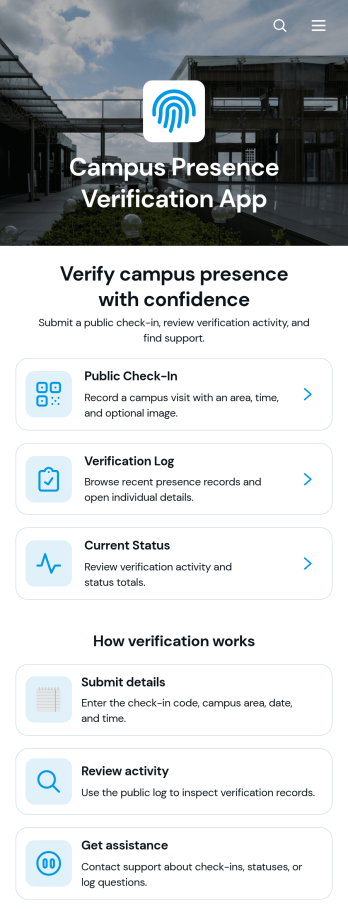
Campus Presence Verification App
Campus Presence Verification App is an app template for recording campus visits and giving authorized staff a clear view of presence verification activity. Schools, colleges, training centers, campus security teams, reception staff, and administrators can use it to support visitor intake, student attendance processes, contractor arrivals, or scheduled on-site activities. Users can submit a public check-in, review the verification log, and view the current status of a visit from one organized experience. Visit dates, times, campus areas, notes, and verification updates help teams replace scattered records with a consistent data collection process. A dedicated assistance option also guides users who have questions or need help completing a check-in.Jotform makes this app template easy to adapt without coding. Using the no-code app builder and its drag-and-drop interface, teams can update pages, navigation cards, buttons, colors, fonts, and other visual elements to reflect their campus procedures. Connected forms and tables can support check-in records, status reviews, notifications, and related workflow steps while keeping resources accessible in one place. Publish the Campus Presence Verification App through a direct link or QR code so visitors and campus personnel can open it on phones, tablets, or computers. Jotform App Templates offer a practical starting point for creating a branded self-service experience that can evolve as operational needs change.
Go to Category:Sign In Apps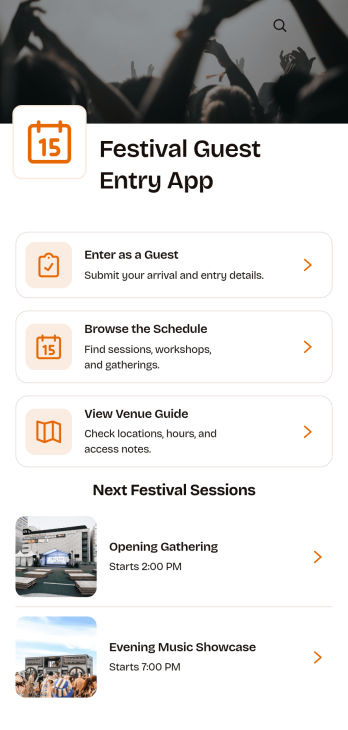
Festival Guest Entry App
Festival Guest Entry App gives festival organizers a mobile-friendly place to collect guest information and help invitees prepare for arrival. Guests can submit their entry details, arrival plans, party size, and accessibility needs, then browse upcoming sessions and consult a venue guide. This app template is useful for music, arts, food, cultural, and community festivals, as well as event planners and venue teams coordinating guest access. Bringing entry information and event resources together reduces scattered messages, gives entrance staff clearer records, and helps visitors find practical information before reaching the venue.Jotform App Templates make it easy to turn event processes into polished digital experiences without coding. Using Jotform’s no-code app builder and drag-and-drop interface, organizers can customize the Festival Guest Entry App with their own branding, content, navigation, and connected forms. Data collection can feed into tables and workflows for better organization, while notifications help teams respond to new guest details. Once published, the app can be shared through a direct link or QR code, giving guests convenient self-service access from phones, tablets, or computers.
Go to Category:Event Management Apps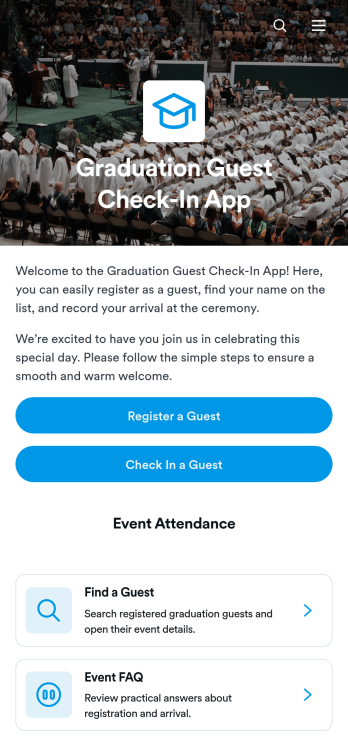
Graduation Guest Check-In App
Graduation Guest Check-In App helps schools, colleges, universities, and event teams register invited guests and manage their arrival at commencement ceremonies. Staff and volunteers can locate registered guests, review key contact and guest-group details, and record attendance from one accessible place. It is especially useful for busy entrances where organizers need a clear guest list and a consistent check-in process. An included event FAQ also gives teams a convenient way to share answers about arrival procedures, venue guidance, or other ceremony information.With Jotform, this app template can be adapted to match the institution, ceremony, and check-in workflow without coding. The drag-and-drop app builder makes it easy to update pages, navigation, buttons, colors, fonts, and branding while maintaining a modern, mobile-friendly experience. Organizers can connect forms for guest registration and data collection, organize records with Jotform Tables, and support event self-service through readily available information. Once customized, the Graduation Guest Check-In App can be published and shared by direct link or QR code, helping authorized teams coordinate arrivals from phones, tablets, or computers.
Go to Category:Sign In Apps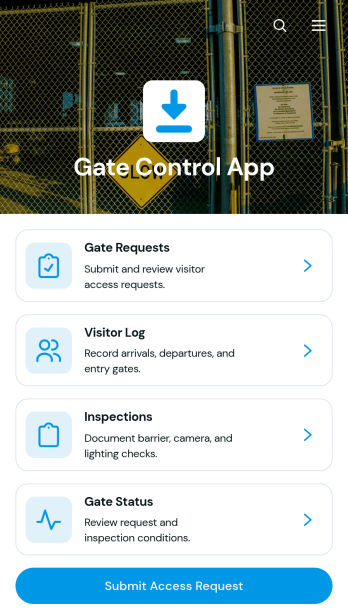
Gate Control App
Gate Control App provides security teams, reception staff, facility managers, and site operators with one place to coordinate entry activity at controlled locations. Staff can receive access requests, maintain a visitor log, record gate inspections, and review current gate status without relying on scattered paper records or separate communication channels. It is well suited to office campuses, warehouses, residential communities, construction sites, industrial facilities, and other properties where teams need a consistent view of visitors, vehicles, hosts, visit purposes, and entry points. Centralizing these activities helps personnel process arrivals more consistently, preserve useful records, and respond quickly when gate conditions require attention.With Jotform, this app template can be adapted to match each facility’s operating procedures and branding. The no-code app builder and drag-and-drop interface make it easy to reorganize pages, update navigation, and connect forms, tables, approvals, or notifications without programming. Teams can create a practical self-service workflow for access requests while giving authorized personnel mobile-friendly access to operational information. Once customized, the Gate Control App can be published and shared through a direct link or QR code, helping organizations improve data collection and keep gate operations accessible from one convenient location.
Go to Category:Sign In Apps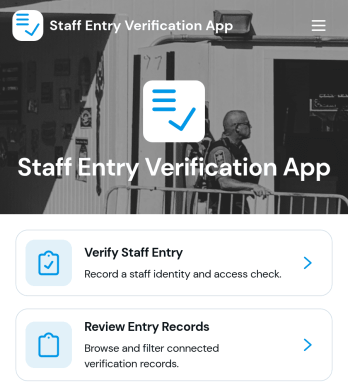
Staff Entry Verification App
The Staff Entry Verification App is an app template for confirming employee arrivals and maintaining reliable entry records across offices, warehouses, job sites, campuses, and other controlled workplaces. Security personnel, reception teams, facilities managers, HR departments, and operations leaders can use it to verify staff entry, add verification records, and review past activity from one organized experience. Staff details such as identification, department, work location, entry point, date, and time give authorized teams useful context when checking arrivals. This reduces reliance on paper logs, supports consistent recordkeeping, and helps teams find entry information when operational questions arise.Jotform Apps makes this Staff Entry Verification App easy to adapt with a no-code app builder and a flexible drag-and-drop interface. Organizations can update pages, navigation, branding, and connected forms without programming, then link collected data to tables, notifications, approvals, and other workflow steps. Like other Jotform App Templates, it supports mobile-friendly data collection and can be shared through a direct link, QR code, or embedded experience. Teams can turn the app template into a practical self-service resource that fits existing entry procedures and remains easy to update as locations or staffing needs change.
Go to Category:Sign In Apps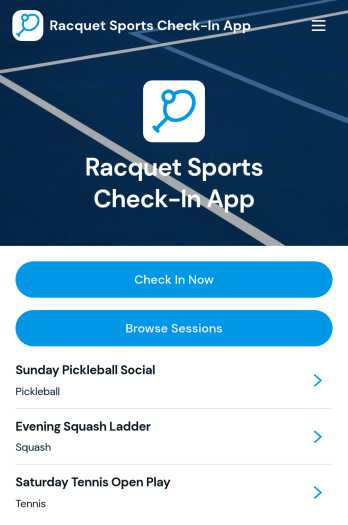
Racquet Sports Check-In App
Racquet Sports Check-In App gives tennis, pickleball, badminton, squash, and other racquet sports facilities a convenient way to manage player arrivals for scheduled sessions. Club managers, front desk teams, coaches, tournament organizers, and recreation centers can use this app template to let players browse available sessions, review court and skill-level information, and check in from one accessible location. Staff can view player details and check-in status without relying on paper sign-in sheets, making it easier to confirm attendance, prepare courts, coordinate groups, and maintain organized participation records during lessons, leagues, open play, clinics, or events.With Jotform, this ready-made option from its App Templates can be adapted through a no-code app builder and an intuitive drag-and-drop interface. Add your branding, update navigation, connect forms and tables, or adjust the workflow to reflect how your facility operates. The app builder supports centralized data collection and player self-service while helping teams keep session information and check-in activity together. Once customized, the Racquet Sports Check-In App can be published and shared by link for convenient mobile access, giving participants a clear experience and staff a practical resource for day-to-day court operations.
Go to Category:Sports Apps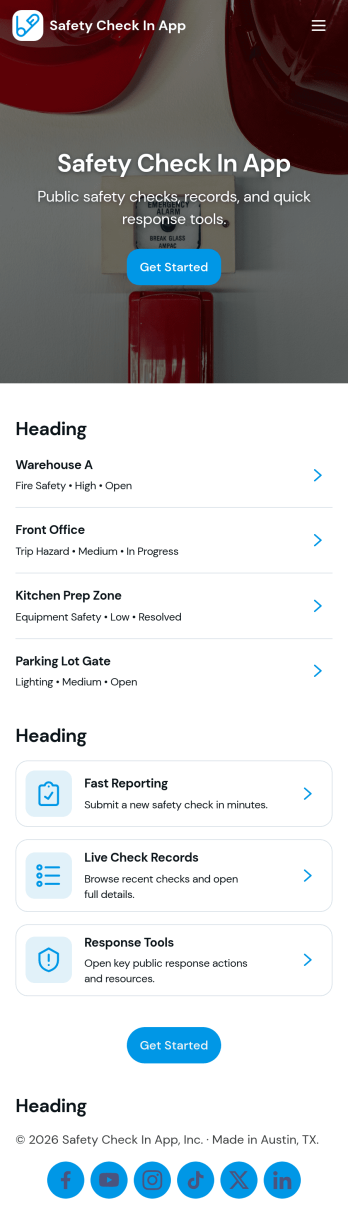
Safety Check In App
Safety Check In App helps teams run quick, consistent safety check-ins and capture hazards in one place. Frontline staff can start a safety check from a simple card, submit their check when finished, and report hazards as they’re spotted. The app also supports browsing past checks and hazard reports, which is useful for supervisors who need visibility into what was completed, what issues were raised, and where follow-up may be needed across sites, shifts, or crews.Jotform makes it easy to build and publish app templates like this with a no-code app builder and a drag-and-drop interface. Connect your check-in and hazard reporting forms, organize records for fast self-service browsing, and keep everyone aligned with a single mobile-friendly destination. You can customize pages, buttons, and navigation to match your internal workflow, then share the app through a link or QR code so people can take action immediately.
Go to Category:Safety Inspection Apps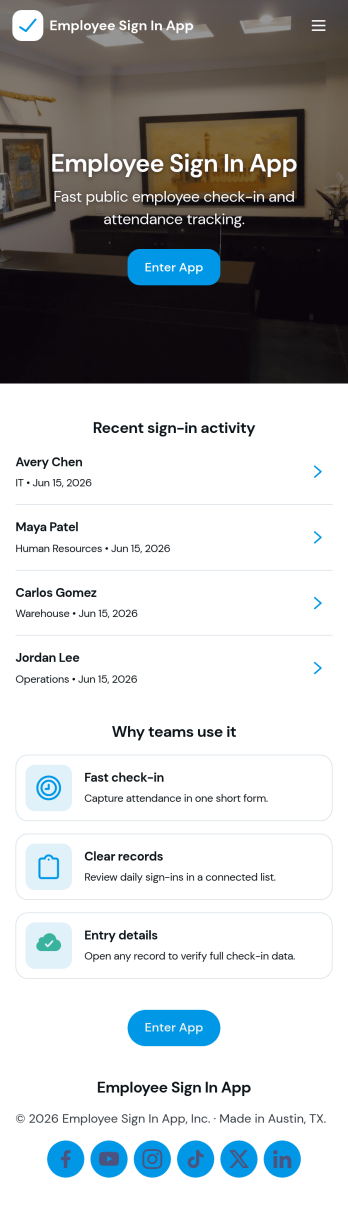
Employee Sign in App
Employee Sign in App helps teams capture staff sign-ins in one place and keep a clear record of who checked in and when. It’s a practical fit for front desks, warehouses, schools, studios, clinics, and any workplace that needs a fast daily sign-in flow without paper logs. With dedicated areas for Sign In and Records, employees can enter their details in seconds while managers can quickly review entries and follow up on missing or late check-ins.Built with Jotform, this app template makes data collection feel simple and accessible for both staff and admins. Use Jotform’s no-code app builder and drag-and-drop interface to tailor pages, update labels, and match your branding, then share the app with a link or QR code for easy self-service access. As your workflow evolves, you can connect the app to forms and data sources to keep sign-in information organized and ready for day-to-day operations.
Go to Category:Sign In Apps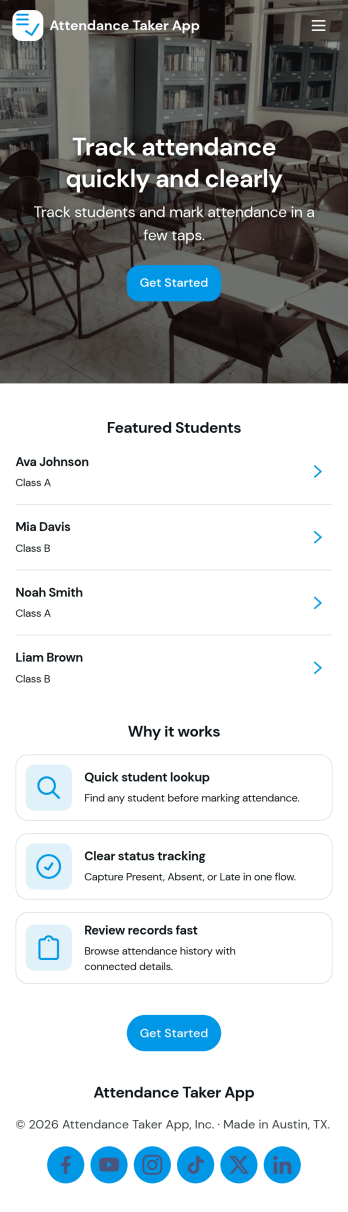
Attendance Taker App
Attendance Taker App helps teachers, trainers, and team leads record attendance quickly while keeping a clear view of who’s on the roster and what was logged each day. Use it to navigate from a roster list to an attendance screen, add quick class notes through a connected form, and review past records when questions come up later. It’s a practical fit for classrooms, tutoring centers, workshops, youth programs, and internal training sessions where attendance needs to be consistent, easy to find, and simple to update.With Jotform, you can turn this app template into a branded, mobile-friendly experience using a no-code app builder and a drag-and-drop interface. Connect pages to your existing data collection flows, organize information into a workflow that matches how you run sessions, and share self-service access with staff who need to take attendance or review records. As your program grows, you can adjust fields, views, and navigation without rebuilding the process from scratch.
Go to Category:Sign In Apps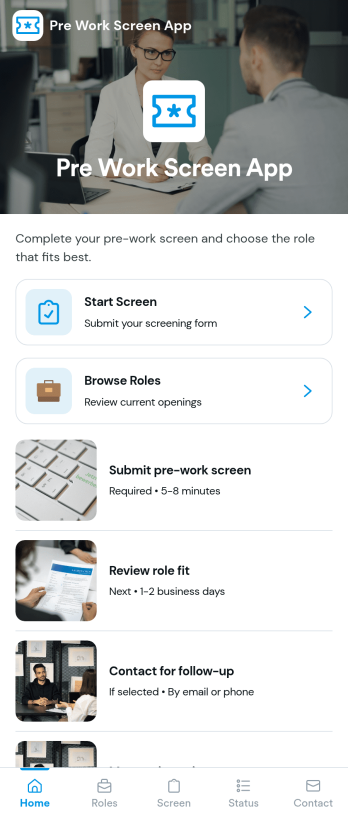
Pre Work Screen App
Pre Work Screen App helps teams guide workers through a simple pre-shift screening flow before they start their day. Use it to route people to the right step quickly, share role openings, and capture screening details through a connected form. It works well for field teams, warehouses, job sites, clinics, and any workplace that needs a consistent check-in experience across roles and locations without slowing down the start of a shift.With Jotform, you can turn screening and intake processes into a mobile-friendly experience using App Templates and a no-code app builder. Customize the layout with a drag-and-drop interface, link your screening and question forms, and organize responses in connected workflows so supervisors can follow up faster and keep daily operations moving.
Go to Category:Sign In Apps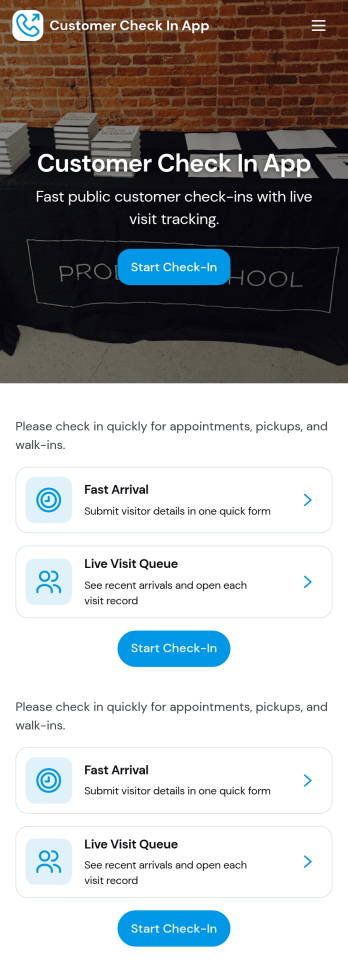
Customer Check In App
Customer Check In App helps you welcome visitors, capture check-in details, and keep an organized record of everyone who has arrived. It’s a practical fit for front desks, service counters, studios, clinics, and event entrances where staff need a simple way to start a new check-in and quickly look up past records. With clear entry points like New Check-In and Records, teams can reduce manual logging, speed up arrivals, and keep customer information easy to find when questions come up.Jotform makes it easy to build and publish app templates like this with a no-code app builder and a drag-and-drop interface, so you can match the experience to your process without relying on developers. Connect the app to your Jotform forms for fast data collection, organize entries into browsable records, and guide staff with simple navigation buttons and pages that support self-service at the point of arrival.
Go to Category:Customer Portal Apps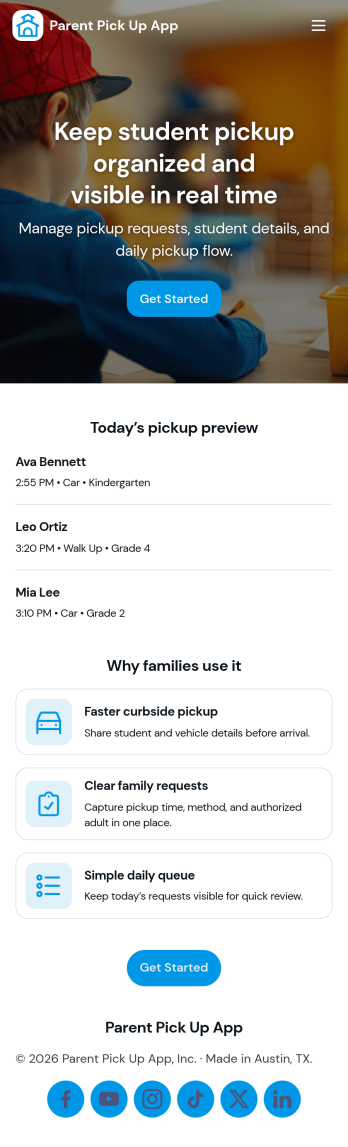
Parent Pick Up App
Parent Pick Up App helps schools and childcare programs manage dismissal by letting families submit a pickup request and giving staff a clear view of the pickup queue. Use it to reduce confusion at car line, coordinate authorized pickups, and keep the handoff process organized for teachers, front desk teams, and after-school staff. With guided actions like Submit Pickup and View Queue, the app supports smoother arrivals at the right pickup spot and helps teams prioritize students as requests come in.Jotform makes it easy to build and publish app templates like this with a no-code app builder and a drag-and-drop interface. Connect the app to a pickup request form, display live records in a list for quick scanning, and keep workflows moving with simple navigation buttons such as Open Queue and Add Request. Share the app by link or QR code so families and staff can access self-service updates from any device while your data collection stays organized in one place.
Go to Category:School Management Apps
Clock In for Work App
Clock In for Work App helps teams record work start times and maintain a reliable time trail without chasing paper timesheets. Employees can clock in in seconds, while managers and supervisors can review time history for individuals and across the team. It’s a practical fit for hourly workforces in retail, hospitality, field services, warehouses, clinics, and offices that need a simple, consistent way to capture attendance and spot missing or incorrect entries.Built with Jotform, this app template brings time entry and history review into one self-service experience that’s easy to share. Use the drag-and-drop no-code app builder to adjust pages, add guidance text, and connect buttons to your form and tables so clock entries are organized and accessible. You can publish a branded app link for staff, keep records centralized, and support everyday workflows like adding clock entries, checking recent activity, and reviewing logs over time.
Go to Category:HR Portal Apps
Check In to Work App
Check In to Work App helps teams record employee start times and keep daily attendance organized in one place. Staff can quickly clock in from a simple home screen, review today’s shifts, and look back at check-in history when questions come up. It’s a practical fit for offices, retail stores, restaurants, job sites, and field teams that need a consistent way to capture arrivals without relying on paper sheets or scattered messages.Built with Jotform, this app template can be tailored to match how your workforce operates, whether you manage a single location or multiple crews. Use Jotform’s no-code app builder and drag-and-drop interface to adjust pages, connect the clock-in experience to your data collection form and tables, and keep your workflow moving with clear records and easy self-service access for employees and managers.
Go to Category:Activity Tracking Apps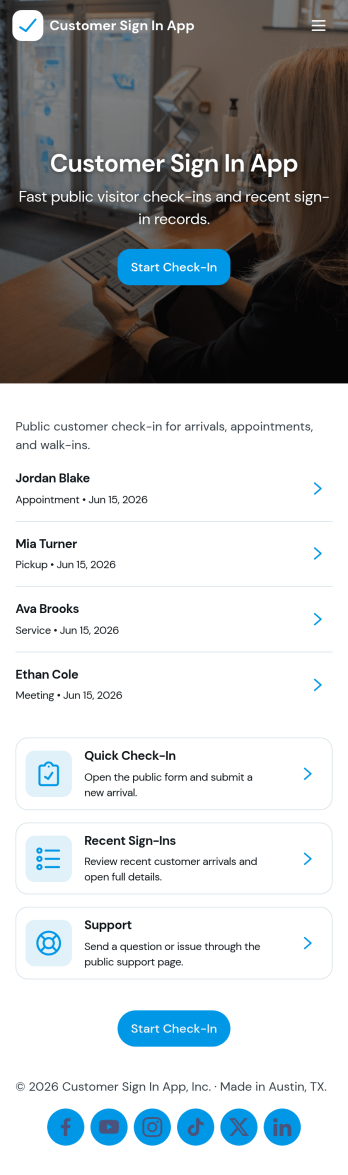
Customer Sign In App
Customer Sign In App helps businesses and front-desk teams register customer arrivals in a consistent way and keep a clear sign-in history for follow-ups and reporting. It’s useful for salons, gyms, clinics, studios, and service counters that need a quick check-in flow, an easy way for customers or staff to add entries, and a simple customer directory to look up people on-site.With Jotform, you can turn this app template into a self-service experience using a no-code app builder and a drag-and-drop interface. Connect the Sign In page to a form for data collection, browse records through a built-in customer list, and give customers access to My Entries so they can review past sign-ins. Share the app by link or QR code, update it anytime, and keep your workflow organized from one central place.
Go to Category:Sign In Apps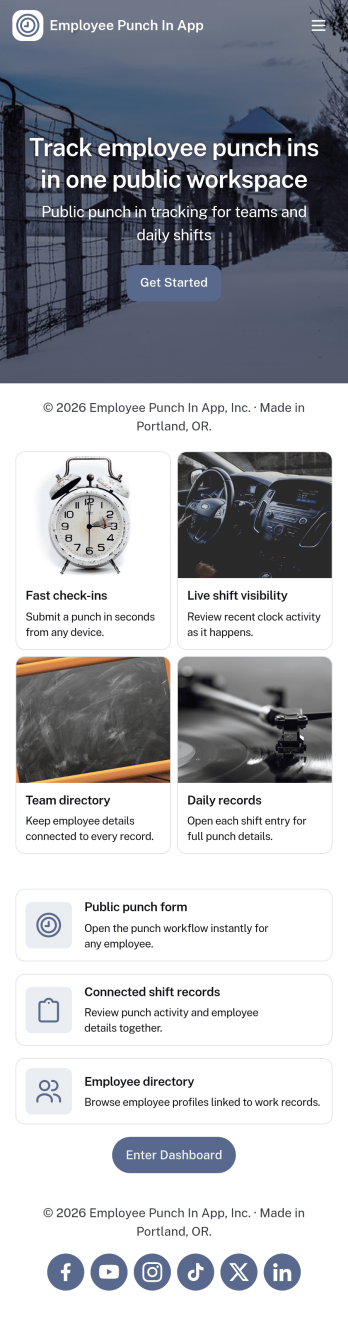
Employee Punch in App
Employee Punch in App gives teams a simple way to record time entries throughout the workday, using clear actions for Clock In, Clock Out, and quick access to Recent Punches and Punch History. It fits frontline crews, shift-based workplaces, field teams, and growing offices that need an easy punch flow employees can follow without confusion, plus a place to review Today’s activity and employee records when questions come up.Built with Jotform, this app template connects your punch actions and history views to the forms behind them, so time data collection stays consistent and organized. Customize pages with a no-code app builder and a drag-and-drop interface, then share the app for self-service access across locations. As your workflow evolves, you can expand the experience into a lightweight dashboard view for managers while keeping punch-in tasks fast for employees.
Go to Category:Human Resources Apps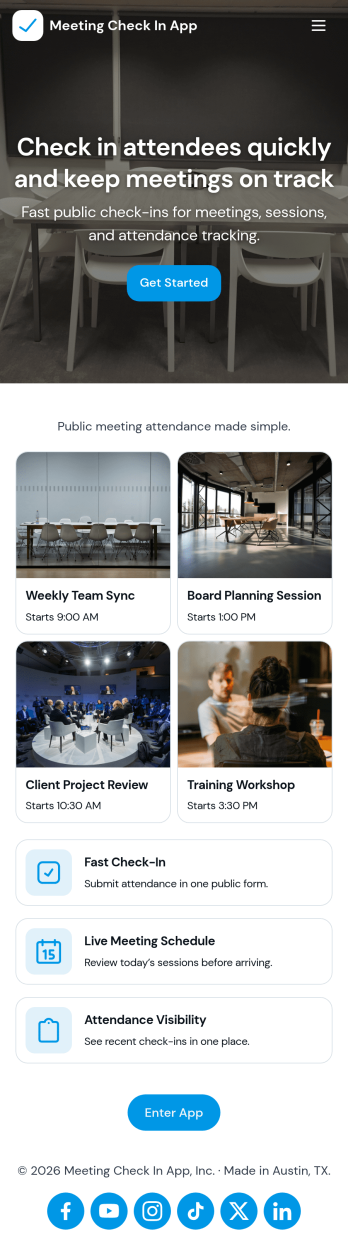
Meeting Check In App
Meeting Check In App helps teams manage attendance for scheduled meetings and sessions in one place, so facilitators can quickly see what’s happening today and keep a clear record of who showed up. It works well for recurring internal meetings, training sessions, community groups, and multi-session events where organizers need a simple way to start check-in, add new sessions, and review check-in history without chasing spreadsheets.Built with Jotform, this app template can be tailored with a no-code app builder and a drag-and-drop interface to match how your organization runs meetings. Connect your session list to forms for data collection, keep a reliable workflow for adding sessions and capturing attendee names, and share the app as a self-service experience for hosts or staff across devices.
Go to Category:Sign In Apps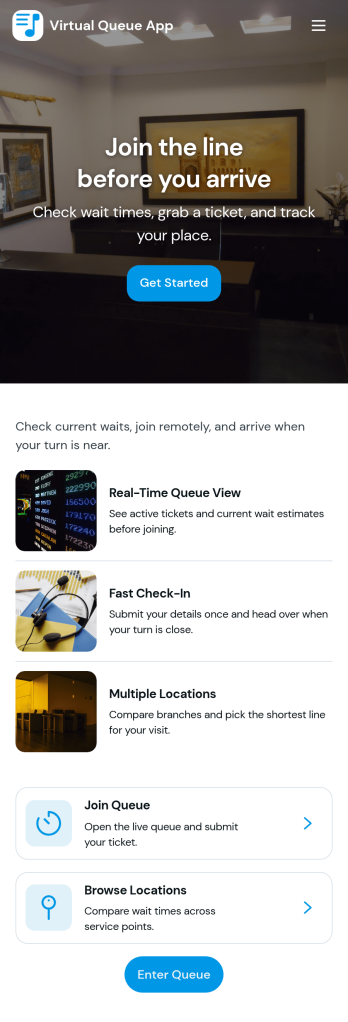
Virtual Queue App
Virtual Queue App helps organizations manage walk-in demand without crowding by letting people join a line remotely, check their queue status, and see available service counters. It works well for clinics, banks, government offices, campuses, showrooms, repair shops, and any front desk that needs a clear, fair way to handle arrivals. Visitors can submit a request to join the queue, then monitor their place in line and the current wait level before approaching the counter, which helps reduce bottlenecks and missed turns.Built with Jotform, this app template combines self-service navigation with connected data collection so queue requests stay organized in one place. Use Jotform’s no-code app builder and drag-and-drop interface to tailor pages like Join Queue, Queue Status, Service Counters, and Queue History to match your process, then share the app via a link or QR code. You can also connect the app to tables and request views such as All Queue Requests and My Queue Requests to support day-to-day workflow and faster front-desk coordination.
Go to Category:Customer Portal Apps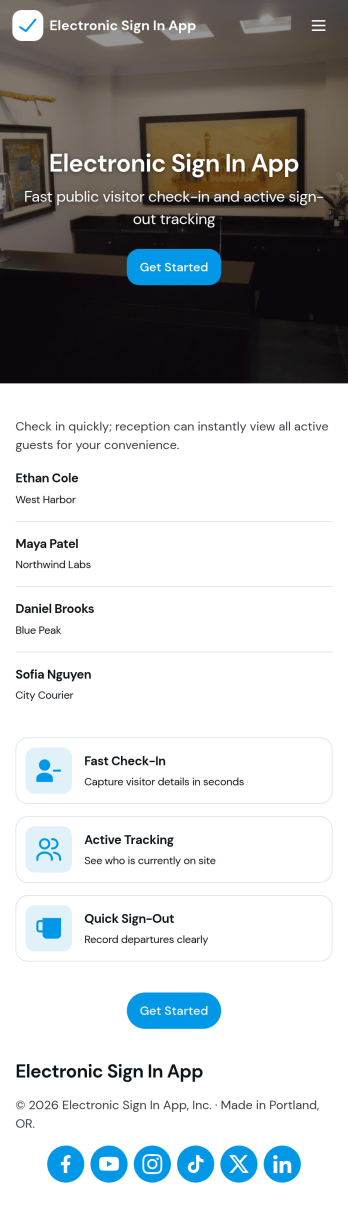
Electronic Sign in App
Electronic Sign in App helps you replace paper sign-in sheets with a simple digital flow that’s easy to follow at the front desk, classroom doorway, studio entrance, or office lobby. Visitors, clients, students, or staff can start a new sign-in in seconds, while your team can quickly view the current roster to confirm who is on-site right now. With built-in access to a history view, it’s also useful for tracking past arrivals without digging through binders or spreadsheets.Jotform makes it easy to publish this kind of self-service experience using ready-to-use app templates and a no-code app builder with a drag-and-drop interface. Connect your sign-in form to your app, keep records organized, and share the app with a link or QR code so check-ins can happen wherever they’re needed. As your workflow evolves, you can adjust pages, buttons, and the overall layout to match your daily operations while keeping data collection consistent.
Go to Category:Sign In Apps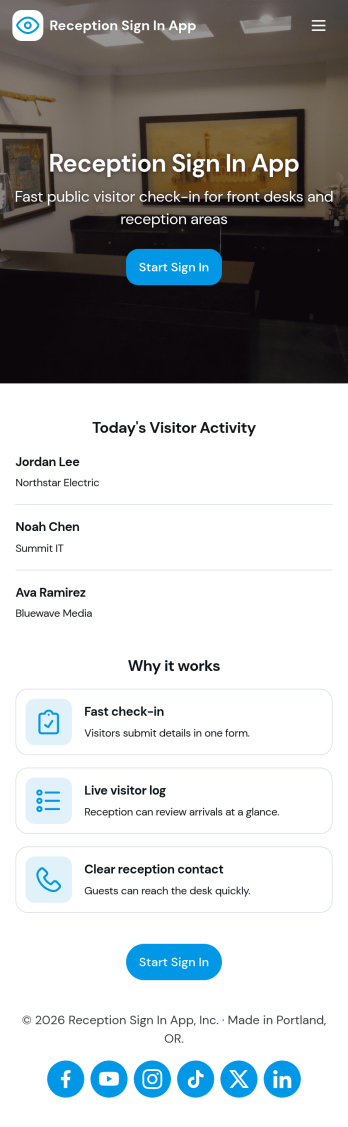
Reception Sign In App
Reception Sign In App helps front desks capture visitor arrivals and organize them into an easy-to-browse log. It fits offices, clinics, schools, coworking spaces, and any workplace that needs a consistent way to record who is on-site, who they’re visiting, and when they arrived. With simple sign-in inputs like visitor full name and host name, the app supports a smoother check-in experience while keeping reception staff focused on greeting guests instead of chasing details.Jotform makes it simple to publish this kind of self-service check-in experience with a no-code app builder and a drag-and-drop interface. Connect the app to a form for data collection and a table view for reviewing records, then share it with a link or QR code at the front desk. As your workflow evolves, you can adjust pages, add guidance text, and keep all visit records accessible in one place with Jotform.
Go to Category:Sign In Apps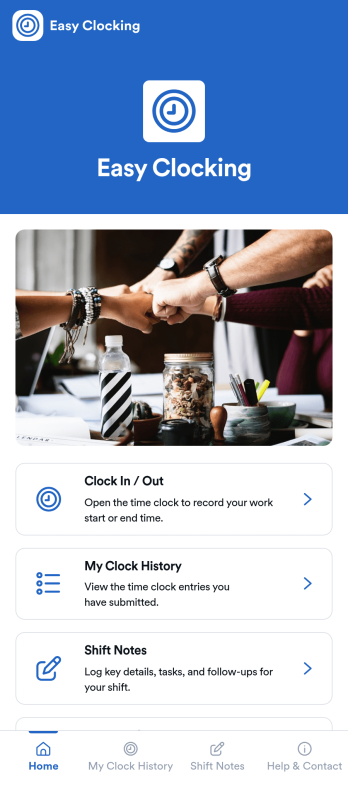
Easy Clocking App
Easy Clocking App helps teams record work time with quick clock-ins, a personal clock history view, and a simple way to report clocking issues when something looks off. It fits hourly workplaces that need clean, consistent time logs across shifts, including retail, hospitality, field services, clinics, and growing operations with multiple roles. Employees can clock in or out in seconds, review their own entries for accuracy, and add shift notes to capture context like break changes, task handoffs, or schedule exceptions.With Jotform, you can turn everyday time tracking into a shareable, mobile-friendly experience without coding. Use a drag-and-drop app builder to adjust pages, add your branding, and connect the app to the forms that collect clock-ins, shift notes, and issue reports. As your workflow evolves, you can update the layout, centralize resources in one place, and publish the app to your team with a simple link or QR code for reliable self-service time tracking.
Go to Category:HR Portal Apps