

Sign In App Templates

Time Kiosk App
Time Kiosk App gives teams a shared, kiosk-style place to record work time on-site without chasing paper timesheets or scattered messages. Employees can quickly start a shift, log breaks, and review their own time events, while managers can use employee lookup to find people and confirm activity when questions come up. It’s a practical fit for front desks, break rooms, shop floors, warehouses, clinics, and any location where multiple staff members need a consistent way to clock time from a single device.With Jotform, you can turn this Time Kiosk App app template into a polished self-service experience using a no-code app builder and a drag-and-drop interface. Connect the app to forms and tables for reliable data collection, keep records organized for day-to-day workflow needs, and share the kiosk by link or QR code so teams can access it in seconds. Update pages, branding, and navigation as your policies change, then publish instantly for a smoother time tracking routine.
Go to Category:Human Resources Apps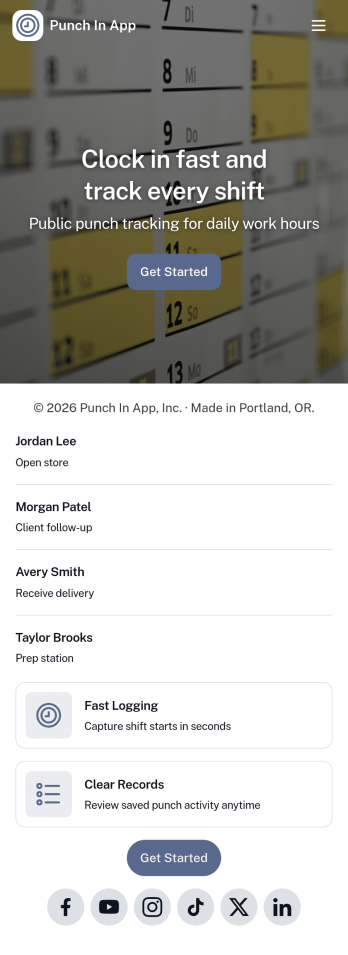
Punch In App
Punch In App helps teams record time entries when employees start and end shifts. Staff can open a punch form from the home screen, while managers can review a list of shifts and navigate into an employee view for quick follow-ups. Built for hourly workplaces, field teams, and multi-location operations, it keeps clock-ins consistent without relying on verbal check-ins or scattered messages. A dedicated support section also makes it easy for employees to email payroll or call the office when something needs correcting.With Jotform, you can turn this app template into a branded, mobile-friendly time entry experience using a no-code app builder and a drag-and-drop interface. Connect the punch form to your workflow so time records stay organized, route requests for review when needed, and keep self-service access simple for employees and supervisors. Share the app by link or QR code so your team can punch in from the devices they already use.
Go to Category:Human Resources Apps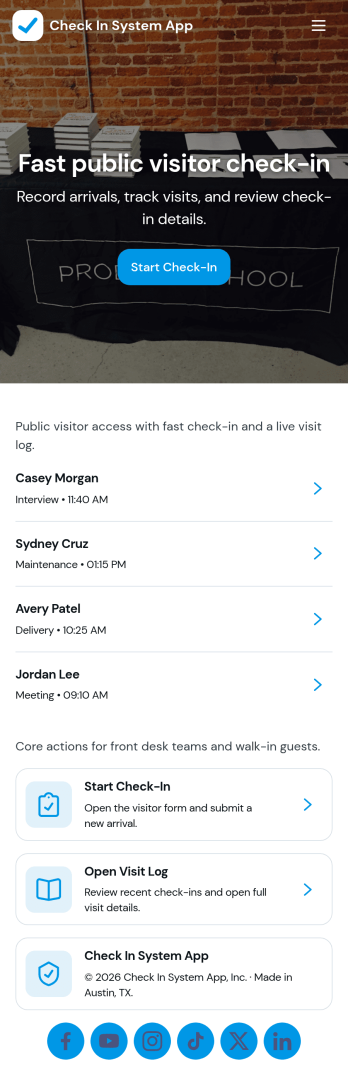
Check In System App
Check In System App keeps check-ins organized in one place so teams can capture arrivals, log activity, and review what happened throughout the day. Use it at front desks, shared offices, schools, events, clinics, warehouses, or any workplace that needs a simple, repeatable way to record who checked in, when, and where. With quick navigation to start a new check-in, view records, and open a daily overview, staff can move visitors or team members through the process without confusion while supervisors stay informed.Jotform makes it easy to turn this workflow into a branded self-service experience using App Templates and a no-code app builder. Customize the pages with a drag-and-drop interface, connect the check-in form to your data collection workflow, and share the app by link or QR code for fast access on any device. As your process evolves, you can adjust fields, routing, and the way records are displayed without touching code.
Go to Category:Sign In Apps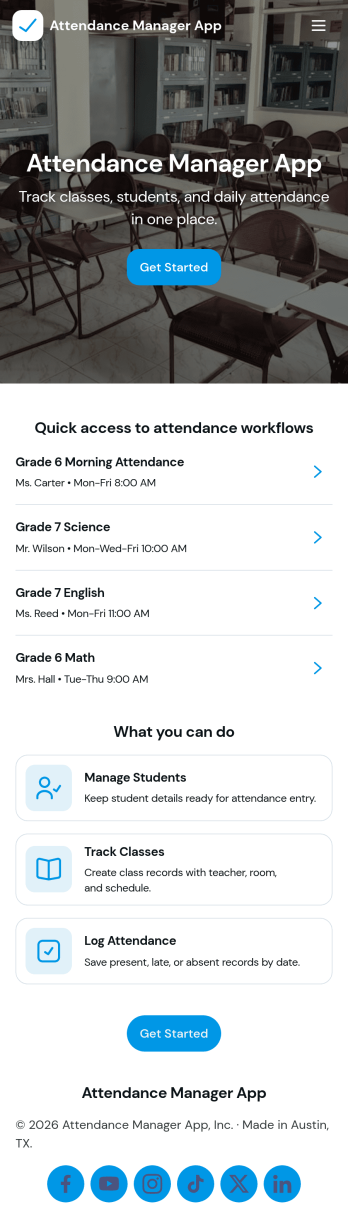
Attendance Manager App
An Attendance Manager App gives teams a central place to register attendees, log attendance, and review participation history without relying on scattered spreadsheets. It’s useful for schools tracking class presence, HR teams monitoring trainings, event staff managing check-ins, and community programs recording recurring attendance. With quick navigation to register attendee, log attendance, and browse records, the app supports day-to-day tracking while keeping rosters and entries easy to find.Jotform makes it simple to tailor this app template to your process using a no-code app builder and a drag-and-drop interface. Connect the buttons in your app to forms for data collection, route information into organized tables, and keep your workflow moving with shareable links for staff or participants. Publish a polished self-service experience in minutes, then update fields, pages, and branding as your attendance needs evolve.
Go to Category:Activity Tracking Apps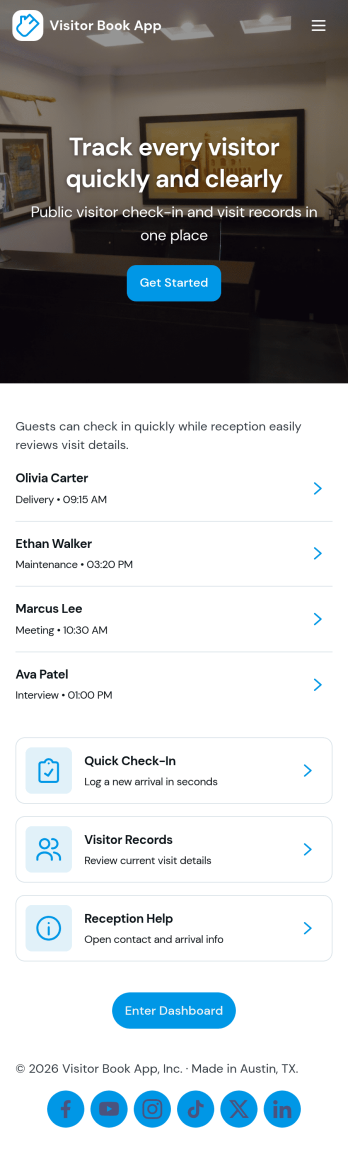
Visitor Book App
Visitor Book App helps you manage guest arrivals with a simple check-in experience and a clear visitor log you can review anytime. It’s a practical fit for offices, schools, clinics, coworking spaces, warehouses, and event venues that need a consistent front-desk process without relying on paper sign-in sheets. With a dedicated check-in entry point, a log list for browsing past visits, and an insights page for quick visibility, teams can keep reception organized, reduce missed details, and respond faster when someone asks who’s on-site.Jotform makes it easy to turn this Visitor Book App into a polished self-service experience using app templates and a no-code app builder with a drag-and-drop interface. Connect the app to your forms and tables for reliable data collection, then adjust pages, buttons, and branding to match your workflow. Share the app by link or QR code so staff can open it on any device, keep information centralized, and support smoother daily operations.
Go to Category:Sign In Apps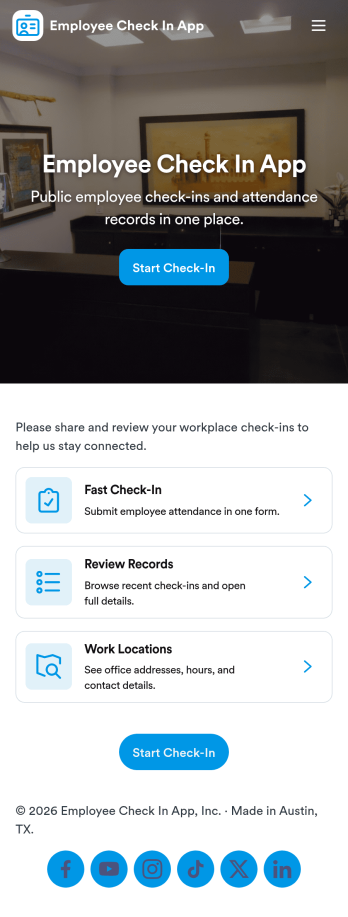
Employee Check In App
An employee check in app gives teams a simple way to record when employees start their day and helps managers stay on top of daily attendance. This template includes a dedicated Check In area for quick actions, an Attendance section that lists employees for easy browsing, and employee-specific views that make it easier to look up someone’s status without digging through messages or spreadsheets. It works well for offices, retail teams, field crews, and hybrid workplaces that want a consistent check-in habit across locations and shifts.With Jotform, you can turn this Employee Check In App into a polished self-service experience using a no-code app builder and a drag-and-drop interface. Connect pages to your existing workflows for data collection, route entries for manager review, and keep attendance records organized in one place. Share the app through a link or QR code so employees can check in quickly, while supervisors can review attendance from anywhere.
Go to Category:Sign In Apps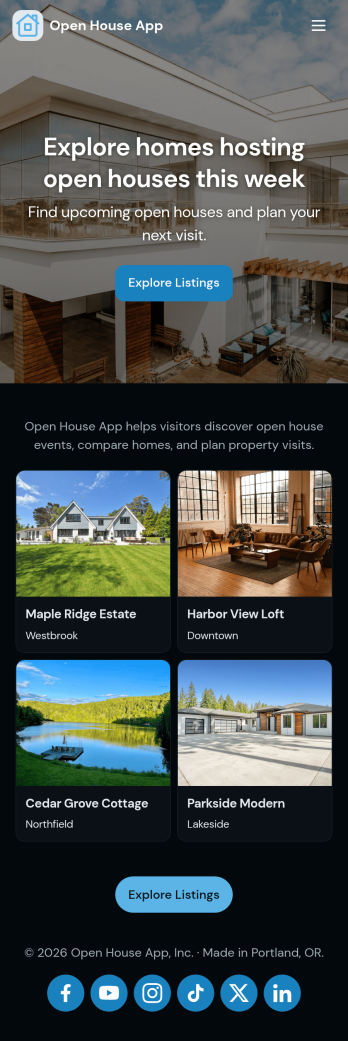
Open House App
Open House App helps real estate teams run smoother showings by giving visitors a simple check-in experience, organizing the list of homes being shown, and keeping follow-up requests in one place. Use it at single-property open houses, multi-home tours, or weekend events where multiple agents need a consistent way to capture attendee details and quickly reference property records.Built with Jotform, this app template connects key pages to forms and record views so you can collect check-ins, review home records, and track follow-up requests without juggling paper sign-in sheets. Customize it in Jotform’s no-code app builder using a drag-and-drop interface, then share it with a link or QR code so your workflow and self-service experience stay fast and mobile-friendly.
Go to Category:Real Estate Apps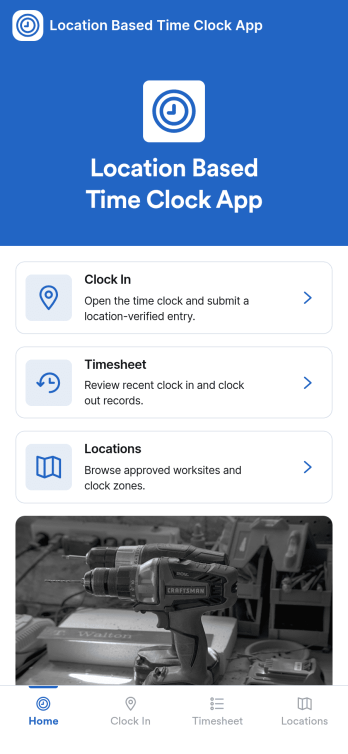
Location Based Time Clock App
Location Based Time Clock App helps teams record work time with added confidence by tying clock-in entries to where the shift starts. It’s a practical fit for field services, construction crews, cleaning teams, delivery operations, and multi-site businesses that want a simple way for staff to clock in from the right place, review time logs, and reference shift reports without chasing updates across texts or spreadsheets. With quick navigation to Clock In, View Logs, and Shift Report, the app supports day-to-day time tracking for managers and employees who need clarity on hours and activity.Jotform makes it easy to publish this kind of self-service experience using App Templates and a no-code app builder. Customize pages in a drag-and-drop interface, connect the app to your existing forms and tables for data collection, and keep your workflow organized from one shareable link. Whether you’re managing a mobile workforce or multiple locations, Jotform helps you roll out a branded time clock app that’s simple to use on any device.
Go to Category:HR Portal Apps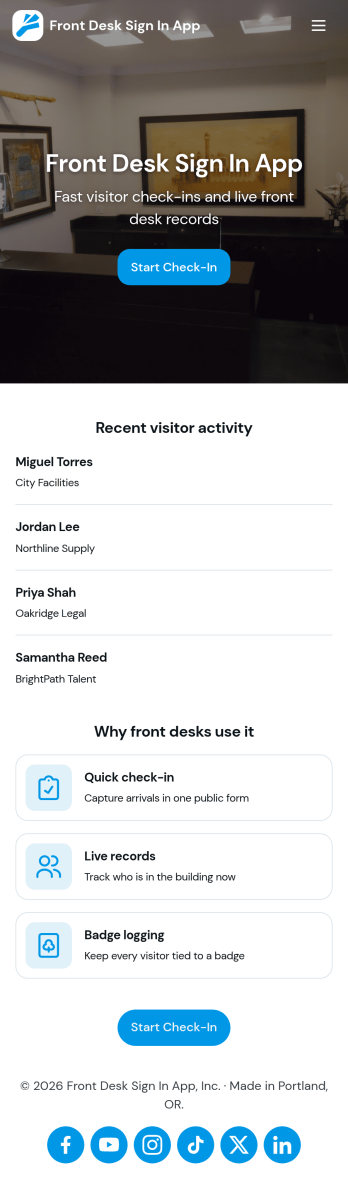
Front Desk Sign in App
Front Desk Sign in App gives reception teams a simple way to welcome visitors and record check-ins without paper logs. Use it in offices, clinics, schools, coworking spaces, and event venues to capture visitor names, keep a running list of arrivals, and help staff quickly look up recent activity from the front desk. With a clear sign-in action, an all-visitors view, and a personal view for individual staff or repeat visitors, it supports smoother guest flow during busy periods and reduces missed or incomplete entries.Built with Jotform, this app template can be tailored with a no-code app builder and a drag-and-drop interface so you can match your front desk process and branding. Connect the sign-in form to organized records, share the app by link or QR code, and keep data collection consistent across locations. As your workflow evolves, you can adjust pages, update fields, and route information to the right people, turning everyday visitor check-ins into a more reliable self-service experience.
Go to Category:Sign In Apps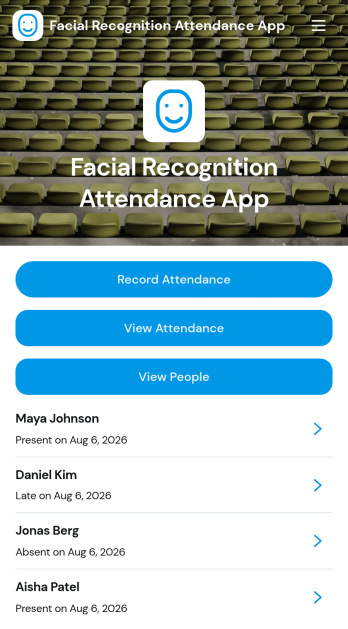
Facial Recognition Attendance App
Facial Recognition Attendance App helps teams record attendance and manage people records from one central, guided experience. It works well for HR teams, office managers, schools, training programs, clinics, and on-site operations that need a consistent way to log check-ins and quickly confirm who is present. With quick actions to record attendance and screens to view attendance history and people details, the app supports faster daily roll calls, shift starts, and front-desk check-ins while keeping staff information organized.Built with Jotform App Templates, this app template can be tailored with a no-code app builder and a drag-and-drop interface to match your workflow and branding. Connect attendance forms and people records to your processes, route updates to the right stakeholders, and keep information accessible in a mobile-friendly self-service format. Jotform makes it easy to publish and share the app so teams can collect data, review status, and maintain accurate attendance records without relying on scattered spreadsheets.
Go to Category:Human Resources Apps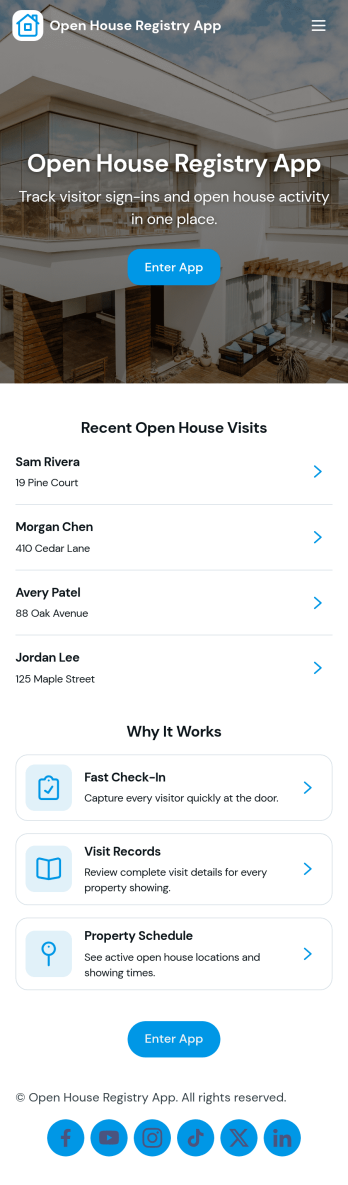
Open House Registry App
Open House Registry App helps real estate teams keep open house days organized with a simple way for guests to browse listings and sign in from one place. Use it to publish a list of open houses, share key property details, and capture visitor information on arrival so you don’t lose leads to paper sheets or scattered notes. It’s a practical fit for agents, brokerages, and team hosts who run frequent showings and want a consistent on-site experience across multiple properties.With Jotform, you can build and customize app templates like this using a no-code app builder and a drag-and-drop interface, then connect your app to forms and data tables to support ongoing workflow. Share the app through a link or QR code at the door, keep visitor records in one place for easy follow-up, and update open house information anytime without rebuilding the experience.
Go to Category:Event Registration Apps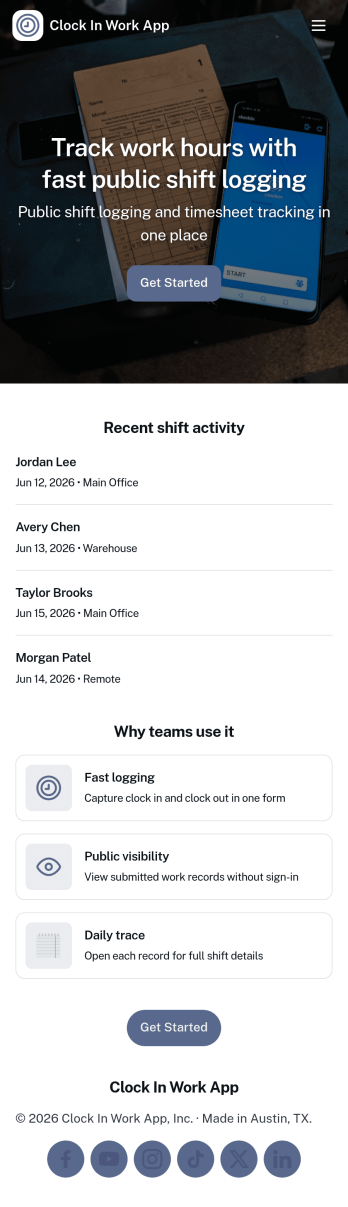
Clock in Work App
Clock in Work App helps teams capture clock-ins and manage shift activity in one place, without relying on paper timesheets or scattered messages. Employees can quickly clock in from a dedicated action, then review their shift entries and browse upcoming or past shifts when they need a refresher. It’s a practical fit for supervisors and operations leads who need a consistent way to track work time across hourly staff, rotating schedules, or multiple job sites.Built with Jotform, this app template can be customized in a no-code app builder with a drag-and-drop interface, so you can tailor pages, buttons, and navigation to match how your team works. Connect the clock-in experience to your existing data collection and workflow, keep shift records organized, and share the app through a link or QR code for quick employee self-service on mobile or desktop.
Go to Category:Activity Tracking Apps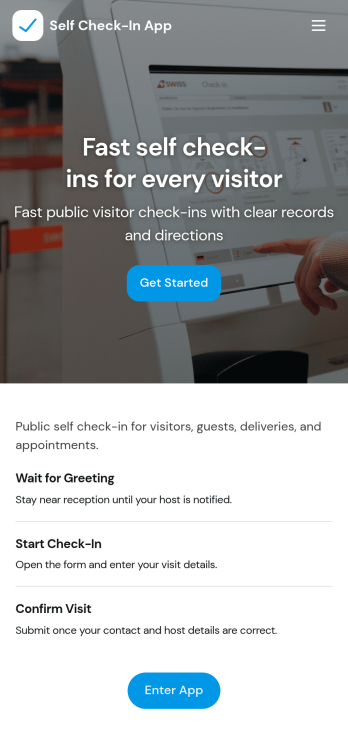
Self Check-In App
Self Check-In App helps guests, visitors, or customers check themselves in without waiting in line or relying on staff. It’s a great fit for front desks and reception areas in offices, clinics, gyms, schools, coworking spaces, and events where you want a faster arrival experience. People can start a new check-in, browse available locations, and review their own check-in history, giving teams clearer visibility into foot traffic while keeping the process simple for everyone coming through the door.Jotform makes it easy to launch this app template and tailor it to your process with a no-code app builder and a drag-and-drop interface. Connect the check-in flow to a form for consistent data collection, organize location options, and share the app through a link or QR code for self-service access. As your workflow changes, you can quickly update pages, branding, and connected data so the app stays aligned with how you run daily check-ins.
Go to Category:Sign In Apps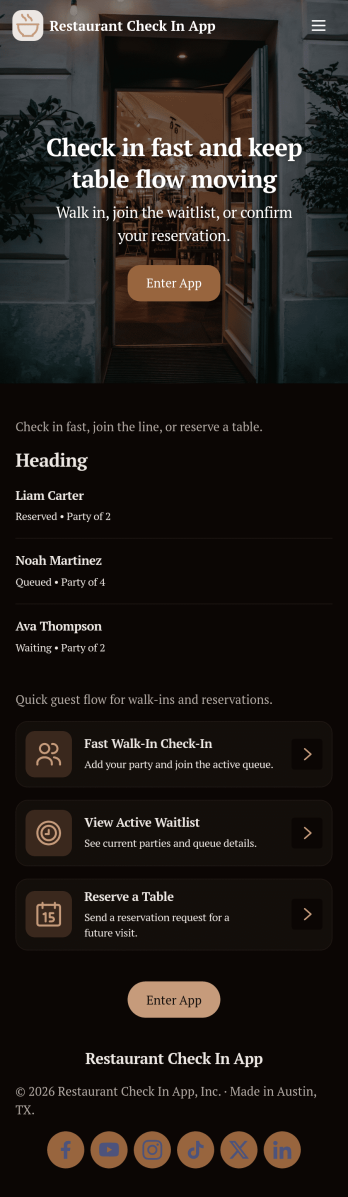
Restaurant Check In App
Restaurant Check In App helps hosts and front-of-house teams capture guest arrivals and manage seating flow from one place. Use it to add a new check-in in seconds, keep a live waitlist visible, and maintain a running check-in log for shift review. It’s a practical fit for restaurants, cafés, food trucks with pickup windows, and busy dining rooms that need a simple process for walk-ins, peak-hour queues, and accurate guest order of arrival.With Jotform, you can turn this app template into a branded check-in experience using a no-code app builder and a drag-and-drop interface. Connect your check-in form to your live lists, keep your workflow organized across pages like staff view and waitlist, and support self-service sharing through a link or QR code. Jotform also helps with data collection and team coordination so your host stand stays consistent, even across multiple shifts.
Go to Category:Restaurant Apps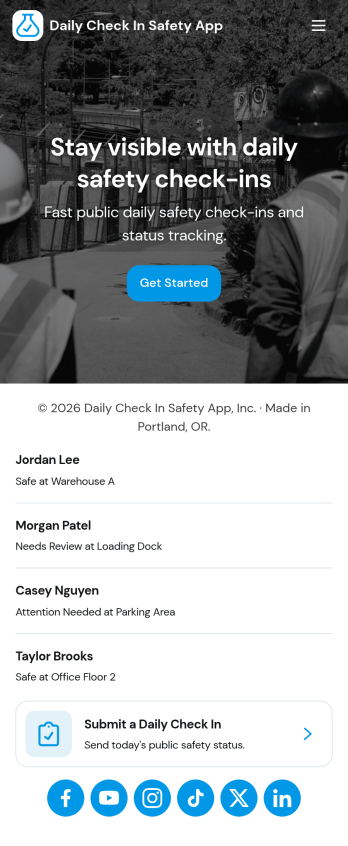
Daily Check In Safety App
Daily Check In Safety App helps teams collect a quick, consistent safety check-in from employees at the start of the day or shift. Staff can launch a new check-in in seconds, follow clear safety steps, and access an emergency call option when needed. Supervisors can also review records to confirm everyone checked in, spot missing responses, and keep a simple history of daily safety activity for field crews, construction teams, warehouses, transportation groups, and any workplace that needs routine status updates.Built with Jotform, this app template turns daily safety routines into a mobile-friendly self-service experience. Use Jotform’s no-code app builder and drag-and-drop interface to tailor pages, adjust the check-in flow, and connect the app to your data collection form and record list for fast tracking. Share the app by link or QR code so employees can check in from anywhere while your team keeps the workflow organized and easy to manage.
Go to Category:Safety Inspection Apps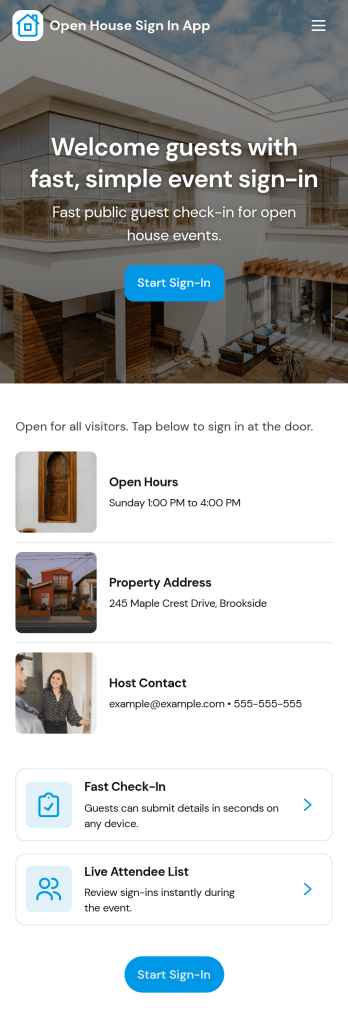
Open House Sign In App
Open House Sign In App helps real estate agents and teams welcome visitors, collect attendee details at the door, and keep an organized view of who toured the home that day. It fits broker open houses, weekend showings, new listings, and high-traffic events where a fast, clear sign-in flow matters and paper sheets are easy to lose. With a dedicated sign-in page and a visitors area that displays today’s entries, you can quickly confirm attendance, reduce manual follow-up work, and keep the check-in experience consistent across different properties.Built with Jotform, this app template turns a simple check-in process into a shareable self-service experience you can open on a phone or tablet. Use Jotform’s no-code app builder and drag-and-drop interface to adjust the pages, add helpful property information, and connect sign-ins to your data collection workflow so visitor records stay organized in one place. Once published, share the app link or QR code on-site so agents can focus on conversations while the app handles the intake.
Go to Category:Real Estate Apps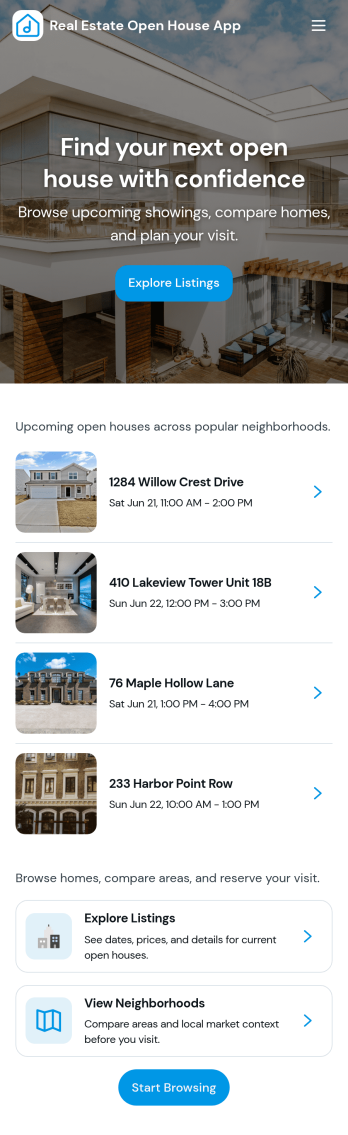
Real Estate Open House App
Real Estate Open House App brings your open house day into one simple, mobile-friendly experience for agents and teams running multiple showings. Use it to publish a clear list of upcoming open houses, guide visitors to a quick check in flow, and collect feedback while impressions are fresh. It fits solo agents, brokerages, and hosting partners who want fewer missed leads, less paper at the door, and a consistent way to follow up after each property tour.With Jotform, you can build and customize this app template using a no-code app builder and a drag-and-drop interface, then share it instantly with a link or QR code. Connect the app to your forms and tables to support data collection at the event, keep visitor details organized, and route information to the right workflow for follow-ups. Update listings, adjust navigation, and refine the experience for every open house without relying on developers.
Go to Category:Real Estate Apps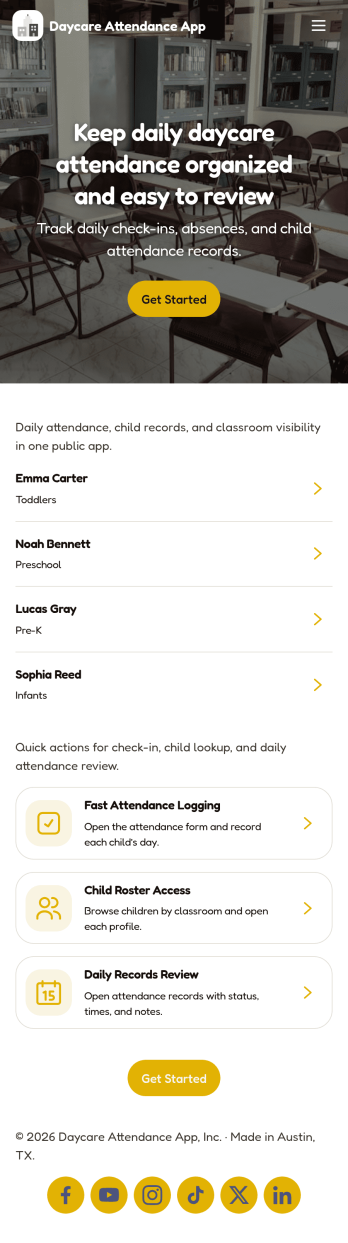
Daycare Attendance App
Daycare Attendance App helps childcare teams record daily check-ins, keep child profiles organized, and maintain a clear attendance trail for every family. From busy morning drop-offs to afternoon pick-ups, staff can quickly select a child, add a new attendance entry, and reduce missed paper sign-in steps. It’s also useful for documenting situations that affect care through quick incident notes, so your center has a consistent log to reference when questions come up.Built with Jotform, this app template brings your attendance workflow into one mobile-friendly experience that’s easy to share with staff. Using Jotform’s no-code app builder and drag-and-drop interface, you can tailor pages for Children, Check In, History, and Review, then connect buttons to forms for data collection and ongoing workflow tracking. Publish the app in minutes, keep records in one place, and give your team a self-service way to manage daily attendance without switching between tools.
Go to Category:Sign In Apps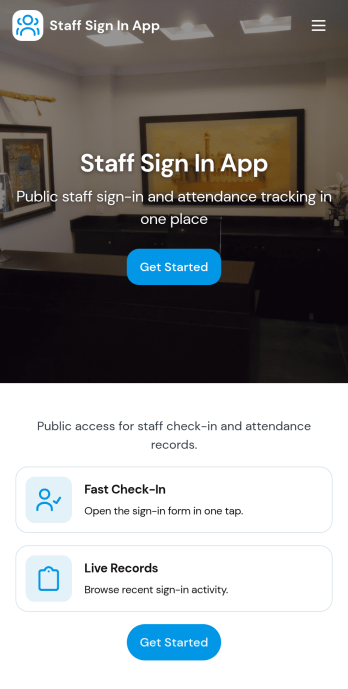
Staff Sign In App
Staff Sign In App helps teams record daily check-ins, keep a clear attendance trail, and make it easy for employees to sign in from one place. It’s a practical fit for offices, retail stores, clinics, warehouses, schools, and job sites that need a simple way to capture who is working today, reduce manual paper logs, and give managers quick visibility into the day’s activity. With dedicated areas for signing in and viewing today’s log, staff can confirm their entry in seconds while supervisors can reference the running list during shift changes or front-desk coverage.Built with Jotform App Templates, this app template connects your sign-in form to organized views so you can browse entries, open a full sign-in history, and maintain a lightweight staff directory for quick reference. Customize pages and buttons with Jotform’s no-code app builder and drag-and-drop interface, then share the app as a self-service experience via link or QR code. As your workflow evolves, you can expand data collection, route updates to the right people, and keep everything consistent across teams and locations.
Go to Category:Sign In Apps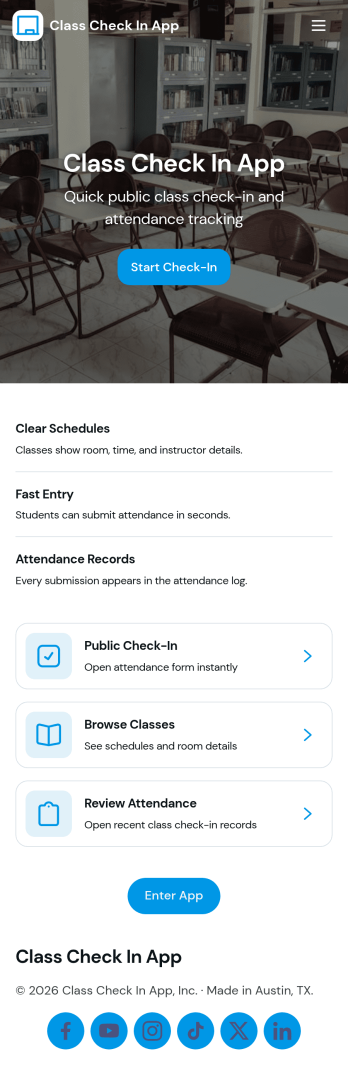
Class Check in App
Class Check in App helps instructors and program coordinators track attendance for scheduled classes in a clear, repeatable way. Use it to list classes, check students in as they arrive, and keep a running set of records you can reference later for follow-ups, participation tracking, or internal reporting. It fits tutoring centers, studios, training programs, after-school groups, and school clubs that want a simple flow for day-to-day check-ins without relying on paper rosters.Built with Jotform, this app template can be tailored with a no-code app builder and a drag-and-drop interface, so your team can adjust what shows up on each page and how people move through the experience. Connect the app to forms for data collection, keep information organized for quick self-service access, and support your workflow with reusable records that stay consistent across classes and student lists.
Go to Category:Education Apps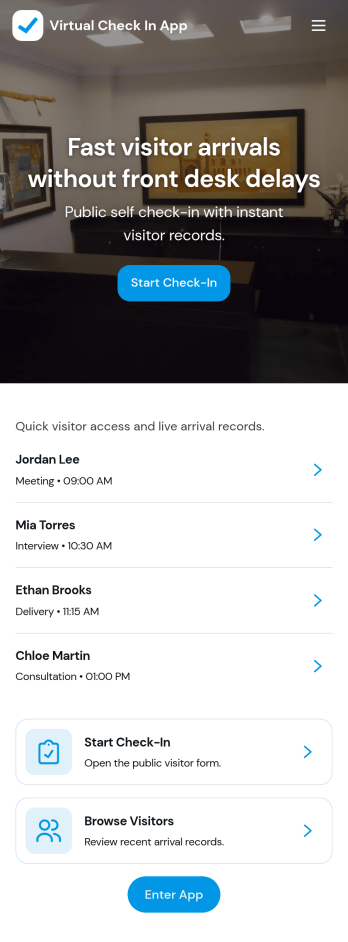
Virtual Check in App
Virtual Check in App helps teams register visitors remotely and keep arrival details organized in one place. It works well for offices, clinics, schools, events, and shared workspaces that need a simple way to capture guest info before someone walks in. With a visitor list for quick browsing, a dedicated Start Check-In action, and a visitor details view that pulls in each person’s full name, the check-in process stays consistent for front-desk staff and hosts.Jotform makes it easy to turn this experience into a branded, self-service app without coding. Use the drag-and-drop app builder to customize pages, update text and navigation, and connect the built-in check-in form to your workflow. You can share the app with a link or QR code for fast access, keep records centralized, and adapt the flow as your visitor volume or reception process changes.
Go to Category:Sign In Apps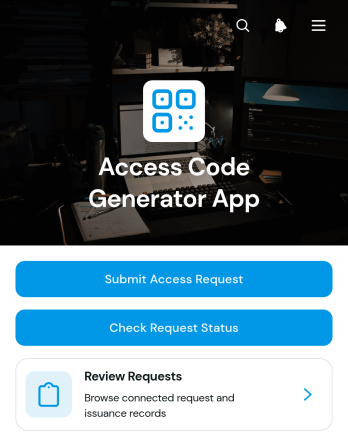
Access Code Generator App
The Access Code Generator App provides a central place for organizations to receive access requests, review requester details, and record issued reference codes. IT teams, office administrators, facility managers, membership coordinators, and operations staff can use it when access must be requested and documented before a code is shared. Requesters can submit their information and check the status of an existing request, while authorized team members can browse requests and view requested dates, reference codes, and issuance records. This organized process reduces scattered messages, improves visibility, and creates a consistent experience for temporary access, internal resources, restricted areas, events, equipment, or member services.With Jotform, this app template can be adapted in a no-code app builder using an intuitive drag-and-drop interface. Teams can update pages, navigation, colors, fonts, and branding, then connect forms, tables, approvals, notifications, and other workflow steps as needed. The finished app can support self-service access from phones, tablets, and computers and can be shared through a direct link, QR code, or embedded experience. Jotform App Templates help organizations turn data collection and request management into a polished app without writing code.
Go to Category:Information Technology Apps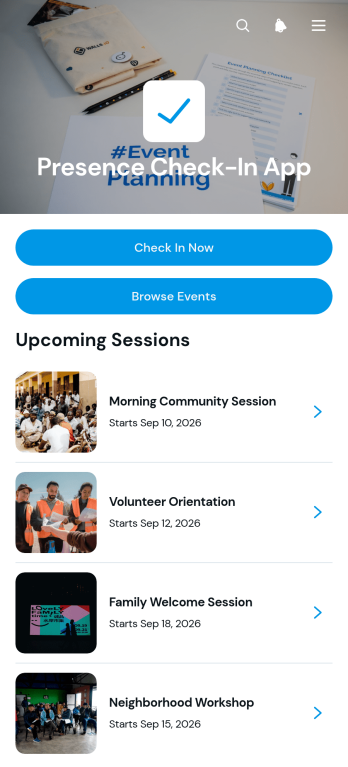
Presence Check-In App
Presence Check-In App gives event organizers, reception teams, schools, workplaces, nonprofits, and community groups a convenient way to record attendance at in-person activities. Participants can browse available events, review key details such as the date and location, and submit a check-in for the appropriate event. Organizers can also view attendee names and check-in times, making it easier to monitor arrivals, confirm participation, and maintain an organized presence log. This app template is useful for conferences, training sessions, workshops, meetings, classes, volunteer activities, and recurring community gatherings where a simple arrival process can reduce manual recordkeeping.With Jotform, teams can customize this app template through a no-code app builder and an intuitive drag-and-drop interface. Pages, buttons, event information, forms, colors, fonts, and visual elements can be adjusted to fit each organization and workflow. Connected forms support data collection, while organized event and attendance records help teams review activity from one place. The finished app can be shared through a direct link, QR code, or embedded experience, giving attendees mobile-friendly self-service access without requiring organizers to build a system from scratch.
Go to Category:Sign In Apps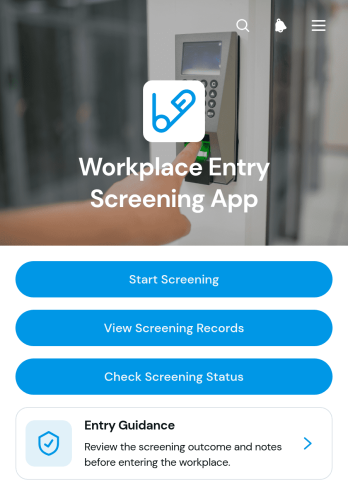
Workplace Entry Screening App
Workplace Entry Screening App is a ready-to-use app template for organizations that need a consistent way to review employees, contractors, and visitors before workplace entry. Facility teams, human resources departments, office administrators, and site managers can use it to start screenings, present entry guidance, review screening records, and check an entrant’s current status. Keeping visit details, declarations, and outcomes within one accessible experience reduces fragmented paperwork, helps staff find relevant records, and supports an organized entry process across offices, worksites, and shared facilities.With Jotform Apps, teams can adapt this template to their procedures without writing code. The no-code app builder and drag-and-drop interface make it easy to update pages, branding, navigation, and instructions. Connect forms and tables to support data collection, notifications, and related workflows, then share the app through a direct link or QR code. Jotform App Templates also provide a practical starting point for creating mobile-friendly self-service experiences that can evolve as workplace needs change.
Go to Category:Safety and Compliance Apps