

Resource & Learning Portal Apps

Historical Archive App
Historical Archive App is an app template for presenting historical records in an accessible digital collection. Museums, libraries, historical societies, schools, universities, community organizations, archivists, and research teams can use it to bring scattered materials into one browsable resource. Visitors can explore collections and records from different eras, open individual entries for historical context, and contribute new records through a connected form. This approach makes local histories, institutional documents, photographs, oral accounts, and research materials easier to discover while giving administrators a consistent process for gathering and organizing contributions.With Jotform Apps, teams can adapt this Historical Archive App without writing code. The no-code app builder and drag-and-drop interface make it easy to update pages, navigation, colors, fonts, and visual elements while maintaining a modern, mobile-friendly experience. Connect the archive to forms and tables to support data collection, record management, and related workflows from one place. Jotform App Templates can also be shared by direct link, QR code, or embedded experience, helping organizations provide convenient self-service access to historical resources for researchers, students, members, and the public.
Go to Category:Resource & Learning Portal Apps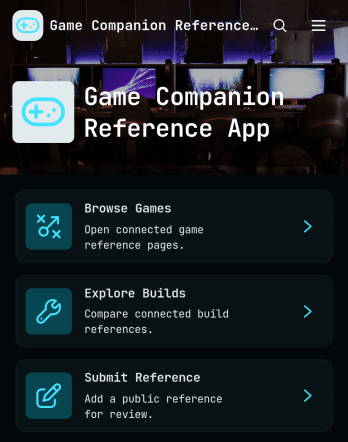
Game Companion Reference App
Game Companion Reference App is a centralized resource for organizing game information and player build guidance for gamers, fan communities, content creators, clubs, and entertainment publishers. It brings game browsing, build exploration, and community reference submissions into one easy destination. Visitors can open game profiles by genre and platform, follow official reference links, compare related builds, and contribute useful sources through a connected form. By replacing scattered bookmarks, chat threads, and documents with consistent navigation, the app helps audiences find dependable context faster while giving administrators a practical way to maintain a growing companion library.With Jotform Apps, teams can customize this app template in a no-code app builder using a drag-and-drop interface. Update pages, cards, buttons, imagery, and branding, then connect forms, tables, notifications, approvals, or other workflow steps as the library evolves. Jotform App Templates also support mobile-friendly self-service and organized data collection, making it simple to publish a polished resource without development work. Share the finished app by direct link or QR code, or embed it where your community already looks for guidance.
Go to Category:Entertainment Apps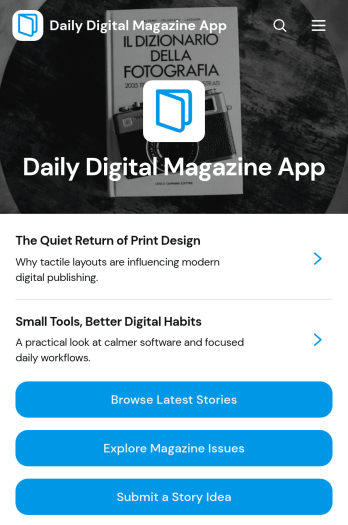
Daily Digital Magazine App
Daily Digital Magazine App is a ready-to-use publishing experience for editorial teams, independent publishers, schools, associations, nonprofits, and brands that want to share timely stories in a mobile-friendly format. Readers can browse the latest articles, explore technology and culture coverage, open past magazine issues, and submit story ideas from one organized destination. Article pages provide space for summaries, bylines, section details, and related issue information without overwhelming the reading experience. This app template helps publishers keep recurring content accessible, encourage audience participation, and create a consistent home for daily editorial updates.With Jotform Apps, you can adapt this Daily Digital Magazine App using a no-code app builder and an intuitive drag-and-drop interface. Update pages, navigation, images, buttons, and branding to match your publication, then connect forms and other Jotform workflows for data collection and editorial follow-up. App Templates make it easier to launch without building from scratch, while flexible sharing options let you distribute your magazine through a direct link, personalized address, embedded experience, or scannable code. The result is a polished self-service resource that readers can access from phones, tablets, or computers.
Go to Category:Entertainment Apps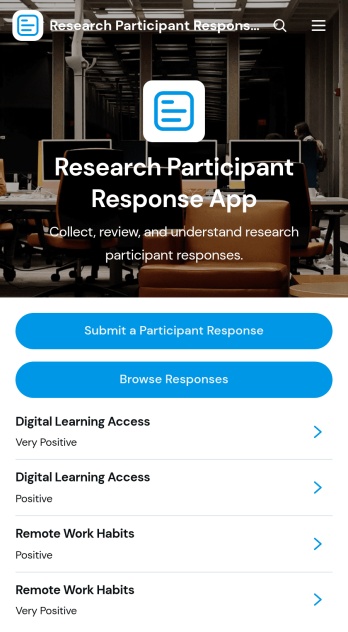
Research Participant Response App
Research Participant Response App is a centralized space for collecting, reviewing, and interpreting feedback from people involved in research studies. Researchers, academic teams, user experience professionals, program evaluators, and educational institutions can use this app template to let participants submit responses, browse recorded entries, and review response insights. It brings study topics, participant experiences, participation dates, study formats, feedback, and recommended improvements into an organized process. Teams can reduce scattered records, make qualitative feedback easier to find, and support more consistent data collection across usability studies, academic projects, interviews, and program evaluations.Jotform Apps helps teams turn forms and related resources into accessible app experiences without writing code. Start with customizable App Templates, then use the no-code app builder and drag-and-drop interface to update pages, navigation, colors, fonts, and branding. Connect forms, tables, notifications, approvals, or other workflow steps to support ongoing research operations and participant self-service. Once the Research Participant Response App is ready, publish it through a direct link, personalized app URL, QR code, or embedded experience so contributors and research teams can access it from phones, tablets, or computers.
Go to Category:Report Apps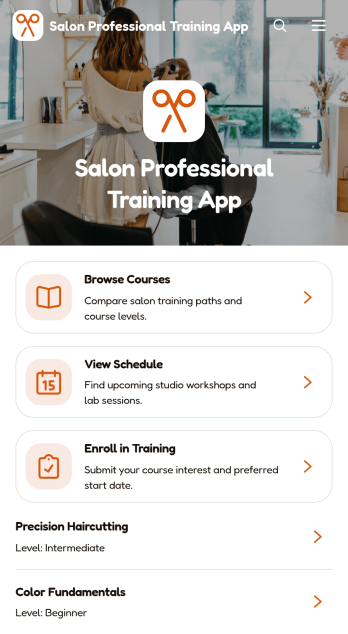
Salon Professional Training App
The Salon Professional Training App gives salon owners, academy managers, educators, and beauty industry trainers a central place to present professional development opportunities. Learners can browse available courses, review course overviews and expected learning outcomes, check training schedules, and submit enrollment information from one convenient experience. This app template is well suited to salons, training academies, product educators, and independent instructors that need to organize technical workshops, service education, or continuing development programs. It reduces scattered course inquiries, makes upcoming sessions easier to discover, and creates a clearer journey from initial interest to registration.Jotform App Templates help organizations turn resources and connected processes into polished, mobile-friendly experiences without coding. Using Jotform’s no-code app builder and drag-and-drop interface, teams can customize pages, navigation, colors, fonts, images, and branding to match their training program. Forms can support data collection for enrollment, while connected tables, notifications, and workflows help staff organize participant details and follow-up tasks. Publish the app through a direct link or QR code so salon professionals can use self-service access to explore training from nearly any device.
Go to Category:Customizable Hair Salon Apps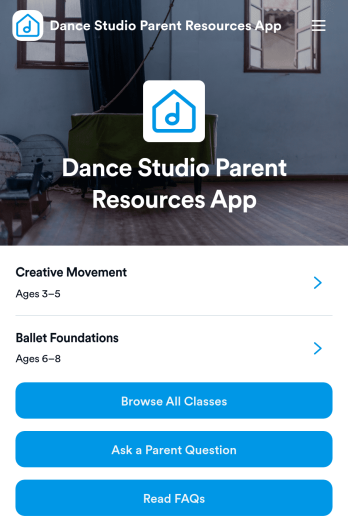
Dance Studio Parent Resources App
The Dance Studio Parent Resources App is a ready-to-use app template that gives dance studios a central place to share class information and answer common parent questions. Studio owners, instructors, administrators, and enrollment teams can use it to help families browse available classes, review age ranges, levels, and schedules, find parent resources, and submit questions about a specific class. By keeping essential guidance in one mobile-friendly destination, the app reduces repetitive inquiries and makes it easier for parents to choose suitable programs for their children. It can support seasonal enrollment, new-family orientation, ongoing class communication, and everyday self-service.Jotform makes this Dance Studio Parent Resources App easy to adapt with a no-code app builder and an intuitive drag-and-drop interface. Studios can update pages, navigation, class content, buttons, colors, and fonts to reflect their programs and branding. Connected forms support data collection for parent questions, while organized resources and FAQs create a clearer workflow for responding to families. Once customized, the app can be published and shared through a direct link or QR code, giving parents convenient access from phones, tablets, or computers without requiring a download.
Go to Category:Resource & Learning Portal Apps
Carrot Learning App
Carrot Learning App is a ready-to-use learning app template that gives students and other learners one convenient place to browse lessons, review lesson details, complete practice activities, and check their progress. It is well suited to teachers, tutors, schools, training teams, and education programs that want to make learning materials easier to find and use. Clear navigation helps users move from lesson discovery to practice, while the built-in feedback option gives them a simple way to share comments. This organized experience can reduce scattered resources, encourage independent study, and support learning in classrooms, tutoring sessions, or remote programs.Jotform App Templates help organizations turn educational resources and connected workflows into accessible digital experiences without writing code. Using Jotform’s no-code app builder and drag-and-drop interface, you can customize the Carrot Learning App with your own colors, fonts, lesson content, buttons, images, and navigation. Connect forms to support data collection and learner feedback, organize resources for self-service access, and update content as your program develops. Once your app template is ready, publish it and share it through a direct link or QR code so learners can open it from a phone, tablet, or computer.
Go to Category:Education Apps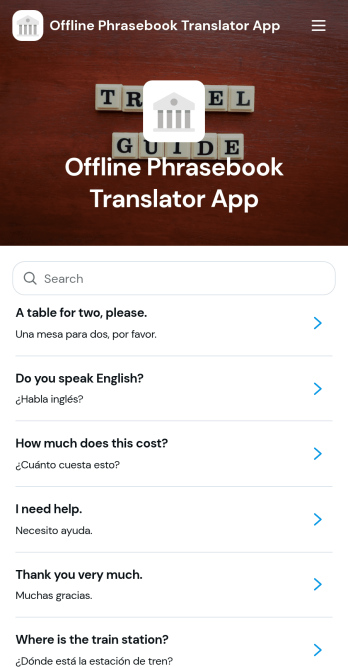
Offline Phrasebook Translator App
Built for travelers, language learners, tour operators, hospitality teams, field staff, and community organizations, the Offline Phrasebook Translator App keeps essential expressions organized for quick reference when connectivity is limited. Users can browse a phrase collection, open individual entries to review meanings, pronunciation guidance, and context, or submit new phrases through a connected form. It reduces the difficulty of finding practical language support during trips, lessons, guest interactions, and work in remote locations while creating a shared resource that can grow over time.Jotform makes this app template easy to adapt with a no-code app builder and a flexible drag-and-drop interface. Add branded pages, reorganize navigation, update phrase resources, and connect forms or tables to support data collection and content review workflows. Jotform App Templates can be published without programming and shared through a direct link or QR code, giving individuals and teams a mobile-friendly way to distribute useful information. The result is a focused self-service experience that can be tailored to different destinations, languages, audiences, or operational needs.
Go to Category:Resource & Learning Portal Apps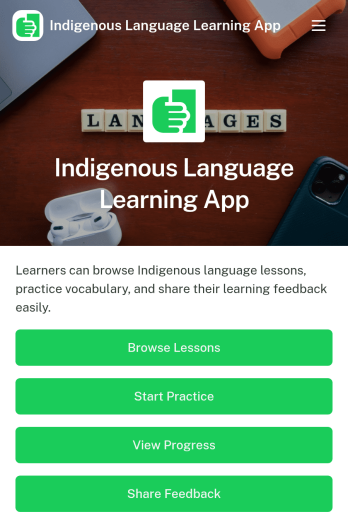
Indigenous Language Learning App
Indigenous Language Learning App is a digital learning space for communities, educators, cultural organizations, schools, and language revitalization programs that want to make language resources easier to access. Learners can browse lessons, open supporting materials, begin practice activities, and record their progress from one organized location. It can support classroom instruction, independent study, community workshops, youth programs, and intergenerational learning initiatives. By bringing essential learning actions together, the app helps participants stay engaged while giving program teams a practical way to distribute materials and understand learning activity.Jotform Apps makes this app template easy to adapt without coding. Using the drag-and-drop interface, organizers can update pages, apply culturally appropriate branding, add learning resources, and connect forms for progress records or learner feedback. The no-code app builder can also link data collection with tables, notifications, approvals, and other workflow steps. Once ready, the Indigenous Language Learning App can be shared by direct link or QR code, giving learners mobile-friendly self-service access wherever lessons take place.
Go to Category:Education Apps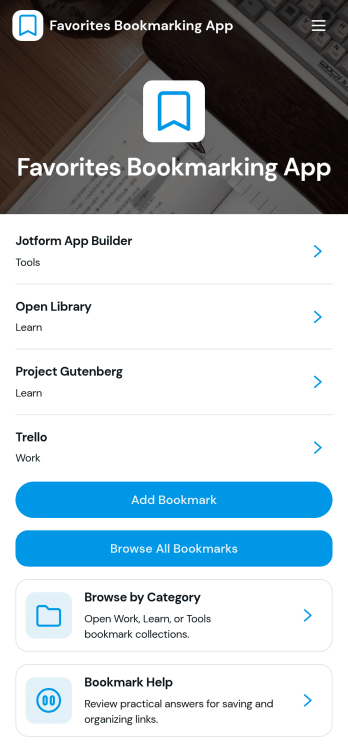
Favorites Bookmarking App
Favorites Bookmarking App is an organized space for saving, categorizing, and revisiting useful online resources. Individuals, students, researchers, educators, content teams, and small businesses can use this app template to keep important websites from becoming scattered across browsers, messages, and documents. Users can add a bookmark, browse the complete collection, explore categories such as work, learning, and tools, and open a dedicated page with the saved link, tags, and supporting details. It is well suited to personal research libraries, shared team references, study resources, content inspiration, and frequently used workplace tools.Jotform helps you turn this ready-made template into a polished bookmarking experience without writing code. Use the no-code app builder and drag-and-drop interface to adjust pages, navigation, colors, fonts, images, and branding. You can connect forms for data collection, organize saved resources around your workflow, and give users convenient self-service access from phones, tablets, or computers. Once customized, the Favorites Bookmarking App can be published and shared through a direct link or QR code, making Jotform App Templates a practical starting point for a centralized, easy-to-maintain resource collection.
Go to Category:Organization Apps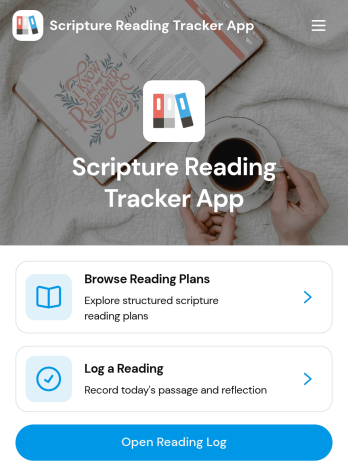
Scripture Reading Tracker App
The Scripture Reading Tracker App gives individuals, study groups, faith communities, and educational programs a central place to organize and monitor scripture reading. Readers can log completed sessions, explore reading plans, and view progress without relying on scattered notes or spreadsheets. Passage summaries and weekly plan views help participants understand what to read next and maintain a consistent routine. Group leaders can also use the app to share guided plans, support recurring studies, and give members convenient self-service access to relevant reading information.With Jotform Apps, this app template can be adapted to suit personal study routines, community programs, or structured learning activities. The no-code app builder uses a drag-and-drop interface for adjusting pages, navigation, images, buttons, and branding. Users can connect forms for data collection, organize records through related workflows, and add resources that support the reading experience. Once customized, the Scripture Reading Tracker App can be published and shared through a direct link or QR code, making it easy to access from phones, tablets, and computers.
Go to Category:Activity Tracking Apps
Brand Guidelines Management App
Brand Guidelines Management App is a centralized resource for organizing brand standards, approved assets, and update requests. It supports marketing teams, creative departments, agencies, franchise networks, and growing businesses that need to keep brand use consistent across employees and partners. Users can browse detailed guidelines, review approved brand assets and their usage context, and submit change requests from one accessible location. This app template reduces scattered documentation, outdated files, and uncertainty about which visual or messaging standards apply. It also gives brand managers a practical self-service destination for sharing current resources and collecting feedback.With Jotform Apps, teams can customize this Brand Guidelines Management App through a no-code app builder and an intuitive drag-and-drop interface. Add branded pages, navigation cards, forms, links, and connected data without writing code. Jotform App Templates can connect data collection with tables, notifications, approvals, and other workflow steps, helping teams manage updates while keeping resources easy to find. Publish the finished app with a direct link, share it through a QR code, or embed it in an existing digital experience for convenient access on desktop and mobile devices.
Go to Category:Company Portal Apps
Firefighter Reference App
Firefighter Reference App gives fire departments, station crews, training officers, and emergency service organizations a centralized place to review operational guidance and complete routine records. Personnel can browse a reference library, open firefighter checklists, and access forms for incident reports or equipment checks from one organized experience. Reference categories, key standards, revision dates, and checklist details help teams locate current internal materials without searching through scattered files. It is useful for shift preparation, station-based training, equipment readiness reviews, incident documentation, and ongoing procedural reinforcement.This app template can be adapted with Jotform’s no-code app builder to reflect a department’s terminology, resources, and visual identity. The drag-and-drop interface makes it easy to update pages, cards, buttons, and navigation while connecting data collection forms to the wider workflow. Teams can publish a mobile-friendly self-service resource, share it through a direct link or QR code, and organize connected records with Jotform tools. Among Jotform App Templates, Firefighter Reference App provides a practical starting point for creating a focused reference and reporting experience without coding.
Go to Category:Safety and Compliance Apps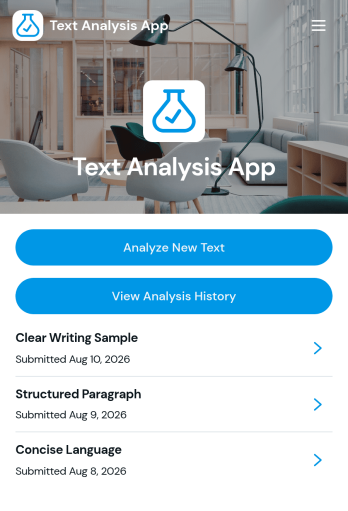
Text Analysis App
Text Analysis App provides a focused workspace for organizing text review activities and guiding users through a consistent analysis process. Researchers, content teams, educators, consultants, support teams, and small businesses can adapt this app template for reviewing customer comments, survey responses, written assignments, interview notes, or marketing copy. Its page-based structure can present analysis instructions, link users to text collection resources, and direct them toward relevant results or reference materials. This helps teams centralize their process, reduce scattered resources, and make recurring text reviews easier to manage.Jotform App Templates give organizations a flexible starting point for building interactive experiences without coding. With Jotform’s no-code app builder and drag-and-drop interface, users can customize the Text Analysis App with branded pages, buttons, links, media, and connected forms. It can also be expanded to support data collection, approvals, tables, notifications, and other workflow steps as needs evolve. Once ready, the app can be shared through a direct link or QR code, providing convenient mobile-friendly access for staff, clients, students, or research participants.
Go to Category:Information Technology Apps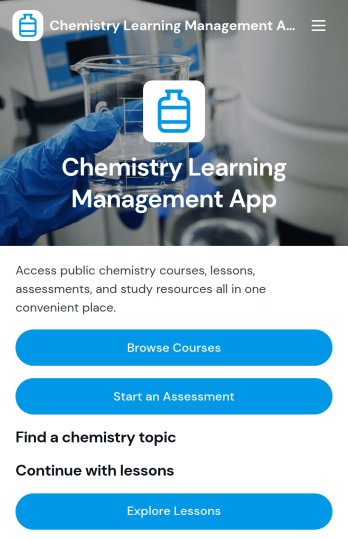
Chemistry Learning Management App
Chemistry Learning Management App is a ready-to-use learning environment for organizing chemistry courses, lessons, assessments, and supporting resources in one accessible place. It helps chemistry teachers, tutors, schools, training providers, and educational programs present course overviews, instructors, learning outcomes, and modules without scattering materials across multiple channels. Learners can browse available courses, continue with lessons, find content by chemistry topic, open reference resources, and submit assessment results or course feedback. This focused experience supports classroom instruction, tutoring programs, exam preparation, remote learning, and blended courses while giving students a clear path from discovery to assessment.With Jotform Apps, educators can turn this app template into a branded learning resource using a no-code app builder and an intuitive drag-and-drop interface. Pages, navigation, forms, links, images, and learning materials can be adjusted to suit different chemistry levels or curricula. Connected forms support data collection for assessment results and feedback, while organized app pages encourage student self-service. Publish the app with a personalized link, share it by QR code, or embed it in an existing website to make course access convenient on phones, tablets, and computers.
Go to Category:Education Apps
Tutoring Lesson Library App
The Tutoring Lesson Library App is a ready-to-use digital resource for private tutors, tutoring centers, schools, and education teams that need one accessible place for lesson materials. Tutors can browse a lesson library, filter resources by subject, and review each lesson’s learning goal, activity, and required materials before a session. They can also suggest new lesson topics to help the collection reflect student needs. This organized experience reduces time spent searching across files and gives new or experienced tutors a consistent starting point for math, English, science, study skills, and other instructional areas.Jotform makes this app template easy to adapt with a no-code app builder and an intuitive drag-and-drop interface. Education teams can update pages, add lesson resources, change navigation, apply their branding, and connect forms to data collection and workflow processes without programming. The app can be shared through a direct link or QR code, giving tutors mobile-friendly self-service access wherever lessons take place. Starting with Jotform App Templates also helps organizations publish a polished resource library quickly while retaining the flexibility to expand content as programs, subjects, and teaching teams grow.
Go to Category:Tutor Apps
Employee Reskilling Portal App
Employee Reskilling Portal App is a centralized learning experience for organizations that want to help employees develop new capabilities and prepare for changing roles. HR departments, learning and development teams, managers, and growing businesses can use it to make reskilling opportunities easier to discover and manage. Employees can explore learning paths and course details, assess their current skills, and enroll in training or request relevant resources. They can also add learning records as they complete development activities. By bringing these actions into one accessible portal, the template supports career mobility, closes knowledge gaps, and gives staff a clearer route from skill assessment to practical learning.Jotform App Templates make it easy to adapt this app template to an organization’s training strategy without writing code. Using Jotform’s no-code app builder and drag-and-drop interface, teams can update pages, branding, navigation, and learning content while connecting forms and data collection processes to a broader workflow. The finished portal can be shared by a direct link or QR code and accessed on mobile devices, giving employees a convenient self-service resource wherever they work. Organizations can publish updates quickly and keep development opportunities organized as workforce needs evolve.
Go to Category:Resource & Learning Portal Apps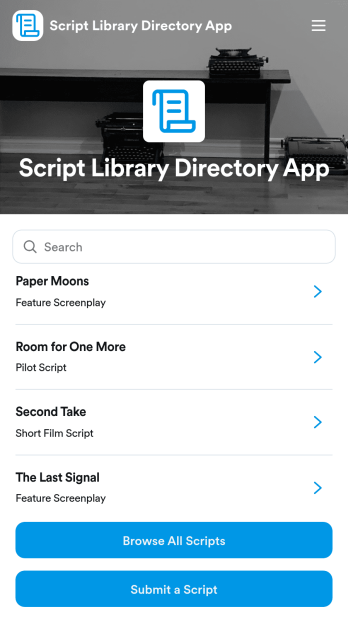
Script Library Directory App
Script Library Directory App provides writers, production teams, theater groups, film clubs, educators, and creative communities with a central place to share and discover scripts. Visitors can browse a visual script directory, open individual entries to review relevant information, and submit new work through a connected form. It is well suited to screenplay archives, stage play collections, classroom resources, writing communities, and internal production libraries. By replacing scattered files and disconnected submission channels with an organized browsing experience, this app template makes scripts easier to find while giving contributors a clear path for adding material.Jotform App Templates help organizations turn resources and workflows into polished, mobile-friendly experiences without writing code. Customize the Script Library Directory App through an intuitive drag-and-drop interface, update its pages and branding, and connect data collection to forms or Jotform Tables. The no-code app builder also makes it easy to add buttons, images, links, approvals, and other workflow tools as your library grows. Publish the finished directory with a shareable link or QR code so contributors and readers can access convenient self-service from nearly any device.
Go to Category:Resource & Learning Portal Apps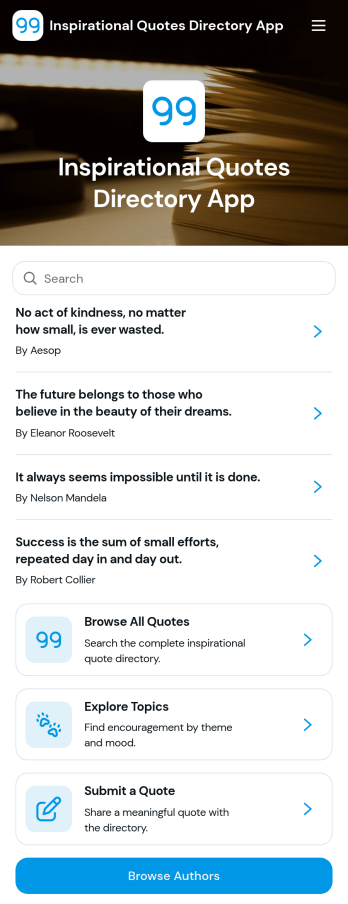
Inspirational Quotes Directory App
Inspirational Quotes Directory App is a searchable resource for presenting uplifting quotations by topic, author, mood, and source. Individuals can use it for daily encouragement and reflection, while educators, wellness groups, nonprofits, community managers, and content teams can publish a curated collection for their audiences. Visitors can browse all quotes, explore themes such as motivation and courage, discover authors, and open individual entries for added context. A connected submission form also gives community members a convenient way to suggest quotes, helping administrators expand the directory while keeping contributions organized.With Jotform, this app template can be adapted into a branded, mobile-friendly destination without writing code. The no-code app builder and drag-and-drop interface make it easy to revise pages, navigation, colors, typography, and visual elements. Teams can connect forms, tables, notifications, approvals, and other workflow tools to support data collection and review new contributions. Once the Inspirational Quotes Directory App is ready, it can be shared through a direct link or QR code for convenient self-service access. Jotform App Templates provide a practical starting point for organizations that want to publish engaging resources quickly and maintain them from one central workspace.
Go to Category:Resource & Learning Portal Apps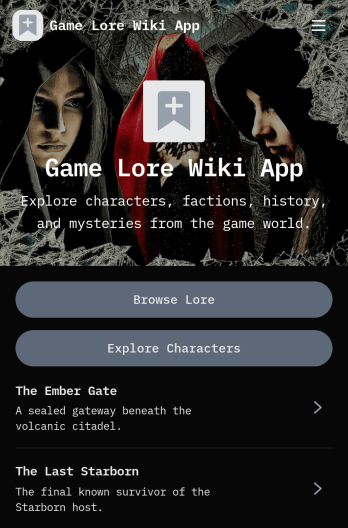
Game Lore Wiki App
Game Lore Wiki App brings your game universe into a single, easy-to-navigate hub where players and community members can browse lore entries, explore characters, and discover factions. Instead of scattering story notes across docs and posts, you can publish an organized reference that highlights historical summaries, source records, eras, allegiances, roles, and notable facts. It’s a strong fit for indie studios, tabletop groups, modding communities, and fan projects that want a clear, consistent way to share canon details and keep newcomers from getting lost.With Jotform App Templates, you can turn your lore database into a polished self-service experience using a no-code app builder and a drag-and-drop interface. Connect lists and detail pages to the data you already maintain, then update entries as your story evolves without rebuilding the whole app. Share your Game Lore Wiki App with a simple link, tailor the layout to match your game’s visual style, and keep information accessible on any device while supporting ongoing data collection and workflow needs behind the scenes.
Go to Category:Entertainment Apps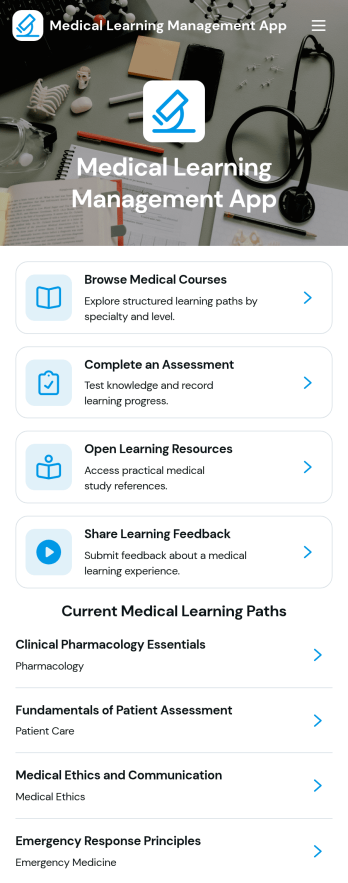
Medical Learning Management App
Medical Learning Management App brings medical courses, learning resources, and assessments into one easy-to-navigate experience for hospitals, clinics, training departments, and education providers. Use it to publish structured learning paths, help learners browse available courses, open key reference materials, and complete assessments with results organized for follow-up. It’s a practical fit for onboarding new clinical staff, rolling out continuing education, reinforcing protocol updates, or guiding students through a program where progress and feedback need to stay consistent.With Jotform, you can build and tailor app templates like this using a no-code app builder and a drag-and-drop interface that keeps updates simple as content changes. Connect the app to forms and tables for data collection, automate parts of your workflow with notifications and approvals where needed, and offer a self-service learning hub learners can access from a shared link. From quick edits to branded layouts, Jotform Apps helps teams maintain a clear training experience without relying on development work.
Go to Category:Healthcare Apps
Adventure Game Companion App
Adventure Game Companion App gives players and game masters a simple home base for tracking a campaign in progress, sharing key references, and keeping the group aligned on what happens next. Use it to organize session notes, characters, quests, puzzles, and table rules in one place so everyone spends less time searching and more time playing. It fits tabletop RPG groups, escape room-style campaigns, LARP organizers, and indie game communities that want a lightweight, shareable companion for ongoing adventures.With Jotform, you can publish this app template fast and tailor it to your campaign style using a no-code app builder and a drag-and-drop interface. Add pages for resources, link out to guides, and connect data collection forms when you want players to submit character updates or feedback after a session. Jotform makes it easy to share a single self-service destination with your group, update content anytime, and keep your workflow organized as your story evolves.
Go to Category:Entertainment Apps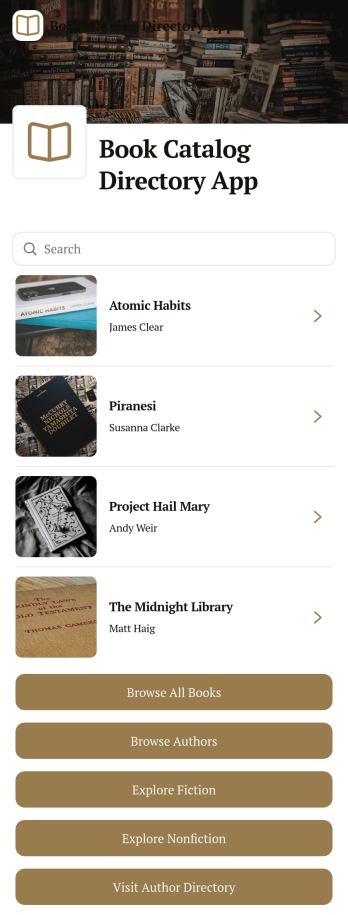
Book Catalog Directory App
Book Catalog Directory App brings your collection into one easy-to-browse directory so readers can discover titles, explore fiction and nonfiction, and jump into an author directory without hunting through spreadsheets or scattered web pages. It’s a practical fit for libraries, schools, book clubs, independent bookstores, publishers, and literary nonprofits that need a clean way to present books and author profiles while keeping navigation simple for visitors.With Jotform App Templates, you can publish a polished browsing experience using a no-code app builder and a drag-and-drop interface that makes updates fast. Connect your book and author data to organized lists and detail pages, add buttons that guide users to key sections, and keep information current as your catalog grows. Jotform helps support ongoing data collection and workflow needs behind the scenes, so your directory stays useful for both admins and readers.
Go to Category:Resource & Learning Portal Apps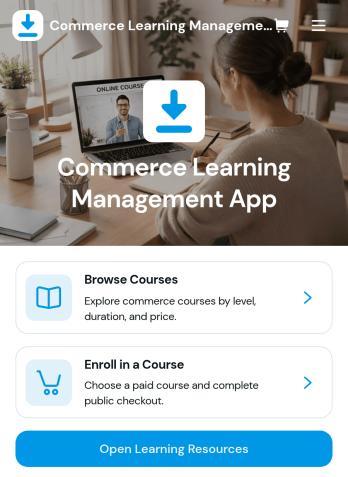
Commerce Learning Management App
Commerce Learning Management App brings product and commerce-focused training into one place so learners can browse courses, view course details and learning outcomes, and enroll with the right information captured upfront. It’s a strong fit for retail teams, e-commerce operations, customer support groups, and partner programs that need consistent onboarding for product knowledge, promotions, and day-to-day selling or service workflows. Use it to publish a course catalog, guide learners to the right level, and keep resources easy to find so training stays accessible instead of scattered across emails and documents.With Jotform, you can turn this app template into a branded learning experience using a no-code app builder and a drag-and-drop interface. Connect the app to forms for enrollment details and course feedback, organize learning resources in clear pages, and use data collection to keep course info and participation organized. Share the app with a simple link or QR code, update content quickly as products change, and support smoother training workflows across locations and teams.
Go to Category:Education Apps