

Service & Support Portal Apps

Childcare Enrollment App
Childcare Enrollment App is an app template designed to streamline and simplify the enrollment process for daycare centers, preschools, and childcare providers. It efficiently collects and houses crucial details such as child information, emergency contacts, medical notes, and schedules via user-friendly forms. This comprehensive app is also a boon for small childcare businesses or home-based providers aiming for effective organization without the need for complex systems. Parents can swiftly submit their child's details, making it an indispensable component in the enrollment workflow. The app’s table view facilitates viewing all registrations at a glance, while the dashboard offers a quick snapshot of the enrollment status and capacity. The Childcare Enrollment App is best suited for childcare coordinators and administrators who handle enrollment logistics and aim to simplify their operational workflows.With Jotform's no-code, drag-and-drop interface, customizing the Childcare Enrollment App to align with your branding is a hassle-free process. Swap out forms, choose your preferred fonts and colors, upload your logo, and more without writing a single line of code. The app's cross-platform compatibility ensures that parents can access and submit their child's information via any device - smartphone, tablet, or desktop. Sharing the app is equally effortless, with options to disseminate the app via direct link, email, QR Code, or social media. Jotform’s focus on centralization positions the Childcare Enrollment App as the single, reliable source for all enrollment-related information and activities.
Go to Category:Course & Training Registration Apps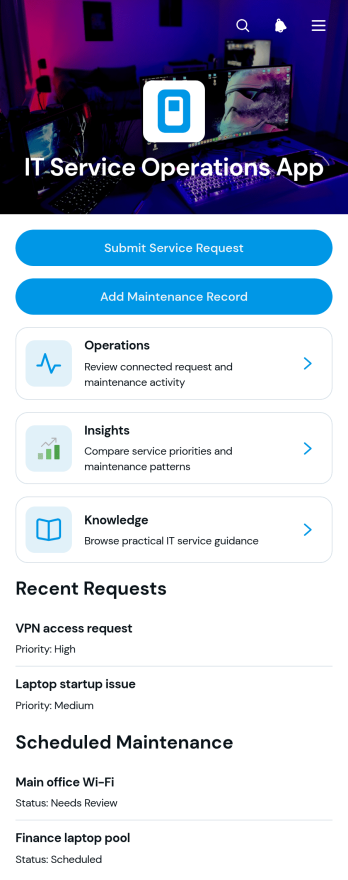
IT Service Operations App
The IT Service Operations App is a centralized workspace for IT teams that manage service requests, equipment issues, maintenance activity, and operational knowledge. Employees or customers can submit support requests, while technicians and operations managers can review request details, record maintenance work, and monitor service activity from organized views. Knowledge resources give users a place to find helpful guidance before escalating an issue. This app template suits internal IT departments, managed service teams, technical support providers, and growing businesses seeking clearer request intake, better asset visibility, and a more consistent service experience.Jotform makes this App Template easy to adapt with a no-code app builder and an intuitive drag-and-drop interface. Teams can customize pages, navigation, buttons, colors, and branding, then connect forms, tables, approvals, notifications, and other workflow steps to support data collection and follow-up. The finished app can be shared by direct link or QR code for convenient mobile access. By bringing self-service resources and operational actions into one accessible location, Jotform helps teams reduce scattered communication, maintain useful records, and give requesters a simpler route to technical support.
Go to Category:Information Technology Apps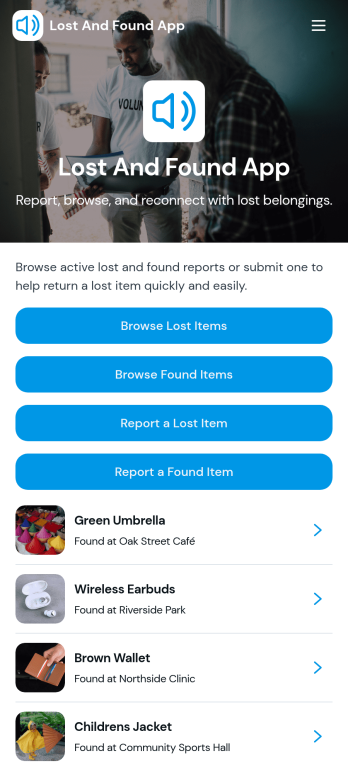
Lost And Found App
Lost And Found App provides a central place for reporting, browsing, and recovering misplaced belongings. Schools, workplaces, hotels, event venues, transportation providers, residential communities, and public facilities can use it to coordinate lost and found activity without relying on scattered messages or paper logs. Visitors can browse lost or found item listings, submit a new report, review key details such as location and status, and contact the person who reported or located an item. This organized self-service experience makes potential matches easier to identify, helps staff manage inquiries, and gives community members a clear way to participate in the recovery process.With Jotform Apps, teams can customize this app template through a no-code app builder and an intuitive drag-and-drop interface. Add branded pages, update navigation, connect forms for data collection, and organize records with Jotform Tables to support a practical lost and found workflow. The app can be shared through a direct link or QR code, making it easy to access from phones, tablets, and computers. Jotform App Templates also offer flexible styling and connected tools, so organizations can adapt the Lost And Found App to their procedures and publish a polished resource without writing code.
Go to Category:Community & Engagement Portal Apps
Anonymous Feedback App
Anonymous Feedback App gives people a safe, simple way to share honest input without attaching their name to it. Use it for employee suggestions, student feedback, customer experience notes, event comments, or community concerns when participation drops due to fear of being identified. The app supports quick feedback submission, topic-based browsing to guide what people comment on, and an insights view that helps teams spot patterns and prioritize next steps.With Jotform, you can publish this app template using a no-code app builder and tailor it to your organization in minutes. Use the drag-and-drop interface to update pages, adjust navigation cards, and match your branding, then connect the feedback form to your workflow for organized data collection and follow-up. Share the app through a link or QR code so anyone can access self-service feedback on desktop or mobile.
Go to Category:Community & Engagement Portal Apps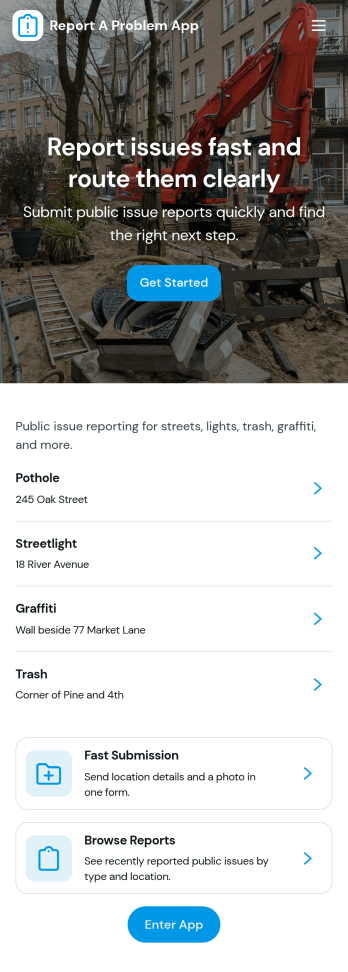
Report a Problem App
Report a Problem App helps people quickly flag issues and follow up without guessing where their request went. Use it to collect problem reports from employees, customers, tenants, students, or community members, then keep everything organized in one place. The app supports fast reporting through a dedicated report form, plus simple self-service access to view personal reports and browse a broader list of reported issues when needed.Built with Jotform App Templates, this app template can be customized with Jotform’s no-code app builder and a drag-and-drop interface to match your workflow. Connect the reporting button to your form, route information into tables for easier tracking, and publish a shareable link so people can report problems and check progress from any device. With Jotform, teams can centralize data collection and keep issue reporting consistent across locations and departments.
Go to Category:Report Apps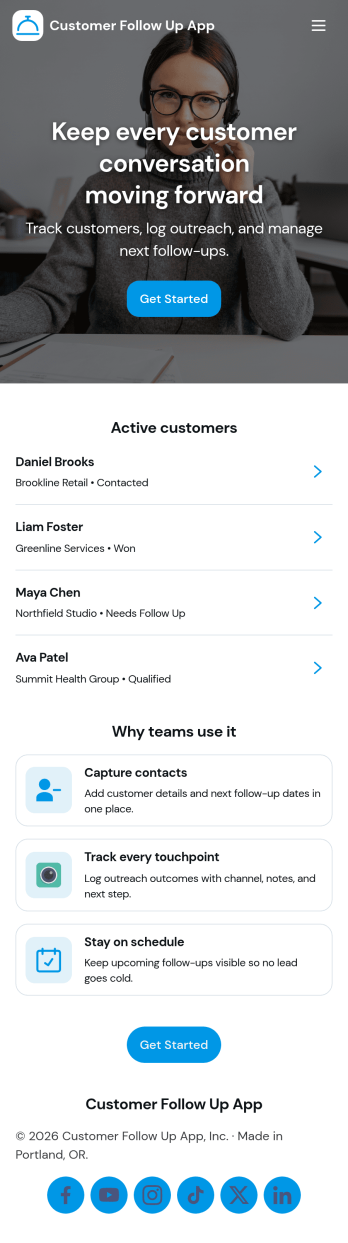
Customer Follow Up App
Customer Follow Up App helps teams keep post-sale and post-service communication organized so no customer slips through the cracks. Use it to monitor follow-up activity, capture key notes, and keep a clear view of what needs attention next. It’s a practical fit for sales reps, account managers, customer success teams, and service businesses that rely on timely check-ins to improve retention and satisfaction. With a dashboard snapshot and a simple way to log each follow up, the app supports consistent outreach without turning your process into a messy spreadsheet.Jotform makes it easy to build and publish app templates like Customer Follow Up App with a no-code app builder and a drag-and-drop interface. Connect buttons to forms for data collection, guide teammates through repeatable workflow steps, and share a self-service experience through a link or QR code. As your follow-up process evolves, you can adjust pages, update branding, and keep your customer information organized in one place with Jotform.
Go to Category:Customer Portal Apps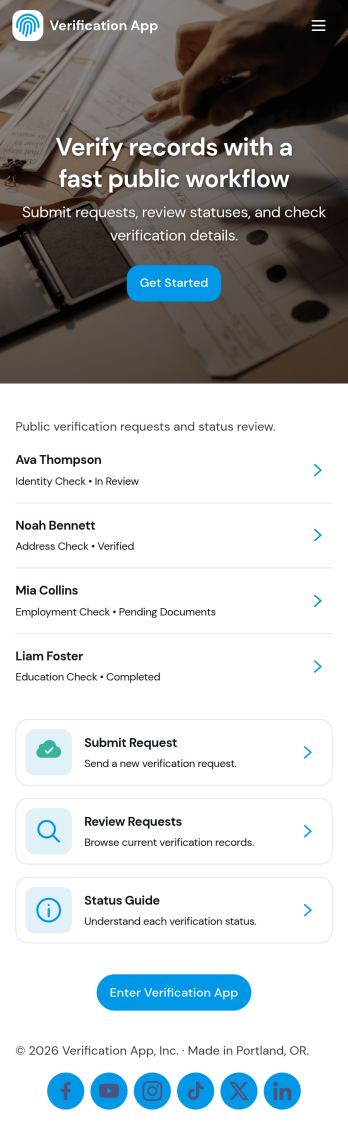
Verification App
Verification App keeps verification requests organized from intake to review, giving teams a clear way to accept new requests, monitor pending reviews, and work through a dedicated verification queue. It fits operations teams, support groups, HR, community moderators, or any organization that needs a repeatable process for checking information, documents, or identities before moving a request forward. With a Start Request button, an All Requests view, and a personal My Submissions area, requesters and reviewers can stay aligned without chasing updates across channels.Jotform makes it easy to launch and tailor this app template with a no-code app builder and a drag-and-drop interface. Connect your verification form and table views, adjust what each page shows, and keep data collection consistent as volume grows. Share the app with a link for quick self-service access, then refine your workflow over time by updating pages, buttons, and navigation as your verification process evolves.
Go to Category:Customer Portal Apps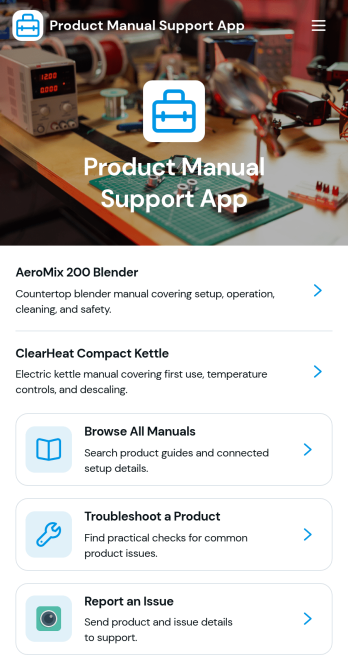
Product Manual Support App
Product Manual Support App gives customers and internal teams one place to find product manuals, follow setup guidance, and work through troubleshooting steps before escalating a problem. Use it to reduce repetitive support tickets, shorten time to resolution, and keep documentation consistent across product lines. It’s a strong fit for product-led teams, customer support and success departments, IT help desks, and operations groups that manage multiple devices or SKUs and need an easy way for users to browse manuals, review FAQs, and report issues when a fix isn’t found.With Jotform, you can tailor this app template to match your products and support process using a no-code app builder and a drag-and-drop interface. Connect the app to your data collection and workflow needs by linking issue reporting to forms and keeping manuals and FAQs organized in one self-service experience. Share the finished app through a link or QR code, update content anytime, and give your audience a mobile-friendly way to get answers fast.
Go to Category:Service & Support Portal Apps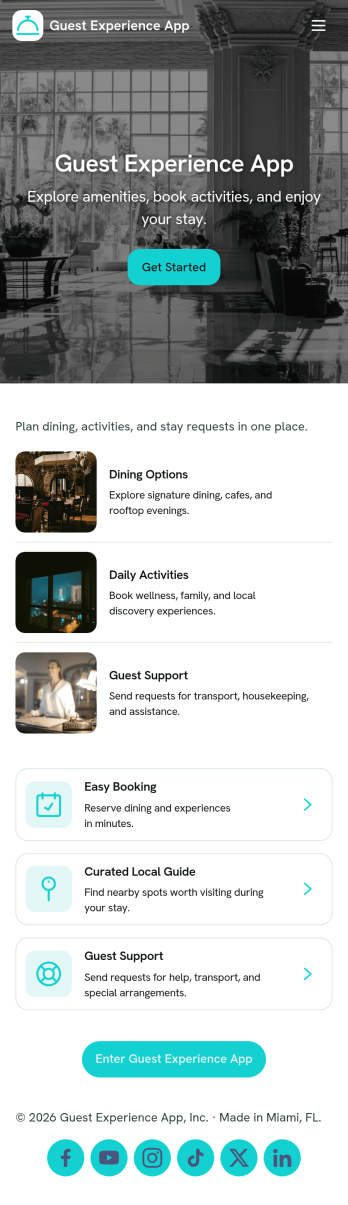
Guest Experience App
Guest Experience App brings key guest touchpoints into one easy place, so visitors can find what they need and get help without hunting through multiple channels. Use it in hotels, short-term rentals, resorts, event venues, and serviced apartments to share a local guide, highlight guest services, route service requests, and collect feedback while the stay is still in progress. It’s especially helpful for front desk teams, concierge staff, property managers, and hosts who want a consistent experience across locations and a clearer view of what guests are asking for.With Jotform, you can customize this app template with a no-code app builder and a drag-and-drop interface, then connect it to forms for fast data collection and smoother workflow follow-up. Add or rearrange pages, update cards and buttons, and publish a mobile-friendly self-service hub guests can open from a link or QR code. As requests and feedback come in, your team can respond faster, keep service organized, and refine the guest journey using the same Jotform workspace.
Go to Category:Customer Portal Apps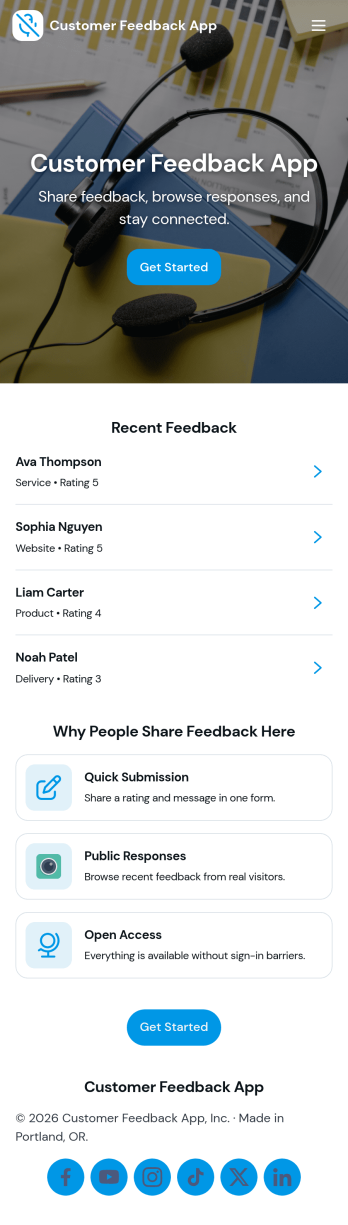
Customer Feedback App
Customer Feedback App helps you collect, organize, and review customer input in one place so teams can act on it without losing context. Use it to invite customers to send feedback, let internal users browse past messages, and sort responses by topic for faster follow-up. It fits product teams tracking feature requests, support managers monitoring recurring issues, retail and service businesses capturing post-visit comments, and community programs looking for a simple way to hear from participants.With Jotform, you can publish this app template quickly and tailor it to your brand using a no-code app builder and a drag-and-drop interface. Connect the app to your feedback form for consistent data collection, route updates through a workflow that matches how your team triages feedback, and share a single self-service link that works on desktop or mobile. As needs change, you can adjust pages, navigation, and what feedback is visible, keeping the experience clear for customers and staff.
Go to Category:Community & Engagement Portal Apps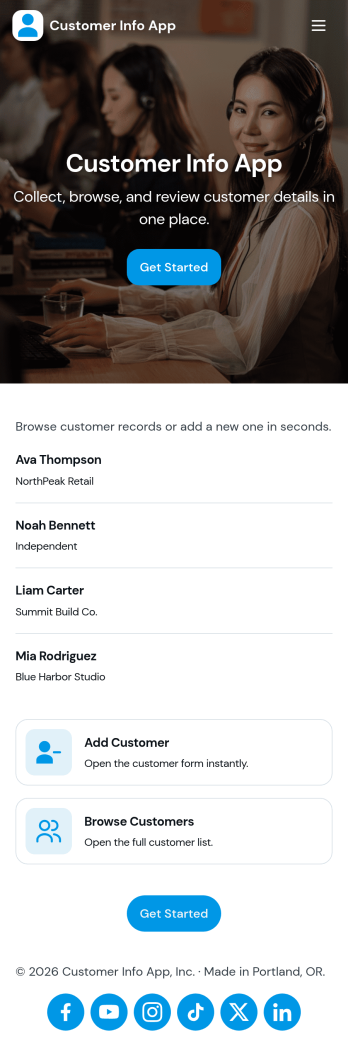
Customer Info App
Customer Info App brings customer details into one place so you can add new contacts, browse customer lists, and quickly open an individual record when you need context fast. It fits teams that juggle repeat clients and inquiries such as service businesses, agencies, consultants, and sales teams that need a simple way to look up names, contact info, and notes while staying organized. Use it to reduce scattered spreadsheets, avoid duplicate entries, and keep everyone aligned on the latest customer information during calls, on-site visits, or follow-ups.Built with Jotform, this app template pairs a form for adding customers with easy navigation for browsing and reviewing saved records, plus links to view all records or only the ones assigned to you. Customize the pages, buttons, and branding in Jotform’s no-code app builder using a drag-and-drop interface, then share the app for quick self-service access across your team. Connect your data collection to connected workflows so updates and customer information stay consistent as your process grows.
Go to Category:Customer Portal Apps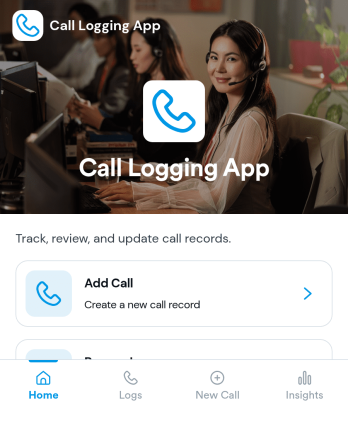
Call Logging App
Call Logging App helps teams record phone interactions in one place, so important details don’t get lost after a busy day of inbound and outbound calls. It’s a practical fit for sales reps, support agents, reception desks, property managers, and any role that needs consistent notes on who called, why they reached out, and what the next step should be. With a simple option to log a new call and a dedicated call log view, it supports quick data collection right after each conversation and makes it easier to stay on top of follow-ups.Built with Jotform, this app template can be tailored in a no-code app builder to match your workflow and the way your team works. Use the drag-and-drop interface to adjust pages and navigation, connect your call log form to a centralized record for ongoing tracking, and share the app for fast self-service entry across devices. As call volume grows, Jotform helps you keep call information organized, searchable, and ready for handoffs across the workflow.
Go to Category:Log Apps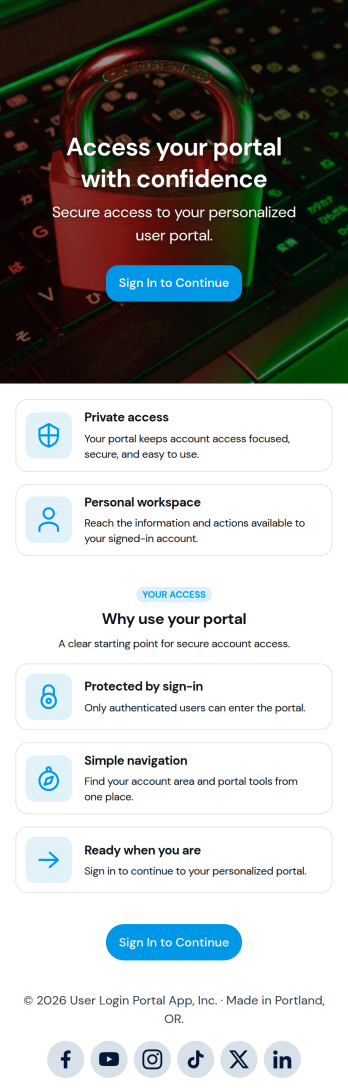
User Login Portal App
User Login Portal App gives teams a simple way to publish a sign-in destination where users can access a protected experience before moving forward. It fits organizations that want a clear front door for customers, members, students, or employees, such as internal resource centers, client-only updates, member materials, or role-based access to links and information. Use it to reduce confusion around where to log in, create a consistent entry point across devices, and support self-service access without relying on manual check-ins.Jotform makes it easy to launch and share app templates like this with a no-code app builder and a drag-and-drop interface. Customize the page layout to match your brand, connect it to your existing workflow, and publish a mobile-friendly portal you can share by link or QR code. As your needs grow, you can expand the experience to support data collection and routed actions while keeping the login journey straightforward.
Go to Category:Customer Portal Apps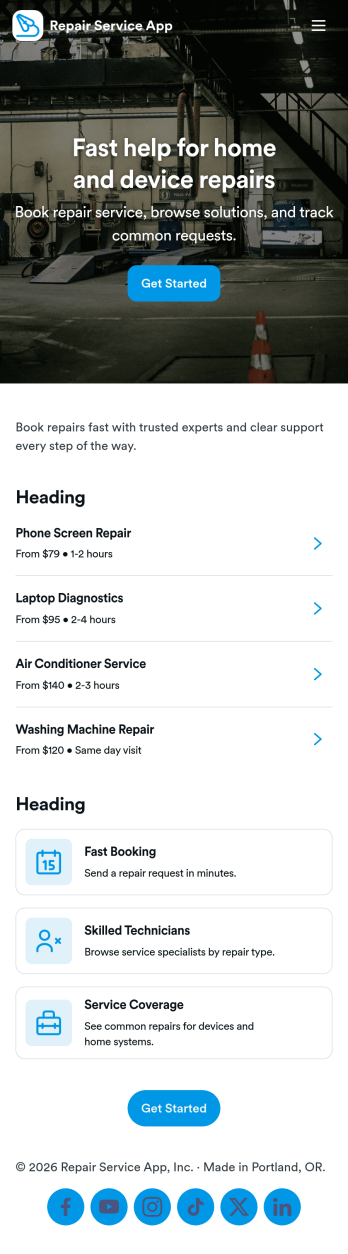
Repair Service App
Repair Service App brings your repair offerings and customer requests into one easy place, so people can browse available services, choose the right option, and submit a repair request without extra phone calls or emails. It’s a practical fit for home service providers, appliance and electronics repair shops, facility teams, and mobile technicians who need a clear intake path and a simple way for customers to check what they’ve already requested. With service browsing and request viewing built into the experience, teams can reduce missed details and keep jobs moving with consistent information from the start.Jotform makes it simple to create and publish app templates like this using a no-code app builder and a drag-and-drop interface. Connect the app to your forms and data collection workflows, update services as your offerings change, and share a single self-service link customers can use on any device. As requests come in, you can keep everything organized for follow-ups and internal coordination, while tailoring pages, branding, and navigation to match how your repair business operates.
Go to Category:Home Services Apps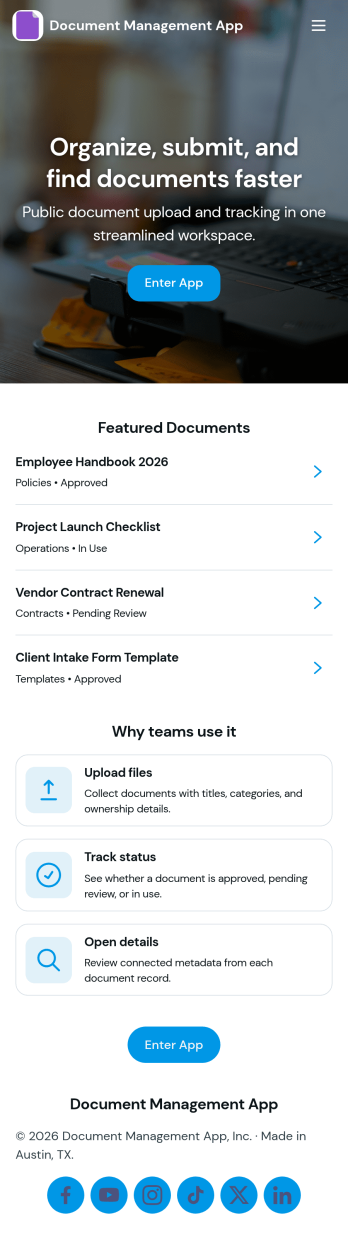
Document Management App
Document Management App helps teams collect, organize, and find important files in one place without relying on scattered inboxes or shared drives. Use it to route employees, clients, or partners to a simple upload experience, then let them browse a central library and open individual document records when they need a specific file. It’s a practical fit for operations, HR, finance, project teams, nonprofits, and growing businesses that want a clear way to manage day-to-day documents, reduce duplicate requests, and keep information accessible.With Jotform, you can turn this app template into a branded, mobile-friendly self-service experience using a no-code app builder and a drag-and-drop interface. Connect the upload flow to your document form, display records in lists and tables, and keep your workflow moving with organized data collection that’s easy to share by link or QR code. As needs change, you can update pages, buttons, and library views in minutes so your document process stays consistent across teams.
Go to Category:Company Portal Apps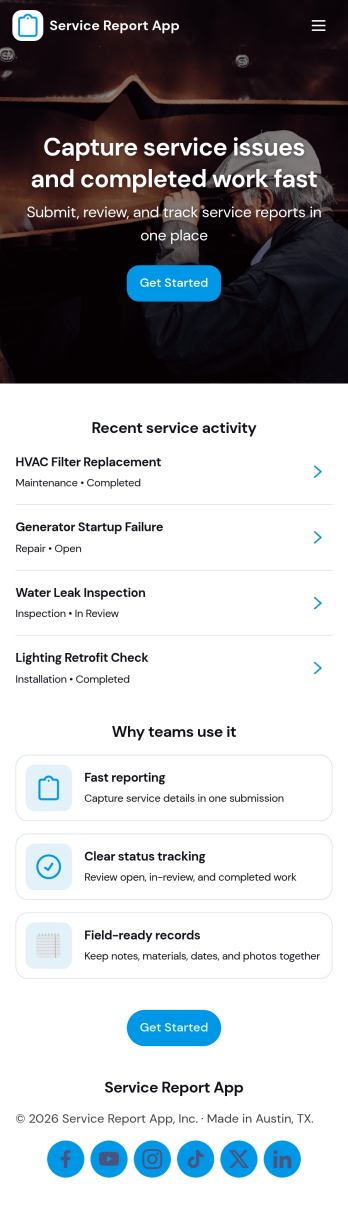
Service Report App
Service Report App helps service teams capture work details in a consistent format and keep reports easy to find later. Use it to submit new service reports, browse past reports, and review individual client entries so technicians, dispatchers, and managers stay aligned on what was done, what’s still open, and what’s already closed across jobs and locations.Build and customize this app template with Jotform to match your workflow, from quick report intake to organized report browsing in one place. Jotform’s no-code app builder makes it simple to adjust pages, add navigation, and connect your app to forms and tables for reliable data collection, faster handoffs, and a smoother self-service experience for internal teams.
Go to Category:Service Apps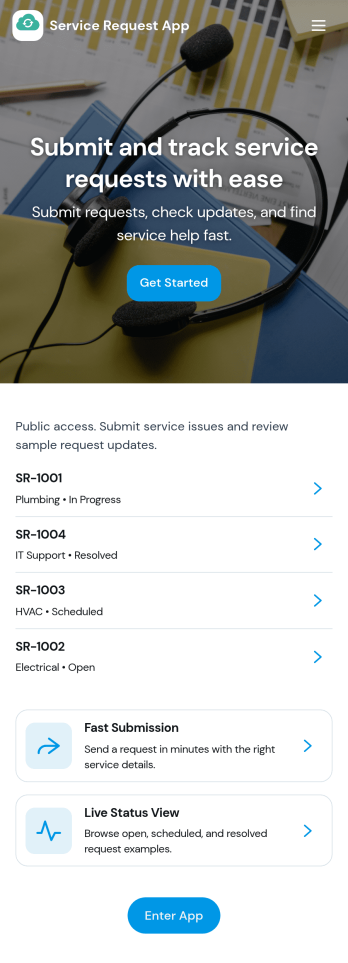
Service Request App
Service Request App brings all incoming support and service needs into one place, so people can submit a new request, review high-priority items, and check the status of their own requests without chasing updates. It fits internal IT and operations teams, facilities and maintenance desks, HR shared services, and customer support groups that want a simple front door for help requests. Use it to reduce missed messages, standardize what details are collected, and keep requesters informed as work moves forward.Built with Jotform, this app template pairs a clean, card-based navigation with connected forms and data views to support self-service and ongoing tracking. Customize pages, labels, and branding with a drag-and-drop interface, then share the app with a link or QR code for fast access on any device. As requests come in, Jotform helps route information into your workflow so teams can respond faster, stay organized, and learn from insights over time.
Go to Category:Service & Support Portal Apps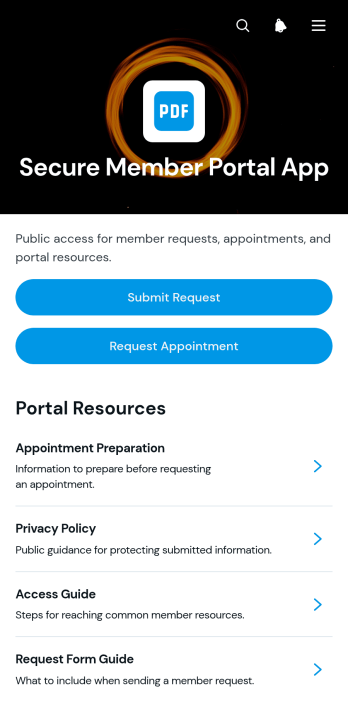
Secure Member Portal App
Secure Member Portal App gives membership organizations, associations, clubs, professional networks, and service teams a central member-facing space for support and resources. Members can submit requests, ask for appointments, review request details, and browse useful guides without searching across scattered channels. The app template is well suited to recurring member services, account assistance, program inquiries, and resource distribution. By bringing self-service actions and reference materials together, it helps teams respond consistently, reduce avoidable inquiries, and provide members with a convenient route to the help they need.Jotform makes this App Template easy to adapt with a no-code App Builder and an intuitive drag-and-drop interface. Teams can customize pages, navigation, colors, buttons, and content to match their membership experience, then connect forms, tables, notifications, approvals, and other workflow steps as needed. Collected data can support organized follow-up while linked resources remain easy to update from one place. Publish the customized app template through a direct link or QR code so members can access it from a phone, tablet, or computer without downloading software.
Go to Category:Customer Portal Apps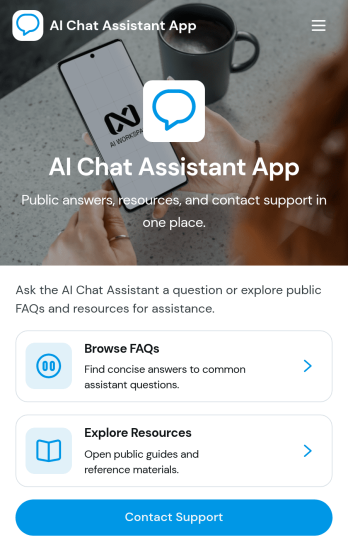
AI Chat Assistant App
AI Chat Assistant App gives organizations a central, user-friendly destination for answering common questions and guiding people toward useful information. Customers, employees, students, members, and other audiences can browse FAQs, explore curated resources, contact a support team, and send feedback without searching across disconnected channels. It is particularly useful for customer service departments, internal help desks, educational institutions, nonprofits, and service providers that want to reduce repetitive inquiries while keeping human assistance within easy reach. The template supports a consistent self-service experience and helps teams learn where users may need clearer guidance.Jotform makes this app template easy to adapt with a no-code app builder and a visual drag-and-drop interface. Teams can update pages, cards, buttons, navigation, colors, and fonts to match their brand, then connect forms and related workflows for data collection, support requests, or feedback management. Among Jotform’s customizable App Templates, the AI Chat Assistant App offers a practical starting point that can be published quickly and shared through a direct link or QR code. It also provides mobile-friendly access, helping users find support and resources wherever they are.
Go to Category:Customer Engagement Apps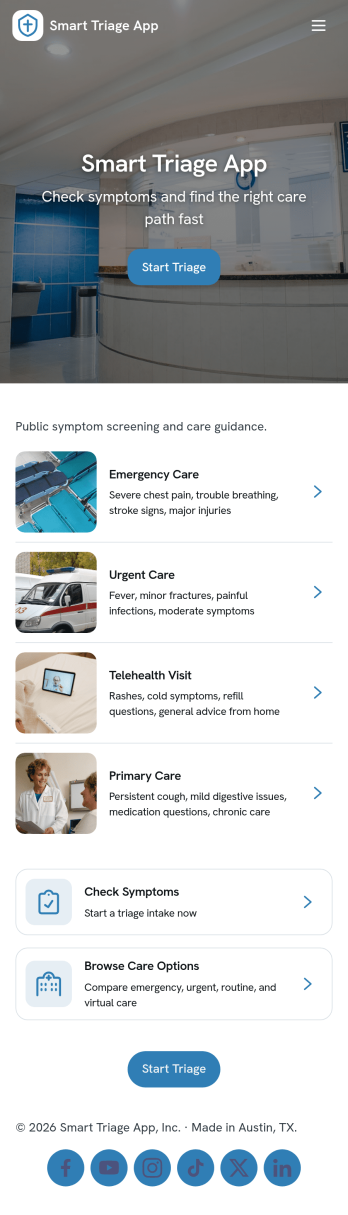
Smart Triage App
Smart Triage App helps people quickly share symptoms and get routed to the right next step, whether that means reviewing care resources, contacting urgent help, or creating a clear record that can be referenced later. It’s a practical fit for clinics, telehealth teams, workplace health programs, schools, and community organizations that need a consistent way to collect triage details and surface the most relevant guidance. With a symptom triage intake, record browsing, and one-tap access to urgent phone actions, the app supports faster decision-making while keeping the experience simple for nontechnical staff and end users.Jotform makes it easy to launch and tailor this app template with a no-code app builder and a drag-and-drop interface. Connect the intake to your data collection workflow, organize records in a table-style view, and guide users through self-service navigation using pages, lists, and buttons. You can update content anytime, share the app by link or QR code, and keep triage information and resources in one place with Jotform Apps.
Go to Category:Healthcare Apps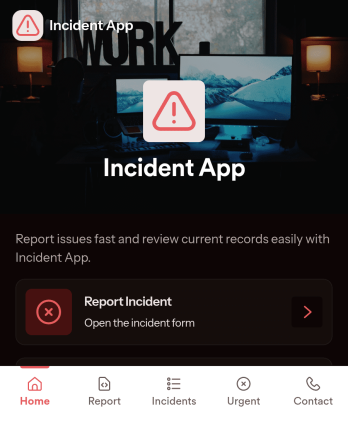
Incident App
Incident App helps teams capture, review, and follow up on workplace or service-related incidents in one place. Use it to submit a new incident from a simple reporting page, browse a list of reported incidents, and open individual records when you need context for investigation, coaching, or corrective action. It’s a practical fit for operations, facilities, HR, field teams, schools, nonprofits, and customer-facing organizations that need consistent incident reporting without relying on scattered emails or verbal handoffs.With Jotform, you can turn incident reporting into a clear, mobile-friendly self-service experience. Use the no-code app builder and drag-and-drop interface to tailor pages, add navigation cards, and connect the app to your Jotform form for data collection. As your workflow evolves, you can update the app’s structure, keep incident records organized, and share a single link so the right people can report and view incidents quickly.
Go to Category:Safety Inspection Apps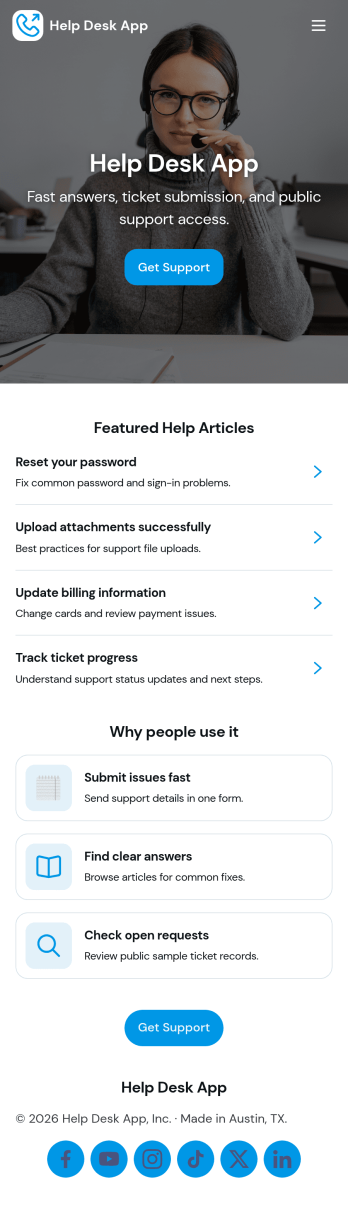
Help Desk App
Help Desk App gives teams a simple, organized way to receive support requests, share answers, and keep ticket updates easy to find. Use it to route “New Ticket” requests to the right place, let requesters check “My Tickets” and “Open Tickets,” and point users to “Help Articles” before they submit a new issue. It works well for internal IT support, facilities and operations requests, HR help inquiries, or customer support for small businesses that want one mobile-friendly place to manage common problems and follow-ups.With Jotform, you can build and publish app templates like Help Desk App using a no-code app builder and a drag-and-drop interface. Connect your app to forms and tables for data collection, assign ownership for each request, and keep a clear workflow from intake to resolution. Share your app through a link or QR code, update content like help articles anytime, and give both end users and admins a self-service experience without adding complexity.
Go to Category:Customer Portal Apps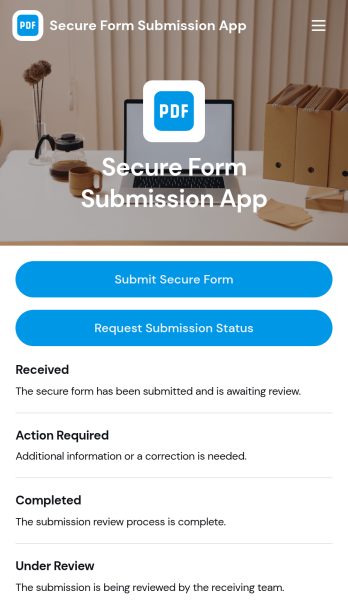
Secure Form Submission App
Secure Form Submission App gives teams a single, controlled place to collect sensitive requests and documents and let people check where their request stands. Use it to route internal submissions, client intake, incident reporting, or support requests where clarity and confidence matter. With a dedicated button to submit a secure form and another to request submission status, the app helps reduce uncertainty while keeping communication consistent across departments and locations.Built with Jotform App Templates, this experience can be tailored in minutes using a no-code app builder and a drag-and-drop interface. Connect the app to your forms and tables to support reliable data collection, organize records in lists, and guide each request through a repeatable workflow. Share the app by link or QR code for self-service access, then update content, branding, and navigation as your process evolves.
Go to Category:Customer Portal Apps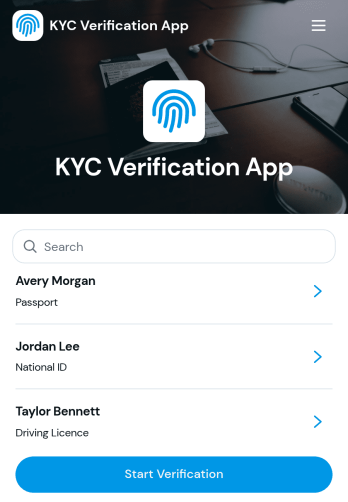
KYC Verification App
KYC Verification App helps teams collect identity details, share document requirements, and route people into a clear verification flow without confusion. Use it to guide customers, applicants, tenants, or contractors to start verification, review what they need to provide, and check status later in one place. It’s a practical fit for financial services, insurance, marketplaces, real estate, and any organization that needs a consistent intake experience that reduces incomplete records and repeated follow-ups.With Jotform app templates, you can publish a branded, self-service experience powered by a no-code app builder and a drag-and-drop interface. Connect the app to forms and tables for reliable data collection, then organize records for quick lookup and review. As your workflow evolves, update pages, buttons, and navigation in minutes, so your verification process stays clear for users and manageable for your team.
Go to Category:Finance Apps