

Service & Support Portal Apps

Campus Support Program App
Campus Support Program App provides students, faculty, staff, and campus service teams with a central place to request assistance and find relevant support resources. Educational institutions can use this app template for academic guidance, student services, accessibility assistance, wellbeing programs, technology help, or other campus initiatives. Users can submit a support request, review its status, provide a preferred contact method, and browse available resources without searching across disconnected channels. Support teams gain a clearer intake process, more consistent request details, and an accessible way to direct each person toward the appropriate service.Jotform makes it easy to adapt this experience with a no-code app builder and a flexible drag-and-drop interface. Institutions can customize pages, navigation, colors, fonts, and content to match their campus program, then connect forms and tables to support data collection and workflow organization. The app can be shared through a direct link or QR code for convenient mobile access. Starting with Jotform App Templates also helps teams publish a branded self-service resource quickly while keeping request intake, status access, and useful information together.
Go to Category:School Management Apps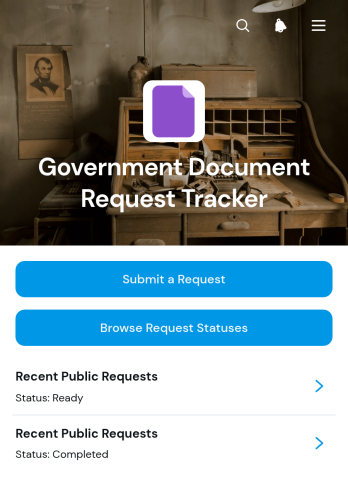
Government Document Request Tracker App
Government Document Request Tracker App is a ready-to-use app template for government offices that need an accessible way to receive document requests and communicate their progress. It brings request submission, status browsing, and progress details into one organized experience for residents, administrative staff, records teams, clerks, and public service departments. Requesters can submit a new inquiry, review available request statuses, and view key information such as the document type, jurisdiction, reference code, delivery preference, request description, and latest update. This approach reduces scattered inquiries, gives staff a consistent intake process, and helps requesters find information without repeatedly contacting an office.With Jotform’s no-code app builder, teams can adapt this app template to their procedures without writing code. The drag-and-drop interface makes it easy to update pages, navigation, colors, fonts, buttons, and content while maintaining a modern, mobile-friendly experience. Connected forms, tables, approvals, and notifications can support data collection and workflow automation from intake through completion. Teams can publish the app with a shareable link or QR code, creating a convenient self-service resource that can be updated as document request procedures change.
Go to Category:Tracker Apps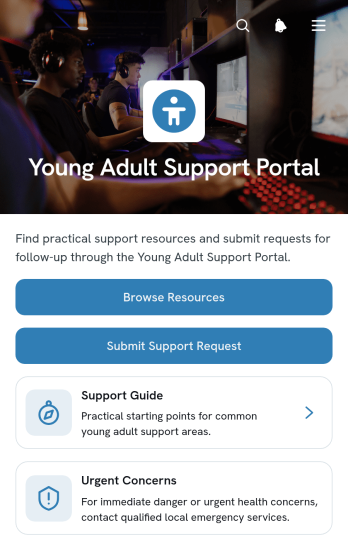
Young Adult Support Portal App
Young Adult Support Portal App gives nonprofits, community programs, educational institutions, and youth service teams a welcoming digital space for connecting young adults with practical assistance. Visitors can browse relevant resources, submit a support request, and ask for follow-up from the appropriate team. Organized support areas and clear access details help reduce confusion while making guidance easier to find. The portal works well for programs addressing education, employment, housing, wellness, life skills, and other common needs during the transition to adulthood.Jotform App Templates make it easier to launch and adapt this app template without writing code. Using Jotform’s no-code app builder and drag-and-drop interface, teams can update pages, adjust branding, organize resource navigation, and connect data collection forms with supporting workflows. The finished portal can be shared through a direct link or QR code, giving young adults mobile-friendly self-service access wherever they are. Staff can keep information in one convenient location while creating a more consistent route from an initial request to continued support.
Go to Category:Service & Support Portal Apps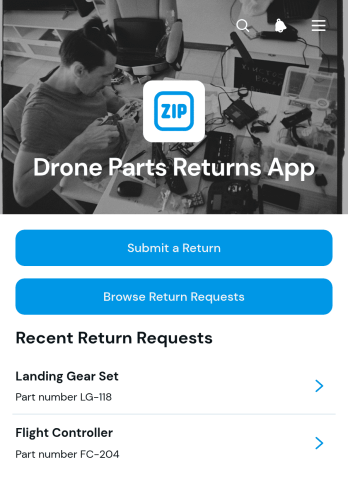
Drone Parts Returns App
Drone Parts Returns App is an app template for retailers, distributors, repair teams, and equipment suppliers that need one organized place to manage customer return requests for drone components. Customers or staff can submit a return, browse existing requests, review reported issues, and follow resolution updates without relying on scattered emails or spreadsheets. Clear request records help service teams understand which part is affected, who submitted the request, and whether the customer expects a replacement, repair, refund, or another outcome. This shared view supports quicker reviews, consistent communication, and better coordination between customer service, inventory, technical support, and warehouse teams.Jotform App Templates make it easy to adapt this experience to an organization’s return process. With Jotform’s no-code app builder and drag-and-drop interface, teams can adjust pages, branding, navigation, and connected forms without writing code. Submitted information can support data collection and related workflows, while links, buttons, and records keep self-service actions accessible from one mobile-friendly location. Publish the customized app through a direct link or QR code so customers and employees can reach the return process on their preferred device.
Go to Category:Customer Portal Apps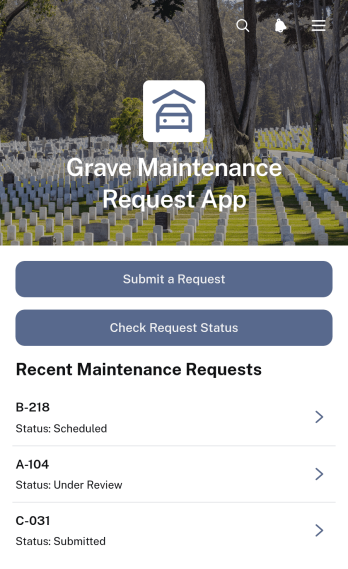
Grave Maintenance Request App
Grave Maintenance Request App gives cemetery teams, grounds crews, local authorities, religious organizations, and memorial park managers a central place to receive and manage maintenance requests. Families, visitors, and staff can submit work such as cleaning, vegetation removal, minor repairs, or general site care, then check the request status without relying on repeated calls or emails. Each request can be organized by grave identifier, cemetery section, priority, requested maintenance, and preferred completion date. Staff can review the relevant details and add completion notes, helping teams coordinate assignments, respond consistently, and maintain a clear record of work across cemetery grounds.Built with Jotform’s no-code app builder, this app template can be adapted to match existing service procedures and branding. The drag-and-drop interface makes it easy to update pages, navigation, buttons, and connected forms without programming knowledge. Teams can connect data collection to tables, notifications, approvals, and other workflow steps while providing convenient self-service access on mobile devices. Start with one of Jotform’s App Templates, customize the experience, and share the finished app through a direct link, QR code, or embedded page.
Go to Category:Service Apps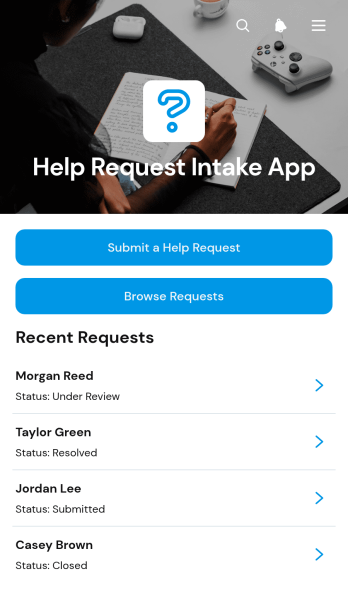
Help Request Intake App
The Help Request Intake App is an app template for collecting, organizing, and monitoring requests for assistance from employees, customers, members, or other service users. Support teams, internal operations groups, educational institutions, nonprofits, and service providers can use it to replace scattered emails or informal messages with a consistent intake process. Requesters can submit a help request, browse existing requests, and review current status information, while staff can separate open and closed items for clearer follow-up. This shared view helps teams prioritize needs, reduce duplicate requests, maintain useful records, and give requesters more visibility through self-service access.Jotform Apps makes it easy to adapt the Help Request Intake App without writing code. Its no-code app builder and drag-and-drop interface let teams update pages, navigation, colors, fonts, buttons, and branding for their support workflow. Connected forms support data collection, while tables, approvals, and notifications can help route information and coordinate next steps. Once the app is ready, it can be published for mobile-friendly access and shared through a direct link, QR code, or embedded experience. Jotform App Templates provide a practical starting point that can be adjusted as request volumes, teams, and service processes change.
Go to Category:Service & Support Portal Apps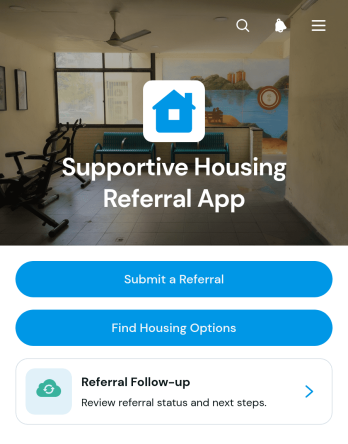
Supportive Housing Referral App
Supportive Housing Referral App is an app template for nonprofits, community programs, housing coordinators, outreach teams, and social service organizations that connect people with supportive housing opportunities. Staff can submit referrals, review key household and accessibility needs, browse potential housing options, and follow up from one organized experience. By bringing referral intake and housing information together, the app helps teams reduce scattered communication, maintain clearer records, and respond more consistently. It is especially useful for coordinated intake programs, community outreach initiatives, transitional support services, and organizations managing referrals across multiple housing resources.Jotform makes this Supportive Housing Referral App easy to tailor with a no-code app builder and an intuitive drag-and-drop interface. Teams can adjust pages, cards, navigation, colors, and branding while connecting forms, tables, notifications, approvals, and other workflow tools. The app can be shared through a direct link, QR code, or embedded experience, giving authorized staff convenient mobile access in the office or the field. With Jotform App Templates, organizations can create a focused self-service resource for data collection and referral coordination without building an app from scratch.
Go to Category:Social Good Apps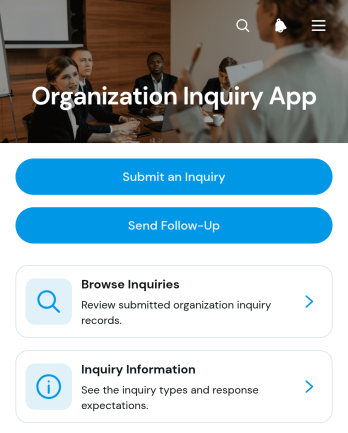
Organization Inquiry App
The Organization Inquiry App gives associations, nonprofits, membership groups, community programs, and administrative teams one place to receive and review questions about an organization. People can submit an inquiry, browse existing inquiry records, view supporting information, and send a follow-up without searching across separate channels. It suits general information requests, program questions, partnership interest, membership inquiries, community outreach, and internal routing. By keeping initial messages and later communication connected, teams gain clearer context, reduce missed requests, and respond more consistently. The app can serve visitors, prospective members, volunteers, partners, or employees while supporting an organized inquiry workflow.Jotform Apps helps teams turn this ready-to-use app template into a branded, interactive experience without coding. Using the no-code app builder and drag-and-drop interface, organizations can adjust pages, navigation, buttons, colors, and content to match their processes. Connected forms simplify data collection, while organized records support browsing and self-service access. Teams can also connect tables, approvals, and related workflows, then share the finished app through a direct link, QR code, or embedded experience. Jotform App Templates make it easier to launch quickly and update the app as inquiry needs evolve.
Go to Category:Organization Apps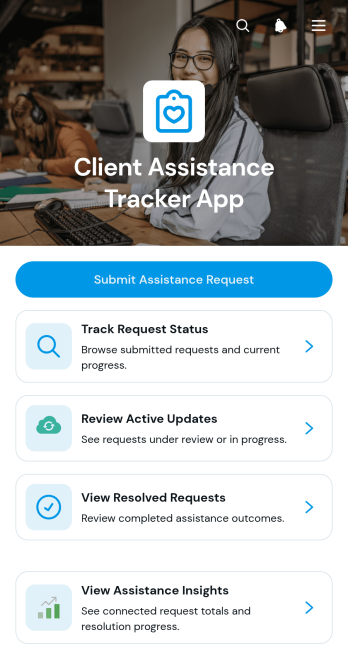
Client Assistance Tracker App
The Client Assistance Tracker App is an app template for organizations that need one accessible place to receive, monitor, and resolve client support requests. Clients can submit an assistance request, check its current status, and review active updates or resolved requests without relying on scattered messages. Support teams, consultants, nonprofits, community service providers, and account managers can use it to maintain visibility across open cases and keep request information organized. By providing clearer progress updates and a consistent request history, the app reduces uncertainty for clients while helping teams prioritize needs, coordinate responses, and evaluate assistance trends.Jotform Apps makes this Client Assistance Tracker App easy to adapt with a no-code app builder and a flexible drag-and-drop interface. Teams can customize pages, navigation, colors, and branding, then connect forms, tables, notifications, and workflow steps for coordinated data collection and follow-up. The app can be shared through a direct link or QR code, giving clients mobile-friendly self-service access from nearly any device. Jotform App Templates also provide a practical starting point, so organizations can publish a tailored support experience quickly and update it as their client assistance process evolves.
Go to Category:Service & Support Portal Apps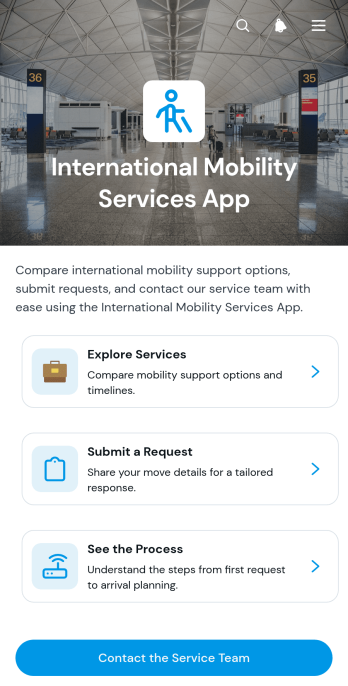
International Mobility Services App
The International Mobility Services App gives HR teams, mobility consultants, relocation coordinators, and globally distributed organizations a central place to present employee mobility support. Users can explore available services, review typical timelines and suitability guidance, submit a service request, understand the main stages of a move, and contact the service team. This app template helps replace scattered documents and disconnected request channels with a clear self-service experience for employees preparing for international assignments, transfers, or relocations.Jotform makes this experience easy to tailor with a no-code app builder and an intuitive drag-and-drop interface. Teams can update content, adjust navigation, apply their visual identity, and connect forms or other workflows without programming. The International Mobility Services App can be shared through a direct link or QR code, giving users mobile-friendly access wherever they are. Start with one of Jotform’s App Templates, customize the app template around your mobility program, and create a practical resource for data collection, service discovery, and guided request intake.
Go to Category:Human Resources Apps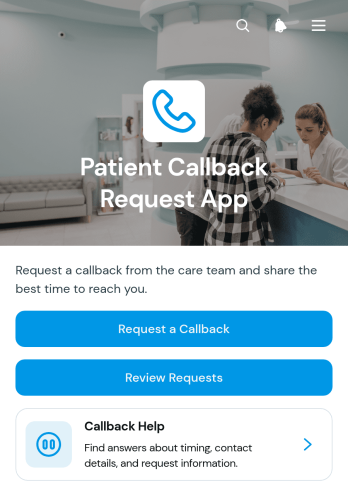
Patient Callback Request App
Patient Callback Request App is an app template for healthcare practices, clinics, care teams, and administrative staff that need an organized way to receive and manage requests for return calls. Patients can submit their contact details, preferred callback time, and reason for the request, while authorized team members can review requests and reference care team notes from a central location. This approach helps staff prioritize follow-ups, reduce missed messages, and provide a more convenient self-service option for patients without relying on scattered phone notes or email threads.Jotform Apps makes it easy to adapt this Patient Callback Request App with a no-code app builder and an intuitive drag-and-drop interface. Teams can customize pages, branding, instructions, and navigation, then connect forms, tables, notifications, approvals, and other workflow steps as needed. The app can be shared by direct link or QR code for mobile-friendly access, giving patients a simple request experience and staff a practical way to support data collection. Start with one of Jotform’s App Templates, tailor it to existing callback procedures, and publish it without writing code.
Go to Category:Healthcare Apps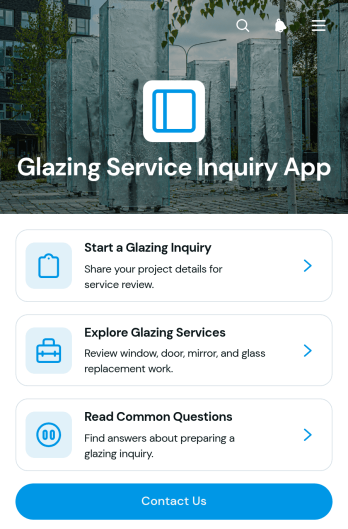
Glazing Service Inquiry App
Glazing Service Inquiry App is a ready-to-use app template for glazing contractors, glass repair teams, home service companies, and independent tradespeople who need a convenient way to receive customer inquiries. Visitors can browse available glazing services, submit project details through an inquiry form, and review common questions before making contact. It suits residential and commercial requests involving windows, glass doors, mirrors, and replacement glass. By bringing service information and lead collection into one accessible experience, the app helps teams capture clearer requirements, reduce repetitive conversations, and respond to prospective customers with better context.Jotform Apps makes it easy to adapt this Glazing Service Inquiry App without coding. Use the drag-and-drop interface to update pages, buttons, images, fonts, and colors while maintaining a consistent brand experience. The no-code app builder can connect inquiry data collection with tables, notifications, approvals, and other workflow steps, helping teams organize requests from first contact through follow-up. Jotform App Templates are mobile-friendly and can be shared by direct link, QR code, or embedded experience, giving customers convenient self-service access from almost any device.
Go to Category:Home Services Apps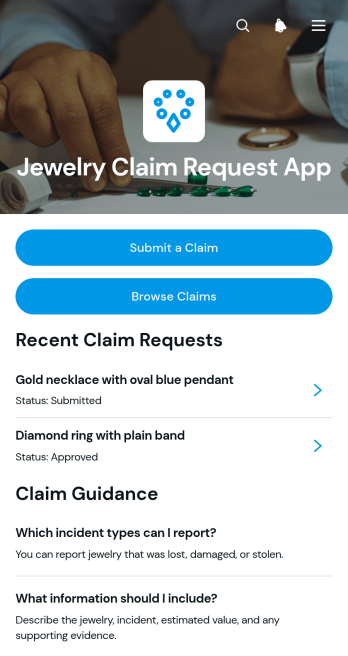
Jewelry Claim Request App
Jewelry Claim Request App provides a central place for customers to submit requests concerning lost, stolen, or damaged jewelry and follow their progress. It is well suited to insurers, jewelry protection providers, retailers, claims teams, and service administrators that need a clear intake experience. Claimants can submit a claim, browse existing requests, check submitted or under-review claims, and read guidance before providing information. Organized access to claimant details, estimated values, incident dates, and contact information helps staff review each request with relevant context. This app template reduces scattered communication, gives customers a convenient self-service channel, and helps teams maintain a more consistent claim workflow.Jotform makes it easy to adapt this App Template without writing code. Using the no-code app builder and its drag-and-drop interface, teams can update pages, branding, navigation, instructions, and connected forms to match their claim process. Submitted data can be organized with Jotform Tables and connected to notifications, approvals, and other workflows for easier follow-up. Publish the finished app through a direct link, personalized URL, or QR code so claimants and staff can access it from a phone, tablet, or computer. The result is a branded data collection and request-tracking experience that can evolve alongside operational needs.
Go to Category:Insurance Apps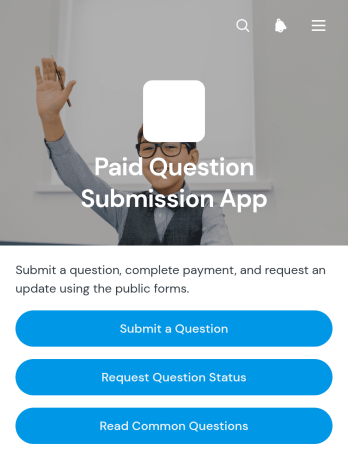
Paid Question Submission App
The Paid Question Submission App gives consultants, educators, subject specialists, coaches, and service teams a central place to accept questions that require payment before review. Users can submit a question, provide the necessary context, and complete payment through a guided experience. They can also request an update on a submitted question or browse common questions before making a purchase. This app template helps organizations organize paid inquiries, reduce repetitive requests, set clearer expectations, and create a convenient self-service channel for audiences seeking expert input.Jotform makes it easy to adapt this Paid Question Submission App without coding. Use the drag-and-drop app builder to update pages, adjust branding, connect forms and payments, and organize the workflow around your services. The app can be shared through a direct link or QR code, giving customers mobile-friendly access wherever they are. Connected data collection tools keep question details and status requests organized, while notifications help teams respond promptly. Start with one of Jotform’s ready-made App Templates, customize the experience, and publish a professional question submission service in minutes.
Go to Category:Payment Collection Apps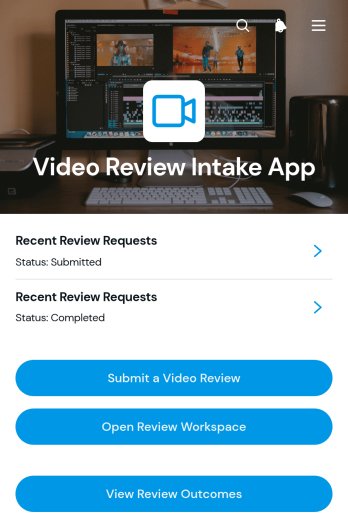
Video Review Intake App
Video Review Intake App is a centralized intake and review experience for creative teams, marketing departments, educators, consultants, and service providers that need to collect video links and coordinate feedback. Requesters can submit a video review, while reviewers can browse recent requests, open individual video links, access a review workspace, and view review outcomes. Bringing these actions together helps teams replace scattered messages and spreadsheets with a clear process for receiving content, checking request details, and following each review through completion. This app template is especially useful for campaign approvals, training material assessments, client content reviews, educational feedback, and internal quality checks.Jotform makes the Video Review Intake App easy to adapt with a no-code app builder and a drag-and-drop interface. Teams can customize pages, branding, navigation, and connected forms without writing code, then organize data collection and workflow steps in one mobile-friendly destination. Jotform App Templates can also connect with tables, approvals, notifications, and other processes to support collaboration and timely follow-up. Once the app is ready, share it by direct link or QR code to give requesters and reviewers convenient self-service access from nearly any device.
Go to Category:Customer Engagement Apps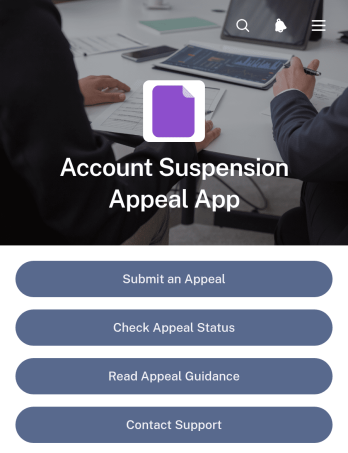
Account Suspension Appeal App
The Account Suspension Appeal App gives customers, members, or platform users a central place to challenge an account suspension and follow the review process. Support teams, membership organizations, online service providers, and customer operations departments can use this app template to collect appeal details, provide clear appeal guidance, and handle status questions. It reduces uncertainty by directing users to the right action, whether they need to start a new appeal, check an existing case, or contact support. This organized self-service experience can also help teams receive more complete requests and manage account-related inquiries consistently.Jotform makes the template easy to adapt with a no-code app builder and a flexible drag-and-drop interface. Teams can update the pages, wording, visual theme, and navigation to reflect their appeal workflow and support policies. Connected forms support secure data collection, while optional tables, notifications, approvals, and other workflow tools can help staff organize reviews and follow-up tasks. Once customized, the app can be published through a direct link or QR code, giving users convenient access from phones, tablets, or computers.
Go to Category:Service & Support Portal Apps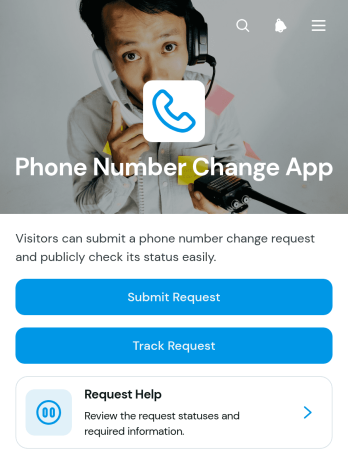
Phone Number Change App
Phone Number Change App is a self-service request template for organizations that need a clear, accessible way to receive and manage phone number update requests. Customers, employees, members, students, or service users can submit a change request, track its progress with a reference number, and reach a help area when they need support. It is well suited to customer service teams, human resources departments, educational institutions, membership organizations, and operations teams that maintain contact records. By giving requesters one consistent destination, the app reduces scattered inquiries, improves request visibility, and helps staff keep contact information update work organized.Jotform App Templates make it easy to adapt the Phone Number Change App to an existing workflow without writing code. Using Jotform’s no-code app builder and drag-and-drop interface, teams can customize pages, wording, colors, buttons, and navigation to match their process. The app template can connect data collection forms with tables, notifications, approvals, and other workflow steps, helping staff review requests and keep records organized. Once ready, the app can be shared through a direct link or QR code for convenient mobile access, giving users a straightforward self-service experience from almost any device.
Go to Category:Employee Self Service Apps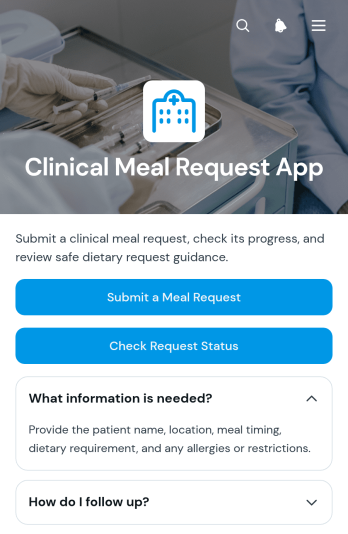
Clinical Meal Request App
Clinical Meal Request App is an app template for coordinating meal requests in hospitals, clinics, rehabilitation centers, residential care settings, and other clinical environments. Patients, caregivers, dietary teams, nursing staff, and authorized coordinators can use one central experience to submit a meal request and check its status. This helps replace scattered calls or paper notes with clearer data collection and a more consistent workflow. It is especially useful when teams need an accessible self-service option for communicating meal preferences, dietary needs, delivery locations, or other request details while keeping request updates easy to find.Jotform makes this Clinical Meal Request App easy to adapt with a no-code app builder and an intuitive drag-and-drop interface. Teams can customize pages, instructions, colors, and navigation, then connect forms and related workflows without writing code. The app can be shared through a direct link or quick-response code for convenient mobile access. Among Jotform App Templates, this app template offers a practical starting point for creating a branded request channel that brings meal intake and status checking together while supporting smoother communication between clinical and food service teams.
Go to Category:Healthcare Apps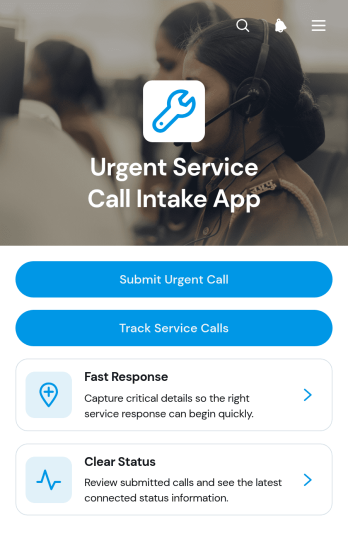
Urgent Service Call Intake App
The Urgent Service Call Intake App is a ready-to-use app template for receiving time-sensitive service requests and keeping each call organized from intake through follow-up. Field service teams, contractors, property managers, maintenance providers, repair businesses, and customer support staff can use it to gather requester details, issue categories, service addresses, preferred contact methods, and request information in one place. Customers or employees can submit an urgent call, while authorized team members can browse submitted requests, review individual call details, and track status updates. This centralized approach helps reduce missing information, prioritize incoming work, improve response coordination, and provide clearer visibility for requesters and service teams.Jotform makes the Urgent Service Call Intake App easy to adapt without coding. Use the drag-and-drop app builder to update pages, buttons, cards, branding, and navigation, then connect forms, tables, notifications, approvals, or other workflow steps as needed. The mobile-friendly experience supports convenient data collection and self-service access from nearly any device. Teams can publish the app through a direct link, personalized app address, embedded experience, or QR code, making Jotform App Templates a practical starting point for creating a polished service intake process that fits everyday operations.
Go to Category:Field Service Apps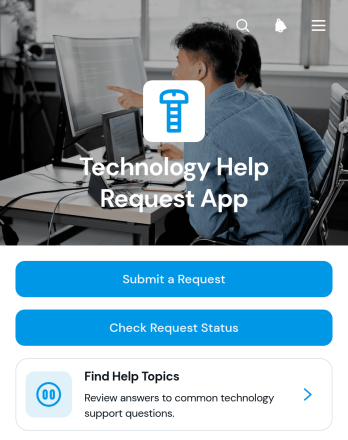
Technology Help Request App
The Technology Help Request App gives employees, customers, students, or other users one place to report device and service issues, check request status, and browse help topics. It is well suited to internal technology teams, managed service providers, schools, consultancies, and growing organizations that need a clear path for support. Users can identify the affected device or service, classify the issue, indicate urgency, and provide requester details. This reduces scattered requests, helps teams understand priorities, and makes recurring questions easier to address through self-service resources.Jotform helps organizations turn this app template into a branded support experience without writing code. Its drag-and-drop app builder makes it easy to adjust pages, navigation, buttons, and visual elements while connecting request forms to data collection and workflow tools. Teams can organize incoming information, notify the appropriate staff, and keep related resources within a mobile-friendly experience. Once customized, the app can be shared through a direct link or QR code, giving users convenient access wherever technology problems arise.
Go to Category:Information Technology Apps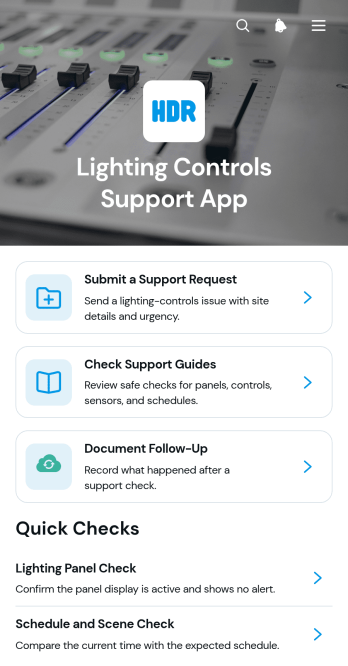
Lighting Controls Support App
Lighting Controls Support App is an app template that gives contractors, technicians, facilities teams, property managers, and customer support staff a central place to handle lighting control questions. Users can submit a support request, browse practical support guides, and document follow-up activity without relying on scattered messages or disconnected files. It is well suited to installation support, troubleshooting, maintenance visits, system handovers, and ongoing customer care. By keeping guidance and service interactions together, the app helps teams respond consistently, preserve useful context, and give customers a convenient self-service option.Jotform Apps makes this template easy to adapt with a no-code app builder and an intuitive drag-and-drop interface. Teams can update pages, adjust navigation, apply their branding, and connect forms with data collection and workflow tools. The finished app can be shared by a direct link or QR code, helping office and field teams provide support from phones, tablets, or computers. Starting with customizable App Templates also reduces setup time, so organizations can publish a focused support experience without writing code.
Go to Category:Service & Support Portal Apps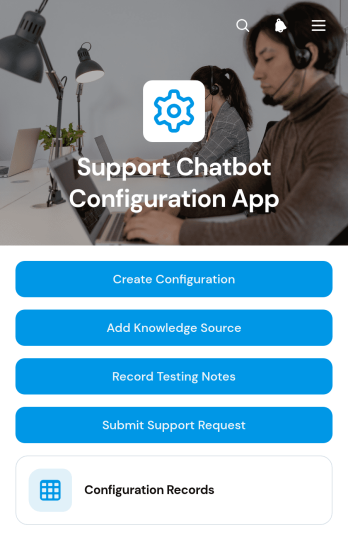
Support Chatbot Configuration App
The Support Chatbot Configuration App is a centralized workspace for planning, documenting, and reviewing customer support chatbot setups. Support leaders, customer service teams, IT teams, and consultants can use it to create configuration records, add approved knowledge sources, and capture testing notes before or after updates. It also provides a clear route for submitting support requests and keeps related records accessible through connected tables. This shared setup helps organizations maintain consistent guidance, trace configuration changes, coordinate reviews, and reduce scattered documentation while preparing a new chatbot, refining responses, or managing ongoing support operations.With Jotform Apps, teams can adapt this app template through a no-code app builder and an intuitive drag-and-drop interface. Pages, navigation, forms, tables, and branded visual elements can be adjusted to match an organization’s workflow without writing code. Connected data collection keeps configuration details and follow-up records organized, while links, QR codes, and embedded experiences make the app easy to share. Starting with ready-made App Templates also gives teams a faster way to publish a mobile-friendly resource for internal collaboration and self-service access.
Go to Category:Service & Support Portal Apps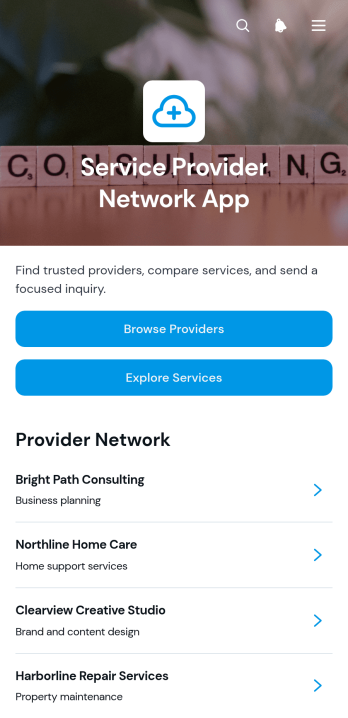
Service Provider Network App
The Service Provider Network App is a ready-to-use digital directory for associations, referral networks, service coordinators, and organizations that connect customers with qualified providers. Visitors can browse provider profiles, compare available services, review specialties and service areas, and send an inquiry from one convenient location. It helps network administrators present provider information consistently while reducing manual referrals and making it easier for prospective customers to identify an appropriate service option. The app template is well suited to home service networks, professional communities, contractor groups, local business alliances, and support organizations managing a growing provider base.Jotform makes this app easy to adapt with a no-code app builder and an intuitive drag-and-drop interface. Teams can update pages, branding, navigation, and connected forms without writing code, then share the finished experience by link or QR code. Information collected through inquiries can support data collection and workflow processes, while centralized resource navigation gives visitors a convenient self-service experience. Starting with Jotform App Templates also shortens setup time and provides a flexible foundation that can grow as services, providers, and operational needs change.
Go to Category:Service & Support Portal Apps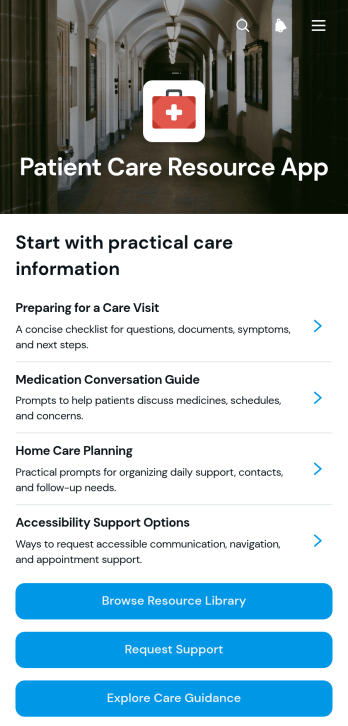
Patient Care Resource App
The Patient Care Resource App is a ready-to-use app template that gives patients and caregivers a central place to find care guidance, browse a resource library, and request support. It suits clinics, healthcare practices, patient education teams, care coordinators, and community health programs that need to make approved information easier to access. Clear navigation helps people locate relevant materials without searching through scattered emails or web pages, while connected support requests create a direct path for questions and follow-up. Organizations can use it for patient education, care preparation, recovery resources, service navigation, or ongoing outreach.Jotform helps teams turn this Patient Care Resource App into a branded, mobile-friendly experience without writing code. Its no-code app builder and drag-and-drop interface make it easy to adjust pages, buttons, cards, and navigation for different services or patient groups. Teams can connect forms for data collection, route requests into an internal workflow, and organize self-service resources in one accessible location. Like other Jotform App Templates, the app can be updated as guidance changes, shared through a direct link or QR code, and connected with tables, approvals, and notifications to support daily operations.
Go to Category:Healthcare Apps