

Service & Support Portal Apps

Problem Solving Workflow App
Problem Solving Workflow App helps teams capture issues, turn them into clear action plans, and confirm resolutions in a consistent way. It’s built for operations leaders, IT and service desks, facility teams, quality groups, and any department that needs a reliable process for handling recurring problems. With guided steps to report a problem, plan actions, and review resolution, everyone follows the same path from intake to follow-up. Cases are easy to browse so managers can spot trends, prioritize by impact, and keep ownership visible across locations and categories.Jotform makes it simple to publish this kind of self-service workflow without code. Using a drag-and-drop app builder, you can customize pages, buttons, and case views to match how your team works, then connect the app to the forms and data collection you already use. Share it with a link or QR code, keep information organized in one place, and automate updates so the right people stay informed as cases move forward.
Go to Category:Task Management Apps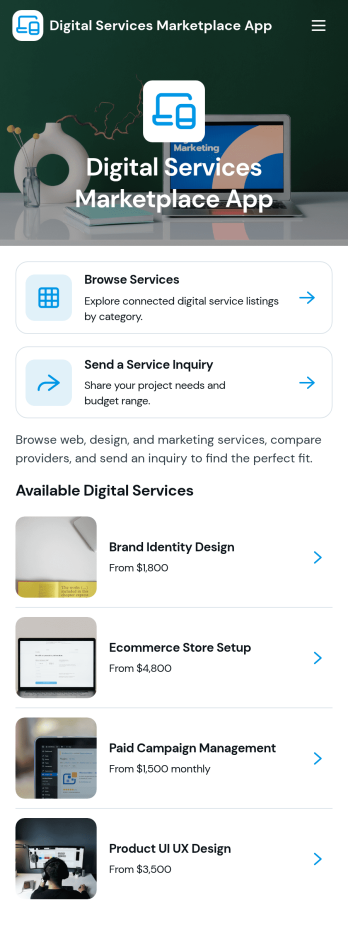
Digital Services Marketplace App
Digital Services Marketplace App brings your service catalog into a single, easy-to-navigate experience where people can browse offerings, review service details, and send a request from the same place. It fits agencies, IT teams, consultants, and growing businesses that want a simple way to present digital services like design, marketing, development, or support without relying on long email threads. With built-in service browsing and a dedicated request path, teams can guide clients or internal stakeholders to the right service faster while keeping inquiries consistent and organized.Jotform makes it easy to turn this app template into a branded self-service destination using a no-code app builder and a drag-and-drop interface. Connect your service listings to Jotform Tables for quick updates, link the request flow to a form for reliable data collection, and share the app through a link or QR code so people can access it from anywhere. As your workflow evolves, you can adjust pages, cards, and navigation in minutes while keeping the marketplace experience clean and mobile-friendly.
Go to Category:Online Service Apps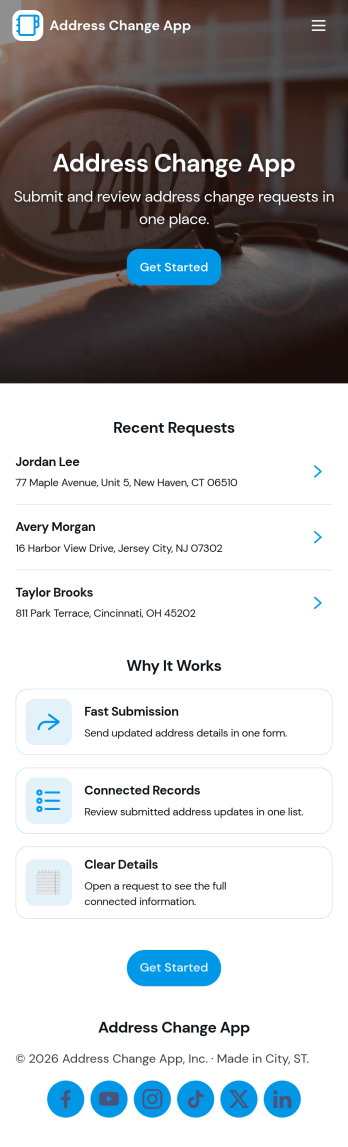
Address Change App
Address Change App helps customers, members, tenants, or employees submit an address update request and keep track of what happens next. Instead of handling updates through scattered emails and phone calls, people can send a new request from one place, review request records, and use a simple status guide to understand progress. Built-in contact options make it easy to reach support when details need clarification, while teams get a more organized way to manage address changes across programs, services, or accounts.Jotform makes it simple to publish this app template and tailor it to your process using a no-code app builder with a drag-and-drop interface. Connect the request form to your workflow, keep records accessible for quick follow-up, and share the app through a link or QR code for fast self-service. With Jotform, you can update pages, branding, and navigation in minutes so the experience stays clear for users and practical for the staff handling requests.
Go to Category:Customer Portal Apps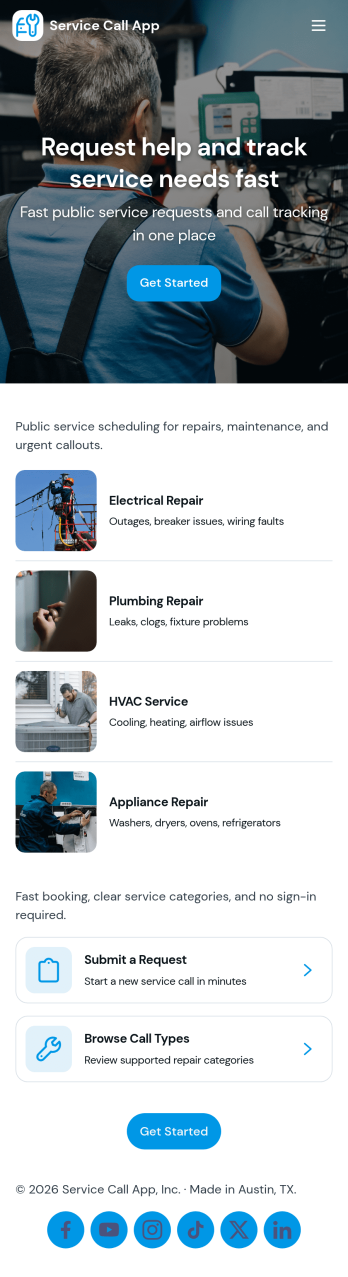
Service Call App
Service Call App helps service teams receive new service requests, view active calls, and keep a clear record of completed work in one place. It’s a practical fit for home services providers, field technicians, and office dispatchers who need a simple way to capture request details and quickly route people to the right call, whether you’re handling repairs, installations, or on-site support.With Jotform, you can turn this app template into a branded self-service experience using a no-code app builder and a drag-and-drop interface. Connect the request form to your workflow, organize call data for faster follow-up, and share the app with a link or QR code so customers or staff can access it on any device while your data collection stays consistent.
Go to Category:Home Services Apps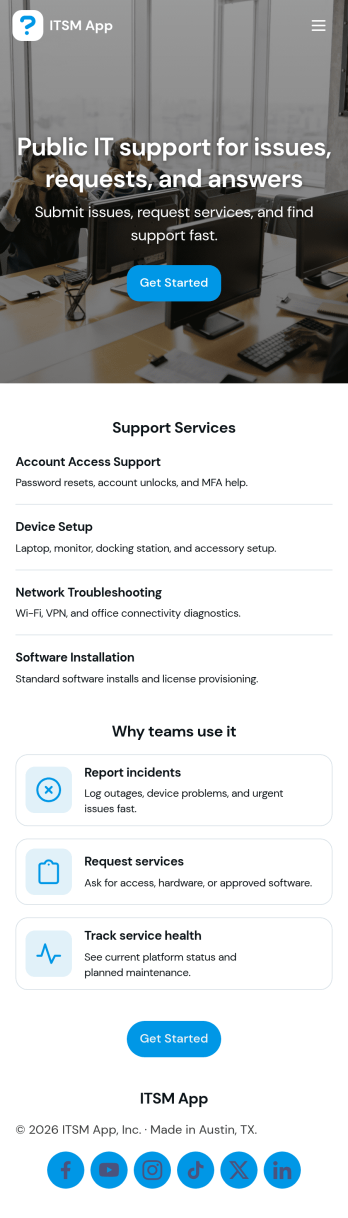
ITSM App
ITSM App brings incident reporting, service requests, and knowledge access into one place so IT teams can handle day-to-day support without scattered links or inbox digging. Use it to capture new incidents quickly, route requests to the right queue, and give employees a simple way to find answers before they open a ticket. It’s a practical fit for internal IT departments, managed service providers, and operations teams supporting multiple tools or systems who need clearer intake, faster triage, and a consistent experience for end users.With Jotform, you can publish this app template using a no-code app builder and tailor it to your workflow in minutes. Update pages with a drag-and-drop interface, connect request forms to the app for reliable data collection, and keep ticket and incident records organized in connected tables for easy follow-up. Share a single link for self-service, standardize how issues are reported, and build a smoother support workflow from intake to resolution.
Go to Category:Information Technology Apps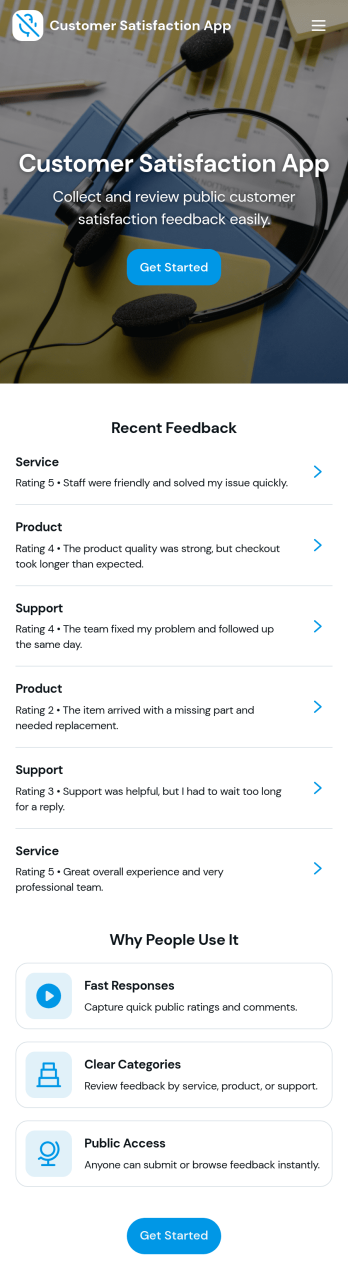
Customer Satisfaction App
Customer Satisfaction App helps you collect, review, and learn from customer feedback in one place. Use it to invite customers to submit feedback, organize responses by category and issue type, and keep a running history of what people are experiencing. It’s a practical fit for retail teams, service providers, SaaS support groups, hospitality businesses, and any organization that wants a simple way to spot recurring problems, capture compliments, and respond with better processes.With Jotform, you can turn this customer satisfaction app template into a branded self-service experience using a no-code app builder and a drag-and-drop interface. Connect the app to your feedback form for reliable data collection, share it with a link or QR code, and route information into tables and workflows so your team can review recent feedback, track patterns over time, and act faster on what customers are telling you.
Go to Category:Community & Engagement Portal Apps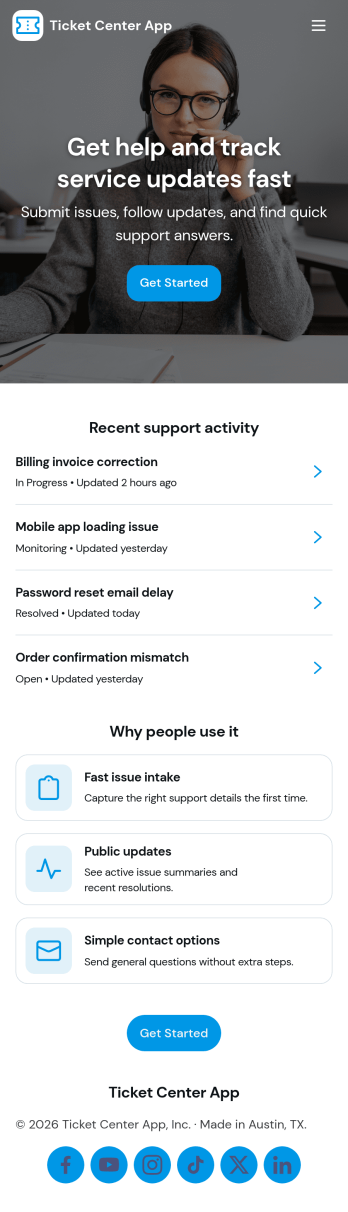
Ticket Center App
Ticket Center App brings your support requests into one clear place so teams can create new tickets, review open issues, and follow progress without losing context. It’s a practical fit for IT help desks, customer support teams, internal operations, and service departments that need a simple way to capture requests and keep requesters informed. With quick navigation to Open Tickets, a New Ticket entry point, and a My Tickets view, the app helps reduce missed requests and gives everyone a consistent path for reporting problems, adding details, and checking status.Jotform makes it easy to publish this app template and tailor it to your workflow using a no-code app builder and drag-and-drop interface. Connect the app to your form for reliable data collection, then organize tickets so teammates can review updates and prioritize work faster. Share the app with a link for self-service access, adjust pages and branding to match your process, and keep your ticket workflow easy to use across devices.
Go to Category:Service & Support Portal Apps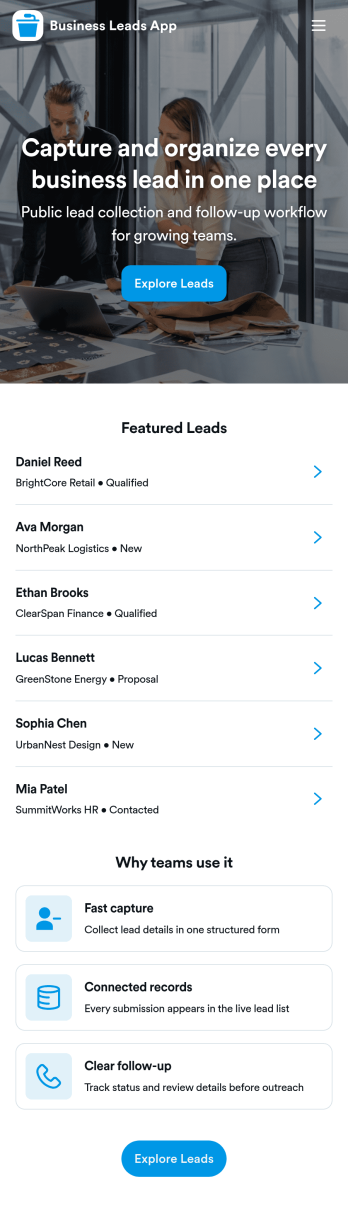
Business Leads App
Business Leads App helps sales and marketing teams capture new prospects, organize lead information, and keep a clear view of follow-ups in one place. Use it to collect lead details through a simple lead capture form, browse and search your lead list, and open a lead record to review key details before the next call or email. It’s a practical fit for agencies, startups, real estate teams, consultants, and service providers that want a consistent way to gather leads from events, referrals, inbound inquiries, or outbound outreach without losing track of who needs attention.With Jotform, you can turn this app template into a branded lead hub using a no-code app builder and a drag-and-drop interface. Connect your lead capture flow to your data collection process, organize records in a structured workflow, and share a single self-service link with your team so everyone works from the same source of truth. Update pages, buttons, and navigation as your pipeline changes, then publish quickly for desktop and mobile access.
Go to Category:Sales & Marketing Portal Apps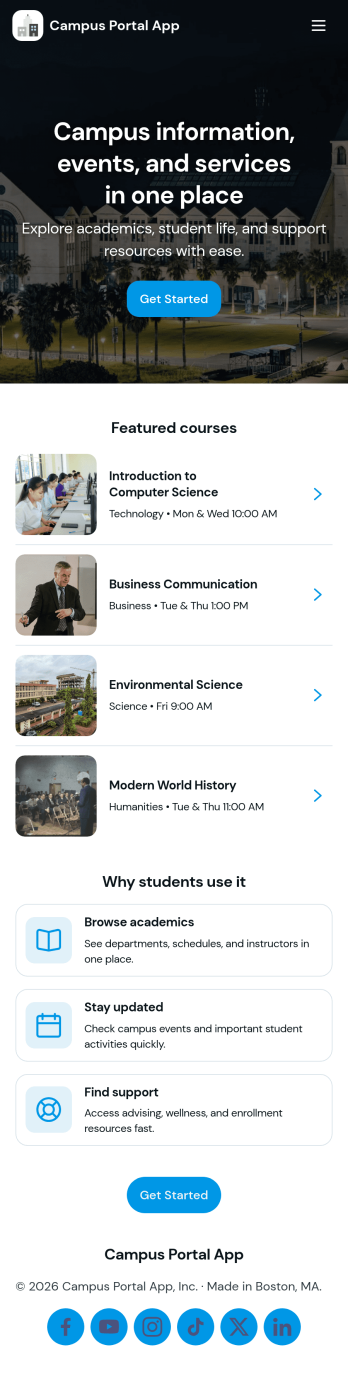
Campus Portal App
Campus Portal App brings essential campus information and support links into one mobile-friendly place for students, faculty, and staff. Use it to highlight key services, publish timely announcements, and route people to the right help fast, whether that’s an IT help desk link, student services link, or a simple way to submit a request. It works well for colleges, universities, and training programs that want a clear front door for everyday needs without sending users across multiple webpages.Built with Jotform, this app template can be tailored with a no-code app builder and a drag-and-drop interface so you can match your branding and organize navigation around how your campus actually operates. Connect the app to request forms and track updates in one place, share it by link or QR code, and keep communication flowing with a workflow that supports self-service from any device.
Go to Category:School Management Apps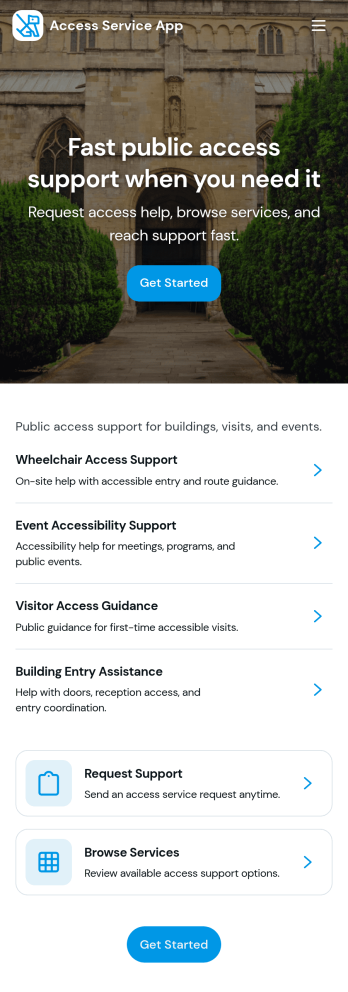
Access Service App
Access Service App brings your service desk into one easy place where people can browse a service catalog, request access or help, and follow progress without hunting through emails. It fits internal teams that handle recurring requests such as IT access, tool provisioning, shared mailbox permissions, account changes, or general support. With clear entry points to request access, track status, and review available services, this app helps reduce confusion, set expectations, and keep requesters informed from first contact through resolution.Built with Jotform, this app template can be customized in a no-code app builder using a drag-and-drop interface so you can match your processes and branding in minutes. Connect key actions to forms for fast data collection, route requests into a workflow your team already follows, and share a self-service link with employees or stakeholders. As needs change, update pages and service options quickly so the app stays aligned with how your support operation runs.
Go to Category:Service Apps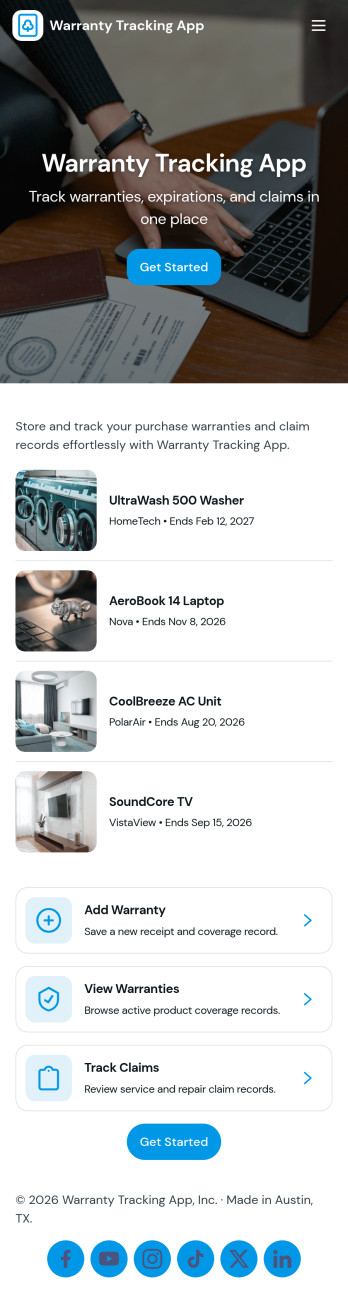
Warranty Tracking App
Warranty Tracking App helps individuals and teams keep warranty details organized in one place so they can register products, store coverage information, and act quickly when something breaks. Use it to centralize warranty records for office equipment, electronics, appliances, tools, or customer purchases, so receipts and key dates don’t get lost in email threads or paper files. The app supports common warranty tasks such as registering a warranty, viewing saved warranties, and filing a claim with a clear path for users to follow.With Jotform, you can turn this app template into a branded self-service experience using a no-code app builder and a drag-and-drop interface. Connect the app to forms and data tables to capture warranty registrations and claim requests, keep records updated, and route information to the right people. Share the app through a link or QR code so customers, staff, or partners can submit information anytime, while your team maintains a consistent workflow for warranty tracking and data collection.
Go to Category:Customer Portal Apps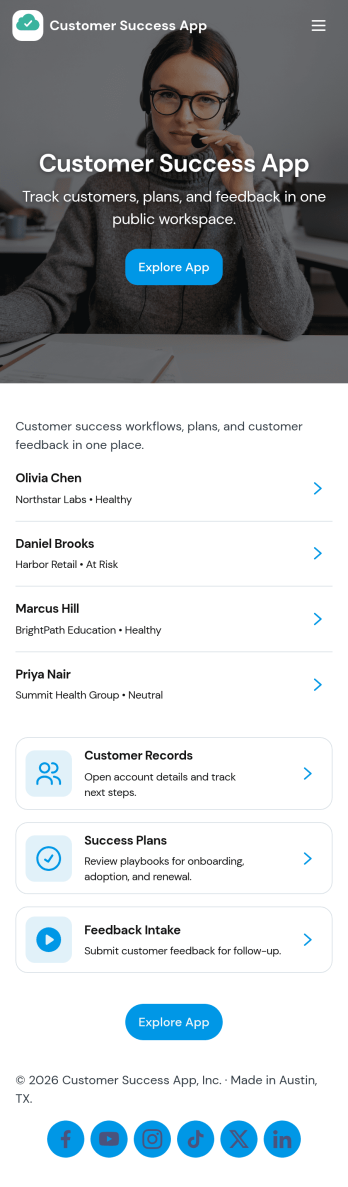
Customer Success App
Customer Success App brings your customer portfolio into one place so customer success teams can stay on top of relationships, support needs, and upcoming renewals without juggling scattered notes. Use it to browse accounts, open an account record for context, and log support tickets as issues come in, making it easier to prioritize at-risk customers and maintain a clear view of day-to-day follow-through. It fits SaaS providers, service teams, agencies, and account managers who need a practical home base for tracking customer health and keeping ownership visible across accounts.With Jotform, you can turn this customer success app template into a branded, shareable experience using a no-code app builder and a drag-and-drop interface. Connect the app to your existing data collection workflows, route updates to the right people, and keep account and ticket information organized in connected tables so your team can collaborate with less manual chasing. When your process changes, you can update pages, buttons, and navigation in minutes and publish the refreshed self-service experience through a link or QR code.
Go to Category:Customer Portal Apps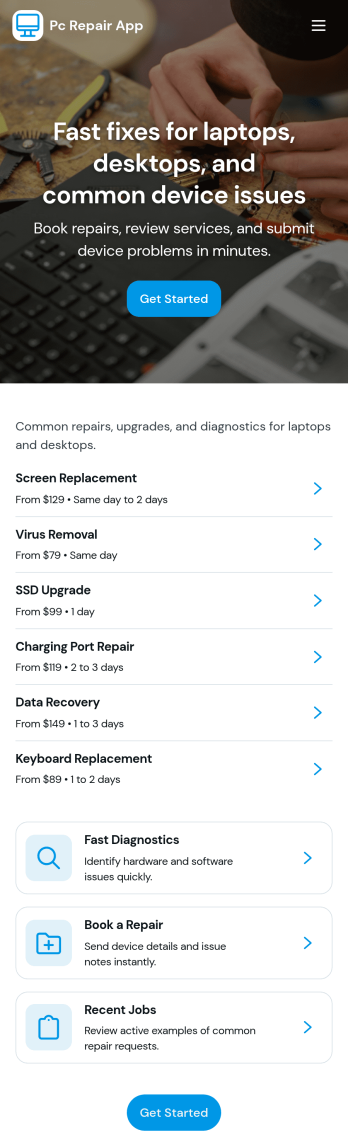
Pc Repair App
Pc Repair App helps computer repair shops and IT service teams collect new device intake details, manage open tickets, and guide customers through service options in one place. Use it to capture troubleshooting notes at drop-off, keep a running view of active jobs, and reduce missed steps when multiple techs are working the same queue. With pages for new intake, open tickets, and service levels, it fits walk-in repair counters, on-site support, and small businesses that need a simple ticketing flow without extra complexity.Jotform makes it easy to turn this Pc Repair App app template into a branded self-service experience using a no-code app builder and a drag-and-drop interface. Connect your intake form to organize data collection, keep ticket information accessible for your team, and share the app by link or QR code so staff can update jobs from anywhere. As your workflow evolves, you can adjust pages, add actions, and keep everything aligned to how your repair process actually runs.
Go to Category:Information Technology Apps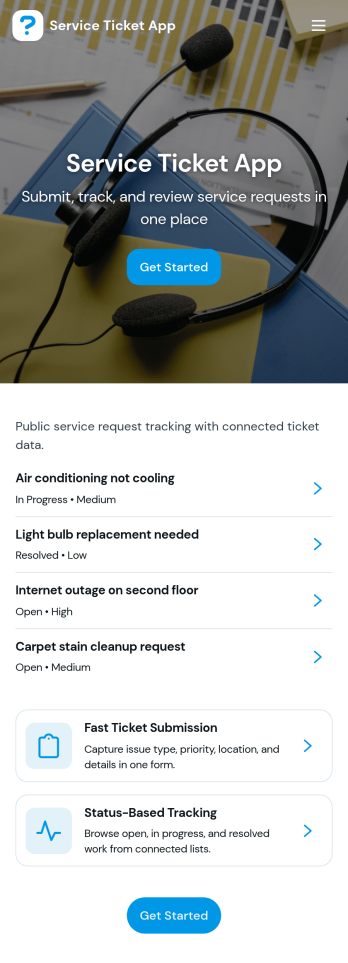
Service Ticket App
Service Ticket App helps teams capture new service requests and manage ongoing issues in one place, so requests don’t get lost across emails, chats, or hallway conversations. It fits IT and internal support teams, facilities and maintenance groups, and any service desk that needs a simple way for people to open a ticket, review their own tickets, and follow up as work progresses. With a clear entry point to submit a new ticket, a dedicated area for My Tickets, and a queue view for staff, the app supports day-to-day triage and keeps requesters informed without extra coordination.Jotform makes it easy to turn this service ticket workflow into a polished self-service experience using App Templates and a no-code app builder. With a drag-and-drop interface, you can adjust the navigation, connect the app to your ticket form and table, and keep everything accessible from a single link. As tickets come in, teams can centralize data collection, review records, and maintain a consistent workflow that’s easy to share across departments.
Go to Category:Service & Support Portal Apps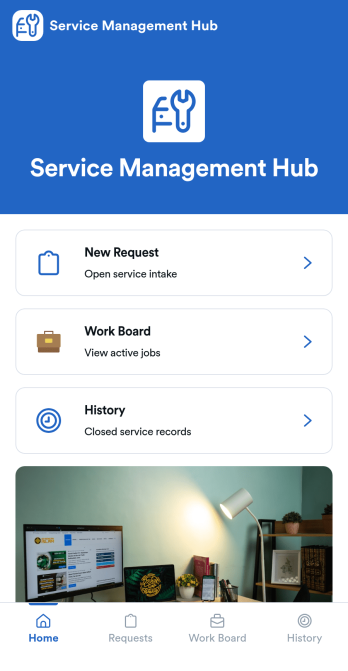
Service Management App
Service Management App helps teams capture incoming service requests, organize active jobs, and keep a clear record of completed work in one place. It’s built for service desks, IT and facilities teams, internal operations groups, and small businesses that need a simple way to move from intake to action. With a New Request area, a Work Board for in-progress items, and a History view for past jobs, everyone knows what’s waiting, what’s being handled, and what’s already resolved.Jotform makes it easy to turn this workflow into a shareable self-service experience using App Templates and a no-code app builder. Customize pages with a drag-and-drop interface, connect your request form to keep data collection consistent, and centralize updates without switching tools. When you publish your Service Management App, you can share it with a link so requesters and staff can submit, review, and follow up quickly from desktop or mobile.
Go to Category:Service Apps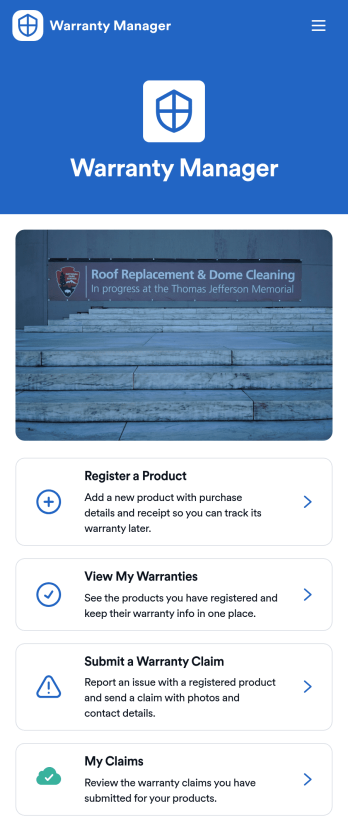
Warranty Manager App
Warranty Manager App gives customers and support teams a simple place to register products, store warranty details, and start claims without digging through emails or paperwork. Visitors can register a product in minutes, browse their warranties from one screen, and submit a warranty claim when something goes wrong. It’s a great fit for retailers, manufacturers, repair providers, and customer service departments that want a clearer way to handle post-purchase support and reduce missed documentation.Jotform makes it easy to tailor this app template to your process using a no-code app builder and a drag-and-drop interface. Connect the in-app actions to your forms and keep data collection organized, then share the app as a self-service experience for customers or as an internal workflow tool for your team. With flexible pages, navigation, and connected resources, Jotform helps you turn warranty intake and claim tracking into a smooth, consistent experience.
Go to Category:Customer Portal Apps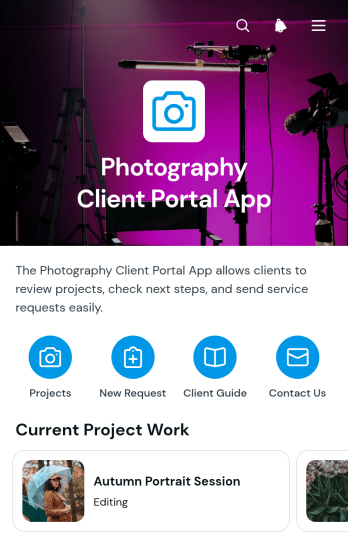
Photography Client Portal App
Photography Client Portal App is a client-facing workspace for independent photographers, studios, and creative teams that need to organize project communication from inquiry through completion. Clients can browse their projects, review project type and location details, follow the current status and next step, and read a concise project summary without searching through scattered messages. Built-in request and help forms provide a clear way to submit photography needs or ask for assistance. This app template works well for portrait, event, commercial, property, and editorial photography workflows where assignments and client updates must remain easy to find.With Jotform Apps, you can adapt this Photography Client Portal App using a no-code app builder and an intuitive drag-and-drop interface. Customize pages, navigation, colors, and visual elements to match your photography business, then connect forms and workflows for data collection, project requests, and client self-service. The finished app can be shared through a direct link or QR code, giving clients mobile-friendly access while helping your team maintain a consistent service experience.
Go to Category:Customer Portal Apps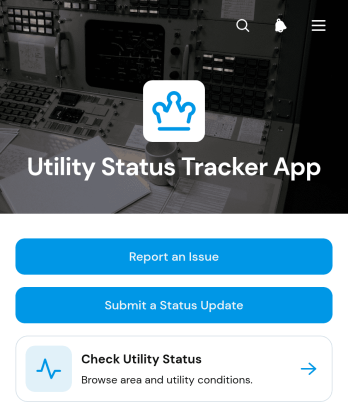
Utility Status Tracker App
Utility Status Tracker App provides a central place for utility teams, property managers, local service operators, and community coordinators to share service conditions by area. Users can check the current utility status, see when information was last updated, review expected restoration details, and read the latest notice. They can also report an issue or submit a status update through connected forms. This app template helps organizations replace scattered messages with a consistent source of information, improve visibility during interruptions, and give residents, tenants, employees, or customers convenient self-service access to timely updates.With Jotform Apps, teams can adapt App Templates to their operational needs without writing code. The drag-and-drop app builder makes it easy to revise pages, navigation, buttons, visual styling, and connected workflows while keeping data collection in one organized experience. Teams can connect forms and tables, receive notifications from submitted reports, and manage updates as conditions change. Once customized, the Utility Status Tracker App can be shared through a direct link or QR code, giving users a mobile-friendly way to view information and send reports from almost any device.
Go to Category:Tracker Apps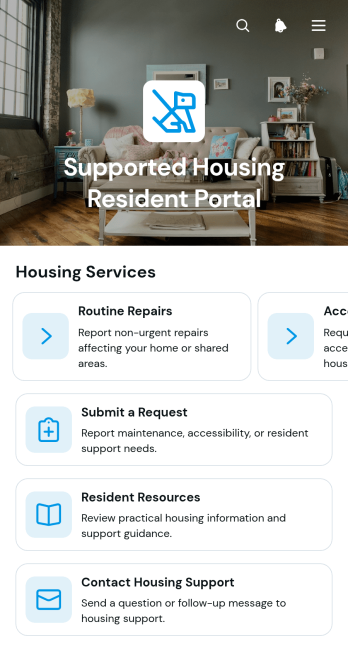
Supported Housing Resident Portal App
Supported Housing Resident Portal App gives residents a central place to access housing services, guidance, and support. It helps supported housing providers, resident support teams, property managers, and nonprofit housing organizations offer a clearer self-service experience. Through service browsing, housing request forms, and resident resources, people can find relevant help without relying on scattered messages or paper instructions. Residents can also contact housing support, review maintenance guidance, request accessibility assistance, and follow up on an existing concern. This creates a consistent route for handling everyday housing needs while helping staff organize inquiries and direct residents to the right service.Jotform Apps makes it easy to adapt this app template without coding. Using the drag-and-drop app builder, teams can customize pages, cards, navigation, colors, and visual elements to reflect their housing program. Forms and connected workflows support organized data collection, notifications, and internal follow-up, while links and resource pages keep useful information together. Once the app is ready, it can be shared through a direct link or QR code for convenient mobile access. Jotform App Templates provide a practical starting point that teams can update as resident services, operational processes, and support resources change.
Go to Category:Customer Portal Apps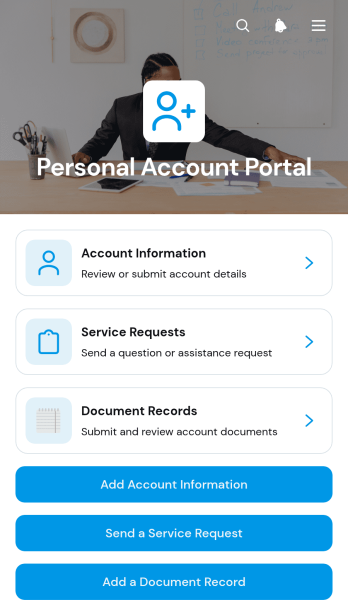
Personal Account Portal App
The Personal Account Portal App is a ready-to-use account management template for service providers, membership organizations, consultants, and customer support teams that want to give individuals one convenient place to manage essential interactions. Users can add and review account information, submit service requests, and maintain document records without relying on scattered emails or disconnected files. It supports customer self-service while helping teams organize incoming details and requests for easier follow-up. Businesses can adapt the portal for client accounts, member services, customer care, or other situations where each person needs a clear view of their information and records.Jotform Apps makes it easy to turn this app template into a branded, mobile-friendly experience without writing code. Using the drag-and-drop app builder, teams can customize pages, navigation, buttons, colors, and typography while connecting forms and related workflows for data collection. The portal can be shared by direct link or QR code, giving users convenient access from phones, tablets, and computers. Start with one of Jotform’s App Templates, adjust the content to match your processes, and publish a practical self-service destination that brings account activity into one organized experience.
Go to Category:Customer Portal Apps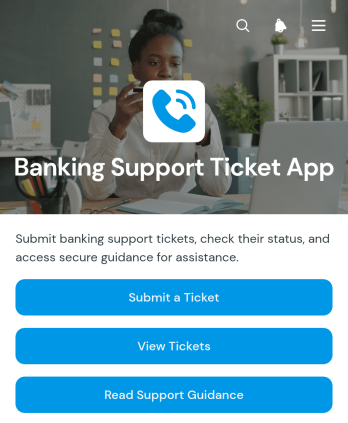
Banking Support Ticket App
Banking Support Ticket App is a customer support hub for banks, credit unions, financial service teams, and account support departments that need a clear way to receive and organize service issues. Customers or employees can submit new tickets, review open requests, and read support guidance from one accessible location. Ticket details help support teams understand the issue type, reported concern, submitter, and contact information without relying on scattered emails. The app is well suited to handling account service questions, transaction inquiries, card-related concerns, online banking access issues, and general requests while giving users a convenient self-service experience.Jotform Apps makes it easy to adapt this app template to an organization's support process without writing code. Teams can use the drag-and-drop app builder to update pages, branding, navigation, and guidance, then connect forms and tables to support data collection and workflow management. The app can be shared through a direct link or QR code for convenient mobile access. Starting with Jotform App Templates also helps organizations publish a polished resource quickly, centralize request intake, and give support staff a more consistent view of incoming tickets.
Go to Category:Service & Support Portal Apps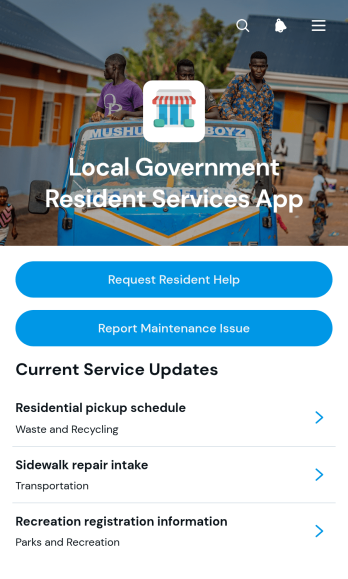
Local Government Resident Services App
Local Government Resident Services App is a digital service hub for municipal departments, public service teams, and residents who need a simpler way to find assistance and communicate local concerns. It brings essential service information, contact methods, availability details, and public updates into one accessible location. Residents can browse available services, request help, or report maintenance issues such as damaged public facilities and neighborhood infrastructure problems. By centralizing these actions, the app reduces confusion about where to submit requests, helps departments receive more consistent information, and gives communities convenient self-service access to everyday local government resources.Jotform makes this app template easy to adapt without coding. Use the drag-and-drop app builder to update pages, navigation, colors, fonts, buttons, and visual elements to match your municipality’s needs. Connected forms support organized data collection, while tables, notifications, approvals, and other workflow tools can help teams route and manage incoming requests. Publish the finished app with a direct link, share it through a QR code, or embed it in an existing website. Jotform App Templates also provide a practical starting point for creating a mobile-friendly experience that can evolve as resident services and communication priorities change.
Go to Category:Community & Engagement Portal Apps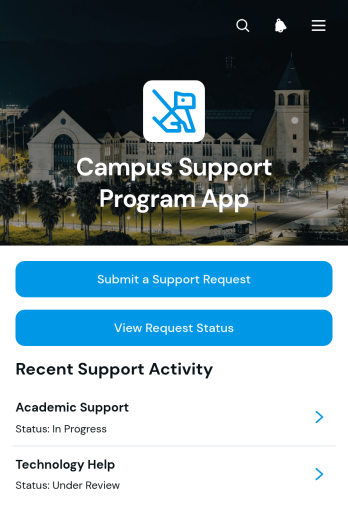
Campus Support Program App
Campus Support Program App provides students, faculty, staff, and campus service teams with a central place to request assistance and find relevant support resources. Educational institutions can use this app template for academic guidance, student services, accessibility assistance, wellbeing programs, technology help, or other campus initiatives. Users can submit a support request, review its status, provide a preferred contact method, and browse available resources without searching across disconnected channels. Support teams gain a clearer intake process, more consistent request details, and an accessible way to direct each person toward the appropriate service.Jotform makes it easy to adapt this experience with a no-code app builder and a flexible drag-and-drop interface. Institutions can customize pages, navigation, colors, fonts, and content to match their campus program, then connect forms and tables to support data collection and workflow organization. The app can be shared through a direct link or QR code for convenient mobile access. Starting with Jotform App Templates also helps teams publish a branded self-service resource quickly while keeping request intake, status access, and useful information together.
Go to Category:School Management Apps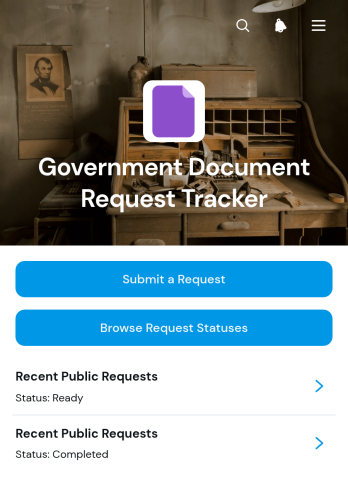
Government Document Request Tracker App
Government Document Request Tracker App is a ready-to-use app template for government offices that need an accessible way to receive document requests and communicate their progress. It brings request submission, status browsing, and progress details into one organized experience for residents, administrative staff, records teams, clerks, and public service departments. Requesters can submit a new inquiry, review available request statuses, and view key information such as the document type, jurisdiction, reference code, delivery preference, request description, and latest update. This approach reduces scattered inquiries, gives staff a consistent intake process, and helps requesters find information without repeatedly contacting an office.With Jotform’s no-code app builder, teams can adapt this app template to their procedures without writing code. The drag-and-drop interface makes it easy to update pages, navigation, colors, fonts, buttons, and content while maintaining a modern, mobile-friendly experience. Connected forms, tables, approvals, and notifications can support data collection and workflow automation from intake through completion. Teams can publish the app with a shareable link or QR code, creating a convenient self-service resource that can be updated as document request procedures change.
Go to Category:Tracker Apps