

School Management Apps

Youth Sports Coach Compliance App
Youth Sports Coach Compliance App provides leagues, clubs, schools, recreation programs, and nonprofit sports organizations with one place to organize coach oversight. Program directors, administrators, safety coordinators, and team leaders can review coach records and filter them by status, provide access to relevant training information, and collect incident reports when follow-up is needed. This app template replaces scattered files and disconnected communications with a clear experience for monitoring certifications, background checks, training progress, and related requirements. It helps organizations identify missing information, contact coaches, document concerns, and maintain consistent internal procedures across teams and seasons.With Jotform Apps, organizations can adapt App Templates to their own policies and workflows without writing code. The drag-and-drop App Builder makes it easy to update pages, navigation, visual branding, and connected forms from one workspace. Records can feed into Jotform Tables for organized data collection, while notifications and approvals can support timely reviews. Once ready, the app can be shared through a direct link or QR code, giving authorized staff convenient mobile access and coaches a straightforward self-service route for submitting information.
Go to Category:Safety and Compliance Apps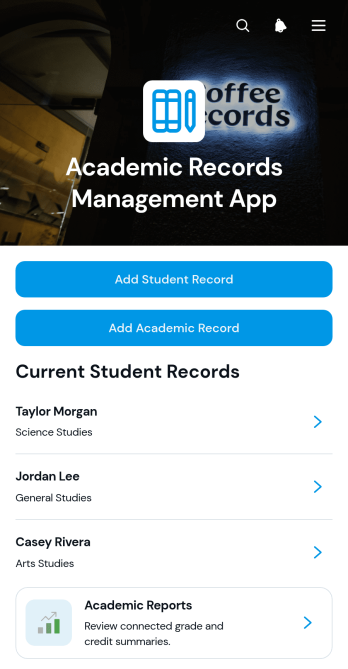
Academic Records Management App
Academic Records Management App gives schools, colleges, tutoring programs, and education administrators a central place to create and review student academic records. Staff can add student profiles, open individual records, document courses and credits, record notes, and access academic reports without relying on scattered files. This app template supports registrars, teachers, academic coordinators, and office teams that need clearer record organization and faster access to relevant student information. It is particularly useful for maintaining consistent academic histories, reducing manual searching, and giving authorized team members a practical self-service resource for day-to-day record management.With Jotform Apps, education teams can adapt this template using a no-code app builder and an intuitive drag-and-drop interface. Pages, navigation, forms, and connected workflows can be adjusted to match existing academic processes and data collection needs. Teams can apply their own visual style, organize resources for convenient browsing, and share the finished app through a direct link or scannable code. Jotform App Templates also connect with forms, tables, approvals, and notifications, helping institutions turn routine record entry and review into a coordinated digital workflow that works across mobile, tablet, and desktop devices.
Go to Category:School Management Apps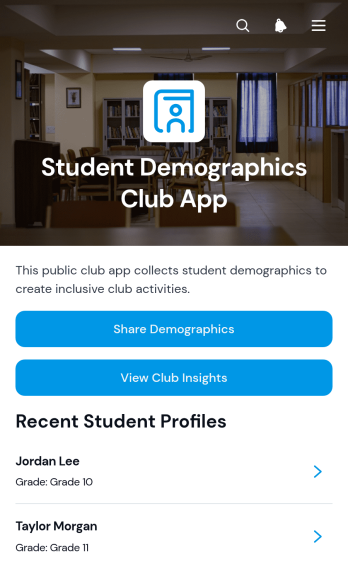
Student Demographics Club App
Student Demographics Club App helps school clubs, student organizations, advisers, and education teams collect and review member demographic information in one accessible place. Students can submit their details, while authorized club coordinators can browse individual profiles and view club insights. Records may include a student’s community area, preferred participation format, club interests, and sharing permission. This makes the app useful for understanding membership, planning inclusive activities, choosing suitable meeting formats, and shaping outreach around the needs and interests of the club community. It also reduces scattered records and gives organizers a clearer view of member preferences.Jotform makes this app template easy to adapt without writing code. Use the drag-and-drop app builder to update pages, adjust branding, reorganize navigation, and connect forms with data collection workflows. The mobile-friendly experience supports convenient self-service access for students and provides organizers with a central resource for reviewing submitted information. Once customized, the app can be shared through a direct link or QR code, helping schools and clubs create a consistent process for gathering insights and supporting informed program planning.
Go to Category:Education Apps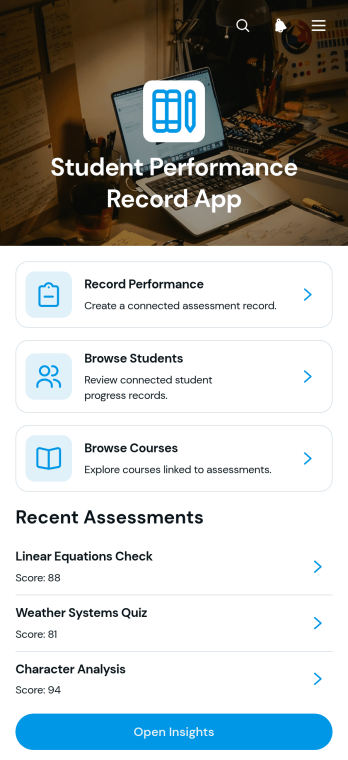
Student Performance Record App
The Student Performance Record App is a ready-to-use app template for teachers, tutors, academic coordinators, and school administrators who need a central place to document and review learner achievement. Users can record performance, browse student and course profiles, review assessment notes, and open insights that provide useful progress context. It supports routine grading reviews, intervention planning, tutoring sessions, parent meeting preparation, and term-end evaluations while reducing scattered records and making academic information easier to navigate. Schools, learning centers, and training programs can use it to maintain a more consistent view of performance across students, subjects, courses, and assessment periods.Jotform Apps makes this template easy to adapt with a no-code app builder and a flexible drag-and-drop interface. Educators can personalize pages, navigation, fonts, colors, and visual elements, then connect forms, tables, notifications, and other workflow tools for organized data collection. The finished app can be shared by direct link or QR code, giving authorized team members convenient mobile access wherever learning reviews take place. Start with one of Jotform’s App Templates, tailor the experience to your academic process, and publish a polished resource without writing code.
Go to Category:School Management Apps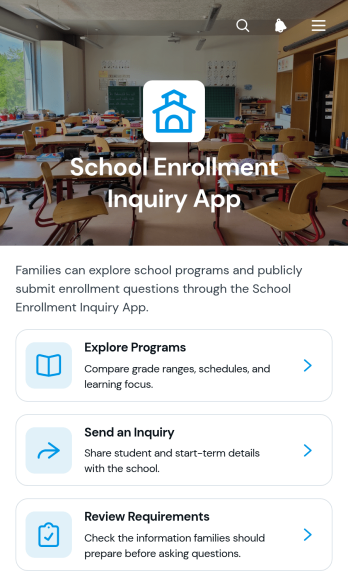
School Enrollment Inquiry App
School Enrollment Inquiry App gives schools a welcoming digital space where prospective families and students can explore academic programs, review enrollment requirements, and submit questions before beginning an application. Admissions teams, school administrators, registrars, and education providers can use it to present consistent program information while collecting student details, preferred start timing, and specific questions. By bringing program discovery and inquiry collection into one accessible experience, the app helps families find relevant information independently and gives staff clearer context for timely, personalized follow-up.Jotform makes this app template easy to adapt with a no-code app builder and an intuitive drag-and-drop interface. Schools can update pages, branding, navigation, and content, then connect forms, data tables, notifications, approvals, or other workflow steps as their enrollment process evolves. Compared with building from scratch, ready-made App Templates provide a faster starting point for creating mobile-friendly self-service experiences. Publish the app through a direct link, QR code, or embedded experience so prospective families can access enrollment resources from virtually any device.
Go to Category:School Management Apps
School Waste Audit App
The School Waste Audit App is an app template for schools that need a practical way to document waste, examine findings by school area, and support reduction initiatives. Administrators, facilities teams, teachers, student environmental groups, and sustainability committees can use it to submit audits, review waste insights, and access practical reduction guidance. By bringing these activities into one organized experience, the app helps schools replace scattered records, identify recurring waste patterns, compare audited areas, and turn observations into informed actions. It can support one-time assessments, classroom projects, campuswide reviews, and recurring sustainability programs.Jotform Apps helps schools create and publish interactive experiences without writing code. Start with this School Waste Audit App from Jotform’s App Templates, then use the no-code app builder and drag-and-drop interface to adjust pages, navigation, colors, fonts, and branding. Connect forms and tables to simplify data collection, organize audit records, and support a consistent workflow. The finished app can be shared by link or QR code for convenient mobile access, giving staff and students a central place to participate in waste reviews and find relevant next steps.
Go to Category:Audit Apps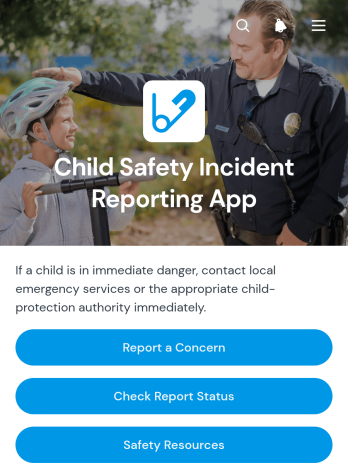
Child Safety Incident Reporting App
The Child Safety Incident Reporting App is a ready-to-use app template for schools, childcare providers, youth programs, community groups, and other organizations responsible for children’s well-being. It gives staff members, caregivers, volunteers, and approved community members a clear place to report a concern, check report status and follow-up activity, and review relevant safety resources. Bringing these critical actions into one accessible experience can reduce scattered messages, support timely internal responses, and establish a more consistent reporting pathway. Safeguarding teams, administrators, program leaders, and support personnel can use it to organize incident intake while keeping reporters informed about next steps.With Jotform Apps, organizations can adapt this template to their own reporting workflow without writing code. The no-code app builder and drag-and-drop interface make it easy to update pages, navigation, instructions, branding, and connected data collection forms. Teams can link reports with tables, approvals, notifications, and other internal processes while offering convenient self-service access from phones, tablets, or computers. As part of Jotform’s App Templates, the Child Safety Incident Reporting App can be customized, published, and shared through a direct link, scannable code, or embedded experience.
Go to Category:Safety and Compliance Apps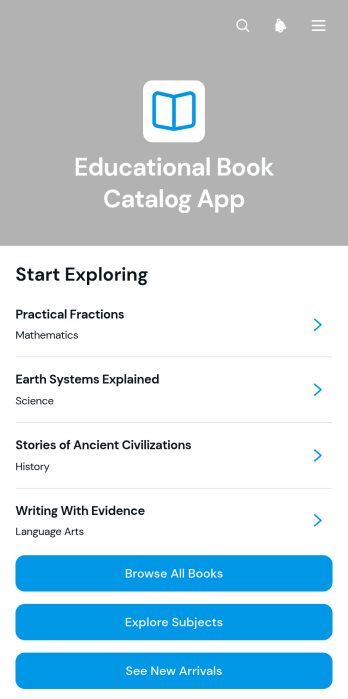
Educational Book Catalog App
Educational Book Catalog App is an organized digital catalog for schools, libraries, tutoring programs, training providers, and learning centers that need to present educational reading materials in one accessible place. Students, teachers, librarians, tutors, and families can browse the full collection, explore books by subject, and review new arrivals without searching across scattered lists or documents. Clear navigation supports faster resource discovery, while individual book entries give users a convenient path to relevant information. This app template can support classroom reading programs, curriculum planning, library promotion, independent study, and remote access to learning resources.Jotform App Templates help organizations create polished digital experiences without writing code. With Jotform’s no-code app builder and drag-and-drop interface, teams can adapt this catalog with their own content, pages, cards, buttons, colors, fonts, and images. The app builder can also connect forms, tables, approvals, and workflows when additional data collection or self-service options are needed. Once customized, the catalog can be published and shared through a direct link, a scannable code, or an embedded experience, making educational resources easy to reach on phones, tablets, and computers.
Go to Category:Education Apps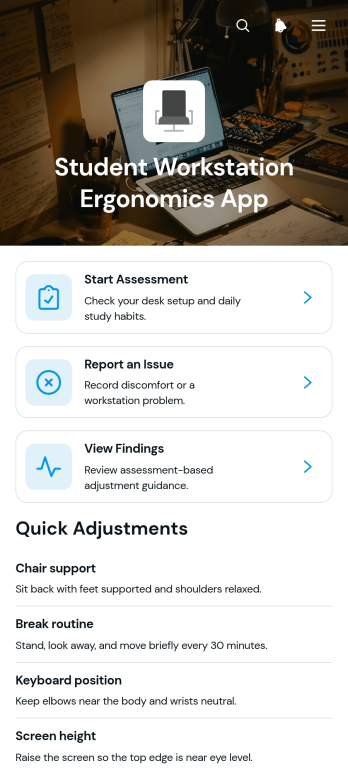
Student Workstation Ergonomics App
Student Workstation Ergonomics App gives schools, colleges, universities, libraries, and remote learning programs a central place to review study setups and address workstation concerns. Students can start an ergonomic assessment, report an issue, and view recorded findings without searching across separate resources. Faculty members, school administrators, facilities teams, and student support staff can use the app to identify recurring concerns involving desks, chairs, screens, lighting, or study environments. This app template supports more consistent data collection, clearer follow-up, and greater student self-service across classrooms, computer labs, libraries, residence halls, and home learning spaces.Jotform helps educational teams turn App Templates into accessible digital experiences without writing code. Using the no-code app builder and its drag-and-drop interface, staff can customize pages, update branding, connect forms, and organize supporting resources around the needs of their institution. The app can also connect assessment and issue-reporting activities with tables, notifications, approvals, and other workflow steps. Once prepared, teams can publish it through a direct link or QR code, giving students convenient mobile access while helping authorized staff keep findings and follow-up activities organized.
Go to Category:School Management Apps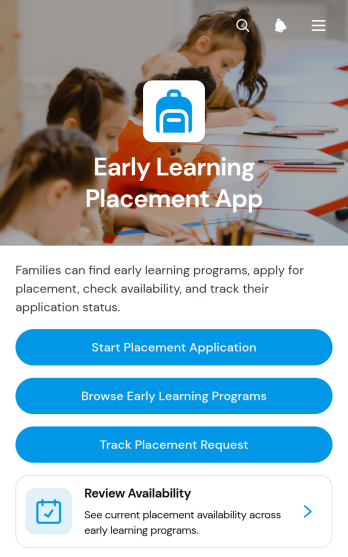
Early Learning Placement App
Early Learning Placement App is an app template for families seeking suitable early education programs and for schools, childcare networks, placement teams, and community education services coordinating enrollment requests. Families can browse available programs, review essential details such as location and program type, submit a placement application, and track their request from one accessible experience. This organized approach reduces disconnected inquiries, gives applicants clearer access to program information, and helps administrative teams manage placement demand while supporting informed choices.With Jotform Apps, organizations can adapt this Early Learning Placement App without writing code. The drag-and-drop app builder makes it easy to update pages, navigation, visual branding, and content while connecting forms and data collection processes to a practical workflow. Teams can publish a mobile-friendly self-service resource, share it through a direct link or QR code, and maintain program information as availability changes. Jotform app templates provide a ready-to-use foundation that can be customized for a single learning center, a group of schools, or a broader placement service.
Go to Category:Education Apps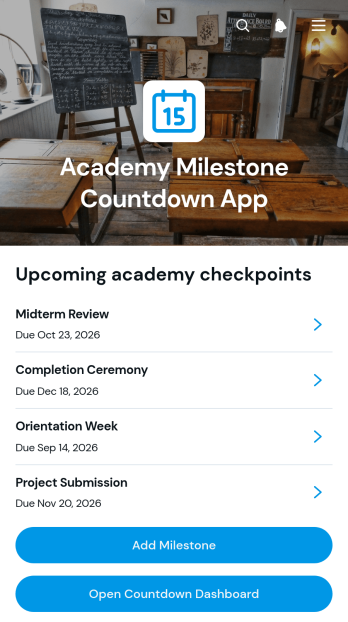
Academy Milestone Countdown App
The Academy Milestone Countdown App gives schools, training academies, instructors, program coordinators, and learners a central place to monitor important academic and training deadlines. Users can add milestones, open a countdown dashboard, and review each milestone’s target date, current status, academy area, and supporting context. It is well suited to course completion goals, assessment dates, certification stages, enrollment periods, project checkpoints, and other time-sensitive objectives. By making upcoming targets more visible, the app helps education teams keep learners focused, identify priorities, and reduce the risk of missed milestones.Jotform provides a no-code app builder that makes this app template easy to adapt without programming. Its drag-and-drop interface lets administrators update pages, navigation, buttons, visual elements, and connected forms while maintaining a clear mobile-friendly experience. Collected data can support organized workflows, shared progress tracking, and self-service access to milestone information. After customization, the app can be published and shared through a direct link, QR code, or embedded experience, giving staff and learners convenient access from phones, tablets, and computers.
Go to Category:Education Apps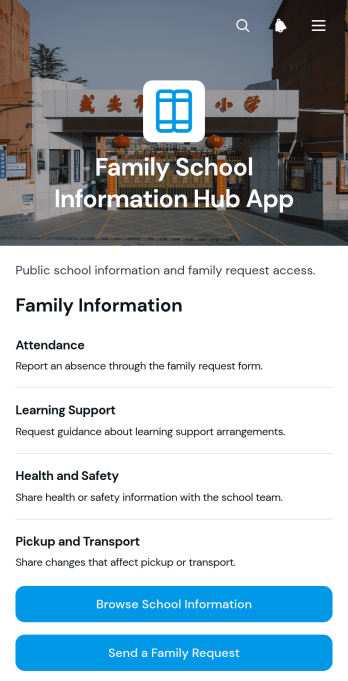
Family School Information Hub App
Family School Information Hub App gives schools and education communities a central place to share useful information with families. Administrators, teachers, family engagement teams, and school office staff can use this app template to make important materials easier to find without relying on scattered messages or documents. Families can browse information by school area, review calendar items and resources, send requests or questions, and contribute relevant school updates. This self-service experience helps caregivers stay informed, gives staff a consistent channel for inquiries, and supports clearer communication throughout the school year.With Jotform Apps, schools can customize this Family School Information Hub App through a no-code app builder and an intuitive drag-and-drop interface. Teams can adjust pages, branding, navigation, and content while connecting forms, tables, approvals, and other workflow tools for organized data collection. Jotform App Templates also make it easy to publish a mobile-friendly resource center without coding. Share the finished app through a direct link or QR code so families can access current information from nearly any device, while authorized staff collaborate on updates and adapt the experience as school needs change.
Go to Category:School Management Apps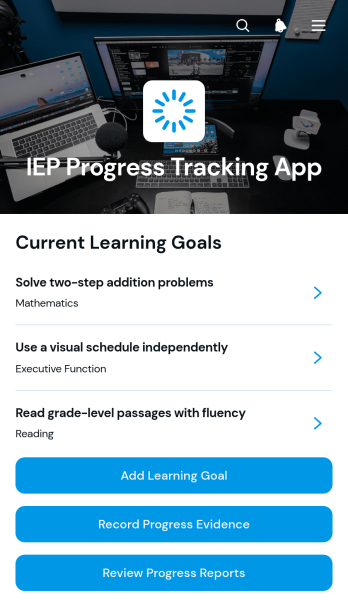
IEP Progress Tracking App
The IEP Progress Tracking App is an app template for documenting learning goals, recording progress evidence, and reviewing progress reports in one organized space. Special education teachers, classroom educators, intervention teams, tutors, and school administrators can use it to maintain a clearer view of each learner’s progress toward individualized objectives. Educators can add learning goals, submit evidence as progress occurs, and revisit reports when preparing instructional updates or team discussions. This reduces scattered records, supports consistent documentation, and helps staff make informed decisions about teaching strategies and student support.Jotform App Templates make it easier to turn educational workflows into accessible digital experiences without coding. Using Jotform’s no-code app builder and drag-and-drop interface, schools can customize this IEP Progress Tracking App with their own colors, content, navigation, and connected forms. Teams can support data collection, organize records, automate notifications, and link relevant workflows from a single app. Once published, the app can be shared by link or QR code for convenient access on phones, tablets, and computers, giving authorized educators a practical self-service resource wherever progress is recorded or reviewed.
Go to Category:Education Apps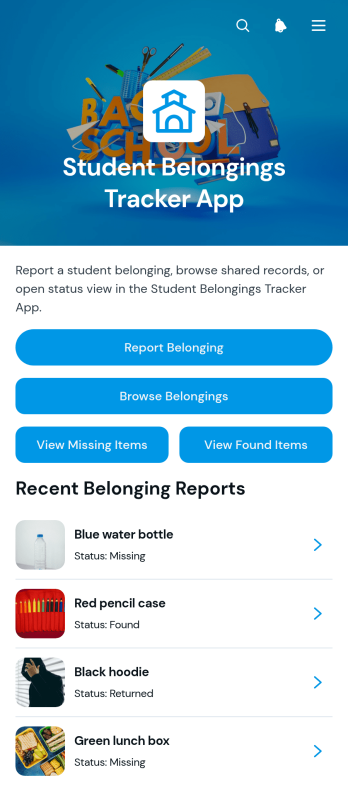
Student Belongings Tracker App
The Student Belongings Tracker App is a centralized lost-and-found resource for schools, colleges, classrooms, residence halls, and other student communities. Students and staff can report belongings, browse recorded items, and check whether an item is missing, found, or returned. Each record can present useful context such as the student, last known location, current status, description, and recommended next step. By keeping these updates in one accessible place, the app helps school administrators, teachers, campus teams, and students reduce scattered inquiries, improve item recovery, and maintain a clearer history of reported belongings.With Jotform Apps, organizations can adapt this app template through a no-code app builder and an intuitive drag-and-drop interface. Pages, navigation, colors, fonts, images, and branding can be adjusted to suit a school or campus experience. Connect forms, tables, notifications, and workflows to support organized data collection and timely updates without writing code. Jotform App Templates can be published for mobile-friendly self-service access and shared through a direct link, QR code, or embedded experience, giving students and staff a convenient way to submit and review information from nearly any device.
Go to Category:School Management Apps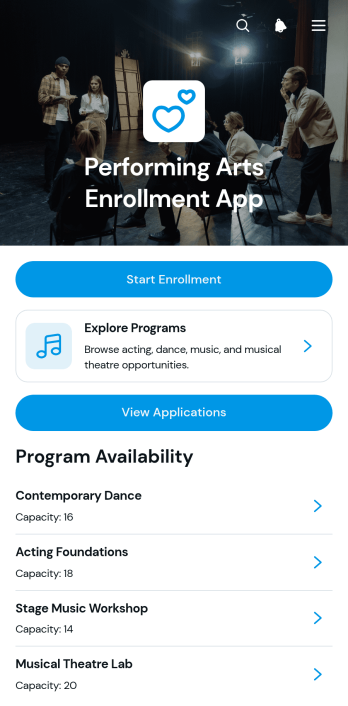
Performing Arts Enrollment App
Performing Arts Enrollment App is an app template for performing arts schools, studios, academies, community programs, and instructors that need a central place to present programs and accept enrollment requests. Prospective students and families can browse available classes, review key schedule and capacity information, and submit an enrollment form for their chosen program. Administrators can also view applications and applicant details without relying on scattered emails or paper records. This organized experience supports enrollment for dance, music, theater, and multidisciplinary arts programs while making it easier to communicate options and manage applicant information.Jotform App Templates help organizations turn enrollment tasks into accessible digital experiences without coding. Using Jotform’s no-code app builder and drag-and-drop interface, teams can tailor pages, navigation, colors, fonts, and branding to suit their programs. The Performing Arts Enrollment App can connect data collection with tables, notifications, approvals, and other workflow steps, giving staff a practical way to manage submissions. Once customized, the app can be shared through a direct link or QR code for convenient mobile access and student self-service.
Go to Category:Course & Training Registration Apps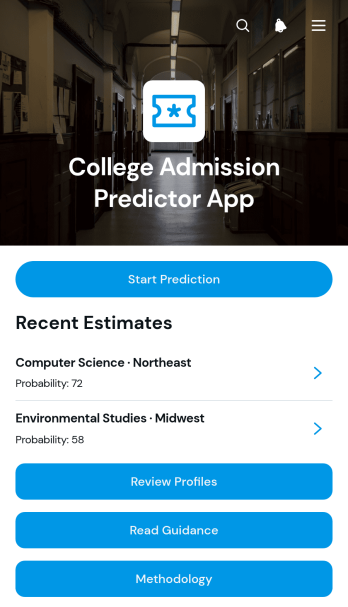
College Admission Predictor App
The College Admission Predictor App helps prospective students, school counselors, tutors, and education consultants assess possible admission outcomes using a student’s academic profile, test results, course interests, and budget considerations. Users can submit profile information, receive an estimated admission probability and status, and review guidance for potential next steps. The app also provides access to methodology information so estimates can be interpreted in context rather than treated as admission guarantees. Schools and advising teams can use this app template to support early college planning, organize student assessments, and give applicants a convenient self-service starting point before individual counseling.Jotform Apps makes it easy to adapt this experience with a no-code app builder and an intuitive drag-and-drop interface. Customize pages, visual elements, navigation, and guidance to suit your advising process, then connect forms and data collection workflows in one mobile-friendly app. Jotform App Templates can be shared through a direct link or QR code, giving students and counselors convenient access from almost any device. Whether the app supports a school counseling office, tutoring service, or independent education practice, it can bring profile intake, estimates, and planning resources into one organized experience.
Go to Category:Education Apps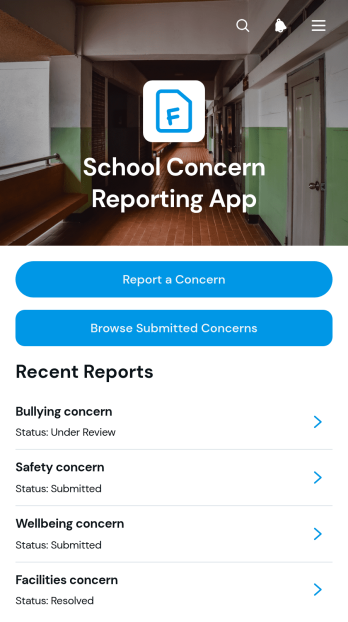
School Concern Reporting App
The School Concern Reporting App template gives students, families, teachers, counselors, and administrators a central place to document and review concerns affecting the school community. Users can submit a concern, provide relevant context or attachments, and browse submitted reports with details such as category, date, and location. Resource links can also guide users toward appropriate information or next steps. Schools, districts, student support teams, and campus operations staff can use this app template to replace scattered emails and paper reports, improve visibility, and maintain a more organized response process for facilities issues, student wellbeing matters, safety observations, and other school concerns.With Jotform Apps, schools can adapt the School Concern Reporting App through a no-code app builder and an intuitive drag-and-drop interface. Teams can update pages, branding, navigation, and resource content while connecting forms, tables, notifications, approvals, and other workflow tools as their processes evolve. The app can be shared by direct link, QR code, or embedded experience, giving users convenient mobile access to self-service reporting. Jotform App Templates help organizations launch polished digital experiences quickly while supporting consistent data collection, clearer collaboration, and easier access to important school resources.
Go to Category:School Management Apps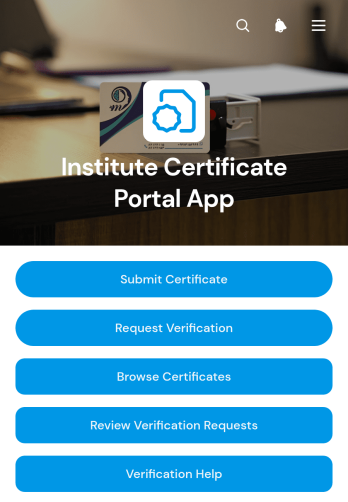
Institute Certificate Portal App
The Institute Certificate Portal App provides educational institutions, training centers, certification teams, and administrators with a central place to manage certificate records and verification activity. Recipients can submit certificate details, while employers, admissions teams, and other authorized requesters can ask for verification. Staff can browse certificate records, review incoming requests, and check essential information such as verification status and validity dates. This app template helps replace scattered emails and disconnected files with a clear workflow that supports faster responses, more consistent recordkeeping, and convenient self-service access.With Jotform, you can adapt this Institute Certificate Portal App to your organization without writing code. The no-code app builder offers a drag-and-drop interface for updating pages, navigation, branding, and connected data collection forms. Link records with tables and workflows, add approval steps or notifications where needed, and organize resources into a mobile-friendly experience. Once ready, publish the app and share it through a direct link or QR code, giving staff and external users an accessible way to submit information, review records, and complete certificate-related tasks.
Go to Category:Education Apps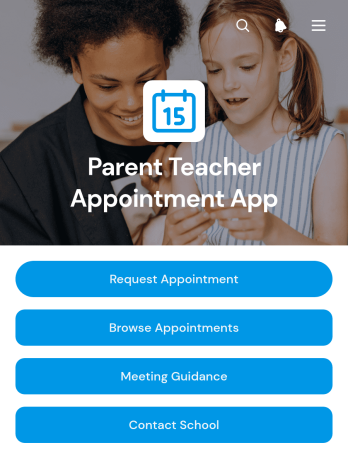
Parent Teacher Appointment App
The Parent Teacher Appointment App helps schools organize conversations between families and educators without relying on scattered emails or paper requests. Parents and guardians can request an appointment, browse scheduled meetings, and review guidance for a productive discussion. Teachers, administrators, and school office teams can use the app to keep appointment information accessible, give families a clear way to contact the school, and encourage preparation before each meeting. It is well suited to conferences, academic progress reviews, support planning, and other conversations centered on a student’s learning or well-being.Jotform makes this app template easy to adapt to a school’s communication process with a no-code app builder and a flexible drag-and-drop interface. Add school branding, revise pages, connect forms and tables, or adjust the workflow without writing code. The finished app can be shared by direct link or QR code, giving families mobile-friendly self-service access from nearly any device. Schools can also use Jotform App Templates to bring requests, appointment details, guidance, and useful resources into one organized experience that is simple to maintain throughout the academic year.
Go to Category:Appointment & Booking Apps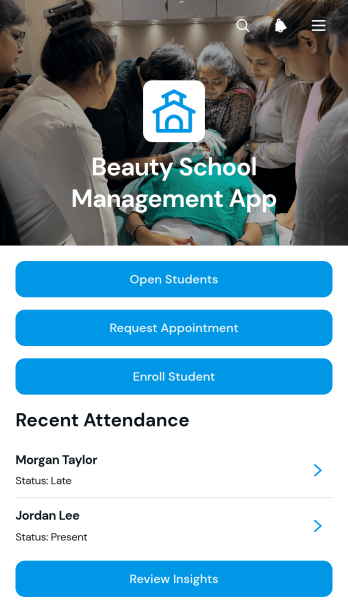
Beauty School Management App
Beauty School Management App is an app template for cosmetology schools, training academies, instructors, and administrators who need one place to coordinate daily academic and operational work. It brings student enrollment, course browsing, appointment requests, attendance records, assessments, and inventory updates into an accessible experience. Staff can review student profiles and progress while instructors record class participation and performance feedback. School teams can also monitor products and supplies, identify restocking needs, and keep essential information easier to find. This connected approach reduces scattered records, supports consistent instruction, and gives administrators clearer insight into student services and classroom activity.Jotform makes this app template easy to adapt with a no-code app builder and a flexible drag-and-drop interface. Teams can update pages, buttons, visual elements, and navigation to match their programs without writing code. Forms and tables can support data collection, workflow steps, notifications, and organized recordkeeping, while self-service access helps students or service requesters complete relevant actions. Like other Jotform App Templates, the finished app can be shared through a direct link or QR code and accessed from mobile devices, giving beauty schools a practical way to manage resources as their training programs grow.
Go to Category:School Management Apps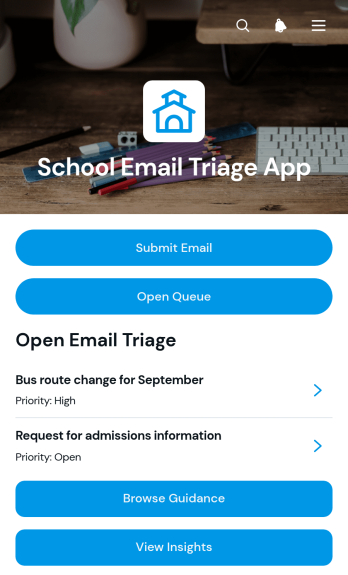
School Email Triage App
The School Email Triage App helps administrators, office staff, department coordinators, and support teams organize incoming school messages by category, priority, and status. Staff can submit emails for review, browse a shared queue, open message details, and consult category guidance before deciding what requires attention. A dedicated insights view supports oversight of triage activity and helps teams identify urgent requests, recurring topics, and unresolved communication. Schools can use this app template to coordinate parent inquiries, student support messages, attendance correspondence, administrative requests, and other communications that might otherwise become difficult to track across individual inboxes.Jotform makes the School Email Triage App easy to adapt without coding. Using a drag-and-drop interface, schools can update pages, navigation, branding, and guidance to reflect their internal processes. The app builder can connect forms, tables, notifications, approvals, and other workflow steps, bringing data collection and follow-up into one accessible location. Teams can publish the finished app with a shareable link or QR code, provide convenient mobile access, and create a consistent self-service experience for staff responsible for reviewing and routing school communications.
Go to Category:School Management Apps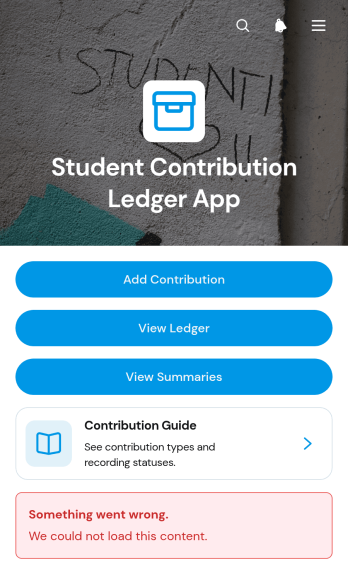
Student Contribution Ledger App
The Student Contribution Ledger App is a ready-to-use app template for schools, classrooms, clubs, and student programs that need a reliable record of individual contributions. Teachers, program coordinators, administrators, and student leaders can record time, materials, funds, or service through a contribution form, review entries in a browsable ledger, and monitor summary views. A built-in contribution guide helps participants understand what to report, while recorded dates, types, amounts, statuses, and notes give staff useful context. This shared record reduces scattered documentation, supports consistent data collection, and makes it easier to recognize participation or prepare program updates.Jotform Apps turns this template into a customizable, mobile-friendly experience without requiring code. Use the no-code app builder and drag-and-drop interface to adjust pages, navigation, colors, fonts, and branding for your school or program. You can connect forms, tables, approvals, notifications, and other workflow steps to keep contribution records organized as activity grows. Start with one of Jotform’s App Templates, tailor access for your community, and share the finished app by direct link, QR code, or embedded experience. It offers students and staff convenient self-service access while keeping contribution reporting and review in one central place.
Go to Category:School Management Apps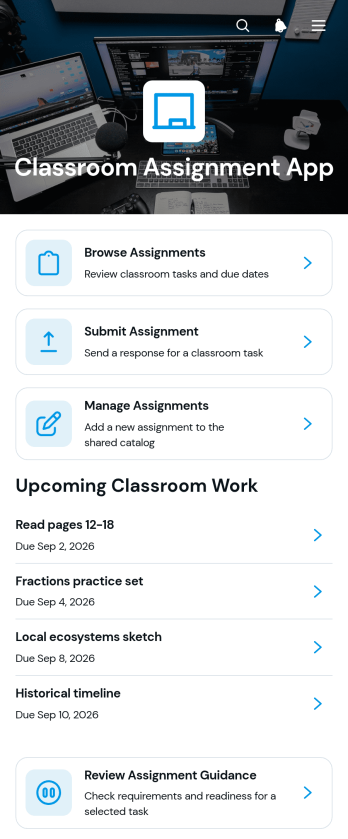
Classroom Assignment App
The Classroom Assignment App gives teachers, tutors, and school staff a central place to publish coursework and manage student responses. Learners can browse available assignments, review requirements, check due dates, subjects, class sections, and statuses, then submit their work through a connected form. Educators can review assignment guidance and submission details without relying on scattered messages or paper records. This app template is useful for daily classwork, homework, projects, remote learning, tutoring programs, and blended classrooms where students need clear self-service access to current tasks.Jotform makes it easy to adapt this Classroom Assignment App to different courses, grade levels, and teaching methods. Its no-code app builder and drag-and-drop interface let educators update pages, navigation, visual elements, and connected forms without programming. Assignment data can be organized through linked tables and workflows, while notifications help staff respond to new activity. Once the app is ready, it can be shared by a direct link or QR code for convenient access on phones, tablets, and computers. Jotform App Templates also provide a practical starting point for building a branded classroom resource that can grow with changing academic needs.
Go to Category:Classroom Management Apps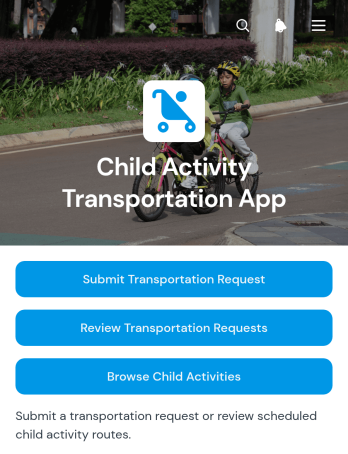
Child Activity Transportation App
The Child Activity Transportation App helps parents, guardians, schools, youth programs, and transportation coordinators organize rides to and from children’s activities. Families can submit transportation requests, review existing requests, and browse available activity details from one accessible location. Each request can keep essential pickup, drop-off, emergency contact, consent, and travel information together, while activity records present locations, times, dates, and relevant transportation notes. This organized approach reduces missing details, supports clearer coordination, and gives authorized participants a practical reference for recurring programs, after-school activities, lessons, practices, camps, and community events.Jotform makes this app template easy to adapt with a no-code app builder and a flexible drag-and-drop interface. Organizers can update pages, navigation, branding, and connected forms to match their transportation workflow without writing code. Collected data can connect with tables, approvals, notifications, and other processes for easier request management. Once the app is ready, it can be shared through a direct link or QR code, giving families and staff a mobile-friendly self-service experience. Jotform App Templates also provide a convenient starting point that teams can customize and publish quickly.
Go to Category:Transportation Apps