

Company Portal App Templates

Manufacturing Company Profile App
The Manufacturing Company Profile App presents manufacturers in a browsable company directory where buyers, suppliers, industry partners, and trade organizations can discover relevant businesses. Visitors can review company overviews and operational context, access contact options, and send inquiries from one central experience. A profile submission pathway also gives manufacturers a convenient way to provide their information for review and publication. This app template is well suited to manufacturing associations, industrial networks, sourcing teams, regional business groups, and organizations that need to make supplier or member information easier to find. It reduces scattered company records, supports business discovery, and creates a consistent route for new profile submissions and commercial interest.Jotform helps teams turn this template into a polished, mobile-friendly resource without writing code. Its no-code app builder and drag-and-drop interface make it easy to adjust pages, cards, buttons, visual styling, and navigation to match organizational needs. Teams can connect forms for data collection, organize profile details, support self-service browsing, and link related workflows from the same app. The finished experience can be shared through a direct link or QR code, giving prospective customers, partners, and internal teams convenient access from nearly any device.
Go to Category:Company Portal Apps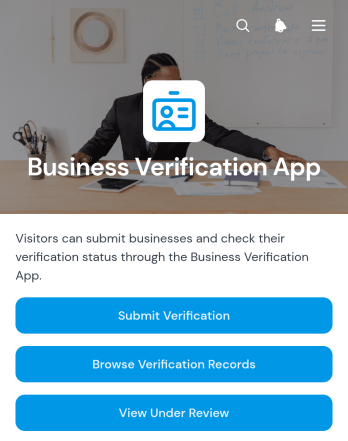
Business Verification App
Business Verification App provides a central place for organizations to receive verification submissions, browse verification records, and separate cases that are under review from those that have been approved. It suits operations teams, vendor managers, consulting firms, finance teams, marketplaces, and service providers that need a consistent process for reviewing business information. The template can support vendor onboarding, partner screening, client qualification, account setup, and periodic record checks. Clear status views help reviewers prioritize pending cases, locate past records, and give stakeholders better visibility without relying on scattered emails or disconnected files.With Jotform Apps, teams can adapt this app template through a no-code app builder and a flexible drag-and-drop interface. Add branded pages, adjust navigation, connect forms and tables, or introduce approval steps that match an existing workflow. Data collection and record access can remain within one mobile-friendly experience, making it easier for applicants to submit information and authorized team members to review it. Start with one of Jotform’s App Templates, customize the content and design, then share the finished app through a direct link or QR code to create a convenient self-service verification journey.
Go to Category:Audit Apps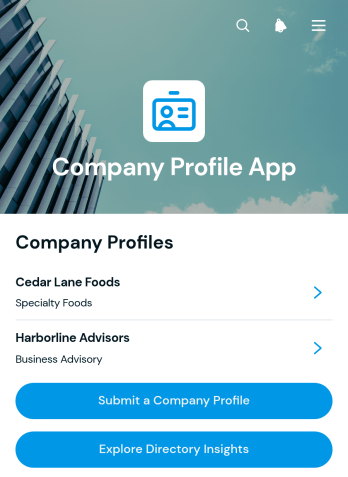
Company Profile App
Company Profile App provides a searchable, mobile-friendly space for presenting company information and collecting new profile submissions. Business associations, professional networks, economic development teams, event organizers, and internal corporate groups can use it to build an accessible company directory. Visitors can browse profiles, review essential details such as industry, location, and website, and explore directory insights. A connected submission form makes it easier for participating companies or authorized staff to add another profile while keeping information collection consistent. This helps organizations improve business discovery, maintain a useful member resource, and replace scattered company listings with one convenient experience.With Jotform, this app template can be adapted without coding to match an organization’s branding, content, and directory process. The drag-and-drop app builder makes it simple to update pages, cards, buttons, and navigation while connecting forms, tables, notifications, approvals, and other workflows. Teams can organize collected data, support self-service profile submissions, and share the finished app through a direct link, QR code, or embedded experience. Jotform App Templates also provide a practical starting point, helping organizations publish a polished resource quickly and refine it as their company network grows.
Go to Category:Company Portal Apps
Company Information And Contact App
Company Information And Contact App gives business teams a central place to organize company records and professional contacts. Users can browse separate company and contact directories, add new entries through connected forms, open individual records, and review directory insights. It is well suited to sales teams, consultants, account managers, business development groups, associations, and small to medium-sized organizations that need dependable access to relationship information. By replacing scattered documents and disconnected lists, this app template makes contact lookup, record maintenance, and internal coordination easier.Jotform Apps helps teams turn this template into a branded, mobile-friendly resource without writing code. The drag-and-drop app builder can be used to adjust pages, navigation, buttons, colors, and typography. Connected forms and tables support data collection and keep directory workflows together, while links and QR codes make the finished app easy to distribute. Start with one of Jotform’s App Templates, tailor the experience to your organization, and publish a practical self-service directory for staff.
Go to Category:Company Portal Apps
Employee Operations Portal App
Employee Operations Portal App gives staff a central place to submit workplace requests, check request status, and browse essential operations resources. It suits human resources teams, operations departments, office administrators, department leaders, and growing businesses that need a consistent way to handle employee questions and service needs. Staff can provide request details and attachments, while authorized teams gain clearer context for routing and follow-up. By bringing self-service access, request tracking, and resource navigation together, this app template reduces scattered messages, improves visibility, and helps employees find the right operational support.Jotform App Templates make it easy to adapt this portal to your organization without writing code. Use the no-code app builder and drag-and-drop interface to update pages, buttons, visual styling, and navigation while connecting forms and tables to support data collection and workflow management. Teams can organize employee resources, receive notifications from linked processes, and maintain request records in one accessible experience. Publish the finished app with a shareable link or QR code so employees can open it from a phone, tablet, or computer.
Go to Category:Employee Self Service Apps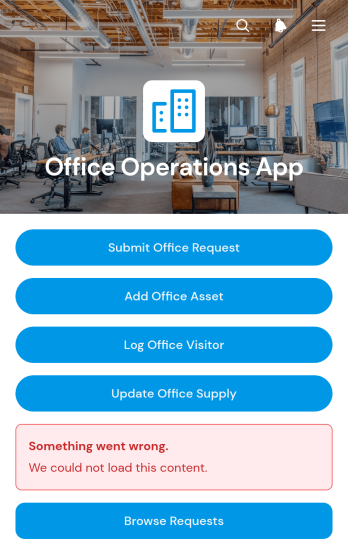
Office Operations App
The Office Operations App is a central workspace for managing routine workplace activity across offices, shared facilities, and administrative teams. Office managers, facilities coordinators, reception staff, operations teams, and growing businesses can use it to submit and browse office requests, maintain asset and supply records, and log visitors. Clear details for location, priority, condition, quantity, reorder level, host, and contact information help staff understand what requires attention without relying on scattered messages or spreadsheets. This app template supports day-to-day coordination, improves visibility across workplace needs, and gives teams a consistent self-service process for reporting issues and recording updates.Jotform makes this Office Operations App easy to adapt through a no-code app builder and an intuitive drag-and-drop interface. Teams can adjust pages, navigation, visual styling, and connected forms to reflect their internal workflow, then organize collected data for convenient review. The app can be shared with employees through a direct link or QR code, providing mobile-friendly access wherever work happens. Use Jotform App Templates to launch a branded operational resource quickly, connect data collection with notifications or approvals, and keep essential office processes accessible from one place.
Go to Category:Operations & Logistics Portal Apps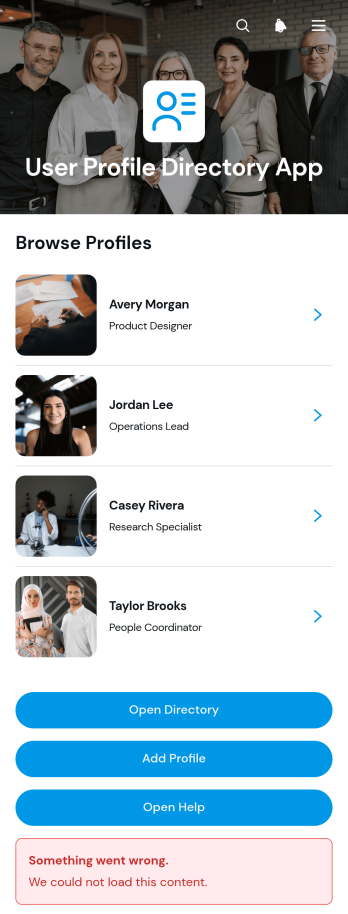
User Profile Directory App
The User Profile Directory App gives organizations a central place to publish and maintain searchable profiles for employees, members, volunteers, students, contractors, or community participants. Teams can use it to support internal networking, improve contact discovery, and help people identify the right person by department, location, availability, or background. Users can browse the directory, open individual profiles, submit new profile information, and reach the directory team when assistance is needed. This app template is particularly useful for human resources teams, associations, educational institutions, nonprofits, distributed workplaces, and membership-based organizations that want to replace scattered profile records with accessible self-service.Jotform App Templates make it easy to turn profile data collection and directory navigation into a polished digital experience. With Jotform’s no-code app builder and drag-and-drop interface, you can adjust pages, branding, cards, buttons, and navigation without writing code. Connect the User Profile Directory App to forms and tables to support a more organized workflow, then share it through a direct link, QR code, or embedded experience. The app builder also helps teams create a mobile-friendly resource that can be updated as people, roles, and organizational details change.
Go to Category:Organization Apps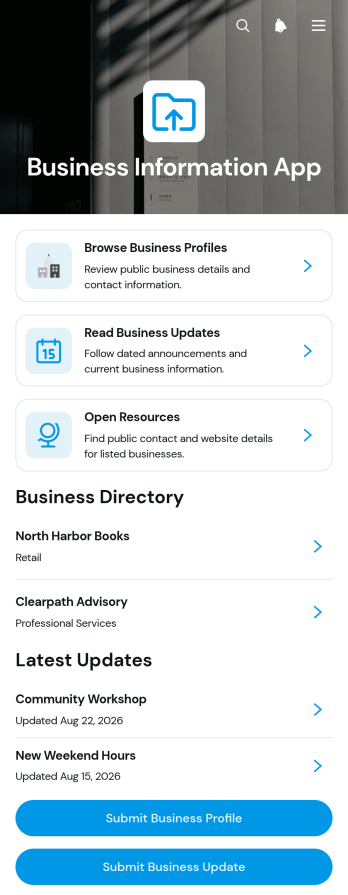
Business Information App
Business Information App gives business associations, local networks, economic development teams, and community organizations a central place to publish useful company information. Visitors can browse business profiles, review contact details, read business updates, and open shared resources without searching across separate websites or documents. Authorized contributors can submit new profiles and updates through connected forms, helping administrators keep listings and announcements organized. This app template supports business discovery, member visibility, community outreach, and self-service access to current information.Jotform makes it easy to adapt this template with a no-code app builder and an intuitive drag-and-drop interface. Teams can customize pages, cards, navigation, colors, fonts, and visual elements to create a polished resource that reflects their organization. Connected forms and tables support data collection and workflow management, while direct links and QR codes simplify distribution. Jotform App Templates can be published for mobile-friendly browsing, giving visitors convenient access to profiles, updates, and resources from nearly any device.
Go to Category:Community & Engagement Portal Apps
People Directory App
People Directory App is a centralized, mobile-friendly directory for organizations that need to make contact information easier to find and maintain. Businesses, nonprofits, schools, community groups, and distributed teams can use it to browse people by department, open individual profiles, and contact someone by email or phone. Authorized users can also add new people through a connected form, helping keep records current without relying on scattered spreadsheets or outdated documents. This app template supports faster communication, clearer team visibility, and convenient self-service access for employees, members, volunteers, or other approved audiences.Jotform makes it easy to adapt this People Directory App to your organization without writing code. Use the no-code app builder and drag-and-drop interface to update pages, navigation, colors, fonts, and visual elements. Connected forms and tables can support data collection and directory management within one workflow, while links and buttons guide users to the right profiles and actions. Jotform App Templates can be published quickly and shared through a direct link, QR code, or embedded experience, giving users convenient access from phones, tablets, and computers.
Go to Category:Organization Apps
Microtask Worker Portal App
Microtask Worker Portal App is a ready-to-use app template that gives organizations and independent contributors one place to manage short, repeatable assignments. Coordinators can post microtasks, while workers can browse the task board, review task details, submit completed work, and revisit their submission history. It suits distributed operations teams, research groups, content review teams, data processing groups, nonprofit coordinators, and small businesses that rely on flexible task support. Bringing task discovery and work collection into one portal reduces scattered communication, keeps instructions accessible, and gives contributors a clear path from available work to completion.Jotform Apps helps teams turn this workflow into a branded, mobile-friendly self-service experience without writing code. Using the no-code app builder and drag-and-drop interface, administrators can customize pages, cards, buttons, navigation, colors, and fonts to match their process. Forms and tables can be connected for organized data collection, task records, and follow-up workflows. Like other Jotform App Templates, the Microtask Worker Portal App can be shared through a direct link or QR code, making it easy to provide workers with current tasks and resources from nearly any device.
Go to Category:Task Management Apps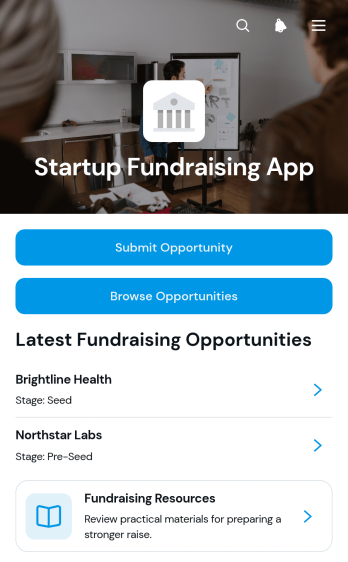
Startup Fundraising App
Startup Fundraising App is a ready-to-use app template for founders, startup communities, accelerators, investor groups, and fundraising advisers that need one place to share and review funding opportunities. Users can submit an opportunity through a connected form, browse startup listings, and open focused pitch details with fundraising information and presentation links. Centralized access reduces scattered outreach, gives reviewers a consistent view of each opportunity, and helps organizations maintain a useful fundraising resource center for founders and potential backers.With Jotform App Templates, teams can tailor this experience using a no-code app builder and an intuitive drag-and-drop interface. Update pages, cards, buttons, colors, and branding, then connect forms, tables, approvals, and notifications to support data collection and workflow automation. The Startup Fundraising App can also be shared by direct link or QR code for convenient mobile access. Jotform makes it easier to publish a polished self-service experience without programming while keeping opportunity intake, discovery, and educational resources connected.
Go to Category:Finance Apps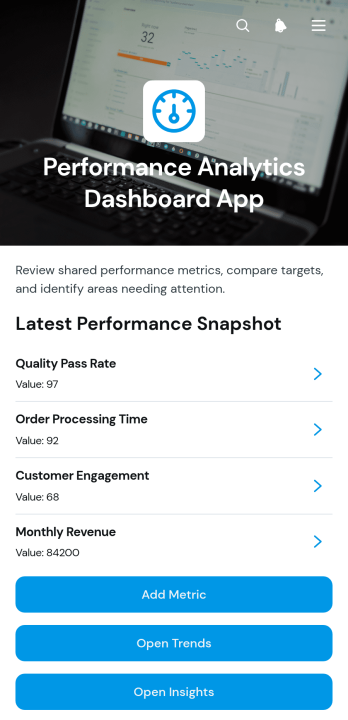
Performance Analytics Dashboard App
Performance Analytics Dashboard App gives managers, analysts, consultants, and operations teams a central place to record metrics, compare measured values with targets, review trends, and capture practical insights. Its focused dashboard experience helps users move from high-level performance monitoring to individual metric details and supporting notes without searching across disconnected files. Teams can use this app template for departmental reporting, project reviews, service delivery analysis, campaign evaluation, or recurring leadership meetings. Clear access to current results helps stakeholders identify gaps, recognize progress, and make better-informed operational decisions.With Jotform Apps, organizations can adapt this App Template to their reporting process without writing code. The no-code app builder offers a drag-and-drop interface for updating pages, cards, buttons, navigation, and visual branding. Users can connect forms for data collection, organize records through related workflows, and share the finished app through a direct link or QR code. This makes it easier to create a mobile-friendly performance resource that supports consistent reporting, team collaboration, and convenient self-service access from one branded location.
Go to Category:Report Apps
Employee Intranet Portal App
Employee Intranet Portal App gives HR teams, operations leaders, managers, and growing organizations a central destination for internal communication and employee self-service. Staff can submit updates and requests, browse shared resources, and review published information without searching across disconnected channels. Dedicated lists and detail pages help organize content by category, display relevant attachments, and direct employees to useful resources. This app template is well suited to hybrid workplaces, distributed teams, and small to midsize businesses that want to make routine information easier to find while creating clearer paths for internal requests and team updates.Jotform Apps helps organizations turn everyday workplace processes into accessible app experiences without writing code. Start with Employee Intranet Portal App, then use the no-code app builder and drag-and-drop interface to adjust pages, navigation, colors, typography, and branding. Connect forms for data collection, link resources, and support workflows that keep employee activity organized. The finished portal can be shared through a direct link or QR code, giving staff convenient access from phones, tablets, or computers. Jotform app templates also make it easier to expand the portal as policies, resources, and operational needs change.
Go to Category:HR Portal Apps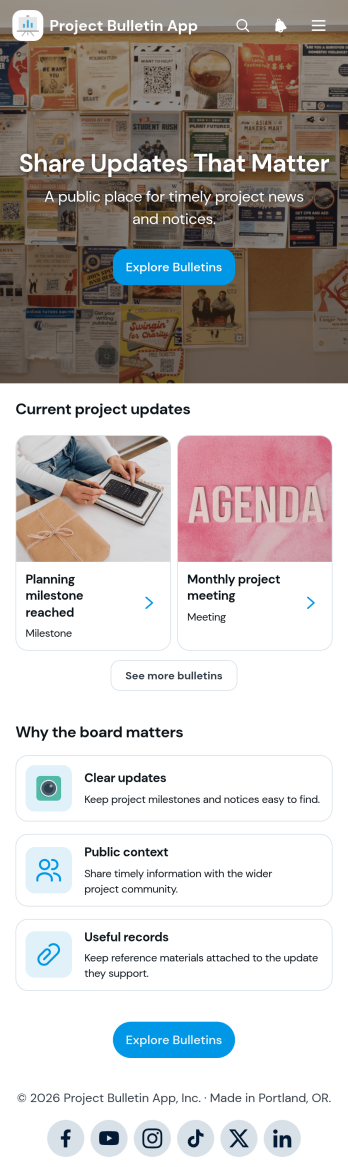
Project Bulletin App
Project Bulletin App provides a central place for publishing and browsing timely project notices, progress summaries, milestones, and other important updates. Project managers, construction teams, consultants, community organizations, schools, and cross-functional departments can use this app template to keep stakeholders informed without scattering announcements across multiple channels. Visitors can browse bulletins and categories, open individual notices, and contribute an update through a connected form. Publication and expiry details help readers understand when information is current, while optional attachments provide supporting context. This organized approach creates a useful project record, improves visibility, and gives team members or public audiences convenient self-service access to relevant news.With Jotform Apps, teams can customize this Project Bulletin App through a no-code app builder and an intuitive drag-and-drop interface. Adjust pages, branding, navigation, and content to reflect a project or organization, then connect forms, tables, approvals, and notifications to support data collection and workflow automation. Jotform App Templates make it easier to launch polished, mobile-friendly resources without development work. Once the app is ready, share it through a direct link or QR code so employees, partners, clients, and community members can view updates from nearly any device.
Go to Category:Project Management Apps
Document Review Workspace App
Document Review Workspace App gives teams a central place to submit documents, open a review queue, and evaluate materials with a consistent checklist. It is well suited to operations teams, project managers, consultants, administrators, and internal reviewers who need to organize document assessments without relying on scattered messages or files. Reviewers can open individual records, see review dates and statuses, add checklist results, and record notes. This shared workspace makes it easier to identify pending work, maintain consistent review criteria, and give stakeholders a clearer view of progress.With Jotform Apps, organizations can adapt this app template to match their review process without writing code. The drag-and-drop app builder supports branded pages, intuitive navigation, connected forms, tables, and workflows in a mobile-friendly experience. Teams can adjust submission questions, checklist content, status options, and visual styling, then share the app through a direct link or QR code. Jotform App Templates help businesses build practical self-service experiences that improve data collection, centralize review records, and keep recurring work accessible from one place.
Go to Category:Team Collaboration Apps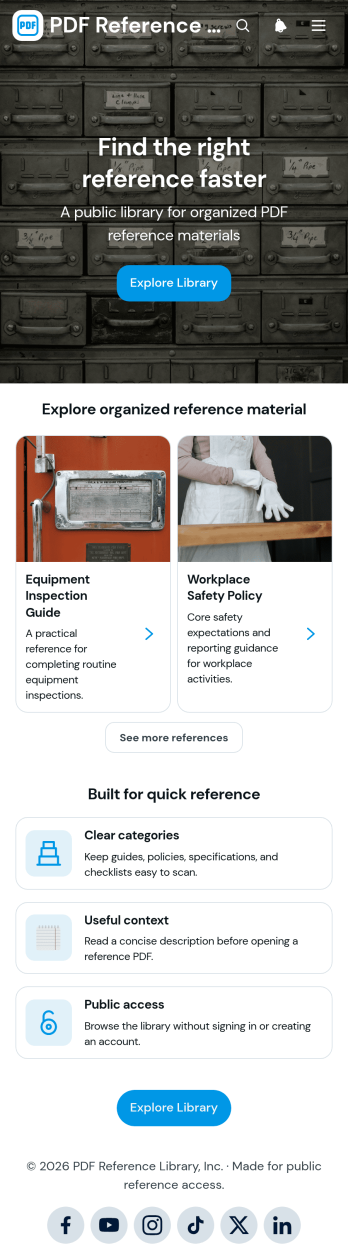
PDF Reference Library App
The PDF Reference Library App is a centralized resource hub for organizing and sharing guides, policies, specifications, checklists, and other PDF reference materials. It suits operations teams, educators, consultants, associations, nonprofits, and businesses that need to give staff, students, clients, or the public convenient access to important documents. Visitors can browse references by category, review useful context, open PDF files, and submit new resources through a connected form. This reduces scattered file sharing, makes recurring information easier to find, and supports a consistent self-service experience.Build on this app template with Jotform’s no-code app builder and adapt it to your organization without writing code. The drag-and-drop interface makes it easy to update pages, navigation, cards, buttons, branding, and resource sections. You can connect forms, tables, approvals, and notifications to support data collection and create a practical content submission workflow. Jotform App Templates also provide flexible sharing options, including direct links and QR codes, so your finished library can serve mobile and desktop users wherever they need reference material.
Go to Category:Resource & Learning Portal Apps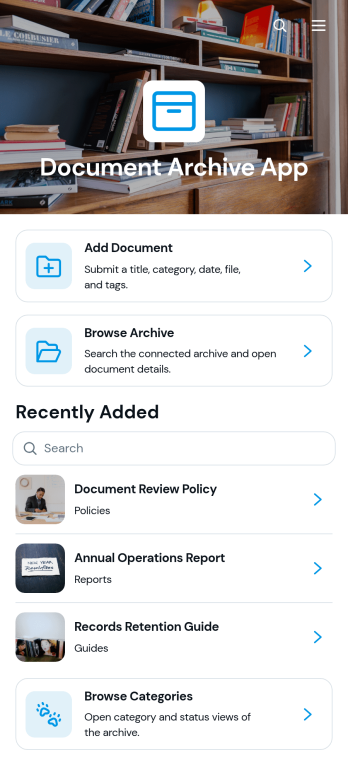
Document Archive App
The Document Archive App is an organized digital resource for collecting, categorizing, and retrieving business documents from one accessible location. It suits operations teams, office managers, administrators, consultants, schools, nonprofits, and growing businesses that need an easier way to maintain policies, reports, agreements, project files, or internal records. Users can add documents, browse the full archive, explore categories, and review essential details such as dates, statuses, and tags. This app template reduces time spent searching across disconnected folders while giving staff a clear self-service path to the information they need.Jotform App Templates help teams turn everyday processes into practical app experiences without writing code. Customize the Document Archive App with Jotform’s no-code app builder and drag-and-drop interface, then adjust pages, navigation, colors, fonts, and branding to match your organization. Connect forms and tables to support data collection and document workflows, notify team members when new information arrives, and organize resources for convenient mobile access. Once the app is ready, publish and share it through a direct link, personalized URL, QR code, or embedded experience.
Go to Category:Organization Apps
User Access Management App
User Access Management App provides a focused starting point for organizing how employees, contractors, and other approved users request access to workplace systems and resources. Its central page can guide people to access instructions, request channels, and relevant support information without scattering these details across emails or documents. Information technology teams, human resources departments, operations managers, and growing businesses can use this app template to create a consistent entry point for onboarding, role changes, temporary access, and account removal processes. This clearer experience helps reduce misdirected requests, makes responsibilities easier to understand, and gives users a convenient self-service destination.Jotform Apps makes it easy to adapt App Templates to an organization’s processes without writing code. Using the no-code app builder and drag-and-drop interface, teams can update the page, apply their branding, add navigation, and connect forms, tables, approvals, or automated workflows as their needs evolve. The finished User Access Management App can be shared through a direct link or QR code and accessed from phones, tablets, and computers. This flexibility supports centralized data collection, faster request routing, and a more organized experience for administrators and users alike.
Go to Category:Information Technology Apps
Communication Channel Directory App
The Communication Channel Directory App gives employees, distributed teams, and growing organizations a central place to find approved ways to communicate. Users can browse all channels or narrow the directory by email, voice, and collaboration options, then review essential details such as audience, availability, channel type, and primary use. Direct website links help people reach the right resource without searching across scattered documents or asking colleagues for guidance. This app template is especially useful for internal communications, human resources, information technology, operations, and project teams that need to clarify where different conversations, announcements, meetings, and requests should take place.Jotform App Templates make it easy to turn this directory into a branded, mobile-friendly resource without writing code. Use the no-code app builder and drag-and-drop interface to update pages, organize navigation, add or remove channel listings, and adjust visual elements for your organization. The app can also connect with forms, tables, approvals, and workflows to support data collection and related internal processes. Once customized, share the Communication Channel Directory App through a direct link or QR code so employees can access self-service communication guidance from nearly any device.
Go to Category:Company Portal Apps
Private App Launcher App
Private App Launcher App gives employees, contractors, and approved partners a central place to find and open the internal apps they use for daily work. It suits information technology teams, operations departments, and growing businesses that want to replace scattered bookmarks and hard-to-maintain link lists with an organized launcher. Users can browse available apps, move through productivity and operations categories, review an app’s description and status, and follow its launch link. A connected submission form also gives teams a consistent way to recommend additions. This app template supports faster resource discovery, clearer app ownership, and a more convenient self-service experience for distributed teams.Jotform App Templates help organizations create mobile-friendly destinations without writing code. With Jotform’s no-code app builder and drag-and-drop interface, teams can tailor pages, cards, buttons, navigation, colors, fonts, and branding to fit their internal workflow. Forms, tables, approvals, and notifications can be connected to support data collection and follow-up tasks. Once the Private App Launcher App is ready, it can be published and shared through a direct link, QR code, or embedded experience, giving authorized audiences a practical way to reach current tools from computers, phones, and tablets.
Go to Category:Company Portal Apps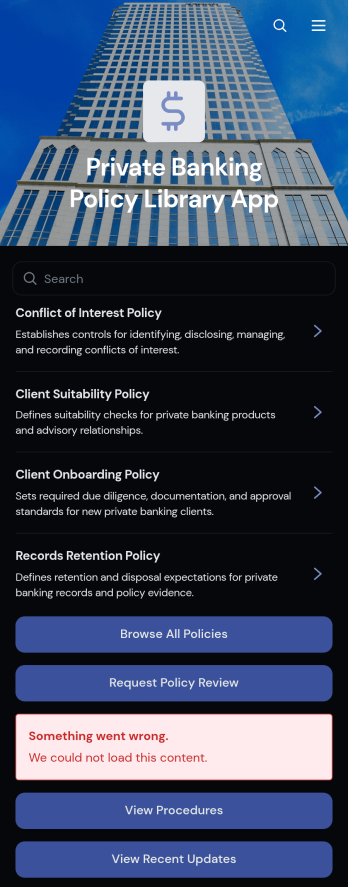
Private Banking Policy Library App
Private Banking Policy Library App gives private banking teams a centralized place to browse policies, review related procedures, check recent updates, and request a policy review. It is well suited to policy owners, operations teams, risk professionals, managers, and employees who need consistent access to current internal guidance. Clear policy records can present essential context such as ownership, policy type, review cycle, and confidentiality level without forcing users to search across disconnected files or messages. The app supports day-to-day reference needs, policy awareness, review coordination, and employee self-service across departments and locations.Jotform App Templates make it easy to adapt this app template to the terminology, structure, and visual identity of a private banking organization. With Jotform’s no-code app builder and drag-and-drop interface, teams can update pages, reorganize navigation, add branded content, and connect review request forms without programming. Linked forms and tables can support data collection and workflow management, while direct links and QR codes make the finished resource easy to share. Organizations can publish a mobile-friendly policy library that brings guidance and review actions into one accessible experience.
Go to Category:Resource & Learning Portal Apps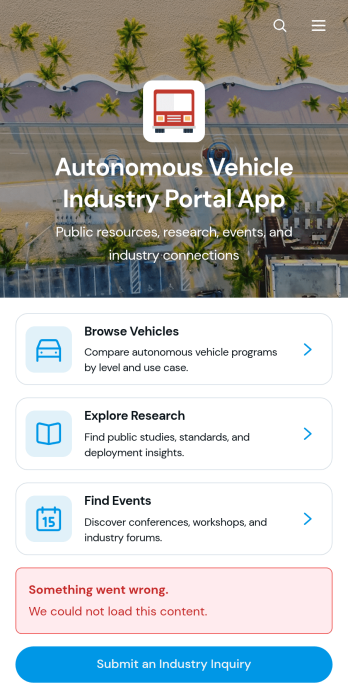
Autonomous Vehicle Industry Portal App
Autonomous Vehicle Industry Portal App brings vehicle information, industry research, event details, and inquiry collection into one accessible destination. Built for automotive companies, mobility researchers, manufacturers, consultants, trade groups, investors, and technology teams, this app template supports vehicle browsing, research discovery, and event registration access without scattering resources across separate channels. Users can review key details such as manufacturers, autonomy levels, primary use cases, operating regions, research summaries, publishing organizations, and industry metrics. It helps organizations share timely knowledge, connect audiences with relevant events, and receive industry inquiries through a focused self-service experience.Jotform makes this Autonomous Vehicle Industry Portal App easy to adapt with a no-code app builder and an intuitive drag-and-drop interface. Teams can update pages, cards, links, buttons, images, and branding to reflect their organization and audience. Connected forms, tables, notifications, and workflows support data collection and ongoing content management from one place. Start with one of Jotform’s ready-made App Templates, personalize the layout, and publish a mobile-friendly resource through a direct link, custom app link, embedded experience, or QR code.
Go to Category:Automotive Apps
Brand Asset Management App
Brand Asset Management App gives marketing, creative, communications, and partner teams a central place to find and request approved brand materials. Organizations can use this app template to organize logos, campaign graphics, documents, and other creative files while making brand guidance easier to access. Users can browse an asset library, open relevant files, review ownership and usage information, and submit requests when they need new or restricted materials. Asset reports also help administrators monitor the collection and identify resources that may need review. This shared experience reduces scattered file searches, supports consistent brand presentation, and gives employees or collaborators a convenient self-service destination.With Jotform Apps, teams can adapt Brand Asset Management App without writing code. The drag-and-drop app builder makes it easy to update pages, cards, buttons, images, and navigation while applying a polished visual identity with modern fonts and rounded design elements. Connected forms and tables can support data collection, asset requests, library updates, and related workflows from one mobile-friendly app. Once customized, the app can be shared through a direct link, personalized URL, QR code, or embedded experience, helping teams publish an accessible resource center for internal users and approved partners.
Go to Category:Sales & Marketing Portal Apps
Affiliate Partner Directory App
Affiliate Partner Directory App gives businesses, affiliate managers, marketing teams, and partnership agencies a central place to present and discover potential partners. Users can browse technology, marketing, and agency partner categories, review profiles with audience and commission information, and submit new partners for consideration. This app template reduces scattered research and makes relevant contact details and partner websites easier to find. It is well suited to growing affiliate programs, partner networks, referral communities, and internal business development teams that need an accessible directory for evaluating new relationships.Jotform Apps helps you turn this Affiliate Partner Directory App into a branded, mobile-friendly experience without writing code. Customize pages, navigation, colors, fonts, and content through a drag-and-drop interface, then connect forms and tables to support data collection and directory updates. Jotform’s no-code app builder can also bring related workflows into one location, giving teams a practical way to manage submissions and provide self-service access. Publish the finished app with a direct link or QR code so employees, affiliates, and prospective partners can reach it from almost any device.
Go to Category:Sales & Marketing Portal Apps