

Company Portal App Templates

Secure Data Request App
Secure Data Request App helps teams collect sensitive information requests in a controlled, trackable way, then guide requesters to check status without chasing emails. It’s a practical fit for IT and security teams, HR operations, legal, finance, and shared services groups that routinely receive access or data pull requests and need consistent intake. Requesters can submit a secure request from a prominent button, then browse a list of requests and open a request card to review key details such as data type, security level, submitted date, and next step. This makes it easier to standardize what gets asked for and reduce missing information at intake.With Jotform, you can turn this experience into a branded self-service app using a no-code app builder and a drag-and-drop interface. Connect the submit button to your form for data collection, organize requests into easy-to-navigate pages, and keep your workflow moving with connected tools like Tables and notifications. Share the app with a link or QR code so employees or stakeholders can submit requests and reference updates from anywhere, while your team maintains a single source of truth.
Go to Category:Information Technology Apps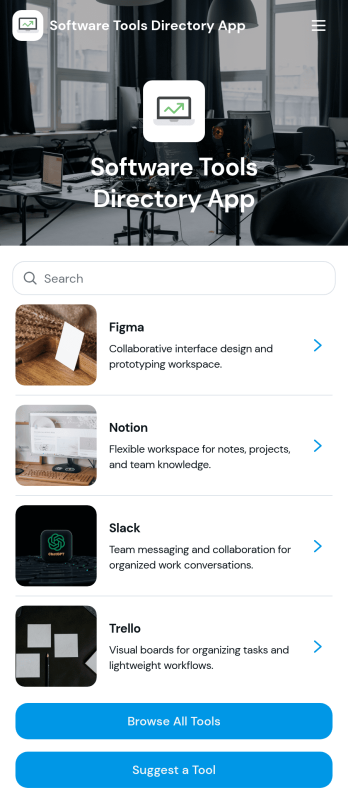
Software Tools Directory App
Software Tools Directory App brings your recommended software stack into one place so people can quickly browse tools, explore categories, open a tool’s website, and suggest new options to add. It’s a practical fit for IT teams standardizing internal tooling, agencies curating approved apps for clients, startup ops teams documenting what to use for specific jobs, and educators sharing vetted resources with students. Use it to reduce repeated “what tool should I use” questions, keep platform and pricing details easy to find, and make discovery faster for new hires or new customers.With Jotform, you can turn a directory into a polished self-service experience using a no-code app builder and a drag-and-drop interface. Connect your directory to a form for data collection when someone suggests a tool, then keep everything organized and up to date as your workflow evolves. Share your app with a link or QR code, customize pages to match your brand, and make it easy for your audience to navigate the right tools without searching through docs or chats.
Go to Category:Information Technology Apps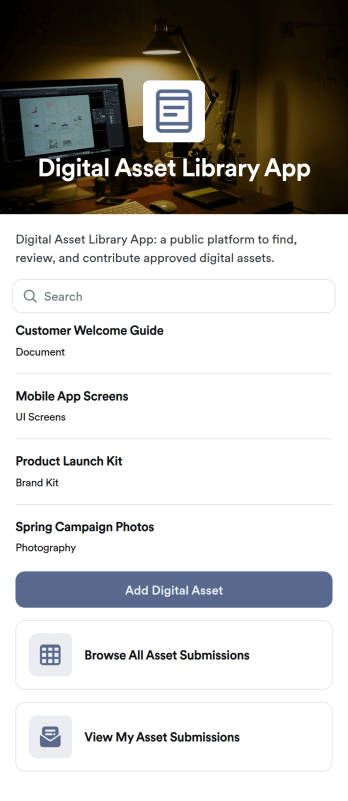
Digital Asset Library App
Digital Asset Library App helps teams collect, organize, and share files like documents, images, and brand resources in one place. With quick actions to add a digital asset and submit new uploads, plus easy browsing and link access for stored materials, it fits marketing departments, sales teams, HR, agencies, and growing businesses that need a simple way to keep shared assets findable and up to date. Use it to reduce time spent hunting through folders, keep campaigns consistent, and give stakeholders a clear place to find the latest approved materials.Jotform makes it easy to publish this app template and tailor it to your workflow with a no-code app builder and a drag-and-drop interface. Connect upload and request forms, keep records organized, and support self-service access for internal teams or external partners. Share the app with a link or QR code, control what people can view or submit, and manage updates without relying on development resources.
Go to Category:Resource & Learning Portal Apps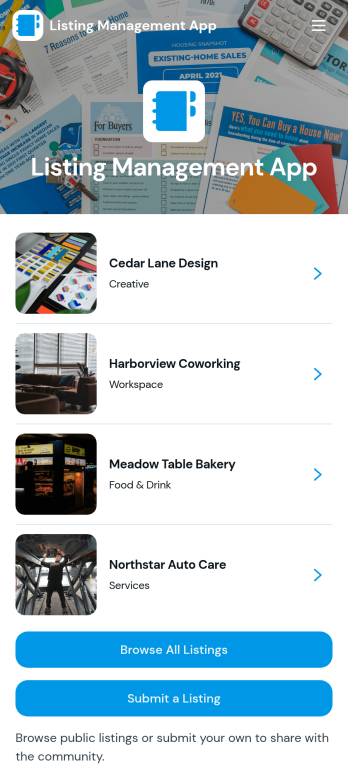
Listing Management App
Listing Management App helps teams publish, organize, and maintain listings in one place so people can quickly browse options and reach out. Use it to manage business directories, service provider listings, community resources, partner pages, internal vendor lists, or any collection of entries that needs consistent details like location, website, and contact info. Visitors can browse all listings, open a listing to view key details, and contact the listing owner by email, phone, or website link, while managers collect new entries through a simple listing submission flow.Jotform makes it easy to turn this Listing Management App into a branded, self-service experience with no-code app templates and a drag-and-drop interface. Connect your listing form to the app, keep information organized as your directory grows, and share it with a link or QR code for fast access on any device. With Jotform workflows, you can route new listing requests for review, keep records up to date, and centralize data collection without adding complexity.
Go to Category:Customer Portal Apps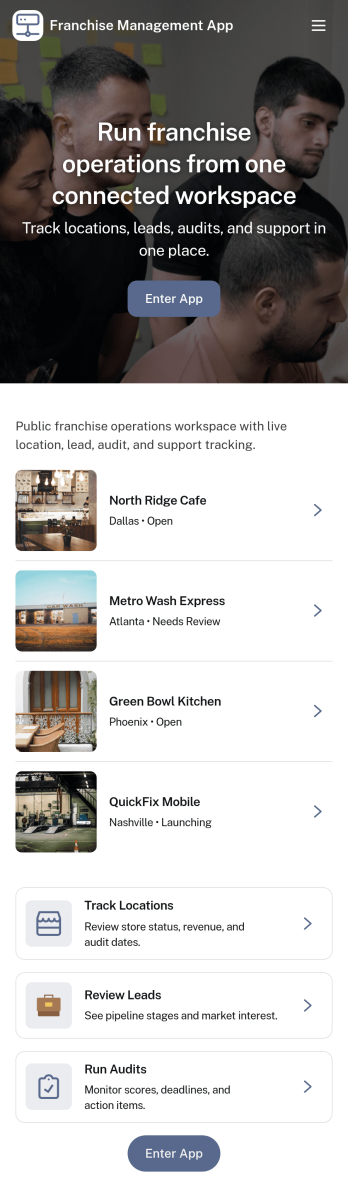
Franchise Management App
Franchise Management App brings key franchise operations into one place so franchisors, field teams, and location owners can stay aligned day to day. Use it to browse locations, complete operations checks consistently across sites, open support requests when issues come up, and keep everyone moving through shared training modules. It’s a practical fit for growing franchise brands that need clearer visibility, faster issue resolution, and consistent standards without relying on scattered emails or spreadsheets.With Jotform App Templates, you can launch a branded self-service experience and connect it to the forms and tables behind your workflow. Jotform’s no-code app builder makes it easy to tailor pages and navigation with a drag-and-drop interface, then publish the app for teams to use on any device. As data collection comes in from checks and support requests, you can keep records organized and improve follow-through with a more reliable workflow.
Go to Category:Management Apps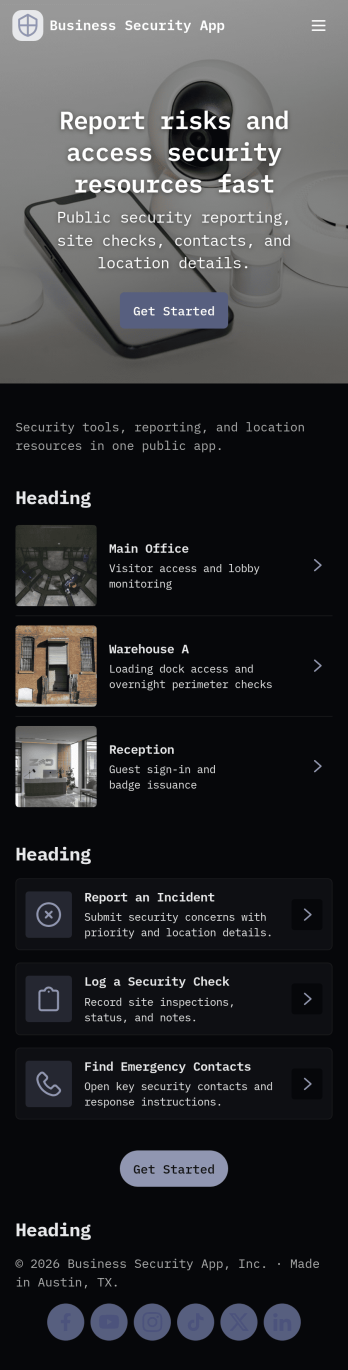
Business Security App
Business Security App brings incident reporting, patrol documentation, and visitor tracking into one place for day-to-day workplace security. It’s a practical fit for security teams, facility managers, and operations leaders who need a consistent way to capture what happened, where it happened, and what follow-up is required. With dedicated sections for incident reports, patrol logs, and a visitor log, staff can record activity as it occurs and quickly pull up details later when reviewing events or responding to questions.Built with Jotform, this app template can be tailored in a no-code app builder using a drag-and-drop interface, so you can match your site, team, and terminology without extra development. Connect the in-app buttons to forms for data collection, organize records in lists for easy browsing, and keep workflows moving with shareable access for the right people. Publish the app for quick self-service use across devices and keep security information organized as your operations grow.
Go to Category:Company Portal Apps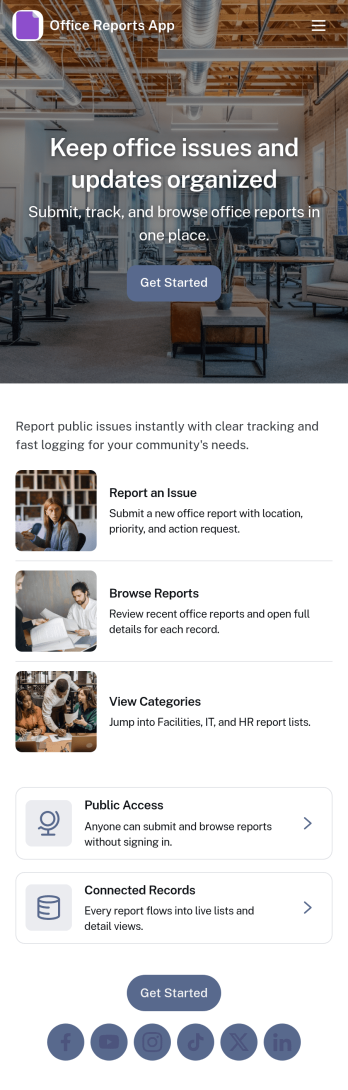
Office Reports App
Office Reports App gives teams a clear place to submit, browse, and review internal reports without relying on scattered emails or spreadsheets. Use it to capture updates like incident notes, maintenance issues, supply requests, weekly summaries, or department status reports, then organize them so coworkers can quickly find what they need. With dedicated areas to submit a report and browse reports, it’s a practical fit for office managers, operations teams, HR, IT, and department leads who need visibility into what’s happening across the workplace.Jotform makes it easy to turn reporting into a simple self-service workflow with app templates you can publish in minutes. Using Jotform’s no-code app builder and drag-and-drop interface, you can connect this app to a report form and lists, customize pages for different departments, and share a single link for fast data collection and follow-ups. As reporting needs grow, you can update the app layout, automate next steps, and keep office reporting consistent across locations and teams.
Go to Category:Report Apps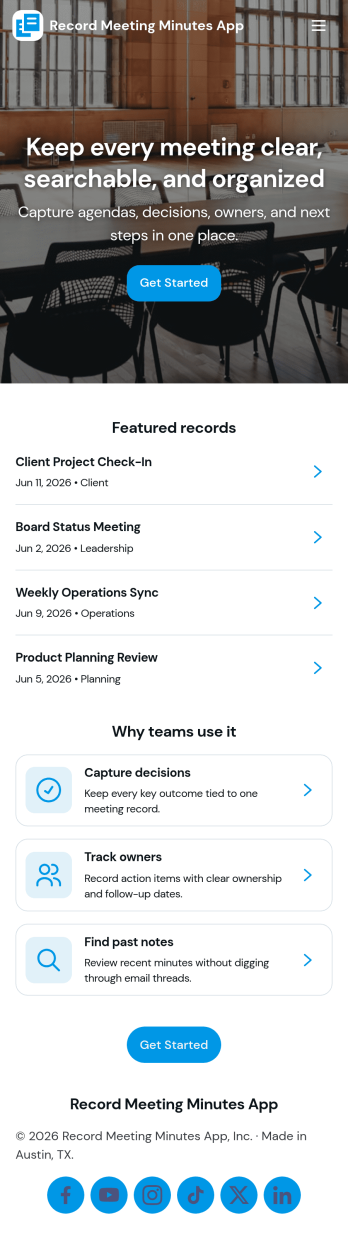
Record Meeting Minutes App
Record Meeting Minutes App helps teams capture what happened in a meeting and keep it easy to find later. Use it to log meeting titles, key discussion points, decisions, and follow-ups in one consistent format, then share the record with stakeholders who couldn’t attend. With a simple flow to record new minutes and a place to browse past minutes, it’s a practical fit for recurring team meetings, client check-ins, project standups, board sessions, and committee work where clarity and accountability matter.Built with Jotform, this app template can be tailored to match how your organization runs meetings without adding complexity. Customize the form behind your minutes, organize entries so people can browse and open a detailed view, and keep everything accessible through a single link. Jotform Apps makes it easy to publish a branded, self-service experience with a drag-and-drop interface, supporting reliable data collection and smoother workflow for documenting meetings.
Go to Category:Report Apps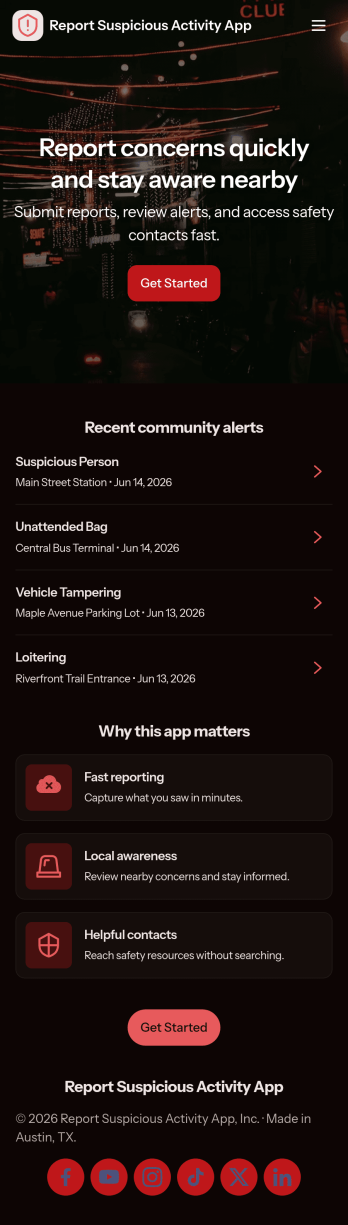
Report Suspicious Activity App
Report Suspicious Activity App helps organizations collect tips and route concerns to the right place without confusion. Use it in workplaces, schools, apartments, events, or community programs where people may notice something that feels unsafe and need a clear way to respond. The app supports quick access to key actions such as filing a report, browsing incident categories to choose the right topic, and reaching emergency or non-emergency contacts by phone or email.Built with Jotform, this app template can be customized in a no-code app builder using a drag-and-drop interface, so teams can match the experience to their policies and audience. Connect the report form to your workflow for faster follow-up, keep data collection consistent, and share the app through a link or QR code for simple self-service reporting on mobile devices.
Go to Category:Safety Inspection Apps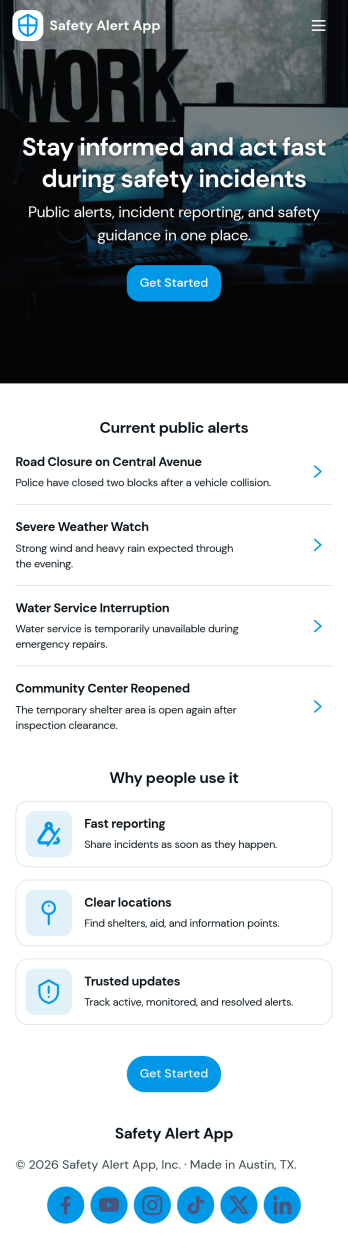
Safety Alert App
Safety Alert App helps teams publish active alerts, capture new reports, and keep emergency contacts in one place so people know what to do when something changes fast. Use it to share time-sensitive updates for workplaces, schools, events, property management, or field operations where staff and visitors may need quick guidance. With a central list of active alerts, a simple way to report an alert, and one-tap access to emergency services and contacts, this app supports clear communication during incidents without relying on long email threads or scattered documents.Jotform makes it easy to turn this Safety Alert App app template into a branded, mobile-friendly experience using a no-code app builder and a drag-and-drop interface. Connect the alert reporting form to your workflow, route information to the right people, and keep alert records organized for follow-up. Share your app with a link or QR code, update content anytime, and keep self-service access to safety information available wherever your audience is.
Go to Category:Safety Inspection Apps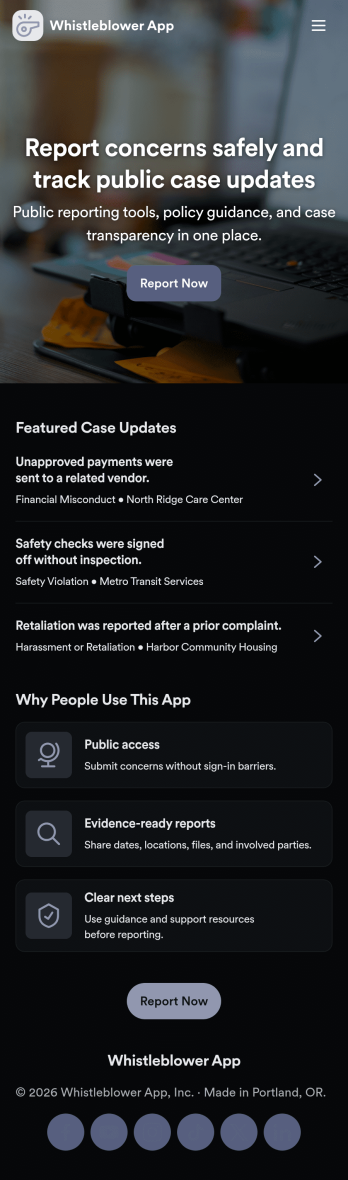
Whistleblower App
Whistleblower App helps organizations offer a clear, confidential way for people to raise concerns and share reports. It brings key actions into one place, including a guided path to submit a report, a case list for browsing existing cases, and a dedicated area for support resources and follow-up help. Use it to reduce confusion about where to report issues, encourage timely reporting, and keep internal teams organized as reports come in.With Jotform App Templates, you can publish a branded self-service experience without writing code. Use Jotform’s no-code app builder and drag-and-drop interface to customize pages, connect the app to forms and stored data, and keep information easy to find on any device. As reports and support requests are collected, teams can manage workflows more consistently and make updates without rebuilding the app from scratch.
Go to Category:HR Portal Apps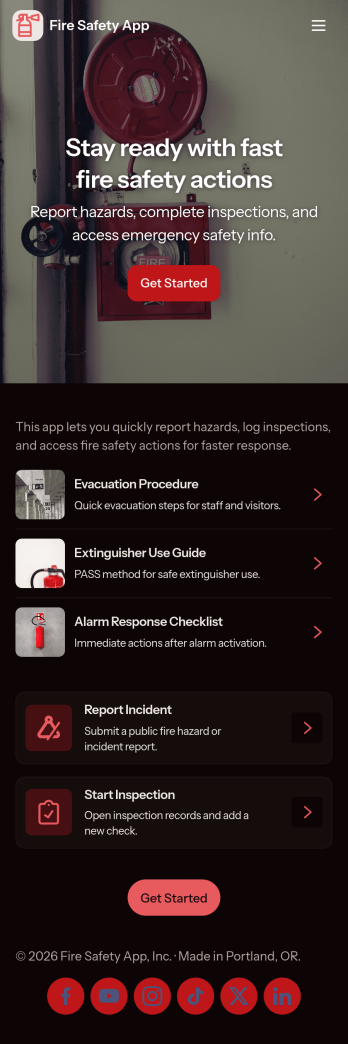
Fire Safety App
Fire Safety App brings incident reporting, routine inspections, and critical safety resources into one place so teams can respond faster and stay organized. It’s built for facilities teams, property managers, school administrators, warehouse supervisors, and office leads who need a clear way to log fire-related concerns, document checks, and guide staff to the right next steps. With quick actions to report an incident, run an inspection, and open resources, the app supports day-to-day prevention work as well as urgent situations where every minute counts.Jotform makes it easy to publish and maintain this kind of self-service experience without coding. Using Jotform app templates and a no-code app builder, you can customize pages with a drag-and-drop interface, connect the app to your forms for data collection, and keep information consistent across locations or departments. Share the app with a link or QR code, update content anytime, and build a reliable workflow for safety reporting, inspections, and internal communication.
Go to Category:Safety Inspection Apps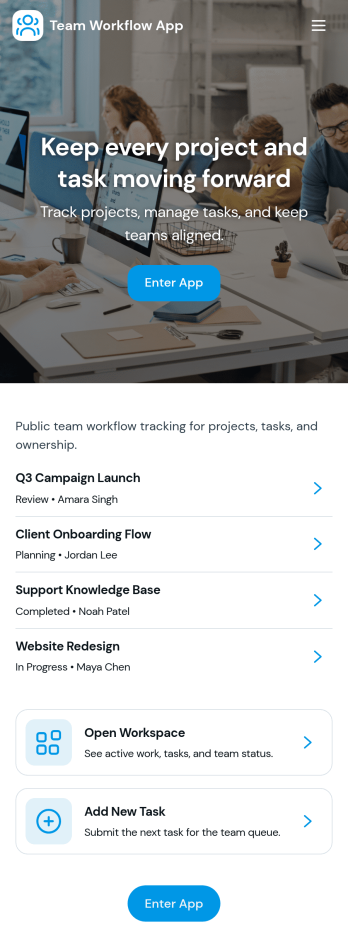
Team Workflow App
Team Workflow App brings task intake, progress tracking, and activity history into one place so teams can keep work moving without losing context. Use it to create tasks from a central intake area, monitor a live task queue, and record updates as work changes hands. It fits project teams, operations groups, IT and service desks, agencies, and cross-functional departments that need a clear view of what’s happening, what’s next, and what’s already been done.With Jotform App Templates, you can turn your process into a mobile-friendly, self-service experience using a no-code app builder and a drag-and-drop interface. Connect buttons and pages to forms and tables for consistent data collection, keep workflows organized with simple navigation, and publish a shareable app your team can use daily. As needs evolve, you can quickly adjust fields, pages, and routing without rebuilding your workflow from scratch.
Go to Category:Company Portal Apps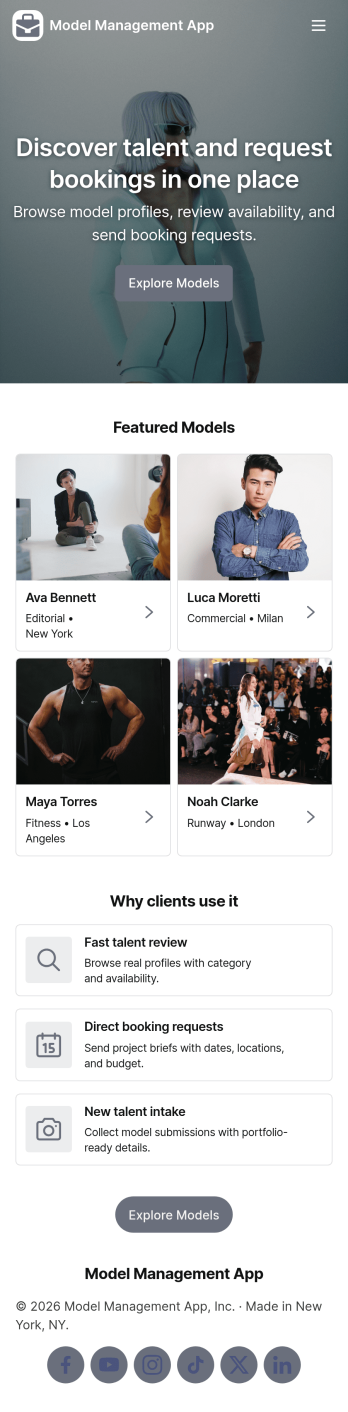
Model Management App
Model Management App helps agencies and talent teams organize model profiles, process new submissions, and keep reviews moving in one place. Use it to present a browsable model library, capture new intake details from prospective talent, and route profiles into a review queue so bookers and managers can make faster decisions. It’s a practical fit for boutique modeling agencies, casting teams, fashion show coordinators, and brand studios that need consistent records and a clear status view without juggling scattered files.Built with Jotform App Templates, this app template is easy to tailor with Jotform’s no-code app builder and drag-and-drop interface. Connect the app to forms for data collection, keep records organized, and guide your workflow from intake to review using simple navigation cards and buttons. Share the app securely with internal teams, or publish it as a self-service experience for applicants so new profiles arrive in a standardized format and your model library stays up to date.
Go to Category:Management Apps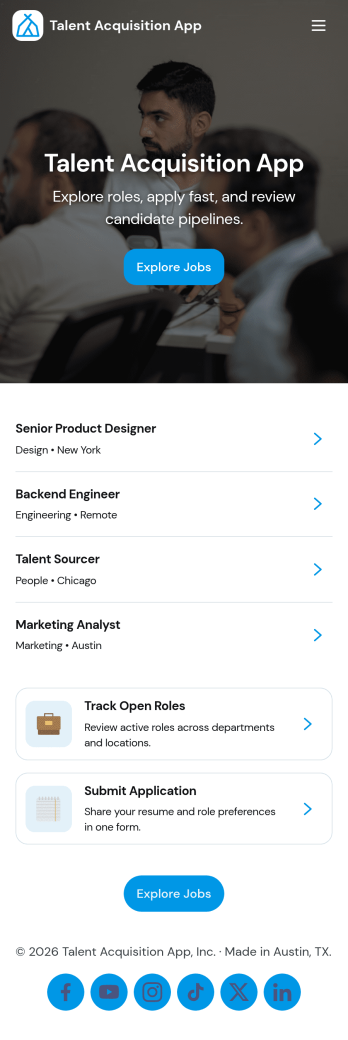
Talent Acquisition App
Talent Acquisition App brings open roles, candidate applications, and recruiter review into one place so hiring stays organized from the first click to the interview. Use it to publish a clear list of open positions, invite candidates to apply, and give recruiters a dedicated workspace to review all candidates, manage a pipeline view, and schedule interviews. It’s a practical fit for HR teams, recruiting agencies, fast-growing startups, and department leaders who need a simple way to keep roles and candidate records easy to find and up to date.With Jotform App Templates, you can launch a branded talent acquisition experience quickly and tailor it to your process using a no-code app builder and a drag-and-drop interface. Connect pages to forms and tables to support consistent data collection, route updates through the right workflow, and share a single self-service link for applicants and a separate space for internal hiring teams, all without writing code.
Go to Category:Human Resources Apps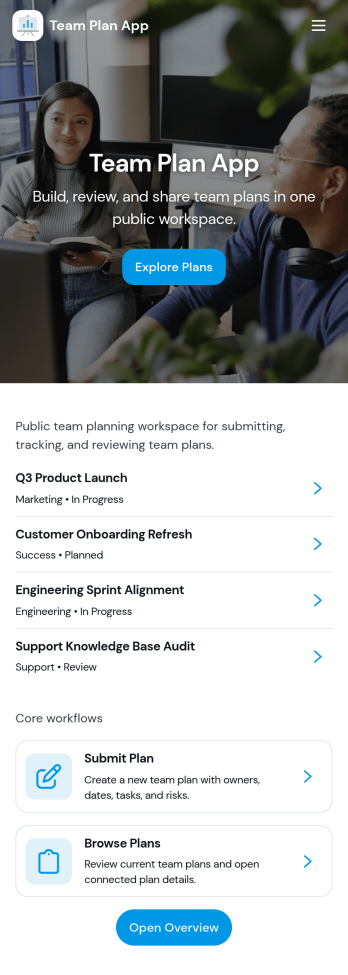
Team Plan App
Team Plan App helps teams keep goals and updates organized in one place so everyone knows what the plan is and how work is tracking. Use it to publish team goals, review progress, and share quick status snapshots without hunting through chat threads or scattered documents. It’s a practical fit for managers, project leads, department heads, and cross-functional teams who want a simple way to align priorities, highlight what’s on track, and surface blockers as they arise.Built with Jotform App Templates, this app template can be customized in Jotform’s no-code app builder using a drag-and-drop interface to match your team’s workflow. Connect it to forms and tables for ongoing data collection, then share a self-service link so teammates can submit their updates and leaders can view everything in one dashboard-style experience. As your planning rhythm evolves, you can adjust pages, branding, and navigation in minutes while keeping your team’s updates consistent and easy to review.
Go to Category:Company Portal Apps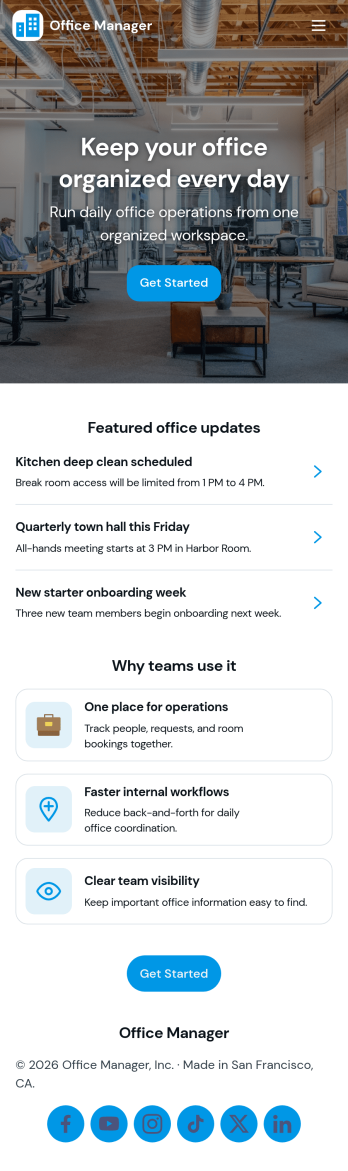
Office Manager App
An office manager app brings everyday workplace requests, task lists, contacts, and office items into one easy-to-navigate space. Use it to route new internal requests to the right person, capture details in a consistent format, and keep “today’s tasks” visible so priorities don’t get lost. It also supports a lightweight directory for key contacts and a simple way to track shared supplies or items, which helps small teams reduce interruptions and keep operations moving.With Jotform, you can turn this app template into a branded self-service experience using a no-code app builder and a drag-and-drop interface. Connect buttons and lists to forms for fast data collection, keep records organized, and refine your workflow over time as office needs change. Share the app with staff through a link or QR code, then update pages and content anytime without rebuilding the whole experience.
Go to Category:Company Portal Apps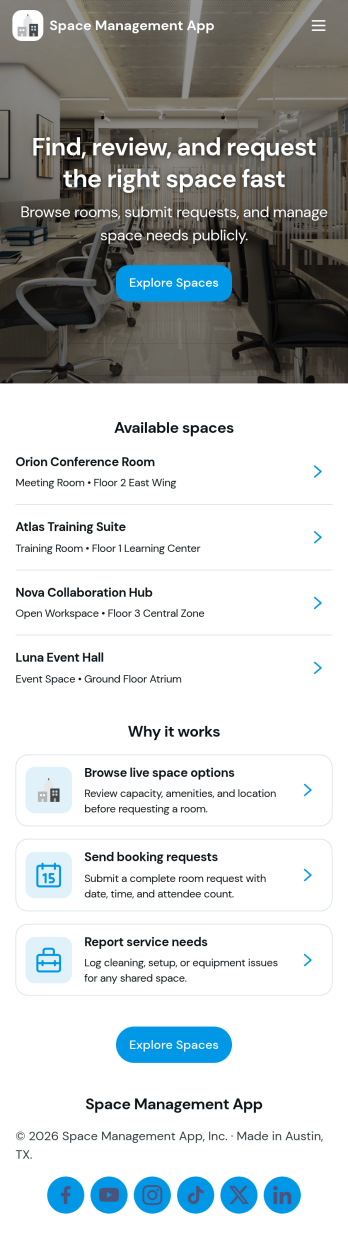
Space Management App
Space Management App helps teams organize shared spaces, coordinate bookings, and stay on top of basic maintenance needs in one place. It’s ideal for coworking operators, office admins, schools, community centers, studios, and property teams that manage rooms, desks, or facilities that people reserve. With dedicated areas for Spaces, Bookings, and Maintenance, you can keep availability clear, reduce double-booking, and give staff a consistent way to add spaces, create new bookings, and log inspections as needs come up.Built with Jotform App Templates, this app template can be tailored with Jotform’s no-code app builder and drag-and-drop interface to match how your locations run. Connect it to your existing data collection workflows, route maintenance items for internal follow-up, and keep space details and booking records easy to find for your team. Share the app by link for quick self-service access, and update pages, buttons, and branding so the experience fits your organization.
Go to Category:Management Apps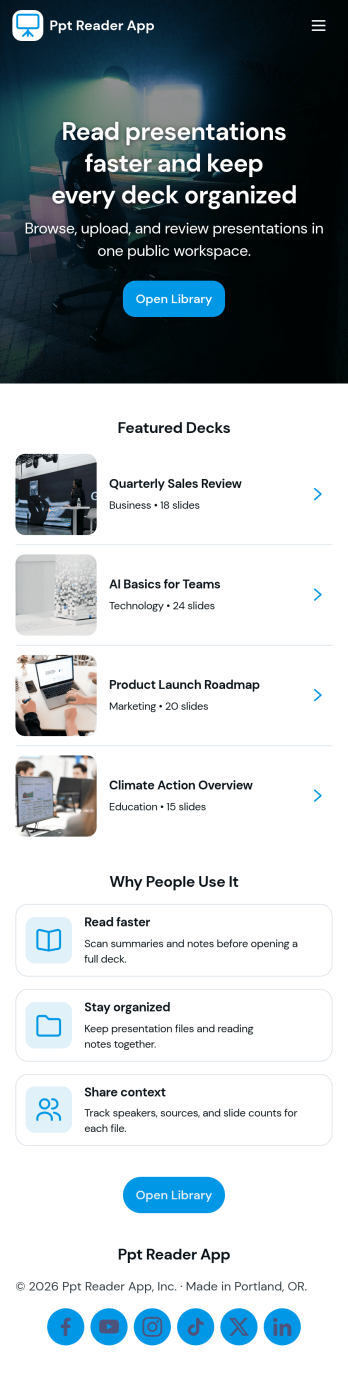
Ppt Reader App
Ppt Reader App gives teams a simple way to upload slide decks, keep a presentation library in one place, and review deck notes whenever they need a refresher. It fits training teams, sales enablement, educators, and anyone who regularly references presentations and wants an organized, repeatable way to store decks and capture key takeaways. Instead of hunting through folders or messaging coworkers for the latest version, users can add a deck, browse the library, and revisit notes to prepare for meetings, classes, or demos.Jotform makes it easy to turn this kind of experience into a polished, shareable app using a no-code app builder and a drag-and-drop interface. Start with Jotform App Templates, customize pages and navigation to match your workflow, and connect the app to forms for data collection when people add new decks. You can publish as a self-service resource that stays up to date, so teams spend less time searching and more time presenting.
Go to Category:Resource & Learning Portal Apps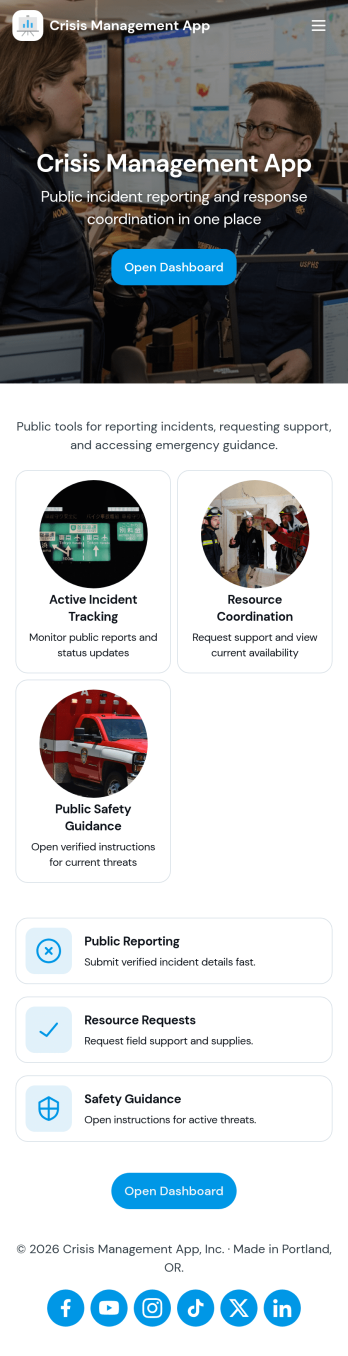
Crisis Management App
Crisis Management App helps organizations capture incident details fast, route them to a central response area, and document what happened afterward for continuous improvement. It fits teams that need a clear path from reporting to action, such as operations leaders, HR and facilities, school administrators, event staff, nonprofits, and IT or security groups coordinating time-sensitive situations. With quick incident reporting, a response center view, and an after-action follow-up space, the app supports consistent handling of disruptions without relying on scattered messages or informal notes.Built with Jotform, this app template can be tailored to your process using a no-code app builder and a drag-and-drop interface. Connect the app to your incident form and table-backed records for organized data collection, keep updates moving through simple workflows, and share a single self-service link or QR code so people know exactly where to report and where responders can track what’s next.
Go to Category:Company Portal Apps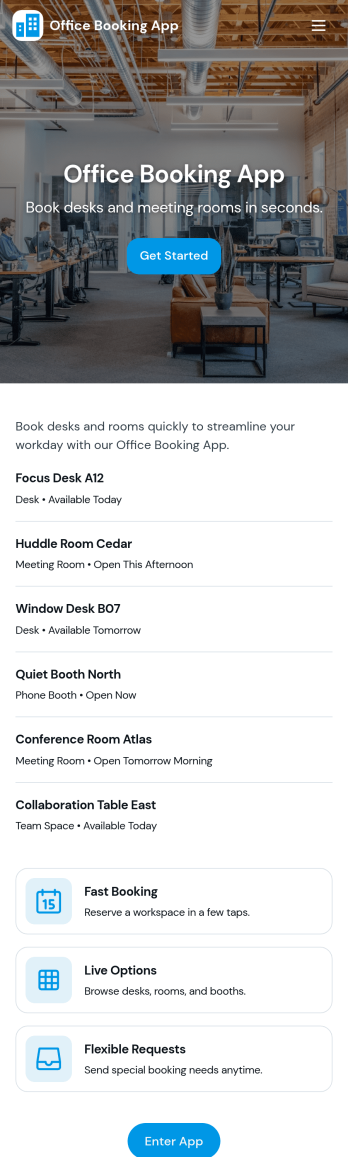
Office Booking App
Office Booking App helps teams plan in-office days by giving employees a simple way to create a new booking, browse an office list, pick a time to visit, and review booked visits in one place. It works well for hybrid workplaces managing limited desks, meeting areas, or shared spaces, and it’s equally useful for reception and facilities teams who need quick visibility into who’s coming in and when. With pages for office browsing and booking details, the experience stays clear for everyday users while still supporting the operational needs of admins.With Jotform App Templates, you can publish a self-service booking flow without coding and adjust it as your workplace changes. Use Jotform’s no-code app builder and drag-and-drop interface to update pages, buttons, and navigation, then connect the app to your booking form for consistent data collection. As requests come in, your workflow stays organized with a central view of bookings, easy sharing through a link, and a setup that can grow with new office locations or scheduling rules.
Go to Category:Booking Apps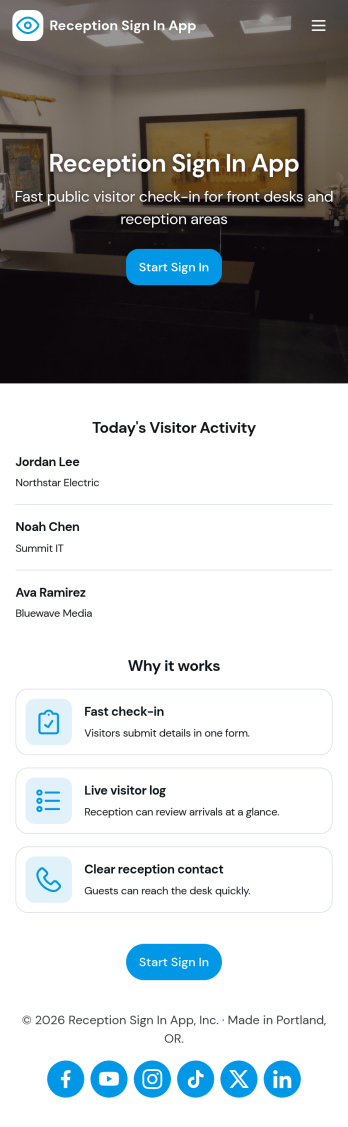
Reception Sign In App
Reception Sign In App helps front desks capture visitor arrivals and organize them into an easy-to-browse log. It fits offices, clinics, schools, coworking spaces, and any workplace that needs a consistent way to record who is on-site, who they’re visiting, and when they arrived. With simple sign-in inputs like visitor full name and host name, the app supports a smoother check-in experience while keeping reception staff focused on greeting guests instead of chasing details.Jotform makes it simple to publish this kind of self-service check-in experience with a no-code app builder and a drag-and-drop interface. Connect the app to a form for data collection and a table view for reviewing records, then share it with a link or QR code at the front desk. As your workflow evolves, you can adjust pages, add guidance text, and keep all visit records accessible in one place with Jotform.
Go to Category:Sign In Apps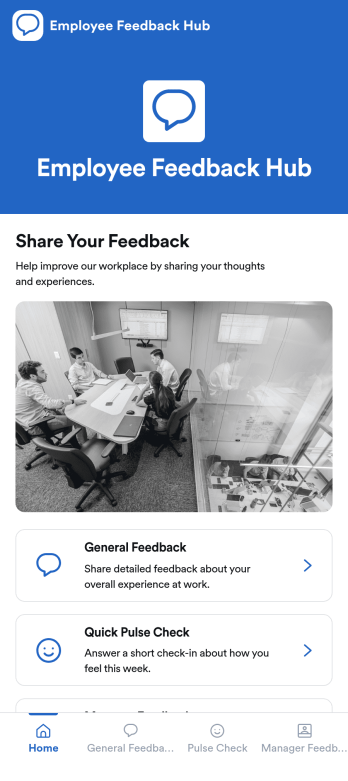
Employee Feedback Hub App
Employee Feedback Hub App gives teams one place to collect workplace input through general feedback, quick pulse checks, and manager feedback, while letting employees review their own past entries. It works well for HR teams, people ops, department leaders, and growing companies that want a consistent way to surface concerns, highlight wins, and spot trends early. Use it to support engagement initiatives, improve manager effectiveness, and capture ideas from remote, onsite, or hybrid staff without burying feedback in emails or chat threads.Built with Jotform App Templates, this app template can be customized in a no-code app builder with a drag-and-drop interface, so you can match your internal process and branding in minutes. Connect each feedback path to the right form, guide employees to the right page with simple navigation cards, and keep data collection organized for follow-up workflows. Share the app by link or QR code to make self-service feedback easy to access whenever employees need it.
Go to Category:HR Portal Apps