

Customer Portal App Templates

Question Answer App
Question Answer App gives teams and communities a simple place to collect questions, review recent posts, and help people find answers without getting lost in email threads or chat history. Use it to support internal Q&A for employees, manage student questions for a class, run office hours, or centralize customer and member inquiries for a program or event. With an Ask a Question button, a Recent Questions view, and a My Questions area, people can submit what they need, check what’s already been asked, and follow up on their own requests.Built with Jotform, this app template can be tailored with a no-code app builder and a drag-and-drop interface so it fits your process and audience. Connect your question form to the app for consistent data collection, organize responses in a connected workflow, and share the app as a self-service destination for your staff, students, or community. As your Q&A grows, you can adjust pages, update navigation, and keep the experience clear and easy to use on any device.
Go to Category:Quiz Apps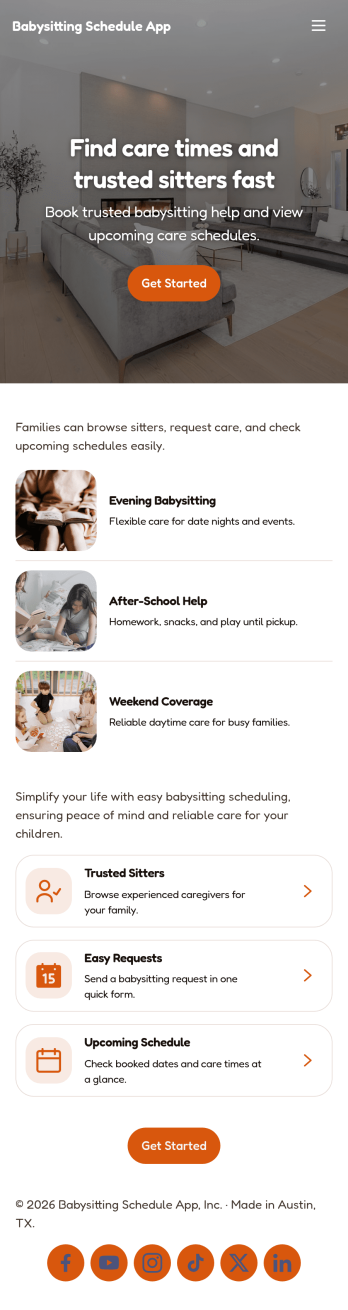
Babysitting Schedule App
Babysitting Schedule App helps families and babysitters coordinate childcare coverage in one place, from new booking requests to sitter availability and contact details. Use it to browse a list of sitters, review open babysitting requests, and quickly send a request when plans change. It’s a great fit for parents managing recurring date nights, shared custody calendars, or last-minute needs, as well as sitters who want a simple way to share when they’re free and stay on top of upcoming jobs.Built with Jotform App Templates, this app template is easy to tailor with a no-code app builder and a drag-and-drop interface so it matches how you schedule and communicate. Connect forms for request intake and availability updates, organize records in one workflow, and share the app as a self-service link for parents or sitters to use on any device. With Jotform, you can keep scheduling details organized while reducing missed messages and double-bookings.
Go to Category:Scheduling Apps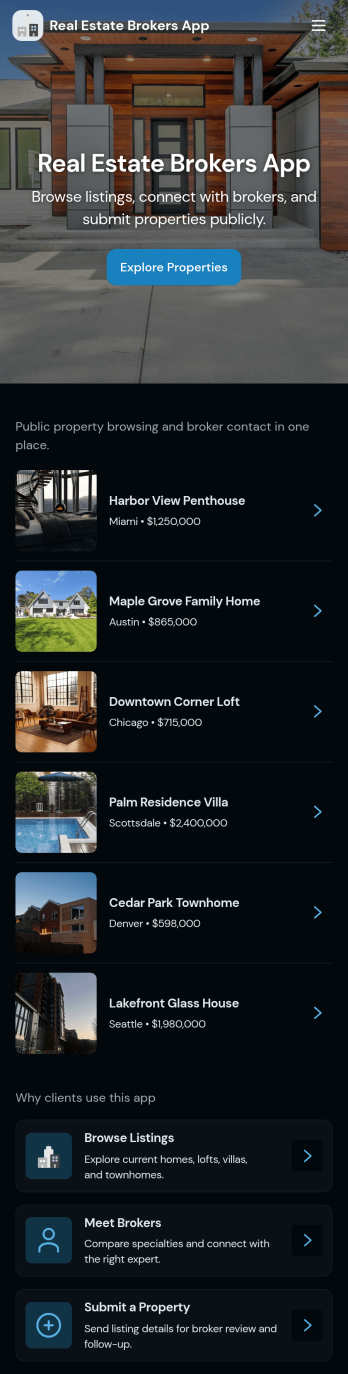
Real Estate Brokers App
Real Estate Brokers App brings your day-to-day pipeline into one place so you can stay on top of active listings, incoming leads, showing requests, and deals without jumping between tools. Use it as a broker dashboard for tracking property interest, capturing new buyer inquiries through a simple form, and keeping a clear view of what needs follow-up across multiple clients and properties. It fits solo agents, broker teams, and small offices that need a consistent way to manage inquiries and showings while staying responsive during busy weeks.Built with Jotform, this app template can be tailored with a no-code app builder and a drag-and-drop interface to match how your brokerage works. Connect pages to forms and tables to support data collection, keep records organized, and turn routine tasks like requesting a tour or logging a new inquiry into a repeatable workflow. Share the app with your team using a link, update it anytime, and keep your real estate self-service experience simple for internal use.
Go to Category:Real Estate Apps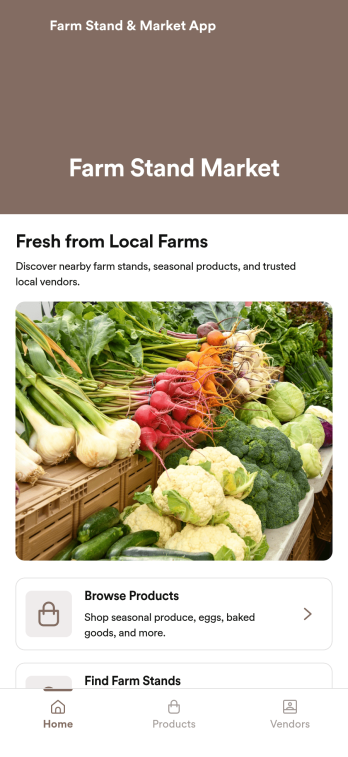
Farm Stand & Market App
Farm Stand & Market App is an app template designed to efficiently manage product offerings, sales activities, and customer interactions for farmers, farm stand owners, local market vendors, and agricultural businesses. This ready-to-use template provides a comprehensive solution for organizing sales and operations at farm stands or local markets, streamlining processes such as inventory tracking, sales reporting, and customer communication. With its data collection capabilities, users can easily keep tabs on their product offerings, sales, and customer interactions, consolidating all crucial information in one place. The app's intuitive structure ensures an easy set-up and smooth operation, making it the ideal choice for vendors aiming to simplify their day-to-day operations and enhance customer experience. This app is best for those seeking a tailored solution to manage their farm stand or market operations in a more structured, efficient manner.Jotform’s Farm Stand & Market App makes it easy to customize and utilize according to your specific needs. With its easy-to-use interface, creating your own app has never been simpler. You can modify the design to reflect your brand, choose your own colors, upload your logo, and adjust the layout to your liking without any coding required. The app also enables the collection of e-signatures, which makes it a breeze to confirm transactions or agreements digitally. The use of electronic signatures not only adds a layer of security but also expedites business operations by reducing the need for physical paperwork. Once your app is set up, sharing it with your customers is as easy as distributing the shareable link, and they can easily add the app to their smartphone, tablet, or desktop for a seamless user experience. With Jotform, managing your farm stand or market operation becomes a hassle-free experience.
Go to Category:Customer Portal Apps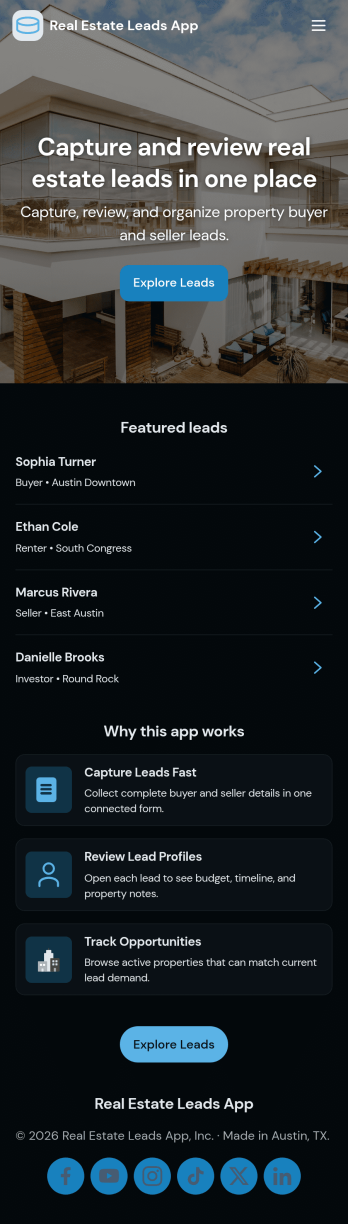
Real Estate Leads App
Real Estate Leads App helps agents and brokerages capture new prospects, keep contact details and lead notes in one place, and stay on top of follow-ups as opportunities move through the pipeline. Use it to browse all leads, add a new lead the moment you get a call or showing request, and review an active pipeline so nothing slips through the cracks. It’s a practical fit for solo agents, teams, and office managers who need a clear view of who needs attention today, which conversations are ongoing, and what next steps should happen for each lead.With Jotform, you can turn lead data collection into a simple self-service experience your team can use from anywhere. Start with this app template, then customize it in Jotform’s no-code app builder using a drag-and-drop interface to match your process, add steps for follow-up, and connect your workflows to the same lead form and stored records. Share your app with a link so your team can log updates fast and keep your real estate lead workflow consistent.
Go to Category:Real Estate Apps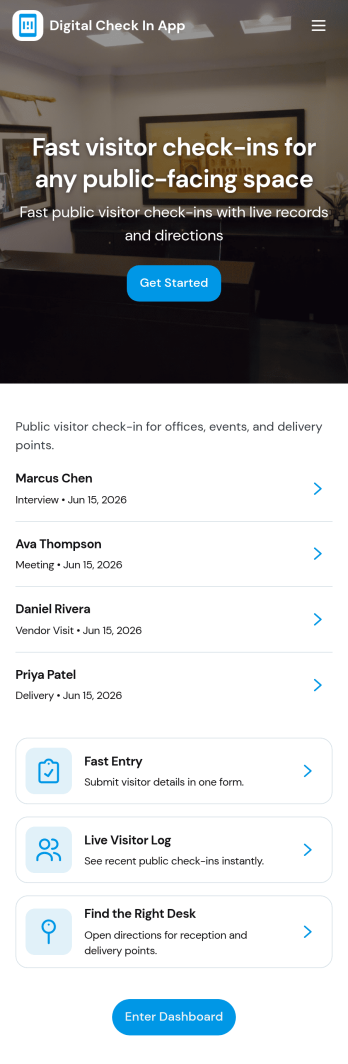
Digital Check in App
Digital Check in App helps you welcome and track visitors without paper sign-in sheets. It gives guests a simple way to start check in and complete a visitor check in form, while your team can quickly view visitors in one place. This works well for offices, coworking spaces, schools, clinics, warehouses, and event venues that need a clear record of who arrived and when, especially during busy periods with frequent walk-ins.Jotform makes it easy to turn this experience into a polished, shareable check-in flow using its app templates and no-code app builder. With a drag-and-drop interface, you can tailor pages, buttons, and navigation to match your front-desk process, then connect the app to your broader workflow for data collection and follow-up. Share the app link or QR code so visitors can check in from a phone or a kiosk-style device, and keep visitor information organized for your team.
Go to Category:Customer Portal Apps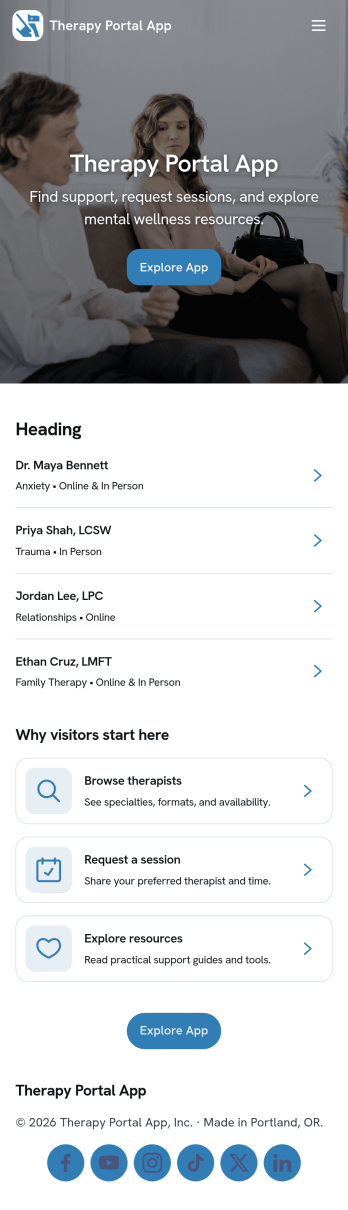
Therapy Portal App
Therapy Portal App brings key client touchpoints into one place so therapy practices can guide people from first contact to ongoing care without juggling multiple links. It works well for solo therapists, group practices, and counseling centers that want a simple way for clients to book an appointment, complete an intake, review session notes, and access self-help tools between visits. By centralizing these actions, the portal reduces missed steps, keeps clients oriented on what to do next, and helps practices maintain a more consistent experience from intake through follow-up resources.Built with Jotform App Templates, this app template can be customized in Jotform’s no-code app builder using a drag-and-drop interface to match your workflow and brand. Connect pages to your forms and tables for data collection and organization, then share the portal as a self-service link clients can open on any device. As your practice grows, you can adjust navigation, update resources, and keep everything current without code so your workflow stays clear for both clients and staff.
Go to Category:Mental Health Apps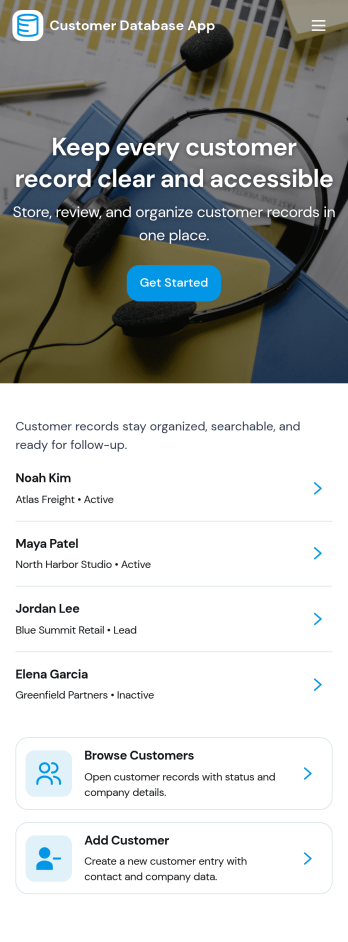
Customer Database App
Customer Database App brings your customer information into one organized place so you can add new customers, browse profiles, and keep a reliable record of every relationship. It fits teams that need quick access to names and details across sales, support, operations, and account management, especially when information is scattered across spreadsheets, inboxes, or individual devices. With an in-app option to add customers and a browse view for customer profiles, staff can find the right record faster and reduce duplicate entries as the list grows.Built with Jotform, this app template can be tailored in a no-code app builder with a drag-and-drop interface, making it easy to adjust pages, navigation, and the customer intake flow as your process evolves. Connect the add-customer form to a central record list, share the app through a link for self-service access, and keep work moving with a clear workflow for capturing and reviewing customer data collection. You can also provide a personal view like My Submissions so team members can quickly revisit the profiles they created or updated.
Go to Category:Customer Portal Apps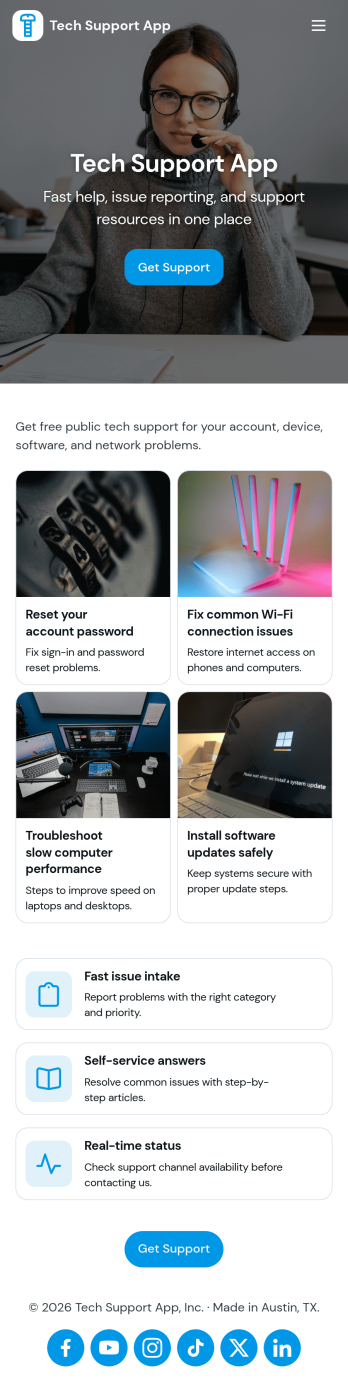
Tech Support App
Tech Support App helps teams centralize IT help requests so users can open a ticket, track progress, and find their place in the support queue without chasing updates. It’s a practical fit for internal IT departments, MSPs, SaaS support teams, and school or nonprofit tech offices that need a clear intake path and a simple way for requesters to check status. With quick actions like Submit Ticket and New Ticket plus a dedicated My Tickets area, the app supports fast reporting of issues, consistent triage, and fewer repeated emails about the same problem.Built with Jotform App Templates, this app template can be tailored in minutes using Jotform’s no-code app builder and drag-and-drop interface. Connect the ticket form to your existing workflow, organize requests in one place, and share the app through a link or QR code for easy self-service. As your volume grows, you can refine pages for different support needs, keep your process consistent across locations, and manage data collection in a way that works for both requesters and support staff.
Go to Category:Information Technology Apps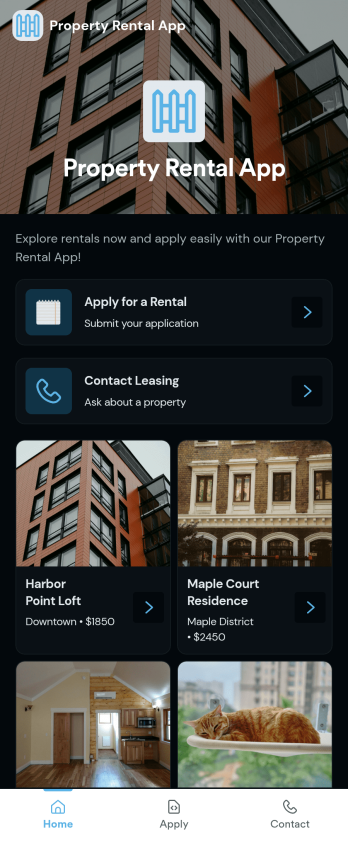
Property Rental App
A Property Rental App gives prospective tenants an easy way to browse available listings, open a property detail view, and take action immediately. Use it to present rentals with clear visuals and key information, then route renters to the right next step such as submitting a rental application or sending an inquiry. Property managers, leasing teams, and independent landlords can share one central place where people can explore options, request more details, and contact leasing without searching through emails or scattered links.Built with Jotform App Templates, this app template is simple to tailor for your portfolio and brand using a no-code app builder and a drag-and-drop interface. Connect the app to Jotform forms for rental applications and inquiries, keep information consistent across listings, and support self-service for renters on any device. As requests come in, your team can respond faster, reduce missed leads, and keep the rental process organized from first click to completed paperwork.
Go to Category:Rental Apps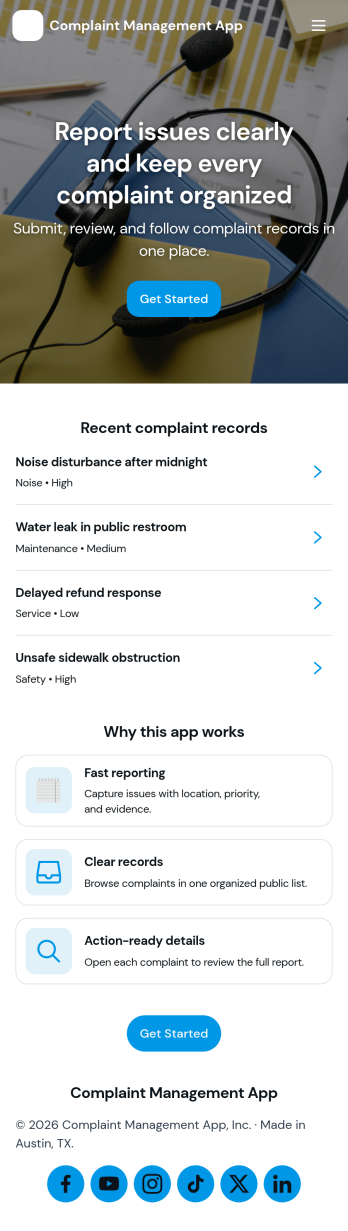
Complaint Management App
Complaint Management App helps organizations capture, organize, and follow up on customer or employee complaints in one place. It supports a simple intake experience with a Submit Complaint page, a Browse Complaints area for reviewing records, and a Support Contact page for quick escalation when someone needs help. Use it in retail, hospitality, property management, internal HR operations, or any service team that wants clearer visibility into issues, faster handoffs, and more consistent responses across locations or departments.Jotform makes it easy to turn this app template into a branded self-service experience with a no-code app builder and a drag-and-drop interface. Connect your complaint forms to the app, keep information organized, and share a single link or QR code so people can submit issues and teams can review them from anywhere. With Jotform, you can update pages, adjust what you collect, and refine the workflow as your support process evolves.
Go to Category:Customer Portal Apps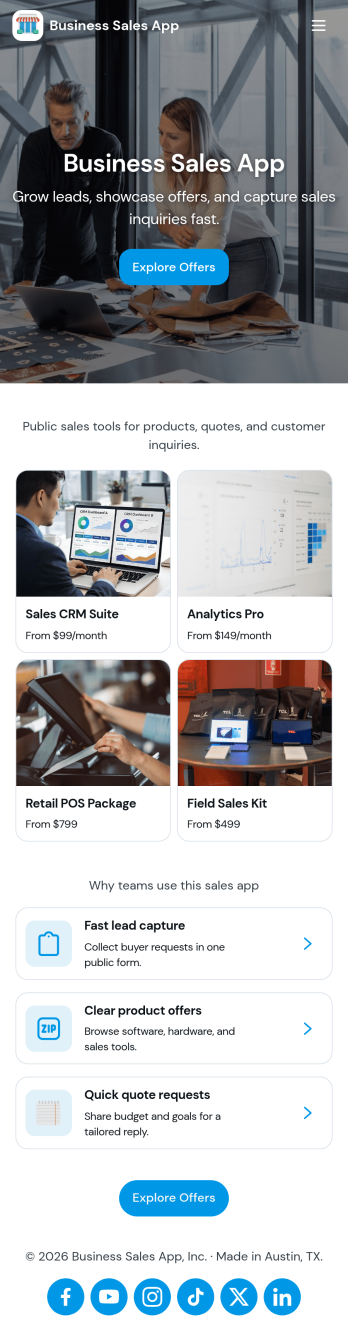
Business Sales App
Business Sales App helps sales teams and owner-operators capture new leads, keep opportunities organized, and follow up faster from one place. Use it to collect lead details through a simple intake flow, review lead profiles, and keep an eye on active deals in your pipeline so nothing slips through. It fits agencies, B2B service providers, local businesses, and small sales teams that want a clear view of who to contact next, what each deal is worth, and where prospects stand without juggling multiple tools.Built with Jotform App Templates, this app template is easy to tailor to your process using Jotform’s no-code app builder and drag-and-drop interface. Connect the lead intake form to your data collection workflow, organize records in tables for quick browsing, and share the app with your team so updates stay consistent. As your sales motion evolves, you can adjust pages, add steps, and keep lead tracking and pipeline management aligned with how your business actually sells.
Go to Category:Sales & Marketing Portal Apps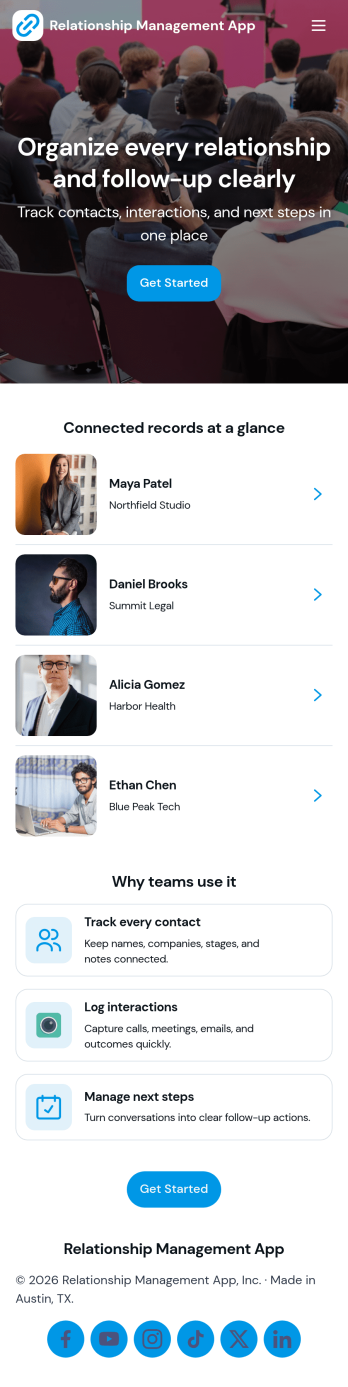
Relationship Management App
Relationship Management App helps teams keep important connections organized and easy to follow up on, whether you’re managing customers, leads, partners, donors, or community members. It brings key contact details into a simple contacts view and supports consistent outreach with interaction logging and reminders, so nothing gets missed after a call, meeting, or email. This works well for small businesses, sales and marketing teams, agencies, consultants, and nonprofits that need a lightweight way to track relationship history without juggling scattered notes or separate spreadsheets.With Jotform, you can turn relationship tracking into a shareable self-service experience using app templates and a no-code app builder. Customize pages with a drag-and-drop interface, connect your app to forms and tables for reliable data collection, and keep your workflow moving with quick updates and centralized records. Publish the app for your team, align on the same source of truth, and expand it as your process evolves.
Go to Category:Customer Engagement Apps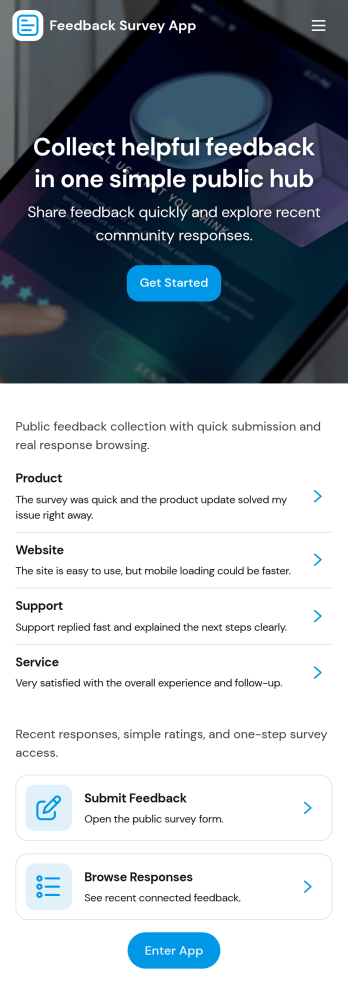
Feedback Survey App
Feedback Survey App gives you a simple, repeatable way to collect input and spot trends through a central survey experience. Use it to invite customers to rate a recent purchase, gather attendee reactions after an event, run an employee pulse check, or capture learner feedback at the end of training. The app’s flow makes it easy to start a survey from a single entry point, complete the survey form, and then revisit results through dedicated areas for submissions and insights, so teams can act on feedback without hunting through links.Built with Jotform App Templates, this app template helps you publish a branded feedback hub without coding. Customize pages with a drag-and-drop interface, connect your survey form to the app, and keep data collection organized for faster follow-up. Share the app with a link or QR code for self-service participation, and collaborate internally by routing responses into your workflow for review and improvement.
Go to Category:Quiz Apps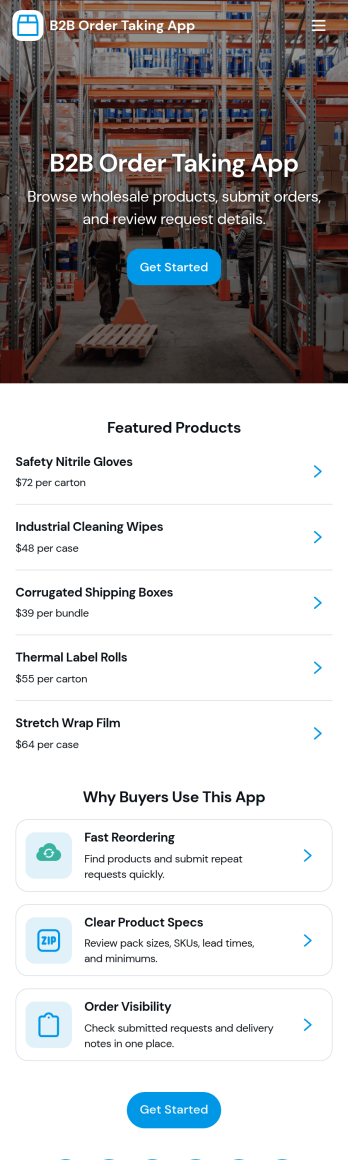
B2b Order Taking App
B2b Order Taking App helps wholesalers, distributors, and sales teams collect purchase orders from business customers in one place. Buyers can browse a product catalog, place an order with fewer steps, and return later to review order history without emailing spreadsheets or calling in details. It’s useful for repeat ordering, field sales, inside sales, and customer accounts that need a clear, consistent way to submit orders and confirm what was requested.Jotform makes it easy to launch and tailor app templates like this with a no-code app builder and a drag-and-drop interface. Connect your ordering form to the app, route details into a workflow for internal processing, and keep data collection organized as requests come in. Share the app through a link or QR code so customers and reps can submit orders from desktop or mobile while your team keeps operations moving.
Go to Category:Order & Shipping Portal Apps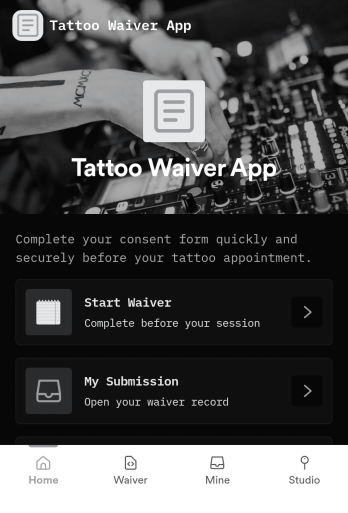
Tattoo Waiver App
Tattoo Waiver App helps tattoo studios collect signed waivers before an appointment while giving clients a clear, guided way to complete required steps. Visitors can start the waiver from one tap, upload or provide photo ID when required, and then return to view their own submission without calling the front desk. It also works well for walk-ins, guest artists, pop-up events, and busy weekends when staff need a consistent intake flow that reduces missed paperwork.Built with Jotform, this app template is easy to tailor for your studio’s process using a no-code app builder and a drag-and-drop interface. Connect the in-app waiver form to your data collection workflow, route information to the right people, and keep everything accessible through a simple self-service experience clients can open from a link or QR code.
Go to Category:Customizable Beauty Salon Apps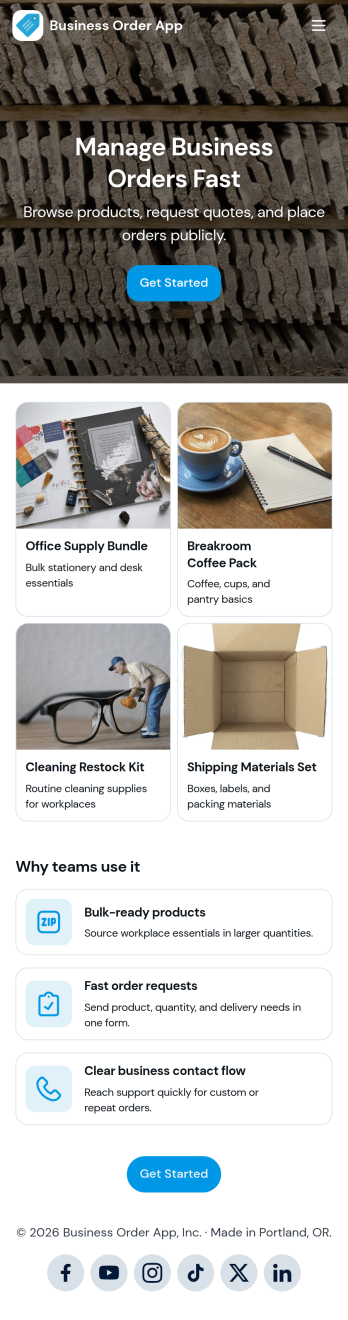
Business Order App
Business Order App helps companies centralize how customers and internal teams browse a catalog, request a quote, and track order progress from one place. Use it to reduce missed requests, keep order details consistent, and give people a clear path to take action, whether they are placing a repeat order, checking an order number, or asking for pricing before purchasing. It fits wholesale and B2B sellers, distributors, service providers with packaged offerings, and operations teams that need a simple order experience that works for returning clients and new inquiries.With Jotform, you can customize this app template with a no-code app builder and a drag-and-drop interface, then connect it to forms and tables for reliable data collection and smoother workflow steps. Update the catalog view, adjust the quote and lookup forms, and share the finished self-service experience through a link or QR code so customers and staff can access it on any device.
Go to Category:Order & Shipping Portal Apps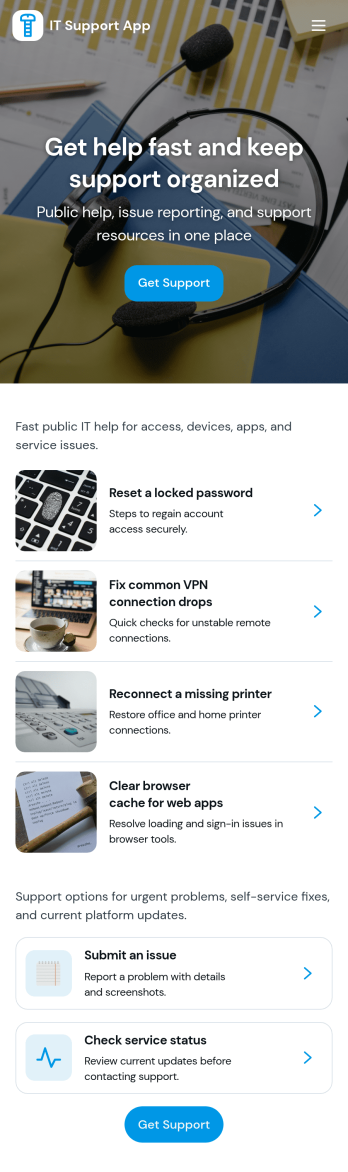
It Support App
It Support App helps teams centralize everyday IT help desk requests so employees can report issues, check service status, and find answers without guessing who to contact. It works well for internal IT departments, MSPs supporting multiple clients, and operations teams that need a simple front door for support. With clear entry points for creating a new ticket, browsing a knowledge base, and viewing service status updates, the app reduces repeated questions and keeps requests organized from the start.Built with Jotform App Templates, this app template can be tailored in a no-code app builder with a drag-and-drop interface, so you can adjust pages, labels, and navigation to match your support process. Connect ticket intake to Jotform forms and route responses into workflows your team already follows, then share the app via link or QR code for easy self-service on any device. As requests grow, Jotform helps you keep data collection consistent and make support interactions faster for both employees and IT staff.
Go to Category:Information Technology Apps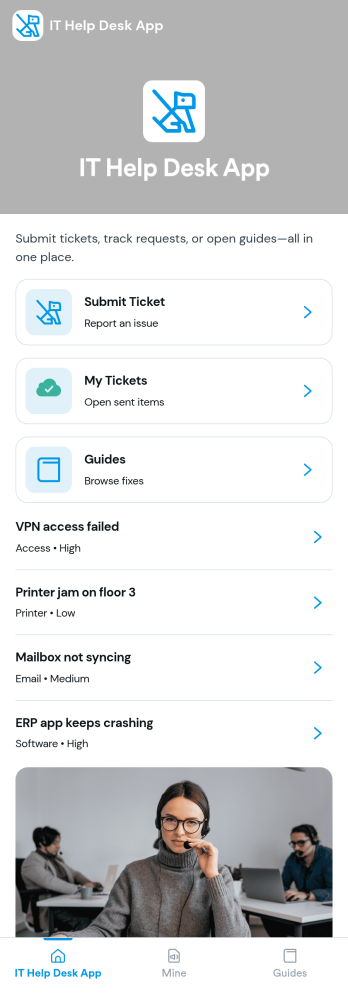
It Help Desk App
It Help Desk App gives teams a clear place to route internal tech issues and keep requests from getting lost in chat threads and inboxes. Employees can submit a ticket, check their open tickets, and review request details like priority and issue type in one simple experience. It works well for IT departments, managed service teams, and fast-growing companies that need a consistent way to capture problems, assign attention, and follow up without confusion.With Jotform App Templates, you can publish a self-service help desk that connects pages, buttons, and lists to the forms and tables behind your process. Build and update your workflow in a no-code app builder with a drag-and-drop interface, then share the app as a single link for quick access on any device. Jotform supports reliable data collection and organized request tracking, so your team can spend less time searching for context and more time resolving issues.
Go to Category:Information Technology Apps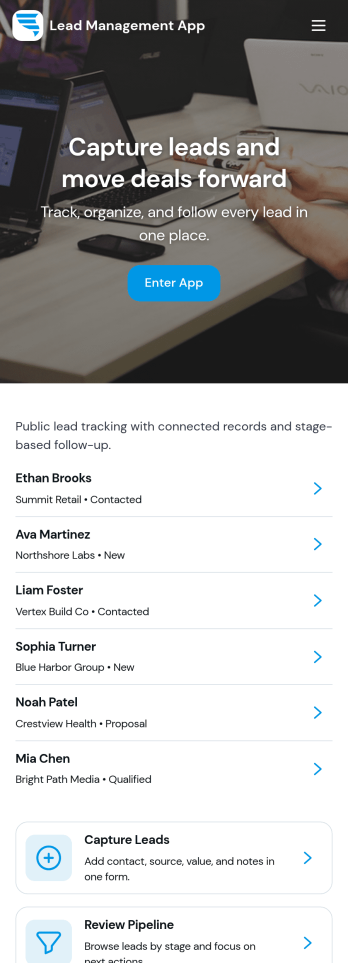
Lead Management App
Lead Management App helps sales and marketing teams capture new leads, keep contact details organized, and move prospects through a simple pipeline from first touch to follow-up. Use it to centralize lead intake from events, inbound interest, referrals, or outbound outreach, then quickly review lead records, flag high-priority opportunities, and keep your pipeline from going stale. With guided navigation for capturing a lead, opening the pipeline, and viewing insights, it’s a practical fit for agencies, consultants, real estate teams, startups, and any growing business that needs visibility into what’s coming in and what needs attention.Jotform makes it easy to turn this lead workflow into a branded, shareable app experience using a no-code app builder and a drag-and-drop interface. Connect your lead form to the app for fast data collection, keep records consistent as your team updates lead details, and create a self-service experience you can share by link for internal use or with partners. As your process evolves, you can adjust pages, layout, and connected workflows in minutes without rebuilding from scratch.
Go to Category:Customer Portal Apps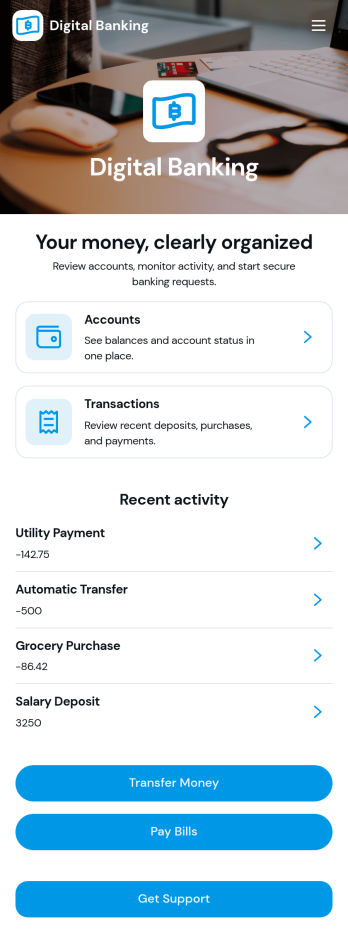
Digital Banking App
Digital Banking App offers financial institutions, credit unions, financial service providers, and banking teams a customizable starting point for creating a customer-facing digital experience. Its flexible page can be adapted to centralize service access, guide customers toward account-related requests, and provide convenient support resources. Organizations can use it for customer onboarding, financial service inquiries, document collection, appointment requests, or educational content. By bringing essential actions into one branded location, the app can reduce fragmented communication and make common banking services easier to find.With Jotform Apps, teams can turn this Digital Banking App template into an interactive experience without writing code. The drag-and-drop app builder makes it easy to customize the page, apply modern branding, and add forms, buttons, links, approval steps, or payment workflows as needs evolve. Connected forms can support secure data collection, while tables and notifications help staff organize incoming requests. Publish the app with a shareable link or QR code to offer customers mobile-friendly self-service access from nearly any device.
Go to Category:Finance Apps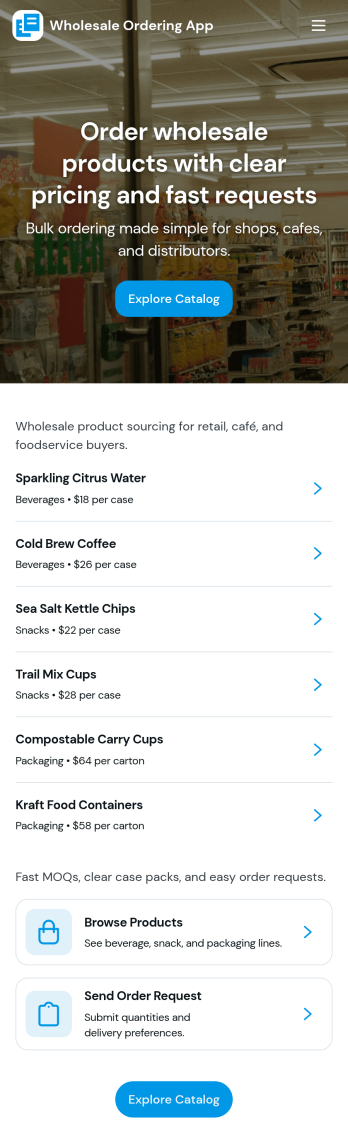
Wholesale Ordering App
Wholesale Ordering App helps wholesalers and distributors give buyers a simple way to browse a product catalog by category, place an order request, and review their order history in one self-service experience. Use it to organize common product groups such as packaging, snacks, and beverages, so repeat customers can find items faster and submit accurate requests without relying on phone calls or long email threads. It works well for B2B sellers, warehouse teams, and sales reps who want a consistent ordering flow for retail partners, offices, or hospitality customers.Jotform makes it easy to turn this app template into a branded ordering hub with a no-code app builder and a drag-and-drop interface. Connect catalog lists to your data, link the order request form to the app, and keep everything organized as requests come in. Share the app with a direct link or QR code, update products in one place, and create a workflow that supports faster ordering and clearer communication from request to fulfillment.
Go to Category:Order & Shipping Portal Apps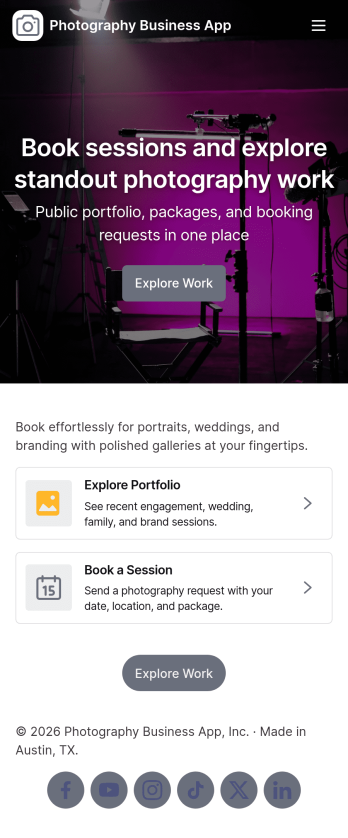
Photography Business App
Photography Business App brings your studio’s client-facing experience into one place so people can browse your portfolio, explore services, and reach out when they’re ready to book. It’s a practical fit for independent photographers, small studios, and creative teams who want an always-on home for inquiries and session requests without relying on scattered links. Visitors can jump from featured work to project views, then take action with clear contact options including email and phone, plus a custom quote request for clients who need something beyond standard packages.With Jotform App Templates, you can publish a polished, branded Photography Business App using a no-code app builder and a drag-and-drop interface that’s easy to update as your work evolves. Connect the app to forms for data collection, route requests into a workflow your team can manage, and keep portfolio and service information organized for self-service browsing. Share your app through a link or QR code, refresh content in minutes, and deliver a consistent booking and inquiry experience across devices.
Go to Category:Booking Apps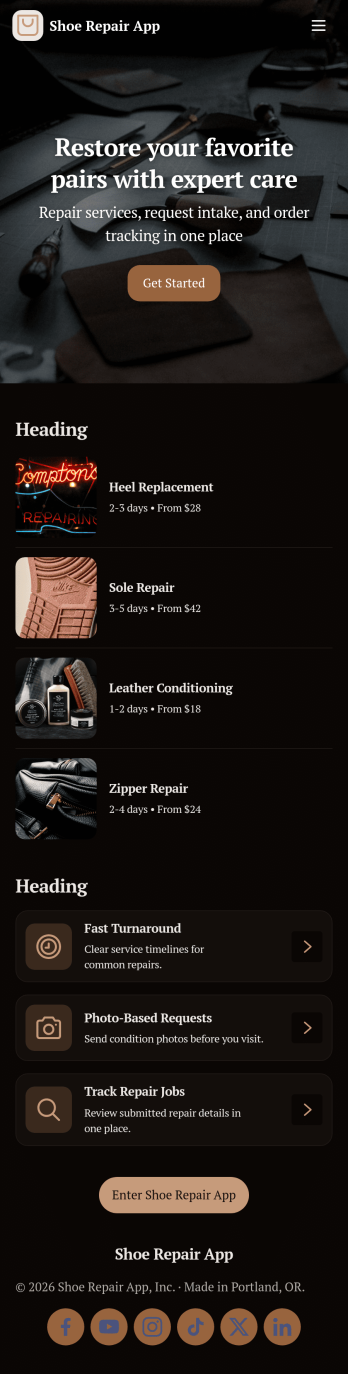
Shoe Repair App
Shoe Repair App helps cobblers and repair shops manage repair intake and keep work moving from drop-off to pickup without losing track of details. Use it to start a new repair request, view active jobs at a glance, and separate completed work so the counter and back-of-house stay aligned. It’s a practical fit for single-location shops, multi-person teams, and mobile shoe repair services that need a clear place to capture customer information and follow each job through its lifecycle.Jotform makes it easy to turn this Shoe Repair App into a branded self-service experience using App Templates and a no-code app builder. With a drag-and-drop interface, you can connect the app to your repair form and table, organize records in a clean list view, and share access with staff or customers through a simple link. As requests come in, Jotform supports consistent data collection and smoother workflow handoffs, so updates, lookups, and follow-ups take less time.
Go to Category:Service Apps