

Education App Templates

Tour Guide Learning App
The Tour Guide Learning App is an app template for aspiring guides, working tourism professionals, training providers, hospitality teams, and educators who need one place for structured learning. Learners can browse lessons, complete practice assessments, open study resources, and review their progress without moving between disconnected materials. It supports onboarding new guides, preparing seasonal staff, reinforcing destination knowledge, and offering ongoing professional development. Clear self-service access helps learners study at their own pace while instructors can provide a more consistent training experience.Jotform App Templates make it easy to turn learning materials and connected processes into accessible digital experiences. With Jotform’s no-code app builder and drag-and-drop interface, organizations can customize pages, navigation, colors, fonts, and content to match their training goals. The app builder can connect forms and tables to support data collection, assessment responses, learner records, and related workflow steps. Once ready, the app can be shared by a direct link or QR code, giving learners convenient mobile access wherever training takes place.
Go to Category:Education Apps
Study Partner Matching App
Study Partner Matching App is a ready-to-use digital space for helping students find compatible peers and form productive study partnerships. Schools, tutoring programs, training providers, student organizations, and independent learning communities can use it to connect people based on shared subjects, goals, schedules, or study preferences. Learners can discover potential partners, share a profile, and submit a match request without relying on scattered messages or manually maintained lists. This creates a clearer path from initial interest to meaningful collaboration while giving program coordinators a practical way to support peer learning, accountability, and academic engagement.With Jotform, this app template can be adapted through a no-code app builder and an intuitive drag-and-drop interface. Add branded pages, update guidance, connect forms to organized data collection, or link submissions with workflows and notifications. The finished app can serve as a mobile-friendly self-service resource that students access through a direct link or QR code. Jotform App Templates also make it easy to publish quickly, revise content as a program develops, and keep partner discovery and matching resources together in one accessible experience.
Go to Category:Education Apps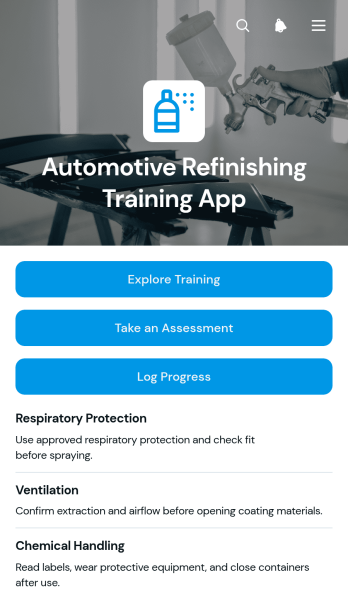
Automotive Refinishing Training App
Automotive Refinishing Training App gives collision repair shops, vocational programs, instructors, and refinishing teams a central place to support practical workforce education. Learners can explore training guides, complete knowledge assessments, review scores, and record finished modules as they build skills in surface preparation, coating application, equipment use, quality control, and safe working practices. Instructors and shop managers gain a clearer view of learner activity without relying on scattered documents or disconnected records. This app template is useful for onboarding new technicians, reinforcing standard procedures, supporting classroom instruction, and documenting ongoing professional development.Jotform App Templates help organizations turn resources and connected workflows into accessible digital experiences without writing code. Customize this template through a drag-and-drop interface, update its pages and branding, and connect forms or tables for data collection and progress organization. The Jotform app builder also makes it easy to publish training content for mobile access and share it with learners through a direct link or QR code. Teams can adapt the app as training needs change, creating a convenient self-service learning resource for the classroom or refinishing facility.
Go to Category:Automotive Apps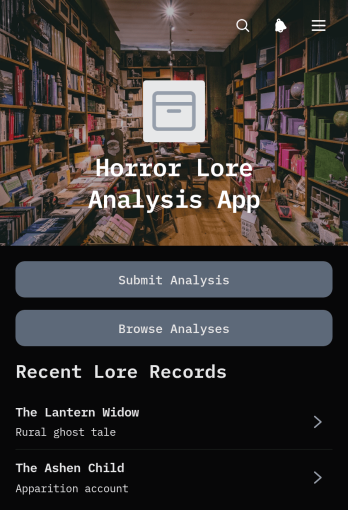
Horror Lore Analysis App
The Horror Lore Analysis App is a searchable space for collecting, examining, and sharing interpretations of horror stories, myths, characters, symbols, and recurring themes. Researchers, educators, students, writers, media clubs, and horror enthusiasts can use this app template to document evidence and compare perspectives without scattering material across separate files. Contributors can submit an analysis through a connected form, browse existing entries, and review source information for added context. It works well for classroom projects, creative research, community archives, editorial planning, and group discussions centered on horror lore.Jotform App Templates help teams turn focused research and content workflows into accessible digital experiences. With Jotform’s no-code app builder and drag-and-drop interface, creators can adapt pages, navigation, colors, typography, and connected data collection tools without programming. Entries can be organized through linked forms and tables, while notifications and workflow connections support review processes. Once customized, the app can be published for mobile-friendly self-service access and shared through a direct link, scannable code, or embedded experience.
Go to Category:Entertainment Apps
Educational Trip Itinerary App
Educational Trip Itinerary App is an app template for organizing class excursions, field studies, campus visits, and other learning-focused trips in one accessible place. Teachers, school administrators, trip coordinators, tutors, and educational program leaders can use it to browse planned trips, review essential trip context, and add schedule entries for activities. Clear access to destinations, durations, subjects, locations, and notes helps participants understand how each journey supports learning goals while reducing scattered schedules and incomplete updates.Jotform App Templates make it easy to adapt this itinerary to different subjects, age groups, and travel formats. With Jotform’s no-code app builder and drag-and-drop interface, organizers can update pages, adjust branding, connect forms, and arrange content without programming. The app builder also supports data collection and connected workflows, helping teams gather itinerary details and maintain current schedules. Once published, the app can be shared by link or QR code, giving staff and participants mobile-friendly self-service access before and during a trip.
Go to Category:Trip Planner Apps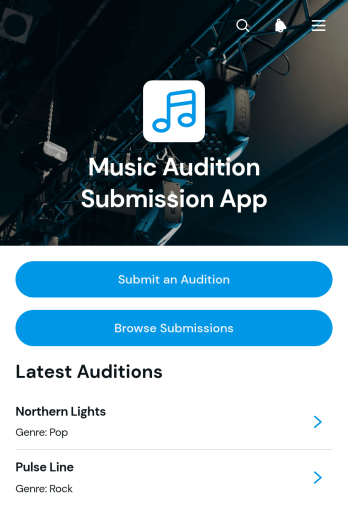
Music Audition Submission App
The Music Audition Submission App gives casting teams, music educators, ensemble directors, event producers, and talent coordinators one organized place to receive and review auditions. Applicants can access a dedicated submission form, while reviewers can browse entries, open individual audition profiles, check performance details and statuses, and contact applicants when follow-up is needed. It is well suited to choirs, bands, orchestras, music programs, competitions, stage productions, and other selection processes that need clearer data collection and a more consistent applicant experience.Jotform makes this app template easy to adapt without coding. Using the drag-and-drop app builder, teams can update pages, navigation, colors, fonts, and visual elements to fit their audition process. Connected forms, tables, approvals, notifications, and workflows can help staff organize incoming entries and coordinate reviews from one mobile-friendly location. Start with one of Jotform’s app templates, personalize the content, and publish the finished experience through a direct link, scannable code, or embedded page for convenient self-service access.
Go to Category:Entertainment Apps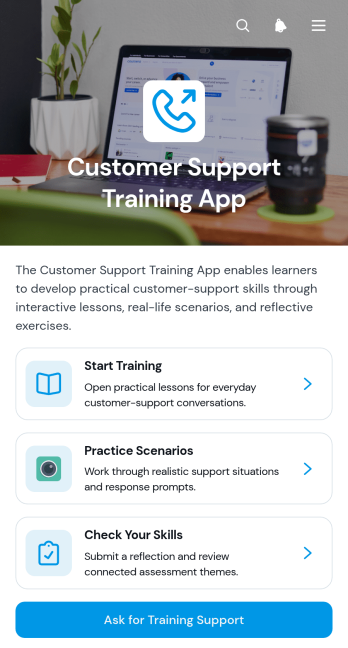
Customer Support Training App
The Customer Support Training App gives support teams a central place to develop service knowledge, practice customer interactions, and assess workplace skills. Support managers, training coordinators, human resources teams, and growing businesses can use it for new-hire onboarding, refresher training, coaching programs, or preparation for new service procedures. Learners can access lessons, work through practice scenarios, complete skills reflections, and request training support when they need additional guidance. This focused experience helps organizations deliver consistent instruction while giving employees a clear path through training activities.Jotform Apps makes it easy to turn this app template into a branded learning resource without writing code. Use the drag-and-drop app builder to adjust pages, navigation, visual elements, and training content for different roles or programs. Connected forms and tables can support data collection, feedback, and workflow automation, while direct links and QR codes make the app simple to share. Starting with Jotform App Templates also saves setup time, helping teams publish a mobile-friendly self-service training experience that can evolve with their customer support operations.
Go to Category:Resource & Learning Portal Apps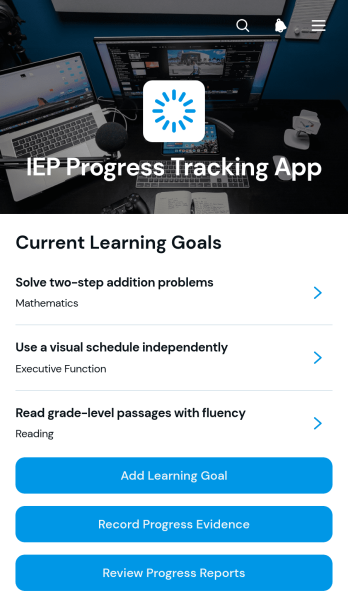
IEP Progress Tracking App
The IEP Progress Tracking App is an app template for documenting learning goals, recording progress evidence, and reviewing progress reports in one organized space. Special education teachers, classroom educators, intervention teams, tutors, and school administrators can use it to maintain a clearer view of each learner’s progress toward individualized objectives. Educators can add learning goals, submit evidence as progress occurs, and revisit reports when preparing instructional updates or team discussions. This reduces scattered records, supports consistent documentation, and helps staff make informed decisions about teaching strategies and student support.Jotform App Templates make it easier to turn educational workflows into accessible digital experiences without coding. Using Jotform’s no-code app builder and drag-and-drop interface, schools can customize this IEP Progress Tracking App with their own colors, content, navigation, and connected forms. Teams can support data collection, organize records, automate notifications, and link relevant workflows from a single app. Once published, the app can be shared by link or QR code for convenient access on phones, tablets, and computers, giving authorized educators a practical self-service resource wherever progress is recorded or reviewed.
Go to Category:Education Apps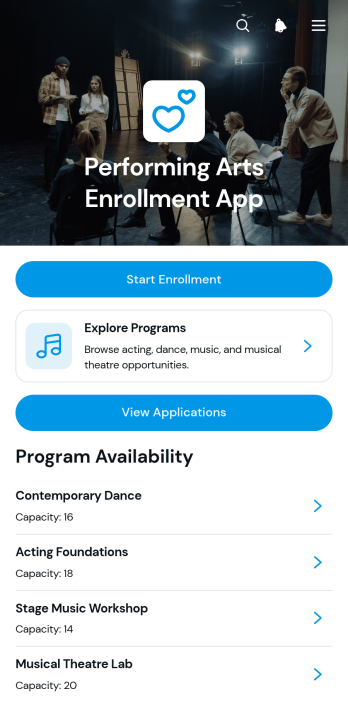
Performing Arts Enrollment App
Performing Arts Enrollment App is an app template for performing arts schools, studios, academies, community programs, and instructors that need a central place to present programs and accept enrollment requests. Prospective students and families can browse available classes, review key schedule and capacity information, and submit an enrollment form for their chosen program. Administrators can also view applications and applicant details without relying on scattered emails or paper records. This organized experience supports enrollment for dance, music, theater, and multidisciplinary arts programs while making it easier to communicate options and manage applicant information.Jotform App Templates help organizations turn enrollment tasks into accessible digital experiences without coding. Using Jotform’s no-code app builder and drag-and-drop interface, teams can tailor pages, navigation, colors, fonts, and branding to suit their programs. The Performing Arts Enrollment App can connect data collection with tables, notifications, approvals, and other workflow steps, giving staff a practical way to manage submissions. Once customized, the app can be shared through a direct link or QR code for convenient mobile access and student self-service.
Go to Category:Course & Training Registration Apps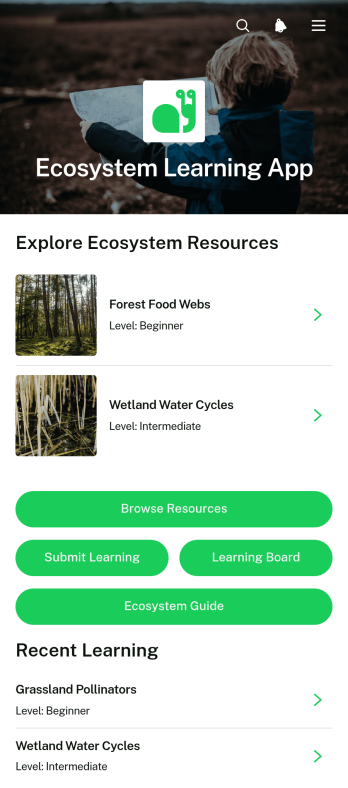
Ecosystem Learning App
Ecosystem Learning App is an educational app template for teachers, tutors, students, nature programs, and community groups exploring ecological systems. It brings learning resources, learner contributions, and practical guidance into one accessible space. Users can browse materials by topic and learning level, open supporting resource links, submit what they have learned, and review a learning board with reflections and progress details. This organized experience helps educators supplement classroom lessons, support independent study, and encourage learners to connect concepts such as habitats, biodiversity, and environmental relationships. It can also serve as a shared resource center for workshops, field activities, and community education.With Jotform, this app template can be adapted into a branded learning experience without writing code. The no-code app builder provides a drag-and-drop interface for updating pages, cards, buttons, images, and navigation while keeping content easy to explore on mobile devices. Connect forms to support data collection, add new educational resources, and create workflows for reviewing learner submissions or updating shared materials. Jotform App Templates also make it easy to publish and share the finished app through a direct link, personalized address, or scannable code, giving learners convenient self-service access wherever instruction takes place.
Go to Category:Education Apps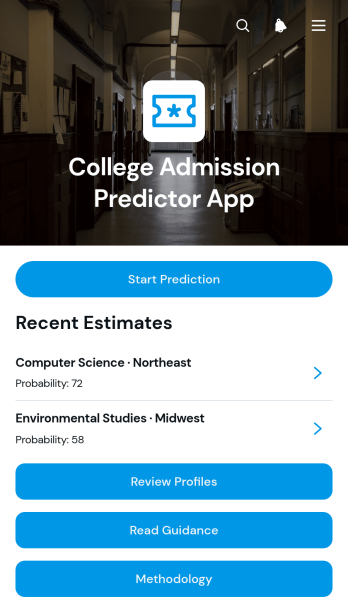
College Admission Predictor App
The College Admission Predictor App helps prospective students, school counselors, tutors, and education consultants assess possible admission outcomes using a student’s academic profile, test results, course interests, and budget considerations. Users can submit profile information, receive an estimated admission probability and status, and review guidance for potential next steps. The app also provides access to methodology information so estimates can be interpreted in context rather than treated as admission guarantees. Schools and advising teams can use this app template to support early college planning, organize student assessments, and give applicants a convenient self-service starting point before individual counseling.Jotform Apps makes it easy to adapt this experience with a no-code app builder and an intuitive drag-and-drop interface. Customize pages, visual elements, navigation, and guidance to suit your advising process, then connect forms and data collection workflows in one mobile-friendly app. Jotform App Templates can be shared through a direct link or QR code, giving students and counselors convenient access from almost any device. Whether the app supports a school counseling office, tutoring service, or independent education practice, it can bring profile intake, estimates, and planning resources into one organized experience.
Go to Category:Education Apps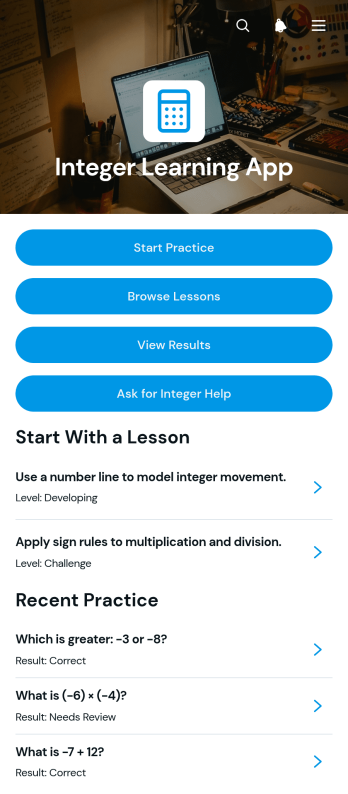
Integer Learning App
Integer Learning App is an interactive educational template for teaching and practicing positive and negative integers. It gives students a central place to browse lessons, review worked examples, complete practice questions, check submitted answers and results, and request help when a concept is unclear. Teachers, tutors, schools, learning centers, and families can use it to support classroom instruction, independent study, homework review, or targeted intervention. By connecting explanations with repeatable practice and visible reasoning, the app helps learners recognize mistakes, strengthen problem-solving skills, and revisit topics at an appropriate level without searching across separate resources.Jotform App Templates make it easy to adapt this learning experience without coding. Using Jotform’s drag-and-drop app builder, educators can update lesson content, reorganize navigation, add forms, connect tables, and create workflows for data collection or learner support. Pages, cards, buttons, media, and branded visual elements can be adjusted to suit a course, age group, or teaching style. Once the Integer Learning App is ready, it can be shared by link or QR code for convenient mobile-friendly access. This flexible approach helps educators create a self-service resource that keeps integer instruction, practice, feedback, and assistance in one accessible place.
Go to Category:Education Apps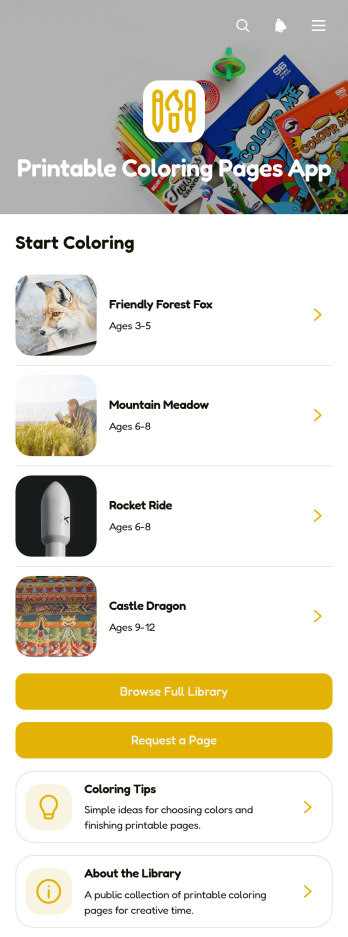
Printable Coloring Pages App
Printable Coloring Pages App gives teachers, tutors, childcare providers, activity coordinators, and families a convenient place to organize and distribute ready-to-print coloring resources. Users can browse a visual library, open printable files, and request new pages without searching through scattered folders or messages. Helpful details such as age range, category, difficulty, and printing guidance make it easier to choose suitable activities for classrooms, learning centers, community programs, events, or home use. This app template supports faster resource discovery while keeping creative materials accessible from one central location.With Jotform, this template can be adapted through a no-code app builder and an intuitive drag-and-drop interface. Add branded pages, update navigation, connect request forms, and organize library data without writing code. Jotform App Templates also help teams bring data collection, self-service access, and related workflow steps into one mobile-friendly experience. Once the Printable Coloring Pages App matches your needs, publish it through a direct link, personalized app address, embedded experience, or scannable code so educators, staff, parents, and learners can reach the latest resources.
Go to Category:Entertainment Apps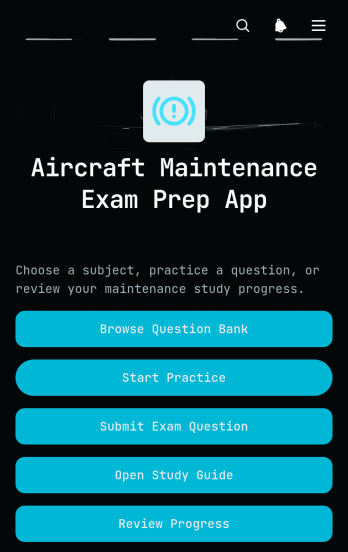
Aircraft Maintenance Exam Prep App
Aircraft Maintenance Exam Prep App gives aviation instructors, technical schools, training departments, and independent learners a focused place to prepare for aircraft maintenance examinations. Users can browse a question bank, complete practice activities, consult a study guide, and review results and completion times. This app template helps learners identify knowledge gaps and revisit important maintenance subjects while giving educators a practical resource for classroom review, supplementary assignments, or self-paced study. It keeps preparation materials and progress records together, reducing reliance on scattered documents and disconnected learning tools.With Jotform Apps, organizations can turn this ready-made resource into a branded learning experience without writing code. The drag-and-drop interface makes it easy to adjust pages, navigation, colors, fonts, and content for different curricula or learner groups. Forms, tables, notifications, and connected workflows can support question contributions, data collection, and progress monitoring. Once customized, the app can be shared through a direct link or QR code for convenient mobile-friendly access, helping learners study wherever their training takes place.
Go to Category:Quiz Apps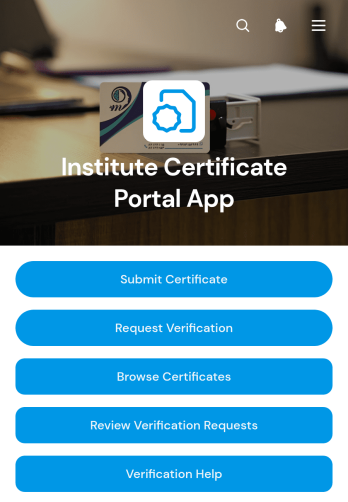
Institute Certificate Portal App
The Institute Certificate Portal App provides educational institutions, training centers, certification teams, and administrators with a central place to manage certificate records and verification activity. Recipients can submit certificate details, while employers, admissions teams, and other authorized requesters can ask for verification. Staff can browse certificate records, review incoming requests, and check essential information such as verification status and validity dates. This app template helps replace scattered emails and disconnected files with a clear workflow that supports faster responses, more consistent recordkeeping, and convenient self-service access.With Jotform, you can adapt this Institute Certificate Portal App to your organization without writing code. The no-code app builder offers a drag-and-drop interface for updating pages, navigation, branding, and connected data collection forms. Link records with tables and workflows, add approval steps or notifications where needed, and organize resources into a mobile-friendly experience. Once ready, publish the app and share it through a direct link or QR code, giving staff and external users an accessible way to submit information, review records, and complete certificate-related tasks.
Go to Category:Education Apps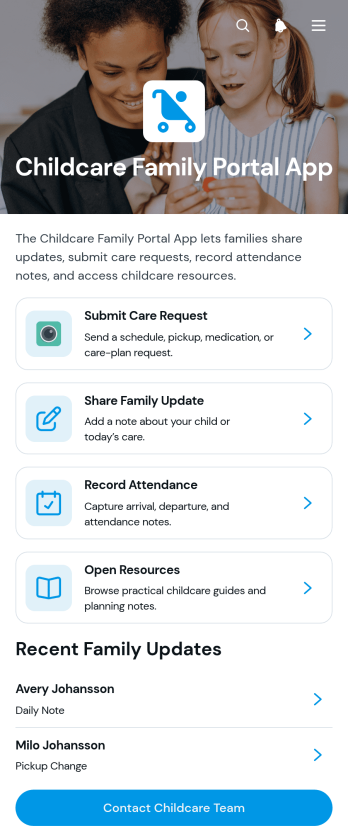
Childcare Family Portal App
The Childcare Family Portal App gives childcare providers and families a shared space for exchanging care updates, recording attendance notes, and browsing useful resources. Daycare centers, early learning programs, preschool administrators, caregivers, and parents can use this app template to keep child-related communication organized and accessible. It supports clearer coordination when families need to submit a care request, share a note or attachment, review information about a child, or contact the childcare team. By bringing routine interactions into one family-facing portal, providers can reduce scattered messages, maintain more consistent records, and offer convenient self-service access.Jotform Apps makes it easy to adapt this experience with a no-code app builder and an intuitive drag-and-drop interface. Teams can customize pages, colors, fonts, cards, and navigation to reflect their childcare program, then connect forms, tables, notifications, approvals, and other workflow steps. This Childcare Family Portal App can be shared through a direct link or QR code for mobile-friendly access without requiring coding knowledge. Jotform App Templates also help providers create a polished resource center, manage data collection, and update family information as their operational needs change.
Go to Category:Customer Portal Apps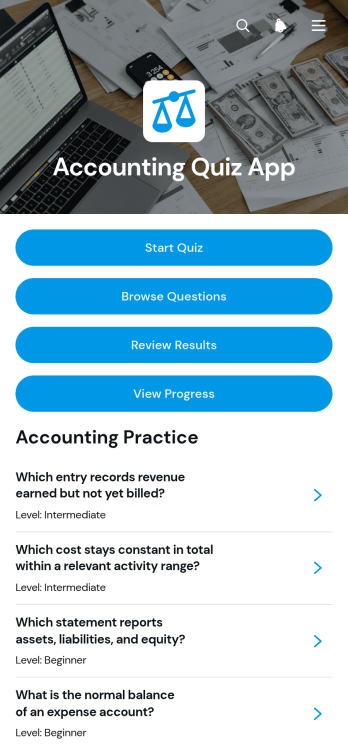
Accounting Quiz App
The Accounting Quiz App is a ready-to-use app template for testing accounting knowledge through organized questions, answer choices, and measurable results. It suits accounting instructors, tutors, training teams, finance departments, and students who need an accessible way to practice concepts or evaluate learning. Participants can start a quiz, browse the question bank, and review scores, correct answers, total questions, and completion time. Progress views make it easier to identify knowledge gaps and monitor improvement across repeated attempts. The template can support classroom exercises, employee training, exam preparation, skills assessments, and independent study without requiring separate tools for questions and results.Jotform makes it easy to adapt this Accounting Quiz App with a no-code app builder and an intuitive drag-and-drop interface. Add or rearrange pages, update navigation, apply custom branding, and connect forms or tables to support data collection and learning workflows. Jotform App Templates can be shared through a direct link or QR code, giving learners convenient mobile access wherever they study or train. Educators and organizations can publish a polished self-service quiz experience quickly while keeping questions, responses, and progress information organized in one place.
Go to Category:Quiz Apps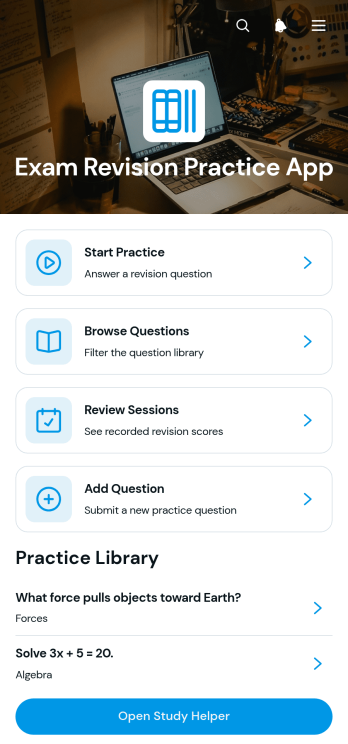
Exam Revision Practice App
The Exam Revision Practice App is a focused study resource for students preparing for school, college, entrance, or professional exams. Learners can browse revision questions by subject, view answers and explanations, add new questions, and record study sessions with notes for later review. It supports independent revision, tutoring, classroom practice, and study groups by keeping essential learning activities in one accessible place. Students gain a clearer view of completed work, while tutors and educators can organize practice materials that encourage regular recall and reflection.With Jotform Apps, this app template can be adapted through a no-code app builder and an intuitive drag-and-drop interface. Customize pages, navigation, colors, fonts, and branding without programming, then connect forms and tables to support data collection and study workflows. Jotform App Templates also make it easy to create a mobile-friendly self-service experience that learners can open from a direct link or QR code. Whether used for a single subject or a broader exam plan, the app builder helps educators and learners publish a polished revision resource quickly.
Go to Category:Quiz Apps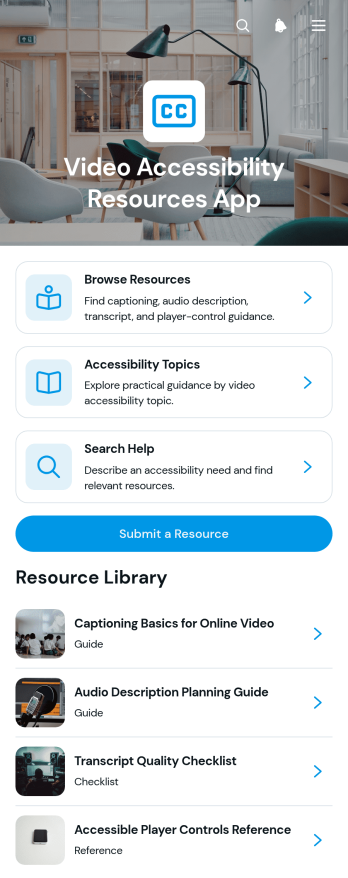
Video Accessibility Resources App
Video Accessibility Resources App is a centralized reference experience for finding guidance on captions, audio descriptions, transcripts, and accessible player controls. It suits educators, content teams, media producers, nonprofit organizations, accessibility specialists, and institutions that need to organize practical video accessibility information for staff or community members. Users can browse resources by topic, search for relevant help, review summaries and accessibility details, follow links to supporting material, and submit useful resources for consideration. By bringing guidance into one searchable destination, this app template reduces scattered research and makes trusted educational material easier to discover and revisit.Jotform App Templates help teams turn information and connected processes into mobile-friendly app experiences without writing code. Customize this Video Accessibility Resources App with the no-code app builder and its drag-and-drop interface, then update pages, branding, navigation, and resource content to match your audience. You can connect forms for data collection, organize submissions through a workflow, and publish the finished resource center through a direct link or QR code. Jotform also makes it simple to maintain a self-service destination that can evolve as guidance, recommended practices, and audience needs change.
Go to Category:Resource & Learning Portal Apps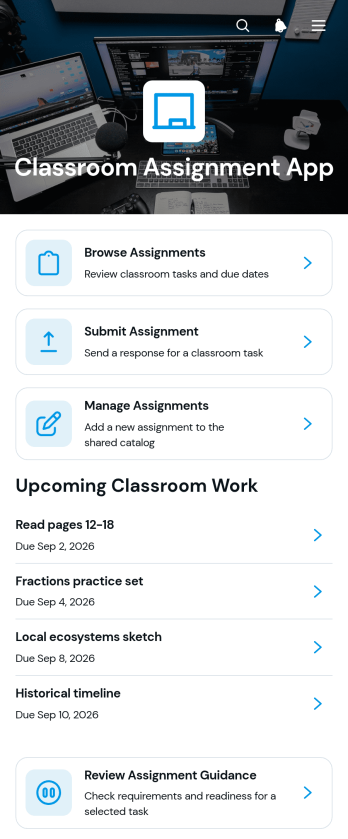
Classroom Assignment App
The Classroom Assignment App gives teachers, tutors, and school staff a central place to publish coursework and manage student responses. Learners can browse available assignments, review requirements, check due dates, subjects, class sections, and statuses, then submit their work through a connected form. Educators can review assignment guidance and submission details without relying on scattered messages or paper records. This app template is useful for daily classwork, homework, projects, remote learning, tutoring programs, and blended classrooms where students need clear self-service access to current tasks.Jotform makes it easy to adapt this Classroom Assignment App to different courses, grade levels, and teaching methods. Its no-code app builder and drag-and-drop interface let educators update pages, navigation, visual elements, and connected forms without programming. Assignment data can be organized through linked tables and workflows, while notifications help staff respond to new activity. Once the app is ready, it can be shared by a direct link or QR code for convenient access on phones, tablets, and computers. Jotform App Templates also provide a practical starting point for building a branded classroom resource that can grow with changing academic needs.
Go to Category:Classroom Management Apps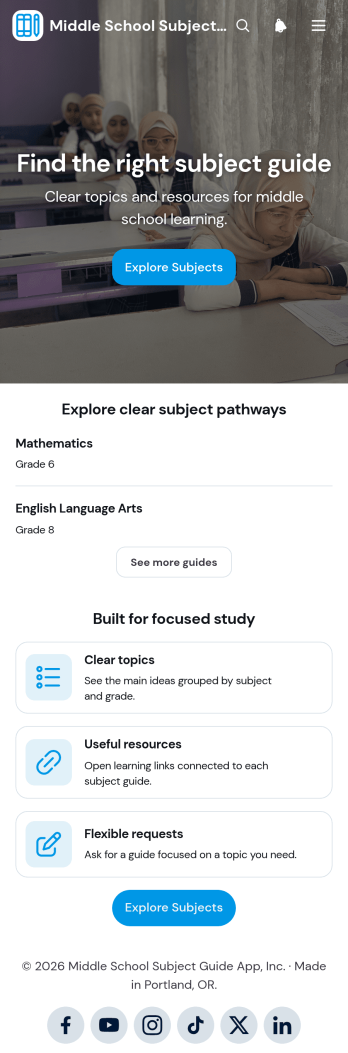
Middle School Subject Guide App
The Middle School Subject Guide App gives students, families, teachers, tutors, and school support teams one organized place to explore subject pathways and prepare for focused study. Its clear subject browsing, topic summaries, learning resource access, and topic guide request option help learners find relevant material without searching across disconnected pages. Schools can use this app template as a digital study companion, curriculum overview, homework support center, or self-service resource for students who need extra guidance. It can also help families understand what learners are studying and make it easier for educators to direct each student toward useful information and assistance.Jotform makes this Middle School Subject Guide App easy to adapt with a no-code app builder and a flexible drag-and-drop interface. Educators can update pages, organize subject content, connect forms, and refine navigation without programming knowledge. The app can support data collection and workflows for topic guide requests while keeping learning materials accessible from phones, tablets, and computers. Starting with Jotform App Templates also saves setup time, so schools, tutoring teams, and educational programs can create a branded resource experience, share it through a link or QR code, and update it as subjects and learning needs change.
Go to Category:Education Apps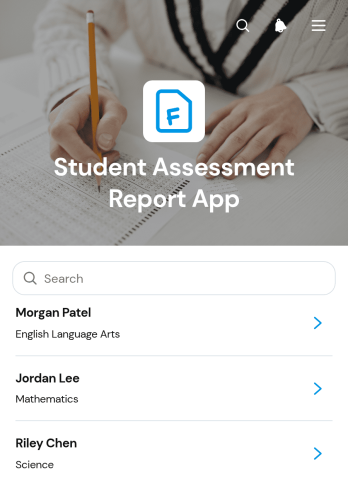
Student Assessment Report App
Student Assessment Report App is an app template for teachers, tutors, school administrators, and academic teams that need a central place to record and review student evaluations. Educators can submit assessment reports, browse entries by student, and view insights that make scores and performance statuses easier to interpret. It is useful for classroom evaluations, tutoring reviews, course checkpoints, and recurring academic progress assessments. By keeping evaluator details, class or grade information, scores, statuses, and supporting notes together, the app reduces scattered records and helps education teams maintain a clearer view of student performance.Jotform makes this app template easy to adapt with a no-code app builder and an intuitive drag-and-drop interface. Add or rearrange pages, update labels and branding, connect forms and tables, and shape the workflow around your assessment process without programming. Reports can support organized data collection and timely follow-up, while app links and QR codes offer convenient access on phones, tablets, or computers. Start with one of Jotform’s App Templates, customize the experience for your institution, and publish a practical self-service resource for educators and authorized team members.
Go to Category:Report Apps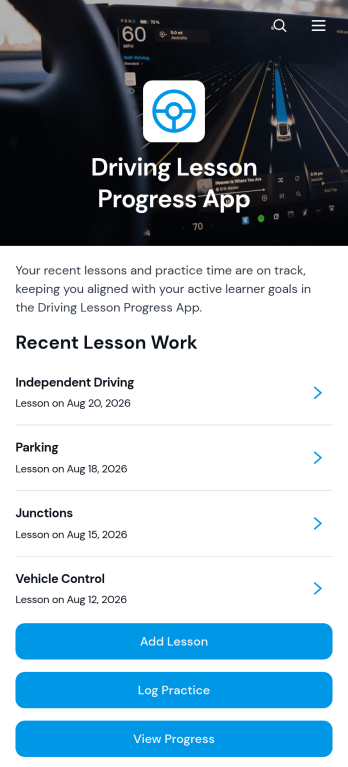
Driving Lesson Progress App
Driving Lesson Progress App gives driving schools, independent instructors, learners, and supervising family members one place to document training and follow skill development. Users can add lesson records, log private practice sessions, review instructor notes, set learner goals, and open supporting resources. This app template helps reveal which driving skills need more attention while preserving a clear history of lesson duration, practice time, progress status, reflections, and target dates. It is useful throughout a learner’s training journey, from early vehicle control exercises to preparation for independent driving, and encourages productive conversations between learners and instructors.With Jotform Apps, teams can adapt App Templates to match their training process without writing code. The no-code app builder features a drag-and-drop interface for updating pages, navigation, buttons, content, and visual branding. Connected forms support consistent data collection, while tables and workflows can organize incoming lesson, practice, and goal records. Schools and instructors can publish the finished app with a shareable link or QR code, giving learners mobile-friendly self-service access to progress information and educational materials. The template can also grow alongside the program as new resources, forms, or training steps are added.
Go to Category:Education Apps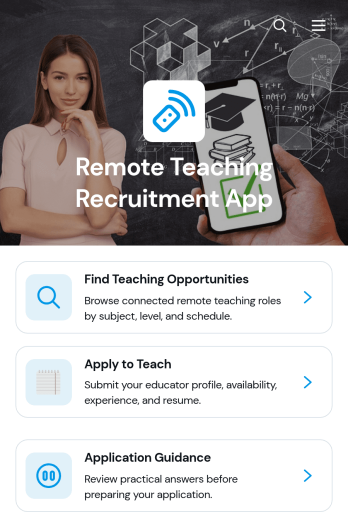
Remote Teaching Recruitment App
Remote Teaching Recruitment App gives schools, tutoring providers, education programs, and recruitment teams a central place to connect qualified educators with remote teaching roles. Candidates can browse teaching opportunities, review essential role information, and submit an application from one convenient experience. Application guidance helps applicants understand the process before they apply. By bringing opportunity discovery and candidate intake together, this app template reduces scattered inquiries, gives recruiters a consistent recruitment journey, and makes openings easier to access across locations and devices.Jotform Apps helps organizations turn recruitment processes into interactive, mobile-friendly experiences without coding. Start with this Remote Teaching Recruitment App from Jotform App Templates, then use the no-code app builder and drag-and-drop interface to update pages, branding, navigation, and content. Teams can connect forms, tables, notifications, approvals, and other workflow tools to support data collection and application review. Once customized, the app can be published and shared by direct link or QR code, giving candidates convenient self-service access while helping recruiters manage hiring activity from one organized destination.
Go to Category:Job Apps