

Education App Templates

Classroom Humor App
Classroom Humor App gives teachers, students, tutors, and school communities a shared space for collecting and exploring classroom-friendly humor. Users can contribute humorous moments through a connected form, browse submitted entries, and view useful details such as classroom context, format, and grade band. It works well for celebrating memorable learning moments, creating a lighthearted class resource, supporting school community activities, or gathering material for newsletters and end-of-term reflections. By keeping contributions and discovery in one accessible place, the app reduces scattered messages and makes it easier to build positive engagement around everyday classroom experiences.Jotform App Templates help educators create interactive resources without coding. With Jotform’s no-code app builder and drag-and-drop interface, users can adapt the Classroom Humor App with custom pages, cards, buttons, colors, fonts, and navigation. Connected forms support data collection, while organized app pages make self-service browsing simple on phones, tablets, and computers. The app can be shared through a direct link or QR code and connected with tables, notifications, approvals, and other workflow tools. Start with the app template, adjust it for a class or school community, and publish a polished experience in minutes.
Go to Category:Classroom Management Apps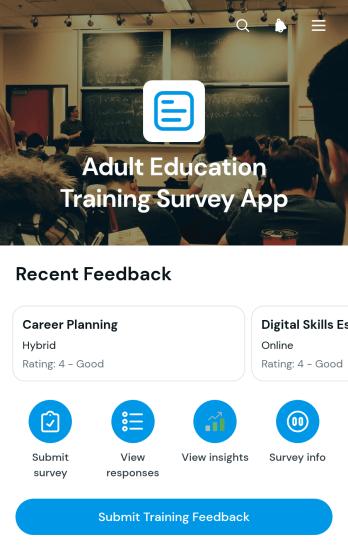
Adult Education Training Survey App
The Adult Education Training Survey App gives adult learning providers a central place to collect participant feedback, review responses, and view rating and delivery format trends after training sessions. It is well suited to adult education centers, workforce development programs, community learning organizations, tutors, instructors, and training coordinators seeking clearer insight into learner experiences. Participants can submit training feedback through a simple self-service journey, while authorized teams can examine response summaries and visual distributions. This supports course evaluation, instructor reflection, program planning, and informed decisions about future topics and teaching formats.Jotform helps organizations turn surveys and connected processes into accessible app experiences without writing code. Start with this app template, personalize its pages through the drag-and-drop app builder, and adapt the branding, navigation, and content to fit your education program. Connected forms and visual reports bring data collection and review into one workflow, reducing the need to manage separate resources. Once ready, the app can be published and shared by a direct link or QR code, giving learners convenient mobile access and helping education teams maintain a consistent feedback process across classes, workshops, and recurring training programs.
Go to Category:Education Apps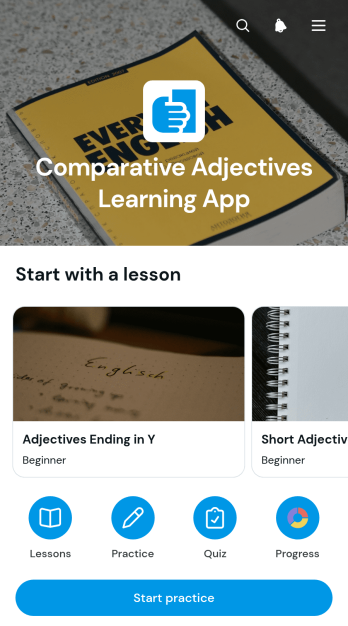
Comparative Adjectives Learning App
The Comparative Adjectives Learning App is an interactive educational resource for teaching and practicing how adjectives compare people, places, objects, and ideas. It supports language teachers, tutors, schools, training programs, and independent learners who need a clear way to review grammar and reinforce understanding. Learners can study rules and examples, complete guided practice prompts, and receive helpful answers and hints. Quiz score tracking also gives educators and students a practical view of learning progress. This app template works well for classroom activities, tutoring sessions, homework support, revision, and self-paced study.Jotform makes it easy to adapt this learning experience without writing code. Using the no-code app builder and drag-and-drop interface, educators can update lesson content, adjust navigation, add connected forms, and organize data collection around their teaching goals. The app can be shared by link or QR code for convenient mobile access, helping learners move between instruction and practice wherever they study. Start with one of Jotform’s App Templates, personalize the layout and branding, and publish a focused educational workflow that supports guided learning and self-service review.
Go to Category:Education Apps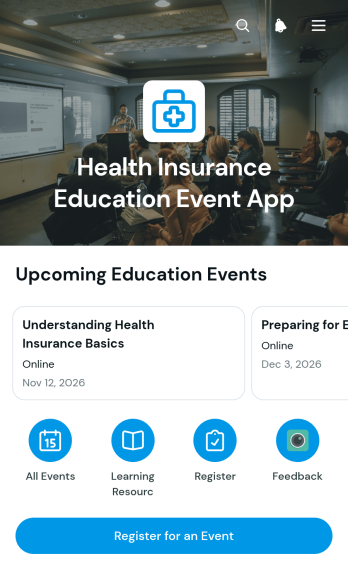
Health Insurance Education Event App
Health Insurance Education Event App helps insurers, benefit educators, community groups, employers, and healthcare organizations publish educational events in one accessible place. Visitors can browse upcoming sessions, review event information, register for a selected program, and open related learning resources. It is well suited to enrollment workshops, plan literacy seminars, employee benefit briefings, community outreach sessions, and virtual learning events. By connecting event discovery with registration and educational content, the app reduces scattered communications and gives attendees a clearer path from initial interest to participation.Jotform provides a no-code app builder that makes this app template easy to adapt without programming. Organizers can use the drag-and-drop interface to update pages, adjust navigation, apply their visual style, and connect forms for data collection. Event details and resources can be maintained in a mobile-friendly experience that supports attendee self-service. Once ready, the app can be shared through a direct link or QR code, helping teams manage repeatable event workflows while giving audiences convenient access from nearly any device.
Go to Category:Insurance Apps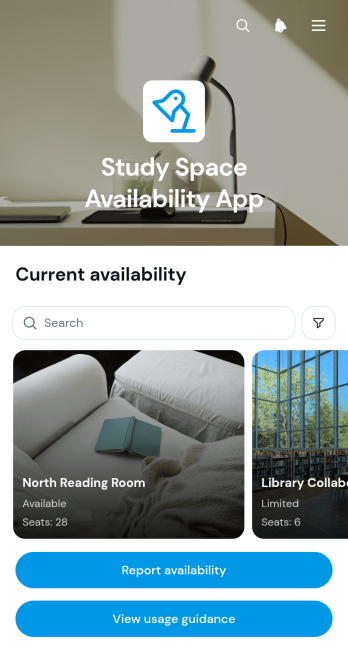
Study Space Availability App
Study Space Availability App helps students, library visitors, faculty, and campus staff find suitable places to study based on recently reported availability. Educational institutions, libraries, learning centers, and shared work facilities can use this app template to present study spaces in a browsable list, provide usage guidance, and collect availability updates through a connected form. It gives users a convenient self-service resource before they travel across a building or campus, while administrators gain a clearer view of how shared areas are being used. The app can reduce uncertainty around crowded rooms, quiet zones, group study areas, and other learning spaces without requiring users to contact staff for routine information.Jotform makes it easy to adapt this template with a no-code app builder and a visual drag-and-drop interface. Teams can update pages, space cards, instructions, buttons, colors, and branding to suit their facilities. Connected forms and tables support organized data collection and help turn visitor reports into a practical workflow for maintaining availability information. Like other Jotform app templates, the app can be published without programming and shared through a direct link, quick response code, or embedded experience. Its mobile-friendly layout lets users browse space information, check guidance, and report updates from a phone, tablet, or computer.
Go to Category:Education Apps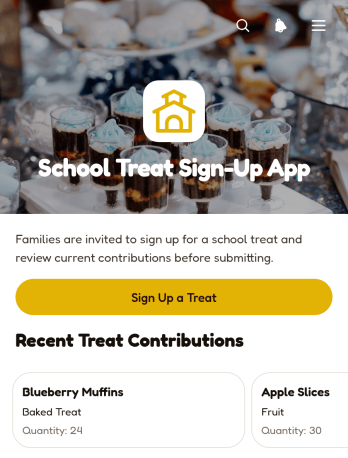
School Treat Sign-Up App
The School Treat Sign-Up App helps teachers, classroom coordinators, parent volunteers, and school staff organize food contributions for class parties, celebrations, and other school events. Families can register a treat, while organizers can browse submitted items and review essential details such as quantity, category, event date, allergen notes, and contributor information. Keeping these details in one shared experience reduces duplicate contributions, clarifies what is still needed, and gives coordinators a practical reference when planning refreshments. It is well suited to individual classrooms, parent groups, clubs, and schoolwide activities that rely on coordinated family participation.Jotform App Templates make it easy to adapt this app template without writing code. Using Jotform’s no-code app builder and drag-and-drop interface, organizers can update pages, adjust branding, connect forms and tables, and support a more organized data collection workflow. The finished app can be shared through a direct link or QR code, giving families mobile-friendly self-service access from nearly any device. Schools can also revise content for different events, centralize contribution records, and publish updates without creating a new experience from scratch.
Go to Category:School Management Apps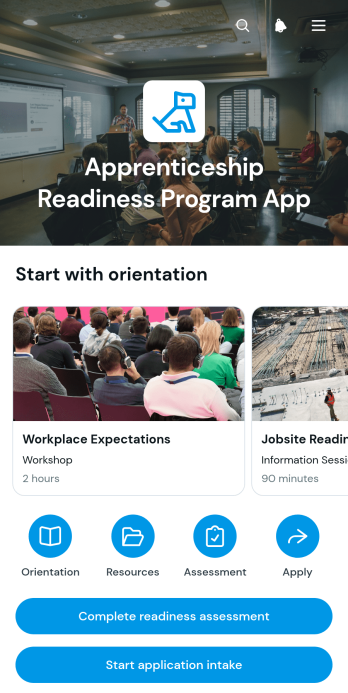
Apprenticeship Readiness Program App
Apprenticeship Readiness Program App gives workforce development teams, training providers, educational institutions, nonprofits, and trade organizations a central place to prepare candidates for apprenticeship opportunities. Program staff can present orientation modules, explain learning formats and time commitments, organize readiness resources, and guide candidates to an assessment and application intake form. This focused experience helps prospective participants understand expectations before applying, while administrators can deliver consistent information, reduce repetitive inquiries, and support informed enrollment decisions. It is especially useful for pre-apprenticeship programs, career preparation initiatives, and community workforce pathways.Jotform App Templates make it easy to adapt this app template without writing code. Using the no-code app builder and its drag-and-drop interface, teams can update pages, navigation, buttons, imagery, and program branding to match their audience. Forms, tables, approvals, notifications, and other workflows can be connected to support data collection and follow-up from one mobile-friendly experience. Once published, the app can be shared by a direct link, embedded on a website, or accessed through a scannable code, giving candidates convenient self-service access to preparation materials and application steps.
Go to Category:Education Apps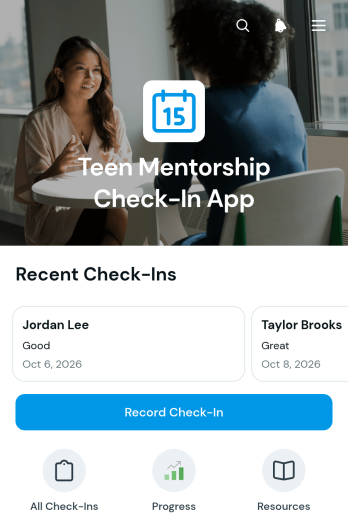
Teen Mentorship Check-In App
Teen Mentorship Check-In App gives youth mentoring programs a central place to document conversations, review participant progress, and plan meaningful next steps. Mentors can record each check-in, browse teen profiles, view mood trends, and revisit progress updates without relying on scattered notes. The app template is well suited to schools, nonprofits, community groups, tutoring programs, and youth development teams that need a consistent approach to ongoing mentorship. It helps coordinators understand engagement over time, gives mentors useful context before conversations, and supports timely follow-up when a participant may need additional guidance or resources.Jotform App Templates make it easy to adapt this experience to the needs of a specific mentoring program. With Jotform’s no-code app builder and drag-and-drop interface, teams can update pages, adjust branding, connect forms, and organize data collection without programming. The app can bring check-in records, progress information, and related resources into one mobile-friendly location while supporting a clearer workflow for mentors and coordinators. Once customized, it can be shared by direct link or QR code, helping authorized users access the information and actions they need from almost any device.
Go to Category:Social Good Apps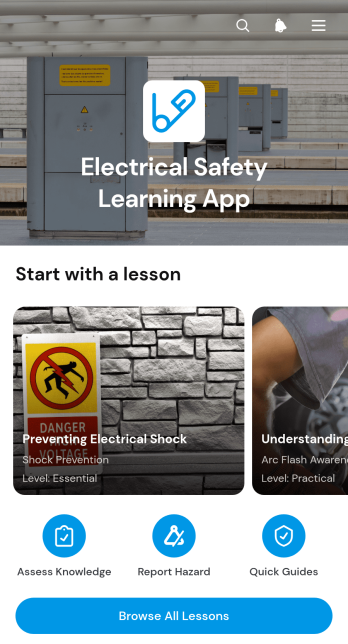
Electrical Safety Learning App
Electrical Safety Learning App is an educational resource for teaching safe electrical practices in workplaces, classrooms, training programs, and field operations. It gives employees, contractors, apprentices, students, and safety teams a central place to browse lessons, review key actions, and learn about electrical hazard categories. Users can also submit safety observations through a connected form, helping organizations turn practical findings into useful training discussions. This app template supports onboarding, refresher learning, toolbox talks, and ongoing safety awareness without scattering materials across separate channels.Jotform Apps makes it easy to adapt this learning experience without writing code. Use the drag-and-drop interface to update pages, arrange lesson cards, add reference materials, and connect forms or other workflow resources. Organizations can apply their own branding, publish the app with a shareable link or QR code, and provide mobile-friendly self-service access wherever learning takes place. Jotform App Templates offer a quick starting point while leaving room to tailor content, navigation, and data collection to each audience.
Go to Category:Education Apps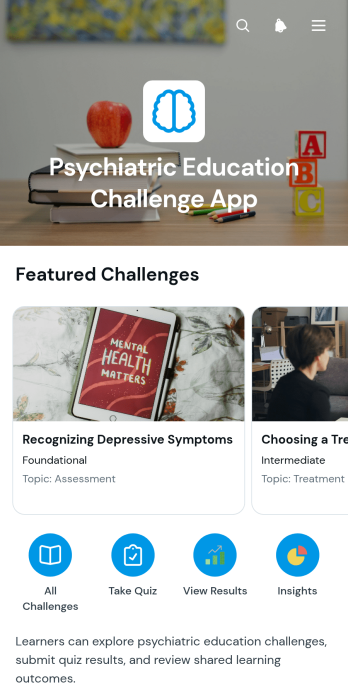
Psychiatric Education Challenge App
The Psychiatric Education Challenge App is an interactive learning template for psychiatry educators, clinical instructors, training coordinators, students, and healthcare teams seeking to reinforce knowledge through focused educational activities. It supports question-and-answer challenges, learning reflection submissions, and topic-level result reviews in one accessible experience. Educators can use it during classroom exercises, professional development sessions, study programs, or team learning initiatives. Participants can examine an educational prompt, compare their response with the provided answer, understand why the topic matters, and record their results. This approach encourages active recall, discussion, reflection, and greater visibility into subjects that may require additional attention.Jotform Apps helps organizations turn educational workflows into polished, mobile-friendly experiences without coding. Start with this app template, then use the drag-and-drop app builder to adjust pages, navigation, colors, fonts, and visual elements. Connected forms support data collection, while charts and organized records make submitted results easier to review. The app can be shared through a direct link or QR code, giving learners convenient self-service access from their preferred device. Jotform App Templates also make it simple to connect related forms, tables, approvals, and automated notifications as the training program develops.
Go to Category:Mental Health Apps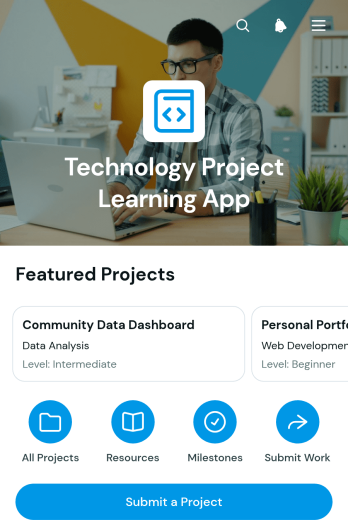
Technology Project Learning App
The Technology Project Learning App is an app template for schools, training programs, technology clubs, and workplace learning teams that organize hands-on projects. Educators and mentors can publish project opportunities, explain expected learning outcomes, and direct learners to relevant resources from one accessible location. Students, trainees, and early-career professionals can browse projects, submit their own ideas, record milestone updates, and share evidence of completed work. This structure makes progress easier to follow while encouraging reflection, practical skill development, and project-based learning. It also gives instructors a clearer view of learner activity without relying on scattered documents, messages, or disconnected project records.Jotform App Templates help organizations turn learning processes into interactive, mobile-friendly experiences without writing code. Using Jotform’s no-code app builder and drag-and-drop interface, teams can customize pages, navigation, colors, fonts, and branding to match their program. Forms and connected data collection workflows can support project submissions, progress updates, and organized recordkeeping. The finished app can be shared through a direct link or QR code, giving learners convenient self-service access on phones, tablets, and computers. As program needs change, administrators can update content, add resources, and refine the app builder layout from one central workspace.
Go to Category:Resource & Learning Portal Apps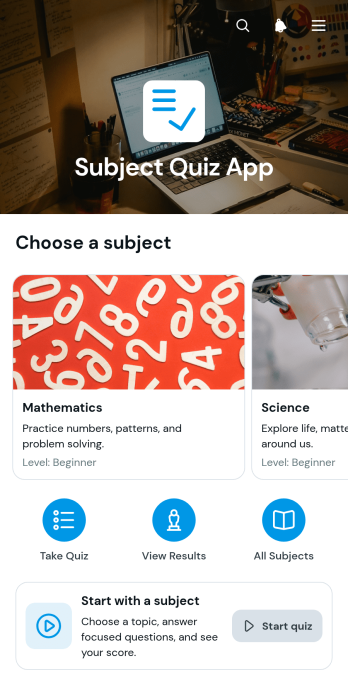
Subject Quiz App
The Subject Quiz App is a ready-to-use learning experience for organizing quizzes by subject, helping students test their knowledge and review their performance from one convenient place. It suits teachers, tutors, schools, training teams, and independent learners who need an accessible way to support practice and informal assessment. Users can browse available subjects, open a relevant quiz, and review past results with scores and subject details. This clear journey reduces scattered learning materials, encourages repeated practice, and gives learners a straightforward view of their progress.With Jotform Apps, educators and training teams can turn this app template into a branded learning resource without writing code. The drag-and-drop interface makes it easy to adjust pages, navigation, images, buttons, and content while connected forms and tables support data collection and organized quiz records. The finished app can be shared through a direct link or QR code for convenient mobile access. Start with one of Jotform’s App Templates, tailor the workflow to different subjects or audiences, and publish a self-service quiz experience in minutes.
Go to Category:Quiz Apps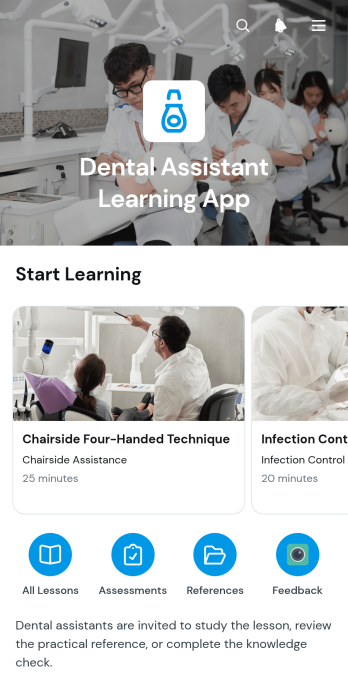
Dental Assistant Learning App
The Dental Assistant Learning App is an educational resource for dental assistant students, trainees, instructors, and practice teams supporting workplace learning. It brings lesson content and quick-reference materials into one accessible experience, helping learners review key topics before class, during training, or as part of ongoing professional development. Lesson overviews can present the topic, difficulty level, and estimated study time, while feedback forms give learners a simple way to share comments. Training programs, vocational schools, and dental practices can use this app template to organize self-service learning, reduce scattered resources, and make essential information easier to revisit.Jotform makes it easy to adapt this template without writing code. Its no-code app builder and drag-and-drop interface let educators update pages, arrange navigation, add media, and connect forms for data collection. Teams can create a polished learning experience that reflects their visual style, then share it through a direct link or QR code for convenient mobile access. With Jotform App Templates, lessons, reference content, feedback, and related workflow steps can remain together in a flexible resource that grows alongside a training program.
Go to Category:Education Apps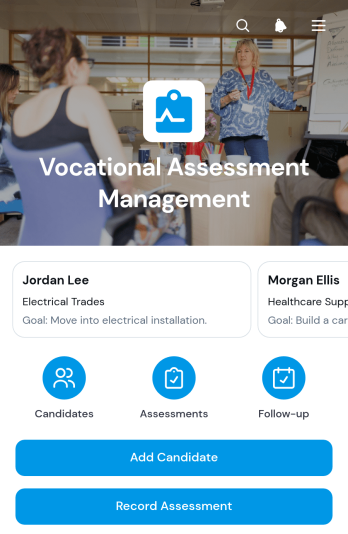
Vocational Assessment Management App
The Vocational Assessment Management App is an app template for organizing candidate evaluations, documenting vocational strengths, and coordinating the next steps toward employment or training goals. It gives career counselors, vocational evaluators, workforce development teams, educational institutions, rehabilitation providers, and human resources professionals a central place to manage candidate profiles. Users can record assessments, review competency areas and development needs, and assign follow-up actions with target dates. This consistent process reduces scattered records, supports clearer recommendations, and helps teams maintain continuity as candidates progress through evaluation and career planning.Jotform Apps helps organizations adapt this Vocational Assessment Management App without writing code. Using the no-code app builder and drag-and-drop interface, teams can adjust pages, navigation, branding, and connected forms to suit their workflow. Assessment data collection can connect with tables, notifications, approvals, and other processes for easier coordination. The finished app can be shared through a direct link or QR code, giving authorized team members convenient mobile access. Start with one of Jotform’s App Templates, customize the experience, and publish a practical resource for assessment management and team collaboration.
Go to Category:Education Apps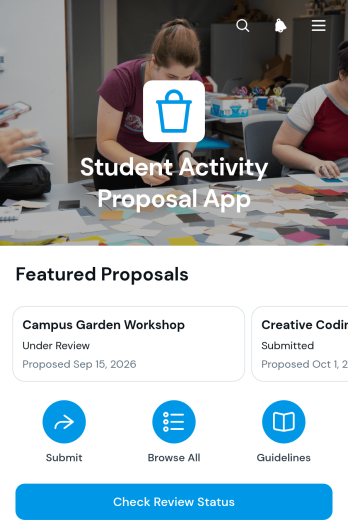
Student Activity Proposal App
The Student Activity Proposal App gives students a central place to submit plans for clubs, campus programs, class projects, and extracurricular events while helping educators and school administrators review each idea. Students can provide an activity plan through a connected proposal form, check the current review status, and read reviewer feedback without relying on scattered emails or paper documents. Proposal details such as the student, proposed date, plan, and status remain easy to browse. Schools, colleges, student councils, activity coordinators, and teaching teams can use this app template to organize requests, clarify expectations, maintain consistent records, and keep students informed throughout the review process.Jotform makes the Student Activity Proposal App easy to adapt with a no-code app builder and an intuitive drag-and-drop interface. Teams can customize pages, wording, colors, navigation, and branding, then connect forms, tables, notifications, and approval workflows to support data collection and ongoing review. This option among Jotform App Templates can be shared by direct link or QR code, giving students mobile-friendly self-service access from nearly any device. Administrators can update resources as procedures change, reduce repetitive status questions, and create a more accessible proposal experience without writing code.
Go to Category:School Management Apps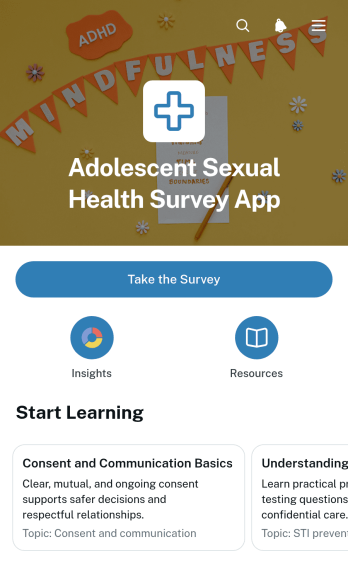
Adolescent Sexual Health Survey App
The Adolescent Sexual Health Survey App helps healthcare providers, educators, researchers, school health teams, and nonprofit organizations gather age-appropriate feedback about adolescents’ sexual health knowledge, preferred learning topics, trusted information sources, and perceived access to confidential care. Participants can open the survey from a clear navigation button, while authorized teams can review organized responses and charts that highlight topic preferences, knowledge levels, and care access trends. The app supports needs assessments, educational program planning, outreach evaluation, and research projects where sensitive questions require thoughtful wording and responsible administration.Jotform makes this app template easy to adapt with a no-code app builder and a flexible drag-and-drop interface. Teams can update survey content, add relevant educational resources, organize pages, and connect data collection to tables and workflows without programming. The finished Adolescent Sexual Health Survey App can be shared by link or QR code for mobile-friendly access, helping organizations provide a consistent survey experience and turn aggregate feedback into practical insights for education and support planning.
Go to Category:Healthcare Apps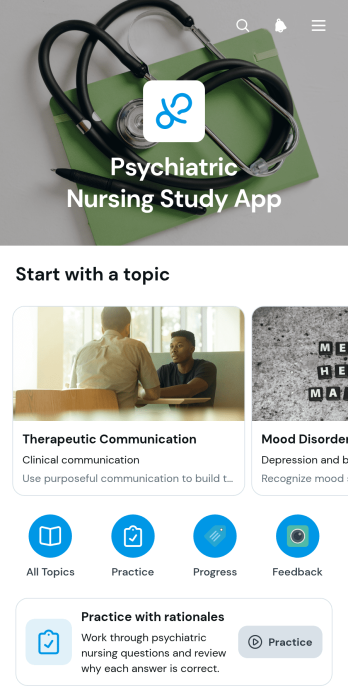
Psychiatric Nursing Study App
Psychiatric Nursing Study App is an educational app template that helps nursing students, instructors, tutors, and training programs organize focused study materials for psychiatric nursing. Learners can browse topics, review key points, and work through practice questions with answers and rationales in one accessible study experience. A feedback option also gives users a direct way to comment on quiz content. This format supports independent revision, classroom assignments, tutoring sessions, exam preparation, and supplemental learning without scattering resources across multiple locations.Jotform App Templates make it easy to turn educational content into a polished, mobile-friendly resource without writing code. Using Jotform’s no-code app builder and drag-and-drop interface, educators can customize pages, adjust navigation, update study content, and connect forms for data collection or feedback. The finished app can be shared through a direct link or QR code, helping learners access materials wherever they study. Flexible design settings also make it simple to match a course or institution’s visual style while keeping the learning workflow clear and approachable.
Go to Category:Education Apps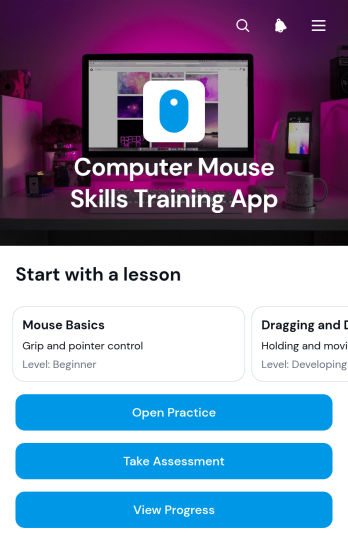
Computer Mouse Skills Training App
The Computer Mouse Skills Training App helps schools, tutors, libraries, workforce programs, and community learning centers teach essential mouse control through guided lessons and focused practice. Learners can build confidence with clicking, dragging, dropping, and precision movements, then complete assessments and review their progress. Instructors can use the app for introductory computer classes, digital literacy programs, learner support, or independent practice. By keeping lesson access, practice activities, results, and skill-level information in one place, the template makes it easier to provide consistent training and identify learners who may need additional guidance.Jotform app templates offer a practical starting point that can be adapted without coding. Using Jotform’s no-code app builder and drag-and-drop interface, educators can update content, adjust branding, reorganize navigation, and connect forms for data collection. Assessment records and practice results can support a clearer training workflow, while shareable links and scannable codes make the app easy to distribute. This app template can also become a self-service learning resource where users browse lessons, open activities, submit results, and return to relevant materials from one organized experience.
Go to Category:Education Apps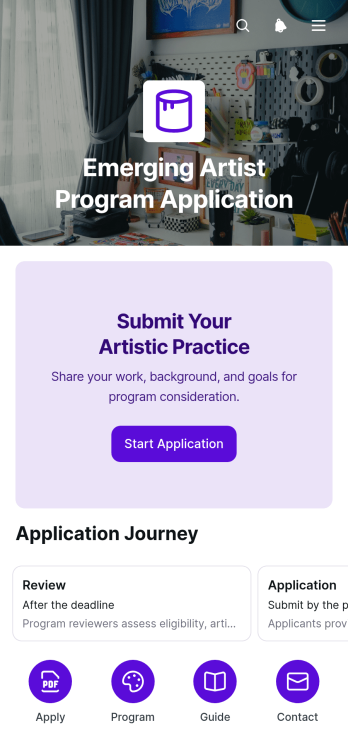
Emerging Artist Program Application App
The Emerging Artist Program Application App provides arts organizations, galleries, cultural nonprofits, residency coordinators, and selection teams with a central place to receive and manage applications from developing artists. Applicants can review eligibility guidance, prepare required materials, improve the clarity of their written responses, and submit details about their artistic practice. By bringing application preparation and submission into one accessible experience, the app reduces incomplete entries, gives candidates clearer direction, and helps program teams maintain a more consistent intake process. It is especially useful for artist development programs, exhibitions, mentorship opportunities, residencies, and creative funding initiatives.Jotform Apps makes this app template easy to adapt without coding. Using the drag-and-drop app builder, organizations can update instructions, reorganize pages, apply their visual identity, and connect forms to data collection and workflow tools. Application information can be organized in Jotform Tables, while notifications and approval steps help reviewers coordinate follow-up work. The finished app can be shared through a direct link or QR code, giving artists convenient mobile access and enabling staff to publish a polished self-service application experience quickly.
Go to Category:Entertainment Apps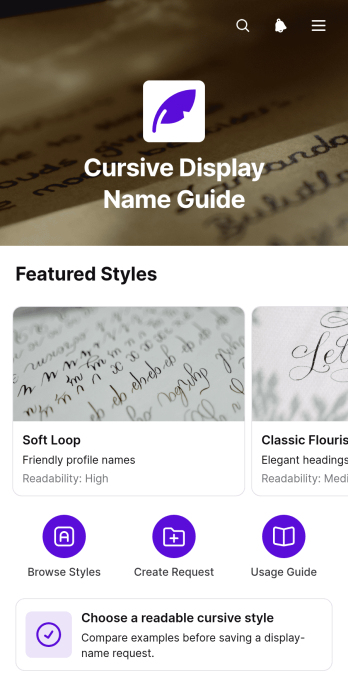
Cursive Display Name Guide App
The Cursive Display Name Guide App helps content creators, educators, community managers, and creative teams choose readable cursive treatments for display names. Users can browse style examples, review usage guidance, and submit or save a display name request from one organized resource. The app supports decisions for profiles, forms, headings, and other places where a distinctive name treatment must remain clear and easy to recognize. It is especially useful for teams that want consistent visual choices without relying on scattered reference files or lengthy review conversations.Jotform App Templates make it easy to adapt this app template to a specific audience or creative process. With Jotform’s no-code app builder and drag-and-drop interface, teams can update pages, cards, buttons, instructions, and branding without programming. Connected forms support data collection, while organized navigation creates a convenient self-service workflow for reviewing options and sending requests. The finished app can be shared through a direct link or QR code, giving users mobile-friendly access wherever they need guidance.
Go to Category:Resource & Learning Portal Apps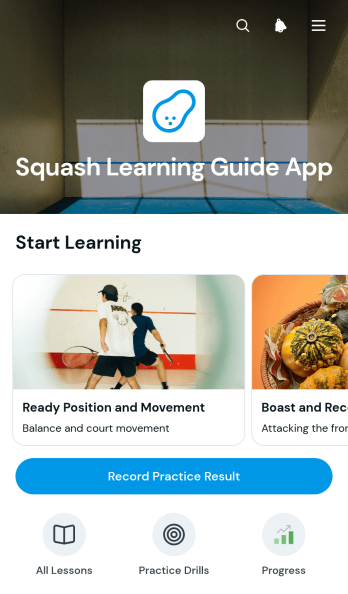
Squash Learning Guide App
The Squash Learning Guide App gives players, coaches, instructors, clubs, and training programs a central place to support skill development and purposeful practice. Learners can browse guided lessons, review drills with clear practice goals, and record results after each session. Practice reflections and visual progress summaries help users recognize strengths, identify skills that need attention, and prepare for future training. Coaches can use this app template for beginner instruction, private coaching, group clinics, school programs, or independent practice plans without relying on scattered handouts and separate tracking tools.Jotform makes it easy to adapt this guide with a no-code app builder and an intuitive drag-and-drop interface. Customize lesson content, navigation, images, buttons, and branding to suit a coaching approach or learner level. Connected forms support data collection, while organized records and charts turn practice entries into a useful workflow for reviewing development over time. Like other App Templates from Jotform, the Squash Learning Guide App can be published quickly and shared through a direct link for convenient mobile access, giving learners a practical self-service resource wherever they train.
Go to Category:Resource & Learning Portal Apps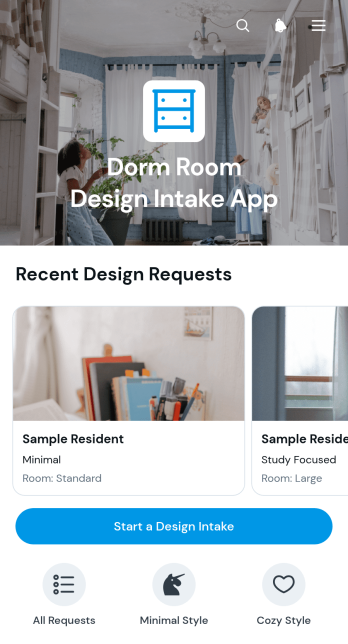
Dorm Room Design Intake App
The Dorm Room Design Intake App is an app template for interior designers, campus housing teams, student services staff, and independent consultants gathering requirements for dorm room projects. It gives students or clients a convenient place to start a design intake, share preferences, and communicate practical needs. Teams can browse submitted requests and open individual records to review room details, inspiration, and budget considerations before planning layouts or recommending furnishings. This organized intake process reduces missing information, supports clearer consultations, and helps teams prepare personalized proposals for compact living spaces.Jotform provides ready-to-use App Templates that turn data collection and self-service tasks into accessible digital experiences. Customize this template with the no-code app builder and its drag-and-drop interface, then connect forms, tables, approvals, and other workflow steps as needed. You can adjust pages, colors, typography, buttons, and navigation to match your services without writing code. Once the app is ready, publish it through a direct link or QR code so students, parents, housing staff, or project collaborators can access it from a phone, tablet, or computer.
Go to Category:Consulting Apps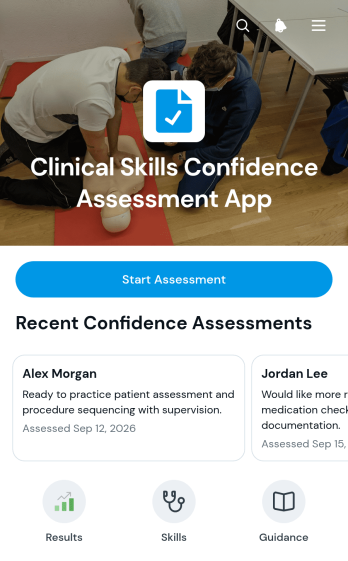
Clinical Skills Confidence Assessment App
The Clinical Skills Confidence Assessment App is a self-assessment resource for recording how confident trainees feel about essential clinical skills. Participants can evaluate communication, patient assessment, medication safety, procedures, and documentation before reflecting on their responses and reviewing results. Clinical educators, training coordinators, students, new healthcare staff, and placement supervisors can use it during onboarding, skills labs, simulation debriefs, placement preparation, or development reviews. By bringing assessment access, skill category navigation, and result review together, the app helps users recognize perceived strengths and learning priorities while supporting more consistent coaching conversations. It measures self-reported confidence rather than independently verifying clinical competence.Jotform Apps makes it easy to adapt this app template to a specific training program without writing code. Using the no-code app builder and drag-and-drop interface, teams can update content, branding, pages, and navigation to match their learning environment. Forms can support data collection, while connected tables and workflows help organize responses and follow-up activities. Like other Jotform App Templates, the finished app can be shared by link or QR code for convenient mobile access, giving trainees a focused self-service experience and educators a practical resource for ongoing skills development.
Go to Category:Healthcare Apps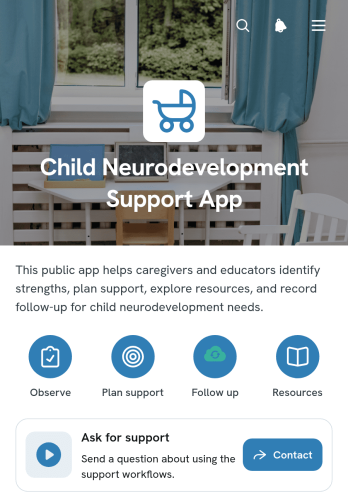
Child Neurodevelopment Support App
The Child Neurodevelopment Support App is a ready-to-use app template for organizing practical resources and support inquiries related to child development. It helps caregivers, educators, healthcare teams, support specialists, and community organizations provide one accessible place for relevant guidance. Users can browse resources, review audience and format information, and submit a question or request support through connected forms. By bringing these actions together, the app can reduce scattered communication, make helpful material easier to find, and give families and professionals a consistent self-service experience.Jotform Apps makes it easy to adapt this template without writing code. Use the no-code app builder and drag-and-drop interface to update pages, reorganize resource navigation, adjust branding, and connect forms to a suitable data collection workflow. The app builder can also link information with tables, approvals, notifications, and other processes when needed. Like other Jotform App Templates, this app template can be published quickly and shared through a direct link or QR code, giving users convenient access from phones, tablets, or computers.
Go to Category:Healthcare Apps