

Human Resources App Templates

Accident Report App
Accident Report App helps organizations document incidents quickly and consistently, so teams can capture what happened, where it happened, and who was involved without chasing details later. It fits workplaces, job sites, schools, events, and public-facing locations that need a simple way to record accidents and near misses, route reports to the right people, and keep a clear timeline for follow-up. Use it to support internal reporting, reduce lost information, and improve response habits across departments and shifts.With Jotform, you can turn this app template into a branded, mobile-friendly experience using a no-code app builder and a drag-and-drop interface. Publish the app in minutes, connect it to your data collection workflow, and keep reports organized for review and action. Jotform makes self-service reporting easy to share with staff or visitors through a link or QR code, while giving your team a central place to manage updates.
Go to Category:Safety Inspection Apps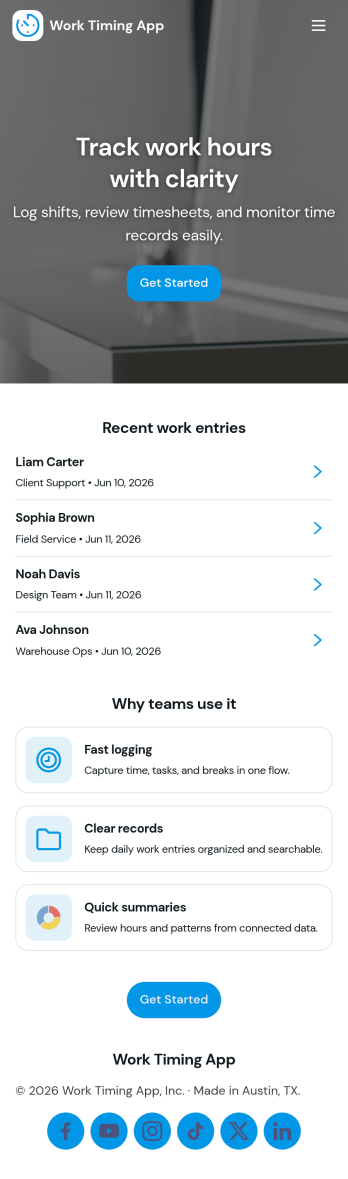
Work Timing App
Work Timing App helps teams record and review working hours in one place, whether you’re tracking shifts for hourly staff, coordinating hybrid schedules, or maintaining simple time logs for projects. Employees can quickly clock in and clock out, add a shift entry when needed, and check a weekly view to understand their hours at a glance. Managers and team leads can use team logs to spot missing entries, confirm coverage, and keep time records consistent across locations and roles.With Jotform, you can turn this app template into a branded self-service experience using a no-code app builder and a drag-and-drop interface. Connect the app to your time log form for reliable data collection, organize entries in tables, and add approval steps or notifications to support your workflow. Share the app with a link or QR code so your team can log time from any device, then update pages and layout as your operations evolve.
Go to Category:Activity Tracking Apps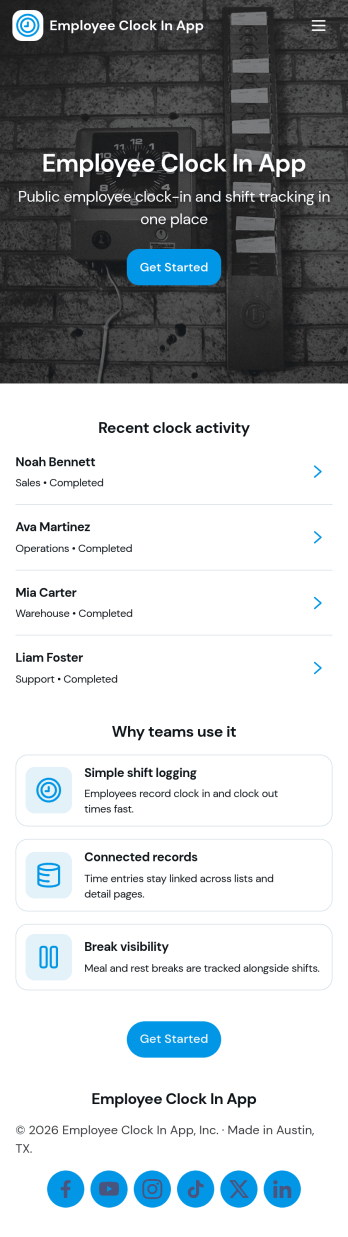
Employees Clock In App
Employees Clock In App helps teams record start times and keep daily attendance organized in one place. Staff can clock in from a dedicated entry point, check what’s logged today, and review past entries when questions come up about hours or missed punches. It’s a practical fit for retail stores, restaurants, field teams, warehouses, and growing offices that need a simple way to capture time entries without relying on paper logs or scattered messages.Jotform makes it easy to publish this kind of self-service experience with a no-code app builder and a drag-and-drop interface, so you can match the layout to your workflow. Connect the app to your forms and tables for consistent data collection, keep an employee roster available for quick navigation, and share access with a link or QR code so employees can clock in from their phones in seconds.
Go to Category:HR Portal Apps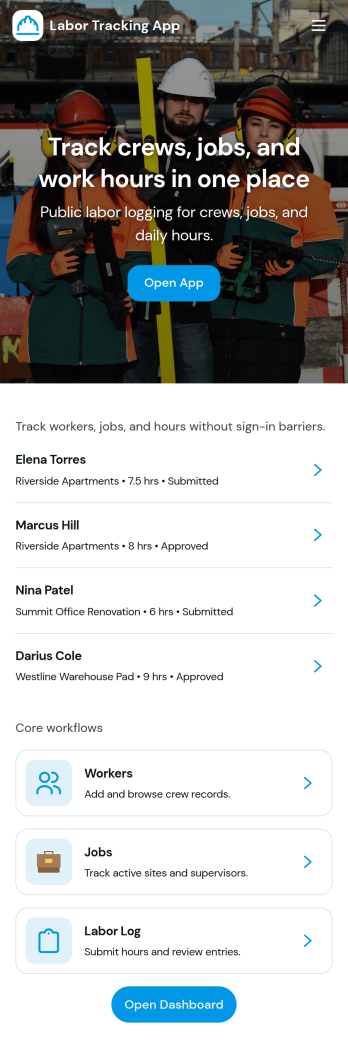
Labor Tracking App
Labor Tracking App helps teams record work activity in one place, then review individual entries and summaries without digging through spreadsheets. It’s a practical fit for construction crews, field service businesses, warehouses, event staffing teams, and operations managers who need a clear view of who worked, when they worked, and how labor is trending across projects or shifts. With quick navigation to log labor and browse records, supervisors can keep reporting consistent, reduce missed entries, and make day-to-day labor tracking easier for everyone involved.Jotform turns this Labor Tracking App into a publishable, shareable experience using a no-code app builder with a drag-and-drop interface. Connect the app to a form for data collection, organize records in a table-backed list, and guide users through a simple workflow from logging labor to reviewing recent records and worker details. Share a single link with your team, update pages as your process changes, and keep labor information accessible on desktop and mobile for fast self-service reporting.
Go to Category:Activity Tracking Apps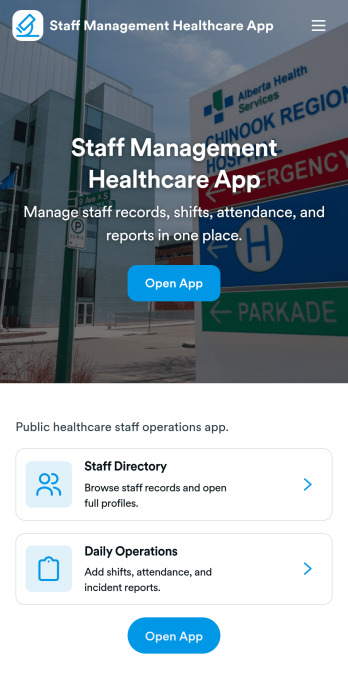
Staff Management Healthcare App
Staff Management Healthcare App brings day-to-day workforce coordination into one place for clinics, hospitals, home health providers, and other care teams that need clear visibility into who is working, when they are scheduled, and what requests are pending. Use it to publish a staff directory for quick lookups, review a shift schedule at a glance, and route common workforce needs like leave requests and incident reports without losing track of follow-ups. It’s especially helpful for nurse managers, practice administrators, and operations leads who want a consistent way to keep teams aligned across departments and locations.With Jotform, you can turn this staff workflow into a branded, mobile-friendly experience using a no-code app builder and a drag-and-drop interface. Connect the app to your forms and tables to support ongoing data collection, keep records organized, and create a dependable workflow for internal self-service. Share a single link or QR code with your team, customize pages as your processes evolve, and give managers an operations overview that makes it easier to stay on top of requests.
Go to Category:Healthcare Apps
Check In to Work App
Check In to Work App helps teams record employee start times and keep daily attendance organized in one place. Staff can quickly clock in from a simple home screen, review today’s shifts, and look back at check-in history when questions come up. It’s a practical fit for offices, retail stores, restaurants, job sites, and field teams that need a consistent way to capture arrivals without relying on paper sheets or scattered messages.Built with Jotform, this app template can be tailored to match how your workforce operates, whether you manage a single location or multiple crews. Use Jotform’s no-code app builder and drag-and-drop interface to adjust pages, connect the clock-in experience to your data collection form and tables, and keep your workflow moving with clear records and easy self-service access for employees and managers.
Go to Category:Activity Tracking Apps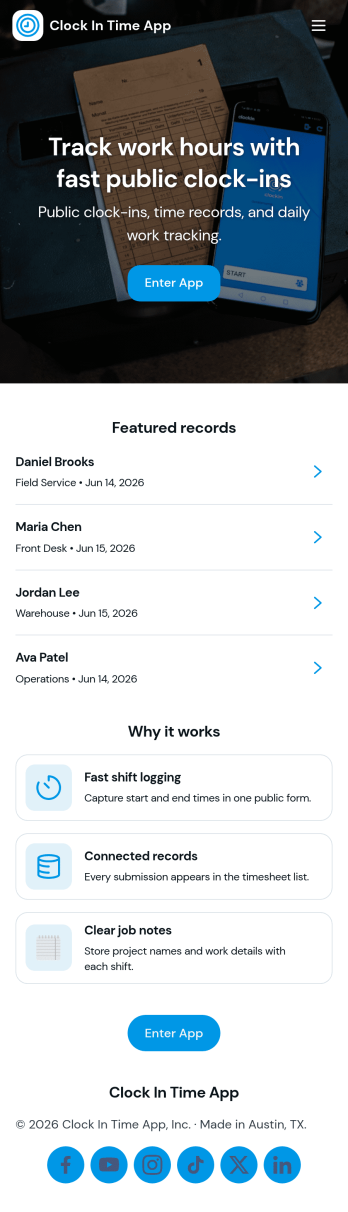
Clock In Time App
Clock In Time App helps teams record shift starts and keep a reliable time trail without chasing paper timesheets. Staff can quickly navigate to Clock In and log a shift, then reference a Shift Log to review past entries. It’s a practical fit for hourly workplaces like retail, hospitality, field services, and small operations where managers need consistent time entries and employees want a simple way to track when they worked.With Jotform, you can turn this clock-in experience into a mobile-friendly self-service workflow using a no-code app builder and a drag-and-drop interface. Connect buttons and pages to forms and tables for data collection, keep entries organized in one place, and share the app by link or QR code so your team can clock in from the job site, front desk, or break room.
Go to Category:Human Resources Apps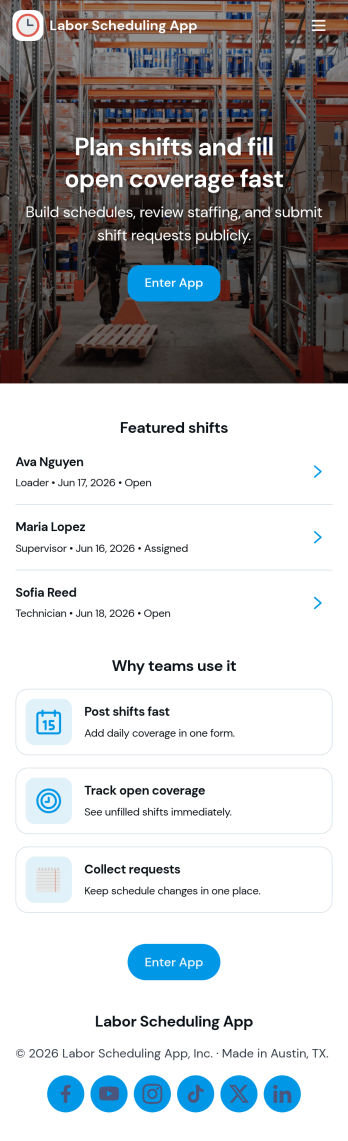
Labor Scheduling App
Labor Scheduling App helps managers coordinate employee coverage with a clear shift board, a simple way to add shifts, and an organized request flow for time-off or schedule changes. It fits teams that rely on hourly staffing such as retail stores, restaurants, field service crews, warehouses, and event operations where last-minute updates can create confusion. With dedicated areas for crew details and schedule history, this app template supports day-to-day planning while keeping everyone aligned on who is working, when, and where.Jotform makes it easy to turn this Labor Scheduling App into a branded self-service experience using App Templates and a no-code app builder with a drag-and-drop interface. Connect buttons to forms and tables to capture schedule updates, centralize shift information, and keep requests moving through your workflow without relying on scattered messages. Share the app with your team through a link so staff can stay informed and managers can keep scheduling organized from one place.
Go to Category:Scheduling Apps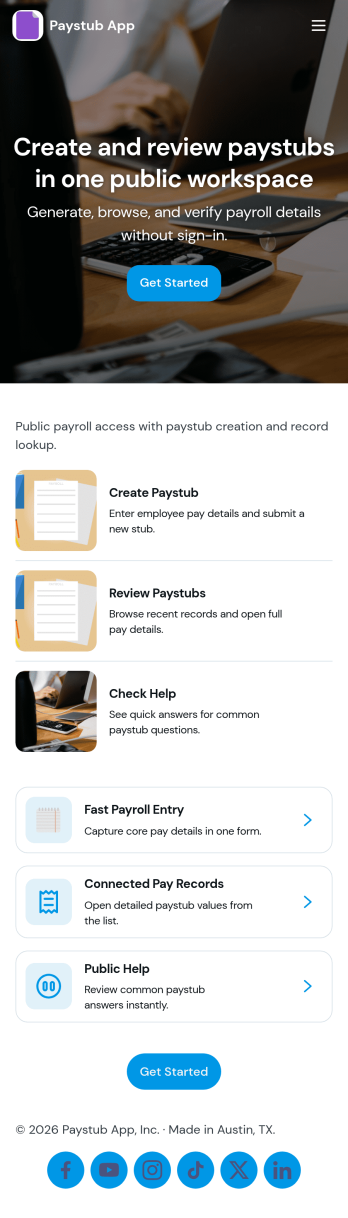
Paystub App
Paystub App gives employees a simple way to review paystub history and submit a new request when something needs attention. It fits payroll administrators, HR teams, and small business owners who want one place to guide staff to the right action without digging through emails or shared drives. With quick navigation to a history view and an employee list that can open individual records, the app supports everyday tasks like confirming earnings details, checking past pay periods, and following up on missing or incorrect information.Built with Jotform, this app template can be tailored in a no-code app builder using a drag-and-drop interface, so you can match your internal process and branding in minutes. Connect the app to a form for request intake and to organized records for consistent data collection, then share it with your team as a self-service experience they can access from a single link. As requests come in, you can keep the workflow moving with clear handoffs, centralized information, and updates that are easy to manage as your payroll operations grow.
Go to Category:Human Resources Apps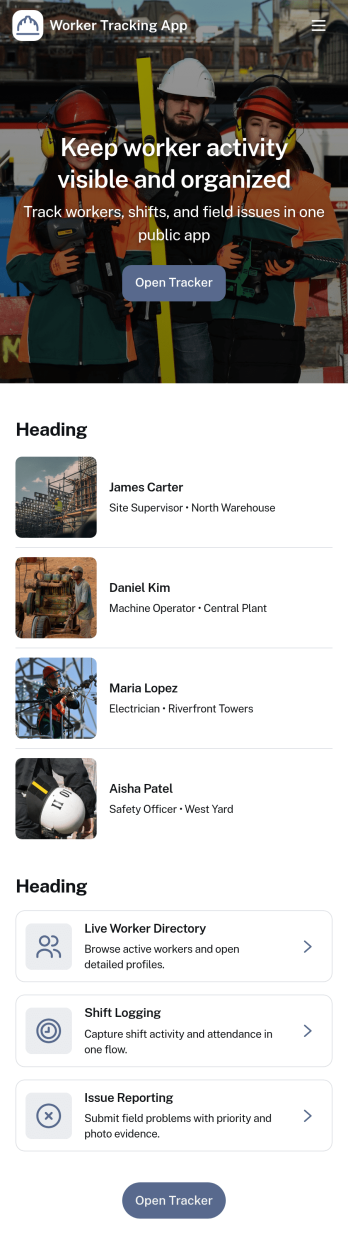
Worker Tracking App
Worker Tracking App helps teams keep a clear, up-to-date view of who is working, when they worked, and what time entries have been recorded. It’s built for supervisors and operations leads who manage hourly staff across multiple roles or locations and need a simple way to organize worker details alongside shift history. With dedicated areas for a worker list and a shift log, you can add new workers as the team grows, record shifts as they happen, and reduce confusion when schedules change or coverage needs to be verified. This is especially useful for field service crews, warehouses, hospitality teams, security staff, and contractors where accurate time visibility supports better planning and smoother handoffs.Jotform App Templates make it easy to turn everyday workflows into a mobile-friendly self-service experience without code. Using Jotform’s no-code app builder and drag-and-drop interface, you can customize the layout, connect forms for data collection, and keep time records organized in linked tables. Share the app with managers or team leads, route updates through your workflow, and maintain a single source of truth for worker tracking that’s easy to access from anywhere.
Go to Category:Activity Tracking Apps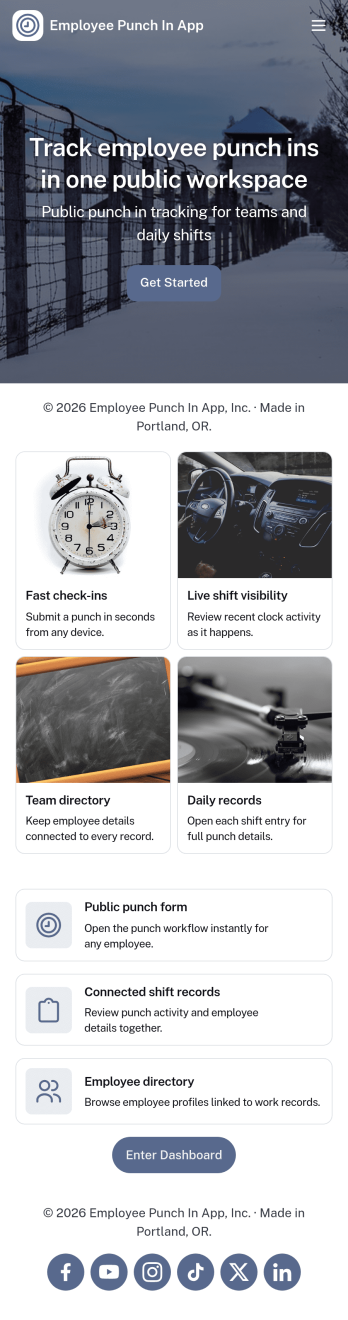
Employee Punch in App
Employee Punch in App gives teams a simple way to record time entries throughout the workday, using clear actions for Clock In, Clock Out, and quick access to Recent Punches and Punch History. It fits frontline crews, shift-based workplaces, field teams, and growing offices that need an easy punch flow employees can follow without confusion, plus a place to review Today’s activity and employee records when questions come up.Built with Jotform, this app template connects your punch actions and history views to the forms behind them, so time data collection stays consistent and organized. Customize pages with a no-code app builder and a drag-and-drop interface, then share the app for self-service access across locations. As your workflow evolves, you can expand the experience into a lightweight dashboard view for managers while keeping punch-in tasks fast for employees.
Go to Category:Human Resources Apps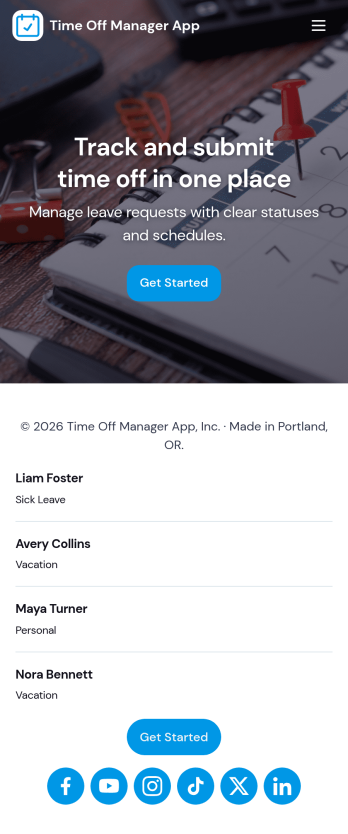
Time Off Manager App
Time Off Manager App helps teams handle employee leave requests in one place, giving staff a clear way to request time off and check what they have already submitted. With built-in navigation to Request Time Off and Request History, employees can submit a new request in seconds and review past requests without emailing HR or managers. For supervisors and HR teams, the app creates a consistent intake process that reduces missed details and makes it easier to follow up when schedules change.Jotform makes it simple to turn this workflow into a shareable, self-service experience using its no-code app builder and drag-and-drop interface. Connect the app to a form and keep requests organized in a linked table, then share access through a link so employees can use it on any device. As needs evolve, you can adjust pages, branding, and the request flow in Jotform without rebuilding your time off process from scratch.
Go to Category:Human Resources Apps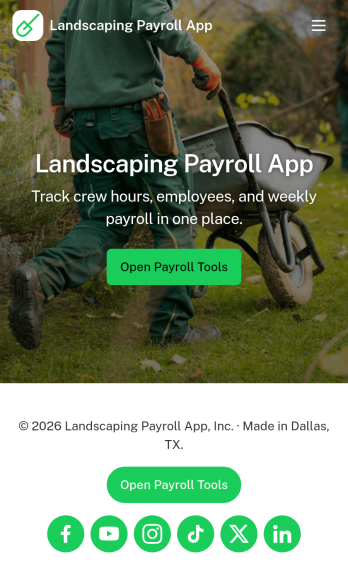
Landscaping Payroll App
Landscaping Payroll App helps lawn care and landscaping businesses manage pay periods, collect crew time entries, and keep payroll activity organized in one place. With dedicated areas for Time Entry, Payroll, Crew, and History, it fits teams that need a simple way to capture hours from the field, review who worked, and reference past payroll cycles when questions come up. Whether you run a small owner-operated crew or coordinate multiple teams across job sites, this app supports clearer payroll routines and fewer missing hours.Built with Jotform, this app template can be customized with a no-code app builder and a drag-and-drop interface so you can match your pay periods, roles, and internal process. Connect the app to forms and tables for reliable data collection, then share it as a self-service experience for supervisors and office staff to open time entry, review payroll, and track updates as your workflow evolves.
Go to Category:Human Resources Apps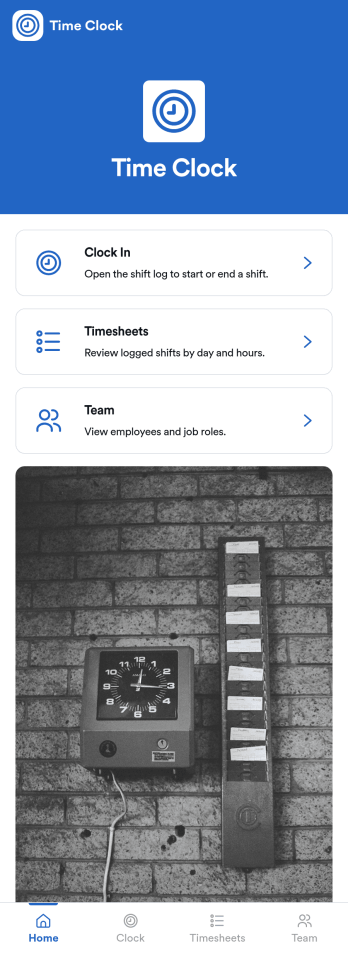
Small Business Time Clock App
Small Business Time Clock App helps small teams track work hours in one place, giving employees a clear way to clock in and out, review recent time entries, and submit common time-related requests. It fits retail shops, cafés, salons, home service crews, and any growing business that needs a simple process for capturing shift time without confusing spreadsheets. With dedicated areas for viewing personal time and sending requests like time corrections or leave, the app supports day-to-day accuracy while reducing payroll surprises and manager follow-ups.Built with Jotform App Templates, this app template can be tailored to match your policies and workflow in minutes using Jotform’s no-code app builder and drag-and-drop interface. Connect the app to your forms and tables for reliable data collection, keep time entries and requests organized for managers, and share a single self-service link with your team so everyone knows where to clock, check hours, and request updates.
Go to Category:Human Resources Apps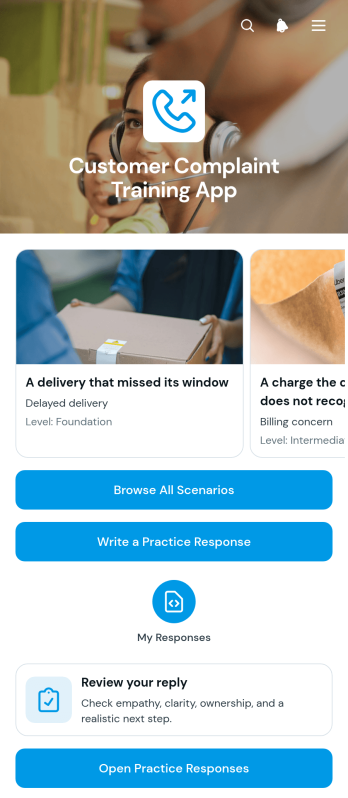
Customer Complaint Training App
Customer Complaint Training App is an interactive training app template for customer service teams, support managers, call centers, retailers, hospitality businesses, and other organizations that want employees to practice handling complaints. Trainees can browse realistic complaint scenarios, review the customer message and situation, and write a practice response for a selected case. Submitted drafts and reflections can then be revisited to support coaching, consistent communication, and constructive feedback. This guided approach helps new hires build confidence before responding to customers while giving experienced employees a practical way to refresh their service skills.With Jotform Apps, organizations can adapt this Customer Complaint Training App without writing code. The drag-and-drop app builder makes it easy to update training content, adjust navigation, add branded visual elements, and connect forms or tables to the wider training workflow. Managers can publish the finished experience through a direct link or QR code, making lessons available on phones, tablets, and computers. Jotform App Templates also provide a flexible starting point for self-service learning, centralized data collection, and repeatable employee development across teams or locations.
Go to Category:Resource & Learning Portal Apps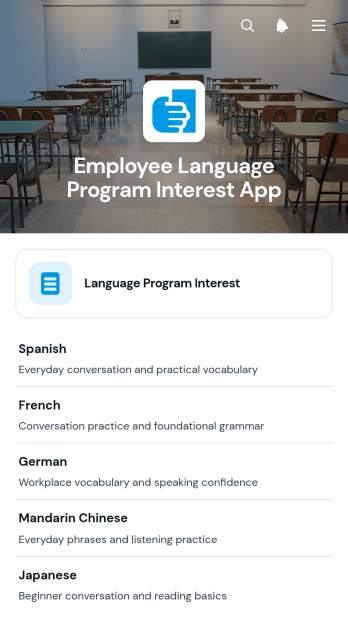
Employee Language Program Interest App
The Employee Language Program Interest App helps HR teams, learning and development leaders, and workplace training coordinators understand demand for employee language programs. Staff members can share the language they want to study, their preferred learning format, and their program goals, while administrators can review individual responses and assess interest by language. This app template supports early program planning, helps organizations prioritize relevant courses, and replaces scattered emails or informal surveys with consistent data collection. It is especially useful when evaluating a new learning initiative, expanding professional development benefits, or planning training for multilingual teams.With Jotform Apps, organizations can turn the Employee Language Program Interest App into a branded, mobile-friendly resource without writing code. The no-code app builder and drag-and-drop interface make it easy to adjust pages, update content, connect forms and tables, and organize the review workflow around internal processes. HR teams can publish the app with a direct link or QR code, share it with employees, and receive real-time updates as responses arrive. Start with one of Jotform’s App Templates, customize the app template to match workplace needs, and create a convenient self-service experience for employees and program administrators.
Go to Category:HR Portal Apps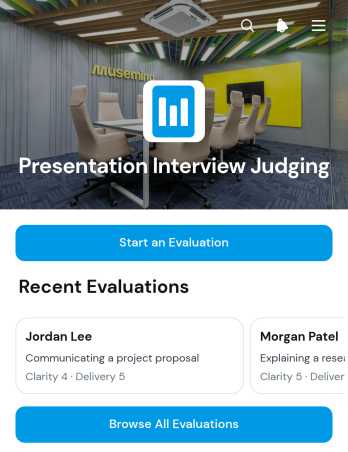
Presentation Interview Judging App
The Presentation Interview Judging App helps interview panels, competition judges, educators, event organizers, and selection committees assess candidates who deliver presentations as part of an interview or review process. Evaluators can start and submit an evaluation, browse completed evaluations, and review candidate results based on clarity, delivery, and content. Keeping these core judging activities in one accessible place reduces scattered notes, supports consistent scoring, and makes it easier for teams to compare performance. The app is useful for hiring presentations, academic assessments, pitch events, scholarship interviews, internal promotions, and other situations that require multiple reviewers to evaluate speakers.Jotform Apps gives teams a flexible way to adapt this app template without writing code. Using the drag-and-drop app builder, organizers can adjust the layout, add instructions or resources, connect evaluation forms and tables, and create a branded judging experience. Collected data can support workflows for reviewing results, notifying team members, and organizing records for later discussion. The Presentation Interview Judging App can be shared through a direct link or QR code, providing mobile-friendly access for judges in the room or working remotely. Jotform App Templates make it simple to launch a focused evaluation process and update it as judging requirements change.
Go to Category:Human Resources Apps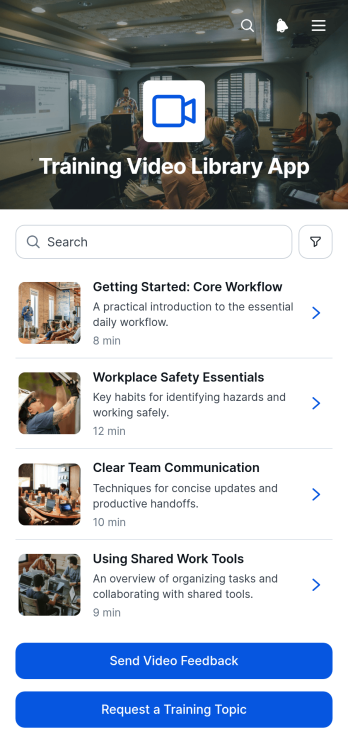
Training Video Library App
Training Video Library App is a centralized learning resource for organizations that need to make instructional videos easy to find, review, and improve. It helps human resources teams, training managers, educators, consultants, and operations leaders organize video-based guidance for employees, students, clients, or volunteers. Users can browse the video library, open individual training details, review information such as duration and topic summaries, submit video feedback, and request future training topics. This app template supports onboarding, professional development, process education, safety instruction, and recurring skills training while reducing scattered links and repeated questions.Jotform App Templates make it simple to turn learning materials and connected forms into a mobile-friendly resource center. Customize the Training Video Library App with the no-code app builder and drag-and-drop interface, then adjust its pages, visual style, navigation, and content to match your organization. Feedback and topic request forms can support data collection and related workflows, helping teams identify useful content and plan new resources. Publish the app with a shareable link or QR code so learners can access training and self-service resources from nearly any device without downloading software.
Go to Category:Resource & Learning Portal Apps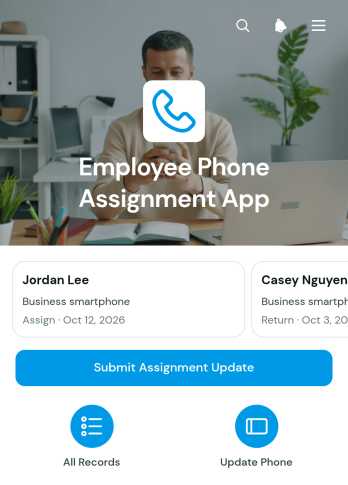
Employee Phone Assignment App
The Employee Phone Assignment App helps IT teams, HR departments, office managers, and operations staff maintain clear records of company phones issued to employees. Teams can browse an employee list, review assigned device details and identifiers, confirm employee email addresses, and submit assignment updates from one accessible location. It is well suited to employee onboarding, device replacement, role changes, equipment audits, and offboarding. By keeping phone ownership information organized, the app reduces uncertainty about who has each device and gives authorized staff a practical reference for daily asset administration.Jotform makes this app template easy to adapt without coding. Using the drag-and-drop app builder, organizations can update pages, navigation, colors, fonts, and branding to match their internal processes. Connected forms support data collection and assignment changes, while tables and workflows can help teams organize records and follow up on updates. Publish the finished app with a shareable link or QR code for mobile-friendly access. Jotform App Templates provide a flexible starting point for creating employee self-service tools, internal resource centers, and operational apps that bring important actions and information together.
Go to Category:Information Technology Apps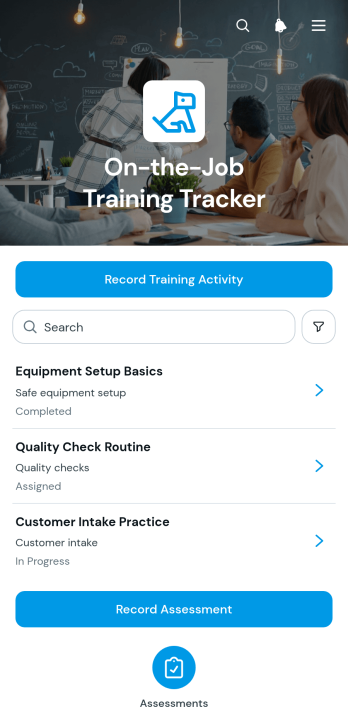
On-the-Job Training Tracker App
The On-the-Job Training Tracker App helps employers document practical learning as employees build skills through workplace assignments. It gives supervisors, trainers, human resources teams, operations managers, contractors, and small to medium-sized businesses a shared place to record training activities, review practice records, and complete assessments. Individual activity views connect each training topic and date with the relevant trainee, demonstrated skill, and evaluator feedback. This creates a clearer history of employee development, reduces scattered paperwork, supports consistent coaching, and helps teams identify completed activities or areas that may need further practice.Jotform app templates make it easier to turn training processes into accessible digital experiences. Using the no-code app builder and its drag-and-drop interface, organizations can customize this app template with branded pages, navigation, forms, and connected workflows without writing code. Training data collection can feed organized records and notifications, while links and buttons guide trainers to common actions. The finished app can be shared by direct link or QR code for mobile-friendly access, giving employees and evaluators a convenient self-service resource wherever workplace instruction occurs.
Go to Category:Activity Tracking Apps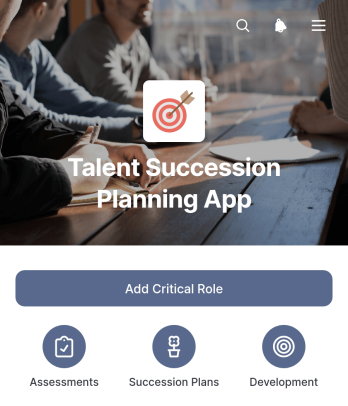
Talent Succession Planning App
The Talent Succession Planning App is a centralized workspace for documenting critical positions, reviewing potential successors, and coordinating employee development plans. HR leaders, talent managers, department heads, and executive teams can use it to prepare for anticipated vacancies, leadership transitions, and workforce changes. Critical role records, candidate views, and development actions keep essential planning information accessible, while department details and coverage notes add useful context to talent reviews. This shared approach reduces fragmented records and helps stakeholders make informed continuity decisions.Jotform Apps helps organizations turn succession processes into an interactive, mobile-friendly experience without coding. Start with this app template from Jotform App Templates, then use the no-code app builder and drag-and-drop interface to adjust pages, navigation, branding, and content. Connect forms for data collection, organize records with tables, and link approvals or other workflow steps as planning needs evolve. The finished app can support convenient self-service access and be shared through a direct link, QR code, custom app URL, or embedded experience.
Go to Category:Human Resources Apps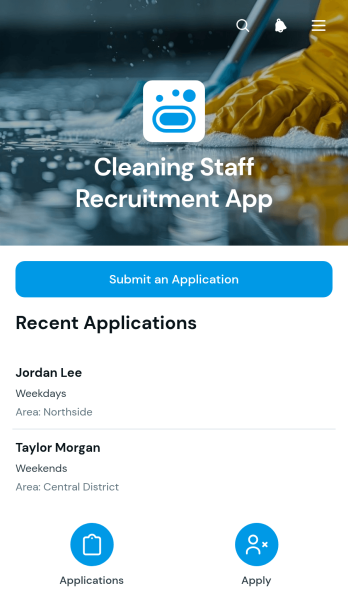
Cleaning Staff Recruitment App
Cleaning Staff Recruitment App is a ready-to-use recruitment space for cleaning companies, home service providers, facilities teams, and staffing managers seeking dependable candidates. Applicants can submit their details through a connected application form, while recruiters can browse candidate records and review essential information such as contact details and preferred work area. By keeping applications in one accessible location, the app supports hiring for residential cleaning, commercial cleaning, hospitality, and other site-based roles. It helps growing teams replace scattered emails and paper applications with a more organized recruitment workflow.Jotform App Templates make it easy to adapt this app template without writing code. Using the no-code app builder and its drag-and-drop interface, teams can update pages, adjust branding, connect forms and tables, and organize candidate data collection around their hiring process. The finished app can be shared through a direct link or QR code, giving applicants mobile-friendly access wherever they are. Recruiters can also connect notifications and related workflows to stay informed when new applications arrive and support faster internal follow-up.
Go to Category:Job Apps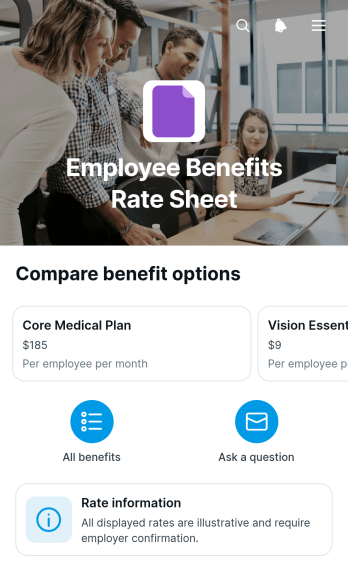
Employee Benefits Rate Sheet App
Employee Benefits Rate Sheet App gives HR teams and benefits administrators a central, employee-friendly place to present benefit options and related rate information. Staff can browse a benefit list, open individual coverage summaries, review the basis used to calculate rates, and view illustrative employee costs. An inquiry form also lets employees ask about a specific benefit without searching for the right contact or relying on scattered documents. This app template is useful during open enrollment, new-hire onboarding, benefits education, and policy update periods. It helps employers make frequently requested information easier to find while giving employees a convenient self-service resource for comparing available options and preparing questions.With Jotform Apps, organizations can adapt this Employee Benefits Rate Sheet App to their workforce without writing code. The drag-and-drop app builder makes it easy to update pages, cards, navigation, wording, and visual branding as benefit offerings or rates change. HR teams can connect forms and workflows for data collection, organize resources for mobile access, and share the finished app through a direct link or QR code. Starting with ready-made App Templates reduces setup time while leaving room to create a polished experience that reflects internal processes and employee communication needs.
Go to Category:HR Portal Apps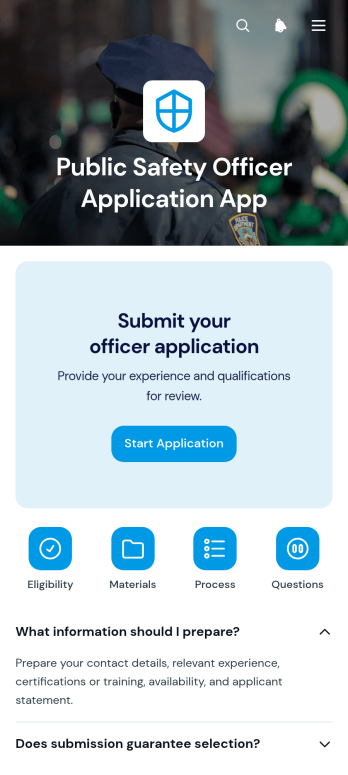
Public Safety Officer Application App
Public Safety Officer Application App gives public safety departments, municipal hiring teams, and recruitment coordinators a central place to guide prospective officers through the application process. Applicants can review organized guidance in expandable sections, move between informational pages, and open the connected application form from clear navigation buttons. This focused experience reduces uncertainty about where to begin and helps agencies present recruitment information consistently. It is particularly useful for hiring campaigns, candidate intake periods, academy recruitment, and ongoing talent pipelines where applicants need convenient access to instructions and application materials.Jotform makes this app template easy to adapt with a no-code app builder and a flexible drag-and-drop interface. Teams can update pages, adjust navigation, apply their visual identity, and connect forms or workflows without programming. The finished app can be shared through a direct link or QR code, giving candidates mobile-friendly access wherever they are. As part of Jotform’s App Templates, it also supports centralized data collection and a smoother self-service experience, helping hiring staff spend less time directing candidates to resources and more time reviewing applications.
Go to Category:Job Apps