

Human Resources App Templates

Healthcare Employment Application App
Healthcare Employment Application App gives hospitals, clinics, care facilities, and healthcare recruitment teams a central place to receive and review job applications. Candidates can apply for healthcare positions, submit professional details and resumes, and access preparation resources before an interview. Recruiters and hiring managers can browse applicant records, view contact information and summaries, check application status, and open submitted resumes. This app template reduces scattered paperwork, keeps candidate information easier to find, and supports a more consistent hiring experience for clinical, administrative, and support roles.Jotform App Templates make it easy to adapt this hiring experience without writing code. Use the no-code app builder and drag-and-drop interface to update pages, branding, navigation, and application forms for your organization. Connected forms support data collection, while tables, approvals, notifications, and other workflow tools can help teams coordinate candidate reviews and next steps. Once the app is ready, share it by direct link or QR code so applicants can use it from a phone, tablet, or computer. Jotform also makes it simple to maintain a self-service resource area for application checklists, resume guidance, and interview preparation.
Go to Category:Human Resources Apps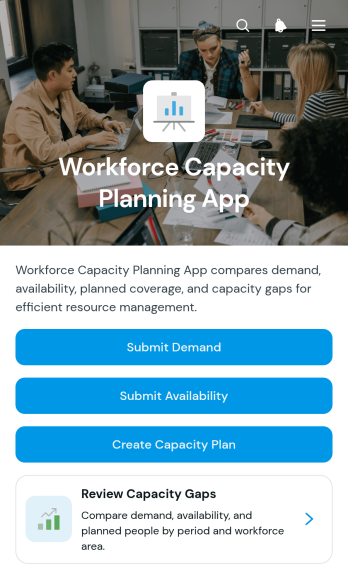
Workforce Capacity Planning App
The Workforce Capacity Planning App is an app template for HR leaders, operations managers, resource planners, and department heads who need to compare staffing demand with employee availability. Teams can submit demand and availability data, create capacity plans, and review gaps from one organized workspace. This supports headcount discussions, project staffing, workload balancing, and scenario planning without relying on scattered spreadsheets or lengthy email threads. It also gives decision-makers a consistent view of planned people and plan status, helping them identify shortages or excess capacity earlier and make informed allocation decisions.Jotform makes this template easy to adapt with a no-code app builder and a flexible drag-and-drop interface. Organizations can update pages, branding, navigation, and connected forms to match their workforce planning process. Collected data can flow into connected tables and workflows, giving teams a central place for record management and collaboration. Once configured, the app can be shared by direct link or QR code for convenient mobile access. Jotform App Templates help businesses create practical self-service experiences that bring data collection, planning activities, and internal resources together without coding.
Go to Category:Scheduling and Planning Apps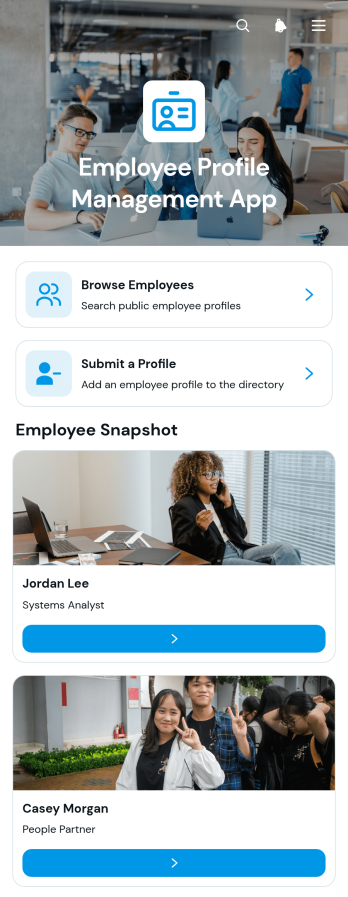
Employee Profile Management App
The Employee Profile Management App gives HR teams, department leaders, and growing organizations a central place to collect and present workforce information. Employees can submit a profile, browse colleagues, and view useful details such as department, work location, contact information, professional background, skills, and areas of focus. Organized employee profiles make it easier for distributed and cross-functional teams to find the right colleague, understand internal expertise, and build stronger working relationships. This app template is well suited to staff directories, onboarding programs, internal networking, and ongoing profile maintenance.Jotform makes it easy to adapt this experience without coding. Using the drag-and-drop app builder, organizations can update pages, navigation, colors, fonts, and branding while connecting profile forms to data collection and workflow tools. Employee records can be organized through connected tables, and teams can receive notifications when new information is submitted. The finished app can be shared by direct link or QR code for convenient mobile access, giving employees a practical self-service resource that can grow alongside the organization.
Go to Category:Employee Self Service Apps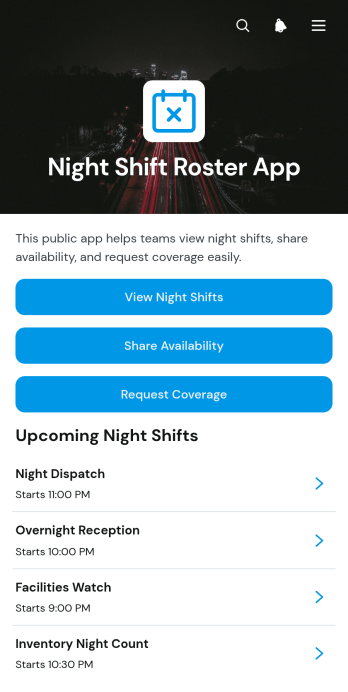
Night Shift Roster App
The Night Shift Roster App is a ready-to-use scheduling template for managers and employees who coordinate overnight staffing across healthcare facilities, hospitality operations, warehouses, security teams, transportation services, and other workplaces with late-hour coverage. Staff can browse upcoming night shifts, share their availability, and request coverage when they cannot work an assigned period. Centralizing these actions gives supervisors a clearer view of staffing needs while helping employees respond to schedule changes without relying on scattered messages or paper rosters. Shift locations, required staffing levels, start and end times, and relevant notes keep essential details accessible in one place.Jotform makes this app template easy to adapt with a no-code app builder and a flexible drag-and-drop interface. Add branded pages, adjust navigation, connect forms and tables, or create workflow steps that support your scheduling process. Teams can use Jotform App Templates to improve data collection, offer employee self-service, and organize roster information for convenient mobile access. Once customized, the app can be shared through a direct link, QR code, or embedded experience, helping staff access current night shift information wherever they work.
Go to Category:Scheduling Apps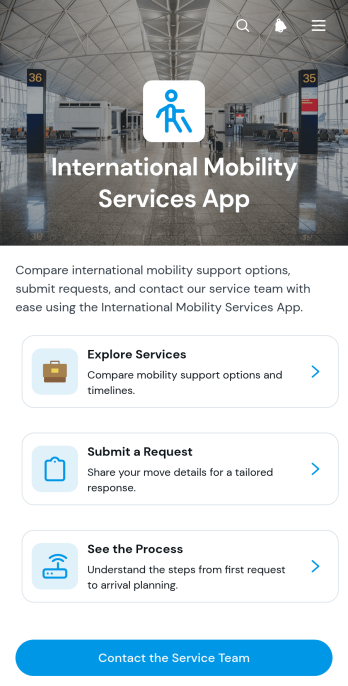
International Mobility Services App
The International Mobility Services App gives HR teams, mobility consultants, relocation coordinators, and globally distributed organizations a central place to present employee mobility support. Users can explore available services, review typical timelines and suitability guidance, submit a service request, understand the main stages of a move, and contact the service team. This app template helps replace scattered documents and disconnected request channels with a clear self-service experience for employees preparing for international assignments, transfers, or relocations.Jotform makes this experience easy to tailor with a no-code app builder and an intuitive drag-and-drop interface. Teams can update content, adjust navigation, apply their visual identity, and connect forms or other workflows without programming. The International Mobility Services App can be shared through a direct link or QR code, giving users mobile-friendly access wherever they are. Start with one of Jotform’s App Templates, customize the app template around your mobility program, and create a practical resource for data collection, service discovery, and guided request intake.
Go to Category:Human Resources Apps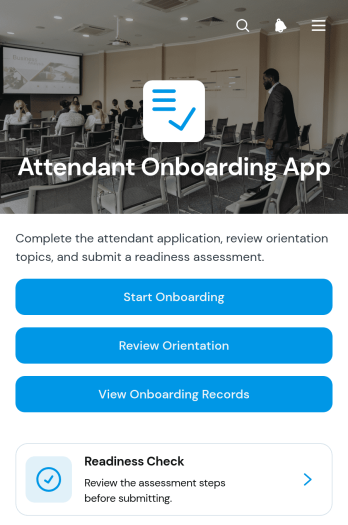
Attendant Onboarding App
Attendant Onboarding App gives managers and coordinators a central place to guide new attendants through orientation and evaluate their readiness for assigned duties. It suits hospitality teams, event operators, service providers, venues, and other organizations that need a repeatable onboarding process for frontline personnel. Users can start onboarding, review orientation material, complete a readiness check, and access onboarding records without searching across separate documents. Clear readiness ratings, notes, and status information help supervisors identify who is prepared, who needs further instruction, and where follow-up may be required.With Jotform Apps, organizations can turn this app template into a branded onboarding resource without writing code. The drag-and-drop interface makes it easy to adjust pages, navigation, instructions, and visual elements to match existing procedures. Teams can connect forms and tables for data collection, organize records in one accessible experience, and add workflow steps that support internal reviews or notifications. This flexible addition to Jotform’s App Templates can be shared through a direct link or QR code, giving attendants and supervisors convenient mobile access while keeping orientation and readiness activities organized.
Go to Category:Human Resources Apps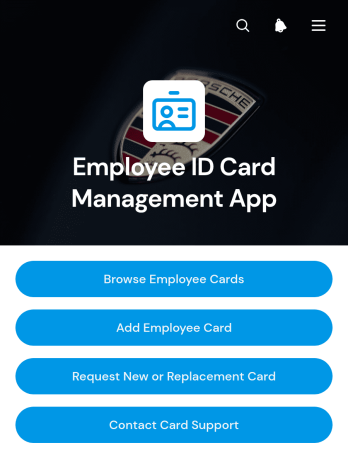
Employee ID Card Management App
The Employee ID Card Management App is a centralized app template for HR teams, office administrators, facilities staff, and card support teams that manage employee identification records. It helps authorized users browse employee cards, add card records, review key details, and direct staff to request new or replacement cards. Organizations can use it to keep employee numbers, card statuses, expiration dates, departments, and work contact details accessible from one convenient location. This clearer process reduces scattered requests, improves record visibility, and gives employees a straightforward self-service route for common card needs.Jotform Apps makes it easy to adapt this Employee ID Card Management App without coding. Using the no-code app builder and its drag-and-drop interface, teams can update pages, buttons, branding, and navigation to match internal procedures. Connected forms can support data collection and card requests, while Jotform Tables and automated workflows help organize records and notify the appropriate team. Publish the finished app with a direct link, QR code, or embedded experience for mobile-friendly access. Jotform App Templates offer a practical starting point that can grow alongside changing HR operations and employee resource needs.
Go to Category:Employee Self Service Apps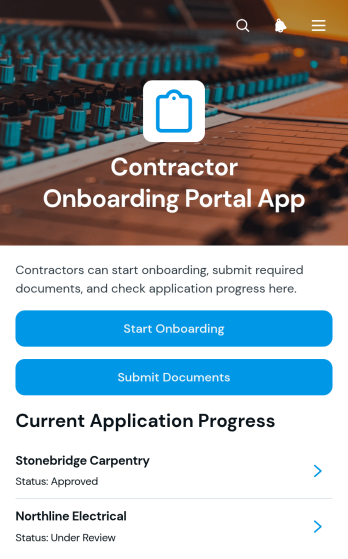
Contractor Onboarding Portal App
Contractor Onboarding Portal App gives construction firms, home service businesses, consulting teams, and operations departments a central place to welcome and organize new contractors. It supports onboarding intake, document submission, and progress tracking so coordinators can see each contractor’s trade, current status, completion level, and next step. Contractors can provide contact details, review assigned actions, and reach support without relying on scattered emails. The app template is especially useful for businesses managing multiple independent workers, subcontractors, or project-based specialists across different jobs and locations.With Jotform, teams can adapt this app template through a no-code app builder and an intuitive drag-and-drop interface. Pages, buttons, forms, visual elements, and navigation can be updated to match an organization’s onboarding workflow and branding. Connected forms help centralize data collection, while links to tables, approvals, and notifications can support internal follow-up. Once ready, the portal can be shared through a direct link, custom app URL, embedded experience, or QR code, giving contractors mobile-friendly self-service access from virtually any device.
Go to Category:Contractor Apps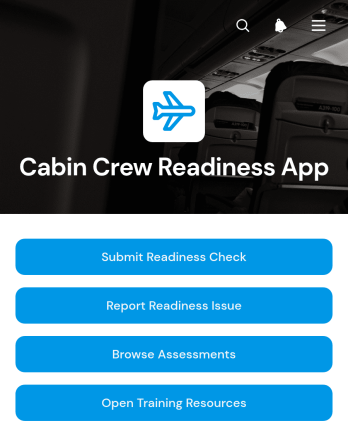
Cabin Crew Readiness App
Cabin Crew Readiness App is an operational resource for aviation teams that need a consistent way to prepare crew members for upcoming duties. Crew members can submit readiness checks, report concerns that may affect duty preparation, browse assigned assessments, and open training resources from one convenient location. It is useful for flight operations teams, cabin crew managers, training coordinators, and human resources staff seeking clearer visibility into preparation activities. By bringing essential actions and reference material together, the app reduces scattered communication, encourages timely issue reporting, and helps teams identify where additional guidance may be needed before scheduled work.Jotform App Templates make it easy to adapt this app template to an organization’s processes without writing code. The no-code app builder offers a drag-and-drop interface for updating pages, navigation, branding, forms, and connected workflows. Teams can organize data collection, route reported issues to the appropriate staff, and connect responses with tables or approval steps for easier follow-up. Once customized, the app can be shared through a direct link or QR code, giving crew members mobile-friendly self-service access wherever preparation takes place.
Go to Category:Safety and Compliance Apps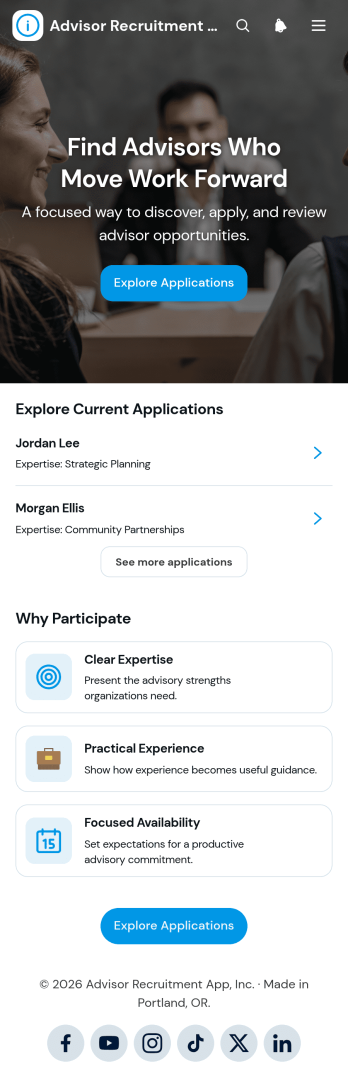
Advisor Recruitment App
The Advisor Recruitment App is a ready-to-use hiring space for organizations seeking experienced advisors, consultants, mentors, or subject-matter specialists. Recruitment teams, professional networks, educational groups, nonprofits, and growing businesses can use it to collect applications, browse candidate profiles, and review shortlisted applicants. Key information such as qualifications, availability, motivation, contact details, and resumes stays accessible within a consistent experience. Recruitment resources can also clarify expectations and help candidates understand the selection process. This reduces scattered communication, gives reviewers a clearer view of each applicant, and supports informed decisions when building an advisory group or talent pool.With Jotform, this app template can be adapted through a no-code app builder and an intuitive drag-and-drop interface. Teams can update pages, branding, buttons, and resources while connecting forms, tables, approvals, and other workflow steps. Jotform App Templates make it easier to create mobile-friendly self-service experiences without starting from scratch. Publish the app through a direct link or QR code so candidates can apply from any device and authorized reviewers can reach the information they need. The result is a flexible recruitment experience that supports organized data collection and can evolve alongside changing advisor requirements.
Go to Category:Human Resources Apps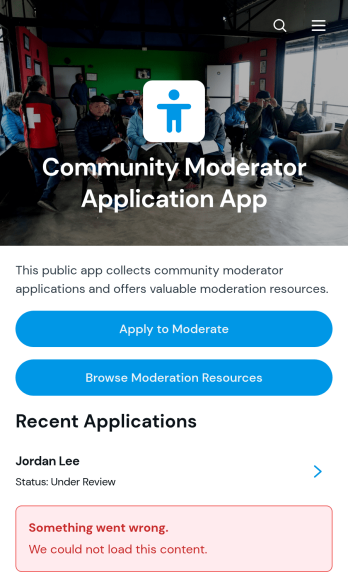
Community Moderator Application App
The Community Moderator Application App provides community managers, membership teams, nonprofit coordinators, and online group administrators with a central place to recruit and review prospective moderators. It supports application intake, applicant profile browsing, and access to moderation resources without scattering information across unrelated channels. Teams can use this app template when launching a new community, expanding coverage, or building a dependable moderator pipeline. Organized applicant details and availability information make it easier to assess candidates, compare potential contributors, and prepare selected moderators for their responsibilities.Jotform Apps helps teams turn this process into an accessible, mobile-friendly experience without writing code. Customize the Community Moderator Application App through a drag-and-drop interface, connect forms and records to the workflow, and update pages, buttons, branding, or resource links as needs change. The no-code app builder also makes data collection and self-service resource navigation easier to manage from one location. Once the app is ready, share it through a direct link, QR code, or embedded experience so applicants and internal reviewers can reach the right information from any device.
Go to Category:Community & Engagement Portal Apps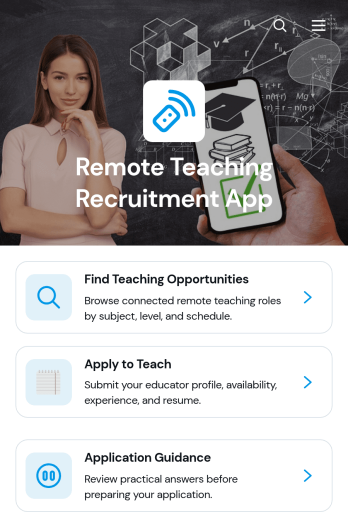
Remote Teaching Recruitment App
Remote Teaching Recruitment App gives schools, tutoring providers, education programs, and recruitment teams a central place to connect qualified educators with remote teaching roles. Candidates can browse teaching opportunities, review essential role information, and submit an application from one convenient experience. Application guidance helps applicants understand the process before they apply. By bringing opportunity discovery and candidate intake together, this app template reduces scattered inquiries, gives recruiters a consistent recruitment journey, and makes openings easier to access across locations and devices.Jotform Apps helps organizations turn recruitment processes into interactive, mobile-friendly experiences without coding. Start with this Remote Teaching Recruitment App from Jotform App Templates, then use the no-code app builder and drag-and-drop interface to update pages, branding, navigation, and content. Teams can connect forms, tables, notifications, approvals, and other workflow tools to support data collection and application review. Once customized, the app can be published and shared by direct link or QR code, giving candidates convenient self-service access while helping recruiters manage hiring activity from one organized destination.
Go to Category:Job Apps
Employee Compensation Review App
Employee Compensation Review App gives HR teams, department leaders, and managers a central place to organize recurring salary and performance review activities. This app template supports employee record browsing, compensation review submission, and adjustment request tracking while keeping review guidelines and relevant insights easy to reach. It can be used during annual compensation cycles, promotion reviews, market adjustments, or internal pay planning. By bringing current and proposed salary details, performance ratings, departments, and review statuses into one experience, organizations can reduce scattered communications and help reviewers make more consistent, evidence-based recommendations.Jotform App Templates make it easier to turn internal processes into accessible digital experiences without writing code. Customize the Employee Compensation Review App through a drag-and-drop interface, update its pages and branding, and connect forms or tables to support data collection and workflow management. Teams can publish the finished app through a direct link, custom app URL, or QR code for convenient mobile access. Jotform’s no-code app builder also helps organizations maintain a practical self-service resource where authorized participants can find guidance, submit review information, and follow compensation-related requests from one organized location.
Go to Category:HR Portal Apps
Farewell Message Collection App
Farewell Message Collection App brings personal notes for a departing colleague, teacher, student, volunteer, or community member into one accessible experience. HR teams, managers, schools, nonprofits, clubs, and event organizers can invite participants to submit farewell messages, browse the collected notes, and review collection insights. Instead of gathering wishes across emails, chats, and paper cards, organizers can maintain a central keepsake that makes participation easier and helps ensure meaningful contributions are not overlooked. It is useful for retirements, graduations, employee departures, relocations, volunteer send-offs, and other moments of transition.Built with Jotform Apps, this app template can be adapted through a no-code app builder and an intuitive drag-and-drop interface. Organizers can update pages, branding, text, navigation, and connected data collection workflows without programming, then share the finished app through a direct link or QR code. Jotform app templates also make it easy to connect forms, tables, notifications, and other resources, giving contributors convenient self-service access from a phone, tablet, or computer. The result is a polished, mobile-friendly way to coordinate participation and preserve farewell messages in one organized location.
Go to Category:Team Collaboration Apps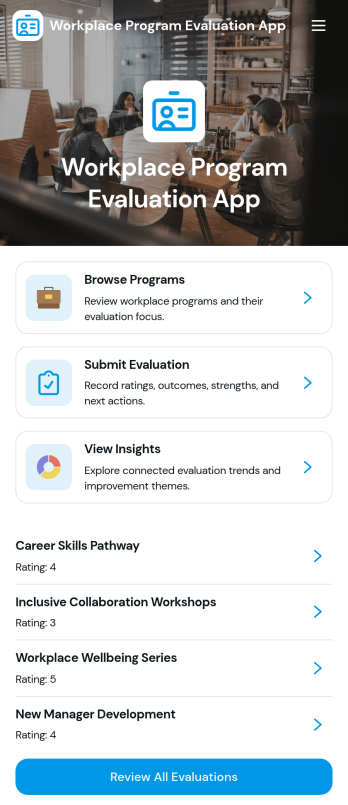
Workplace Program Evaluation App
Workplace Program Evaluation App provides HR teams, program managers, department leaders, and organizational development professionals with a central place to assess internal initiatives. Employees and evaluators can browse available workplace programs, review their focus, submit evaluations, and view collected insights without relying on scattered documents or email threads. It is well suited to training programs, wellness initiatives, employee engagement activities, leadership development, and other internal efforts that require consistent feedback. By bringing program information and evaluation activity together, the app helps organizations identify strengths, uncover improvement opportunities, and support informed planning.With Jotform Apps, teams can adapt this app template through a no-code app builder and an intuitive drag-and-drop interface. Pages, navigation, forms, visual elements, and connected workflows can be updated to reflect evaluation goals and company branding. Evaluation data can connect with Jotform Tables and related processes for organized review, while notifications help relevant stakeholders stay informed. Publish the finished Workplace Program Evaluation App by direct link, QR code, or embedded experience to provide convenient mobile-friendly access and encourage employee self-service.
Go to Category:Human Resources Apps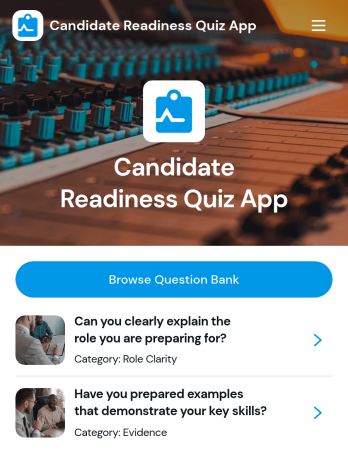
Candidate Readiness Quiz App
Candidate Readiness Quiz App helps recruiters, hiring managers, and career services teams quickly assess how prepared a candidate is for a role before moving forward in the process. It gives candidates a clear starting point with a readiness quiz and lets your team route people to the right next step based on their results. With simple navigation buttons to start the quiz, retake it, and browse a question bank organized by category, you can evaluate core knowledge consistently while keeping the experience easy for candidates to complete.Built with Jotform, this app template can be customized in minutes using a drag-and-drop interface and a no-code app builder. Connect it to your existing data collection and workflow needs by tailoring questions, organizing categories, and presenting the right pages for different audiences. Share the app with a link so candidates can complete the quiz on their own time, while your team keeps the process organized and scalable as hiring volume grows.
Go to Category:Quiz Apps
HR Benefits Management App
HR Benefits Management App brings your employee benefits experience into one place so people can compare plan options, submit benefit requests, and track request progress without relying on scattered emails or documents. It works well for HR teams that manage multiple benefit categories and providers, as well as growing companies that need a clearer way to communicate eligibility rules and enrollment windows. Employees get a simple path to browse benefits resources and ask questions, while HR reduces repetitive inquiries and keeps benefit-related requests consistent from intake to follow-up.Built with Jotform, this app template can be tailored with a no-code app builder and a drag-and-drop interface to match how your organization handles benefits. Connect request forms and resource lists to support self-service, keep workflows organized across teams, and centralize data collection for benefit changes, enrollment needs, and general support. Share the app with a link or QR code, update content anytime, and give employees a mobile-friendly destination for benefits information and help.
Go to Category:Human Resources Apps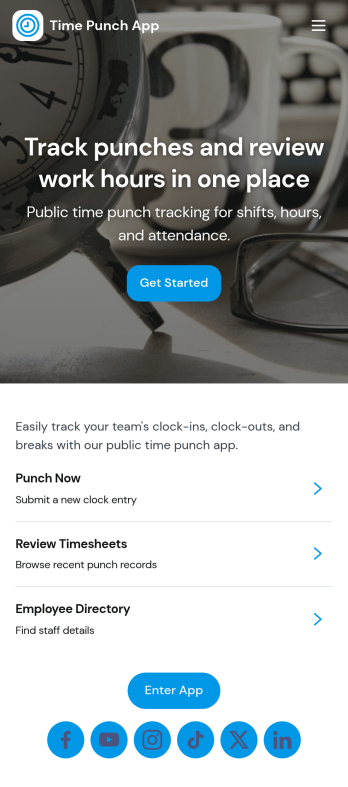
Time Punch App
Time Punch App helps teams record clock-ins and clock-outs in one place, making it easier to track daily work time without relying on paper sheets or scattered messages. Employees can quickly add a punch using the Add Punch or New Punch buttons, and managers can review activity through a daily punch summary and an organized history of time punch records. It’s a practical fit for hourly workforces in retail, restaurants, field services, warehouses, and growing offices that need a consistent way to capture time entries.With Jotform App Templates, you can launch this app template fast and adjust it to match your process using a no-code app builder and a drag-and-drop interface. Connect pages to forms and tables for reliable data collection, keep your workflow moving with simple navigation, and share the app through a link so staff can use it on any device for self-service time tracking. As your team grows, you can refine the layout, add steps, and keep all punch records accessible in Jotform.
Go to Category:Human Resources Apps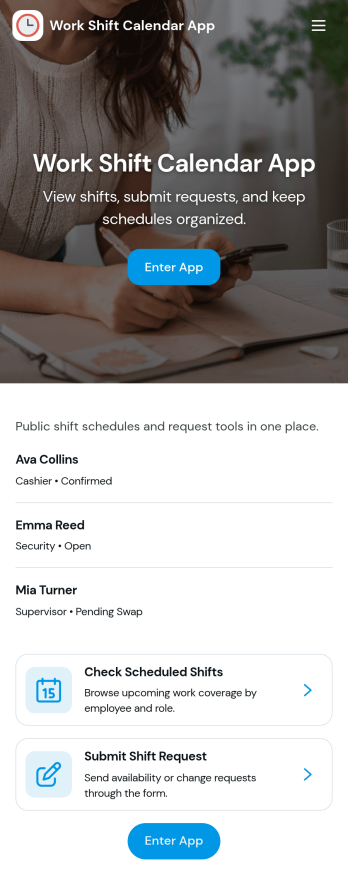
Work Shift Calendar App
A work shift calendar app helps teams plan, view, and update schedules in one place so everyone knows when they’re working. Use it to add new shifts, review upcoming coverage, and collect shift requests from employees without relying on scattered messages. It’s especially useful for managers coordinating rotating schedules, supervisors handling last-minute changes, and staff who need a clear view of their assigned shifts across locations or roles.With Jotform, you can turn this work shift calendar app into a shareable self-service experience using a no-code app builder and a drag-and-drop interface. Connect buttons and pages to your forms and data collection, keep shift details organized for quick browsing, and route requests through a workflow that fits your operation. Customize the layout, branding, and access so your schedule stays clear, current, and easy to manage from anywhere.
Go to Category:Scheduling Apps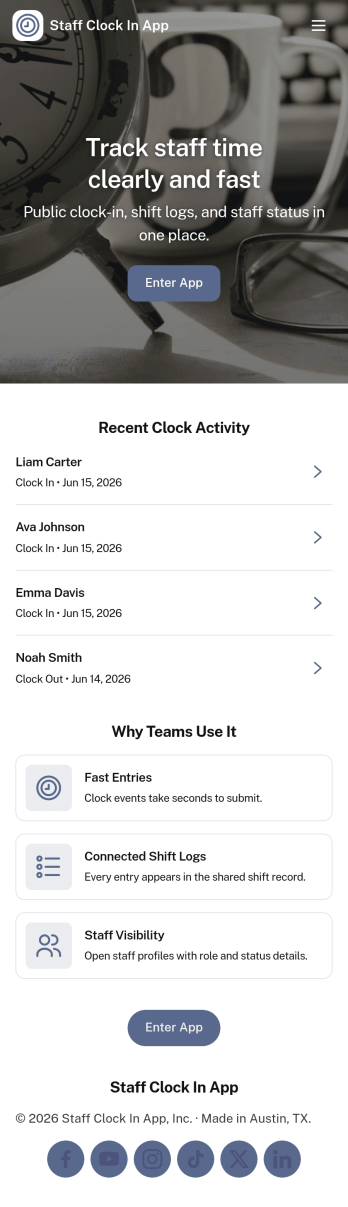
Staff Clock in App
Staff Clock in App helps teams record clock-ins and review time history from one mobile-friendly place. Employees can quickly start a new clock-in, then use the app to view clock history and open individual records for a clear timeline of work activity. It’s a practical fit for retail stores, restaurants, field service teams, clinics, and growing businesses that want a simple way to capture time entries without relying on scattered messages or paper notes.Jotform makes it easy to turn this use case into a polished self-service experience with App Templates you can tailor in minutes. Using Jotform’s no-code app builder and drag-and-drop interface, you can connect the app to a form and keep entries organized, add helpful navigation for faster access, and share a single link with your staff. As your workflow evolves, update the layout, branding, and connected data collection without rebuilding from scratch.
Go to Category:Human Resources Apps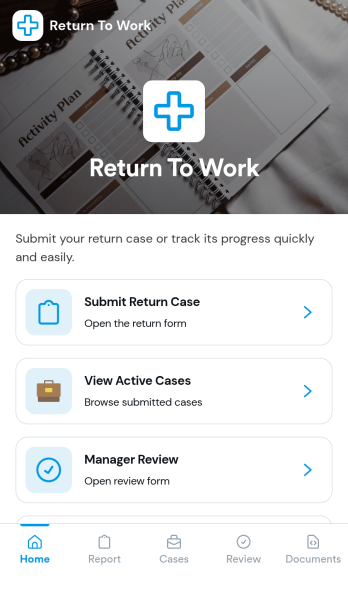
Return to Work App
Return to Work App helps teams manage employee return cases in one place, from the initial request through review and ongoing updates. Employees can submit a return case, managers can complete a dedicated review step, and HR or operations teams can keep track of active cases without chasing details across email threads. It’s a practical fit for organizations handling temporary restrictions, phased returns, or role adjustments where visibility and timely follow-up matter.With Jotform, you can customize this app template to match your internal workflow using a no-code app builder and a drag-and-drop interface. Connect the app to forms to support data collection, route cases for review, and create a self-service experience that’s easy to share with employees and managers. As cases change over time, Jotform helps you keep information organized and accessible so teams can move faster and stay aligned.
Go to Category:Human Resources Apps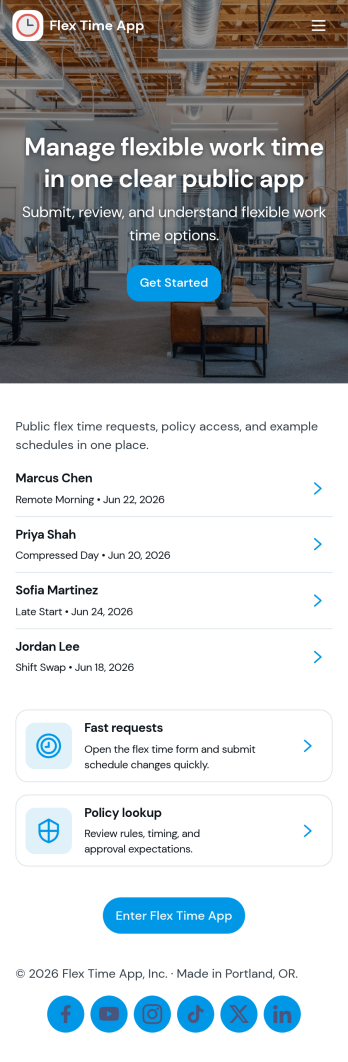
Flex Time App
Flex Time App helps teams manage flexible time off or schedule flexibility requests in one place. Employees can submit a new request through a simple in-app form, then check their available balances without emailing HR or a manager for updates. It fits organizations that track flex time accruals, comp time, or alternative schedule hours and want a clearer way to collect requests and keep balance records current for each employee.Built with Jotform, this app template can be tailored with a no-code app builder and a drag-and-drop interface so you can match your internal workflow. Connect the app to forms and tables to keep requests and balance records organized, make updates faster, and support self-service access for employees. Share the app with a link so staff can submit requests, view balances, and return to their request list from any device.
Go to Category:Human Resources Apps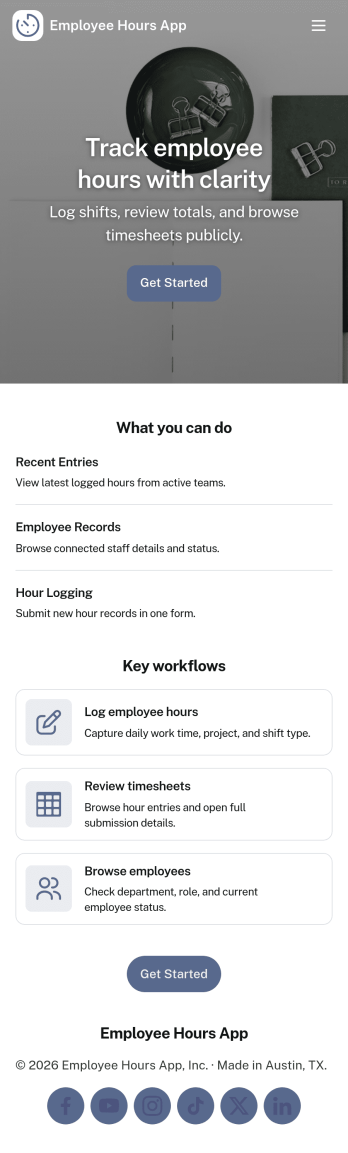
Employee Hours App
Employee Hours App helps teams track work time in one place by giving employees a clear way to log new hours, review their own entries, and reference time activity when needed. It works well for HR and operations teams, shift-based businesses, and managers who want consistent time logs across staff without chasing updates through email or spreadsheets. With dedicated areas for employee profiles and a time log view, the app supports day-to-day hour reporting, internal visibility, and cleaner handoffs for payroll preparation and workforce planning.Built with Jotform, this app template is easy to tailor with a no-code app builder and a drag-and-drop interface so you can match your workflow in minutes. Connect the app to forms and tables to keep time entries organized, make it simple to navigate between employee lists and time records, and share a single self-service link with your team so logging hours becomes a routine part of the workday.
Go to Category:Human Resources Apps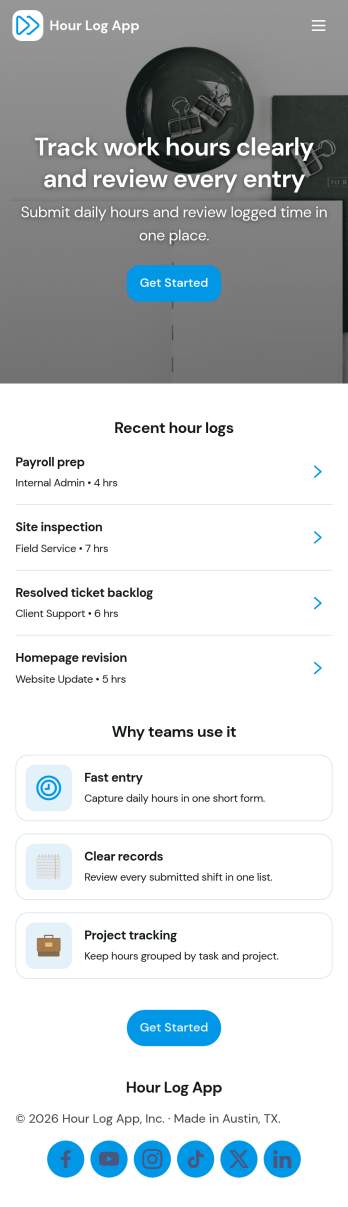
Hour Log App
Hour Log App helps teams and individuals record work time in a simple, consistent way. From the Start Logging page, employees can enter hours through a connected form, then review My Submissions to confirm what they’ve reported. Managers can also reference an All Hour Logs list to support payroll checks, project costing, and day-to-day oversight for hourly staff, contractors, interns, and field crews.Jotform makes it easy to turn time tracking into a polished self-service experience with ready-to-use app templates and a no-code app builder. Customize pages with a drag-and-drop interface, connect your logging form to organized records, and share the app by link for quick access on any device. As your workflow grows, you can keep everything in one place, from collecting hour entries to reviewing logs and keeping operations moving.
Go to Category:Log Apps