

Information Technology Apps

Incident Response App
Incident Response App gives teams a clear place to report incidents, review active and past incidents, and coordinate who is responding. It supports quick intake when something goes wrong and provides a consistent way to capture details, route people to the right next step, and keep information organized for follow-up. IT and security teams, operations leaders, facilities managers, and on-call responders can use it to reduce confusion during high-pressure moments and keep everyone aligned on status and ownership.With Jotform app templates, you can publish a self-service experience that connects incident reporting to your broader workflow without code. Use Jotform’s no-code app builder and drag-and-drop interface to customize navigation, add helpful guidance, and link pages that surface incidents, response teams, and playbooks in one mobile-friendly place. As information comes in through connected forms and lists, Jotform helps you centralize data collection and keep response work moving with less manual coordination.
Go to Category:Information Technology Apps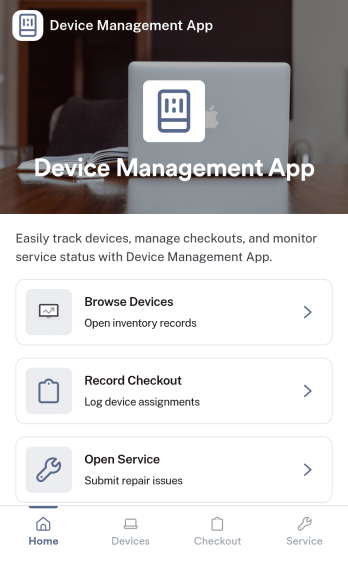
Device Management App
Device Management App brings device details, service history, and support requests into one place so teams can keep equipment organized and issues moving. From a Browse Devices area to a simple way to submit a request and review service logs, it helps IT, operations, facilities, and small business owners stay on top of what’s in use, what needs attention, and what was already repaired.Jotform makes it easy to publish this kind of self-service experience without coding. Using a no-code app builder and a drag-and-drop interface, you can tailor pages and navigation to match your process, connect forms for data collection, and keep your workflow consistent as requests and records grow. Share your Jotform app with a link so staff can quickly find devices, log service activity, and report problems from desktop or mobile.
Go to Category:Information Technology Apps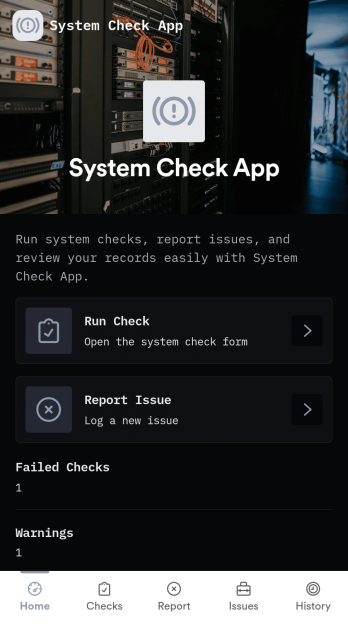
System Check App
System Check App helps teams run routine system checks and keep a clear record of results and issues in one place. Use it for daily operational verification, pre-shift readiness reviews, or recurring IT and equipment check routines where consistency matters. With options to run a check, start a new check, and log problems through a dedicated issue flow, this app supports technicians, operations leads, facilities teams, and support staff who need quick visibility into system health and what needs attention.Jotform makes it easy to turn this System Check App into a practical self-service experience using a no-code app builder and a drag-and-drop interface. Connect check and issue forms to organized lists so your team can review recent activity, track patterns over time, and follow up faster. Customize pages, branding, and navigation in minutes, then share the app by link or QR code so the right people can run checks, report issues, and keep workflows moving from any device.
Go to Category:Information Technology Apps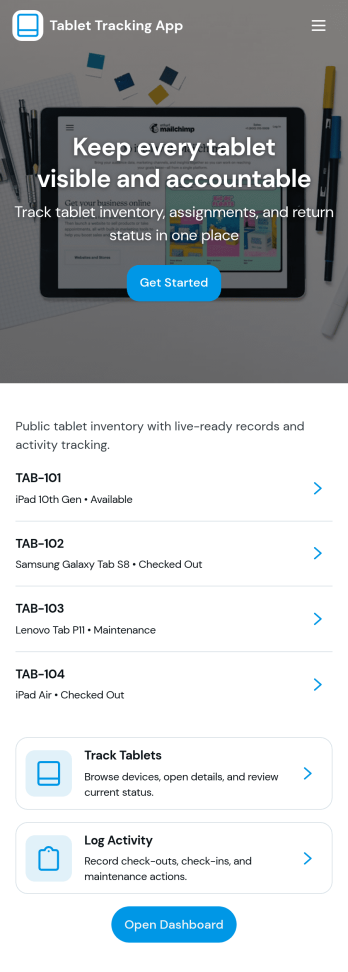
Tablet Tracking App
A tablet tracking app helps teams keep a clear, up-to-date record of where each tablet is, who has it, and what condition it’s in. This template is built for schools, IT teams, libraries, clinics, and growing businesses that lend tablets across staff, students, or departments and need reliable inventory browsing, checkout logging, and return reporting in one place. With dedicated areas for inventory, checkouts, returns, and issues, it reduces lost devices, speeds up handoffs, and creates a consistent process for day-to-day device management.Jotform makes it easy to turn this tablet tracking app template into a branded, self-service experience using a no-code app builder and a drag-and-drop interface. Connect the app to your data collection workflows, keep records organized in connected tables, and guide users to the right action with simple navigation buttons and lists. Share the app with a link or QR code so staff can log activity from anywhere, then update the layout as your workflow changes without touching code.
Go to Category:Inventory Apps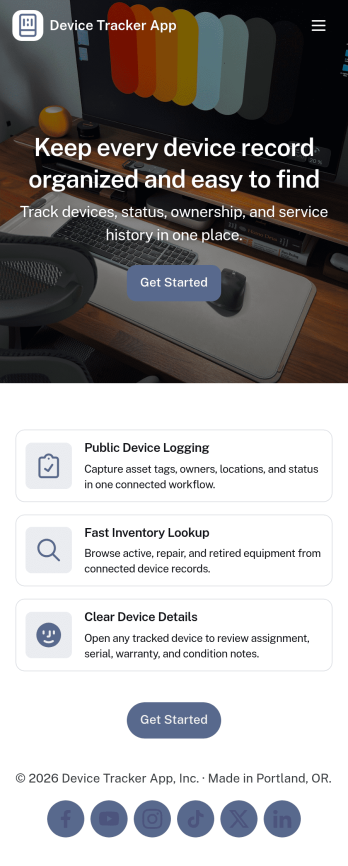
Device Tracker App
Device Tracker App helps teams keep visibility on shared equipment by organizing devices, logging checkouts, and making it easy to look up an item before it goes missing. It’s a practical fit for IT teams, schools, libraries, studios, field crews, and offices that lend laptops, tablets, tools, or other assets across departments or locations. With quick device lookup and clear lists of devices and checkout activity, staff can confirm what’s available, identify what’s currently out, and reduce time spent chasing updates through messages or spreadsheets.Built with Jotform, this app template can be tailored with a no-code app builder and a drag-and-drop interface so you can match your internal process and naming conventions. Connect the app to your tables and forms for reliable data collection, then share it as a self-service experience for employees who need to find a device or review checkout status. As your workflow evolves, you can adjust pages, permissions, and connected records to keep device tracking consistent and easy to manage.
Go to Category:Information Technology Apps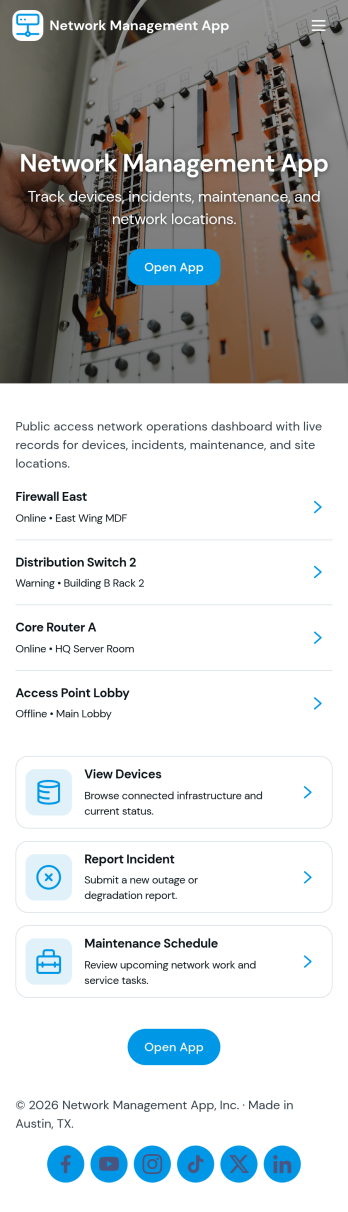
Network Management App
Network Management App helps IT teams keep day-to-day network operations organized in one place, from tracking devices to staying on top of support demand. With quick navigation to a device inventory and a support queue, it’s useful for MSPs, internal IT departments, and distributed organizations that need a clear view of core systems and access layer equipment without hunting through multiple tools or spreadsheets.Jotform makes it easy to turn network processes into a mobile-friendly, self-service experience using its no-code app builder and drag-and-drop interface. Connect pages to forms for consistent data collection, route requests through a workflow your team already follows, and share the app with technicians or stakeholders using a simple link or QR code. Customize the layout, branding, and access so your network operations stay clear, current, and actionable as your environment grows.
Go to Category:Information Technology Apps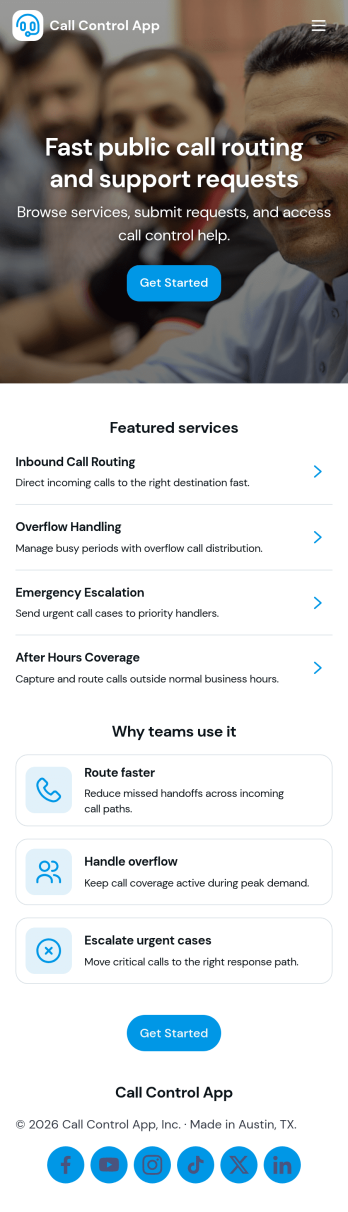
Call Control App
Call Control App brings your team’s calling workflow into one place so it’s easier to place calls, capture activity, and keep contact details organized. Use it to route people to a simple dialer view, review a running call log, and browse contacts without bouncing between tools. It’s a practical fit for sales and marketing teams, customer support groups, front desks, and small operations teams that need a clear record of who called, when, and what happened next, especially when multiple people share follow-ups.With Jotform, you can customize this app template to match your process using a no-code app builder and a drag-and-drop interface. Connect buttons to forms for data collection, standardize how reps log new calls, and keep call notes flowing into connected workflows. Share the app through a link or QR code for fast self-service access on any device, then adjust pages, branding, and navigation as your call handling needs evolve.
Go to Category:Information Technology Apps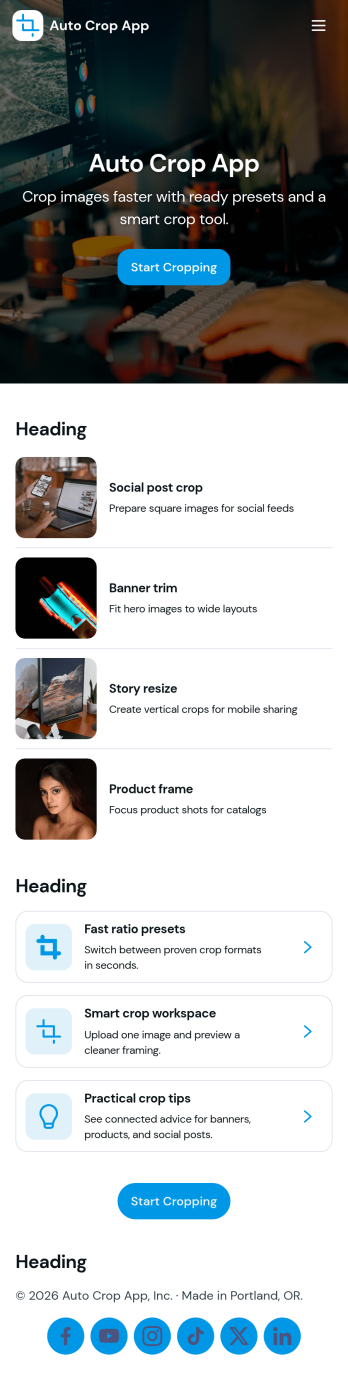
Auto Crop App
Auto Crop App helps teams batch crop images in a repeatable way, track each crop request from start to finish, and reuse sizing rules without rebuilding steps every time. It’s built for ecommerce teams preparing product photos, marketing teams resizing creatives for campaigns, real estate offices standardizing listing images, and content creators who need consistent crops across channels. With batch crop, a job queue, and presets, you can keep work organized while giving everyone a clear place to start a new crop job and check what’s currently processing.Jotform makes it easy to turn this workflow into a shareable self-service experience using app templates and a no-code app builder. Customize pages and navigation with a drag-and-drop interface, connect the app to your crop job form and tables, and keep image work moving with simple routing and status visibility. Publish with a link so teammates can submit new jobs, view jobs, and open history whenever they need it.
Go to Category:Information Technology Apps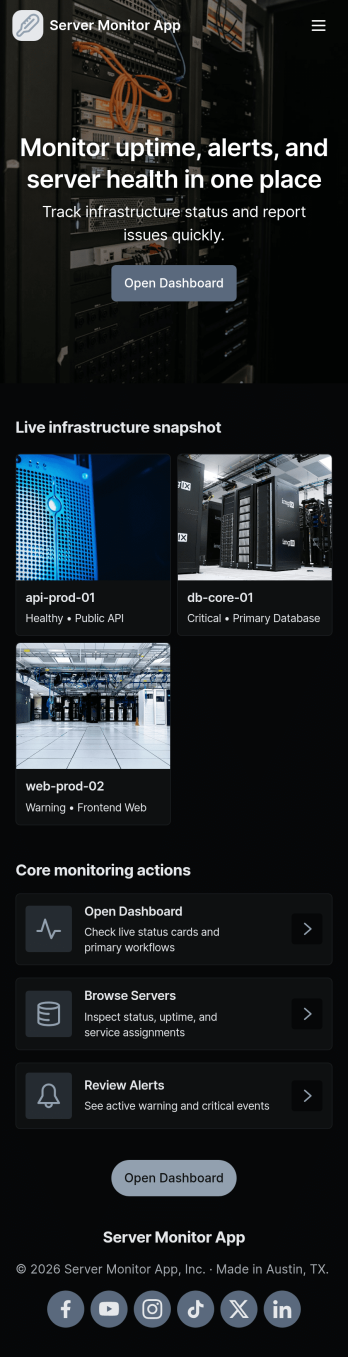
Server Monitor App
Server Monitor App gives IT teams and operations staff a simple way to keep an eye on server health and respond to issues without digging through multiple tools. Use it to review which servers are currently healthy, spot open incidents that need attention, and quickly jump into a server or incident detail view for follow-up. When something goes wrong, team members can submit a new incident report right from the app, helping standardize how outages, alerts, and performance problems are captured across shifts and locations.Built with Jotform, this app template combines a no-code app builder with a drag-and-drop interface so you can tailor the experience to your environment in minutes. Connect lists to your existing data sources, route incident reports into a workflow your team already uses, and share a self-service view with the right people. Jotform makes it easy to publish the app, update pages as your infrastructure changes, and keep monitoring and data collection organized in one place.
Go to Category:Information Technology Apps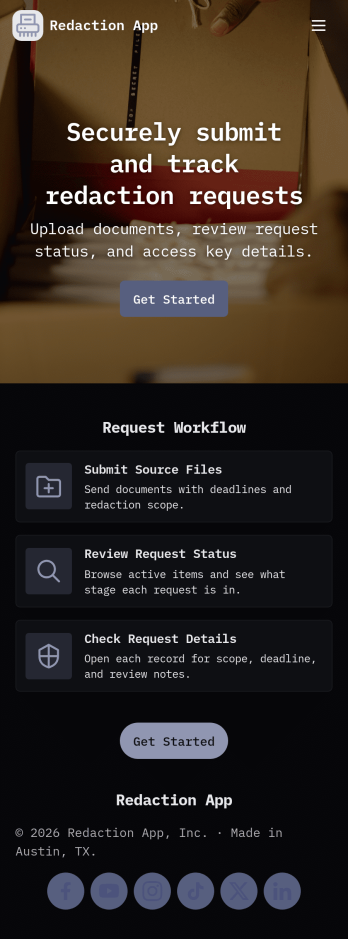
Redaction App
Redaction App helps teams collect and manage document redaction requests in one place, from the first intake to the final archive. It works well for IT and operations groups, support teams, and internal service desks that need a clear way to accept new requests, monitor what’s in the queue, and keep a record of completed work. With a simple New Request entry point, a Queue view for in-progress items, and an Archive area for completed requests, this app keeps request handling organized while reducing missed handoffs and unclear ownership.Jotform makes it easy to publish App Templates like Redaction App using a no-code app builder with a drag-and-drop interface. Connect your app to forms and tables to support consistent data collection, route work through your workflow, and share a self-service experience with the right audience through a link or QR code. You can quickly tailor pages, buttons, and branding to match how your team receives redaction requests and tracks progress over time.
Go to Category:Information Technology Apps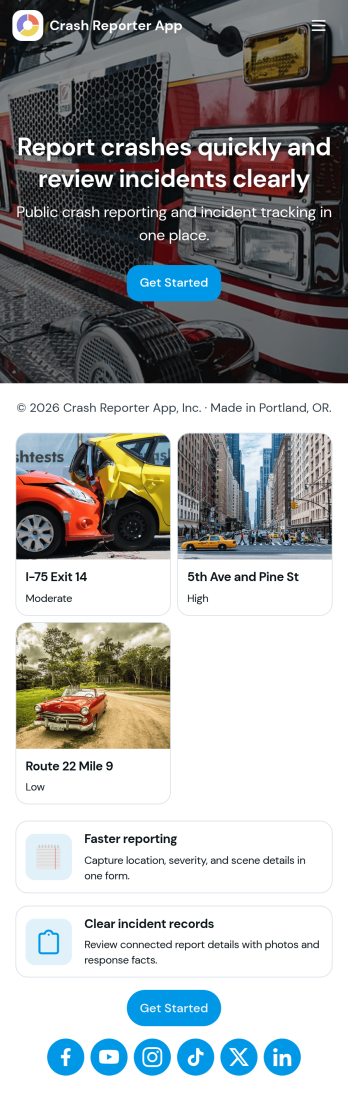
Crash Reporter App
Crash Reporter App helps teams capture crash details the moment something goes wrong, then keep incidents organized from first report to resolution. It works well for software and QA teams tracking application crashes, IT groups collecting employee issue reports, and operations teams documenting field incidents. With a simple entry point to report a crash, a dedicated view for open incidents, and a place to review insights, everyone involved can stay aligned without hunting through messages or spreadsheets.Built with Jotform, this app template pairs guided reporting with an incident queue and a submission history view so you can follow what’s been logged over time. Customize it in Jotform’s no-code app builder using a drag-and-drop interface, connect the underlying form to your workflow, and share the app as a self-service experience for employees, testers, or partners. As reports come in, your team gets more consistent data collection and a clearer picture of recurring issues.
Go to Category:Information Technology Apps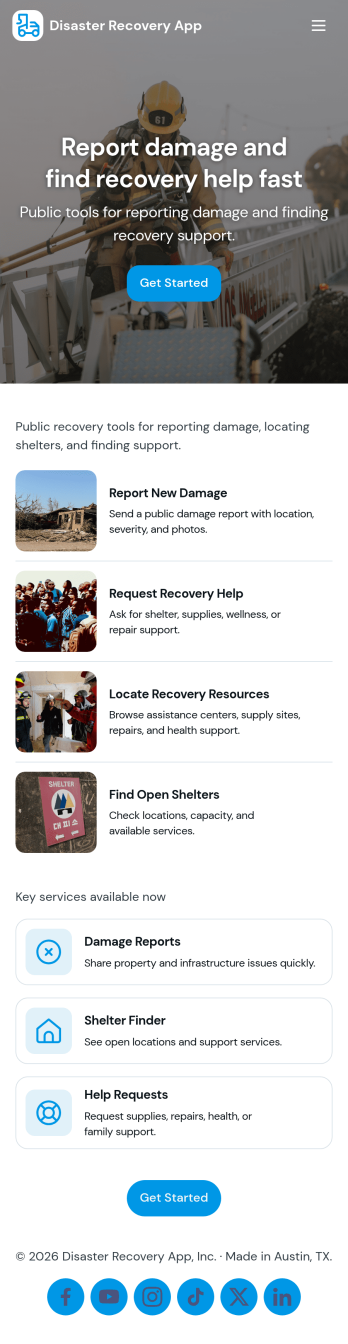
Disaster Recovery App
Disaster Recovery App helps teams document incidents, coordinate response work, and track recovery progress from a single, shareable hub. It brings together a central recovery dashboard with quick navigation to report an incident, review active incidents, and check essential supplies, so responders can capture details fast and keep stakeholders aligned. Whether you support an office, campus, job site, municipality, or nonprofit, this app fits scenarios like severe weather, power outages, facility damage, or service interruptions where updates need to move quickly and be easy to find.Build and customize Disaster Recovery App with Jotform App Templates and a no-code app builder that works with a drag-and-drop interface. Connect the app to your incident reporting form, organize incoming data for follow-up, and create a simple self-service experience that teams can access on the go. With Jotform, you can adjust pages, buttons, and branding to match your recovery workflow and share the app link with internal teams or trusted partners whenever an event occurs.
Go to Category:Information Technology Apps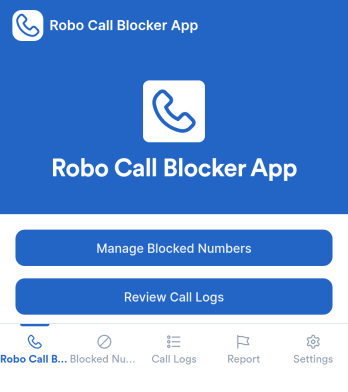
Robo Call Blocker App
Robo Call Blocker App helps individuals, families, and small teams keep a clear record of unwanted calls and organize how they respond to suspicious numbers. Instead of relying on memory or scattered notes, you can report a spam call through a guided form, review a running list of blocked numbers, and adjust protection preferences in one place. This is useful for anyone dealing with repeated robocalls, scam attempts, or aggressive telemarketing, especially when multiple people share a phone line or need a consistent process for handling unknown callers.Jotform makes it easy to turn these workflows into a mobile-friendly self-service experience using its no-code app builder and drag-and-drop interface. Connect pages to forms and tables for fast data collection, keep call reports organized for quick review, and update protection settings without rebuilding anything. With Jotform, you can publish the app, share it with the right audience, and maintain a simple workflow for reporting, tracking, and managing robocall protection over time.
Go to Category:Service & Support Portal Apps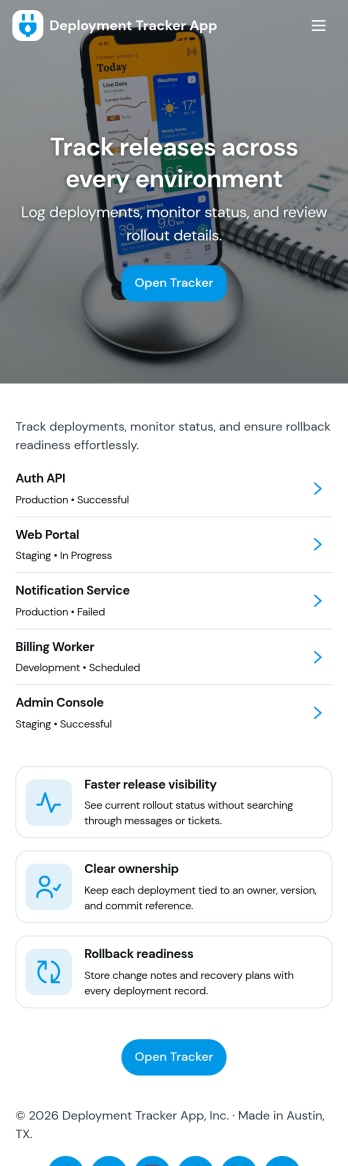
Deployment Tracker App
Deployment Tracker App gives teams a clear place to log new deployments and review past release activity without hunting through chats or spreadsheets. It’s useful for software and IT groups that want a consistent record of what shipped, when it went out, and where to find it later. With a simple flow for adding a deployment record and a dedicated history area to browse prior entries, this app helps release managers, DevOps, QA, and support teams stay aligned as changes move from staging to production.Built with Jotform, this app template can be customized in a no-code app builder using a drag-and-drop interface, so you can match your deployment workflow and the way your team works. Connect the app to a form for fast data collection, then publish it as a self-service destination your team can open on desktop or mobile. As your process evolves, update fields, page layout, and navigation in minutes while keeping every deployment record organized and easy to revisit.
Go to Category:Engineering Apps