

Information Technology Apps

Redaction App
Redaction App helps teams collect and manage document redaction requests in one place, from the first intake to the final archive. It works well for IT and operations groups, support teams, and internal service desks that need a clear way to accept new requests, monitor what’s in the queue, and keep a record of completed work. With a simple New Request entry point, a Queue view for in-progress items, and an Archive area for completed requests, this app keeps request handling organized while reducing missed handoffs and unclear ownership.Jotform makes it easy to publish App Templates like Redaction App using a no-code app builder with a drag-and-drop interface. Connect your app to forms and tables to support consistent data collection, route work through your workflow, and share a self-service experience with the right audience through a link or QR code. You can quickly tailor pages, buttons, and branding to match how your team receives redaction requests and tracks progress over time.
Go to Category:Information Technology Apps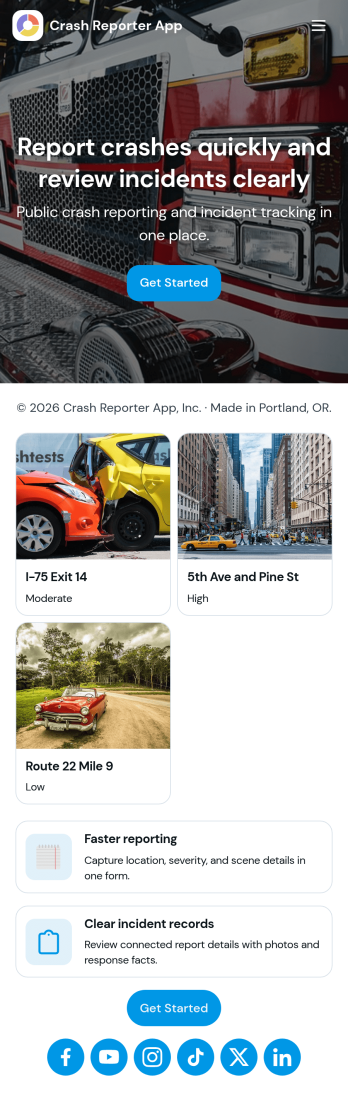
Crash Reporter App
Crash Reporter App helps teams capture crash details the moment something goes wrong, then keep incidents organized from first report to resolution. It works well for software and QA teams tracking application crashes, IT groups collecting employee issue reports, and operations teams documenting field incidents. With a simple entry point to report a crash, a dedicated view for open incidents, and a place to review insights, everyone involved can stay aligned without hunting through messages or spreadsheets.Built with Jotform, this app template pairs guided reporting with an incident queue and a submission history view so you can follow what’s been logged over time. Customize it in Jotform’s no-code app builder using a drag-and-drop interface, connect the underlying form to your workflow, and share the app as a self-service experience for employees, testers, or partners. As reports come in, your team gets more consistent data collection and a clearer picture of recurring issues.
Go to Category:Information Technology Apps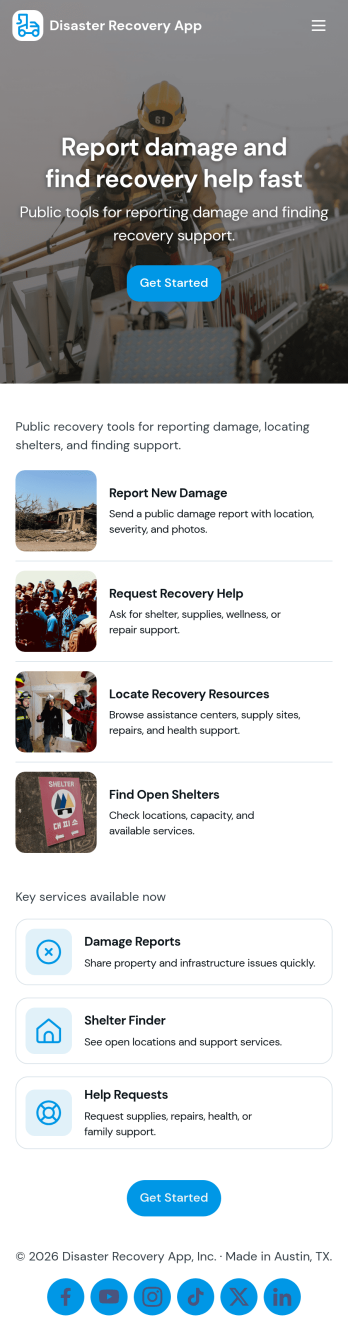
Disaster Recovery App
Disaster Recovery App helps teams document incidents, coordinate response work, and track recovery progress from a single, shareable hub. It brings together a central recovery dashboard with quick navigation to report an incident, review active incidents, and check essential supplies, so responders can capture details fast and keep stakeholders aligned. Whether you support an office, campus, job site, municipality, or nonprofit, this app fits scenarios like severe weather, power outages, facility damage, or service interruptions where updates need to move quickly and be easy to find.Build and customize Disaster Recovery App with Jotform App Templates and a no-code app builder that works with a drag-and-drop interface. Connect the app to your incident reporting form, organize incoming data for follow-up, and create a simple self-service experience that teams can access on the go. With Jotform, you can adjust pages, buttons, and branding to match your recovery workflow and share the app link with internal teams or trusted partners whenever an event occurs.
Go to Category:Information Technology Apps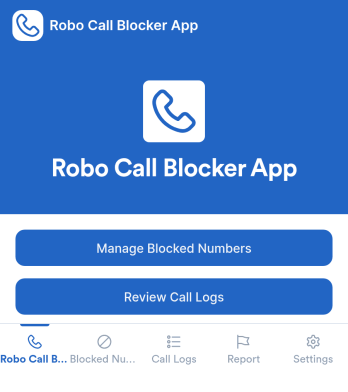
Robo Call Blocker App
Robo Call Blocker App helps individuals, families, and small teams keep a clear record of unwanted calls and organize how they respond to suspicious numbers. Instead of relying on memory or scattered notes, you can report a spam call through a guided form, review a running list of blocked numbers, and adjust protection preferences in one place. This is useful for anyone dealing with repeated robocalls, scam attempts, or aggressive telemarketing, especially when multiple people share a phone line or need a consistent process for handling unknown callers.Jotform makes it easy to turn these workflows into a mobile-friendly self-service experience using its no-code app builder and drag-and-drop interface. Connect pages to forms and tables for fast data collection, keep call reports organized for quick review, and update protection settings without rebuilding anything. With Jotform, you can publish the app, share it with the right audience, and maintain a simple workflow for reporting, tracking, and managing robocall protection over time.
Go to Category:Service & Support Portal Apps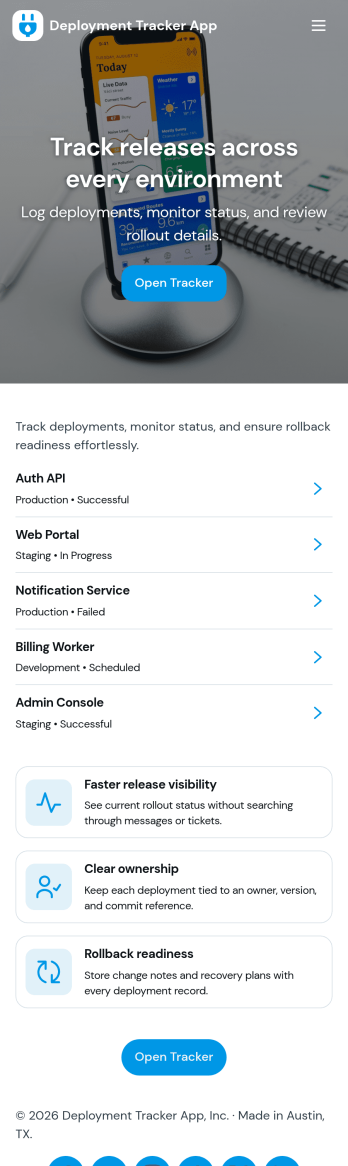
Deployment Tracker App
Deployment Tracker App gives teams a clear place to log new deployments and review past release activity without hunting through chats or spreadsheets. It’s useful for software and IT groups that want a consistent record of what shipped, when it went out, and where to find it later. With a simple flow for adding a deployment record and a dedicated history area to browse prior entries, this app helps release managers, DevOps, QA, and support teams stay aligned as changes move from staging to production.Built with Jotform, this app template can be customized in a no-code app builder using a drag-and-drop interface, so you can match your deployment workflow and the way your team works. Connect the app to a form for fast data collection, then publish it as a self-service destination your team can open on desktop or mobile. As your process evolves, update fields, page layout, and navigation in minutes while keeping every deployment record organized and easy to revisit.
Go to Category:Engineering Apps