

Log App Templates

Logger App
Logger App helps individuals and teams capture important notes and activity records in one place, then revisit them whenever they need context. It’s a practical fit for anyone who wants a simple logging routine, such as field staff tracking daily work, managers keeping quick operational notes, students documenting study sessions, or makers recording project progress. With an easy way to add a new log and a history area for browsing past entries, the app supports consistent recordkeeping without forcing a complicated process.Built with Jotform, this app template can be tailored to match your workflow and the categories you track most often. Use Jotform’s no-code app builder and drag-and-drop interface to adjust pages, connect the Add Log button to your form for data collection, and keep entries organized for self-service review. As your needs grow, you can refine the experience by updating the layout, reordering navigation, and managing your log data in a way that stays clear for everyone who relies on it.
Go to Category:Log Apps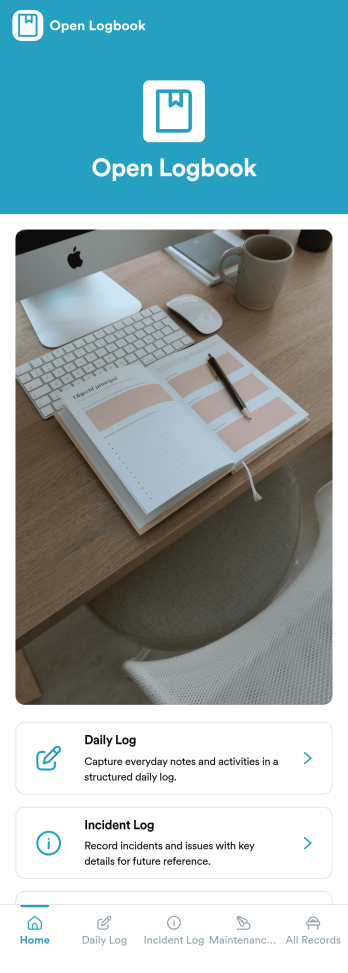
Open Logbook App
Open Logbook App keeps day-to-day operations documented in one place with dedicated spaces for daily notes, incident reporting, and maintenance records. It’s a practical fit for teams that need clear, timestamped accountability such as facilities and operations staff, warehouses, schools, property managers, field services, and community organizations. With quick log entry forms and easy browsing of recorded entries, the app supports consistent recordkeeping across shifts, helps supervisors spot patterns, and makes it easier to follow up on issues without hunting through emails or paper binders.Jotform makes it simple to turn recordkeeping into a mobile-friendly experience using App Templates and a no-code app builder. Use the drag-and-drop interface to adjust pages, add guidance, and connect your app to forms and tables so logs are captured and organized automatically. Share the app by link or QR code, keep your workflow consistent across locations, and give teams a self-service way to submit updates and review recent entries anytime.
Go to Category:Log Apps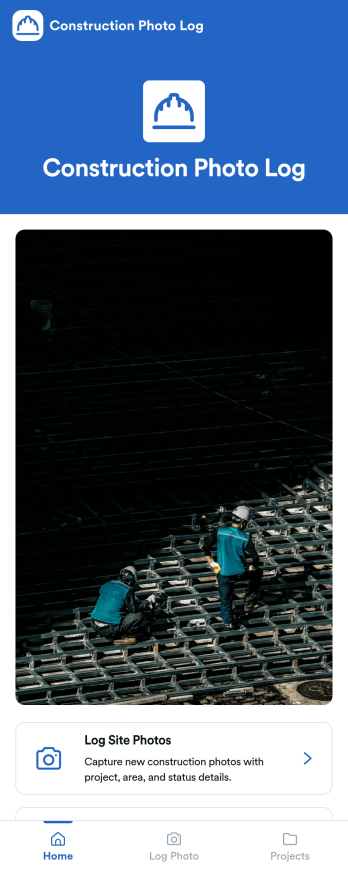
Construction Photo Log App
Construction Photo Log App keeps your jobsite images organized so crews and managers can document progress, flag issues, and build a reliable visual record across multiple projects. Use it to capture and log site photos in the moment, then browse a projects directory to quickly find the right job and review what’s been recorded. It works well for general contractors, superintendents, project managers, and subcontractors who need clearer communication between the field and the office without juggling scattered camera rolls.With Jotform, you can turn this app template into a branded, mobile-friendly experience using a no-code app builder and a drag-and-drop interface. Connect the app to your photo log form and project data, share it by link or QR code, and keep photo collection consistent across teams. As your workflow evolves, update pages, navigation, and content in minutes while keeping everything easy to access for self-service reference.
Go to Category:Construction Apps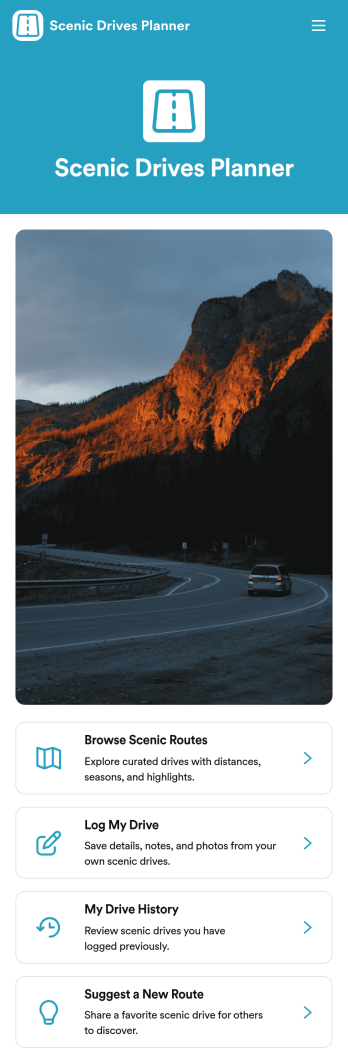
Scenic Drives Planner App
Scenic Drives Planner App brings curated scenic routes together with simple drive logging, so travelers can browse options, start planning, and keep a personal record of past road trips in one place. Use it to share recommended drives for a region, help customers pick routes for weekend getaways, or collect community suggestions for new roads worth exploring. It’s a great fit for tour operators, visitor centers, outdoor groups, content creators, and travel clubs that want an easy way to publish route ideas, gather feedback, and encourage repeat trips through a clear drive history.Jotform makes it easy to turn this experience into a branded, shareable destination using its no-code app builder and drag-and-drop interface. Connect route lists to your data, link forms for drive logs and route suggestions, and keep everything organized in a single workflow that works for self-service on mobile or desktop. With Jotform, you can update routes anytime, track incoming entries, and share the app with a link or QR code for quick access on the road.
Go to Category:Trip Planner Apps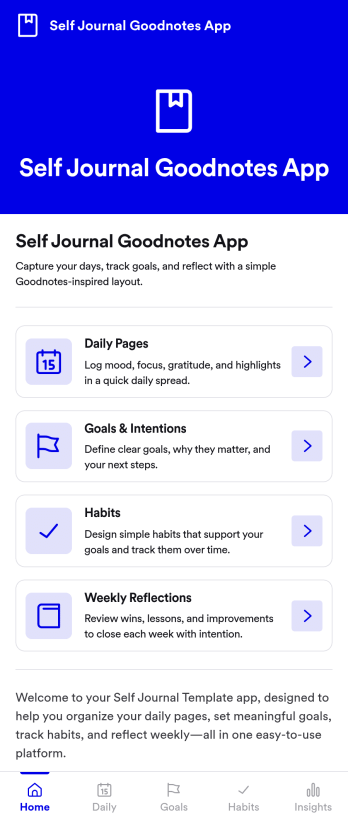
Self Journal Goodnotes App
Self Journal Goodnotes App is an app template designed to facilitate a digital self-journaling experience, perfect for content creators, digital product sellers, coaches, and individuals invested in personal and professional growth. With its easy-to-navigate layout, it enables the collection of insights and reflections, serving as a digital repository for thoughts, ideas, and essential notes. This process not only brings clarity and consistency to the journaling practice but also ensures the completeness and accuracy of the logged entries. The app is ideal for those who wish to keep track of their thoughts and ideas, offering a clear and easy way to organize your digital journaling routine. It's best for those who value structured reflection and consistent journaling habits as part of their personal and professional development.Jotform's features make this process even more streamlined and efficient. The platform's ease of use, combined with its ability to collect electronic signatures and offer customizable templates, makes it a reliable and efficient choice for maintaining your digital journal. The drag-and-drop interface enables you to personalize your Self Journal Goodnotes App, matching your unique style and needs. The platform's cross-platform compatibility ensures you can access and update your entries from any device, at any time. The 'Add to Home Screen' feature allows you to have your journal just one tap away, facilitating regular, consistent entries. With Jotform, you can create a personalized, efficient, and effective digital journaling experience with the Self Journal Goodnotes App.
Go to Category:Log Apps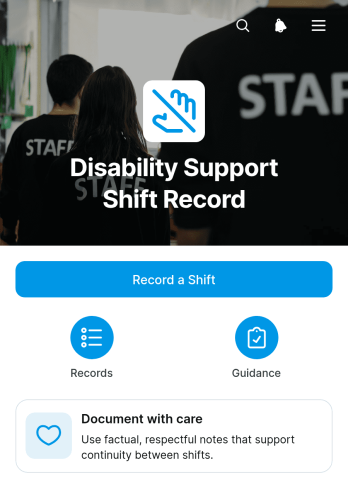
Disability Support Shift Record App
Disability Support Shift Record App provides disability support workers and service teams with a central place to document completed shifts and review essential support information. Workers can submit a shift record, identify the support recipient, summarize support and handover details, and indicate whether follow-up is needed. The template is useful for disability support providers, community care teams, coordinators, and supervisors who need clearer records across changing shifts. It reduces scattered notes, supports more consistent handovers, and gives authorized team members better visibility into worker activity and outstanding actions.Jotform Apps helps organizations turn everyday processes into accessible, interactive experiences without coding. Customize this app template with the drag-and-drop app builder, adjust pages and branding, and connect forms, tables, approvals, or notifications to support your workflow. Shift data can be organized for easier review while links and resources remain available in one mobile-friendly location. Publish the finished app with a direct link or QR code to give workers convenient access in the field and improve self-service data collection across the support team.
Go to Category:Log Apps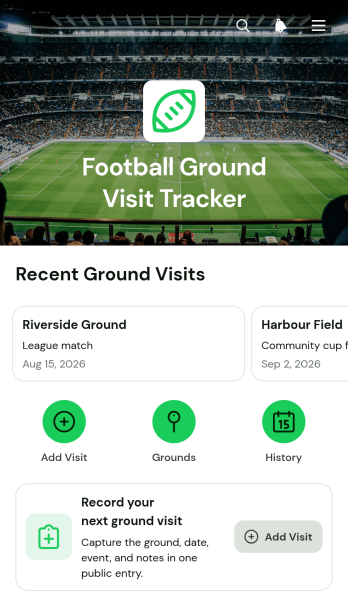
Football Ground Visit Tracker App
The Football Ground Visit Tracker App is an app template for recording and revisiting trips to football grounds. Supporters, groundhoppers, fan groups, sports clubs, travel communities, and football writers can use it to keep personal or shared visit histories in one convenient place. Users can add a new ground visit, browse previous entries, and view useful details such as the ground name, city, match or event, attendance type, and visit notes. This organized record makes it easier to remember matchday experiences, document football journeys, plan return trips, and create a dependable log instead of relying on scattered notes or photos.Jotform provides customizable App Templates for turning records and connected workflows into accessible digital experiences. With its no-code app builder and drag-and-drop interface, you can adapt this app template with your own colors, images, navigation, and questions. Connect forms and tables to support data collection, organize new entries, and maintain an up-to-date visit log. Once the app is ready, publish it with a direct link or QR code so contributors can access it from their phones. The result is a practical self-service resource that can grow alongside an individual supporter’s travels or a group’s football activities.
Go to Category:Sports Apps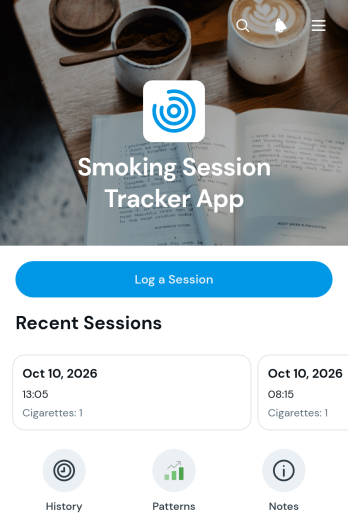
Smoking Session Tracker App
The Smoking Session Tracker App is an organized recordkeeping tool for individuals who want to document smoking habits and better understand when and why sessions occur. Users can log a session, record the date, cigarette count, duration, trigger, and personal notes, then review past entries and recurring patterns. It can support personal awareness, wellness coaching, behavior-change programs, and guided conversations with support professionals. By keeping session details in one accessible place, the app reduces reliance on memory and makes it easier to compare habits over time, identify common situations, and maintain consistent records.Jotform Apps helps you customize this app template with a no-code app builder and an intuitive drag-and-drop interface. Adjust pages, cards, buttons, colors, fonts, and navigation to match personal or program needs. The app can connect data collection forms with organized session records and related workflows, giving users a convenient self-service experience. Start from the Smoking Session Tracker App in the Jotform App Templates library, personalize the content, and publish it without writing code. Share the finished app through a direct link or QR code so users can log and review sessions from a phone, tablet, or computer.
Go to Category:Health Tracking Apps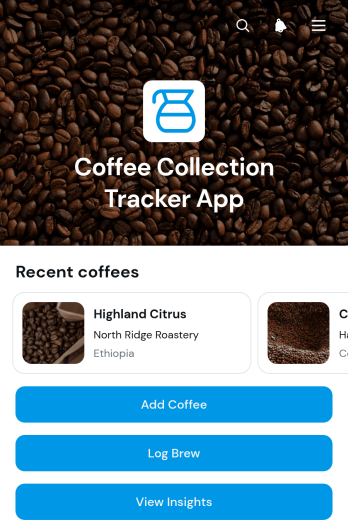
Coffee Collection Tracker App
Coffee Collection Tracker App gives home brewers, coffee enthusiasts, tasting groups, and specialty beverage teams one organized place to catalog coffees and document brewing experiences. Users can add coffees to a browsable collection, record brew sessions, and review insights that help reveal preferred beans, methods, and flavor profiles. Individual entries can capture useful details such as roaster information, processing method, ratings, and tasting notes without relying on scattered notebooks or spreadsheets. This app template is especially useful for comparing purchases, remembering successful brews, refining preparation choices, and building a personal reference library over time.Jotform makes this App Template easy to adapt with a no-code app builder and an intuitive drag-and-drop interface. Customize pages, navigation, colors, fonts, and visual elements to match a personal collection, tasting club, café program, or beverage business. Connected forms support consistent data collection, while organized app pages create a convenient self-service experience on phones, tablets, and computers. Share the finished Coffee Collection Tracker App through a direct link or QR code, update it as the collection grows, and connect collected records to Jotform workflows for easier review and management.
Go to Category:Food & Beverage Apps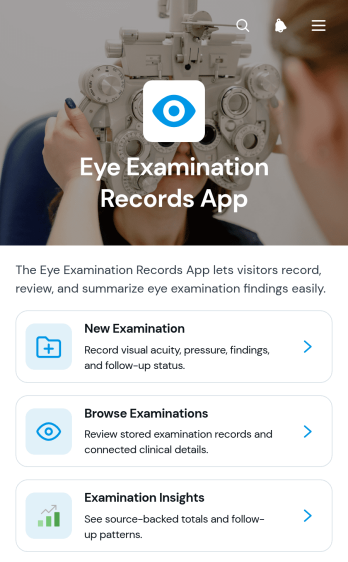
Eye Examination Records App
Eye Examination Records App is a digital recordkeeping template for optometrists, ophthalmology practices, vision clinics, and other eye care teams that need a clear view of examination history. Staff can add new examinations, browse existing records, and review individual summaries with visual acuity, eye pressure, follow-up status, findings, and notes. Examination insights help teams recognize activity patterns and support day-to-day planning. By bringing these details into one accessible experience, the app reduces reliance on scattered files, supports consistent documentation, and helps authorized team members find relevant information before follow-up visits or internal reviews.Jotform provides a no-code app builder that makes this app template easy to adapt to the way a practice works. Use the drag-and-drop interface to update pages, cards, navigation, colors, and other visual elements, then connect forms, tables, notifications, approvals, or additional workflows as needed. Teams can organize data collection and internal self-service access without writing code. Once customized, the app can be shared through a direct link or QR code for convenient access on phones, tablets, and computers, giving staff a practical resource for recording and reviewing eye examination information.
Go to Category:Healthcare Apps
Call Time Allowance App
Call Time Allowance App gives managers, operations teams, and employees a central place to assign approved call minutes, record call usage, and review remaining balances. It suits organizations that need to monitor time allocated for customer outreach, support conversations, interviews, consultations, or other work-related calls. Users can browse current allowances, check approved minutes and active dates, add contextual notes, and log each call with its purpose. This clear record helps teams reduce manual calculations, identify usage patterns, and keep call activity within assigned limits.Jotform App Templates make it easy to adapt this app template to an existing process without writing code. With Jotform’s no-code app builder and drag-and-drop interface, teams can adjust pages, navigation, branding, and connected forms to suit their workflow. Information collected through the app can be organized for convenient review, while direct links and scannable codes provide simple mobile access. Publish a polished self-service experience that brings allowance management, data collection, and call records together in one accessible location.
Go to Category:Activity Tracking Apps
Shift Closeout Tracker App
The Shift Closeout Tracker App gives managers and shift-based teams a central place to document completed shifts and prepare clear handovers. It is well suited to restaurants, retailers, hospitality businesses, warehouses, service teams, and other organizations that need consistent end-of-shift reporting. Employees can submit a closeout, browse recent records, and review essential details such as the shift date, sales total, status, issues, and handover notes. This shared process reduces missing information, gives incoming staff better operational context, and helps supervisors identify unresolved concerns without searching through messages or paper logs.With Jotform, this app template can be adapted using a no-code app builder and an intuitive drag-and-drop interface. Teams can update pages, branding, navigation, and connected forms to match their closeout workflow, then link collected data with tables, notifications, approvals, and other internal processes. Jotform App Templates make it easier to create mobile-friendly self-service experiences that employees can open from a direct link or QR code. Whether a business oversees one location or several teams, the app builder supports organized data collection, accessible records, and a repeatable closeout routine without requiring programming knowledge.
Go to Category:Log Apps
After Hours Call Log App
The After Hours Call Log App is a ready-to-use app template for recording and reviewing calls received outside regular business hours. It suits customer support teams, property managers, healthcare offices, contractors, hospitality staff, on-call services, and other organizations that need a consistent record of overnight or weekend communications. Team members can log essential caller information, document a call summary and action taken, and note follow-up needs or the current status. A searchable call log gives authorized staff a shared view of recent activity, reducing missed messages, unclear handoffs, and duplicate responses when the next shift begins.Jotform Apps helps teams turn this process into a convenient, mobile-friendly experience without coding. Start with the After Hours Call Log App template, then use the drag-and-drop app builder to adjust pages, navigation, branding, and connected data collection. Forms, tables, approvals, notifications, and other workflow tools can be linked to support faster routing and organized follow-up. Once the app is ready, share it by direct link or QR code so on-call employees can enter information from any device. Jotform app templates make it easier to create practical self-service resources that match existing operations and remain simple to update as call-handling procedures change.
Go to Category:Log Apps
Paranormal Session Log App
The Paranormal Session Log App is an app template for investigation groups, independent researchers, event teams, and enthusiasts who need a consistent place to document organized sessions. Users can create session records, log observations and environmental readings, and review previous sessions with related follow-up information. Keeping locations, team leads, summaries, and submitted findings connected reduces scattered notes and makes activity easier to review after an investigation. It is useful for recurring field sessions, group investigations, private research projects, and entertainment events where participants need a shared record of what occurred.Jotform App Templates help teams turn repeatable processes into accessible digital experiences without writing code. Using Jotform’s no-code app builder and drag-and-drop interface, creators can adjust pages, navigation, branding, forms, and connected workflows to suit their preferred research process. The finished app can support organized data collection, team collaboration, and self-service access from mobile devices or computers. Share it through a direct link or QR code, update content as procedures change, and connect records with tables and notifications to keep session information available in one convenient location.
Go to Category:Log Apps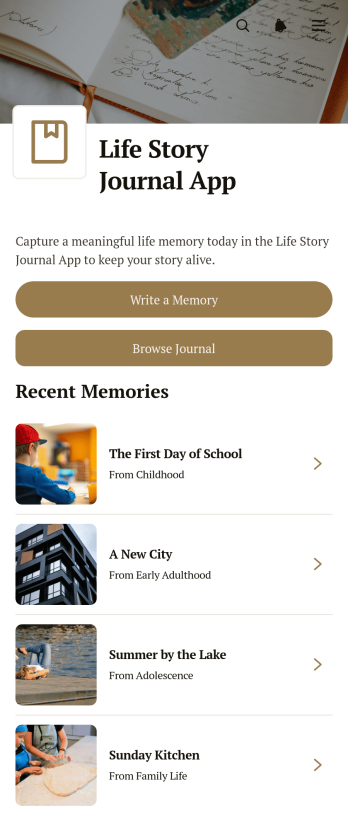
Life Story Journal App
Life Story Journal App is a personal journaling template for recording meaningful memories and organizing the experiences that shape a life. Individuals, families, memoir writers, caregivers, and community storytelling groups can use it to preserve milestones, everyday moments, and reflections in one accessible place. Users can write a memory, browse earlier journal entries, and add context through reflections, people mentioned, and life periods. This structure makes stories easier to revisit while helping writers build a richer personal record over time. It is especially useful for autobiographical writing, family history projects, guided reflection, and preserving stories for future generations.Jotform makes this app template easy to personalize with a no-code app builder and an intuitive drag-and-drop interface. Adjust pages, colors, typography, buttons, and navigation to suit a private journal or shared storytelling project. Connected forms support data collection, while organized lists create a smooth workflow for adding and browsing memories. Once ready, the app can be shared through a direct link or QR code for convenient mobile-friendly access. Explore Jotform App Templates to create a welcoming self-service journaling space without writing code.
Go to Category:Journal Apps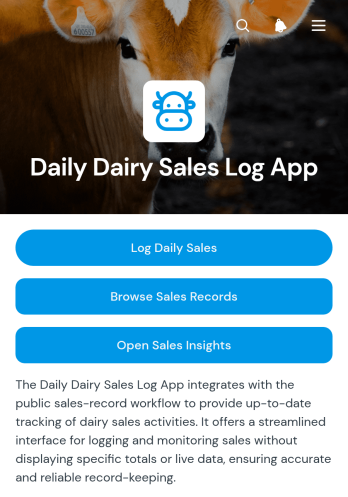
Daily Dairy Sales Log App
The Daily Dairy Sales Log App is a ready-to-use digital recordkeeping app for dairy producers, farm shops, distributors, market vendors, and retail teams that need a dependable view of daily product sales. Staff can log sales activity, browse previous records, and review sales insights without relying on scattered paper logs or separate spreadsheets. This app template helps teams monitor units sold and revenue across products, dates, and shifts while retaining useful notes for later review. Managers can use the consolidated information to compare activity, spot sales patterns, confirm shift records, and make better-informed stocking or production decisions.Jotform makes it easy to adapt App Templates to everyday business operations with a no-code app builder and an intuitive drag-and-drop interface. Customize the Daily Dairy Sales Log App with branded pages, navigation, buttons, and connected forms, then organize collected data through linked tables and workflows. The app can be shared with employees through a direct link or QR code, giving authorized team members a mobile-friendly place to enter and review information. Whether one location or several sales points use it, the app supports consistent data collection and a more accessible daily sales process.
Go to Category:Log Apps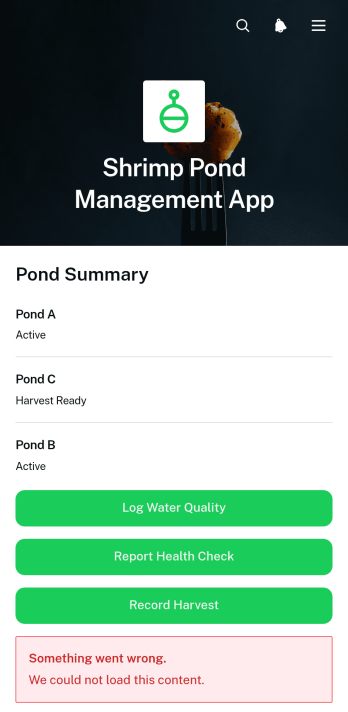
Shrimp Pond Management App
The Shrimp Pond Management App is a centralized recordkeeping template for shrimp farmers, aquaculture managers, field technicians, and production teams overseeing one or more ponds. It brings pond profiles, stocking information, water quality logs, health checks, and harvest records into one accessible experience. Teams can monitor key conditions such as temperature, pH, salinity, dissolved oxygen, and feed quantity while keeping dated notes and actions connected to the relevant pond. This helps replace scattered paper logs, improve visibility across sites, support timely operational decisions, and create a consistent workflow from stocking through harvest.Jotform makes this app template easy to adapt without coding. Using the no-code app builder and drag-and-drop interface, teams can update pages, rearrange content, apply their own branding, and connect forms for field data collection. Records can be organized through connected tables, while notifications and related workflows help staff respond to new updates. Among Jotform App Templates, this option provides a mobile-friendly way to support routine pond monitoring, shared record access, and self-service reporting. Publish it with a direct link or QR code so authorized staff can enter and review information wherever pond operations take place.
Go to Category:Management Apps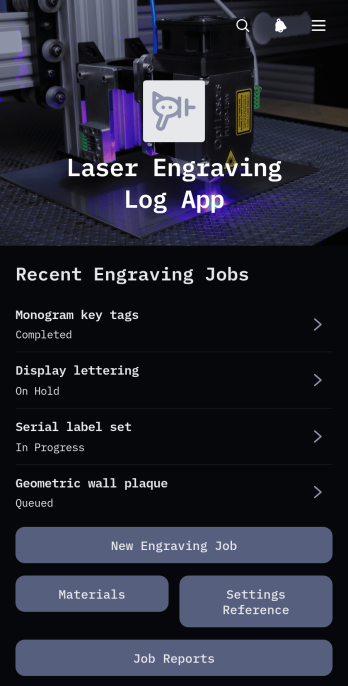
Laser Engraving Log App
Laser Engraving Log App gives engraving workshops, fabrication teams, independent makers, and production managers a central place to document engraving jobs from setup through completion. Teams can record new jobs, review essential customer and production details, consult material and machine setting references, and access job reports without relying on scattered notes. It supports repeatable workshop processes by preserving useful information about quantities, production observations, and past engraving work. This app template is especially helpful for small and medium-sized operations that need clearer job histories, faster setup decisions, and better visibility into daily engraving activity.Jotform App Templates make it easy to adapt this app to the way your workshop operates. With Jotform’s no-code app builder and drag-and-drop interface, you can update pages, navigation, buttons, colors, fonts, and branding without programming. Connect forms for data collection, organize records with related workflows, and give team members mobile-friendly access to job and material information. Once customized, the app can be published and shared through a direct link or QR code, creating a convenient self-service resource for authorized workshop staff.
Go to Category:Logbook Apps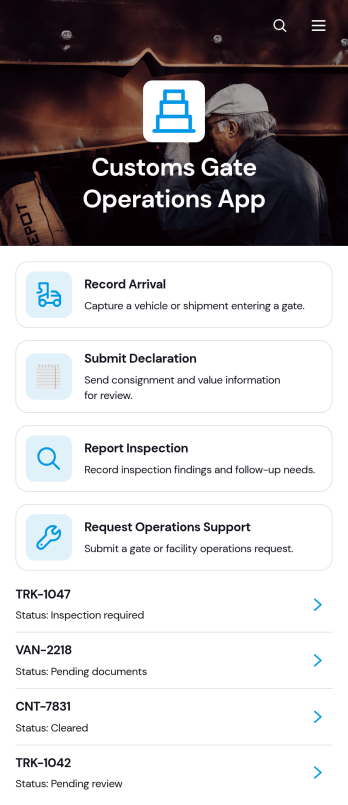
Customs Gate Operations App
Customs Gate Operations App brings arrival recording, declaration submission, inspection reporting, and operations support requests into one accessible workspace. It is suited to customs gate teams, terminal operators, cargo facilities, transport coordinators, inspection personnel, and operations managers handling vehicle or shipment movements. Staff can register arrivals, review shipment references and operational details, then connect inspection or declaration activity to the relevant record. By replacing disconnected paperwork and communication channels with a consistent workflow, this app template helps teams maintain clearer records, coordinate gate activity, respond to support needs, and keep daily cargo processing organized.Jotform Apps helps organizations turn processes like these into mobile-friendly, self-service experiences without writing code. Start with customizable App Templates, then use the no-code app builder and drag-and-drop interface to adjust pages, cards, buttons, navigation, and visual branding. Connected forms support data collection, while tables and notifications help authorized teams manage incoming records and follow operational activity. The finished app can be shared through a direct link or QR code, giving personnel convenient access from phones, tablets, or computers. With Jotform, teams can adapt the Customs Gate Operations App as gate procedures, locations, and internal responsibilities evolve.
Go to Category:Operations & Logistics Portal Apps
Geological Field Records App
Geological Field Records App is a ready-to-use digital workspace for capturing, reviewing, and interpreting observations made during geological fieldwork. It helps geologists, geotechnical consultants, environmental teams, engineering firms, researchers, students, and survey crews replace scattered notes with organized records. Users can add a field record, browse previous entries by locality, and open record insights or field reference material from one convenient place. By keeping observation dates, coordinates, outcrop conditions, sample identifiers, and field notes connected, the app supports more consistent documentation across site investigations, mapping projects, sampling programs, academic excursions, and resource assessments.With Jotform Apps, teams can customize this app template through a no-code app builder and an intuitive drag-and-drop interface. Pages, navigation, forms, reference content, and branding can be adapted to match a project or organization without programming. Connected forms and tables support data collection and organized record management, while direct links and QR codes make the app easy to share with field crews and project partners. Jotform App Templates also help teams connect approvals, notifications, and other workflow steps, creating a mobile-friendly resource for field documentation and self-service access.
Go to Category:Engineering Apps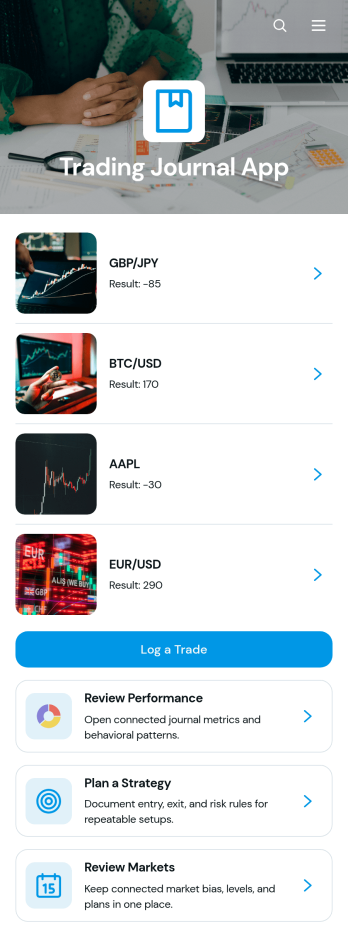
Trading Journal App
The Trading Journal App is a central workspace for recording trades, documenting strategies, reviewing markets, and reflecting on performance. It suits individual traders, trading coaches, finance students, and small investment teams that want consistent records for stocks, currencies, commodities, or other instruments. Users can log trade setups, direction, market, entry price, and exit price, then revisit each record to identify recurring decisions and outcomes. Dedicated strategy planning and market review areas help connect entry criteria, exit criteria, risk rules, and upcoming reviews with daily trading activity. This structure reduces scattered notes and makes disciplined post-trade analysis easier.Jotform turns this app template into a customizable experience without requiring code. Using the no-code app builder and drag-and-drop interface, creators can adjust pages, cards, buttons, colors, fonts, and navigation to fit their trading process. Connected forms support data collection, while tables and workflows can organize records and trigger notifications for follow-up actions. The finished Trading Journal App can be shared by link or QR code and accessed from phones, tablets, or computers, giving users a convenient self-service resource for maintaining their journal wherever they work.
Go to Category:Journal Apps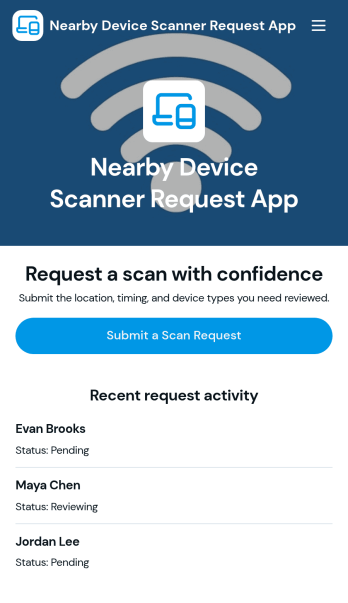
Nearby Device Scanner App
Nearby Device Scanner App helps teams record and review devices detected in a nearby area so there’s a consistent place to document what was found, where it was seen, and when it was last observed. Use it to report nearby devices, browse reported devices, and keep a scan history for follow-ups. It’s useful for IT staff, facilities teams, event operations, and field teams who need quick visibility into what’s been detected on-site and a simple way to update a device report as conditions change.With Jotform, you can turn this workflow into a shareable self-service experience using App Templates and a no-code app builder with a drag-and-drop interface. Connect buttons to forms for fast data collection, organize records in lists and detail views, and keep your workflow moving with mobile-friendly access and real-time updates. Customize pages, branding, and navigation so the app matches how your team scans, logs, and reviews devices in the field.
Go to Category:Information Technology Apps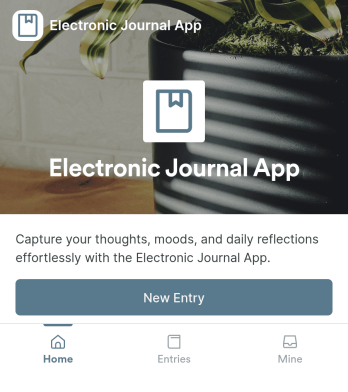
Electronic Journal App
An electronic journal app brings your personal journaling into one simple, guided space where you can write new entries, revisit past thoughts, and build a consistent reflection habit. Whether you’re tracking moods, documenting daily wins, keeping a gratitude log, or recording ideas as they happen, this format fits personal use, coaching programs, student reflection, and wellness routines. With quick actions to add a new entry and browse entries, it helps you capture writing in the moment and find what you need later without digging through notes across devices.Jotform makes it easy to publish this kind of self-service experience with App Templates that connect directly to your forms and data. Use the no-code app builder to adjust pages, reorganize navigation, and update the look and feel with a drag-and-drop interface. As entries come in through the embedded entry form, they can be viewed again through the app, making data collection and everyday workflow feel natural on desktop or mobile.
Go to Category:Self Care Apps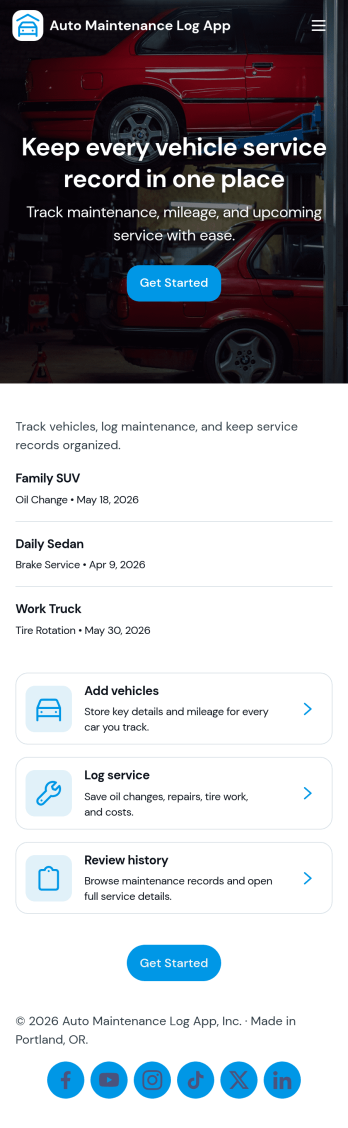
Auto Maintenance Log App
Auto Maintenance Log App helps you keep a clear history of each vehicle’s upkeep in one place, so you always know what was done, when it was done, and what to do next. Use it to add vehicles, record service visits, and track fuel entries without digging through glovebox receipts or scattered notes. It’s a practical fit for families managing multiple cars, small fleets, delivery teams, and anyone who wants better visibility into running costs and routine maintenance.Built with Jotform, this app template brings your data collection into a mobile-friendly experience you can share with the right people. With a no-code app builder and a drag-and-drop interface, you can tailor pages for your workflow, connect forms to keep records organized, and publish a simple self-service hub that makes logging updates fast and consistent.
Go to Category:Automotive Apps