

Organization Apps

Climate Impact Reporting App
The Climate Impact Reporting App is a ready-to-use app template for organizations that need a consistent way to collect, review, and communicate environmental performance. Sustainability teams, nonprofits, consultants, operations managers, and community programs can use it to accept climate reports, browse submitted records, and review key impact indicators. It brings emissions, energy use, resource consumption, and reduction actions into one accessible experience, helping stakeholders compare reports and maintain clearer records. This shared reporting space can reduce fragmented data collection, support recurring assessments, and make environmental initiatives easier to monitor across organizations, projects, or reporting periods.Jotform Apps provides a no-code app builder for adapting this template to different reporting programs without writing software. Its drag-and-drop interface makes it easy to update pages, navigation, visual styling, and connected workflows. Teams can link forms and tables, organize self-service access, receive notifications tied to new activity, and share the finished app through a direct link or QR code. Whether used as an internal reporting center or a public-facing resource, the Climate Impact Reporting App can be customized and published quickly to support dependable data collection and informed climate action.
Go to Category:Report Apps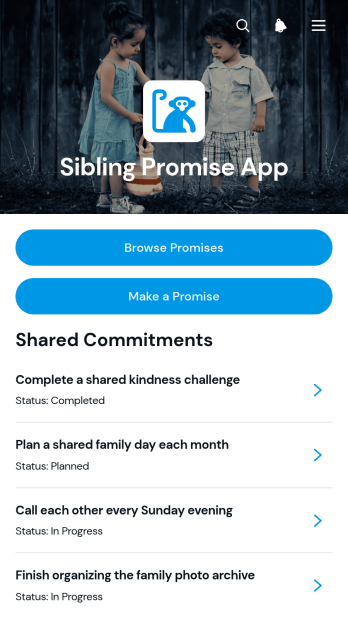
Sibling Promise App
Sibling Promise App gives brothers, sisters, and other sibling groups a shared place to create, browse, and revisit meaningful promises. It supports commitments such as spending more time together, offering help during important moments, resolving disagreements respectfully, or maintaining family traditions. Each promise can include timing, the siblings involved, and an explanation of why it matters, helping turn good intentions into clear commitments. Families, caregivers, counselors, and community groups can use this app template to encourage communication, accountability, and stronger relationships without relying on scattered messages or notes.With Jotform Apps, you can personalize this App Template through a no-code app builder and an intuitive drag-and-drop interface. Adjust pages, colors, fonts, cards, and navigation to suit the intended audience, then connect forms and data collection tools to support an organized workflow. The finished app can be shared through a direct link or QR code for convenient mobile access. Whether used for a family activity, guided discussion, or ongoing self-service experience, Jotform makes it easy to publish and update the app without writing code.
Go to Category:Community & Engagement Portal Apps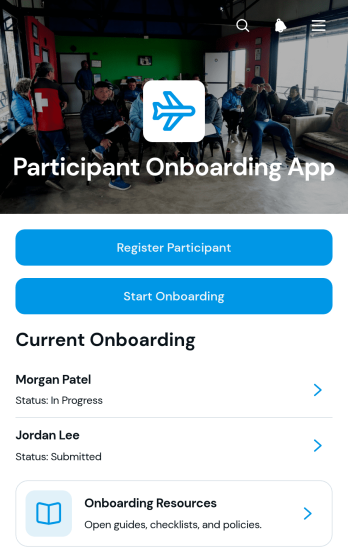
Participant Onboarding App
The Participant Onboarding App is a ready-to-use app template for organizations that need to register participants, guide them through onboarding, and monitor their progress from one accessible location. It supports program coordinators, event teams, training providers, nonprofits, educational groups, and community organizations managing new participants across recurring programs or one-time initiatives. Teams can collect registration details, start onboarding workflows, review participant records, track in-progress and completed cases, and share essential resources. This organized experience reduces scattered communication, gives staff a clear view of each participant’s status, and helps newcomers understand what they need to do next.Jotform App Templates make it easy to adapt the Participant Onboarding App without writing code. Using Jotform’s no-code app builder and drag-and-drop interface, teams can update pages, navigation, colors, fonts, and content to reflect their onboarding process. Forms, tables, approvals, notifications, and other workflow tools can be connected to support data collection and routine follow-up. Once customized, the app can be shared through a direct link or QR code for convenient mobile access, giving participants a self-service destination while helping coordinators keep records and resources organized.
Go to Category:Event Registration Apps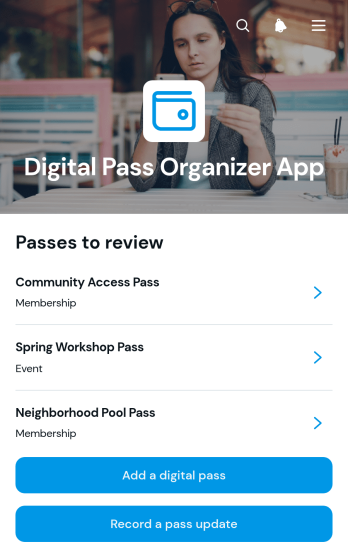
Digital Pass Organizer App
Digital Pass Organizer App is an app template for individuals, administrative teams, membership coordinators, event staff, and service organizations that need one convenient place to manage digital pass information. Users can browse saved pass records, add a digital pass, and record updates without relying on scattered notes or files. It supports everyday scenarios involving membership passes, event credentials, travel documents, visitor access records, and service entitlements. By keeping key details easy to find, the app reduces misplaced information, improves visibility into expiration dates, and creates a more consistent process for maintaining pass records.Jotform App Templates help teams turn routine data collection and self-service needs into accessible digital experiences. With Jotform’s no-code app builder and drag-and-drop interface, you can tailor this app template to your workflow, adjust its pages and branding, and connect forms or tables for organized record management. Publish the finished app through a direct link or QR code so users can reach it from a phone, tablet, or computer. Updates can trigger notifications and feed connected processes, helping individuals and teams maintain current pass information while spending less time searching through separate systems.
Go to Category:Organization Apps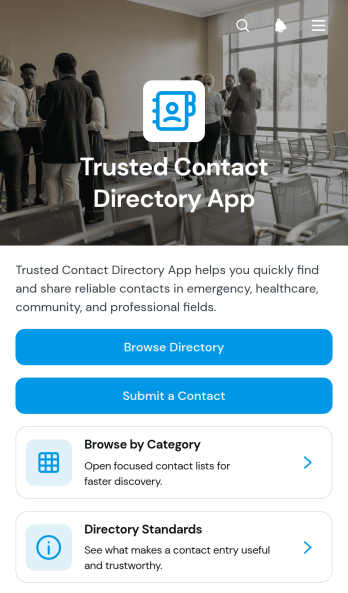
Trusted Contact Directory App
The Trusted Contact Directory App provides organizations, community groups, workplaces, schools, and service networks with a central place to publish useful contact information. Users can browse the directory, explore contacts by category, and open individual profiles to find phone numbers, email addresses, organizations, and notes. A contact submission form supports ongoing directory growth, while published standards help administrators communicate which entries belong in the collection. This app template is especially useful when scattered spreadsheets, outdated documents, or informal recommendations make dependable contact details difficult to find.Jotform makes it easy to adapt this directory to an internal team, local community, professional network, or resource program without writing code. Use the drag-and-drop app builder to adjust pages, branding, categories, and navigation, then connect forms and tables to support data collection and related workflows. The finished app offers mobile-friendly self-service access and can be shared through a direct link or QR code. Starting with Jotform App Templates also reduces setup work, giving teams a customizable foundation they can publish quickly and update as their network changes.
Go to Category:Organization Apps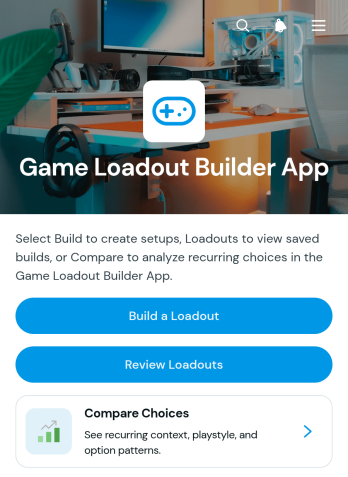
Game Loadout Builder App
Game Loadout Builder App gives players, gaming groups, community organizers, and content creators a central place to assemble and evaluate equipment configurations for different play styles or scenarios. Users can build a loadout with primary, secondary, and utility choices, add helpful notes, revisit saved configurations, and compare options before playing. This app template replaces scattered documents and memory-based planning with an organized experience that makes experimentation easier. It can support individual preparation, strategy discussions, community challenges, practice sessions, and educational content without tying the process to a particular game.Jotform Apps helps you tailor this Game Loadout Builder App through a no-code app builder and an intuitive drag-and-drop interface. Adjust pages, navigation, cards, colors, fonts, and visual elements to match your preferred setup. You can also connect forms and tables for data collection, organize loadout records within a practical workflow, and offer convenient self-service access from mobile or desktop devices. Start with one of Jotform’s App Templates, personalize the app template, and publish it through a direct link or QR code for players, team members, or community participants.
Go to Category:Entertainment Apps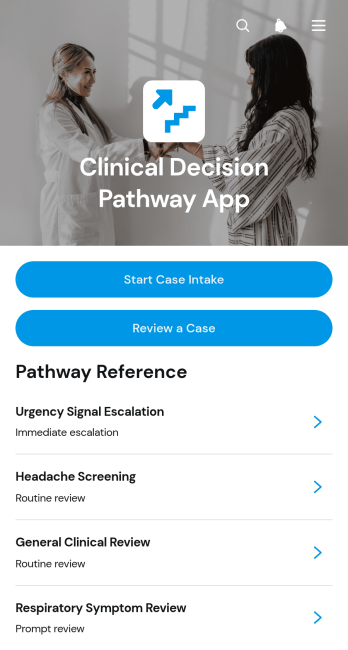
Clinical Decision Pathway App
The Clinical Decision Pathway App is a structured workspace for healthcare teams that need to capture case information and review decision pathways consistently. Clinicians, care coordinators, clinical educators, and quality improvement teams can use it to begin case intake, revisit submitted cases, and browse pathways based on presenting concerns. Each pathway can highlight a trigger pattern, supporting rationale, suggested next step, and safety note, helping teams organize clinical reasoning and keep important reference information accessible. It is well suited to case review meetings, training exercises, internal consultations, and standardized operational workflows while leaving final decisions to qualified professionals.Jotform makes this app template easy to adapt without coding. Use the drag-and-drop app builder to update pages, navigation, visual styling, and pathway content, then connect forms and tables for organized data collection and case management. Teams can publish a mobile-friendly experience, share it through a direct link or QR code, and centralize intake and reference resources in one location. The Clinical Decision Pathway App can also support notifications and connected workflows, giving healthcare organizations a practical foundation for building an interactive internal resource with clear navigation and convenient access.
Go to Category:Healthcare Apps
Visual Reference Library App
The Visual Reference Library App is a centralized resource for collecting, organizing, and reviewing image-based references with clear context. Creative teams, educators, researchers, field staff, community groups, and project managers can use it to maintain a shared collection that is easier to navigate than scattered folders or message threads. Users can browse existing references, submit a clear image, select an appropriate reference type, and explain the signal or meaning shown. This approach supports visual research, training, inspiration gathering, pattern recognition, and consistent communication across teams. It also gives contributors a straightforward self-service path while helping library managers collect useful, properly categorized material.Jotform makes this app template easy to adapt with a no-code app builder and a flexible drag-and-drop interface. Add branded pages, reorganize navigation, update content, or connect forms and tables to support data collection and review workflows. Teams can publish the finished app through a direct link or QR code, making the library convenient to access on phones, tablets, and computers. Among Jotform App Templates, this option offers a practical starting point for creating an interactive resource center without writing code. Customize the Visual Reference Library App to match your subject area, audience, terminology, and visual identity.
Go to Category:Resource & Learning Portal Apps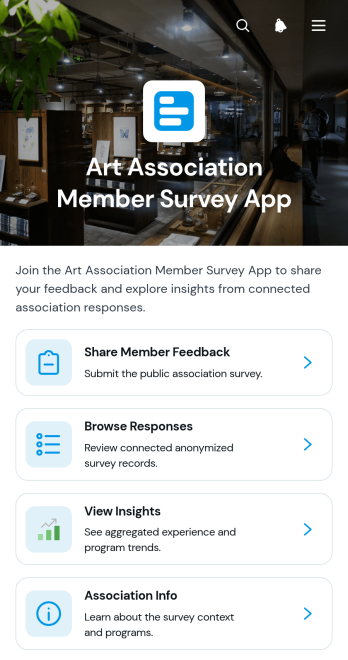
Art Association Member Survey App
Art Association Member Survey App is an app template for arts associations, membership committees, program coordinators, and community arts groups that want to understand member experiences and interests. It gives members a convenient place to share feedback about exhibitions, workshops, and community events. Authorized teams can browse responses, review individual perspectives, identify program preferences, view insights, and note when follow-up is requested. This shared view helps associations replace scattered surveys and manual review processes with organized data collection that supports program planning, member engagement, and more informed decisions.Jotform Apps makes it easy to adapt this App Template with a no-code app builder and an intuitive drag-and-drop interface. Teams can update pages, branding, navigation, questions, and association information without programming. The app can connect forms and tables to a broader workflow, helping staff collect responses, organize records, and coordinate follow-up from one accessible location. Once it is ready, the Art Association Member Survey App can be published and shared through a direct link or QR code, giving members mobile-friendly self-service access while providing organizers with a practical resource for ongoing feedback.
Go to Category:Subscription & Membership Apps
Organizational Announcements App
The Organizational Announcements App gives businesses, nonprofits, schools, and distributed teams a central place to publish and review internal notices. Staff members can browse current announcements, submit a notice for consideration, and refer to publishing guidelines before sharing an update. Archived notices remain accessible for later reference, helping teams preserve important communications without crowding active information. Department and status details also make notices easier to organize and understand. This app template is useful for company news, policy updates, office alerts, program changes, event reminders, and other messages that need consistent visibility across an organization.Jotform makes it easy to adapt this Organizational Announcements App to the way your team communicates. Use the no-code app builder and drag-and-drop interface to update pages, colors, fonts, buttons, navigation, and branded visual elements. Connected forms support data collection, while optional tables, notifications, and workflows can help teams manage incoming announcements and keep information current. Once the app is ready, share it through a direct link, QR code, or embedded experience so employees and other authorized audiences can reach announcements from their phones, tablets, or computers. Jotform App Templates offer a practical starting point for creating a polished self-service resource without writing code.
Go to Category:Company Portal Apps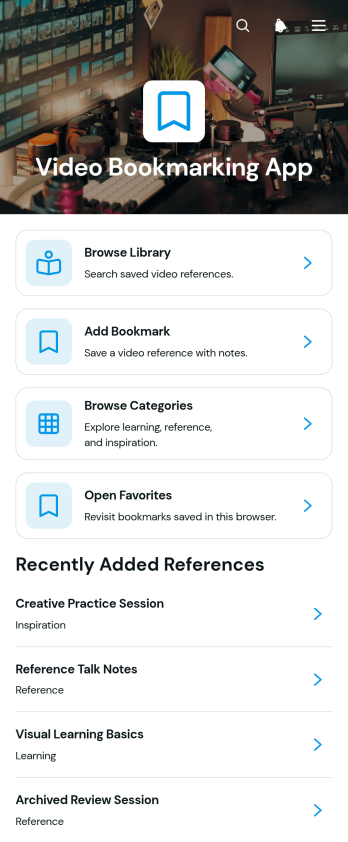
Video Bookmarking App
Video Bookmarking App is an app template for saving useful video links and organizing them into an accessible reference library. It suits students, educators, researchers, content teams, consultants, and professionals who regularly collect tutorials, presentations, demonstrations, or inspirational material. Users can add video bookmarks, browse a categorized library, and return to selected favorites without searching through scattered messages, documents, or browser tabs. This organized approach makes learning resources and visual references easier to revisit during research, training, content planning, and project work.Jotform provides customizable App Templates that help teams create focused digital experiences without writing code. Start with the Video Bookmarking App and use the no-code app builder and drag-and-drop interface to adjust pages, navigation, colors, fonts, and branding. Connected forms support consistent data collection, while organized app pages make saved resources available through a convenient self-service experience. The finished app can be shared by link or embedded into an existing website, giving individuals and teams a practical way to support ongoing workflows from desktop and mobile devices.
Go to Category:Resource & Learning Portal Apps
Song Chord Setlist App
The Song Chord Setlist App is a ready-to-use app template for bands, solo performers, music directors, rehearsal leaders, and instructors who need one organized place for repertoire and performance planning. Users can browse songs, review chord progressions and playing notes, build setlists, record planning notes, and submit new song information. Keeping these details together reduces reliance on scattered documents and message threads while helping musicians follow the same arrangement and running order. It is well suited to rehearsals, live performances, lessons, community music groups, and recurring programs that require quick access to current song details.Jotform makes this template easy to adapt with a no-code app builder and an intuitive drag-and-drop interface. Add or rearrange pages, cards, buttons, media, and navigation to reflect how your group prepares and performs. You can connect forms for data collection, organize song and setlist records, and create a workflow that supports contributions from multiple members. Like other Jotform App Templates, it can be branded, published without programming, and shared through a direct link or QR code. The result is a mobile-friendly self-service resource that keeps rehearsals focused and performance information accessible.
Go to Category:Entertainment Apps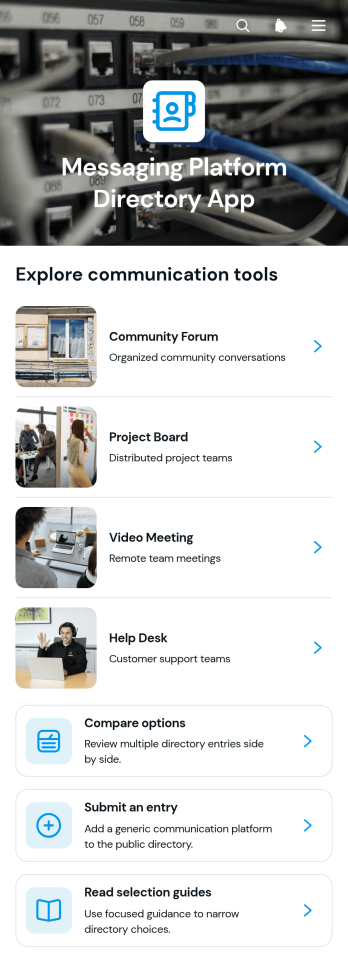
Messaging Platform Directory App
The Messaging Platform Directory App is a searchable resource for organizations that want to present and evaluate messaging platform options in one accessible place. It suits information technology teams, consultants, professional associations, publishers, and internal operations teams that curate software resources for employees, clients, or community members. Visitors can browse directory entries, compare options, and consult selection guides before following an access link. Contributors can also submit an entry for review, helping directory managers maintain a useful collection without relying on scattered documents or repetitive inquiries. This app template supports informed research and makes software discovery easier for audiences with different communication needs.Jotform App Templates help teams create interactive resources without writing code. Using Jotform’s no-code app builder and drag-and-drop interface, directory owners can adapt pages, navigation, visual elements, and linked forms to match their workflow. Entries and data collection processes can connect with tables, approvals, and notifications, making it easier to review new suggestions and keep information organized. Once customized, the app can be shared through a direct link or QR code for convenient mobile self-service access. It provides a flexible starting point for publishing a branded directory that can evolve as available options and audience requirements change.
Go to Category:Information Technology Apps
Court Player Roster App
Court Player Roster App is an app template for coaches, captains, league coordinators, recreation centers, and community sports organizers who need a clear view of available players. It brings player profiles, positions, skill levels, availability, and contact details into one accessible roster. Organizers can add players, send roster requests, review roster insights, and contact participants without managing scattered spreadsheets or message threads. Use it to assemble balanced teams, find substitutes, coordinate open play, prepare for matches, or maintain a dependable player pool across recurring court sessions.Jotform App Templates help organizations turn everyday processes into convenient digital experiences without writing code. Customize this Court Player Roster App with the no-code app builder and its drag-and-drop interface, then adjust pages, colors, buttons, and branding to suit your team or facility. Connected forms support data collection, while organized roster information makes ongoing workflow management and self-service access easier. Publish the app through a direct link or QR code so coordinators and players can use it from a phone, tablet, or computer. Jotform also lets you connect related tables, notifications, approvals, and other resources as your roster process grows.
Go to Category:Sports Apps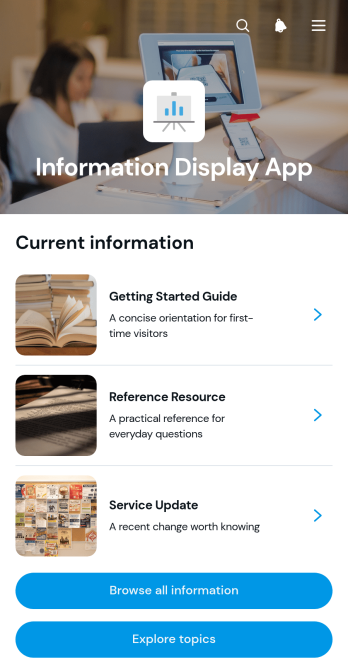
Information Display App
The Information Display App is a ready-to-use app template for presenting organized reference material to employees, customers, students, event attendees, or community members. Its browsable pages and topic-based navigation help people find relevant information without searching through scattered documents or repeatedly contacting staff. Individual entries can present a category, status, and concise summary, making the app useful for internal announcements, service updates, resource libraries, program information, event guidance, and public information centers. Businesses, schools, nonprofits, organizers, and support teams can use it to create a consistent self-service experience that keeps essential material accessible from one central location.Jotform makes this Information Display App easy to adapt with a no-code app builder and a visual drag-and-drop interface. Add or rearrange pages, cards, buttons, links, images, and other content to match your audience and branding. You can also connect forms, tables, approvals, and workflows when your information experience needs data collection or follow-up actions. Once the app is ready, publish it with a personalized link, share it through a QR code, or embed it in another digital experience. Jotform App Templates provide a practical starting point, helping teams launch mobile-friendly resources quickly and update content as needs change.
Go to Category:Resource & Learning Portal Apps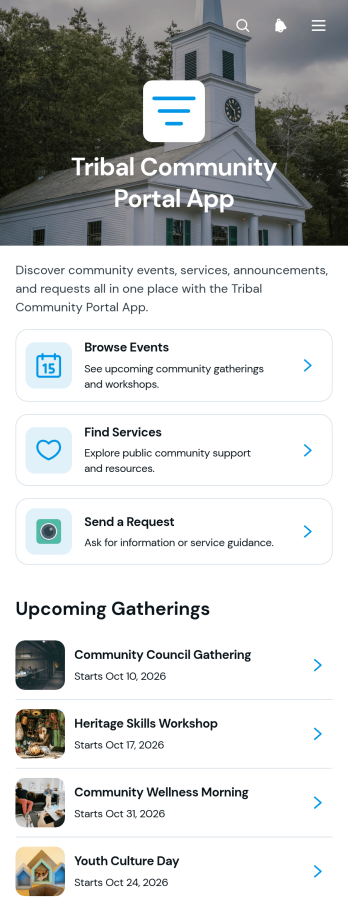
Tribal Community Portal App
The Tribal Community Portal App brings community events, local services, requests, and important updates into one accessible digital destination. Tribal administrators, community councils, program coordinators, service teams, and nonprofit groups can use it to help members browse upcoming gatherings, find available support, submit requests, and read community announcements. By reducing scattered communications and making key resources easier to locate, this app template supports stronger participation, clearer outreach, and more convenient self-service for community members.Jotform App Templates make it easy to adapt this portal to the needs of a specific community without writing code. Use the drag-and-drop app builder to organize pages, update cards and navigation, apply community branding, and connect forms for data collection and related workflows. The finished app can be shared through a direct link or QR code, giving members mobile-friendly access wherever they are. Teams can update information as programs, events, and services change, creating a dependable resource center that remains useful over time.
Go to Category:Community & Engagement Portal Apps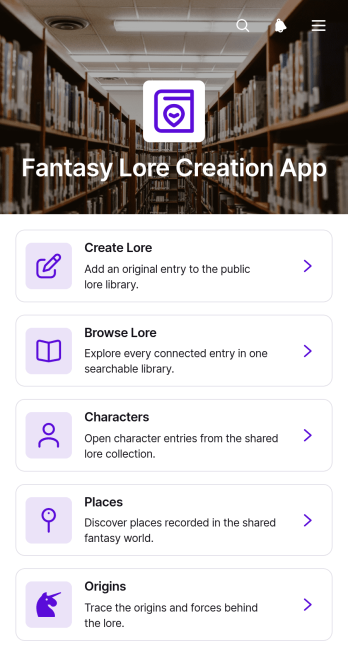
Fantasy Lore Creation App
Fantasy Lore Creation App is an app template for authors, game masters, role-playing groups, and creative teams that need one organized home for fictional worldbuilding. Users can submit new lore entries through a connected form, browse recorded material, and navigate dedicated collections for characters, places, and origins. This structure helps creators preserve continuity, retrieve important details during writing or play, and develop a shared reference for novels, campaigns, games, and other narrative projects. It replaces scattered notes with an accessible lore library that supports both solo creation and collaborative storytelling.Jotform App Templates make it easy to turn creative resources and data collection into an interactive experience without coding. Customize the Fantasy Lore Creation App with Jotform’s no-code app builder, using the drag-and-drop interface to adjust pages, cards, buttons, images, colors, and navigation. Connect forms and tables to support a consistent workflow, update lore as a fictional setting grows, and offer convenient self-service access to approved material. Once ready, publish the app and share it through a direct link, QR code, or embedded experience for convenient browsing on computers, tablets, and phones.
Go to Category:Entertainment Apps
Youth Personal Organizer App
Youth Personal Organizer App gives young people a welcoming place to plan tasks, build routines, set personal goals, and record regular check-ins. This ready-to-use app template can support students, teenagers, youth program participants, and young people developing stronger organization habits. Families, educators, mentors, counselors, and community groups can also use it to encourage independence without scattering plans across notebooks and separate tools. Clear navigation helps users move between daily responsibilities, repeatable routines, longer-term goals, and reflections on how they are feeling. It is especially useful for managing schoolwork, household responsibilities, extracurricular commitments, wellness habits, and personal development.Jotform makes this template easy to adapt with a no-code app builder and a flexible drag-and-drop interface. Organizers can adjust pages, buttons, colors, fonts, and branding, then connect forms and data collection tools to a practical workflow. Entries can be organized for ongoing review, helping young users see their plans and progress in one mobile-friendly experience. Like other Jotform app templates, it can be shared through a direct link or QR code for convenient self-service access. Start with the existing structure, tailor the content to an age group or program, and publish the finished app without writing code.
Go to Category:Student Planner Apps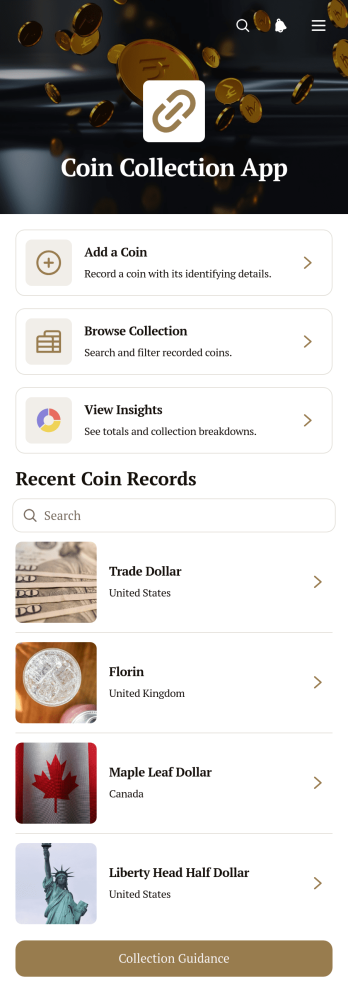
Coin Collection App
Coin Collection App is a digital catalog for hobbyists, numismatic groups, estate organizers, and collection managers who want a clearer way to document and review coins. Users can add coin records, browse the collection, and view insights from one organized experience. Details such as origin, year, denomination, mint, condition, purchase price, and collector notes help distinguish similar items and preserve useful context. This app template reduces reliance on scattered notebooks and spreadsheets while making it easier to check existing records, identify gaps, and maintain a dependable collection history.Jotform Apps gives collectors a flexible way to adapt App Templates without writing code. With the no-code app builder and drag-and-drop interface, users can adjust pages, navigation, colors, fonts, and visual elements to suit a personal archive or collecting group. The app builder can connect data collection forms, tables, and workflows so new records remain accessible through the same mobile-friendly resource. Publish the customized Coin Collection App with a direct link or QR code to support convenient self-service access, private recordkeeping, or collaboration with trusted contributors.
Go to Category:Inventory Apps
Company Information And Contact App
Company Information And Contact App gives business teams a central place to organize company records and professional contacts. Users can browse separate company and contact directories, add new entries through connected forms, open individual records, and review directory insights. It is well suited to sales teams, consultants, account managers, business development groups, associations, and small to medium-sized organizations that need dependable access to relationship information. By replacing scattered documents and disconnected lists, this app template makes contact lookup, record maintenance, and internal coordination easier.Jotform Apps helps teams turn this template into a branded, mobile-friendly resource without writing code. The drag-and-drop app builder can be used to adjust pages, navigation, buttons, colors, and typography. Connected forms and tables support data collection and keep directory workflows together, while links and QR codes make the finished app easy to distribute. Start with one of Jotform’s App Templates, tailor the experience to your organization, and publish a practical self-service directory for staff.
Go to Category:Company Portal Apps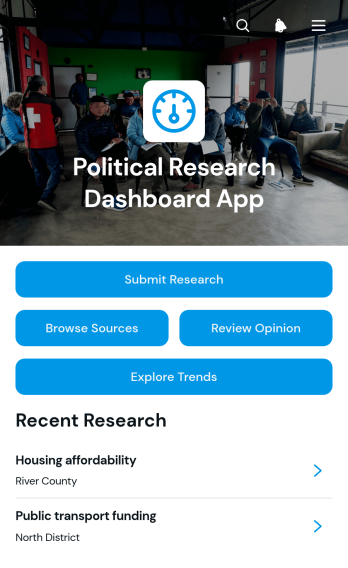
Political Research Dashboard App
The Political Research Dashboard App is a central workspace for collecting, reviewing, and organizing policy research, source material, public opinion findings, and trend snapshots. It supports political researchers, policy analysts, advocacy teams, educators, nonprofit organizations, journalists, and campaign staff who need to keep evidence accessible and consistently documented. Users can submit research, browse policy sources, review opinion entries, and explore tracked indicators without moving between disconnected files. Dated records, source links, reported results, sample sizes, and recorded values provide useful context for comparison and analysis. This app template can support issue monitoring, briefing preparation, academic projects, stakeholder research, and long-term observation of political or social developments.Jotform App Templates help teams turn information and connected processes into mobile-friendly digital experiences. With Jotform’s no-code app builder and drag-and-drop interface, users can customize pages, navigation, colors, typography, and branding without programming. Forms and tables can be connected to support data collection, organized records, and repeatable workflows from one location. Teams can publish the finished app through a direct link or custom URL, making research resources available for self-service access by authorized contributors and readers. The layout can also evolve as research priorities, audiences, or reporting needs change.
Go to Category:Report Apps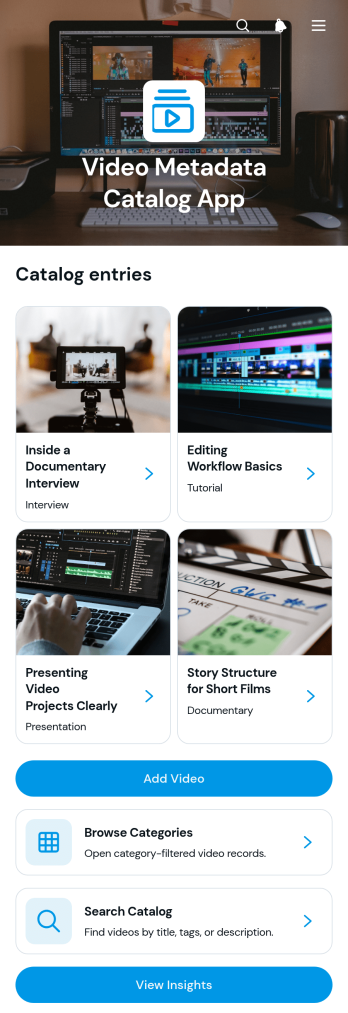
Video Metadata Catalog App
Video Metadata Catalog App is an organized digital catalog for teams that need to record, find, and review information about video resources. It helps media teams, educators, training departments, researchers, content managers, and archives maintain a searchable reference library without relying on scattered spreadsheets or bookmarks. Users can add video records through a connected form, browse entries by category, search the catalog, and review useful insights. Each record can present its source link alongside metadata such as duration, tags, release date, category, and a short description. This makes tutorials, interviews, documentaries, presentations, and other video materials easier to classify and retrieve for production, learning, research, or internal knowledge sharing.Jotform provides flexible app templates for turning information and workflows into accessible digital experiences. With its no-code app builder and drag-and-drop interface, teams can customize pages, navigation, colors, typography, and branding without writing code. The Video Metadata Catalog App can connect data collection forms with tables, notifications, approvals, and other workflow steps, giving contributors a convenient way to add records while helping colleagues find them through self-service access. Publish the finished app with a direct link or QR code, use it on mobile devices, and update the catalog as the video library grows.
Go to Category:Resource & Learning Portal Apps
Business Name Voting App
The Business Name Voting App gives founders, internal teams, consultants, and community groups a central place to gather proposed business names and choose a preferred option. Participants can submit a proposal, browse available suggestions, cast a vote, and view voting results through a clear, transparent experience. It is useful during new venture planning, rebranding projects, team workshops, and collaborative naming exercises. By keeping suggestions and votes together, the app reduces scattered feedback, encourages participation, and helps decision-makers compare audience preferences before selecting a name.Jotform App Templates make it easy to adapt this app template to a specific naming project without writing code. With Jotform’s no-code app builder and drag-and-drop interface, teams can update pages, buttons, visual styling, and voting workflows while connecting forms for data collection. The finished app can be shared by direct link or QR code, giving contributors convenient mobile access wherever they are. Automated notifications and organized records can further support collaboration, while flexible branding creates a polished self-service destination for proposals, voting, and results.
Go to Category:Team Collaboration Apps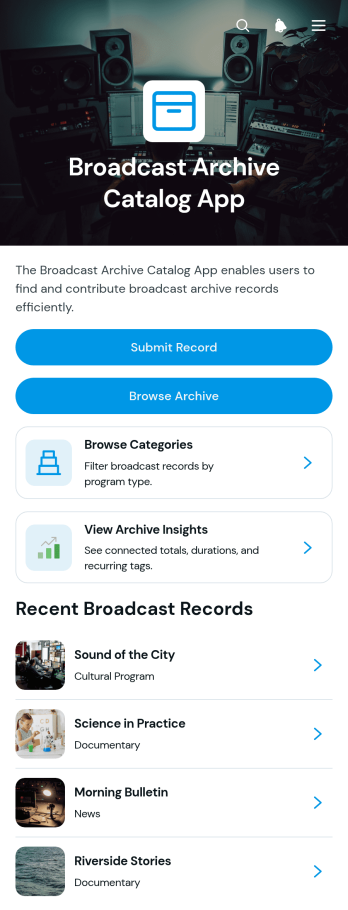
Broadcast Archive Catalog App
The Broadcast Archive Catalog App is an organized digital catalog for broadcasters, media archives, libraries, educational institutions, and cultural organizations that preserve recorded programming. Teams can submit new records, browse archived broadcasts by category, and review archive insights from one central location. Individual entries present essential broadcast metadata such as program type, air date, duration, tags, descriptions, and links to archived material. This structure helps researchers, producers, archivists, students, and authorized visitors locate news, documentaries, cultural programs, and other recordings without relying on scattered files or disconnected indexes.Jotform makes this app template easy to adapt with a no-code app builder and an intuitive drag-and-drop interface. Add branded pages, update navigation, connect forms for data collection, and organize records into a practical self-service experience without writing code. The app can support an ongoing archive workflow by bringing record intake, catalog browsing, and reference information together. Once customized, teams can publish and share the catalog through a direct link, scannable code, or embedded experience, giving users convenient access on computers, tablets, and mobile devices.
Go to Category:Resource & Learning Portal Apps