

Organization Apps

Photo Consent Management App
Photo Consent Management App helps photographers, marketing teams, schools, event organizers, nonprofits, and creative agencies collect and organize permission for using photographs. It provides a central experience for submitting photo consent, reviewing consent records, checking active permissions, and consulting usage guidelines. Teams can identify the photo subject and project, view consent status and expiration dates, and confirm permitted uses before publishing an image. This reduces scattered records, supports consistent review practices, and gives authorized staff clearer visibility across campaigns, events, student activities, community programs, and media projects.Jotform makes this app template easy to adapt with a no-code app builder and a flexible drag-and-drop interface. Customize pages, navigation, colors, fonts, and branding, then connect forms, tables, notifications, and approval workflows to support organized data collection. Jotform App Templates can be shared through a direct link or QR code, giving team members convenient mobile access wherever photo permissions are collected or reviewed. The finished app can serve as a self-service resource for consent submission and an organized workspace for ongoing record management.
Go to Category:Safety and Compliance Apps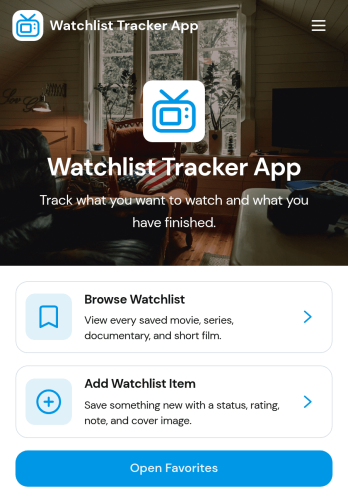
Watchlist Tracker App
Watchlist Tracker App is a ready-to-use app template for organizing movies, series, documentaries, books, games, or other content someone wants to enjoy later. Individuals, entertainment groups, reviewers, libraries, and content-focused teams can use it to maintain an accessible collection without relying on scattered notes. Users can browse their watchlist, open favorites, add new items, and record useful details such as type, status, rating, notes, and a cover image. This makes it easier to remember recommendations, monitor progress, revisit top choices, and decide what to watch or explore next.Jotform Apps helps you adapt the Watchlist Tracker App to personal or shared tracking needs with a no-code app builder and an intuitive drag-and-drop interface. Customize pages, cards, buttons, colors, fonts, and branding, then connect forms and tables to support data collection and an organized workflow. Jotform App Templates can be published quickly and shared through a direct link, QR code, or embedded experience. The mobile-friendly layout gives users convenient self-service access wherever they are, while connected records keep new entries and updates in one manageable place.
Go to Category:Tracker Apps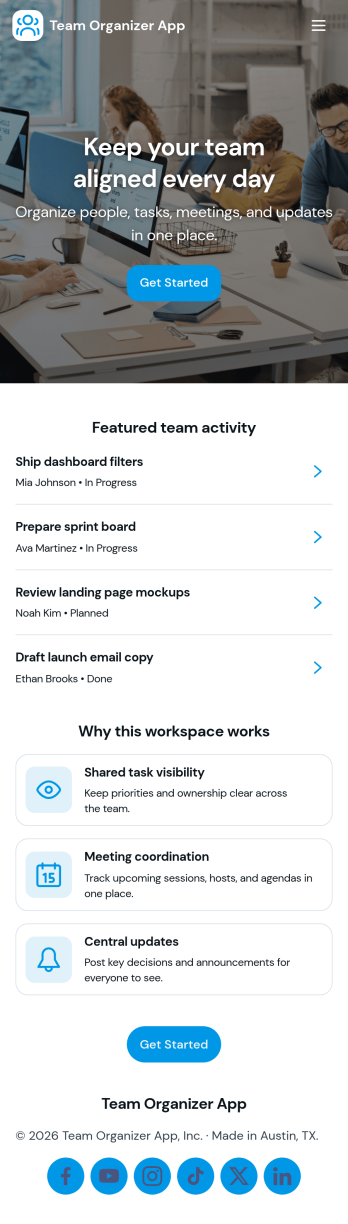
Team Organizer App
Team Organizer App brings your team’s day-to-day coordination into one place so everyone can see what needs to happen next. Use it to assign and review tasks, keep a shared schedule of meetings, and maintain a simple team directory for quick reference. It’s a practical fit for project leads, department managers, and operations teams who need clearer ownership and fewer missed handoffs across recurring work.With Jotform, you can turn this app template into a branded, self-service workspace using a no-code app builder and a drag-and-drop interface. Connect task updates, meeting entries, and team member records to your workflows so information stays organized and easy to access from anywhere. As your team grows, you can adjust pages, permissions, and connected data collection to match how your organization actually runs.
Go to Category:Task Management Apps
Shared Expense Tracker App
A shared expense tracker app helps groups record spending in one place so everyone can see what was paid, what it was for, and how costs add up over time. Use it for roommates splitting utilities, friends planning a trip, families managing household purchases, or teams tracking small shared costs. With dedicated areas for Groups, Expenses, and an Overview, it’s easy to keep each circle organized, review expense lists by group, and quickly add new entries as they happen.Jotform makes it simple to turn this Shared Expense Tracker App into a practical self-service experience without coding. Start with this app template, adjust pages and labels to match your scenario, and use the drag-and-drop app builder to refine navigation and layout. Connect the Add Expense button to a form for consistent data collection, keep records centralized, and share the app by link so everyone can stay aligned on shared spending.
Go to Category:Finance Apps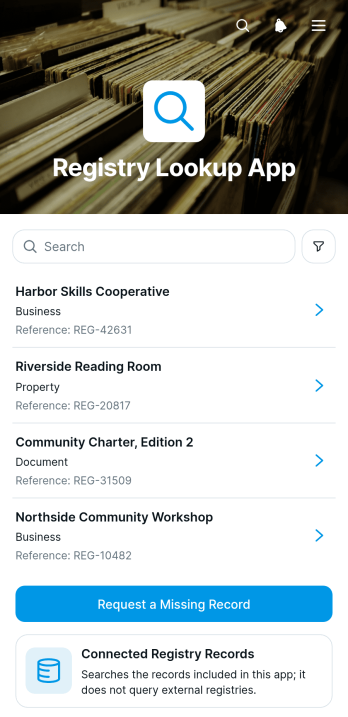
Registry Lookup App
Registry Lookup App is an app template for organizations that need to give staff, members, customers, or the public a convenient way to browse registry records and open individual entries. It presents connected records in a clear list, displays essential details such as a record name, reference code, and status, and provides a form for requesting a missing record. Registry administrators, associations, educational institutions, service teams, and operations departments can use it to reduce routine lookup questions, improve access to current information, and create a consistent path for reporting omissions.Jotform App Templates help teams turn record access and data collection into a polished self-service experience without coding. Customize this Registry Lookup App with the no-code app builder, arrange content through a drag-and-drop interface, and connect forms, tables, approvals, or other workflow steps as needs evolve. You can adapt the colors, typography, navigation, and content to match your organization, then publish the app with a direct link, QR code, or embedded experience. Jotform makes it easier to maintain a mobile-friendly resource that keeps registry information and related requests in one accessible place.
Go to Category:Organization Apps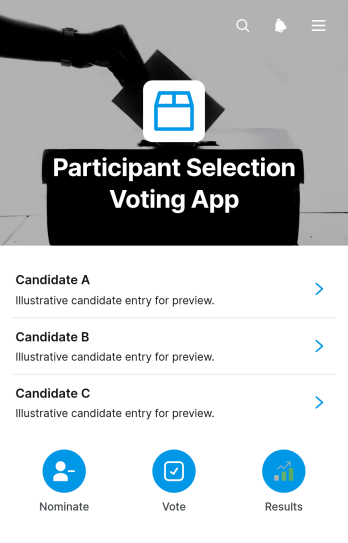
Participant Selection Voting App
The Participant Selection Voting App is an app template for organizations that need a clear, accessible way to choose participants, representatives, finalists, or award recipients. Event organizers, community groups, nonprofits, educational teams, committees, and membership programs can use it to present candidate information, confirm eligibility, collect votes, and share published vote counts. Candidate profiles and statements help voters make informed choices, while connected voting forms keep responses organized. This setup reduces scattered communications, gives participants a consistent voting experience, and supports selection activities for events, programs, competitions, leadership roles, and community initiatives.Jotform makes this template easy to adapt with a no-code app builder and a flexible drag-and-drop interface. Teams can update pages, adjust branding, revise navigation, and connect forms or data collection workflows without writing code. The finished app can be shared through a direct link or QR code, giving voters convenient mobile access wherever they are. By bringing candidate browsing, vote collection, eligibility confirmation, and result viewing into one self-service experience, Jotform App Templates help teams manage recurring or one-time selection processes with less manual coordination.
Go to Category:Community & Engagement Portal Apps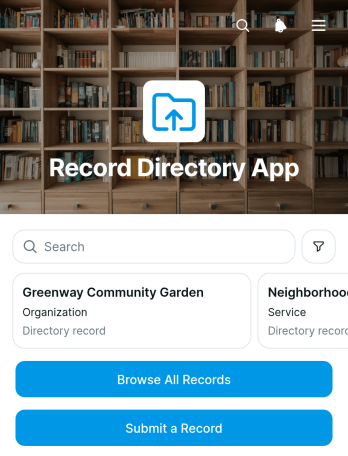
Record Directory App
The Record Directory App is a ready-to-use app template for organizing searchable records in one accessible location. It helps administrative teams, associations, educational institutions, nonprofits, service providers, and growing businesses present entries without relying on scattered files or lengthy message threads. Users can browse all available records, open individual entries to review names, categories, and supporting details, or submit a new record through a connected form. This makes the app useful for resource catalogs, internal registries, community listings, document indexes, and other situations where people need consistent access to organized information.With Jotform Apps, teams can adapt this Record Directory App using a no-code app builder and a flexible drag-and-drop interface. Update pages, cards, buttons, navigation, colors, and fonts to reflect the directory’s purpose and visual identity. Connected forms support data collection, while tables and workflows can help administrators manage incoming entries and related actions. Once the app template is ready, publish it with a direct link, share it through a QR code, or embed it for convenient mobile-friendly self-service. Jotform app templates make it easier to create a polished directory experience without writing code.
Go to Category:Organization Apps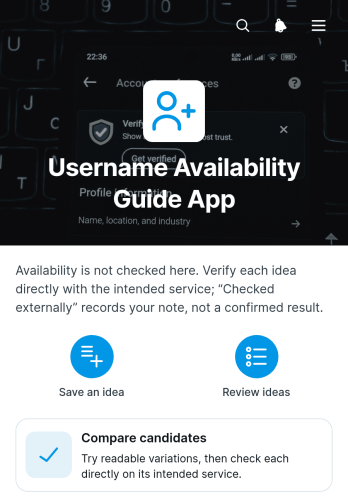
Username Availability Guide App
The Username Availability Guide App helps individuals, marketing teams, community managers, and small businesses organize potential usernames before creating an account or launching a new online presence. Users can save a username idea, note its intended service, review saved entries, and compare candidates from one accessible location. This app template is useful when planning campaign identities, creator profiles, community accounts, or consistent naming across several services. It replaces scattered notes and spreadsheets with a focused process that makes promising options easier to evaluate, revisit, and discuss. It can also support preliminary research before separate availability checks are completed.Jotform makes the Username Availability Guide App easy to adapt with a no-code app builder and an intuitive drag-and-drop interface. Add instructions, update pages, adjust branding, or connect forms and tables to support data collection and a broader workflow. Jotform App Templates provide a ready-made foundation, while flexible sharing options let you publish the finished app through a direct link, QR code, or embedded experience. Whether used for individual planning or team collaboration, the app builder creates a mobile-friendly self-service resource without requiring programming knowledge.
Go to Category:Social Media Management Apps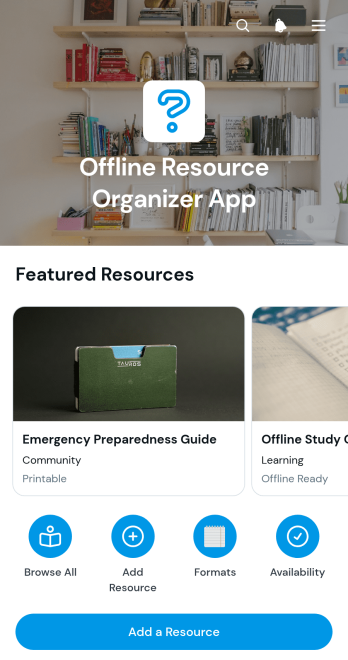
Offline Resource Organizer App
Offline Resource Organizer App is a ready-to-use app template for cataloging physical materials and resources that are stored or used away from the web, including printed guides, books, training kits, archived files, manuals, and community materials. It suits schools, nonprofits, offices, libraries, training teams, and other groups that need a clear record of resources kept across rooms or storage areas. Users can browse resource cards, check availability, view topics and storage locations, and add new records through a connected form. An optional link can provide supporting information when a digital reference is available. This organized experience helps reduce misplaced items, repeated searches, and uncertainty about where useful materials are kept.Jotform makes this app template easy to adapt with a no-code app builder and a flexible drag-and-drop interface. Teams can update pages, revise navigation, apply their own visual style, and connect forms or tables for practical data collection and workflow management. The finished app can be shared by link or QR code, giving staff, students, volunteers, or members convenient mobile access to a central resource catalog. Start with one of Jotform’s App Templates, tailor the content to your organization, and publish a useful self-service experience without writing code.
Go to Category:Resource & Learning Portal Apps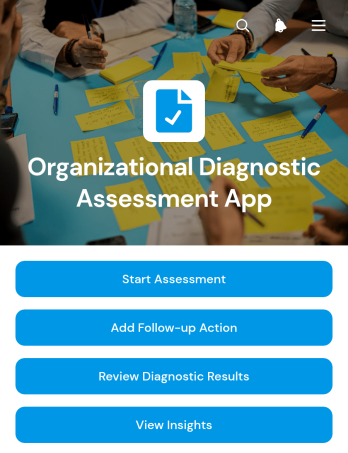
Organizational Diagnostic Assessment App
The Organizational Diagnostic Assessment App provides consultants, leadership teams, human resources departments, and organizational development specialists with a central place to evaluate business readiness and improvement needs. This app template supports collecting diagnostic assessments, reviewing findings, and coordinating follow-up actions with assigned owners and target dates. Teams can document primary challenges, desired outcomes, recommendations, and priority scores while keeping results organized by organization. It is useful for consulting engagements, internal reviews, transformation planning, capacity assessments, and recurring evaluations where decision-makers need clear findings and accountable next steps.Jotform App Templates help teams turn assessments and operational processes into accessible digital experiences without writing code. Using Jotform’s no-code app builder and drag-and-drop interface, users can customize pages, branding, navigation, and connected forms to suit their evaluation method. Assessment data can feed organized records and visual insights, helping stakeholders identify patterns across focus areas and readiness levels. The finished app can be shared through a direct link or QR code, giving participants and reviewers mobile-friendly access while supporting a more consistent data collection and workflow process.
Go to Category:Consulting Apps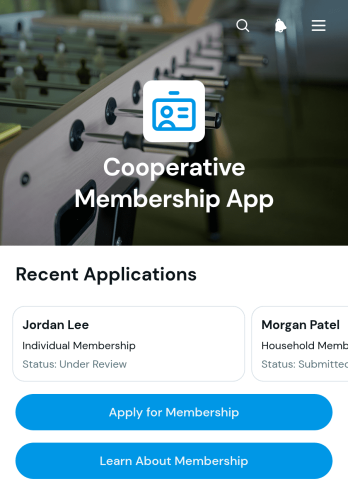
Cooperative Membership App
The Cooperative Membership App gives cooperatives a central place to explain membership, accept applications, and help applicants check their status. It suits community, agricultural, housing, worker, retail, and service cooperatives that want a clearer path from initial interest to application review. Prospective members can learn about participation, begin an application, and browse applicant records or status information without relying on scattered emails and documents. Administrators benefit from organized data collection, easier applicant follow-up, and a consistent self-service experience that can reduce routine inquiries while keeping the membership process accessible.With Jotform Apps, teams can turn this app template into a branded membership resource without writing code. The drag-and-drop interface makes it easy to adjust pages, buttons, text, colors, and navigation to reflect the cooperative’s process. Connected forms support application intake, while app links and records bring essential workflow steps together in one mobile-friendly experience. Start with one of Jotform’s App Templates, customize the layout in the app builder, and share the finished app through a direct link or QR code. As membership needs evolve, teams can update content and connected resources without rebuilding the entire experience.
Go to Category:Subscription & Membership Apps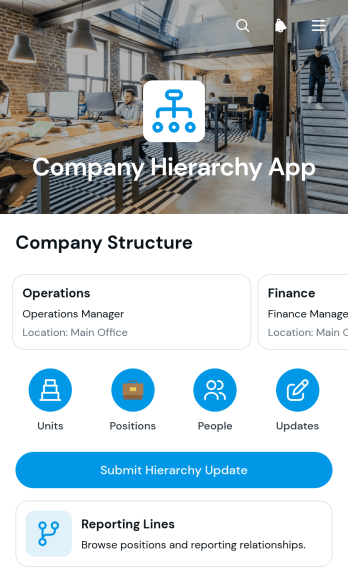
Company Hierarchy App
The Company Hierarchy App gives HR teams, department leaders, operations managers, and employees a central place to understand organizational units, positions, people, and reporting relationships. Users can browse units, review position summaries, view employee profiles, and follow reporting lines without searching across disconnected documents. A hierarchy update form also provides a consistent route for requesting changes to roles, units, or organizational relationships. This app template is useful during company growth, restructuring, workforce planning, onboarding, and routine directory maintenance, helping teams clarify responsibilities and keep organizational information accessible.Jotform makes this Company Hierarchy App easy to adapt with a no-code app builder and a flexible drag-and-drop interface. Organizations can adjust pages, navigation, branding, and content while connecting forms, tables, approvals, and notifications to support their workflow. The app can be shared through a direct link, a personalized web address, or a scannable code for convenient mobile access. Starting with ready-made App Templates reduces setup time while giving teams the freedom to create a polished self-service resource for data collection, hierarchy browsing, and internal requests.
Go to Category:Company Portal Apps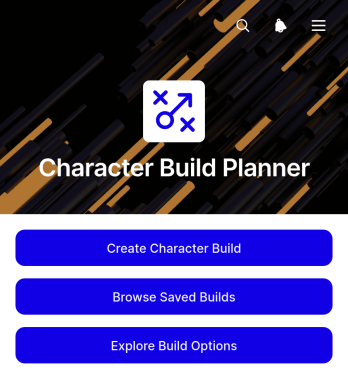
Character Build Planner App
The Character Build Planner App is a ready-to-use app template for players, game masters, writers, and gaming communities that want to plan and organize fictional character configurations. Users can create builds, record key attributes, abilities, and equipment, then browse saved builds and open detailed summaries for later reference. This organized approach makes it easier to compare ideas, prepare characters before a session, maintain a collection of build concepts, and avoid losing important choices across scattered notes. Individuals can use it for personal planning, while groups can share a consistent resource for campaign preparation, collaborative storytelling, or character theorycrafting.Jotform Apps helps turn this Character Build Planner App into a personalized, mobile-friendly planning experience without coding. Use the drag-and-drop interface to adjust pages, cards, buttons, colors, fonts, and navigation while keeping character data collection connected to a practical workflow. Jotform’s no-code app builder can also link forms, tables, approvals, and other resources in one convenient location. Start with one of Jotform’s App Templates, tailor the app template to your preferred game system or creative process, and share it by direct link or QR code for convenient self-service access.
Go to Category:Planner Apps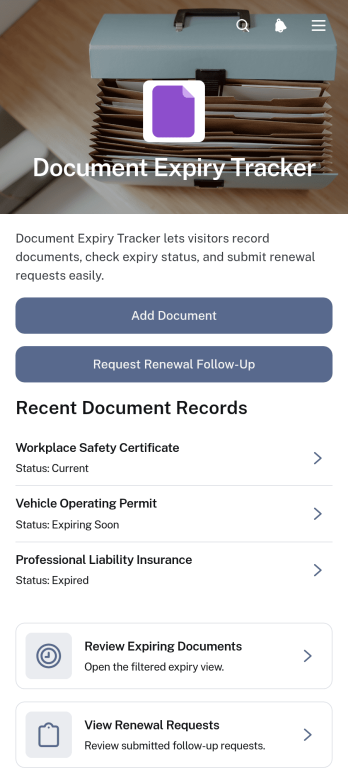
Document Expiry Tracker App
The Document Expiry Tracker App helps operations teams, office managers, human resources departments, contractors, and growing businesses monitor time-sensitive documents from one organized location. Users can add document records, review approaching expiry dates, identify each record’s owner, and submit renewal follow-up requests before important files become outdated. Clear document details and reference information make it easier to assign responsibility and maintain visibility across licenses, certificates, contracts, permits, insurance records, and internal policies. This app template reduces reliance on scattered spreadsheets and manual reminders while giving teams a consistent workflow for managing renewals.With Jotform Apps, organizations can adapt this ready-to-use template through a no-code app builder and an intuitive drag-and-drop interface. Add branded pages, adjust navigation, connect forms and tables, or refine the data collection process without programming. Teams can bring document intake, renewal requests, reference resources, and related workflows into a mobile-friendly experience that supports convenient self-service. Once configured, the app can be shared by direct link or QR code, helping employees and partners access current information wherever their work takes place.
Go to Category:Tracker Apps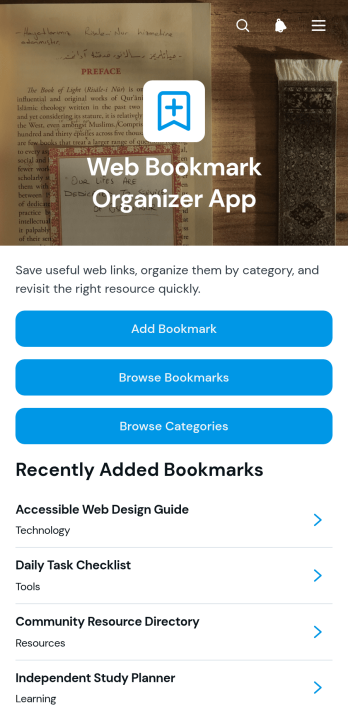
Web Bookmark Organizer App
The Web Bookmark Organizer App is a ready-to-use app template for collecting, categorizing, and revisiting useful web links from one organized location. It is well suited to researchers, students, educators, content teams, consultants, and small businesses that need to manage frequently used online resources. Users can add bookmarks through a connected form, browse saved links, explore categories such as technology, learning, tools, and resources, and open bookmark details with descriptions and tags. This reduces scattered link lists, makes reference material easier to find, and supports shared research, knowledge management, and everyday resource navigation.Jotform App Templates help teams turn processes and information into accessible digital experiences without coding. Using Jotform’s no-code app builder and drag-and-drop interface, you can adapt pages, navigation, colors, typography, and branding to match your needs. Connect forms and tables to support data collection, organize bookmark records, and build a practical workflow for ongoing updates. Once customized, the app can be shared by link or QR code, giving individuals or teams a mobile-friendly self-service resource that remains easy to maintain as their collection grows.
Go to Category:Organization Apps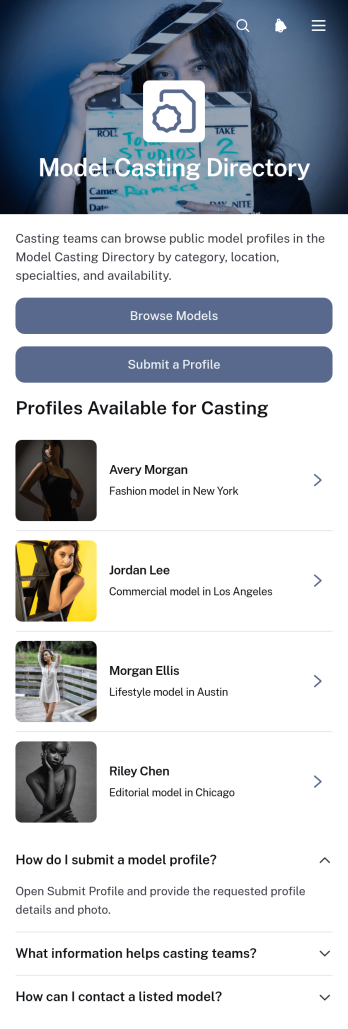
Model Casting Directory App
Model Casting Directory App is an app template for casting teams, production coordinators, creative agencies, photographers, and talent managers who need a central place to present and discover models. Users can browse model profiles by casting focus, review essential details such as location, height, and specialties, and contact suitable talent for potential opportunities. An integrated profile submission path also gives models a convenient way to share their information for directory consideration. This organized experience reduces scattered inquiries, makes talent discovery easier, and supports casting for fashion shoots, commercial campaigns, live events, and other creative productions.With Jotform Apps, teams can adapt this directory using a no-code app builder and an intuitive drag-and-drop interface. Add or rearrange pages, apply custom visual branding, connect forms for data collection, and link related workflows without writing code. The app can be shared through a direct link or QR code, giving casting professionals and talent mobile-friendly self-service access wherever they are. Start with one of Jotform’s App Templates, customize the content and navigation, and publish a polished casting resource that can evolve alongside upcoming projects and talent needs.
Go to Category:Job Apps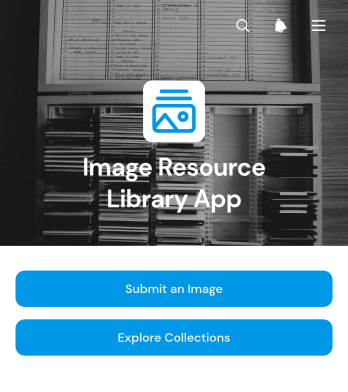
Image Resource Library App
Image Resource Library App gives marketing teams, creative departments, educational institutions, nonprofits, and growing businesses a central place to collect and organize visual resources. Users can explore image collections by subjects such as nature, people, architecture, and objects, discover relevant content through tags, and review usage rights information before selecting a resource. A connected submission form also gives employees, contributors, or community members a consistent way to provide new images. This organized experience reduces time spent searching across scattered folders, supports easier content discovery, and helps teams maintain a useful visual library for campaigns, presentations, lessons, events, and internal communications.With Jotform, this app template can be adapted into a branded, mobile-friendly resource center without coding. The drag-and-drop app builder makes it easy to update pages, collection cards, navigation buttons, images, and other content as the library grows. Teams can connect forms for data collection, route incoming resources into supporting workflows, and organize records with Jotform Tables. Once customized, the Image Resource Library App can be shared through a direct link or QR code, giving staff and contributors convenient self-service access from almost any device. Jotform App Templates help organizations launch interactive resources quickly while retaining control over design, navigation, and connected processes.
Go to Category:Resource & Learning Portal Apps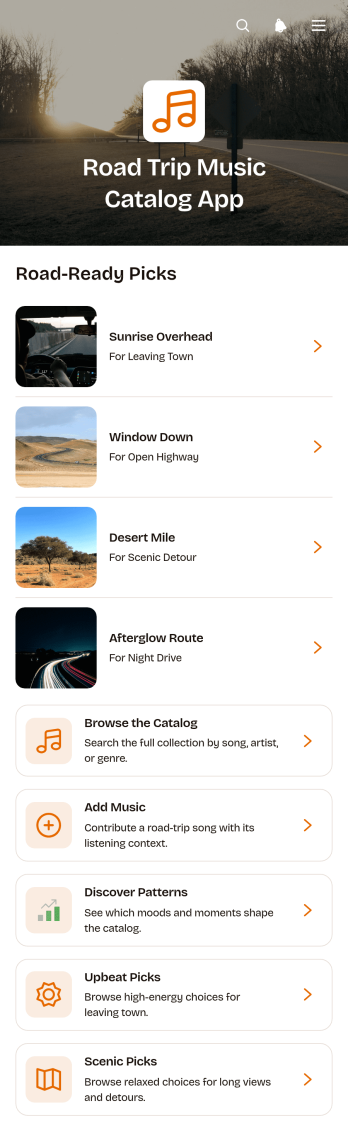
Road Trip Music Catalog App
The Road Trip Music Catalog App gives travelers, driving groups, music enthusiasts, and trip planners a central place to organize songs for time on the road. Users can browse a visual catalog, add music through a connected form, and explore upbeat or scenic picks that suit different parts of a journey. It works well when friends are preparing a shared soundtrack, families want suitable choices for a long drive, or frequent travelers need an organized record of past favorites and new discoveries. Keeping selections in one accessible catalog reduces scattered notes and makes it easier to find fitting music before or during a stop.With Jotform, this app template can be adapted through a no-code app builder and an intuitive drag-and-drop interface. Creators can update pages, cards, navigation, imagery, and colors to match a preferred style, then connect data collection to an organized workflow. Jotform App Templates also support forms, tables, approvals, and other linked resources, helping users maintain catalog entries without coding. Once ready, the app can be shared by direct link or QR code for convenient mobile access and group self-service.
Go to Category:Entertainment Apps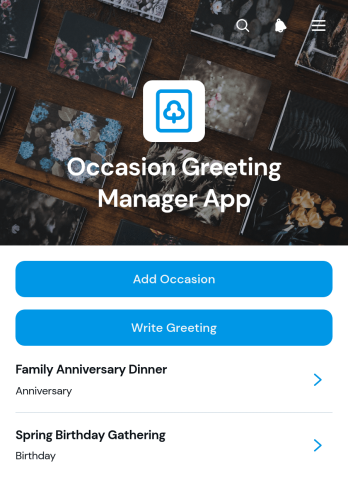
Occasion Greeting Manager App
Occasion Greeting Manager App is an app template for organizing important occasions, recipient details, and personalized greeting messages in one accessible place. Individuals can use it to remember birthdays, anniversaries, holidays, milestones, and other meaningful dates, while customer engagement teams, nonprofits, community groups, and small businesses can coordinate timely messages for contacts or supporters. Users can add occasions, browse saved occasion records, review recipients, and write greetings without relying on scattered notes or separate lists. This focused workflow makes planning easier, reduces missed occasions, and helps users prepare thoughtful messages ahead of time.Jotform makes this Occasion Greeting Manager App easy to adapt with a no-code app builder and a flexible drag-and-drop interface. Add or rearrange pages, update buttons and cards, apply a modern branded design, and connect forms or tables for organized data collection. Jotform App Templates can also support notifications and related workflows, giving individuals or teams a convenient way to maintain greeting information as their contact lists grow. Once customized, the app can be published and shared through a direct link or QR code for mobile-friendly access.
Go to Category:Scheduling and Planning Apps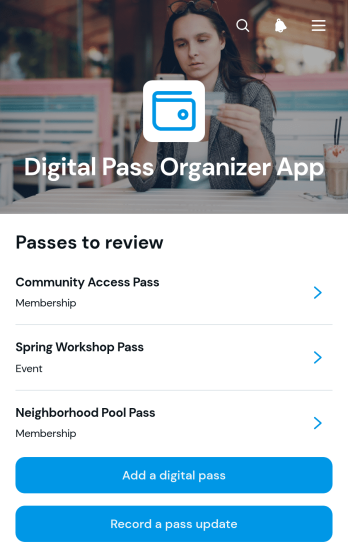
Digital Pass Organizer App
Digital Pass Organizer App is an app template for individuals, administrative teams, membership coordinators, event staff, and service organizations that need one convenient place to manage digital pass information. Users can browse saved pass records, add a digital pass, and record updates without relying on scattered notes or files. It supports everyday scenarios involving membership passes, event credentials, travel documents, visitor access records, and service entitlements. By keeping key details easy to find, the app reduces misplaced information, improves visibility into expiration dates, and creates a more consistent process for maintaining pass records.Jotform App Templates help teams turn routine data collection and self-service needs into accessible digital experiences. With Jotform’s no-code app builder and drag-and-drop interface, you can tailor this app template to your workflow, adjust its pages and branding, and connect forms or tables for organized record management. Publish the finished app through a direct link or QR code so users can reach it from a phone, tablet, or computer. Updates can trigger notifications and feed connected processes, helping individuals and teams maintain current pass information while spending less time searching through separate systems.
Go to Category:Organization Apps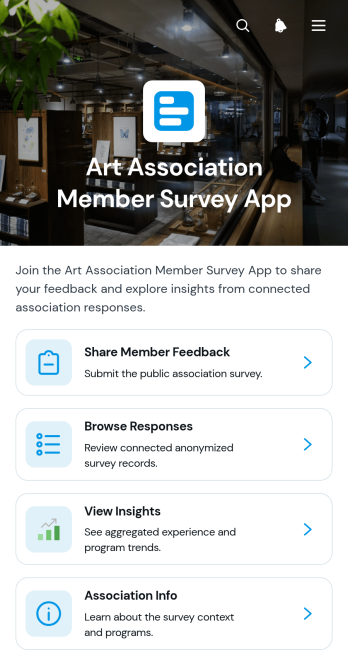
Art Association Member Survey App
Art Association Member Survey App is an app template for arts associations, membership committees, program coordinators, and community arts groups that want to understand member experiences and interests. It gives members a convenient place to share feedback about exhibitions, workshops, and community events. Authorized teams can browse responses, review individual perspectives, identify program preferences, view insights, and note when follow-up is requested. This shared view helps associations replace scattered surveys and manual review processes with organized data collection that supports program planning, member engagement, and more informed decisions.Jotform Apps makes it easy to adapt this App Template with a no-code app builder and an intuitive drag-and-drop interface. Teams can update pages, branding, navigation, questions, and association information without programming. The app can connect forms and tables to a broader workflow, helping staff collect responses, organize records, and coordinate follow-up from one accessible location. Once it is ready, the Art Association Member Survey App can be published and shared through a direct link or QR code, giving members mobile-friendly self-service access while providing organizers with a practical resource for ongoing feedback.
Go to Category:Subscription & Membership Apps
Court Player Roster App
Court Player Roster App is an app template for coaches, captains, league coordinators, recreation centers, and community sports organizers who need a clear view of available players. It brings player profiles, positions, skill levels, availability, and contact details into one accessible roster. Organizers can add players, send roster requests, review roster insights, and contact participants without managing scattered spreadsheets or message threads. Use it to assemble balanced teams, find substitutes, coordinate open play, prepare for matches, or maintain a dependable player pool across recurring court sessions.Jotform App Templates help organizations turn everyday processes into convenient digital experiences without writing code. Customize this Court Player Roster App with the no-code app builder and its drag-and-drop interface, then adjust pages, colors, buttons, and branding to suit your team or facility. Connected forms support data collection, while organized roster information makes ongoing workflow management and self-service access easier. Publish the app through a direct link or QR code so coordinators and players can use it from a phone, tablet, or computer. Jotform also lets you connect related tables, notifications, approvals, and other resources as your roster process grows.
Go to Category:Sports Apps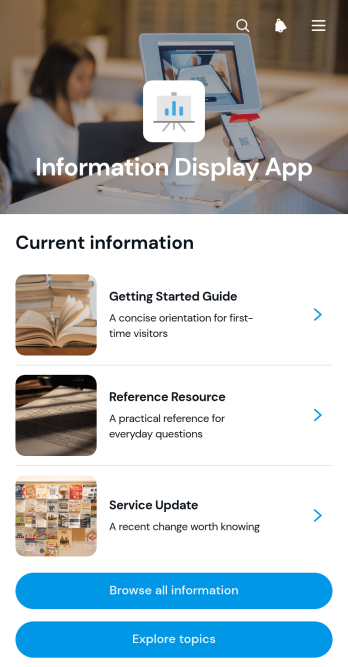
Information Display App
The Information Display App is a ready-to-use app template for presenting organized reference material to employees, customers, students, event attendees, or community members. Its browsable pages and topic-based navigation help people find relevant information without searching through scattered documents or repeatedly contacting staff. Individual entries can present a category, status, and concise summary, making the app useful for internal announcements, service updates, resource libraries, program information, event guidance, and public information centers. Businesses, schools, nonprofits, organizers, and support teams can use it to create a consistent self-service experience that keeps essential material accessible from one central location.Jotform makes this Information Display App easy to adapt with a no-code app builder and a visual drag-and-drop interface. Add or rearrange pages, cards, buttons, links, images, and other content to match your audience and branding. You can also connect forms, tables, approvals, and workflows when your information experience needs data collection or follow-up actions. Once the app is ready, publish it with a personalized link, share it through a QR code, or embed it in another digital experience. Jotform App Templates provide a practical starting point, helping teams launch mobile-friendly resources quickly and update content as needs change.
Go to Category:Resource & Learning Portal Apps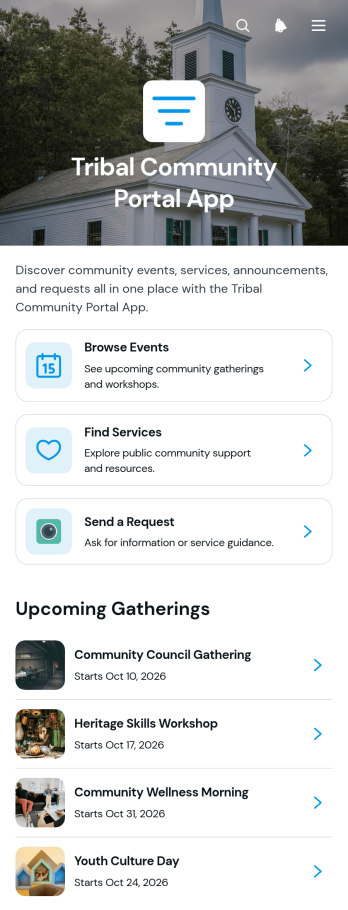
Tribal Community Portal App
The Tribal Community Portal App brings community events, local services, requests, and important updates into one accessible digital destination. Tribal administrators, community councils, program coordinators, service teams, and nonprofit groups can use it to help members browse upcoming gatherings, find available support, submit requests, and read community announcements. By reducing scattered communications and making key resources easier to locate, this app template supports stronger participation, clearer outreach, and more convenient self-service for community members.Jotform App Templates make it easy to adapt this portal to the needs of a specific community without writing code. Use the drag-and-drop app builder to organize pages, update cards and navigation, apply community branding, and connect forms for data collection and related workflows. The finished app can be shared through a direct link or QR code, giving members mobile-friendly access wherever they are. Teams can update information as programs, events, and services change, creating a dependable resource center that remains useful over time.
Go to Category:Community & Engagement Portal Apps