

Quiz Apps

True False App
True False App helps you run quick true or false quizzes for classrooms, training sessions, events, or just for fun. Participants can start the quiz, answer each prompt with a simple True or False button, and then review what they selected in My Answers. It’s a practical fit for teachers, tutors, trainers, youth leaders, and team managers who want an easy way to check understanding, warm up a group, or add a lightweight knowledge check without turning it into a full exam.With Jotform, you can turn this app template into a branded, self-service quiz experience using a no-code app builder and a drag-and-drop interface. Connect the quiz to a form for data collection, keep a running history of attempts, and show a clear results summary that’s easy to understand at a glance. As your workflow evolves, you can customize pages, update prompts, and share the app with a link so your audience can play again anytime.
Go to Category:Quiz Apps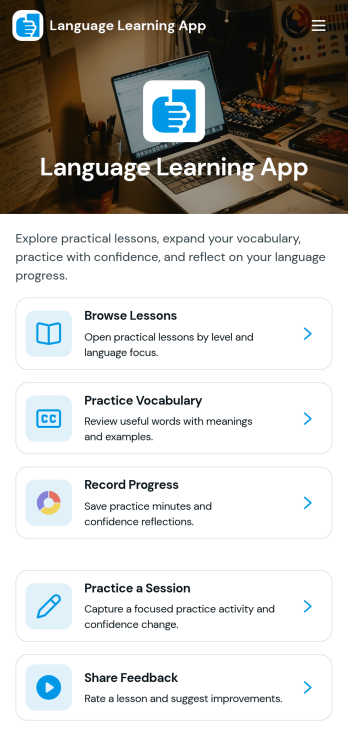
Language Learning App
Language Learning App brings lessons, practice, and progress into one place so learners can study at their own pace and build consistency over time. Use it to browse a library of public lessons, open a specific lesson to review details, and record practice attempts so you can look back on what you’ve tried. It works well for tutors, language schools, community programs, and self-study groups that want a simple way to organize learning content and encourage regular practice without relying on scattered links or separate trackers.With Jotform, you can turn this idea into a polished, mobile-friendly experience using App Templates and a no-code app builder. Customize pages with a drag-and-drop interface, connect buttons to forms for data collection, and keep practice attempts and lesson info organized for quick self-service access. As your program grows, you can update content, adjust the workflow, and share the app with learners using a single link.
Go to Category:Education Apps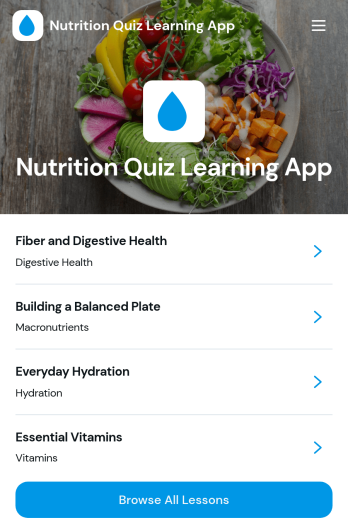
Nutrition Quiz Learning App
Nutrition Quiz Learning App helps you turn bite-sized nutrition lessons into an interactive learning experience with a built-in quiz flow. Learners can browse all lessons, open a topic to see key takeaways and details like topic and level, then return to the quiz to test their understanding. It’s a strong fit for wellness coaches, dietitians, gyms, schools, employee wellness teams, and community programs that want consistent learning without relying on long documents or scattered links.With Jotform, you can launch this app template quickly and customize it using a no-code app builder with a drag-and-drop interface. Connect the app to your quiz form for data collection, organize lesson content so it’s easy to review, and keep your learning workflow in one place. Share a single link for self-service access on any device, and update lessons or quiz content anytime to keep your program current.
Go to Category:Quiz Apps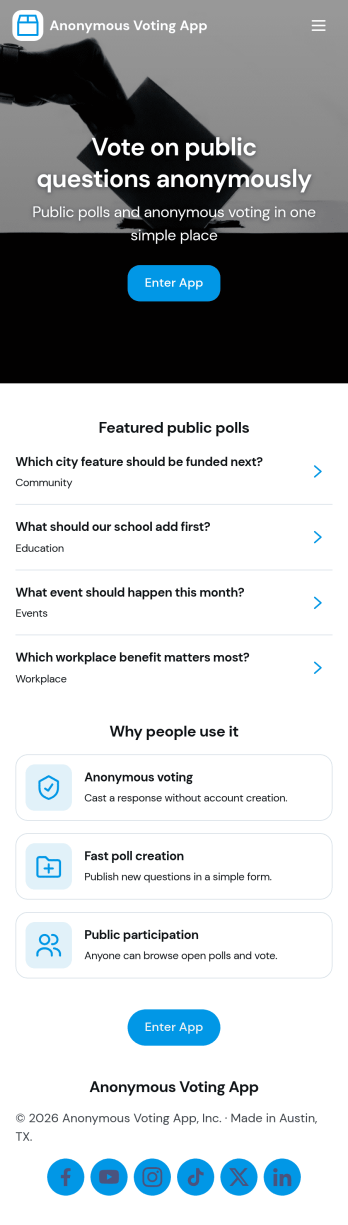
Anonymous Voting App
Anonymous Voting App makes it easy to run private polls where participants can browse available polls, open a poll, and cast a vote without turning voting into a public discussion thread. It fits employee pulse checks, classroom feedback, community group decisions, committee selections, event icebreakers, and quick preference checks where people may be more honest when their identity isn’t attached. With clear navigation to browse polls, vote on a selected poll, and submit a new poll when needed, teams can keep participation simple while organizing multiple polls in one place.With Jotform, you can turn this anonymous voting experience into a polished, shareable app in minutes. Use the no-code app builder and drag-and-drop interface to update pages, change the look and feel, and connect the app to your voting form for reliable data collection. Share the app by link or QR code for fast self-service access, and route responses into the workflows you already use, so you can gather feedback and make decisions with less friction.
Go to Category:Community & Engagement Portal Apps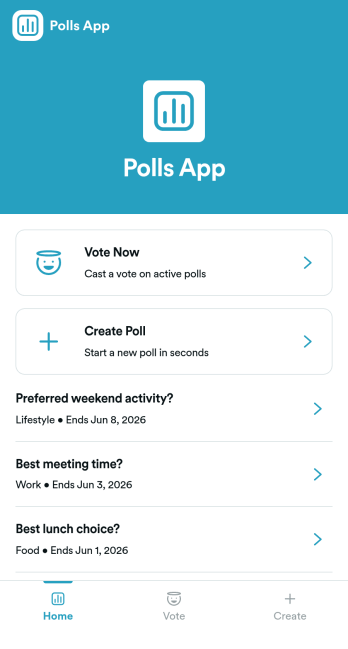
Polls App
Polls App helps you collect quick opinions and turn them into clear, shareable results for teams, communities, classrooms, and events. Use it to publish a “Vote Now” section for active questions, let contributors “Create Poll” when you want ongoing engagement, and organize multiple polls in one place so participants can easily browse and respond. It’s a practical fit for internal pulse checks, customer feedback moments, meeting icebreakers, student voting, and group decision-making when you need answers fast without chasing people across channels.Build and customize your polling experience with Jotform’s App Templates and no-code app builder. Using a drag-and-drop interface, you can adjust pages, update navigation, and connect your polls to Jotform forms for reliable data collection. Share the app as a simple link for self-service voting, keep poll creation consistent with a connected workflow, and manage responses in one place as your questions change over time.
Go to Category:Community & Engagement Portal Apps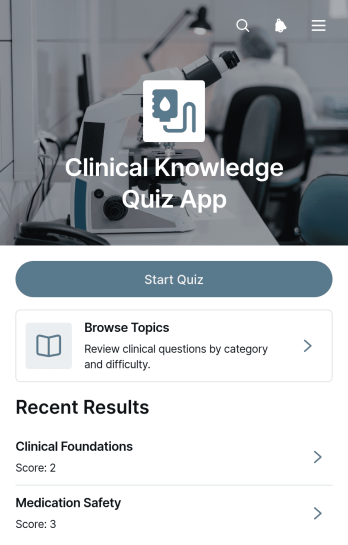
Clinical Knowledge Quiz App
The Clinical Knowledge Quiz App is a ready-to-use app template for assessing and reinforcing knowledge across clinical subjects. It gives healthcare educators, clinical training teams, schools, and staff development coordinators a focused place to provide knowledge checks. Participants can start a quiz, browse topics, and move from category-based lists to individual questions and supporting information. This structure suits classroom review, onboarding education, recurring staff training, skills refreshers, and self-directed study. By keeping quiz access and reference content together, organizations can make learning materials easier to navigate and give learners a consistent path through each assessment.Jotform helps teams adapt the Clinical Knowledge Quiz App without writing code. Its no-code app builder and drag-and-drop interface make it easy to update pages, organize topic navigation, adjust branding, and connect forms or tables for data collection. Teams can incorporate the app into a broader training workflow and share it through a direct link, QR code, or embedded experience. Starting with Jotform App Templates also reduces setup time while leaving room to tailor quiz content for different learners, courses, departments, or educational goals.
Go to Category:Quiz Apps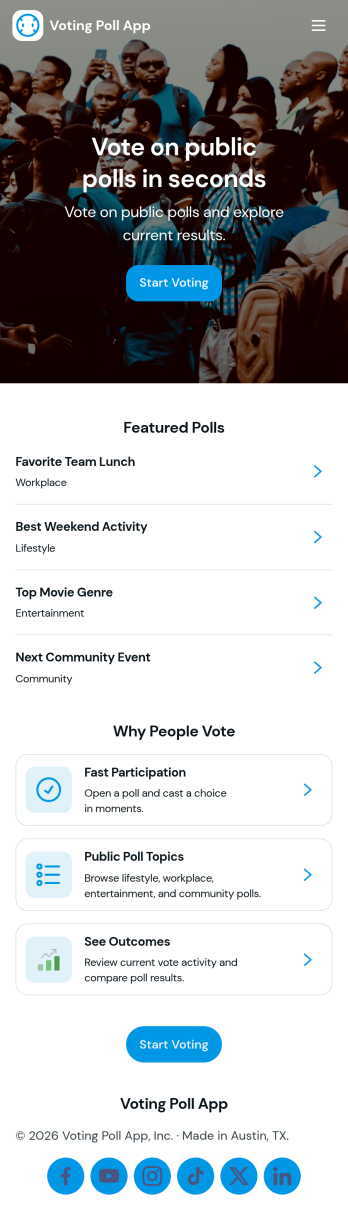
Voting Poll App
A voting poll app helps you create polls, share them with your audience, and review results in one place. This template is useful for event organizers collecting live feedback, HR teams running quick pulse checks, teachers gathering class opinions, community groups deciding on activities, and creators who want lightweight audience participation. With dedicated areas to create a poll, browse available polls, and view results, you can keep voting organized and easy for participants to follow without confusion.Jotform makes it simple to publish and manage this Voting Poll App using a no-code app builder and a drag-and-drop interface. Connect your poll form for data collection, keep responses flowing into your workflow, and update your app as new questions come up. Share the app link anywhere your voters are, then track engagement over time while keeping everything in a clean self-service experience.
Go to Category:Quiz Apps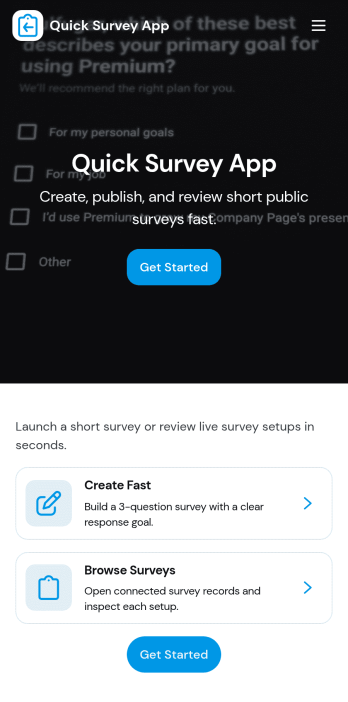
Quick Survey App
Quick Survey App helps you collect feedback fast when you need answers without friction. Use it to run short pulse surveys for customers, employees, event attendees, students, or website visitors, then keep everything organized in one place. The app’s layout supports a simple flow with a clear way to start the survey, a place to review results, and a response history view, making it practical for recurring check-ins, satisfaction snapshots, product opinions, and quick post-service follow-ups.With Jotform, you can publish this app template and tailor it to your questions, audience, and brand using a no-code app builder and a drag-and-drop interface. Connect the app to your survey form for reliable data collection, share it by link or QR code for self-service participation, and keep your workflow moving with centralized access to responses and reporting views that teams can reference anytime.
Go to Category:Quiz Apps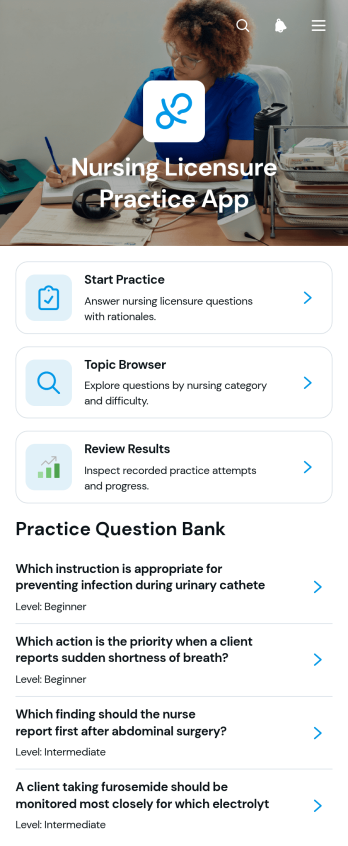
Nursing Licensure Practice App
The Nursing Licensure Practice App is an interactive study resource for nursing students, recent graduates, tutors, and education teams preparing learners for licensure-focused assessments. It brings guided question practice, topic browsing, and results review into one accessible experience. Learners can move through questions, compare selected responses with correct answers, and review category and outcome context to identify subjects that may need more attention. Nursing programs, training providers, and independent educators can use this app template to support classroom review, tutoring sessions, study groups, or self-paced preparation.Jotform makes it easy to adapt this app without writing code. Using the drag-and-drop app builder, educators can update pages, organize learning resources, adjust navigation, and apply their own visual style. Connected forms, tables, and workflows can support data collection, learner feedback, or additional study activities when needed. Once published, the app can be shared through a direct link or QR code, giving learners a mobile-friendly self-service resource they can access during scheduled courses or independent study.
Go to Category:Quiz Apps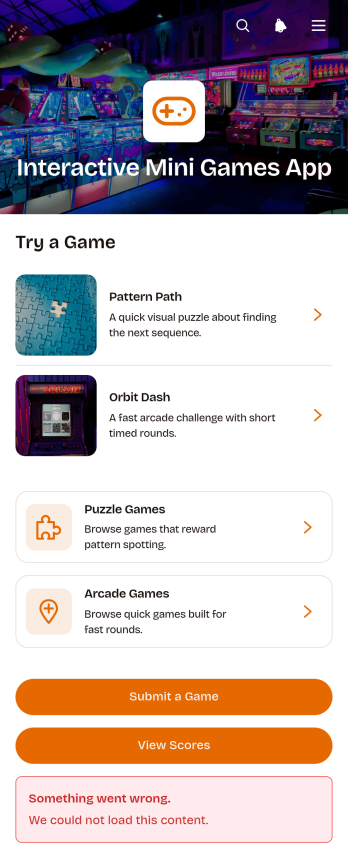
Interactive Mini Games App
The Interactive Mini Games App is a ready-to-use app template for event organizers, educators, community managers, marketing teams, and employers who want to offer casual digital entertainment from one convenient destination. It organizes game discovery and participation through browsable puzzle and arcade collections. Players can review difficulty levels, categories, and instructions before launching a game, then access score records or submit a game for consideration. The template works well for virtual events, classroom breaks, community activities, employee engagement programs, and promotional campaigns. Bringing game links, participation options, and results together gives players simple self-service access while helping organizers avoid scattered resources.Jotform App Templates make it easy to adapt this experience without coding. Use the no-code app builder and drag-and-drop interface to update pages, cards, buttons, images, and navigation so they match your audience and visual style. You can connect forms to support data collection, organize score-related workflows, and gather new game suggestions. Once your Interactive Mini Games App is ready, publish it with a direct link or QR code for convenient mobile access. Jotform also makes ongoing updates simple, so teams can refresh game selections and content without rebuilding the app.
Go to Category:Entertainment Apps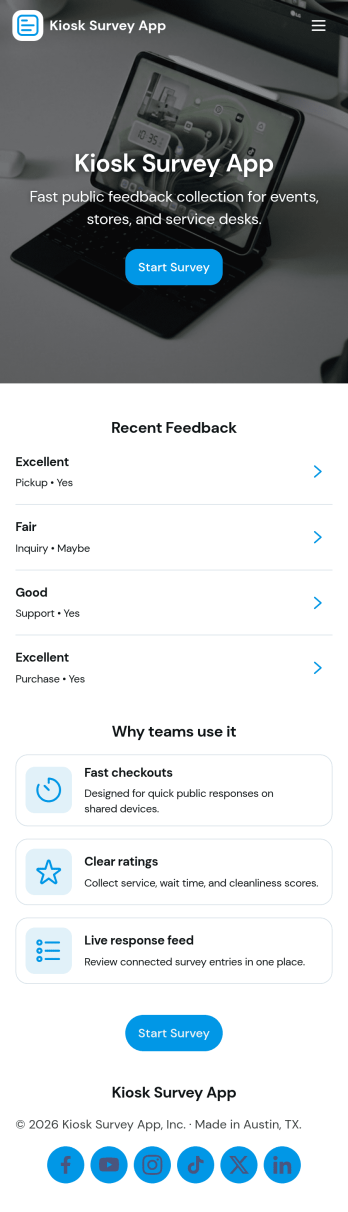
Kiosk Survey App
Kiosk Survey App makes it easy to collect quick, on-the-spot feedback from visitors on a shared device. Set it up at a front desk, retail counter, event booth, lobby, or waiting room so people can tap Start Survey and submit responses in seconds. It’s a practical fit for customer experience teams, venue staff, healthcare offices, restaurants, schools, and any organization that needs consistent survey data across multiple locations. With built-in navigation to View Insights and Recent Responses, teams can keep an eye on participation and spot patterns without slowing down day-to-day operations.Jotform helps you turn this app template into a branded kiosk experience using a no-code app builder and a drag-and-drop interface. Connect the survey form to your workflow, route data collection to the right team, and keep feedback organized for ongoing improvements. Share the app with a link or QR code, tailor pages for different {4_location} entries, and update the experience anytime without rebuilding from scratch.
Go to Category:Customer Portal Apps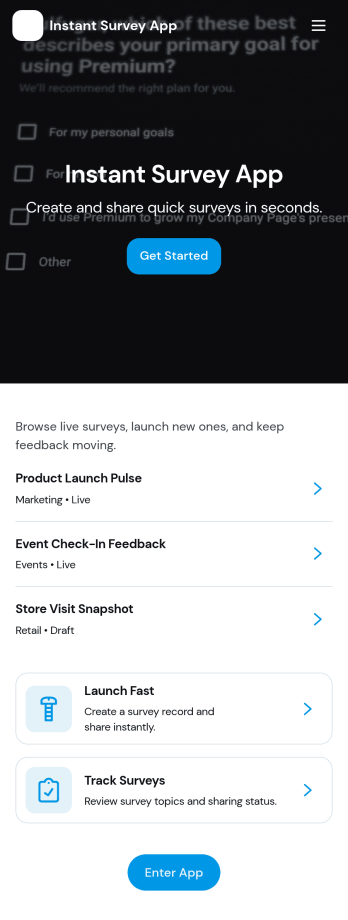
Instant Survey App
Instant Survey App helps you launch a quick survey experience and review responses without sending users through multiple tools or long links. It’s a practical fit for marketing teams validating campaign ideas, event organizers collecting attendee feedback on the spot, HR teams running pulse checks, educators gathering class reflections, and service teams measuring satisfaction right after an interaction. With clear navigation to start the survey and a dedicated area to view results, the app supports fast participation and easier follow-up when timing matters.Built with Jotform, this app template can be tailored in a no-code app builder using a drag-and-drop interface so the flow matches how your audience responds. Connect the survey form to your process for reliable data collection, then share the app by link or QR code for quick self-service access on any device. As responses come in, you can guide stakeholders to the results view and keep feedback organized for ongoing workflow improvements.
Go to Category:Quiz Apps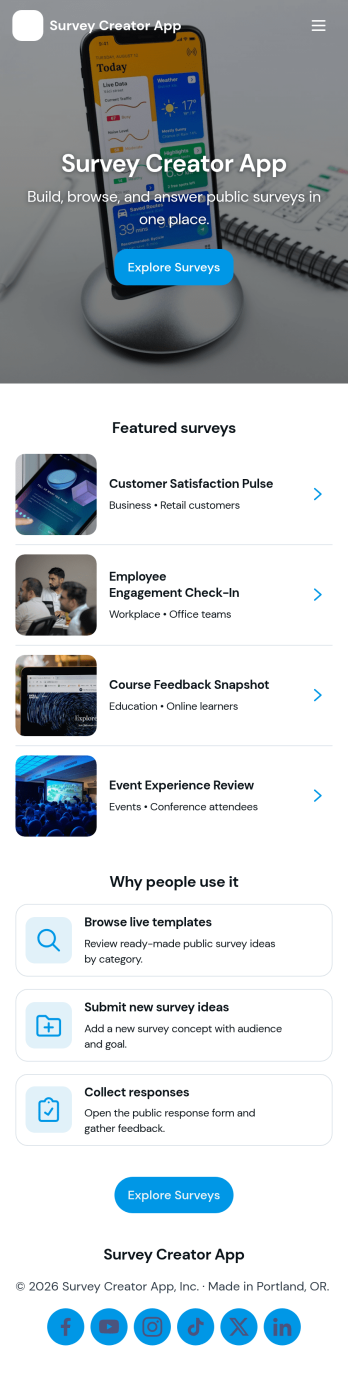
Survey Creator App
Survey Creator App helps teams build surveys, share them fast, and keep results organized in one place. Use it to run customer satisfaction surveys, event feedback forms, employee pulse checks, product research, classroom questionnaires, or community opinion polls. The app structure supports common survey work in a simple flow with a Create Survey area for launching new surveys, a Responses area for reviewing incoming entries, and an Insights area for scanning patterns so you can act on what people tell you.Jotform makes it easy to turn this survey workflow into a polished, mobile-friendly experience using app templates and a no-code app builder. With a drag-and-drop interface, you can tailor navigation, add or remove pages, and connect your survey forms to the app so people can respond and your team can review results without switching between tools. Share your Survey Creator App with a link or QR code to support self-service participation, faster data collection, and smoother follow-up across your workflow.
Go to Category:Quiz Apps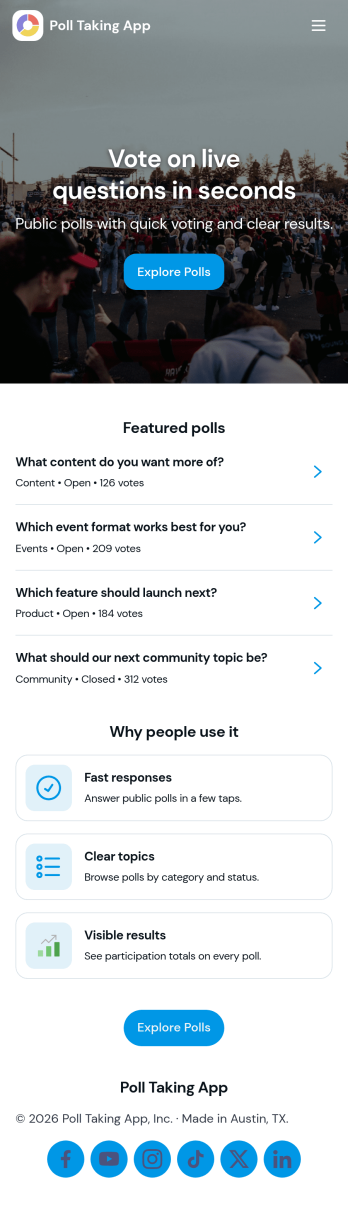
Poll Taking App
Poll Taking App helps you create polls, collect votes, and review results in one easy place. It’s a practical option for teams that need fast feedback without long surveys, such as marketing and social teams testing content ideas, HR gathering employee sentiment, teachers running quick classroom check-ins, event organizers capturing attendee preferences, or community groups making decisions transparently. With clear navigation for creating a poll, voting, opening a poll list, and viewing results, it supports both internal and public-facing polling with minimal friction.Jotform makes it simple to publish this app template and tailor it to your process using a no-code app builder and a drag-and-drop interface. Connect your poll form to the app to support reliable data collection, keep poll history organized for repeat use, and share a self-service voting experience through a link or QR code. As your workflow evolves, you can adjust pages, buttons, and branding so polling stays consistent across campaigns, meetings, classes, and events.
Go to Category:Quiz Apps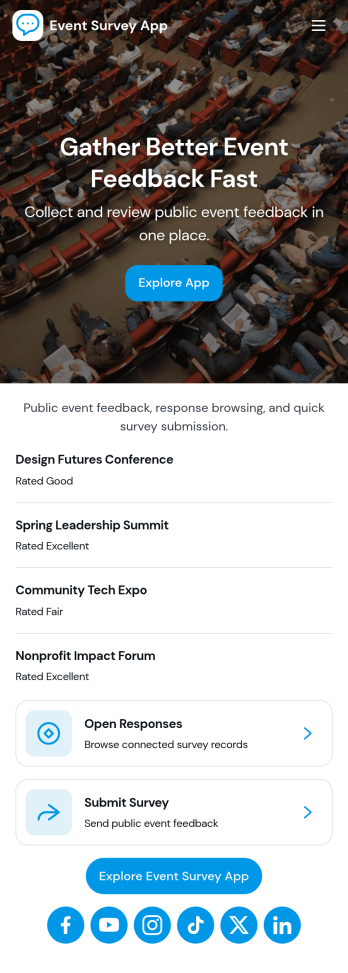
Event Survey App
Event Survey App helps organizers gather attendee feedback in one place, from fast post-session ratings to detailed comments tied to specific events. Use it after conferences, workshops, fundraisers, webinars, campus events, or internal company meetings to understand what worked, what needs improvement, and which topics or speakers resonated. With a quick rating entry point and an event feedback area that lets people navigate by event name, teams can encourage higher participation while keeping feedback organized for follow-up.Build and publish this experience with Jotform using ready-made App Templates and a no-code app builder that fits your workflow. Customize pages with a drag-and-drop interface, connect the app to your survey form and a data table for centralized data collection, and share it as a self-service link or QR code for attendees and staff. You can also keep responses easier to manage by giving your team a dedicated view for survey data and a personal area where users can revisit their own surveys.
Go to Category:Event Planner Apps
Trading Education App
Trading Education App gives educators, training providers, financial literacy programs, and independent instructors a central place to guide learners through trading concepts and reflective practice. Learners can explore lessons by topic and level, access study resources, test their understanding with quizzes, and record simulated or completed trades in a journal. Reviewing setups, entry and exit prices, and recurring journal patterns helps students connect course material with their decision-making process. This app template works well for online courses, classroom activities, workshops, membership programs, and self-paced learning experiences that need organized educational content without presenting personalized financial advice.Jotform App Templates make it easy to turn learning materials and connected activities into a mobile-friendly experience. Customize the Trading Education App with Jotform’s no-code app builder and drag-and-drop interface, then adjust pages, navigation, colors, fonts, and visual elements to match your program. Forms can support data collection for trade logs and quiz responses, while connected tables and workflows help instructors organize records and monitor participation. Publish the finished app through a direct link or QR code so learners can reach lessons, resources, and self-service activities from nearly any device.
Go to Category:Education Apps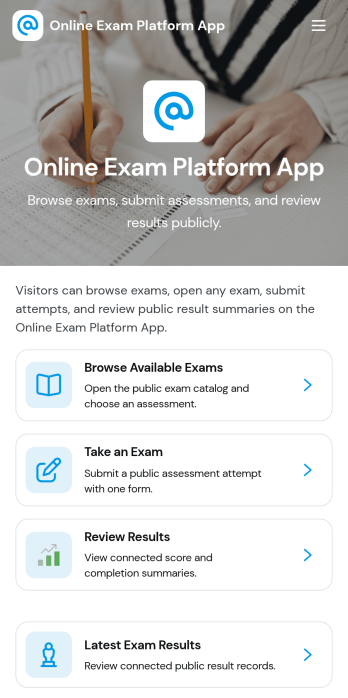
Online Exam Platform App
Online Exam Platform App helps schools, training providers, and teams run exams in one organized place, from discovering what’s available to completing an assessment and checking outcomes. Learners can browse available exams, start a public exam when appropriate, take an exam on their own device, and return later to review results and submit another attempt. It’s useful for ongoing practice quizzes, certification prep, employee assessments, and classroom check-ins where people need clear next steps and fast access to the right exam.With Jotform App Templates, you can publish a branded exam experience without code and update it as your program changes. Use Jotform’s no-code app builder and drag-and-drop interface to customize navigation, connect the app to forms for data collection, and keep exam records organized for easier follow-up. Share the app with a link so learners can self-service their exams and results while your team keeps the workflow simple and consistent.
Go to Category:Quiz Apps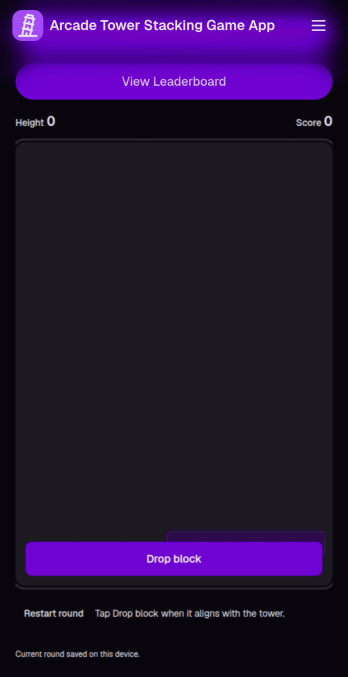
Arcade Tower Stacking Game App
Arcade Tower Stacking Game App brings a simple, arcade-style tower stacking experience into a shareable format that works well for game nights, community challenges, school clubs, and brand engagement campaigns. Use it to let players jump into a full round, warm up in practice mode, or take on challenges, then compare results in a central leaderboard so competition stays friendly and organized.With Jotform, you can turn this arcade game concept into a polished, interactive experience using App Templates and a no-code app builder. Customize the drag-and-drop interface to match your event or community theme, connect the app to your data collection and workflow needs, and publish it as a self-service destination that’s easy to open on desktop or mobile.
Go to Category:Entertainment Apps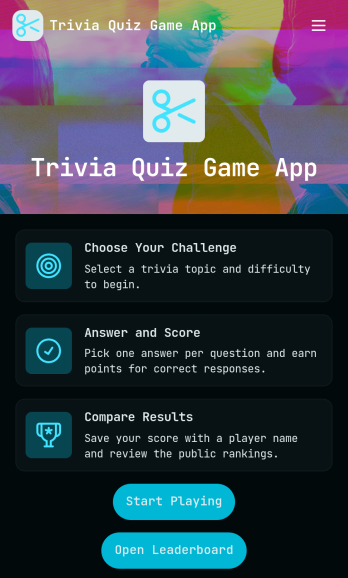
Trivia Quiz Game App
Trivia Quiz Game App brings a fast, friendly quiz experience into one place so people can pick a topic, jump into a round, and see how they stack up. It’s a great fit for creators, classrooms, event hosts, and community managers who want an interactive way to keep an audience engaged, whether you’re running a weekly trivia night, an online challenge, or a learning review. With built-in navigation to play a quiz, browse quiz topics, and follow a leaderboard, this app helps participants stay oriented and motivated while you keep the experience easy to repeat.Jotform makes it simple to publish and manage interactive experiences like this using customizable app templates and a no-code app builder. With a drag-and-drop interface, you can tailor the pages, topic list, and calls to action to match your brand and format, then share the app using a link or QR code for quick self-service access. Connect Jotform to your workflow for data collection and updates, so your quiz game can stay fresh, organized, and ready for the next round.
Go to Category:Quiz Apps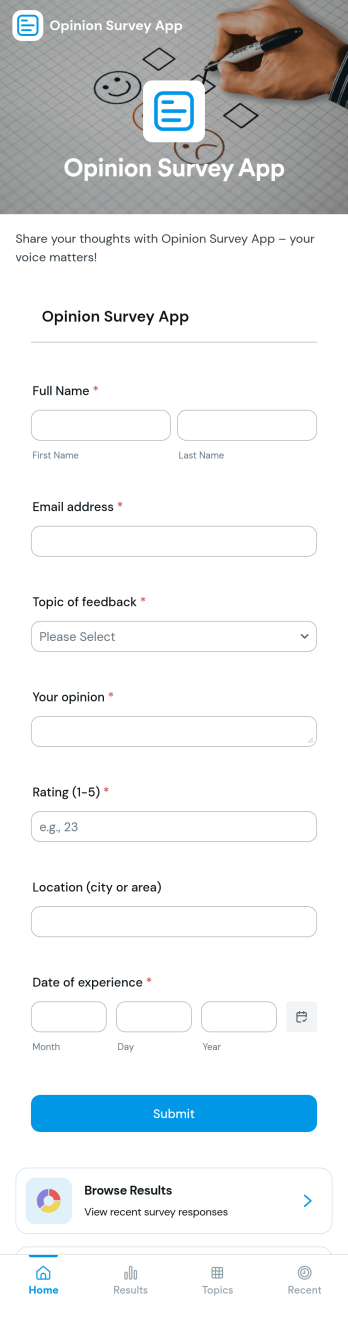
Opinion Survey App
An opinion survey app brings your surveys, topics, and results into one place so you can gather feedback and understand what people think. Use it to publish a “Submit Survey” entry point, organize questions by topic, and give users an easy way to browse survey areas or communities before they respond. It’s a practical fit for marketing teams testing messaging, HR groups collecting employee sentiment, event organizers capturing attendee opinions, and educators checking student understanding across different themes.With Jotform, you can turn this opinion survey app template into a branded, self-service experience using a no-code app builder and a drag-and-drop interface. Connect the app to your Jotform form for fast data collection, then keep everything organized in a simple workflow that’s easy to share by link or QR code. Update pages anytime, tailor the navigation for different audiences, and keep feedback flowing without extra development work.
Go to Category:Quiz Apps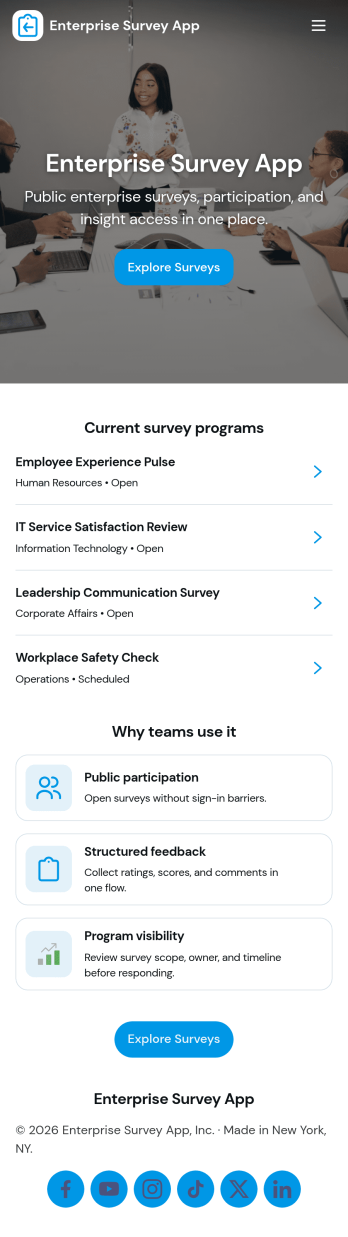
Enterprise Survey App
Enterprise Survey App brings company-wide surveys into one place so teams can launch initiatives, collect responses, and review results without relying on scattered links or email threads. It’s built for HR, IT, operations, and internal comms teams that run recurring engagement pulses, policy acknowledgments, training feedback, or cross-department check-ins. With a central area to browse available surveys, a clear path to submit responses, and a dedicated section for viewing records, the experience stays consistent for employees and easy to repeat for administrators.Jotform makes it simple to publish and maintain enterprise-ready survey experiences using App Templates and a no-code app builder. Customize pages with a drag-and-drop interface, connect surveys to forms and tables for organized data collection, and keep workflows moving with shareable links that work across devices. As needs change, you can update content quickly, support self-service access for respondents, and keep survey activity structured for ongoing internal programs.
Go to Category:Company Portal Apps
Puzzle Learning App
Puzzle Learning App gives educators, tutors, training teams, and independent learners an interactive space for practicing reasoning and problem-solving skills. Learners can browse available puzzles, open helpful clues, submit attempts, and review their responses, reflections, confidence levels, and progress. It works well for classroom enrichment, tutoring sessions, remote learning, skills workshops, and self-paced study. By bringing puzzle content and learner activity into one accessible experience, the app reduces scattered materials, encourages thoughtful reflection, and helps instructors understand how participants approach each challenge.Jotform makes this app template easy to adapt with a no-code app builder and a flexible drag-and-drop interface. Add or rearrange pages, update puzzle resources, connect forms for data collection, and organize learning workflows without writing code. Jotform App Templates can also support notifications and connected records, helping instructors monitor new attempts and manage learning activity. Once customized, the Puzzle Learning App can be published for mobile-friendly access and shared through a direct link, QR code, or embedded experience, giving learners a convenient self-service resource wherever they study.
Go to Category:Quiz Apps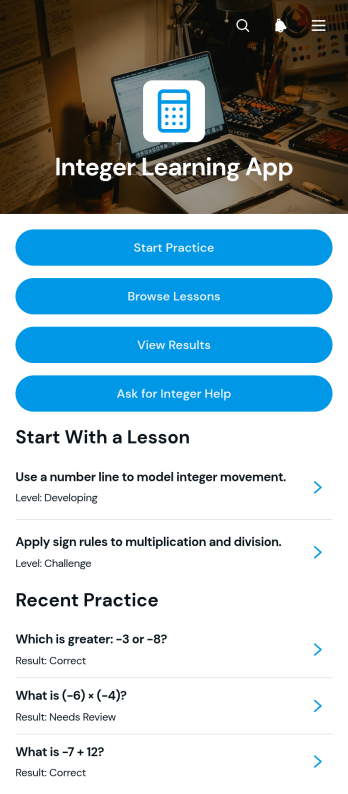
Integer Learning App
Integer Learning App is an interactive educational template for teaching and practicing positive and negative integers. It gives students a central place to browse lessons, review worked examples, complete practice questions, check submitted answers and results, and request help when a concept is unclear. Teachers, tutors, schools, learning centers, and families can use it to support classroom instruction, independent study, homework review, or targeted intervention. By connecting explanations with repeatable practice and visible reasoning, the app helps learners recognize mistakes, strengthen problem-solving skills, and revisit topics at an appropriate level without searching across separate resources.Jotform App Templates make it easy to adapt this learning experience without coding. Using Jotform’s drag-and-drop app builder, educators can update lesson content, reorganize navigation, add forms, connect tables, and create workflows for data collection or learner support. Pages, cards, buttons, media, and branded visual elements can be adjusted to suit a course, age group, or teaching style. Once the Integer Learning App is ready, it can be shared by link or QR code for convenient mobile-friendly access. This flexible approach helps educators create a self-service resource that keeps integer instruction, practice, feedback, and assistance in one accessible place.
Go to Category:Education Apps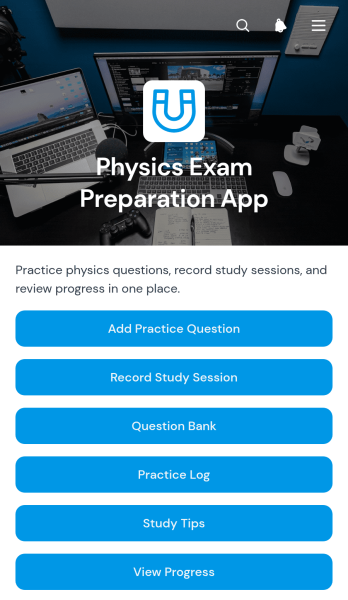
Physics Exam Preparation App
The Physics Exam Preparation App gives students, tutors, teachers, and study groups a focused space for preparing for physics tests. Learners can build and browse a question bank, review answers and explanations, record study sessions by topic and duration, consult study tips, and view their progress. It is useful for classroom revision, tutoring programs, independent study, and exam review courses where practice materials and study activity can otherwise become scattered. By keeping question practice and session records together, the app helps learners identify topics that need more attention, maintain consistent study habits, and approach upcoming exams with a clearer plan.Jotform makes this app template easy to adapt without coding. Its drag-and-drop app builder lets educators and learners reorganize pages, adjust branding, add resource links, and connect forms or tables for data collection and workflow management. Question entries and study records can feed into organized data views, creating a convenient self-service experience on phones, tablets, and computers. After customization, the app can be published and shared through a direct link or QR code, making it simple to distribute across a class, tutoring group, or learning program.
Go to Category:Quiz Apps