

Quiz Apps

Survey Forms Portal App
Survey Forms Portal App brings your surveys into one simple portal so people can start a survey response and return later to review what they’ve sent. It’s useful for teams that run recurring questionnaires such as customer experience check-ins, employee feedback, event follow-ups, membership satisfaction surveys, or internal pulse surveys. Instead of sharing multiple links across emails and chats, you can offer a single place where users browse available surveys, submit responses, and view their own survey history when they need to confirm details or track what they already completed.Built with Jotform, this app template helps you publish a self-service experience without coding and keep everything organized as your survey program grows. Use the drag-and-drop interface to adjust pages and navigation, connect your surveys to the portal, and manage incoming data collection in one workflow. Share the portal via a direct link or QR code, update the survey list anytime, and keep feedback collection consistent across devices.
Go to Category:Customer Engagement Apps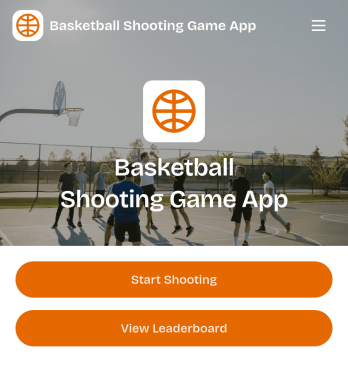
Basketball Shooting Game App
Basketball Shooting Game App turns a simple shooting challenge into an engaging experience players can jump into and replay. Use it to launch a round quickly, pick a challenge mode like Quick Fire, Hot Zone, or Three Point, and keep motivation high by comparing results on a public leaderboard. It’s a great fit for coaches running team competitions, PE teachers adding a fun skills station, gyms hosting member challenges, or event organizers looking for an interactive activity that’s easy to share.With Jotform, you can tailor this app template to match your program and audience using a no-code app builder and a drag-and-drop interface. Update pages, buttons, and challenge options in minutes, connect the experience to data collection for score tracking, and support self-service access through a link or QR code. Jotform workflows also make it easy to keep game results organized so you can spotlight top performers and keep players coming back.
Go to Category:Entertainment Apps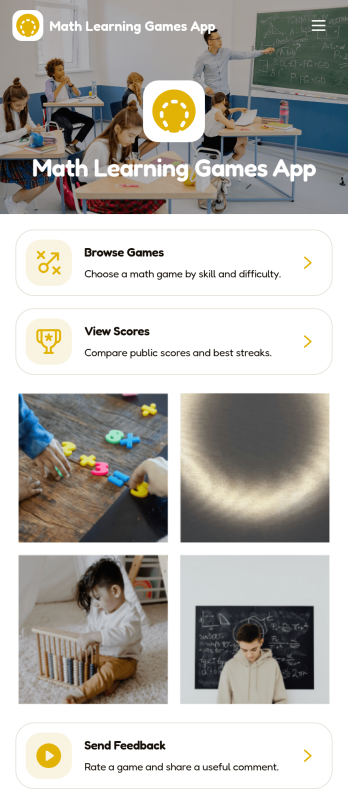
Math Learning Games App
Math Learning Games App brings math practice to life with an interactive, game-based experience that helps learners build skills through play. Use it in classrooms, tutoring sessions, after-school programs, or at home to guide students to the right activities by age range, skill, and difficulty. Learners can browse available games, jump into practice from a single starting point, and revisit progress by checking scores over time. It’s also a helpful hub for educators and program coordinators who want a simple way to share curated math games and keep participation organized.Built with Jotform, this app template is easy to tailor to your program without coding. Add or swap games, update visuals, and connect game entries to your data collection workflow so feedback and updates are captured in one place. With a drag-and-drop interface, you can publish a mobile-friendly self-service experience that students and families can access from a link, while your team keeps content and results organized behind the scenes.
Go to Category:Education Apps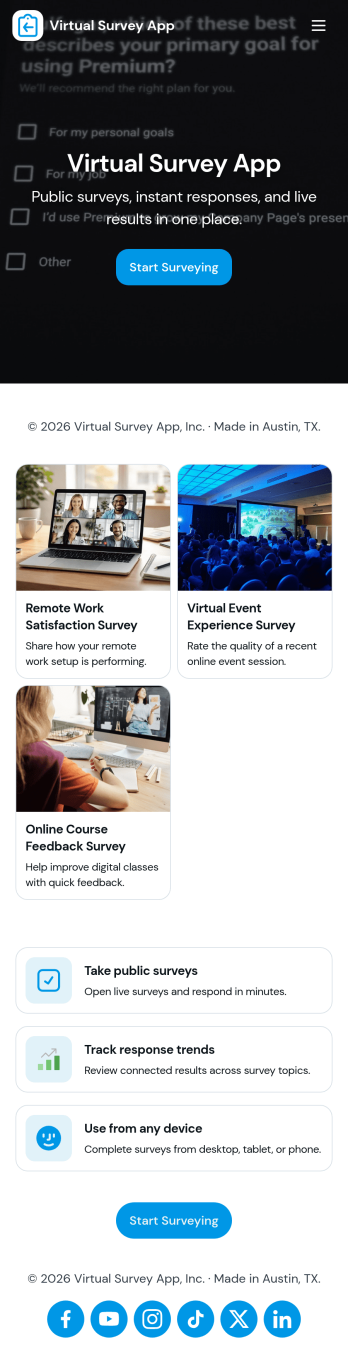
Virtual Survey App
Virtual Survey App brings survey creation, discovery, and results viewing into one simple self-service experience. Use it to build and share surveys for remote research, online events, customer feedback, employee pulse checks, training evaluations, or community input. With quick navigation to create a survey, browse available surveys, review results, and revisit your own responses, teams can keep participation organized and reduce confusion about which survey to take and where to find outcomes.Jotform makes it easy to publish this app template and tailor it to your process using a no-code app builder and drag-and-drop interface. Connect your survey form for fast data collection, keep responses organized, and guide people through each step with clear pages and buttons. Share the app with a link or QR code, update surveys as needs change, and turn your workflow into a mobile-friendly experience that’s ready for ongoing feedback.
Go to Category:Quiz Apps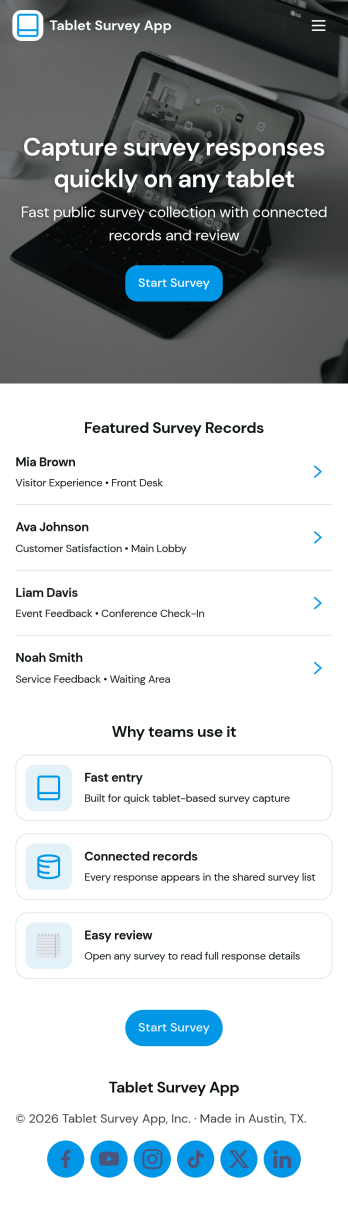
Tablet Survey App
A tablet survey app gives you a simple, guided way to collect feedback on a shared device in places like retail stores, clinics, hotels, events, and front desks. With this experience, staff can quickly launch a survey from a clear Start Survey button, then return later to review recent responses and open individual entries when needed. It works well for customer satisfaction check-ins, post-appointment feedback, in-store experience ratings, and on-site research where speed and consistency matter.Built with Jotform App Templates, this tablet-ready experience can be created and updated using a no-code app builder and a drag-and-drop interface, so you can adjust questions, pages, and branding without technical work. Connect the survey to Jotform data collection, keep responses organized for quick viewing, and use the built-in insights view to spot patterns over time. Share the app through a link or QR code to standardize how your team captures feedback anywhere.
Go to Category:Quiz Apps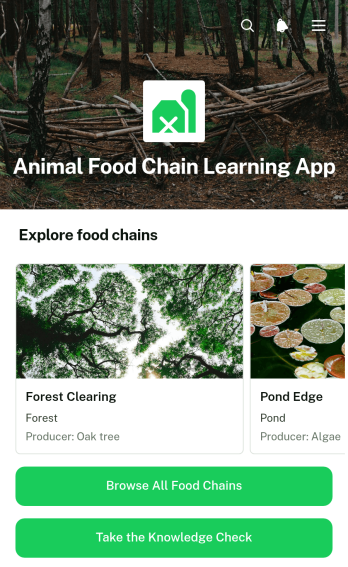
Animal Food Chain Learning App
The Animal Food Chain Learning App is an interactive educational resource for exploring how energy moves through ecosystems. Teachers, tutors, environmental educators, and students can use this app template during classroom lessons, independent study, homework, or science workshops. Learners can browse a collection of food chains, open individual examples, and review the roles of producers, primary consumers, predators, and decomposers. A connected knowledge check helps educators reinforce key concepts and assess understanding without relying on separate learning materials. The organized experience makes complex ecological relationships easier to visualize while giving students a convenient self-service resource they can revisit from different devices.Jotform Apps helps educators turn lessons and supporting resources into engaging digital experiences without coding. Its no-code app builder features a drag-and-drop interface for customizing pages, cards, navigation, images, text, and buttons. Users can connect forms for data collection, quizzes, and other workflow steps, then publish and share the finished app through a direct link or scannable code. Starting with Jotform App Templates also reduces setup time while leaving room to adjust branding, lesson content, and navigation for a particular class, age group, or curriculum.
Go to Category:Education Apps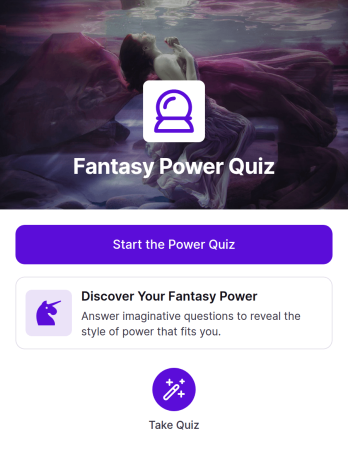
Fantasy Power Quiz App
Fantasy Power Quiz App is an interactive quiz experience for helping participants discover which imaginative power best matches their personality, preferences, and choices. It gives visitors a clear starting point for taking the power quiz and presents the activity through an engaging fantasy-themed card. Content creators, educators, event organizers, community managers, and marketing teams can use this app template for recreational assessments, classroom activities, audience engagement, themed events, or lighthearted campaigns. By placing the quiz in one accessible destination, the app makes participation easier and creates a memorable experience that can encourage sharing and repeat engagement.Jotform Apps helps you turn this Fantasy Power Quiz App into a polished experience without writing code. Use the no-code app builder and drag-and-drop interface to adjust the layout, update quiz content, apply your visual style, and connect forms for data collection. You can also organize supporting resources, build an automated workflow around responses, and offer convenient self-service access from phones, tablets, or computers. Once the app is ready, publish it through a direct link, QR code, or embedded experience so participants can open the quiz wherever your campaign, lesson, community, or event takes place.
Go to Category:Quiz Apps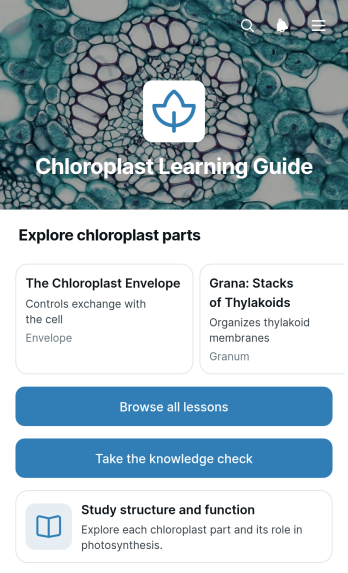
Chloroplast Learning Guide App
The Chloroplast Learning Guide App is an educational resource for teaching chloroplast structure, function, and key biological concepts through a focused learning experience. It gives students access to organized lessons, concise explanations of each part’s role, memorable facts, and a knowledge check that reinforces understanding. Biology teachers, science tutors, schools, study groups, and independent learners can use this app template to support classroom instruction, revision sessions, homework, or self-paced study. By keeping lesson browsing and assessment in one accessible place, it helps learners review complex material without searching across disconnected resources.Jotform makes it easy to adapt this Chloroplast Learning Guide App with a no-code app builder and an intuitive drag-and-drop interface. Educators can update lesson content, adjust navigation, apply their preferred visual style, and connect forms for data collection or learning workflows. Jotform App Templates also support mobile-friendly access, so students can study from phones, tablets, or computers. Once the guide is ready, it can be published and shared through a direct link or QR code, providing a convenient self-service learning resource for lessons, revision, and knowledge checks.
Go to Category:Education Apps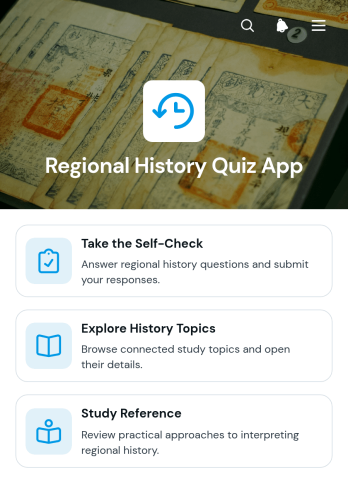
Regional History Quiz App
Regional History Quiz App is an interactive learning template for presenting local history topics, study guidance, and knowledge checks in one accessible experience. It suits teachers, tutors, museums, libraries, historical societies, community groups, and tourism educators who want to make regional history more engaging. Learners can explore organized topics, consult study references, and complete a self-check to review what they have learned. Guidance on comparing sources, recognizing perspective, and reading information in context also supports thoughtful historical analysis. Use this app template for classroom review, independent study, community education, museum programming, heritage events, or informal quizzes about a region’s people, places, and past.Jotform App Templates help educators and organizations publish mobile-friendly learning experiences without writing code. With Jotform’s no-code app builder and drag-and-drop interface, you can adapt the layout, add regional material, connect forms for data collection, and organize resources around your teaching goals. Update colors, fonts, images, navigation, and quiz content to reflect a course or community program. The finished Regional History Quiz App can be shared through a direct link or QR code, giving learners convenient self-service access on phones, tablets, and computers. Connected workflows can also help teams collect answers, review participation, and maintain current educational content from one place.
Go to Category:Quiz Apps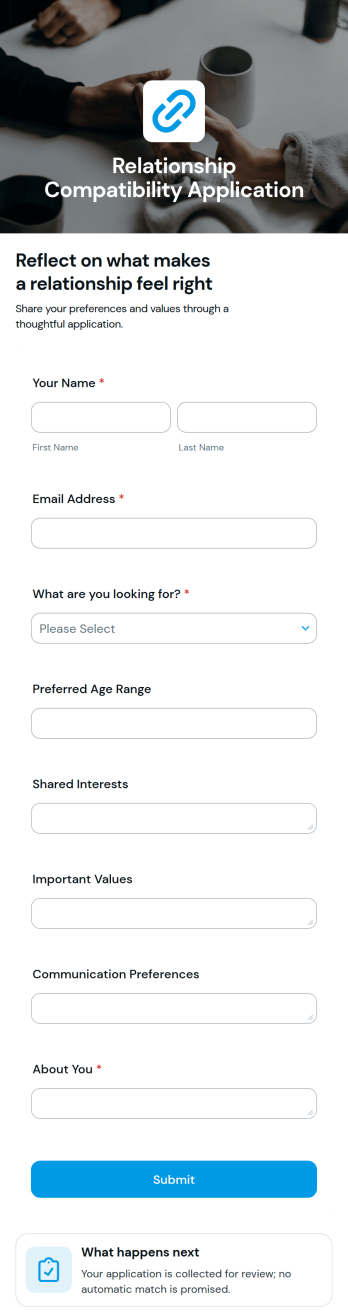
Relationship Compatibility Application App
The Relationship Compatibility Application App is a reflective experience for individuals and couples who want to explore what makes a relationship feel right. It provides a focused questionnaire for considering shared expectations, communication preferences, personal values, and relationship priorities, followed by clear guidance on what happens next. Counselors, coaches, educators, community groups, and wellness professionals can use it to support thoughtful conversations, while individuals can complete it privately for personal reflection. By bringing key questions into one accessible place, the app helps users prepare for discussions, identify areas worth exploring, and approach relationship decisions with greater awareness.Jotform makes it easy to adapt this app template without writing code. Use the drag-and-drop app builder to update the wording, apply a modern visual theme, rearrange content, and connect the questionnaire to data collection and workflow tools. The finished app can be shared through a direct link or embedded experience, giving users convenient mobile-friendly access. Jotform App Templates also help teams create branded self-service experiences that connect forms, resources, notifications, and follow-up actions in one organized destination.
Go to Category:Quiz Apps
Division Remainder Practice App
Division Remainder Practice App is an interactive app template for helping students strengthen division skills and learn how to identify remainders. Its focused practice page and interactive activity area give learners a convenient place to work through problems, review concepts, and build confidence through repeated practice. Teachers can use it for classroom exercises, independent study, homework support, or learning stations, while tutors and families can offer targeted practice outside regular lessons. This educational resource is especially useful for elementary and middle school learners who need extra reinforcement without navigating unrelated materials.Jotform App Templates make it easy to adapt this learning experience for different grade levels, lesson goals, and teaching styles. With Jotform’s no-code app builder and drag-and-drop interface, educators can update instructions, adjust content, add linked forms, and organize resources without programming. The app can be shared through a direct link or QR code for mobile-friendly access, helping students practice at school or at home. Connected data collection and workflow options can also support progress checks, follow-up activities, and a more organized approach to digital learning.
Go to Category:Quiz Apps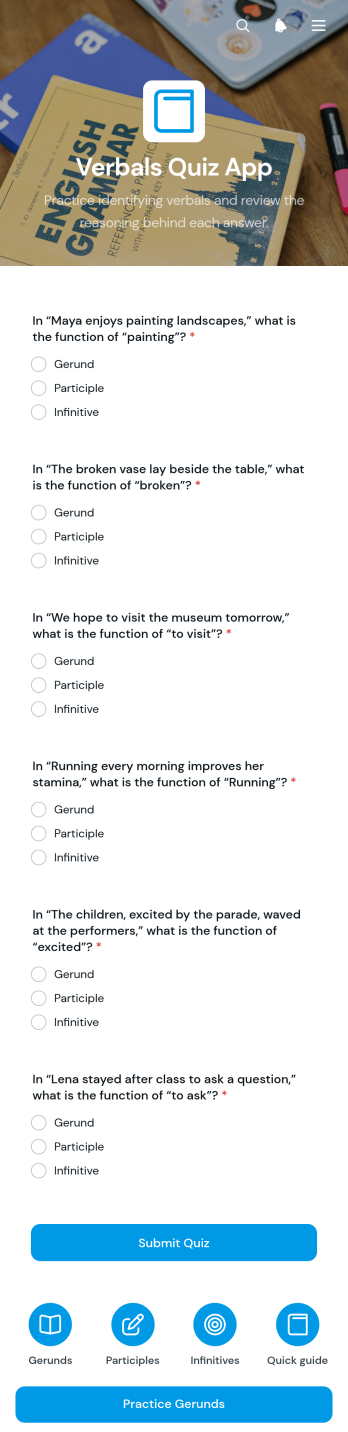
Verbals Quiz App
Verbals Quiz App is an interactive learning template for practicing and assessing how gerunds, participles, and infinitives function in English sentences. It gives teachers, tutors, schools, and independent learners a central place to access targeted grammar activities, including gerund practice and connected quiz forms. Educators can use it for classroom review, homework, tutoring sessions, test preparation, or supplemental instruction. By keeping practice materials and assessments together, the app makes lessons easier to navigate, encourages independent study, and helps instructors collect responses without relying on scattered worksheets or links.Jotform App Templates make it easy to adapt this app template to different grade levels, lesson plans, and teaching styles. With Jotform’s no-code app builder and drag-and-drop interface, educators can update pages, adjust navigation, add learning resources, and connect forms without programming. Quiz responses can support organized data collection and related workflows, while sharing options provide convenient access through a direct link or QR code. The finished app works across mobile devices, tablets, and computers, giving learners a flexible self-service study experience wherever instruction takes place.
Go to Category:Quiz Apps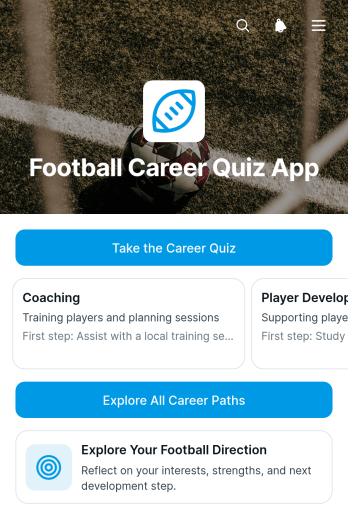
Football Career Quiz App
The Football Career Quiz App is an interactive quiz experience that helps aspiring football professionals explore career directions based on their interests and strengths. It suits students, players considering future options, coaches, educators, career advisers, training programs, and sports organizations. Participants take the career quiz, receive a suggested career path, and review a useful strength and practical first step connected to that direction. It can support workshops, career events, classroom activities, player development sessions, and independent exploration while giving users a clear starting point without overwhelming them with unrelated information.Jotform makes it easy to adapt this app template with a no-code app builder and an intuitive drag-and-drop interface. Creators can update quiz content, organize career resources, adjust navigation, and apply their own visual style without programming. Connected forms and workflows support data collection, while shareable links and mobile-friendly access make the experience convenient for participants wherever they are. Jotform App Templates can also be expanded with additional pages, buttons, and resources, helping teams turn a simple quiz into an engaging self-service career exploration experience.
Go to Category:Quiz Apps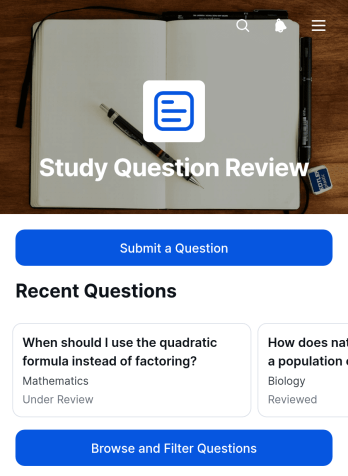
Study Question Review App
The Study Question Review App is an educational app template for students, tutors, teachers, study groups, and training teams that need one organized place to collect and assess academic questions. Learners can submit a question with its subject and context, browse and filter existing questions, and view review feedback from an instructor or peer. This focused setup makes it easier to identify recurring knowledge gaps, prepare for exams, support tutoring sessions, and maintain a useful question library across classes or study programs. It also gives reviewers a consistent process for responding to questions without relying on scattered messages or documents.Jotform Apps helps educators and learning teams turn this app template into a branded, mobile-friendly resource with no coding. Its no-code app builder and drag-and-drop interface make it simple to adjust pages, navigation, colors, fonts, and content. Users can connect forms and tables to support data collection, organize the review workflow, and create a convenient self-service experience for learners. Start with ready-made App Templates, personalize the layout, and share the finished app by direct link or QR code so participants can access questions and feedback from nearly any device.
Go to Category:Quiz Apps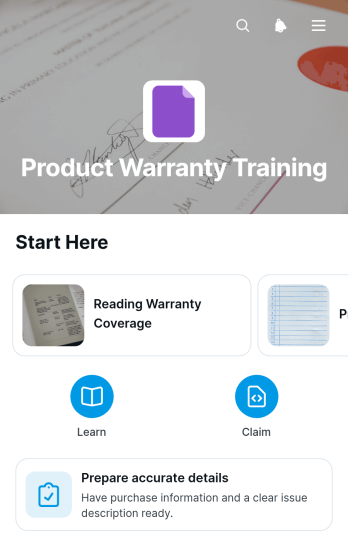
Product Warranty Training App
Product Warranty Training App is a ready-to-use learning experience for product manufacturers, retailers, service teams, support departments, distributors, and sales organizations that need to teach warranty policies consistently. It brings lesson navigation, product-specific warranty guidance, and knowledge checks into one accessible app template. Teams can use it to explain warranty terms, highlight key points, prepare staff to gather accurate claim details, and reinforce correct responses to common customer questions. It is especially useful for onboarding new employees, refreshing experienced teams, training channel partners, or supporting product launches with clear warranty education.With Jotform Apps, organizations can customize this template through a no-code app builder and an intuitive drag-and-drop interface. Add or update lessons, adjust branding, connect forms for data collection, and organize learning resources without writing code. Jotform App Templates can also support connected workflows, notifications, and self-service access, helping learners find current information and complete assessments from phones, tablets, or computers. Publish the finished app with a direct link or QR code so training remains easy to distribute across stores, offices, service locations, and remote teams.
Go to Category:Resource & Learning Portal Apps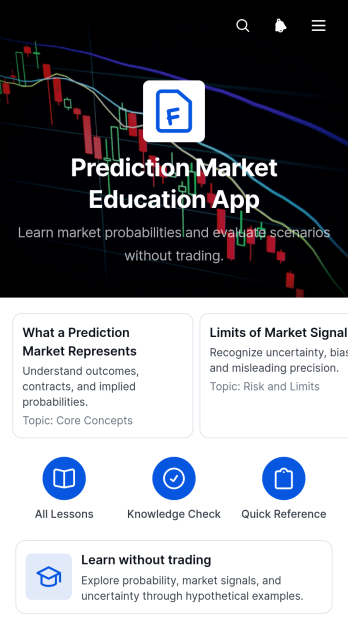
Prediction Market Education App
Prediction Market Education App gives educators, trainers, financial literacy programs, and curious learners a guided environment for understanding how prediction markets work without participating in real trading. It can support classroom lessons, workshops, independent study, or community education by presenting key ideas, hypothetical examples, concise takeaways, and optional knowledge checks. Learners can move through organized pages at their own pace, revisit explanations, and submit reflections or responses through a connected form. This app template makes complex concepts easier to explore while keeping the experience focused on education rather than financial activity.With Jotform’s no-code app builder, teams can adapt App Templates for different audiences without writing code. The drag-and-drop interface makes it easy to reorganize learning resources, update text, add media, connect forms, and create a consistent visual identity. Instructors can use the Prediction Market Education App as a mobile-friendly resource center, share it through a direct link or QR code, and connect data collection to a broader teaching workflow. Jotform also supports collaborative updates and self-service access, helping organizations publish current educational content in one convenient place.
Go to Category:Education Apps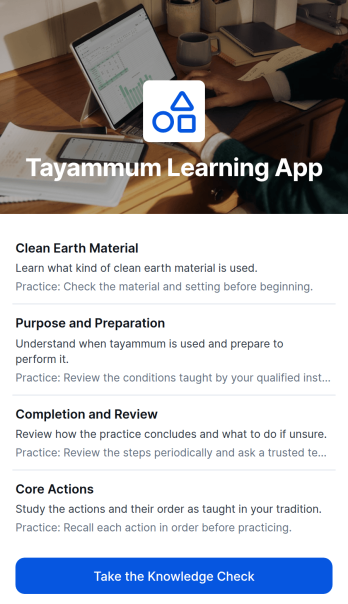
Tayammum Learning App
The Tayammum Learning App provides a focused educational experience for learning the principles and practice of tayammum. It is suitable for faith educators, tutors, community organizations, families, and independent learners who want to present guidance in an accessible format. Topic-based lessons organize the material into manageable sections, while key points and practice tips reinforce essential information. A connected knowledge check gives learners an opportunity to review their understanding after exploring the content. This app template can support classroom instruction, community workshops, introductory courses, remote learning, and self-paced study without scattering resources across separate channels.Jotform makes it easy to adapt this learning experience with a no-code app builder and an intuitive drag-and-drop interface. Educators can update lesson content, adjust navigation, apply their preferred visual style, and connect forms that support data collection and learning workflows. The finished app can be shared through a direct link or QR code for convenient mobile access. Among Jotform’s App Templates, this customizable app template offers a practical starting point for creating a branded resource center that supports guided learning and learner self-service without requiring programming skills.
Go to Category:Education Apps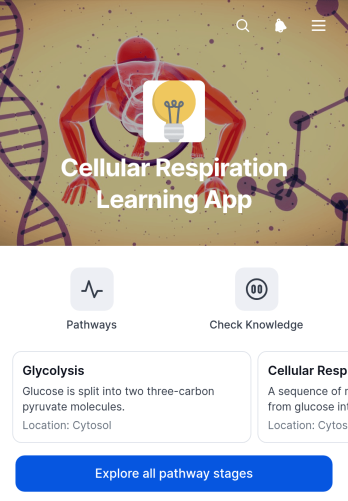
Cellular Respiration Learning App
The Cellular Respiration Learning App is an interactive study resource for exploring the stages and outcomes of cellular respiration. It helps biology students, classroom teachers, tutors, and independent learners review pathway stages through organized navigation, focused questions, and concise reference material. Learners can explore all stages, open individual pathway pages, and examine each stage’s location and key output without searching across separate documents. Teachers can use the app during lessons, revision sessions, homework activities, or guided study, while students can revisit essential concepts at their own pace. Its focused structure makes complex biological processes easier to navigate and supports both classroom instruction and self-service learning.Jotform makes it easy to adapt this app template with a no-code app builder and an intuitive drag-and-drop interface. Educators can update pathway content, reorganize pages, adjust visual elements, and add links or connected forms to support data collection and learning workflows. The app can be published for mobile-friendly access and shared through a direct link, embedded experience, or scannable code. With customizable App Templates from Jotform, schools, tutoring programs, and training teams can create branded learning resources without programming knowledge and keep study materials available in one convenient place.
Go to Category:Education Apps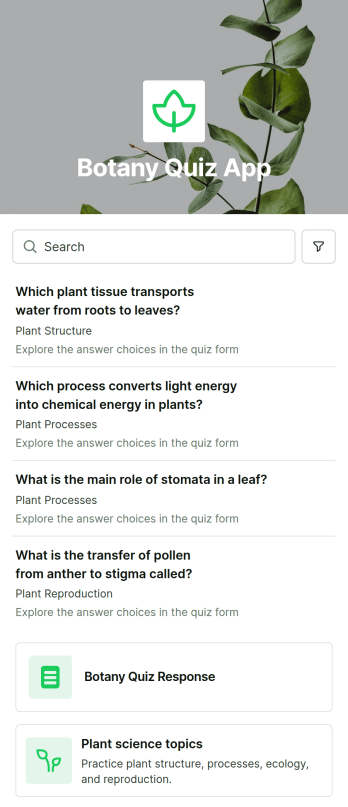
Botany Quiz App
The Botany Quiz App is an educational app template for teachers, tutors, schools, training teams, and plant enthusiasts who want to assess knowledge of botany in an engaging format. It brings plant science topics and a connected quiz form into one accessible experience, helping learners review concepts and answer questions without moving between scattered materials. Educators can use it for classroom warmups, homework, course reviews, remote learning, or informal knowledge checks. By centralizing topic browsing and response collection, the app makes it easier to deliver consistent activities, monitor participation, and give students convenient self-service access to learning content.Jotform Apps helps users turn this Botany Quiz App into a polished experience without writing code. Start with one of Jotform’s App Templates, then use the no-code app builder and drag-and-drop interface to update questions, organize content, adjust colors, or add images and buttons. The app builder can connect forms, tables, notifications, approvals, and other workflow tools to support data collection and follow-up tasks. Once the app is ready, share it through a direct link or QR code so learners can open it on a phone, tablet, or computer.
Go to Category:Quiz Apps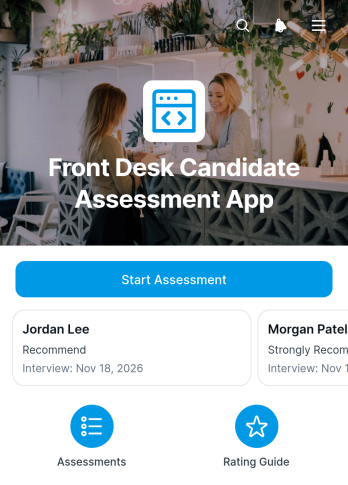
Front Desk Candidate Assessment App
Front Desk Candidate Assessment App is a hiring evaluation template for recruiters, hiring managers, office administrators, and hospitality teams assessing candidates for reception and guest-facing roles. Interviewers can launch a new assessment, browse candidate records, and review ratings and responses from one organized location. Consistent evaluation areas such as communication, customer service, organization, professionalism, and problem solving help teams compare applicants using shared criteria. It is useful during screening interviews, in-person assessments, and collaborative hiring reviews where clear records can reduce scattered notes and support more informed discussions.Jotform Apps helps organizations turn this hiring process into an accessible, interactive experience without coding. Use the drag-and-drop interface to customize pages, adjust branding, connect assessment forms, and organize collected data for convenient review. The no-code app builder also supports connected workflows, notifications, and team access, making it easier to move information from candidate evaluation to internal follow-up. Start with this app template, adapt it to your hiring practices, and share it through a direct link or QR code. Jotform App Templates provide a flexible foundation for building mobile-friendly self-service resources and internal tools that can evolve with your recruitment needs.
Go to Category:Human Resources Apps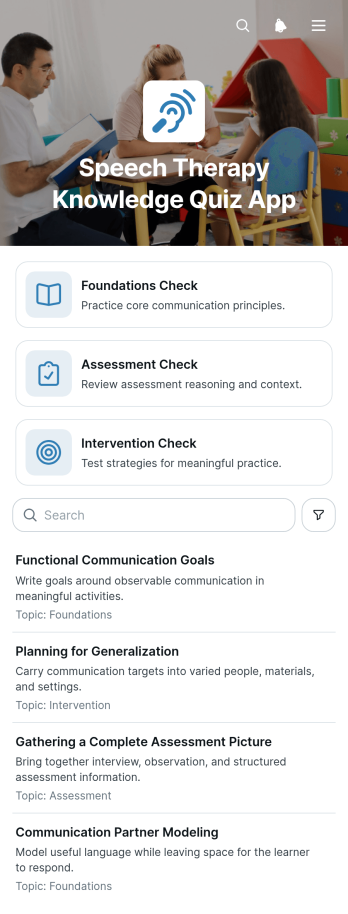
Speech Therapy Knowledge Quiz App
The Speech Therapy Knowledge Quiz App is a ready-to-use app template for testing and reinforcing knowledge of foundational concepts, assessment practices, and intervention approaches in speech therapy. It gives educators, clinical supervisors, training coordinators, tutors, students, and professional development teams one organized place to deliver focused knowledge checks and guide learners between quiz topics. Use it in coursework, staff training, study sessions, onboarding, or skills reviews to reveal learning gaps, encourage recall, and support consistent instruction. Clear quiz access, topic-based navigation, and supporting educational content help participants find relevant material without searching across separate resources.With Jotform Apps, this App Template can be adapted using a no-code app builder and an intuitive drag-and-drop interface. Add or revise quiz forms, reorganize pages, apply custom visual styling, and connect data collection to a broader training workflow. The completed app can be shared by direct link or QR code for convenient mobile-friendly self-service access. Jotform also helps teams organize responses, notify collaborators, and maintain a central learning experience as training needs change.
Go to Category:Quiz Apps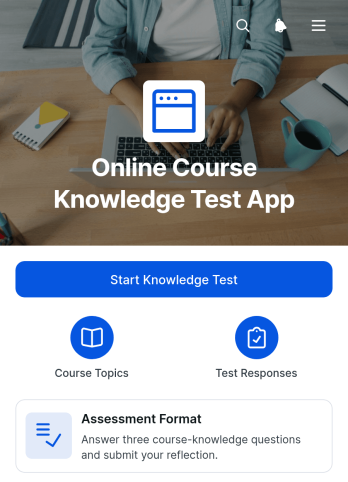
Online Course Knowledge Test App
The Online Course Knowledge Test App gives educators, trainers, tutors, and course creators a focused way to assess learners after a lesson, module, or complete online course. Learners can review the assessment format and start the connected knowledge test from one convenient location. This app template supports end-of-module checks, training evaluations, certification preparation, and refresher assessments while reducing the need to distribute separate test links. Schools, training teams, educational organizations, and independent instructors can use it to create a consistent assessment experience, collect responses, and better understand whether key course concepts have been retained.Jotform App Templates make it easy to turn learning resources and assessments into accessible digital experiences. With Jotform’s no-code app builder and drag-and-drop interface, you can customize pages, update instructions, adjust branding, and connect forms to your wider workflow without programming. Share the finished app through a direct link or QR code so learners can access it on a phone, tablet, or computer. Connected data collection can also help teams organize test responses, support follow-up activities, and maintain a practical self-service assessment process.
Go to Category:Quiz Apps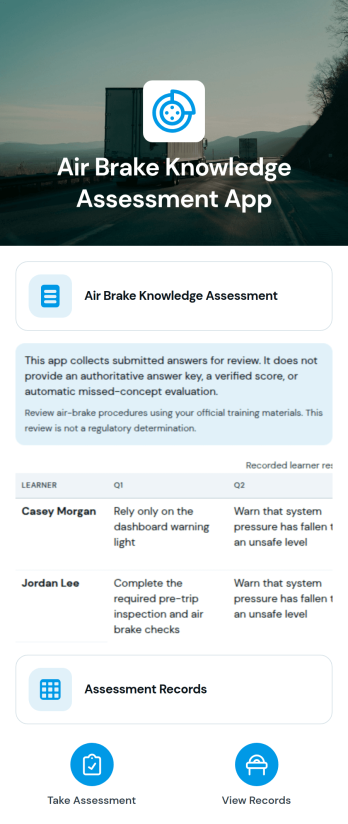
Air Brake Knowledge Assessment App
Air Brake Knowledge Assessment App gives driver training programs, transportation companies, instructors, and fleet teams a central place to deliver knowledge checks about air brake systems. This ready-to-use app template supports assessment access, response collection, and organized review of assessment records without relying on scattered documents. It can be used during driver education, onboarding, refresher training, or internal knowledge reviews. Instructors can monitor participation, identify topics that may require further instruction, and maintain a consistent assessment process for learners, trainees, and commercial vehicle operators.Jotform Apps helps teams turn assessments and related resources into an interactive, mobile-friendly experience. Start with this Air Brake Knowledge Assessment App, then use the no-code app builder and drag-and-drop interface to adjust the layout, update content, and connect forms or tables to your workflow. Jotform app templates can be shared through a direct link or QR code, making the assessment convenient to access in classrooms, training centers, offices, or field locations. Built-in data collection and self-service access help instructors reduce manual administration while giving participants a clear route to complete their knowledge check.
Go to Category:Quiz Apps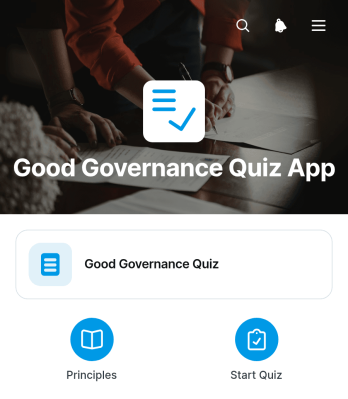
Good Governance Quiz App
The Good Governance Quiz App is an interactive app template for assessing knowledge of accountability, transparency, participation, ethical leadership, and responsible decision-making. Nonprofits, educational institutions, community groups, public-service trainers, consultants, and internal learning teams can use it for workshops, awareness campaigns, staff development, or course activities. Organized quiz access, quick navigation, and expandable reference guidance help participants move between questions and supporting information with ease. The app brings learning and data collection into one accessible experience, making it easier to engage participants, identify knowledge gaps, and reinforce key governance principles.Jotform App Templates provide a practical starting point for creating branded digital experiences without writing code. Customize the Good Governance Quiz App with the no-code app builder and drag-and-drop interface, then adjust its pages, wording, colors, and navigation to suit your audience. You can connect forms to tables, notifications, approvals, and other workflow steps for easier response management and follow-up. Once ready, publish the app through a direct link or QR code so participants can access it from phones, tablets, or computers. Jotform also supports self-service learning by keeping quiz activities and useful resources together in a mobile-friendly app.
Go to Category:Quiz Apps