

Quiz Apps

Grade Learning Quiz App
The Grade Learning Quiz App is a ready-to-use learning assessment template for teachers, tutors, training teams, and educational organizations. It gives learners one convenient place to browse available quizzes, answer questions, submit responses, and review or edit an attempt. Educators can use it for classroom knowledge checks, homework activities, tutoring sessions, course assessments, employee training, or independent study. Bringing quiz access and response collection into one organized experience reduces scattered links, makes participation easier, and helps instructors monitor learning progress through a consistent process.Jotform Apps makes this app template easy to tailor with a no-code app builder and an intuitive drag-and-drop interface. Add your own questions, instructions, visual branding, and navigation without writing code. Quiz forms can connect with tables, notifications, approvals, and other workflows to support organized data collection and follow-up. Once the Grade Learning Quiz App is ready, publish it through a direct link, QR code, or embedded experience so learners can access quizzes from a phone, tablet, or computer.
Go to Category:Quiz Apps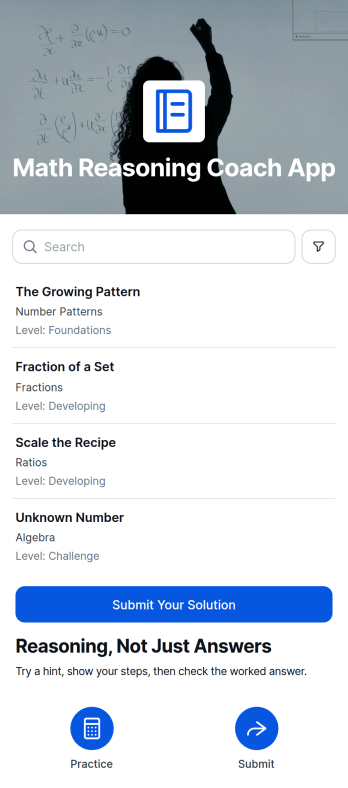
Math Reasoning Coach App
Math Reasoning Coach App is an interactive learning template for helping students explain how they solve mathematics problems instead of focusing only on final answers. It suits tutors, classroom teachers, learning centers, homeschool educators, and academic support programs that want to strengthen logical thinking and make each learner’s process easier to review. Students can browse assigned problems, use hints and reasoning prompts, and submit both an answer and the steps behind it. Educators can review what the learner found difficult and encourage revisions, making the app useful for practice sessions, formative assessment, tutoring, homework support, and independent study.With Jotform Apps, educators can adapt this app template through a no-code app builder and an intuitive drag-and-drop interface. Pages, learning resources, forms, and navigation can be updated to match a class, topic, or teaching approach without programming. Connected forms support organized data collection, while tables, notifications, and workflows can help instructors manage responses and follow-up activities. Publish the finished app with a shareable link or QR code to create a mobile-friendly self-service learning space that students can access wherever they study.
Go to Category:Tutor Apps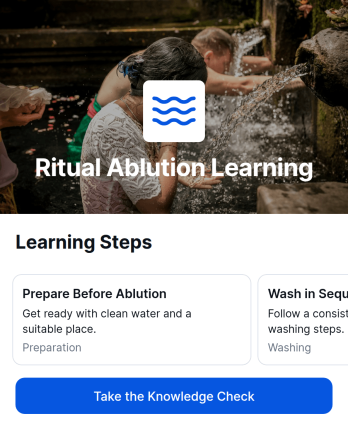
Ritual Ablution Learning App
The Ritual Ablution Learning App provides guided instruction for people learning or reviewing the purpose and practice sequence of ritual ablution. It presents lessons in a clear order, breaks the sequence into manageable steps, and includes a knowledge check for reinforcing understanding. Faith educators, community learning groups, families, tutors, and educational organizations can use this app template for independent study, classroom support, orientation sessions, or recurring practice. Keeping lesson content and review activities together gives learners a focused, accessible resource they can revisit whenever they need guidance.Jotform makes it easy to adapt the Ritual Ablution Learning App with a no-code app builder and an intuitive drag-and-drop interface. Update lesson text, rearrange learning resources, add images or videos, and connect forms for knowledge checks or data collection without writing code. Jotform App Templates can also support automated workflows, notifications, and organized responses through connected tools. Once customized, the app can be shared by direct link, QR code, or embedded experience, giving learners convenient mobile access and a consistent self-service learning journey.
Go to Category:Education Apps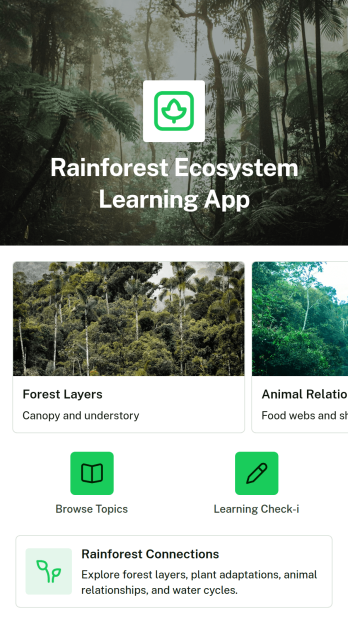
Rainforest Ecosystem Learning App
The Rainforest Ecosystem Learning App is an educational app template for teachers, tutors, students, environmental educators, and community learning programs exploring rainforest habitats and ecological relationships. Learners can browse organized topics, review key ideas and supporting explanations, and complete a learning check-in after each lesson. It works well for classroom units, independent study, science enrichment, field trip preparation, and environmental awareness activities. By bringing lesson content and knowledge checks into one accessible resource, the app helps educators guide learning while giving students a clear path through complex subjects.Jotform makes this Rainforest Ecosystem Learning App easy to adapt with a no-code app builder and an intuitive drag-and-drop interface. Educators can update pages, rearrange topic cards, add learning materials, connect forms for data collection, and shape the workflow around different ages or course goals. The app template can be shared by link or QR code for convenient mobile access, supporting both guided instruction and self-service learning. Jotform App Templates also help schools and educational organizations publish polished digital resources without development work, while connected forms and tables keep learner responses organized.
Go to Category:Education Apps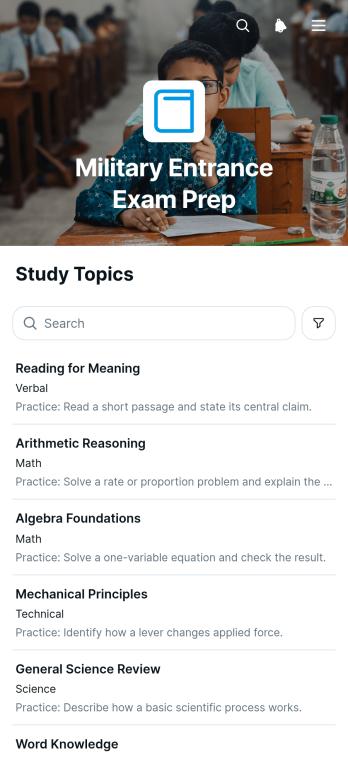
Military Entrance Exam Prep App
The Military Entrance Exam Prep App is an app template for prospective service members, tutors, educators, and training programs that want to organize exam practice in one accessible place. Users can browse assessment topics, start a practice assessment, review previous responses, and submit another attempt as their preparation progresses. This focused experience supports independent study, tutoring sessions, classroom review, and readiness programs by making repeated practice easier to manage. It also gives learners a clear path between choosing a topic, completing questions, and checking their work.Jotform provides customizable App Templates that help organizations create interactive experiences without coding. With the no-code app builder and drag-and-drop interface, you can adapt the Military Entrance Exam Prep App to your curriculum, connect forms for data collection, and organize responses through a practical workflow. Add instructions, learning resources, navigation buttons, or branded visual elements as needed. Once published, the app can be shared by link or QR code, giving learners mobile-friendly self-service access wherever they study.
Go to Category:Quiz Apps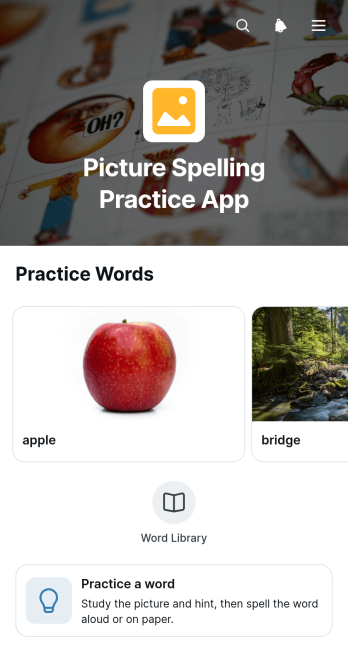
Picture Spelling Practice App
Picture Spelling Practice App is an interactive learning template that helps students connect visual clues with written words and strengthen spelling through repeated practice. Image-based prompts, focused word activities, and simple navigation give learners a clear path from recognizing an object to spelling its name. Teachers, tutors, families, learning centers, and educational programs can use it for classroom exercises, independent study, homework support, literacy intervention, or review sessions. The approachable format can make vocabulary practice more engaging while helping educators present activities in a consistent, mobile-friendly resource.With Jotform Apps, educators can adapt app templates without writing code. The no-code app builder offers a drag-and-drop interface for updating pages, images, cards, instructions, and navigation to suit different age groups, lesson plans, or vocabulary sets. Users can also connect forms for data collection, organize related learning resources, and build workflows that support progress checks or follow-up activities. Once customized, the Picture Spelling Practice App can be shared through a direct link or QR code, giving learners convenient self-service access from phones, tablets, or computers.
Go to Category:Quiz Apps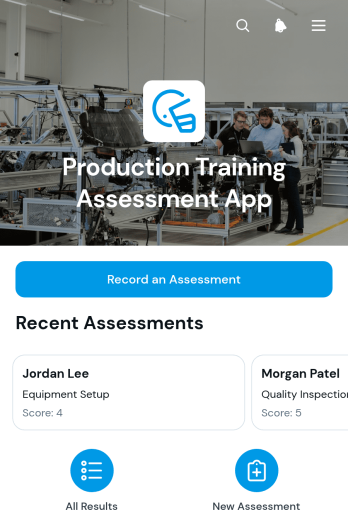
Production Training Assessment App
The Production Training Assessment App helps manufacturing supervisors, training coordinators, operations managers, and team leads document how trainees perform production tasks. Assessors can record an assessment, review trainee records, compare task scores, and note observed performance or follow-up training needs. It is well suited to factories, workshops, warehouses, and other operational settings where teams need a consistent way to evaluate practical instruction. Centralized records give managers clearer visibility into training progress, make coaching priorities easier to identify, and reduce reliance on scattered paper notes or spreadsheets.With Jotform Apps, organizations can adapt this app template to their training process without writing code. The drag-and-drop app builder makes it easy to update pages, navigation, visual styling, and connected forms while maintaining a mobile-friendly experience. Assessment data can support organized workflows, timely notifications, and collaborative review through connected Jotform tools. Teams can publish the finished app with a shareable link or QR code, helping assessors access it near the production floor and giving authorized staff a convenient self-service resource for reviewing trainee development.
Go to Category:Quiz Apps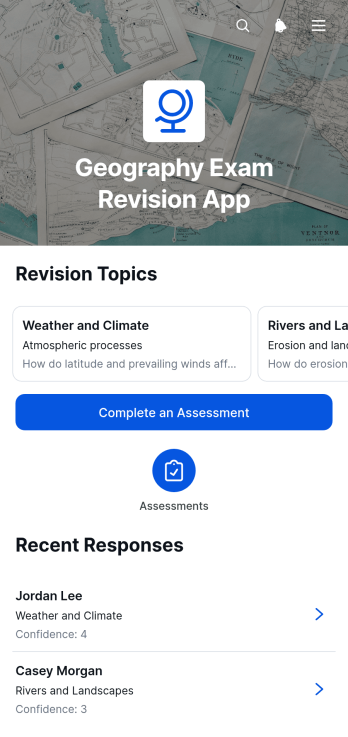
Geography Exam Revision App
The Geography Exam Revision App is an interactive study resource for learners preparing for geography tests, classroom assessments, or end-of-term exams. It gives students a central place to browse revision topics, review key ideas, and complete assessments with written responses and confidence ratings. Teachers, tutors, schools, study groups, and independent learners can use this app template to organize subject material, encourage self-assessment, and identify topics that may need more attention. By keeping revision content and assessment access together, it supports focused study sessions in the classroom, at home, or during tutoring.Jotform Apps makes this Geography Exam Revision App easy to adapt with a no-code app builder and intuitive drag-and-drop interface. Educators can update content, adjust navigation, apply their preferred visual style, and connect forms or other workflows without writing code. The app can be shared by link or QR code for convenient mobile access, helping students revise wherever they study. Among Jotform’s App Templates, this app template offers a flexible way to support data collection, guided learning, and student self-service while giving educators a clearer view of assessment activity.
Go to Category:Quiz Apps
Fractions Quiz Results App
Fractions Quiz Results App is a ready-to-use app template for recording, reviewing, and organizing learners’ performance across fractions quizzes. Teachers, tutors, learning centers, and homeschooling educators can use it to maintain an accessible view of each learner’s score, quiz date, and concept requiring further practice. Result submission supports common topics such as equivalent fractions, comparison, addition, and multiplication, while individual result pages make it easier to identify learning gaps and share focused practice tips. This central record helps educators monitor progress without relying on scattered notes or separate spreadsheets.Jotform App Templates help educators turn assessment processes into convenient, mobile-friendly experiences. With Jotform’s no-code app builder and drag-and-drop interface, users can customize the Fractions Quiz Results App with their own colors, content, navigation, and connected forms. Results can feed into an organized data collection workflow, while notifications and other connected processes support timely follow-up. Once published, the app can be shared by link or QR code, giving instructors a practical resource for classroom review, tutoring sessions, learner self-service, and ongoing skills development.
Go to Category:Quiz Apps
Postpartum and Newborn Care Quiz App
The Postpartum and Newborn Care Quiz App is an educational quiz app template for healthcare educators, childbirth instructors, community health teams, family support programs, and training coordinators. Its connected quiz form can assess understanding of postpartum recovery, newborn care, feeding, safe sleep, warning signs, and everyday support needs. Organizations can use it during prenatal classes, caregiver education, staff training, follow-up programs, or self-guided learning. Centralizing questions and responses makes knowledge checks easier to distribute, review, and repeat while helping educators identify topics that may require further explanation. It supports learning and awareness rather than replacing guidance from a qualified healthcare professional.Jotform App Templates make it easy to adapt this Postpartum and Newborn Care Quiz App without writing code. Use the no-code app builder and drag-and-drop interface to update quiz content, adjust visual styling, and organize the experience around your educational goals. The app can connect data collection with notifications and other workflows, giving teams a practical way to review responses and coordinate follow-up. Once published, it can be shared through a direct link or QR code for convenient mobile access. This flexible app template helps organizations provide a consistent self-service learning experience while keeping educational resources and quiz participation in one accessible place.
Go to Category:Quiz Apps
Personal Pronouns Quiz App
Personal Pronouns Quiz App is an interactive learning resource for practicing subject and object pronouns through guided review and quiz activities. Teachers, tutors, language instructors, schools, training programs, and independent learners can use this app template to reinforce grammar concepts in class, during tutoring sessions, or as homework. Learners can review pronoun topics, start the quiz when ready, and complete self-paced practice from one convenient location. It helps educators provide consistent learning materials, check understanding, and offer extra practice without distributing separate links or documents.Jotform makes this Personal Pronouns Quiz App easy to adapt with a no-code app builder and a flexible drag-and-drop interface. Educators can update instructions, adjust branding, reorganize learning resources, and connect forms that support data collection and quiz response management. Related workflows can send notifications, organize responses in tables, or direct learners to follow-up activities. Once published, the app can be shared by link or QR code for mobile-friendly access. Jotform App Templates offer a practical starting point for creating engaging self-service learning experiences without coding.
Go to Category:Quiz Apps
Reasoning Practice App
The Reasoning Practice App is an educational app template for students, tutors, teachers, study groups, and independent learners who want to strengthen clear thinking through guided exercises. Users can browse reasoning prompts, review hints and practice focuses, move between questions, and write reflections about their thought processes. Saved reflections provide a convenient record that learners can revisit and edit as their understanding develops. In classrooms, tutoring sessions, training programs, or personal study routines, the app supports deliberate practice while keeping exercises and written responses together in an accessible space.Jotform makes it easy to adapt this Reasoning Practice App with a no-code app builder and an intuitive drag-and-drop interface. Educators can customize pages, update learning content, adjust navigation, and connect forms for data collection without writing code. The app can be shared by direct link or QR code, giving learners mobile-friendly access wherever they practice. Jotform App Templates can also connect with tables and workflows, helping instructors organize reflections, monitor participation, and maintain a polished self-service learning resource as activities evolve.
Go to Category:Quiz Apps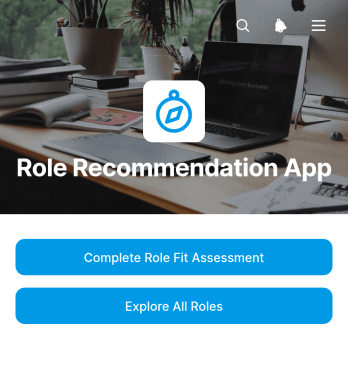
Role Recommendation App
The Role Recommendation App is an interactive assessment and role exploration template for HR teams, career advisers, educational institutions, workforce programs, and consultants helping people identify suitable work opportunities. Users can complete a role fit assessment, browse available roles, and review recommendations covering typical strengths, work style, and a practical next step. This guided experience brings discovery resources into one place, helping candidates, students, employees, and career changers consider options with greater clarity. Organizations can use it for career guidance, internal mobility, talent development, employability programs, or early-stage candidate engagement.Jotform Apps makes this app template easy to adapt with a no-code app builder and a flexible drag-and-drop interface. Teams can update role content, adjust navigation, apply their visual identity, and connect forms or other workflow resources without programming. Like other App Templates from Jotform, it can be shared through a direct link or QR code for convenient mobile access. Centralized data collection supports more organized follow-up, while the self-service format lets users explore recommendations when it suits them.
Go to Category:Human Resources Apps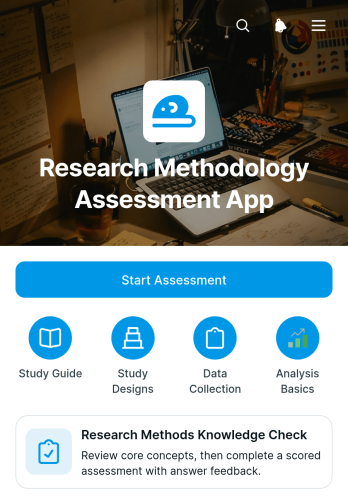
Research Methodology Assessment App
The Research Methodology Assessment App is an interactive learning and knowledge-check app template for universities, schools, training providers, tutors, instructors, and research teams. It gives learners a clear starting point for assessing their understanding of research questions, participant protection, evidence quality, and core study designs. Users can move through focused resources covering experimental, observational, qualitative, and mixed-methods approaches, then review data collection and analysis topics such as surveys, interviews, descriptive statistics, and qualitative analysis. By bringing assessment access and methodology guidance into one organized experience, it supports classroom instruction, independent study, course preparation, and staff development.Jotform App Templates help educators and organizations turn learning materials and connected workflows into accessible digital experiences. With Jotform’s no-code app builder and drag-and-drop interface, teams can customize pages, navigation, colors, fonts, and content without programming. They can also connect forms for data collection, organize supporting resources, and share the finished app through a direct link or QR code. This app template makes it easier to create a branded, mobile-friendly learning resource that supports self-service review and can be updated as curricula or training needs change.
Go to Category:Education Apps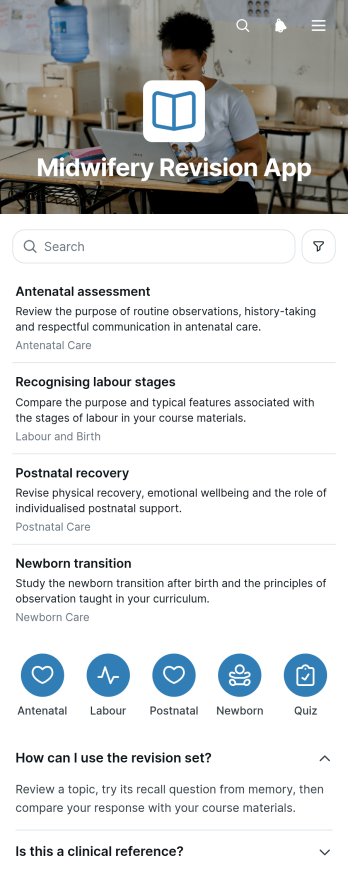
Midwifery Revision App
Midwifery Revision App is a focused study resource for midwifery students, trainees, tutors, and education providers preparing for lessons, assessments, or supervised practice discussions. Organized topic pages make revision material easier to browse, while expandable sections, key-point cards, and recall questions support active review without overwhelming learners. A connected form can capture responses, study reflections, or feedback. The app template is suitable for independent study, classroom reinforcement, tutoring programs, and course resource libraries, helping learners revisit essential concepts from one accessible location.Jotform App Templates make it easy to turn educational content and data collection into an interactive mobile-friendly experience. With Jotform’s no-code app builder and drag-and-drop interface, educators can update topics, reorganize navigation, adjust branding, and connect forms or workflows without programming. The Midwifery Revision App can be shared through a direct link or QR code, giving learners convenient self-service access across devices. Tutors and training teams can adapt the app as course material changes, creating a practical revision hub that keeps learning resources and response collection together.
Go to Category:Education Apps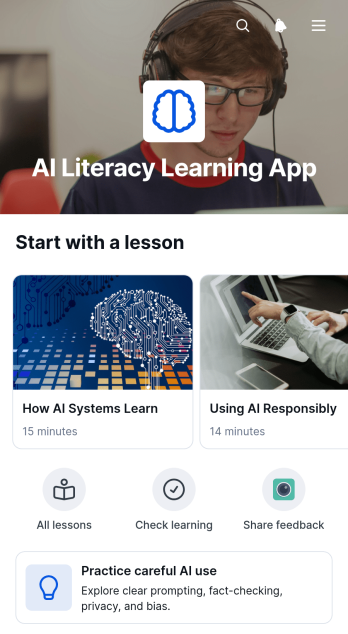
AI Literacy Learning App
AI Literacy Learning App is an educational app template for schools, training teams, tutors, nonprofits, and workplace learning programs that want to explain artificial intelligence in an approachable format. It brings lessons, key ideas, practical context, and responsible-use guidance into one organized learning experience. Learners can browse topic pages, review concise concept cards, explore real-world examples, and complete connected forms for knowledge checks or feedback. This structure helps educators introduce foundational concepts, encourage careful AI use, and give students or employees a convenient place to revisit learning materials.Jotform Apps makes it easy to adapt this app template without coding. Use the drag-and-drop app builder to update pages, rearrange learning resources, apply custom branding, and connect forms to data collection workflows. The finished app can be shared by direct link or QR code and accessed from phones, tablets, or computers. Starting with Jotform App Templates reduces setup time while giving course creators and training teams the flexibility to build a focused self-service learning resource that can evolve alongside lessons and organizational needs.
Go to Category:Education Apps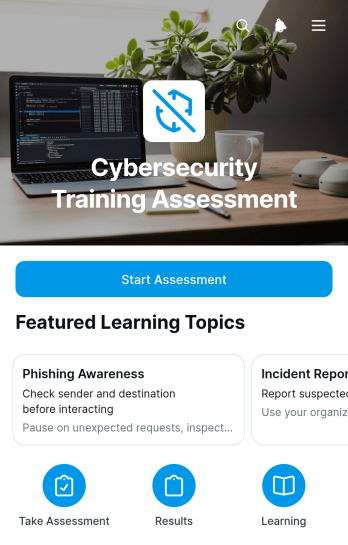
Cybersecurity Training Assessment App
The Cybersecurity Training Assessment App provides a focused space for evaluating how well learners understand cybersecurity topics after training. It suits information technology teams, security trainers, human resources departments, consultants, and educational institutions that need a consistent way to conduct knowledge checks. Learners can start an assessment, identify the relevant topic, and record their confidence alongside their responses. Authorized teams can then browse learner records and review topic-specific assessment details, helping them identify knowledge gaps, plan follow-up instruction, and maintain a clearer view of training outcomes. This app template is useful for employee awareness programs, classroom exercises, onboarding sessions, and recurring internal training.Jotform Apps makes it easy to adapt this template without writing code. Using the no-code app builder and its drag-and-drop interface, teams can update pages, adjust navigation, apply their branding, and connect forms or tables to support data collection and related workflows. The completed app can be shared through a direct link or QR code, giving learners convenient mobile-friendly access while providing administrators with an organized assessment experience. Explore Jotform App Templates to create a practical self-service resource that fits your cybersecurity education process.
Go to Category:Information Technology Apps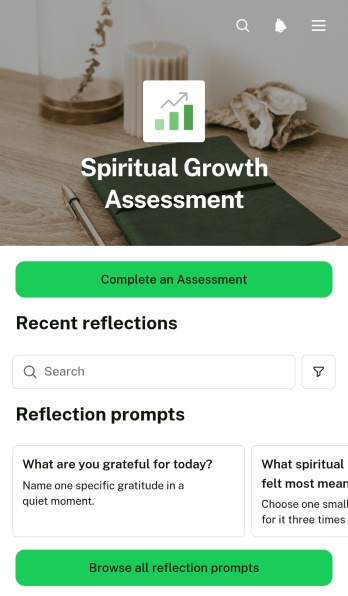
Spiritual Growth Assessment App
The Spiritual Growth Assessment App is a guided self-reflection resource for individuals who want to examine their spiritual practices, recognize a current area of focus, and identify meaningful next steps. It combines assessment completion with reflection prompt browsing and consistency ratings, giving participants a central place for recurring check-ins. Faith communities, spiritual mentors, retreat leaders, wellness coaches, and nonprofit groups can use this app template to support personal reflection without relying on scattered documents or disconnected resources.With Jotform Apps, you can adapt this Spiritual Growth Assessment App through a no-code app builder and an intuitive drag-and-drop interface. Update prompts, add supporting resources, connect forms or tables, and organize the experience around your program or audience. Jotform App Templates also make it easy to create mobile-friendly self-service experiences that support data collection and related workflows. Once customized, the app can be shared by a direct link or QR code so participants can access assessments and reflection resources wherever they are.
Go to Category:Self Care Apps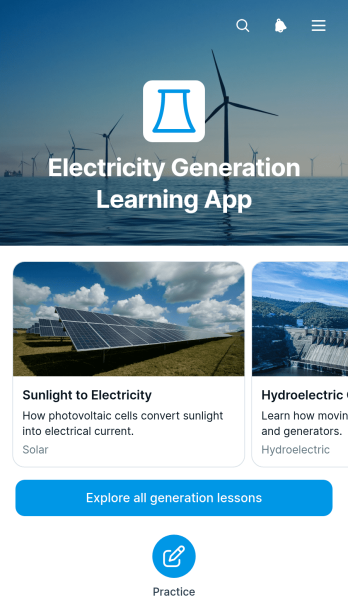
Electricity Generation Learning App
The Electricity Generation Learning App is an educational resource for teaching how electricity is produced through different generation methods. It gives teachers, tutors, technical trainers, students, and workforce development teams a central place to browse lessons, review generation principles and core equipment, and compare electrical output, strengths, and practical considerations. Understanding checks and recorded practice responses help learners apply key concepts while giving instructors greater visibility into progress. The app template works well for classroom instruction, independent study, technical training, science programs, and introductory engineering courses.Jotform makes this Electricity Generation Learning App easy to adapt without coding. Using the no-code app builder and its drag-and-drop interface, educators can update lesson content, adjust navigation, add visual resources, and connect forms or tables to support data collection and learning workflows. The finished resource can be shared by link or QR code for convenient mobile access and self-service learning. Starting with one of Jotform’s App Templates also saves setup time while leaving room to personalize the layout, colors, fonts, and educational materials for a specific class or training program.
Go to Category:Education Apps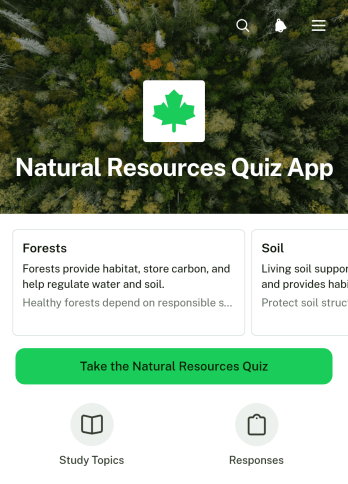
Natural Resources Quiz App
The Natural Resources Quiz App is an educational app template for teachers, tutors, environmental educators, training teams, and nonprofit organizations that want to assess knowledge of water, forests, soil, minerals, energy, and conservation. Learners can browse topic cards, open the quiz from a clear action button, and submit answers in one mobile-friendly experience. Educators can review submitted quiz responses to measure understanding, identify topics that need reinforcement, and support classroom lessons, workshops, awareness campaigns, or staff training. It also gives participants a convenient self-service way to complete an assessment without searching through separate resources.Jotform Apps helps you adapt the Natural Resources Quiz App to your audience with a no-code app builder and an intuitive drag-and-drop interface. Update the visual theme, organize learning content, edit quiz questions, and connect data collection to a practical workflow without writing code. Jotform App Templates can be shared through a direct link or QR code, making them useful for classrooms, field programs, community events, and remote learning. You can also add pages, forms, tables, images, and resource links as your educational program grows.
Go to Category:Quiz Apps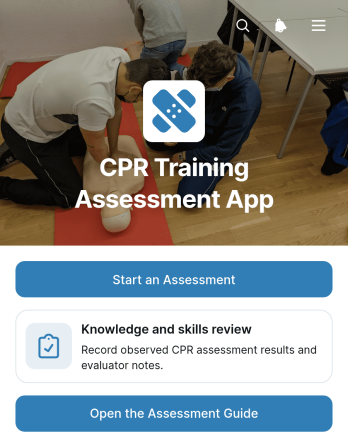
CPR Training Assessment App
The CPR Training Assessment App is a ready-to-use assessment and learning resource for instructors, training providers, schools, healthcare educators, workplace safety teams, and community organizations. It gives learners a clear place to begin a knowledge and skills review, open an assessment guide, and revisit essential topics such as scene safety, emergency action, compression technique, and AED use. Organizations can use this app template during classroom instruction, refresher sessions, practical evaluations, or employee safety training. By keeping assessment access and supporting guidance together, it helps instructors deliver a more consistent experience while giving participants an easy path through each stage of the review.Jotform App Templates make it simple to adapt the experience to different courses, audiences, and training processes. With Jotform’s no-code app builder and drag-and-drop interface, users can revise content, adjust navigation, apply their own visual style, and connect forms for data collection without programming. The app can also support broader workflows by linking responses with tables, notifications, approvals, and other training resources. Once customized, teams can publish and share the CPR Training Assessment App through a direct link, QR code, or embedded experience, giving learners convenient mobile access and instructors an organized way to manage assessment activity.
Go to Category:Course & Training Registration Apps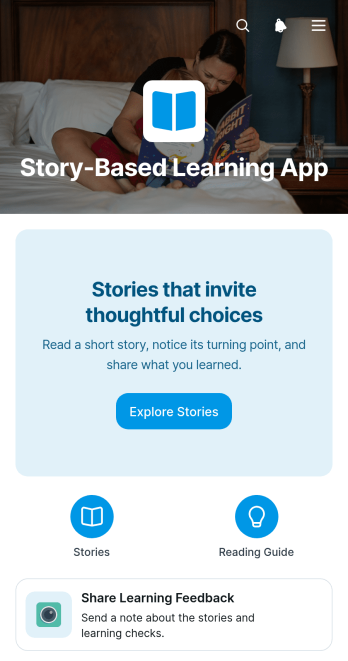
Story-Based Learning App
The Story-Based Learning App gives educators, tutors, trainers, and learning program coordinators a focused space for teaching through narratives and guided reflection. Learners can browse a story collection, read selected material, consider prompts, make personal or topical connections, and submit a learning check. This app template works well for classroom enrichment, remote lessons, tutoring sessions, professional development, and community education. It helps turn passive reading into active learning while giving instructors a consistent way to encourage thoughtful choices and gather feedback.With Jotform, you can adapt this Story-Based Learning App without writing code. The no-code app builder and drag-and-drop interface make it easy to update pages, adjust navigation, apply your visual style, and connect forms for data collection. Educators can organize stories and learning activities in one mobile-friendly experience, then share it by link or QR code. Jotform App Templates also support connected workflows, helping teams review responses, monitor participation, and refine future lessons while providing convenient self-service access to learning resources.
Go to Category:Education Apps
Project Execution Style Assessment App
Project Execution Style Assessment App is a ready-to-use app template for exploring how team members approach planning, ownership, communication, decisions, and delivery during project work. Its focused page and embedded assessment provide a simple path for gathering self-reported preferences without scattering responses across emails or documents. Project managers, consultants, operations leaders, HR teams, and cross-functional groups can use it before kickoffs, retrospectives, workshops, or coaching sessions. The insights can support role discussions, highlight differing work preferences, and give facilitators a practical starting point for aligning expectations. It is especially useful for organizations seeking a repeatable way to encourage reflection and improve project collaboration.Jotform makes it easy to adapt this Project Execution Style Assessment App with a no-code app builder and a drag-and-drop interface. Teams can update the content, adjust the visual design, connect data collection to tables and workflows, and organize the experience around their assessment process. The app can be shared by a direct link or embedded in an existing resource, giving participants convenient mobile-friendly access. Starting with one of Jotform’s App Templates also saves setup time while leaving room to add forms, approval steps, reference materials, and self-service resources as project needs evolve.
Go to Category:Project Management Apps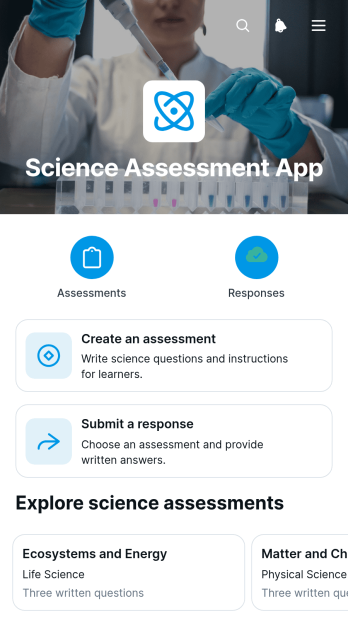
Science Assessment App
Science Assessment App gives teachers, tutors, schools, and training teams a central place to create science assessments, invite learners to submit responses, and review results. Educators can publish assessments with clear titles and question sets, while students can browse available activities and open the appropriate response form from any device. Submitted work is organized in an assessment responses table, reducing scattered records and making progress easier to monitor. This app template is useful for classroom quizzes, homework checks, laboratory knowledge reviews, tutoring sessions, course evaluations, and informal checks of scientific understanding.With Jotform, educators can adapt this Science Assessment App through a no-code app builder and an intuitive drag-and-drop interface. Pages, cards, buttons, forms, and learning resources can be updated to reflect different subjects, grade levels, or teaching methods without programming. Connected forms support data collection, while tables keep responses accessible for review and follow-up. The finished app can be shared through a direct link or QR code, providing a mobile-friendly self-service experience for learners and a practical workflow for educators. Jotform app templates also make it easier to apply custom colors, fonts, and visual elements before publishing.
Go to Category:Quiz Apps