

Report App Templates

Waste Management App
Waste Management App helps teams organize day-to-day waste operations by giving staff one place to report issues and keep visibility into what needs attention. It’s a practical fit for facilities teams, property managers, campuses, event venues, and service providers that handle multiple bins and frequent pickups. With a simple operations dashboard, quick navigation to report waste, and a bin inventory view, the app supports faster triage when overflow, contamination, damage, or missed service needs to be logged and routed to the right person.Built with Jotform, this app template can be customized with a no-code app builder and a drag-and-drop interface so you can match your workflow without relying on developers. Connect forms and lists to standardize data collection, keep records consistent across locations, and share a mobile-friendly self-service experience with staff in the field. As your process evolves, you can update pages, adjust what information is captured, and maintain an up-to-date view of operational priorities from one app.
Go to Category:Operations & Logistics Portal Apps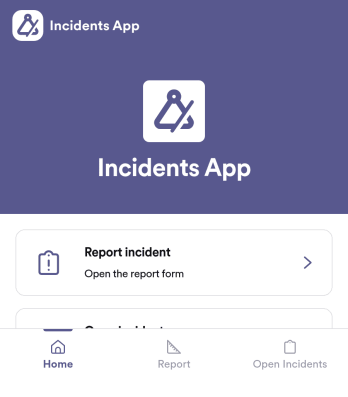
Incidents App
Incidents App gives teams a clear, consistent way to capture incident details the moment something happens and keep visibility on what’s still unresolved. It’s a practical fit for workplaces, schools, property teams, event operations, and service organizations that need staff to report issues quickly, then follow progress without hunting through emails or spreadsheets. With an in-app path to report an incident, review open incidents, and reference incident history, the app supports faster handoffs and better follow-through across shifts and locations.Built with Jotform, this app template pairs self-service reporting with organized recordkeeping so teams can collect data in one place and act on it. Use Jotform’s no-code app builder and drag-and-drop interface to tailor pages, wording, and navigation for your process, then connect the app to the underlying form and table for ongoing workflows. Share the app through a link or QR code, control who can access reporting views, and keep your incident information easy to search and manage as volume grows.
Go to Category:Log Apps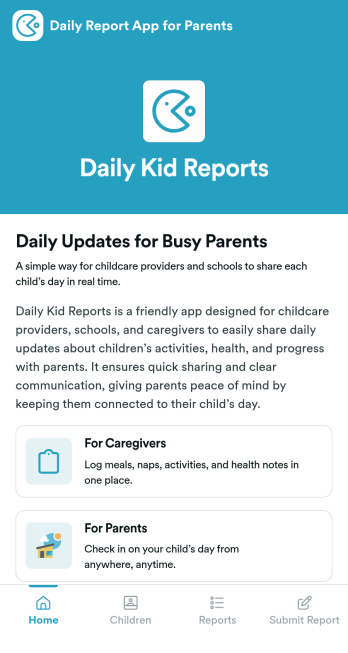
Daily Report App for Parents
Daily Report App for Parents is a ready-to-use app template designed to streamline the process of sharing children's activities, progress, and well-being updates with parents. Purpose-built to cater to the needs of schools, daycare centers, childcare providers, and educators, this app template enables quick and neat data collection, keeping parents informed and engaged. The template captures a wide range of information, from meal and nap times to learning activities and behavior notes, providing a comprehensive view of each child's day. An electronic signature feature ensures acknowledgment of received updates, enhancing transparency and accountability. Ideal for busy environments where consistency and clarity are paramount, this template helps caregivers deliver complete reports that parents can easily access and interpret.Jotform's Daily Report App for Parents is customizable, allowing childcare providers to tailor it to their specific workflows and reporting needs. Its drag-and-drop interface makes it easy to add or remove fields, ensuring the captured information aligns perfectly with the provided services. The ease of collecting e-signatures simplifies the process of verification and acknowledgment from parents, providing a smooth and efficient user experience. With the template's cross-platform compatibility, sharing daily updates is as simple as sending a link, and parents can access these reports from their desktops, tablets, or smartphones. Experience Jotform's commitment to ease of use and take the first step in strengthening the bond between caregivers and parents with our Daily Report App for Parents.
Go to Category:Education Apps
Mobile Camera App
Mobile Camera App is a customizable starting point for organizations that need a mobile-friendly place to support photo collection and visual documentation. Field service teams, inspectors, contractors, educators, event organizers, and community groups can adapt its page for photo instructions, project guidance, or links to image upload forms. It can help users submit site images, progress photos, event pictures, equipment records, or other visual updates from one accessible location. Clear resource navigation and connected data collection reduce confusion while keeping photography-related tasks aligned with the intended workflow.Jotform App Templates make it easier to turn this Mobile Camera App into a branded experience without writing code. Using Jotform’s no-code app builder and drag-and-drop interface, creators can customize the existing page, add buttons and media, and connect forms or other workflow resources. The app template can be expanded for self-service access, shared through a direct link or QR code, and opened on mobile devices. Teams can adjust colors, fonts, and content to suit each project, then publish updates as their photo collection process evolves.
Go to Category:Information Technology Apps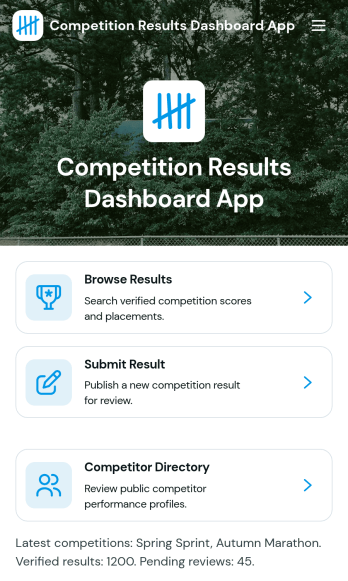
Competition Results Dashboard App
Competition Results Dashboard App brings competition outcomes into one clear place so organizers, coaches, and participants can quickly find what happened and where they stand. Use it to browse published results, submit new result entries as events wrap up, and explore performance analytics without sending spreadsheets around. It’s a practical fit for sports leagues, tournaments, academic competitions, and multi-category events that need a simple way to share placements, categories, statuses, and locations while also offering a competitor directory for quick lookups.Built with Jotform, this app template can be tailored to match your event structure and branding, then shared as a self-service results experience. With a no-code app builder and a drag-and-drop interface, you can connect the app to your existing data collection workflows, route updates to the right people, and keep results organized as the season or series progresses. Publish a single link for viewers, or keep it internal for staff managing ongoing reporting.
Go to Category:Sports Apps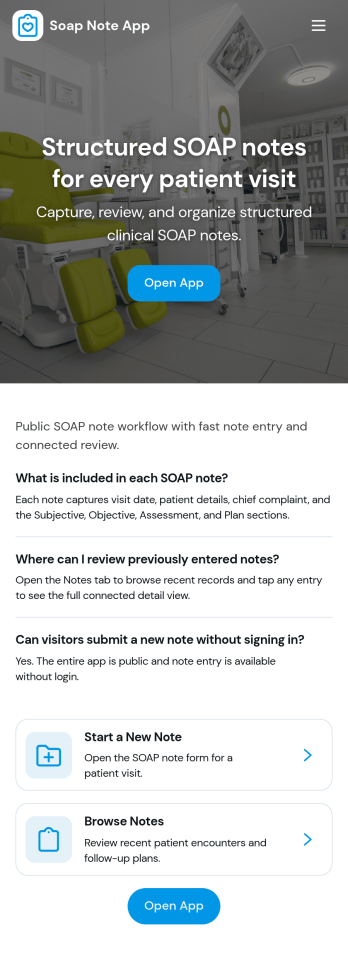
Soap Note App
Soap Note App gives healthcare and wellness teams a simple way to create, review, and reuse SOAP notes in one place. Staff can start a new SOAP note from a prominent action button, then return to My Notes to browse recent and previously submitted notes for follow-ups, handoffs, and ongoing care. It’s a practical fit for clinics, private practices, counseling services, and allied health providers who want consistent documentation across visits while keeping day-to-day note entry quick and easy.Jotform turns this workflow into a shareable, mobile-friendly experience with a no-code app template you can tailor to your process. Use the drag-and-drop interface to adjust pages, update templates, and guide team members to the right actions, then connect the app to forms and connected data collection so notes stay organized over time. Publish with a link or QR code so your team can capture documentation from the front desk, treatment room, or on the go.
Go to Category:Healthcare Apps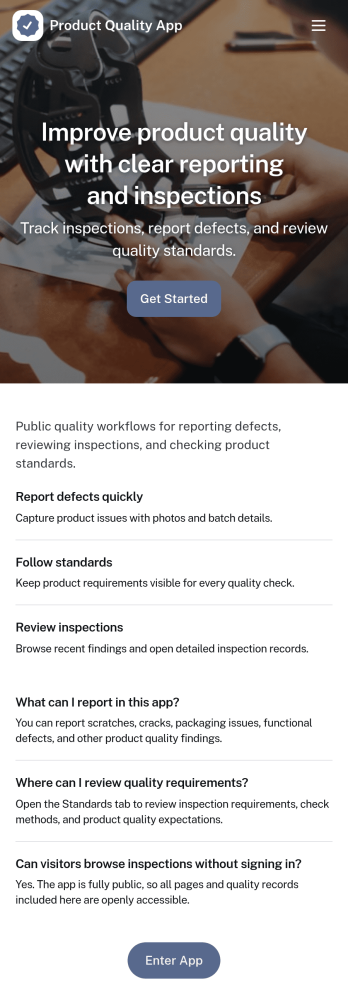
Product Quality App
Product Quality App brings your quality workflow into one place so teams can add inspections, log issues, and review quality metrics tied to specific products. It’s a practical fit for manufacturing, retail operations, warehouses, and growing product teams that need consistent checks across batches, suppliers, or locations. With quick actions for capturing inspection details and issue reports, it helps standardize day-to-day QA work, reduce missed follow-ups, and keep product records easy to find when questions come up.Built with Jotform, this app template can be customized with a drag-and-drop interface and connected to the forms and lists that power your data collection. Route information to the right people, keep records organized, and create a self-service experience for staff who need to submit inspections or report defects from the floor. Publish and share the app in minutes, then adjust the layout, branding, and connected workflow as your quality process evolves.
Go to Category:Inspection Apps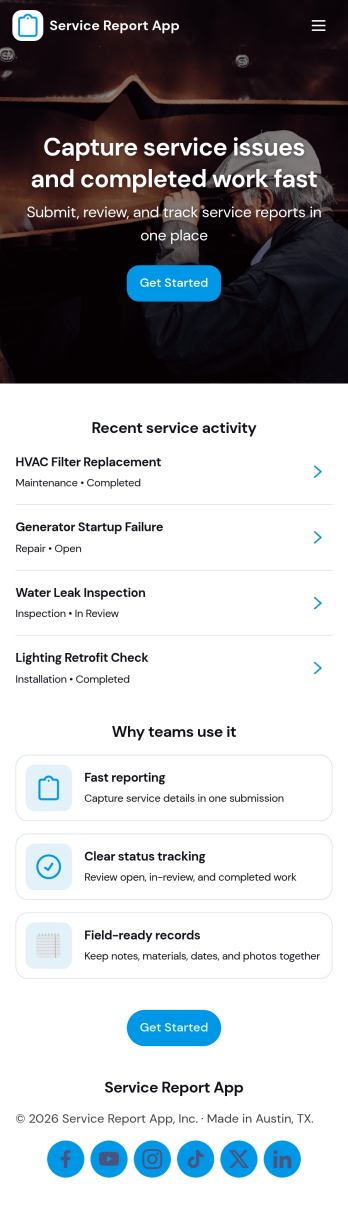
Service Report App
Service Report App helps service teams capture work details in a consistent format and keep reports easy to find later. Use it to submit new service reports, browse past reports, and review individual client entries so technicians, dispatchers, and managers stay aligned on what was done, what’s still open, and what’s already closed across jobs and locations.Build and customize this app template with Jotform to match your workflow, from quick report intake to organized report browsing in one place. Jotform’s no-code app builder makes it simple to adjust pages, add navigation, and connect your app to forms and tables for reliable data collection, faster handoffs, and a smoother self-service experience for internal teams.
Go to Category:Service Apps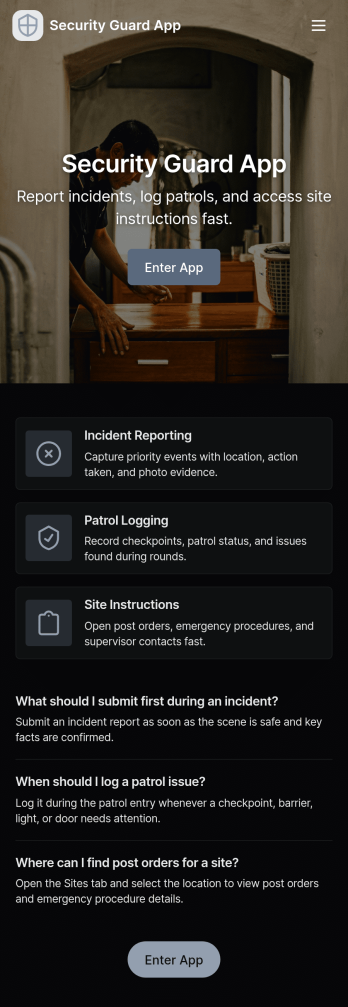
Security Guard App
Security Guard App helps security teams record patrol activity, capture incident details, and manage daily on-site routines from one central place. With dedicated areas for Patrol Logs, Incident Reports, Visitor Check, and Shift Handover, it supports guards working at offices, residential buildings, construction sites, warehouses, events, and other facilities where consistent documentation matters. Supervisors can use it to keep visibility across posts, while individual guards can quickly add a patrol entry, report an issue as it happens, and reference what was logged earlier in the shift.Jotform makes it easy to tailor this app template to your operations using a no-code app builder and a drag-and-drop interface. Connect buttons to forms for fast data collection, surface the latest patrol and today’s logs for quick review, and organize information across pages so teams can follow the same workflow every time. Share the app with a link or QR code, update it as your site requirements change, and keep field reporting consistent without slowing down your staff.
Go to Category:Safety Inspection Apps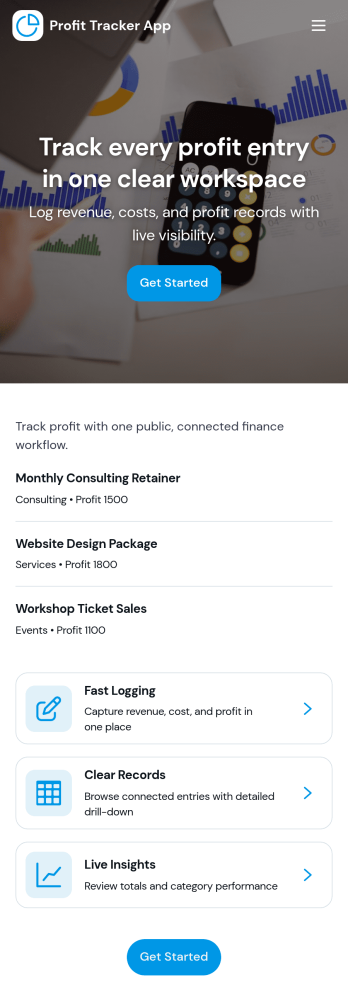
Profit Tracker App
Profit Tracker App helps you record profit-related entries, review your records, and keep an eye on performance over time without juggling spreadsheets. Use it to log individual entries with dates and categories, browse past records in a simple list, and check an overview that summarizes results by period. It fits freelancers, side hustles, small retail teams, and service businesses that want a clear, repeatable way to track profitability and spot what’s working across different categories.With Jotform, you can turn this app template into a tailored profit tracking experience using a no-code app builder and a drag-and-drop interface. Connect the app to forms and data tables for fast data collection, organize pages like Add Entry, Records, and Overview, and share a self-service link so teammates can contribute updates from anywhere. As your workflow grows, you can refine categories, adjust how records are displayed, and keep your profit data organized in one place.
Go to Category:Finance Apps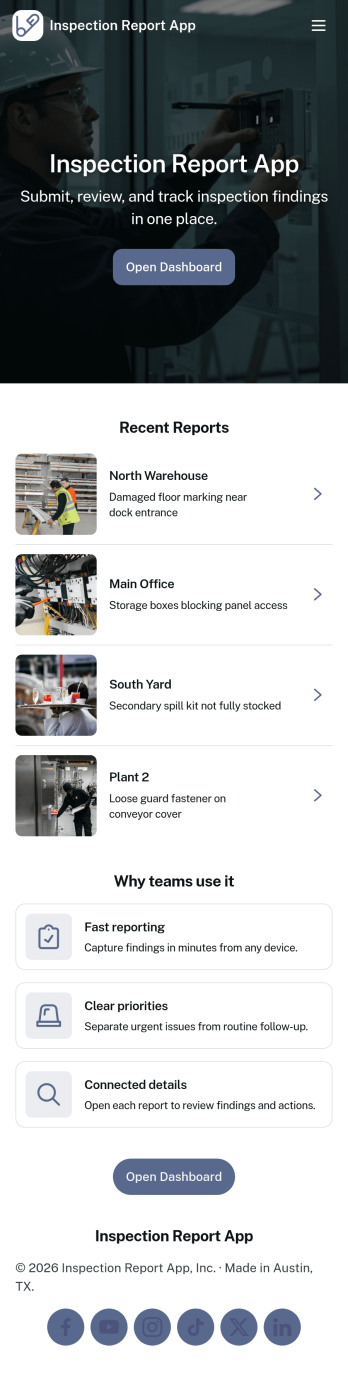
Inspection Report App
An inspection report app helps teams capture field findings, document issues, and keep inspection records organized in one place. Inspection crews, facilities teams, property managers, and service providers can use it to submit a new inspection from a single entry point, then return later to review past reports and pull up details when questions come up on-site or in the office.Jotform makes it easy to turn this Inspection Report App into a mobile-friendly workflow with a no-code app builder and a drag-and-drop interface. Connect the app to your inspection form and records list, standardize data collection across inspectors, and share a single link so everyone follows the same process from submission to record review without extra tools.
Go to Category:Inspection Apps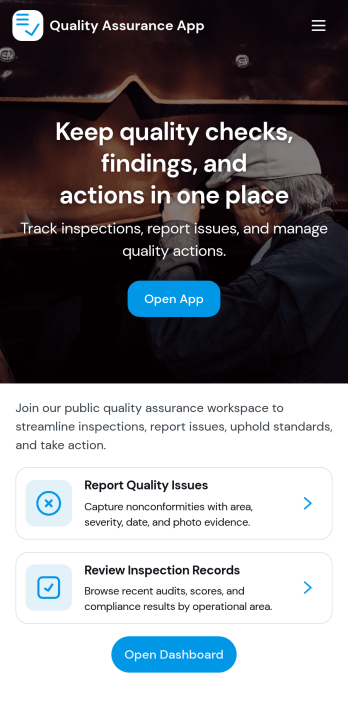
Quality Assurance App
Quality Assurance App helps teams record inspections, review issues, and keep day-to-day QA work organized in one place. Use it to log new inspections from a simple form, browse inspection records in a list, and open detailed views that highlight inspection details, status, and severity. It fits manufacturing floors, warehouses, construction sites, field service teams, and any operation that needs a consistent way to document findings and follow up on problems without losing context.Built with Jotform, this app template turns your quality process into a practical self-service experience that’s easy to share and maintain. Customize pages and cards with a drag-and-drop interface, connect your inspection data collection to tables, and keep workflows moving with clear navigation for overview, issue review, and inspection logs. With Jotform’s no-code app builder, you can publish a QA hub quickly and adapt it as standards, teams, and locations change.
Go to Category:Inspection Apps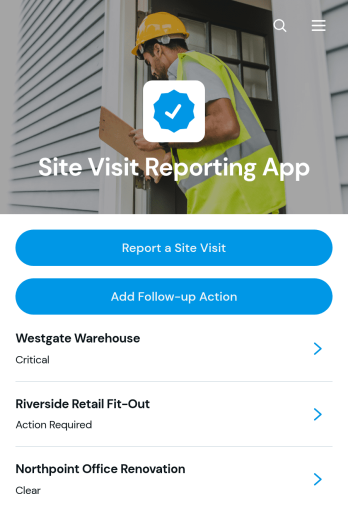
Site Visit Reporting App
The Site Visit Reporting App is an app template for recording field visits, documenting observations, and coordinating actions that need attention afterward. It suits construction teams, field service providers, consultants, property managers, inspectors, and operations staff who need a consistent record of activity across multiple locations. Users can submit site visit reports, browse previous records by site, and add follow-up actions from one accessible location. This helps managers maintain visibility into fieldwork, preserve useful visit details, address identified issues, and reduce delays caused by scattered notes or disconnected communication.Jotform Apps makes this Site Visit Reporting App easy to adapt with a no-code app builder and an intuitive drag-and-drop interface. Teams can update pages, branding, navigation, and content while connecting forms, tables, approvals, and other workflow steps that support data collection. The app can be shared through a direct link or QR code, giving field staff convenient mobile access without requiring coding knowledge. Start with one of Jotform’s App Templates, tailor the experience to your reporting process, and create a practical self-service resource for field teams and decision-makers.
Go to Category:Report Apps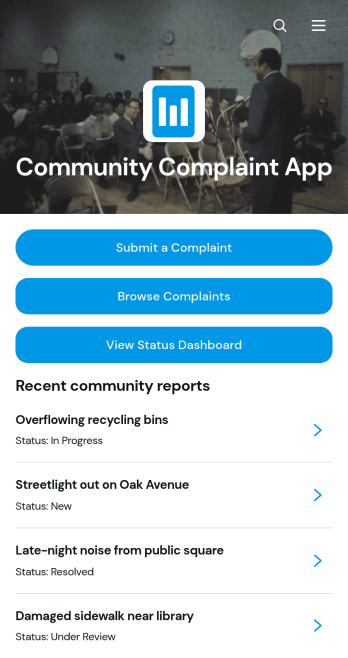
Community Complaint App
The Community Complaint App is a central reporting space for residents to submit local concerns, browse recent complaints, and check a status dashboard for updates. It suits municipalities, neighborhood associations, property managers, nonprofits, and community service teams handling reports about shared spaces, facilities, public services, or neighborhood conditions. Each complaint can present essential context such as its category, location, reporter details, description, and follow-up information. By keeping reports and progress visible in one accessible place, the app helps organizations reduce scattered messages, identify recurring issues, coordinate responses, and give community members a clearer self-service experience.As one of Jotform’s customizable App Templates, this app template can be adapted to match an organization’s reporting process and visual identity. Jotform’s no-code app builder provides a drag-and-drop interface for arranging pages, cards, buttons, forms, and navigation without programming. Teams can connect data collection to tables, approvals, notifications, and other workflow steps, then update resources as needs change. Once ready, the app can be shared through a direct link or QR code for convenient mobile access, helping staff collaborate on incoming concerns while keeping residents connected to relevant reports and updates.
Go to Category:Community & Engagement Portal Apps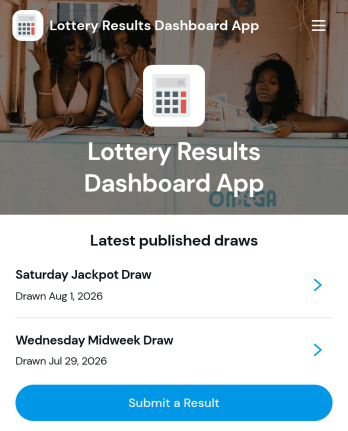
Lottery Results Dashboard App
The Lottery Results Dashboard App is a ready-to-use destination for publishing recent draw outcomes and giving audiences a clear place to review lottery information. It suits lottery administrators, event organizers, clubs, community groups, and authorized teams that manage recurring draws. Visitors can browse the latest published draws, open individual result records, and view winning numbers, bonus numbers, draw dates, statuses, and official notes. Authorized users can also submit another result through a connected form. By keeping current and previous outcomes in one accessible dashboard, organizations can reduce scattered announcements, simplify result updates, and offer convenient self-service access to participants.With Jotform Apps, teams can turn this app template into a branded, mobile-friendly experience without writing code. The no-code app builder and drag-and-drop interface make it easy to adjust pages, navigation, colors, fonts, buttons, and visual elements. Connected forms and tables can support data collection and organized result management, while notifications and approval steps can be added to fit an established workflow. Publish the finished app with a direct link, custom app URL, QR code, or embedded experience. Jotform App Templates provide a practical starting point that can be customized and launched quickly for ongoing draw communications.
Go to Category:Entertainment Apps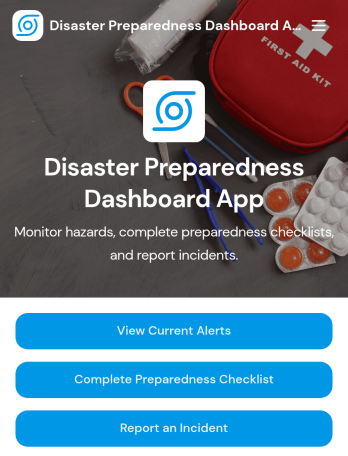
Disaster Preparedness Dashboard App
Disaster Preparedness Dashboard App brings current alerts, readiness tasks, and incident reporting into one place so people can act fast when conditions change. Use it to share timely updates, guide staff or residents through a preparedness checklist, and capture on-the-ground details through structured incident reports. It’s a practical fit for schools, nonprofits, property managers, community organizations, and operations teams that need a simple way to keep everyone informed and aligned before, during, and after an emergency.With Jotform, you can tailor this app template to match your procedures, branding, and communication needs without coding. Build pages with a drag-and-drop interface, connect buttons to forms for data collection, and keep information easy to navigate on any device. As your workflow evolves, update alerts, refine checklists, and route incident details to the right team so your preparedness plan stays organized and actionable.
Go to Category:Safety and Compliance Apps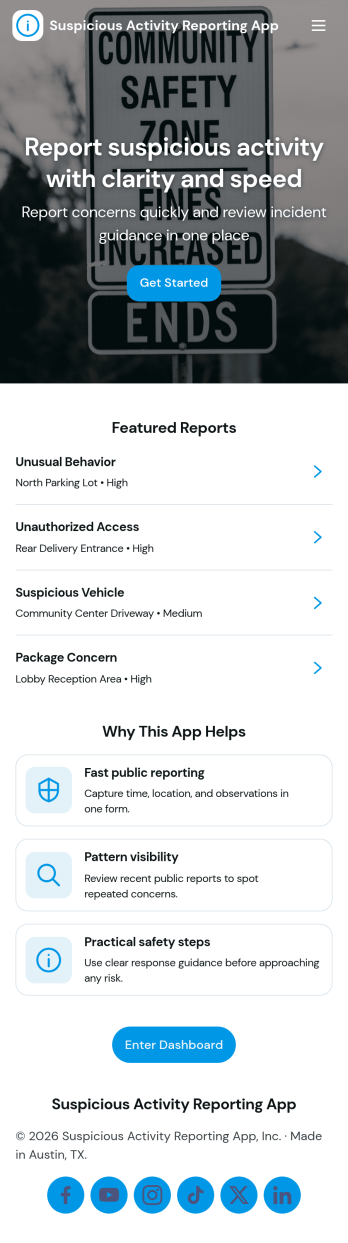
Suspicious Activity Reporting App
Suspicious Activity Reporting App helps teams and communities capture, organize, and review incident tips in one place. It gives people a clear path to submit a report, then makes it easy for coordinators to browse reports by category and follow up without losing context. Use it in workplaces, schools, residential buildings, events, or public-facing programs where you need consistent reporting, quicker triage, and a reliable record of what was observed and when.With Jotform, you can turn this app template into a branded self-service experience using a no-code app builder and a drag-and-drop interface. Connect the Submit Report button to your form, route entries into tables for structured data collection, and keep review work moving with a simple workflow for sorting, searching, and sharing updates. Publish with a link or QR code so reporting and oversight stay accessible on any device.
Go to Category:Safety Inspection Apps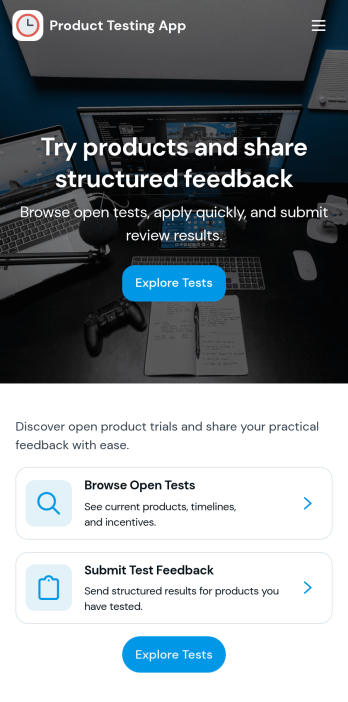
Product Testing App
Product Testing App keeps product trials organized by giving testers a clear place to browse products, submit tests, and review findings in one flow. It’s a practical fit for product teams, QA groups, labs, and consumer research programs that need consistent feedback across multiple items. Use it to guide internal testers, external beta users, or focus groups through what to test, what to report, and where to see outcomes, helping reduce missed details and scattered notes.Built with Jotform App Templates, this app template can be tailored with a no-code app builder and a drag-and-drop interface so you can match your testing process without relying on developers. Connect product lists and a test submission form to support reliable data collection, route updates to the right stakeholders, and keep your workflow moving from test intake to consolidated findings. Share the app by link for fast self-service access on any device.
Go to Category:Engineering Apps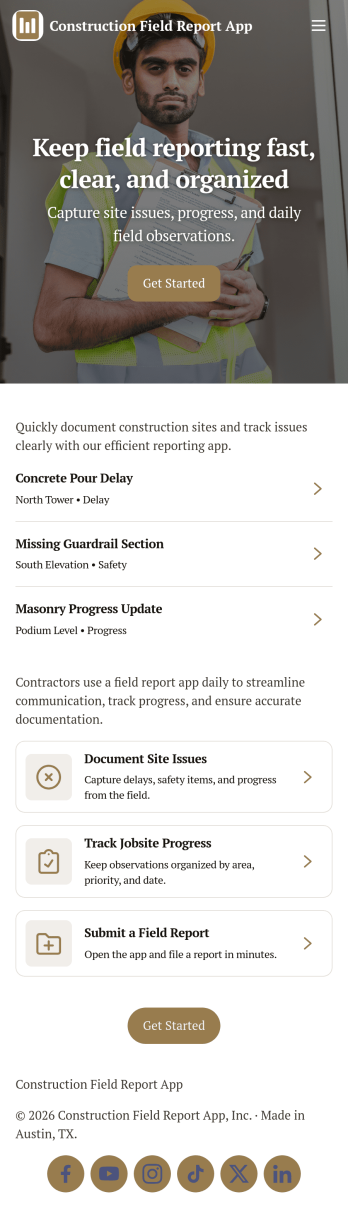
Construction Field Report App
A construction field report app keeps jobsite updates organized so teams can capture daily progress, note delays, and document site conditions while work is happening. With this Construction Field Report App, supervisors and forepersons can submit new field reports, review open reports by project, and log issues as they come up, creating a single place for consistent reporting across crews and locations. It’s a practical fit for general contractors, subcontractors, and project managers who need clearer visibility into what happened on site without relying on scattered messages, paper notes, or end-of-week catchups.Jotform makes it easy to publish app templates like this one and tailor them to how your projects run. Using Jotform’s no-code app builder and drag-and-drop interface, you can customize pages, connect buttons to the right forms, and keep field data collection consistent across every project. Share the app with your team using a link or QR code, route updates through connected workflows, and keep reporting accessible on any device for faster jobsite self-service.
Go to Category:Construction Apps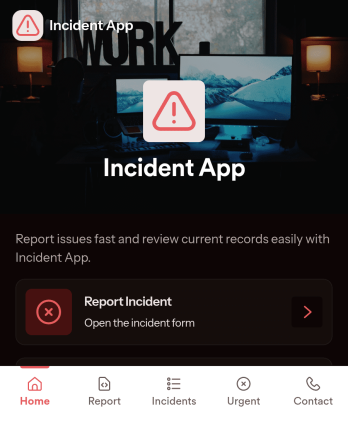
Incident App
Incident App helps teams capture, review, and follow up on workplace or service-related incidents in one place. Use it to submit a new incident from a simple reporting page, browse a list of reported incidents, and open individual records when you need context for investigation, coaching, or corrective action. It’s a practical fit for operations, facilities, HR, field teams, schools, nonprofits, and customer-facing organizations that need consistent incident reporting without relying on scattered emails or verbal handoffs.With Jotform, you can turn incident reporting into a clear, mobile-friendly self-service experience. Use the no-code app builder and drag-and-drop interface to tailor pages, add navigation cards, and connect the app to your Jotform form for data collection. As your workflow evolves, you can update the app’s structure, keep incident records organized, and share a single link so the right people can report and view incidents quickly.
Go to Category:Safety Inspection Apps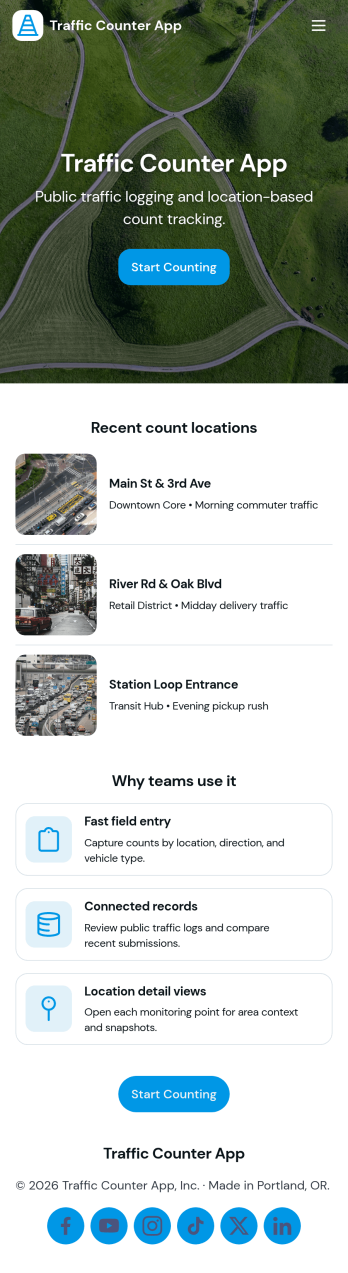
Traffic Counter App
Traffic Counter App helps teams record counts and review activity over time in one simple place. Use it to log footfall at a storefront, track visitors at a front desk, monitor entries at an event venue, or capture vehicle volume at a site gate. With a quick Record Count action, a Recent Logs view for spot checks, and an Insights area for at-a-glance trends, this app supports day-to-day decisions like staffing, security coverage, and peak-hour planning for retail, facilities, schools, community spaces, and operations teams.Jotform makes it easy to turn this app template into a polished, shareable experience using a no-code app builder and a drag-and-drop interface. Connect the app to forms and tables for reliable data collection, keep records organized as your workflow grows, and publish a self-service tool that works on mobile for staff in the field or at the door. You can also tailor pages, branding, and navigation to match each location or counting scenario without writing code.
Go to Category:Activity Tracking Apps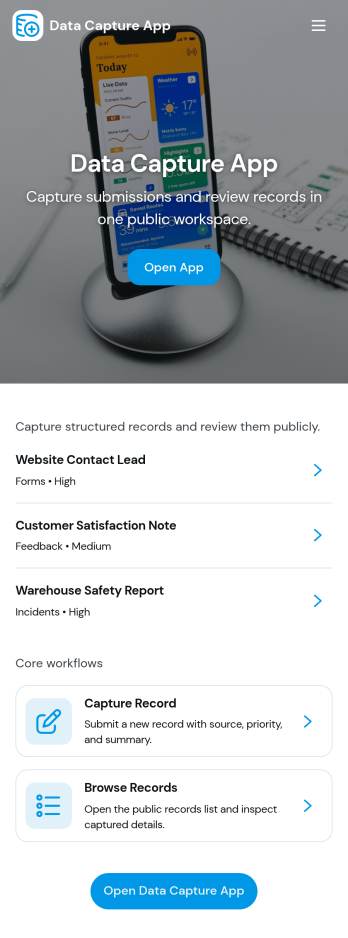
Data Capture App
Data Capture App helps teams collect new entries and turn them into organized records they can review later, making it easier to keep information consistent across requests, field updates, and internal reporting. It fits operations and admin teams who need a simple front door for data collection, plus a place to browse saved records and track what has already been submitted. Use it to log customer details, incident notes, site observations, inventory counts, service updates, or any recurring information you don’t want scattered across emails and spreadsheets. With clear paths for starting a new entry and finding existing records, it supports everyday work without forcing people to learn a complex system.Built with Jotform, this app template connects an entry form with views for My Submissions and All Submissions, so individuals can track what they’ve sent while managers can monitor everything in one place. Customize pages, reorder navigation, and adjust the layout using a no-code app builder and a drag-and-drop interface. As your workflow evolves, you can route information into tables for faster lookup, share the app by link or QR code for quick self-service access, and keep data collection running smoothly across devices.
Go to Category:Log Apps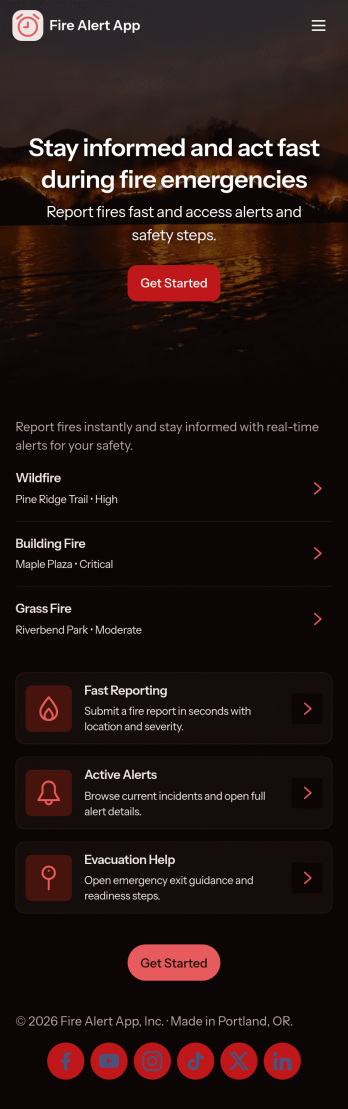
Fire Alert App
Fire Alert App brings fire incident reporting, active alert visibility, and safety resources into one place so teams can react quickly and keep people informed. It’s ideal for property managers, schools, warehouses, event venues, and community organizations that need a clear process for reporting a fire, reviewing locations with ongoing alerts, and sharing guidance during an emergency. With quick links to report a new incident and view alert details by location, the app helps reduce confusion and keeps updates organized when time matters.Built with Jotform App Templates, this app template can be customized in minutes using Jotform’s no-code app builder and drag-and-drop interface. Connect the app to Jotform forms and tables for reliable data collection, then share it as a self-service experience for staff, tenants, volunteers, or visitors. As reports come in, your workflow can stay consistent across devices, making it easier to track what’s happening, follow up on reports, and keep critical information accessible.
Go to Category:Safety Inspection Apps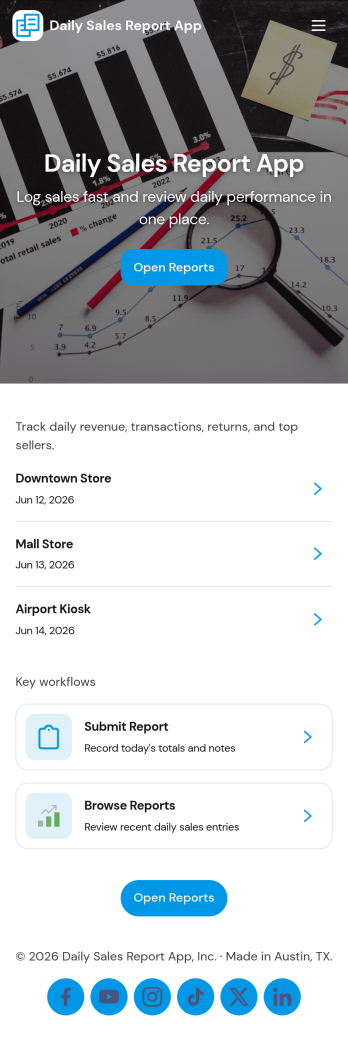
Daily Sales Report App
Daily Sales Report App helps teams capture sales activity throughout the day and turn it into clear end-of-day reporting. Staff can quickly log each sale, include key context like store location and shift, and keep entries organized so managers don’t have to chase updates across messages or spreadsheets. With easy navigation to reports and insights, it fits retail counters, pop-up shops, multi-location stores, and sales teams that need a consistent routine for daily performance visibility.Built with Jotform, this app template pairs a mobile-friendly experience with a no-code app builder and a drag-and-drop interface, so you can tailor pages, buttons, and navigation to match how your team works. Connect the app to forms and tables for reliable data collection, then route information into a workflow for review, follow-ups, and ongoing self-service access to past reports.
Go to Category:Report Apps