

Report App Templates

Performance Indicator Tracking App
The Performance Indicator Tracking App is a ready-to-use workspace for teams that need to define indicators, record periodic results, and review progress toward operational targets. Managers, project leads, consultants, nonprofit program teams, and growing businesses can use it to keep performance information organized across departments or initiatives. Users can add indicators with targets and reporting frequencies, submit updates for specific periods, and view insights without relying on scattered spreadsheets or lengthy email threads. Clear status and review information helps stakeholders spot changes, follow reporting routines, and make informed decisions using current records.Jotform App Templates make it easier to turn recurring measurement processes into accessible digital experiences. With Jotform’s no-code app builder and drag-and-drop interface, teams can customize the Performance Indicator Tracking App with branded pages, navigation, forms, tables, and connected workflows. Administrators can adapt data collection to match their terminology, organize records for ongoing oversight, and provide convenient self-service access from phones, tablets, or computers. The finished app can be shared through a direct link, a personalized address, a scannable code, or an embedded experience, giving contributors and reviewers one central place to manage performance reporting.
Go to Category:Tracker Apps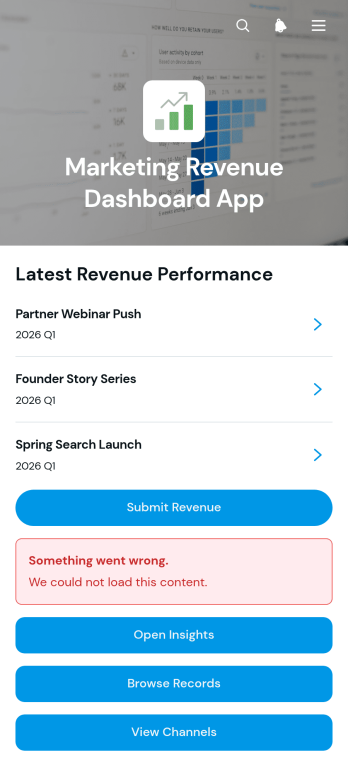
Marketing Revenue Dashboard App
The Marketing Revenue Dashboard App is a ready-to-use dashboard app template for marketing teams, agencies, sales leaders, and business owners who need a clear view of revenue generated by campaigns and channels. Team members can submit revenue updates, browse campaign records, review channel performance, and compare key figures such as spending, revenue, conversions, budgets, and targets. Centralizing these insights makes it easier to identify high-performing activities, spot gaps between investment and results, and prepare informed updates for stakeholders. It is useful for recurring performance reviews, campaign planning, revenue attribution, and day-to-day coordination between marketing and sales teams.Jotform Apps helps organizations turn connected data collection and reporting processes into a branded, mobile-friendly experience without coding. Start with this app template, then use the drag-and-drop app builder to adjust pages, cards, buttons, navigation, colors, and fonts. Forms can capture new revenue figures, while connected tables and workflows help organize records and notify the right people when updates occur. Teams can publish the app through a direct link, custom URL, embedded experience, or QR code, giving authorized users convenient self-service access to current marketing information from almost any device.
Go to Category:Sales & Marketing Portal Apps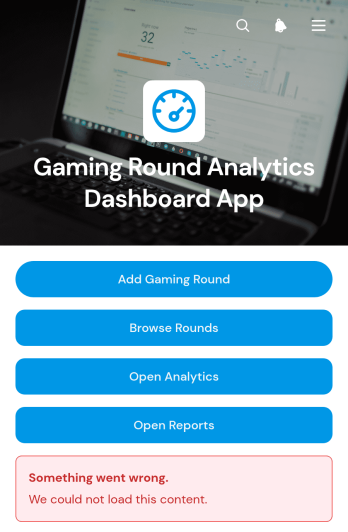
Gaming Round Analytics Dashboard App
Gaming Round Analytics Dashboard App is an app template for players, gaming groups, tournament coordinators, and entertainment teams that want a clearer view of completed rounds and performance records. Users can add a gaming round, browse previous rounds, and open analytics or reports from one central dashboard. Round details such as players, status, date played, score, and notes provide useful context for reviewing results over time. This organized experience reduces scattered recordkeeping and makes it easier to monitor activity, compare outcomes, prepare summaries, and maintain a dependable history for casual sessions, organized competitions, gaming clubs, or recurring community events.Jotform helps you customize this app template with a no-code app builder and an intuitive drag-and-drop interface. Adjust pages, navigation, colors, fonts, and visual elements to match the needs of your group or organization. Connected forms support data collection, while tables and related workflows can keep round records organized and ready for reporting or export. You can also add buttons, cards, links, media, and other resources without writing code. Once your Gaming Round Analytics Dashboard App is ready, publish it through a direct link or QR code to give players and coordinators convenient mobile-friendly, self-service access.
Go to Category:Entertainment Apps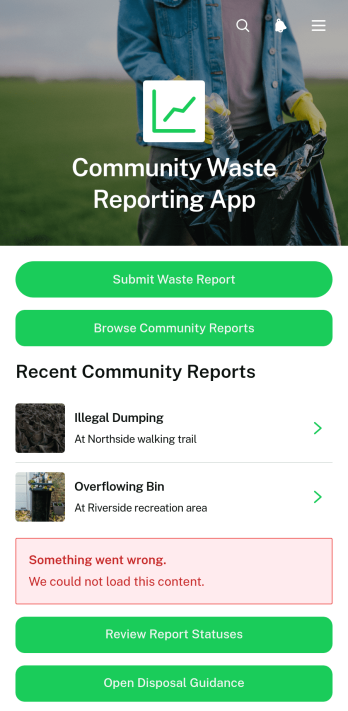
Community Waste Reporting App
The Community Waste Reporting App is an app template for residents, neighborhood groups, local authorities, environmental teams, and nonprofits that need a shared way to document waste concerns. Community members can submit reports about illegal dumping, overflowing bins, litter, or disposal issues, browse reports from other residents, and review current statuses. Centralized disposal guidance also helps people find appropriate next steps for recycling, hazardous materials, and waste collection. By keeping reports and useful information in one accessible place, the app supports faster issue identification, greater community participation, clearer updates, and better coordination between residents and the teams responsible for local services.Jotform Apps makes it easy to adapt this template with a no-code app builder and an intuitive drag-and-drop interface. Teams can update branding, reorganize pages, add resource links, and connect forms with tables, notifications, approvals, or other workflow steps. The app builder supports organized data collection while giving residents a mobile-friendly self-service experience. Start with one of Jotform’s App Templates, customize the Community Waste Reporting App for local reporting processes, and publish it through a direct link for convenient community access without writing code.
Go to Category:Report Apps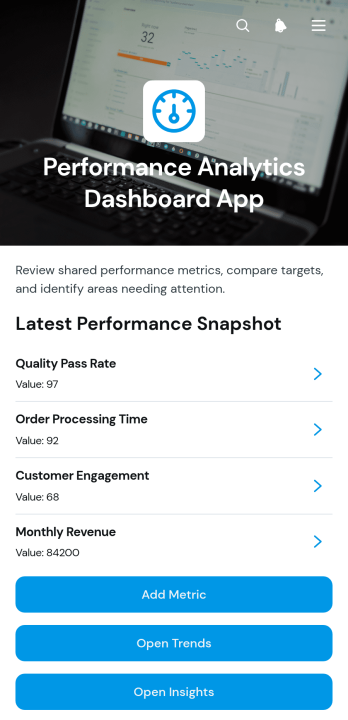
Performance Analytics Dashboard App
Performance Analytics Dashboard App gives managers, analysts, consultants, and operations teams a central place to record metrics, compare measured values with targets, review trends, and capture practical insights. Its focused dashboard experience helps users move from high-level performance monitoring to individual metric details and supporting notes without searching across disconnected files. Teams can use this app template for departmental reporting, project reviews, service delivery analysis, campaign evaluation, or recurring leadership meetings. Clear access to current results helps stakeholders identify gaps, recognize progress, and make better-informed operational decisions.With Jotform Apps, organizations can adapt this App Template to their reporting process without writing code. The no-code app builder offers a drag-and-drop interface for updating pages, cards, buttons, navigation, and visual branding. Users can connect forms for data collection, organize records through related workflows, and share the finished app through a direct link or QR code. This makes it easier to create a mobile-friendly performance resource that supports consistent reporting, team collaboration, and convenient self-service access from one branded location.
Go to Category:Report Apps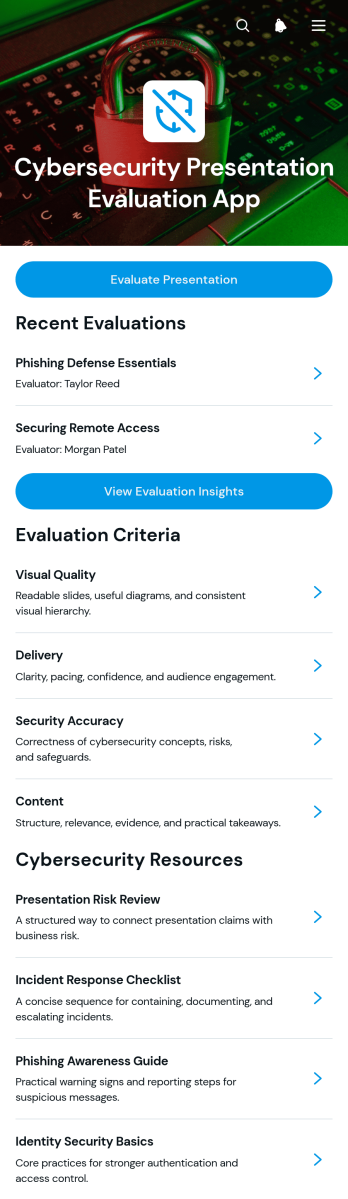
Cybersecurity Presentation Evaluation App
The Cybersecurity Presentation Evaluation App provides educators, training coordinators, information security teams, and presentation reviewers with a central place to assess cybersecurity presentations. Reviewers can evaluate each presentation, examine scores for delivery, content, security accuracy, and visual quality, and record practical recommendations. Evaluation insights help instructors compare results, identify recurring knowledge gaps, and give presenters consistent feedback. It is well suited to classroom assignments, employee awareness training, professional development sessions, workshops, and internal security briefings where clear assessment criteria are essential.Built with Jotform Apps, this app template can be adapted through a no-code app builder and an intuitive drag-and-drop interface. Teams can update pages, evaluation resources, navigation, and branding without programming, then connect forms and tables to support data collection and review workflows. The finished app can be shared by a direct link or QR code for convenient mobile access. With presentation records, criterion-level details, recommendations, and supporting resources organized in one experience, reviewers spend less time managing scattered files and presenters receive more useful guidance.
Go to Category:Education Apps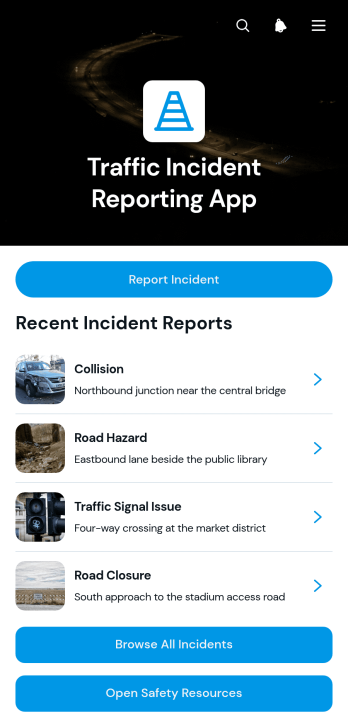
Traffic Incident Reporting App
The Traffic Incident Reporting App is an app template for transportation teams, road safety personnel, fleet operators, contractors, and local service organizations that need a central place to document and review roadway incidents. Users can report a new incident, browse previously submitted incidents, view key details such as location and reported time, and open relevant safety resources. This organized experience supports quicker information sharing, improves visibility across field and office teams, and reduces reliance on scattered messages or paper records. It can support accident documentation, road hazard reporting, vehicle-related event tracking, and follow-up coordination.Jotform Apps helps organizations turn reporting processes into accessible digital experiences without writing code. Start with this template, then use the no-code app builder and drag-and-drop interface to adjust pages, branding, navigation, and content. Connect forms and tables to support data collection, notifications, and a more consistent workflow for reviewing incoming reports. The app can be shared through a direct link or QR code, giving field personnel and authorized stakeholders convenient mobile access. Jotform App Templates also make it easy to create a self-service reporting resource that can evolve with changing operational needs.
Go to Category:Report Apps
Offshore Service Report App
Offshore Service Report App is a ready-to-use app template for technicians, inspectors, contractors, and operations teams documenting service work on offshore vessels and sites. It brings service report submission, checklist completion, and report browsing into one accessible location. Teams can record work performed, findings, recommendations, parts and materials, hours, status, and follow-up needs without relying on scattered documents. Checklist results, notes, and photo evidence also provide supervisors with clearer inspection records. This shared reporting experience helps offshore service providers maintain consistent documentation, review field activity, identify unresolved work, and coordinate follow-up tasks.Jotform Apps helps organizations turn field processes into mobile-friendly app experiences with a no-code app builder and an intuitive drag-and-drop interface. Customize this app template with branded pages, navigation, buttons, and guidance, then connect forms and workflows to support data collection and internal self-service. Reports and related records can remain organized for easier review, while notifications can keep relevant team members informed when connected actions occur. Publish the finished app through a direct link or QR code so personnel can reach key reporting tools from phones, tablets, or computers.
Go to Category:Report Apps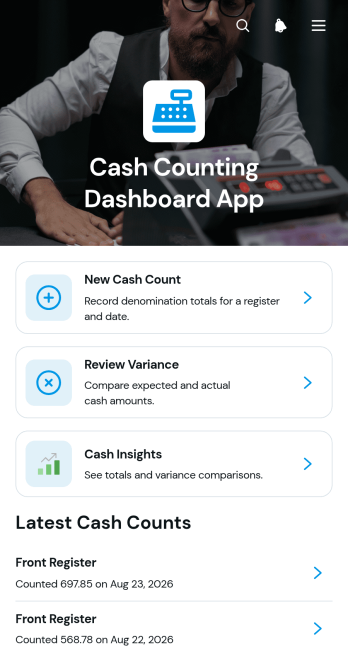
Cash Counting Dashboard App
Cash Counting Dashboard App is a ready-to-use app template for retailers, restaurants, hospitality venues, finance teams, and managers who need a consistent view of cash drawer counts across one or more locations. Staff can start new counts, review denomination totals and notes, and compare expected and actual amounts when investigating variances. A central dashboard replaces scattered spreadsheets and paper records with a clearer history of counting activity. It is useful for opening checks, shift changes, end-of-day reconciliation, petty cash reviews, and location-level oversight. Keeping cash counts, variance reviews, and insights together helps teams identify discrepancies sooner, document follow-up, and maintain a repeatable financial workflow.Jotform Apps makes this app template easy to adapt without coding. Use the no-code app builder and drag-and-drop interface to update pages, cards, buttons, terminology, colors, and fonts for your cash-handling process. Connected forms can support data collection, while tables, approvals, and notifications can extend the workflow as operational needs change. Teams can begin with Jotform App Templates, organize key actions in a mobile-friendly experience, and publish the finished app through a direct link or QR code. This gives employees convenient self-service access and provides managers with one organized destination for count records and variance follow-up.
Go to Category:Finance Apps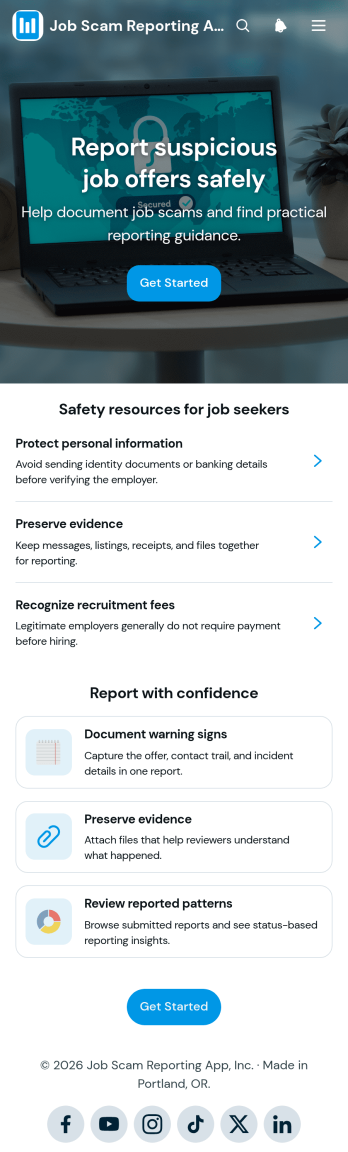
Job Scam Reporting App
The Job Scam Reporting App is an app template for collecting reports of suspected employment fraud and helping job seekers recognize warning signs. It gives workforce organizations, community groups, educational institutions, recruiting teams, and public-interest programs a central place to accept incident details, preserve relevant evidence, and share practical safety resources. Users can submit a report, browse previously reported patterns, and review guidance before responding to an unfamiliar opportunity. By bringing these actions together, the app supports informed decisions, consistent data collection, and easier review of recurring tactics without presenting user-submitted claims as verified facts.Jotform makes this App Template easy to adapt through a no-code app builder and drag-and-drop interface. Teams can update pages, navigation, colors, fonts, buttons, and resource content to match their reporting workflow. Connected forms and tables can organize submissions, while notifications and approval steps can help designated reviewers manage incoming information. The finished app can be shared through a direct link, QR code, or embedded experience for convenient mobile access. With Jotform, organizations can turn the Job Scam Reporting App into a branded self-service resource without writing code.
Go to Category:Report Apps
Network Incident Management App
The Network Incident Management App is an app template for IT operations teams, network administrators, service desks, managed service providers, and engineering groups that need a shared place to coordinate network disruptions. Teams can report incidents, browse active and historical records, and add updates as investigations progress. Centralized context helps responders understand affected services, locations, current status, and next steps without relying on scattered messages. It is especially useful for outages, connectivity failures, degraded performance, hardware issues, and other events that require clear ownership and timely communication.Jotform App Templates make it easier to turn incident handling procedures into an accessible digital workflow. With Jotform’s no-code app builder and drag-and-drop interface, teams can adapt the Network Incident Management App to their escalation paths, terminology, branding, and operational needs. Connected forms support consistent data collection, while tables, approvals, notifications, and other workflow tools can help route reports and keep stakeholders informed. Publish the app with a shareable link or QR code so authorized responders can access guidance, review incidents, and contribute updates from a phone, tablet, or computer.
Go to Category:Information Technology Apps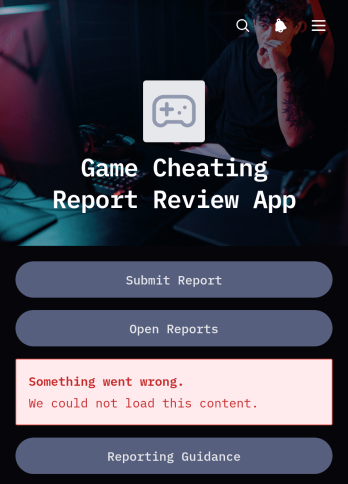
Game Cheating Report Review App
The Game Cheating Report Review App provides gaming communities, tournament organizers, moderation teams, and competitive event administrators with a central place to submit and assess suspected cheating incidents. Users can create specific reports, attach supporting evidence, and consult reporting guidance before sending information for review. Moderators can browse open reports, examine incident details and evidence summaries, monitor review status, and add review notes. This consistent process helps teams reduce incomplete claims, organize investigations, document decisions, and maintain fair play across leagues, clubs, online communities, and organized competitions.Jotform App Templates make it easier to turn reporting and review workflows into accessible digital experiences. Customize this app template with Jotform’s no-code app builder and drag-and-drop interface, then adjust pages, navigation, colors, fonts, and branding to fit your organization. Connected forms support data collection, while tables, notifications, and approval steps can help administrators manage each workflow. Publish the finished app through a direct link, custom URL, QR code, or embedded experience so reporters and reviewers can access the appropriate self-service resources from any device.
Go to Category:Report Apps
Geopolitical Briefings App
The Geopolitical Briefings App is an app template for analysts, consulting teams, research groups, educators, nonprofits, and organizational leaders who need a central place to publish and review geopolitical intelligence. It organizes current briefing signals while helping readers explore analysis by region or topic, understand source context, and identify urgency and publication status. Contributors can submit briefings for review, while editors use a dedicated queue and shared methodology to maintain consistent coverage. This focused structure reduces scattered documents, makes important developments easier to find, and supports better-informed planning, research, risk discussions, and stakeholder updates.Jotform App Templates help teams turn information and workflows into accessible digital experiences without writing code. With Jotform’s no-code app builder and drag-and-drop interface, users can adapt this app template with branded pages, navigation cards, forms, tables, approval steps, and notifications. Organizations can manage data collection, connect briefing submissions to a review workflow, and offer convenient self-service access from computers or mobile devices. Once customized, the app can be shared through a direct link, personalized address, embedded experience, or scannable code.
Go to Category:Report Apps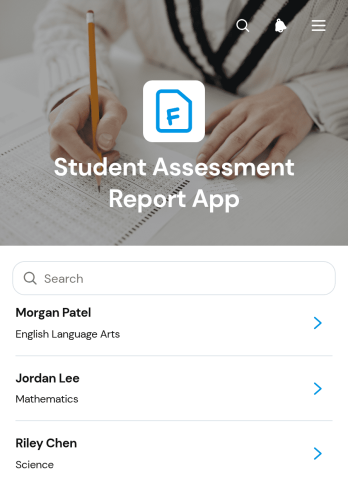
Student Assessment Report App
Student Assessment Report App is an app template for teachers, tutors, school administrators, and academic teams that need a central place to record and review student evaluations. Educators can submit assessment reports, browse entries by student, and view insights that make scores and performance statuses easier to interpret. It is useful for classroom evaluations, tutoring reviews, course checkpoints, and recurring academic progress assessments. By keeping evaluator details, class or grade information, scores, statuses, and supporting notes together, the app reduces scattered records and helps education teams maintain a clearer view of student performance.Jotform makes this app template easy to adapt with a no-code app builder and an intuitive drag-and-drop interface. Add or rearrange pages, update labels and branding, connect forms and tables, and shape the workflow around your assessment process without programming. Reports can support organized data collection and timely follow-up, while app links and QR codes offer convenient access on phones, tablets, or computers. Start with one of Jotform’s App Templates, customize the experience for your institution, and publish a practical self-service resource for educators and authorized team members.
Go to Category:Report Apps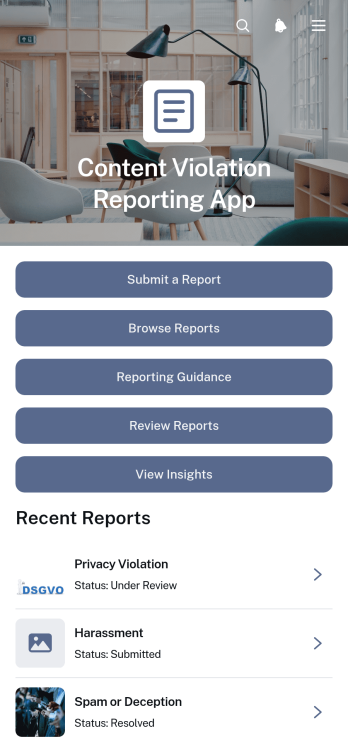
Content Violation Reporting App
The Content Violation Reporting App is a ready-to-use app template for collecting, reviewing, and organizing reports about potentially inappropriate or prohibited content. It gives community members, customers, employees, or moderators a central place to submit a report, browse recorded issues, and consult reporting guidance. Review teams can examine affected content and report descriptions, access contact details when follow-up is needed, and view insights that reveal recurring violation types. It is well suited to moderation teams, online communities, educational institutions, nonprofits, and organizations that need a consistent reporting workflow with clearer records and fewer scattered messages.Jotform helps teams turn this reporting process into an accessible, branded experience without writing code. Start with Jotform App Templates, then use the no-code App Builder and its drag-and-drop interface to adjust pages, navigation, colors, fonts, and visual elements. Connected forms and tables support data collection and report management, while approvals, notifications, and other workflows can help route new reports to the appropriate reviewers. Once customized, the app can be shared through a direct link or QR code, giving reporters and staff convenient mobile-friendly access and supporting self-service reporting from one organized location.
Go to Category:Report Apps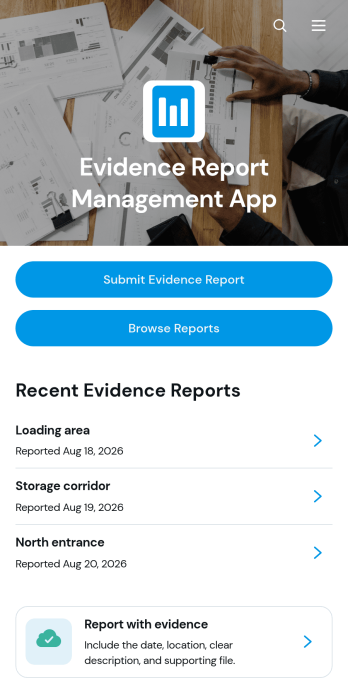
Evidence Report Management App
The Evidence Report Management App gives safety teams, auditors, field inspectors, operations managers, and internal reviewers a central place to submit, browse, and assess evidence reports. Users can record required report details, summarize findings, attach supporting evidence, and organize reports by location. Reviewers can open individual records, check report dates and statuses, and monitor review progress without relying on scattered emails or disconnected files. It is well suited to incident documentation, workplace reviews, site inspections, internal audits, quality checks, and other processes that require clear evidence records.Jotform Apps helps organizations turn this reporting process into an accessible, self-service experience without coding. Start with this app template, then use the drag-and-drop app builder to adjust pages, navigation, colors, fonts, and branding. Connected forms and tables support data collection and make reports easier to review within an organized workflow. The finished app can be shared through a direct link or QR code, giving authorized staff a mobile-friendly way to submit evidence in the field or review records from a desk.
Go to Category:Report Apps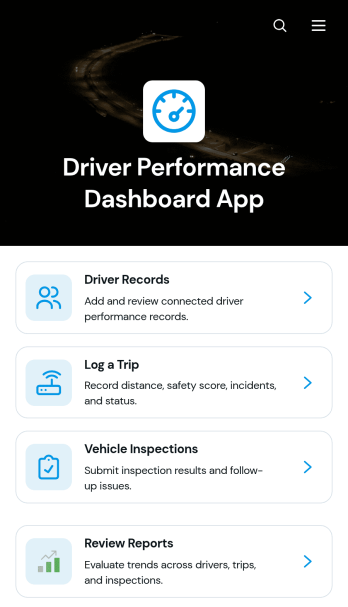
Driver Performance Dashboard App
Driver Performance Dashboard App gives fleet managers, dispatch teams, transportation companies, and field service operators one place to review driver activity and support safer, more accountable operations. Teams can maintain driver records, log trips, monitor distance and safety scores, record incidents, and check trip status without relying on scattered documents. Vehicle inspection records and follow-up actions help supervisors identify issues that may require attention, while consolidated reports make it easier to compare performance and prepare coaching conversations. This app template is especially useful for small and midsize fleets seeking clearer oversight of drivers, vehicles, trips, and inspections.Jotform App Templates help teams turn recurring processes into accessible digital experiences without writing code. Customize this Driver Performance Dashboard App with the no-code app builder and its drag-and-drop interface, then adjust pages, navigation, colors, fonts, and branding to match your operation. Connected forms support data collection for new drivers, trips, and inspections, while organized records help keep each workflow accessible. Share the finished app through a direct link or QR code so authorized team members can open it from a phone, tablet, or computer. Jotform also makes it easy to connect app activity with tables, notifications, approvals, and other operational processes.
Go to Category:Fleet Tracker Apps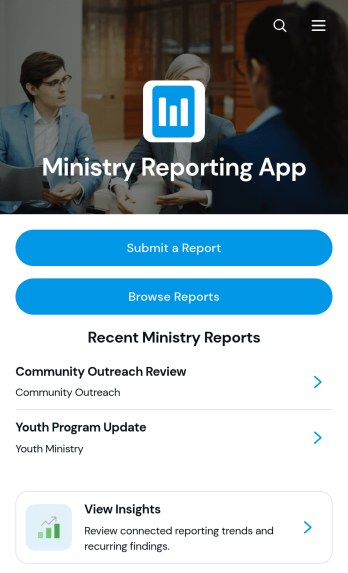
Ministry Reporting App
Ministry Reporting App gives churches, faith-based nonprofits, ministry leaders, outreach coordinators, and volunteer teams a central place to document and review ministry activity. Team members can submit new reports, browse recent entries, and view insights without searching through scattered files or message threads. Each report can present a summary, key findings, recommended actions, contributor details, dates, and relevant resource links. This organized reporting experience helps leadership monitor programs, understand outcomes, identify follow-up needs, and keep stakeholders informed across outreach, missions, pastoral care, youth programs, and community initiatives.With Jotform Apps, organizations can turn this app template into a branded reporting hub without writing code. The drag-and-drop app builder makes it easy to adjust pages, navigation, buttons, colors, fonts, and visual elements for a modern experience. Connect forms and tables to support data collection, create workflows for internal review, and organize reports or resources for convenient self-service access. Once the Ministry Reporting App is ready, publish it with a personalized link and share it with staff or volunteers by direct link, QR code, or embedded experience. Its mobile-friendly layout supports reporting and review from nearly any device.
Go to Category:Report Apps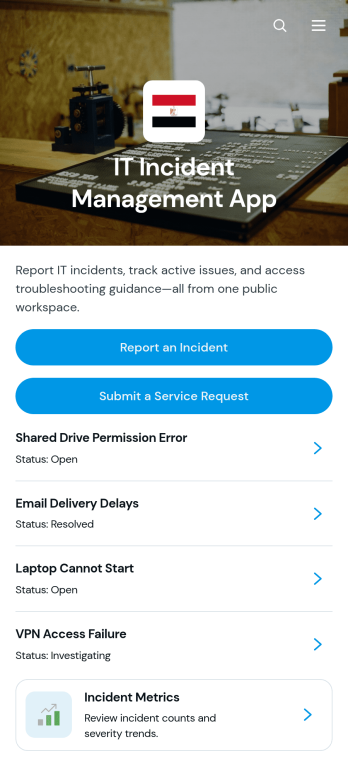
IT Incident Management App
The IT Incident Management App gives IT departments, help desks, managed service providers, and operations teams a central place to receive and review technology incidents. Employees can report an incident, submit a separate service request, view incident details and resolution notes, and consult troubleshooting articles before seeking additional help. Incident metrics provide teams with visibility into recurring issues and support activity. This app template is useful for managing outages, software errors, access problems, device failures, network disruptions, and other technical concerns while keeping requests and reference material organized in one accessible experience.Jotform Apps makes it easy to adapt this IT Incident Management App to your organization without writing code. Use the no-code app builder and drag-and-drop interface to update pages, branding, navigation, forms, and support resources. Connected data collection and workflow tools can help teams organize incident reports, follow up on requests, and maintain a practical self-service knowledge base. Jotform App Templates are mobile-friendly and can be shared through a direct link, QR code, or embedded experience, giving employees and technicians convenient access wherever support is needed.
Go to Category:Information Technology Apps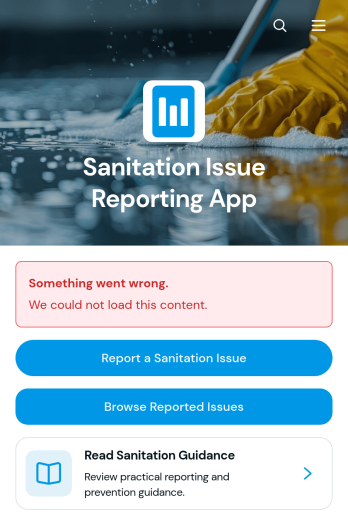
Sanitation Issue Reporting App
The Sanitation Issue Reporting App is a ready-to-use app template for organizations that need a central place to receive and review sanitation concerns. It supports issue submission, browsing reported problems, and access to sanitation guidance without forcing users to search across separate channels. Municipal teams, schools, property managers, hospitality businesses, facilities departments, and community organizations can use it to document concerns involving waste, cleanliness, restrooms, public spaces, or maintenance conditions. Centralized reporting helps teams spot recurring problems, prioritize attention, and maintain shared visibility while giving employees, residents, guests, or other users a convenient self-service option.With Jotform Apps, teams can adapt this Sanitation Issue Reporting App through a no-code app builder and an intuitive drag-and-drop interface. Add branded pages, update navigation, connect forms and tables, or build workflows that notify the right people when new information arrives. Jotform App Templates make it easier to launch mobile-friendly experiences without programming, while flexible sharing options let organizations distribute the app through a direct link, QR code, or embedded page. This creates a practical foundation for data collection, internal coordination, and ongoing sanitation operations.
Go to Category:Report Apps
Management Reporting App
Management Reporting App gives managers, department leads, consultants, and operations teams a central place to create, submit, and review business reports. It supports recurring management updates, project summaries, departmental reporting, performance reviews, and operational issue tracking. Users can start a new report, browse open reports, access submitted records, and return to the reporting process when another update is needed. By bringing report intake and record access into one organized experience, the app helps teams maintain visibility, reduce scattered communication, and make informed decisions using consistent information.Jotform makes this Management Reporting App easy to adapt without coding. Use the drag-and-drop app builder to update pages, navigation, colors, fonts, and branding, then connect forms and tables to support data collection and reporting workflows. The app template can be shared through a direct link or QR code, giving authorized team members convenient mobile access wherever work happens. Organizations can tailor the experience to different reporting cycles, departments, or projects while creating a practical self-service destination for submitting updates and reviewing report records.
Go to Category:Report Apps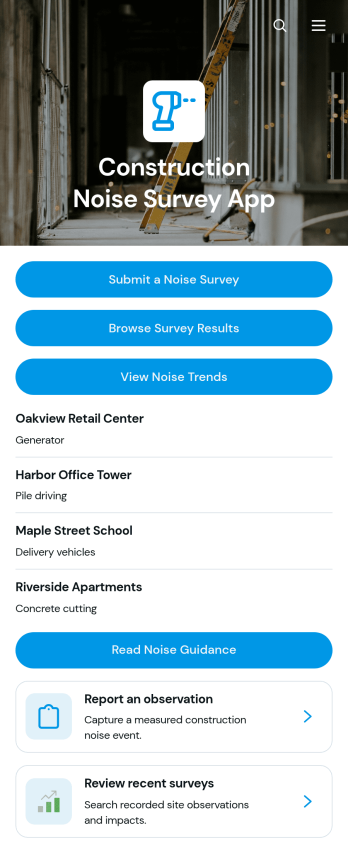
Construction Noise Survey App
The Construction Noise Survey App gives contractors, site managers, engineering teams, and environmental consultants a central place to record and assess noise activity around construction sites. Users can submit noise surveys, browse recent results, and review trends without relying on scattered paperwork or separate files. Consistent records of readings, timing, duration, observed impact, and complaint status help teams identify recurring concerns, compare activity across sites, and prioritize follow-up. It can also support community relations teams responding to observations from people near active projects.Jotform Apps makes it easy to adapt this app template to existing field operations with a no-code app builder and intuitive drag-and-drop interface. Teams can update pages, branding, guidance, and navigation, then connect forms, tables, notifications, approvals, and other workflow tools for organized data collection. Jotform App Templates can be shared by direct link or QR code, giving field staff and authorized stakeholders mobile-friendly self-service access wherever work takes place. Start with the ready-made layout, tailor it to each project, and publish it without writing code.
Go to Category:Construction Apps
Plant Health Assessment App
Plant Health Assessment App is a ready-to-use app template for recording plant conditions, identifying care concerns, and organizing follow-up work. It suits plant nurseries, garden centers, landscaping companies, greenhouse teams, property managers, horticulture consultants, and plant care specialists who need a consistent assessment process. Users can document leaf, pest, and soil observations, browse a plant library with practical care guidance, and create follow-up reports from one convenient location. This clearer process helps teams maintain dependable plant records, communicate findings, prioritize care, and reduce the risk of overlooked issues across homes, gardens, commercial properties, or growing facilities.Jotform App Templates make it easy to adapt this experience to your organization without writing code. Use the no-code app builder and drag-and-drop interface to update pages, buttons, colors, fonts, and branding while keeping navigation simple on mobile devices. The Plant Health Assessment App can connect data collection forms with tables, reports, notifications, and related workflow steps, giving staff a central place to review information and take action. Publish it through a direct link, QR code, or embedded experience to support field assessments and convenient self-service access.
Go to Category:Inspection Apps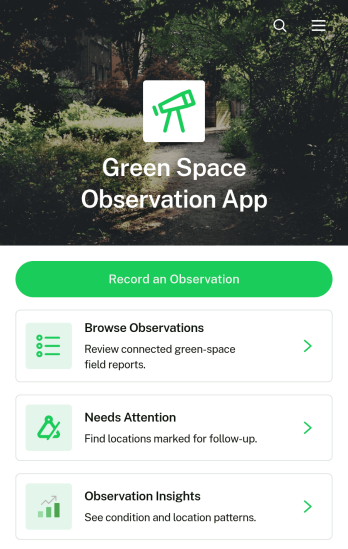
Green Space Observation App
The Green Space Observation App helps park teams, local authorities, environmental groups, schools, nonprofits, and community volunteers document conditions in parks, gardens, trails, and other planted areas. Users can record new observations, browse previous reports, identify locations that need attention, and add follow-up findings from the field. This app template supports routine site monitoring, habitat surveys, maintenance planning, community science projects, and educational activities. By keeping notes about locations, green space types, wildlife, and visible concerns together, it gives teams a clearer record for prioritizing work and understanding changes over time.Jotform Apps makes this experience easy to adapt without coding. Use the drag-and-drop app builder to adjust pages, navigation, branding, and content while connecting forms and organized records to the same workflow. The mobile-friendly layout supports data collection at a site as well as self-service access for staff and volunteers. Once customized, the Green Space Observation App can be shared through a direct link or QR code, helping participants contribute information and review relevant observations from nearly any device.
Go to Category:Inspection Apps