

Report App Templates

Communication Analysis App
Communication Analysis App is an app template for recording, reviewing, and comparing communication interactions in a consistent format. Teams can submit a new analysis, capture the communication context, rate key aspects of an interaction, and browse previous responses by participant. It is useful for managers, human resources teams, consultants, educators, coaches, customer service leaders, and project teams that want to identify communication patterns and support more focused feedback. By keeping observations and ratings together, the app replaces scattered notes, makes reviews easier to revisit, and helps organizations build a clearer picture of how communication affects teamwork, service, training, or professional development.With Jotform Apps, organizations can adapt this Communication Analysis App to their own assessment process without coding. The drag-and-drop interface makes it easy to update pages, buttons, wording, branding, and navigation while maintaining a modern, mobile-friendly experience. Users can connect forms and tables to support data collection, organize responses, and extend the workflow with notifications or approvals when needed. Once customized, the app can be shared through a direct link, QR code, or embedded experience, giving participants and reviewers convenient self-service access from one central location.
Go to Category:Team Collaboration Apps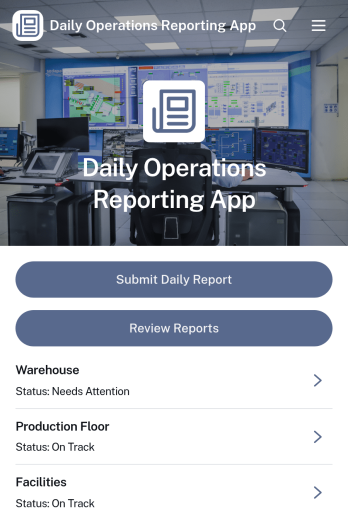
Daily Operations Reporting App
Daily Operations Reporting App is an app template for teams that need a consistent way to document completed work, identify operational issues, and coordinate follow-up actions each day. Operations managers, field supervisors, facility teams, contractors, warehouse staff, and service organizations can use it to collect daily reports, review past entries, and open an operations summary from one accessible location. Inspection records can capture findings and corrective actions alongside routine updates, helping managers monitor activity across operational areas. This shared reporting process improves visibility, reduces scattered records, supports timely decisions, and gives team members a reliable source for current operational information.Jotform Apps helps organizations turn reporting processes into mobile-friendly app experiences without writing code. Start with this app template, then use the no-code app builder and drag-and-drop interface to adjust pages, navigation, branding, and content. Connect forms and data collection tools to tables, approvals, notifications, or other workflow steps as needs evolve. Jotform App Templates can be shared through a direct link or QR code, giving employees convenient self-service access from phones, tablets, and computers. Teams can publish quickly while retaining the flexibility to update their reporting experience as operations change.
Go to Category:Report Apps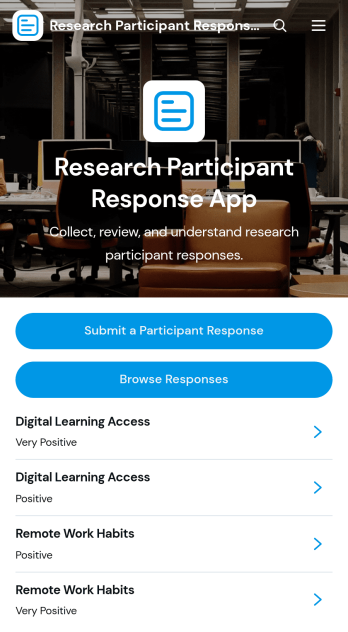
Research Participant Response App
Research Participant Response App is a centralized space for collecting, reviewing, and interpreting feedback from people involved in research studies. Researchers, academic teams, user experience professionals, program evaluators, and educational institutions can use this app template to let participants submit responses, browse recorded entries, and review response insights. It brings study topics, participant experiences, participation dates, study formats, feedback, and recommended improvements into an organized process. Teams can reduce scattered records, make qualitative feedback easier to find, and support more consistent data collection across usability studies, academic projects, interviews, and program evaluations.Jotform Apps helps teams turn forms and related resources into accessible app experiences without writing code. Start with customizable App Templates, then use the no-code app builder and drag-and-drop interface to update pages, navigation, colors, fonts, and branding. Connect forms, tables, notifications, approvals, or other workflow steps to support ongoing research operations and participant self-service. Once the Research Participant Response App is ready, publish it through a direct link, personalized app URL, QR code, or embedded experience so contributors and research teams can access it from phones, tablets, or computers.
Go to Category:Report Apps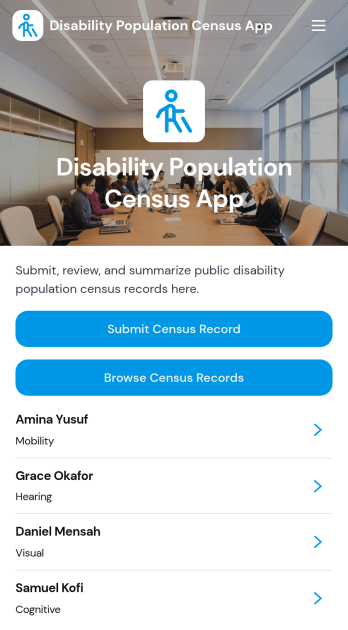
Disability Population Census App
Disability Population Census App helps nonprofits, community organizations, research teams, public service departments, and field coordinators gather and review population census information related to people with disabilities. Teams can submit census records, browse respondent entries, and view key demographic and service-access details from one organized experience. It supports community assessments, outreach planning, resource allocation, needs analysis, and program development by replacing scattered paper records or disconnected files with a consistent data collection workflow. Authorized teams can use the collected information to identify broad trends and better understand the communities they serve.Jotform App Templates make it easier to create a tailored census experience without writing code. Using Jotform’s no-code app builder and drag-and-drop interface, organizations can adjust pages, branding, navigation, and connected forms to suit their project. The app can connect with tables, approvals, notifications, and other workflows to support organized record management and timely follow-up. Once published, it can be shared through a direct link or QR code for convenient mobile access, helping field teams and program staff collect and review information wherever their work takes place.
Go to Category:Social Good Apps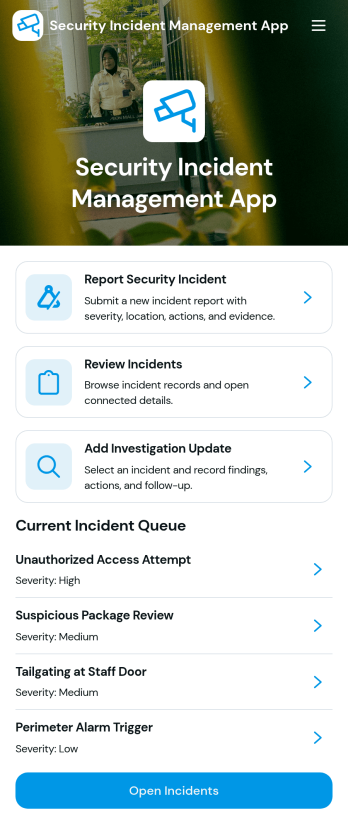
Security Incident Management App
Security Incident Management App provides security teams, information technology departments, facilities managers, operations leaders, and workplace safety personnel with a central place to report and manage security incidents. Employees or authorized users can submit an incident report, while responsible teams can review the current incident queue and open individual records for relevant details. Investigation updates and status information help teams maintain continuity as an incident moves from initial reporting through follow-up. This app template is useful for organizations that need clearer incident visibility, more consistent reporting, and an accessible reference point for active cases without relying on scattered messages or disconnected documents.With Jotform, the Security Incident Management App can be adapted through a no-code app builder and an intuitive drag-and-drop interface. Teams can customize pages, branding, navigation, and content while connecting forms, tables, approvals, notifications, and other workflow steps. Jotform App Templates make it easier to create mobile-friendly self-service experiences that support organized data collection and timely internal action. Publish the app through a direct link, personalized URL, embedded experience, or QR code so employees and security personnel can reach reporting and investigation resources from their preferred devices.
Go to Category:Safety and Compliance Apps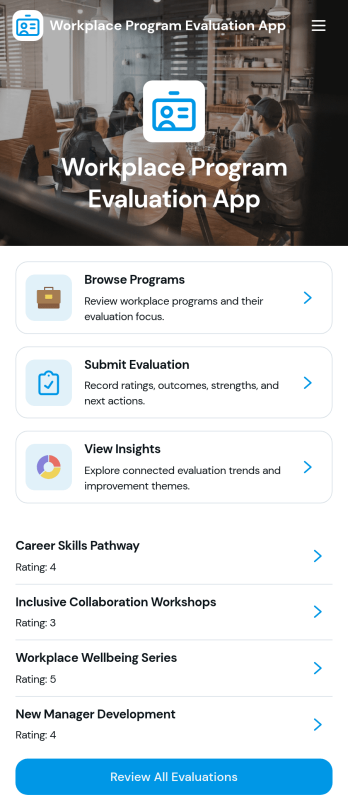
Workplace Program Evaluation App
Workplace Program Evaluation App provides HR teams, program managers, department leaders, and organizational development professionals with a central place to assess internal initiatives. Employees and evaluators can browse available workplace programs, review their focus, submit evaluations, and view collected insights without relying on scattered documents or email threads. It is well suited to training programs, wellness initiatives, employee engagement activities, leadership development, and other internal efforts that require consistent feedback. By bringing program information and evaluation activity together, the app helps organizations identify strengths, uncover improvement opportunities, and support informed planning.With Jotform Apps, teams can adapt this app template through a no-code app builder and an intuitive drag-and-drop interface. Pages, navigation, forms, visual elements, and connected workflows can be updated to reflect evaluation goals and company branding. Evaluation data can connect with Jotform Tables and related processes for organized review, while notifications help relevant stakeholders stay informed. Publish the finished Workplace Program Evaluation App by direct link, QR code, or embedded experience to provide convenient mobile-friendly access and encourage employee self-service.
Go to Category:Human Resources Apps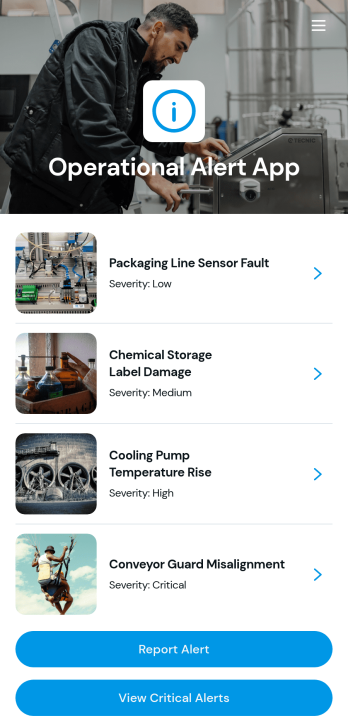
Operational Alert App
Operational Alert App is an app template for reporting, reviewing, and prioritizing incidents that may affect daily operations. Operations teams, facility managers, field crews, safety coordinators, and service organizations can use it to give staff a central place to report an alert, view critical notices, and review open issues. Severity guidance helps users communicate urgency consistently, while detailed reports give response teams the context needed to assess each situation. This shared experience can reduce missed updates, improve visibility across active concerns, and support faster coordination during service disruptions, equipment problems, workplace hazards, or other operational events.Jotform App Templates help organizations turn recurring processes into accessible digital experiences without writing code. With Jotform’s no-code app builder and drag-and-drop interface, teams can customize the Operational Alert App with their branding, instructions, navigation, and connected forms. Collected data can support workflows, notifications, and organized record management, while links or QR codes make the app easy to share with employees and partners. The result is a mobile-friendly self-service resource that brings alert reporting and follow-up into one convenient location.
Go to Category:Operations & Logistics Portal Apps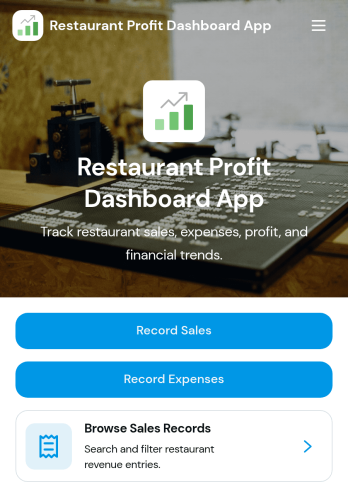
Restaurant Profit Dashboard App
Restaurant Profit Dashboard App is an app template for restaurant owners, managers, operators, and finance teams that need a clearer view of sales, expenses, and profit performance. Staff can add sales and expense entries, browse recorded transactions, filter records by category, and review profit insights from one convenient location. It suits independent restaurants, cafés, food trucks, and multi-location dining businesses seeking to replace scattered spreadsheets or disconnected reporting processes. By keeping essential financial activity organized, the dashboard supports routine performance reviews, cost monitoring, budgeting discussions, and better-informed operational decisions.Jotform Apps helps businesses turn connected forms, records, and workflows into accessible digital experiences without writing code. Start with this app template, then use the no-code app builder and drag-and-drop interface to adjust pages, navigation, colors, fonts, and branding. Sales and expense forms can support consistent data collection, while connected tables keep records available for review. Share the finished Restaurant Profit Dashboard App through a direct link or QR code so authorized team members can access it from phones, tablets, or computers. Jotform App Templates make it easier to launch a polished resource that brings financial tracking and restaurant workflows together.
Go to Category:Restaurant Management Apps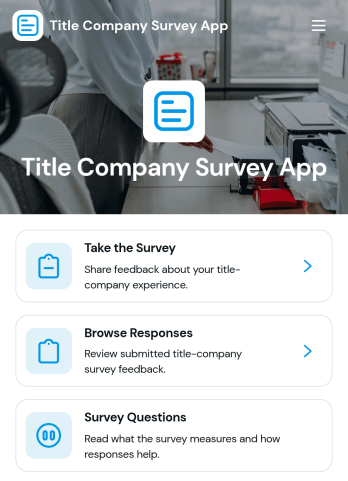
Title Company Survey App
The Title Company Survey App helps title companies collect and review feedback from clients, real estate professionals, lenders, and other closing participants. Teams can invite respondents to complete a survey, browse submitted responses, and view insights from one organized experience. Feedback on closing coordination, communication quality, document accuracy, recommendations, and written comments can reveal service strengths and recurring concerns. Title company managers, closing coordinators, customer experience teams, and branch leaders can use the app after transactions or during periodic service reviews to support informed operational improvements.With Jotform Apps, teams can customize this app template through a no-code app builder and a flexible drag-and-drop interface. Add branded pages, adjust navigation, connect forms and tables, and organize data collection around an existing workflow without writing code. The Title Company Survey App can be shared through a direct link or QR code, giving respondents convenient mobile access while helping staff maintain a centralized feedback process. Jotform App Templates also make it easy to expand the experience with self-service resources, approval steps, notifications, and other connected processes as business needs evolve.
Go to Category:Real Estate Apps
Daily Concrete Field Report App
Daily Concrete Field Report App gives superintendents, site engineers, foremen, concrete contractors, and project managers a practical way to document concrete work as it happens. Teams can submit and review daily field reports, log concrete deliveries, and record safety observations from one mobile-friendly location. Key project details such as concrete placed, crew count, weather, equipment, supplier, quantity, mix design, quality checks, corrective actions, and next-day plans remain easier to find and evaluate. This app template supports consistent data collection across active job sites, reduces reliance on scattered notes, and gives office teams greater visibility into daily progress, material activity, and site issues.Jotform App Templates make it easy to adapt this reporting experience to a contractor’s existing workflow without coding. Use the no-code app builder and drag-and-drop interface to update pages, buttons, cards, colors, fonts, and branding. Connected forms and organized report views help field personnel enter information while managers review records and coordinate follow-up work. The finished app can be shared through a direct link or QR code, giving crews convenient self-service access on phones, tablets, and computers. With Jotform, construction businesses can turn routine field reporting into an accessible, branded process that keeps project stakeholders informed.
Go to Category:Construction Apps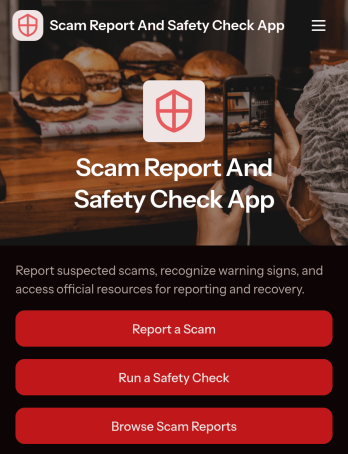
Scam Report and Safety Check App
The Scam Report and Safety Check App is an app template for collecting scam reports, guiding safety checks, and helping people review reported incidents before taking action. It can support consumer protection groups, nonprofits, community organizations, workplace security teams, educational institutions, and other groups that share fraud awareness resources. Users can submit a new report, run a safety check, and browse existing reports from one accessible location. Report summaries may present relevant context such as the scam type, location, amount lost, and an account of what happened. This shared view makes it easier to identify recurring concerns, document community experiences, and direct users toward appropriate safety resources without treating individual reports as verified findings.Jotform App Templates help organizations turn forms, information, and connected processes into convenient digital experiences. Using Jotform’s no-code app builder and drag-and-drop interface, teams can customize the Scam Report and Safety Check App with branded pages, clear navigation, updated resources, and connected data collection workflows. The app can be shared through a direct link or QR code for mobile-friendly access, making it suitable for public awareness campaigns, internal reporting programs, and community self-service. Teams can update content as needs change while keeping reporting, safety guidance, and resource navigation together.
Go to Category:Safety and Compliance Apps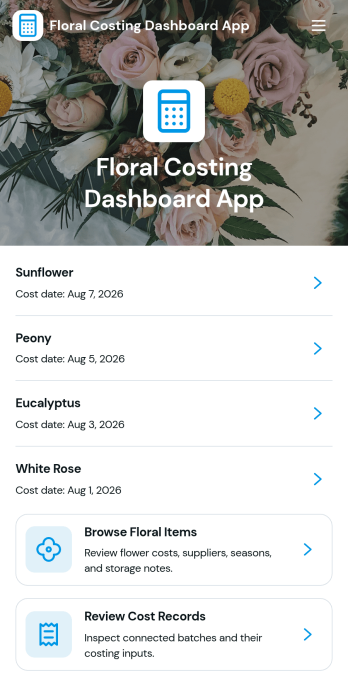
Floral Costing Dashboard App
Floral Costing Dashboard App helps florists and floral businesses track stem costs, labor and overhead inputs, and waste percentage so pricing stays consistent from quote to delivery. Use it to browse floral items, open a cost dashboard for quick review, and add new cost records as prices change. It’s a practical fit for shop owners, studio florists, event teams, and managers who need clearer visibility into what each flower really costs before building arrangements, proposals, or retail pricing.With Jotform, you can turn your costing workflow into a mobile-friendly experience using app templates and a no-code app builder. Customize pages with a drag-and-drop interface, connect the app to your underlying data collection, and keep cost records organized for faster decision-making. Share the app with your team for self-service access, reduce manual rework, and keep everyone working from the same up-to-date cost data.
Go to Category:Finance Apps
Income Projection Dashboard App
Income Projection Dashboard App helps you capture income records, set projection assumptions, and view scenario-based forecasts in one place. It fits finance teams, founders, and operators who need a clear way to estimate future revenue across multiple income sources without juggling spreadsheets. Use it to plan budgets, test growth-rate changes, and align stakeholders around realistic targets for the projection year, whether you’re running a small business, a consulting practice, or a growing online service.With Jotform, you can turn forecasting into a guided self-service experience using a no-code app builder and a drag-and-drop interface. Connect buttons and pages to the right forms and data tables for reliable data collection, keep scenarios organized for quick comparisons, and share a single dashboard link with your team. As your workflow evolves, you can adjust the layout, add new income sources, and keep projections updated without writing code.
Go to Category:Finance Apps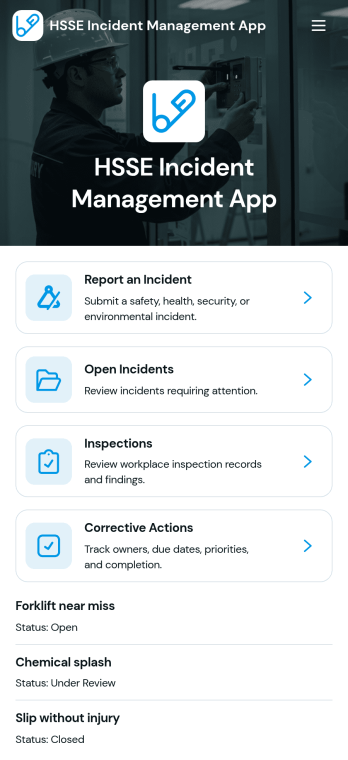
HSSE Incident Management App
HSSE Incident Management App helps teams capture, track, and follow up on safety, health, security, and environmental incidents in one place. Use it to report an incident from the field, review open incidents, and keep corrective actions moving forward with clear ownership and due dates. It’s a practical fit for EHS and HSSE teams, site managers, contractors, and operations leaders who need consistent reporting across locations and want faster visibility into severity, classification, and immediate actions taken.With Jotform, you can turn this app template into a mobile-friendly self-service experience using a no-code app builder and a drag-and-drop interface. Connect incident reports, inspection checklists, and corrective action requests to your workflow, organize records in connected tables, and share a single link or QR code so people can act quickly without hunting for the right form. Customize pages, branding, and navigation so the app matches how your organization manages HSSE data collection day to day.
Go to Category:Safety and Compliance Apps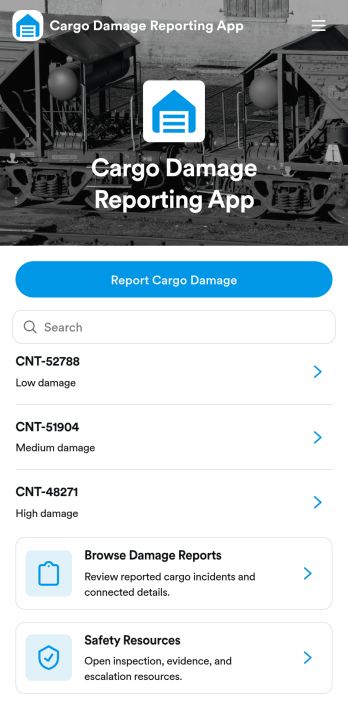
Cargo Damage Reporting App
Cargo Damage Reporting App helps logistics teams, carriers, and warehouse staff document shipping and freight damage as soon as it’s discovered. With a simple damage report form and an organized list of past reports, your team can capture key details like cargo reference information, the damage summary, and cargo and location context so issues don’t get lost between shifts. It’s a practical fit for distribution centers, 3PLs, freight forwarders, and receiving docks that need consistent reporting for internal follow-up and customer communication.Jotform makes it easy to turn this app template into a branded, mobile-friendly experience using a no-code app builder and a drag-and-drop interface. Connect buttons to your damage report form, browse records in one place, and share safety resources alongside reporting so teams know what to do in the moment. With Jotform, you can support data collection and workflows that keep cargo damage reporting clear, timely, and accessible for everyone involved.
Go to Category:Operations & Logistics Portal Apps
Trading Signals Dashboard App
A Trading Signals Dashboard App gives trading communities and research teams a central place to browse signals, view key trade details, and keep market commentary easy to reference. Use it to publish a curated list of signals with the essentials such as entry price, target price, and stop loss, plus written signal context to explain the setup. The built-in navigation supports common workflows like browsing all signals, opening a market overview, and submitting a new signal, which helps keep updates organized when multiple contributors share ideas.Jotform makes it simple to build and adapt trading-focused app templates with a no-code app builder and a drag-and-drop interface, so you can update pages, buttons, and layouts as your process evolves. Connect the app to forms for data collection when analysts submit a signal or add a related signal, then share the dashboard with your audience using a single link for fast self-service access. With Jotform, you can keep your workflow consistent while presenting signals in a clear, mobile-friendly experience.
Go to Category:Finance Apps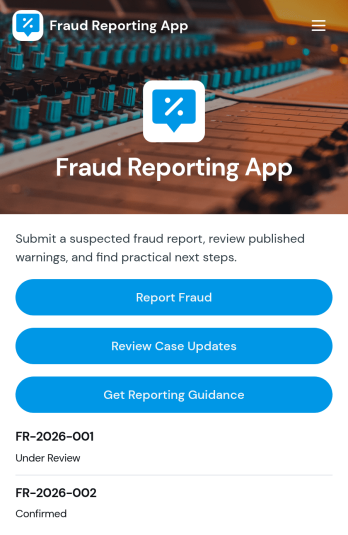
Fraud Reporting App
Fraud Reporting App gives organizations and communities a clear, centralized way to collect fraud concerns and keep reporters informed as cases move forward. It’s useful for compliance teams, HR, finance departments, property managers, nonprofits, schools, and customer support groups that need a consistent intake process and a simple way for people to check case progress. With guided reporting, a place to submit a new or related report, and an area to review case updates, the app helps reduce confusion, capture complete details, and encourage timely reporting.Built with Jotform App Templates, this app template can be customized in minutes using Jotform’s no-code app builder and drag-and-drop interface. Connect forms to your workflows for reliable data collection, organize case records for faster triage, and share a single self-service link for reporting and follow-ups. From internal investigations to external tip lines, Jotform makes it easy to publish a branded app experience that supports consistent reporting and clearer communication.
Go to Category:Report Apps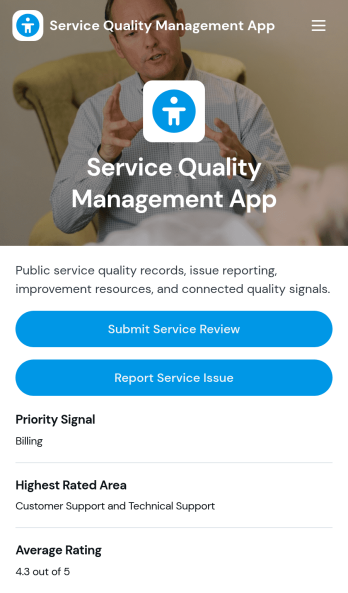
Service Quality Management App
Service Quality Management App helps teams capture service reviews and issue reports in one place, so quality trends are easier to spot and address. It fits customer support groups, field service providers, hospitality teams, and internal operations leaders who need a consistent way to collect feedback across service areas and track recurring problems. The app supports quick review intake and issue reporting through guided actions, then makes it simple to browse feedback and open items for follow-up. Use it to reduce missed complaints, keep service standards consistent, and build a clearer picture of what customers experience day to day.With Jotform, you can turn this app template into a branded self-service experience without coding. Use the drag-and-drop app builder to adjust pages, update labels for your service areas, and connect review and issue forms to the workflows your team already uses. You can share the app with a link or QR code, keep records organized in connected tables, and route feedback to the right owners with notifications and approvals so improvements move forward faster.
Go to Category:Customer Engagement Apps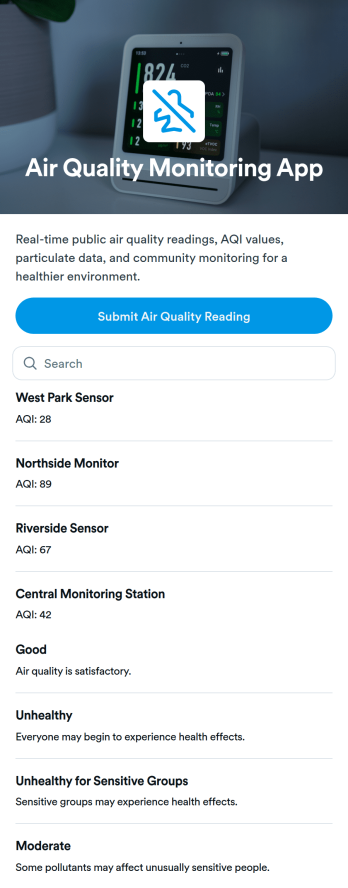
Air Quality Monitoring App
Air Quality Monitoring App helps teams and communities capture air quality readings and keep a simple, centralized view of conditions across monitoring locations. Use it to collect new measurements through a guided form, then review logged entries in a browsable list that highlights key details like station name and category. It works well for facilities and operations teams, schools, property managers, event organizers, and local groups that want consistent reporting without relying on scattered spreadsheets or messages.With Jotform, you can turn this app template into a branded self-service experience using a no-code app builder and a drag-and-drop interface. Connect the submit button to your data collection form, organize records in connected tables, and keep your workflow moving with sharing options and automated notifications. Publish a link for quick access on mobile devices, update pages anytime, and collaborate with teammates while keeping air quality logs easy to find and act on.
Go to Category:Health Tracking Apps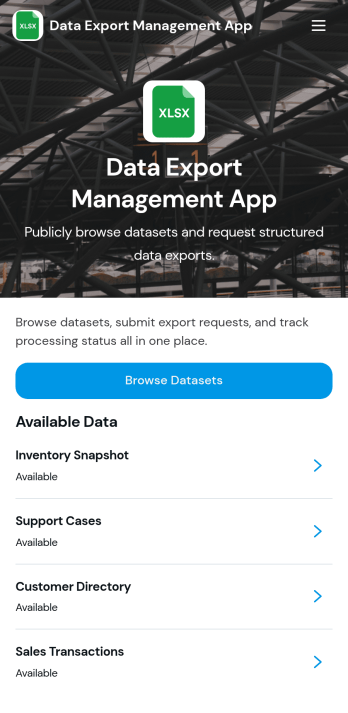
Data Export Management App
Data Export Management App helps teams coordinate and document recurring data exports so nothing gets missed when reports, backups, or datasets need to be delivered on time. Use it to centralize export responsibilities, clarify what needs to be shared, and keep stakeholders aligned across departments like operations, finance, analytics, IT, and customer support. It works well for agencies sending client data extracts, product teams preparing usage reports, and internal teams handling scheduled exports for audits, leadership updates, or vendor requests.With Jotform, you can turn this app template into a simple self-service experience that guides users to the right place to manage export tasks. Customize the content with Jotform’s no-code app builder and drag-and-drop interface, then connect it to workflows for data collection, updates, and follow-ups as your process evolves. Share it with a link or QR code so teams can access the latest export guidelines from anywhere and keep your workflow consistent.
Go to Category:Information Technology Apps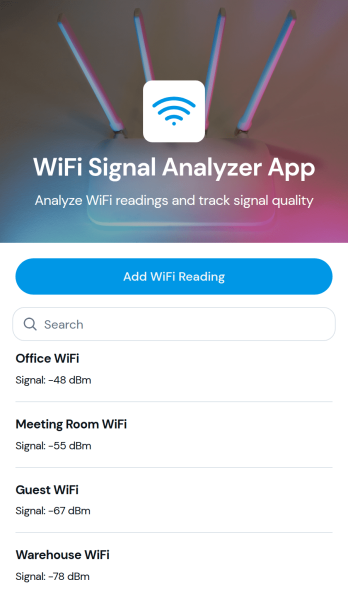
WiFi Signal Analyzer App
WiFi Signal Analyzer App helps you capture and review WiFi readings in one place so you can spot weak coverage, compare signal conditions by area, and keep a running log of what you’ve tested. It’s a practical fit for IT teams, MSPs, network admins, facilities staff, and even home users who want a simple way to record network name details and track changes over time. With a quick add-reading form and a browseable list of past entries, you can document troubleshooting sessions, validate improvements after moving equipment, or build a baseline before a larger network refresh.Jotform makes it easy to turn this use case into a mobile-friendly experience using App Templates and a no-code app builder with a drag-and-drop interface. Connect the app to your data collection workflows, store records in a structured way, and share a self-service link with teammates for consistent reporting. As your process evolves, you can adjust the pages, layout, and connected data without touching code, keeping WiFi checks fast, repeatable, and organized.
Go to Category:Information Technology Apps
Sales Analytics Dashboard App
Sales Analytics Dashboard App brings your sales activity into one place so teams can capture new sales records, browse transactions, and turn day-to-day entries into clear performance insights. It fits sales operations, retail managers, agencies, and growing businesses that need a practical view of revenue and unit movement without jumping between spreadsheets and scattered tools. Use it to keep a running log of sales, review transaction history, and spot trends by product, owner, context, or sale date so coaching, forecasting, and follow-ups are based on real numbers.Built with Jotform App Templates, this app template is easy to tailor in Jotform’s no-code app builder using a drag-and-drop interface. Connect the app to your forms and data tables to support consistent data collection, then share a self-service dashboard link with teammates to keep reporting current. As your workflow evolves, you can adjust pages, automate handoffs with approvals and notifications, and publish updates fast so your analytics and reports stay aligned with how you sell.
Go to Category:Sales & Marketing Portal Apps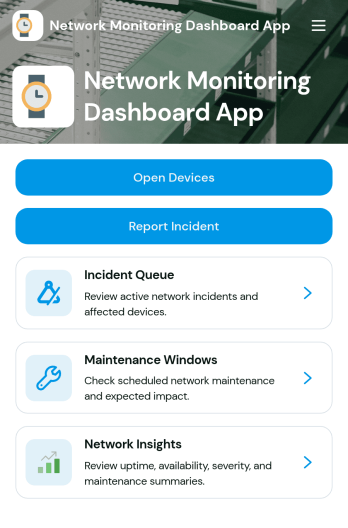
Network Monitoring Dashboard App
Network Monitoring Dashboard App helps IT teams keep a clear, shared view of monitored endpoints and network incidents in one place. Use it to quickly browse endpoint lists, review incident summaries, and capture new incident reports as issues are detected. It’s a practical fit for network administrators, MSPs, internal IT departments, and ops teams that need faster visibility, consistent incident intake, and a simple way to track status and severity across ongoing work.Built with Jotform App Templates, this dashboard can be tailored with a no-code app builder and a drag-and-drop interface, so you can match it to your existing workflow without touching code. Connect forms and data tables to centralize data collection, keep incident details organized, and support self-service reporting for technicians or stakeholders through a shareable link or QR code.
Go to Category:Information Technology Apps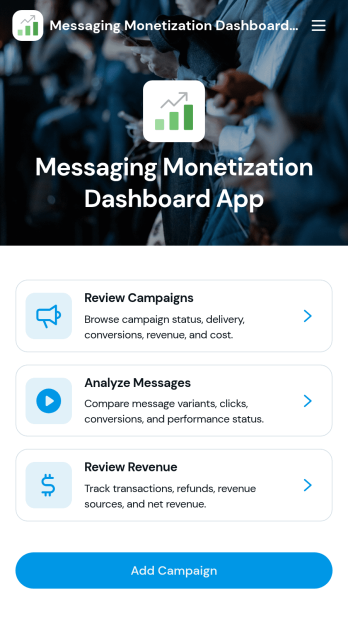
Messaging Monetization Dashboard App
Messaging Monetization Dashboard App helps teams organize and evaluate how messaging campaigns generate revenue across channels. Use it to add campaigns, record revenue as it comes in, and log message activity so performance is easier to review in one place. It’s a practical fit for creators, growth and marketing teams, sales organizations, and customer engagement leaders who need a clearer view of what content and outreach is driving returns, which campaigns are active, and where engagement is trending.Built with Jotform, this app template can be tailored in a no-code app builder using a drag-and-drop interface, so you can match the layout to your workflow without development time. Connect forms for data collection to keep campaign details, revenue entries, and message activity consistent, then share the app for self-service updates from teammates. With Jotform Apps, you can keep workflows moving, reduce scattered spreadsheets, and maintain a reliable source of truth for messaging monetization.
Go to Category:Sales & Marketing Portal Apps