

Safety and Compliance Apps

Drainage Safety Documents App
The Drainage Safety Documents App gives drainage contractors, site supervisors, field crews, and safety teams one organized place to submit and review essential safety records. It supports drainage installation, inspection, maintenance, and repair projects where teams need quick access to current documentation across multiple sites. Users can submit safety documents, record checks, and report incidents, then browse the resulting records from a central app. Document details such as type, site or project, relevant dates, uploaded files, and notes help teams find useful information without searching through scattered folders. Recorded findings and corrective actions also make it easier to follow up on issues and maintain visibility across field operations.Jotform App Templates help organizations turn recurring processes into accessible digital experiences without coding. Customize this app template with Jotform’s no-code app builder and drag-and-drop interface, adjusting pages, navigation, branding, and connected forms to match existing workflows. The app can support consistent data collection, mobile-friendly record access, and staff self-service from the office or jobsite. Share it through a direct link or QR code so authorized team members can reach the resources and actions they need. Connected notifications, tables, and automated workflows can further support timely reviews and coordinated safety management.
Go to Category:Safety and Compliance Apps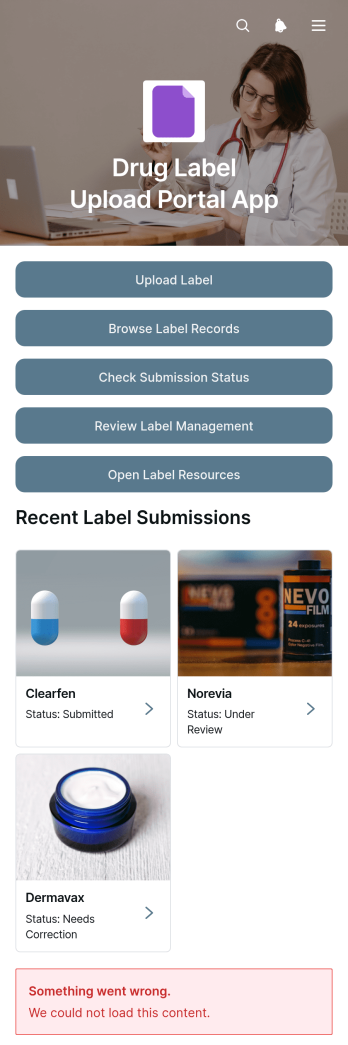
Drug Label Upload Portal App
The Drug Label Upload Portal App gives pharmaceutical teams, healthcare organizations, product reviewers, and authorized submitters a central place to send and manage drug label materials. Users can upload a label, browse existing label records, and check the status of a submission without relying on scattered emails or disconnected files. Review teams can access submitted product information and notes, consult label resources, and maintain clearer oversight throughout the review process. This app template is useful for internal label intake, supplier submissions, product documentation updates, and other workflows that require an organized record of label files and review activity.Jotform Apps makes it easy to adapt this portal to an organization’s process with a no-code app builder and an intuitive drag-and-drop interface. Teams can customize pages, navigation, colors, and branding, then connect forms and tables to support data collection and record management. The app can be shared through a direct link or QR code for convenient self-service access on phones, tablets, and computers. Starting with Jotform App Templates also reduces setup time, while flexible workflow connections help teams route information, monitor updates, and keep essential resources available from one user-friendly location.
Go to Category:Safety and Compliance Apps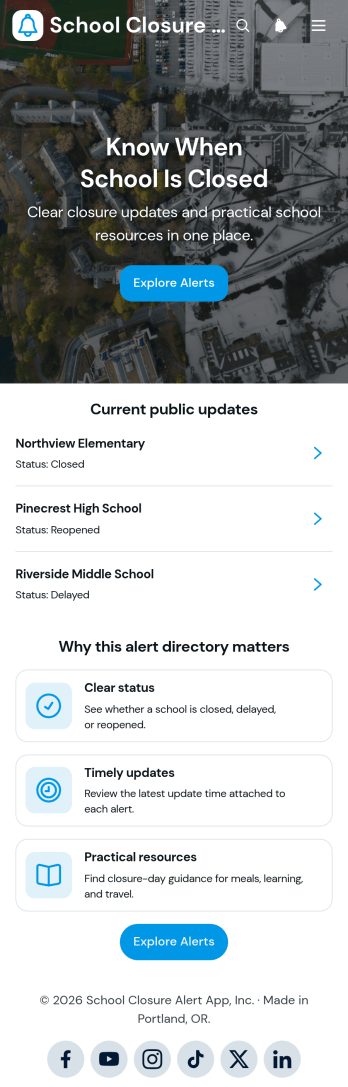
School Closure Alert App
The School Closure Alert App gives schools, districts, education offices, and community coordinators a central place to publish and review closure information. Administrators can collect closure reports, present current public updates, and organize practical resources by school or area. Families, students, teachers, transportation teams, and support staff can browse alerts, check closure dates and update times, view contact details, and find guidance on what to do next. This app template reduces scattered communication and makes essential status information easier to access during severe weather, facility issues, emergencies, or other disruptions.Jotform App Templates help organizations create focused digital experiences without writing code. With Jotform’s no-code app builder and drag-and-drop interface, teams can customize pages, branding, navigation, and connected forms to match their communication workflow. Data collection can feed organized records, while links and resource pages support convenient self-service. Publish the app through a direct link or QR code so users can open timely information from phones, tablets, or computers. Updates can be managed in one place, helping school teams maintain a dependable information resource as conditions change.
Go to Category:School Management Apps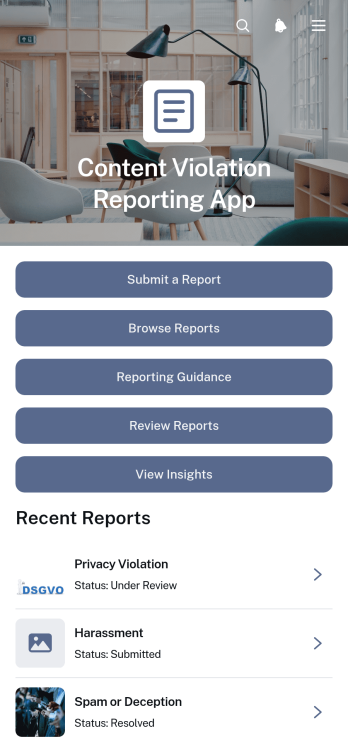
Content Violation Reporting App
The Content Violation Reporting App is a ready-to-use app template for collecting, reviewing, and organizing reports about potentially inappropriate or prohibited content. It gives community members, customers, employees, or moderators a central place to submit a report, browse recorded issues, and consult reporting guidance. Review teams can examine affected content and report descriptions, access contact details when follow-up is needed, and view insights that reveal recurring violation types. It is well suited to moderation teams, online communities, educational institutions, nonprofits, and organizations that need a consistent reporting workflow with clearer records and fewer scattered messages.Jotform helps teams turn this reporting process into an accessible, branded experience without writing code. Start with Jotform App Templates, then use the no-code App Builder and its drag-and-drop interface to adjust pages, navigation, colors, fonts, and visual elements. Connected forms and tables support data collection and report management, while approvals, notifications, and other workflows can help route new reports to the appropriate reviewers. Once customized, the app can be shared through a direct link or QR code, giving reporters and staff convenient mobile-friendly access and supporting self-service reporting from one organized location.
Go to Category:Report Apps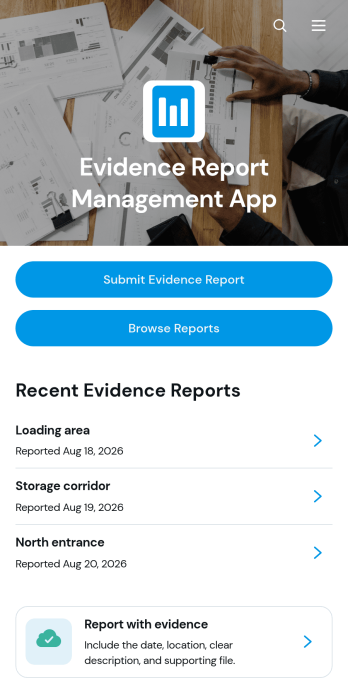
Evidence Report Management App
The Evidence Report Management App gives safety teams, auditors, field inspectors, operations managers, and internal reviewers a central place to submit, browse, and assess evidence reports. Users can record required report details, summarize findings, attach supporting evidence, and organize reports by location. Reviewers can open individual records, check report dates and statuses, and monitor review progress without relying on scattered emails or disconnected files. It is well suited to incident documentation, workplace reviews, site inspections, internal audits, quality checks, and other processes that require clear evidence records.Jotform Apps helps organizations turn this reporting process into an accessible, self-service experience without coding. Start with this app template, then use the drag-and-drop app builder to adjust pages, navigation, colors, fonts, and branding. Connected forms and tables support data collection and make reports easier to review within an organized workflow. The finished app can be shared through a direct link or QR code, giving authorized staff a mobile-friendly way to submit evidence in the field or review records from a desk.
Go to Category:Report Apps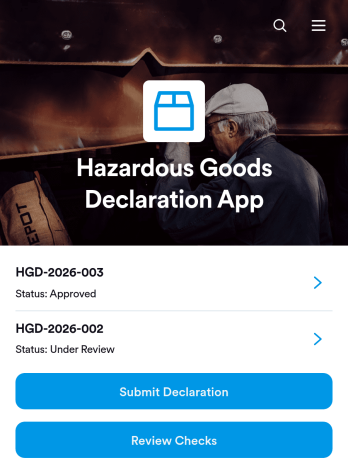
Hazardous Goods Declaration App
The Hazardous Goods Declaration App gives shippers, carriers, warehouse teams, freight coordinators, and safety personnel a central place to prepare and review declarations for hazardous cargo. Users can submit declaration details, browse existing records by declaration number, and review key checks before goods are transported. Each record brings together the declarant, company, route, transport method, goods, classification, and quantity, helping teams replace scattered paperwork with consistent data collection. It is well suited to logistics operations, shipping departments, distribution centers, and contractors that need clearer records and easier coordination when handling regulated or potentially dangerous materials.Jotform App Templates make it easy to adapt this app template to an organization’s operational workflow without writing code. With Jotform’s no-code app builder and drag-and-drop interface, teams can customize pages, navigation, buttons, visual styling, and connected forms. They can also organize declaration records in tables, route information through approval steps, trigger notifications, and provide mobile-friendly self-service access to authorized staff. Once ready, the app can be shared through a direct link or QR code, giving field and office teams a convenient way to submit, find, and review information from one branded experience.
Go to Category:Safety and Compliance Apps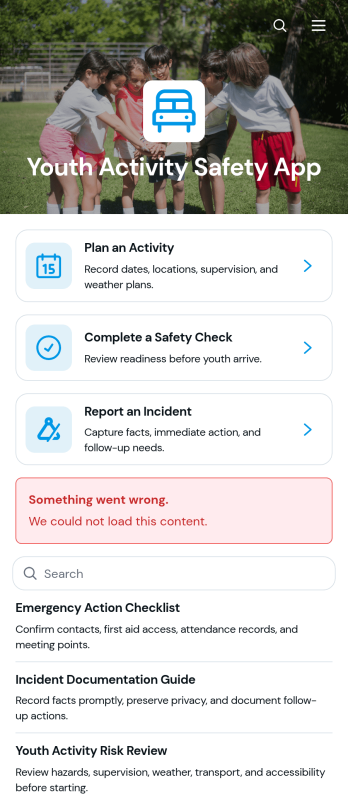
Youth Activity Safety App
The Youth Activity Safety App is a central resource for planning and managing safer activities involving young people. Schools, youth clubs, camps, sports programs, nonprofits, community groups, and volunteer-led organizations can use it to coordinate activity planning, complete safety checks, and report incidents. Leaders gain a consistent process for preparing outings, meetings, and events while keeping essential activity information accessible to authorized staff and volunteers. This app template reduces scattered records, supports timely reporting, and helps teams maintain clear oversight before and during each activity.Jotform Apps helps organizations turn these processes into an interactive, mobile-friendly experience without writing code. Start with the Youth Activity Safety App from Jotform’s App Templates, then use the no-code app builder and drag-and-drop interface to adapt pages, navigation, branding, and connected forms. Collected data can feed into organized tables, notifications, approvals, and other workflow steps, giving coordinators a practical way to manage records and follow-up actions. Publish the finished app through a direct link or QR code so team members can reach the tools they need from almost any device.
Go to Category:Safety and Compliance Apps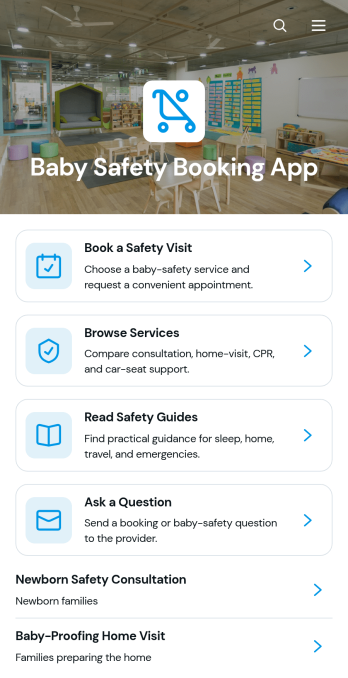
Baby Safety Booking App
Baby Safety Booking App is a ready-to-use app template for baby safety consultants, home safety providers, parenting centers, and community organizations that support families with infants. It brings service browsing, safety visit requests, practical guides, and question submission into one mobile-friendly destination. Parents and caregivers can compare available support, review what a session offers, and request a suitable service without searching across separate channels. Providers can reduce scattered inquiries, present their services consistently, and give families convenient self-service access before and after a visit.With Jotform’s no-code app builder, teams can adapt this Baby Safety Booking App to match their branding, services, and workflow. The drag-and-drop interface makes it easy to update pages, navigation, images, and buttons without programming. Connected forms support data collection for visit requests and family questions, while app links can be shared directly or through a QR code. Starting with Jotform App Templates helps organizations publish a polished booking experience quickly and keep important resources accessible from phones, tablets, or computers.
Go to Category:Appointment & Booking Apps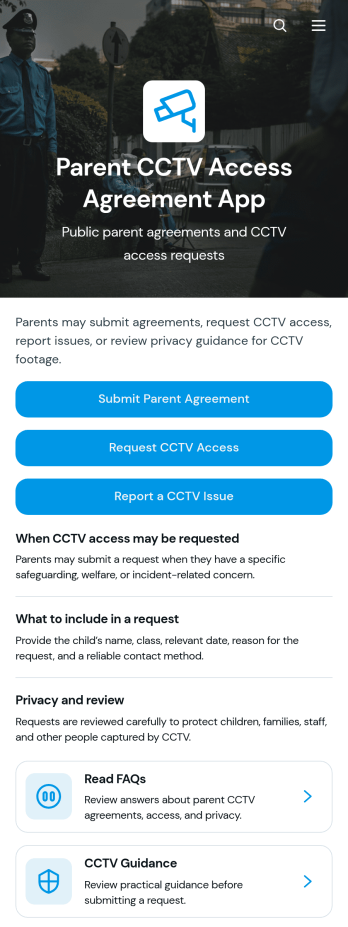
Parent CCTV Access Agreement App
Parent CCTV Access Agreement App gives schools, nurseries, childcare providers, and other education organizations a central place to manage parent interactions related to CCTV access. Parents and guardians can submit an agreement, request access to relevant footage, or report a CCTV issue through clearly presented forms. The app is useful when administrators need a consistent process for receiving requests, documenting acknowledgments, and directing families to CCTV guidance. It reduces scattered emails and incomplete enquiries while helping school leaders, safeguarding teams, and office staff keep parent communication organized.With Jotform Apps, organizations can adapt this app template without writing code. The drag-and-drop app builder makes it easy to update pages, add branded content, arrange resource navigation, and connect forms with tables, approvals, notifications, and other workflows. Staff can publish the finished app with a direct link or QR code, giving parents convenient mobile-friendly self-service access. Jotform App Templates also support centralized data collection, so teams can review incoming agreements, access requests, and issue reports from connected processes while maintaining a clear experience for families.
Go to Category:School Management Apps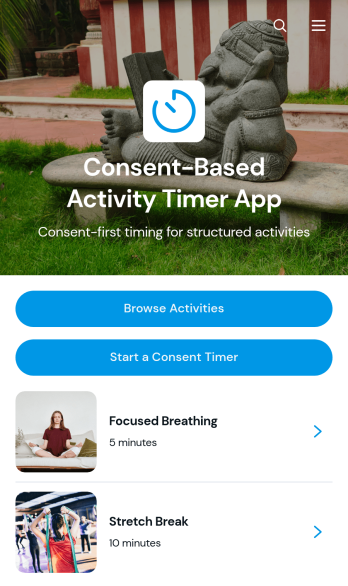
Consent-Based Activity Timer App
Consent-Based Activity Timer App is an activity tracking template for facilitators, educators, wellness professionals, program coordinators, and community teams that need to confirm participation choices before timing an activity. Users can browse available activities, review relevant guidance and consent information, and start a timer for the selected session. This clear sequence helps participants make informed choices and gives organizers a consistent way to manage timed exercises, workshops, training sessions, wellness routines, and group programs. It also keeps key activity information in one accessible place while encouraging users to pause, communicate, and reconfirm consent whenever circumstances change.Jotform Apps makes this app template easy to adapt without writing code. Using the no-code app builder and drag-and-drop interface, teams can update pages, activity cards, instructions, buttons, colors, fonts, and branding to fit their program. Connected forms and workflows can support data collection, notifications, and organized activity records, while mobile-friendly access gives participants a convenient self-service experience. Publish the app with a direct link, QR code, or embedded experience and revise its content as activities or operating practices evolve.
Go to Category:Activity Tracking Apps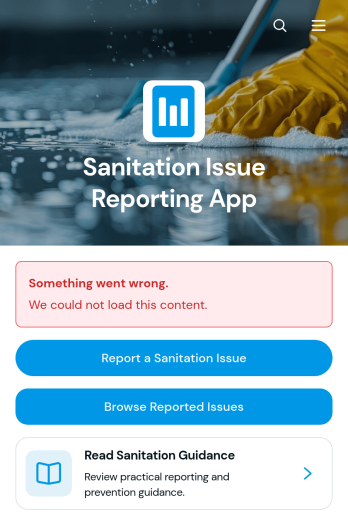
Sanitation Issue Reporting App
The Sanitation Issue Reporting App is a ready-to-use app template for organizations that need a central place to receive and review sanitation concerns. It supports issue submission, browsing reported problems, and access to sanitation guidance without forcing users to search across separate channels. Municipal teams, schools, property managers, hospitality businesses, facilities departments, and community organizations can use it to document concerns involving waste, cleanliness, restrooms, public spaces, or maintenance conditions. Centralized reporting helps teams spot recurring problems, prioritize attention, and maintain shared visibility while giving employees, residents, guests, or other users a convenient self-service option.With Jotform Apps, teams can adapt this Sanitation Issue Reporting App through a no-code app builder and an intuitive drag-and-drop interface. Add branded pages, update navigation, connect forms and tables, or build workflows that notify the right people when new information arrives. Jotform App Templates make it easier to launch mobile-friendly experiences without programming, while flexible sharing options let organizations distribute the app through a direct link, QR code, or embedded page. This creates a practical foundation for data collection, internal coordination, and ongoing sanitation operations.
Go to Category:Report Apps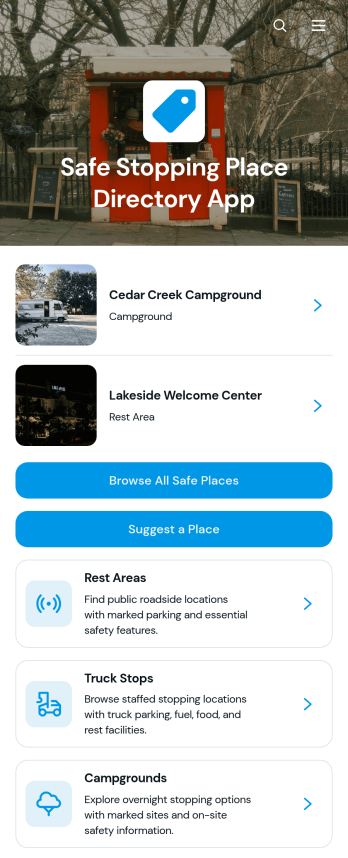
Safe Stopping Place Directory App
The Safe Stopping Place Directory App helps drivers, travelers, transportation teams, and community organizations find and share suitable places to stop during a journey. Users can browse a central directory or explore categories such as rest areas, truck stops, and campgrounds, then open individual listings to review location details and available safety features. Options for suggesting a new place or submitting an update help keep the directory useful as conditions and traveler needs change. This app template is well suited to road-trip communities, fleet operators, driver support groups, tourism organizations, nonprofits, and local agencies that want to make stopping-place information easier to access. By gathering resources in one mobile-friendly destination, it reduces scattered research and supports more informed route planning.Jotform Apps makes it easy to customize this Safe Stopping Place Directory App without writing code. Use the drag-and-drop interface to adjust pages, cards, buttons, branding, and navigation, then connect forms to support data collection and directory update workflows. Organizations can publish the app with a shareable link or QR code, giving drivers convenient self-service access from a phone, tablet, or computer. Jotform App Templates also connect with tables, notifications, approvals, and other tools, helping teams manage suggestions and updates while presenting travelers with a clear, branded experience.
Go to Category:Transportation Apps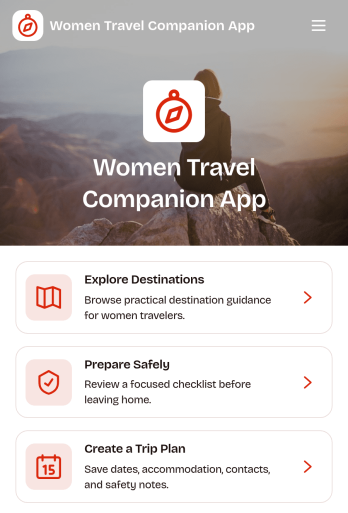
Women Travel Companion App
The Women Travel Companion App is a travel planning and safety resource for women preparing for solo adventures, group holidays, business trips, or extended stays. Travelers can explore destination guidance, create an organized trip plan, and review practical safety information before departure or while away. It helps individuals keep essential preparations in one accessible place, reducing the chance of overlooking important details. Travel communities, tour organizers, hospitality teams, educational programs, and organizations supporting women travelers can also use this app template to share useful resources and encourage informed planning.Jotform makes the Women Travel Companion App easy to adapt with a no-code app builder and an intuitive drag-and-drop interface. Customize pages, colors, images, navigation, and branding to create a welcoming mobile-friendly experience. Connect forms to support data collection, link related workflows, and update content as travel guidance changes. Jotform App Templates can be shared through a direct link or QR code, helping travelers reach self-service resources from a phone, tablet, or computer without downloading software.
Go to Category:Trip Planner Apps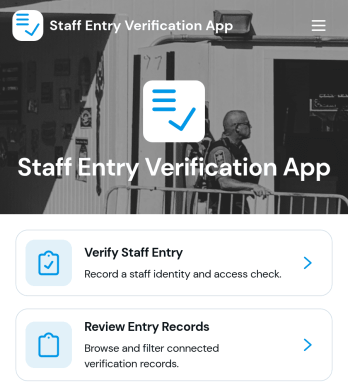
Staff Entry Verification App
The Staff Entry Verification App is an app template for confirming employee arrivals and maintaining reliable entry records across offices, warehouses, job sites, campuses, and other controlled workplaces. Security personnel, reception teams, facilities managers, HR departments, and operations leaders can use it to verify staff entry, add verification records, and review past activity from one organized experience. Staff details such as identification, department, work location, entry point, date, and time give authorized teams useful context when checking arrivals. This reduces reliance on paper logs, supports consistent recordkeeping, and helps teams find entry information when operational questions arise.Jotform Apps makes this Staff Entry Verification App easy to adapt with a no-code app builder and a flexible drag-and-drop interface. Organizations can update pages, navigation, branding, and connected forms without programming, then link collected data to tables, notifications, approvals, and other workflow steps. Like other Jotform App Templates, it supports mobile-friendly data collection and can be shared through a direct link, QR code, or embedded experience. Teams can turn the app template into a practical self-service resource that fits existing entry procedures and remains easy to update as locations or staffing needs change.
Go to Category:Sign In Apps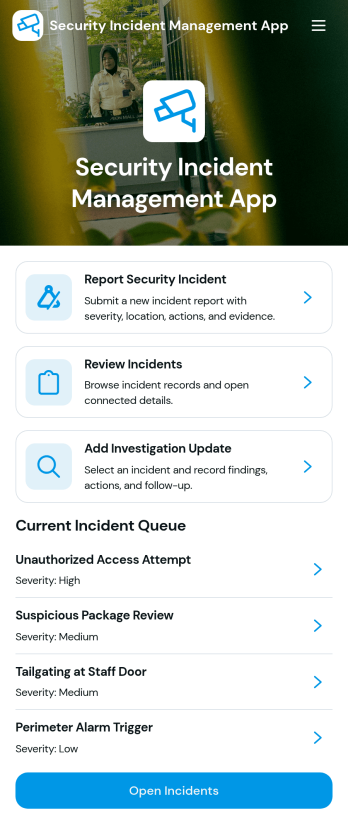
Security Incident Management App
Security Incident Management App provides security teams, information technology departments, facilities managers, operations leaders, and workplace safety personnel with a central place to report and manage security incidents. Employees or authorized users can submit an incident report, while responsible teams can review the current incident queue and open individual records for relevant details. Investigation updates and status information help teams maintain continuity as an incident moves from initial reporting through follow-up. This app template is useful for organizations that need clearer incident visibility, more consistent reporting, and an accessible reference point for active cases without relying on scattered messages or disconnected documents.With Jotform, the Security Incident Management App can be adapted through a no-code app builder and an intuitive drag-and-drop interface. Teams can customize pages, branding, navigation, and content while connecting forms, tables, approvals, notifications, and other workflow steps. Jotform App Templates make it easier to create mobile-friendly self-service experiences that support organized data collection and timely internal action. Publish the app through a direct link, personalized URL, embedded experience, or QR code so employees and security personnel can reach reporting and investigation resources from their preferred devices.
Go to Category:Safety and Compliance Apps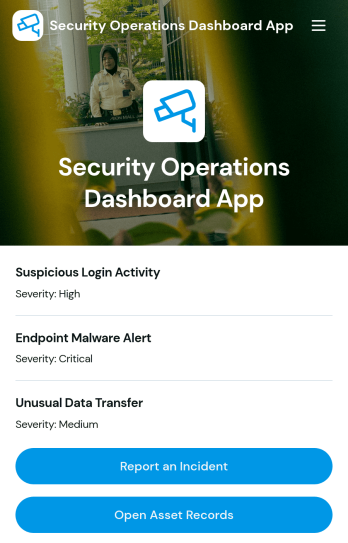
Security Operations Dashboard App
Security teams, IT departments, and operations managers can use the Security Operations Dashboard App as a central workspace for coordinating security activities. It brings incident reporting, open incident review, asset record management, and runbook access into one organized experience. The app template helps staff document issues as they occur, locate information about affected assets, review security reports, and follow established response guidance. It is useful for security operations centers, managed service teams, corporate IT groups, facilities departments, and organizations that need a consistent workflow for handling operational security concerns. By keeping important actions and reference materials together, teams can reduce fragmented communication, improve visibility, and respond with greater consistency.Jotform makes this app easy to adapt with a no-code app builder and a flexible drag-and-drop interface. Among Jotform App Templates, this option connects data collection forms, records, navigation pages, and supporting workflows without requiring programming knowledge. Teams can update branding, reorganize content, add approval steps, connect tables, and create notifications that support faster follow-up. Once published, the app can be shared by direct link or QR code for mobile-friendly employee self-service and convenient access from the field, office, or operations center.
Go to Category:Information Technology Apps
Firefighter Reference App
Firefighter Reference App gives fire departments, station crews, training officers, and emergency service organizations a centralized place to review operational guidance and complete routine records. Personnel can browse a reference library, open firefighter checklists, and access forms for incident reports or equipment checks from one organized experience. Reference categories, key standards, revision dates, and checklist details help teams locate current internal materials without searching through scattered files. It is useful for shift preparation, station-based training, equipment readiness reviews, incident documentation, and ongoing procedural reinforcement.This app template can be adapted with Jotform’s no-code app builder to reflect a department’s terminology, resources, and visual identity. The drag-and-drop interface makes it easy to update pages, cards, buttons, and navigation while connecting data collection forms to the wider workflow. Teams can publish a mobile-friendly self-service resource, share it through a direct link or QR code, and organize connected records with Jotform tools. Among Jotform App Templates, Firefighter Reference App provides a practical starting point for creating a focused reference and reporting experience without coding.
Go to Category:Safety and Compliance Apps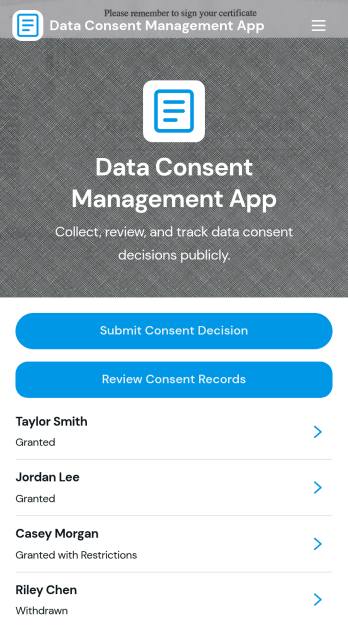
Data Consent Management App
Data Consent Management App provides organizations with a central experience for collecting, reviewing, and updating individual consent decisions related to data use. It suits privacy, legal, operations, customer service, human resources, and research teams that need a clear record of who consented, the relevant consent type, the stated data purpose, and applicable dates. Users can submit a new consent decision, review existing consent records, view related policy information, and provide updated consent when circumstances change. This helps replace scattered emails and disconnected documents with a more consistent process for customers, employees, participants, or other stakeholders.Jotform makes this app template easy to adapt without coding. Teams can use the drag-and-drop app builder to adjust pages, branding, explanatory content, and navigation while connecting forms and tables for organized data collection. Notifications and workflow connections can help staff respond to new or updated decisions, while direct links and QR codes make the app simple to share. As part of Jotform App Templates, it offers a practical starting point for creating a mobile-friendly self-service experience that keeps consent records and policy resources accessible from one place.
Go to Category:Safety and Compliance Apps
Heat Safety Monitoring App
The Heat Safety Monitoring App is an app template for recording heat risks, reviewing exposure conditions, and giving workers quick access to safety information. It supports construction crews, field service teams, warehouses, event operations, landscaping businesses, and other organizations with employees working in hot environments. Staff can submit a new heat risk report, calculate the heat index, and review monitoring records that cover locations, work activities, exposure duration, observed symptoms, immediate actions, and follow-up needs. Supervisors can use these records to spot recurring concerns, coordinate timely responses, and keep heat-related observations organized instead of relying on scattered messages or paper logs.Jotform Apps helps teams turn this Heat Safety Monitoring App into a branded, mobile-friendly resource with no coding. Its drag-and-drop app builder makes it easy to adjust pages, cards, buttons, navigation, colors, and modern visual themes. Organizations can connect forms and tables for data collection, add useful safety resources, and direct users to an emergency phone contact from one accessible location. The app can be shared through a direct link or QR code, helping field personnel reach reporting and self-service tools wherever work takes place. Start with one of Jotform’s App Templates, customize the workflow, and publish updates without rebuilding the experience from scratch.
Go to Category:Safety and Compliance Apps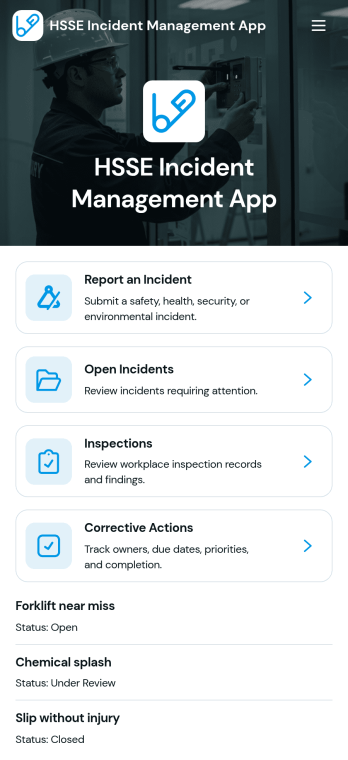
HSSE Incident Management App
HSSE Incident Management App helps teams capture, track, and follow up on safety, health, security, and environmental incidents in one place. Use it to report an incident from the field, review open incidents, and keep corrective actions moving forward with clear ownership and due dates. It’s a practical fit for EHS and HSSE teams, site managers, contractors, and operations leaders who need consistent reporting across locations and want faster visibility into severity, classification, and immediate actions taken.With Jotform, you can turn this app template into a mobile-friendly self-service experience using a no-code app builder and a drag-and-drop interface. Connect incident reports, inspection checklists, and corrective action requests to your workflow, organize records in connected tables, and share a single link or QR code so people can act quickly without hunting for the right form. Customize pages, branding, and navigation so the app matches how your organization manages HSSE data collection day to day.
Go to Category:Safety and Compliance Apps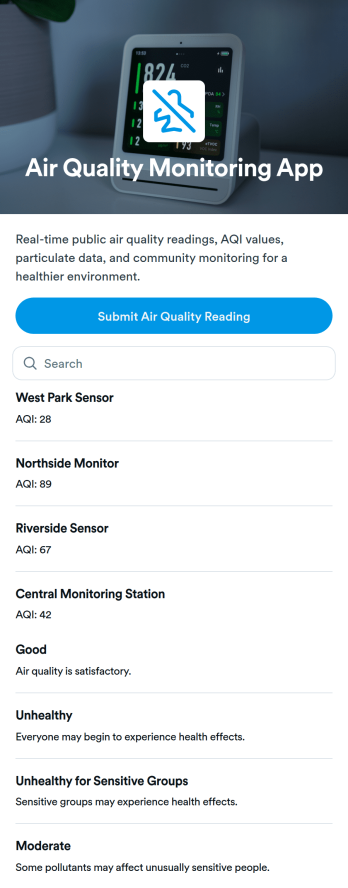
Air Quality Monitoring App
Air Quality Monitoring App helps teams and communities capture air quality readings and keep a simple, centralized view of conditions across monitoring locations. Use it to collect new measurements through a guided form, then review logged entries in a browsable list that highlights key details like station name and category. It works well for facilities and operations teams, schools, property managers, event organizers, and local groups that want consistent reporting without relying on scattered spreadsheets or messages.With Jotform, you can turn this app template into a branded self-service experience using a no-code app builder and a drag-and-drop interface. Connect the submit button to your data collection form, organize records in connected tables, and keep your workflow moving with sharing options and automated notifications. Publish a link for quick access on mobile devices, update pages anytime, and collaborate with teammates while keeping air quality logs easy to find and act on.
Go to Category:Health Tracking Apps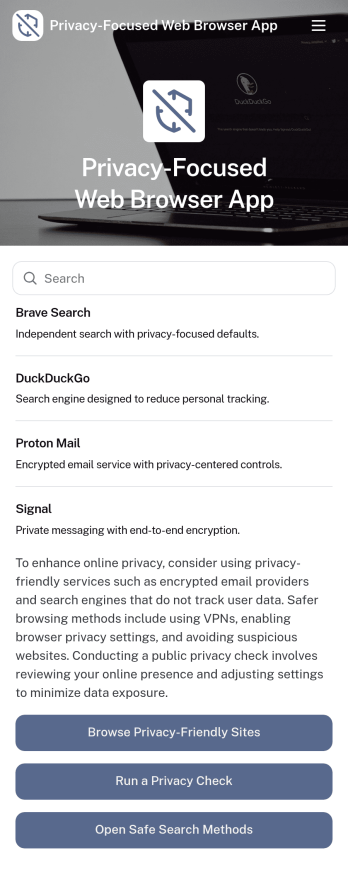
Privacy-Focused Web Browser App
Privacy-Focused Web Browser App brings together a curated set of safer browsing resources in one place, so people can compare options and build better habits without hunting through scattered links. Use it to browse recommended privacy tools, review browser options in a simple directory, and follow practical guides that explain what to check, what to change, and why it matters. It works well for IT teams sharing approved recommendations, educators running digital safety workshops, nonprofits supporting community privacy initiatives, and anyone creating a small internal hub for privacy-first browsing decisions.With Jotform, you can turn this idea into a polished, shareable experience using app templates and a no-code app builder. Customize pages with a drag-and-drop interface, connect resources to forms for data collection, and keep updates organized as your privacy guidance evolves. Publish a self-service app that’s easy to access on any device, then share it by link or QR code to help users get to the right information quickly.
Go to Category:Information Technology Apps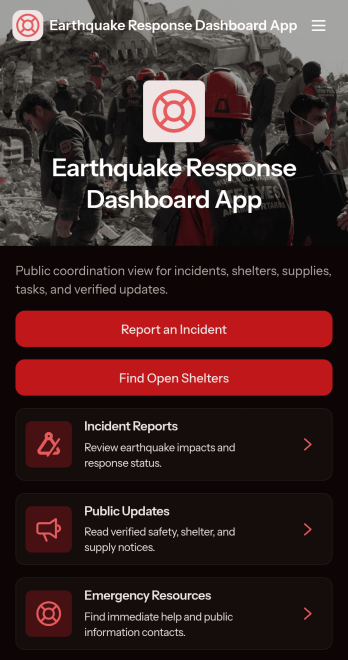
Earthquake Response Dashboard App
Earthquake Response Dashboard App brings critical response information into one place so teams can act fast after a quake. Use it to capture incident reports from the field, help the public find open shelters, and coordinate operational updates across locations. Emergency management teams, nonprofits, volunteers, campus safety groups, and community organizations can use this dashboard to reduce confusion during rapidly changing conditions while keeping response work organized and visible.Built with Jotform App Templates, this app template can be customized with Jotform’s no-code app builder and drag-and-drop interface to match your response plan. Connect buttons to forms for incident reporting, shelter intake, supply records, response tasks, and public updates, then share the app as a self-service hub by link or QR code. With Jotform workflows and connected data collection, you can standardize how information is gathered and viewed, helping teams collaborate with fewer missed details.
Go to Category:Safety and Compliance Apps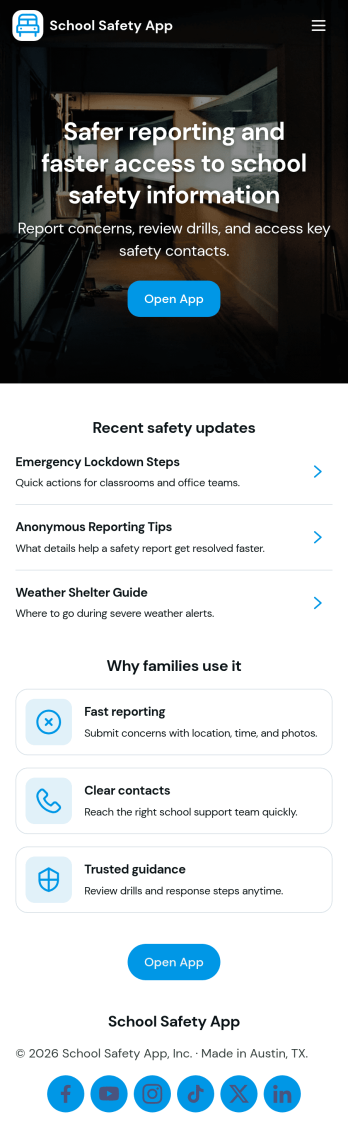
School Safety App
School Safety App brings incident reporting, emergency contact access, and routine safety checks into one place so school communities can act quickly and stay organized. It’s a practical fit for K–12 schools, districts, after-school programs, and campus teams that need a clear way for staff to report issues, review an incident log, and find the right person to call during time-sensitive situations without digging through emails or paper binders.With Jotform, you can launch this app template and tailor it to your campus workflows using a no-code app builder and a drag-and-drop interface. Connect buttons and pages to forms and tables for consistent data collection, keep your workflow moving with shared access for the right team members, and publish a self-service experience that works on any device for hall monitors, administrators, and safety personnel.
Go to Category:Education Apps